9 Best AI Coach Tools Compared, With Real Pricing (2026)


Type "AI coach" into Google and the results barely belong in the same list. A teacher wants feedback on a recorded lesson, a stuck manager wants help with a hard conversation, and a job seeker wants interview practice. Each gets a different product, and few do more than one of those jobs.
So I spent two weeks giving nine of them the same four tasks: grade a recorded lesson, coach a manager through an underperformer, critique a sales pitch, and talk through a messy career question. Eight coach a person through the work; one just does the task for you. Six hide pricing behind a sales call, which I flag rather than guess.
There's no single winner, because the right pick depends on who you're coaching. BetterUp fits a whole workforce, Edthena teachers, VirtualSpeech anyone rehearsing a talk, and Rocky.ai the person who just wants a daily habit.
9 Best AI Coach tools: TL;DR
- BetterUp: Best for enterprises putting human coaching plus AI in front of every employee
- Culture Amp: Best for managers who want coaching wired into engagement and performance data
- LinkedIn Learning: Best for coaching tied to skills and internal career moves at scale
- Edthena: Best for teachers who want feedback on a recorded lesson without waiting for a mentor
- Lindy: Best for an AI teammate that runs the admin from Slack while you keep the judgment calls
- Prentus: Best for schools coaching students through the whole path to a job, with a cheaper direct option for individuals
- Rocky.ai: Best for daily personal-development coaching on any device
- Valence: Best for teams that want an AI coach named Nadia guiding managers in the flow of work
- VirtualSpeech: Best for practicing a speech or a hard conversation with AI feedback
How I researched and tested these AI coach tools
I ran all nine through the same four tasks: score a recorded five-minute lesson, coach a manager through an underperformer, critique a spoken sales pitch, and answer an open career question with no clean answer.
Access varied from one tool to the next. Where a free plan or trial existed, I signed up and used it. Where it didn't, I worked from the product walkthrough, documentation, and the vendor's own demo.
The five things I judged each tool on:
- Coaching quality: Did the feedback speak to what I said and did in the session, or was it advice you could find in a basic web search?
- Who it's for: The tool coaches an individual, a manager, a team, or a whole organization. Those aren't the same product.
- Setup and access: How much stood between signing up and reaching the first session, from free trials to demo-gated enterprise sales.
- Integrations: Does it plug into the calendar, LMS, or performance tools a person already uses, or does it work in isolation?
- Pricing transparency: Can you see what it costs? This category usually hides the number behind a sales call.
One thing became obvious fast: they barely compete. Each one serves a different person on a different problem, so the question worth asking is which of those people is you.
Three names came up often in my search but didn't earn a full section:
CoachHub: I left it out to avoid stacking two near-identical enterprise plays: like BetterUp, CoachHub pairs a large human-coach network (3,500-plus) with an AIMY™ AI coach on a quote-only enterprise contract, so a reader who ruled out BetterUp on price and scale would rule out CoachHub the same way.
Wysa: I left it out because it's a different kind of tool. It's a clinically backed mental-health and emotional-wellbeing chatbot, not a coach for a lesson, a review, or a pitch, so it sits in a different category than this list.
ChatGPT: It will answer a coaching prompt, and Projects and memory give it some continuity, but it has no coaching structure and no feedback loop tied to a session you just ran, which is exactly the case the tests above were built to filter out.
9 Best AI Coach tools: Quick comparison
| 💻 Tool | ⚡ Strengths | 🎯 Best For | 💰 Starting Price |
|---|---|---|---|
| BetterUp | Human coaches plus AI, enterprise scale | Enterprises coaching a whole workforce | Request a quote |
| Culture Amp | AI Coach inside engagement and performance | Managers acting on people data | Request a quote |
| LinkedIn Learning | Coaching tied to 24,000+ courses | Skills and internal mobility at scale | $39.99/user/month |
| Edthena | Feedback on recorded lessons | Teachers and instructional coaches | $1,980/year (up to 20 teachers) |
| Lindy | Runs the admin from a Slack thread | Operators and teams buried under admin | $29.99/user/month |
| Prentus | Coaches students end-to-end to a job | Schools and career-led institutions | Request a quote |
| Rocky.ai | Daily self-development prompts | Individuals building habits | $9.99/month |
| Valence | Nadia coaches managers in the flow | Teams rolling out manager coaching | Request a quote |
| VirtualSpeech | Roleplay practice with AI feedback | Practicing speeches and hard talks | $45/month |
Prices reflect each vendor's listed starting tier where one is published, and the basis differs by row. See each section for details.
1. BetterUp: Best for enterprises coaching every employee with human plus AI
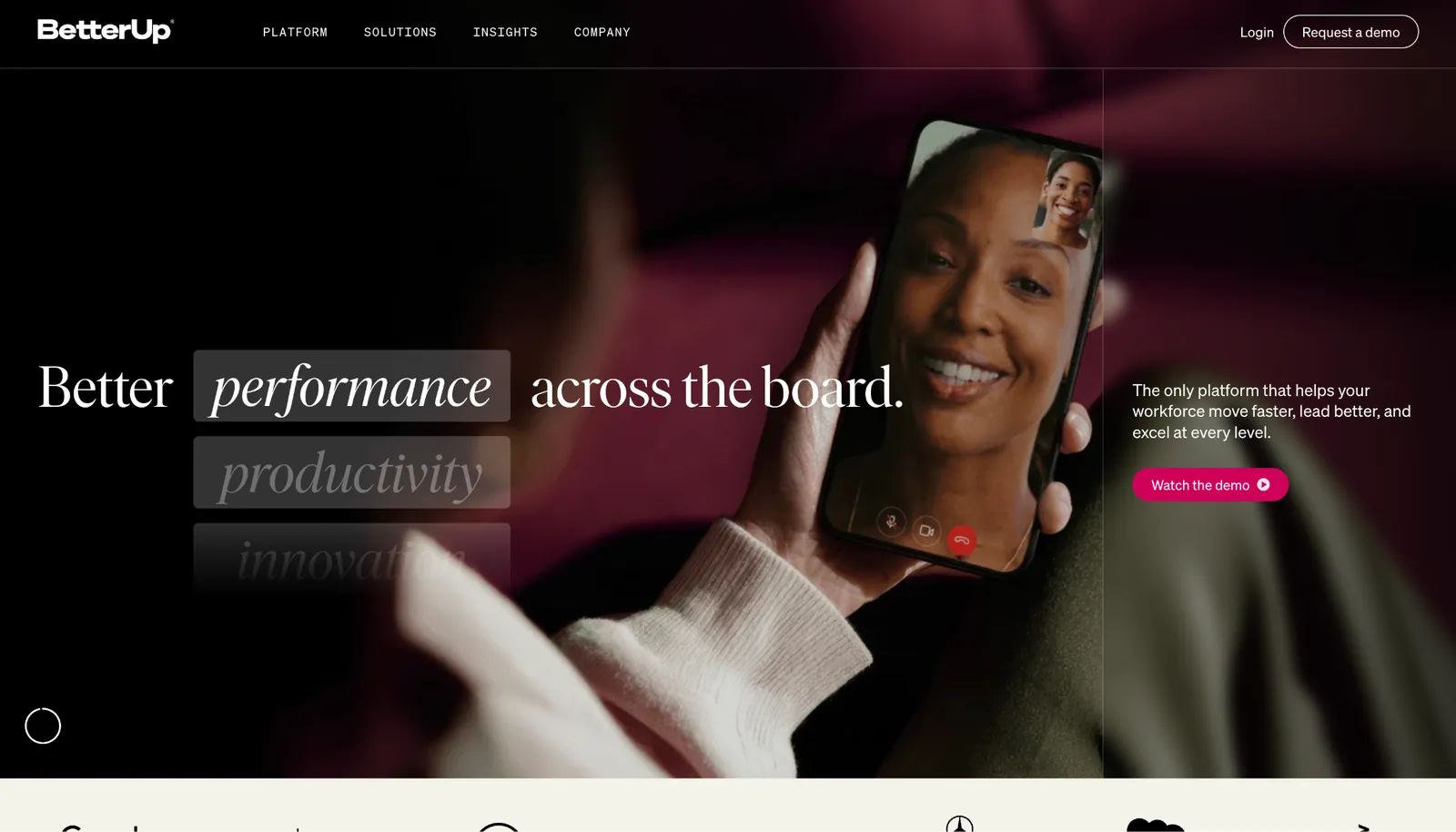
What it does: BetterUp pairs live human coaches with an AI coach called BetterUp Grow™ that's available around the clock, then tracks development across a workforce with its own performance analytics.
Best for: Large organizations that want to give coaching to everyone from the executive tier down to frontline staff, and can back it with an enterprise budget.
The split between human and AI coaching is the core of it. Leaders and managers get scheduled sessions with a human coach, while Grow handles the in-the-moment questions between them.
Asked in the demo how to open a conversation with an underperformer, Grow gave a framework tied to the skill BetterUp says it's building.
BetterUp's case rests on its own outcome data: a claimed 14x average return on investment and a 50% drop in voluntary turnover, drawn from a comparison of users against non-users, across a platform it says is pressure-tested by 750-plus enterprise customers.
The scale behind them is also the barrier. The human-plus-AI split is what nobody else here offers at this headcount.
Key features
- Human coaching at scale: Match employees with credentialed coaches for live, one-to-one sessions across leadership and frontline roles.
- BetterUp Grow™ AI coach: AI guidance inside daily work, available whenever a question lands and tuned to the skills the organization is trying to build.
- Performance intelligence: Dashboards that track development progress and tie coaching activity to measurable outcomes.
- Tiered products: Lead, Manage, Grow, and Ready cover different layers of a workforce under one platform.
Pros and cons
Pros:
✅ Live human coaches backing the AI, which is rare at this scale.
✅ AI covers the stretches between sessions so guidance is available the moment a question lands.
✅ Outcome tracking gives an org the reporting to justify the spend to finance.
Cons:
❌ Sold to enterprises only. BetterUp closed new individual signups in early 2026, so a solo buyer has no route in.
❌ Pricing is quote-only, so budgeting means a sales conversation before you see a number.
❌ The 14x ROI and turnover figures are BetterUp's own comparison study, not an independent audit.
What users say
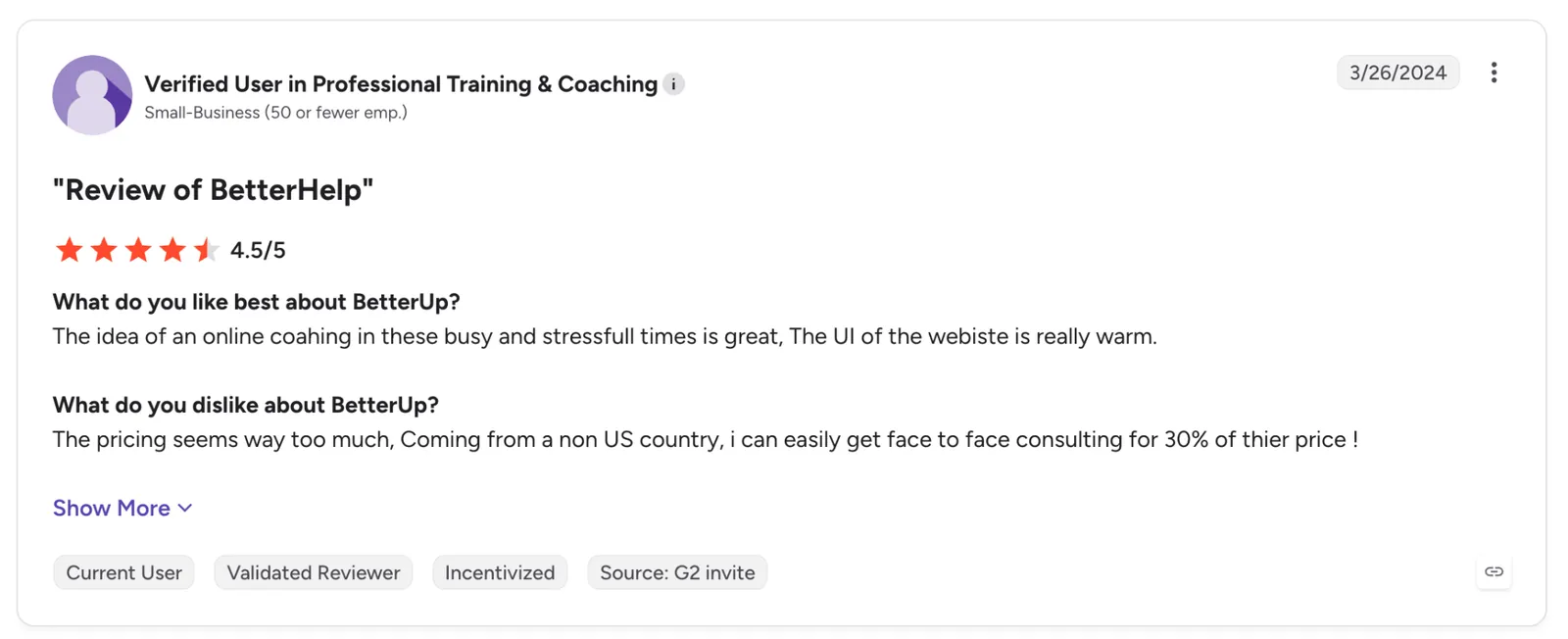
"The idea of online coaching in these busy and stressful times is great. The UI of the website is really warm." - Verified User, G2.
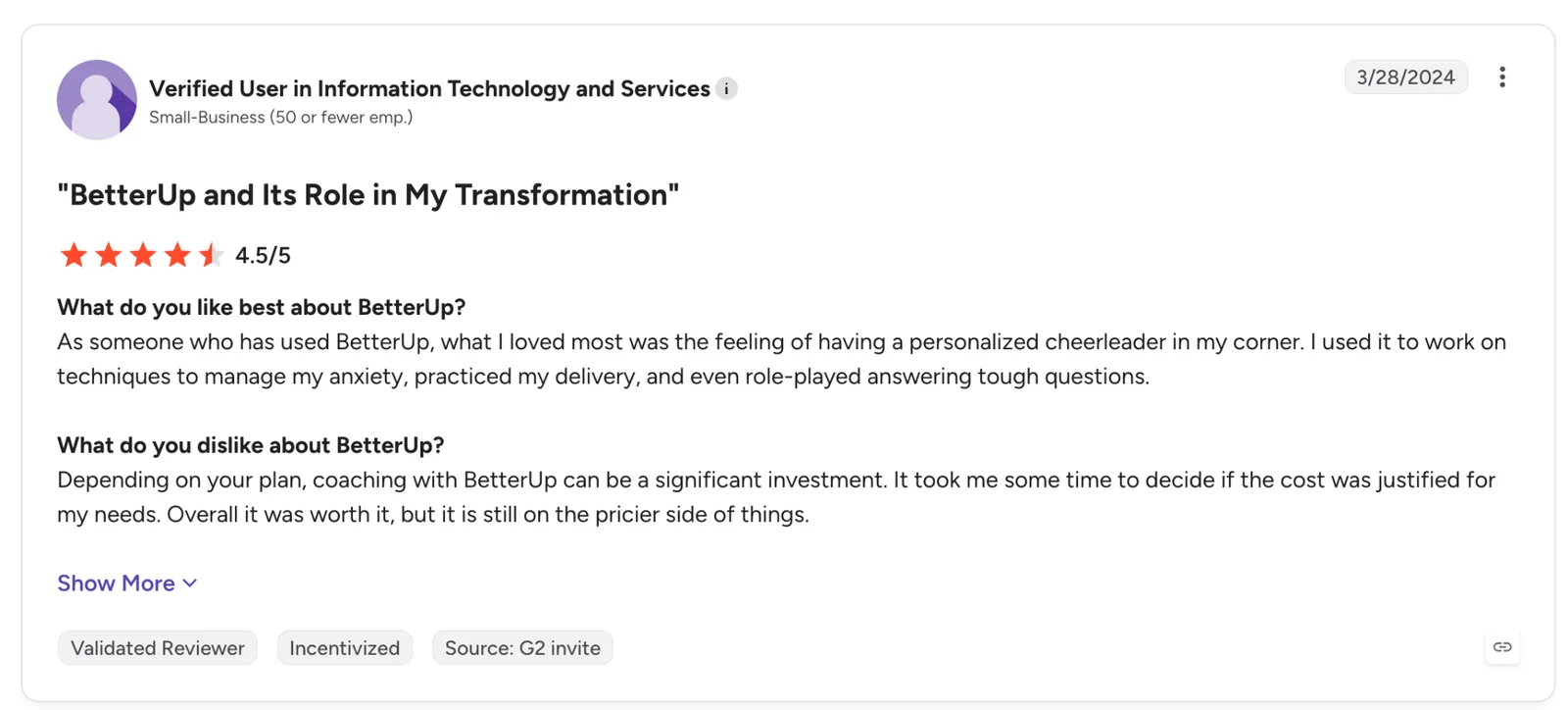
"Depending on your plan, coaching with BetterUp can be a significant investment. It took me some time to decide if the cost was justified for my needs." - Verified User, G2.
Pricing
BetterUp doesn't publish pricing. Expect an enterprise commitment quoted per organization, based on headcount and which of the four product tiers you need, not a per-seat rate.
Bottom line
If the goal is coaching that reaches the whole company, and you have the budget to match, BetterUp is the only tool here that pairs live human coaches with AI across an entire workforce.
A solo user or a five-person team won't see enough value for the cost, because it's built for enterprise scale, not individuals or small teams.
2. Culture Amp: Best for managers coaching on their own people data
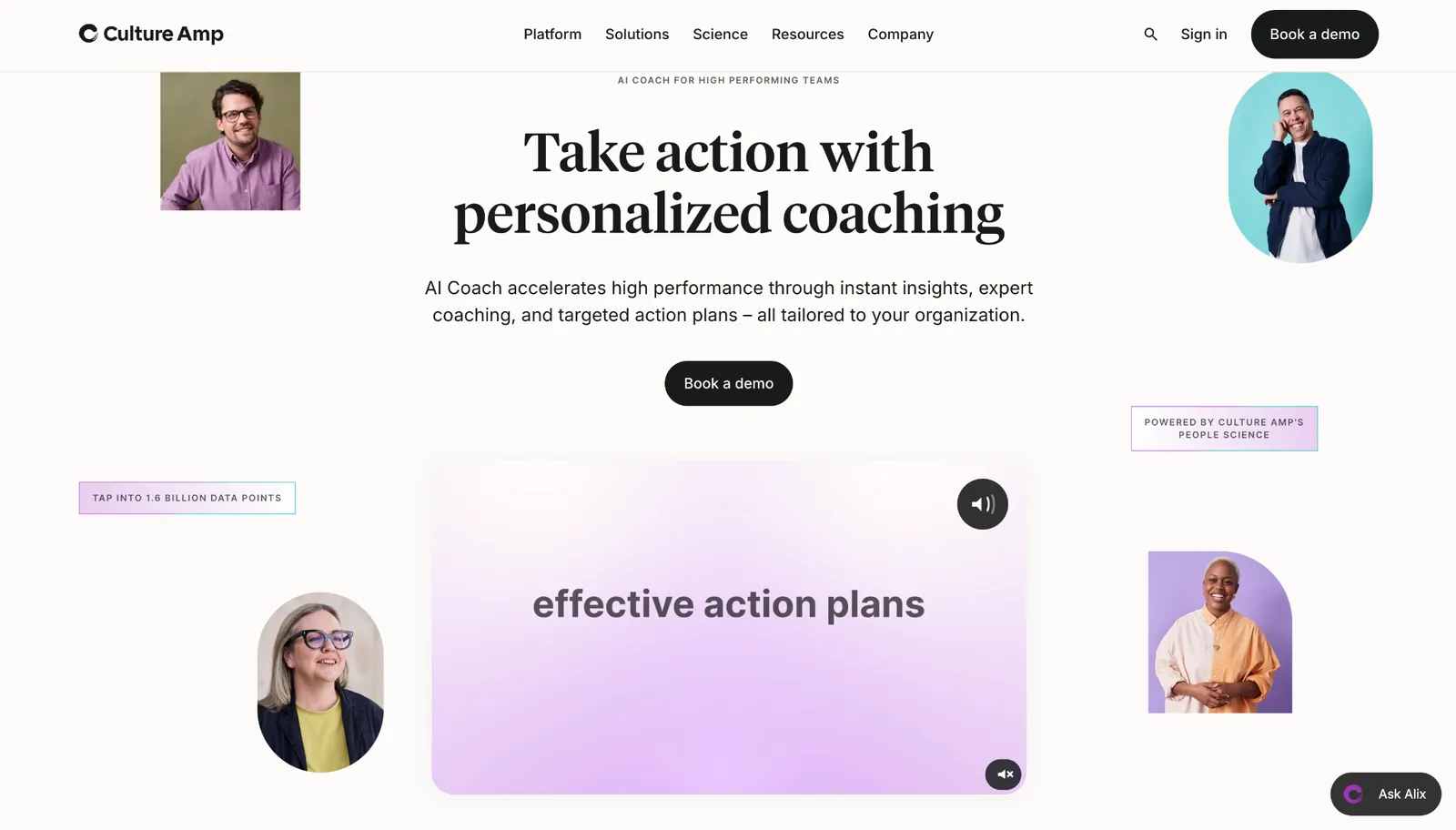
What it does: Culture Amp builds an AI Coach into its engagement and performance platform, so a manager's coaching draws on the same survey and review data the company already collects.
Best for: Managers inside a company already running Culture Amp who want guidance grounded in their own team's numbers.
The coaching clicks once you see where it lives. AI Coach sits next to your engagement surveys and performance reviews, so in the demo, asking it to prep a feedback conversation pulled from that data, summarized the survey themes, and drafted a step-by-step action plan.
What makes it more than a dashboard is the practice space. It runs role-play for a hard conversation and drafts a balanced performance review from prior feedback, the routine work managers would rather avoid.
That strength has a hard edge. Outside a company already running Culture Amp, the survey grounding, the review drafting, and the action plans all fall away, and that is most of what the tool offers.
Key features
- AI Coach on people data: Coaching grounded in your own engagement surveys, reviews, and feedback, so the advice speaks to your team.
- Survey-to-action plans: Summarizes engagement themes and builds a step-by-step plan rooted in people science.
- Performance review drafting: Pulls strengths and weak spots from past reviews to draft balanced, objective write-ups faster.
- Conversation role-play: A judgment-free space to rehearse difficult conversations before you have them live.
Pros and cons
Pros:
✅ Coaching is tied to your own team data, so the advice speaks to the situation in front of you.
✅ Handles the parts managers avoid, from review drafts to conflict prep.
✅ Sits inside a platform managers may already open every week, so there's no new tool to learn.
Cons:
❌ The payoff depends on already using Culture Amp, so it's not a standalone coach.
❌ Pricing is quote-based, with the AI Coach bundled into broader platform plans.
❌ Reviewers say the modules are sold and priced separately, so the coach arrives as another line on the invoice.
What users say
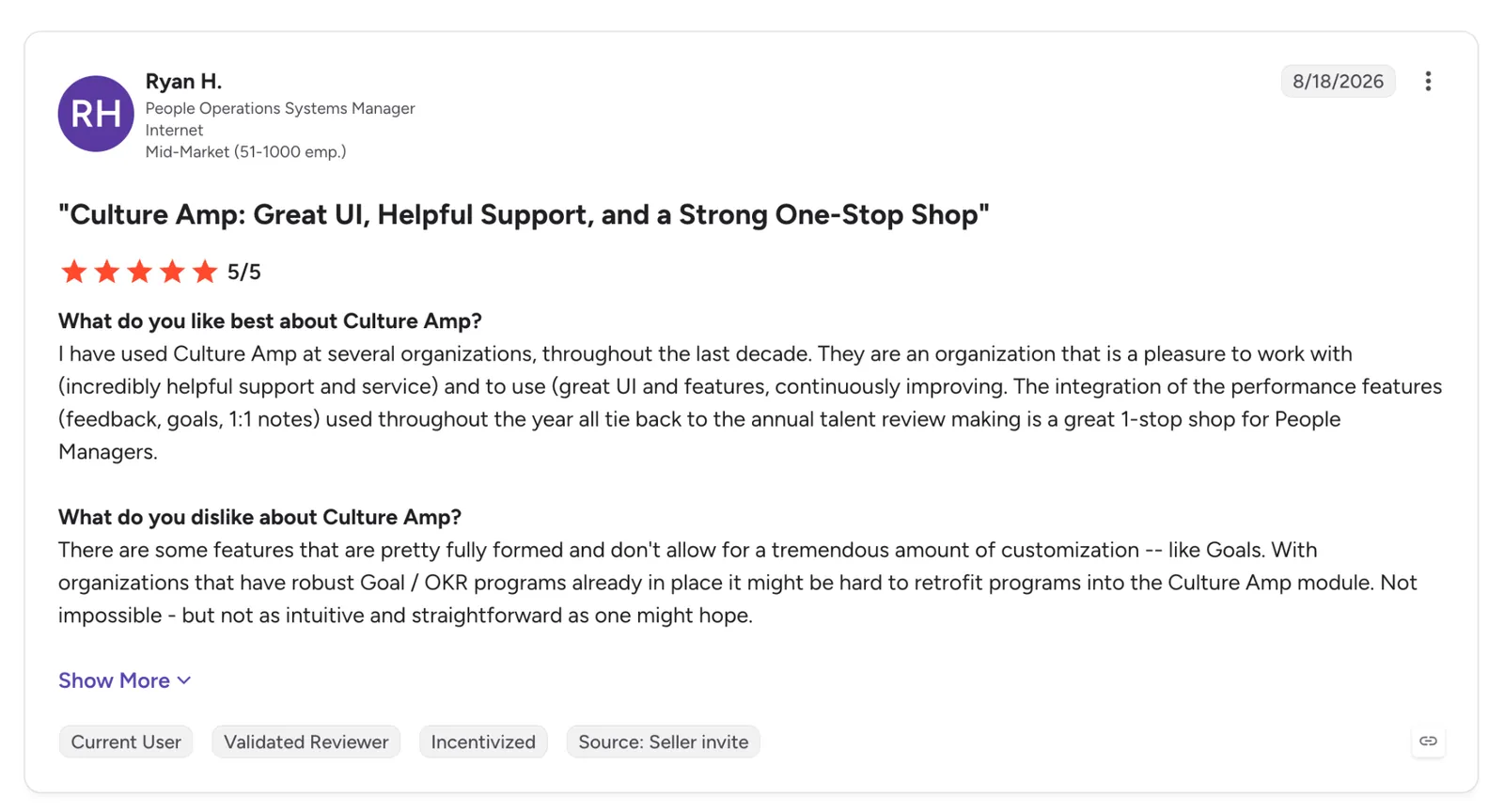
"They are an organization that is a pleasure to work with (incredibly helpful support and service) and to use (great UI and features, continuously improving)." - Ryan H., G2.
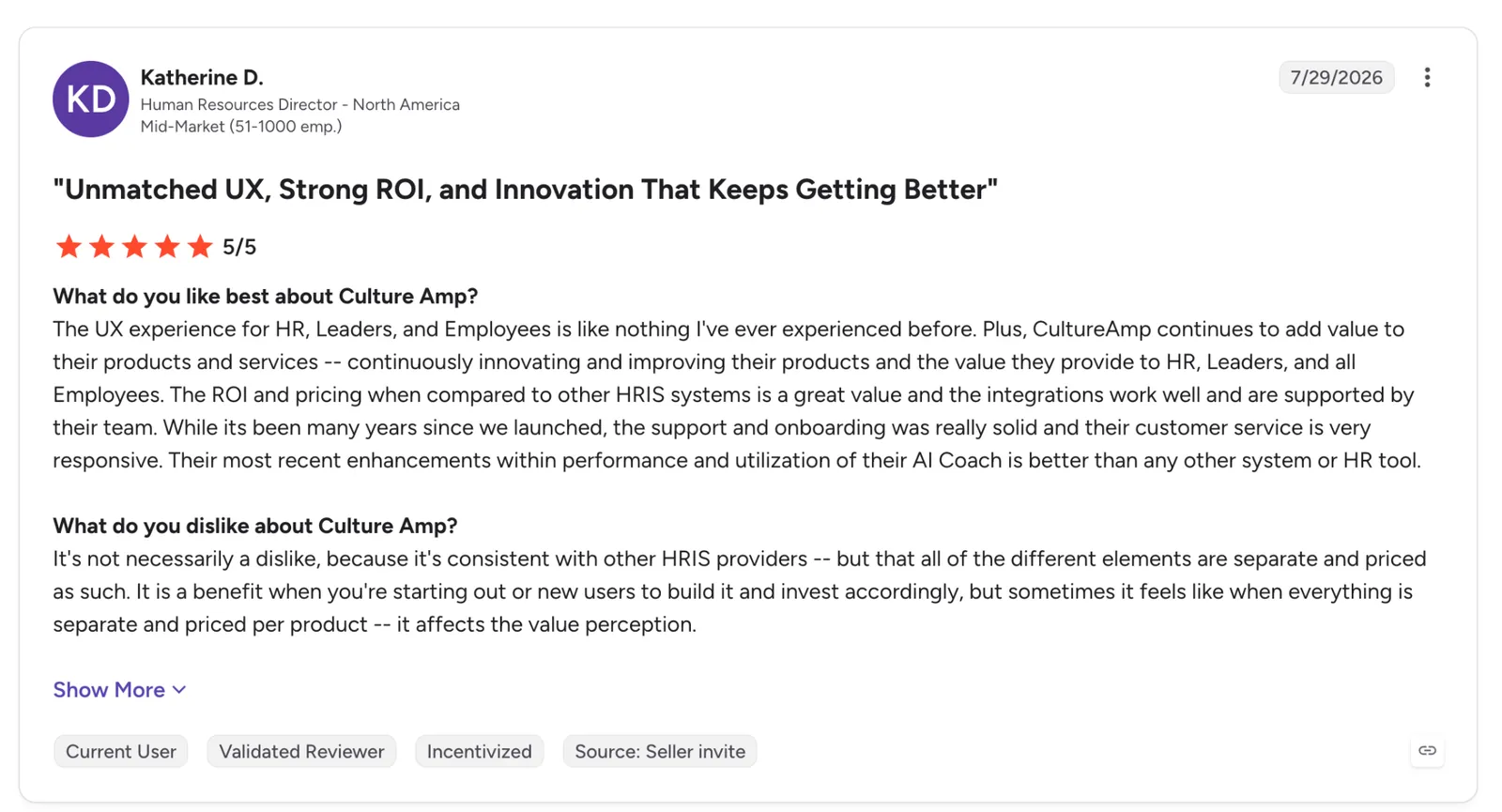
"It's not necessarily a dislike, because it's consistent with other HRIS providers, but that all of the different elements are separate and priced as such." - Katherine D., G2.
Pricing
Culture Amp doesn't list public pricing. AI Coach comes bundled into its Engage and Perform modules, quoted per organization by headcount and the modules you take.
Bottom line
For a manager whose company already runs on Culture Amp, the coach converts survey data into a concrete action plan and makes review-writing less of a chore. Run your people ops somewhere else, and it loses the data grounding that sets it apart.
3. LinkedIn Learning: Best for skill-building tied to internal career moves
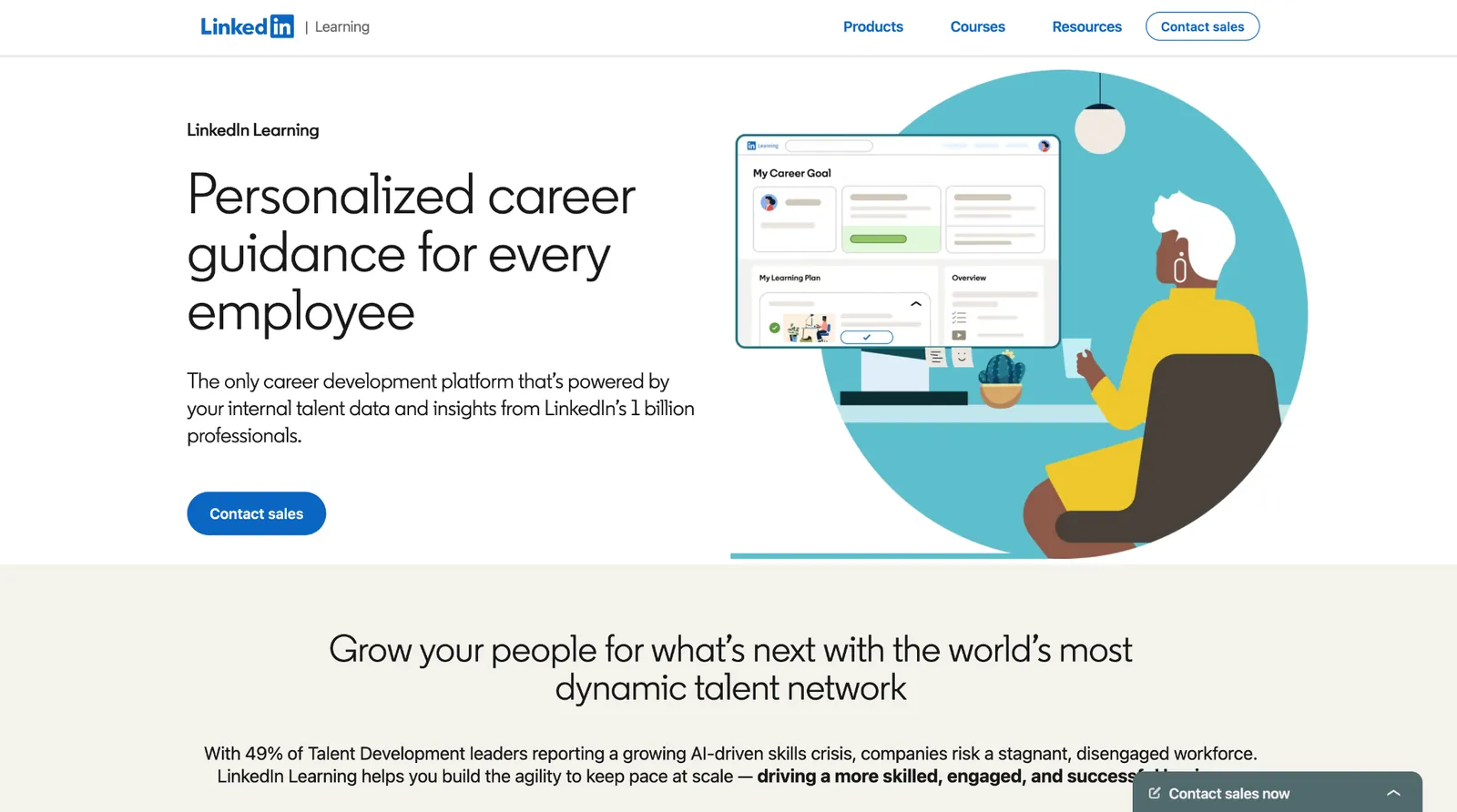
What it does: LinkedIn Learning adds AI coaching on top of its course library, answering a skill question in plain language, pointing to the exact courses that address it, and running role-play practice on workplace conversations.
Best for: Organizations trying to lift learning engagement, where employees want an answer to a specific skill question without hunting through a catalog.
The fastest way to see it is a real question. Ask how to delegate better in the demo and the coach gives tailored advice first, then links the courses behind it. It reads your job title too, so an IC and a manager asking the same thing get different answers, which a plain catalog search doesn't.
LinkedIn Learning also runs AI role-play across a set of workplace conversations, including giving and receiving feedback and addressing burnout. You speak or type your way through one, then get notes on your communication style afterward.
The limit is what that practice covers. That mix suits an L&D team fighting the "no time to learn" problem, but someone wanting to drill a hard skill end-to-end will find the practice stops at the conversational ones.
Key features
- Conversational skill coaching: Ask a plain-language question and get advice plus the specific courses that back it.
- Role-aware recommendations: Advice changes based on job title and context, so a manager and an IC get different guidance.
- 24,000-plus course library: The coaching sits on top of a deep catalog spanning business, tech, and creative skills.
- Career pathways: Internal mobility features connect learning to the next roles inside the organization.
Pros and cons
Pros:
✅ Turns a vague skill question into targeted advice plus the courses to act on it.
✅ Personalizes by role, so the same question gets a manager-level or IC-level answer.
✅ Backed by one of the largest course libraries in corporate learning.
Cons:
❌ The AI role-play covers conversations only, so technical practice means switching to LinkedIn's separate hands-on tools.
❌ The enterprise version is sold through sales, so an individual reaches the coaching through a LinkedIn Premium subscription instead.
❌ The coach's value depends on the underlying course library, which is a separate seat commitment.
What users say
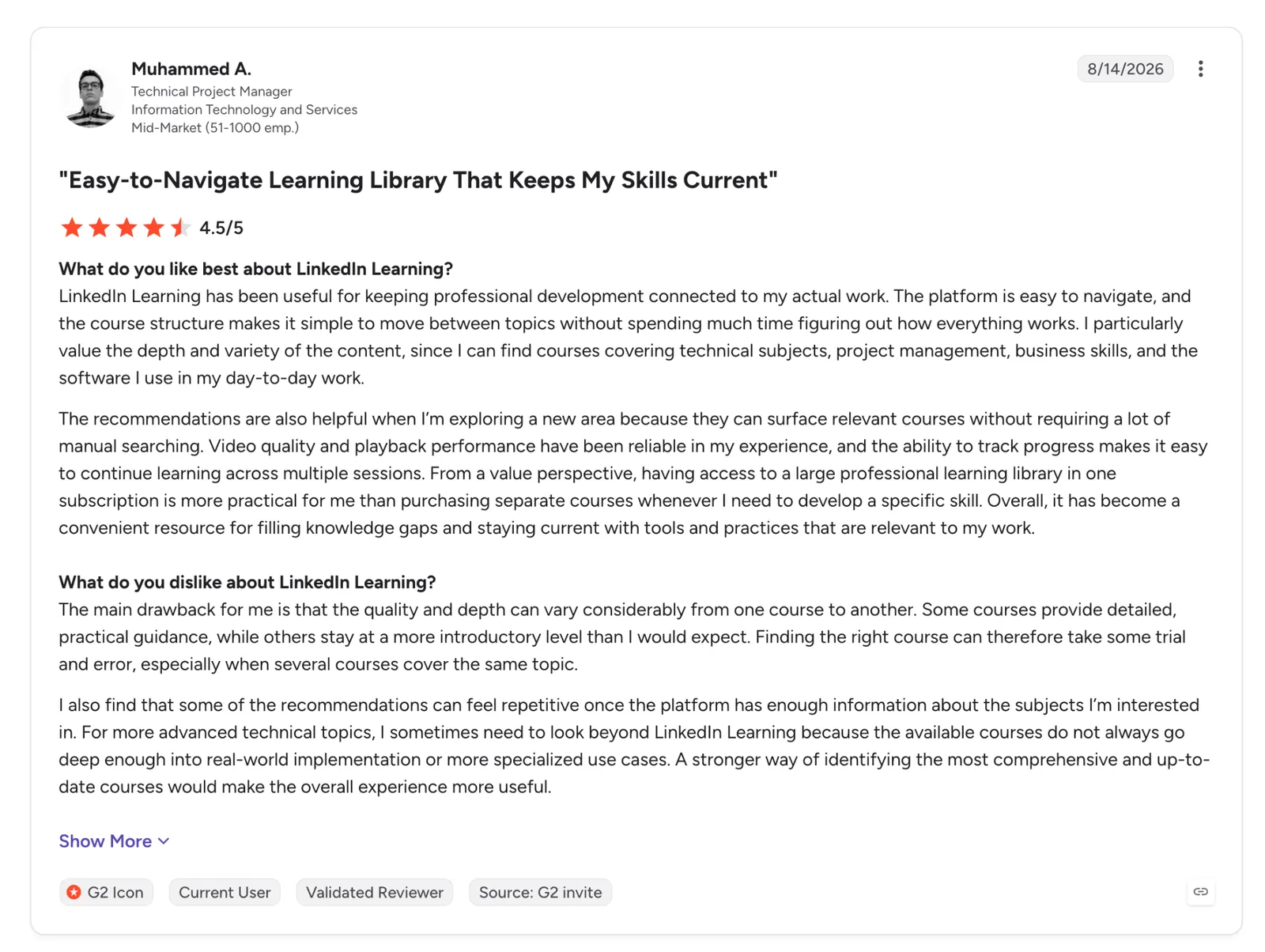
"The platform is easy to navigate, and the course structure makes it simple to move between topics without spending much time figuring out how everything works." - Muhammed A., G2.
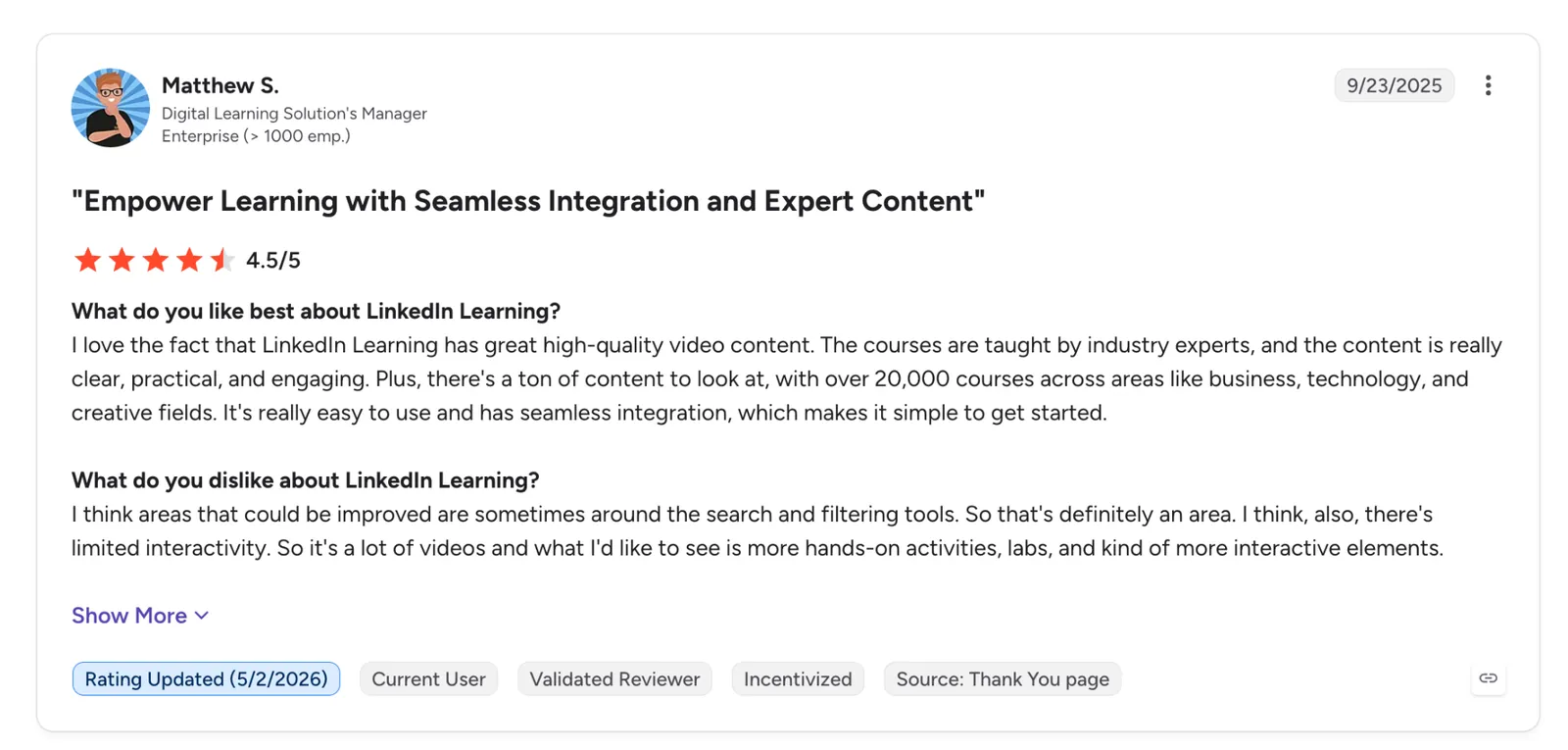
"I think areas that could be improved are sometimes around the search and filtering tools. So that's definitely an area. I think, also, there's limited interactivity." - Matthew S., G2.
Pricing
Large rollouts are quoted by sales, but LinkedIn publishes prices for the smaller routes: Premium Career is $39.99 a month, and Learning for Teams is $379.88 per license a year for up to 20 licenses, bought by card.
Bottom line
When the problem is employees who won't engage with training, this coach answers the question first and points to the course second, making it easier to start. It backs that up with role-play on conversational skills and leaves the deeper technical practice to the courses themselves.
4. Edthena: Best for teachers wanting feedback on recorded lessons
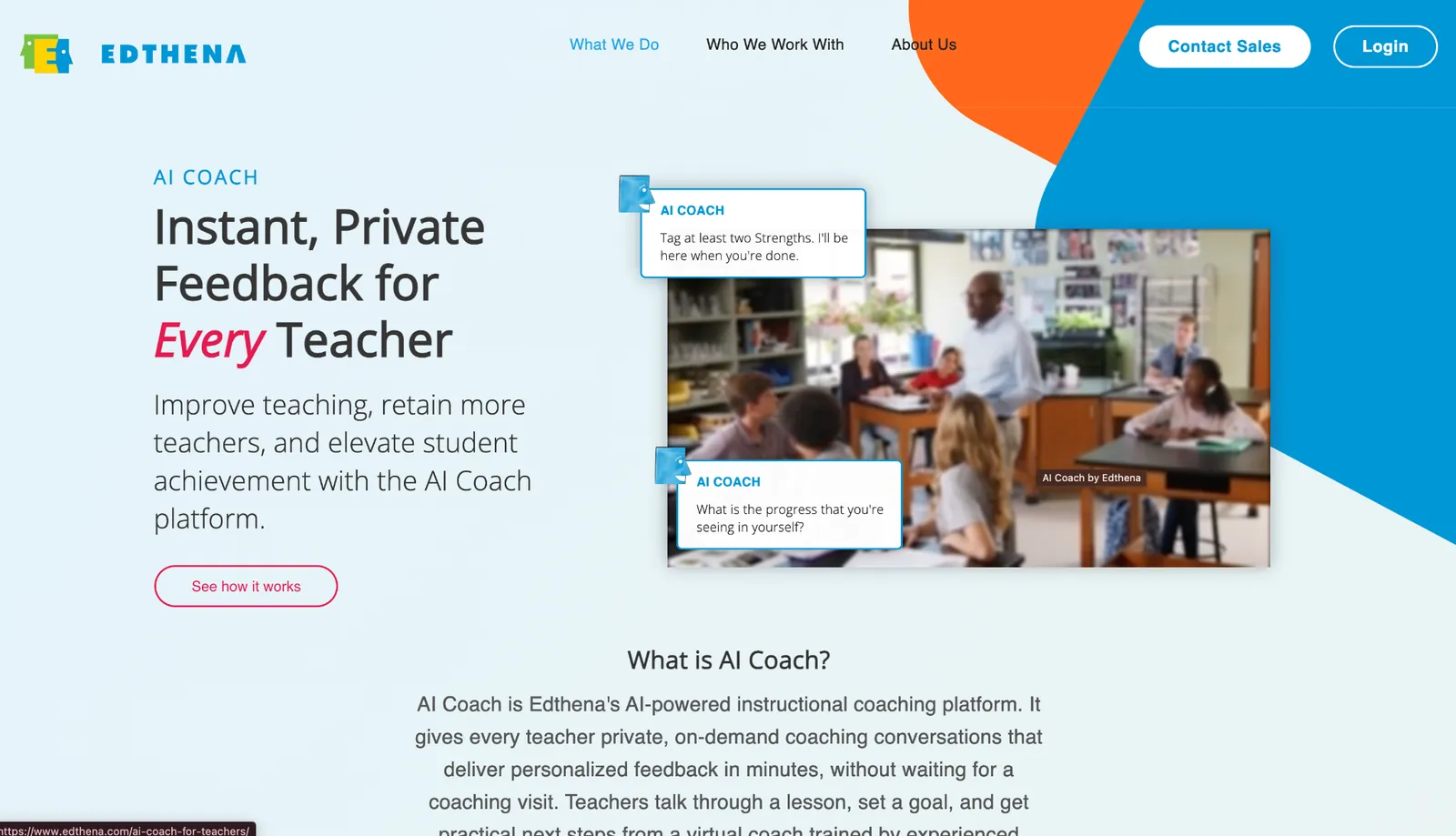
What it does: Edthena lets a teacher upload a classroom video and get private, timestamped coaching feedback in minutes, then walks them through a structured cycle to act on it.
Best for: K-12 teachers and the districts coaching them, especially where one instructional coach can't reach every classroom often enough.
It clicked in the walkthrough, where a lesson clip goes up and, in minutes, the AI returns timestamped notes on specific moments, flagging how the teacher checked for understanding or phrased a question and suggesting a concrete strategy to try next, where a human coach often takes days or weeks to reach the same clip.
Each clip feeds a full coaching cycle: analyze, reflect, enact, impact, so one video becomes a repeatable loop that carries into the next lesson.
Edthena is explicit that this complements a human coach rather than replacing one, and it's built for district rollouts, though a teacher can sign up on their own to try it.
Key features
- Timestamped video feedback: Upload a lesson and get goal-aligned comments tied to specific moments, in minutes.
- Four-step coaching cycle: Analyze, reflect, enact, and impact turn one video into a structured growth loop.
- Targeted strategy suggestions: Recommendations across questioning, differentiation, checks for understanding, and Science of Reading.
- PD credit: Teachers earn a clock-hours certificate per completed cycle, worth two contact hours, with Edthena recommending one cycle a quarter.
Pros and cons
Pros:
✅ On-demand feedback covers the long stretches between human coaching visits.
✅ The structured cycle carries reflection all the way through to a new action plan.
✅ Extends coaching across a district without hiring more instructional coaches.
Cons:
❌ Built and priced for district rollouts, so a solo teacher gets far less from it than a school-wide deployment.
❌ Meant to work alongside human coaches, so it stops short of standing in for a mentor.
❌ Priced per building and district, so the entry cost is a whole-school commitment rather than a per-teacher rate.
What users say
"Even for those who don't consider themselves 'tech-savvy,' the platform was remarkably easy to navigate." - Donna McDaniel, LinkedIn.
"AI Coach doesn't replace professional development or learning, but it could enhance it." - Lucas Stephenson, LinkedIn.
Pricing
Edthena publishes its pricing. A single building runs $1,980 a year for up to 20 teachers, $3,450 for up to 50, and $4,990 for up to 100, with district rollouts quoted from $15,150.
Bottom line
For a district stretched too thin to reach classrooms often enough, Edthena gives each teacher a reviewer on call between visits. It works alongside human mentorship, and it's bought at the institution level, so a lone teacher may need to get their school to adopt it first.
5. Lindy: Best for an AI teammate that runs the admin from Slack
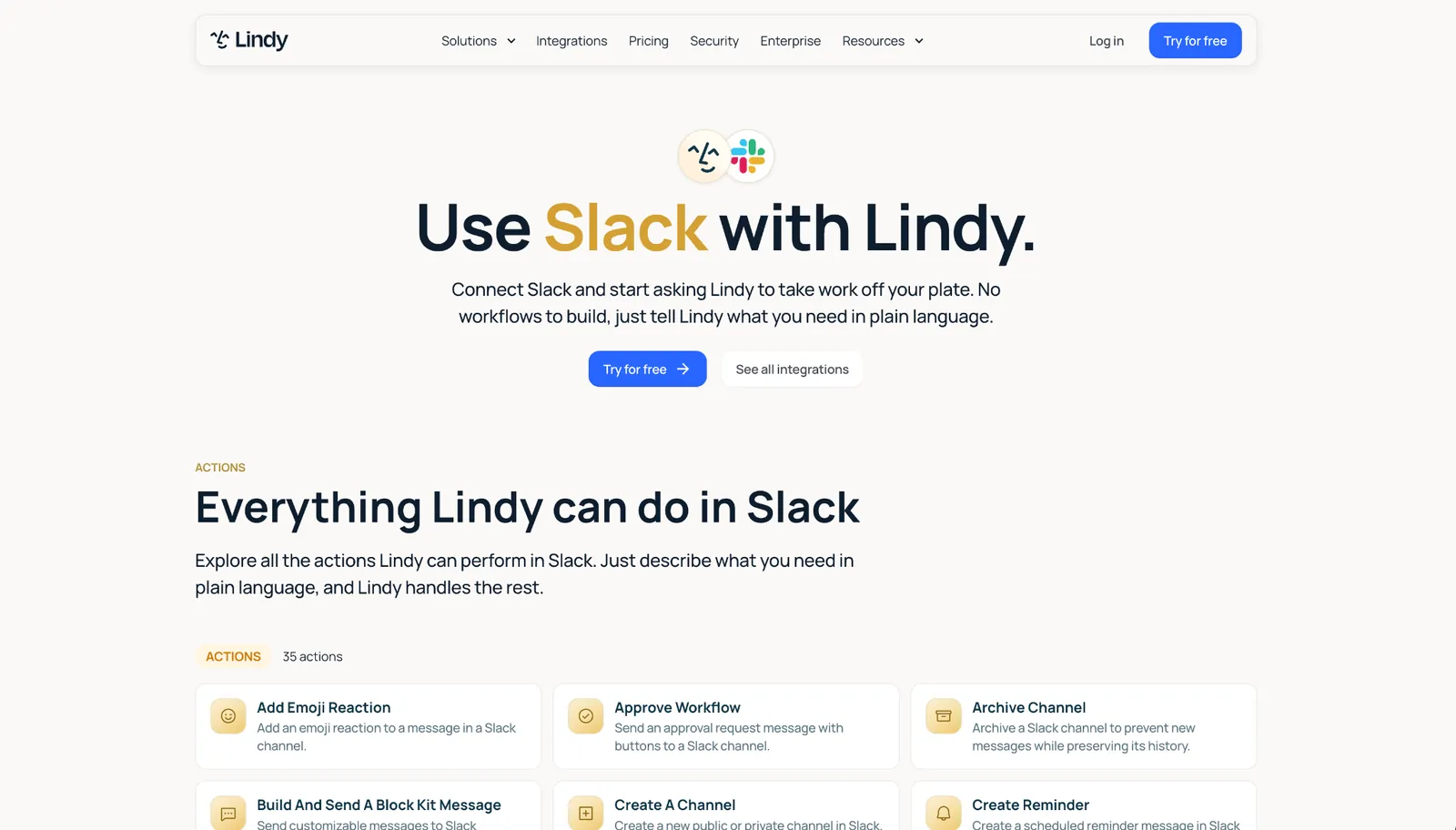
What it does: Lindy is an AI teammate that lives in Slack, connects to your tools, and does the work itself, from scheduling and inbox to meeting notes and follow-ups. The other tools here advise; Lindy acts.
Best for: Operators and teams buried under the admin around the work, who'd rather hand it off than sit through coaching on how to handle it.
Lindy is the exception here, and it's worth saying why. It carries out the task itself. I @mentioned it in Slack to find a time for a call and draft the invite, and it came back with both, each answer pointing back to the calls and docs it came from, so I could check the source before approving the send.
There's one place it does coach, where the line blurs. On a sales call, it sits in as a meeting coach and hands back post-call feedback.
Outside that, it isn't teaching you a skill, which is where it differs from the rest. A manager wanting to get better at feedback is better served by Culture Amp; someone drowning in admin belongs here. And it waits for your approval before sending, so nothing consequential goes out on its own.
Key features
- Lives in your Slack: @mention Lindy in a channel and it answers with team context, replies in threads, and routes questions on its own.
- Answers you can trace: Responses point back to the calls and files they came from, so you can check the source.
- Meeting coach and notes: Joins calls as an AI meeting recorder, transcribes them into searchable folders, and returns post-call feedback.
- 1,000-plus integrations and skills: Connects Gmail, Notion, HubSpot, and more, with 40-plus prebuilt skills and pooled credits across the team.
Pros and cons
Pros:
✅ Does the admin outright, so the task leaves your desk.
✅ Nothing goes out until you approve it, and every answer shows the call or doc it came from.
✅ Runs from Slack with no new app to adopt, and pricing is public and per user.
Cons:
❌ It executes tasks, so it sits outside the coaching bracket the rest of this list belongs to.
❌ Multi-step requests take a couple of tries to phrase before they run cleanly.
❌ Credits don't roll over and pause the workspace when they run out, so a heavy month can stall mid-cycle.
What users say
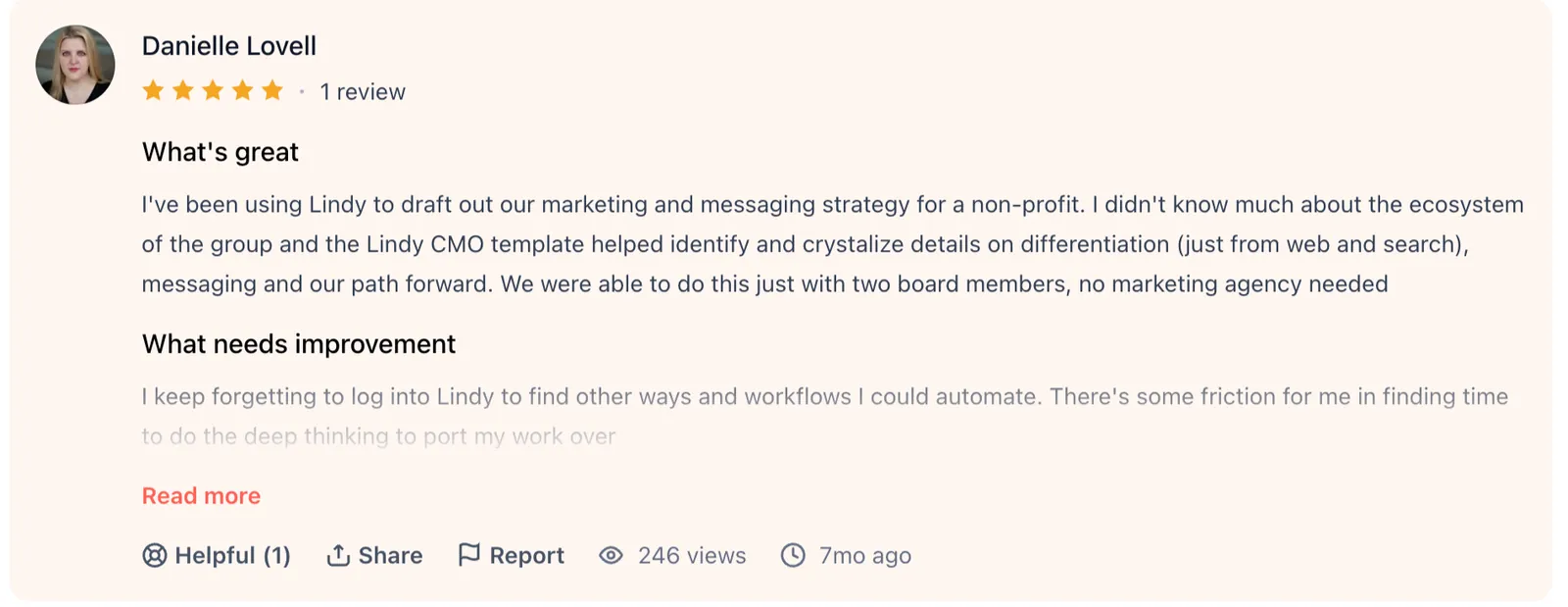
"I really like the simplicity and support from the team (the Slack has been a huge boon)." - Danielle Lovell, Product Hunt.
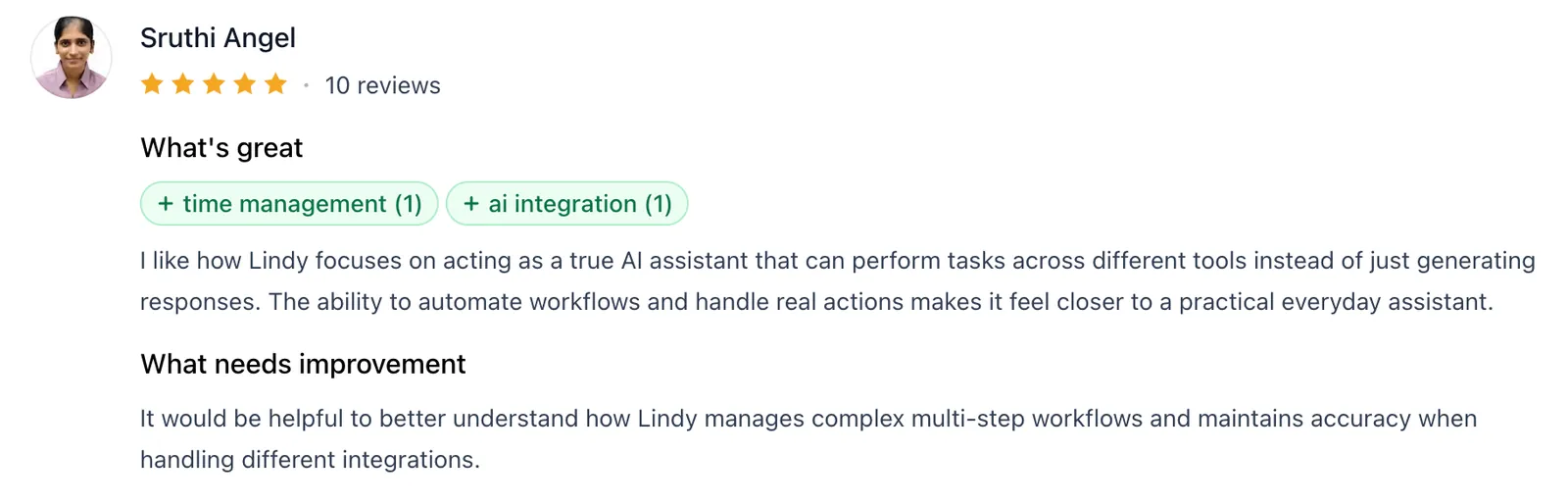
"It would be helpful to understand better how Lindy manages complex multi-step workflows and maintains accuracy when handling different integrations." - Sruthi Angel, Product Hunt.
Pricing
Lindy publishes its pricing, which is rare here. Plus is $29.99 per user/month with 3,000 credits per user that pool across the team; Pro runs $99.99 and Max $199.99 per user/month, and Enterprise adds HIPAA compliance, audit logs, and a signed BAA.
Bottom line
When scheduling, inbox, and follow-ups are what eat your day, Lindy handles that work for you from a Slack thread.
{{templates}}
6. Prentus: Best for schools coaching students all the way to a job
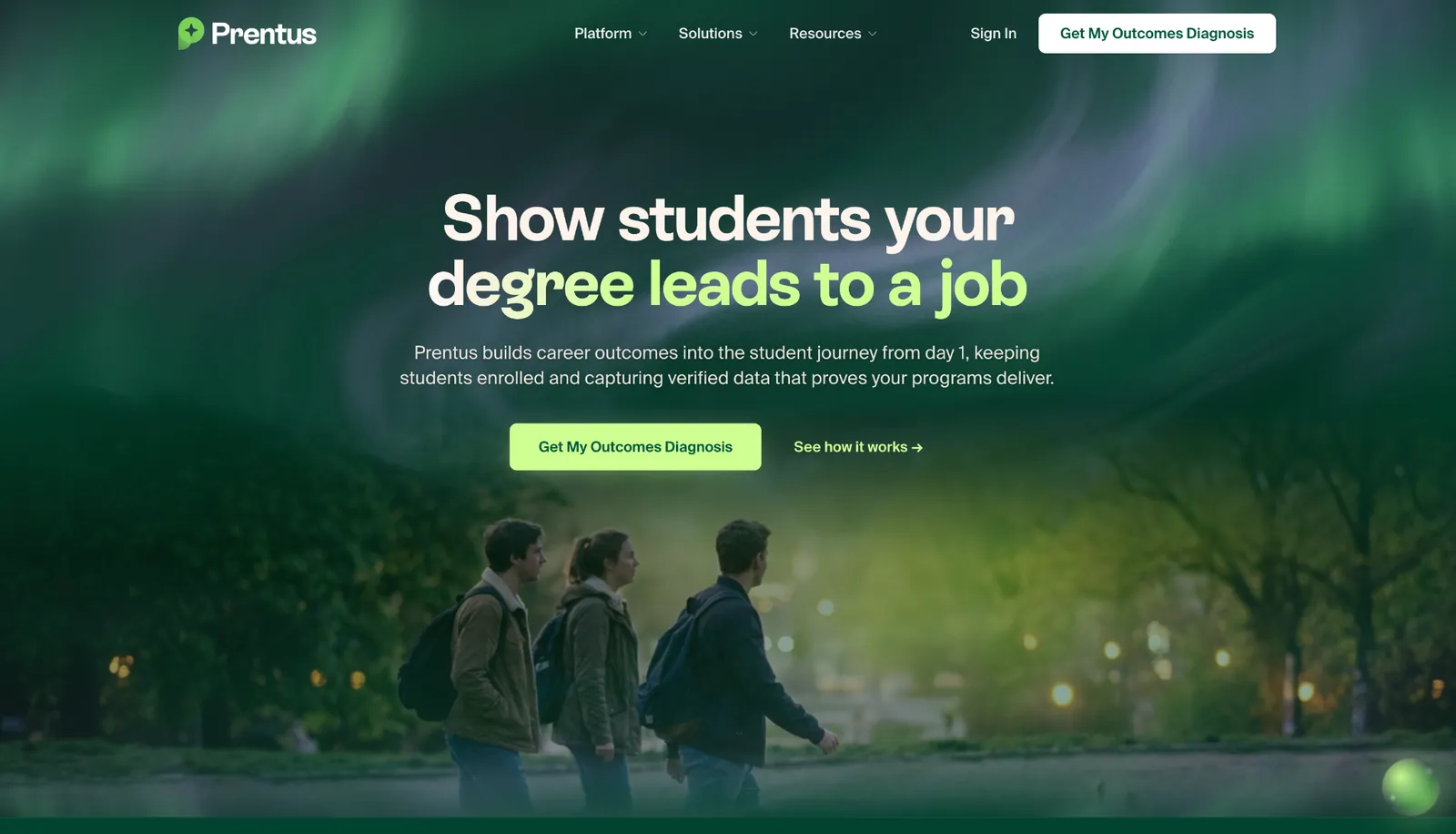
What it does: Prentus runs AI career agents that coach students end-to-end, from mock interviews and resume help to job matching and follow-up nudges, with the outcomes tracked for the institution.
Best for: Bootcamps, community colleges, and career-led universities that need to coach large cohorts toward employment and prove the results afterward.
Prentus gates its agents behind an institutional signup, so I worked from the product walkthrough and Prentus's own demo. That institutional focus shapes the whole product. Its agents run at any hour, so a student can practice, get feedback, and see matched roles at midnight. Automated nudges pull back the ones who go quiet, with no advisor in the loop.
Prentus says the average school has one advisor for every 1,568 students, and pitches stretching a small team over a far larger caseload, with verified outcome tracking for funding and compliance.
It's powerful for a career-services team and largely irrelevant to a solo job seeker, since it's sold to programs and priced for them.
Key features
- 24/7 AI Career Agents: Students get AI mock interviews, resume feedback, and job matching outside office hours, without an advisor.
- Re-engagement Nudges: Automated follow-ups pull stalled students back into their job search.
- Outcome tracking: Verified employment data at the credential level for funding and compliance reporting.
- Advisor reach: Lets a small career-services team cover a larger caseload than staffing alone allows.
Pros and cons
Pros:
✅ Coaches an entire cohort end to end without adding advising headcount.
✅ Round-the-clock agents meet students at midnight and on weekends, when the job search really happens.
✅ Outcome tracking comes baked in, answering the reporting a school owes its funders.
Cons:
❌ The full platform is sold to institutions, so an individual gets a stripped-back consumer version rather than the cohort tooling.
❌ Pricing is quote-based and scoped to enrollment, not a personal subscription.
❌ Reviewers report a clunky job board with thin listings in some regions.
What users say
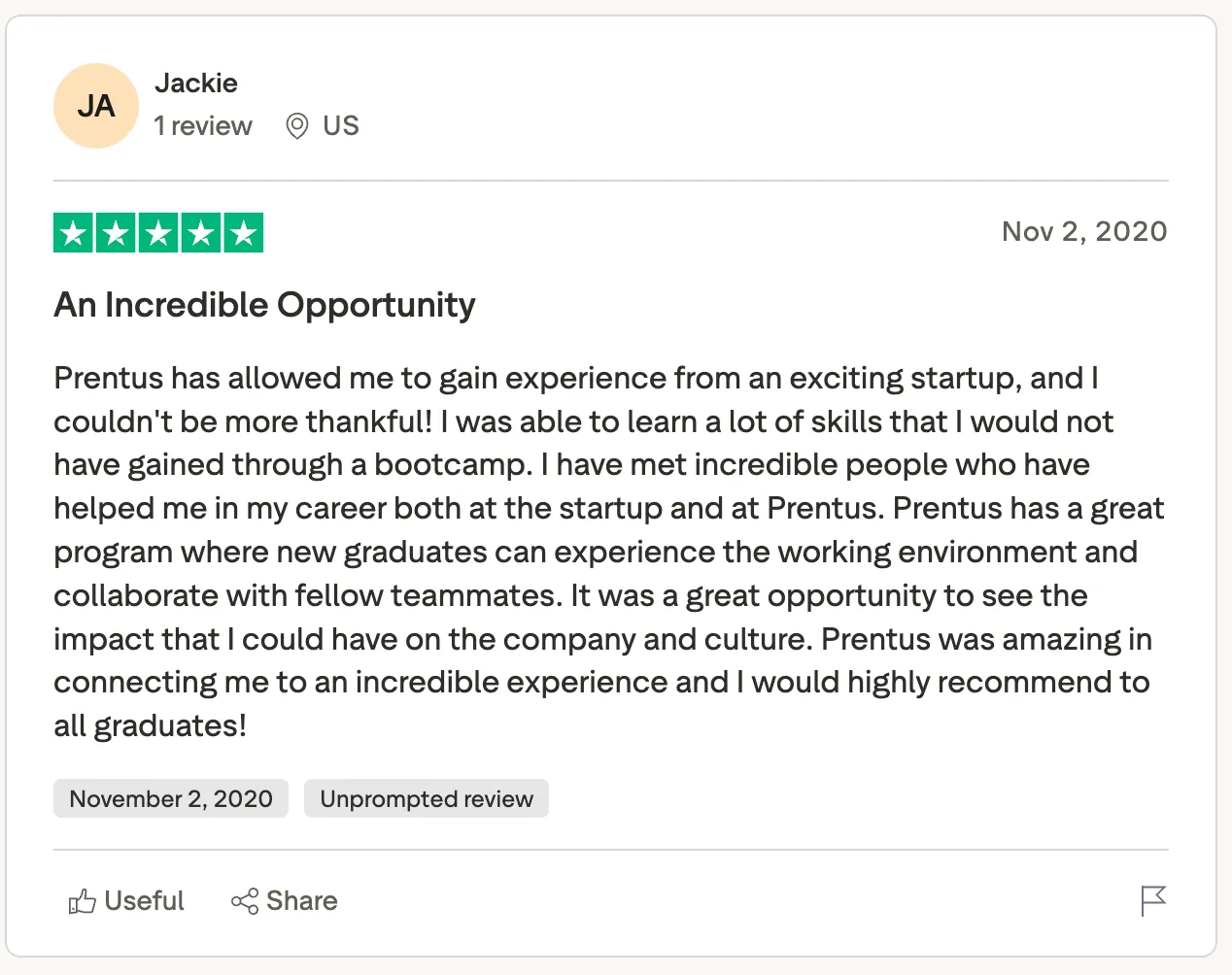
"Prentus has allowed me to gain experience from an exciting startup, and I couldn't be more thankful! I was able to learn a lot of skills that I would not have gained through a bootcamp." - Jackie, Trustpilot.
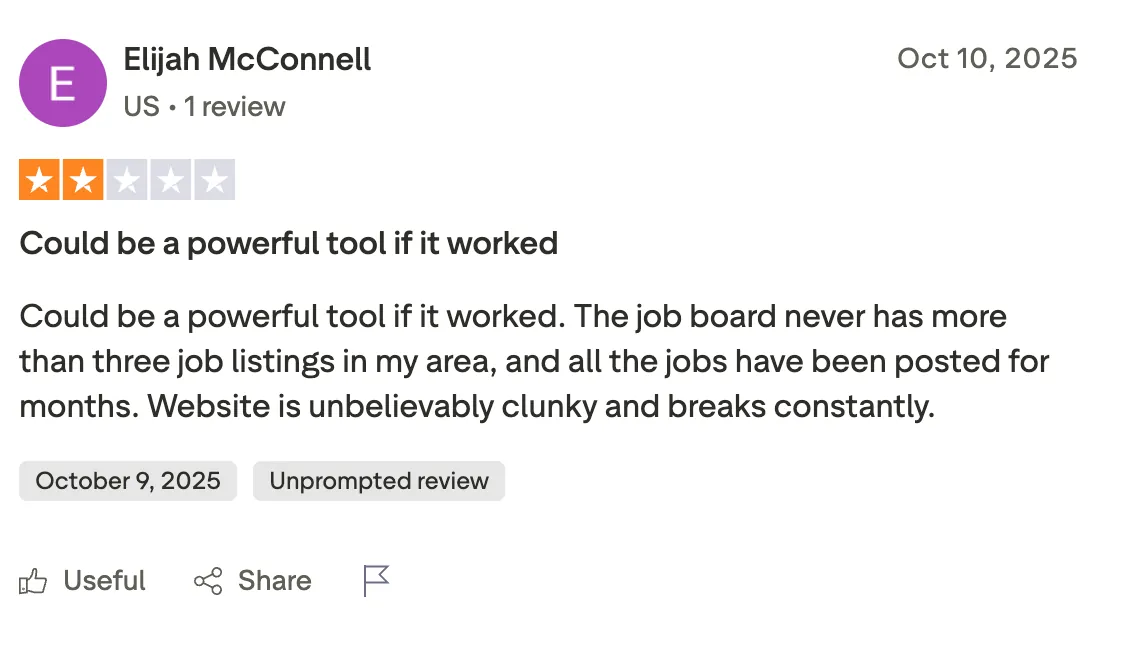
"Website is unbelievably clunky and breaks constantly." - Elijah McConnell, Trustpilot.
Pricing
Prentus keeps its institutional pricing off the site, quoting one flat fee sized to enrolment. Its direct-to-student bundle is published at $49 one-time.
Bottom line
For a career-services team trying to coach far more students than its staff can reach, Prentus stretches that coverage and documents the results. It's an institutional buy, so an individual after a personal career coach should reach for a consumer tool.
7. Rocky.ai: Best for daily personal-development coaching on your phone
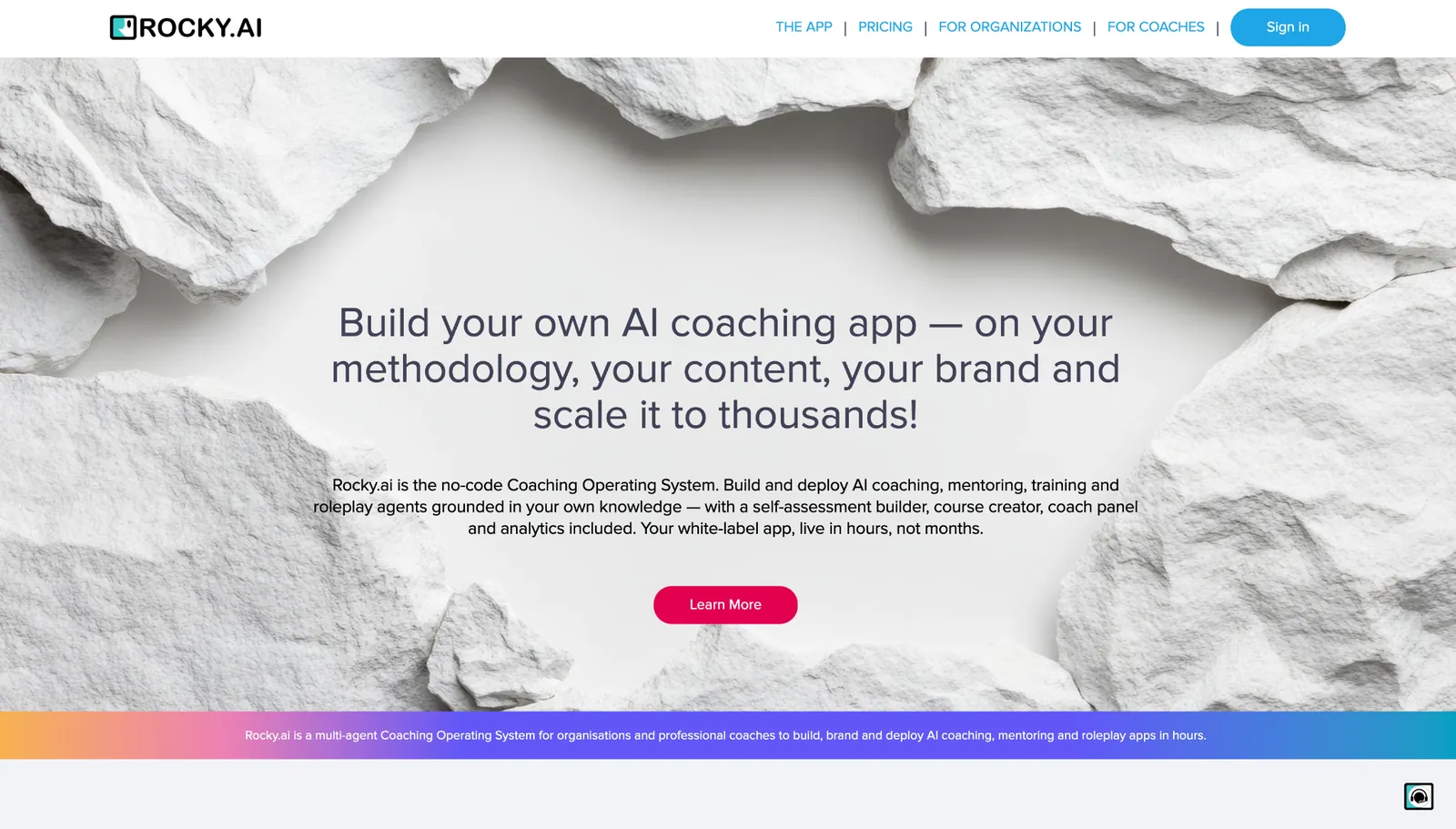
What it does: Rocky.ai sells mainly to organizations building their own coaching app now, but its personal app still delivers daily mindset coaching through short reflective conversations, goal-setting, and check-ins.
Best for: Individuals who want a small, consistent coaching habit, a few minutes of reflection a day, without a subscription that costs more than a gym.
Rocky is the most personal tool here, built around a daily check-in. It opens with a reflective prompt and asks a follow-up to push the thinking further; within a few days, it referenced goals I'd set earlier and nudged me on them, rather than resetting each session the way lighter apps do.
Rocky runs roleplay for high-stakes moments like a sales talk or a leadership conversation, then scores how it went, so it works on outward skills too.
Its limit is depth. It's a light daily habit that reaches its ceiling well before a human coach would on a complex problem.
Key features
- Daily Mindset Coaching: Short conversational prompts that listen and ask follow-ups to guide personal growth.
- Goal tracking: Set development goals and get follow-up tasks and reminders to keep you on track.
- AI Roleplay Training: Rehearse sales, leadership, or interview scenarios with immediate feedback on how you did.
- Mobile-first: Works on iOS, Android, and web, sized for a quick check-in you can do from anywhere.
Pros and cons
Pros:
✅ A truly low-friction daily habit that takes a few minutes a day.
✅ Remembers past goals and follows up, so accountability doesn't fall to you alone.
✅ One of the few affordable, self-serve options in a category full of enterprise quotes.
Cons:
❌ Light by design, so it won't go deep on a knotty problem, and a terse user gets an even thinner coach.
❌ The free tier limits you to a single focus area until you pay.
What users say
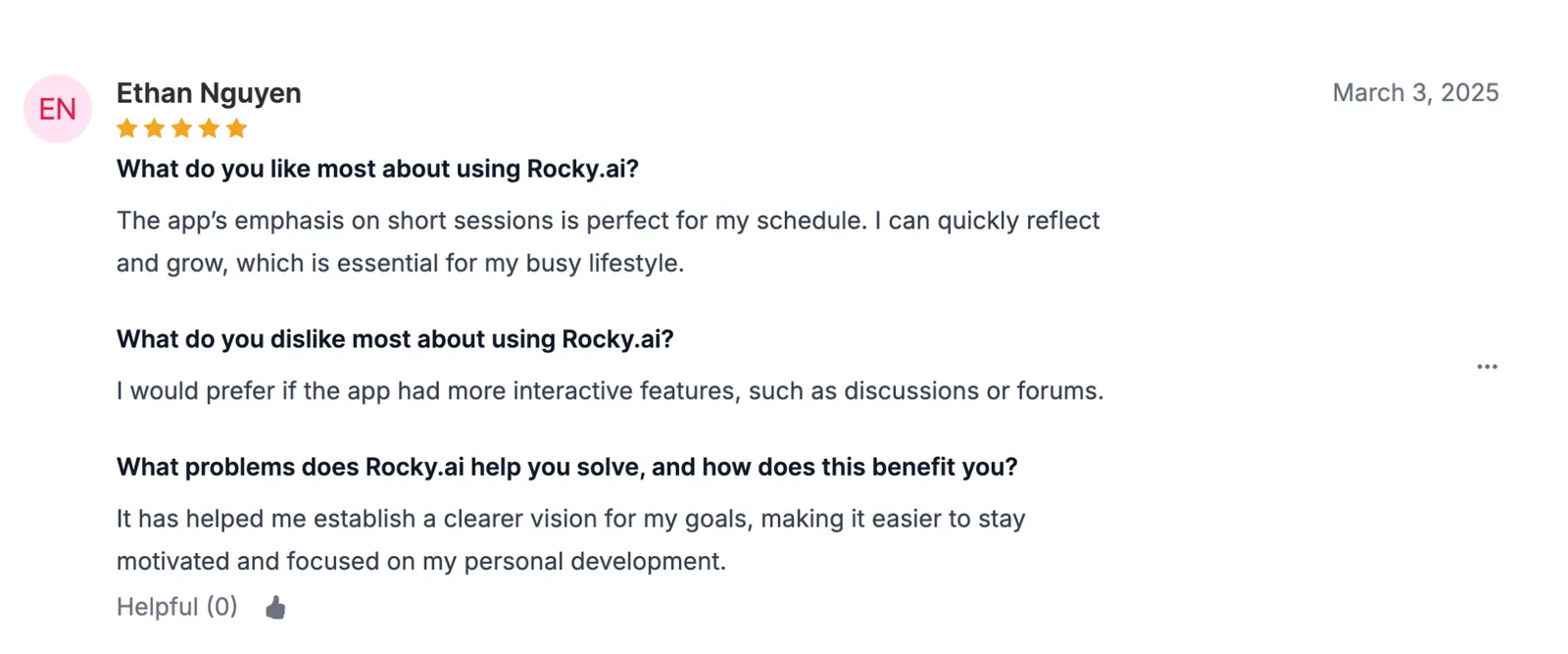
"The app's emphasis on short sessions is perfect for my schedule. I can quickly reflect and grow, which is essential for my busy lifestyle." - Ethan Nguyen, AITools.
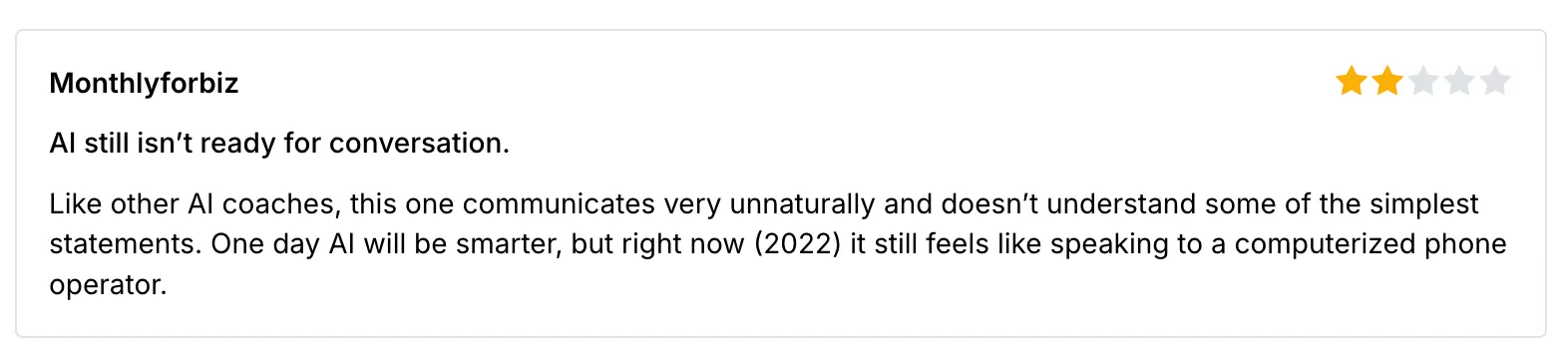
"Like other AI coaches, this one communicates very unnaturally and doesn't understand some of the simplest statements." - Verified User, AppRecs.
Pricing
Rocky.ai's Individuals plan is $9.99/month, or 40% less billed annually, with all topics and unlimited coaching. A Professional/Business tier runs $19.90 per seat, and a free forever tier is limited to one theme.
Bottom line
For anyone who wants coaching to be a daily five-minute habit, Rocky has the lowest starting price here and the lightest daily commitment. Bring a complex, high-stakes problem, though, and its limited depth becomes apparent.
8. Valence: Best for teams rolling out manager coaching with its Nadia coach
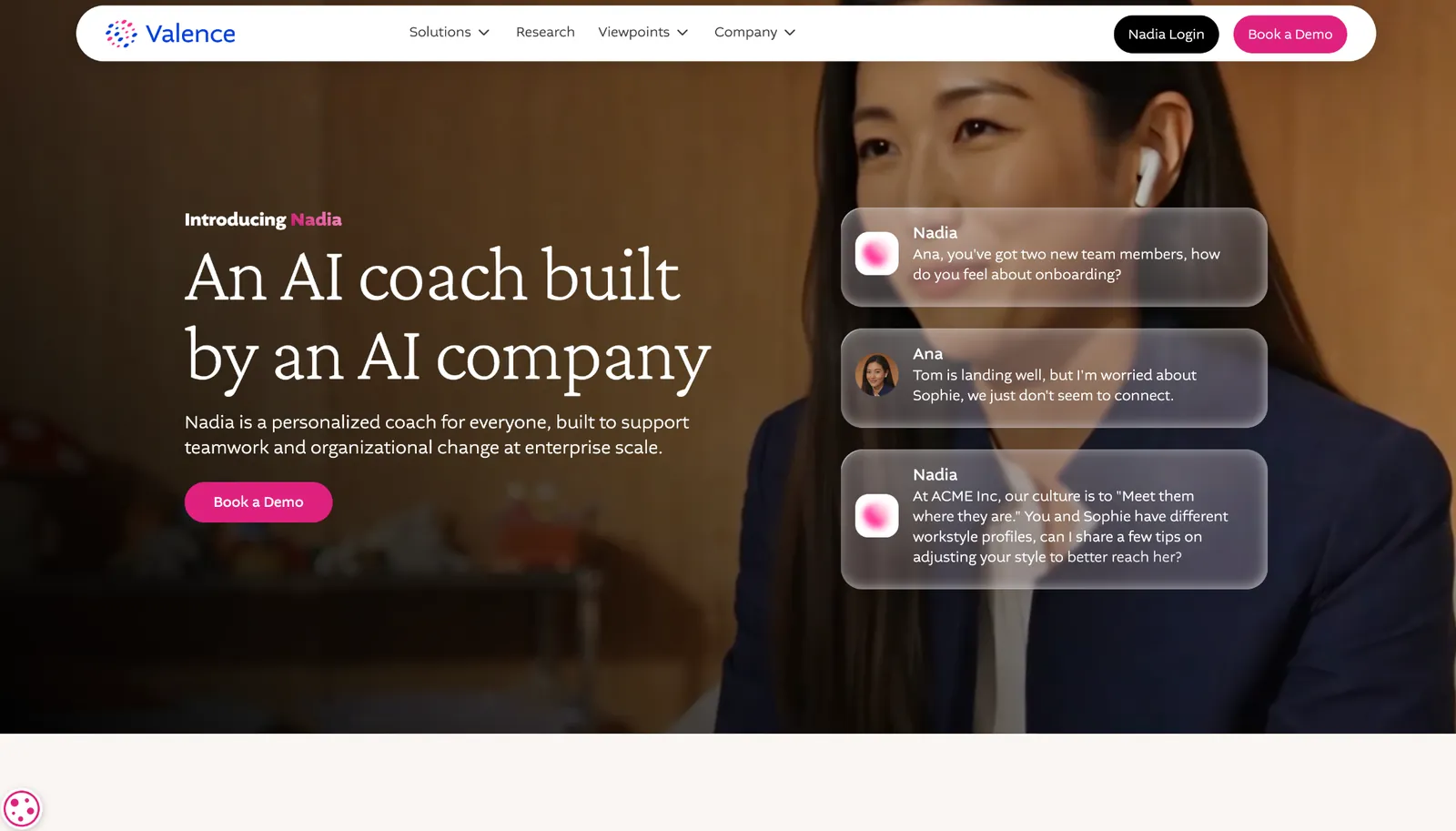
What it does: Valence offers an AI coach called Nadia that gives managers executive-level coaching at scale, customized to each organization and delivered in the moment they need it.
Best for: Companies that want to roll out consistent manager coaching across a team, from a vendor whose coach was purpose-built by AI researchers.
Valence gates Nadia behind a company rollout, so I worked from the walkthrough and Valence's own materials rather than a live session. Nadia coaches managers in the flow of their daily work, tuned to the organization it lands in.
Nadia's narrow focus cuts both ways. It's sharp on manager development, but it's an organizational rollout customized per company, so there's no way to try Nadia solo, and the coaching only lands once the surrounding program is in place.
Key features
- Nadia AI coach: An AI coach made specifically for managers, giving guidance during their daily work.
- Coaching on real decisions: Nadia works through the call a manager is actually facing, not a training scenario.
- In the flow of work: Nadia lives in Slack and Teams, so coaching arrives where the decisions already happen.
- Per-org customization: Nadia's coaching is tuned to each organization it lands in.
Pros and cons
Pros:
✅ A coach purpose-built by AI researchers rather than bolted onto a wider suite.
✅ Lives in Slack and Teams, so coaching arrives in the flow of daily work.
✅ Tuned to each organization, so the coaching fits how that company actually runs.
Cons:
❌ It's an organizational rollout, so there's no solo path to just try Nadia.
❌ Customization means setup and buy-in before the coaching pays off.
❌ Pricing is quote-only, scoped to the organization and the program around it.
What users say
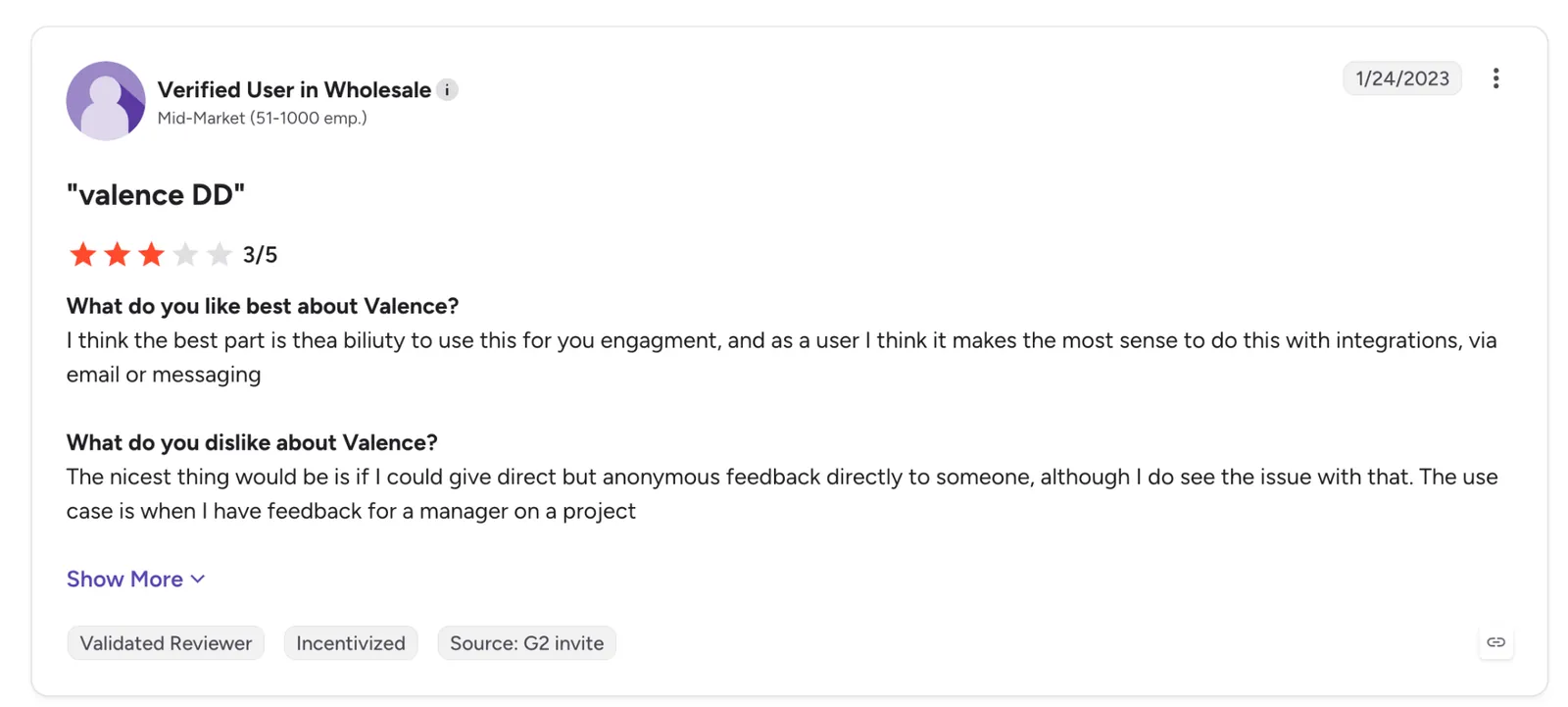
"I think the best part is the ability to use this for your engagement, and as a user I think it makes the most sense to do this with integrations, via email or messaging." - Verified User, G2.
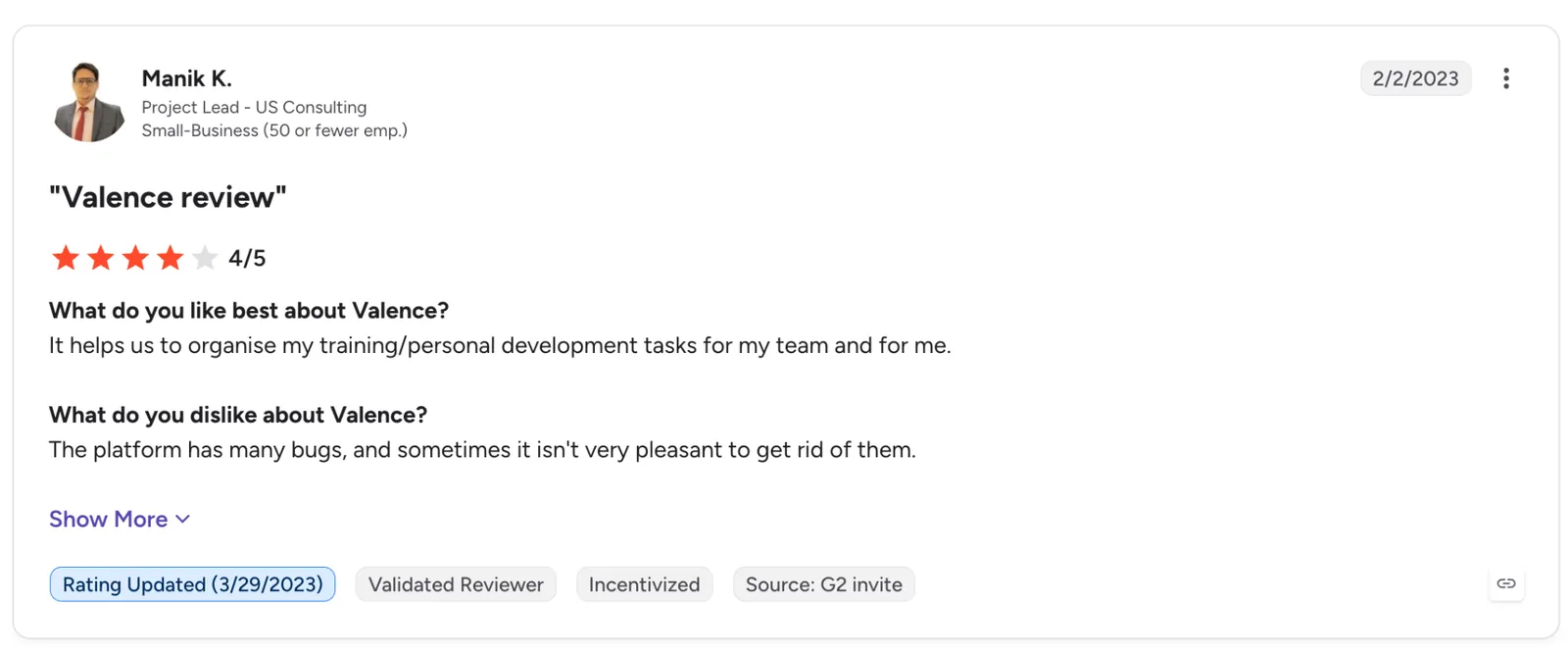
"The platform has many bugs, and sometimes it isn't very pleasant to get rid of them." - Manik K., G2.
Pricing
You won't find a number on Valence's site. Nadia is quoted per company by team size and program scope, and reaches people through a company rollout, not a solo signup.
Bottom line
For a company set on giving managers consistent, in-the-flow coaching, Nadia is built for that job by a team that does only this. Anyone hoping to try an AI coach on their own will run into the organization-level rollout first.
9. VirtualSpeech: Best for practicing a speech or hard conversation with AI
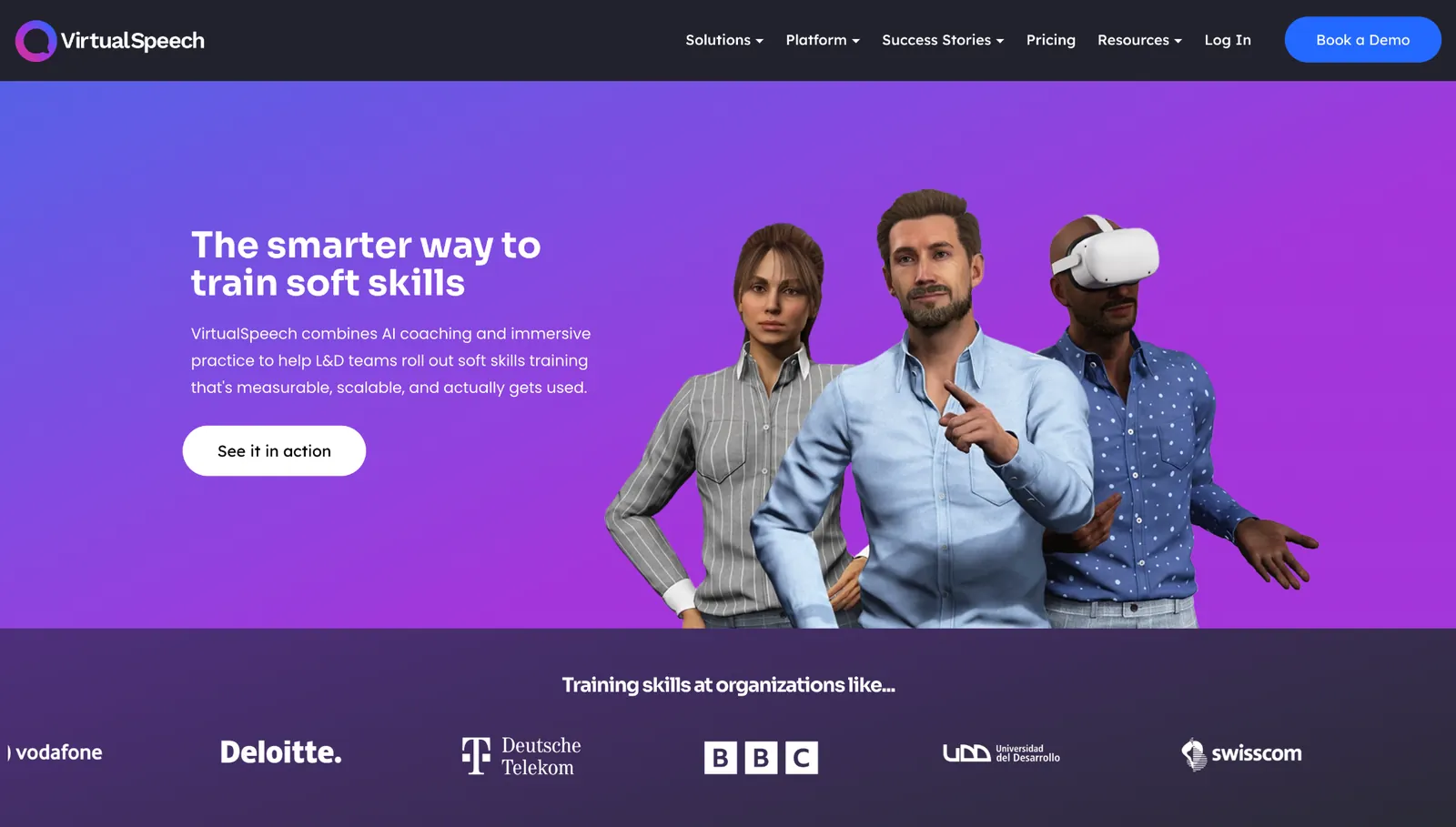
What it does: VirtualSpeech puts you in roleplay scenarios with AI avatars, from a sales pitch to a difficult conversation, and gives immediate feedback on how you delivered it.
Best for: Professionals and students who learn a soft skill by doing it and want to rehearse a high-stakes moment before it counts.
VirtualSpeech is the one tool here that had me speaking aloud. I ran a sales pitch against an AI avatar and got feedback on my delivery straight after. It covers the moments that make people nervous, from presentations and negotiations to interviews and difficult conversations.
It stands out for its immersion and narrow scope. Practice runs in the browser or in VR, and a personal AI career coach helps you plan between sessions.
But its focus is the spoken moment, so strategy and long-range career questions fall outside it, and a manager who needs help after a team decision should look elsewhere.
Key features
- AI roleplay avatars: Practice true-to-life workplace conversations against AI characters that respond in the moment.
- Immediate delivery feedback: Get analysis on how you spoke right after, so the correction lands while it's fresh.
- VR and browser practice: Rehearse in the browser or in a VR headset for a higher-pressure run that feels like the room.
- Personal AI career coach: Guidance to reflect on a session and plan what to work on next.
Pros and cons
Pros:
✅ Forces active practice out loud, which is how spoken skills improve.
✅ Covers the high-stakes moments other training avoids, from tough talks to negotiations.
✅ Self-serve pricing you can see up front and buy on the spot.
Cons:
❌ Built around rehearsing spoken moments, so broader career strategy sits outside it.
❌ The richest practice leans on VR hardware not everyone has.
❌ Enterprise and education features sit behind custom pricing and a sales call.
What users say
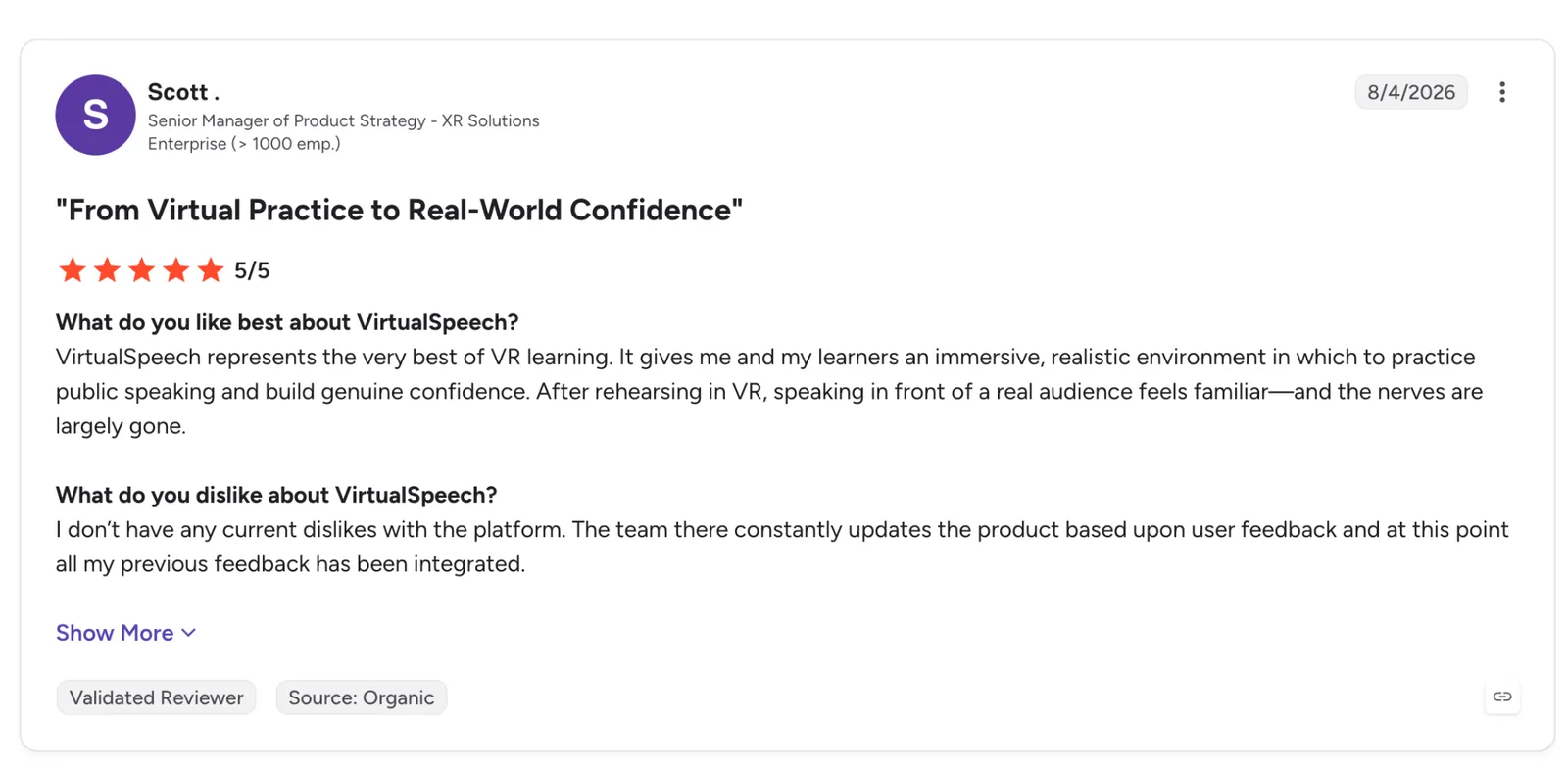
"VirtualSpeech represents the very best of VR learning. It gives my learners and me an immersive, realistic environment in which to practice public speaking and build genuine confidence." - Scott, G2.
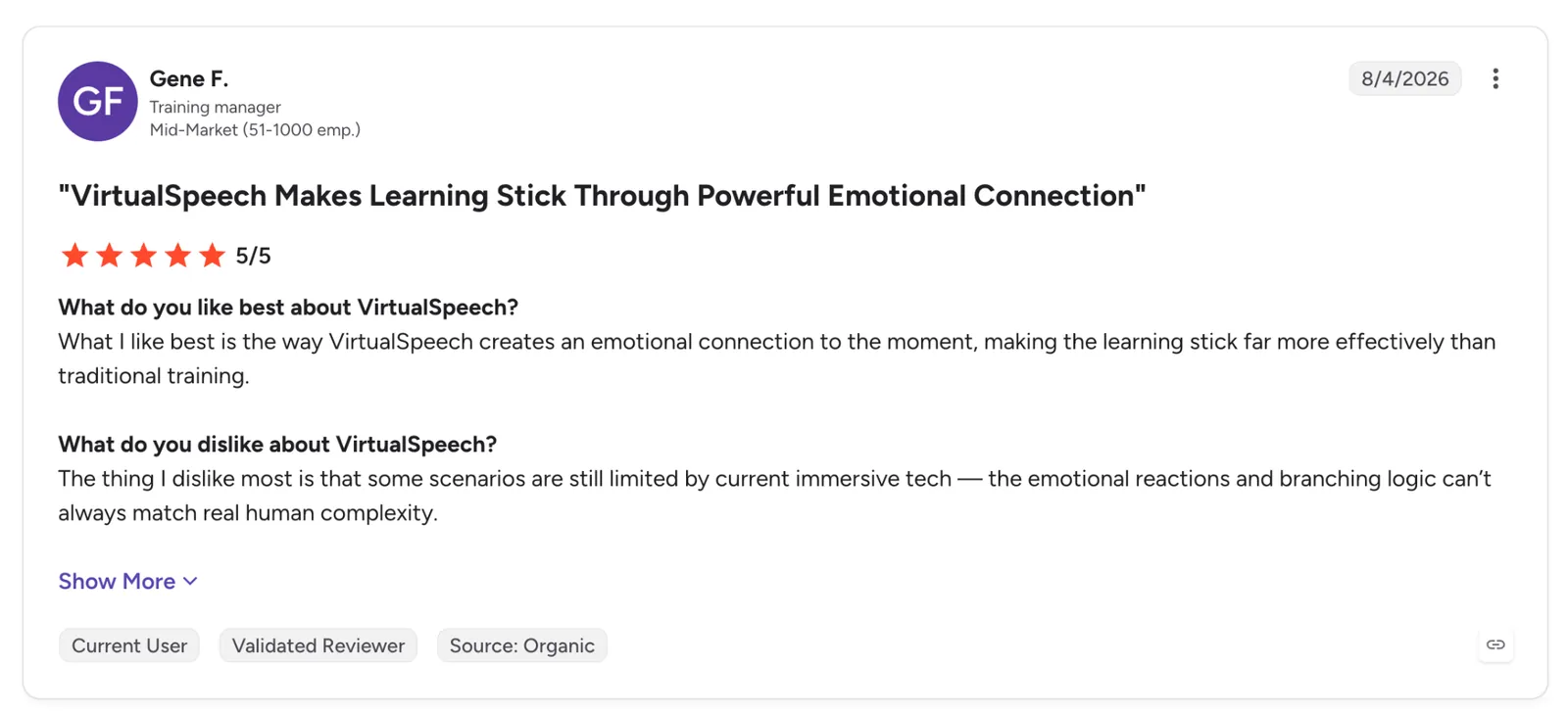
"The thing I dislike most is that some scenarios are still limited by current immersive tech; the emotional reactions and branching logic can't always match real human complexity." - Gene F., G2.
Pricing
VirtualSpeech's Individual plan is $45/month, or $399 a year, which VirtualSpeech bills as a 30% saving, with the full library, AI roleplay, and career coach. Enterprise and Education plans add analytics and LMS integration at quote-based pricing.
Bottom line
If what you dread is a specific spoken moment you have to deliver, VirtualSpeech is the only tool built around spoken roleplay with immediate feedback, so you can rehearse until you're comfortable. Use it to rehearse delivery and take the bigger strategic questions elsewhere.
{{cta}}
Which AI coach tool should you choose?
Two questions settle it. Who's getting coached (a teacher, a manager, a student, a whole company), and do you want advice, or do you want the work done for you? Answer those, and the list below narrows to one or two names.
Choose BetterUp if you:
- Run an enterprise and need coaching for the whole workforce, from executives to the frontline.
- Can pair live human coaches with AI and have the budget to match.
Choose Culture Amp if you:
- Already run Culture Amp and need coaching grounded in your own survey and review data.
- Manage people and dread drafting reviews or prepping hard conversations.
Choose LinkedIn Learning if you:
- Fight low training engagement and need a coach that answers first, then points to the course.
- Care about tying skill-building to internal career moves.
Choose Edthena if you:
- Coach teachers and can't reach their classrooms often enough with human coaches.
- Want structured, on-demand feedback on recorded lessons between visits.
Choose Lindy if you:
- Don't have a missing skill so much as a pile of admin around the work.
- Want an AI teammate that schedules, triages, and follows up from Slack while you keep the judgment calls.
Choose Prentus if you:
- Coach large student cohorts toward jobs and must prove the outcomes.
- Need to stretch a small career-services team across a much bigger caseload.
Choose Rocky.ai if you:
- Want a light daily coaching habit you can keep up in a few minutes.
- Prefer an affordable, self-serve app over an enterprise quote.
Choose Valence if you:
- Are after consistent, in-the-flow coaching for managers across a team.
- Prefer a purpose-built AI coach over one that comes bundled with an engagement platform.
Choose VirtualSpeech if you:
- Have a specific spoken moment to rehearse, whether a pitch, a talk, or a hard conversation.
- Learn a soft skill by practicing it out loud with immediate feedback.
Skip this category entirely if you:
- Just want a general chatbot to answer questions, since a plain AI assistant does that.
- Need deep, sensitive personal coaching that only a qualified human should handle.
- Want one tool to coach a teacher, a manager, and a job seeker at once, because no single one of these is built for all three.
Final verdict
Pick your AI coach by the job in front of you, not by an overall ranking.
Lindy is worth naming first, because it answers a different question. When administrative work fills your day, it runs that work for you from a Slack thread. Teams that add Lindy through Slack get the first week free, a low-risk way to see whether the problem is your judgment or just the admin piling up around it.
For coaching a whole workforce, BetterUp is the only one here pairing human coaches with AI at that scale, though it asks for an enterprise commitment.
Further down the scale, for managers, Culture Amp grounds its guidance in your own survey and review data, and Valence meets them in the flow of their daily work. Teachers are served best by Edthena, and VirtualSpeech by anyone rehearsing a spoken moment. For one person who just wants the habit, Rocky.ai is the cheapest way in and the only free tier here.
Frequently asked questions
What is the best AI coach for teams?
The best AI coach for teams depends on who's being coached: Valence for managers, Culture Amp for teams working from their own people data, and BetterUp for a whole workforce.
Is there a free AI coach?
Yes. Rocky.ai has a free forever tier limited to one focus area; the enterprise platforms are quote-based.
Can an AI coach replace a human coach?
An AI coach can't fully replace a human one. It handles on-demand feedback and practice well, but a knotty or sensitive problem still calls for a qualified human.
What's the difference between an AI coach and an AI assistant like Lindy?
A coach advises you on how to do something better; an assistant like Lindy does the task itself and waits for your approval before acting.









