


BeenVerified vs. TruthFinder: Which Is Best in 2026?


Choosing between BeenVerified and TruthFinder can feel trickier than it should. On paper, they look similar. Both search billions of public records and offer unlimited background reports. The gap shows up fast, once you start running real searches.
Here’s a guide on how to pick the one that actually fits how you look people up in 2026.
BeenVerified vs TruthFinder: At a Glance (Quick Comparison)
| Tool | Best for | Starting price | Key strength |
|---|---|---|---|
| BeenVerified | Everyday people search | $1 trial/ $36.89/month | More data types + faster reports |
| TruthFinder | Deep dive info & dark web | $4.99/month (Reverse Phone Lookup)$28.33/month (People Search)$29.73/month (Reverse Email Lookup) | More detailed background depth |
Choose BeenVerified…
You want quick, broad lookups you can run by name, phone, email, address, or VIN.
Choose TruthFinder…
You want extensive reports on fewer people, with more criminal, court, and dark web detail.
Meet the Contenders
Both tools help you look people up, but they serve different purposes. BeenVerified is built for quick lookups. TruthFinder is built for in-depth background checks.
BeenVerified: Best for Fast, Broad Searches
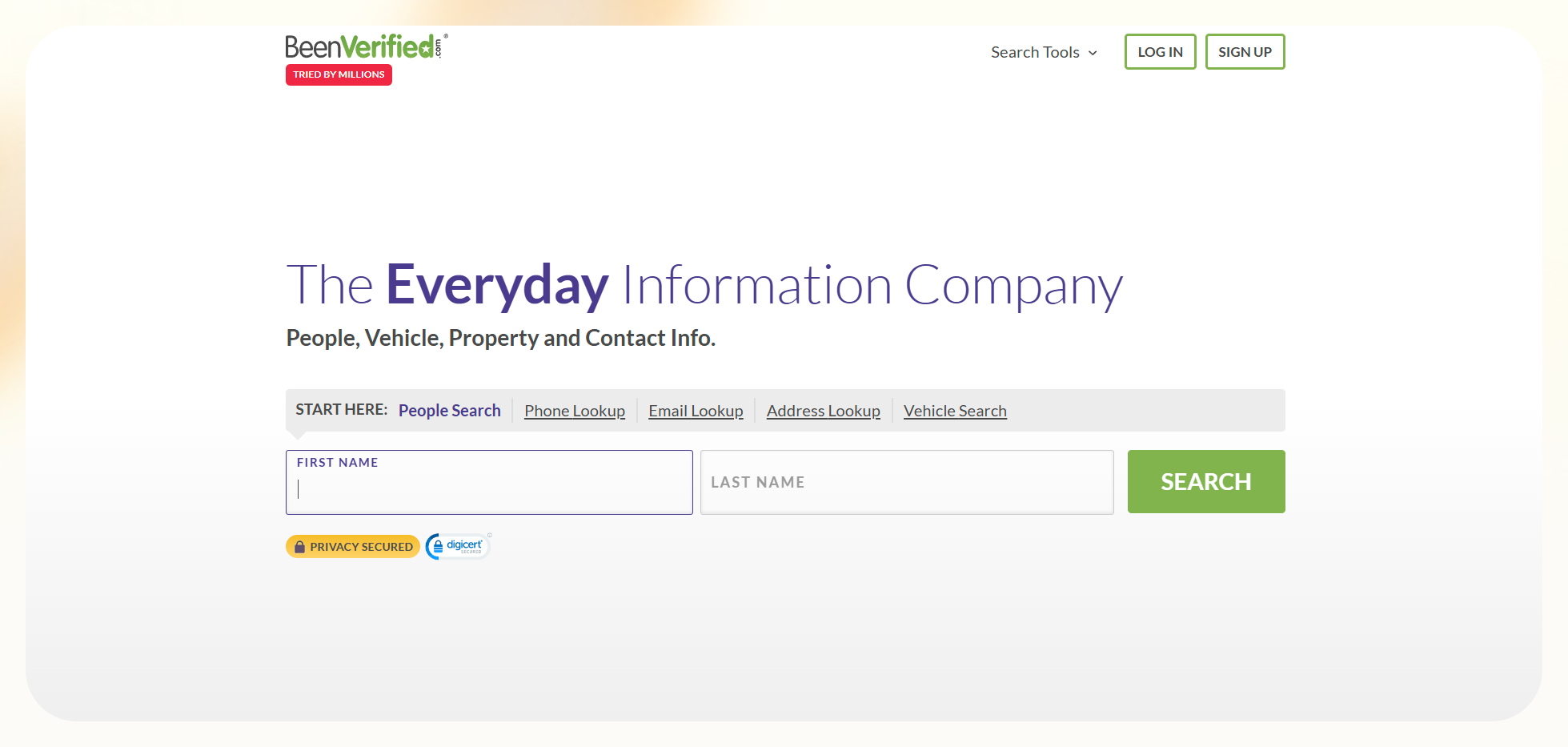
BeenVerified works like an everyday lookup toolbox. One subscription lets you run people searches, reverse phone and email lookups, property checks, and VIN searches.
It is made for quick checks you do yourself. It is not allowed for hiring, tenant screening, or other FCRA-regulated decisions.
TruthFinder: Best for Deep Background Reports
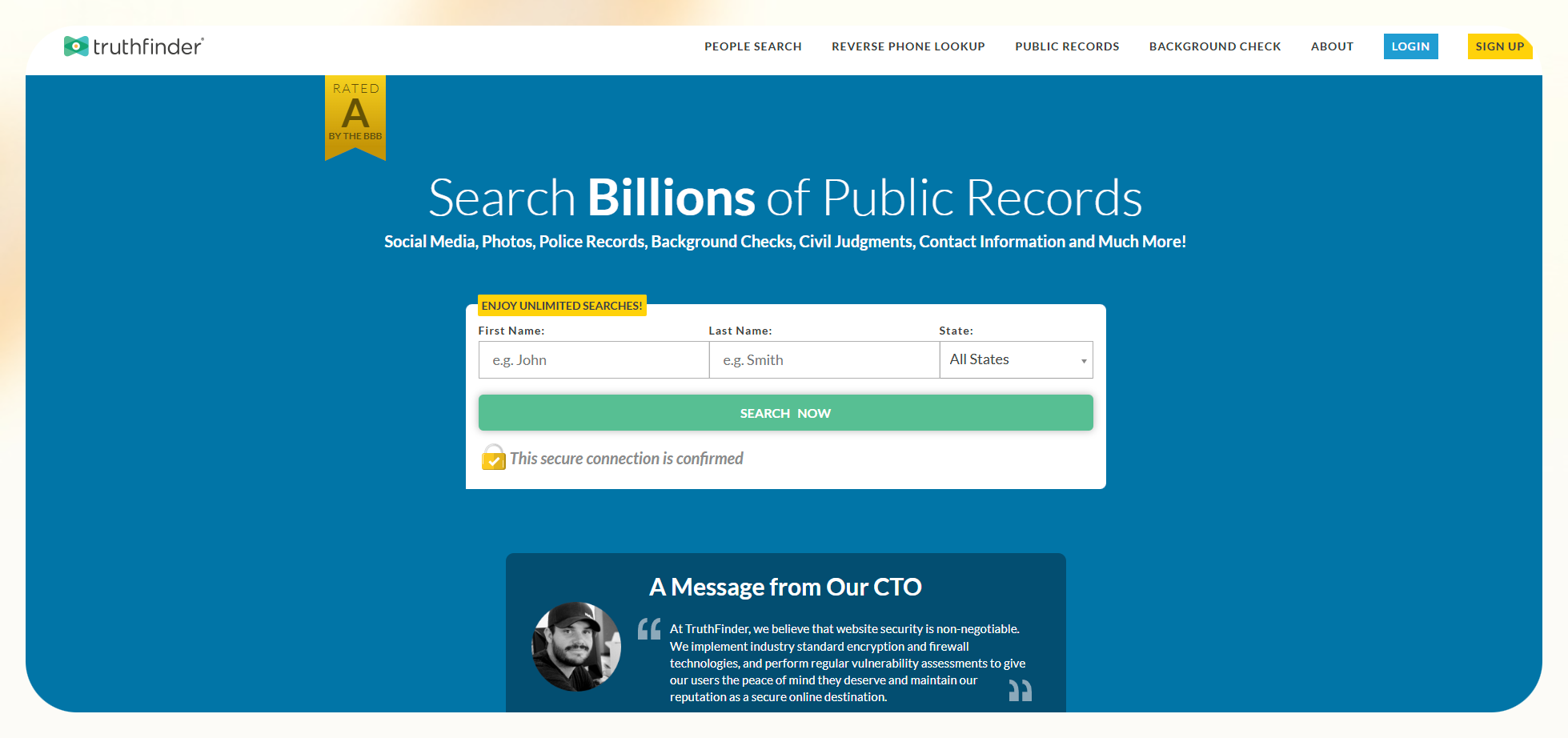
TruthFinder focuses more on a detailed background report. It includes identity info, location, and property history, criminal and court records, financial issues, and online profiles in one place.
It also emphasizes safety through confidential searches and dark web monitoring.
BeenVerified vs TruthFinder: Feature Breakdown
Data Coverage & Search Types
BeenVerified
On coverage, BeenVerified is the more flexible option. You can start a search with a name, but also with a phone number, email address, street address, or VIN.
On the same account, you also have property lookups, unclaimed money search, IP lookup, genealogy, and court records.
That mix makes it useful when all you have is a small piece of information, and you still want to get to a clear, basic picture.
TruthFinder
TruthFinder focuses on fewer entry points and an in-depth report. Most searches begin with a full name and location or a phone number.
From there, it builds a background-style report with identity details, address and property history, criminal and court records, financial issues, online profiles, and dark web findings.
It is set up for situations where you already know who you are looking at and want as much detail as possible on that person.
Winner: If your day-to-day reality is that you are answering lots of small questions with different starting points, BeenVerified is the better fit on data coverage and search types.
Accuracy & Report Quality
BeenVerified
BeenVerified focuses on the basics and keeps reports easy to read. The sections are clear, so you can do a quick profile scan.
This helps in quickly confirming details like name, age, addresses, relatives, work history, and any obvious court records. For fast checks, this mix of coverage and clarity is usually accurate enough.
TruthFinder
TruthFinder focuses heavily on criminal and court records. When those records exist, they show more detailed entries. You may see traffic cases, criminal cases, sex offender status, civil judgments, bankruptcies, or liens. It also includes related court activity, identity info, and address history.
The reports feel heavier to read. But the extra detail helps when you want a full picture of someone’s record.
Winner: Overall, it is a tie. BeenVerified is easier to rely on for fast checks of basic facts, while TruthFinder is the better bet when depth on criminal, court, and financial history is your top priority.
Speed & Ease of Use
BeenVerified
With BeenVerified, you type in a name, number, email, address, or VIN. Then the search runs for a short while before dropping you into a well-formatted report.
On a normal day, that means I can look someone up, skim the overview. I can also glance at addresses or possible associates, and close the tab in a couple of minutes. It feels like something you can use in between other tasks without making an event out of it.
TruthFinder
In TruthFinder, a typical search walks you through more loading screens, explanations, and “preparing your report” steps before you see anything concrete. It is best suited for a full background search.
But if I just want to know who is behind a number or get a quick read on someone before meeting them, the extra build-up can feel slow and slightly pushy.
Winner: BeenVerified fits better into quick, everyday moments. TruthFinder is fine when you are ready to commit a bit more time to each search, but it is not as friendly for fast, one-off checks.
Pricing Transparency
BeenVerified
BeenVerified starts with a $1 trial. You pay a small amount to unlock searches for a short time, and then the account moves onto a standard monthly subscription. The cost comes to $36.89/month if you do not cancel. It is an easy way to test the service, but you have to watch the renewal date, or you can end up paying for a full month without really meaning to.
TruthFinder
TruthFinder is more direct about pricing. It shows its main monthly plans up front, starting at $28.33 per month. There’s also a cheaper phone-only plan at $4.99 per month. You are billed at the listed rate from day one. There’s no $1 trial to track, so the long-term cost is clearer from the start.
Winner: If you want the simplest, most upfront pricing with fewer surprises, TruthFinder comes out ahead on pricing transparency.
Extra Tools
BeenVerified
BeenVerified packs in more utility tools beyond people search. VIN lookups, property checks, unclaimed money searches, genealogy, and IP lookups. If you like having one account for people, vehicles, properties, and stray funds, that breadth is genuinely useful.
TruthFinder
TruthFinder keeps its extra tools simple and focused on safety. The main add-on is dark web monitoring. This checks if your personal data shows up in data breaches or on parts of the internet that are not easy to find.
When you pair that with TruthFinder’s stronger focus on criminal and court records, it is clear what the tool is built for: spotting risk, and not handling lots of different everyday lookup jobs.
Winner: The “better” extras depend on what you care about most.
If you want practical tools for everyday lookups in one place, BeenVerified is the better choice. If you care more about spotting data breaches and online risk for you or someone else, TruthFinder’s dark web monitoring is the most useful extra.
What Real Users Say (G2, Reddit, Trustpilot)
| Tool | Pros | Cons |
|---|---|---|
| BeenVerified | User-friendly interfaceReports are simple to readEasy to run basic checks (addresses, relatives, contact info)Broad toolset (people search, phone, email, property, VIN, etc.) | Billing and cancellation can be confusingSome reports have outdated or incomplete data, especially older addresses/relationships |
| TruthFinder | Helpful, responsive customer supportDetailed background reports (criminal, court, address, contact history)Dark web monitoring and security focus for identity/online risk | Upsells and extra fees for some featuresLimited truly “free” optionsSome users find pricing and cancellation less clear than they would like |
Which One Should You Choose?
Choosing BeenVerified vs TruthFinder comes down to what you are actually trying to do with a background tool and how often you plan to use it.
Choose BeenVerified if you:
- You care about getting to a clear, basic report fast, without a long loading or upsell sequence.
- You are happy with a solid overview rather than the deepest possible criminal or financial detail every time.
- You mostly run quick checks, like “who is behind this number or email?” or “who owns this place?”.
- You want one subscription that can handle people search, phone and email lookups, VIN checks, property info, unclaimed money, and a few extras.
Choose TruthFinder if you:
- You prefer simple, upfront pricing over short, low-cost trials that roll into subscriptions.
- You care more about deep background reports on a smaller set of people than lots of different quick lookups.
- You want a stronger focus on criminal and court history, financial issues, and detailed address and property timelines.
- You like the idea of dark web monitoring and extra security signals around your own data or someone else’s.
Here’s how I’ll put it. BeenVerified is the better fit for frequent, everyday lookups across many search types, while TruthFinder makes more sense when you run fewer searches but want each one to go as deep as possible.
Alternatives to BeenVerified and TruthFinder (2026)
If you are still on the fence or just want a few sites like TruthFinder to compare, there are plenty of other people-search tools in the same space. None of these is FCRA-compliant either, so the same rules apply: they are for personal research.
Here are a few alternatives worth knowing about:
- Spokeo: Spokeo focuses on people search, reverse phone, email, and address lookup, pulling together contact details, location history, and social profiles in one place. It is a solid option if you mainly care about online and contact info and do not need extras like VIN checks or dark web monitoring.
- Intelius: Intelius leans into detailed background checks, with people search, reverse phone lookup, address history, criminal records, financial flags, and more. Pricing is in the same subscription range as BeenVerified and TruthFinder. And it is often recommended when you want very detailed reports on a smaller number of people, rather than casual lookups.
- PeopleLooker: PeopleLooker is another subscription-based people search service that offers public and criminal records, sex offender data, traffic violations, known relatives, and social media info in a single report. It sits in a similar “everyday background check” bucket and is often seen as a simpler, budget-friendly TruthFinder alternative.
- PeekYou: PeekYou is a mostly free people search engine that focuses on someone’s online footprint, including social profiles, blogs, news mentions, and other public pages. If you are specifically looking for what the internet already says about someone, PeekYou is a light, low-commitment place to start. But it will not give you the same depth on criminal or court records.
- CocoFinder: CocoFinder positions itself as a free people search and background check starter, with people search, reverse phone lookup, and basic background reports built on public records. You can often run an initial search at no cost, but, like most tools in this category, fuller reports and ongoing use tend to come with paid plans.
If you are mainly searching for “something better than TruthFinder” in terms of depth, Intelius is usually the closest competitor. If your priority is free alternatives,” tools like PeekYou and the free tiers of CocoFinder are the ones to try first, as long as you are okay with lighter, more surface-level results.
How Lindy Improves Background Check Workflows
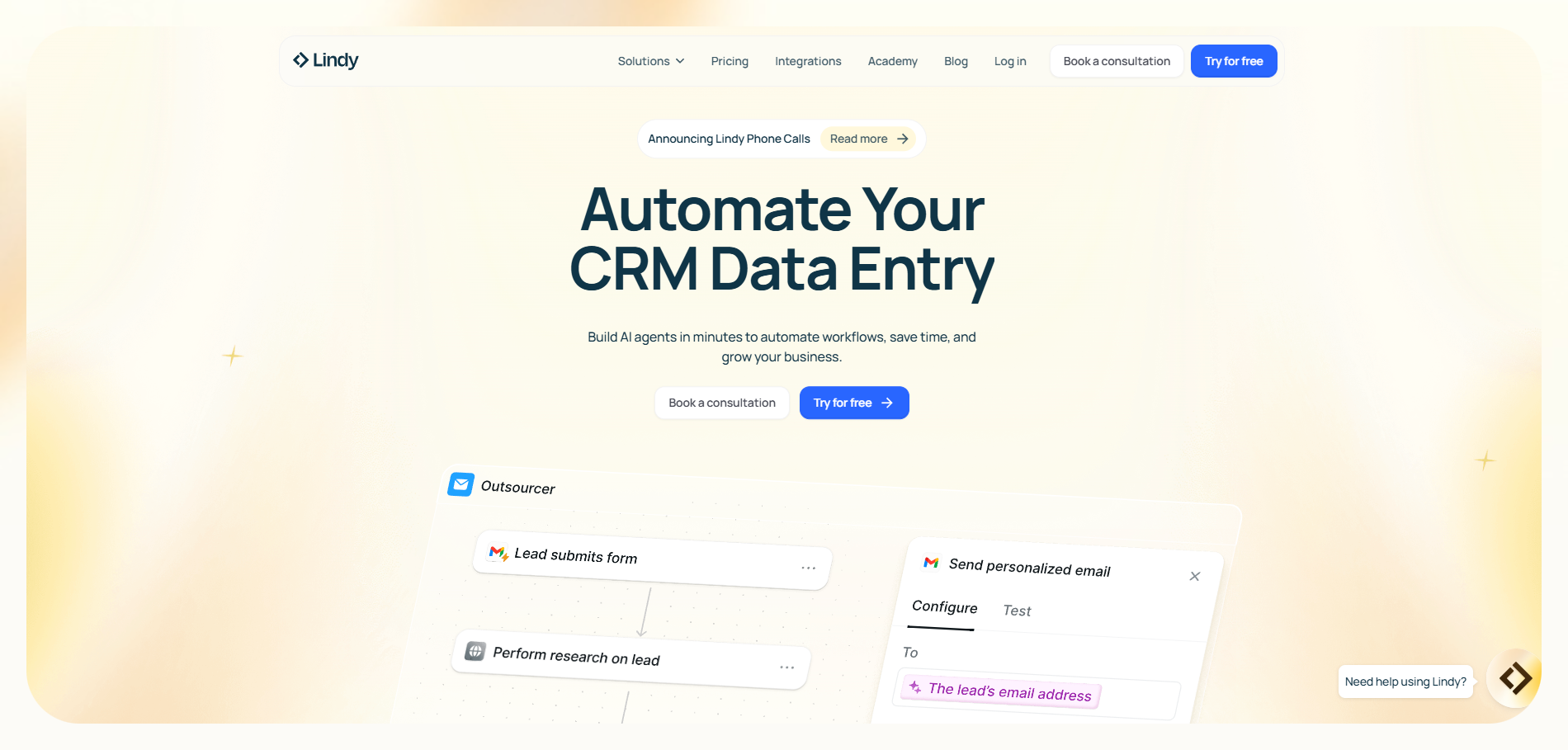
Lindy is a no-code platform for building AI agents that sit on top of your tools and data, so they can handle the repetitive work around background checks while you focus on decisions.
- Automated document analysis: Background checks mean PDFs, resumes, and reference letters. Lindy can read these files for you, pull out the key details, and store them in a structured way. Using Extract Webpage Text, your agent can turn PDFs or web pages into clean text, then extract things like employment history, education, or dates into a sheet or database.
- Intelligent data retrieval: Lindy’s Knowledge Base lets you connect files, websites, and cloud storage into one searchable pool of information. When an agent runs a check, it can search that knowledge base semantically, so it can find the right record even if the wording is slightly different.
- Delegated task management: You might want one flow to pull public information, another to verify documents, and another to prepare a summary. Lindy lets you build agents and workflows that handle these steps in sequence or in parallel, passing results between them so you do not have to move data by hand every time.
- Real-time lead enrichment: If your “background check” is part of recruiting or client onboarding, fresh data matters. Lindy’s lead-enrichment templates take basic details in a Google Sheet, look up contact and company information through People Data Labs and LinkedIn, and write enriched data back to the sheet automatically.
- Customized outreach and verification: With Lindy, you can set up workflows that send emails automatically, track who has replied, and update your sheets or CRM with the responses. The agent follows the rules and tone you define, so the process stays consistent while you save time on manual follow-ups.
BeenVerified or TruthFinder supply the raw background data, and Lindy becomes the layer that reads it, organizes it, keeps it current, and runs the follow-up steps without you doing everything yourself.
{{templates}}
Try Lindy: An AI assistant that handles support, outreach, and automation
Lindy uses conversational AI that handles chat, but also leads gen, meeting notes, and customer support. It handles requests instantly and adapts to user intent with accurate replies.
Here's how Lindy goes the extra mile:
- Fast replies in your support inbox: Lindy answers customer queries in seconds, reducing wait times and missed messages.
- 24/7 agent availability for async teams: You can set Lindy agents to run 24/7 for round-the-clock support, perfect for async workflows or round-the-clock coverage.
- Support in 30+ languages: Lindy’s phone agents support over 30 languages, letting your team handle calls in new regions.
- Add Lindy to your site: Add Lindy to your site with a simple code snippet, instantly helping visitors get answers without leaving your site.
- Integrates with your tools: Lindy integrates with tools like Stripe and Intercom, helping you connect your workflows without extra setup.
- Handles high-volume requests without slowdown: Lindy handles any volume of requests and even teams up with other instances to tackle the most demanding scenarios.
- Lindy does more than chat: There’s a huge variety of Lindy automations, from content creation to coding. Check out the full Lindy templates list.
Try Lindy free and automate your first 40 tasks today.
FAQs
1. Is TruthFinder legit?
Yes, TruthFinder is a legitimate people-search service that holds an A/A+ rating with the Better Business Bureau. It pulls data from public records and online sources, but that does not mean every record is perfect or complete, and it is still not a replacement for official background checks.
2. Does BeenVerified have a free trial?
BeenVerified does not have a completely free trial. It offers a 7-day trial for about $1 that gives you access to most features. After those 7 days, the account rolls into a standard subscription if you do not cancel in time, so you need to watch the renewal date.
3. Which is more accurate: BeenVerified or TruthFinder?
BeenVerified does well for broad, everyday checks. TruthFinder tends to surface more detailed criminal and court information when those records exist, but accuracy can vary a lot from person to person. Neither service is 100% accurate, because both rely on public records that can be incomplete or out of date.
4. Which background check app has the highest ratings?
TruthFinder and BeenVerified both rank well. So, it is worth checking current ratings on a few sites (like TechRadar, plus Trustpilot, or similar) before you decide. There is no single “highest rated” app across the board, because scores change over time and differ by review site.
5. How much is TruthFinder per month?
As of late 2026, TruthFinder costs around $28 to $30 per month, with lower average monthly pricing if you choose a longer billing period. There are also cheaper niche plans (such as phone-only) and occasional promotions, so the exact number can shift a bit.
6. Are either of them free?
No, neither BeenVerified nor TruthFinder offers full reports for free. You can usually run an initial search and see teaser information at no cost, but you need a paid subscription (or a $1 trial in BeenVerified’s case) to view complete results.











Blog
Related Articles
.png)



%20(1).avif)
.avif)

%20(1).avif)

.avif)
The AI assistant that runs your work life
Lindy saves you two hours a day by proactively managing your inbox, meetings, and calendar, so you can focus on what actually matters.
