Bland AI Pricing: A Complete Breakdown and Alternatives (2026)
Marvin broke down Bland AI's per-minute rates and tiered Build and Scale plans, comparing costs to voice-automation alternatives like ElevenLabs and Synthflow.


Bland AI bills $0.09 per minute for connected calls and $0.015 for outbound attempts under 10 seconds. Transfers come with added fees. With multiple rate types and tiered plans, it’s hard for teams to estimate monthly costs with confidence.
In this article, we’ll cover:
- Bland AI’s pricing plans and structure
- Per-minute and usage-based costs
- When it’s worth it
- When to look for Bland AI alternatives
- Ideal users of Bland AI
- Alternatives to consider based on your use case
First, we define Bland AI.
What is Bland AI?
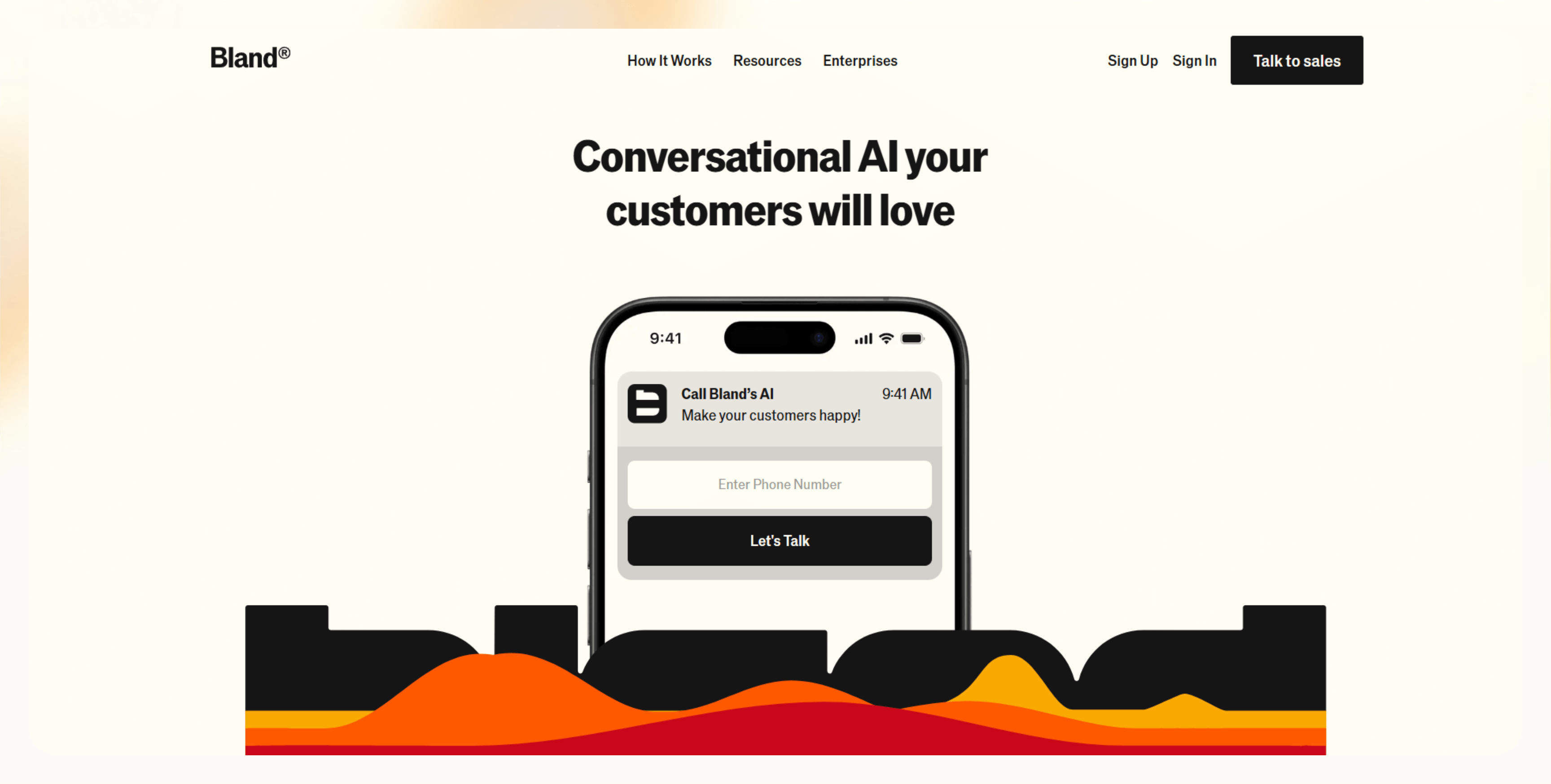
Bland AI is a programmable voice platform for teams that want to automate high-volume phone calls using realistic AI voices. It gives you developer-level control over call flows, including voice cloning, real-time scripting, and webhook-based responses.
Bland lets you automate thousands of calls each day. You can personalize the logic of these calls using APIs, helping organizations scale outbound call campaigns beyond manual dialing and basic call center software. Teams use it to scale outbound sales, appointment reminders, and operational updates without adding headcount.
Bland AI suits teams that use voice as their primary channel.
Core features
Bland AI is for developers who want precision and can fiddle with APIs and scripting. Here’s why:
- Realistic AI voice conversations: Bland uses cloned voices that can be modified for how they express emotions, so the delivery feels less robotic. It's designed to sound human, especially on longer outbound calls.
- Script customization with programmatic control: You can control every part of the call flow, like pauses, responses, retries, and routing, using programmatic scripts or webhook triggers. That flexibility makes it easier to handle custom workflows.
- Voice cloning and multilingual support: Bland allows multiple voice clones, which are tiered by plan. It also supports multilingual voices, which is helpful for teams working across regions.
- Call transfer and voicemail fallback: It prevents calls from stalling by allowing voicemail fallback or live transfers.
- Webhooks and API-first design: Every call event can trigger a webhook, letting you fetch data, record outcomes, or trigger follow-ups in tools like CRMs. It's highly flexible, but you’ll need developer support to make it work.
Ideal users
Teams with technical depth and high call volumes are ideal users of Bland AI. These teams can be:
- Sales teams automating outreach: Cold calls, follow-ups, and voicemail drops at scale.
- Healthcare teams: HIPAA-compliant appointment reminders and patient check-ins.
- Product or CX teams: Building and testing AI-driven IVR flows for support or onboarding.
Next, let’s see the main reasons why teams prefer Bland AI.
Why teams choose Bland AI
Most teams pick Bland for the control it provides to handle many outbound calls. It lets you run high-volume outbound campaigns with real-time scripting and a webhook. Here’s why teams use it:
- Instant scale for voice-based outreach: Whether it’s 100 calls or 10,000, Bland can handle the load without throttling.
- Flexible developer control: Everything runs through API calls, events, and scripts. You control exactly how the call behaves, minute by minute.
- Fast onboarding: Despite the technical depth, the docs are well-structured, and teams with developing experience can go live in hours, not weeks.
Let’s now decode its pricing.
Bland AI pricing plans (2026 breakdown)
A Bland AI call costs $0.09 per connected minute of call time. That rate applies whether the connected call is outbound, inbound, or a voicemail. Bland AI charges a minimum of $0.015 for outbound calls under 10 seconds. If you are also evaluating meeting productivity tools, reviewing otter.ai pricing can help you plan your software budget.
Bland AI’s cost is a combination of two things: per-minute cost of the call and through monthly plans that unlock higher limits. If you are also comparing personal knowledge management tools, reviewing obsidian pricing can help you plan your overall software budget.
You can use Bland AI on a pay-as-you-go basis, but you’ll have to compromise on features like higher concurrency, voice clones, or webhook integrations as they require the monthly plans. If you go for the monthly plans, you still need to pay for the connected minutes. If you are evaluating cloud-based machine learning models, reviewing vertex ai pricing can help you compare overall platform costs. If you are also comparing meeting transcription assistants, reviewing fireflies ai pricing can help you plan your team budget.
Below is a detailed breakdown of the different plans:
Per-minute costs
- Call time and voicemail: $0.09/min
- Outbound minimum and failed calls: $0.015/call
- Transfer: Free for BYOD, $0.025/min for Bland
- Included: Basic access to the platform, one voice clone, webhook support
- Best for: Testing, low-volume usage, or prototyping
Pros
- No monthly commitment
- Prorated billing, down to the second
Cons
- Gets expensive fast
- Limited access to higher-tier features like concurrency or multilingual voices
Business/subscription plans
- Start (Free): 100 calls/day, 10 concurrent calls, 1 voice clone
- Build ($299/mo): 2,000 calls/day, 50 concurrent calls, 5 voice clones
- Scale ($499/mo): 5,000 calls/day, 100 concurrent calls, 15 voice clones
- Enterprise: Custom pricing, higher throughput, volume discounts, premium support
With a business plan, Bland AI includes webhook connections, multilingual support, live call transfers, and lower TTS pricing at $0.02 per 100 characters. If you are also budgeting for AI software engineering tools, checking devin pricing can help you evaluate advanced automation options.
Pros
- More concurrency + voice flexibility
- Scales better for growing teams
Cons
- Still needs developer involvement
- No no-code setup
Pricing plans comparison
We created a table to quickly compare the different pricing models. Here’s what it looks like: For an in-depth evaluation of the platform's capabilities, check out our best bland ai review.
| Plan | Price | Daily Calls | Concurrent Calls | Voice Clones | Best for |
|---|---|---|---|---|---|
| Start | Free | $100 | $10 | 1 | Testing, solo devs, light usage |
| Build | $299/month | $2,000 | $50 | 5 | Small to mid-size teams |
| Scale | $499/month | $5,000 | $100 | 15 | High-volume use, growing teams |
| Enterprise | Custom pricing | Custom | Custom | Custom | Large orgs, premium needs |
Is Bland AI worth it?
Bland AI is worth it for teams running high call volumes who need full control over call flows. At lower volumes, the per-minute model adds up quickly. And most useful features, like voice cloning or concurrency, only come with the higher-tier Bland AI pricing plans. For sales teams evaluating outbound prospecting tools, comparing options to find the best seamless ai pricing is essential for managing software costs.
For comparison, some tools offer voice plus email and chat in one plan, or give non-technical teams more pre-built workflows. It depends on where you’re starting and what you’re trying to build.
When Bland AI might not be a fit
Bland may not suit teams looking for a tool that works without too much setup or doesn’t require developer support. Scenarios where you may need to look for alternatives:
- Use cases that need more analytics: There’s no native dashboard for tracking voice performance or understanding drop-off points.
- Teams with in-house voice infra: If you already use Twilio or have call flows wired into your stack, Bland might feel redundant.
- Niche use cases: If you need multichannel outreach, your team doesn't have technical resources, or you need fast, no-code deployment, Bland AI won’t work for you.
In these cases, it’s worth exploring tools that combine voice with other channels or offer prebuilt automations. Let’s explore some of these alternatives.
Top alternatives to Bland AI
There are voice assistant tools that handle AI phone automation and combine other capabilities like multichannel integration. Here's how the top five options stack up: For organizations seeking no-code solutions or different pricing models, comparing top bland ai alternatives can help identify the right fit.
| Tool | Best for | Pricing model | Multichannel | Developer control |
|---|---|---|---|---|
| Lindy | Voice + email + chat agents | Free plan, paid plans start from $49.99/month | Yes | No-code + API and webhooks |
| ElevenLabs | High-quality voice generation | Credit-based tiers | Voice only | API-only |
| Air AI | Long-memory outbound conversations | Enterprise licensing ($25K+) | Yes | Yes |
| OpenDialog | No-code CX automation | Free + enterprise | Yes | Yes |
| Twilio + GPT | Voice infra + LLM logic | Usage-based billing | Needs setup | Yes, developer-focused |
Next, we compare Bland AI with Lindy.
{{templates}}
Lindy vs Bland AI
Bland only offers outbound voice at scale, with developer-focused control. Lindy, on the other hand, focuses on multichannel AI agents that handle voice, chat, email, and more, all from a unified interface.
Use Lindy if:
- You want AI agents that handle voice, chat, and email, not just outbound calls
- You want agents that can reply to live chat, send transactional SMS updates, and follow up with post-call emails automatically
- You’re building support or sales workflows where updates to your CRM, calendar, or helpdesk happen without manual steps
Use Bland AI if:
- You’re running 1,000+ voice calls a day
- You have developers who can connect webhooks and event flows
- Your use case is voice-first and you don’t need other channels
Some teams start with Bland to test basic voice flows, then move to Lindy when they need multichannel scale, built-in memory, or no-code control. Let’s see what that looks like.
How Lindy automates more than calls
Lindy handles phone calls and runs full AI workflows across phone, chat, and email. That includes phone, chat, email, and even documents. Here’s what sets Lindy apart from voice-only tools:
- CRM sync and 7,000+ integrations: Lindy agents can log a new contact or update a sales deal in your CRM during a live chat.
- AI email replies: Agents can send emails based on what happens in a call without manual follow-up.
- Chat and SMS flows: Agents can respond to inbound chat messages or SMS texts, route conversations, and trigger follow-ups automatically.
- Email workflows: After a call, agents can draft and send personalized follow-up emails, update CRM fields, or create support tickets without manual steps.
- Multichannel coverage: One agent can manage conversations across phone, chat, SMS, and email, automating more than just calls.
It’s helpful if your team needs more than just outbound calls or you’re scaling beyond voice as a single channel.
Try Lindy, your Bland AI voice and automation alternative
Lindy helps you go beyond scripted replies and basic call routing. Its AI agents handle live phone calls, send follow-up emails, update your CRM, and even trigger internal workflows without manual handoffs.
Here’s what makes Lindy stand out:
- Live call handling: Lindy agents answer calls, qualify leads, and book meetings. They can then follow up over email or Slack.
- Smart follow-ups: After each call, Lindy can draft personalized messages, update CRM fields, and set reminders.
- Chat and SMS support: Agents respond to incoming messages in real-time, route issues, and escalate when needed.
- Sales and support automation: From outbound campaigns to help desk triage, Lindy integrates with 7,000+ apps, including Airtable, Salesforce, Gmail, and HubSpot.
- Free to start: Try Lindy for free and automate up to 400 tasks. Upgrade to the Pro plan for 5,000 tasks per month at a lower cost-per-action than most AI platforms.
{{cta}}
Frequently asked questions
How much does a Bland AI call cost?
A Bland AI call costs $0.09 per connected minute of call time, billed by the second. It charges a minimum of $0.015/call for outbound calls or failed calls.
Is Bland AI pay-as-you-go or subscription?
Bland AI is pay-as-you-go for the call time along with the tiered subscription plans. You can pay per minute or choose monthly plans like Build ($299/mo) and Scale ($499/mo). If you choose the tiered plans, you still need to pay for the call time.
What are the differences in per-minute pricing?
The base per-minute rate is generally $0.09 across most plans, but enterprise and high-volume agreements may offer volume discounts or custom rates.
Does Bland AI offer volume discounts?
Yes, Bland AI offers volume discounts in its enterprise plan with custom pricing.
Can I use Bland AI for inbound calls?
Yes, Bland AI supports inbound calls, and they’re billed the same as outbound, at $0.09/min.
How does Bland AI compare to Lindy?
The main difference is Bland AI focuses exclusively on outbound voice calls with API control, while Lindy provides multichannel automation with no-code agent setup.
Does Bland AI offer analytics or call logging?
Bland AI doesn’t provide built-in analytics. You’ll need to integrate or build your logging setup.
Can I use Bland AI without a technical setup?
No, you cannot use Bland AI without a technical setup. It requires API or webhook connections, so it’s not ideal for non-technical users.
Is there a free trial for Bland AI?
Yes, there’s a free plan that offers 100 calls/day with 10 concurrent calls. You can also enter your phone number on the website to check its voice model.










