Top 10 Claude Alternatives for Coding, Writing & Business | 2026
Marvin reviewed ChatGPT, Gemini, and Perplexity as Claude alternatives, weighing image generation, Google Workspace integration, and research citation quality for different users.


I’ve hit Claude’s usage cap in the middle of a task more than once. The output was good. The timing wasn’t. A tool can be excellent and still be risky to depend on for your entire workday.
That sent me looking for alternatives that covered the places where Claude felt limiting, whether that meant image generation, live research, workplace integrations, coding support, or tasks across different apps.
I evaluated 20 Claude alternatives across writing and research, then narrowed them down to 10.
These are the ones I’d keep in the other tab.
- ChatGPT: Best overall Claude alternative
- Gemini: Best for Google Workspace users
- Perplexity: Best for research with cited sources
- Microsoft Copilot: Best for Microsoft 365 users
- Lindy: Best AI assistant alternative for everyday tasks
- Grok: Best for live trends and context from X
- Poe: Best for comparing several AI models in one place
- Jasper: Best for high-volume marketing content
- Meta AI: Best for free AI inside Meta’s apps
- Pi: Best for conversational support
Top 10 Claude alternatives: At a glance
| Claude alternative | Where it beats Claude | Pros | Cons | Pricing |
|---|---|---|---|---|
| ChatGPT | Image, voice, video, and coding support | Image generation, voice mode, huge integration ecosystem | Smaller context window, weaker output for complex prompts | Free plan available, paid plans start at $8/month |
| Gemini | Google Workspace integration | Native Gmail and Docs access, 1M-token context window, Android integration | Weaker writing quality, less reliable coding output | Free plan available, paid plans start at $7.99/month |
| Perplexity | Research and fact-checking with citations | Real-time answers, citation system, multi-model access | Weak long-form writing, limited project continuity | Free plan available, Pro starts at $17/month annually |
| Microsoft Copilot | Microsoft 365 productivity tasks | Teams meeting summaries, Excel analysis, Outlook integration | Requires a Microsoft 365 license, weaker long-form reasoning | Requires M365 subscription, business pricing starts at $18/user/month |
| Lindy | AI assistant for cross-app tasks | Email handling, CRM updates, and meeting summaries | Credit-based pricing can escalate, and weaker deep reasoning | Free trial available, paid plans start at $49.99/month |
| Grok | Real-time X trend analysis | Live X data access, less filtered outputs, bundled with X Premium | Limited value outside X, weaker media analysis | Starts at $10/month |
| Poe | Comparing multiple AI models | Access to Claude, GPT, Gemini, and Grok | Reduced model access, no workspace integrations | Free plan available, paid plans start at $4.99/month |
| Jasper | Branded marketing content production | Brand voice training, SEO integrations | Expensive for non-marketing teams, weak reasoning capabilities | Free trial available, paid plans start at $69/user/month |
| Meta AI | Free AI inside Meta apps | Image generation, zero setup, broad language support | No file analysis, Meta may use conversations for training | Free |
| Pi | Conversational support | Natural dialogue and voice conversations | No productivity tools, unclear long-term roadmap | Free |
Why look for Claude alternatives?
Many AI users look for Claude alternatives because of its usage limits and inability to generate images. Here’s why some seek out different AI tools:
- Usage limits can interrupt your work: Claude uses dynamic rate limits based on demand, usage patterns, and task complexity. Some users report hitting those limits, especially when coding, during long or intensive sessions, which can temporarily block access.
- No image generation: Claude doesn’t natively generate images. Some versions can analyze uploaded images, but users who want image generation usually need an additional tool.
- Limited memory between sessions: Because Claude treats each conversation as a separate session, it doesn’t “remember” past preferences or instructions. Some newer versions may include partial memory features depending on the platform, but competitors often provide more consistent long-term memory.
- The integration ecosystem is still growing: Although Claude offers strong reasoning and long-context performance, its broader ecosystem is still developing. Compared with some competitors, it has fewer plugins, third-party integrations, and built-in automation options.
Keep in mind that Claude is not bad. But if you’re hitting limits and feel restricted, several options are out there.
TL, DR: Which Claude alternative should you choose?
The Claude alternative you choose depends on the kind of output you need and the tasks you're doing. Follow these pointers to pick the right option:
Choose ChatGPT if you…
Want a tool that handles writing, coding, image generation, and voice without switching tabs.
Choose Gemini if you…
Live in Google Workspace and want an AI tool that integrates with Docs, Gmail, Sheets, and Drive.
Choose Perplexity if you…
Need real-time, cited research and fact-checking from an LLM optimized for fast information retrieval with verifiable sources.
Choose Microsoft Copilot if you…
Run on Microsoft 365 and need an AI that works natively with Word, Excel, and Edge. If you want to explore other options in this ecosystem, you can also review top copilot alternatives.
Choose Lindy if you…
Want an assistant that handles email organization, meeting recording, and summaries instead of only answering questions.
Choose Grok if you…
Need unfiltered, real-time commentary on news and social media.
Choose Poe if you…
Want access to multiple AI models, including Claude, under one subscription without paying for separate plans.
Choose Jasper if you…
Are on a marketing team and need to generate high-volume branded content for different campaigns.
Choose Meta AI if you…
Need a free, capable assistant LLM that’s embedded in WhatsApp, Instagram, and Facebook.
Choose Pi if you…
Want a conversational AI focused on emotional support and reflective dialogue rather than task completion.
Stick with Claude if…
Writing quality and deep reasoning are a priority, and you don’t mind the usage limits. When it comes to producing long-form output, Claude is one of the best LLMs.
The 10 best Claude alternatives
1. ChatGPT: Best overall Claude alternative

ChatGPT is the best Claude alternative because it’s the jack of all AI trades.claude vs chatgpt. For a detailed head-to-head comparison between these two leading models, read our guide on
It can generate text, give you image generation via DALL·E, video via Sorayou code. It also offers voice conversations and web browsing. If Claude's text-only approach is limiting your workflow, ChatGPT is the most direct upgrade., and let
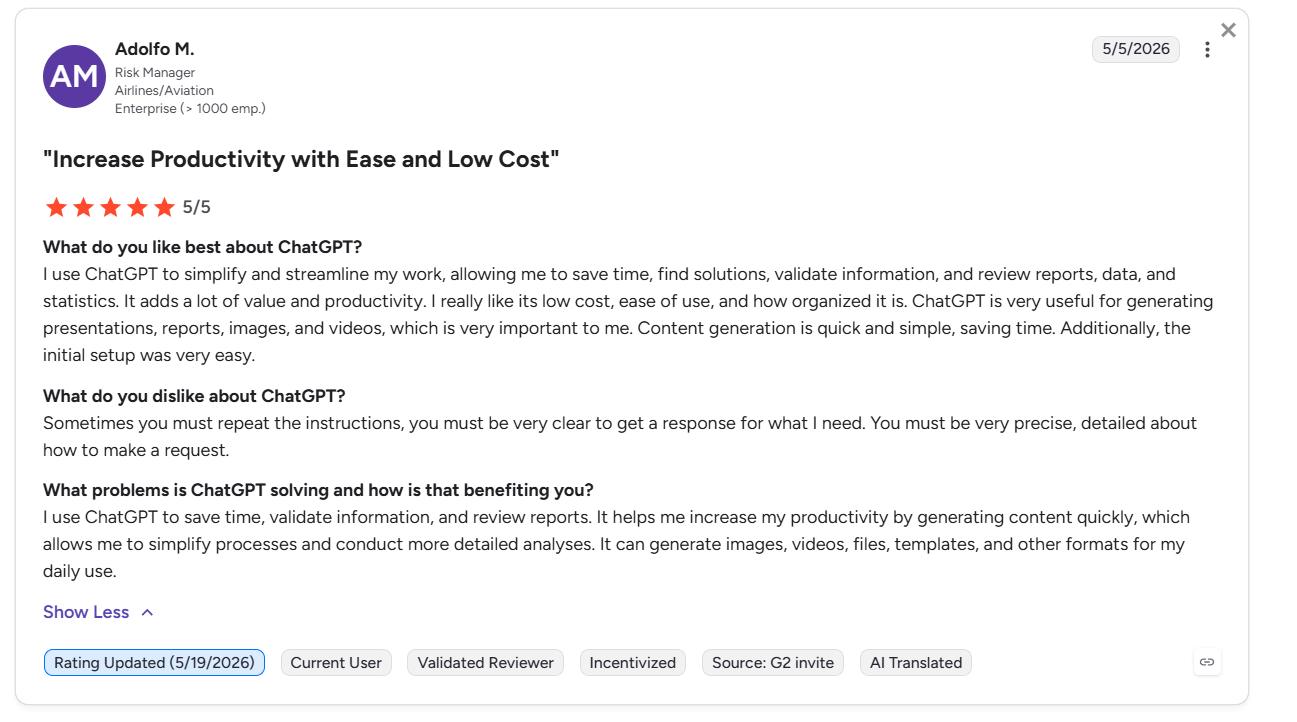
“I use ChatGPT to simplify and streamline my work, allowing me to save time, find solutions, validate information, and review reports, data, and statistics. It adds a lot of value and productivity. I really like its low cost, ease of use, and how organized it is. ChatGPT is very useful for generating presentations, reports, images, and videos, which is very important to me.” - Adolfo M., G2
Key Features
- Image generation: Produces and edits images directly from a prompt without a separate design tool.
- Advanced voice mode: Holds real-time voice conversations with natural interruption handling across devices.
- Codex system: Executes coding tasks in a sandboxed environment with GitHub integration built in.
Pros
✅ Wide feature set: Covers text, images, voice, video, and code under one $20/month subscription.
✅ Rapid prototyping: Generates working code prototypes quickly, making it fast for early-stage development.
✅ Ecosystem breadth: Offers strong support for text, images, audio, and third-party apps, with thousands of integrations available.
Cons
❌ Shallower context window: Some commonly used GPT configurations offer a smaller context window than Claude’s largest 200K-token variants.
❌ Instruction-following tradeoffs: Claude often has better output on intricate, highly constrained prompts. GPT models sometimes provide poor output from more complex instructions.
Best for
- Teams that need image and video generation.
- Developers who need to prototype new features fast.
- Non-technical users who want voice access and a large tool ecosystem.
Pricing
After the free version, ChatGPT pricing starts at $8/month.
2. Gemini: Best Claude alternative for Google
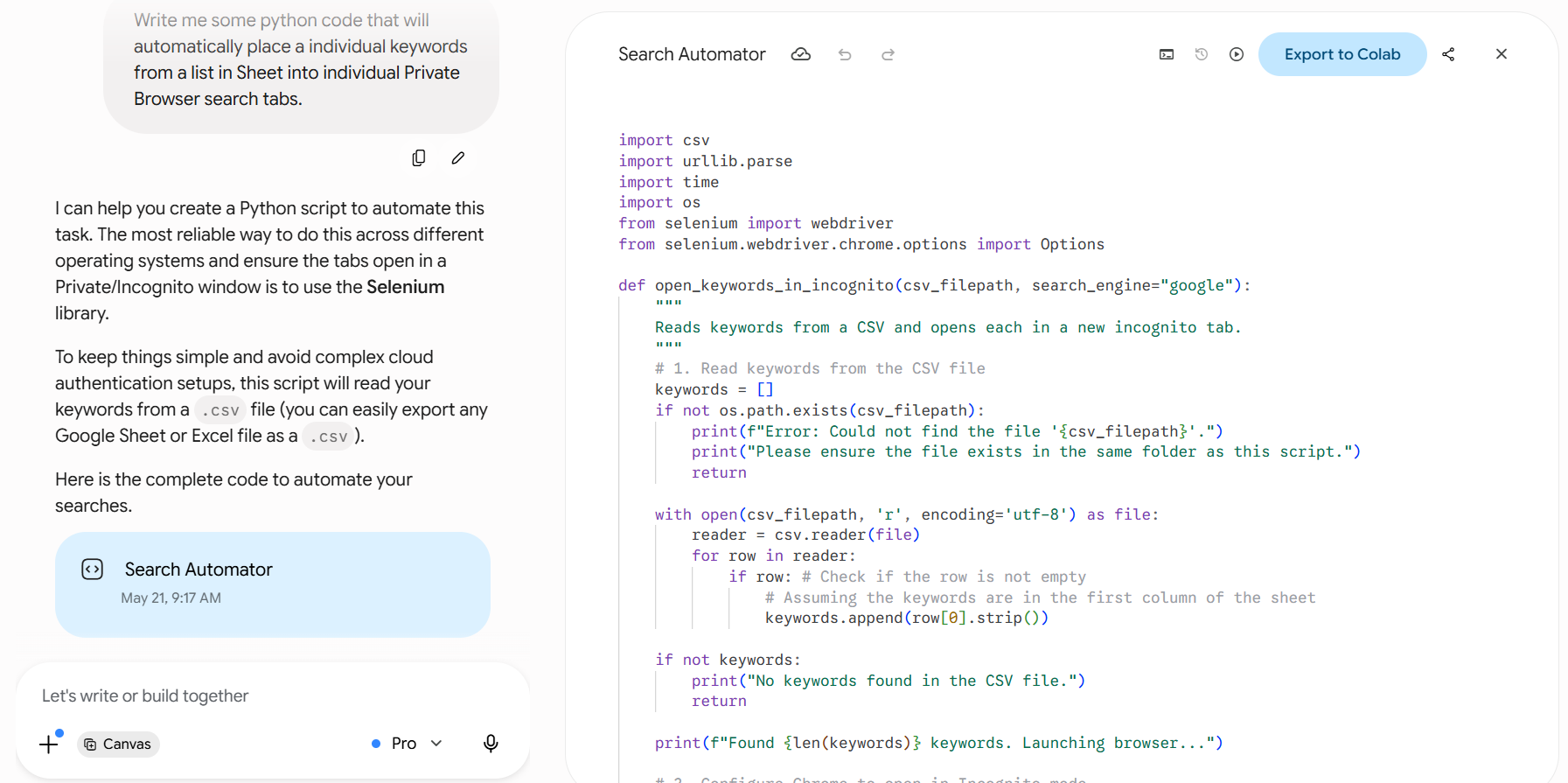
Gemini is a Claude alternative built directly into Google Workspace.
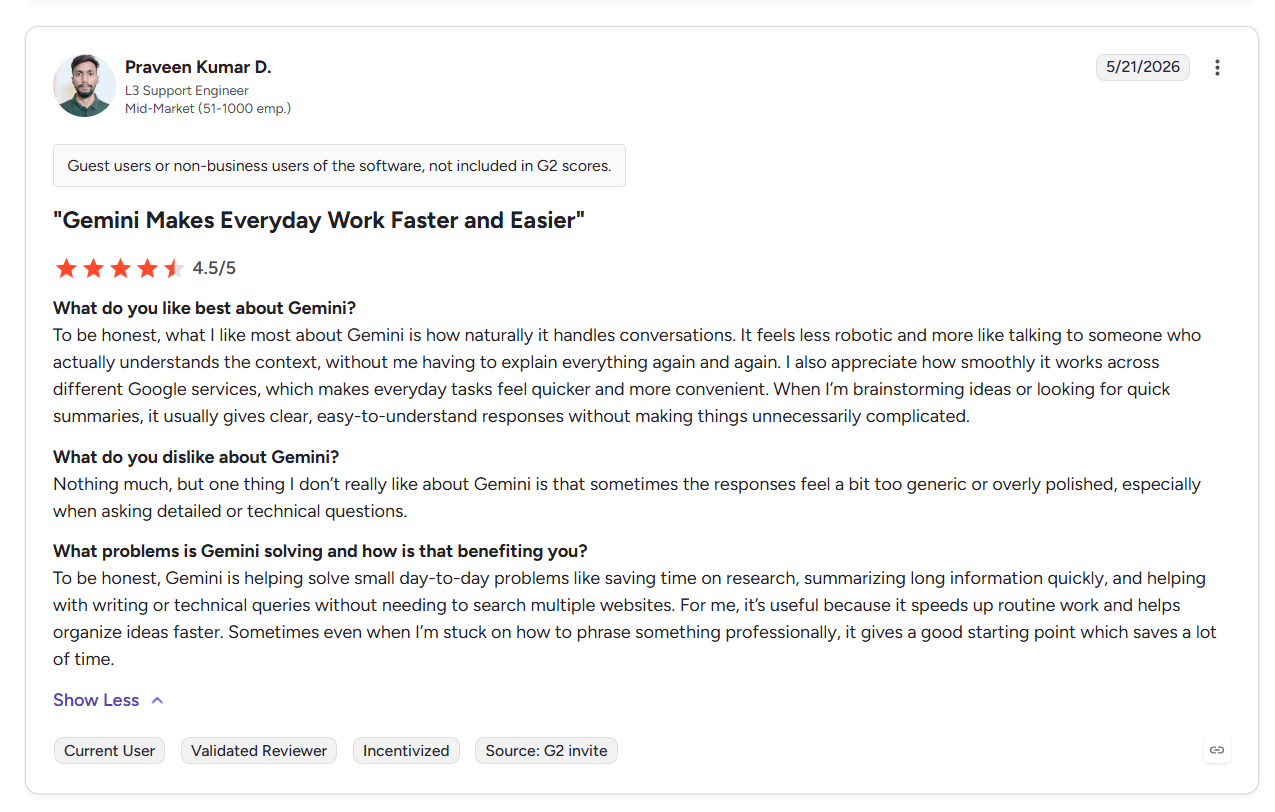
It can access your emails, documents, and data directly. You can find specific info from emails buried in your inbox and get instant help configuring Google Sheets. Gemini handles text, images, video, and audio. Users report that it’s fast and understands context.
Key Features
- Workspace integration: Reads and acts on your Gmail, Docs, Drive, and Sheets without copy-pasting between apps.
- Web research: Searches the web and synthesizes multi-source reports with citations.
- Vertex AI access: Lets enterprise teams deploy and fine-tune Gemini models directly inside Google Cloud infrastructure.
Pros
✅ Large context window: Gemini's standard 1M-token context window suits long-document processing.
✅ Competitive pricing: For API users, Gemini is significantly more cost-efficient than Claude at scale.
✅ Android integration: System-level access on Android devices means Gemini works across your phone. Just press the side button or say, “Hey Gemini.”
Cons
❌ Weaker writing quality: Claude produces more nuanced writing that holds up better under scrutiny. Gemini’s prose often feels flatter.
❌ Coding accuracy gap: Claude is more reliable for coding, with one user saying the Gemini is “more confident than it should be.” Gemini's edge only appears in Google-specific development environments like Colab or Firebase.
Best for
- Teams running entirely on Google Workspace.
- Developers building on Google Cloud or Firebase.
- Organizations already paying for Google Workspace are looking to avoid a second AI subscription.
Pricing
After the free version, Gemini pricing starts at $7.99/month.
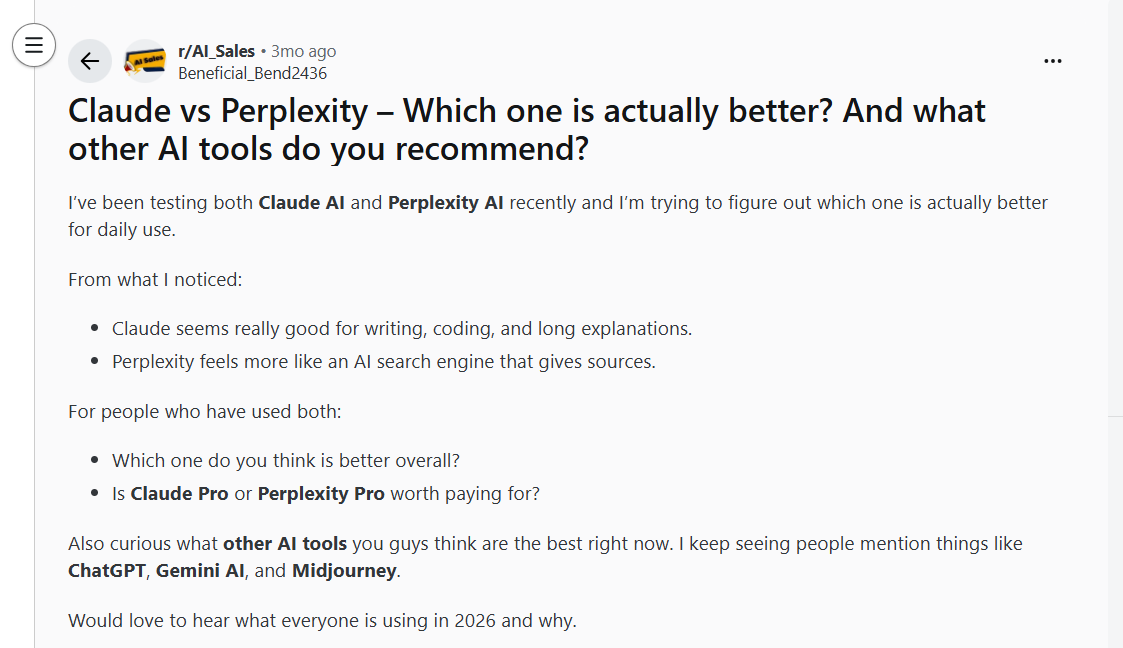
3. Perplexity: Best Claude alternative for research
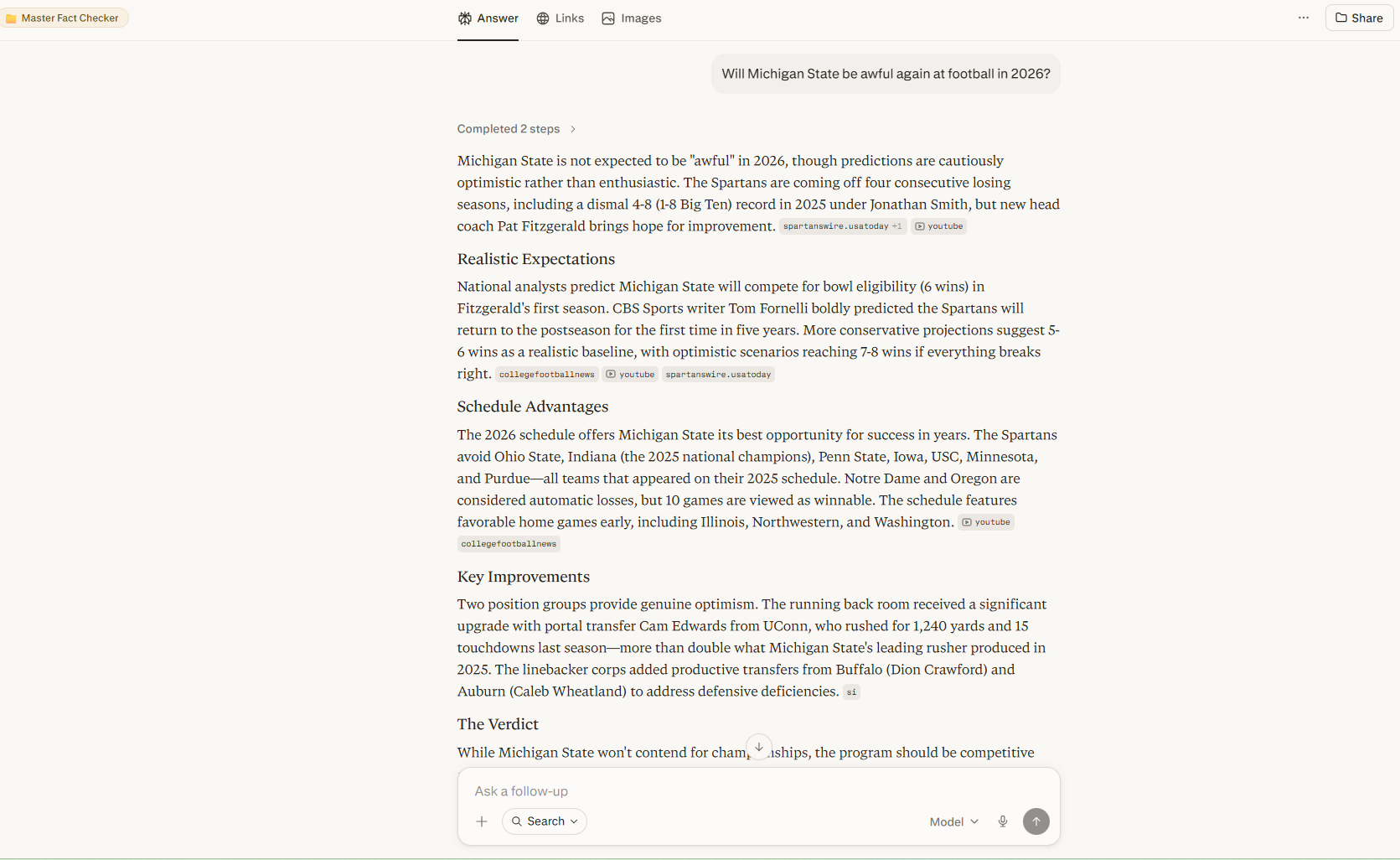
Perplexity often catches factual errors more consistently than Claude.
Claude is primarily a general-purpose model, but Perplexity’s engineers built it for fact retrieval. After a prompt, it typically searches the web against several dozen sources and cites them directly in an answer. Users rave about how it provides fast, source-backed answers rather than open-ended writing.
Key Features
- Inline source citations: Responses include inline citations that link back to sources, so you can verify claims without separate searching.
- Multi-model access: The Pro plan lets you route questions or prompts to top models like GPT‑5, Claude, or Gemini, putting you in the driver’s seat to find which model best fits the task.
- Spaces: Shared research environments where teams can collaboratively build, save, and revisit sourced knowledge bases.
Pros
✅ Citation transparency: Perplexity supports prompts with clickable sources, which cuts fact-checking time on high‑stakes content.
✅ Real-time answers: Uses live web search for most queries, so answers can reflect current information instead of being limited to a fixed training cutoff.
✅ Functional free tier: The free tier comfortably covers most daily lookup tasks, which lets you test Perplexity before committing to a paid plan.
Cons
❌ Weak writing output: Often outputs long, complex sentences when given writing tasks. Perplexity isn’t a good Claude or ChatGPT alternative for writing-heavy workflows.
❌ No persistent memory: Thread management is fragmented, so users working on multi-session projects need external notes to maintain continuity.
Best for
- Journalists and analysts who need a fact-checking tool.
- Researchers who need to find academic sources.
- Teams fact-checking content before publishing.
Pricing
After the free plan, Perplexity pricing starts at $17/month (when billed annually).
4. Microsoft Copilot: Best Claude alternative for Microsoft
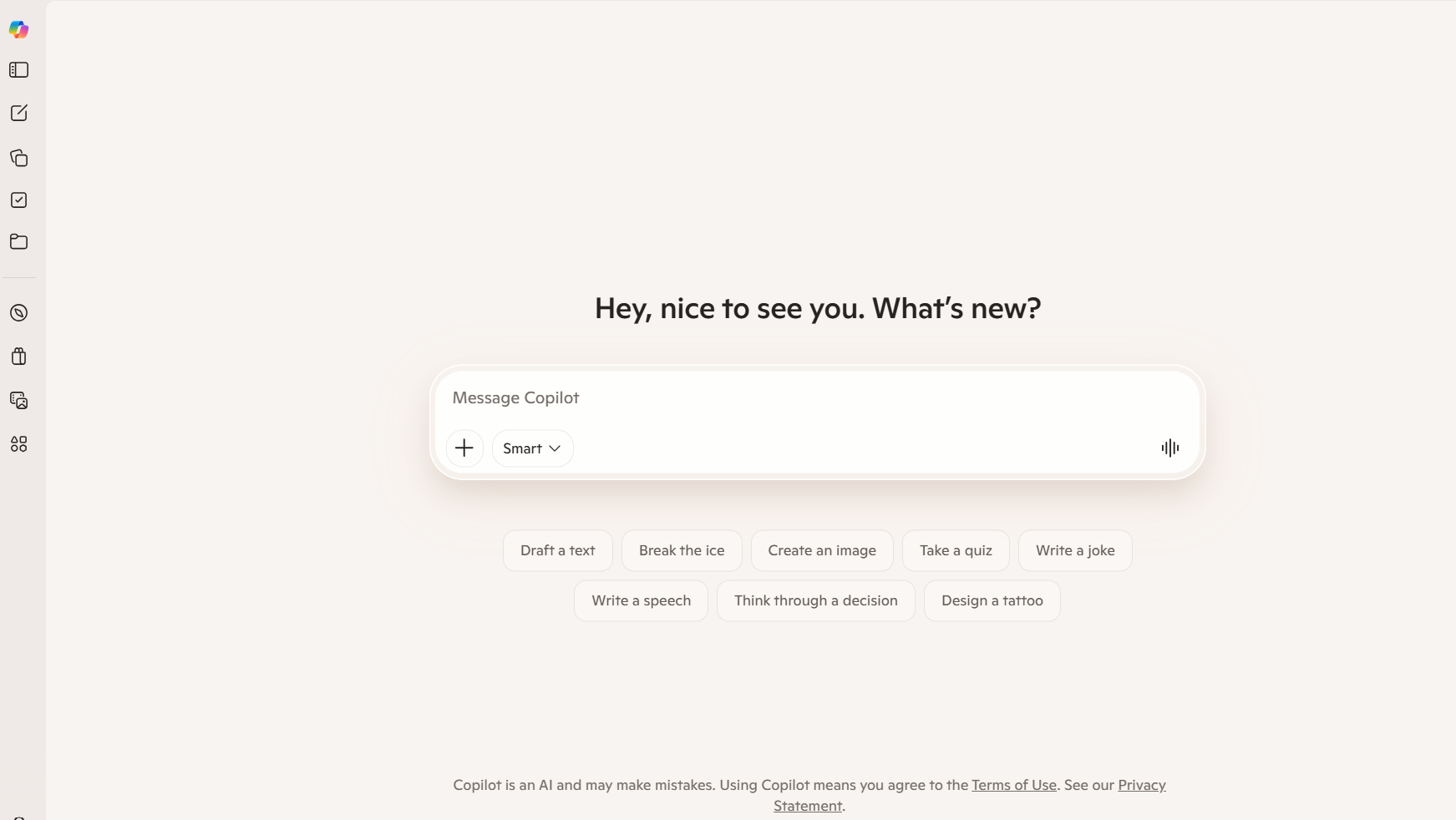
Copilot is the go-to Claude alternative if you spend most of your workday in the Microsoft ecosystem.
It embeds directly into Microsoft apps like Word, Excel, PowerPoint, Outlook, and Teams. Copilot summarizes meetings and generates charts from spreadsheet data. It can also handle email responses and scheduling, all without leaving Microsoft.
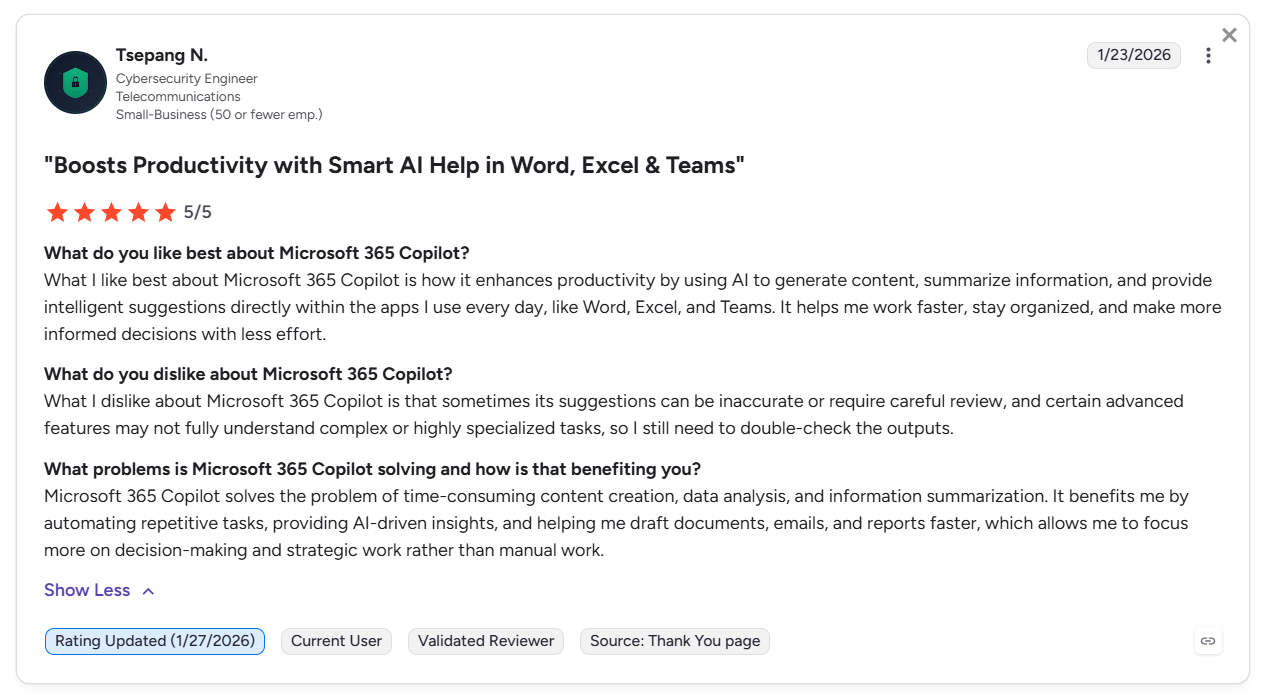
Users highlight how Copilot reduces busywork like email writing and pulling document insights, and the convenience it brings from being right inside Outlook, Teams, Word, and Excel.
Key Features
- Teams meeting summaries: Transcribes and summarizes meetings with action items so attendees stay aligned.
- Excel data insights: Analyzes spreadsheet data and generates charts on request, reducing the need to manually build visualizations.
- Microsoft Graph connection: Accesses your organization's emails, documents, and calendar data to generate contextually relevant outputs.
Pros
✅ Zero context-switching: Copilot runs inside M365 apps directly, saving time and reducing the number of tools open.
✅ Meeting coverage: Captures and summarizes Teams meetings. For this capability, Claude typically requires third-party integrations.
✅ Org data access: Pulls context from your organization's actual documents and emails via Microsoft Graph, not just public information.
Cons
❌ Output ceiling: Some users note Copilot's complex reasoning or long-form writing capabilities don't match ChatGPT for sophisticated output or Claude for coding and debugging.
❌ Requires M365 license: Copilot can’t be purchased as a standalone product. You’ll need a Microsoft 365 base license.
Best for
- Teams running entirely on Microsoft 365.
- Roles that live in Outlook, Teams, and Excel daily.
- Teams wanting to avoid managing a separate AI subscription alongside M365.
Pricing
Organizations need an existing M365 or Office 365 license to access Copilot features. Business plans start at $18/month per user, billed annually.
5. Lindy: Best AI assistant Claude alternative
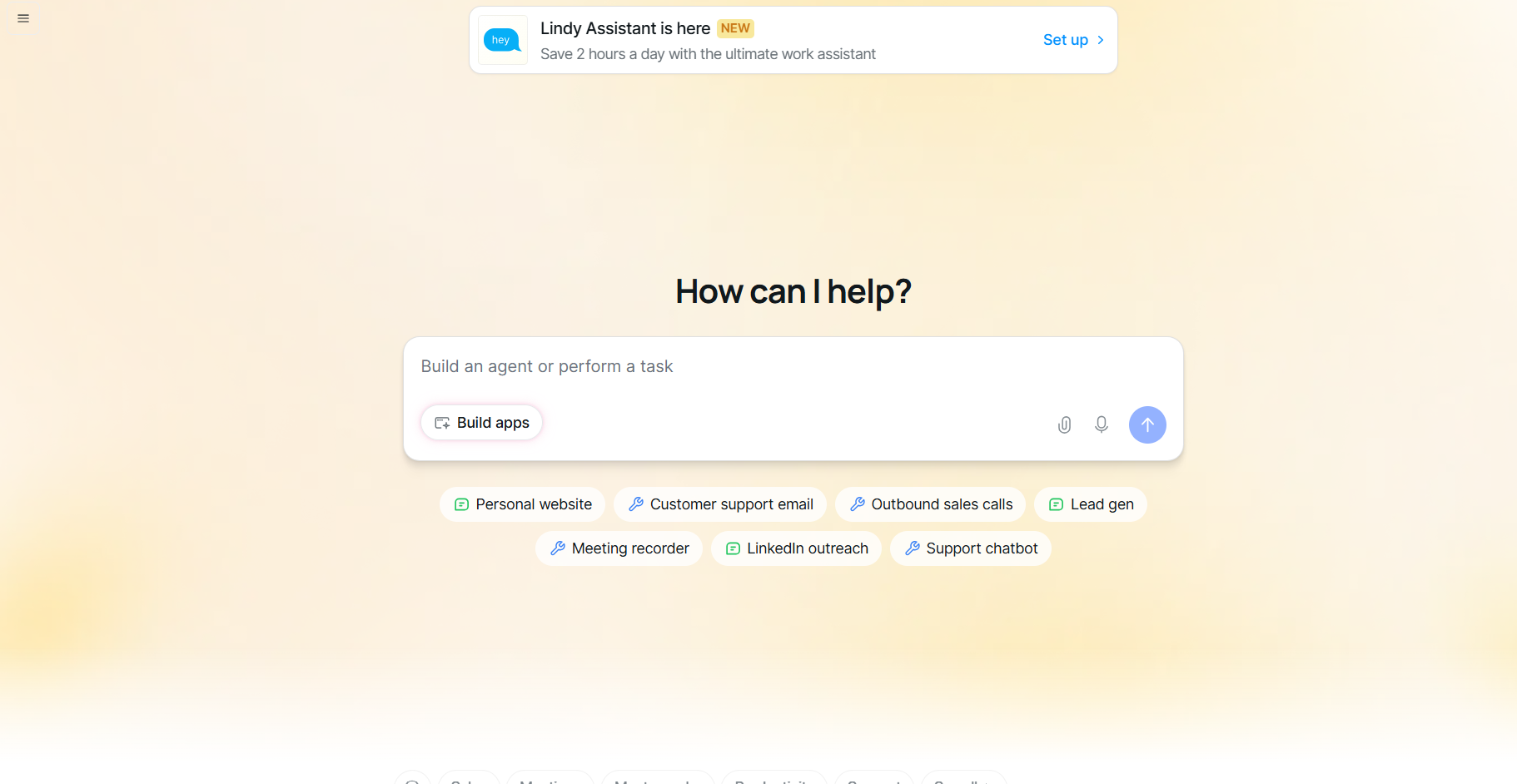
Lindy acts as the AI assistant you text to handle tasks across tools like email, calendar, and CRM platforms.
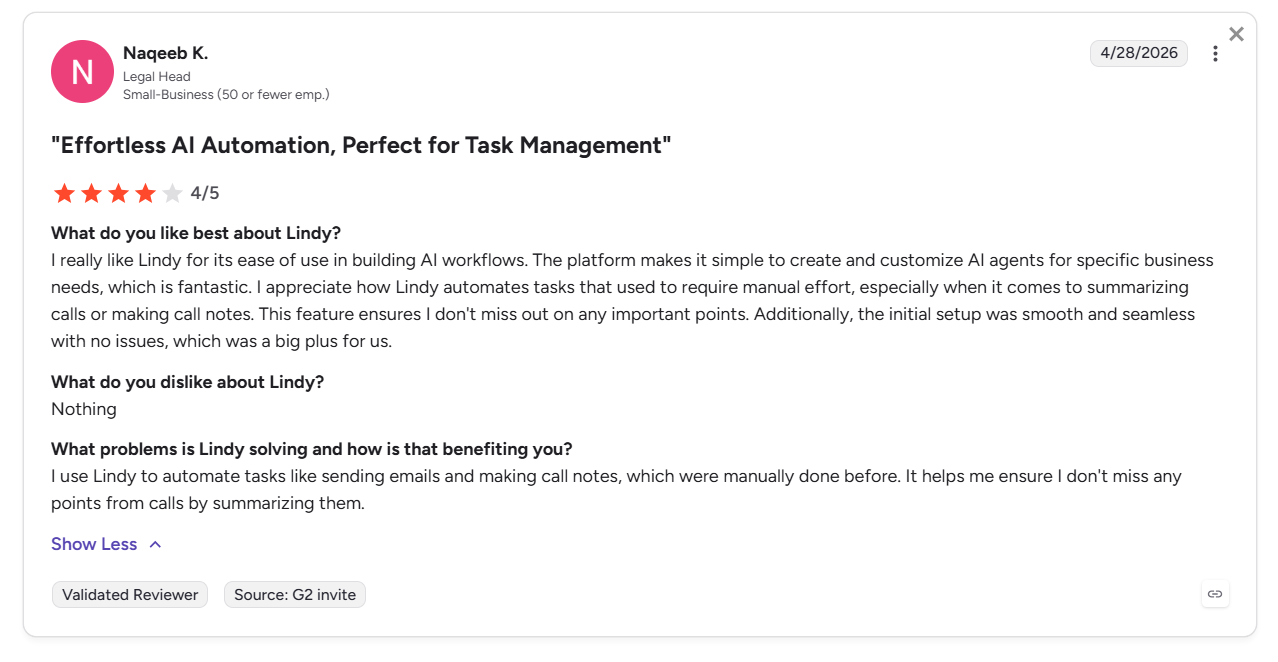
You can command Lindy by sending it a text. It handles tasks across multiple apps instead of acting like a basic chatbot. This makes Lindy an excellent Claude alternative for folks already using tons of different tools for work or personal tasks. A G2 user noted that it’s user-friendly and very easy to set up. If you want to create your own conversational agent, read our guide on how to make an ai chatbot.
Key Features
- Plain English setup: Give Lindy instructions in natural language so it can handle tasks without technical setup. For developers seeking automated software development workflows, specialized ai coding agents can assist with writing and debugging code.
- Email triage: Reads, prioritizes, and drafts replies to incoming emails based on rules you define in natural language
- Meeting intelligence: Records, transcribes, and extracts action items from calls, then pushes them directly into your CRM or project tool
Pros
✅ Fast deployment: Offers quick setup and the ability to integrate with other apps without technical help.
✅ Enterprise security: SOC 2 Type II certified, HIPAA and PIPEDA compliant, with AES-256 encryption.
✅ Skill library: Hundreds of pre-built Skills for common roles like executive assistant, sales rep, and support.
Cons
❌ Unpredictable credit costs: A multi-step action can consume nearly 300 credits, depleting a Pro plan's monthly allowance quickly.
❌ More assistant than LLM: Lindy focuses more on task execution than deep long-form reasoning or analysis.
Best for
- Freelancers in need of email organization, meeting recording, and note-taking.
- Sales teams who need assistance with lead research, outreach, and CRM updates.
- Professionals who want tasks completed across multiple apps.
Pricing
After the 7-day free trial, Lindy’s pricing starts at $49.99/month.
{{templates}}
6. Grok: Best Claude alternative for trends
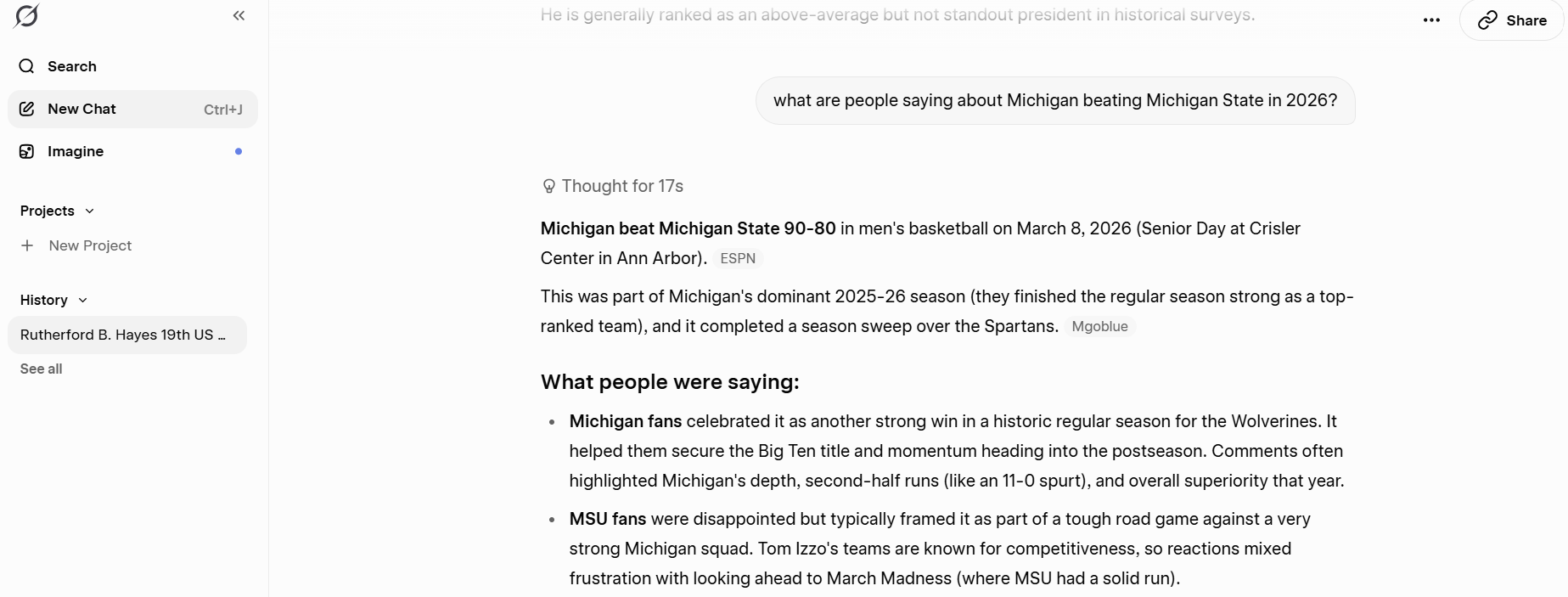
Grok is the only Claude alternative with direct access to X's (Twitter’s) full live data stream.
By connecting directly to the X platform firehose, Grok can analyze what people are currently posting about on any topic, almost instantly. For trend analysis, real-time sentiment research, and breaking news as it unfolds on X, this capability has no equivalent in ChatGPT, Claude, or Gemini.
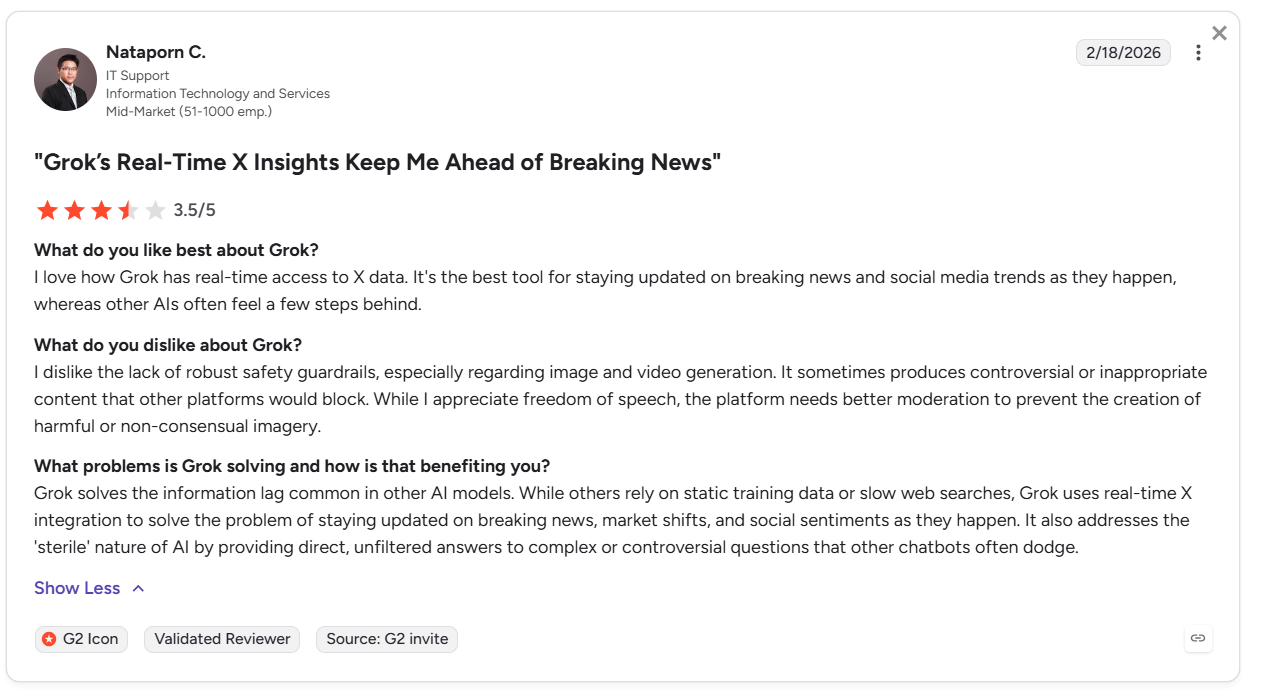
The tool gets user praise for staying updated on breaking news and trends as they happen on X.
Key Features
- Live X data access: Searches the full X public stream in real time, returning current sentiment.
- Grok Imagine: Generates images and video directly in chat, covering visual content needs alongside text.
- Big Brain mode: Activates extended reasoning for complex multi-step problems requiring deeper analysis.
Pros
✅ Unmatched social data: Real-time access to X data and live web search is Grok’s most meaningful competitive advantage.
✅ Bundle available: X Premium at $8/month gives increased Grok access alongside X platform features.
✅ Less filtered outputs: Deliberately less cautious than Claude or ChatGPT, which is useful for users who regularly hit refusals on edgy or contested topics.
Cons
❌ X dependency: Users who aren’t heavy X users get limited benefit.
❌ Limited media support: Image features only work with certain model versions, and its audio and video analysis tools are still behind GPT and Claude when handling complex documents and media.
Best for
- Journalists and researchers monitoring breaking topics on X.
- Brand and PR teams tracking real-time sentiment on X.
- Crypto and finance analysts following X-driven market signals.
Pricing
Grok pricing starts at $10/month.
7. Poe: Best Claude alternative for comparing models

Poe gives you access to Claude, ChatGPT, and Gemini under one subscription.
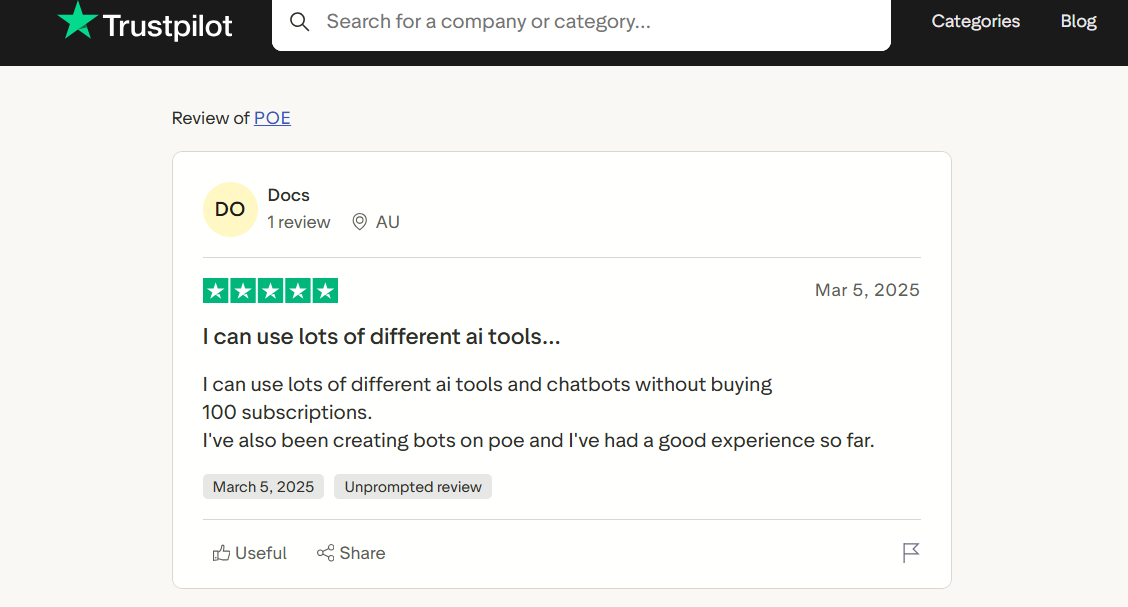
Built by Quora, Poe combines Claude Sonnet, GPT-4, Gemini Pro, Grok, and many others. You can switch between models during a conversation, compare answers using the same prompt, and create custom bots without coding. Poe gets good user reviews for providing a tool that lets them access different tools without committing to many subscriptions.
Key Features
- Side-by-side comparison: Sends the same prompt to multiple models simultaneously so you can evaluate outputs.
- Custom bot creation tool: Creates specialized assistants using any available model with a no-code interface and shareable links.
- Cross-platform sync: Runs on iOS, Android, Mac, Windows, and web with conversation history synced across all devices.
Pros
✅ Cost consolidation: One subscription replaces separate Claude, ChatGPT, and Gemini subscriptions that would cost $60+/month combined.
✅ Fast model availability: Poe offers fast rollout of new models and generally smooth setup for new integrations.
✅ Generous free tier: It provides 150 free messages or 3,000 points per day, covering casual multi-model testing before committing to paid.
Cons
❌ Model access isn’t full: You always get a slightly reduced version of each model, such as fewer messages and less integration depth than a direct subscription.
❌ No deep integrations: Poe doesn’t natively connect to your files, email, calendar, or workspace tools. It’s just a chat interface.
Best for
- Anyone testing which AI model fits their day-to-day before committing
- Developers comparing code outputs on the same prompt for evaluation
- Budget-conscious users who want Claude and GPT without two separate bills
Pricing
Poe has a free version. Plans for advanced tasks start at $4.99/month.
8. Jasper: Best Claude alternative for writing
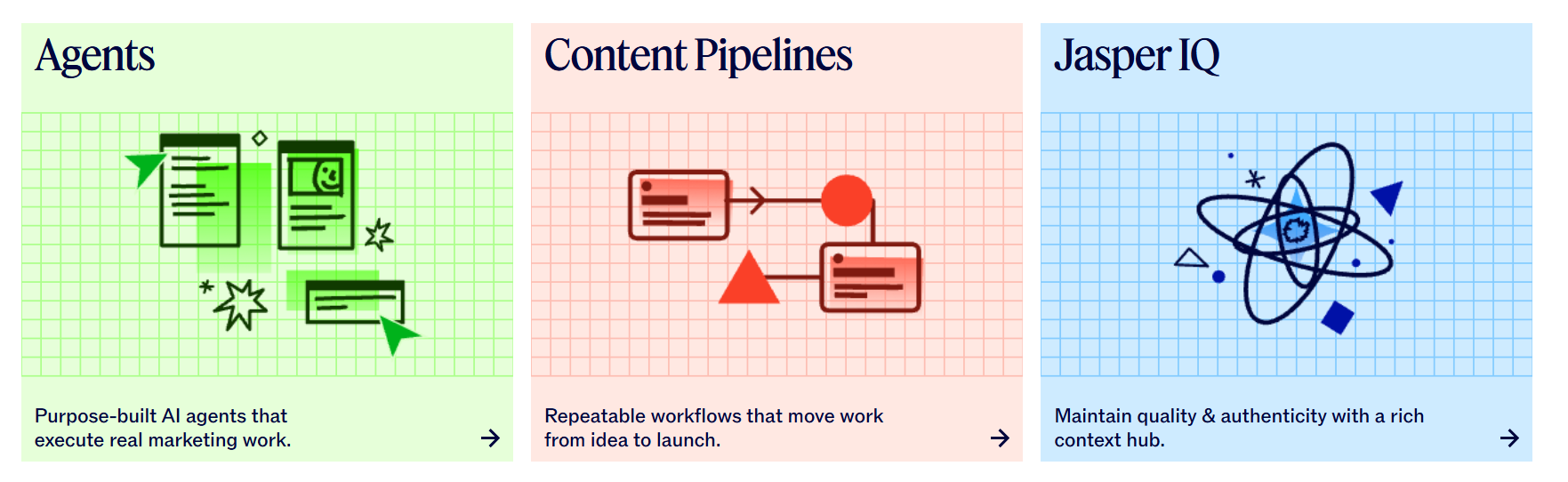
Jasper specifically suits marketing teams producing branded content at volume.
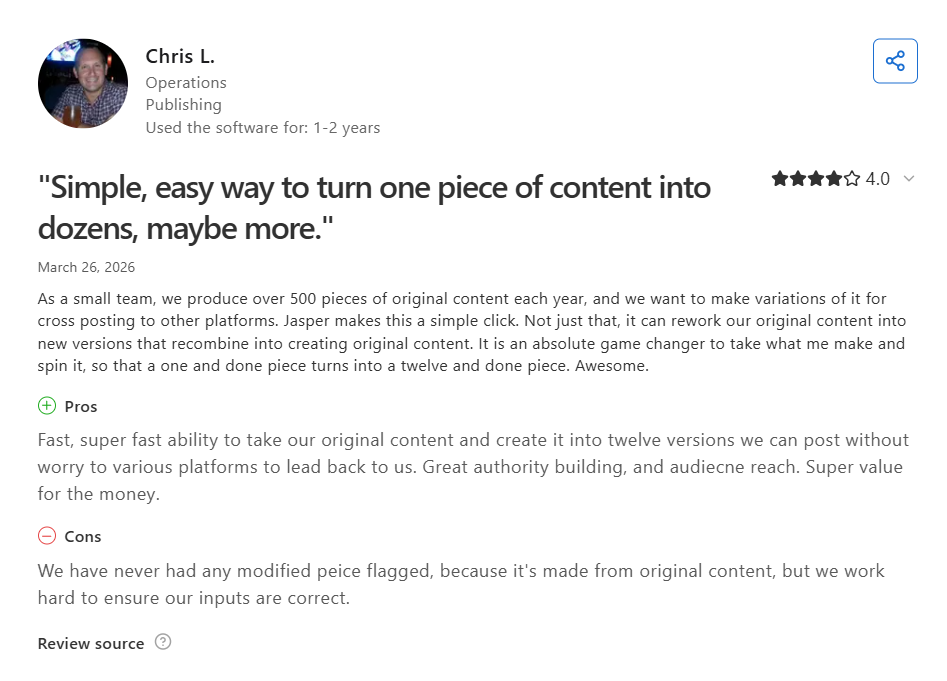
Claude is a general-purpose writing assistant, but Jasper is a purpose-built text generator. It combines AI writing with Brand Voice training and collaboration features for marketing teams. Jasper fits teams that produce marketing content daily and need a consistent brand voice across blogs, social posts, and email campaigns.
Users say Jasper is a super-fast content generator and an AI tool that’s primarily built for marketers and agencies, not casual writers. Comparing its speed and features can help teams determine the best ai text generator for high-volume content creation.
Key Features
- Knowledge assets: Stores product information, audience profiles, and messaging guidelines so every output accurately reflects your brand.
- Surfer SEO integration: Combines AI writing with SEO optimization scoring inside the same editor, removing the need to switch tools.
- Campaign coordination: Handles content production across ads, emails, blogs, and social posts inside one shared workspace.
Pros
✅ Brand consistency at scale: Applies trained voice and messaging across multiple writers and content types without manual review of every piece.
✅ Marketing-specific templates for fast content creation: Offers marketing-specific templates to create social posts, articles, and Google Ads.
✅ Unlimited word output: All paid plans include unlimited word generation with no per-word caps for high-volume campaigns.
Cons
❌ Steep price premium: At $69/month per seat, Jasper costs more than Claude Pro for capabilities that matter only to marketing teams.
❌ No general-purpose depth: Jasper doesn't match Claude in reasoning, analysis, or coding. It's a writing tool, not an AI assistant
Best for
- Marketing teams publishing branded content across multiple channels.
- Agencies managing content production for several clients with distinct voices.
- Content leads standardizing output quality across a team of writers.
Pricing
After Jasper’s free 7-day trial, pricing starts at $69/month per seat.
9. Meta AI: Best Claude alternative for casual use

Meta AI is the Claude alternative already installed on billions of phones because it runs on Facebook, Instagram, and other Meta apps.
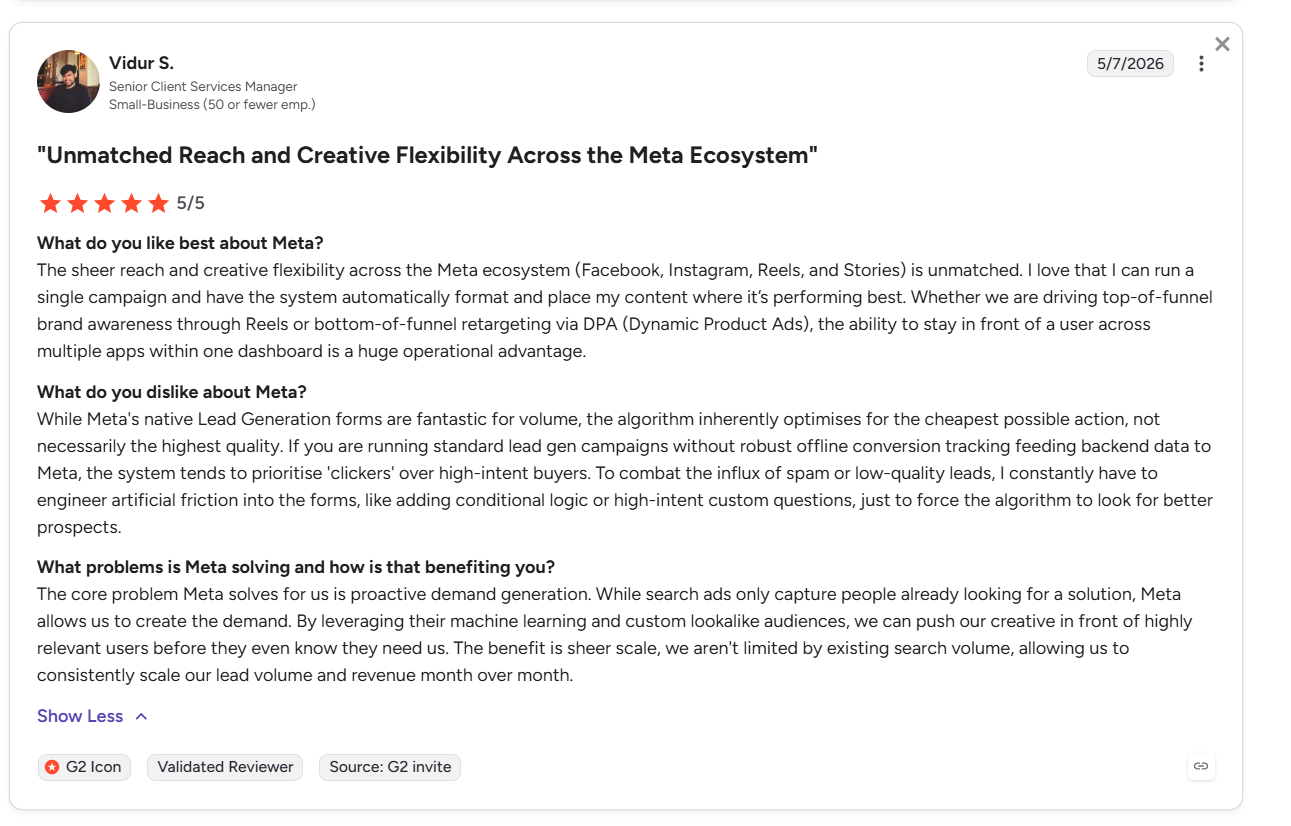
Powered by the Llama 4 model family, Meta AI is embedded directly into WhatsApp, Instagram, Messenger, and Facebook. Users can access it from the existing search bar of each app without downloading anything new. It handles conversational Q&A and image generation, free of cost.
Users find the AI convenient with a good performance on mobile and desktop.
Key Features
- Cross-app memory: Remembers preferences and context from past conversations to personalize responses over time across different platforms.
- Web-grounded answers: Retrieves current information from the web to supplement Llama 4's training data on time-sensitive queries.
- Voice interaction: Supports spoken conversation on mobile devices and Meta Ray-Ban glasses.
Pros
✅ Completely free: Conversation, image generation, translation, and memory are currently free with no usage caps for consumer accounts
✅ Zero onboarding: Anyone with a WhatsApp, Facebook, or Instagram account already has access.
✅ Broad global reach: Meta AI supports 100 languages, making it one of the most accessible AI tools.
Cons
❌ No document or file analysis: File uploads, document analysis, and code execution don’t exist on Meta AI.
❌ Data privacy trade-off: Meta may use your Meta AI conversations to train its AI models unless you actively opt out.
Best for
- Casual users who want quick answers without a new subscription.
- WhatsApp, IG, and Facebook-heavy users wanting AI without leaving the app.
- Social media users generating images directly inside Instagram or Facebook.
Pricing
Meta AI is free if you have a Facebook, IG, WhatsApp, Threads, or Messenger account.
10. Pi: Best Claude alternative for conversation
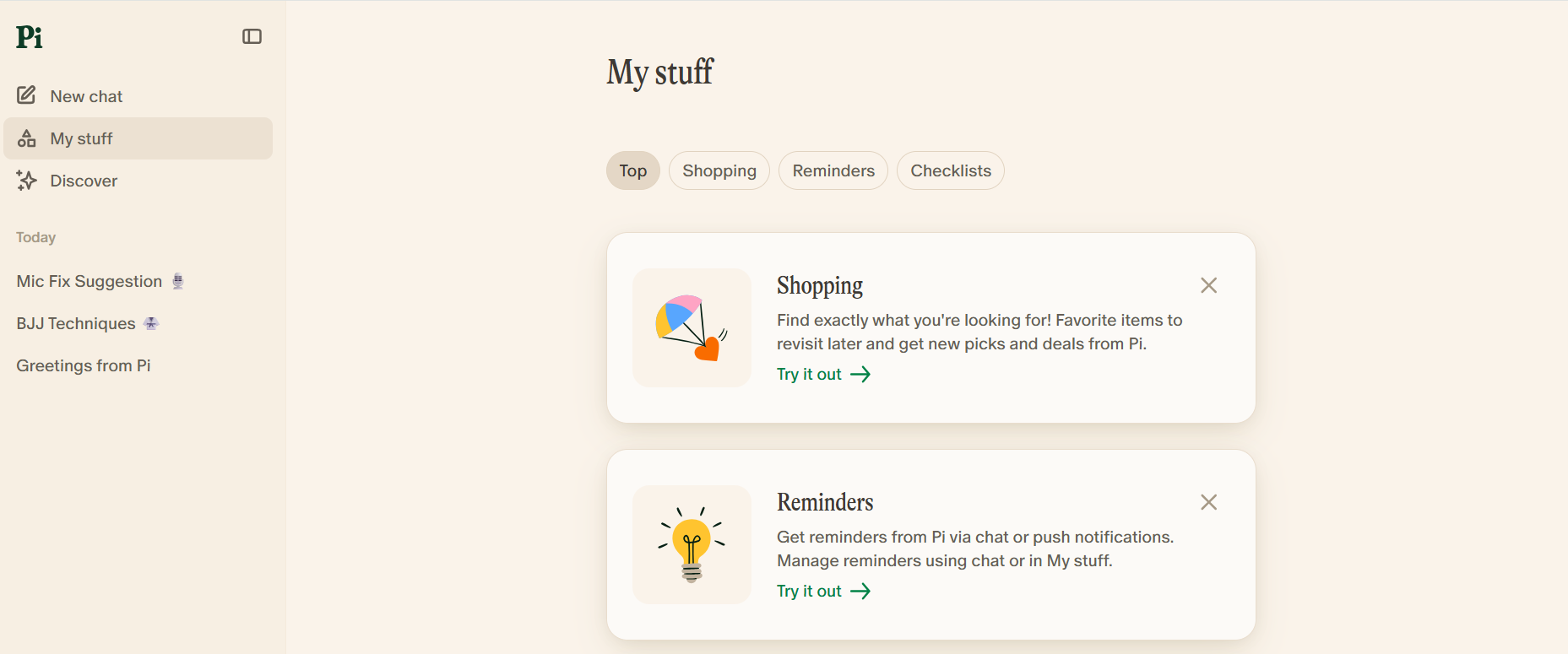
Pi is a voice AI that focuses on conversation quality rather than task completion.
Built by Inflection AI, Pi focuses on empathetic and context-aware dialogue. It's designed for people who want feedback about decision-making, difficult situations, or simply have a thoughtful exchange. Pi prioritizes human connection and emotional understanding over task completion.
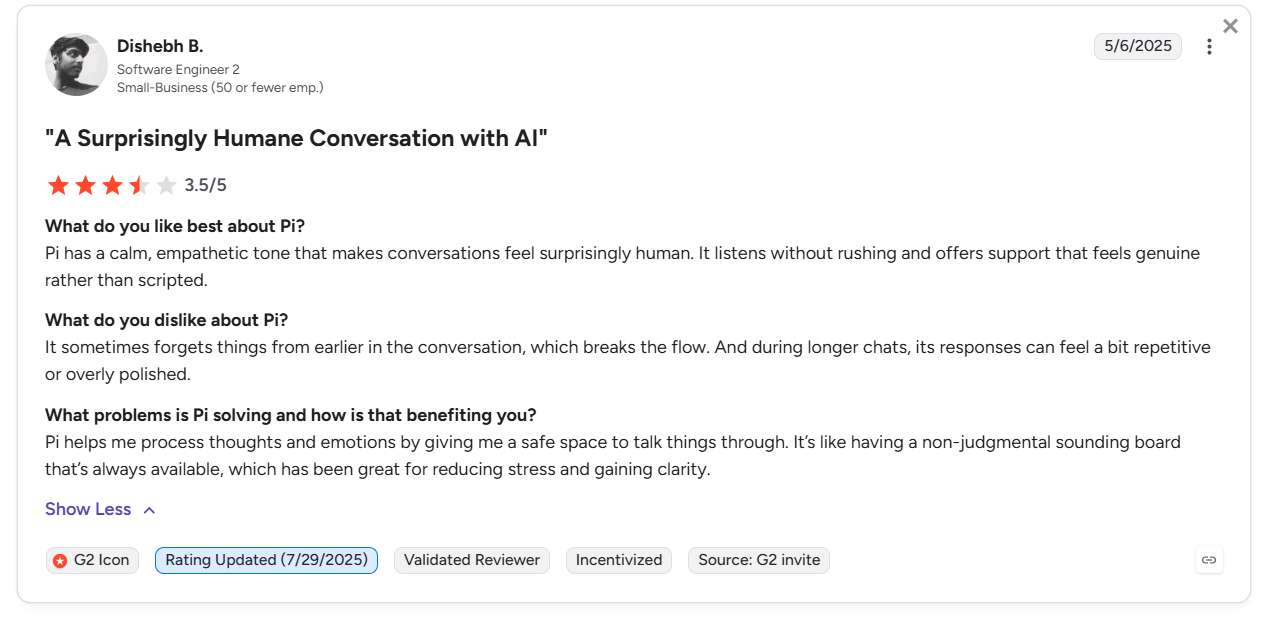
Pi’s users say it’s a great AI for companionship and has a strong, empathetic tone.
Key Features
- Voice call mode: Lets users speak directly to Pi on iOS and Android, with eight voice options that make interactions feel less robotic.
- Cross-platform availability: Accessible via web, iOS, Android, WhatsApp, Instagram DM, Telegram, Discord, and SMS.
- Reflective conversation style: Asks follow-up questions and adapts to your tone rather than delivering one-shot answers and waiting for the next prompt.
Pros
✅ Completely free: All features, such as unlimited conversation, voice mode, and cross-platform access, are available at no cost with no usage caps.
✅ Zero signup friction: Users can start chatting anonymously on pi.ai without creating an account.
✅ Broad platform reach: Available across 13+ platforms, including SMS and messaging apps, making it accessible without a dedicated app download
Cons
❌ Not a productivity tool: Pi doesn’t write documents, analyze files, execute code, or handle structured tasks.
❌ Uncertain product roadmap: After Inflection AI's pivot toward enterprise B2B products, Pi's long-term development trajectory as a consumer product is unclear.
Best for
- People processing difficult decisions or life situations.
- Anyone who finds Claude too formal or task-focused for personal use.
- Language learners who want a free conversation partner.
Pricing
Pi is free.
{{cta}}
How to evaluate each Claude alternative
Before you select a Claude alternative, jot down the tasks you want to complete. Shortlist 2 or 3 platforms from this list, and see how those features fit with your goals. Consider the following about each tool:
- Output quality for your needs: Not every AI model handles writing, reasoning, or coding equally well. Test the same prompt across the 2 or 3 tools that you’ve selected before deciding.
- Usage limits and reliability: When you hit usage limits, some tools slow down responses, some temporarily block access, and others charge extra based on token usage. Know exactly what happens when you reach limits so you don’t run into unpleasant surprises.
- Integration support: Copying and pasting between apps creates extra work that adds up over time. Look for tools that connect directly with the platforms you already use, such as Google Workspace, Microsoft 365, Slack, or your CRM.
- Support for images, voice, and documents: If you work with images, audio, video, or large documents, make sure the tool can handle those directly.
Evaluating platforms together allows you to understand limitations. Running 5 or 6 tasks through each platform will help reveal the strongest option.
Try Lindy for task management and business support
Lindy is the assistant you text to handle work across apps like email, calendar, CRM, and support tools. Just send Lindy a text and watch it save your time.
Here’s what makes Lindy stand out among Claude alternatives:
- No-code setup for non-technical users: You don't need a developer to build with Lindy. Its setup tools let you give instructions in plain English and connect apps without coding.
- Handles repeatable tasks: Give Lindy instructions in everyday language, and it handles the work. It can find qualified leads, send personalized outreach emails, and help schedule meetings. Then, it will schedule meetings directly with your sales team.
- Built to scale: Start using Lindy's 7-day free trial. Upgrade to Pro to access even more monthly tasks.
Frequently asked questions about Claude alternatives
What is the best free Claude alternative?
The best free Claude alternative is Meta AI, which you can access if you already have a Facebook, Instagram, WhatsApp, Threads, or Messenger account. Meta AI answers questions and generates images. If you don’t have a Meta account, try Pi, though it’s a conversational AI only.
What is the best Claude alternative?
The best Claude alternative is ChatGPT. It combines text, image generation, voice, and code under one plan that ranges from $8 to $20 per month. For Google Workspace users, Gemini offers comparable features with tighter native integration. Plus, Gemini can work inside Google Workspace and help you accomplish tasks in Gmail and Sheets.
Which Claude alternative works best for business tasks?
Lindy is a Claude alternative that works best for business tasks. It integrates with hundreds of apps and can handle email triage, meeting summaries, and CRM updates. For Microsoft users, Copilot is a strong pick. Copilot summarizes Teams meetings and drafts Excel reports inside Microsoft 365 apps.










