9 Best Gemini Alternatives I Tested for Price and Limits


I tested nine Gemini alternatives after a frustrating experience reviewing a 60-page vendor contract. Gemini caught several clauses that conflicted with our security policy, but its answers deteriorated as I asked follow-up questions. By the fourth question, I noticed the model had changed after I reached my usage cap.
I wanted to see which AI assistants could handle research, document analysis, and daily tasks more reliably. ChatGPT and Claude were my strongest overall picks. Perplexity worked well for cited research, Microsoft Copilot suited Office workflows, and Proton Lumo offered a privacy-focused option.
I'll break down what each tool does well, what it costs, and where it falls short.
9 Gemini alternatives at a glance
- ChatGPT: Best for freelancers, marketers, and founders who want one app for writing, voice, and images
- Claude: Best for writers, analysts, and developers working with long documents or code
- Grok: Best for journalists and social media managers tracking X in real time
- Perplexity: Best for researchers and students who need sources
- Microsoft Copilot: Best for Office workers on Microsoft 365
- Mistral Vibe (formerly Le Chat): Best for freelancers and small teams on a budget
- DeepSeek: Best for students and developers who want free chat
- Llama: Best for engineers and IT teams hosting their own models
- Proton Lumo: Best for consultants and journalists handling sensitive notes
How I tested the best Gemini alternatives
I gave all nine tools the same core tasks, then tried each one on the job it's built for. The shared tasks were: summarize a 40-page PDF, write a customer email in two tones, debug a 60-line Python script, research a question with sources, and explain their chat storage policies.
I started with each tool's free plan, then tested a paid plan for a week wherever one existed. DeepSeek has no paid chat plan, and Llama needed a rented cloud GPU server because you host it yourself.
I evaluated each Gemini alternative on five criteria:
- Answer quality: Did it accurately summarize the PDF, follow writing instructions, and fix the Python bug?
- Usage limits: How quickly did I hit the free cap, and did the tool restrict access or change models?
- Pricing: How much would I need to pay for higher limits and reliable access?
- Integrations: Could it work with my existing apps, files, and workflows?
- Privacy: How does the provider store conversations, and does it use them for model training?
I paid closest attention to usage limits and model consistency, since Gemini had switched models midway through my document review. I also checked each provider's official pricing page and noted monthly prices wherever the vendor lists them.
Why look for a Google Gemini alternative?
Most people leave Gemini for one of five reasons. Here’s what I heard most often, and what I ran into myself:
- The best model sits behind a paid plan: Gemini 4 Argon is Google’s newest model, and the free app doesn’t include it. You need Google AI Pro or Ultra to use it.
- Limits are compute-based: Usage refreshes every five hours up to a weekly cap. Once paid users hit the cap, Gemini drops them to its smallest model, Flash-Lite. A long document session can run into that wall fast.
- Price climbs quickly: Google AI Pro costs $19.99 per month, and Google AI Ultra starts at $99.99 with a $199.99 tier above it.
- Google lock-in: Plans bundle storage, YouTube Premium Lite, and Gemini inside Gmail and Docs. Those extras help people who live in Google apps and add little for everyone else.
- Answer style and privacy: Some people simply prefer how another assistant writes or explains code, and others don’t want chats tied to a Google account.
Gemini alternatives: Quick shortlist
Gemini alternatives from the major AI labs
These three come from the big model makers. They compete with Gemini head-on for everyday writing, coding, and analysis.
1. Best for the Widest Set of Tools
ChatGPT: What is it?
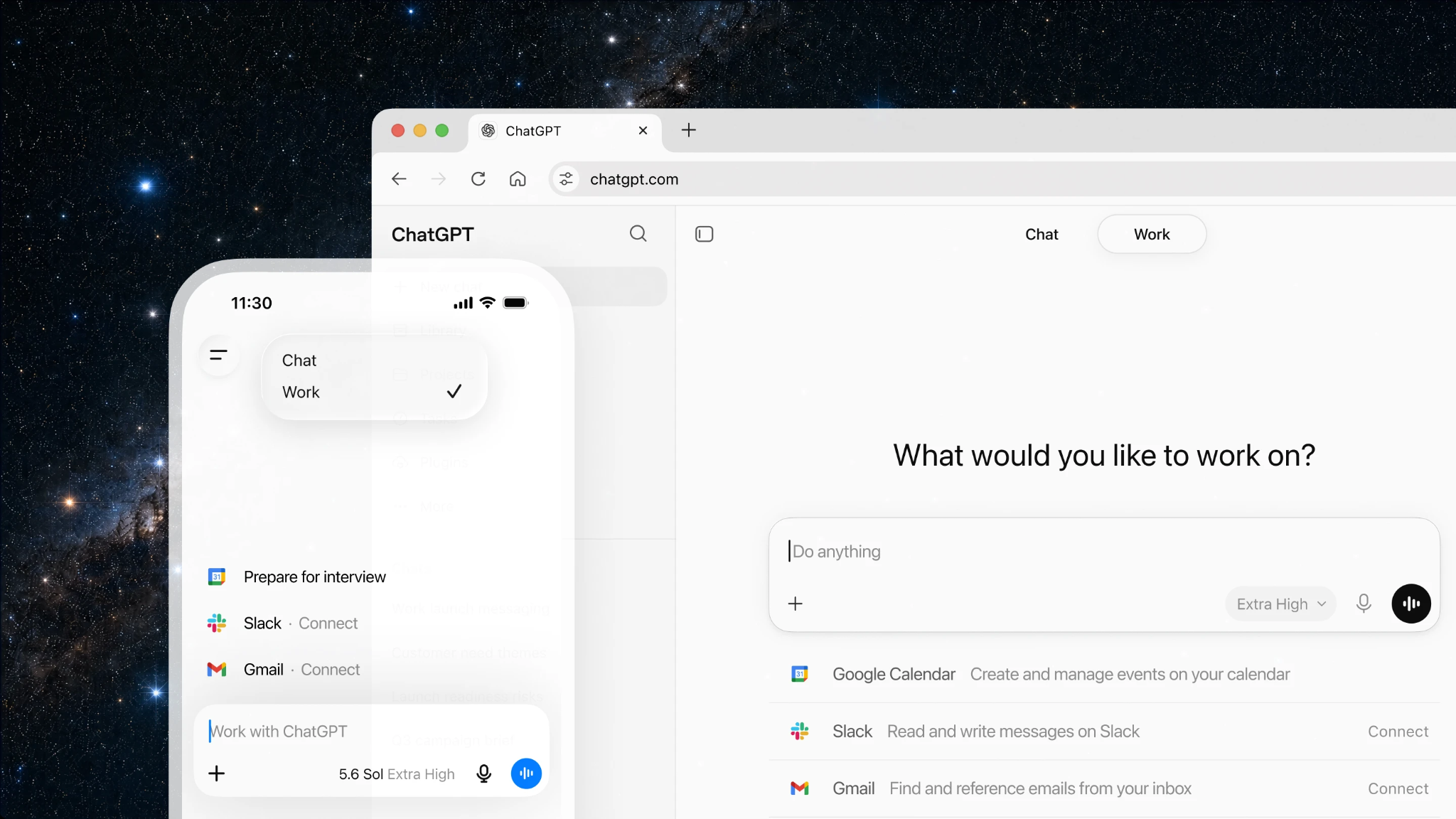
ChatGPT is OpenAI’s assistant, with chat, voice, image generation, deep research, and a large catalog of connected apps. Plus runs GPT-6 Sol, and the free plan runs a lighter model called Luna.
Best for: Freelancers, marketers, and solo founders who want one app for writing, voice chat, image creation, and coding.
Key difference from Gemini: ChatGPT leans on its own app and tool catalog, while Gemini leans on Google’s apps and storage.
Pricing: The free plan costs $0. Plus costs $20 per month. A lower-cost Go plan $8/month sits between them, and Pro tiers start at $100.
Pros
- Free users get web search, file uploads, data analysis, and image creation
- More voice, deep research, and Codex use on paid plans
- A large catalog of connected apps
Cons
- Ads can appear on the free plan in some countries
- OpenAI’s help pages list the same models under different version numbers, so check the model picker to see what your plan runs
- Plus has no annual billing option
What stood out to me
ChatGPT handled several different tasks without making me switch apps. I used voice to debug a spreadsheet formula, generated a chart image for a presentation, and copied the corrected formula into a document. The responses were quick, and I could move between tasks without starting over.
What could be improved
ChatGPT's free plan displayed ads below some responses, and the model labels didn't always make it clear which model was answering. Plus also lacks an annual billing discount, meaning I'd pay $20/month throughout the year, compared with Claude Pro's $17/month rate when billed annually.
2. Best for Writing and Long Documents
Claude: What is it?
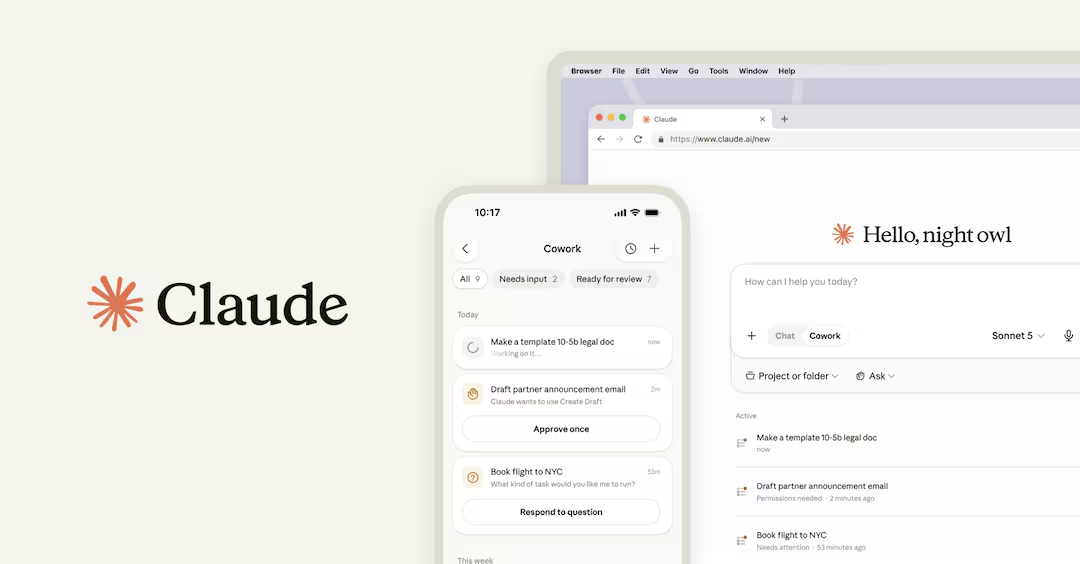
Claude is Anthropic’s AI assistant. The free plan runs Sonnet and Haiku, and paid plans add Opus 5.5, Claude Code, and Research.
Best for: Writers, analysts, and developers who spend hours working with long documents or large codebases.
Key difference from Gemini: Claude works without a Google account and is built for long writing and coding sessions, while Gemini connects more tightly to Gmail, Docs, and Drive.
Pricing: The free plan costs $0. Pro costs $20 per month ($17 billed annually). Max costs $100 or $200 per month for 5x or 20x Pro’s usage.
Pros
- Context windows of up to 1 million tokens, depending on the model
- Claude Code comes included with Pro
- The free plan includes file creation and code execution
Cons
- Chat and Claude Code share one usage pool
- Five-hour and weekly limits apply on paid plans
- Opus 5.5 and Research need a paid plan
What stood out to me
Claude preserved my writing style while cutting unnecessary words. I gave it a 4,000-word report and asked for a tighter draft. It removed about 600 words while keeping the phrasing that worked. Two other tools changed my tone enough that I had to spend more time editing their versions.
What could be improved
Claude's usage limits can interrupt demanding projects, even on Pro. During a 40-file refactor in Claude Code, I hit the five-hour usage limit before lunch. Chat shares the same allowance, which meant I couldn't ask a quick follow-up question until the limit reset.
3. Best for Real-Time Social Data
Grok: What is it?
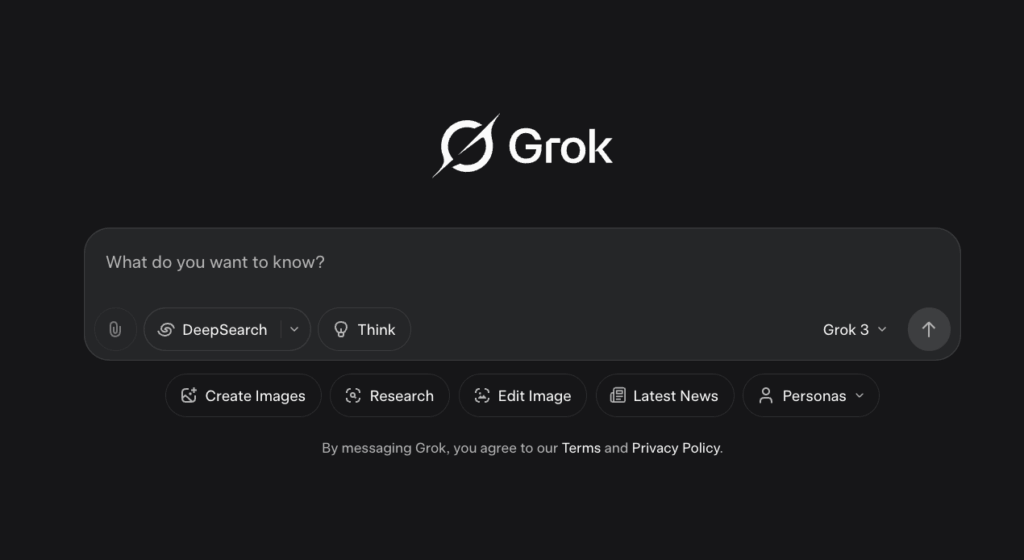
Grok is xAI’s assistant, built into X and available at grok.com. It pulls live posts into its answers.
Best for: Journalists, social media managers, and marketers who track breaking news and public reaction on X.
Key difference from Gemini: Grok searches X posts directly, while Gemini draws on Google Search.
Pricing: The free plan costs $0 with limited chat and agent requests. Plus costs $8 per month, Premium costs $30, Super costs $100, and Ultra costs $200. Premium is the plan x.ai recommends for new AI users.
Pros
- Live X search built into answers
- More image generation, plus voice, on paid plans
- A free tier for light testing
Cons
- Premium, the plan x.ai recommends, costs $10 more than most paid rivals
- Answers lean heavily on social posts
- Plan names and tiers have changed several times
What stood out to me
Grok was the fastest at finding reactions to breaking news. I asked about a product launch from an hour earlier, and it summarized what people were saying on X within seconds. It also grouped the main complaints by theme, giving me a quick picture of how users were responding.
What could be improved
Grok's research depends heavily on the reliability of X posts. Some claims came from accounts with little credibility, which meant I had to verify them before using the information. At $30/month, Grok Premium also costs more than ChatGPT Plus and Claude Pro, both priced at $20/month.
Gemini alternatives for research and office work
Gemini’s strengths are search and Google Workspace. These two cover the same ground from different directions.
4. Best for Cited Research
Perplexity: What is it?
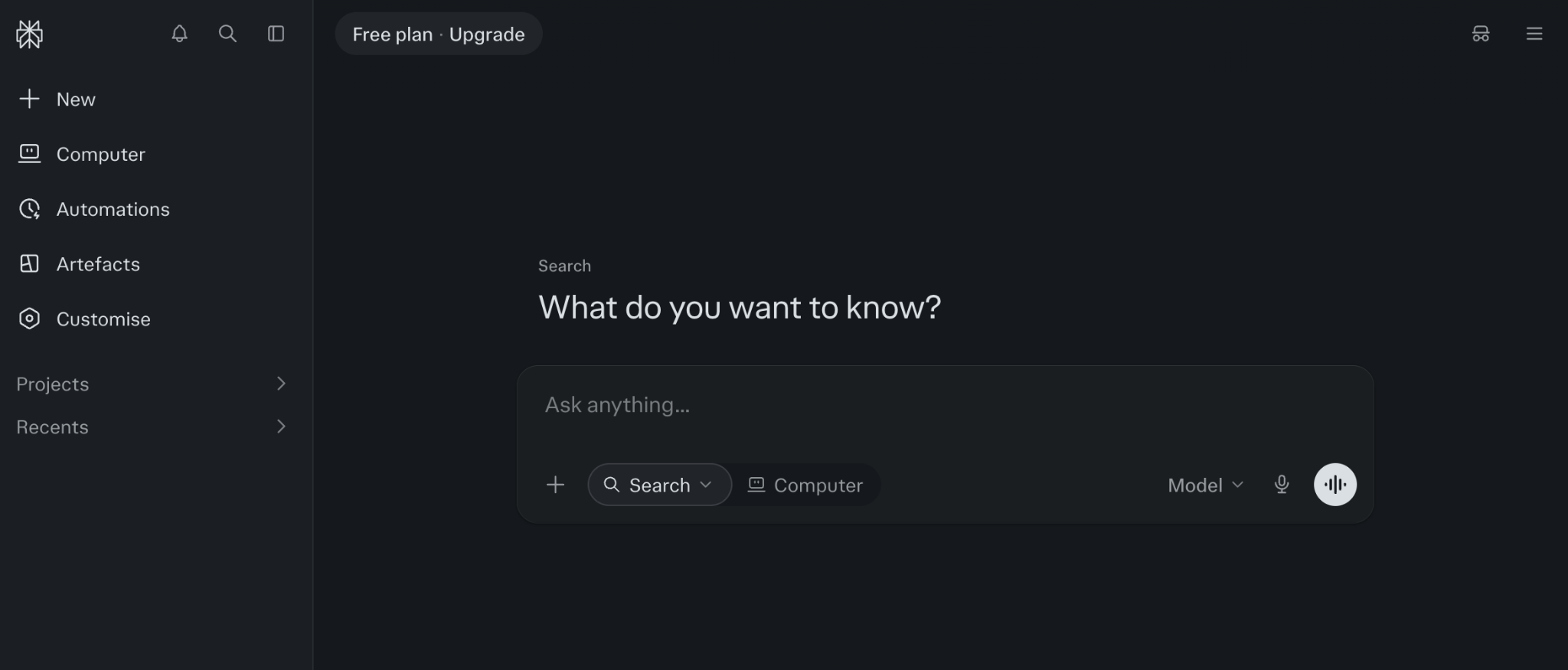
Perplexity is an answer engine that searches the web and attaches inline citations to every answer. Pro adds Perplexity Computer, deep research, and a model picker that lists ChatGPT, Gemini, Claude, and NVIDIA Nemotron.
Best for: Researchers, students, and analysts who need every claim tied to a source they can check.
Key difference from Gemini: Perplexity builds each answer around inline citations and lets you pick the model, while Gemini runs Google's own models.
Pricing: The free plan costs $0 with limited weekly usage. Pro costs $17 per month billed annually. Max costs $167 per month billed annually.
Pros
- Inline citations on every answer
- A model picker on Pro, including ChatGPT, Gemini, and Claude
- Premium data sources on Pro and Max, like PitchBook, Statista, and S&P Capital IQ
Cons
- The free plan has limited weekly usage and basic models
- The pricing page shows the annual rate only
- Less suited to open-ended creative writing
What stood out to me
Perplexity made it easy to verify research before using it. I asked for the size of a niche software market, and it attached a source to every figure. Clicking through the citations helped me catch an outdated statistic in under a minute, saving me from including it in my presentation.
What could be improved
Perplexity's free plan ran out faster than I expected. The weekly limit was gone by Wednesday, and the answers I got afterward were less detailed. I also had to open checkout to see what a single month would cost.
5. Best for Microsoft 365 Users
Microsoft Copilot: What is it?
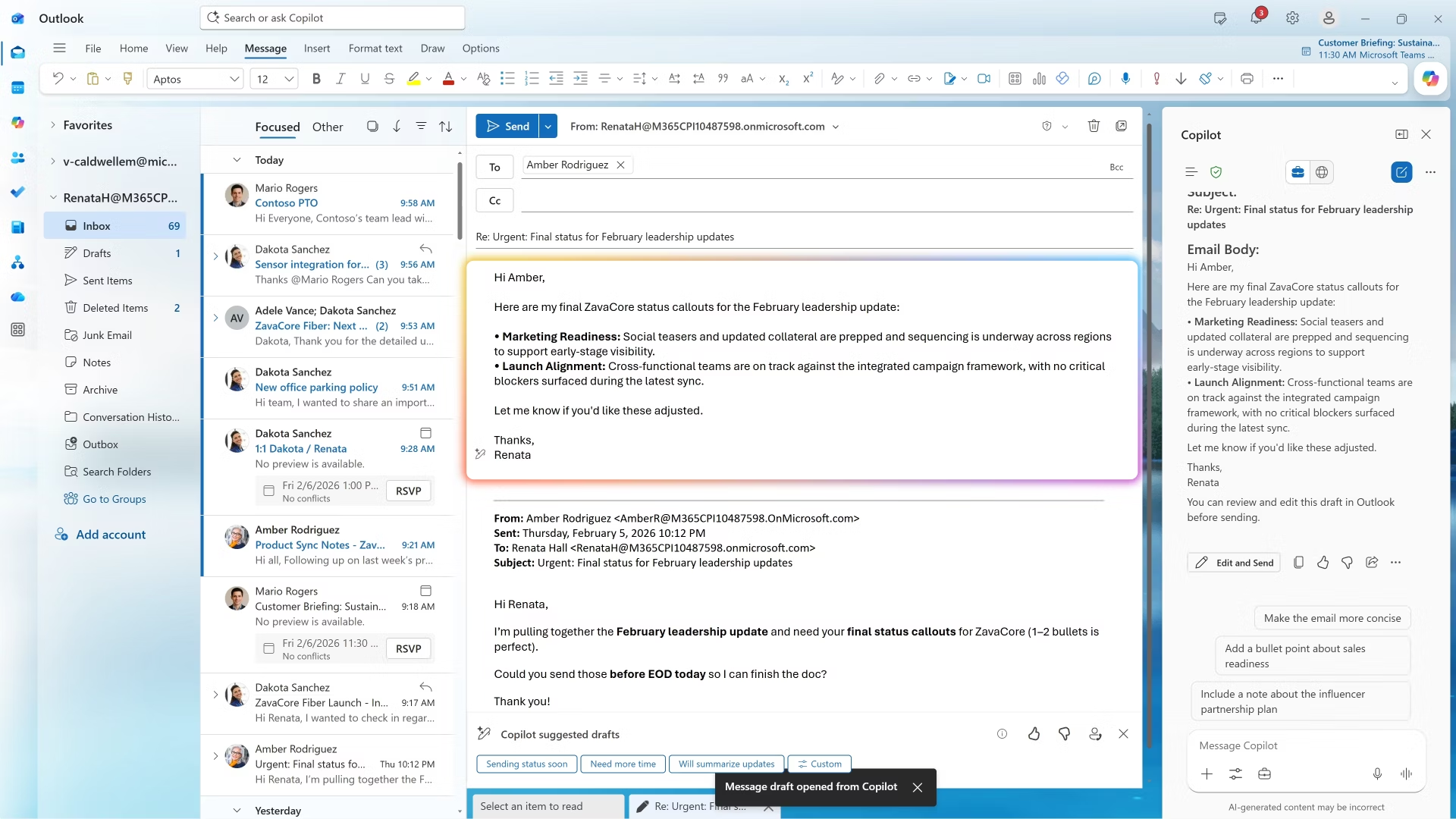
Microsoft Copilot is the assistant built into Windows, Edge, and Microsoft 365. The free version works with any Microsoft account, and paid Microsoft 365 plans add Copilot inside Word, Excel, PowerPoint, and Outlook.
Best for: Office workers who already pay for Microsoft 365 and draft documents, spreadsheets, and emails all day.
Key difference from Gemini: Copilot works inside Office apps, while Gemini works inside Google Workspace.
Pricing: Free Copilot costs $0. Microsoft 365 Personal costs $9.99 per month and includes Copilot, Family costs $12.99, and Premium costs $19.99 with extensive AI usage.
Pros
- Free Copilot works with any Microsoft account
- AI inside Word, Excel, PowerPoint, and Outlook on paid plans
- Bundled with plans many people already pay for
Cons
- Free Copilot is separate from Copilot inside Microsoft 365 and doesn’t read your work files
- Product names change often (Copilot, Copilot Chat, Microsoft 365 Premium)
- Free usage depends on available capacity
What stood out to me
Copilot worked directly inside Microsoft Word, saving me the trouble of uploading files. I used my Microsoft 365 Personal plan to summarize a 12-page policy into five bullet points. The summary appeared beside the document, and I could copy it straight into an email without switching apps.
What could be improved
Microsoft's Copilot plans and naming were confusing. The free version couldn't access my Microsoft 365 files, while the version with that capability required a paid subscription. I opened the wrong app twice and spent about 20 minutes figuring out which plan included the features I needed.
Free and low-cost Gemini AI alternatives
If you're searching for a free Gemini AI alternative, or one under $20, start here.
6. Best for a Low-Cost Paid Plan
Mistral Vibe (formerly Le Chat): What is it?
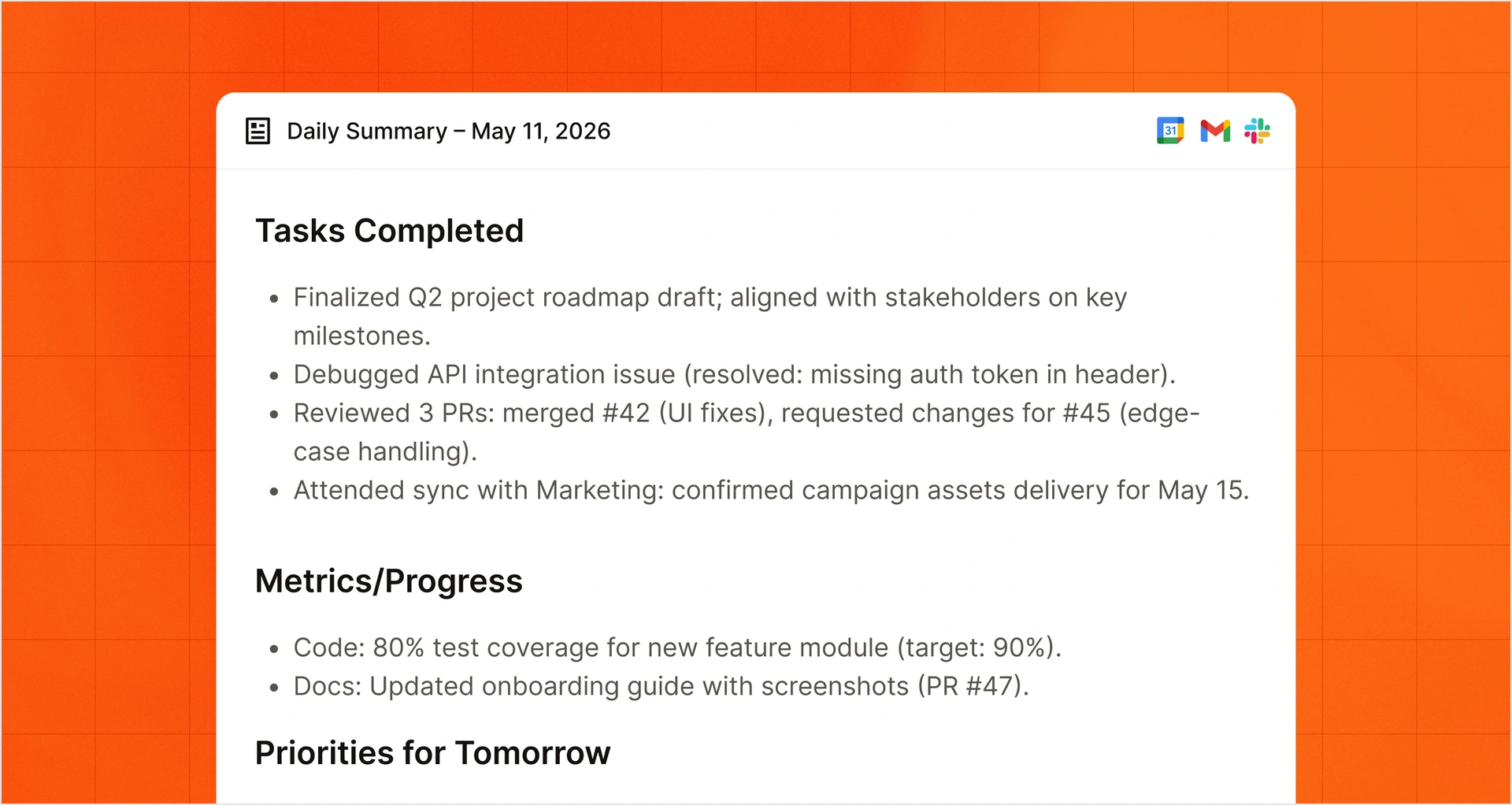
Vibe is Mistral’s AI assistant and agent for work and code. Mistral renamed it from Le Chat in 2026, so older guides and app listings may still use the old name. The free plan covers quick answers, web search, and simple tasks. Pro adds more usage, long-running tasks, and all-day coding.
Best for: Freelancers, developers, and small teams who want one paid assistant for both work and code at under $15 a month.
Key difference from Gemini: Vibe pairs a chat assistant with a coding agent in one plan, and Enterprise customers can run it on-premises or in a private cloud, while Gemini runs on Google’s infrastructure.
Pricing: The free plan costs $0. Pro costs $14.99 per month. Team costs $24.99 per user per month, with a two-user minimum (about $50 a month). Enterprise is custom-priced.
Pros
- 100+ connectors, plus full MCP support (email, calendar, Slack, GitHub, and Jira)
- A coding agent that works in the terminal, VS Code, JetBrains, and Zed
- Voice input powered by Voxtral
Cons
- The free plan has tight usage limits, and remote coding agents and all-day coding need Pro
- Team needs at least two users
What stood out to me
Mistral Vibe pulled my meeting prep into one useful brief. I connected Gmail and Calendar, then asked it to prepare me for my next meeting. It gathered the attendees, agenda, and recent email context into a one-page summary. At $14.99/month, I found it worth paying for the time saved switching between tabs.
What could be improved
Mistral's free plan felt restrictive for anything beyond basic questions. Longer tasks and all-day coding required Pro, limiting what I could test before subscribing.
{{templates}}
7. Best for a Free App With No Paid Chat Plan
DeepSeek: What is it?
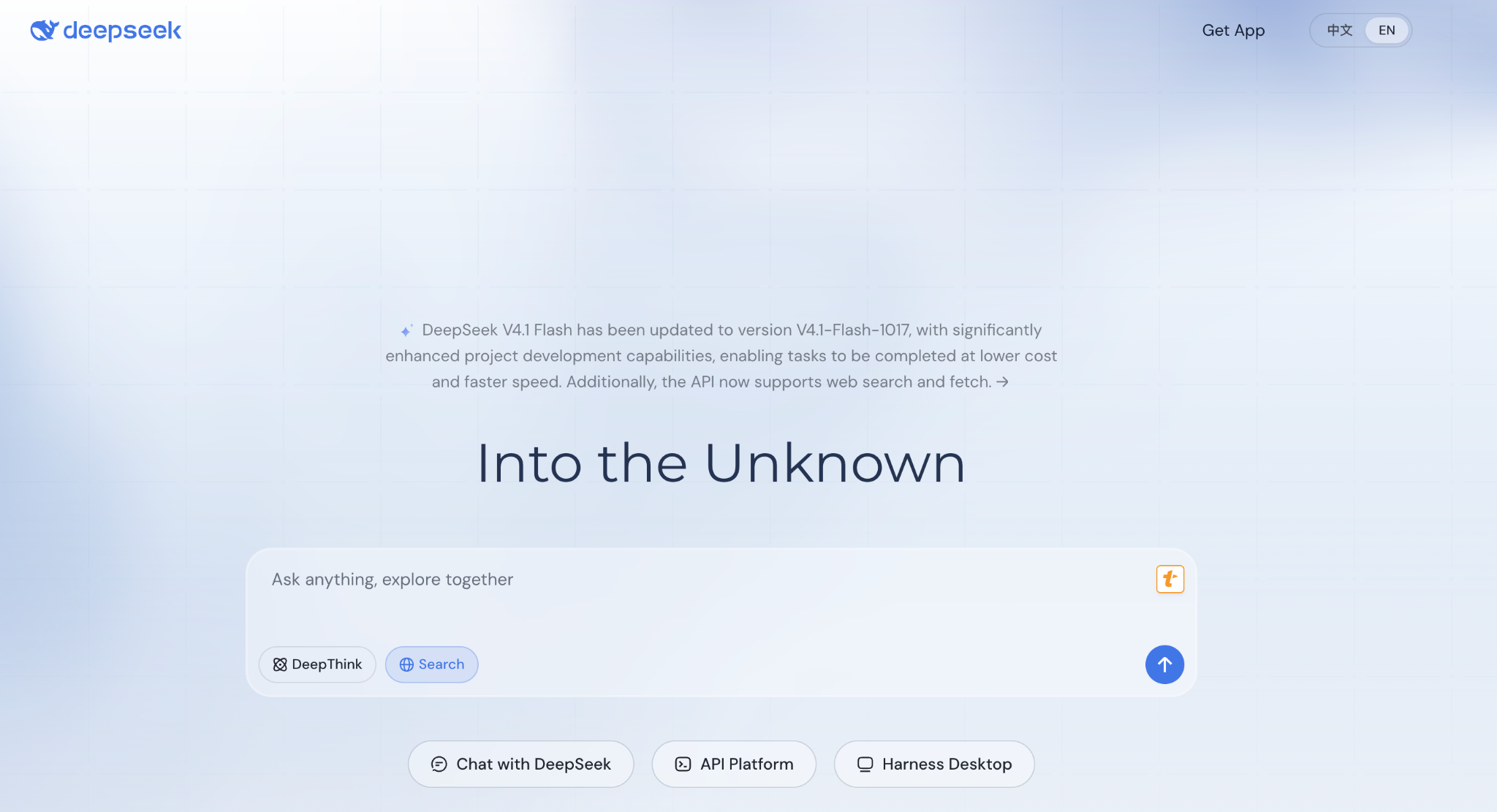
DeepSeek is a Chinese AI lab whose chat app is free on web and mobile. Its newest model, V4.1 Flash, is multimodal.
Best for: Students, hobbyists, and developers who want strong coding and document help without paying.
Key difference from Gemini: DeepSeek’s chat has no paid tier, while Gemini’s best model sits behind a $19.99 plan.
Pricing: The chat app is free on web, iOS, and Android. API access is billed per token through a separate developer account.
Pros
- Coding help and long-document analysis at no cost
- Open model weights available under the MIT license
- Frequent model updates on the official apps
Cons
- No paid chat plan if you hit limits
- The hosted app runs on DeepSeek’s own servers
- Smaller integration catalog than the major labs
What stood out to me
DeepSeek fixed my 60-line Python script for free and explained why it failed. I pasted the code, asked it to find the bug, and requested a corrected version with an explanation of each change.
It returned a fix I could run and walked through the bug in plain English, so I didn't need a second prompt.
What could be improved
DeepSeek gave me fewer options for controlling sensitive data. Before uploading any client files, I checked its privacy policy and found that the hosted app processes conversations on DeepSeek's servers. I kept my testing to sample code and avoided confidential information.
Open and private alternatives to Gemini AI
An alternative to Gemini AI can keep your chats away from Google. Llama runs on a server you control, and Lumo encrypts your chat history so Proton can't read it.
8. Best for Self-Hosting
Llama: What is it?
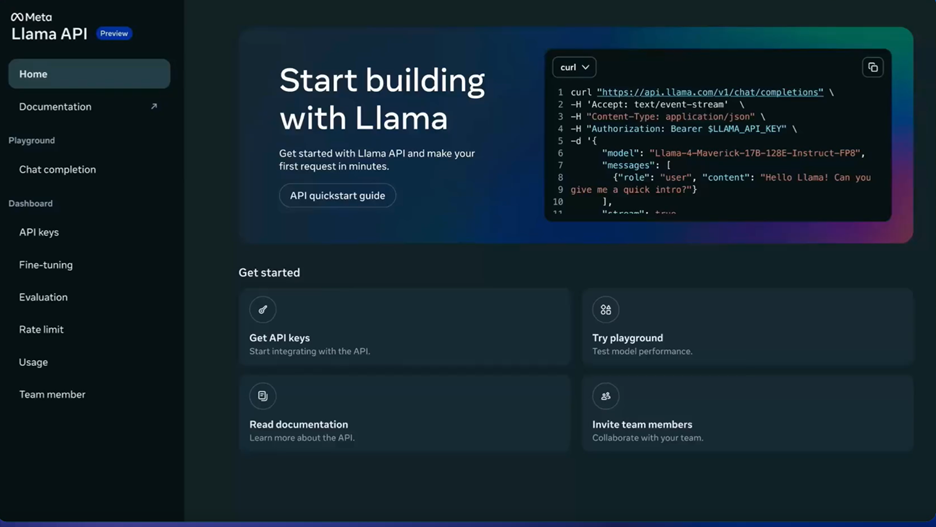
Llama is Meta’s family of open-weight models. Llama 4 Scout and Maverick are the versions Meta lists for download on its Llama site.
Best for: Engineers and IT teams that need to run models on their own servers.
Key difference from Gemini: Llama is a model you download and host yourself, while Gemini is a service Google runs for you.
Pricing: The models are free to download, and running them costs whatever your GPU hosting costs. Meta’s Llama 4 Community License sets the usage terms.
Pros
- No per-message fees after setup
- Prompts stay on your own server
- Scout supports very long context windows
Cons
- You manage hosting, updates, and security
- The license isn’t a standard open-source license
- There’s no built-in chat app, so you add a front end
What stood out to me
Once Scout was running on a rented GPU server, I could use it as much as I wanted with no per-message fee. I paid for the server by the hour, and every prompt stayed on a machine I controlled, which mattered for the anonymized client notes I tested with.
What could be improved
Setting up Llama took most of my Saturday before I could send a single prompt. I had to request Meta's model download link, which expired after 24 hours, configure a rented GPU server, and connect a chat interface.
I also had to plan how I'd handle model updates and server maintenance. For someone without engineering experience, the setup could easily outweigh the savings.
9. Best for Private, Encrypted Chats
Proton Lumo: What is it?
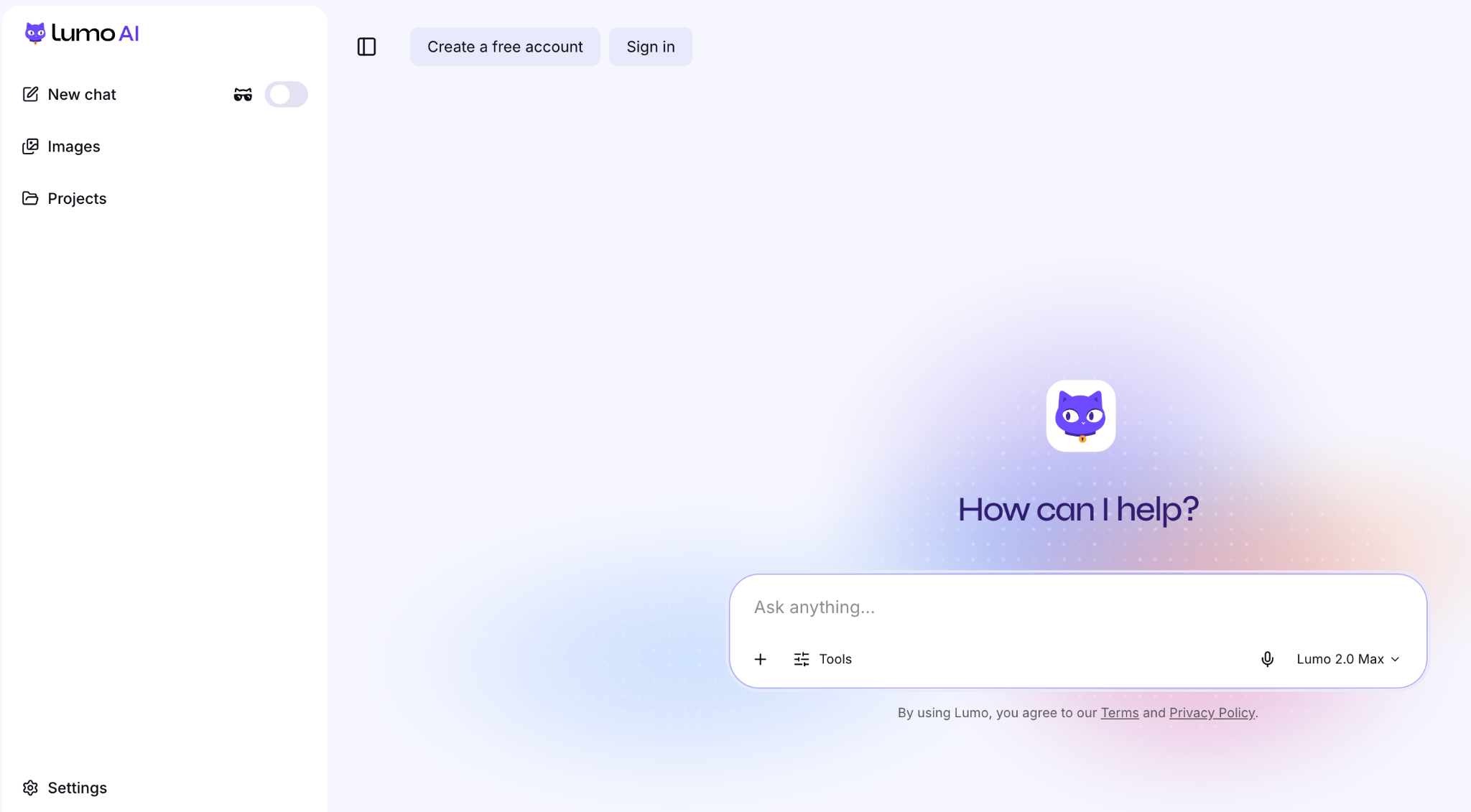
Lumo is Proton’s privacy-first assistant, from the team behind Proton Mail and Proton VPN. Chats are stored with zero-access encryption, so Proton can’t read them.
Best for: Consultants, journalists, and anyone who drafts from sensitive notes and wants chats stored encrypted.
Key difference from Gemini: Lumo runs under a no-logs policy with zero-access encryption, while Gemini ties chats to your Google account.
Pricing: Lumo is free to use. Lumo Plus costs $12.99 per month, or $9.99 per month billed annually.
Pros
- Zero-access encrypted chat history
- No-logs policy, with chats never used for training
- Ghost mode wipes a conversation when you close it
Cons
- Smaller models than the frontier tools on this list
- Free plan has usage limits
- Fewer integrations than ChatGPT or Claude
What stood out to me
Ghost mode let me review sensitive notes without leaving a chat history behind. I pasted anonymized client meeting notes into a Ghost conversation and asked for the key decisions and follow-up tasks. When I closed the tab, the conversation was gone from my history.
What could be improved
Lumo’s answers were thinner than Claude’s and ChatGPT’s on the 40-page PDF. It covered the main findings but missed several open decisions. I also hit the free plan’s usage limit by Thursday, which cut my remaining tests short.
Other options worth knowing
If you're still weighing options, our guides to the best AI like ChatGPT and the top Claude alternatives cover more tools.
For a closer look at Google's newest models, see our guides to Gemini 4 Argon and Gemini 3.8 Flash.
If I were choosing an AI assistant for my team, I'd also think about where the work happens after getting an answer. If your team already lives in Slack, Lindy can join channels, answer questions with links back to the source, and handle routine tasks across connected apps.
Still torn between Claude and ChatGPT? Our Claude vs ChatGPT guide compares them across nine factors.
How to choose among the best Gemini alternatives
If you're leaving Gemini over limits, price, or privacy, the at-a-glance list above matches each alternative to a job. Pick the two that fit yours and run the test below.
Test your top two before subscribing
I'd spend one week testing two alternatives using the same tasks you normally give Gemini. Here's the process I'd follow:
- Start with your hardest task: Upload a long document, debug a real script, or research a topic that requires sources. Check the accuracy of the results.
- Repeat the task with follow-up questions: See whether the assistant remembers your instructions, handles corrections, and keeps its answers just as good.
- Check usage limits: Track how many prompts you can send before restrictions appear and what happens when you reach them.
- Calculate the full cost: Compare the plan you'll need for regular use, including additional seats, API charges, or hosting.
- Review your data settings: Check how conversations are stored, whether they're used for training, and which privacy controls your plan includes.
I'd weigh the follow-up test most heavily, since a tool that handles the first prompt still has to hold up for the rest of your workday.
Once you've tested both options, choose the assistant that completes your recurring tasks accurately at a price you're comfortable paying.
{{cta}}
Final verdict
The best Gemini alternative for most people is ChatGPT for everyday work or Claude for writing and coding. Both handled my tests well, and I'd feel comfortable using either for demanding projects.
Still, I'd think twice before leaving Gemini if you rely on Google Workspace. Moving your documents, emails, and daily routines to another assistant takes effort, and the benefits need to justify it.
My biggest lesson from testing nine alternatives: pay attention to what happens after the first great answer. I'd pay for an assistant that holds up through a whole project over one that leaves me waiting for a reset.
FAQs
1. What is the best Gemini alternative?
ChatGPT is the best Gemini alternative for everyday use, while Claude is my top pick for writing and coding. ChatGPT combines voice, image generation, research, and coding tools. Claude performed better in my long-document and editing tests. Both offer free plans, and their main paid plans, ChatGPT Plus and Claude Pro, cost $20/month.
2. Is there a free alternative to Gemini AI?
Yes, ChatGPT, Claude, Perplexity, Microsoft Copilot, Mistral Vibe, DeepSeek, Grok, and Proton Lumo all have free plans. DeepSeek is the strongest pick for free coding help, and ChatGPT covers the most everyday tasks. Each free plan has usage limits, and Llama is free to download but needs a server to run.
3. What is similar to OpenAI?
Anthropic, Google, Mistral, and xAI are the closest to OpenAI because each builds its own AI models and sells both a chat assistant and an API. Anthropic makes Claude, Google makes Gemini, Mistral makes Vibe, and xAI makes Grok.
4. Is there an AI platform called Gemini?
Yes, Gemini is Google's AI platform, offering a chatbot, developer API, and models such as Gemini 4 Argon. It also powers AI features in Gmail and Docs. Gemini is unrelated to the cryptocurrency exchange with the same name.
5. What is the best Gemini alternative for privacy?
Proton Lumo is my top Gemini alternative for privacy because it offers zero-access encrypted chat history and Ghost mode for conversations you don't want saved. Self-hosted Llama is another option for organizations that want full control over where their data is processed.
6. What is the main difference between Gemini and ChatGPT?
The main difference between Gemini and ChatGPT is that Gemini works inside Gmail, Docs, and Drive, while ChatGPT is a standalone app for voice, images, research, and coding. Google AI Pro costs $19.99/month, compared with $20/month for ChatGPT Plus.