Gumloop Review 2026: Pricing, Features, and My Honest Take


I came across Gumloop the way most people do. Someone on my team forwarded a demo, said it handled an entire sales handoff without anyone touching it, and I spent the next week trying to figure out if that was actually true.
At the time, every tool I looked at made the same promise. Build a workflow, connect your apps, let the AI handle the rest. Most of them meant drag nodes onto a canvas, wire triggers to actions, debug it for a few days, and hope it didn't break on Monday.
With Gumloop, I described the job in chat, and it built the agent, connected the apps, and wrote its own instructions. That's why I kept using it.
I tested Gumloop across tasks (CRM updates, lead research, pipeline summaries, and meeting prep) and ran it alongside the tools my team was already using. Some things worked better than I expected. Some things cost more than the pricing page suggested.
This review covers what Gumloop actually does in 2026, what it costs, who it makes sense for, and where it falls short.
What is Gumloop?
Gumloop is an AI agent platform that lets teams build, share, and control agents that work across their tools. You describe what you want in a chat, and Gumloop builds the agent, connects the right apps, and writes its own instructions. The old drag-and-drop canvas is now a legacy option. New agents are built in chat.
Each agent can pull context from a company brain that indexes your Slack, Gmail, Notion, Salesforce, and other tools. Agents can also create skills, which are reusable playbooks they write themselves and improve over time based on how runs go.
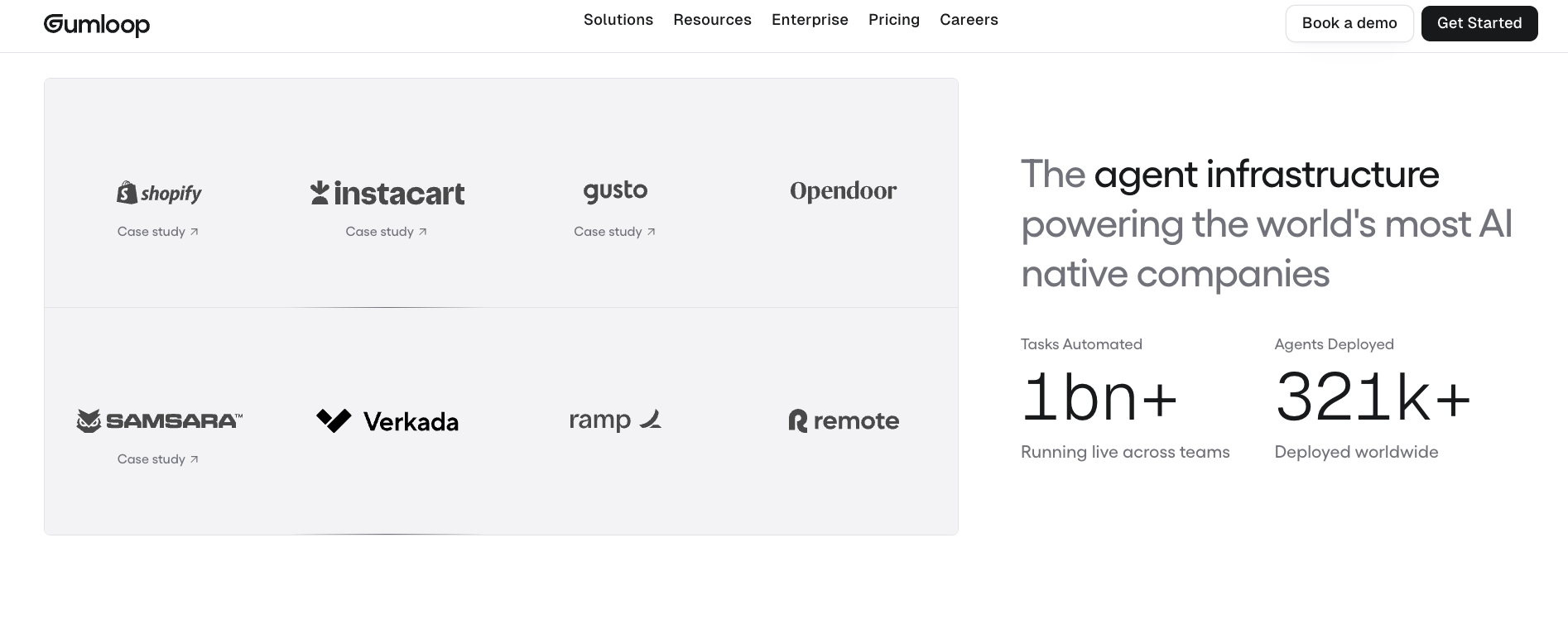
From my testing, Gumloop is best for operations, marketing, or data teams. It fits teams that build agents once and share them across the organization, with IT controls on model access, spend, and tool calls. It scales from a solo founder to an enterprise team at Shopify or Instacart.
What is Gumloop used for?
Gumloop is used to build and run AI agents that automate multi-step work across business tools. Teams use it for CRM updates, lead research, document processing, sales outreach, support triage, and meeting prep. Agents connect to over 300 tools, run on a schedule or trigger, and can be shared across an entire organization from one account.
Gumloop's popular features
Gumloop has shifted from a visual workflow builder to a full AI agent platform. What you get now is a chat interface, a skills system, a company brain, and a set of channels that put agents wherever your team works.
Here's what each part does and where it asks something of you.
Chat-first agent builder
You describe the task and the agent builds itself. The platform picks the right tools, writes the agent's instructions, and suggests a trigger. You can edit everything after, but most agents are ready to run without touching a settings panel.
Guided setup walks new agents through a single question (what this should take care of), then connects the right apps and writes instructions from your answer. Less visual control than a canvas, but far less setup than a prompt-first tool.
The visual node canvas still exists as a legacy layer for teams that built deterministic pipelines on it. Gumloop marks it "Workflows (Legacy)" in its pricing and SDK. New builds use the agent layer. You won't encounter the canvas unless you go looking for it.
Model selection
Every Gumloop agent can run on a different model. Claude, GPT, Gemini, Grok, and open-source options like DeepSeek and Kimi are all available. New agents start on Auto, which picks a model for you. You can switch any agent to a cheaper open-source model to keep costs low.
You can also bring your own API key. When you do, the model cost portion of your bill drops to zero credits. You pay your provider directly for tokens; Gumloop charges only compute, tool calls, and a 16% orchestration fee instead of 8%.
Skills and self-improvement
Agents write their own skills. A skill is a playbook the agent saves after completing a task. Next time it runs that task, it follows the playbook. When a run goes wrong, you correct the agent once and it updates the skill. The Skill Editing & Creation toggle, on by default, controls whether the agent can create and edit skills on its own.
Agents also run reflections on past tasks. Turn on reflections and the agent reviews its own runs and proposes improvements. You accept or dismiss each one.
Connectors, triggers, and company brain
300+ connectors, plus MCP servers for anything outside the native library. Agents can be triggered by app events, schedules, or webhooks. Every agent can also be reached from Slack, Microsoft Teams, email, or a hosted page Gumloop serves for you.
The company brain indexes your team's tools. Slack messages, Gmail threads, Notion docs, Salesforce records, and Linear issues feed into a shared knowledge layer. Agents search it automatically and answer with citations.
Guardrails and approvals
Anything that takes a write action can require approval before it runs. You set this per tool: always allow, ask each time, or ask for writes and deletes only. When an agent hits a tool that needs approval, it pauses and shows you an approval card before continuing.
App rules let you write simple policies. Block all external emails. Tag any Slack message that mentions a competitor. Tag every Salesforce update. Rules can run before a tool call, so they catch sensitive actions before they land.
Testing, logs, and monitoring
You get execution logs and step-level visibility for every run. Each agent also gets a private sandbox where it can run Python and shell commands safely. On Enterprise, you also get audit logs, AI spend insights, and a usage analytics agent that answers questions about credit usage in plain language.
Monitoring on the Pro plan is functional but basic. Pro shows a credit log for each chat. Spend dashboards by agent or user require Enterprise.
How much does Gumloop cost?
Gumloop uses a credit-based pricing model. You pay for the AI processing and tool usage your agents actually run. Simple tasks cost little. Heavy AI-step usage or large batch jobs add up quickly.
The platform offers a 14-day free trial on the Pro plan. There is no permanent free tier.
For a full breakdown of how plans compare, see Gumloop pricing simplified for 2026.
Here are the factors that affect Gumloop’s credit usage:
- Chat and reasoning: the model reading your message and writing a response. This is usually the highest cost. It depends on which model you pick, how long the conversation is, and how many tools are connected.
- Tool calls: 1 credit minimum per successful call. Reading from Slack or Google Sheets costs 1 credit and nothing more. Enrichment tools like Apollo add their own charge on top. Failed calls are not charged.
- Compute: 5 credits per session-minute of active processing. Waiting on your reply costs nothing.
- Orchestration fee: 8% on top of the three above. With BYOK, model costs drop to zero, but the fee doubles to 16%.
At list price, one credit costs $0.005, so $1 buys 200 credits. Pro's 20,000 monthly credits include 12,600 bonus credits, so they're worth more than $37 suggests. Overage is off by default: agents stop at your limit until you turn on pay-as-you-go, which bills $0.005 per credit up to 1,000,000 extra credits per period. Credits don't roll over on Pro. On Enterprise, they do.
Gumloop: Pros and Cons
Gumloop's main pros are its chat-first agent builder, flexible model selection, and enterprise-grade security from day one. The biggest cons are unpredictable credit costs on heavy AI workloads and no live chat support. The auto model router is still maturing. For most teams building shared agents, the pros outweigh the cons.
Pros
- Chat-first building: Describing what you want and having an agent build itself is faster than any drag-and-drop tool. The skills system (where agents write their own playbooks) comes up repeatedly as the feature that changes how teams think about automation.
- Model flexibility: Running different models on different agents, and bringing your own API key, gives teams real control over cost versus quality per task. Switching simpler agents to open-source models keeps baseline costs low.
- Enterprise-ready from day one: SOC 2 Type II, GDPR, and no training on your data, with role-based access control on Enterprise. Large companies including Shopify, Instacart, Gusto, and Samsara are using it in production.
- Fast shipping: The changelog shows weekly releases. The team is active in its community forum.
Cons
- Credit costs can surprise: Teams running heavy AI-step workloads will see bills climb. Run one agent for a week and check its credit log before you scale up.
- No live chat support: On Pro, support runs through email, tickets, and the community forum. Enterprise adds dedicated Slack support.
- Auto model routing is still maturing: The model router is useful but not yet reliable enough to set and forget on every agent.
What I found after testing
I ran a lead research agent for three weeks. The task: pull 20 companies from Apollo, cross-reference LinkedIn for the right contact, and draft a short outreach email for each one. Each full run cost between 180 and 220 credits, roughly $1 per batch of 20. On Pro's 20,000 monthly credits, that use case runs comfortably.
Two things surprised me. First, the Auto model picker defaulted to Grok for most tasks. That worked fine for conversational steps but produced inconsistent JSON on structured output. Switching that agent to Claude cut formatting failures noticeably. Second, credit overage is off by default. One agent hit its monthly limit mid-run and stopped. No data was lost, but the batch came back incomplete. Turning on pay-as-you-go fixed it going forward.
Is Gumloop safe and worth it? What users say
Gumloop is SOC 2 Type II certified and GDPR and HIPAA compliant. It does not use your data to train any AI models. All data is encrypted in transit and at rest.
Enterprise accounts can add virtual private cloud deployment, SCIM/SAML, audit logs, and role-based access controls for stricter compliance requirements. Larger organizations should look at Gumstack, the enterprise security layer that gives security teams a single dashboard to monitor all agent activity.
Here's what users say:
- On G2 (4.8/5 from 7 reviews), the recurring praise centers on how fast non-technical users can go from idea to a working workflow. "I can go from idea to a working solution with just prompts, without needing to be a coder or engineer. Setting it up was very easy, not needing to worry about AI API keys." - Sean G., Small Business
- On Reddit (r/AI_Application), one reviewer's take is that Gumloop delivers when you already know the process you want to automate. "Gumloop won't magically automate your business, but it gives non-developers a solid way to build real AI workflows. It works best when you're clear about the process you want to automate." - u/Creative_Tailor
{{templates}}
How to get started with Gumloop
Getting your first agent running takes about ten minutes. Create an agent, connect your apps, run a test prompt, write system instructions, and refine from there.
1. Create an agent and pick a model
Go to Gumloop and create a new agent. The platform selects a model automatically. Stick with the default for your first build. You can swap models per agent once you know what each task needs.
2. Connect your apps
Add the tools your agent will actually use.
A few common starting points by team:
- Sales and CRM: HubSpot or Salesforce for deal data, Gmail to read and send email, Slack to post updates
- Data and enrichment: Apollo for lead research, Firecrawl for web scraping
- Content and SEO: Google Docs, Webflow, Semrush
Keep it to two or three connectors for the first agent. You can add more once the core task works cleanly.
3. Run a test prompt
Send something straightforward: "What does our pipeline look like?" The agent reads the message, decides which connected app to call, pulls the data, and returns the result in chat. Watch which tools it reaches for and whether it reasons through the steps correctly.
4. Write system instructions
Once the basic flow works, add instructions that shape how the agent behaves on every task. Set a role ("You are a sales analyst: be direct and use numbers"), define what it should always do, and flag anything it should never do without approval.
Keep instructions short. The agent performs better with clear constraints than with a long prompt that covers every edge case.
5. Test multi-step tasks and refine
Push the agent with a more complex prompt: "Pull this week's pipeline, format it as a table, and email it to me." Watch where it guesses or stalls. Correct it once, then ask it to update its own instructions so it handles the same situation correctly next time.
For video walkthroughs and structured courses, Gumloop University has self-paced material organized by use case.
Building Your First Gumloop Agent | Getting Started with Gumloop
How is Gumloop supported?
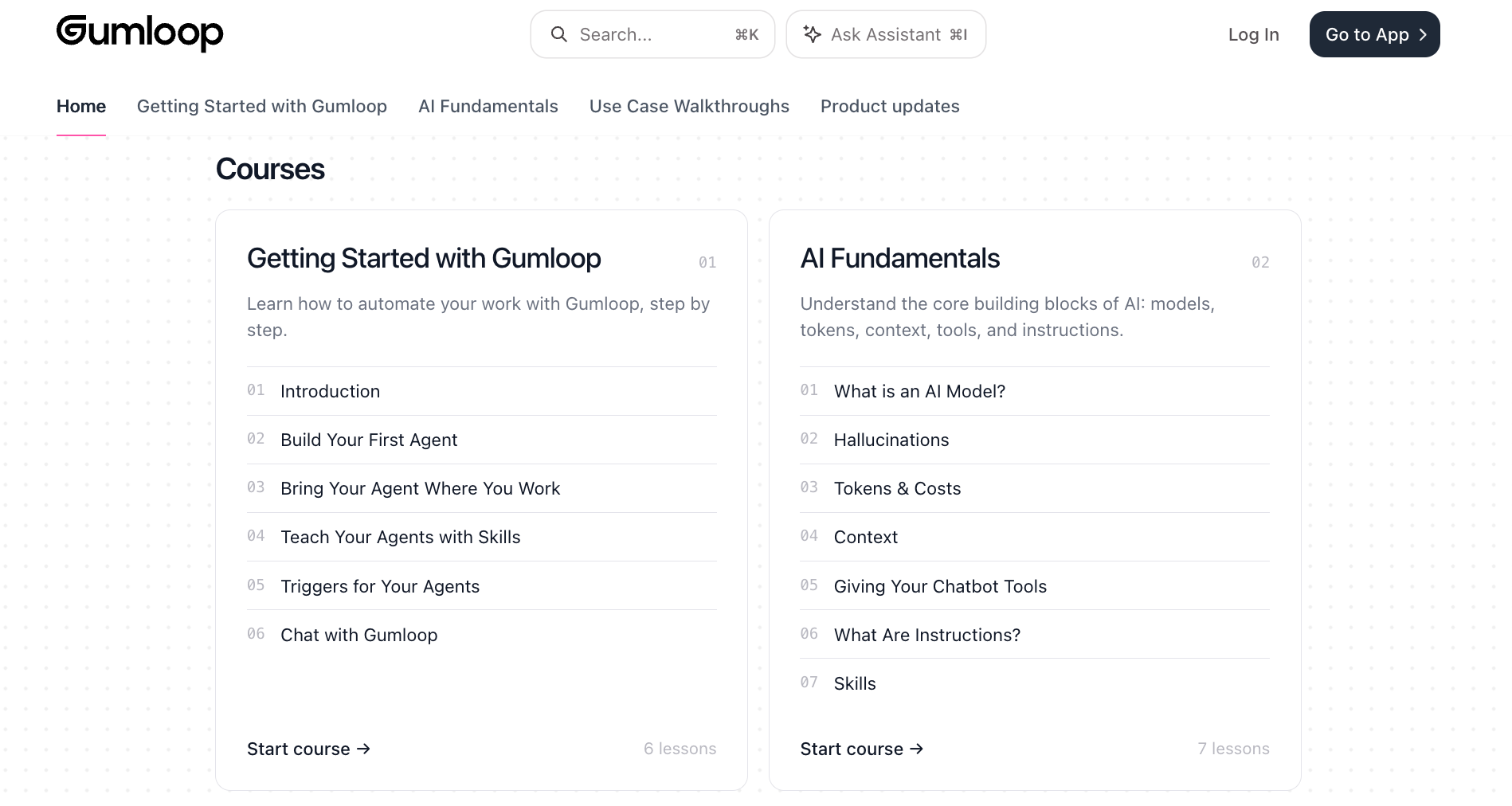
Support runs through email at support@gumloop.com, a support ticket portal, and a public forum where the team is active. For enterprise customers, dedicated Slack support is included on that plan. Self-serve resources include Gumloop University, official documentation, learning cohorts, and workshops listed on the site. You can also hire a vetted automation expert from Gumloop's experts directory (gumloop.com/experts).
Gumloop scalability and security
Gumloop is built for enterprise from the start. Shopify, Ramp, Gusto, Instacart, Samsara, and Opendoor are all running it in production. In March 2026, the company raised a $50M Series B led by Benchmark, bringing total funding to $70M.
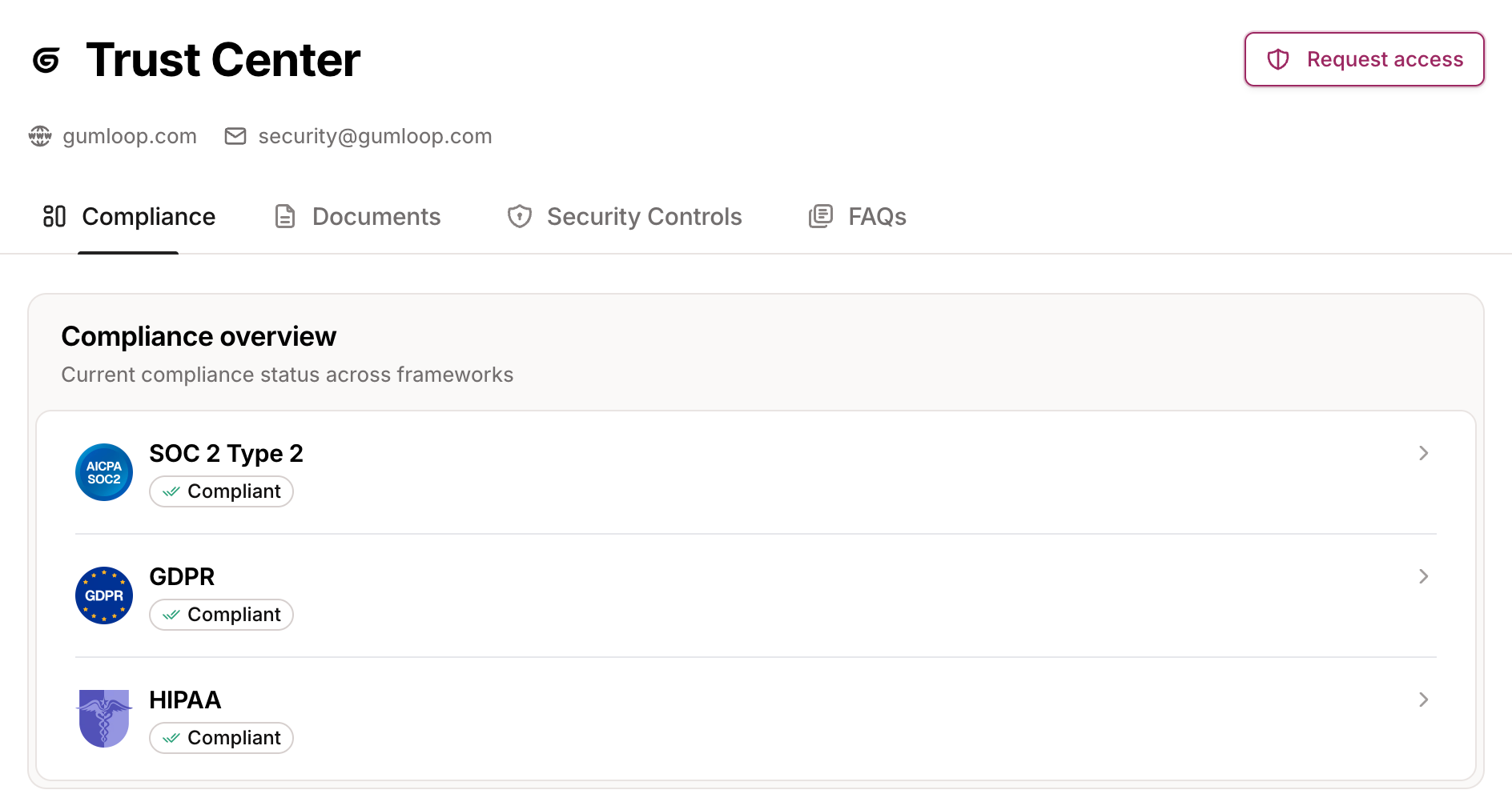
On security: SOC 2 Type II, GDPR, HIPAA, zero data retention agreements available for third-party models, role-based access control, SCIM/SAML, audit logs, and VPC deployment for Enterprise. Gumstack adds a unified security dashboard for organizations that need full visibility into agent activity across teams. Full details at trust.gumloop.com.
My verdict
Gumloop is for teams that want to build agents and actually put them to work across the organization. The chat-first interface removes the biggest friction from the old node builder. You no longer need to map the execution path before running anything.
The skills system is the feature I didn't expect to care about this much. An agent that writes its own playbook and updates it over time is different from one that runs a fixed set of steps. The more you use it, the better it gets.
Where Gumloop still asks something of you is credit management. The pricing model is transparent, but teams running heavy workloads need to monitor usage in the first few weeks. A poorly configured agent with multiple AI steps and batch runs can burn through credits fast.
If your goal is a shared layer of agents your whole team can use across their existing tools, Gumloop is worth the setup time. If you want one automation running in an hour, it is more than you need.
{{cta}}
Try Lindy: An AI teammate built for the work Gumloop automates
If Gumloop feels heavy to set up, Lindy takes a different approach. It's an AI teammate that lives in your Slack, connects to your tools, and handles work across email, meetings, and CRM without requiring you to build anything first.
You @mention Lindy in any Slack channel, and it answers in a thread, or DM it directly for personal tasks. It connects to 1,000+ integrations and comes with 40+ built-in skills you can put to work immediately.
Here's where Lindy fits the gap:
- No setup required to get started: @mention Lindy to handle a task and it runs. You describe what you need in plain English, and it figures out the steps.
- Handles email, calendar, and CRM in one place: Lindy can update Salesforce and HubSpot fields from a meeting transcript, draft follow-up emails in your voice, and book the next call without switching tools.
- Sits in every meeting: Lindy joins Google Meet, Zoom, and Microsoft Teams as a named participant. It records, transcribes, and files notes into folders you can share with your team, so anyone with access can ask about past calls.
- Works across iMessage too: Text Lindy from your phone for quick lookups, scheduling, and reminders when you're away from Slack.
Lindy starts at $29.99/month per active user on the Team plan. New users start with $50 in free credits, no credit card required. Credits last 7 days.
Frequently asked questions
Can I use Gumloop for customer support automation?
Yes. Gumloop integrates with tools like Zendesk and lets agents handle ticket triage, response generation, and escalation routing. You describe the support logic in chat, and the agent builds the skill to run it consistently.
Does Gumloop have pre-built agent templates?
Yes. Gumloop offers pre-built templates for CRM management, lead research, SEO, marketing workflows, and document processing. You can use them as starting points or build custom agents from scratch.
Does Gumloop integrate with third-party apps?
Yes. Gumloop connects to 300+ tools, including Salesforce, Slack, HubSpot, Notion, Linear, GitHub, and Google Workspace. It also supports MCP servers to connect anything outside the native library.
How is Gumloop different from Zapier?
Zapier requires you to build trigger-action workflows step by step, while Gumloop lets you describe what you want in plain language and the agent builds and runs the logic itself. Zapier has a larger integration library and more predictable pricing for simple, high-volume automations.
Does Gumloop have a free plan?
No. Gumloop offers a 14-day free trial on the Pro plan. There is no permanent free tier. After the trial, the Pro plan starts at $37/month.
What are the best Gumloop alternatives?
The best Gumloop alternatives are Zapier, n8n, and Lindy. Zapier is the go-to for simple trigger-action automations with a large integration library. n8n works better for technical teams that want to self-host and control their own setup. Lindy fits teams that want an AI teammate handling work across Slack, email, and calendar without building anything first.









