I've Tested 20+ Gumloop Competitors in 2026: Here's the Top 9
Marvin tested dozens of Gumloop competitors, including Zapier, n8n, and Make, running real workflows to weigh workflow control, integrations, and error handling.


Tired of Gumloop workflows that work at first but get harder to manage as you scale? I tested dozens of Gumloop competitors and narrowed them down to the 9 strongest options for businesses in 2026, with clear use cases and starting prices.
9 best Gumloop competitors: At a glance
| Alternative | Best for | Starting price | Key advantage vs Gumloop |
|---|---|---|---|
| Zapier | Everyday automations | Free; paid from $29.99/month | Broad app coverage and fast setup for routine automations |
| n8n | Technical + self-hosted workflows | Paid from $24/month (Starter) | Self-hosting option and strong control over failure handling |
| Make | Visual workflow building | Free; paid from $10.59/month | Visual scenarios with strong data mapping and error routes |
| Clay | Data enrichment workflows | Free; paid from $185/month | Multi-source enrichment with waterfall logic and a credit-based model |
| Retool | Internal tools with logic | Free; paid from $12/month per builder | Build internal UIs plus scheduled and webhook-triggered workflows |
| Workato | Enterprise automation | Not publicly listed | Enterprise governance, compliance controls, and a large connector library |
| Tray.ai | Complex business automations | Not publicly listed | Embedded integrations and custom connector options for complex systems |
| AnyTeam | Sales operating systems | Not publicly listed | Sales-first workflow focus for AE prep, calls, and follow-ups |
| Pipedream | API-first workflows with code | Free; paid from $45/month | Webhooks + code steps for custom, API-driven workflows |
1. Zapier: Best for everyday automations
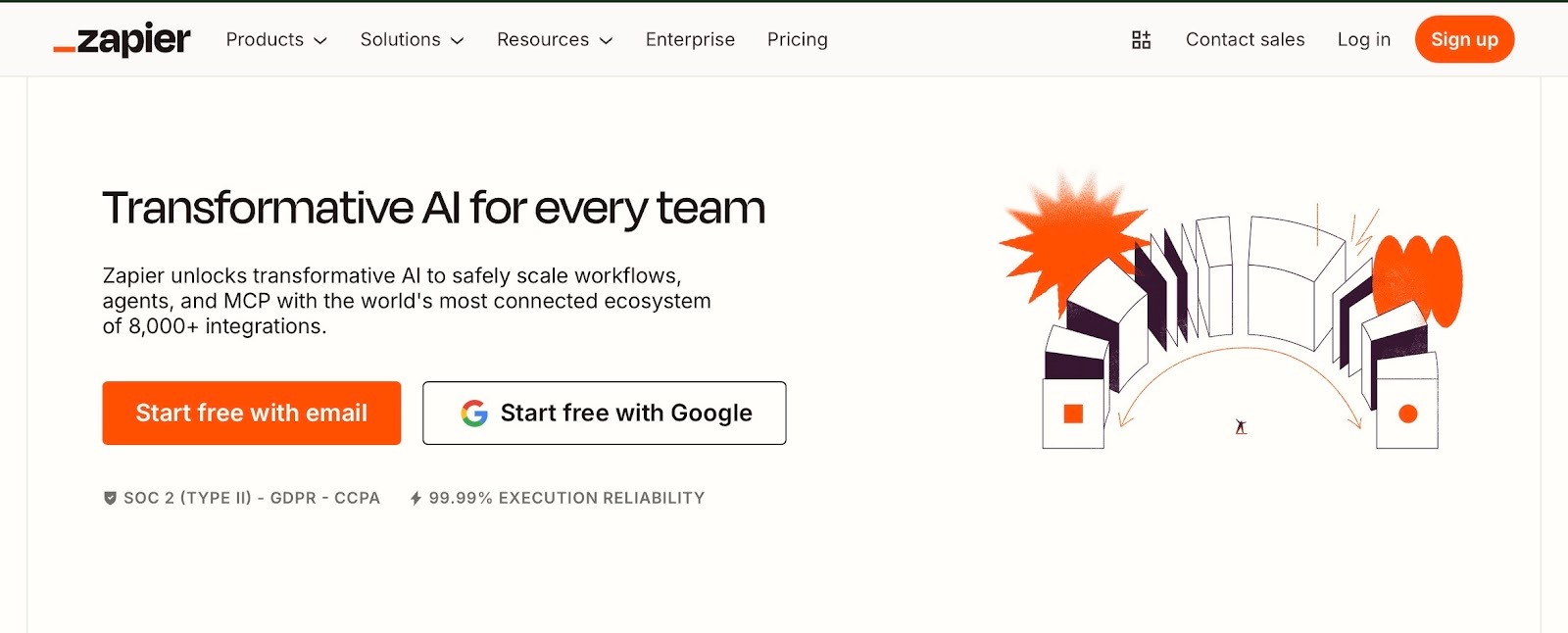
Zapier is best when your goal is to connect common apps and keep routine work moving. I connected a form to a CRM, added a Slack alert, and it worked in minutes. A friend who runs a small e-commerce brand uses it daily for order notifications and lead capture. For a complete breakdown of how both tools handle automated tasks, read our guide on the best gumloop vs zapier options.
Why does it beat Gumloop?
- Wider integration range: Zapier supports a wide range of business apps, making it easy to connect the tools you already use.
- Simple workflow pattern: Most automations follow a clear flow, like trigger, steps, and then outcome. That makes it easy to build, review, and fix.
- Strong for repeat tasks: It works well for alerts, lead capture, form-to-CRM updates, ticket creation, and basic routing.
Pros
- Easy for non-technical teams
- Lots of templates and quick starts
- Reliable for standard automations
Cons
- It can get expensive at higher volumes
- Not ideal when you need AI-led decisions across multiple steps
Pricing
There is a free plan. Paid plans start at $29.99/month (Professional) and $103.50/month (Team). If your team also needs to automate meeting transcriptions and notes, consider reviewing top fireflies alternatives software for your stack.
Bottom line
Zapier is the better pick for everyday automations across many apps. Gumloop is often the better pick when you want deeper AI-first workflows. If you are exploring other AI-driven tools, consider evaluating top genspark alternative software options as well.
{{templates}}
2. n8n: Best for technical and self-hosted workflows
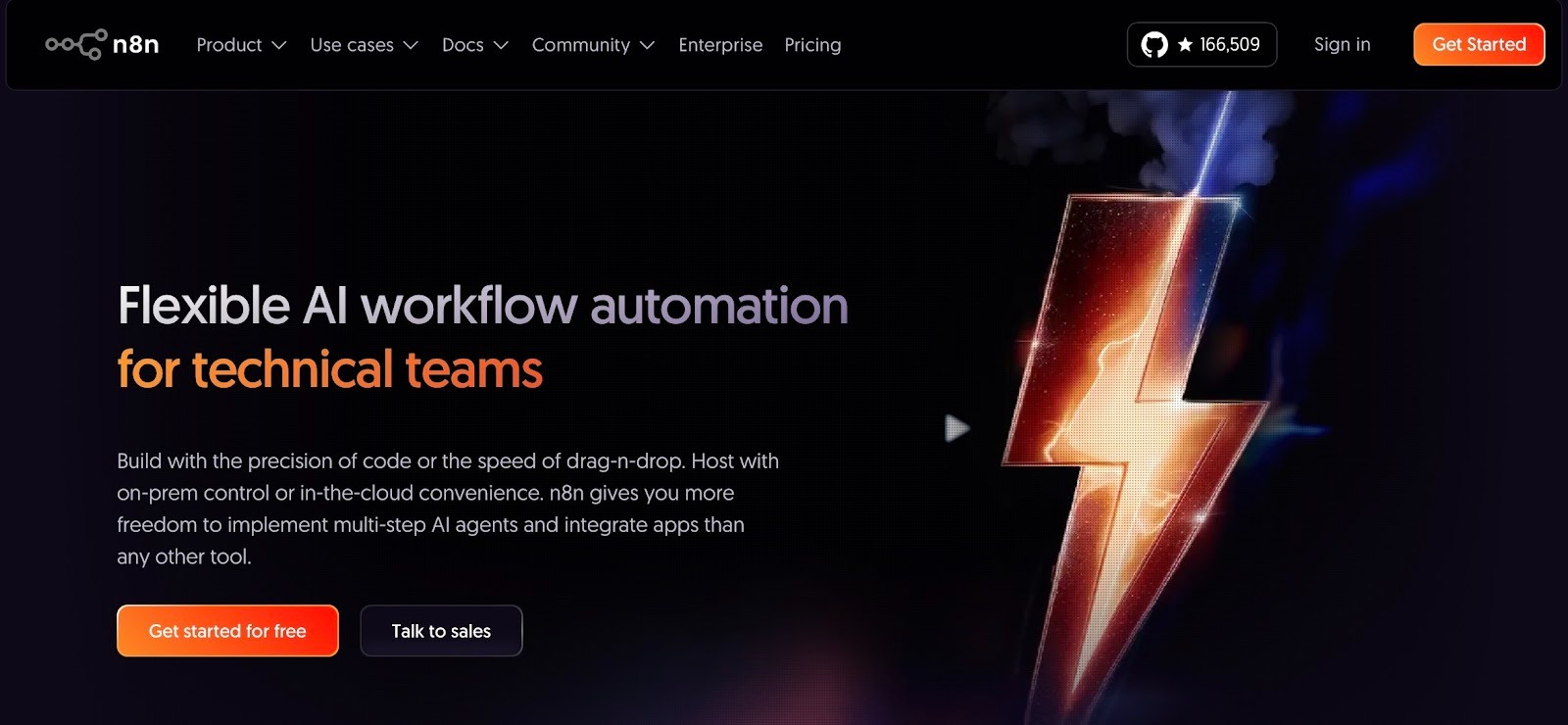
n8n is the one you pick when you want control. I set it up with Docker to see how involved the process would be. It was manageable, but clearly built for people comfortable with technical setups. Once running, the flexibility is real. If your workflows depend heavily on APIs and custom logic, this feels more like a toolkit than a plug-and-play app. For a deeper analysis of how these two automation platforms stack up, see our comparison of gumloop vs n8n.
Why does it beat Gumloop?
- You can self-host it using Docker: n8n even recommends Docker for most self-host setups, which helps keep installs clean and easier to manage.
- Better failure handling: n8n supports error workflows and retries, so you can route failures, capture details, and rerun jobs when something breaks.
- Works well for API-heavy builds: If your automation needs custom API calls, webhooks, or internal endpoints, n8n is designed for that style of work.
Pros
- Self-hosting helps when data rules are strict
- Good fit for complex workflows that need strong control
- Easier to add custom API logic than many no-code tools
Cons
- Setup takes more effort than plug-and-play tools
- If you self-host, you will need basic upkeep, like updates and monitoring
Pricing
You can start with the Starter plan at $24/month for 2,500 workflow executions. The Business tier is $800/month for 40,000 executions in a self-hosted environment. To compare these cost structures against alternative AI platforms, review our guide on the best gumloop pricing options.
Bottom line
Pick n8n if you need self-hosting, stronger failure handling, and deeper control over custom logic. If your tasks require conversational AI assistance rather than structured logic, consider looking for a chatgpt alternative.
3. Make: Best visual alternative to Gumloop
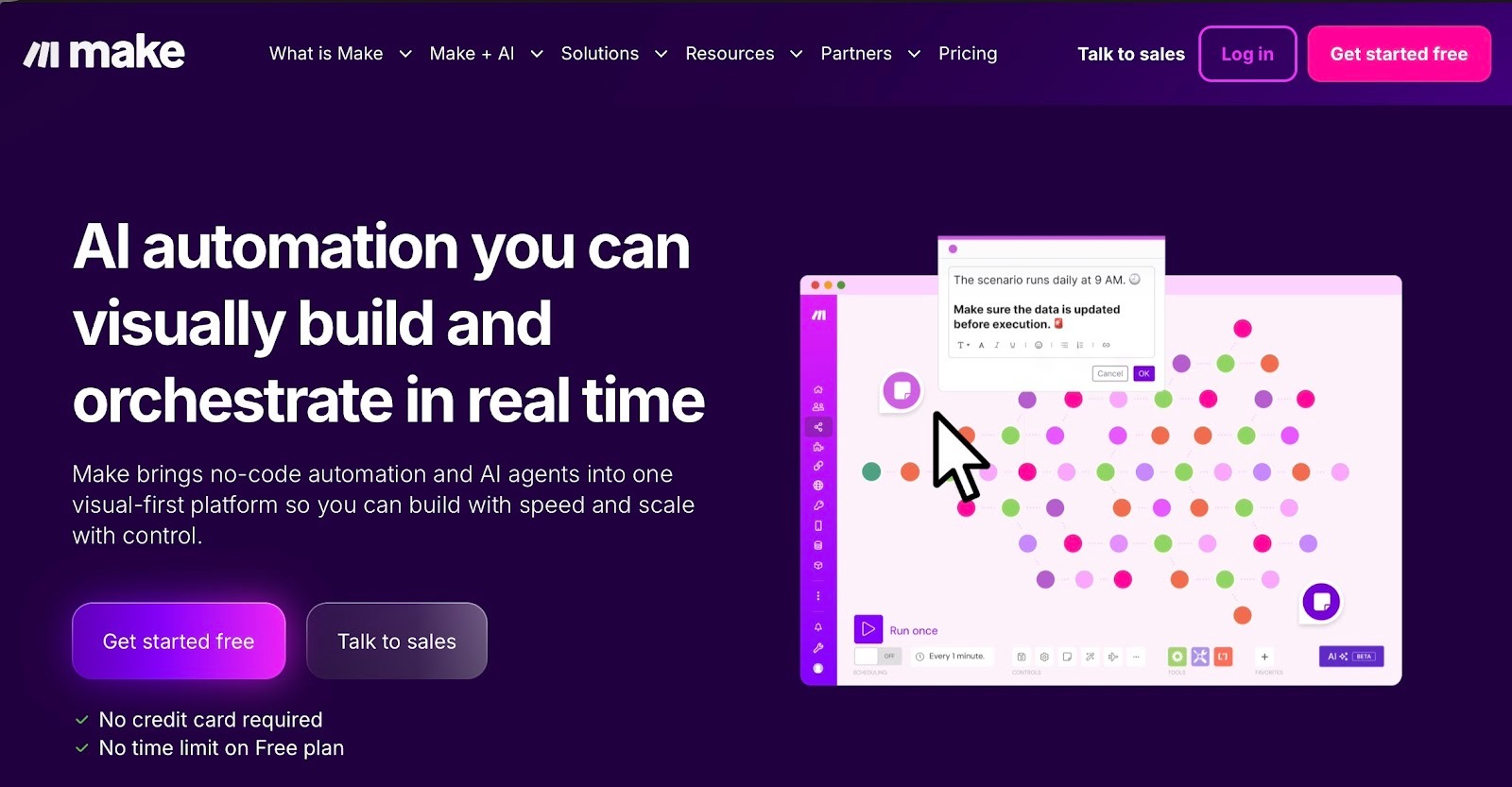
Make is for people who think visually. The first time I built a scenario, I zoomed out just to see the entire flow on one screen. When workflows branch in multiple directions, seeing everything at once makes troubleshooting easier. If you like shaping data step by step, this one feels intuitive. For a detailed comparison of how these platforms perform against each other, check out our guide on the best gumloop vs make workflows.
Why does it beat Gumloop?
- Visual workflows: Make lets you build multi-step flows on one screen. This makes it easier to manage workflows that branch in different directions.
- Built-in data tools: You can map fields and adjust data inside the builder. This helps when you need to clean or change information between apps.
- Error handling: You can set rules for what happens if something fails. For example, you can stop the run or send it down a different path.
Pros
- Visual builder makes complex flows easier to follow
- Built-in error handling gives you more control when something fails
- Good for workflows that need data mapping and step-by-step inspection
Cons
- Costs can rise as your operation count increases
- Scenarios can get hard to manage if they grow too large
Pricing
There is a free plan. Paid plans start at $10.59/month (Core), $18.82/month (Pro), and $34.12/month (Teams).
Bottom line
Pick Make if you want a visual builder with strong data mapping and clearer control over how failures are handled. To compare visual workflow builders against autonomous AI agent platforms, explore top manus ai alternatives software options.
4. Clay: Best for data enrichment workflows
Clay is less about general automation and more about data leverage. I ran a basic enrichment flow on a lead list and immediately saw stronger match rates using the waterfall setup. A GTM friend told me it completely changed how their outbound team builds lists. If data quality is slowing you down, Clay directly addresses that bottleneck.
Why does it beat Gumloop?
- More data coverage in one place: Clay bundles access to over 50 data providers and uses a credit-based model, so you do not have to manage multiple separate tool subscriptions.
- Waterfall enrichment: You can run multiple providers in a set order until you find the data you need, like a work email or phone number. This improves match rates without manual checking.
- Credit-based pricing: Clay uses a credit model, and many plans include collaborative features for teams sharing a workspace. Check Clay’s pricing page for the latest details on user limits.
Pros
- The waterfall approach helps reduce gaps in data
- Works well when lists and research drive your workflow
- Very strong for contact and company enrichment at scale
Cons
- Best results come when you already know your ICP and enrichment rules
- It’s not meant to replace a general automation tool for every team workflow
Pricing
There is a free plan. Paid plans start at $185/month (Launch).
Bottom line
Choose Clay if your core need is high-quality enrichment and GTM data workflows, especially when you want to use multiple data sources without stitching everything together yourself.
5. Retool: Best for internal tools with logic
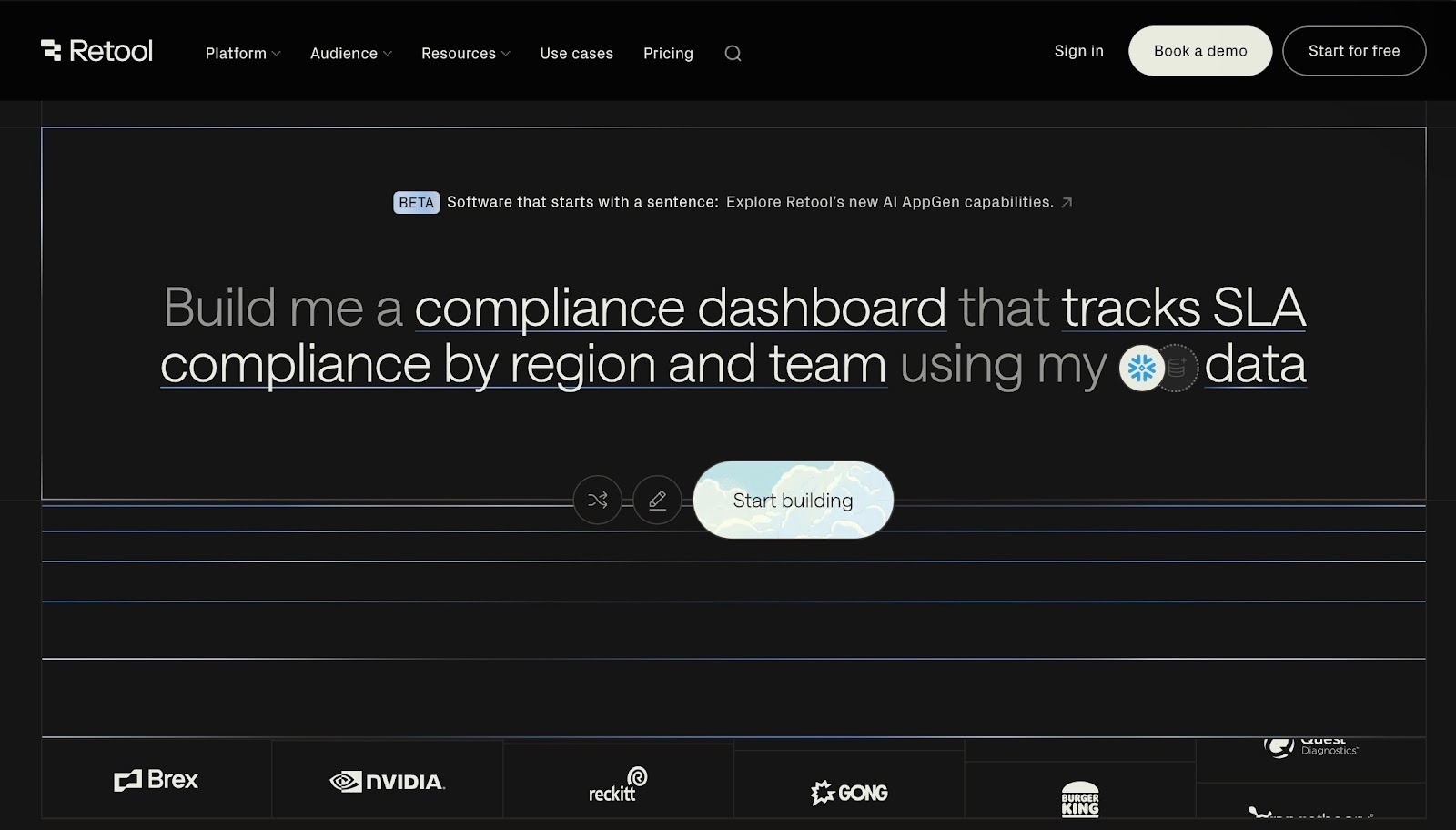
Retool feels like building an internal product rather than setting up a simple automation. I created a small approval dashboard tied to a database, and it felt structured and controlled. If your ops team needs real screens, buttons, and approval layers instead of background-only flows, Retool fits naturally.
Why does it beat Gumloop?
- UI plus actions in one place: You can build screens with tables, forms, and buttons, then connect them to actions like “approve,” “update status,” or “create record.”
- Background jobs you can schedule and track: Retool Workflows lets you build, schedule, and monitor jobs like alerts and ETL tasks.
- Webhook-triggered flows: You can trigger workflows from webhook events and use the event payload in the steps.
Pros
- Monitoring and logs help with troubleshooting at scale
- Strong for internal tools that need real screens and controls
- Useful for review flows where humans approve before changes go live
Cons
- Works best with some comfort around data and app logic
- Less focused on simple “connect app A to app B” automations
Pricing
Retool has a Free plan. Paid plans include Team ($12/month per builder + $7/month per internal user).
Bottom line
Pick Retool when you need internal apps with real screens, plus scheduled and event-based jobs running in the background.
6. Workato: Best enterprise Gumloop alternative
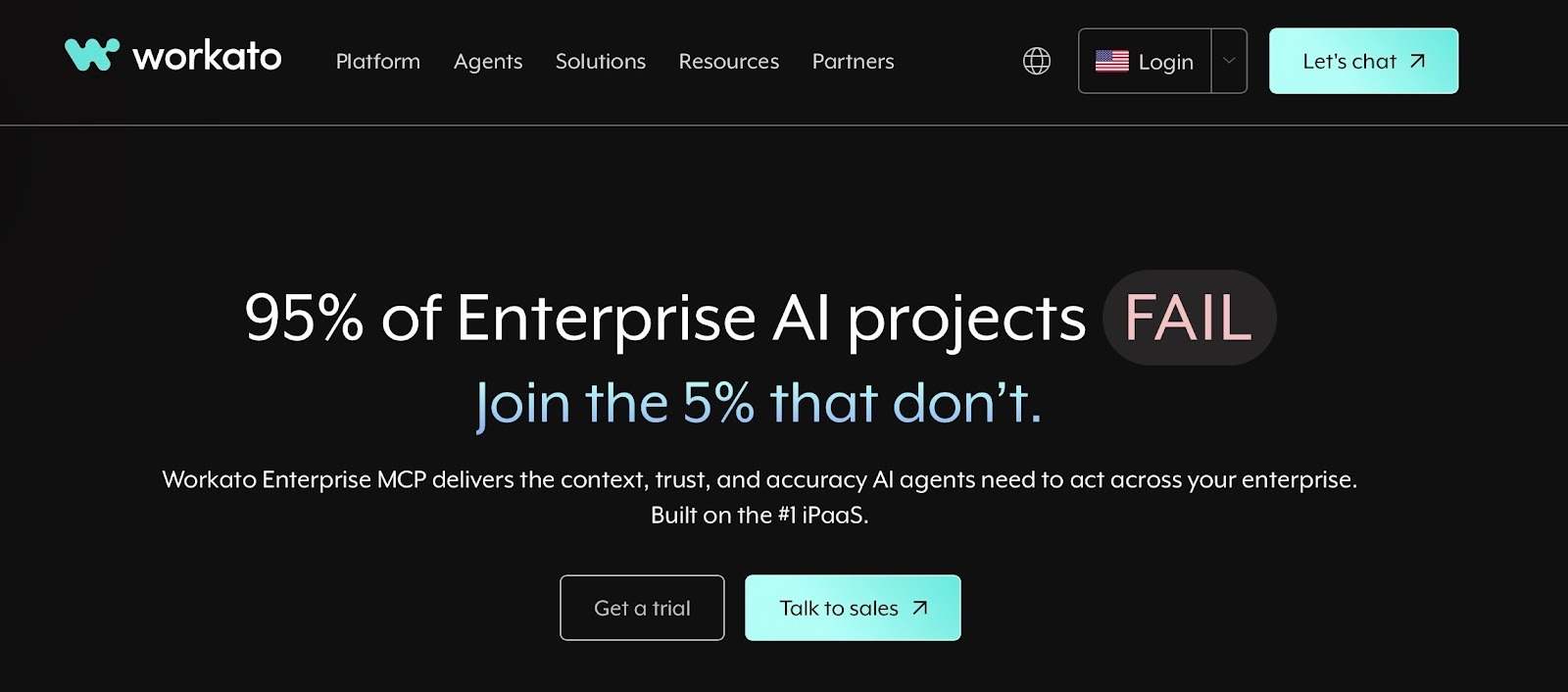
Workato feels like enterprise software from the first interaction. The governance features and structure make it clear that it is built for larger organizations. I spoke with someone on an IT team who uses it across departments, and their main takeaway was stability. If your workflows touch finance, HR, and supply chain systems, this is designed for that level of complexity.
Why does it beat Gumloop?
- Stronger security and compliance options: Workato includes enterprise-grade security features such as data masking, customizable data retention policies, and compliance certifications, including SOC 2 Type II, GDPR, and HIPAA.
- Large connector library: It promotes an integrations directory with 1,200+ pre-built connectors, which helps when you need coverage across many systems.
- Structured workflow building (“recipes”): The recipes are automated workflows built using connectors.
Pros
- Clear workflow structure that scales across teams
- Broad connector coverage for cross-system workflows
- Strong admin and security posture for larger org needs
Cons
- Can be more than a small team needs, if workflows are basic
- Pricing is not simple upfront and often starts with a sales process
Pricing
Pricing is not publicly available.
Bottom line
Choose Workato when you need strong controls, broad integrations, and vendor-level support for automation across a larger organization.
7. Tray.ai: Best for complex business automations
Tray feels built for teams dealing with real integration complexity. When I explored its embedded integration setup, it was clear why SaaS companies use it to power customer-facing integrations. But if integrations are part of your product strategy rather than just internal automation, Tray might be a good fit.

Why does it beat Gumloop?
- Embedded integrations for SaaS teams: Tray supports white-labeled, in-product integrations, with a configuration wizard so end users can connect and manage their own integrations.
- Large connector library: There are 558 connectors available, which helps when your workflows span many tools.
- Custom connector options: It also supports a Connector Development Kit and OpenAPI-based imports, so you can cover internal systems that do not have a prebuilt connector.
Pros
- Strong coverage across apps, databases, and warehouses
- Flexible when you need custom connectors for private systems
- Good fit for product-led integrations, not just internal automations
Cons
- Usually not a quick, self-serve setup for small teams
- Pricing is commonly sales-led, so planning costs can take an extra step
Pricing
Pricing is not publicly available.
Bottom line
Tray.ai is a strong fit when workflows are complex, and connector coverage plus embedded integrations matter more than quick setup.
8. AnyTeam: Best for sales operating systems
AnyTeam is built around the day-to-day work of B2B sales reps. I tested it from the perspective of an account executive preparing for calls. It clearly centers around tightening that loop. It does not try to automate everything. It tries to sharpen sales execution. If prep and follow-up are your weak points, this is built for that workflow.

Why does it beat Gumloop?
- Sales-first workflow: The product is designed around account executives and their sales tasks, not general automation for every team.
- Call support and deal help: It centers on helping reps during customer interactions, plus the work that comes right after.
- Standardizes follow-ups: It supports creating sales assets that can speed up and standardize post-call follow-ups.
Pros
- Clear fit for teams that want a single sales workflow system
- Built around how AEs work, not how ops teams build automations
Cons
- Narrow focus compared to general automation platforms
- Not ideal if your main need is cross-team workflows outside sales
Pricing
Pricing is not listed publicly.
Bottom line
Choose AnyTeam if your priority is improving how sales reps prep, run calls, and follow up.
9. Pipedream: Best for API-first workflows with code
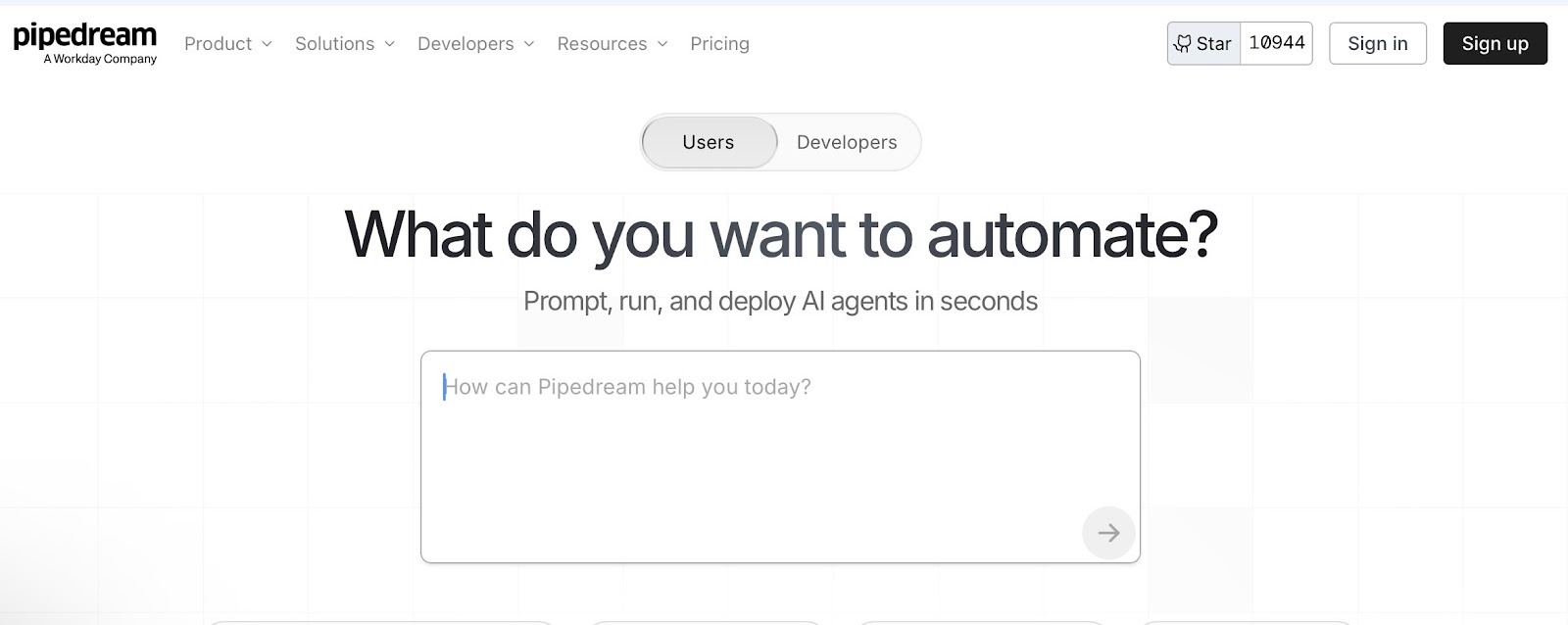
Pipedream is super useful for me whenever I build API-heavy workflows. With this tool, I trigger flows from webhooks, add quick code steps, and move data between systems without additional infrastructure.
Why does it beat Gumloop?
- Flexible triggers: A workflow can start from an HTTP webhook, a schedule, email, RSS, or app events. Pipedream also supports multiple triggers in one workflow.
- Code and actions in the same flow: You can mix code steps with prebuilt actions, which helps when you need custom logic without building everything from scratch.
- Credit-based pricing model: Pipedream uses credits for workflow executions and certain actions, based on resource usage.
Pros
- Webhook triggers make it easy to connect internal systems
- Prebuilt actions speed up common steps across integrations
- Great when workflows are API-driven and need custom logic
Cons
- Less focused on pure no-code building
- Better suited to teams comfortable working with APIs and light coding
Pricing
There is a free plan. Paid plans start at $45/month (Basic) and $74/month (Advanced).
Bottom line
Choose Pipedream if your automations rely on webhooks and APIs, and you want the option to write clean code steps directly within the workflow.
Which Gumloop alternative should you choose?
Choose based on your most important need right now, like integrations, control, visual building, or governance. The alternatives mentioned below help you pick quickly without overthinking the tool list:
Choose Zapier if you:
- Prefer simple setup over deep customization
- Want fast “connect these two apps” automations
- Rely on many common SaaS tools in one stack
Choose n8n if you:
- Build around APIs, webhooks, and custom steps
- Have engineering support for setup and upkeep
- Want self-hosting or tighter control over data and logic
Choose Make if you:
- Like building workflows on a visual canvas
- Want strong routing and error paths inside the builder
- Do a lot of data mapping and step-level troubleshooting
Choose Clay if you:
- Mainly need lead and company enrichment
- Want multi-source enrichment with waterfall logic
- Run GTM workflows where data quality is the bottleneck
Choose Retool if you:
- Run scheduled jobs alongside a working internal UI
- Need internal tools with screens, buttons, and approvals
- Want workflows tied directly to databases and admin actions
Choose Workato if you:
- Prefer a vendor-led rollout and support model
- Need enterprise controls and admin governance
- Run automations across many departments and systems
Choose Tray.ai if you:
- Need embedded or customer-facing integrations
- Build complex integrations across many systems
- Expect custom connectors and integration delivery at scale
Choose AnyTeam if you:
- Want a sales-first system built around AE workflows
- Do not need a general automation tool for other teams
- Focus on tightening prep, calls, and follow-ups in one place
Choose Pipedream if you:
- Work mainly with webhooks and APIs
- Want code steps inside workflows for custom logic
- Prefer developer-led builds over pure visual setup
Stick with Gumloop if you:
- Are still prototyping and iterating quickly
- Prefer a no-code builder for fast experiments
- Do not yet need heavier controls or formal governance
Why do people look for Gumloop alternatives?
Gumloop workflows are great to begin with but are equally hard to manage as you scale and tweak your approach. If you browse Reddit or automation forums, you’ll see people saying the same thing.
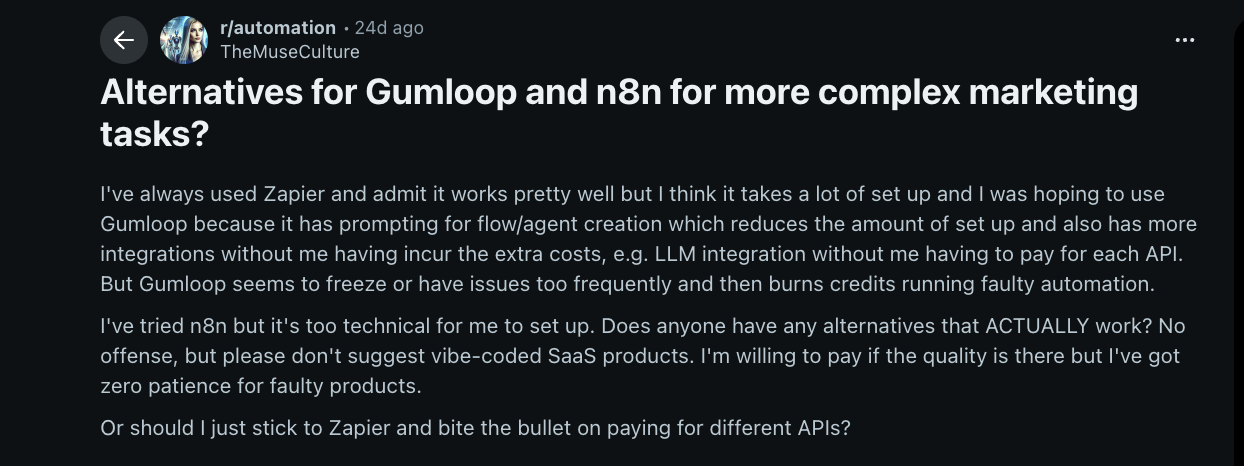
They like the idea of prompt-based automation, but once workflows grow, they run into freezes, credit burn from failed runs, or setups that feel too technical to maintain.
Here’s why you should look for an alternative:
- More tools in the stack: As a workflow touches more apps, teams want broader connectors and fewer workarounds.
- More control over edge cases: When inputs vary, teams need better branching, validation, and fallback paths.
- Better run visibility: Once workflows run often, teams want clearer logs, alerts, and an easier way to spot what failed and why.
- Tighter data and access rules: Some teams need self-hosting options, stricter permissions, or clearer security controls.
- Clearer ownership: As workflows grow, teams want setups that are easier to maintain, hand off, and update without breaking other flows.
{{cta}}
How I tested these Gumloop competitors
To keep the comparison fair, I used one checklist across every tool. The focus was on day-to-day use, not one-off demos.
Here’s what I looked for:
- Workflow control: I looked for clear ways to handle branching, conditions, and “if this happens, do that” logic. I also looked for guardrails, like stopping a run when required fields are missing.
- Data handling: How well the tool copes with real inputs, like blanks, duplicates, and mixed formats. This includes field mapping and simple transforms between steps.
- Integrations: Coverage of common business apps, plus support for APIs and webhooks when a workflow needs custom triggers or custom data pulls.
- Debugging and visibility: Whether runs are easy to review after the fact. Good tools make failures easy to spot and make the broken step easy to identify.
- Reliability features: Basics that prevent breakage at scale, like retries, timeouts, and clean error paths.
- Human handoffs: Whether the workflow can pause for approval, notify the right person, and resume without losing context.
- Maintainability: How easy it is to update the workflow later, especially when inputs change or the workflow grows.
My process
Each tool went through the same core workflows most teams run, including form-to-CRM routing, support intake with tagging, lead enrichment, and a simple approval flow.
Then, I added common mistakes like missing fields, bad formats, duplicates, and failed API calls.
With this, I wanted to see what broke, what recovered on its own, and what required manual cleanup.
Finally, I adjusted each workflow after setup. Small changes reveal whether a tool is built for real use or just clean demos.
In the end, I focused on two things: how clearly problems surface, and how easy it is to update the setup without starting over.
My final verdict
Gumloop is a strong choice for quick builds and early experiments. But when a workflow needs to run every day, teams usually want clearer controls, smoother handoffs, and fewer failure surprises.
Across the tools on this list, Zapier is the most practical pick for everyday automations that need to hold up in real use. Its simple trigger-to-outcome structure makes workflows easy to build, review, and fix.
If you need self-hosting and deeper control, n8n is the stronger choice, and Workato fits larger organizations that need enterprise governance.
If you would rather delegate work to an AI assistant than build each flow yourself, tools like Lindy take that approach instead.
FAQs
1. Can Zapier’s AI features compete with Gumloop?
Yes, Zapier’s AI features can compete with Gumloop when you want AI inside a classic automation setup. For example, Zapier lets you start an Agent from a Zap, and it can run the instructions during the workflow. Gumloop stays more centered on AI nodes and agent-style building blocks.
2. Can Gumloop replace Zapier for everyday automations?
Yes, Gumloop can replace Zapier for certain everyday automations, especially when AI logic is central to the workflow. However, Zapier still leads in app integrations and simplicity. If your priority is connecting many tools quickly and reliably, Zapier remains the safer overall choice.
3. Which tool has better AI automation: Zapier or Gumloop?
Gumloop generally offers stronger built-in AI automation, with AI logic integrated directly into workflows. Zapier supports AI, but typically as one step inside a broader automation. If AI decision-making drives your process, Gumloop is usually the more capable option.
4. Is Gumloop more advanced than Zapier in terms of AI?
Yes, Gumloop is generally more advanced than Zapier for AI-focused workflows. It was built with AI at the core, while Zapier added AI features later. That said, Zapier still outperforms Gumloop when integration breadth and ecosystem coverage matter most.
5. What’s the best Gumloop alternative for businesses?
The best Gumloop alternative for a business depends on the main need. Zapier is the simplest fit when the goal is connecting many tools quickly and reliably. n8n suits teams that want self-hosting and control over custom logic, and Workato fits larger organizations that need enterprise controls and governance.










