6 Best Notion AI Alternatives: Compared and Reviewed
Marvin tested ten Notion AI alternatives over eight weeks, including Superhuman Docs, ClickUp, and Slite, weighing database formula power, knowledge base upkeep, and pricing transparency.


I went looking for Notion AI alternatives the day I did the math. Twenty people on a team, all using Notion AI at the Business plan rate of $20 per seat per month. That's $400 a month, $4,800 a year, just for AI that can only read content inside Notion.
Notion’s AI can't touch my Gmail. It doesn't know what's in my CRM. And I have no idea what the team said in Slack yesterday.
The editor, the databases, the template library, those are good. The problem is that Notion sold you an AI assistant, and what it gave you is an AI editor. A very capable one, inside a very clean workspace.
So I spent eight weeks testing 10 tools across every use case Notion touches: docs and databases, project management, team knowledge, personal notes, AI writing, and AI that executes tasks across your tools. I tested each one against what Notion currently does, not against some idealized version of what a workspace should be.
Here's what I found.
What is Notion?
Notion is an all-in-one workspace for notes, wikis, databases, and project management. Notion AI is its built-in writing and search assistant, now fully available only on the Business plan at $20 per user per month. Notion AI works only inside the Notion workspace. It cannot read or act on content in Gmail, Slack, or other tools.
Using Notion, you can build pages out of blocks (paragraphs, tables, toggles, databases, embeds) and structure them however you want. That flexibility is what made Notion popular: a notes app, wiki, and lightweight database tool rolled into one interface.
Notion AI launched in 2022. In May 2025, Notion restructured pricing so that full AI and Ask Notion now require the Business plan at $20 per seat per month. Custom Agents cost more again, at $10 per 1,000 Notion credits once the free allowance runs out. The old $10/month standalone add-on no longer exists. For a 20-person team, that's $4,800 a year.
6 things Notion does well
Notion does a lot of things well. That's exactly what makes switching complicated. So it helps to name the six things Notion is good at. Each one has a better-focused alternative. Knowing which of the six matters most to you is how you pick the right replacement.
Here's what Notion gets right:
- All-in-one workspace: Notion replaced three or four apps for a lot of teams. Docs, databases, wikis, and kanban boards live in a single interface. Most alternatives only cover a slice of that, which means you'd need to stitch tools together to replicate it.
- Flexible databases: Notion's linked databases let you build multiple views (table, board, gallery, calendar, timeline) from a single data source, with filters and sorts per view. Teams that fully learn this feature tend to run entire operating systems on top of it.
- Block editor: The slash-command block system became a default writing environment for thousands of people. Callout blocks, toggles, synced blocks, and database embeds all live in one editor, and you never have to leave the page to do something new.
- Templates and wikis: Notion's template library and wiki structure make it one of the fastest tools for standing up a company knowledge base. Team wikis, SOPs, and onboarding docs come together quickly. New hires can navigate the structure without needing a walkthrough.
- Project management basics: For small teams, Notion's task layer covers most of it. Assignees, due dates, status fields, and board views handle day-to-day coordination without a separate project tool. It's not ClickUp, but for a five-person team it rarely needs to be.
- AI writing inside the editor: For drafting, summarizing, and rewriting inside a document, Notion AI is fast and well-integrated. The quality of the writing assistance is solid. The limitation is scope.
Notion is good at all six. A focused tool is better at one, and that's the trade you're deciding on.
Quick comparison: Notion AI alternatives at a glance
| Tool | Best for | Starting price | Limitation |
|---|---|---|---|
| Superhuman Docs | Docs and databases with real formula power | $15/user/month | Steep learning curve; takes weeks to feel natural |
| ClickUp | Project and task management at scale | Free / $10/user/month | AI is a paid add-on (from $14/user/month extra) |
| Slite | Team knowledge bases that stay accurate | $12/user/month | Knowledge base only; no tasks or databases |
| Obsidian | Personal notes with full data ownership | Free / $5/user/month (Sync) | Solo tool; collaboration requires workarounds |
| Taskade | AI-native execution and automation | Free / $20/month (up to 10 users) | Thinner on long-form docs and wiki structure |
| Lindy | AI that acts across your entire stack | $29.99/user/month | Not a workspace |
How I tested these Notion AI alternatives
The r/Notion community has been asking some version of this question for years. The thread that finally pushed me to do this properly had 104 comments and a top answer that captured the real tension: Notion doesn't do any single thing the best, but it probably does the most things simultaneously.
The replies underneath it pushed back, with users noting that the quality has been slipping and that Notion's AI push isn't landing the way the company wants it to.

That framing shaped how I built the testing criteria. So I built the testing criteria around a narrower question: is there a better tool for the one thing Notion does best for you? Answering that meant running each tool through a real workstream instead of a generic feature audit.
Every tool was tested across the same six workstreams:
- Database and formula work: Built a 30-row project tracker with linked databases, conditional filters, and calculated fields. Tracked where formulas broke or needed a workaround.
- AI task execution: Ran a real outbound research workflow: find a prospect, pull company news, draft a personalized email, log to CRM. Measured how many tabs and manual steps the tool required versus how many it eliminated.
- Knowledge base maintenance: Loaded a simulated six-month-old wiki with conflicting and stale docs. Tested whether the tool surfaced the problem, required a manual audit, or ignored it entirely.
- Collaboration and co-editing: Invited a second user into a live workspace and edited the same document simultaneously. Checked for conflicts, sync lag, and whether the tool handled concurrent edits gracefully.
- Pricing transparency: Verified every plan price and AI feature status against the official pricing page, not third-party review sites. Noted where AI costs extra, where it's capped, and where the stated price requires annual billing.
- Onboarding and setup time: Measured how long it took to import an existing Notion workspace, set up the first meaningful workflow, and reach a point where the tool was doing something Notion wasn't.
Testing ran over eight weeks on paid plans wherever the feature being tested required one. Each tool was used for at least five days of active work.
Four tools didn't make the list. Tana's learning curve is too steep for most teams to justify. Anytype's real-time collaboration produced conflicts in both test sessions. Microsoft Loop only works well inside a Microsoft 365 shop. Nuclino is excellent but lighter than what most Notion users need, and complex database migrations stall out fast.
The six tools that made the list each solved one of Notion's specific failure points well enough to recommend confidently to the right kind of user.
1. Superhuman Docs: Best Notion alternative for docs and databases
Superhuman Docs (formerly Coda, renamed Superhuman Docs in July 2026 after parent company Grammarly rebranded itself as Superhuman) is the closest thing to a genuine Notion upgrade if what you're after is a more powerful doc and database environment. It blends documents, spreadsheets, and lightweight apps into a single editor, with the same general idea as Notion but a noticeably higher ceiling once you start pushing the database layer.
What made me take it seriously was how it handles the AI column. During testing, I had a table with 30 meeting-note entries. In Notion, getting AI summaries across all of them meant opening each page manually.
In Superhuman Docs, I added an AI column to the table, wrote the prompt once, and it ran across every row automatically. AI inside a database works differently than AI inside a doc, and that gap showed up immediately.
What it is: Superhuman Docs is a doc-plus-spreadsheet-plus-mini-app builder. It replaced Notion for me on data-heavy work: project trackers with formulas that hold up, databases that talk to each other without workarounds, and automations that trigger from button clicks inside the doc itself.
Best for: Teams that built complex Notion databases and need more formula power. Engineers, ops teams, product managers tracking roadmaps. Anyone who has hit Notion's formula ceiling and started Googling workarounds.
Key features
- AI column: Add a column to any table and describe what you want it to do: summarize, extract, classify, or draft. Superhuman Docs runs that prompt on every row automatically. You set it up once. Notion has nothing comparable at the database level.
- Packs (600+ integrations): Integrations live inside the doc rather than in a sidebar. Pull a Jira board, a Salesforce pipeline, or a Google Calendar into a table, filter it, sort it, and act on it with a button or automation, all without leaving the page. Notion's integrations are shallower.
- Formula engine: The formula system is closer to a spreadsheet than Notion's rollups. Calculated fields, conditional logic, and button-triggered actions behave like lightweight app features. If you have ever wished Notion's formulas worked more like Airtable's, this is what that looks like in practice.
- Notion import: Direct Notion import is supported. You can import selectively, choosing specific pages rather than the whole workspace. One thing to plan for: the importer won't accept a Notion export zip larger than 2GB, so big workspaces need to be split and brought over in batches. The post-import flow walks you through what to rebuild.
Limitation
Superhuman Docs has a steeper learning curve than Notion. The Packs system and formula layer take a few weeks to feel natural. If your team needs something they can spin up this month without a ramp-up period, that is a real consideration.
Pricing
Pro plan starts at $15 per Doc Maker per month. Business plan is $40 per Doc Maker per month. Free plan available with unlimited Doc Makers but caps shared doc size.
2. ClickUp: Best Notion alternative for project and task management
Notion's task layer works fine for a five-person team. The moment you add dependencies, workloads, timelines, and sprints, it starts to crack. ClickUp is where you go when Notion's project management basics are no longer basic enough.
I tested it with a 10-person content team running three concurrent projects. What stood out was how much faster cross-project visibility became. In Notion, checking what was overdue across all three projects meant opening each board separately. In ClickUp, one dashboard showed everything. That's a small change that adds up across a full week.
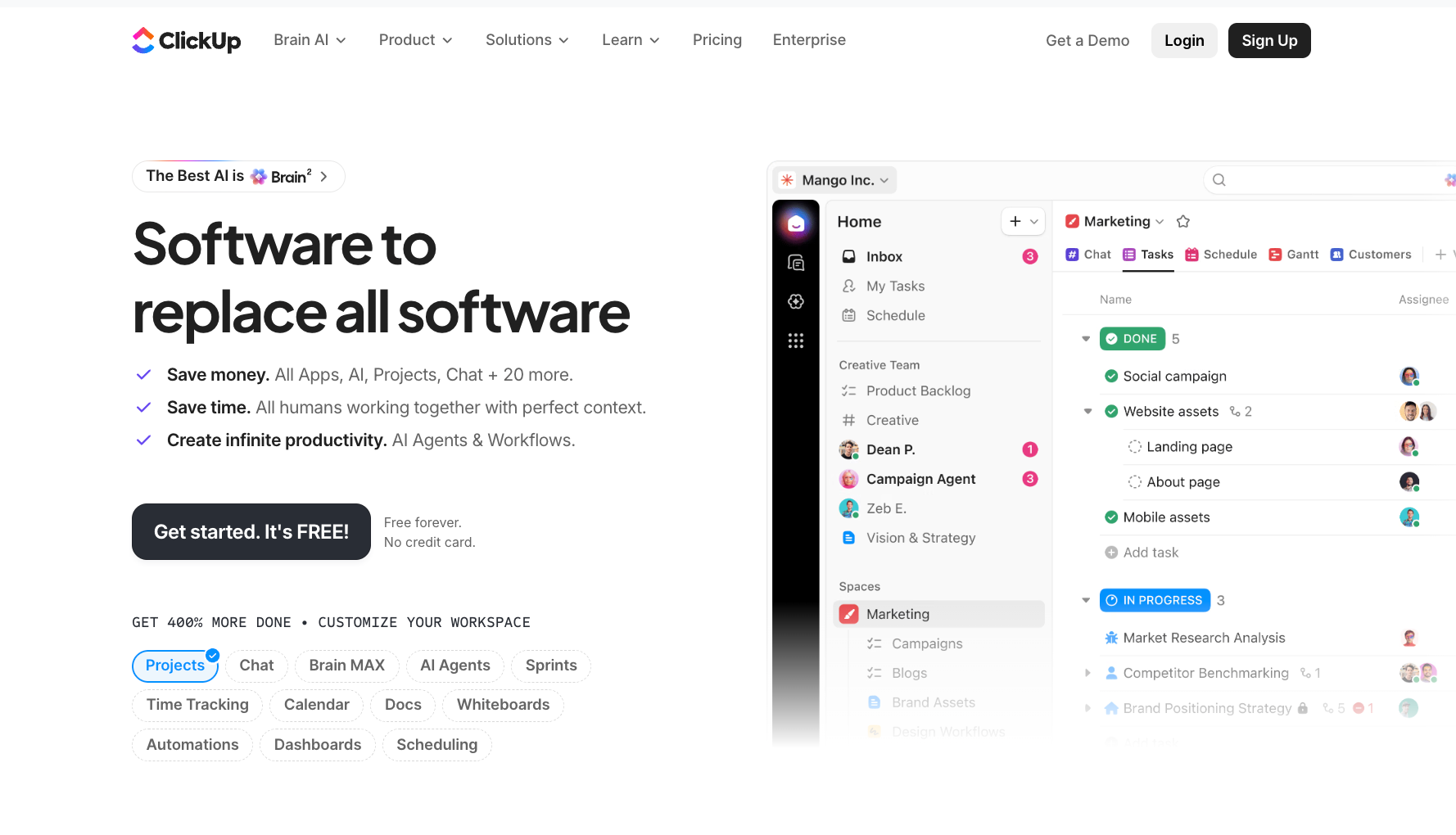
What it is: ClickUp is a project management platform with docs, wikis, time tracking, dashboards, and goals all built in. It covers more task-management ground than any other tool in this roundup, at a price point that undercuts most competitors.
Best for: Managers and ops teams running multiple projects simultaneously with real dependencies. Teams that outgrew Notion's task features and need Gantt views, workload tracking, and sprint management without adding a separate tool.
Key features
- Multiple views: ClickUp gives you list, board, calendar, Gantt, timeline, table, and mind map views from a single task set. Notion's views are fewer and require workarounds for anything involving dependencies or timeline logic.
- Built-in time tracking and dashboards: Neither exists natively in Notion. ClickUp's dashboards pull live data across projects so you can report upward without building a separate spreadsheet.
- Automations: The Unlimited plan includes 1,000 automation runs per month, and Business bumps that to 5,000. Status changes, reassignments, and notifications can all trigger automatically. That's considerably more than what Notion's basic automation layer handles.
- Free plan: The Free Forever plan supports unlimited members and unlimited tasks, which is rare for project management tools. The cap to watch is storage: 60MB shared across the whole team, which fills up faster than you'd expect once files and screenshots get involved.
Limitation
ClickUp Brain, the AI layer, is a separate add-on starting at $14 per user per month, rising to as much as $33 per user per month depending on your plan ($9 per user per month if you pay yearly).
The "AI included" expectation you might bring from Notion doesn't hold here. You're adding another line item to fix a problem that started with Notion AI's cost. A 10-person team on Business with Brain AI lands at $330 per month. Factor that in before comparing sticker prices.
Pricing
Free Forever plan available. Unlimited plan starts at $10 per user per month. The Business plan is $19 per user per month. ClickUp Brain AI add-on starts at $14 per user per month (monthly billing), billed across every paid seat in the workspace.
3. Slite: Best Notion alternative for team knowledge management
Notion wikis go stale. That's just what happens when a knowledge base has no mechanism for staying accurate. Onboarding docs that reference products you've since deprecated. Policy pages with three versions, none of them marked current. SOPs that two people updated without knowing about each other.
Slite is a self-maintaining knowledge base built to fix that specific problem. It monitors your connected tools, flags when your docs have drifted from reality, and drafts corrections for a human to approve.
I tested it against a simulated knowledge base with roughly six months of drift. I connected it to a Slack channel and a Linear project, then pointed the Slite Agent at the workspace. Within a few minutes, it had flagged two docs where the information conflicted with recent Slack discussions, drafted an updated version combining the correct details from both, and queued it for human approval.
Search in Notion finds things, but Slite's Agent watches whether what it finds is still true.
What it is: Slite is a team knowledge base with AI search and doc verification, built so the wiki maintains itself instead of waiting for an annual cleanup.
Best for: Teams where the Notion wiki slowly became a mess. Anyone running onboarding, support, HR documentation, or company SOPs at a team of 10 or more. Remote-first companies where async information access is a daily operational dependency.
Key features
- Slite Agent: The Agent connects to Slack, Linear, GitHub, Google Drive, Jira, and other tools, then watches for gaps between what your docs say and what's happening in those tools. When it detects drift, it drafts a fix and routes it to the right person for approval. The Agent runs the cleanup sprint for you, continuously, instead of once a year.
- Ask (AI search across your stack): On the Pro plan, Ask searches across connected tools, not just Slite docs. Ask it something about a process, and it pulls context from the relevant Slack thread, the Linear ticket, and the Slite doc, then gives you one cited answer. The Basic plan limits Ask to Slite docs only.
- Doc verification workflow: Any doc in Slite can be marked as verified with an owner and an expiry date. When the expiry hits, Slite flags it for review automatically. Stale knowledge becomes a workflow item rather than a quiet risk.
- Knowledge Management Panel: A workspace-level view that shows which docs are unverified, which are stale, which have no owner, and which are never read. This is what lets a single ops person maintain a knowledge base of hundreds of docs without losing track.
Limitation
Slite is a knowledge base and nothing else. There are no kanban boards, task management features, or database views. If your team wants to run projects and store documentation in the same tool, Slite won't cover both sides, and you'll end up pairing it with something like ClickUp or Linear, which adds another seat cost and another tool to maintain.
Pricing
No free plan. 14-day trial available on all plans. Basic plan is $12 per user per month. Pro plan is $25 per user per month. Enterprise pricing is custom.
4. Obsidian: Best Notion alternative for personal note-taking
Most note-taking apps store your notes on their servers. Obsidian stores them on your device, as plain Markdown files, in a folder you control. You own the files outright, sync is optional, and the company has no access to your data unless you choose to give it.
People pick Obsidian over Notion for personal work on ownership alone, before they compare a single feature.
I ran the Smart Connections plugin with an Anthropic API key across a vault of 200+ personal notes for four weeks. Semantic search across everything, entirely on-device, nothing sent to any server I didn't choose. Notion AI cannot offer that at any price.
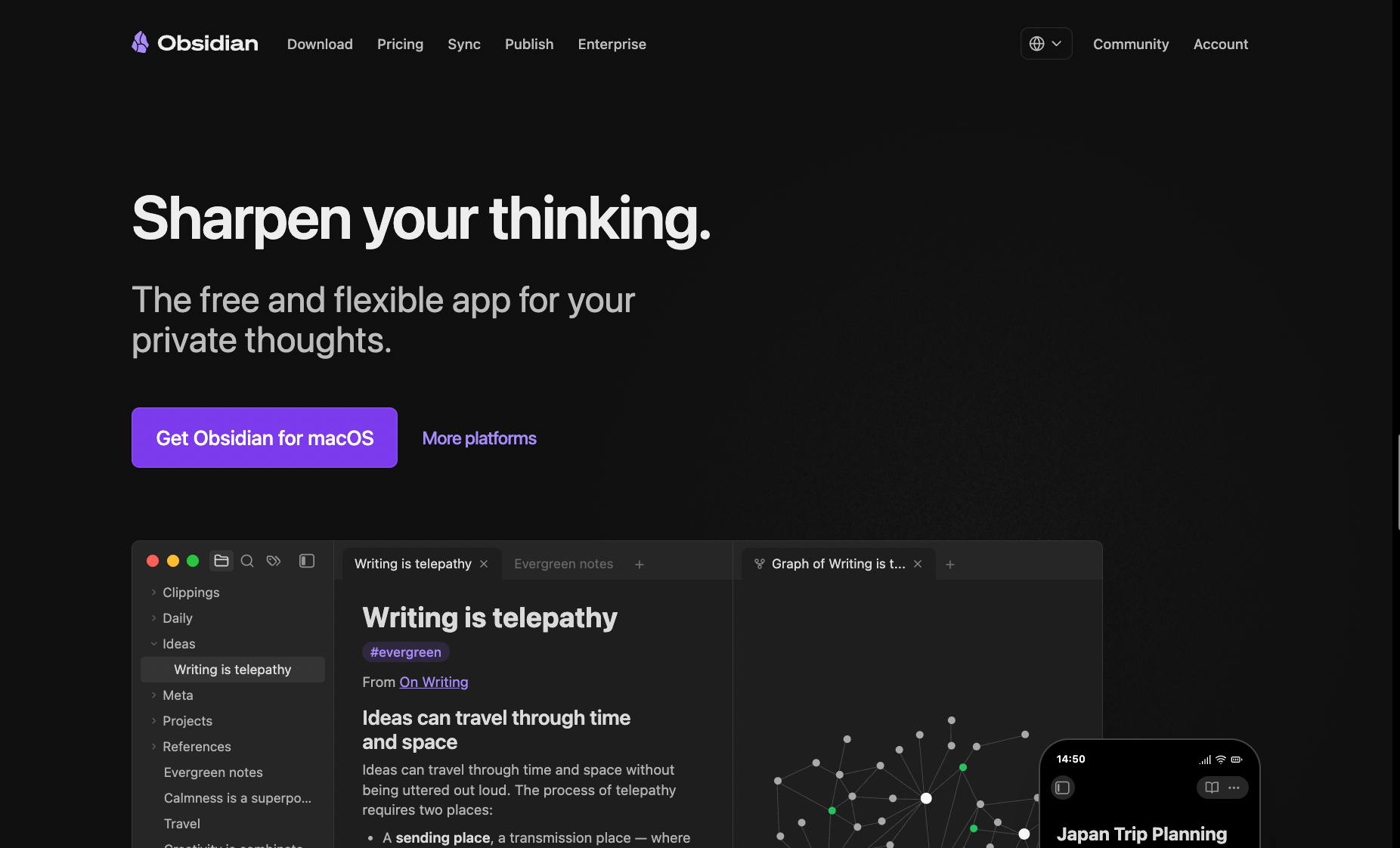
What it is: Obsidian is a local-first note-taking app. Your vault is a folder of plain Markdown files that you store wherever you want: on your hard drive, in iCloud, in Dropbox, or synced via Obsidian's own encrypted Sync add-on. The core app is free with no feature limits and no sign-up required.
Best for: Researchers, writers, and solopreneurs building a long-term second brain. Anyone whose first frustration with Notion is "who owns my notes." People who want AI across their personal knowledge base without handing that data to a platform.
Key features
- Local-first storage: Your vault is a folder on your computer. Export anytime, move to any cloud you control, open in any text editor. Works fully offline with no caveats. If Obsidian shuts down tomorrow, your notes are unaffected.
- 6,600+ community plugins including AI: The plugin library is deep and actively maintained. Smart Connections builds semantic embeddings of your vault so you can search by meaning rather than keyword. Copilot adds a chat interface grounded in your notes. Both support local models via Ollama, meaning the AI runs entirely on your machine and nothing leaves your device.
- Canvas plugin: Built into the core app, it's an infinite whiteboard where you can arrange notes, images, and connections visually. No equivalent in Notion without a third-party embed.
- Graph view: A live visualization of how your notes link to each other. Useful for seeing clusters of related thinking that you didn't deliberately create.
Limitation
Obsidian is a solo tool. Real-time collaboration requires workarounds: either a shared vault through a cloud folder, or Obsidian Sync with multiple users, neither of which gives you the co-editing experience Notion provides. If two people are editing the same note at the same time, you'll get conflicts. For teams sharing documentation, this is a real constraint.
Pricing
The core app is free with no feature limits. Obsidian Sync (cross-device sync) is $5 per user per month, or $4 per user per month billed annually. Obsidian Publish (turn notes into a website) is $10 per site per month, or $8 per site per month billed annually.
5. Taskade: Best Notion alternative for AI-native writing and automation
Notion AI is an add-on. Taskade is built the other way around: AI is the foundation, and everything else sits on top of it. The difference shows up immediately when you try to do something Notion AI cannot do: asking an AI agent to research a prospect, draft an outreach email, and drop it into a task queue, end-to-end, without leaving the workspace.
I tested exactly that. In Notion, it required copying context between tabs. Notion AI wrote inside the doc, but the research happened elsewhere. In Taskade, I described what I needed in plain language, and an AI agent ran the full workflow: web search, draft, structured output, filed to a project. That's the gap this section is about.
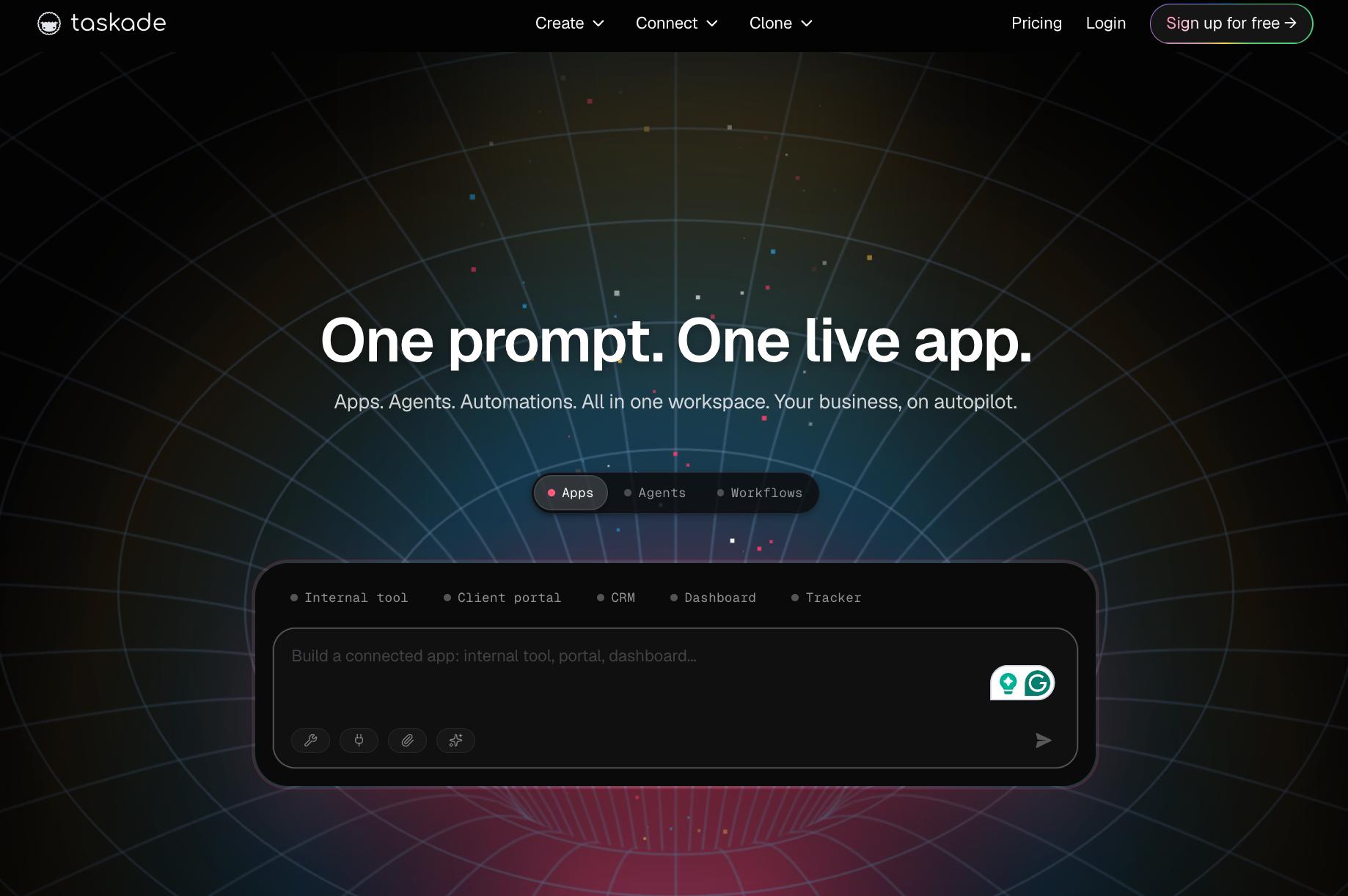
What it is: Taskade is an all-in-one workspace where AI agents are first-class citizens from the start. It combines project management, real-time collaboration, and autonomous AI agents in one interface. Agents have persistent memory, can be trained on your own files, and run 24/7 in the background.
Best for: Teams and solo users who want AI to execute tasks. Content teams, marketers, and ops leads running repetitive multi-step workflows. Anyone who wants AI that finishes a task instead of drafting a paragraph about it.
Key features
- Autonomous AI agents (all paid plans): Every paid plan includes unlimited AI agents. Each agent has its own memory, tools, and role. You train them on your files, assign them slash commands, and let them handle research, writing, and task generation in the background. Notion AI has no equivalent.
- Multiple views: Outline, board, calendar, mind map, and Gantt views within the same workspace. The same task set can be seen any way the team prefers without restructuring anything.
- Taskade Genesis: Describe a workflow or tool in plain language and Taskade builds a live app around it: dashboards, client portals, CRM trackers, project boards. Notion AI can draft copy inside a doc. Genesis builds working systems.
- 100+ integrations on Pro and above: Slack, Google Drive, HubSpot, Salesforce, Stripe, GitHub, and more. Automations can trigger across connected tools on a schedule or from an event, running 24/7 whether you're in the app or not.
Limitation
Taskade's information architecture is more task- and project-focused than wiki-focused. Teams that need a deep knowledge base with doc verification, structured SOPs, and long-form documentation will find it thinner than Notion or Slite for that use case. It's a better fit for execution than for storage of institutional knowledge.
Pricing
Free plan available (1 user, 6,000 one-time credits). Pro plan is $20 per month (up to 10 users, 50,000 AI credits/month). The Business plan is $50 per month (unlimited users, 150,000 AI credits/month).
6. Lindy: Best Notion AI alternative for AI that does the work
Lindy works two ways. Text it like a personal assistant and it handles your inbox, calendar, and CRM. Or drop Lindy into Slack, connect it to your Drive and your Notion workspace, and the whole team can @mention it for answers, which is the part of Notion AI that stops at the tab edge.
Either way, Lindy works across Gmail, your calendar, Salesforce, HubSpot, Slack, and hundreds of other tools, wherever the work already lives.
That's the gap I opened this piece on, and Lindy is the only tool here that closes it from outside the workspace.
Take the specific task Notion AI cannot complete: research a prospect, find recent news, draft a personalized outreach email, and log it in HubSpot. In Notion, that requires four tabs and manual copy-paste between each one. Text Lindy the same request. It pulls the company info, finds recent news, drafts the email, and logs the interaction in HubSpot automatically. You never leave the conversation.
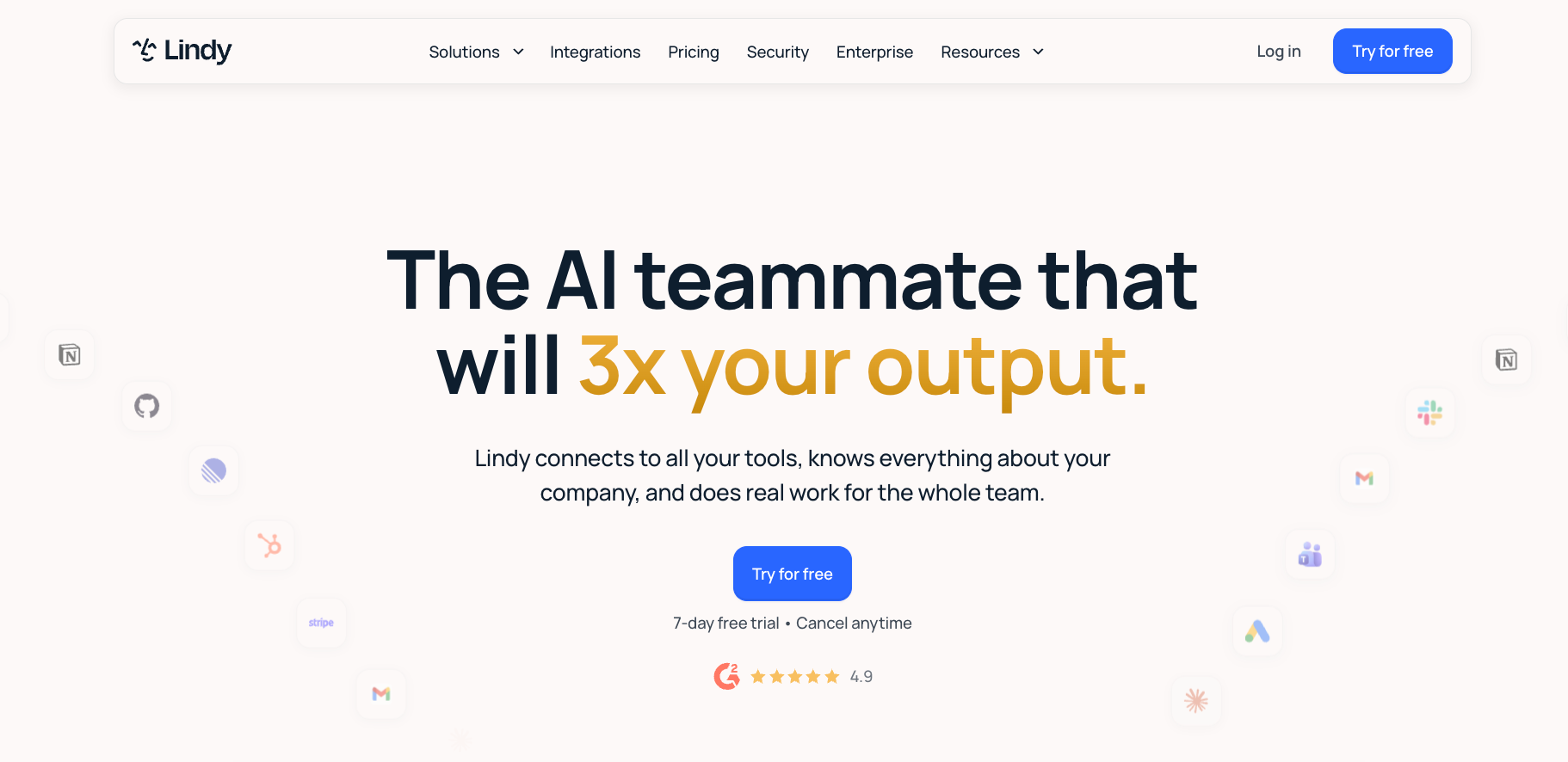
What it is: Lindy is an AI teammate that lives in Slack and handles work across your tools. Text it for personal tasks or @mention it in any channel for team-wide answers across email, calendar, CRM, and more. You describe what you need and Lindy handles it.
Best for: Founders, operators, and small teams spending too much time on repetitive work across email, calendar, and CRM. Anyone who looked at Notion AI's price increase and did the same math I did.
Key features
- Inbox management: Lindy reads your inbox, triages it, labels what matters, and routes what needs a person, across Gmail or Outlook.
- Meeting management: Text Lindy to handle your meetings. Lindy joins calls, writes structured notes with key decisions and action items, and drafts the follow-up email to all participants for you to approve and send.
- CRM and outreach: Ask it to research a prospect and it pulls company info, recent news, and funding details, then drafts a personalized email. After a call, it logs the notes and updates the fields in Salesforce or HubSpot.
- Proactive updates: Lindy texts you 10 minutes before meetings, so you're never caught off-guard. It flags urgent emails immediately, follows up with leads who haven't responded, and sends daily digests of what happened and what's coming up. It doesn't wait to be asked.
Limitation
Lindy isn't a workspace. There's nowhere to store notes, build a database, or write a doc, so you'll still pay for whatever tool holds your work. It also needs access to your email, calendar, and CRM to be useful, which is a real approval conversation at companies with tight IT rules. If you wanted one tool instead of two, this isn't it.
Pricing
Plus plan starts at $29.99 per month per user. Pro is $99.99 per month per user. Max is $199.99 per month per user. Enterprise is custom pricing. All plans include a 7-day free trial. Try Lindy free.
{{templates}}
How to choose the right Notion AI alternative
The right pick depends on what Notion is specifically failing to do for you. Most people aren't replacing all of Notion at once. They're replacing one thing it does badly. Start there.
Here's what matters when you're comparing options:
- What broke first: If your Notion wiki went stale, the tool you need is Slite. If your task management outgrew the basic board view, it's ClickUp. If Notion's formulas stopped doing what you needed, it's Superhuman Docs. Match the replacement to the specific failure. If Notion AI's workspace-locked scope was the frustration, it's Lindy.
- Team or solo: Slite, ClickUp, and Superhuman Docs are built for teams. Taskade works well for both, though it leans toward execution over long-form documentation. Obsidian is built for individuals, and forcing it onto a team is the most common regret in this category.
- Workspace or AI layer: If you need a new place to put your work, pick Superhuman Docs, ClickUp, Slite, Obsidian, or Taskade depending on your use case. If you want AI that acts across your existing tools without migrating anything, pick Lindy. You can pair them: a workspace tool for storage and structure, Lindy for execution across your stack.
- How many people have to change habits: Slite, ClickUp, and Superhuman Docs mean retraining everyone. Obsidian and Lindy change one person's day.
- What happens if you leave: Obsidian's files are yours already. Everything else here needs an export plan before you commit.
If you're still not sure, start with the problem that costs you the most time each week. The tool that fixes that problem is the right first move. You can always add a second tool once the first one is working. The 7-day free trial is a fast way to find out if Lindy handles what Notion AI was supposed to.
{{cta}}
FAQs
What is the best free Notion AI alternative?
Taskade is the best free Notion AI alternative. Its free plan includes one autonomous AI agent, unlimited tasks, and multiple project views with no time limit. Obsidian is the best free option for personal note-taking: the full app costs nothing, and AI works through community plugins with your own API key. ClickUp's Free Forever plan covers task management for small teams.
Which Notion alternative includes AI without an extra fee?
Slite and Taskade both include AI on every paid plan at no extra cost. Slite's Basic plan includes AI search across your docs. Taskade's Pro plan includes unlimited AI agents and 50,000 monthly credits. Superhuman Docs includes AI on paid plans. By contrast, ClickUp Brain starts at $14 per user per month (monthly billing), billed on top of any plan.
What is the easiest Notion alternative to migrate to?
Superhuman Docs is the easiest Notion alternative to migrate to. Its direct Notion import handles selective page imports and walks you through what to rebuild afterward, though it won't take an export zip over 2GB. ClickUp also supports direct import. Slite runs the migration for you on Enterprise plans, and Obsidian reads Notion's Markdown export natively.
Can I use a Notion AI alternative that works with Gmail and Slack?
Yes. Lindy is the strongest option here. You text Lindy to manage your Gmail inbox, schedule meetings, and update your CRM without switching tools. Slite's Pro plan includes AI search across Slack, Google Drive, and Linear. ClickUp and Superhuman Docs connect to Gmail and Slack, but their AI still operates primarily within the workspace.
What are the best Notion alternatives for students?
The best Notion alternatives for students are Obsidian and Taskade. Obsidian is completely free for personal use with no feature limits, works offline, and supports AI via community plugins with your own API key. Taskade's free plan includes AI agents and unlimited tasks. ClickUp's Free Forever plan also covers most student workflows with unlimited tasks and multiple project views.










