Top 10 Otter AI Alternatives: Prices, Use Cases, & Features Compared
Marvin reviewed 10 Otter AI alternatives including Fireflies, Sembly AI, and Fathom, comparing transcription accuracy, CRM integrations, and pricing for sales and research teams.


Otter.ai is a popular meeting transcription tool, but many teams outgrow it because of pricing limits or missing integrations. If you’re looking for Otter.ai alternatives, Lindy is best for turning notes into actions, Fireflies.ai shines for fast CRM-ready summaries, and Sembly AI delivers strong multilingual support.
In this article, we’ll cover:
- The 10 best Otter.ai alternatives in 2025
- Why users move away from Otter.ai and what to look for instead
- How we tested these alternatives for accuracy, integrations, and value
- Which tool fits best, depending on your workflow or industry
- FAQs on pricing, free plans, security, and live transcription
We begin with a side-by-side comparison of the top 10 alternatives.
10 best Otter.ai alternatives: At a glance
We created a table that covers the top 10 tools, who they’re best for, their starting price, and the edge they offer over Otter. Here’s how to compare: If you are also interested in autonomous agent platforms, you can check out top manus ai alternatives for broader workflow automation. For a detailed analysis of its features and limitations, read our otter review software guide. To see how these costs compare to Otter's own subscription plans, read our guide on otter ai pricing.
| Tool | Best for | Paid tiers from (billed monthly) | Edge over Otter |
|---|---|---|---|
| Lindy | Meeting notes plus follow-up automation (emails, CRM, phone calls) | $49.99/month | AI agents that can act on notes and connect with 7,000+ apps |
| Fireflies.ai | Automated meeting summaries with CRM sync | $18/user/month | Strong integrations with HubSpot, Salesforce, and collaboration tools |
| Sembly AI | Multilingual teams needing AI minutes and tasks | $15/user/month | Supports 45+ languages and automates action items |
| Fathom | Individuals who want unlimited free recordings | $19/user/month | Unlimited recordings on the free plan and fast highlight clips |
| tl;dv | Product and research teams sharing insights | $29/user/month | Works across Zoom, Google Meet, and Teams with easy tagging and highlights |
| Notta | Budget-friendly transcription and translation | $13.49/month | Affordable pricing and simple integrations with Slack and Notion |
| Descript | Creators editing podcasts and video | $24/user/month | Full audio/video editor with text-based editing, not just meeting notes |
| Grain | Sales teams pushing notes into CRMs | $19/seat/month | Auto-record meetings, SOC 2 security, and CRM syncing |
| Avoma | Sales and customer success teams | $29/seat/month | Combines AI note-taking with coaching and conversation intelligence |
| Jamie | Privacy-focused users who dislike bots | €24/seat/month | Bot-free desktop app that records locally and generates summaries |
Why we looked for Otter.ai alternatives
People start searching for Otter.ai alternatives because it lacks integrations and doesn’t work beyond meetings. It falls short in three areas:
- Limited integrations: Otter’s focus is on transcripts and summaries. Many teams need direct CRM updates, Slack notifications, or automation that goes beyond notes. Competitors like Fireflies or Avoma offer stronger native integrations.
- Privacy and deployment concerns: Otter relies on meeting bots joining your calls. For some teams, especially in sensitive industries, a bot showing up in every meeting isn’t ideal. Tools like Jamie solve this by recording locally without bots.
- Narrow use case: Otter doesn’t extend into workflows like sending follow-up emails, booking meetings, or handling customer calls. Newer platforms, such as Lindy, position themselves as more than just note-takers by connecting meeting data to real actions.
These limitations are why buyers explore Otter AI competitors that better fit their workflow, budget, and compliance needs. Let’s look at the first alternative on the list.
1. Lindy: Best overall for meeting automation
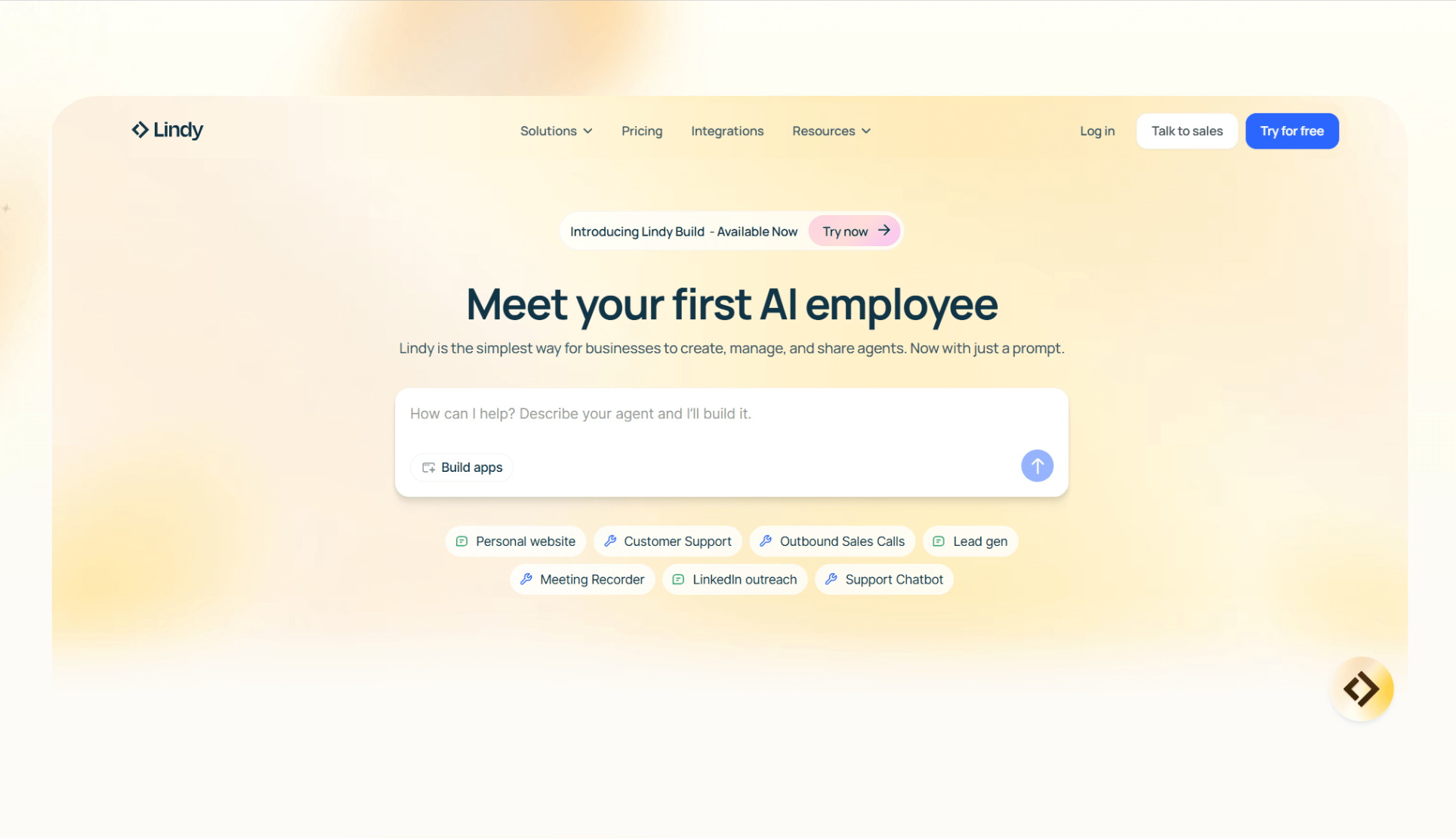
Lindy is an AI automation platform that with popular use cases like taking meeting notes, summaries, and sharing to-dos. You can create custom AI agents using the no-code workflow builder that helps you with pre-meeting and post-meeting tasks. If you are also researching AI search or research agents, finding the best genspark alternative can help you choose the right tool.
You can also connect the meeting notes directly to actions using these AI agents, like updating CRMs, sending follow-up emails, booking meetings, and even making or receiving phone calls. If you are evaluating broader AI assistants for full task automation, exploring top sintra ai alternatives can highlight other versatile options.
Why it’s better than Otter
- Goes beyond transcription: Lindy acts on the notes. After a meeting, it can automatically send recaps to Slack, update Salesforce, or email next steps.
- Broader integrations: Lindy supports 4,000+ integrations directly and via APIs. This makes it easier to slot into existing workflows compared to Otter.
- Multi-modal support: Lindy agents can handle phone calls, manage emails, or pull data from your knowledge base, something Otter doesn’t offer.
Pros
- Flexible workflow automation that saves manual follow-up time
- Secure with SOC 2 and HIPAA-compliance
- Ready-to-use templates for everyday use cases
- Drag-and-drop workflow builder for setting up agents quickly
Cons
- Requires setup time to design complex workflows
Pricing
- Free: 400 monthly credits
- Pro: $49.99/month, 5,000 credits
- Business: $199.99/month, 20,000 credits, unlimited phone calls
- Custom: Custom pricing and credit limits
Bottom line
If you want a system that handles meeting transcripts and triggers automation workflows across the tools your team already uses, Lindy is one of the strongest Otter AI competitors.
{{templates}}
2. Fireflies.ai: Best for meeting summaries
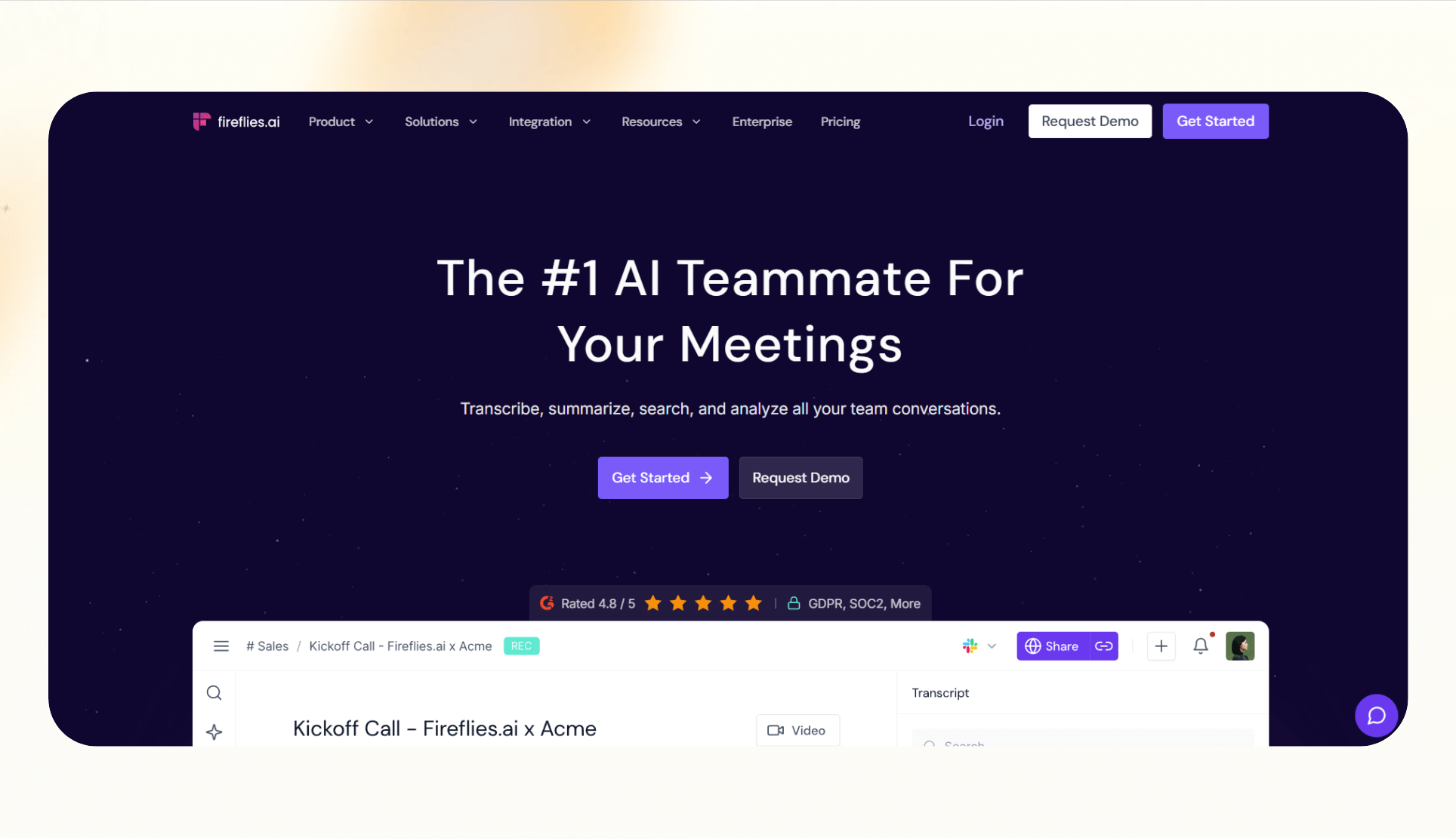
Fireflies.ai captures conversations, generates searchable transcripts, and delivers instant meeting summaries. It works across Zoom, Google Meet, Microsoft Teams, and other conferencing tools, making it popular among teams that prioritize quick recap notes. If Fireflies does not fully meet your requirements, comparing top fireflies alternatives can highlight other strong meeting assistants.
Why it’s better than Otter
- Stronger CRM sync: Fireflies connects directly with HubSpot, Salesforce, and other CRMs, automatically pushing transcripts and summaries into customer records.
- Team collaboration: Its shared workspace makes it easy for teammates to search, comment, and tag specific moments across meetings.
- Analytics and API access: Higher-tier plans include advanced analytics and an API, which are features Otter doesn’t emphasize.
Pros
- Reliable meeting summaries that save time on manual note-taking
- Clear pricing tiers with a free option for light users
- Wide range of integrations beyond conferencing tools
Cons
- Advanced features like analytics and CRM sync are locked behind higher-tier plans
- The bot-based recording style may not suit teams concerned about meeting privacy
Pricing
- Free: 800 minutes of storage
- Pro: $18/month/seat, billed monthly
- Business: $29/month/seat, billed monthly
- Enterprise: $39/month, billed yearly
Bottom line
For teams that need accurate meeting summaries delivered fast, Fireflies is a strong choice. It’s a straightforward upgrade from basic Otter transcription and suits sales and customer success teams that want transcripts tied directly to CRM records.
3. Sembly AI: best for multilingual minutes and tasks
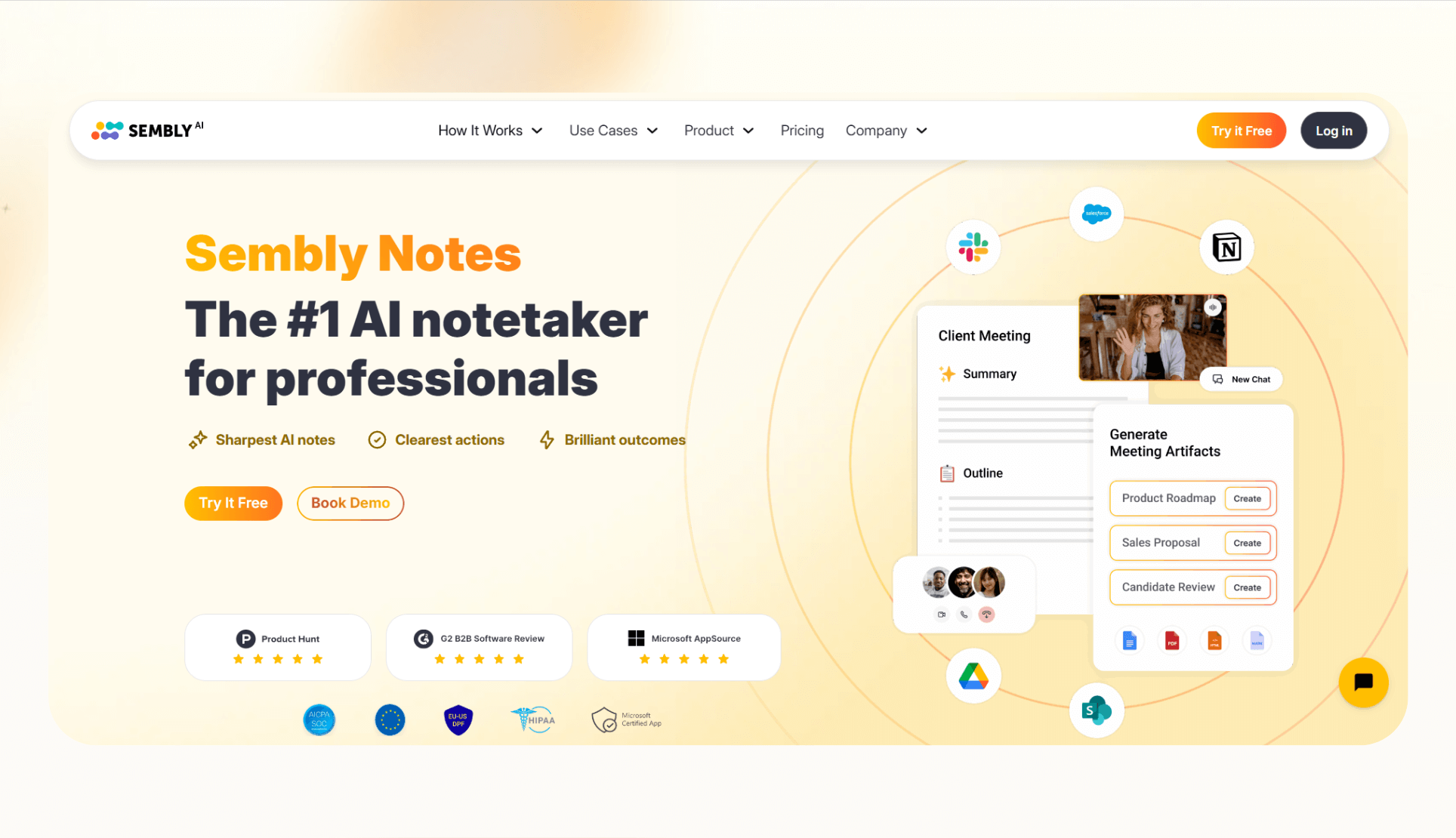
Sembly AI focuses on turning conversations into structured meeting minutes, transcripts, and action items. It serves teams that collaborate across languages and turns transcripts into minutes and task lists.
Why it’s better than Otter
- Multilingual coverage: Sembly supports 45+ languages, making it a better fit for international teams.
- Automated minutes and tasks: Instead of raw transcripts, Sembly produces AI-generated summaries and task lists that help teams act faster.
- Custom integrations via webhooks: Even if your tool isn’t natively supported, Sembly lets you connect it using webhooks.
Pros
- Strong multilingual capabilities
- AI-driven meeting minutes and action items
- Works with major conferencing platforms and uploaded recordings
Cons
- Workspace-level language settings can be limiting
- Some advanced exports require higher-tier plans
Pricing
- Personal: Free, 60 minutes/month online recording
- Professional: $15/month, billed monthly
- Team: $29/user/month/, billed monthly
- Enterprise: Custom pricing
Bottom line
If your team works across multiple languages and wants structured meeting outputs beyond transcripts, Sembly is one of the more versatile Otter AI competitors.
4. Fathom: best for individuals with free unlimited recordings
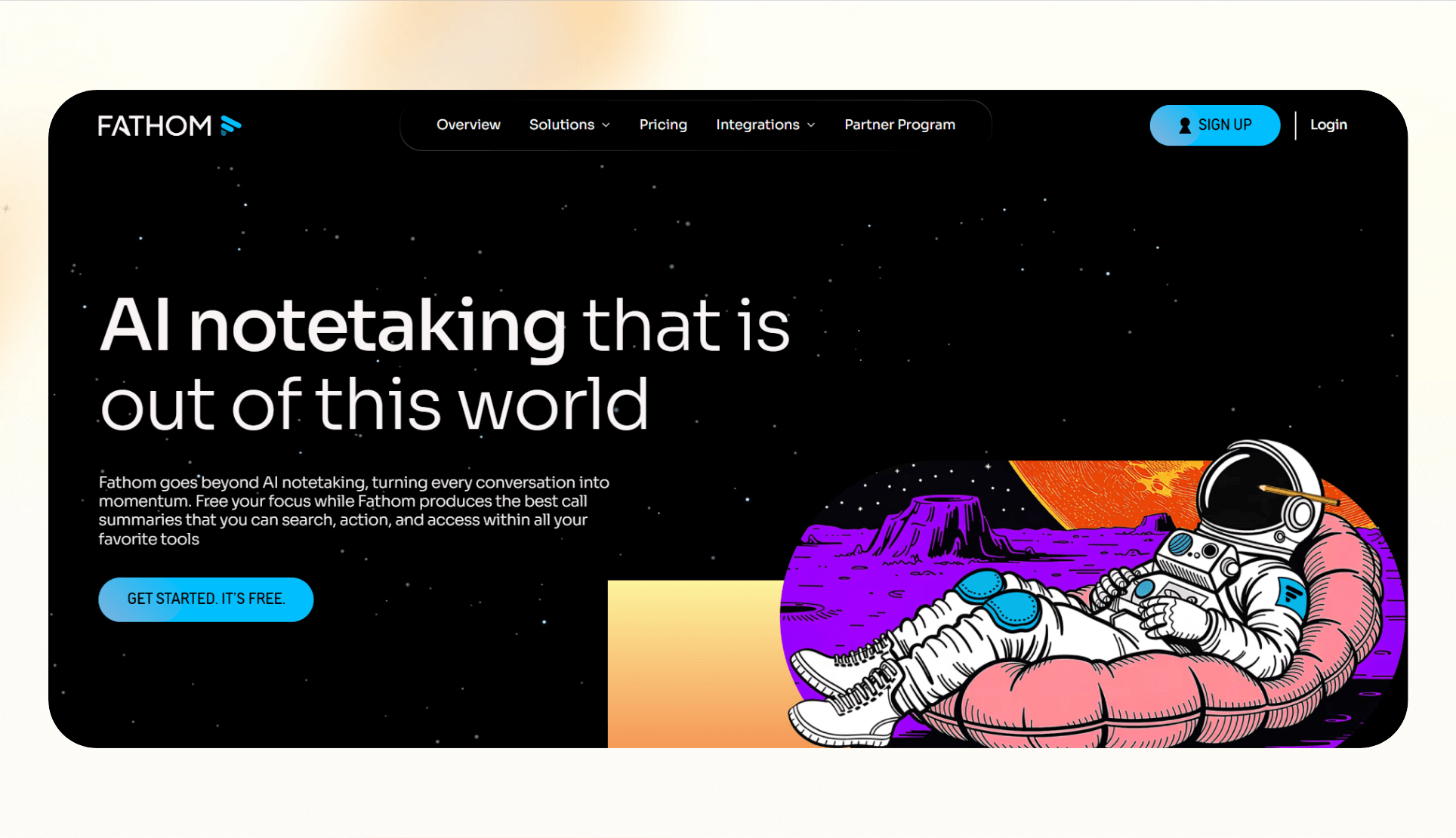
Fathom offers a generous free plan that includes unlimited recordings and storage for individuals. It serves users who want a simple, no‑cost way to capture, review, and share meeting content without hitting limits.
Why it’s better than Otter
- Unlimited free usage: Otter restricts free users, but Fathom gives individuals unlimited recordings and storage.
- Quick highlights and clips: Users can instantly create and share video clips of key moments, cutting down on time spent sifting through full recordings.
- Team search: On paid tiers, teams get searchable transcripts across all meetings.
Pros
- Excellent free plan for personal use
- Supports Zoom, Google Meet, and Microsoft Teams
- Fast highlight and clip creation for sharing
Cons
- Collaboration and team features require a paid plan
- Fewer enterprise-level integrations compared to tools like Fireflies or Avoma
Pricing
- Free for individuals
- Premium: $20/user/month
- Team: $18/user/month, billed monthly
- Business: $28/user/month, billed monthly
Bottom line
Fathom is ideal if you want unlimited free meeting capture with quick highlight features before considering an upgrade.
5. tl;dv: Best for product and research teams
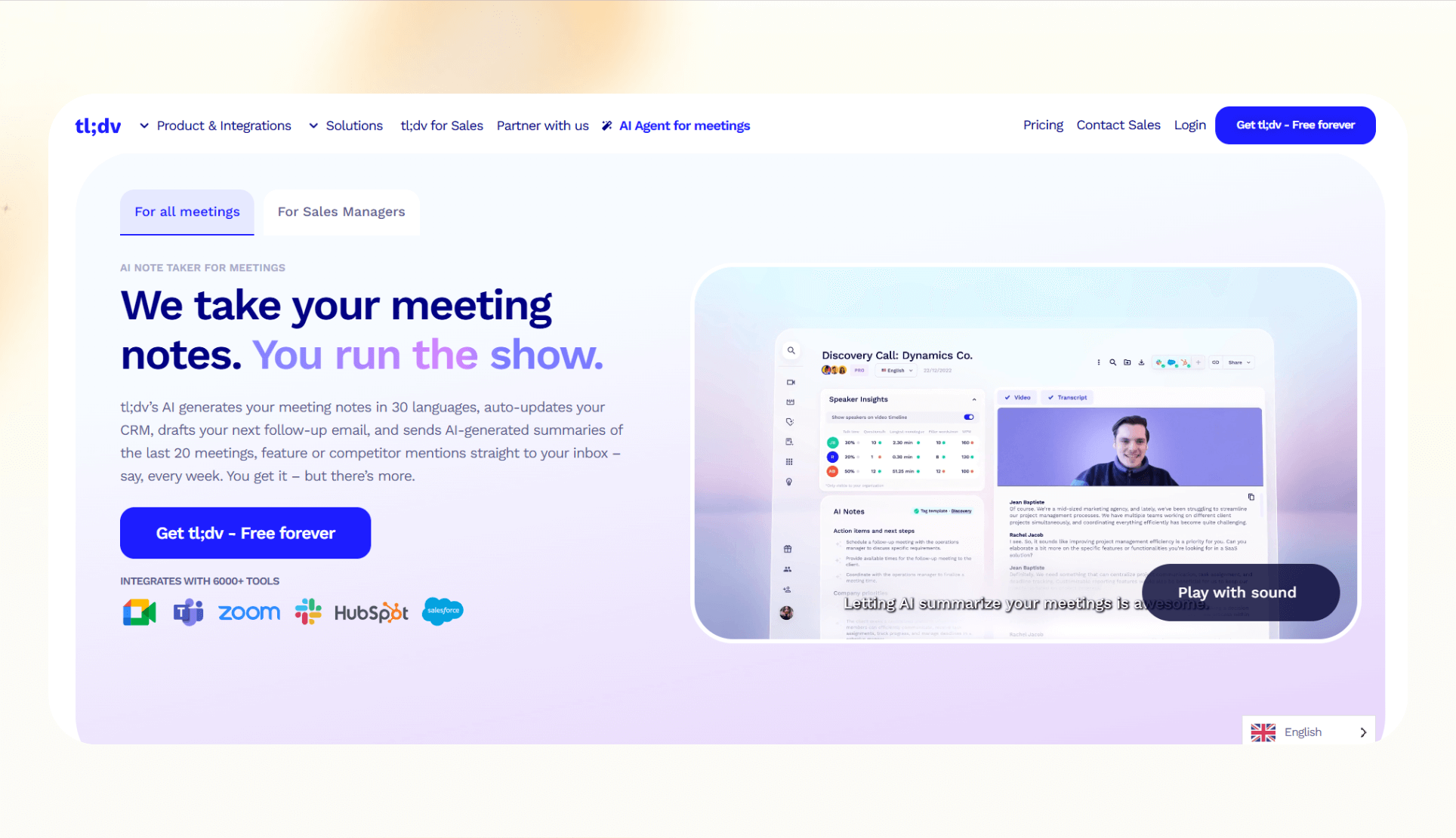
tl;dv records calls, generates transcripts, and makes it easy to tag and share insights across the team. It’s for teams that run frequent user interviews, product research sessions, or collaborative workshops. tl;dv is a researcher-friendly tool rather than just a general meeting recorder.
Why it’s better than Otter
- Cross-platform support: Works with Zoom, Google Meet, and Microsoft Teams, whereas Otter’s coverage is narrower.
- Tagging and highlights: Designed for researchers who need to mark key insights quickly.
- Team libraries: Organize recordings into shared repositories so insights are easier to revisit.
Pros
- Intuitive tagging and highlight tools
- Collaboration features for product and research teams
- Works across major conferencing platforms
Cons
- Some advanced integrations and AI features are locked to paid tiers
- Less focused on CRM workflows compared to Fireflies or Avoma
Pricing
- Free: Unlimited meetings, 5 uploads
- Pro: $29/month/seat, billed monthly
- Business: $65/month/seat, billed monthly
- Enterprise: Custom
Bottom line
For teams that depend on research insights, tl;dv offers a more structured way to capture and share findings than standard transcription tools.
6. Notta: Best for budget-friendly transcription and translation
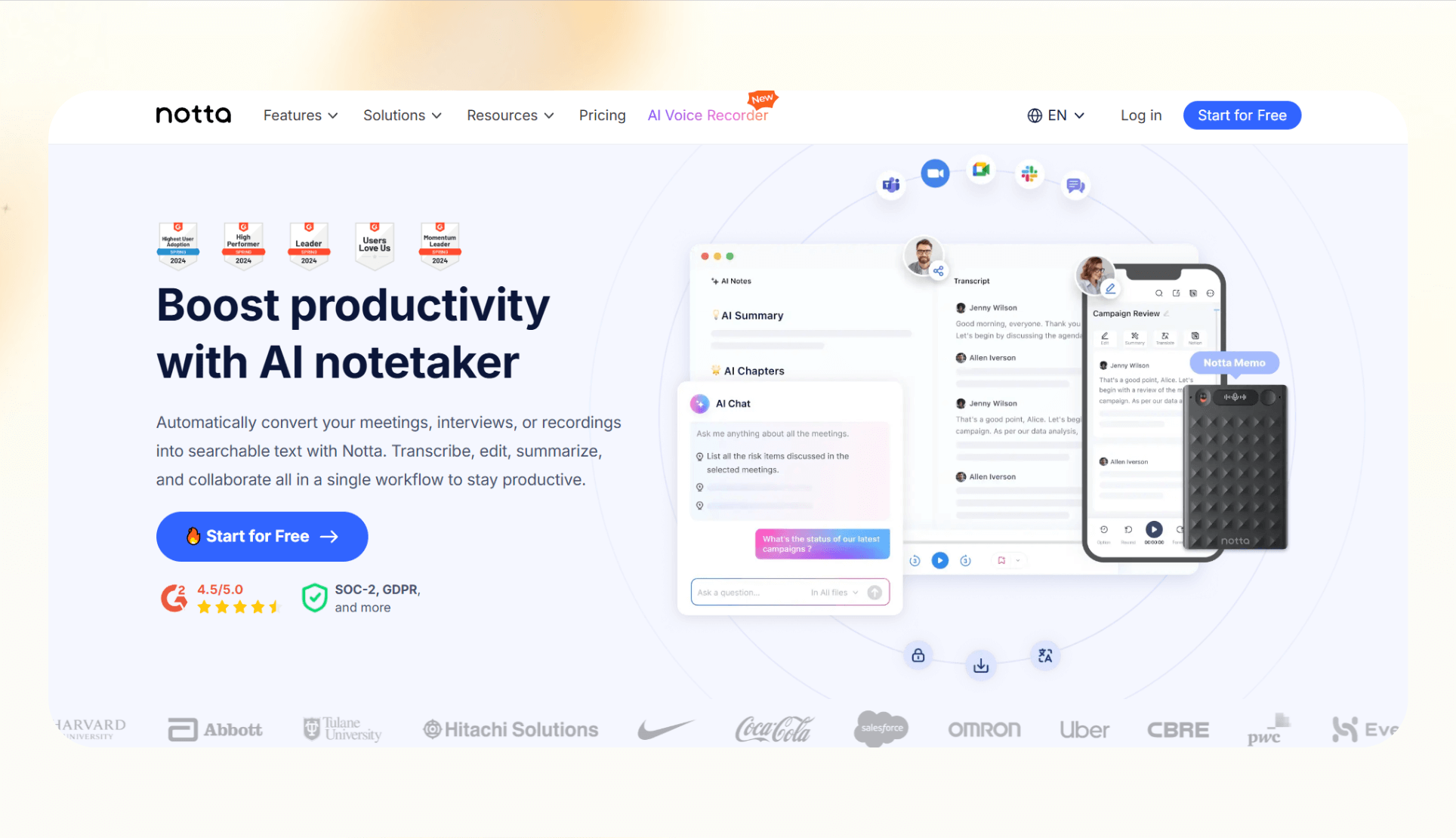
Notta is a lightweight transcription and translation tool for individuals and small teams who want affordable, reliable transcription and translation features. However, you only get the translation capabilities on Pro plans and above.
Why it’s better than Otter
- Affordable pricing: At just over $8/month on annual billing, Notta is one of the most cost-effective alternatives to Otter.
- Translation support: Converts transcripts into multiple languages, covering a broader set of needs than basic transcription.
- Mobile-first features: Works well for users who want to record and transcribe directly from their phone.
Pros
- One of the lowest-cost paid options available
- Simple integration with Slack, Notion, and other productivity tools
- User-friendly design for both desktop and mobile
Cons
- Limited advanced analytics compared to higher-end tools
- Collaboration features are not as deep as Avoma or Fireflies
Pricing
- Free: 120 transcription minutes/month
- Pro: $13.49/month for one seat, billed monthly
- Business: $27.99/month/seat, billed monthly
- Enterprise: Custom, minimum 51 seats
Bottom line
If you’re looking for a low-cost way to handle transcription and translation, Notta is a practical alternative to Otter.
7. Descript: Best for creators editing podcasts and video
Descript is a full audio and video editor with transcription built in. That makes it stand out among Otter AI competitors, especially for creators, podcasters, and marketers who want editing and publishing in the same platform.
Why it’s better than Otter
- All-in-one editing: Descript lets you edit video and audio by editing the transcript text, something Otter doesn’t offer.
- Publishing tools: Users can export directly to platforms like YouTube or social media, cutting out extra steps.
- Collaboration features: Teams can edit, leave comments, and version projects together.
Pros
- Strong audio/video editing capabilities
- Easy text-based editing that saves production time
- Useful for both business meetings and creative projects
Cons
- Steeper learning curve for users who only want simple transcription
- Pricing is higher if you only need basic transcripts
- No free plan available
Pricing
- Hobbyist: $24/user/month, billed monthly
- Creator: $35/user/month, billed monthly
- Business: $65/user/month, billed monthly
Bottom line
For anyone producing podcasts, video, or marketing assets, Descript offers far more than standard transcription tools.
8. Grain: Best for sales teams and CRM workflows
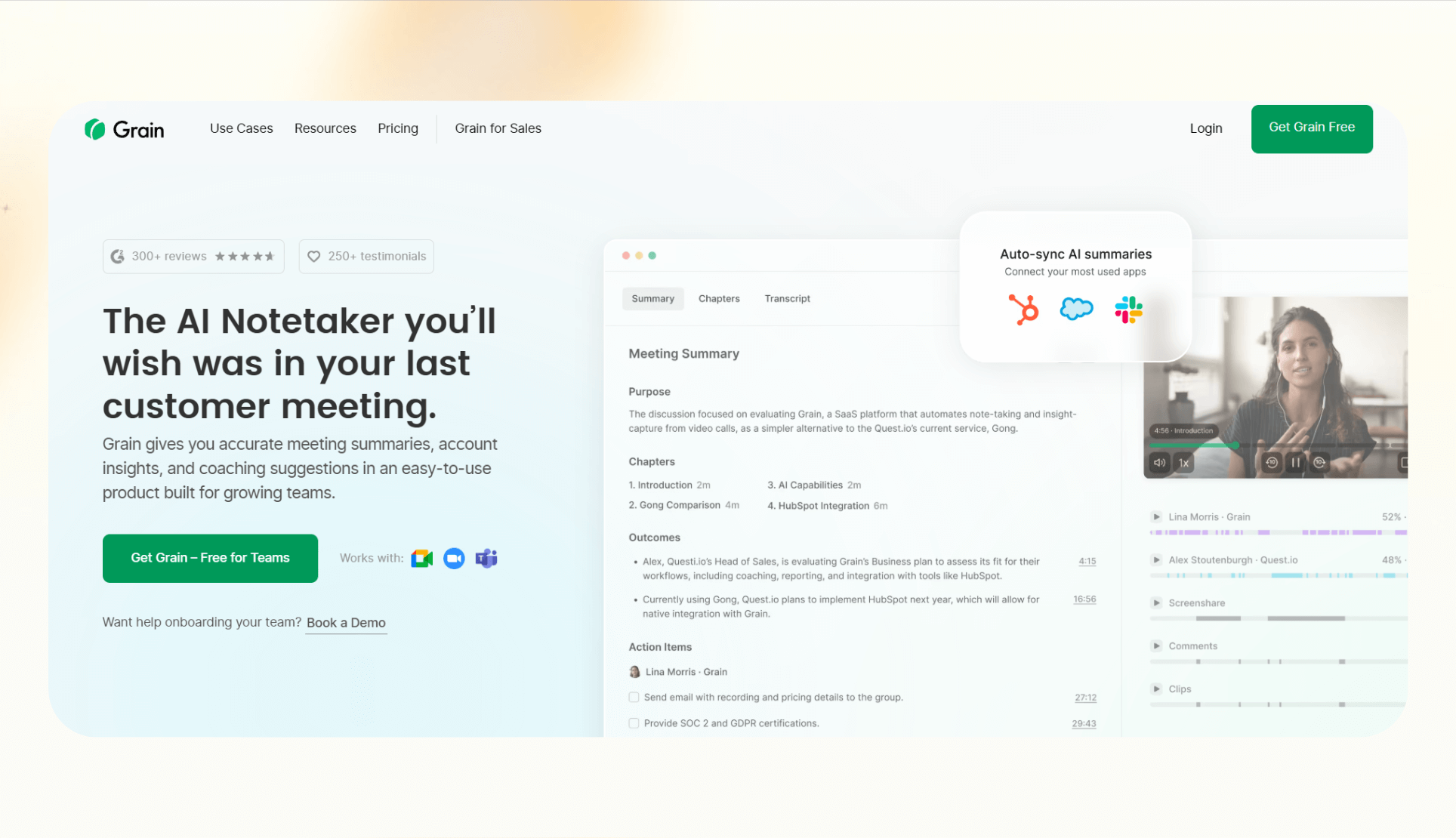
Grain is for sales and go-to-market teams that need to automatically record meetings, generate notes, and push insights into CRMs and collaboration tools. Grain positions itself as a secure, sales‑focused alternative.
Why it’s better than Otter
- Sales-first workflows: Grain integrates with Salesforce and HubSpot to log calls and update opportunities.
- Security focus: SOC 2 compliance gives it an edge for teams that need stronger data protection.
- Auto-recording: Records meetings automatically without relying on bots joining every call.
Pros
- Tailored for sales and customer-facing teams
- Direct CRM integrations that reduce manual data entry
- Security certifications suitable for enterprise use
Cons
- Limited beyond sales and go-to-market scenarios
- Might be overkill for users needing just meeting transcription
Pricing
- Free: Unlimited meetings
- Starter: $19/seat/month, billed monthly
- Business: $39/seat/month, billed monthly
- Enterprise: Custom
Bottom line
If your priority is CRM-ready notes and secure workflows, Grain is a strong pick for sales teams.
9. Avoma: Best for sales and customer success teams
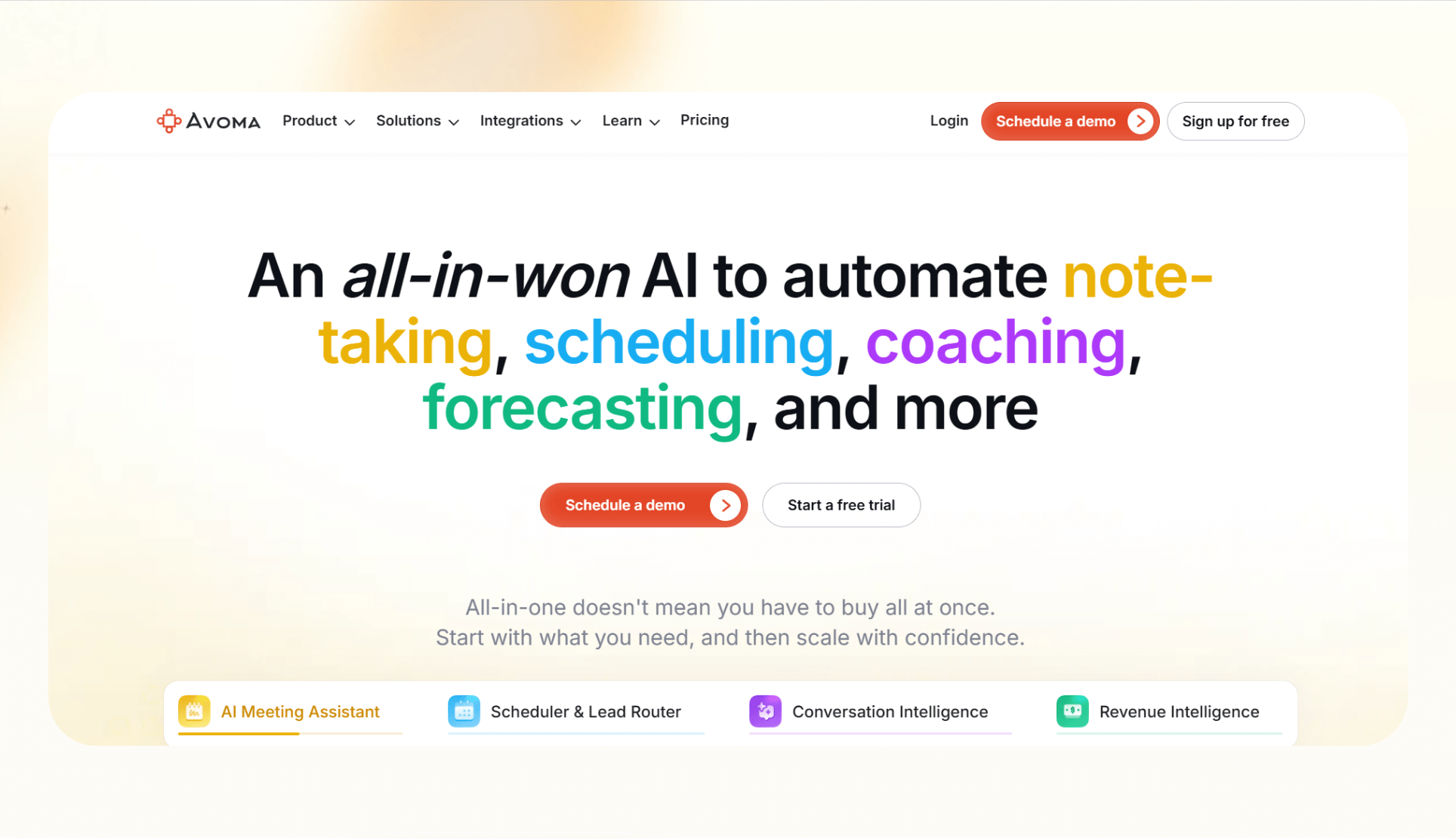
Avoma combines AI note-taking with conversation intelligence, making it especially useful for revenue teams. It not only transcribes meetings but also analyzes conversations to surface coaching opportunities and deal insights.
Why it’s better than Otter
- Conversation intelligence: Analyzes talk time and can handle objections and customer sentiment.
- Meeting lifecycle support: Covers pre-meeting agendas, live transcripts, and post-meeting summaries in one flow.
- Sales coaching features: Managers can review calls and highlight areas for rep development.
Pros
- End-to-end meeting workflow support
- Strong integrations with CRMs and conferencing platforms
- Coaching insights for sales and success leaders
Cons
- Higher pricing tiers for advanced analytics
- Focused mainly on sales and customer success teams, less so for general business users
- No free tier
Pricing
- Startup: $29/seat/month, billed monthly
- Organization: $39/seat/month, billed monthly
- Enterprise: $39/seat/month, billed monthly
- Conversation intelligence add-on: $35/seat/month, billed monthly
- Revenue intelligence add-on: $35/seat/month, billed monthly
- Lead router add-on: $25/seat/month, billed monthly
Bottom line
For teams that want insights and coaching built on top of their notes, Avoma is a great choice.
10. Jamie: Best for privacy-focused users
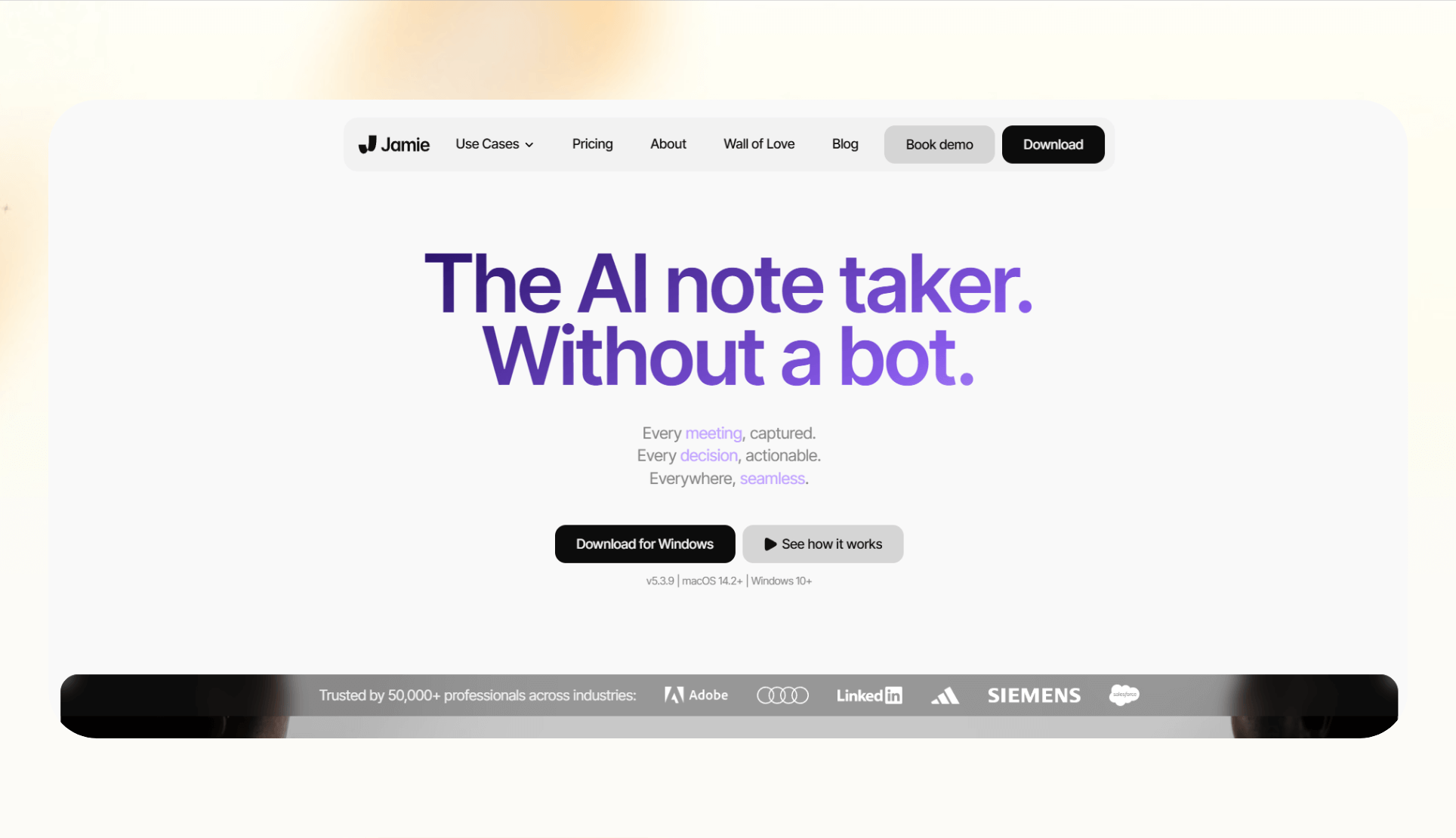
Jamie is a desktop app that records locally, which makes it appealing to users in journalism, healthcare, or legal industries where privacy matters most.
Why it’s better than Otter
- Bot-free experience: Unlike Otter, Jamie doesn’t need a bot to join your meetings. Everything runs locally from your computer.
- Privacy-first model: The app stores recordings securely on your device before processing them, reducing concerns around third-party access.
- Fast summaries: After a meeting, Jamie delivers concise recaps directly in the app.
Pros
- Strong focus on security and privacy
- Easy to use without bot permissions or setup hassles
- Free plan available with core features
Cons
- Lacks deep CRM integrations that sales teams may need
- The feature set is lighter than tools like Avoma or Fireflies
Pricing
- Free: 10 meetings/month
- Standard: €24/seat/month
- Pro: €47/seat/month
- Executive: €99/seat/month
- Enterprise: Custom
Bottom line
If you want a lightweight tool without meeting bots that focuses on privacy, Jamie is one of the cleanest Otter.ai competitors available.
How we tested these Otter AI alternatives
Comparing Otter.ai alternatives can overwhelm buyers with feature checklists. We kept this guide objective by testing each tool against consistent criteria and real‑world use cases.
What we looked for
- Transcription accuracy and language support: We checked how each tool handled different accents, jargon, and multiple languages. This matters because missed details in transcripts can break follow-up actions later.
- Integrations and workflow fit: We prioritized tools that sync with CRMs, project management apps, or team collaboration platforms. This is critical for sales, customer success, and research teams that need insights pushed into systems of record.
- Pricing transparency and value: Since Otter.ai pricing is a frequent pain point, we compared what each competitor offers at free and entry-level paid tiers. The goal was to highlight which tools deliver the best value for different needs.
Our process
We tested tools using live calls, uploaded recordings, and integrations with apps like Slack and Salesforce. We evaluated each tool for speed, usability, and whether the outputs were actionable without heavy editing.
By keeping these factors consistent, it’s easier to see which Otter AI competitors are a better fit depending on your workflow. Next, let’s map them based on their best use cases.
Which Otter AI alternative should you choose?
Lindy, Fireflies, Sembly, and Fathom are great alternatives that suit most workflows. For the rest of the alternatives, here’s a simple way to decide:
Choose Lindy if:
- You want meeting notes tied directly to actions, like updating Salesforce or sending follow-up emails.
- Your team needs to automate tasks such as making calls, drafting emails, or pulling data from your internal systems.
- Compliance is a concern, and you want SOC 2 or HIPAA-ready options.
Choose the alternatives if:
- Fireflies: You want fast summaries synced to your CRM, especially for sales or customer success teams where transcript syncing matters most.
- Sembly: Your team works in multiple languages and needs automated minutes with action items.
- Fathom: You’re an individual who wants a generous free plan with unlimited recordings.
- tl;dv: Your team runs frequent research or product sessions and needs tagging and highlight tools.
- Notta: You want a budget-friendly tool for transcription and translation—without extra complexity.
- Grain or Avoma: You prioritize sales coaching, CRM updates, or conversation intelligence features.
Stick with Otter if:
- You only need simple, accurate transcripts, and Otter.ai pricing still fits your budget.
Our verdict
Otter works for reliable and accurate meeting transcription. But the majority of teams searching for their alternatives are driven by pricing concerns, integration gaps, or the need for more than just meeting notes.
If your needs are simple and the pricing works for you, sticking with Otter can still make sense.
However, there are better-matched tools out there if you want sales-ready CRM sync (Fireflies, Grain, Avoma), multilingual minutes (Sembly), unlimited free capture (Fathom), research tagging (tl;dv), or privacy-first recording (Jamie).
Lindy stands out for teams that want notes that trigger actions across their stack. Its combination of transcripts, automation, and integrations places it in a different category from traditional note-taking apps.
The best choice depends on whether you want simple transcription or a tool that becomes an active part of your workflow.
{{cta}}
Try Lindy, the Otter.ai alternative that automates workflows
Lindy is an AI automation tool and a worthy alternative to Otter. It lets you create custom AI agents for meetings, emails, support, and sales tasks.
Lindy stands out among Otter.ai alternatives for three key reasons:
- Drag-and-drop workflow builder for non-coders: You don’t need any technical skills to build workflows with Lindy. It offers a drag-and-drop visual workflow builder.
- Create AI agents for your use cases: You can give them instructions in everyday language and automate repetitive tasks. For instance, you can create an assistant to find leads from websites and sources like People Data Labs. Create another agent that sends emails to each lead and schedules meetings with members of your sales team.
- Free to start, affordable to scale: Build your first few automations with Lindy’s free version and get up to 40 tasks. With the Pro plan, you can automate up to 5,000 tasks, which offers much more value than Lindy’s competitors.
Frequently asked questions
What tool is best for meeting transcription + action items?
Lindy is the best tool for meeting transcription plus action items because it combines transcription with workflows that push tasks into Slack and Salesforce. Avoma and Sembly also generate task lists, but Lindy’s automation is more flexible.
Which alternatives support multiple languages?
Sembly (45+ languages) and Notta support multiple languages among Otter.ai alternatives. Notta offers translation alongside transcription.
Is there a budget-friendly Otter.ai replacement?
Lindy, Fathom, Notta, and Grain are the most budget‑friendly Otter.ai replacements. They all offer a generous free tier.
Can these tools integrate with my CRM or Slack?
Yes, most Otter.ai alternatives integrate with CRMs like HubSpot and Salesforce, and Slack. Fireflies, Grain, and Avoma all push notes into CRMs. Lindy and Notta integrate with Slack, and Lindy connects to thousands of other apps.
What’s the safest tool for sensitive meetings?
Jamie, Lindy, and Grain are some of the safest tools for sensitive meetings. Jamie prioritizes privacy and records locally without bots. Lindy is also SOC 2 and HIPAA-compliant, and offers AES-256 encryption. Grain also emphasizes security with SOC 2 compliance.
Which tool is best for videos/podcasts?
Descript is the best tool for videos and podcasts. It offers a complete audio/video editor with text‑based editing, plus meeting notes.
Is Lindy worth switching to from Otter?
Yes, Lindy is worth switching to from Otter if you want automation, follow‑ups, and CRM updates.
Do any tools offer free transcription?
Yes. Fathom’s free plan has unlimited transcription, while Lindy, Fireflies, Sembly, and Notta also have free tiers with limits.
Who offers the fastest meeting summaries?
The fastest meeting summaries come from Fireflies and Fathom. Both deliver recaps right after calls.
Which alternatives have live transcript capabilities?
Otter still has the best live transcript capabilities, but Fireflies, Sembly, and Avoma also provide live transcripts.










