Top 7 Sintra AI Alternatives (2026): Reviews & Pricing
Marvin reviewed 7 Sintra AI alternatives like LangGraph, CrewAI, and Zapier, comparing integrations, workflow flexibility, and pricing for developers and no-code teams.


Users searching for Sintra AI alternatives want more flexibility, broader integrations, or clearer pricing. My experience with Sintra was okay, but I wanted something better.
My top 3 alternatives? Lindy is ideal for all-around AI automation, LangGraph works for developers building agent workflows, and Zapier is best for simple automation and app integrations.
Here’s what this article covers:
- The 7 best Sintra alternatives
- Detailed comparison of the 7 alternatives
- Why many users outgrow Sintra AI
- How we tested these platforms
- Which tool fits different business needs
- FAQs
Let’s first compare the tools side-by-side.
Disclaimer: The pricing information and company details in this article are subject to change. While we strive to keep our content current and accurate, we recommend always consulting official company websites or contacting providers directly for the most up-to-date pricing, features, and service offerings before making purchasing decisions.
7 best Sintra AI alternatives: At a glance
I’ve compiled the 7 best Sintra alternatives if you’re looking for tools that offer more flexibility. Each has a different strength, from developer controls to large integration libraries. For those comparing AI phone agents alongside these options, reading a detailed bland ai review can provide further clarity.
Here’s how they compare:
| Alternative | Best for | Starting price (billed monthly) | Key advantage vs Sintra bots |
|---|---|---|---|
| Lindy | SMBs and teams needing AI automation across calls, email, and docs | Free, paid plans from $49.99/month | AI agents, templates, multi-modal automation with 7,000+ native integrations |
| LangGraph | Developers building adaptive multi-agent workflows | Free, open source, included with LangChain, from $39/month | Complex agent orchestration with persistence |
| CrewAI | Research and startups testing multi-agent “crews” | Free, paid plans from $99/month | AI teamwork with role-based collaboration |
| AutoGen | Enterprises with engineering teams | Free, open source | Microsoft-backed, scalable multi-agent framework |
| LangChain | Developers needing ecosystem depth | Free, open source, paid plans from $39/month | Large plugin ecosystem and enterprise adoption |
| Taskade | Teams blending productivity and automation | Free, paid plans from $20/month | Combines collaboration tools with AI workflows |
| Zapier | Companies prioritizing integrations | Free, paid plans from $29.99/month | 8,000+ app integrations and strong reliability |
Each of these tools is better than Sintra in some respects. Before that, let’s explore why users seek alternatives. If you are also evaluating enterprise cloud platforms, comparing vertex ai pricing can help guide your infrastructure budget. Comparing these feature constraints against the best sintra ai pricing options helps determine if the platform justifies its cost. For a comprehensive breakdown of the platform's pricing and features, check out our full sintra ai review.
Why I looked for Sintra AI alternatives
People search for Sintra AI alternatives because the platform has limits that become noticeable as teams scale.
The most common concern is integrations. Sintra bots connect with some popular tools, but the library is far smaller than what competitors like Zapier or Lindy provide. The smaller integration library makes it harder to build workflows that touch multiple systems.
Teams also struggle with pricing. Reviews show that Sintra’s pricing structure is rigid and offers less value when compared to other automation tools. You can either pay for individual helpers, $39/helper/month, or bundle all 12 helpers in Sintra X for $97/month.
Finally, it offers limited customization. While Sintra AI can handle basic tasks, it lacks flexibility for more complex workflows that need conditional logic, multi-step branching, or human review.
Limited integrations and rigid workflows push teams to alternatives with broader coverage. Next, we explore the top options in detail, starting with Lindy.
1. Lindy: Best overall for SMBs and multi-modal workflows
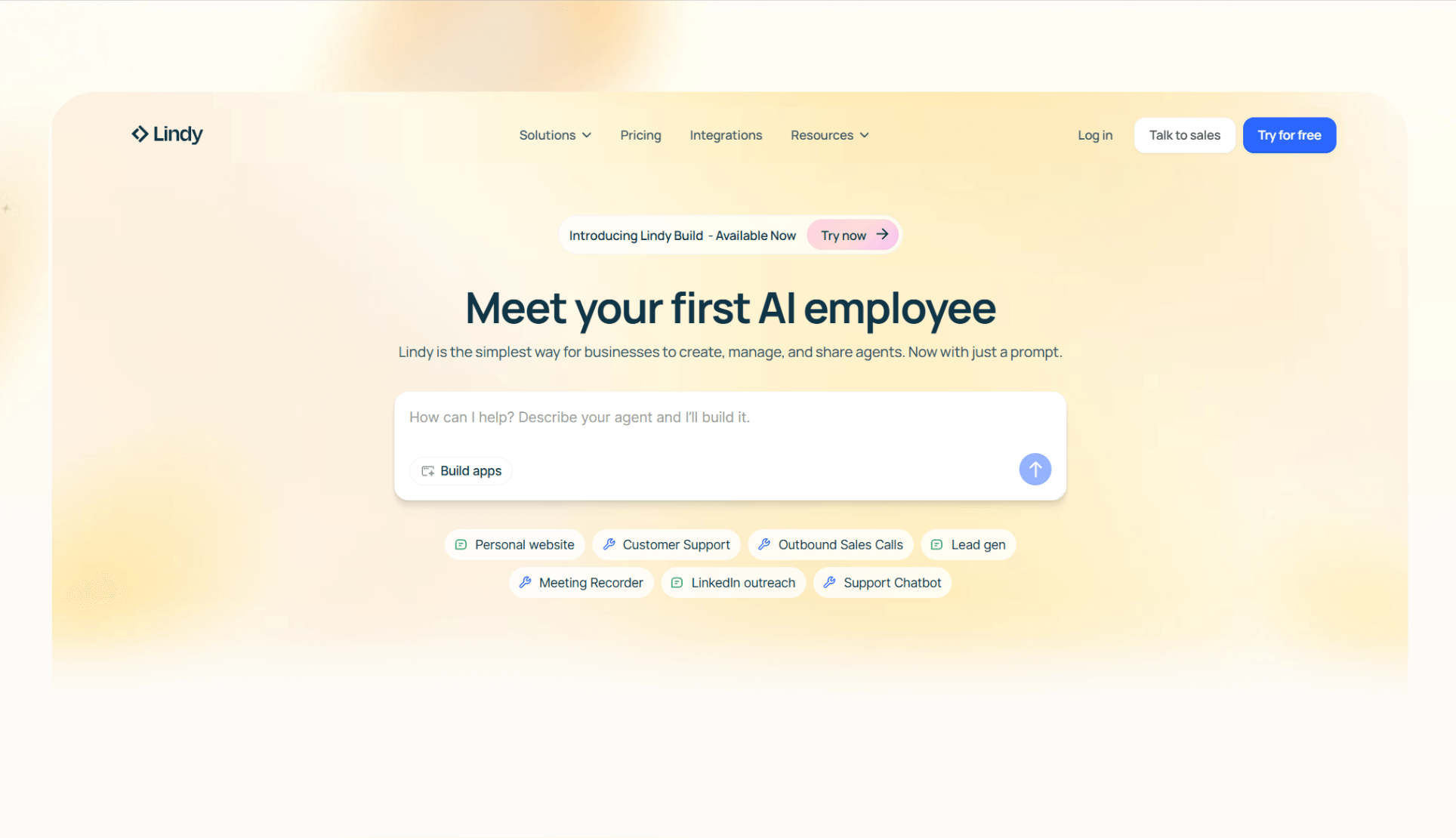
Lindy is an AI automation platform where you can create custom AI agents to handle business tasks like calls, emails, scheduling, and CRM updates. It targets small and mid-sized teams that want no-code automation. For teams specifically focused on automated meeting notes and call transcription, evaluating otter ai alternatives software can help pinpoint the right solution.
Why it beats Sintra AI
Lindy beats Sintra AI because it supports multi-modal workflows across phone, email, and documents. It integrates with 4,000+ popular apps and supports additional connections via APIs and webhooks.
While Sintra bots work for single tasks, Lindy is better at linking tasks across multiple tools and keeping human review in the loop when needed.
Pros
- Multi-modal and works across phone, email, research, and docs
- No-code, visual workflow builder
- Integrates with CRMs, calendars, and Slack
- Ready-to-use templates for everyday tasks
- SOC 2 and HIPAA compliance for sensitive data
Cons
- Requires time to map workflows
Pricing
- Free plan: 400 monthly credits
- Pro: $49.99/month, billed monthly, for 5,000 credits
- Business: $199.99/month, billed monthly, for 20,000 credits
- Enterprise: Custom pricing
- Phone calls: ~ $0.19 per minute when using GPT-4o
- AI phone numbers: $10/number/month
Bottom line
Lindy suits SMBs that need AI automation across calls, email, and docs, and want compliance options like SOC 2 and HIPAA. Organizations seeking to replace human administrative support can also examine top athena executive assistant alternatives for digital task delegation.
{{templates}}
2. LangGraph: Best for developers building custom agents
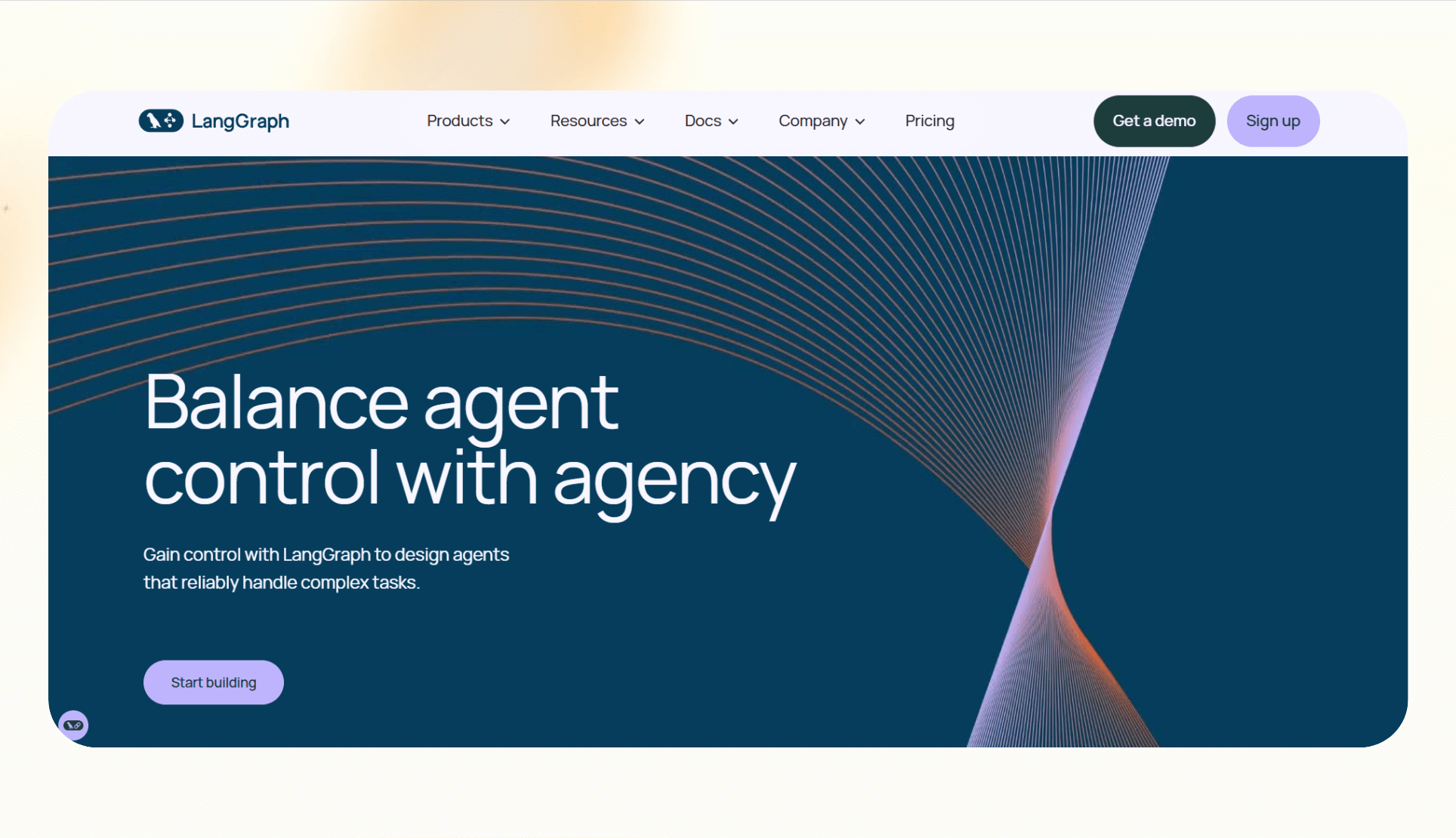
LangGraph is an open-source framework built on LangChain that helps developers design and run multi-agent workflows. Instead of working in linear sequences, it allows you to create graphs where agents interact, branch, and resume based on context.
Why it beats Sintra
LangGraph gives developers much more flexibility. It supports features like persistence, so an agent can pick up where it left off, and human-in-the-loop checkpoints for sensitive tasks. Simpler automation platforms don’t offer these features. Engineers comparing enterprise developer frameworks may also want to evaluate the best vertex ai alternatives for building AI workflows.
Pros
- Strong control for developers who want to build adaptive workflows
- Persistence and branching logic for complex automations
Cons
- Requires engineering knowledge
- Not designed for teams that want a plug-and-play tool
Pricing
- Developer: Free and open-source
- Plus plan: Included as part of LangChain’s managed Plus plan, starting at $39/seat/month; LangGraph is open-source and free for self-hosted use
- Enterprise: Custom pricing
Bottom line
LangGraph is best for teams that need custom, stateful agent workflows and have developers ready to manage them.
3. CrewAI: Best for collaborative agent teamwork
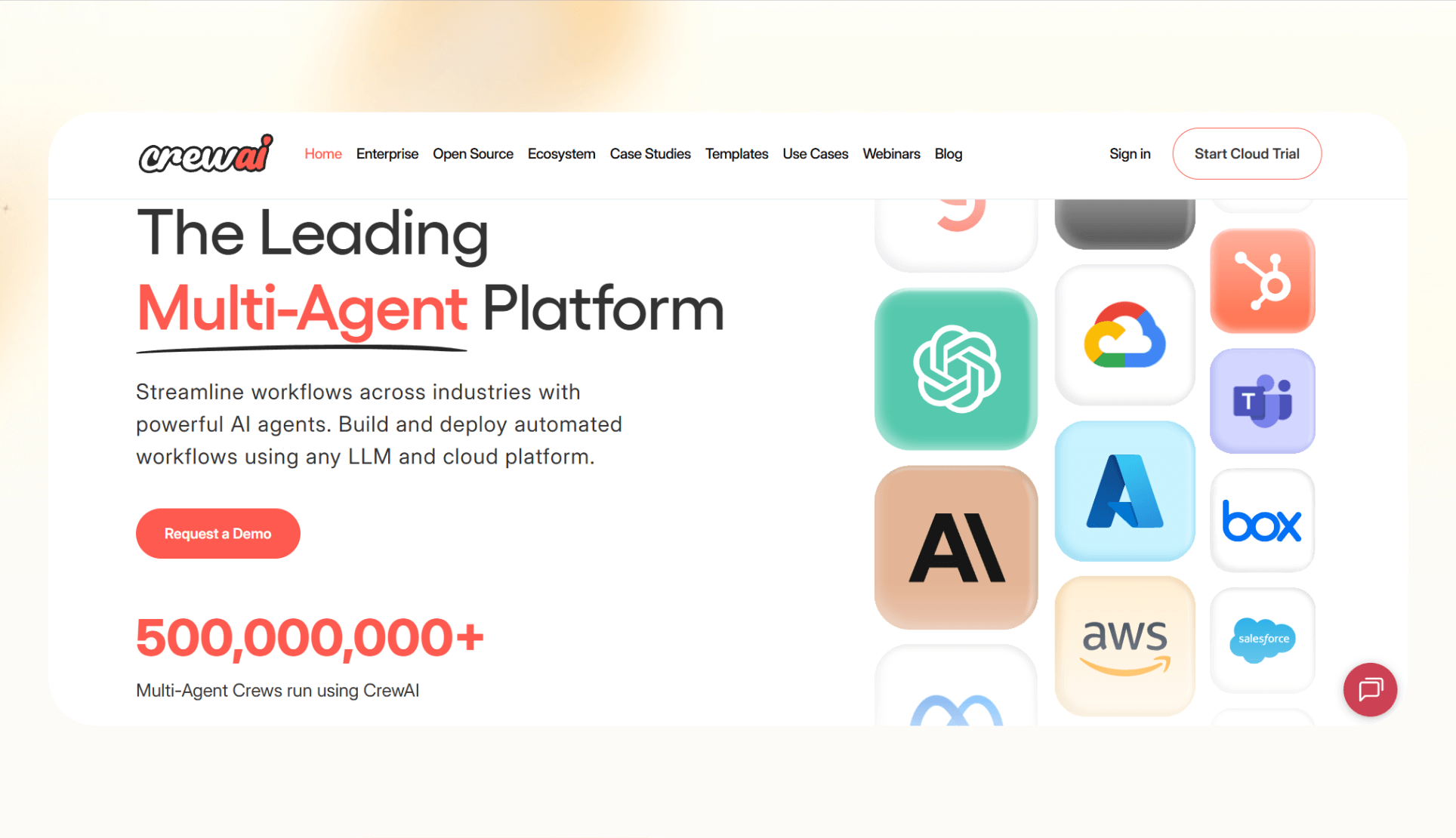
CrewAI is an open-source framework that lets you build and run teams of AI agents, called crews, to work together on complex tasks. You can assign each agent a specific role, and they collaborate by sharing context and outputs.
Why it beats Sintra
CrewAI offers a collaborative model where multiple agents work in parallel. This makes it stronger for research and knowledge work than platforms that only allow single-task automations.
Pros
- Multi-agent design with clear role assignment
- Good for experimentation and research use cases
Cons
- Still evolving, with frequent version changes
- Requires technical setup and ongoing maintenance
Pricing
- Core framework: Free and open-source
- Basic: $99/month for 100 monthly executions
- Standard: $500/month for 1,000 monthly executions
- Pro: $1,000/month for 2,000 monthly executions
- Enterprise: Custom pricing, 10,000 executions
- Ultra: Custom pricing, 10,000 executions
Bottom line
CrewAI is best for startups, researchers, and developers experimenting with multi-agent workflows who don’t mind technical overhead.
4. AutoGen: Best for enterprise-scale agent frameworks
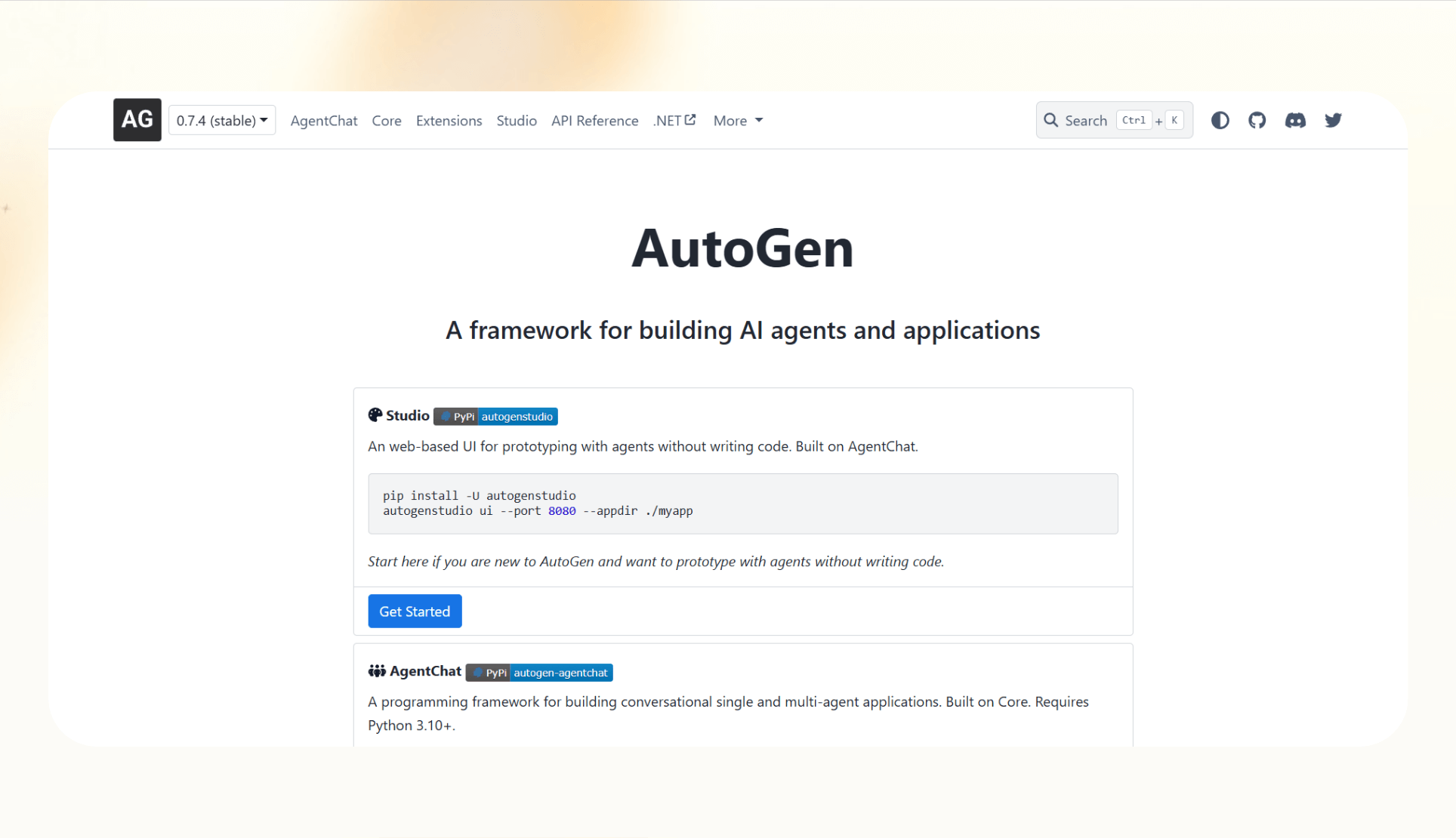
AutoGen is an open-source framework from Microsoft that lets you build conversational and task-oriented multi-agent systems. It provides a layered architecture so developers can start with high-level APIs or work directly with lower-level components.
Why it beats Sintra
AutoGen is more flexible for enterprise-scale use cases. It enables asynchronous messaging, runs long-lived agents, and lets you swap in modular components. This makes it more capable than Sintra’s basic task automation.
Pros
- Scales well for large enterprise applications
- Supports observability and modular customization
Cons
- Developer-focused, suits technical teams only
- Requires infrastructure and setup time
Pricing
- Free and open-source
- Costs depend on the cloud resources and LLM APIs you choose to run it with
Bottom line
AutoGen is best for enterprises or engineering teams that want full control over multi-agent systems and are willing to handle the technical complexity.
5. LangChain: Best for flexible LLM app development
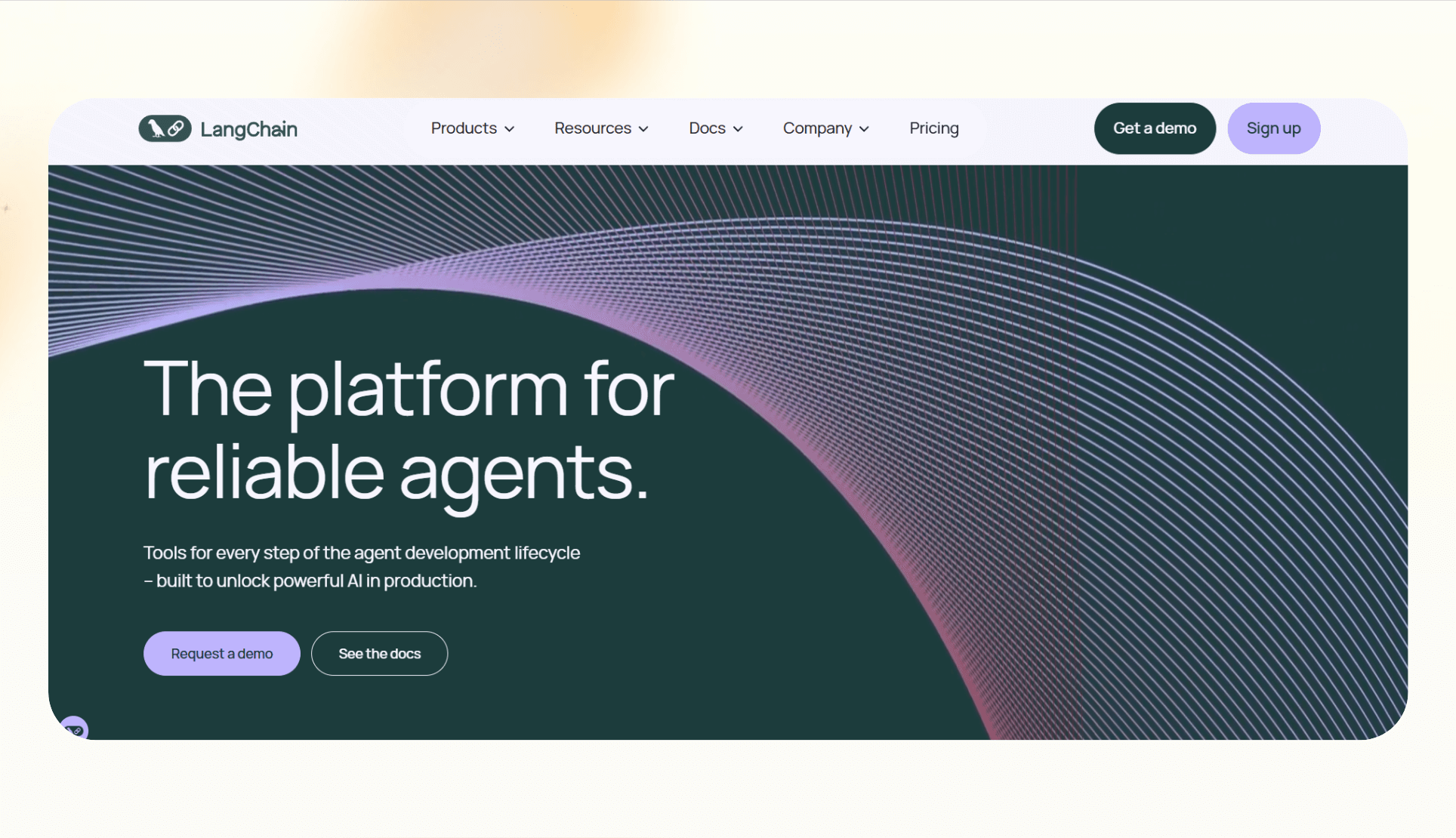
LangChain is an open-source framework for building applications with large language models. It provides modular components for retrieval, memory, and tool use, making it easier to design complex AI workflows.
Why it beats Sintra
LangChain has a much larger ecosystem. It supports connectors to hundreds of data sources and APIs, as well as monitoring and evaluation through LangSmith. This gives developers more options for building reliable applications compared to simpler task automation.
Pros
- Strong community and ecosystem support
- Highly extensible with many integrations and modules
Cons
- It can feel overwhelming for newcomers
- Best suited for teams with technical expertise
Pricing
- Developer: Free and open-source
- Plus: $39/seat/month, managed service that bundles all LangChain products
- Enterprise: Custom pricing
Bottom line
LangChain is best for developers and companies that want a flexible framework with strong community support and a wide range of integration options.
6. Taskade: Best for team collaboration with automation
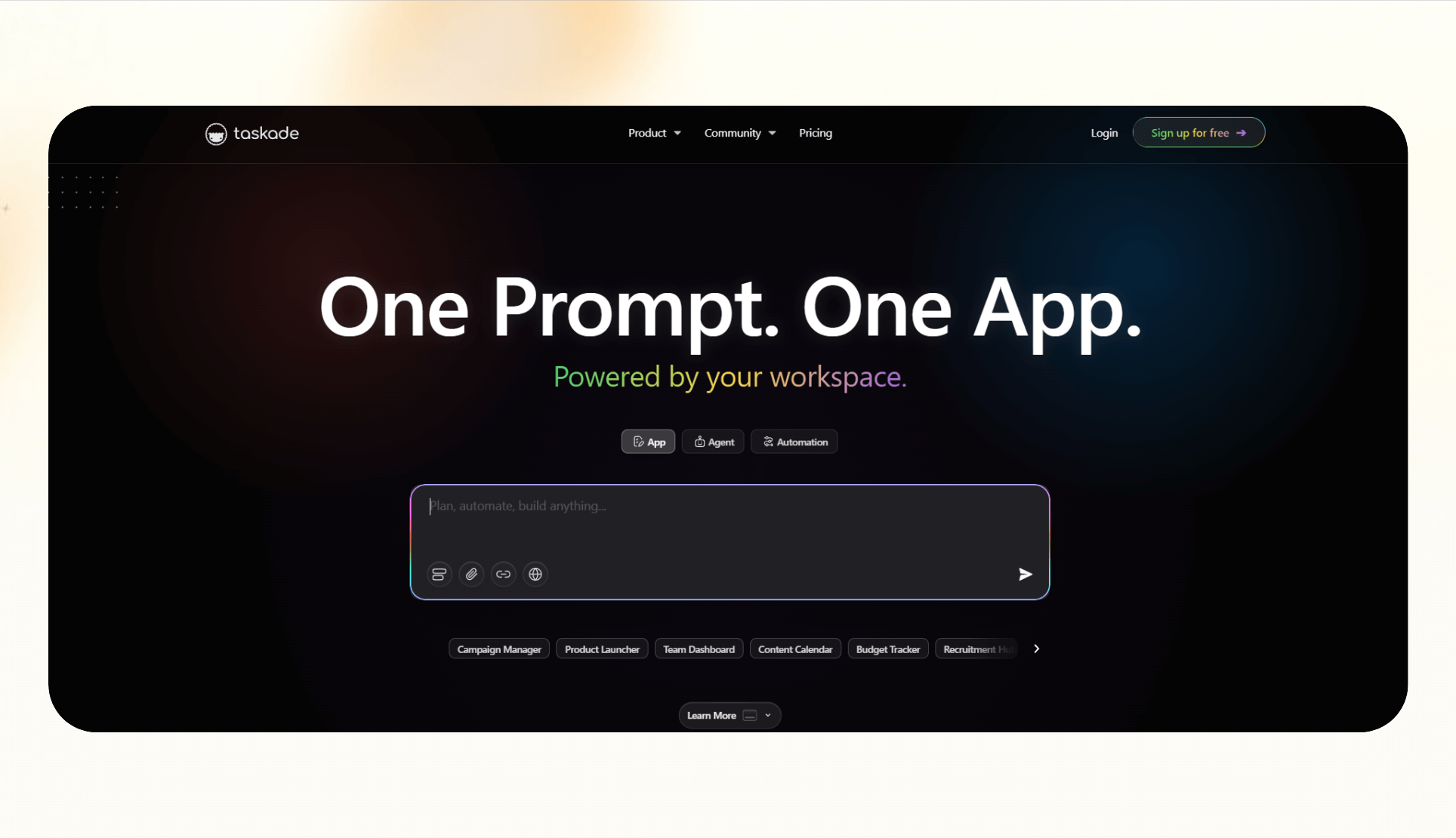
Taskade is a collaboration platform that combines project management, chat, and AI-powered automation in one workspace. Teams can create documents, assign tasks, and run workflows while using built-in AI agents to handle repetitive work.
Why it beats Sintra
Taskade focuses on blending productivity with automation. Unlike Sintra, which is narrower in scope, Taskade provides a single place where teams can collaborate, manage projects, and add AI-powered workflows without switching tools. For a deeper look into its features and capabilities, read our full taskade review.
Pros
- Combines collaboration and automation in one platform
- Easy to use for teams with minimal setup
Cons
- AI features are not as advanced as specialized automation platforms
- Integration options are fewer compared to Zapier or Lindy
Pricing
- Free: 5 automation flows
- Pro: $20/month, billed monthly, for 100 automation flows
- Team: $100/month, billed monthly, unlimited flows and members
- Enterprise: Custom pricing and limits
Bottom line
Taskade is best for teams that want collaboration and productivity tools with light AI automation included.
7. Zapier: Best for simple automation with the largest integration library
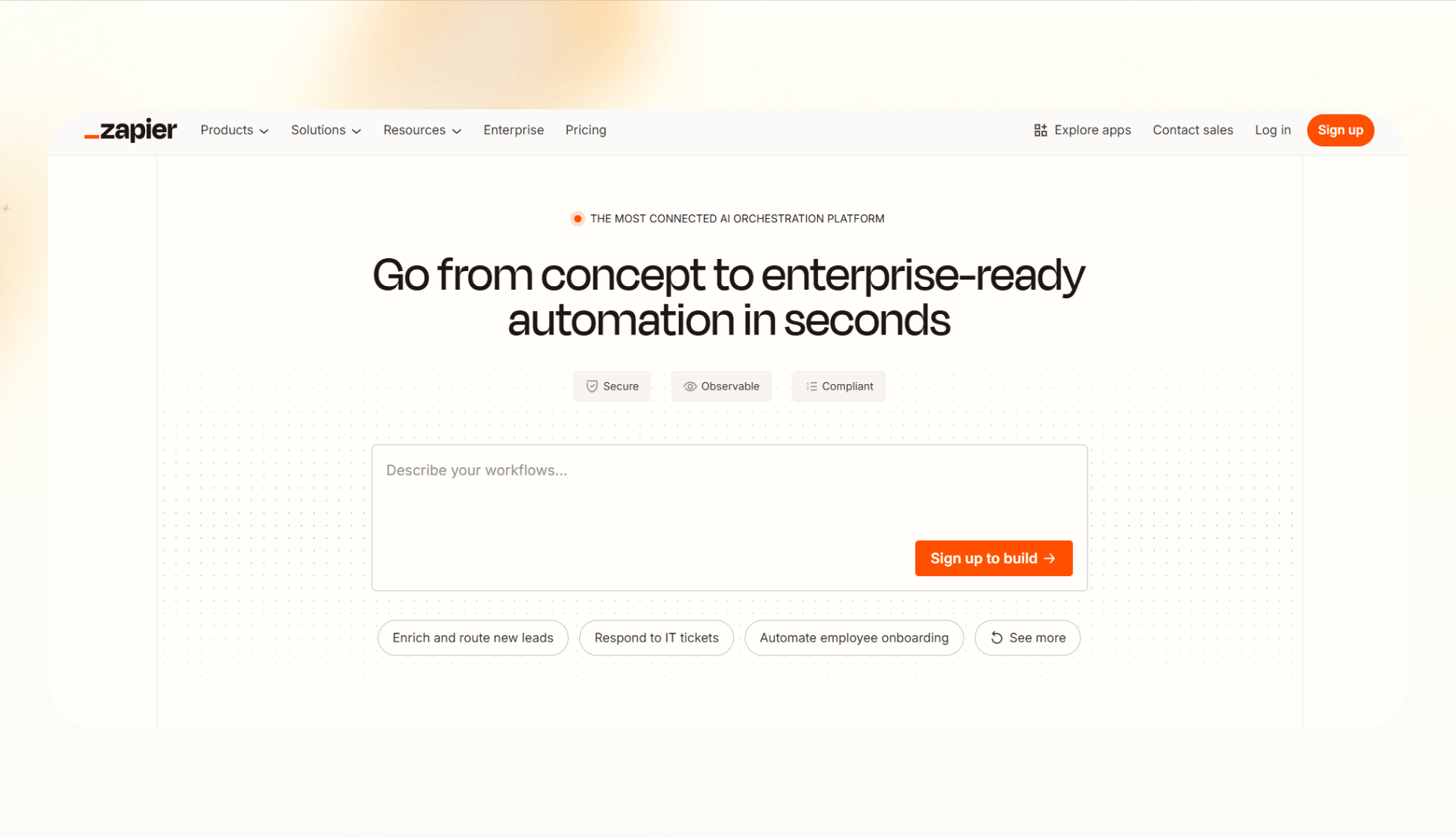
Zapier is a workflow automation platform, best known for its large integration library. It connects over 8,000 apps, letting teams automate repetitive work like data entry, notifications, and reporting without writing code.
Why it beats Sintra
Zapier is stronger than Sintra for integrations. Its scale means that almost any SaaS tool a team uses can connect to a workflow. While Sintra automates some tasks with AI, Zapier’s strength is reliable coverage of business apps.
Pros
- Integration ecosystem
- Intuitive to use
- No-code workflow builder with AI capabilities
Cons
- Complex workflows might be difficult to set up
- Costs increase quickly at higher task volumes
Pricing
- Free: Unlimited 2-step Zaps
- Pro: $29.99/month, billed monthly, with premium apps
- Team: $103.50/month, billed monthly, 25 users
- Enterprise: Custom pricing
Bottom line
Zapier is best for businesses that need simple automation and a broad, well-maintained integration library over complex AI agents and workflows.
How we tested these alternatives
To compare these tools, we focused on how they perform in real workflows rather than on surface-level features. Below is a clear breakdown of everything we considered:
What we looked for
- Integrations: A platform needs to connect with CRMs, calendars, and messaging apps. This ensures workflows don’t get stuck in silos.
- Workflow flexibility: Tools must support multi-step processes, conditional logic, and, in some cases, human-in-the-loop review. Without this, automation breaks when tasks get complex.
- Transparency: Clear pricing, support resources, and onboarding guidance are essential so teams know what to expect before they commit.
Our process
We reviewed product documentation, tested free tiers when available, and compared pricing details across official sources. We also looked at customer reviews to cross-check reliability, support, and real-world performance.
This approach gave us a balanced view of how each alternative stacks up against Sintra.
{{cta}}
Which alternative should you choose?
You can choose Lindy to automate business tasks without writing code, Zapier for simple automation with the largest integration library, or AutoGen if you have the engineering resources.
Here are the scenarios that suit each alternative:
Choose Lindy if
You want AI automation across calls, emails, and documents without writing code. It’s well-suited for SMBs that rely on CRMs and calendars and need compliance features like SOC 2 and HIPAA.
Choose another alternative
- LangGraph or CrewAI: You have developers and want full control over custom multi-agent systems.
- AutoGen: You’re an enterprise team that needs modular, scalable frameworks backed by Microsoft.
- LangChain: You want the largest developer ecosystem and don’t mind piecing components together.
- Taskade: You need collaboration and productivity tools first, with light automation added in.
- Zapier: You want the widest range of integrations and prefer proven reliability over advanced AI.
Stick with Sintra if
You only need simple task automation, and your workflows don’t require broader integrations or conditional logic. In that case, switching platforms may not add enough value.
Our verdict on Sintra AI
Sintra covers basic automation, but it falls short on integrations, value/dollar, and workflow flexibility. Some of the alternatives above offer broader integrations and more flexible workflows.
Lindy is the most balanced pick for SMBs wanting AI-native workflows, while developer frameworks like LangGraph or AutoGen fit technical teams. Taskade and Zapier remain solid for collaboration and large-scale integrations.
Try Lindy, your Sintra AI alternative
Lindy is an AI automation tool that lets you create custom AI agents for emails, meetings, and sales tasks.
Lindy stands out among Sintra AI alternatives for three reasons:
- Drag-and-drop workflow builder for non-coders: You don’t need any technical skills to build workflows with Lindy. It offers a drag-and-drop visual workflow builder.
- Create AI agents for your use cases: You can give them instructions in everyday language and automate repetitive tasks. For instance, create an assistant to find leads from websites and sources like People Data Labs. Create another agent that sends emails to each lead and schedules meetings with members of your sales team.
- Free to start, affordable to scale: Build your first few automations with Lindy’s free version and get up to 40 tasks. With the Pro plan, you can automate up to 1,500 tasks, which offers much more value than Lindy’s competitors.
Frequently asked questions
Why look for Sintra AI alternatives?
You should look for Sintra AI alternatives if you need more integrations, customization options, or better pricing. Sintra’s limited workflow flexibility and smaller integration library can restrict team productivity as you scale.
What is the best Sintra AI alternative in 2026?
Lindy is the best Sintra AI alternative in 2026 for most SMBs as it provides no-code automation with AI agents. Developer teams may prefer LangGraph or AutoGen, while Zapier is the strongest for integrations.
What are the disadvantages of Sintra AI?
The disadvantages of Sintra AI are limited integrations, rigid workflow options, and lower value for the price compared to other alternatives.
Can I use Sintra AI for free?
No, you cannot use Sintra AI for free. It does not offer a standard free plan, though it may provide refund guarantees on paid tiers.
What are the top Sintra AI competitors?
The top Sintra AI competitors are Lindy, LangGraph, CrewAI, AutoGen, LangChain, Taskade, and Zapier.
Which industries benefit most from Sintra AI alternatives?
Industries that benefit most from Sintra AI alternatives include SaaS, healthcare, real estate, and professional services. These sectors rely heavily on integrated, multi-step workflows.
What is the best free AI agent tool in 2026?
Lindy is the best free AI agent tool in 2026 for most users. Taskade, Zapier, LangGraph, CrewAI, and AutoGen are also good options if they fit your needs.










