Viktor Pricing: What $50 a Month Really Buys in 2026
Michelle broke down Viktor's Free, Team, and Enterprise tiers, mapping the full credit ladder, per-credit rates, what burns credits fastest, and reported monthly spend.


People who look up Viktor's pricing usually run into the same problem. The page shows $100 a month, but that's the price for 40,000 credits, and it moves the moment you slide the credit selector: more credits, higher bill. So what Viktor costs depends on how many credits your workload burns through.
I went through every tier on the pricing page and mapped the full credit ladder that many reviews skip. Then I worked out what you'd pay once your workload grows.
Viktor pricing plans: at a glance
Viktor sells one paid product with a credit meter. Core features and integrations are available across plans, while Enterprise adds admin, security, billing, and onboarding controls.
Team is a credit selector. It starts at $50/month for 20,000 credits, and the pricing page defaults to the $100 tier as "Most popular." Slide it up, and it climbs all the way to $50,000/month for 20 million credits, so what you pick there sets your bill. Here's the full ladder below.
Viktor pricing plans: complete breakdown
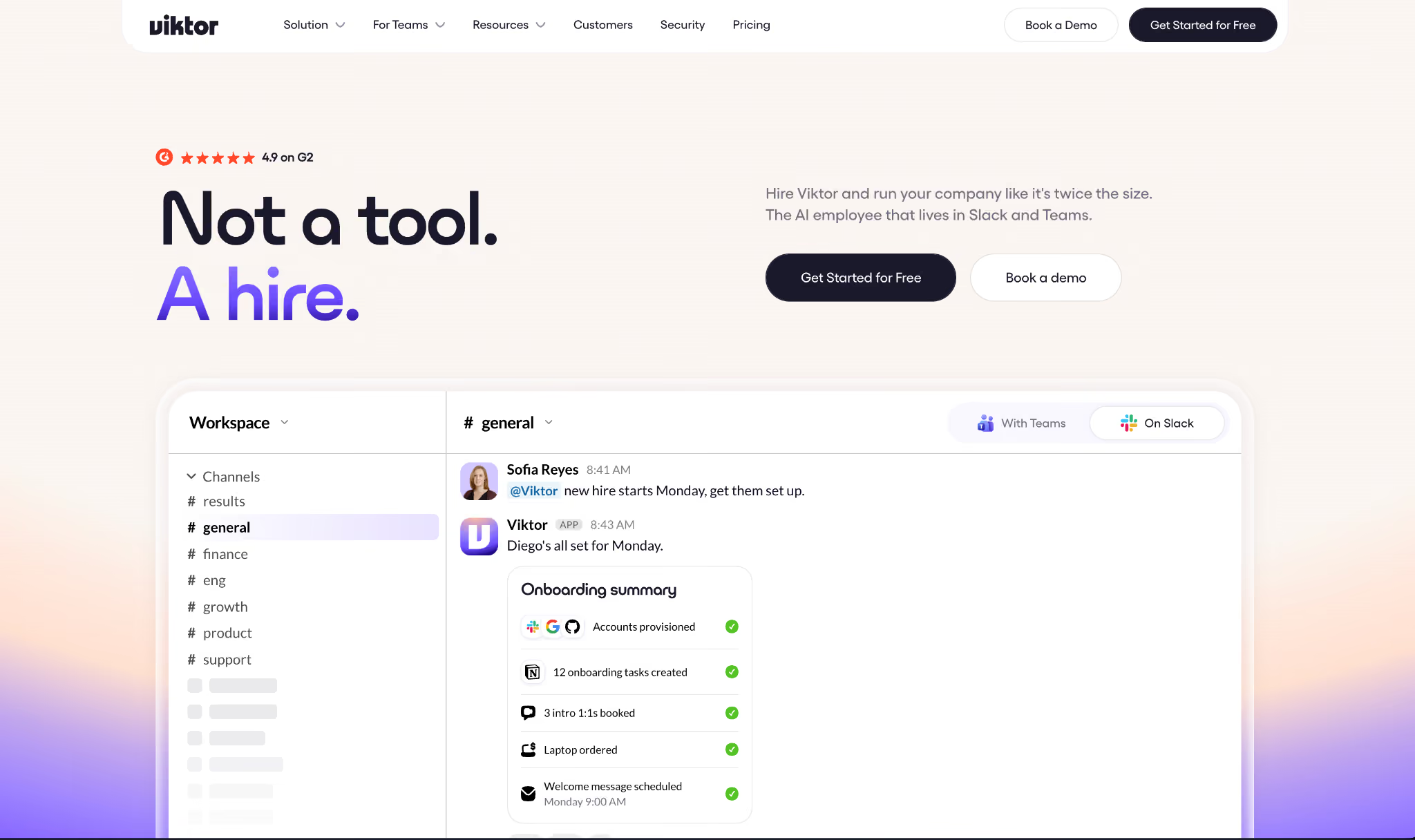
Free: $0/month, up to $100 in credits
What's included: everything. Every feature, every one of the 3,200+ integrations, no product features held back for paying users.
Best for: trying it out before you commit. You get up to $100 in credits before you commit a card, so you can hand Viktor a few live jobs first.
Pros:
- No card required, so testing it only costs you time.
- The free credits never expire, so you can spread the trial over as long as you need.
- You're testing the product itself, not a stripped demo.
Cons:
- $100 in credits is 40,000 credits, the same as a paid month, so a couple of heavy project builds still make a real dent.
Team: $100/month for 40,000 credits
The Team plan fits solo users and small teams. It's also the tier Viktor marks as Most popular.
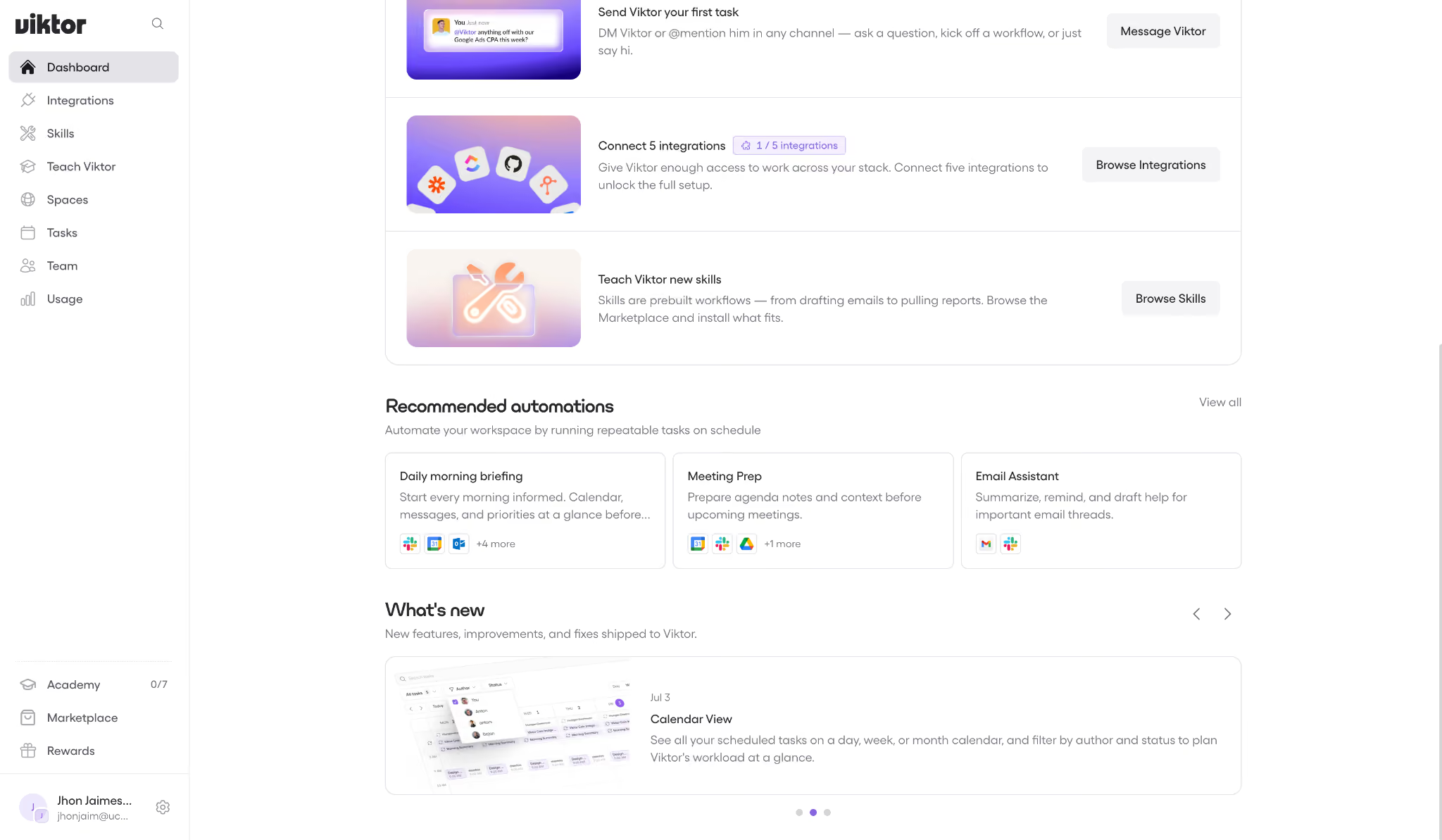
Viktor's Team pricing is built on a monthly credit allowance. You pick a bundle for the workspace, and adding people just draws that shared pool down faster.
What's included: everything Free has, at a bigger allowance, including the full agent in Slack and Teams, all 3,200+ integrations, scheduled tasks, and Viktor Spaces. The only thing that changes between plans is the credit count.
On top of that, unused credits roll over for one month, and you can top up on demand when a big project lands.
You can also set auto top-ups with a monthly spend cap, so nothing catches you off guard.
Best for: founders, solo operators, and small teams handing Viktor a mix of light and medium work across ops, marketing, and finance.
Pros:
- The Team price is set by your credit allowance, so there's no per-seat charge like Lindy has.
- Rollover means a slow month isn't wasted money.
- The spend cap on auto top-ups stops an automation from spending more than you planned, and it's worth setting one: top-up credits cost more per credit than your plan rate.
Cons:
- Credits burn unevenly, so a busy week costs more than a slow one, and planning takes effort.
- A couple of "build me an app" projects a week and 40,000 credits won't last you to the end of the month.
Enterprise: custom pricing
Enterprise is the same product, plus the controls a security review will ask for. Enterprise-band bundles are priced in the selector, from $35,000 to $50,000 a month, and anything beyond that is quoted.
What's included: everything in Team, plus a per-user spend cap, volume credit pricing with discounts, invoicing and custom billing terms, and dedicated onboarding and hands-on setup.
It also includes security review support and a ready-to-sign DPA, and Viktor publishes SOC 2 Type 1, GDPR, CCPA, and CASA Tier 3 on its security page.
Legal and security teams usually require one before they'll approve a tool.
Best for: larger teams running Viktor at high volume, or any company whose buying team won't move without a contract and that data agreement in place.
Pros:
- Enterprise includes volume-based credit pricing with discounts.
- The signed data agreement and security review support meet the compliance requirements that stall a lot of SaaS deals, the ones that have to pass a formal review first.
Cons:
- The band tops out at $50,000/month, and past that you're booking a demo for a quote.
What are Viktor AI credits and how do they work?
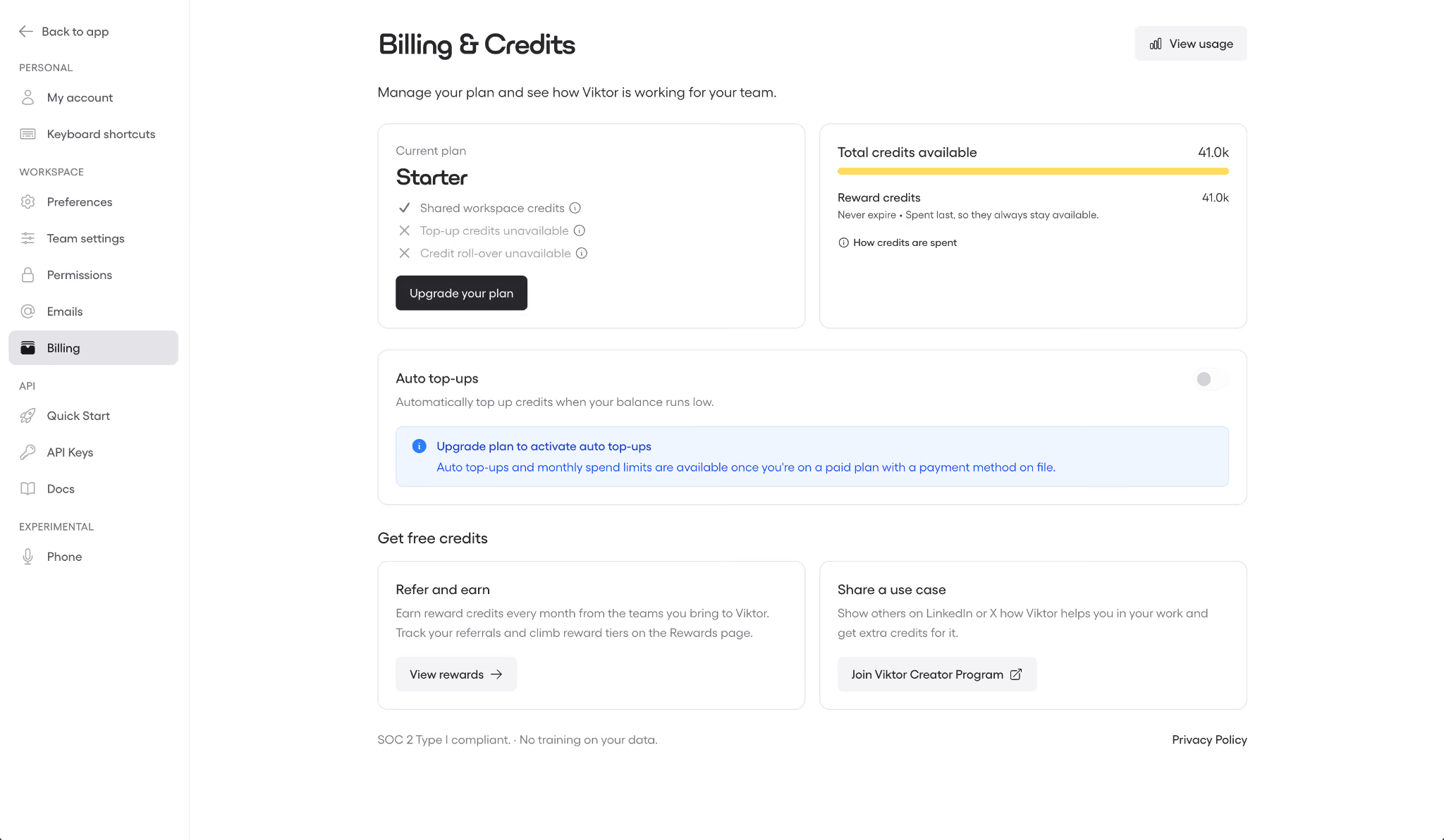
Viktor AI credits are the single unit you spend on everything Viktor does. One pool covers seats, features, and integrations, and every task you hand off draws from it.
The pricing page shows credit bundles in a dropdown, each with its total price. Viktor publishes the rate outright: $2.50 per 1,000 credits on every self-serve plan, or roughly $0.0025 each.
That rate holds across most tiers. The 125,000-credit bundle at $300 is the exception, running a little lower at about $2.40 per 1,000.
What burns your Viktor AI credits?
Not every task costs the same, and knowing what uses up credits fastest is how you keep the bill down. Viktor publishes indicative credit ranges for three levels of work:
- Quick tasks (100 to 300 credits): a Slack summary plus a CRM follow-up.
- Complex workflows (500 to 1,500 credits): a website change taken through to review.
- Full projects (2,000 to 5,000 credits): building an internal app wired into HubSpot and Stripe.
A few things push spend up. Task size drives cost more than anything else, since a full project can run 10x as long as a quick one, and Viktor says larger tasks cost more because they need more processing and reasoning.
Scheduled work is the other big driver. Viktor's Academy calls recurring tasks the biggest credit consumer and warns they keep spending even when you're not actively using the product.
A job set to run every hour costs far more than the same job run once a week.
One thing works in your favor, though. Viktor caches context and reuses results across tasks, so repeated workflows don't recompute from scratch.
How far does $100/month really go?
At 40,000 credits, it all comes down to your task mix. Using those ranges as a rough guide, that pool works out to about 130 to 400 quick tasks a month.
Heavier months look very different. A month of heavy project builds might give you eight to twenty before you're topping up. Treat these as ballpark estimates, not a guaranteed count, since actual usage depends on the work.
Day-to-day usage can run hotter than that. One Trustpilot reviewer reported burning 60,000 to 80,000 credits in the first two days. That kind of pace puts you on the small-business tiers, not the $100 Team price, so don't assume you'll stay there.
What people actually pay for Viktor
The $100 headline is where most daily teams start, not where they land. The reviews that dug into real spend all put the working number well above it.
Efficient App ran the tool across its own team for weeks, averaging about 9,000 credits a day, and landed at $500 to $750/month. this+that is more conservative, citing an estimated working month of $150 to $400. And one Trustpilot reviewer burned 60,000 to 80,000 credits in their first two days, which works out to more than $500/month on its own.
The more you lean on scheduled work and full project builds, the faster you climb. For most daily users, the bill starts at $100.
Which Viktor plan should you choose?
It comes down to how much you'll run through Viktor and whether you need a contract. Here's the quick read on each plan.
Choose Free if you:
- Want to try Viktor on your own tasks before paying anything.
- Aren't ready to enter a card or sit through a sales call.
Choose Team ($100/month) if you:
- Run a lean team or work solo and want one generalist agent on hand.
- Hand off a varied mix of light and medium work rather than one heavy, repetitive job.
Choose Enterprise if you:
- Buy credits at high volume and want the discount that comes with it.
- Need a signed data agreement, per-user spend caps, or a security review before rollout.
Is Viktor worth the cost?
If you'll use it daily, the case gets easier to make. At $100/month for one agent that's ready whenever you are in Slack, Viktor can be materially cheaper than adding human capacity. However, the comparison depends on the role, your market, and the workload.
Set it against a salary instead of another software subscription, and it starts to look inexpensive. On G2, Viktor holds a 4.9 out of 5 across 50+ reviews as of August 2026.
Even the good reviews raise the same concern. You're buying model time here, so the busy weeks cost more than the calm ones. That comes with any usage-based tool.
Viktor is worth it if you:
- Live in Slack or Teams and want one agent to soak up ops and marketing work, plus the odd finance or engineering task.
- Have light-to-medium, changing tasks, which is exactly what the credit model rewards.
Skip Viktor if you:
- Run heavy, repetitive, high-frequency work. On that pattern, the meter climbs fast, and forecasting gets hard.
- Need one predictable job priced per unit, like a support queue billed per ticket. Viktor bills that on its generic credits like everything else, with no fixed price per ticket solved.
What reviewers say about the price
Viktor's rating holds up, but the reviews converge on cost. Users praise the agent and question the price in the same breath. Two themes come up again and again.
Credits don't get cheaper in bulk
The most common gripe: the per-credit rate is flat, so scale buys you nothing. On G2, Akaash P. spelled it out:
"I also don't like that there is no price break or better deals when buying credits in bulk. $50 gets you 20,000 credits, and that ratio stays the same even if you spend $500 at a time on credits."
Elcy C. put the same frustration in one line on G2: "The price tag. I wish I could afford to use it more."
The bill runs ahead of the pricing chart
The second theme is that real spend outpaces the headline fast, often during onboarding. On Trustpilot, Andrea split her score over it:
"The cost is not at all what the website shows on the pricing chart... You will quickly end up spending $200 within the first two days... 5 stars for the agent's ability. 1 star for the cost."
Adam Watson traced the burn to a specific habit on Trustpilot: "checking how long your thread is... each time he reads it all, it burns." Long threads cost you every time Viktor re-reads them.
{{templates}}
Viktor alternatives and pricing comparison
Several AI coworkers run inside your chat tools, and they differ by how they charge. The billing unit is what you're comparing here, since it drives your bill more than the headline price does. If you're weighing the wider field of AI agents, the same logic applies.
All prices here were live as of August 2026. Sintra is running a sale, so it's worth a quick check on the vendor's page before you commit.
The table shows each plan's structure. Here's what the numbers mean once you're the one paying:
Lindy
Lindy charges by seat and credits at the same time; it's the only tool here that bills per user and by credits. Per user, Plus runs $29.99/month for 3k credits, Pro $99.99/month for 15k, and Max $199.99/month for 35k.
The upside is control. You know exactly what each person costs, and admins can set a credit cap per seat. Add people, though, and the bill climbs in a straight line right alongside the headcount.
eesel AI
eesel AI bills per ticket it handles, $0.40 each on its Regular rate (there's a free Light tier and a $4.00 Heavy tier too), with no seat fee at all. Feed it 250 tickets, and the bill is $100/month every time.
For a support queue, that's the easiest cost to predict here. Under the standard usage pricing shown, the bill scales directly with the tickets you handle, which makes spend easy to forecast (an annual commit knocks up to 25% off that rate).
Go with it when your work is a steady stream of similar jobs you can count ahead of time.
Zapier Agents
Zapier Agents prices by "activity," meaning each automated action an agent takes. The free tier covers 400 activities a month, and $50/month lifts that to 1,500.
That fit makes sense when the point is wiring AI actions across many apps rather than handing off broad, open-ended work, since Zapier's reach across 9,000+ apps is the whole draw. Reach for it when you're stitching AI steps into existing app workflows, not when you want one agent to own a whole job.
Sintra AI
Sintra AI runs on credits like Viktor, but leans on prepayment. The 1-month plan is $48.50/month (with $97 as the struck-through reference price), the 3-month plan is $23.60/month, and the 12-month plan drops to $15.60/month when you prepay for the year.
Sintra gets cheap for a solopreneur who's sure they'll stick around, and less friendly if you want to test month to month.
{{cta}}
Lindy vs Viktor: which should you choose?
These two overlap more than any other pair here. Both run in Slack, answer when you @mention them in a channel, and connect to your existing stack, so the day-to-day feel is similar even if their exact integrations differ.
So the split comes down to how you want to pay and how much control you need over who spends what.
Lindy is better for: teams that want per-seat pricing and admin control. It also lives in Slack, joining channels and replying in threads, with its Enterprise plan listing audit logs among the controls, which helps if you need to review activity after the fact.
Lindy is SOC 2 Type II certified, GDPR compliant, and PIPEDA compliant across all plans, and its Enterprise plan adds HIPAA compliance with a signed BAA (the agreement a covered entity needs before a vendor can handle protected health data).
For a regulated field or sensitive data, that difference can decide it. Pricing starts at $29.99/month per user.
Viktor is better for: buyers who want a single workspace bill tied to a credit bundle. The $100/month for 40,000 credits is the simpler shape to reason about.
Use both if you're still figuring out which model fits how your team spends. A light month on each shows you fast whether per-seat or shared-pool credits work out cheaper for you.
You can try Lindy free and put it next to Viktor's $100 in free credits before you commit to either.
My bottom line on Viktor pricing
Viktor AI pricing stays simple to read. One product, core features included, with most credit bundles working out to about $2.50 per 1,000, from the $100 Team tier up to the million-credit tiers (a few bundles, like 125,000 for $300, land a little lower).
What you pay depends on how heavy and repetitive your work is, so the headline price is just your starting point, and your workload sets the final number. If your work is varied and stays light, that $100 buys one agent to handle it, and one month of rollover softens a slow patch.
If it's heavy and repetitive, price out the credit ladder before you sign, because that's where the number climbs fast. Either way, the $100 in free credits lets you find out on your own tasks before you spend a cent.
Frequently asked questions
How much does Viktor AI cost?
Viktor AI costs $0 to start and $100/month for 40,000 credits on the Team plan. The credit selector runs from $50/month for 20,000 credits up to $50,000/month for 20 million, and Enterprise adds custom terms on top.
What is a Viktor AI credit worth?
Viktor publishes the rate: $2.50 per 1,000 credits, or about $0.0025 each, on every self-serve plan. One shared pool covers every feature and integration, with no separate seat fee.
Does Viktor have a free plan?
Yes, Viktor has a free plan with up to $100 in credits, no card, and no sales call. It includes every feature and all 3,200+ integrations, and $100 buys roughly 40,000 credits, enough for eight to twenty full projects.
Is Viktor priced per seat?
No, Viktor is not priced per seat. The Team plan charges for one pool of credits shared across the workspace, so adding teammates never adds a seat fee: it just draws the pool down faster, which can mean topping up sooner.









