
Actions
actions
0
actions

People use Lindy at some pretty cool places.

Easy as one, two, three
How it works
1. Add Lindy to Slack
One click from the Slack marketplace. The whole team gets Lindy at once.
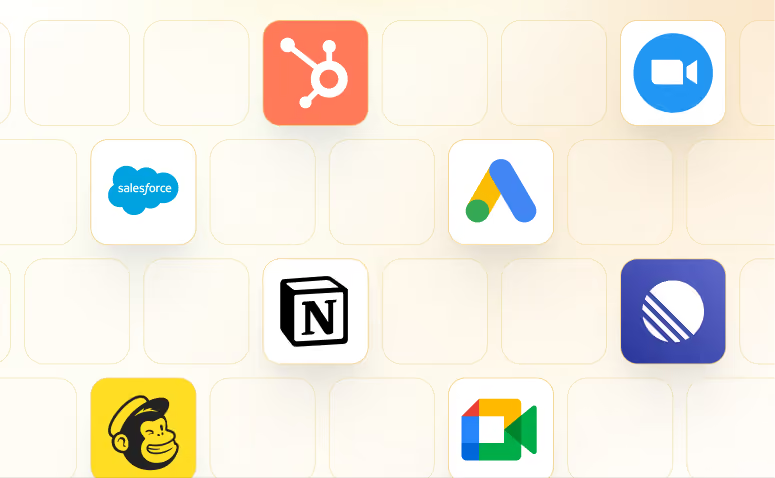
2. Connect your tools
Lindy works with 1,000+ apps and any MCP server.
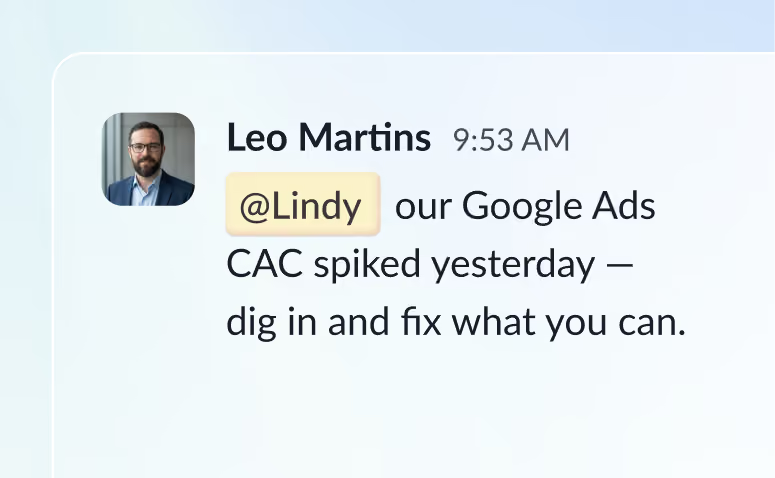
3. Put Lindy to work
@mention Lindy in any channel and it starts working. Minutes, not a weekend.
Skills
See what's possible with Lindy
A few things people ask Lindy to do. Try one, or ask for something else entirely.
Generate structured meeting summaries with decisions and action items
Lindy turns your meeting notes into clean summaries with decisions and next steps.
Try this skill
Research external attendees on LinkedIn before every meeting
Lindy looks up each attendee on LinkedIn before your meeting so you're always prepared.
Try this skill
Get an SMS alert when a VIP emails you in Gmail
Lindy watches your Gmail and texts you the moment a VIP sends you an email.
Try this skill
Get an SMS alert when an important Slack message comes in
Lindy watches your Slack and texts you when a message needs your attention.
Try this skill
Frequently asked questions
What is Lindy?
Lindy is an AI assistant that lives in your Slack. Connect your apps, ask for what you need in plain language, and Lindy takes the work off your plate.