8 Best Digital Assistant Apps in 2026: I *Actually* Tested Them
Marvin tested nine digital assistants including Google Assistant, Alexa, and Microsoft Copilot, comparing pricing, smart home control, and enterprise productivity features.


I’ve asked digital assistants to do something useful more times than I can count, and for years the response was usually some version of “here’s what I found on the web.” Last month, I asked one to move my 3 PM call to Thursday. It set a three-minute timer.
That tiny failure sums up the category pretty well. Many digital assistants are excellent at one-step commands. However, the experience falls apart when the request involves another app or more than one action.
I tested 15 digital assistants across reminders, device controls, everyday errands, and work tasks. Some are still strongest at the basics. Others can reach further into your calendar, workplace apps, or company systems.
Pick one from these 8, depending on your use case and preferences.
8 best digital assistants: TL;DR
- Gemini: Best for Android
- Siri: Best for iPhone users
- Amazon Alexa: Best for smart home control
- Microsoft Copilot: Best for enterprise productivity
- Replika: Best for emotional support and companionship
- Bixby: Best for the Samsung ecosystem
- Oracle Digital Assistant: Best for enterprise app access
- My AI by Snapchat: Best for casual chat and entertainment
1. Best Digital Assistant for Android
Gemini: What is it?
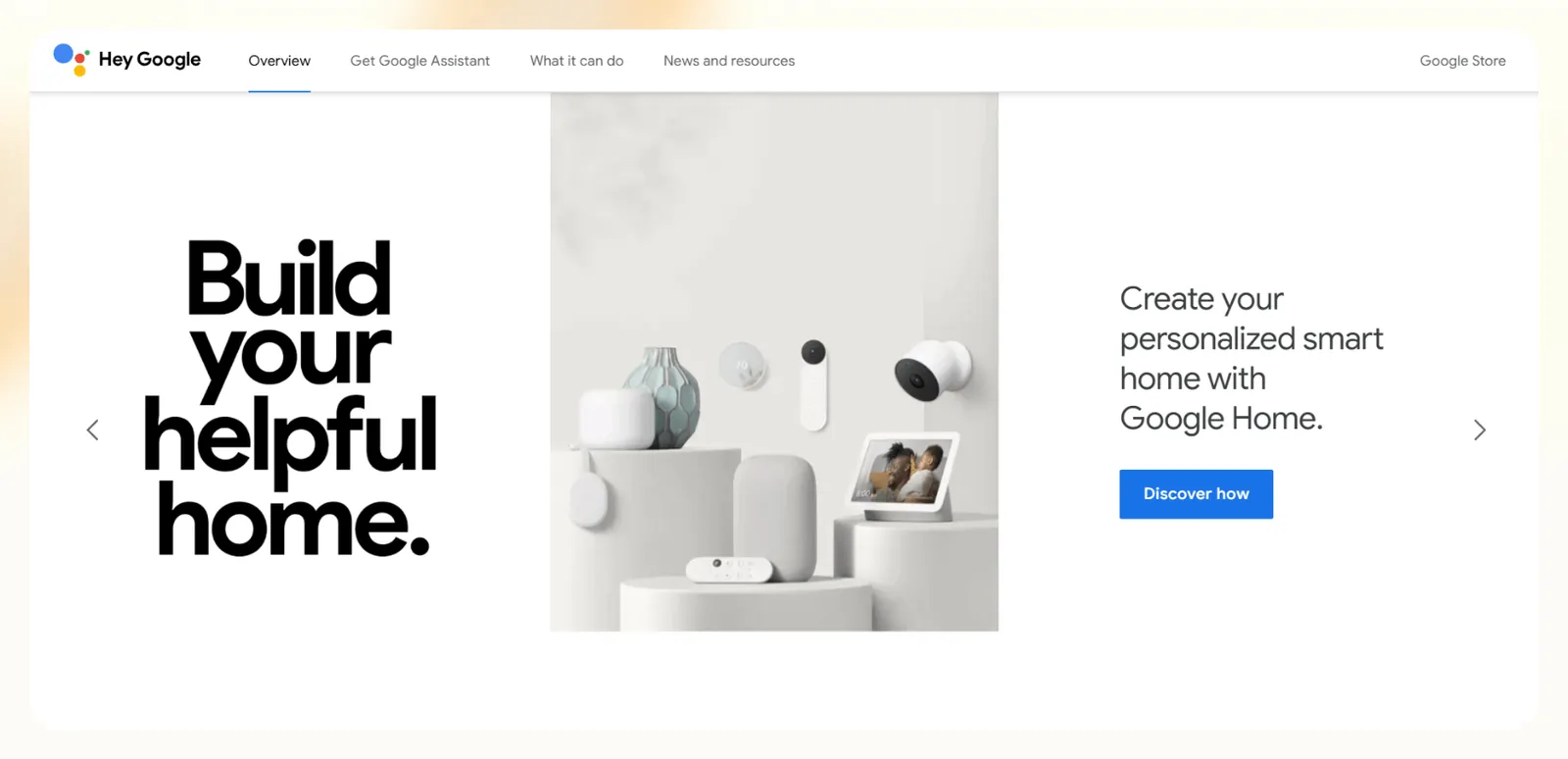
Gemini is Google's AI assistant, and it has replaced the classic Google Assistant on most Android phones. You can still say "Hey Google" and ask it to send a text, set an alarm, change a setting, or turn off the lights, which covers the everyday jobs Assistant used to handle.
The bigger change is what it can do past the simple commands. Gemini connects to Gmail, Calendar, Docs, Drive, Keep, and Tasks, so you can ask it to summarize an email thread, add an event, or turn a recipe into a shopping list without opening each app. Gemini Live adds natural back-and-forth voice conversations, and you can share your camera or screen to ask about what's in front of you.
Pricing
- Free with a Google Account (includes the Gemini app and Gemini Live)
- Google AI Plus: $4.99/month for 2x higher usage than Free
- Google AI Pro: $19.99/month for 4x higher usage than Free
- Google AI Ultra: from $99.99/month
Features
- Sends texts and makes calls through your default apps or WhatsApp
- Sets alarms, timers, and changes device settings
- Controls smart home devices through Google Home
- Connects to Gmail, Calendar, Docs, Drive, Keep, and Tasks
- Plays music from YouTube Music or Spotify
- Gemini Live for natural voice conversations
- Shares your camera or screen so you can ask about what you see
- Available on Android, iPhone, and the web
Pros
- Built into most Android phones, with no extra setup
- Handles quick commands and longer questions in one place
- Deep connection to the Google apps you already use
- Free plan covers most everyday assistant tasks
Cons
- "Hey Google" and some older Assistant features aren't available in every language or country
- Can't replace Siri as the default assistant on iPhone
- Can get things wrong, so double-check important answers against the source
2. Best Digital Assistant App for iPhone Users
Siri: What is it?
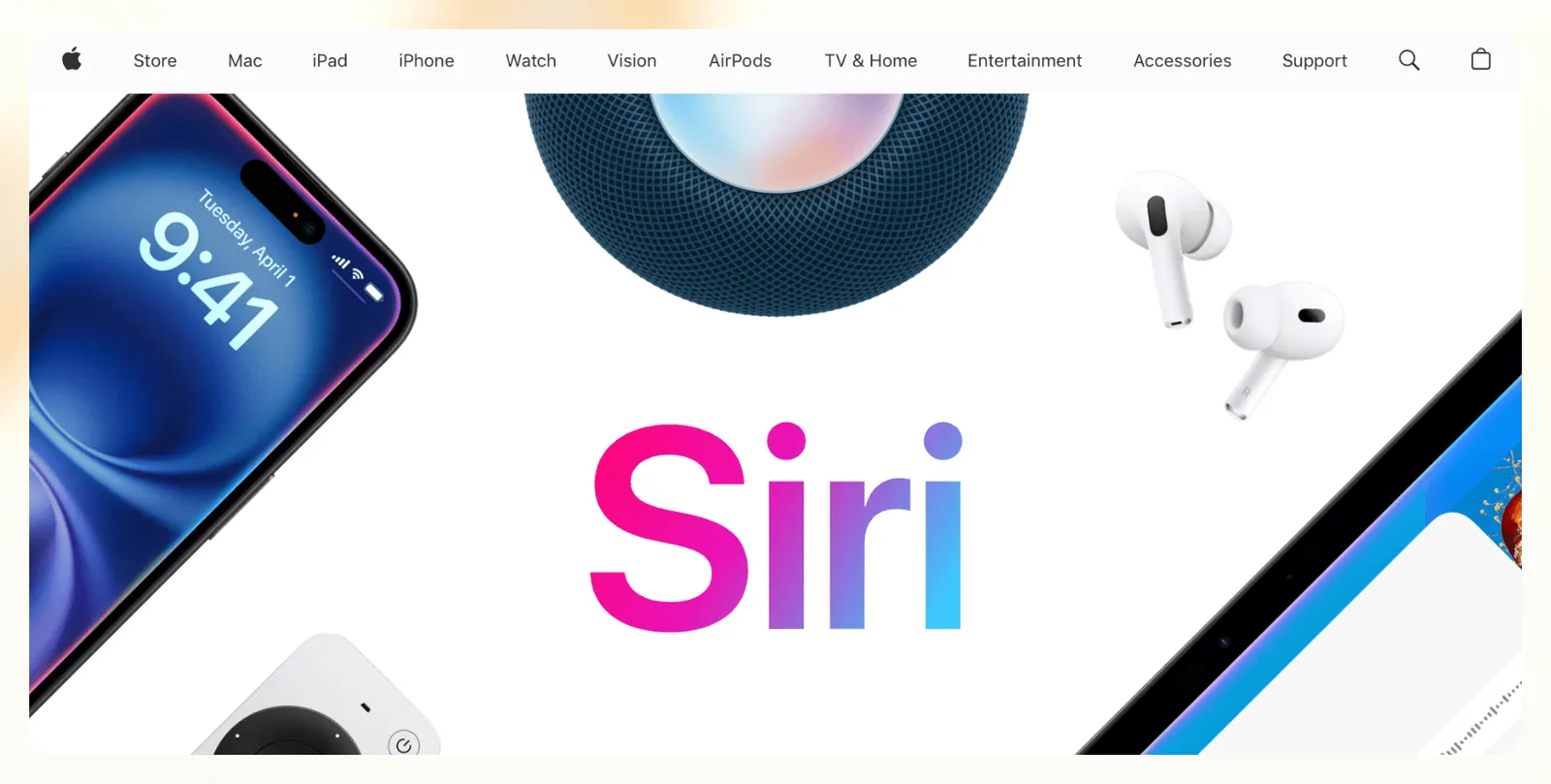
Siri is Apple’s default AI digital assistant, built into iOS, macOS, and Apple Watch. It handles voice commands like sending messages, setting reminders, and playing music, and integrates tightly with Apple’s native apps. Siri sits alongside the other AI voice assistants worth comparing.
Siri can already pass questions to ChatGPT through an optional extension, and Apple’s new Siri AI (in beta in iOS 27, English first) adds natural back-and-forth conversation, personal context, and a dedicated Siri app.
Pricing
- Free with Apple devices
- No premium version available
Features
- Voice control for messages, calls, and settings
- Works with Apple apps like Mail, Calendar, and Reminders
- Activates smart home scenes via HomeKit
- Launches shortcuts with custom commands
- Offers suggestions based on app usage
- Basic support for multiple languages
- Hands-free activation with Hey Siri
Pros
- Works smoothly across iPhone, Mac, and Watch
- Reliable for everyday tasks
- No setup required on Apple devices
Cons
- Lags behind in automation and customization
- Not available outside Apple hardware
- Isn’t as capable as Gemini or Bixby
3. Best Digital Assistant for Smart Home Control
Amazon Alexa: What is it?

Alexa is Amazon’s voice-enabled digital assistant designed for smart speakers, displays, and connected home devices. It controls lights, thermostats, doorbells, and routines, and can also handle tasks like shopping, reminders, and playing media. The newer Alexa+ version adds more conversational abilities and memory of user preferences.
It works well for users who want to manage their home hands-free, especially if they already use Echo devices or Amazon services.
Pricing
- Alexa+ is free for Amazon Prime members
- Alexa+ at $19.99/month for non-Prime members
- Free plan with limited daily usage on Alexa.com and the Alexa app (the original Alexa stays available on Echo devices)
Features
- Controls smart home devices and routines
- Plays music, reads news, and answers questions
- Makes calls and sends announcements
- Remembers preferences and custom routines
- Handles shopping lists and Amazon orders
- Integrates with calendars and reminders
- Works with 85,000+ Alexa skills
Pros
- Great for voice-based home automation
- Wide range of compatible devices
- Supports natural, back-and-forth conversation
- Strong smart speaker performance
Cons
- Productivity use cases are limited
- Subscription needed for the full feature set
- Doesn’t support deep task automation
4. Best Digital Assistant for Enterprise Productivity
Microsoft Copilot: What is it?
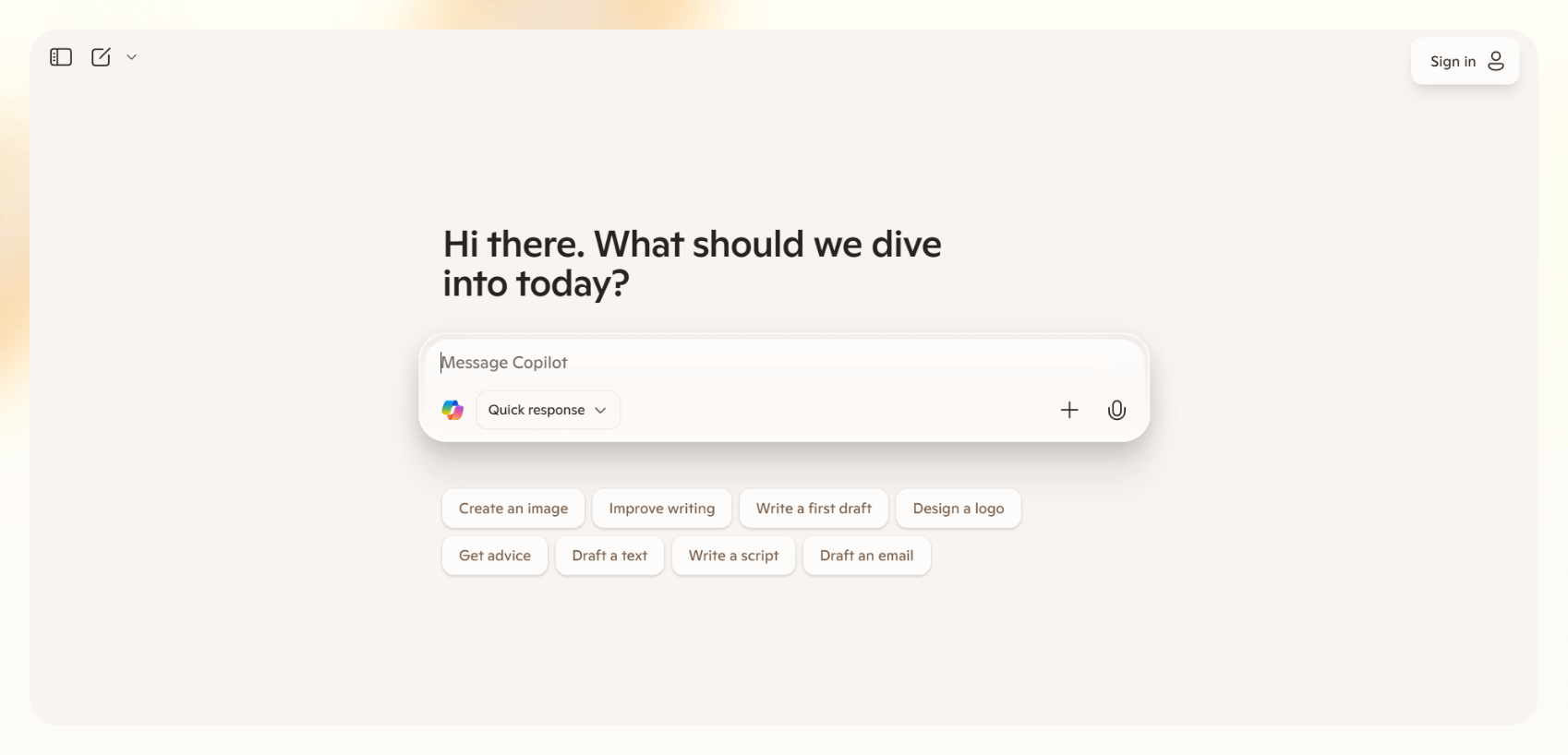
Copilot is Microsoft’s integrated AI digital assistant for Office 365 and Windows. It works inside tools like Word, Excel, Outlook, and Teams to draft emails, summarize meetings, and generate reports. It’s for professionals working in the Microsoft ecosystem and want to speed up routine work. For additional software to streamline your workflow, explore our guide on the best productivity apps available today.
Copilot is also available as a stand-alone web app, like ChatGPT. Evaluating the best ai assistant for professionals can help you decide between standalone web interfaces and fully integrated workplace tools.
Pricing
- Microsoft 365 Copilot add-on at $30/user/month, paid yearly (requires a qualifying Microsoft 365 plan like E3 or E5)
- Microsoft 365 Copilot Business for smaller teams from $21/user/month, paid yearly
- $19.99/month for individuals through Microsoft 365 Premium, the plan that replaced Copilot Pro
Features
- Summarizes Teams meetings and email threads
- Generates documents and decks in Word and PowerPoint
- Suggests data insights in Excel
- Drafts and rewrites emails in Outlook
- Integrates with Microsoft Graph for context
- Works across web and desktop apps
- Supports voice prompts in Copilot Chat
Pros
- Embedded in apps many teams already use
- Great for summarization and writing tasks
- Reduces context switching
- Secure and compliant with enterprise standards
Cons
- Less useful outside Office 365
- Requires a paid subscription for the full feature set
5. Best Digital Assistant App for Emotional Support and Companionship
Replika: What is it?

Replika is a conversational AI digital assistant designed for emotional connection. It talks, listens, and provides support to the users. Users can create custom avatars and personalities, and chat via text, voice, or video. It's best for individuals looking for a virtual companion rather than a productivity tool.
Pricing
- Free basic version
- Pro subscription unlocks voice/video calls and relationships
- Pro costs $19.99/month or $69.99/year; pricing shows inside the app and can vary by region
Features
- Personalized chatbot conversations
- Custom avatar creation and roleplay options
- Mood tracking and daily check-ins
- Voice and video calls with AI
- Journaling and goal-setting prompts
- iOS, Android, and web apps are available
- Relationship modes –– friend, partner, mentor
Pros
- Strong emotional tone modeling
- Available 24/7 for conversation
- Easy to personalize and customize
Cons
- Not built for productivity or business tasks
- Critics question mental health implications
- Premium features gated behind a paywall
6. Best Digital Assistant App for the Samsung Ecosystem
Bixby: What is it?
Bixby lets users control device settings, automate routines, and access Samsung apps by voice. If you’re already deep in the Samsung ecosystem, Bixby gives you quick, hands-free control across your devices.
It’s not a productivity tool, but it’s useful for everyday commands within the Samsung world.
Pricing
- Free on all supported Samsung devices
- No subscription required
Features
- Voice control for Samsung apps and features
- Automates routines with Bixby Routines
- Integrates with SmartThings for home control
- Contextual replies based on current activity
- Multi-language support
- Device-specific actions like camera and display settings
Pros
- Deeply integrated with Samsung hardware
- Simple voice controls for phone and home
- No setup required for Galaxy users
Cons
- Limited third-party app support
- Not suited for business or productivity workflows
- Often overlooked in favor of Gemini
7. Best Digital Assistant for Enterprise App Access
Oracle Digital Assistant: What is it?

Oracle Digital Assistant is a conversational AI platform for employees to interact with enterprise apps through natural language. It’s best suited for large organizations already using Oracle products like ERP, HCM, or CX systems.
You can use the assistant to answer questions, complete tasks, and trigger workflows inside business applications via chat, voice, or embedded widgets. Oracle designed this tool specifically for enterprise use.
Pricing
- Subscription pricing for Oracle SaaS customers, by employee, named user, or session
- Per-request pricing under Universal Credits ($0.0232 per request, with a minimum of 250 requests per hour) for other users
Features
- Prebuilt skills for Oracle ERP, HCM, and CX
- Natural language queries and guided flows
- Multichannel deployment across web, mobile, Slack, and Teams
- Language support for global teams
- Integration with third-party APIs
- Low-code customization via Oracle tools
Pros
- Connects to Oracle systems
- Supports enterprise-grade workflows
- Flexible deployment channels
- Built for multilingual environments
Cons
- Only useful within the Oracle ecosystem
- Setup and customization take time
- Not suited for individual users or small teams
8. Best Digital Assistant App for Casual Chat and Entertainment
My AI (Snapchat): What is it?
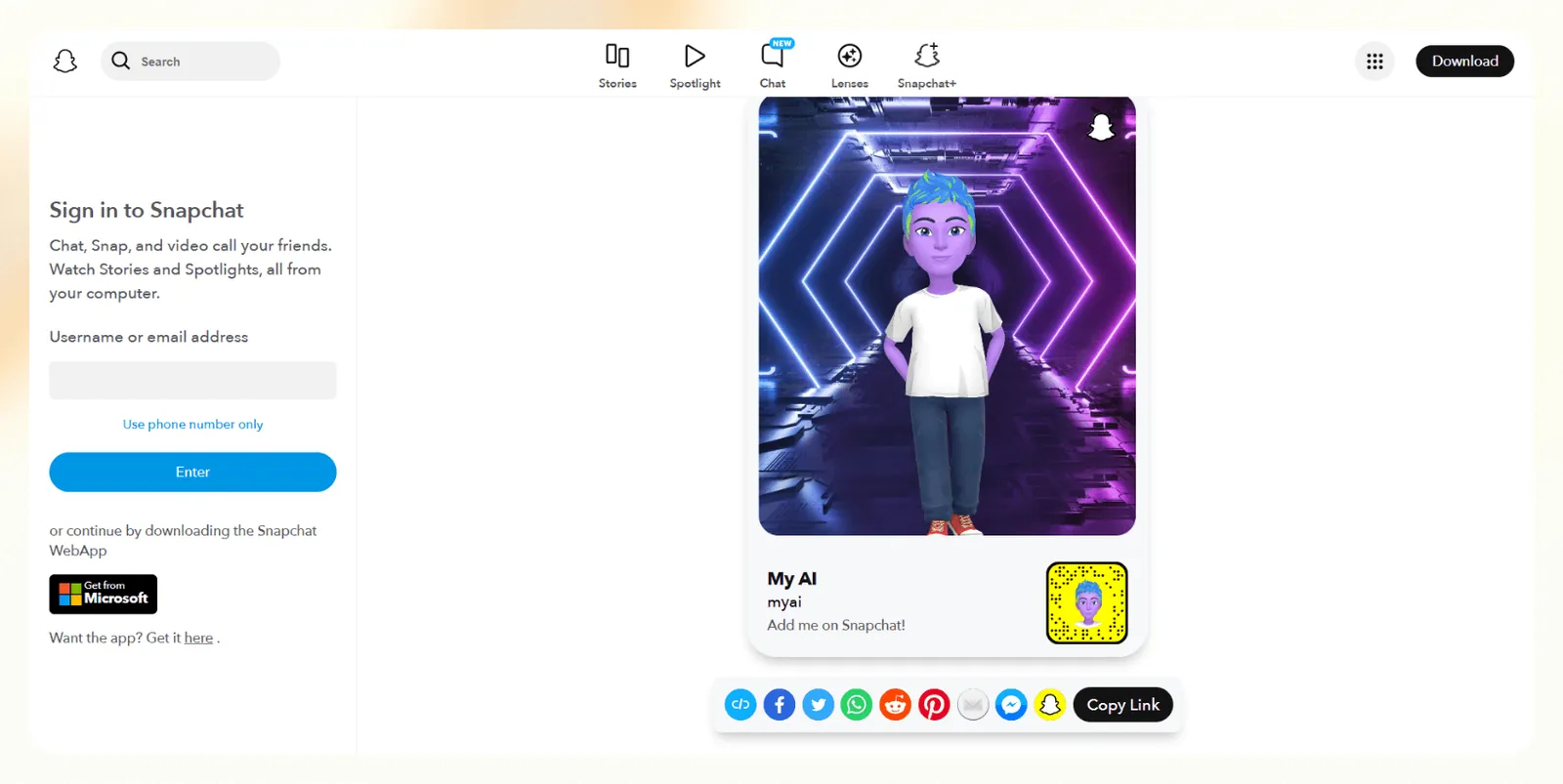
My AI is Snapchat’s chatbot powered by large language models from OpenAI and Google, and lets users have quick conversations, suggestions, and playful interactions. It lives inside the chat tab on Snapchat and can answer questions, recommend content, and even create Snaps.
It’s best for younger users looking for a fun, lightweight AI digital assistant experience inside an app they already use.
Pricing
- Free for all Snapchat users
- Snapchat+ subscription: $3.99/month for extra features
Features
- Conversational replies with personality
- Activity and content suggestions
- Snap creation prompts and filters
- Bitmoji customization
- AI message drafts and jokes
- Integrated with Snap Map and Lenses
Pros
- Native to the Snapchat interface
- Engaging and casual tone
- Fun for entertainment and recommendations
Cons
- Limited outside Snapchat
- Not built for work or real task automation
- Ongoing privacy concerns
Top Digital Assistant apps: At a glance
If you're comparing digital assistants in terms of what they do best, how much they cost, and where they work, here’s how they stack up side-by-side:
| Tool | Best for | Price | Platform |
|---|---|---|---|
| Gemini | Android | Free (paid plans from $4.99/month) | Android, iPhone, Web, Smart Home |
| Apple’s Siri | iPhone users | Free | iOS, macOS, HomePod |
| Amazon Alexa | Smart home control | Free, from $19.99 | Echo, Smart Displays, Mobile |
| Microsoft Copilot | Enterprise productivity | From $19.99/month | Windows, Office Apps, Web |
| Replika | Emotional support and companionship | Free / Pro version | iOS, Android, Web |
| Bixby | The Samsung ecosystem | Free | Galaxy phones, SmartThings |
| Oracle Digital Assistant | Enterprise app access | $0.0232 per request | Web, Slack, Teams, Mobile |
| My AI (Snapchat) | Casual chat and entertainment | Free / $3.99 | Snapchat app |
Next, let’s talk about how these assistants were tested and what makes each one useful in daily tasks.
How we tested the best digital assistants
We used each digital assistant to test how well they automate email follow-ups, create meeting notes, and connect with other apps.
Here’s the evaluation criteria:
- Ease of use: Can you set it up without tutorials or technical help? Are everyday actions intuitive?
- Task performance: How well does it automate real work, like emails, calendar events, and notes?
- Integration: Does it connect with the tools you already use? Can it work across multiple platforms?
- Context awareness: Does it understand what you’re trying to do, and do it without constant prompting?
- Consistency: Is it reliable day-to-day, or does it fail under real-world pressure?
Next, let’s compare these assistants with chatbots, as users often consider them synonymous.
Digital assistant vs. AI chatbot: what’s the difference?
A digital assistant helps you complete your tasks better. An AI chatbot just responds to your prompts.
Digital assistants help schedule a meeting, update a CRM, or summarize a document. AI chatbots, on the other hand, are reactive. They wait for your input and respond, but they rarely take action on your behalf. Many of these proactive tools rely on speech control, making it useful to explore the best ai voice assistants for hands-free productivity.
Here’s a quick way to think about it:
- Digital assistants: Copilot, Alexa+, and Gemini. They integrate with tools, automate tasks, and reduce manual work. For example, using a dedicated ai scheduling assistant can automatically resolve calendar conflicts and streamline daily meeting management.
- AI chatbots: ChatGPT, Drift, and Intercom. They handle conversations, Q&As, and support flows. Deploying a dedicated conversational ai assistant allows businesses to automate customer interactions while keeping dialogue natural.
However, more chatbots are adopting productivity features. If you want to create a custom workflow without added cost, learning how to set up an ai assistant for free is a great next step. To find the right tool for both personal and professional tasks, explore our guide on choosing the best ai assistant for your needs.
Scheduling is where the difference shows first: an ai calendar assistant guards your time automatically, and an AI meeting assistant takes over once the meeting starts.
So, what are digital assistants capable of? We answer that next.
What can a digital assistant app actually do?
Digital assistants handle tasks that require hours of manual effort, especially when they’re built with integrations and automation logic.
Here are some of the most common things a digital assistant can do:
- Send follow-up emails after meetings
- Update CRM fields with contact or deal info
- Schedule meetings based on availability
- Summarize meetings or documents into bullet notes, or hand long documents to a dedicated AI summarizer
- Trigger workflows across tools like Notion, Slack, and Trello
- Provide quick answers using internal docs or databases
- Control smart devices or apps using voice commands
- Automate routine internal tasks like approvals and status updates
- Draft content or reports using the existing context
- Coordinate between multiple tools using if-this-then-that logic
These capabilities are useful in digital assistant jobs where routine admin tasks slow teams down, like sales, ops, and customer support.
Looking for free digital assistants? These four offer real utility without a price tag.
What are the best free digital assistants?
The best free digital assistants include Gemini, Apple’s Siri, My AI (Snapchat), and Bixby. While many limit features behind paywalls, a few stand out for what they deliver at zero cost.
If you’re looking for no-cost tools, here are the best free digital assistants:
- Gemini: Free and built into most Android phones, with an app for iPhone. Strong for voice commands, scheduling, and smart home control.
- Apple’s Siri: Always free on iPhone, iPad, and Mac. Best for Apple users who want hands-free access to system features and apps.
- My AI (Snapchat): Free for all Snapchat users. While not a work tool, it's fun for casual prompts and content suggestions.
- Bixby: Free on Samsung devices. Useful for controlling settings and running Bixby Routines, especially if you use SmartThings.
These don’t support advanced automation or enterprise-level integrations, but they’re useful for tasks like smart home control and basic automation.
Frequently asked questions
What’s the most accurate digital assistant in 2026?
Gemini is the strongest all-rounder on Android, especially for commands, questions, and smart home tasks. Alexa+ and the new Bixby follow closely behind.
Which digital assistant works best for remote teams?
Microsoft Copilot works well for remote teams. It’s built into Teams and Office, so updates and communication stay inside the tools your team already uses.
Can digital assistants schedule meetings and send emails?
Yes. Gemini and Copilot both support these features, from scheduling meetings by voice to drafting emails.
What’s the best AI digital assistant for productivity?
Microsoft Copilot is one of the best AI digital assistants for productivity because it works inside the Office apps where most work already happens. For company-wide internal tools, Oracle Digital Assistant gives employees one place to reach enterprise apps.
Do I need internet access to use a digital assistant?
In most cases, yes. Assistants like Google, Siri, and Alexa rely on cloud services to process queries, sync data, and connect apps.
How secure are digital assistants?
Enterprise assistants like Oracle Digital Assistant and Microsoft Copilot meet compliance standards like SOC 2 and HIPAA. Consumer tools may vary in data privacy handling.
Can I create my own AI assistant?
Yes. Lindy gives you an AI teammate that lives in Slack, connects to 1,000+ integrations, and handles the tasks you describe in plain English, no code needed. Enterprise platforms like Oracle and Google also support custom builds, but they’re more developer-focused.










