Top 6 AI Phone Call Tools to Automate Your Calling Operations
Marvin reviewed six AI phone call tools, including Bland AI, Synthflow, and Retell AI, weighing voice quality, integrations, and per-minute pricing.


Manual calling is slow, expensive, and often inconsistent. That’s why more teams seek AI phone call tools to handle routine calls, book appointments, and log details into CRMs automatically.
If you’ve ever wasted time on manual calls or missed a lead, you know the pain. Tools like Bland AI, Synthflow, and Retell AI can help your team answer more calls, automate tasks, and focus where you’re needed most. Choosing the best ai phone assistant allows businesses to streamline incoming calls and improve lead response times. Deploying a specialized AI voice assistant can further enhance how your team handles incoming calls and customer inquiries.
The 6 best AI Phone CallingSoftware: At a glance
The best AI phone calling platforms help businesses answer and place calls automatically, manage customer conversations, and integrate with everyday tools like CRMs and Slack. Here’s a quick view of the top options in 2026: Connecting voice AI with broader crm marketing automation helps turn call insights into automated follow-up workflows. Deploying a dedicated ai call bot allows organizations to handle repetitive phone inquiries without increasing support headcounts.
| Tool | Best for | Key features | Pricing |
|---|---|---|---|
| Bland AI | Developer teams at scale | API-first, outbound calling, webhook control | From $0.09/minute |
| Synthflow | No-code builders | Drag-and-drop flows, templates, analytics | From $29/month |
| Character.ai | Consumer use & practice | Personality-driven AI voice call, multilingual | App-based, varies |
| Retell AI | Customizable AI voice agents | Inbound & outbound calling, API access, analytics | Pay-as-you-go, $0.07/minute for AI voice agent |
| Air AI | Long, human-like conversations | Sales focus, outbound SDR | Licensing fee |
| Convin | Sales analytics | Call insights, coaching, reporting | Custom pricing |
1. Bland: Best AI Calling Software for developer teams needing API-first call control
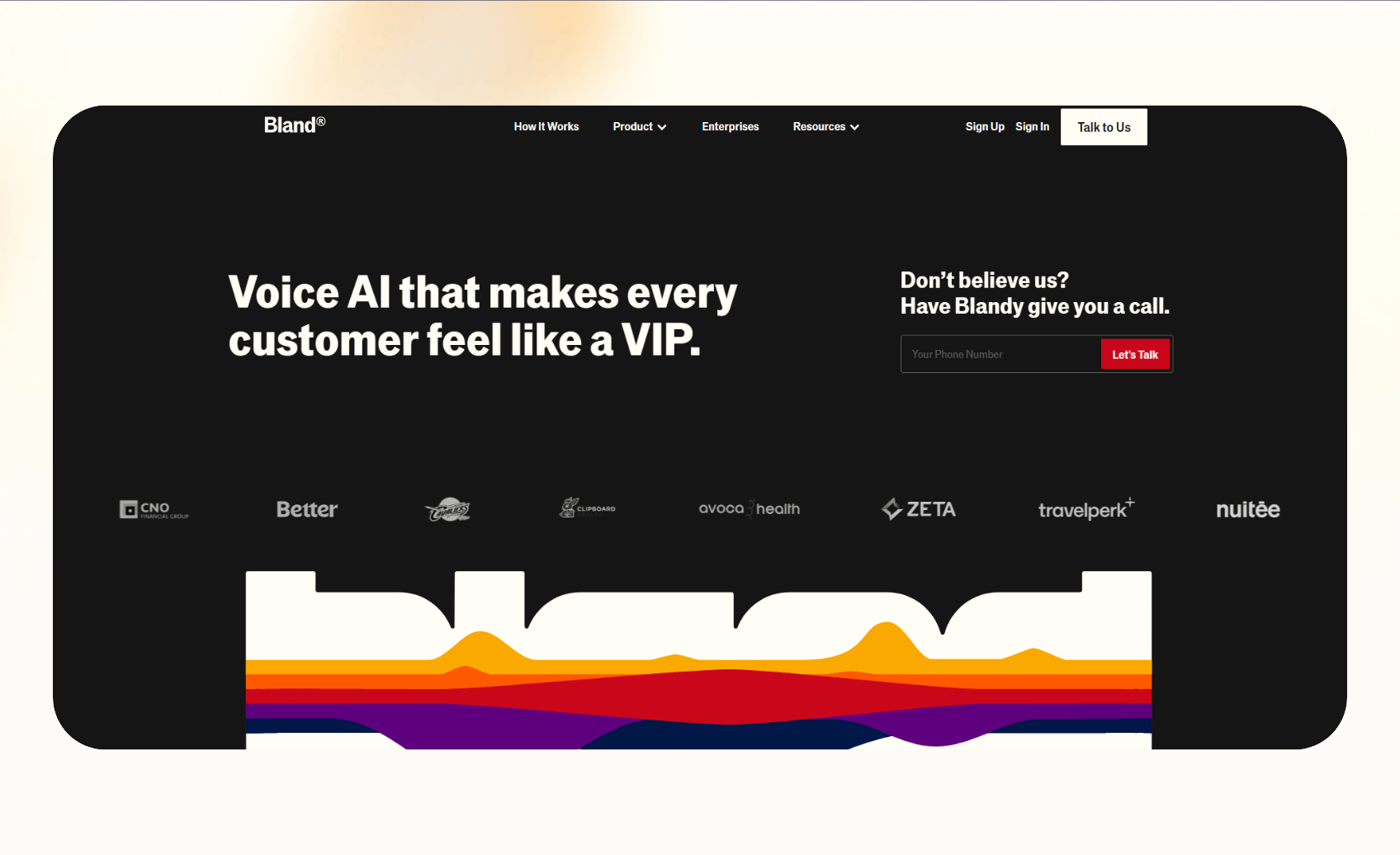
Bland is an API-first platform designed for developer teams that want control over every detail of their AI calling setup. It focuses on outbound campaigns and gives builders flexibility through webhooks and scripting.
Key features
- Outbound and inbound AI calling.
- Webhooks and APIs for custom workflows.
- Warm transfers and BYO telephony support.
Pros
- Developers can run millions of calls without hitting feature walls.
- Transparent pricing at $0.09 per minute plus a $0.015 dispatch minimum.
- HIPAA, GDPR, and SOC-compliant
Cons
- The platform demands technical setup, so non-technical teams may struggle.
- Daily and hourly call caps on lower plans restrict growth for high-volume users.
Pricing
- Call time: $0.09/minute
- Outbound minimum: $0.015/minute
- Transfer: $0/minute for BYOT, $0.025/minute for Bland telephony
- Voicemail: $0.09/minute
- Failed calls: $0.015/minute
Bottom line
Bland works best for technical teams that want maximum flexibility and scale for their calling campaigns.
2. Synthflow: Best no-code builder for quick AI phone workflows
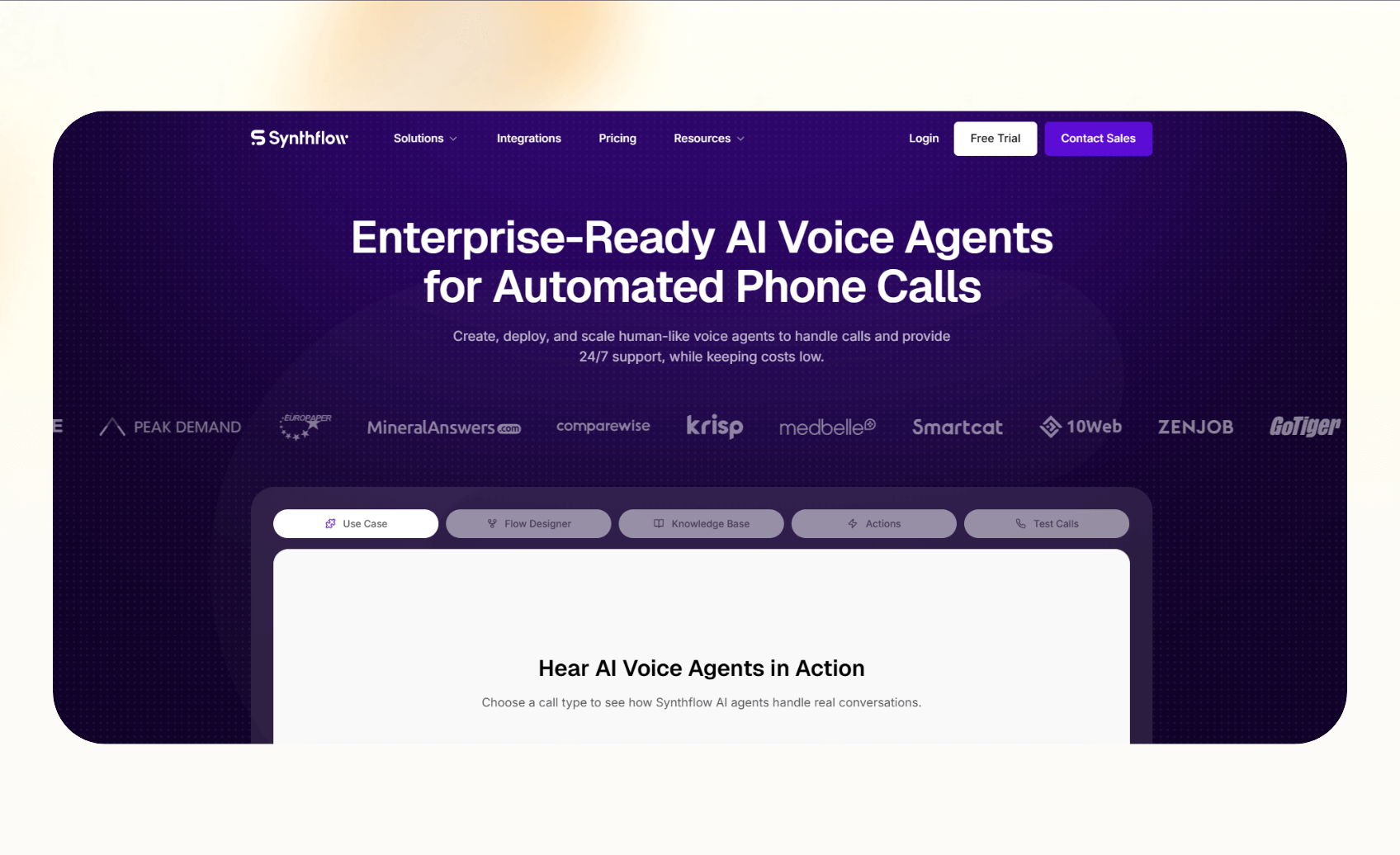
Synthflow targets teams that want a no-code way to design AI calling workflows. Instead of coding, users build flows visually and deploy agents for sales, support, or appointment booking. For organizations seeking broader administrative automation alongside call handling, deploying an ai secretary can further streamline daily tasks.
Key features
- Drag-and-drop workflow builder with prebuilt templates.
- Real-time voice call booking and call transfers.
- Integrations with HubSpot, Salesforce, Zapier, and Cal.com.
Pros
- The visual interface makes setup fast, even for non-technical operators.
- Plans bundle minutes and concurrent calls, so users know baseline costs.
- White-label and agency features help resellers build services on top of Synthflow.
Cons
- Enterprise-level contracts put it out of reach for smaller teams.
- There’s no free plan on offer.
Pricing
- Enterprise contracts start at $30,000 annually, with final pricing scoped to call volume, concurrency, and integrations
Bottom line
Synthflow suits small teams eager to prototype and launch workflows quickly without writing code. For high call volumes, keep in mind that minute overages can increase costs compared to some competitors.
3. Character.ai: Best AI Calling for personal, fun, and language practice conversations
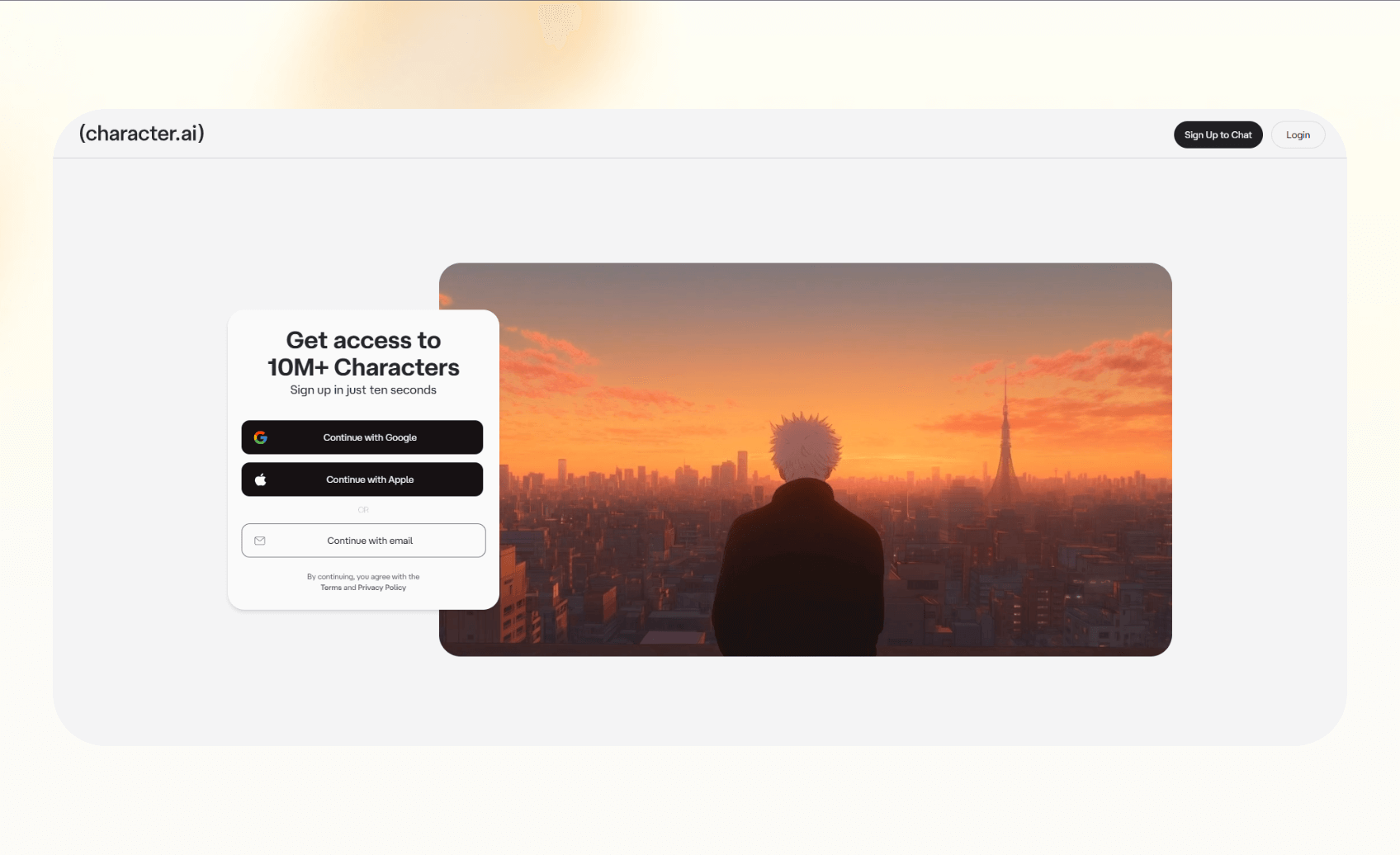
Character.ai brings AI calling into a consumer setting rather than a business one. It lets people talk to AI “characters” over the phone or app for practice, entertainment, or learning.
Key features
- Two-way calling with fictional or user-created characters.
- Multilingual support with interruption handling for more natural chats.
- Available through the Character.ai app and browser.
Pros
- Offers fun and engaging conversations that feel close to human.
- Supports language learning or role-play scenarios in different languages.
- Latency improvements make conversations smoother.
Cons
- The platform does not connect to phone networks or business CRMs.
- It lacks the tools companies need for scheduling, lead handling, or compliance.
Pricing
- Character.ai is app-based, with free access and subscription upgrades.
- Pricing details vary by plan and region.
Bottom line
Character.ai works for personal or hobby use, but it does not fit teams searching for a business-ready calling AI solution.
4. Retell AI: Best AI Calling Software for technical teams needing control over their voice agents
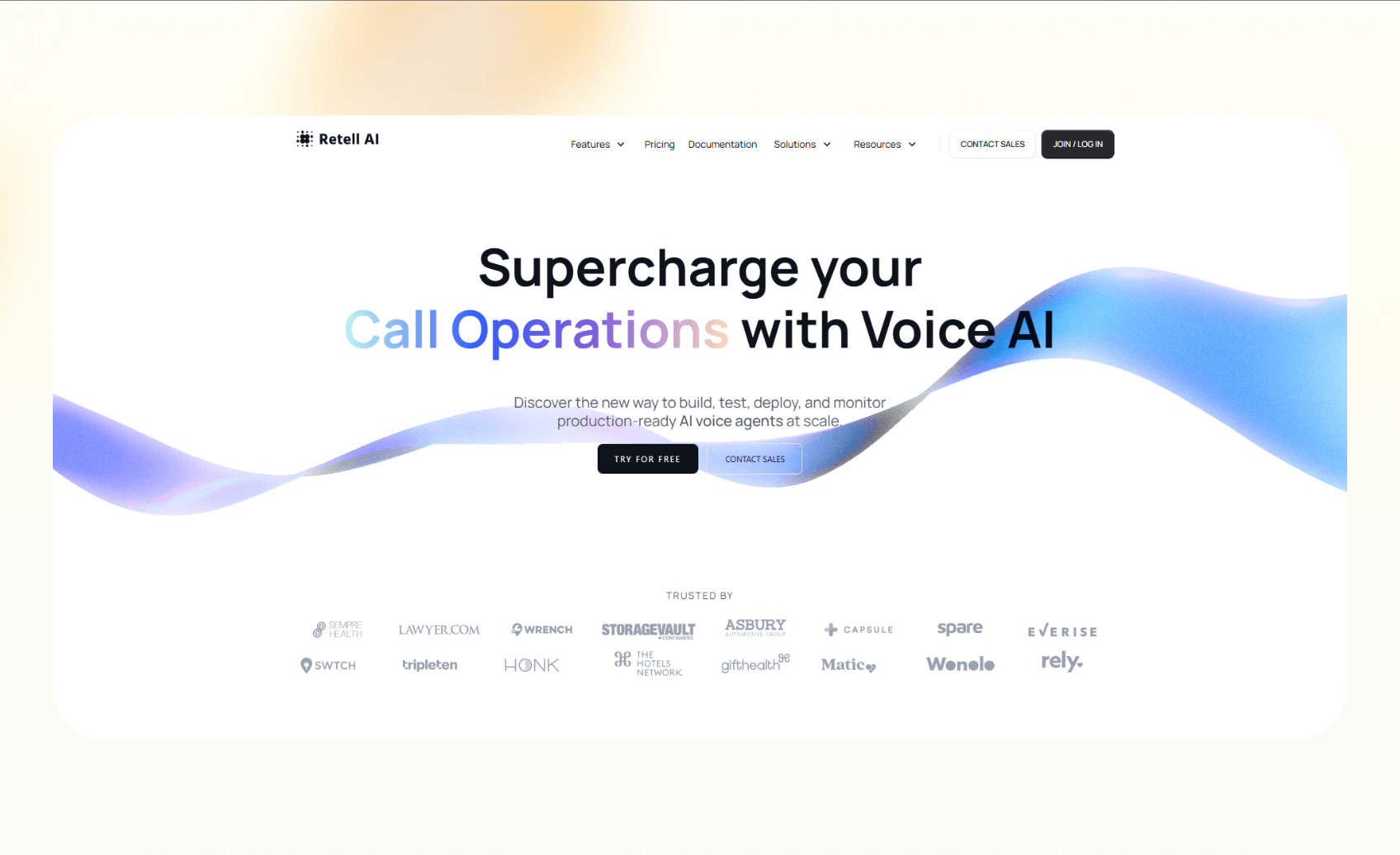
Retell AI is a developer-friendly AI calling platform with strong real-time transcription and analytics. It gives teams tools to create inbound and outbound agents, typically deployed through Retell’s managed cloud API.
Key features
- APIs for inbound and outbound calling workflows.
- Real-time transcription, analytics, and call monitoring.
- Integrations with webhooks and Zapier for follow-up actions.
Pros
- Developers can configure agents to fit niche workflows.
- Pay-as-you-go pricing gives teams flexibility to start small.
- Analytics to improve visibility into call quality and outcomes.
Cons
- Requires engineering skills, making it less accessible for non-technical teams.
- Costs vary based on model and voice choices, which makes budgeting harder.
Pricing
- Pay-as-you-go pricing
- $0.07/minute for AI voice agents
Bottom line
Retell AI is best for technical teams that need a customizable AI calling solution with advanced controls via API.
5. Air AI: Best outbound AI caller software for sales and lead qualification

Air AI is an AI calling tool for teams that want long, human-like conversations. It positions itself as an outbound SDR replacement that can prospect, qualify, and even close meetings. Air AI can also complete post-call tasks like sending a text or an email. Using an automated ai call bot allows sales representatives to delegate repetitive outreach tasks completely.
Key features
- Outbound calling campaigns to generate and qualify leads.
- Natural-sounding voices that can understand tone and intent.
- CRM integrations for logging and follow-up.
Pros
- Targets sales teams that want higher call volume without hiring more reps.
- Supports extended conversations that go beyond basic scripts.
- Multiple voices to match different outreach strategies.
Cons
- Less transparent pricing than competitors, with reports of per-minute costs adding up.
- Setup can be complex for smaller teams without sales ops experience.
Pricing
- Air AI charges an upfront licensing fee, ranging from $25,000 to $100,000
- You need to pay the telephony charges separately
Bottom line
Air AI is best for revenue teams that want AI calling tuned for outbound sales rather than general operations.
6. Convin: Best AI Calling Software for sales analytics and call performance insights
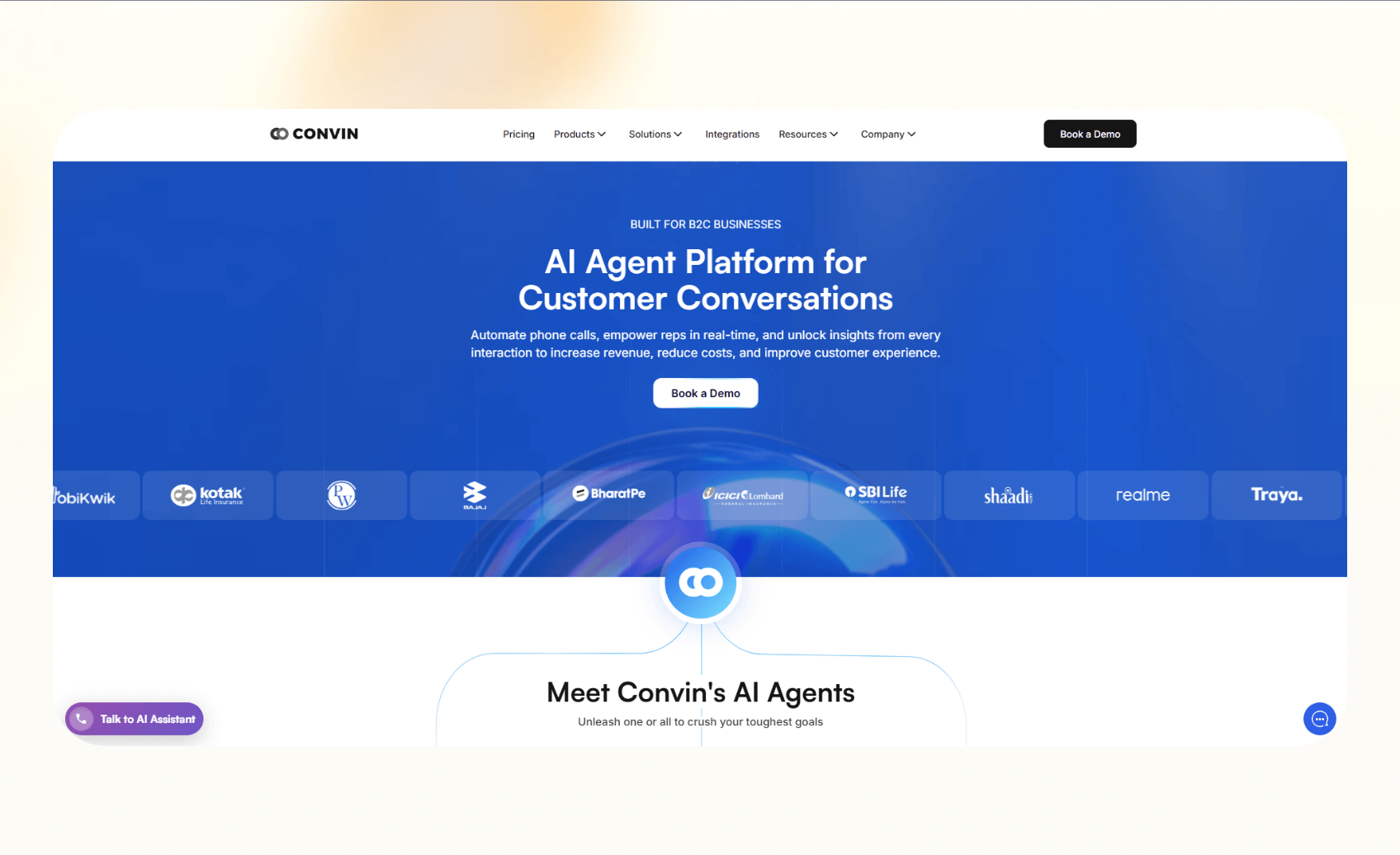
Convin is an AI phone call tool that also captures conversations, analyzes them, and gives teams insights that improve performance. It makes sales analytics and coaching easier for the teams using AI.
Key features
- AI analysis of inbound and outbound call recordings.
- Real-time coaching prompts for sales reps.
- Dashboards with performance metrics and compliance monitoring.
Pros
- Strong analytics that help managers track call quality and conversion trends.
- Feedback that supports faster rep training and onboarding.
- Compliance features make it ideal for regulated industries.
Cons
- No public pricing tiers.
- You need to get separate Convin suites to get phone calling and analytics.
Pricing
- Custom enterprise pricing, contact sales for a quote
Bottom line
Convin works best for sales organizations and enterprises that need a complete AI calling suite with insights. Its custom pricing and dedicated solutions mean it’s not ideal for small and medium businesses.
Next, let’s see how we ended up with this list of tools.
How I tested these AI calling tools
I spent time testing these tools in workflows to understand how different AI calling systems handle live conversations and automation challenges. For platforms without free access, I studied their demos and verified customer feedback to understand their performance.
The goal was to see how each platform handled real workflows, like onboarding, integrations, voice quality, and call analytics, so I could benchmark what matters in AI phone automation.
Here’s what I looked for:
- Voice: Whether each AI voice call sounded natural and handled interruptions smoothly.
- Ease of setup: Measured how long it took to launch a working agent without outside help.
- Integrations: Tested if tools could log calls into CRMs, send Slack alerts, or update spreadsheets.
- Pricing clarity: Compared published rates and checked for extra charges.
My testing process
I used free trials or demos, ran sample sales and support calls, and documented setup steps for each tool. Some additional factors I considered:
- Compliance and security certifications like HIPAA and SOC 2.
- Multi-language coverage for global teams.
Which AI phone call tool should you choose?
The right AI calling tool depends on your team’s size, goals, and technical depth. Each option fits a different type of business.
When to choose alternatives
Here’s how the tools stack up:
- Pick Bland AI for developer control via API.
- Choose Synthflow if drag-and-drop simplicity appeals to you.
- Retell AI works best if you need a smart virtual receptionist.
- Try Air AI for outbound sales and lead qualification.
- Go with Convin for advanced call analytics that work alongside your current workflows.
When to avoid these tools
You may want to avoid these AI phone call tools if you only need basic voicemail features or aren’t ready to integrate calling AI into your daily workflows.
{{cta}}
Our final verdict
Every platform in this list helps businesses with their calling needs, but their focus areas differ.
Bland AI and Retell AI appeal to teams who want control and have technical skills. Synthflow is the easiest for non-technical users, while Air AI works well for outbound sales. Convin stands out for analytics, and Character Calls focuses on interacting with AI using voice.
For technical teams, Bland AI and Retell AI provide the deepest control at transparent per-minute rates, while Synthflow remains the easiest no-code builder for larger teams. The ideal phone automation tool for your business depends on whether you want a phone agent, analytics, or simple AI voice call coverage.
Frequently asked questions
What is the best AI phone call tool for businesses?
Bland AI and Synthflow are some of the best AI calling tools for most businesses. Bland AI works better if you have developers, while Synthflow suits teams that want no-code design. Convin adds analytics on top of calling.
Are AI phone calls legal?
Yes, AI phone calls can be legal if businesses comply with consent and privacy regulations, such as the TCPA in the US and GDPR in Europe. Always consult your legal team or advisor to ensure you meet all compliance requirements in your region.
Can AI replace human call center agents?
No, AI cannot fully replace human agents. An AI voice agent can handle routine calls, but complex cases still need humans to understand the nuance and tone of the caller.
Do AI phone calls sound human or robotic?
AI phone calls from good AI calling platforms sound more human and less robotic than ever before. However, the conversational quality depends on the model and latency.
Can AI phone calls handle multiple languages?
Yes, AI phone calling platforms can handle multiple languages. Lindy, for example, supports more than 30 languages.
What industries benefit most from AI calling?
Healthcare, real estate, SaaS, and service businesses benefit the most from AI calling as it provides faster response times.
How do AI phone call tools integrate with CRMs?
AI phone call tools integrate with CRMs through APIs or native integrations, syncing call outcomes with platforms like Salesforce and HubSpot automatically.










