


Air AI Review (2026): Features, Pricing & Who Should Use It
Michelle reviewed Air AI hands-on, weighing its pros, cons, pricing breakdown, and three real alternatives for AI phone automation.


I’ve used Air AI to handle outbound calls, qualify leads, and simulate human-like conversations.
The voice tech is impressive. But after using it in real workflows, I started asking:
↳ Is it consistent enough for real sales ops?
↳ How well does it handle objections and nuance? ↳ And is it worth the high cost compared to smarter, more flexible AI assistants?
In this review, I’ll break down what Air AI does well, where it struggles in real use cases, and why I ended up switching to Lindy for more control, better automation, and fewer surprises.
What Is Air AI?
Air AI is a super smart, voice-first AI platform built to handle your entire phone calls, both coming in and going out. It aims to sound so natural that customers won't even realize they're talking to a robot. It promises a human-like tone, perfect memory, and smooth integration with your existing systems.
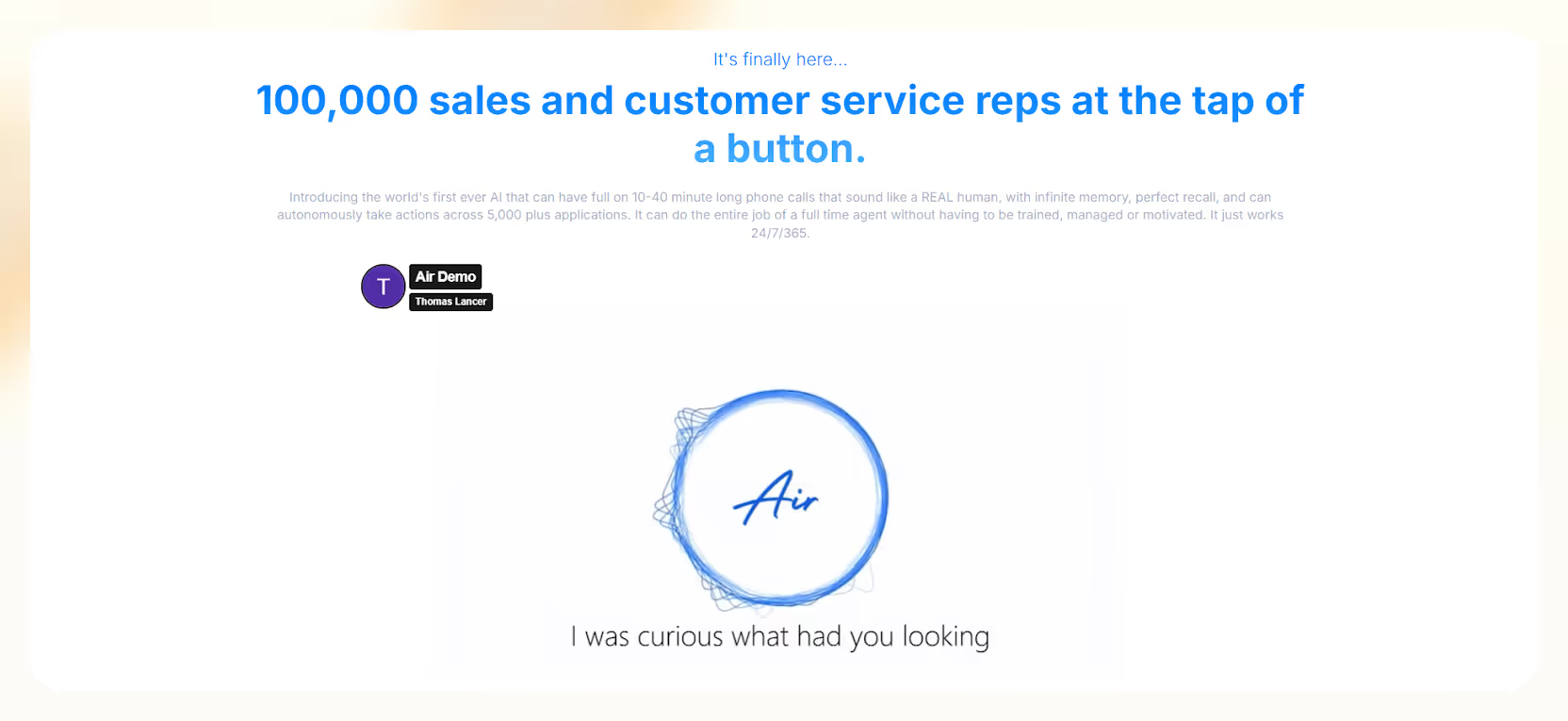
It can understand complex conversations, keep context for long chats, and even do stuff based on what happens on the call.
What can you use Air AI for?
- Outbound Sales Calls: It can do initial outreach, nurture leads, qualify prospects, and even close simple deals. This frees up your sales team for the big stuff.
- Inbound Support and FAQs: It can instantly answer common customer questions, reducing calls to your human agents and solving routine issues right away.
- Lead Qualification: Air.AI quickly checks if incoming leads are good fits, scores them, and sends the best ones directly to your sales team. This really boosts your lead-to-opportunity conversion.
- Appointment Scheduling: It handles booking, rescheduling, and confirming appointments for sales demos, service calls, or consultations. Huge time-saver and fewer no-shows!
Air AI really stands out because it can hold long, meaningful conversations up to 40 minutes or more!
Plus, it can automatically do things after a call, like sending follow-up emails, updating your CRM, or sending internal alerts. This level of automation means your business can handle thousands of calls at once without needing a massive human team.
What I Liked About Air AI
1. Human-Like Conversations That Scale
During my Air AI review, I was surprised by how incredibly real Air AI’s voice sounds, especially for tasks like booking appointments or asking qualifying questions.
The pacing, the way it emphasizes words, and how it understands context all work really well when things go smoothly.
Your customers probably won't feel like they're talking to a robot, which means better engagement and fewer hang-ups.
If you deal with a ton of calls, this Air AI can help you keep that human touch while scaling.
2. 24/7, Always-On Call Coverage
Air AI can handle calls around the clock, day or night, no matter where your customers are. This is awesome for global teams or businesses that need support after hours.
You won't miss out on leads just because your team is offline. Every inquiry gets handled instantly, which keeps customers happy and helps you grab every potential lead.
3. Perfect Recall & Infinite Memory
Air AI remembers everything from previous conversations with a customer. So, if a lead talked to your AI last week, it can follow up this week knowing exactly what they discussed.
This helps you give super personalized experiences to tons of customers without your human reps needing to scribble notes or manually log calls. It’s all automatic!
4. Workflow Automation via Integrations
Air AI claims it connects with over 5,000 tools, including popular CRMs like Salesforce and HubSpot. This means it can do more than just talk. It can log calls, schedule meetings, and update records based on the conversation.
This saved my team a ton of manual work and kept all our systems updated automatically. It’s a massive time-saver for sales and support teams.
What I Didn’t Like About Air AI
Even with all its fancy features, Air AI has some serious downsides that makes you think about its overall ROI, usability, and long-term viability for many businesses.

1. Prohibitively High Upfront Cost
You need to fork over a hefty $25,000 to $100,000 just to get access to the platform. That doesn't even include the per-minute call charges or costs for integrations.
This price tag makes Air AI a non-starter for startups, agencies, or even many mid-sized teams.
You're paying top dollar like a huge corporation, but you're not guaranteed that “big company” reliability or ease of use. It’s a huge gamble upfront.
2. Inconsistent Call Quality and Performance
Sure, basic conversations might sound natural, but I sometimes found the AI sounding robotic, having awkward pauses, or even starting to talk before the call is answered.
The AI also struggles when conversations get complicated or unexpected.
This completely ruins the “human conversation” illusion and can make you miss leads or really frustrate customers. It just doesn't feel polished enough for such a high price.
3. Unclear, Usage-Based Pricing with Hidden Fees
Beyond that massive license fee, you pay per minute, but it gets tricky:
- Outbound: $0.11/minute
- Inbound/API: $0.32/minute
The kicker? This includes ringing time before someone even picks up!
Plus, there are hidden fees and confusing credit usage. You just can’t reliably predict your monthly bill, which makes budgeting a nightmare.
A 4-minute call could end up costing way more if it spent a lot of time ringing.
4. Poor Support & Unresolved Refund Issues
I didn’t love my experience with Air AI’s support team. They can be quite unresponsive, especially after you've paid up.
I’ve seen some users failing to get refunds, or their technical issues just stayed unresolved.
Granted that I didn’t face many issues, but when I did, there was no one to reach out to. I personally found their support lacking after initial setup.
When you're dropping tens of thousands of dollars upfront, you expect quick help. Not getting it really breaks trust and messes with your return on investment.
5. Limited Customization
You can't easily tweak workflows or responses. The agents are mostly prebuilt, and trying to customize the logic for your unique business needs is tough.
If your processes need a lot of flexibility, Air AI might force you to compromise or spend even more on custom development, which defeats the purpose of an "out-of-the-box" solution.
Air AI Pricing Breakdown & Analysis
From my calculations and experience, here’s what you can expect to pay for Air AI:
Is Air AI Worth the Price?
Honestly, Air AI's pricing only makes sense if your business is running over 10,000 calls per month and you've got a dedicated team of developers to handle all the setup and integrations.
Otherwise, that huge initial fee, unpredictable usage costs, and the risky support situation probably outweigh any benefits you might get.
It’s a very niche product for very specific, very large companies.
3 Best Air AI Alternatives in 2026
If you want AI-powered calls without the crazy costs, complexity, or headaches, these are much better options. I personally prefer many of these for their transparency.
1. Lindy (Best Overall Alternative)
Lindy builds AI agents that do more than just talk. They also take action, handling voice calls, emails, CRM updates, follow-ups, and more. It’s like a full AI assistant for your team.

Why is it better than Air AI?
- Free plan + transparent pricing: You can start for free and know exactly what you’re paying. No hidden fees or massive upfront costs.
- Seriously human-like voice agents: For both inbound and outbound calls, Lindy's agents sound incredibly natural.
- Full workflow automation: After a call, Lindy can automatically log notes, schedule meetings, send emails, and update your CRM. It's a complete package.
- 2500+ verified integrations: It connects smoothly with almost any tool you're already using.
- Fluent in 30+ languages: Perfect if you have global customers or a diverse client base.
Pricing: Starts at $49.99/month. The free plan gives you 400 credits to play around with.
Lindy is perfect for any business that wants a reliable voice agent with built-in task automation, without having to pay $25k+ just to get started. I'd highly recommend it.
{{templates}}
2. Synthflow AI
This one is great for voice automation focused on high-volume outbound calls. Think cold outreach.
.avif)
Why is it a great alternative to Air AI?
- Affordable: Tiered pricing starts at $29/month
- Great for cold outreach: Built specifically for sending out tons of calls at scale
- Basic call logging: Keeps track of basic call outcomes
- Limitations: Doesn't do inbound support or much post-call automation
- Best for: Sales teams running huge cold calling campaigns
3. Retell AI
Retell AI focuses on transcription and AI calling, and it's cool because it lets you use different AI models (LLMs).
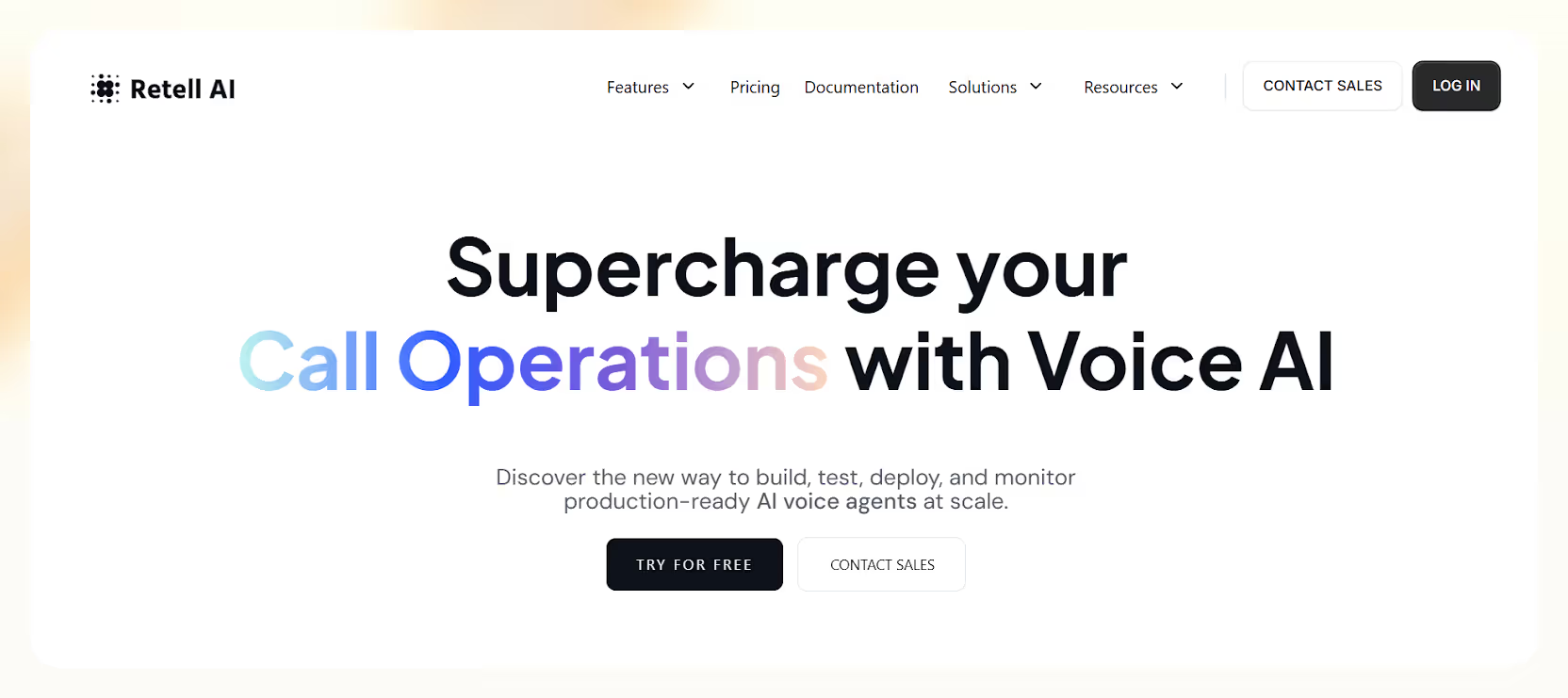
Why it's a great alternative to Air AI:
- Flexible voice models: You can swap out the AI brains it uses.
- Works for different things: Can be used for surveys, support, or cold calls.
- Limitations: It's a newer product, so the user experience can be a bit inconsistent, and integrations aren't super strong yet.
- Best for: Developers or businesses who want to play around with different AI models for their calls and are okay with a less polished experience.
I have tested and reviewed the best Air AI alternatives in detail here.
Final Verdict: Should You Use Air AI?
Air AI sounds amazing on paper, but in reality, it's often too expensive, too rigid, and too risky for most businesses.
Unless you're a massive company with a huge call volume and a full internal dev team, Air AI probably isn't the right choice for you.
{{cta}}
Why is Lindy a Better Alternative to Air AI?
If you want something affordable that doesn’t disappoint, go for Lindy. Here’s why:
- No upfront fees: Get started without breaking the bank
- Voice agents that take action: They don't just talk, they send emails, update your CRM, and more
- Multichannel support: Covers more than just calls
- 30+ languages supported: Reach a wider audience effortlessly
- Transparent pricing: Know what you're paying, always
Lindy gives you everything Air AI promises, but without the huge costs, uncertainty, or getting locked into a vendor you can't easily change.
Frequently Asked Questions
1. Does Air AI connect with CRMs like Salesforce or HubSpot?
Yes, Air AI claims it integrates with over 5,000 apps, including Salesforce and HubSpot. However, many users say setup can be frustrating. The integrations don’t always work smoothly, and getting them to sync reliably may require technical support or manual intervention.
2. Can I try Air AI for free?
No. Air AI does not offer a free trial. After creating an account, you're required to purchase credits before using the platform. This makes it hard to evaluate the tool without committing financially, especially compared to alternatives that offer free plans or sandbox environments.
3. Do I pay for unanswered calls with Air AI?
Yes, you’re billed for the entire call duration, including the time it rings before a person answers. This can lead to higher-than-expected costs, especially if many calls go unanswered or take long to connect. Every second on the line counts toward your billing.
4. Is Air AI good for startups or small businesses?
No. The upfront license fee starts around $25,000, which is too high for most small teams or startups. Air AI is designed for enterprise use, and its pricing, complexity, and support issues make it a poor fit for lean businesses with limited budgets.
5. Does Air AI work for multilingual calls?
Air AI doesn’t officially promote multilingual capabilities. English is the default, and there’s no mention of support for other languages. If you need to handle calls in multiple languages, tools like Lindy offer voice agents that speak fluently in over 30 languages.
6. What happens after a call ends with Air AI?
Air AI can log the conversation or update your CRM, but it doesn’t handle advanced follow-up actions very well. If you need a platform that sends emails, books meetings, or triggers workflows after the call, Lindy offers much more complete automation.
7. Can I build custom workflows with Air AI?
Not easily. Air AI relies on prebuilt logic, and deep customization is limited unless you have development resources. If your business needs unique workflows or multi-step logic after calls, you’ll likely find Air AI restrictive or hard to tailor to your needs.
8. Are there any known billing issues with Air AI?
Yes. Several users have reported being charged for unused credits, unclear usage breakdowns, and difficulty getting refunds. Support is often unresponsive when billing disputes arise, which creates risk if you're on a tight budget or want predictable monthly costs.
9. How fast can I launch with Air AI?
Initial onboarding can be quick, but many users hit delays during setup. Getting integrations to work, configuring call logic, and resolving bugs can slow down deployment. It’s not always plug-and-play, and without technical help, setup may take longer than expected.
10. What’s the best way to get started with AI calling?
Start with Lindy. It offers prebuilt templates, clear usage-based pricing, and a free plan to test real scenarios before upgrading. You don’t need a developer to get started, and the platform scales smoothly once your workflows are in place. Try before you invest.











Blog
Related Articles


.png)
%20(1).png)

%20(1).png)
%20(1).png)
.png)

The AI assistant that runs your work life
Lindy saves you two hours a day by proactively managing your inbox, meetings, and calendar, so you can focus on what actually matters.
