


The 5 Best AI Sales Call Platforms in 2026


Sales calls used to be a guessing game: scribbling notes, trying to read a prospect’s tone, and hoping you’d remember the right follow-up. But AI is changing that.
In 2026, AI sales call platforms analyze conversations, track sentiment, highlight key moments, and even automate follow-ups, so you can focus on closing deals instead of juggling admin work.
For example, Gong flags roadblocks in deals and suggests ways to get around them to help reps on a call, while tools like Lindy string AI agents together to handle related tasks across full workflows.
Read on to learn:
- How AI sales are changing how companies do business
- 5 best AI sales call platforms, their key features, and who they’re best for
- The criteria we used to choose the best AI sales call platforms
How AI sales calls are changing the way companies do business
First, it's like having a dedicated note-taker (and analyst, and coach) on every call. AI can automatically record and transcribe conversations, capturing every detail so you don't miss a thing.
But it goes beyond just taking notes. AI can analyze these conversations to understand what customers are saying. It can pick up on subtle cues, identify pain points, and even gauge how they’re feeling. Are they excited, hesitant, or just plain bored?
This gives sales teams a deeper understanding of their customers' needs and helps them tailor their approach accordingly.
Imagine a world where follow-ups are automated, leads are prioritized based on their likelihood to close, and sales reps have access to real-time coaching during calls. With the help of generative AI, this is now possible.
The 5 best sales call platforms: TL;DR
When choosing an AI sales call platform, consider factors like call analysis, integrations, and pricing to find the best fit for your sales process. Here's a quick overview of the platforms we covered:
- Gong: Best for data-driven sales teams who want to analyze calls and improve performance.
- Chorus by ZoomInfo: Best for improving sales conversations and providing targeted coaching.
- Salesloft Dialer & Messenger: Best for high-volume sales teams focused on simplifying communication.
- HubSpot Conversation Intelligence: Best for teams already using HubSpot's CRM who want basic call analysis.
- Apollo.io: Best for outbound sales teams focused on prospecting and engagement.
How we chose the best AI sales call platforms
To cut through the noise and find the real gems, we put these platforms through a rigorous evaluation. Let’s begin by looking at the main features:
- AI sales intelligence: We looked for platforms that go beyond basic call recording and transcription. The AI should be able to spot key moments in conversations, understand sentiment, and provide insights into trends so you know what's working and what's not.
- CRM integration: A good AI sales call platform should work hand-in-hand with your CRM. We prioritized platforms that offer direct integrations, confirming that call data is automatically logged, contact information is updated, and insights are readily available.
- Automated follow-ups & lead prioritization: Sales reps are busy people. We looked for platforms that automate follow-up tasks, like scheduling next steps or sending reminder emails.
Other key features we considered:
We also looked at a range of other capabilities that can improve the value of an AI sales call platform. Let’s zoom in on what those are:
- Predictive analytics can help forecast deal outcomes and identify at-risk opportunities.
- Multi-channel support allows teams to connect with prospects across channels, like phone, email, and chat.
- A user-friendly interface is crucial for adoption and ease of use. We made sure the platforms we chose aren’t a mess to navigate and let help you get stuff done without having to do any guesswork as you learn the ropes.
- Multi-language capabilities are important for teams that work with international clients.
These additional features, while not always deal-breakers, can significantly impact the overall effectiveness of an AI sales call solution.
The 5 best AI sales call platforms in 2026
1. Gong
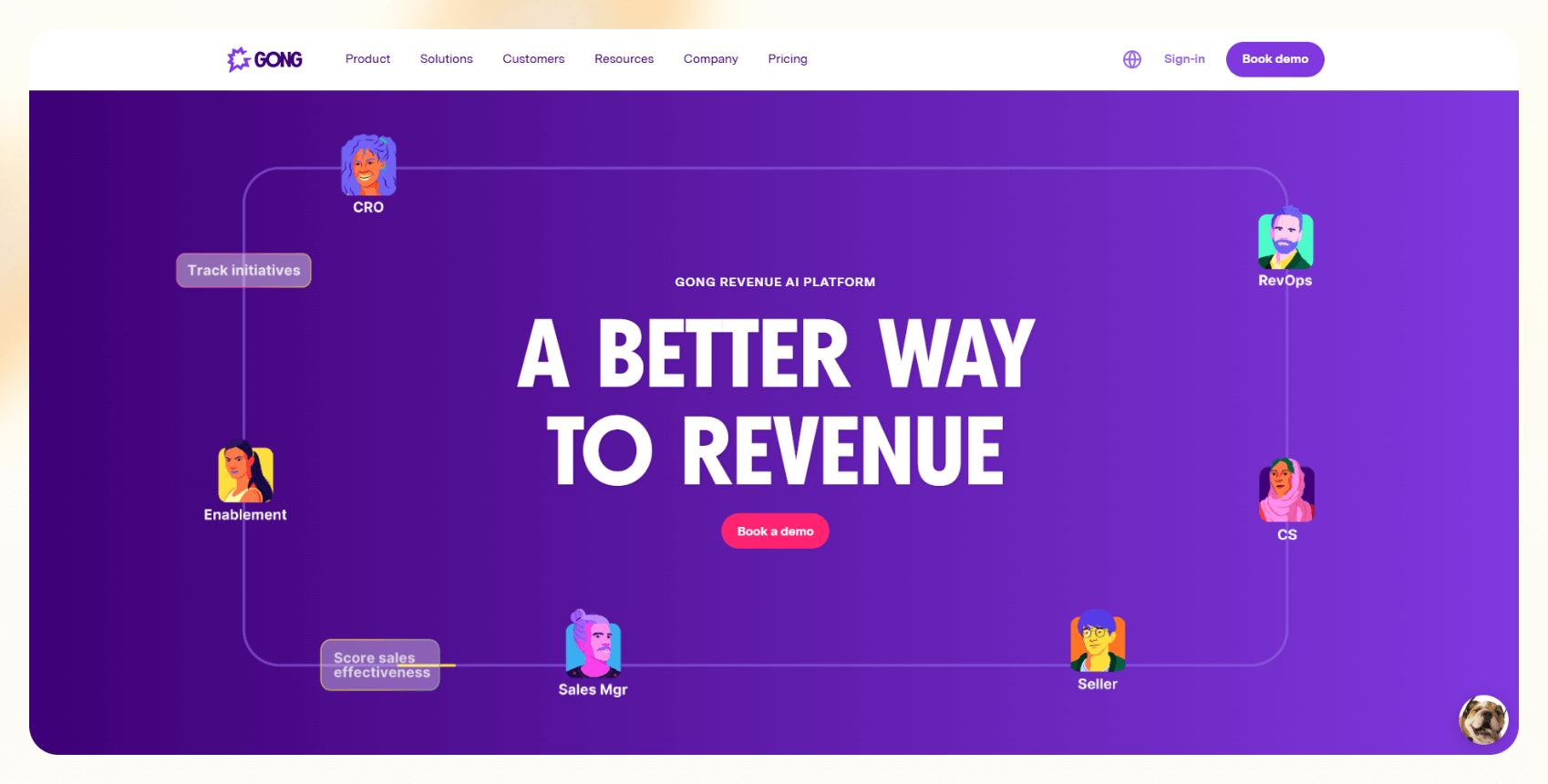
Gong is a revenue intelligence platform that uses AI to analyze sales calls and provide insights into what's working and what's not. It's like having a coach for every sales interaction, giving you data-driven feedback to improve your team's performance and boost win rates.
Features
- Call recording and transcription: Gong automatically records and transcribes sales calls, making it easy to review and analyze conversations. You can search transcripts for specific words or phrases.
- Conversation intelligence: AI analyzes calls to pinpoint key moments like when a prospect brings up budget, mentions a competitor, or expresses a concern. It also tracks how often your team uses certain sales techniques.
- Deal intelligence: Gong predicts deal outcomes based on call data, helping sales teams prioritize their efforts. It can flag deals that are at risk and suggest actions to take.
- Coaching and training: Gong provides tools for sales managers to coach their teams based on real call data. Managers can create playlists of successful calls for training purposes.
- Integration with CRM: Gong integrates with popular CRMs, confirming frictionless data flow and a unified view of customer interactions. Call data is automatically linked to the corresponding contact or opportunity in your CRM.
- Keyword tracking: Track specific keywords and phrases to understand how customers talk about your product and identify potential roadblocks. For example, track mentions of "pricing," "implementation," or specific product features.
- Competitor mention tracking: See when competitors are mentioned and in what context, giving you an edge. Gong can alert you when a competitor is brought up in a negative light.
Ideal users
Gong is good for enterprise customers. Sales leaders, managers, and reps can all benefit from the massive amount of data it shares.
However, if your sales process is primarily relationship-based and less focused on structured calls, Gong's emphasis on data analysis might not be as critical. Smaller teams with more limited budgets will also find Gong's pricing a barrier.
Pricing
You’ll have to contact their sales team for a personalized quote. Do keep in mind that their product is geared towards enterprise-level companies, so you’ll be looking at a higher price tag than most solutions.
Bottom line
Gong’s AI-driven approach works best for structured sales processes with a large volume of recorded calls. That means teams that prioritize one-on-one relationship selling or rely more on email and in-person meetings may not see the same value.
Pricing is also a factor; Gong is a significant investment, making it more suitable for companies with larger budgets that can make full use of its analytics and coaching tools to get a significant ROI.
2. Chorus by ZoomInfo
Chorus, now part of ZoomInfo, is a conversation intelligence platform that helps sales teams understand and improve their customer interactions.
It analyzes calls and meetings to identify key moments, track competitor mentions, and provide coaching insights. Chorus helps improve AI sales calls by providing data on customer interactions.
Features
- Call recording and transcription: Automatically record and transcribe sales calls and meetings. Chorus can also transcribe video meetings.
- Conversation analysis: AI analyzes conversations to identify key moments, like when a prospect expresses a pain point or asks a specific question. It also analyzes the flow of the conversation and identifies areas where the rep could have done better.
- Deal intelligence: Predict deal outcomes and identify at-risk deals based on conversation data. Chorus can alert you to deals that are showing warning signs.
- Coaching tools: Provide personalized coaching to sales reps based on real call data. Managers can leave comments directly on call transcripts.
- CRM integration: Seamlessly integrate with your CRM to keep all customer data in one place. Chorus automatically logs call activity in your CRM.
- Competitor tracking: Track competitor mentions to understand how they are positioned in the market. See how often competitors are mentioned and in what context.
- Speaker insights: Understand who is speaking the most on calls, to provide a balanced conversation. Chorus can show you the talk-to-listen ratio for each participant.
Ideal users
Chorus is best for mid-sized to large sales teams that prioritize call-based coaching and performance tracking. It’s particularly useful for managers who want to fine-tune how reps handle objections, uncover customer pain points, and adjust their pitch based on real conversation data.
For teams with shorter sales cycles or those that rely more on asynchronous communication (like email and chat), Chorus might be overkill.
Pricing
Contact ZoomInfo for pricing details.
Bottom line
Chorus stands out for its industry-leading, AI-powered insights and coaching tools, effectively tracking conversation patterns and competitor mentions.
However, its deal forecasting capabilities aren’t as advanced as those of platforms specifically designed for pipeline management, such as Gong. For teams that rely heavily on predictive analytics, this could be a significant drawback.
3. Salesloft Dialer & Messenger
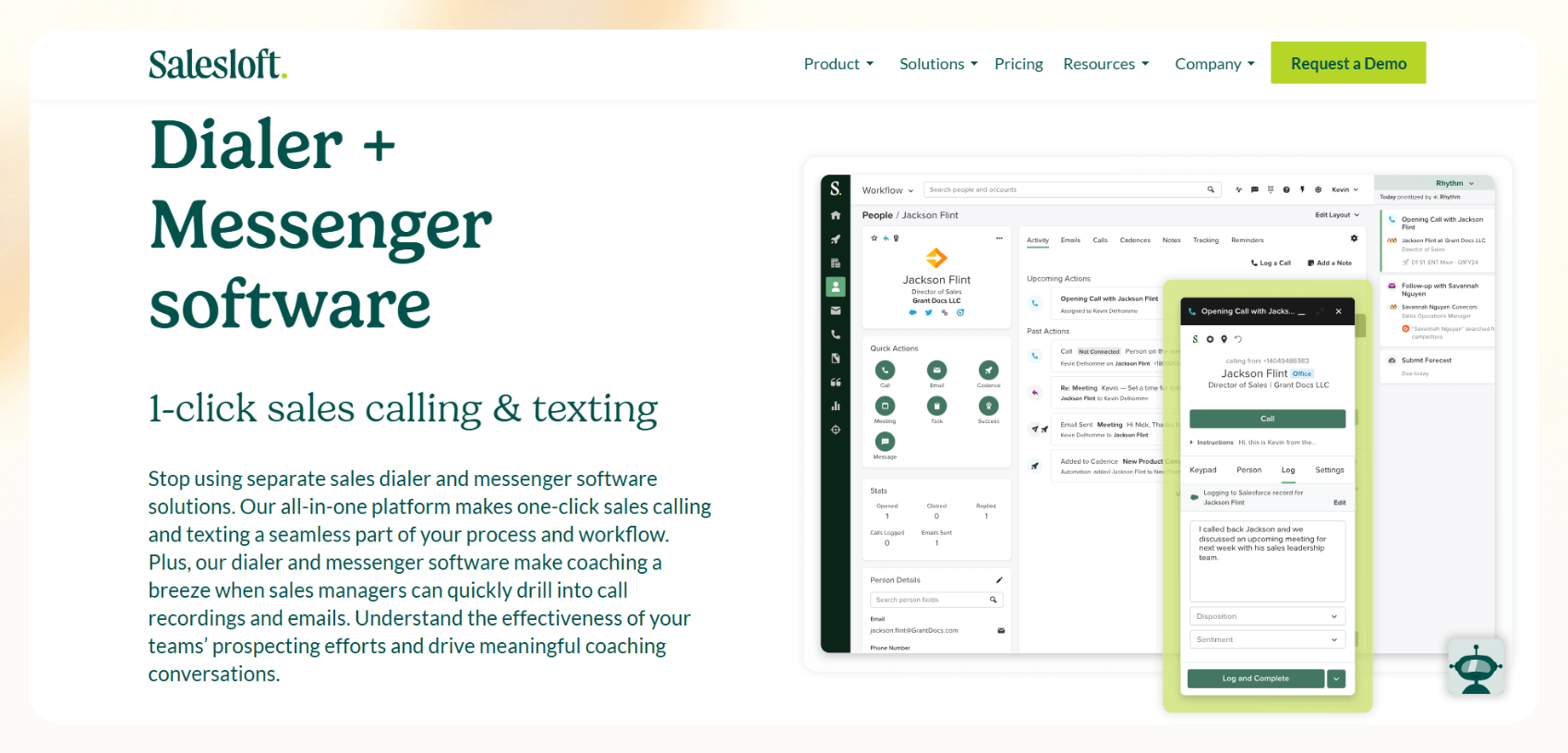
Salesloft is a sales engagement platform with Dialer & Messenger tools designed to improve sales communications, including AI-powered calling. It combines phone, email, and messaging in one system, helping sales reps connect with prospects more efficiently.
Features
- AI-powered dialing and call automation: Speed up outbound calling with AI-assisted dialing, including power dialing (automatically moving to the next prospect) through their Quack integration and progressive dialing (adjusting pacing based on call outcomes).
- Call recording and transcription: Automatically record and transcribe calls for training, compliance, and performance review. Call data is stored within Salesloft for easy access.
- Voicemail drop: Save time on unanswered calls by dropping pre-recorded voicemails instantly, allowing reps to move to the next call without repeating the same message.
- LocalDial for higher pickup rates: Increase the chances of prospects answering by displaying a local area code instead of an unfamiliar number.
- AI-enhanced call and messaging analytics: Get real-time insights into call duration, talk-to-listen ratio, sentiment analysis, and conversation outcomes, helping sales teams refine their approach based on AI-driven feedback.
- Integrated SMS and multi-channel outreach: Send and receive SMS messages directly within Salesloft, keeping all interactions logged for seamless follow-ups alongside calls and emails.
Ideal users
Salesloft Dialer & Messenger is best for high-volume outbound sales teams that need automation-driven calling and multi-channel outreach. It’s particularly useful for Sales Dev Reps (SDRs) and inside sales teams that rely on rapid outreach, structured call cadences, and automated follow-ups to engage prospects at scale.
Sales teams that already use Salesloft’s full engagement platform will benefit the most, as Dialer & Messenger integrate with its email, cadence, and analytics tools, eliminating the need for third-party dialers.
Pricing
Salesloft offers various pricing tiers based on the size and needs of your organization. For their Dialer & Messenger, you must first request a demo.
Bottom line
Salesloft Dialer & Messenger is a fast, execution-focused tool, helping reps power through call lists with tools like voicemail drop, LocalDial, and SMS outreach. Its tight integration within Salesloft’s engagement platform makes it a natural fit for teams already using the ecosystem.
However, its automation favors efficiency over adaptability. Teams needing customizable workflows or deep AI-driven conversation insights may find it lacking compared to more analytics-heavy platforms.
Unlike tools that focus on call coaching and deal intelligence, Salesloft is built to maximize outbound activity, not refine sales conversations.
4. HubSpot Conversation Intelligence
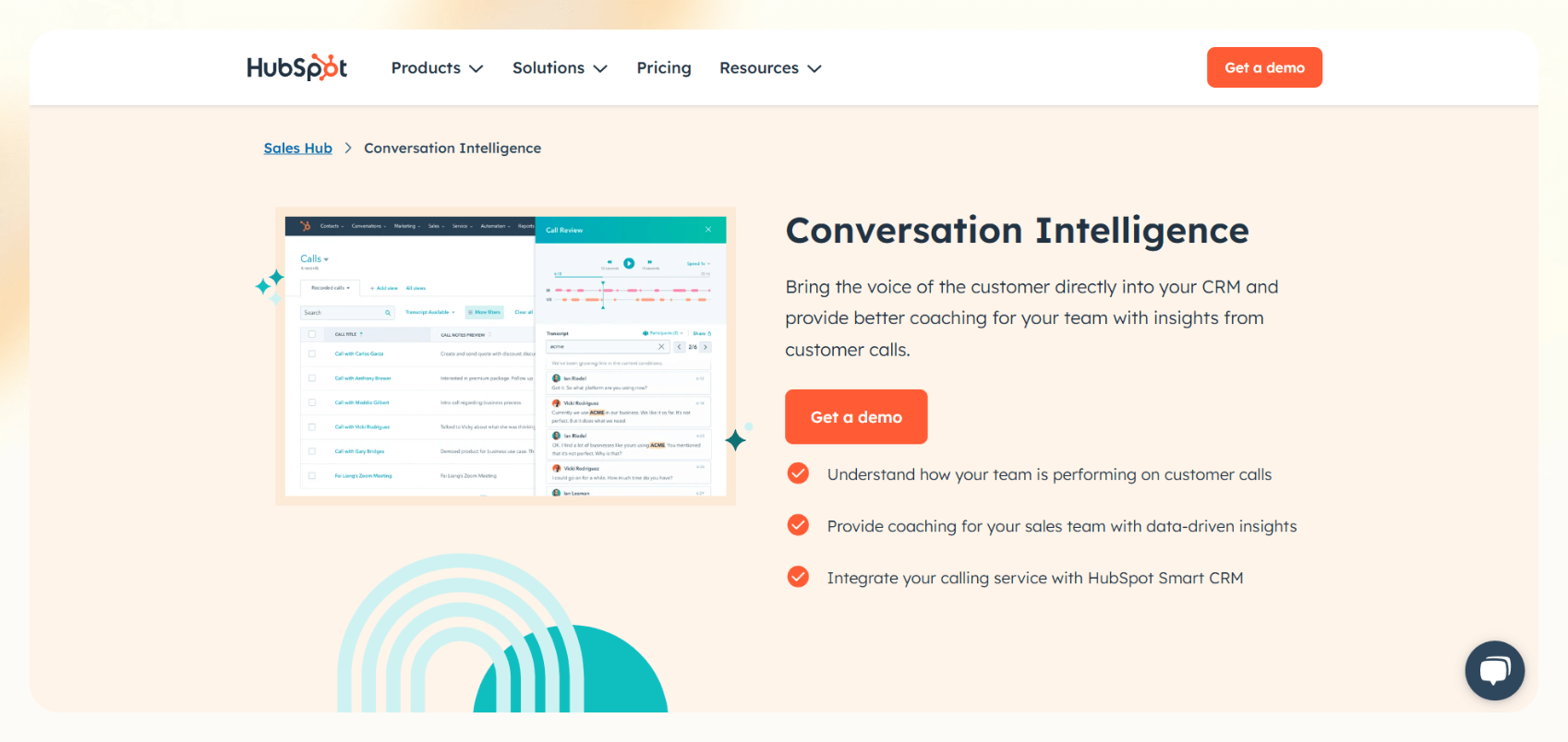
HubSpot's Conversation Intelligence is a feature within the HubSpot CRM that uses AI to help sales teams understand customer needs, identify coaching opportunities, and improve overall performance.
Features
- AI-powered conversation analysis: HubSpot’s AI scans and transcribes sales calls to identify key topics, customer sentiment, objections, and potential deal risks. It helps teams understand common customer pain points and refine their sales approach based on real conversations.
- Call recording and transcription: Automatically records and transcribes calls, making conversations easily searchable within HubSpot. Transcripts are linked to contact records, ensuring sales teams can quickly review past interactions.
- Integrated coaching tools: Managers can leave timestamped feedback directly on call transcripts, providing targeted coaching based on customer interactions. AI-driven insights help pinpoint areas where reps can improve their approach.
- Deal intelligence and workflow automation: AI detects signals that indicate deal progress or potential risks and can trigger automated workflows, such as assigning follow-up tasks or sending reminder emails.
- Keyword and competitor tracking: Sales teams can track specific keywords, product mentions, and competitor references during calls to gain real-time market intelligence and adjust strategies accordingly.
- Direct HubSpot CRM integration: All call data is automatically logged in HubSpot’s CRM, linking insights to relevant contacts, deals, and pipelines for a unified view of customer interactions.
Ideal users
HubSpot's Conversation Intelligence is a good option for those already using the HubSpot CRM. It is a good choice for teams that want a tight integration between their CRM and their conversation intelligence platform.
Pricing
HubSpot Conversation Intelligence is included in certain HubSpot CRM plans. Check HubSpot's website for pricing details.
Bottom line
HubSpot Conversation Intelligence’s tight integration and AI-powered insights are helpful, but teams not already invested in the HubSpot ecosystem should weigh the cost of the CRM alongside the Conversation Intelligence feature.
5. Apollo.io
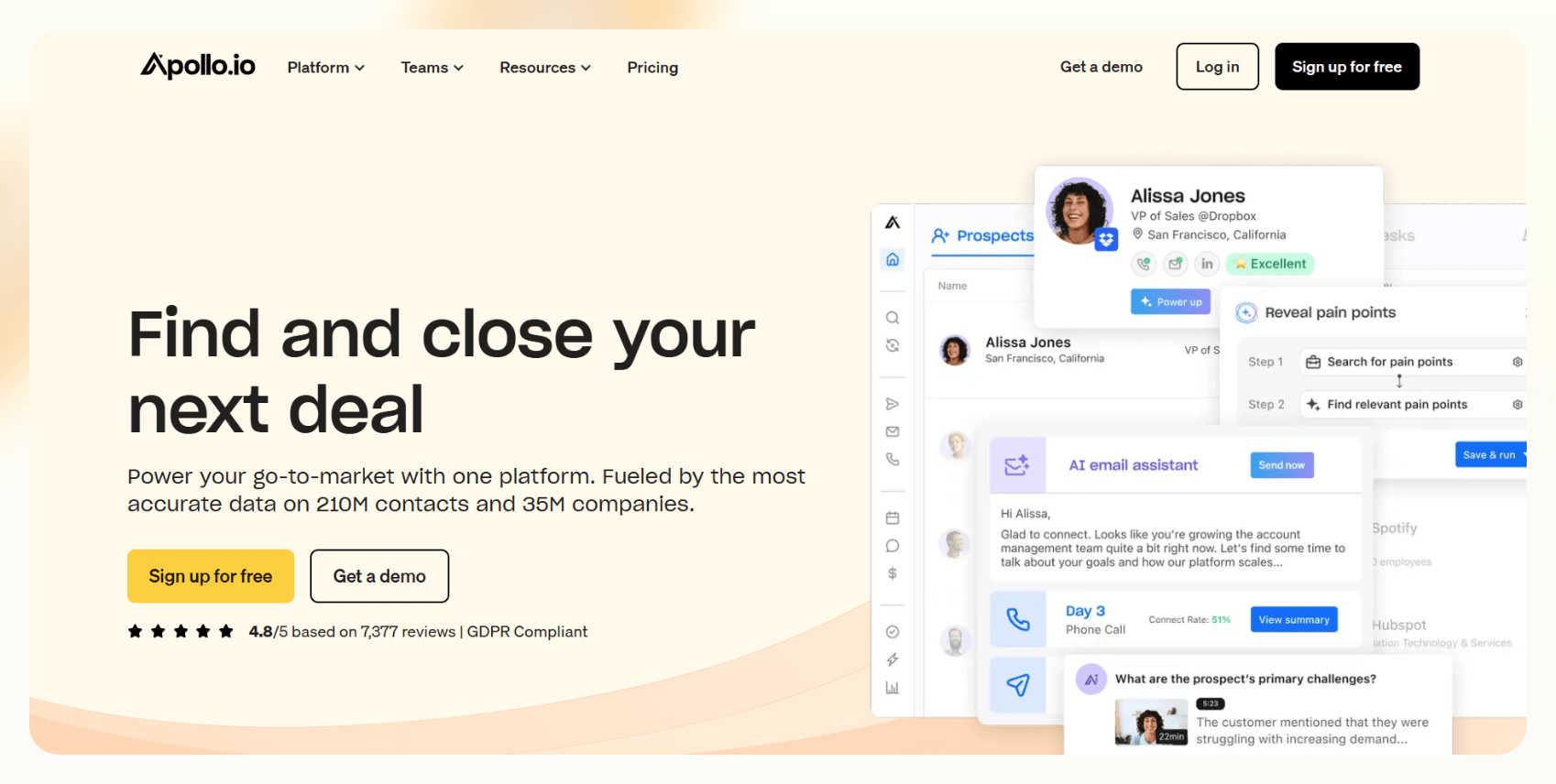
Apollo.io is a sales intelligence and engagement platform that includes calling capabilities. It helps sales teams find, connect with, and engage prospects. Apollo.io helps with AI phone calls by integrating them into its sales engagement platform.
Features
- AI-powered call recording and transcription: Automatically records and transcribes sales calls, turning conversations into searchable text within Apollo.io. This allows sales teams to review, analyze, and extract key insights from past interactions without manually taking notes.
- Conversation analysis and automated insights: Uses AI to analyze call transcripts, identifying key topics, customer sentiment, and potential objections. Sales teams can leverage these insights to refine their pitch and improve follow-up strategies.
- Calling and task automation: Make and receive calls directly within Apollo.io, eliminating the need to switch between multiple tools. AI can also generate tasks based on call outcomes, such as scheduling follow-ups or assigning leads for further engagement.
- CRM integration for direct data syncing: Call data is automatically synced with Apollo.io’s CRM or integrated with external CRMs, ensuring accurate records of sales interactions and follow-ups.
- AI-assisted email outreach: Apollo.io provides AI-generated personalized email suggestions for post-call follow-ups. It also offers email sequencing, tracking, and automation to help sales teams nurture leads effectively.
- Prospecting and lead identification tools: Advanced search filters help teams identify potential customers based on industry, job title, company size, and other relevant criteria, ensuring reps connect with the right prospects.
- Built-in meeting scheduling: Schedule meetings with prospects directly from Apollo.io, reducing friction in the sales process and making it easier for leads to book calls without extra back-and-forth.
Ideal users
Apollo.io is best suited for outbound sales teams that prioritize prospecting and lead generation at scale. Unlike platforms focused on deal coaching or call intelligence, Apollo.io is designed for finding, engaging, and converting new prospects efficiently
It’s particularly useful for SDRs who need to work through large contact lists, automate outreach, and track engagement across multiple channels.
Pricing
Apollo.io offers various pricing tiers. It has a free tier, and its first paid tier (Basic) costs $49 per user per month billed annually, or $65 billed monthly, so costs can scale quickly.
Bottom line
Apollo.io is a top outbound sales platform, but its strength lies more in prospecting and engagement automation than in call intelligence.
For teams looking to simplify cold outreach and automate engagement, Apollo.io delivers. But for those who need deep call analysis, in-depth sales coaching, or predictive deal intelligence, other platforms in our list are a much better fit.
Choosing the right AI sales call platform
The best AI sales call platform depends on what you need most. If your priority is analyzing conversations and coaching reps, Gong and Chorus lead on conversation intelligence. For high-volume outbound calling, Salesloft Dialer & Messenger keeps reps moving through call lists, while Apollo.io pairs calling with prospecting at scale. Teams already invested in HubSpot's CRM get conversation intelligence built into tools they already use.
Start with the workflows that slow your team down most, then match them to the platform whose strengths line up. Most offer a free trial or demo, so you can test the fit before you commit.











Blog
Related Articles
.png)

.png)
.png)
.png)
%20(1).png)
.avif)

The AI assistant that runs your work life
Lindy saves you two hours a day by proactively managing your inbox, meetings, and calendar, so you can focus on what actually matters.
