9 Best AI Chatbots in 2026: Tested and Ranked


My RSS reader flagged four AI chatbot comparisons that week, and every one landed on the same answer: ChatGPT. I wanted to test that claim on real tasks rather than take it on faith, so I spent three weeks giving eight chatbots the same five tasks, plus one AI teammate a real team handoff.
Each one summarized a long PDF, wrote a blog draft from my notes, answered a research question with sources, fixed a broken Python script, and explained that morning's news. Every tool started on its free plan before I moved to the cheapest paid tier, wherever one existed.
ChatGPT still covers the most ground. But the other seven chatbots each beat it at one specific job, and Lindy turns the answers into finished work. For example, Gemini is best for Gmail power users, Perplexity cites every claim, and DeepSeek reasons through code for free.
The right pick is the one that fits the work you do. Here is what I found.
TL;DR: Best AI chatbots in 2026 compared
Prices are as of October 2026 and reflect monthly billing unless noted.
How I tested these AI chatbots
I gave many AI chatbots the same five real tasks and handed Lindy off to a team. A chatbot that shines on its own demo prompt can still stumble on ordinary work, and I wanted to see which ones held up. Each chatbot started on its free plan, then I moved it to the cheapest paid plan, wherever one existed, to see what the upgrade changed.
Every chatbot ran through the same five tasks:
- Read and summarize a long document: I uploaded a long PDF report and asked for a one-page brief that retains the key figures. This showed which chatbots could hold a large file in view without dropping or inventing numbers.
- Writing from my own notes: I shared rough research notes and a style guide, then asked for a full blog draft and a second version with a new structure. This tested whether a chatbot could follow instructions throughout a long piece and keep every fact unchanged after a rewrite.
- Research with verifiable sources: I asked a factual question with a clear right answer on official websites, then checked every source each chatbot gave me. This separated the tools that cite real pages from those that sound confident without a link to back them up.
- Coding fix: I pasted a short Python script with a logic bug and asked why it failed. A good answer named the faulty line, explained the cause in plain words, and returned a fix that ran on the first try.
- Summarize same-day news: I asked about a story that broke that morning. This showed which chatbots could reach live information and which ones fell back on older training data without saying so.
For each task, I judged the answer's quality, whether the facts held up when I checked them, how clearly the chatbot showed its sources, and how fast the reply arrived.
I also pushed each tool to its advertised strength, such as Gemini in Gmail, Copilot in Excel, and Meta AI in a WhatsApp group chat, because a chatbot should at least win where it claims to.
Lindy works as an AI teammate, so I tested it on a different task. After a deal closed, I @mentioned Lindy in Slack and asked it to run the full handoff across my tools.
Best AI chatbots in 2026, ranked
ChatGPT is the best AI chatbot in 2026, so it takes the top spot as the benchmark for every other pick. It covers the widest range of everyday tasks, and each subsequent chatbot was judged against that standard.
The other seven are ordered by how well they fit a specific use, from writing and workplace apps to research, real-time trends, social apps, and free open-source use.
Each one beats ChatGPT in its own area, even if it trails in range.
The "best for" label on each pick is the real answer for most readers. Find the label that matches your main task, and that chatbot is your starting point. Lindy serves as an AI teammate for teams that need answers turned into finished work.
1. Best AI chatbot overall
ChatGPT: What is it?
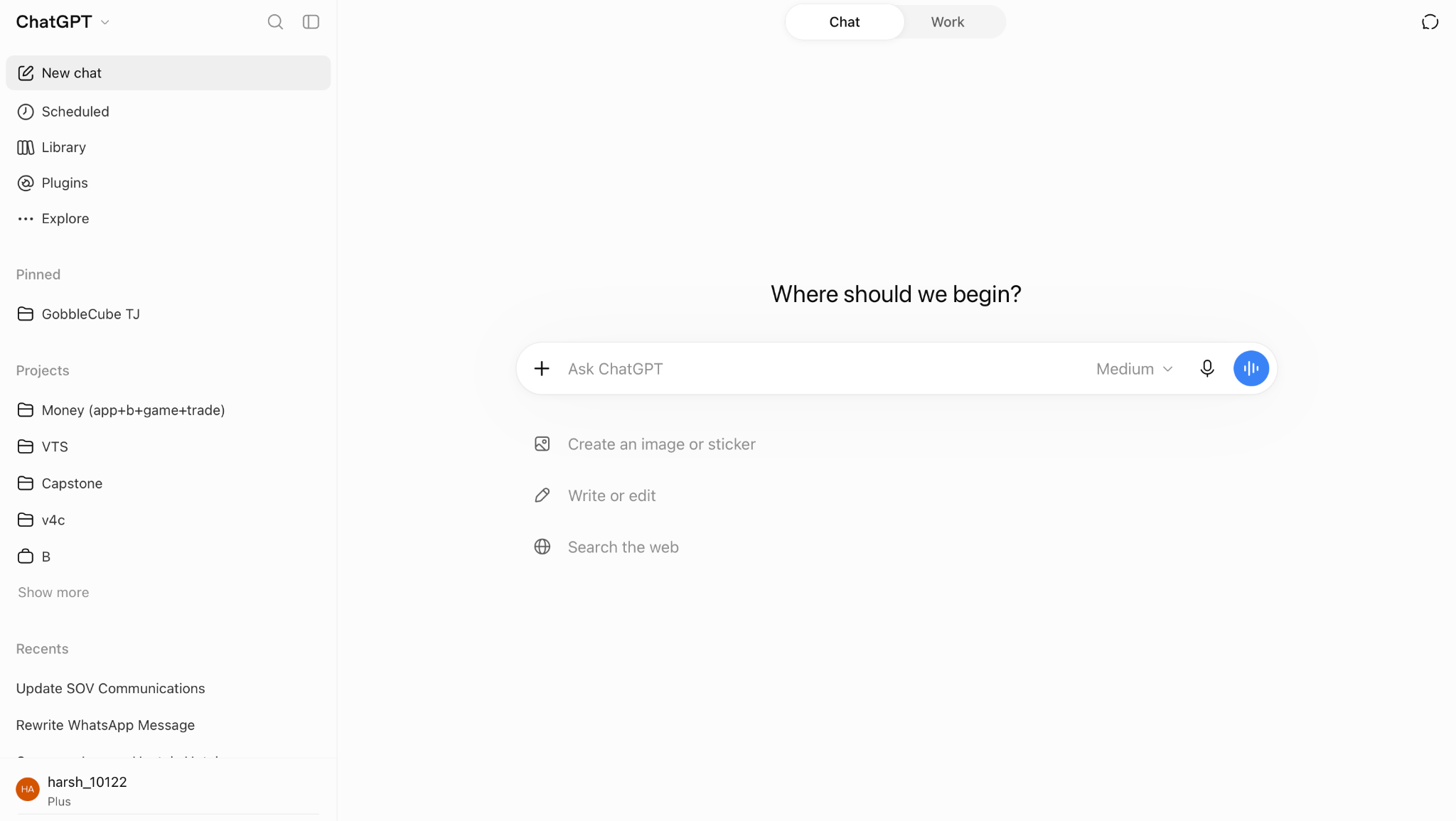
ChatGPT is an AI chatbot from OpenAI. You type or speak a request, and ChatGPT answers in plain language, writes code, or creates an image. It runs on the GPT-6 family of models. The free and Go plans use GPT-6 Luna, and Plus and Pro add GPT-6 Sol, GPT-6.1 Sol, and GPT-6 Astra.
How it performed in my tests
ChatGPT turned my long PDF report into a clear, well-ordered one-page brief and preserved every key figure. I checked each number against the source report, and all matched. I used this result as the benchmark for the other seven chatbots.
ChatGPT also keeps several kinds of work inside one chat. A draft, a chart of the same numbers, and an image for the slide can all be made without opening a second tool.
On the Plus plan, scheduled tasks are included as well, so a daily news brief or a weekly reminder arrives on schedule.
Pros
- Unlimited free text chats: The free plan gives unlimited text chats with GPT-6, within OpenAI's fair-use guardrails. Students and casual users can try it on real daily tasks before they spend any money.
- Work agent on Plus: Plus expands ChatGPT Work, which pulls in your apps, files, email, and calendar through plugins. Tasks that once required several open tabs can now begin in a single chat window.
- Office extensions: ChatGPT works inside Excel, Word, PowerPoint, and Google Sheets, and Plus raises the limits. Edits and drafts appear in the open file, so the user does not paste text between two windows.
- Memory with past chats: ChatGPT draws on earlier conversations, and Plus expands memory. Plus also gives you 20 GB of storage for files. A user who explains a project once does not need to repeat the background in each new chat.
Cons
- Training is on by default: Chats on Free, Go, Plus, and Pro are used to train OpenAI models unless the user opts out. Anyone who shares work or personal details must find the setting and disable it manually.
- Ads on Go: The cheapest paid plan, the $8 Go plan, may show ads. Plus and Pro have no ads.
Pricing
ChatGPT has a free plan. Go costs $8/month per user, Plus costs $20/month per user, and Pro starts at $100/month per user, with two higher usage tiers above it. For teams, Business costs $25/month per seat for a Standard seat and $125/month per seat for a Premium seat, billed monthly. Enterprise pricing comes through sales.
2. Best AI chatbot for writing and reasoning
Claude: What is it?
Claude is an AI chatbot from Anthropic that writes, edits, and reasons through long tasks in plain language. It can also search the web, run code, and create files inside a chat. Free users get Sonnet 5.5; Pro adds Opus 5.5; and Fable 5.1, the model Anthropic builds for long-running work, is offered on paid plans.
How it performed in my tests
I opened a Claude Project, added my research notes and a style guide, and asked for the first draft of a long blog post. Claude followed the style guide from the first paragraph to the last, and the argument moved in a clear order from one section to the next. When I asked for a new structure, Claude rearranged the sections and kept every fact from my notes unchanged.
Claude can work with large amounts of source material in a single chat. Every plan, including the free one, offers a context window of up to 1M tokens, with the exact size determined by the model. A full contract, a long report, or a set of interview notes fits into one chat, so each later question is answered with the whole document in view.
Pros
- Strong free plan: The free plan includes web search, code execution, file creation, and memory across chats. A student can research a topic and download the result as a Word document or a spreadsheet before paying anything.
- Claude Code on Pro: Pro includes Claude Code, Anthropic's coding tool, at no extra cost. It reads and edits a full codebase from the terminal, and both chat and coding share a single usage pool.
- Browser and Office extensions: On Pro, Claude works in Chrome and Microsoft 365, including Outlook. It reads the open page or edits the open file, so the user does not copy text between windows.
- Scheduled tasks: Pro lets a user schedule a task once and receive the result on a set day and time. A weekly news summary or a Monday research digest can be ready before the workday starts.
Cons
- Shifting usage limits: Limits reset in a rolling 5-hour window, and paid plans add weekly caps on top of that. Long chats, large files, and stronger models use the allowance faster, and Anthropic does not publish a fixed message count.
- Fable costs extra on Pro: Pro users pay for Fable 5.1 through usage credits. Max includes it, but only up to half of the weekly limit.
Pricing
Claude has a free plan. Pro costs $20/month. Max starts at $100/month for 5x or 20x the usage of Pro. The Team serves 2 to 150 people: a Standard seat costs $25/month per seat, and a Premium seat costs $125/month per seat. Enterprise costs $20/month per seat, plus usage at API rates.
3. Best AI chatbot for Google Workspace users
Gemini: What is it?
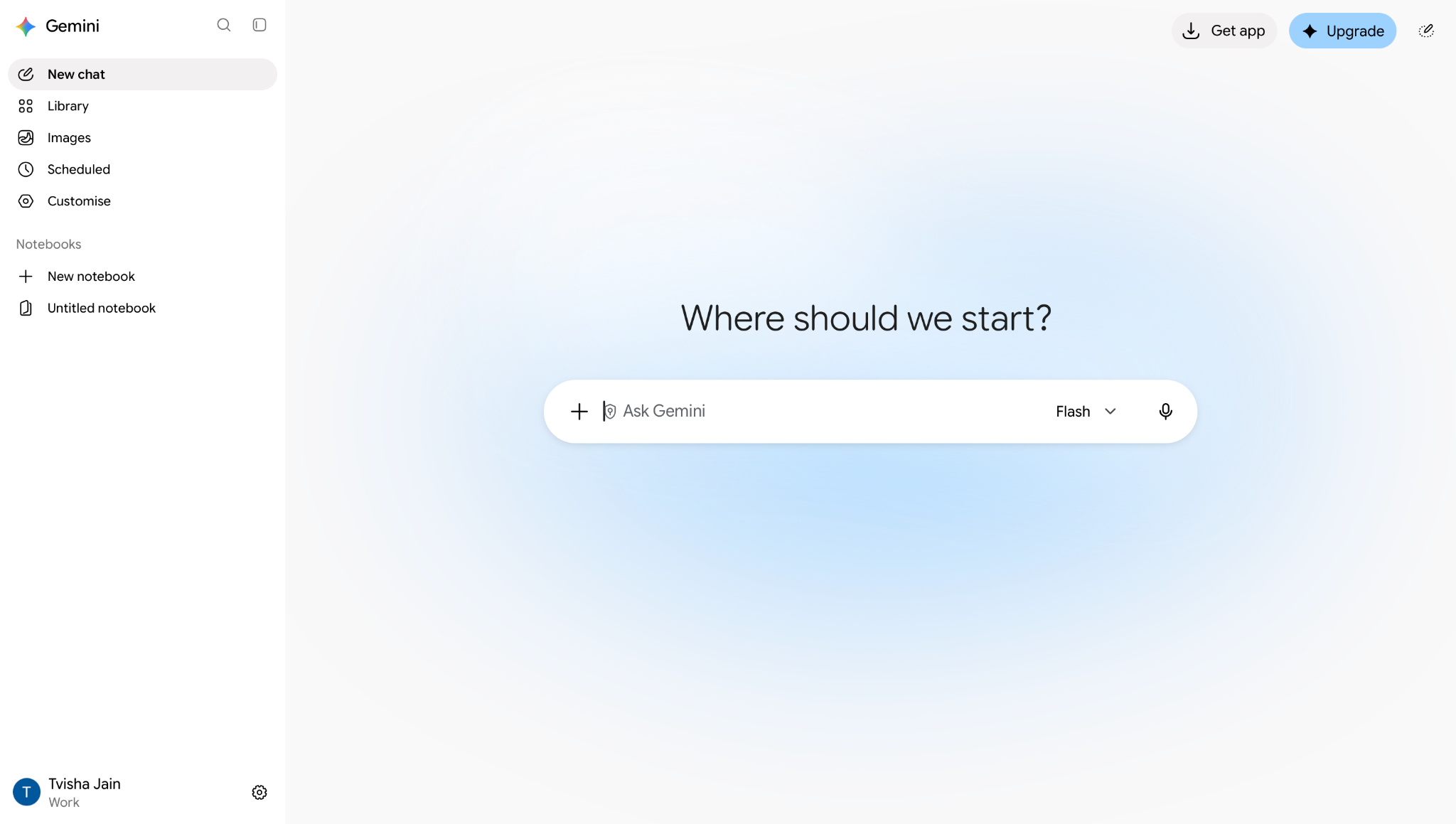
Gemini is Google's AI chatbot. It answers questions, writes and edits text, and creates images in the Gemini app, and paid plans bring it into Gmail, Docs, and other Google apps. The free plan runs on Google's Flash-Lite model, while Google AI Pro and Ultra add Gemini 4 Argon and Google's Pro model.
How it performed in my tests
I opened a long client email thread in Gmail and asked Gemini for a summary, followed by a draft reply. The draft used the names, dates, and figures from the thread, so it was ready to send after a short read. Later, in a Google Doc, I asked Gemini to turn my rough meeting notes into a clean project update, and it wrote the result directly into the file.
Google AI Pro also expands what Gemini can read at once. The plan offers a 1M-token context window and can read about 1,500 pages of text at once, so a full set of meeting notes or a long research file can be checked in a single chat. Deep Research, which is included on every plan, reads hundreds of sources and returns a structured report in minutes.
Pros
- Storage bundled in: Paid plans include Google One storage, with 400 GB on Google AI Plus and 5 TB on Google AI Pro. The same storage covers Gmail, Google Drive, and Google Photos. A user who already pays for Google One can upgrade to an AI plan and keep files, email, and the chatbot on one bill.
- Image and video creation: The free plan includes image generation and editing, so users can create an image from a prompt or edit parts of an uploaded photo. Paid plans add video generation for short clips. A marketer can write a post, create its image, and make a short promo video in one app.
- Gemini in Chrome: Google AI Pro adds Chrome auto browse. Gemini reads the open page and completes multi-step tasks, such as booking or filling out a long form. The user stays in the tab that is already open and does not move between a chat window and the website.
- Live voice and Canvas for free: Free users get Gemini Live, which enables real-time spoken conversation. Canvas opens a separate editing space next to the chat, where a draft or a short piece of code can be revised line by line.
Cons
- Workspace help costs extra: The free plan does not include Gemini inside Gmail or Docs. Gmail access starts on Google AI Plus, but Docs access needs Google AI Pro at $19.99/month. A user who mainly wants help in Docs pays four times the Plus price.
- Rolling usage limits: Limits refresh every five hours until a weekly cap is reached, and complex prompts use the allowance faster. Heavy users must buy AI credits to continue, which adds a cost on top of the monthly plan.
Pricing
Gemini has a free plan. Google AI Plus costs $4.99/month, Google AI Pro costs $19.99/month, and Google AI Ultra costs $99.99/month for 5x the usage of Pro or $199.99/month for 20x.
For teams, Gemini Enterprise Business edition starts at $21/month per seat, and the Standard and Plus editions start at $30/month per seat. Google AI Pro also offers annual billing, and the personal AI plans are open to users aged 18 and over.
4. Best AI chatbot for Microsoft 365 users
Microsoft Copilot: What is it?
Microsoft Copilot is an AI chatbot that answers questions, writes text, and makes images in its own app. Paid Microsoft 365 plans also include it in Word, Excel, PowerPoint, Outlook, OneNote, and Teams. Copilot runs on AI models, including OpenAI's models.
How it performed in my tests
I opened a monthly sales sheet in Excel and asked Copilot to explain the trend and find the weakest region. It pointed to the right rows and built a chart. I then asked Copilot in PowerPoint to turn that analysis into three slides, and asked Outlook to draft a short email to my manager with the results.
Each step used the output of the last. The chart from Excel became the basis for the slides. The slides became the basis for the email. Nothing was copied between windows. For anyone who already spends their day in Office, that handoff across apps is the main reason to use Copilot over a standalone chatbot.
Pros
- Office comes with the AI: Microsoft 365 Personal includes the Word, Excel, PowerPoint, and Outlook desktop apps. It also adds 1 TB of OneDrive storage and Microsoft Defender security. Copilot is built into all of it, so a buyer who needs Office gets the chatbot in the same purchase.
- Help from the screen or camera: Paid plans raise the limit for visual help. Copilot can look at the screen or through the phone camera and explain what it sees. It can explain a confusing settings page or a paper form without you having to type a description.
- Works with a work account: Some employers turn on multi-account access. A personal Copilot plan can then be used next to a work account. Company files still follow the company's permissions, so each user sees only the data they are allowed to see.
- Deeper research on top plans: Microsoft 365 Premium and Pro add agentic features for advanced research and analytics. Copilot can handle longer tasks with many steps. Gathering sources for a report is one example.
Cons
- AI for the owner only: Family, Premium, and Pro can be shared with five other people. The Copilot features stay with the subscription owner. Each family member who wants AI help with Word or Excel must buy their own plan.
- Credit-based limits: Personal and Family run on AI credits and feature limits. When the credits run out, the feature stops until the allowance resets. The free version also depends on spare capacity.
Pricing
Microsoft Copilot has a free version with limited use. Copilot is included with Microsoft 365 plans for individuals. Personal costs $9.99/month, Family costs $12.99/month, Premium costs $19.99/month, and Pro costs $99.99/month (monthly billing only).
For businesses, Microsoft 365 Business Standard with Copilot costs $28.20/user/month, Business Premium with Copilot costs $38.40/user/month, and the Copilot Business add-on costs $25.20/user/month.
5. Best AI chatbot for cited research
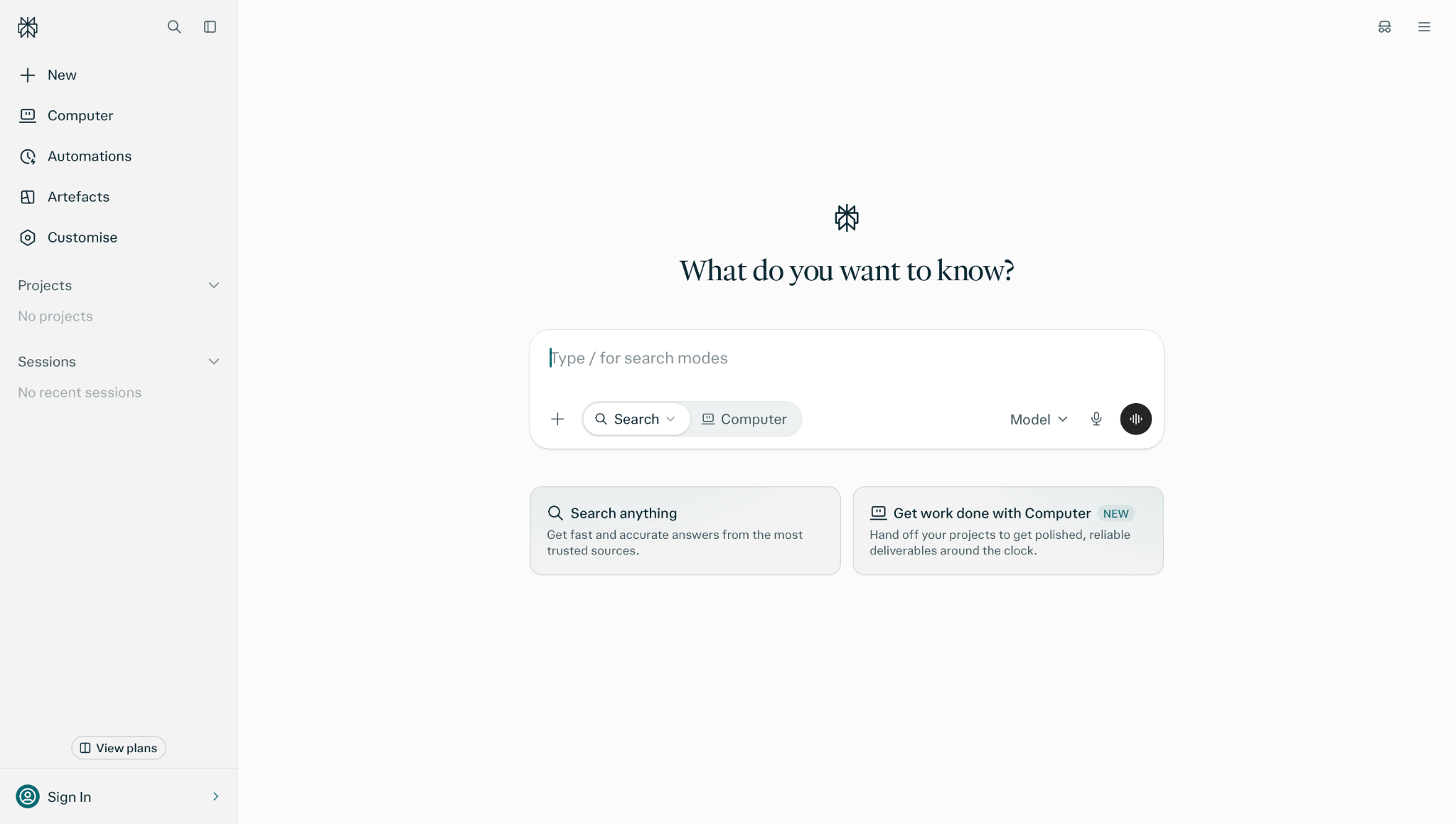
Perplexity: What is it?
Perplexity is an AI chatbot built for search and research. It answers questions in plain language and puts citations in every answer. Each claim links back to the web page it came from. Paid plans let users choose between top AI models.
How it performed in my tests
I asked Perplexity to compare the refund rules of three airlines. The answer came back in short sections, and each claim carried a numbered citation. I clicked each number to open the airline's own policy page. I checked every rule in a few minutes without a separate search.
On Pro, Deep Research takes this further. Perplexity reads many sources and builds a longer report in response to a single question. The citations stay attached to each point. A student or analyst can trace every line of the report back to its source.
Pros
- Citations on the free plan: Every answer includes citations. Students can check where a fact came from before they pay for anything. This makes Perplexity a safe first stop for research at school or work.
- Model choice on Pro: Pro lets users pick between top AI models. The same question can be asked of multiple models in one place. Users can compare answers without opening several apps.
- Documents and apps from research: Pro can turn research into polished documents and simple apps. Findings do not need to be copied into a second tool. A report can go from question to finished file in one session.
- Half-price education: Verified students and educators can get Education Pro for $10/month. It includes Deep Research and the same model choice.
Cons
- Annual savings require upfront payment: Pro costs $200/year, and Max costs $2,000/year on annual billing. Monthly subscriptions are available if you prefer a shorter commitment.
- A thin free plan: The free plan is suitable for limited daily use and simple questions. It offers basic AI models only. Pro raises the limits on Deep Research, top models, and daily use.
Pricing
Perplexity has a free plan. Pro costs $20/month or $200/year. Max costs $200/month or $2,000/year. Verified students and educators can get Education Pro for $10/month. For teams, Enterprise Pro costs $34/month per seat, and Enterprise Max costs $271/month per seat.
6. Best AI chatbot for real-time trends
Grok: What is it?
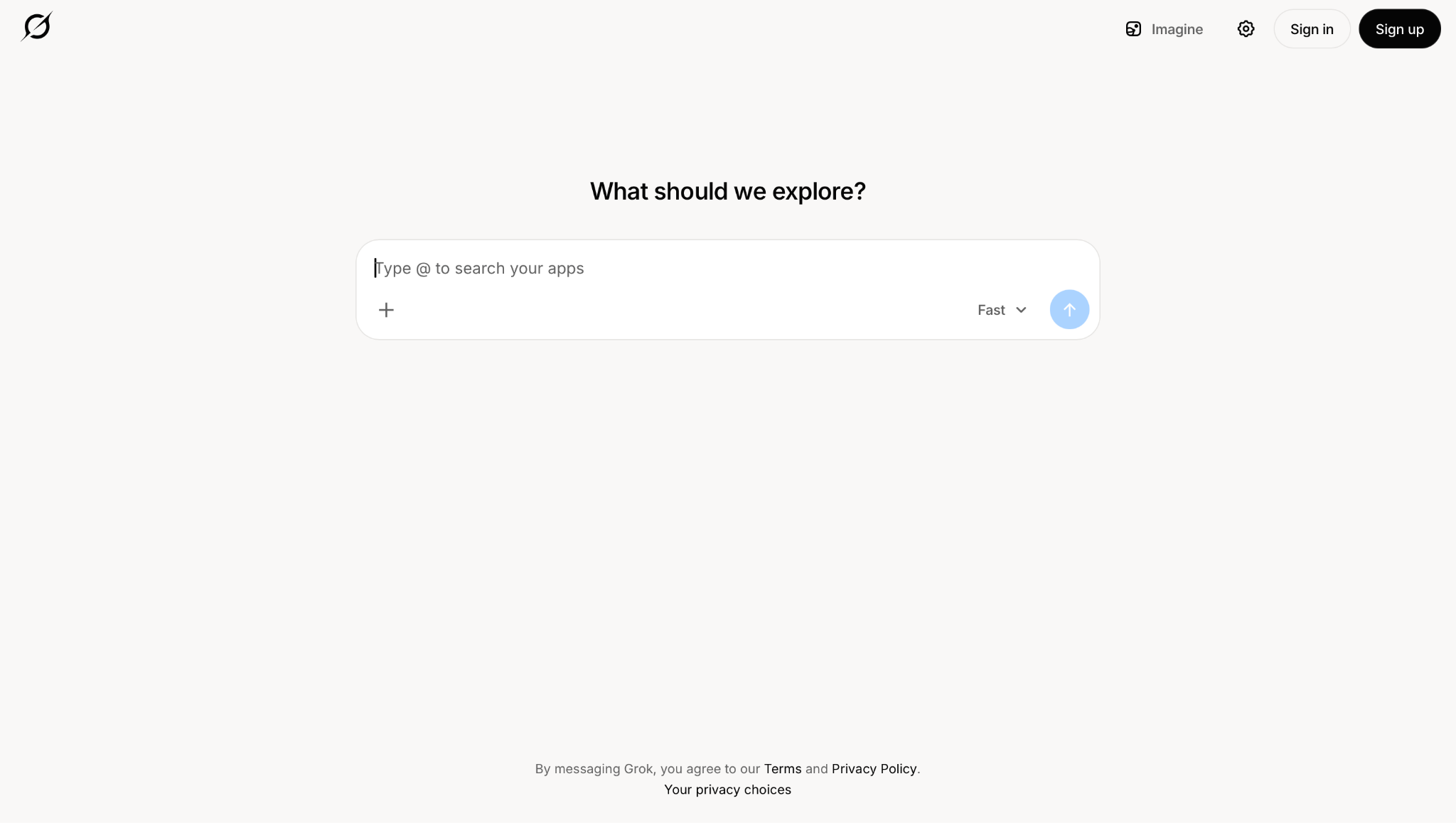
Grok is an AI chatbot that answers questions using real-time information from the web and from X, the social platform formerly known as Twitter. It can also chat, write code, and create images. Because it reads X as people post, Grok can report what is being said about a topic right now.
How it performed in my tests
During testing, I asked Grok how people on X were reacting to a product launch from that same morning. The answer summarized the main reactions and linked to the posts behind them. You could trace each point back to a real post from that day.
The live feed lets you see how people react as things unfold. Marketers can track responses to a campaign launch, journalists can follow the debate around a developing story, and founders can see what users think of a product update as reactions come in.
Pros
- Real-time answers from X and the web: Grok pulls in posts from X as they appear and combines them with web results. Questions about breaking news, trends, or public mood get answers on the same day. A user does not need to scroll through hundreds of posts to find the main points.
- Images from a text prompt: Grok Imagine creates images inside Grok. A creator can write a post and make the picture for it in the same app. No second design tool is needed for a quick visual.
- Code help in the same chat: Grok writes and explains code alongside its research features. A developer can ask about a new library and see what other developers on X are saying about it in one conversation.
- Free to start: Anyone can visit grok.com and start a chat without paying. Casual users can first test the live X answers on a real question.
Cons
- Live posts are not fact-checked: Grok draws on posts as people publish them, and many posts are wrong or one-sided. A claim found through Grok should be verified against a reliable source before it appears in an article, report, or decision.
- X is not the whole public: The loudest voices on X are not a fair sample of all users or customers. A trend that looks huge on X may matter little elsewhere. Grok works best as one signal among several, especially for market research.
Pricing
Grok has a free plan with limited use. Plus costs $8/month, Premium costs $30/month with 4x the usage of Plus, Super costs $100/month with 15x the usage, and Ultra costs $200/month with 50x the usage. Prices exclude taxes and fees.
7. Best AI chatbot for WhatsApp and Instagram users
Meta AI: What is it?
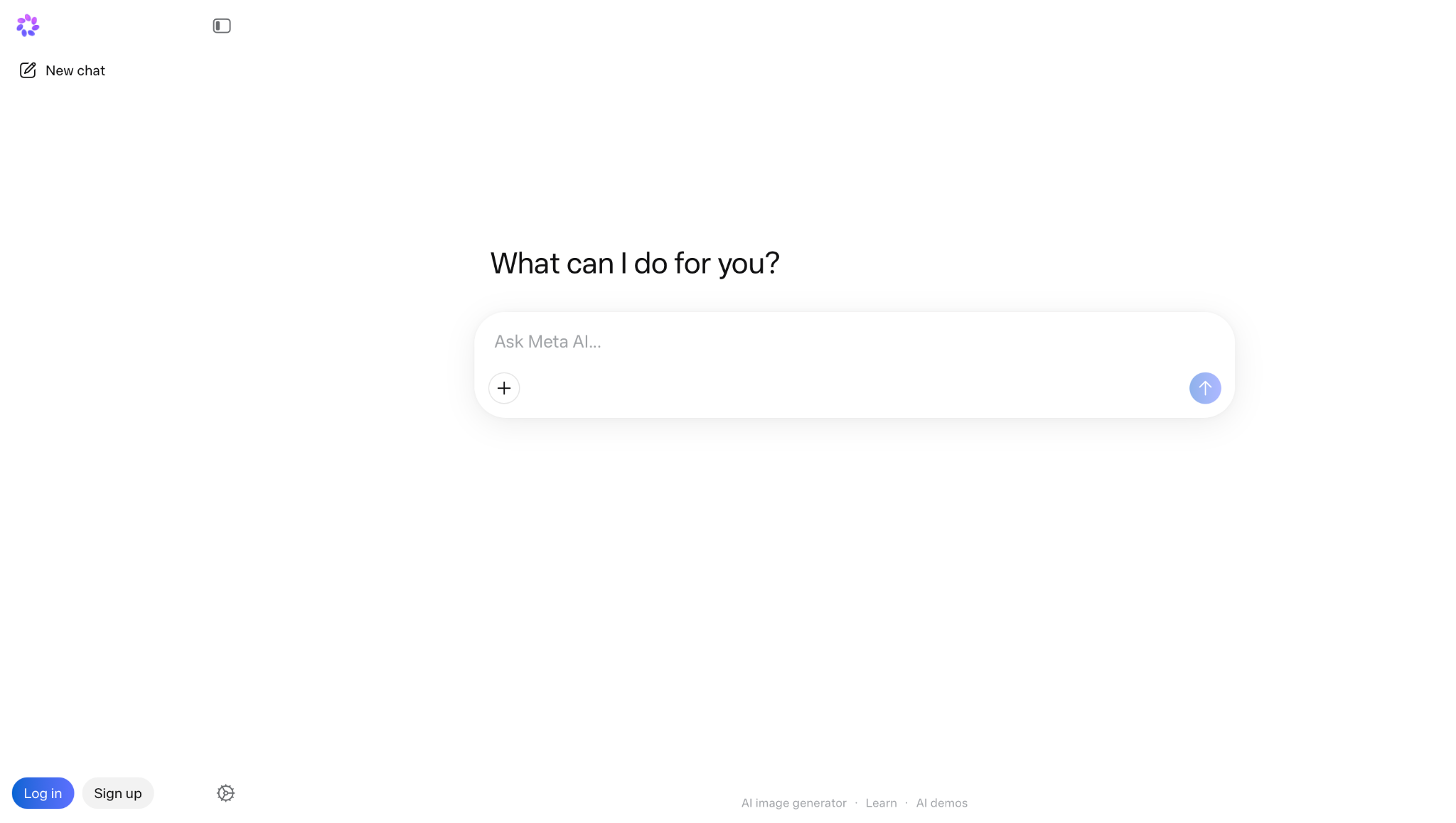
Meta AI is a free AI chatbot built into WhatsApp, Instagram, Messenger, and Facebook. It answers questions, writes messages, and creates images inside the apps people already use, and it also has its own app and website. Meta AI runs on Muse Spark, Meta's own AI model family.
How it performed in my tests
I tagged Meta AI in a WhatsApp group chat where our weekend plans had stalled. I asked for three day-trip ideas within two hours of the city, and the suggestions landed directly in the thread. Everyone read them and voted without leaving the app.
Meta AI lives inside apps that billions of people already open every day, so you tag it like you would tag a friend, and the first question costs nothing.
Pros
- No new app needed: Meta AI is built into WhatsApp, Instagram, Messenger, and Facebook. People who already use these apps can ask questions while chatting with friends, so they don't need to download or set anything up.
- Free across every surface: The assistant is free in all four Meta apps, in the Meta AI app, and on meta.ai. Casual users get a capable chatbot without having to enter payment details.
- Thinking mode for harder questions: The Meta AI app and meta.ai offer a Thinking mode powered by Muse Spark. Questions that need more steps, such as comparing options or working through a plan, get a more careful answer.
- Images and video for fun: Meta AI creates images from prompts, and Vibes offers a feed for creating and sharing AI images and videos. Creators on Instagram can make a quick visual right where they post.
Cons
- Usage caps on the free plan: The free plan caps Thinking mode, image, and video generation. Heavy users need a paid Meta One plan to raise these caps.
- The agent lives in a separate app: Meta's task-doing agent, Muse, is a different app with its own plans and has launched only in the US. People who want Meta AI to book appointments or fill in forms must sign up for a second product.
Pricing
Meta AI is free in WhatsApp, Instagram, Messenger, Facebook, the Meta AI app, and on meta.ai. Meta launched paid Meta One plans worldwide in September 2026.
Meta One Core costs $7.99/month and adds expanded AI usage across Instagram, WhatsApp, and Facebook, including image and video generation with Meta AI and voice effects on Instagram. Meta One Premium costs $19.99/month with even higher AI usage limits and the same features across all three apps.
8. Best open-source AI chatbot
DeepSeek: What is it?
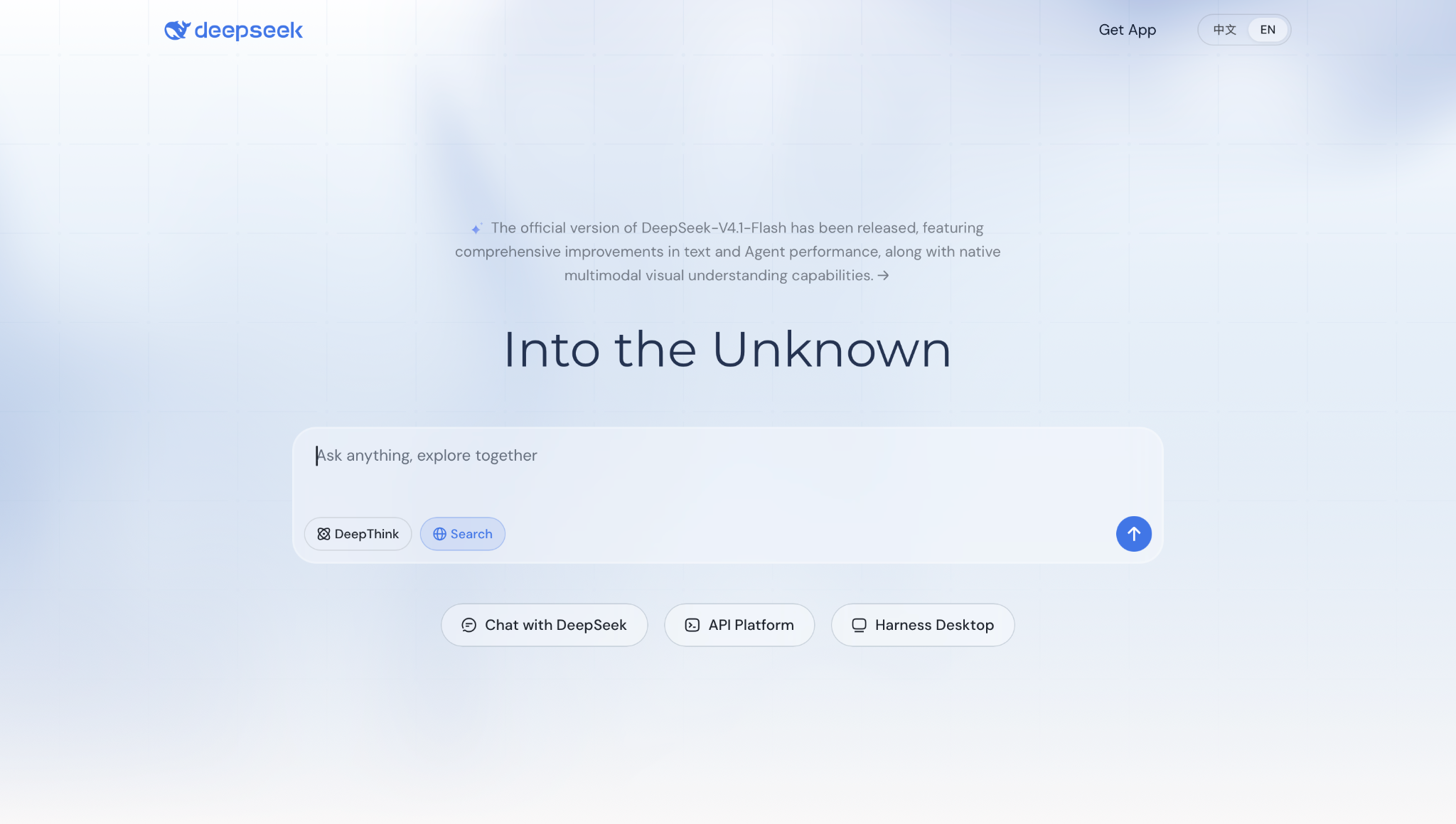
DeepSeek is a free AI chatbot from a Chinese AI research company of the same name. It answers questions, solves math and coding problems, and searches the web at chat.deepseek.com and in its mobile app. DeepSeek also releases its models as open source, and its newest model, DeepSeek-V4.1-Flash, came out in September 2026.
How it performed in my tests
I pasted a broken Python script into DeepSeek, turned on DeepThink, and asked why the loop skipped its last item. It worked through the logic step by step, named the faulty line, and returned a fixed version that ran on the first try. The whole session cost nothing.
DeepSeek does not charge you for reasoning skills. Students, solo developers, and anyone on a tight budget get the same step-by-step reasoning on math, logic, and code that paid tools charge for, with no account tier to unlock and no payment details to enter.
Pros
- Free with no paid plan to track: The web chat and mobile app cost nothing, and DeepSeek lists no paid consumer plan. Every user gets the same chat, with DeepThink for step-by-step reasoning and Search for live web results. Students get the full product on day one, and no feature disappears after a trial period.
- One million tokens of context: DeepSeek made a 1M-token context window the default across all its official services, including the free chat. A long report, a full contract, or a large block of code fits into one chat. Later questions are answered with the whole file in view, so the user does not split a document into parts.
- Two modes for two kinds of work: Expert Mode handles harder problems, such as a multi-step math proof or a hidden bug, and Instant Mode gives quick answers to simple questions. A developer can use Instant Mode for a quick syntax check and switch to Expert Mode when a bug requires deeper reasoning.
- Open weights anyone can download: DeepSeek publishes its V4 model weights on Hugging Face. Companies with their own servers can run the model in-house, so sensitive data never has to leave their systems. Developers can also adapt the open model for their own product or call it through DeepSeek’s pay-per-use API Platform.
Cons
- Chinese data laws apply: DeepSeek is a Chinese company, and its chat service runs under Chinese registration and law. Users who handle client data, health records, or company secrets should read the privacy policy first and keep that material out of the hosted chat.
- Text and code first: DeepSeek's newest model can read images, but the site lists no image or video creation. Users who want visuals alongside their answers will need a second tool.
Pricing
DeepSeek is free at chat.deepseek.com and in its mobile app, and the company lists no paid plan for consumers. Developers who build with DeepSeek's models pay per use through the separate API Platform.
9. Best AI teammate for turning answers into finished work
Lindy: What is it?
Lindy is an AI teammate that lives in your Slack, connects to your tools, and knows your company. It handles meeting follow-ups, inbox management, and multi-step tasks across your apps for the whole team. Lindy also works in iMessage, in Gmail via the Chrome extension, and on the web.
How it performed in my tests
Near the end of testing, a deal closed, and I @mentioned Lindy in Slack to run the handoff. Lindy updated HubSpot, wrote the Notion doc, posted to #customer-success, booked the kickoff call, and drafted the welcome email. Each step that reached someone outside the team waited for my approval before it went out.
Ask a question in any Slack channel, and Lindy checks your meetings, messages, and files, then answers in the thread with a link to each source. Because the whole team shares one Lindy, what Lindy learns from one person helps everyone.
Pros
- Meetings, start to finish: Lindy joins your calls and files each recording into a shared meeting library. One person takes the call, and the right people get the context. Anyone can ask Lindy about a past meeting at any time.
- Your inbox: Lindy drafts replies in your voice, labels incoming mail, and sends a daily brief each morning. You open the day knowing what needs a reply and what can wait, without touching the inbox first.
- Recurring work: Describe the job once in a sentence: "Every Monday at 9, send the pipeline brief." Lindy runs it on schedule from that point on, with no follow-up prompt required.
- Memory you can edit: Everything Lindy knows about your team lives in plain files you can open, read, and edit like any document. If it has something wrong, you fix it directly rather than re-explaining it in chat.
Cons
- Short free window: The Free plan gives you $50 in credits to test with, but they expire after 7 days. Teams that want a longer test will need to move to the Team plan.
- Slack is required for the full experience: Lindy's team features, including shared context, channel @mentions, and multi-step handoffs, all run through Slack. Teams that work mainly in Microsoft Teams or another chat app lose the core use case and fall back on the web app, iMessage, or Gmail.
Pricing
You can start with $50 in free credits, and no credit card is required. The credits last 7 days. After that, Lindy starts at $49.99/month per user on the Team plan, which includes 5,000 credits per user each month. Each user contributes to a shared credit pool, and top-ups cost $10 per 1,000 credits. Enterprise pricing is custom.
{{templates}}
Which AI chatbot is best for free?
ChatGPT is the best free AI chatbot for most people. Its free plan gives unlimited GPT-6 text chats, image creation, voice, and memory, which covers most everyday tasks without a subscription.
Most other tools on this list have a free option too, though each draws the line differently. DeepSeek has no paid plan at all. Lindy offers $50 in free credits lasting 7 days, enough to test the core features before moving to a paid plan.
Best AI chatbots by use case
How to choose an AI chatbot?
To choose an AI chatbot, start with the apps you already use. Gemini fits Google Workspace, Copilot fits Microsoft 365, and Meta AI is already inside WhatsApp and Instagram. Then match it to your main task: ChatGPT for general use, Claude for long writing, Perplexity for cited research, Grok for real-time trends, and Lindy when the answer needs to become finished work in Slack.
Here's how to choose the best AI chatbot:
- Check the apps you already use: Open the apps you use every day and pick the chatbot that lives inside them. You will save the most time when the AI is already where your work happens.
- Write down your main task: Be specific. "Research" is too broad. "Find sources for a report and cite them" is not. The more specific the task, the easier it is to test two options and compare the results directly.
- Start on the free plan: Pick your top two options and run them on the same real task. Judge the output. If the free tier covers your needs, stay on it.
- Decide if you need action: If someone still has to act on the answer after the chatbot responds, look for a tool that connects to your other apps and handles the follow-through.
FAQ
What is the #1 AI chatbot?
ChatGPT is the #1 AI chatbot in 2026. It handles writing, research, images, voice, and code in one app, so it covers more everyday tasks than any other chatbot tested here. The free plan includes unlimited GPT-6 text chats, and paid plans start at $8/month. Other chatbots win in narrow areas, but ChatGPT is the best all-around pick.
Which chatbot is better than ChatGPT?
Claude is better than ChatGPT for long writing and careful reasoning. Perplexity is better for research with cited sources, Gemini is better for Gmail and Google Docs users, and Grok is better for real-time trends on X. Lindy is better when the answer has to become finished work, because it acts across your tools from Slack.
Who is ChatGPT’s biggest competitor?
Google Gemini is ChatGPT’s biggest competitor. Google builds Gemini into Gmail, Docs, and Chrome, so it reaches people inside tools they already use every day. Its free plan covers image creation, Deep Research, and Gemini Live. Claude is the second-closest rival, and it leads ChatGPT on long documents and careful writing.
What AI chat does Elon Musk use?
Elon Musk uses Grok as his AI chat. xAI built Grok, which is now part of Musk's company SpaceX, along with X. Grok provides real-time answers from the web and posts on X. It offers a free plan, and paid access starts at $8/month on the Plus plan.
Which AI chatbot is best for students?
Perplexity is the best pick for research since every answer links back to its source. DeepSeek is the best free option for math, logic, and coding with no published usage cap. Claude handles long documents and keeps an entire paper in view across one chat. All three have free tiers worth testing before paying for anything.









