The 9 Best CRMs with Marketing Automation [AI-Native]
Marvin tested over 20 CRM automation platforms, including HubSpot, Salesforce, and Zoho CRM, weighing lead capture, workflow automation, and reporting across real sales pipelines.


I tested over 20 CRM automation platforms to do repetitive business tasks like capturing leads, triggering follow-ups, updating CRM records, and handling campaign data. These 9 were the most usable and efficient for teams looking to get more out of their CRM automation workflows.
List of the Top 9 CRMs with Marketing Automation Built-in:
I shortlisted these 9 automation tools as they suit different teams and organizations, depending on budget, workflows, and the depth of automation. Here's how they compare: If you are specifically looking to capture new prospects, exploring the best ai lead generation tools can help supercharge your sales pipeline. In addition to automated CRM workflows, leveraging targeted ai outreach tools can help automate personalized prospect communication.
| Tool | Best for | Starting price (billed monthly) | Key strength |
|---|---|---|---|
| HubSpot | Inbound and lifecycle automation | $20/user/month | All-in-one platform with a powerful ecosystem |
| Salesforce | Enterprise CRM workflow automation | $25/user/month | Highly flexible with predictive AI and integrations |
| Zoho CRM | Budget CRM automation | $20/user/month | Smart AI with good support for WhatsApp, Line, and email |
| Mailchimp | Email-first CRM automation | $13/month | Great for campaigns, A/B testing, and segmentation |
| Keap | CRM + billing automation | $299/month | Automates invoices, follow-ups, and appointments |
| Salesmate | Sales-focused CRM automation | $29/user/month | Visual workflows with built-in SMS, calling, and chat |
| Moosend | Affordable email automation for CRM workflows | $9/month | Easy builder with hyper-personalized triggers |
| GetResponse | CRM automation with webinar workflows | $19/month | Combines email, webinars, and landing pages |
| EngageBay | Starter CRM automation for small teams | $14.99/user/month | Visibility across email, chat, SMS, and ticketing |
Next, we explore their detailed reviews.
1. HubSpot: Best AI CRM for inbound marketing and sales workflows
What it does: HubSpot combines CRM, marketing automation, sales, and customer service tools to manage the full inbound funnel in one platform.
Who it's for: Teams that rely on inbound marketing and want CRM automation that connects content, leads, sales handoffs, and customer follow-ups.

I tested HubSpot across inbound campaigns where marketing and sales had to stay in sync. Lead capture worked cleanly. Forms, landing pages, and email activity flowed into the CRM without manual effort. Once a contact engaged, HubSpot scored the lead and triggered follow-ups based on behavior. To further automate outreach and lead qualification, teams are increasingly turning to ai agents marketing solutions.
HubSpot's CRM automation feels structured and predictable. I built workflows that tagged contacts after email clicks, assigned leads to reps after demo requests, and triggered follow-ups when visitors hit pricing pages. While these features excel for inbound leads, combining them with outbound sales automation helps teams proactively engage cold prospects.
It worked reliably and logged data correctly. That consistency matters when multiple teams depend on the same data.
You can glance at every email, meeting, note, and deal update on the HubSpot contact timeline. Sales teams didn't need to ask marketing for context. Customer service could see past campaigns before replying. It reduced handoffs and provided context. Pairing these timeline insights with modern ai sales automation allows reps to instantly personalize follow-ups.
I also tested newer updates like the Customer Success Workspace. Managing renewals, health scores, and open tickets from one view saves time for teams that handle post-sale workflows. This makes it a strong option if you need dedicated customer lifecycle marketing software to manage long-term retention.
Reporting helped too. Custom dashboards pulled data from campaigns, meetings, and pipelines without extra setup.
That said, HubSpot demands commitment. The platform works best when you use multiple hubs together. As contact counts and users grow, pricing rises quickly. Smaller teams may feel pressure to upgrade sooner than expected. For growing companies comparing options, reviewing the best crm software for small business can help identify scalable solutions.
Key features
- Visual workflow builder for CRM automation across teams
- Unified contact timelines with full engagement history
- Built-in lead scoring and behavior-based automation
- Reporting dashboards that combine marketing, sales, and service data
Pros
- Reliable CRM automation for inbound funnels
- Strong visibility across marketing, sales, and service
- Clean interface that supports team collaboration
- Large app marketplace and native integrations
Cons
- Costs increase quickly as contacts and users grow
- Advanced workflows require time to learn and maintain
Pricing
- Free plan with basic marketing, sales, and service tools
- Paid plans start from $20/user/month, billed monthly
Bottom line
HubSpot works well when inbound marketing drives your growth. It keeps CRM data, automation, and teams aligned. The trade-off is cost and rigidity. If you commit to the ecosystem, it delivers consistent CRM automation at scale.
{{templates}}
2. Salesforce: Best AI CRM with marketing automation for enterprises
What it does: Salesforce combines CRM, marketing automation, sales, and service tools into a single enterprise platform with deep customization and AI-driven workflows.
Who it's for: Large teams that need highly configurable CRM automation across sales, marketing, and customer service.

I tested Salesforce in environments with multiple teams. Marketing, sales, and support all worked from the same customer records. Salesforce's Customer 360 view pulled emails, campaign data, deals, and support tickets into one timeline.
Agentforce stood out during testing. I configured an AI agent to monitor high-intent leads, trigger nurture campaigns in Marketing Cloud, and notify sales when engagement spiked. The automation ran reliably, but setup took planning and clarity. Teams looking for dedicated prospecting features can also explore the best ai outreach tools to streamline lead engagement.
Einstein AI helped with analytics and forecasting. It flagged deal risks, predicted pipeline movement, and surfaced churn signals based on past behavior. I also saw gains in service workflows, where Einstein handled repetitive inquiries and routed complex cases correctly. That reduced manual work but required clean data to perform well. Implementing these intelligent tools is a key step toward broader ai automation across enterprise operations.
Salesforce excels at data unification. Data Cloud and MuleSoft let me connect legacy systems and third-party tools without hampering reporting. This reduced duplicate records and kept automation accurate across channels.
You can customize Salesforce, but it's complex. I built dashboards and workflows using low-code tools, but the platform demands time. Smaller teams may struggle without admins or partners. Salesforce works best when teams invest in setup, governance, and ongoing optimization.
Key features
- AI CRM and marketing capabilities with Agentforce and Einstein
- Unified customer records across sales, marketing, and service
- Advanced data integration through Data Cloud and MuleSoft
- Low-code tools for custom workflows and dashboards
Pros
- Deep CRM and marketing automation for complex enterprise use cases
- Strong AI insights for forecasting and customer behavior
- Flexible customization across teams and processes
- Scales well with large data volumes
Cons
- Long implementation cycles and higher setup costs
- Complexity can slow down smaller or leaner teams
Pricing
- Free plan with 2 user licenses
- Paid plans from $25/user/month, billed monthly
Bottom line
Salesforce fits organizations that treat CRM automation as infrastructure, not a tool. It offers power, control, and AI insights, but only pays off if teams commit time, budget, and discipline to make it work.
3. Zoho CRM: Best CRM for marketing automation on a budget
What it does: Zoho CRM provides CRM automation across sales, marketing, and support, with built-in AI and strong multichannel outreach.
Who it's for: Small to mid-sized teams that want flexible CRM automation without paying enterprise prices.
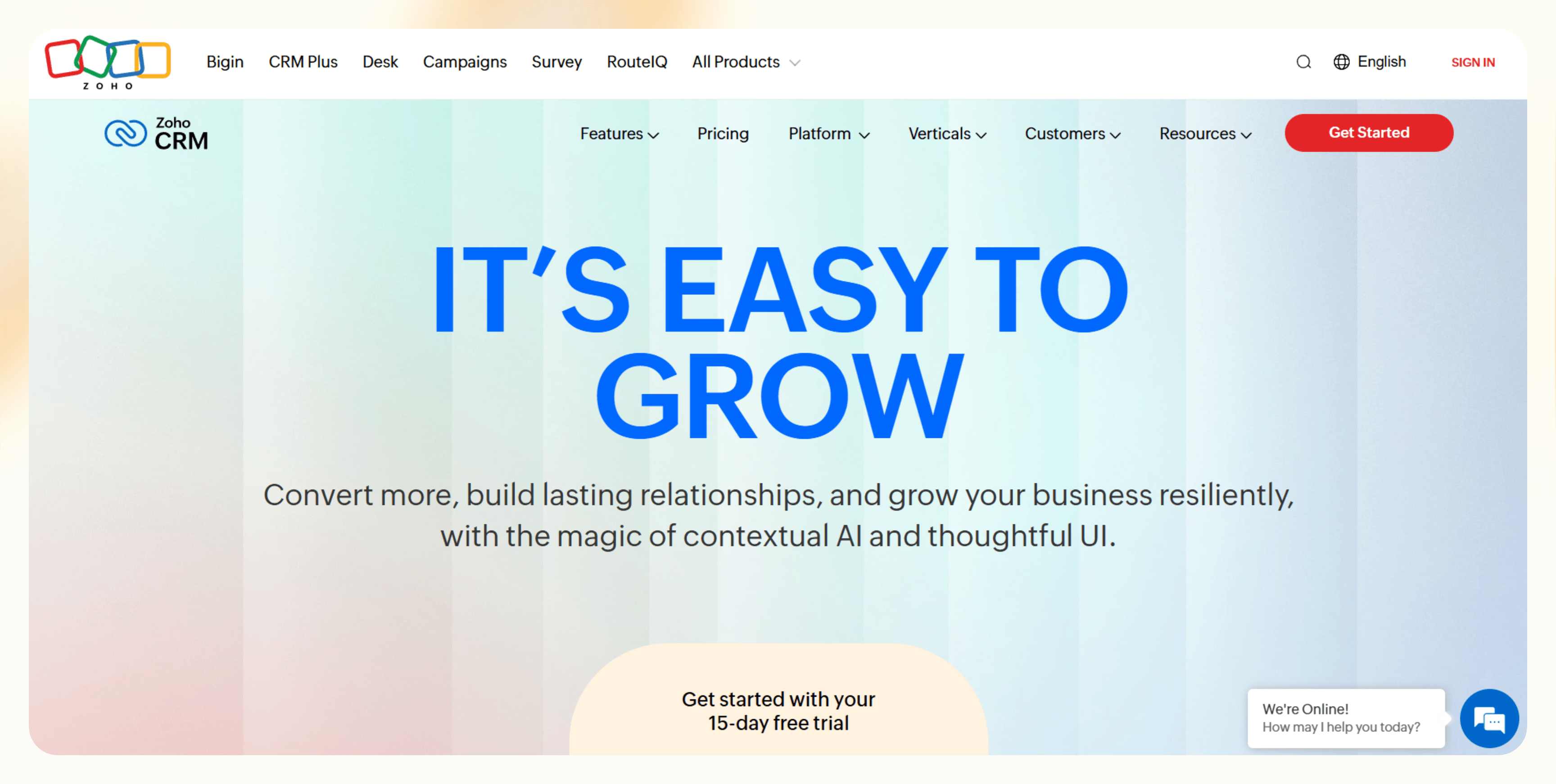
Zoho CRM works well in setups where teams need automation at budget-friendly costs. I tested it in a workflow that routed leads by region, triggered emails after site activity, and reminded reps to follow up. It's easy to set up and I didn't require outside help.
I worked with an e-commerce team that used Zia, Zoho's AI assistant, to score leads and forecast monthly sales. The predictions helped reps focus on deals that showed real intent. Zia's prompts nudged teams to take action instead of dumping dashboards on them.
Zoho performs well for multichannel workflows. Email, phone, WhatsApp, Line, and social messages all ran from the same interface. I tested WhatsApp workflows that sent approved templates and tracked threaded replies inside the CRM. For teams selling across regions, especially in Asia, this setup reduced context switching.
You can customize Zoho to match your workflows. Formula fields updated records in real time. Client scripts and subforms let me adapt workflows to niche processes. Team selling also worked well. Multiple reps could contribute to a deal and split revenue cleanly.
The trade-off shows up during setup. Zoho offers many options, and learning where to configure what takes time. Teams without a clear process may feel overwhelmed early on. Once workflows settle, the system stays stable and flexible.
Key features
- Automation across email, phone, WhatsApp, Line, and social
- AI lead scoring and sales forecasting with Zia
- Real-time formula fields and custom scripts for workflow logic
- Team selling with deal-based revenue splits
Pros
- Low cost with strong CRM automation capabilities
- Capable multichannel messaging built into the platform
- Customization for niche workflows
- Fair pricing for growing teams
Cons
- Setup takes time due to the number of options
- Advanced customization requires technical comfort
Pricing
- Free plan with 3 users and essential features
- Paid plans from $20/user/month, billed monthly
Bottom line
Zoho CRM fits teams that want CRM automation without enterprise overhead. It rewards teams that invest time in setup. Once configured, it delivers flexibility, reach, and value that few tools match at this price.
4. Mailchimp: Best AI CRM for email-focused marketing automation
What it does: Mailchimp combines email marketing, basic CRM, and automation to run campaigns and manage customer data in one place.
Who it's for: Small to mid-sized businesses that rely heavily on email and want simple CRM automation without operational overhead.

I tested Mailchimp while launching a direct-to-consumer campaign. The setup was quick and straightforward. I built lists, segmented contacts, and launched campaigns without touching documentation. It works well for teams that want to move fast.
The email editor is one of the best. I built responsive campaigns quickly, added dynamic product blocks, and ran subject line tests. The automation builder made it easy to launch a welcome flow and abandoned cart emails in one session.
Mailchimp's CRM works best for light contact management. Tags, behavior-based segments, and purchase history made personalization easy. I targeted customers based on past orders and engagement without exporting data or using syncing tools.
E-commerce integrations work smoothly, too. Mailchimp synced with Shopify and WooCommerce, which made it easy to trigger campaigns based on purchases and browsing behavior. For email-first CRM automation, this setup covers most needs.
However, you'll face the limits as the scale increases. Advanced segmentation, analytics, and multivariate testing need higher plans. SMS automation doesn't work in certain regions. Once teams need complex CRM workflows or multi-channel automation, Mailchimp starts to feel narrow.
Key features
- Email automation with behavior-based triggers
- Built-in CRM with tagging and audience segmentation
- Drag-and-drop editor with A/B testing
- E-commerce integrations for purchase-based targeting
Pros
- Fast setup with minimal learning curve
- Easy-to-use email editor and automation builder
- Reliable ecommerce integrations
- Works well for email-led CRM automation
Cons
- Limited CRM features compared to full platforms
- Advanced automation requires higher-tier plans
Pricing
- Free plan with up to 250 contacts with basic email tools
- Paid plans from $13/month, billed monthly
Bottom line
Mailchimp fits teams that focus solely on emails for marketing and outreach. It is quick to set up and easy to use. Once workflows grow beyond email, the platform shows its limits.
5. Keap: Best AI CRM marketing with billing built in for small businesses
What it does: Keap combines CRM automation, sales follow-ups, and billing into one platform for small businesses.
Who it's for: Founders and small teams that want CRM automation tied directly to payments, invoices, and appointments.

I tested Keap from the perspective of a solo founder who spends too much time chasing invoices and following up manually. I wanted to see how well Keap captured leads, followed up automatically, and helped me get paid without juggling tools.
The automation builder uses a clear "when-this-then-that" setup. I built workflows that sent reminders for unpaid invoices, flagged failed payments, and followed up on expired cards. The platform also walked me through errors step by step and helped me fix them.
Keap stands out at billing and does it better than other tools. Keap Pay reports showed real-time deposits and outstanding balances inside the CRM. I didn't need to jump into Stripe dashboards to understand cash flow. Stripe and PayPal integrations handled one-time and recurring payments without friction.
Keap also let me book appointments with automated follow-ups, which reduced no-shows during testing. It kept the contact records clean and readable, with every note, payment, email, and task in one timeline. That made it easier to follow up consistently.
Segmentation worked well for small lists. Tags and behavioral triggers let me send targeted messages after purchases or missed payments. AI features exist, but a single tier with pricing based on your needs may feel too expensive and rigid for smaller teams.
Keap assumes that you want sales, CRM, marketing automation, billing, and scheduling in one place. If that matches your workflow, it saves time. If you want flexibility or better analytics, it can feel restrictive.
Key features
- Automated and unified invoices and payments within the tool
- Visual automation builder with error guidance
- Built-in billing, recurring payments, and payment tracking
- Appointment scheduling with automated reminders
Pros
- Good fit for small teams with billing-heavy workflows
- Clear automation builder that doesn't require tech skills
- Real-time payment visibility inside the CRM
- Good support for onboarding and setup
Cons
- A single pricing tier, with pricing depending on your needs
- Less flexible for complex marketing workflows
Pricing
- No free plan
- Paid plans from $299/month, billed monthly
Bottom line
Keap works best when CRM automation and payments need to stay tightly connected. It reduces follow-up gaps and billing friction for small teams. The trade-off is flexibility, but for founders who want fewer tools, it does its job well.
6. Salesmate: Best tool for unified CRM automation and communication
What it does: Salesmate combines CRM automation, sales pipelines, and built-in communication tools in one platform.
Who it's for: Growing teams that want CRM automation, calling, texting, and chat without combining multiple tools.
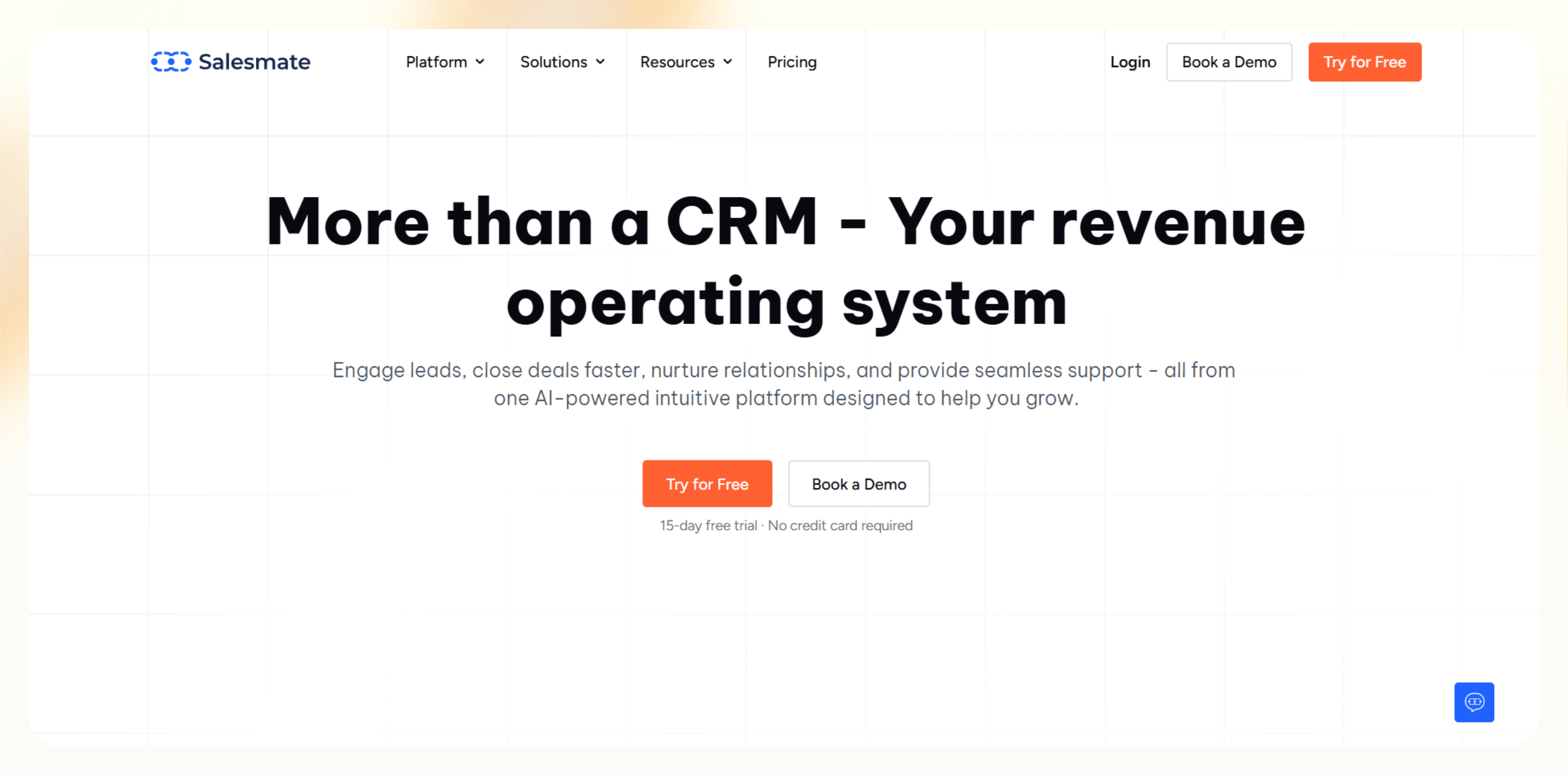
I tested Salesmate during a campaign where I wanted to check how fast it could capture leads, respond, and keep conversations in one place. It handled that well. Leads from forms and chatbots flowed straight into the CRM, where I could automate the next steps.
I built visual workflows that reacted to contact behavior. Salesmate sent follow-up texts, triggered emails, and assigned tasks automatically. These workflows were reliable once set up, but they required clear mapping of the process before building.
Communication is one of the strengths of Salesmate. Calling, SMS, live chat, and email all live inside the platform. I tested outbound calls and inbound chats without adding separate systems. The mobile app also helped teams respond quickly while on the go.
Pipeline management works well, too. Custom reports helped track activity, response times, and deal movement. Reporting worked well, but advanced dashboards took time to configure. New users may need onboarding to get the most out of it.
Salesmate delivers good value for the price. It covers CRM automation, sales execution, and communication in one place. The trade-off is the learning curve, and teams looking for instant setup may find it cumbersome.
Key features
- CRM automation with behavior-based journeys
- Built-in calling, SMS, live chat, and email
- Visual pipeline management with unlimited deals
- Custom dashboards and performance reporting
Pros
- Good value for growing teams
- Flexible pipelines and lead handling
- Works well on desktop and mobile
Cons
- Setup requires planning and onboarding
- Automation and reporting take time to master
Pricing
- No free plan
- Paid plans from $29/user/month, billed monthly
Bottom line
Salesmate fits teams that want CRM automation and communication in one tool. It's not instant to master, but once set up, it keeps lead handling fast and conversations organized.
7. Moosend: Best CRM for affordable, email-first marketing automation
What it does: Moosend runs email-focused CRM automation with AI-driven segmentation, personalization, and journey building.
Who it's for: Small to mid-sized teams that want reliable email automation without paying for a full CRM suite.

I tested Moosend to rebuild a SaaS newsletter and onboarding flow. It was easy and quick to set up. I designed campaigns, segmented users, and launched automation in under an hour. The interface is clean and intuitive, which makes iteration easy.
Moosend excels at email automation. The journey builder supports many triggers and actions. I set up welcome sequences, abandoned cart emails, and re-engagement flows without touching code. Recent additions like looping and advanced triggers helped manage recurring campaigns without duplication.
AI features help, but they don't replace strategy. The AI writer sped up first drafts for email copy, especially for routine messages. I still edited most outputs before sending.
Moosend helped me personalize the emails extensively. It used behavior, location, and timing data to adjust content dynamically. Engagement improved once segments tightened.
I also liked predictive insights that surfaced which content and products performed best with different audiences. This made targeting decisions clearer without digging through reports. Segmentation and tagging were flexible enough for most email-led workflows.
Limits appear when teams expect CRM depth. Moosend handles contact data and behavior tracking, but it doesn't manage deals or sales pipelines. Landing page options also feel limited compared to larger platforms.
For teams that need email-led CRM automation, this trade-off may be fine.
Key features
- Email-first tool with advanced journeys
- AI-assisted copy generation and behavior-based personalization
- Predictive insights for content and product targeting
- Visual editor with responsive previews
Pros
- Affordable entry point for CRM automation
- Fast setup and clean interface
- Strong automation for email campaigns
- Useful personalization without heavy setup
Cons
- Limited CRM and sales workflow depth
- Smaller landing page and design library
Pricing
- No free plan, only a 30-day free trial
- Paid plans from $9/month, billed monthly
Bottom line
Moosend works well when email sits at the center of your CRM automation. It stays affordable, easy to use, and capable. Teams that need sales pipelines or multi-channel automation will outgrow it.
8. GetResponse: Best for all-in-one CRM marketing automation with webinars
What it does: GetResponse combines email marketing, CRM automation, landing pages, and webinars into a single platform.
Who it's for: Marketers and online businesses that want CRM automation tied directly to webinars, funnels, and conversions.

I tested GetResponse while running a digital product launch that relied on webinars. Registrations, reminder emails, live sessions, and post-webinar follow-ups all lived in one system. I didn't need separate webinar software or manual exports, which saved time and reduced errors.
I used prebuilt workflows for welcome sequences, abandoned cart recovery, and post-event follow-ups. The automation builder made it easy to configure workflows based on attendance, clicks, and purchases.
With the advanced stats, I could see how each step performed, which made optimization easier without scanning multiple dashboards. It also offers good segmentation for the price. I created segments using signup source, purchase history, lead scores, and location.
Dynamic content blocks adjusted the email copy based on the segments I created earlier. This helped keep messaging relevant without building dozens of campaigns.
GetResponse works the best for webinars. You can host live, on-demand, or automated sessions inside the platform. Registration pages, reminders, replays, and follow-ups connect directly to CRM automation flows. For creators, educators, and SaaS teams running demos, this setup removes friction.
AI tools help with speed, but not strategy. The email generator and website builder reduced setup time, but I still reviewed outputs closely. Delivery rates, clicks, conversions, and A/B test results were easy to track, along with detailed reports.
Landing page customization feels limited compared to dedicated builders. Some advanced segmentation also sits behind higher plans. Still, GetResponse is a good CRM automation tool when webinars sit at the center of the funnel.
Key features
- Automation across emails, funnels, and webinars
- Built-in webinar hosting with automated follow-ups
- Advanced segmentation with dynamic content blocks
- Conversion tracking and A/B testing across campaigns
Pros
- Strong all-in-one setup for webinar-led funnels
- Useful analytics for optimization
- Good value for growing online businesses
Cons
- Limited design flexibility for the landing pages
- Advanced features require higher-tier plans
Pricing
- No free plan, only a 14-day free trial
- Paid plans from $19/month, billed monthly
Bottom line
GetResponse works best when webinars drive your marketing strategy. It keeps funnels, emails, and events connected in one place. Teams that don't run webinars may find parts of the platform unnecessary.
9. EngageBay: Best for startups needing full CRM marketing automation and support
What it does: EngageBay combines CRM automation, email campaigns, sales pipelines, and customer support into one platform built for small teams.
Who it's for: Startups and early-stage teams that want CRM automation, sales tracking, and support tools without managing multiple systems.

I wanted to check if EngageBay could replace several tools with one platform. While testing, it unified sales pipelines, email campaigns, and live chat inside a single tool. The day-to-day workflow felt simpler because everything shared the same contact records.
The setup was straightforward, with a drag-and-drop editor for email and landing pages. I launched onboarding and re-engagement campaigns using prebuilt automation templates. Calendar syncing worked well and reduced no-shows during testing.
EngageBay handles automation across channels better than expected at this price point. The CRM tracked interactions from email, chat, and SMS in one timeline. Automated lead scoring helped prioritize follow-ups. Sales automation assigned leads, moved deals through pipelines, and sent reminders without manual input.
The built-in helpdesk and ticketing system organized the customer conversations. I tested the chatbot on basic support queries and saw faster response times without hurting accuracy. For teams without dedicated support staff, EngageBay helps.
Dashboards showed email performance, deal movement, and support activity in one view. Advanced analytics exist, but some automation depth and storage limits sit behind higher tiers. Complex workflows require onboarding and planning to avoid clutter.
EngageBay is a practical tool. It doesn't aim to compete with enterprise CRM platforms. It focuses on giving startups one place to manage CRM automation, sales, and support without a complex setup.
Key features
- Automates tasks across email, SMS, and live chat
- Unified contact timelines for sales, marketing, and support
- Sales pipelines with automated lead assignment
- Built-in helpdesk, ticketing, and chatbot support
Pros
- Strong all-in-one setup for startups
- Easy campaign and automation setup
- Support tools included without add-ons
- Competitive pricing for small teams
Cons
- Complex workflows require onboarding time
- Need higher-tier plans for advanced automation
Pricing
- Free plan that offers up to 250 contacts
- Paid plans from $14.99/user/month, billed monthly
Bottom line
EngageBay works well for startups that want CRM, marketing automation, sales, and support in one place. It trades depth for simplicity, but for small teams, that trade-off makes sense.
{{cta}}
How I tested these CRMs and their marketing automation tools
I tested each CRM automation tool across sales and marketing workflows to see which tools reduce manual work and which ones add friction once campaigns go live.
I set up sample pipelines, created test contacts, and ran mock campaigns to simulate how leads move from first touch to follow-up. I tested lead capture, segmentation, outreach, CRM updates, and reporting to mirror how businesses work.
This made it easier to spot where tools helped and where they slowed things down. These are the main criteria I used:
- Lead capture and CRM sync: I tested how each tool captured leads from forms, chat, email, or imports, and how cleanly that data synced into the CRM. I paid attention to duplicate handling, field mapping, and timeline accuracy.
- Automation workflows: I built basic and multi-step workflows using real triggers like email clicks, form submissions, page visits, and deal stage changes. I looked for reliability, clarity, and how much setup effort each tool required.
- Email and multichannel outreach: I tested email sequences, SMS, and other channels like chat or WhatsApp. The focus stayed on personalization, timing, and whether messages stayed context-aware without heavy setup.
- CRM updates and activity tracking: I checked how well each platform logged emails, calls, meetings, and notes automatically. Tools that required manual updates lost points.
- Reporting and visibility: I reviewed dashboards and reports to see how clearly each tool showed campaign performance, pipeline movement, and engagement trends. I favored tools that made insights easy to act on.
- Integrations and setup effort: I tested native integrations with calendars, email providers, and e-commerce tools. I also evaluated how long it took to build a working setup from scratch.
I also considered a few nice-to-have factors that add to the overall convenience. These are:
- Learning curve for non-technical users
- Pricing fit for different team sizes
- Flexibility for niche workflows
Which CRM automation platform is right for you?
The right CRM automation tool depends on your team size, workflow complexity, and how much control you want over automation. These scenarios should help narrow it down:
Choose HubSpot if you:
- Run inbound marketing and want sales, marketing, and service aligned
- Need structured CRM automation with strong reporting
- Have the budget to grow into multiple hubs over time
Choose Salesforce if you:
- Operate at enterprise scale with complex data and workflows
- Need advanced CRM automation with AI-driven insights
- Have resources for setup, customization, and long-term ownership
Choose Zoho CRM if you:
- Want customizable CRM automation on a tighter budget
- Need multichannel engagement like email, WhatsApp, and social
- Are comfortable spending time on setup to gain flexibility
Choose Mailchimp if you:
- Rely primarily on email for CRM automation
- Want fast setup and simple automation
- Don't need sales pipelines or deep CRM workflows
Choose Keap if you:
- Run a small business where billing and follow-ups matter
- Want CRM automation tied directly to payments
- Prefer fewer tools over flexibility
Choose Salesmate if you:
- Want CRM automation plus calling, SMS, and chat
- Need fast lead response across channels
- Are willing to invest time in the setup
Choose Moosend if you:
- Need affordable, email-first CRM automation
- Focus on newsletters, onboarding, and re-engagement
- Don't need deal tracking or sales workflows
Choose GetResponse if you:
- Use webinars as a core part of your funnel
- Want CRM automation tied to events and funnels
- Prefer an all-in-one marketing setup
Choose EngageBay if you:
- Run a startup that wants CRM, marketing, and support in one tool
- Need basic CRM automation without enterprise cost
- Want to simplify operations early
Avoid CRM automation tools if you:
- Don't run repeatable sales or marketing workflows
- Manage leads manually without issues
- Aren't ready to invest time in setup and testing
My final verdict
During my time with these tools, HubSpot stood out because it keeps marketing, sales, and service working from the same data. Lead capture flowed into the CRM without manual effort, and the workflows I built ran reliably and logged data correctly.
However, HubSpot may not suit all teams and applications. It demands commitment, and pricing rises quickly as contacts and users grow. Salesforce makes sense when CRM automation becomes infrastructure, and you have teams to support it. Zoho delivers strong flexibility for the price if you're willing to invest time in setup.
Mailchimp, Moosend, and GetResponse work best when email drives most of the journey. Keap shines when billing and follow-ups need to stay connected. Salesmate and EngageBay offer solid all-in-one options for growing teams that want fewer tools.
Personally, I'd choose HubSpot if inbound marketing drives my growth and I want CRM data, automation, and teams aligned in one place. The trade-off is cost, but if you commit to the ecosystem, it delivers consistent CRM automation at scale.
The right choice depends on the level of control you prefer, the complexity of workflows, and how much time you're willing to spend maintaining automation.
Frequently asked questions
What is a CRM with marketing automation?
CRMs with marketing automation built in refers to software that combines customer data with automated marketing workflows. It tracks leads, customers, and interactions while triggering actions like emails, follow-ups, and reminders based on behavior.
Businesses use CRM automation to manage relationships at scale while staying relevant to each customer.
What is a CRM marketing automation platform used for?
A CRM automation platform helps businesses manage customer relationships and automate marketing workflows. It handles tasks like sending emails, scoring leads, and triggering follow-ups based on customer behavior. As a result, teams improve engagement, increase conversions, and reduce manual work.
Can CRMs with marketing automation tools integrate with existing systems?
Yes, most CRM automation platforms integrate with common business tools like Gmail, Salesforce, Shopify, Stripe, Slack, and calendar apps. Many platforms offer native integrations, while others provide API access for custom workflows. AI assistants like Lindy also sit on top of the tools you already use and handle CRM updates from plain-language requests.
Are there free CRMs with marketing automation tools available?
Yes, CRM automation tools like HubSpot, EngageBay, and Mailchimp offer free plans with usage limits. These plans help small teams that want to experiment with automation before committing to a paid plan.
How is CRM marketing automation different from email marketing?
CRM marketing automation uses customer data to trigger personalized messages based on behavior, while email marketing usually sends the same message to a broad audience.
Do CRM marketing automation platforms help with lead conversion?
Yes, CRM marketing automation platforms help with lead conversion by automating follow-ups and prioritizing high-intent leads. They score leads based on engagement and trigger messages at the right time.
Are CRM marketing automation tools secure?
Yes, most CRM automation tools follow strong security standards, including GDPR compliance, SOC 2 certification, and encrypted data storage. Each provider handles security differently, so teams should review documentation before uploading sensitive customer data.
Which is the best CRM with marketing automation overall?
HubSpot is the best CRM with marketing automation overall for teams that want marketing, sales, and service aligned in one platform. It scores leads, triggers follow-ups based on behavior, and keeps every team working from the same contact timeline. Teams that commit to the ecosystem will find it delivers consistent CRM automation at scale.










![The 9 Best CRMs with Marketing Automation [AI-Native]](https://cdn.prod.website-files.com/63e15df811f9df22b231e58f/6a7be012c8a145aa439fc449_blog-sidebar-teammate.avif)