


10 Best Claude Alternatives in 2026


Last month I was elbow-deep in refactoring a client's codebase when Claude stopped me cold. Usage limit hit. The next prompt would cost extra, or I could wait until tomorrow and lose my train of thought entirely.
That's not a rare afternoon for a lot of Claude users, especially on the free tier, and even on Pro once a project gets complex.
This guide covers the best Claude alternatives I've actually used to solve that exact problem, ten tools in total. Some offer unlimited completions at a fixed price. Others trade polish for open-source flexibility, or specialize in a task Claude handles less gracefully than it should.
10 Best Claude Alternatives: At a Glance
How I tested these Claude alternatives
Search Reddit for "Claude alternatives," and you'll land on threads like r/claude's "Best Claude Alternatives?" A longtime user there describes loving Claude for learning, work, and finances. Then a few months back, something shifted. They started spending more time correcting Claude's output than actually using it. Context got forgotten and mistakes got more frequent.
Even so, they're still hesitant to switch. They're worried the alternatives might be worse. Thirty-plus comments in, that hesitation is the real story here. This isn't a "Claude is bad" thread. It's a "Claude doesn't do everything" thread.
Claude is still one of the best tools out there for writing and reasoning, arguably the best for long-form work. And Anthropic keeps shipping real improvements. The new Fable model line. Adjustable thinking modes that let you dial reasoning depth up or down. None of that changes what Claude was never built to do.
Want an assistant to run your calendar, screen your calls, and take meeting notes without being asked? That's Lindy's job, not a chat window's. Want a finished graphic instead of a description of what a good graphic looks like? That's Canva. Looking for an alternative isn't a verdict on Claude. It's just admitting a tool built for conversation isn't the same tool built for automation or design.
Tools that didn't make the final list, and why:
- Antigravity: an emerging AI IDE without the market presence or ecosystem depth of Cursor or Devin.
- Nimbalyst: a visual workspace approach, more specialized than a general Claude alternative.
- Claude Design: built for visual design workflows, not general-purpose conversation or coding.
- Microsoft 365 Copilot: a productivity layer for Microsoft apps, not a direct competitor for coding or open-ended AI tasks.
- Crush: a niche open-source CLI with narrower adoption than OpenCode or Cursor.
A quick note on process. Every tool here, the ones that made the cut and the ones that didn't, got weeks of actual use, not a five-minute demo. I ran each one through reading, writing, editing, and coding before deciding where it landed on this list.
1. ChatGPT: Single AI for code, content, and collaboration
ChatGPT is OpenAI's general-purpose assistant, built to handle code, writing, and research in one place rather than specializing in any one of them. It connects natively to Microsoft 365, Google Drive, Slack, GitHub, Linear, and Figma, and lets you build Custom GPTs for recurring tasks.
OpenAI rolled out its GPT-5.6 model family (Sol, Terra, and Luna) in July 2026, and Codex handles code generation and debugging inside the same chat window developers already use for everything else.

When to prefer it over Claude: Prefer ChatGPT when your day bounces among writing, research, and code, and you don't want to manage three separate subscriptions. If your stack already lives inside Microsoft or Google Workspace, the native integrations save real setup time. It's also the stronger pick if a team member needs a single tool that covers non-technical work, too.
Why I picked it: A friend running a two-person marketing team showed me his GPT setup last month: one Custom GPT trained on competitor positioning, another that drafts launch emails in his brand voice, a third that summarizes customer calls into action items. He built all three in an afternoon. Not that ChatGPT writes better code than Claude, but that it collapses four tools his team was paying for into one login.
When to avoid it: Avoid ChatGPT if you need unlimited code completions at a predictable low cost. The Free and Go tiers throttle Codex access fast, and the jump from Plus to Pro is a steep $100/month. Skip it, too, if deep IDE integration matters more than versatility; Copilot or Cursor will feel tighter in your editor.
Pricing
Free and Go ($8/month) covers light use with capped Codex access. Plus, at $20/month, is where most people land, with access to the new GPT-5.6 family (Sol, Terra, and Luna), deep research, memory, and custom GPTs. Pro jumps to $100/month for near-unlimited use, including GPT-5.6 Sol Pro for the hardest tasks.
2. GitHub Copilot: Best for IDE-native code completion
GitHub Copilot is Microsoft's AI pair programmer, built directly into VS Code and JetBrains rather than sitting in a separate window. It suggests inline completions as you type, answers questions about your codebase through a chat panel, and on paid tiers, hands off longer tasks to a cloud agent that works in the background while you keep coding.
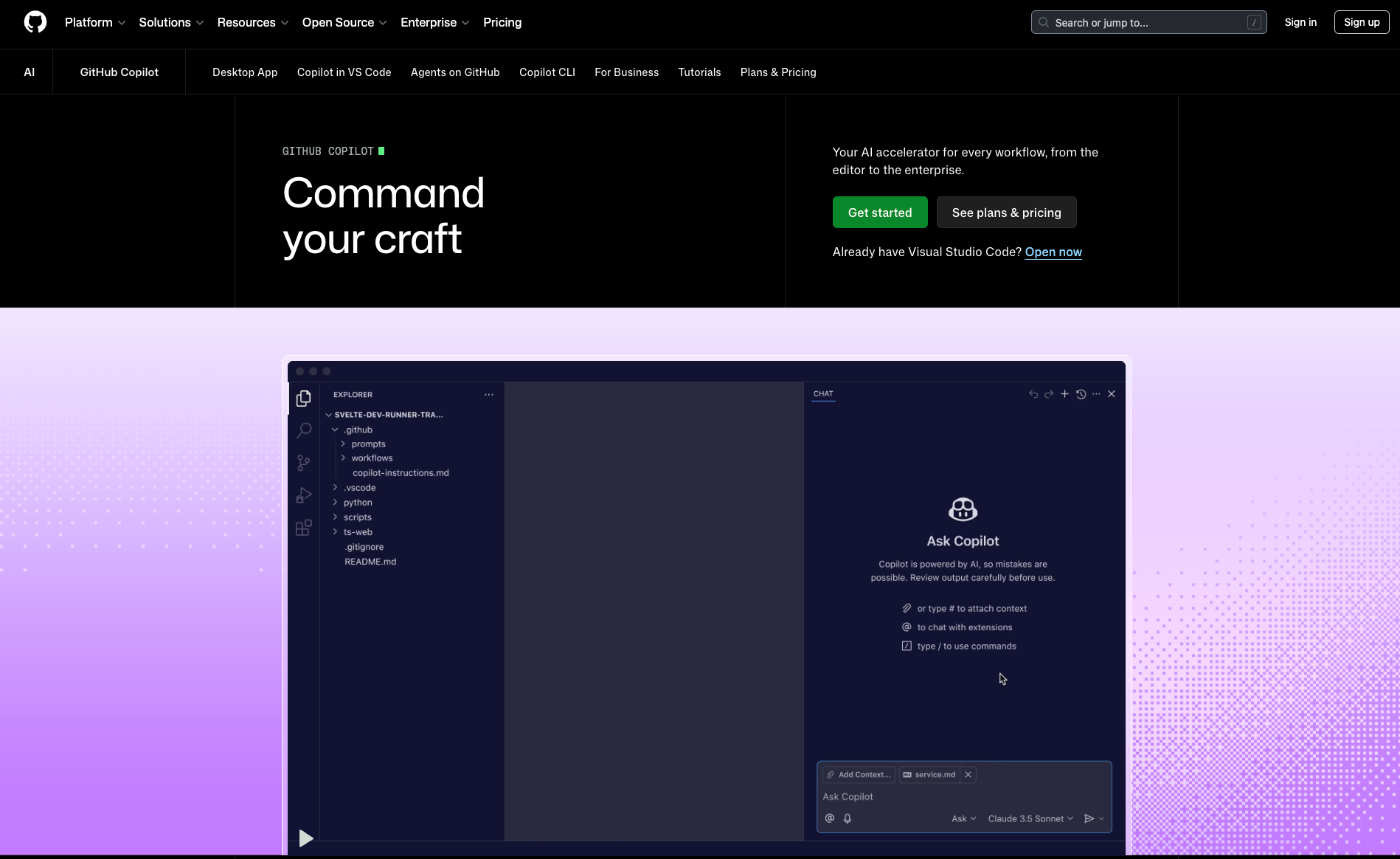
When to prefer it over Claude: Prefer Copilot when you want AI help without leaving your editor, and you'd rather pay a flat $10/month than think about token limits or context windows. It's the better pick for teams standardizing on a single IDE-native tool, since it plugs into existing VS Code and JetBrains setups with no workflow changes.
Why I picked it: I watched a junior developer burn through the free tier's 2,000 completions in four days flat, just from normal daily work. What sold him on Pro was the chat panel. He could ask "why does this function break on null input" without alt-tabbing to a browser, and get an answer scoped to the file open in front of him.
When to avoid it: Avoid Copilot if you need general-purpose AI beyond code. It won't draft documents, do open research, or hold a long conversation the way ChatGPT or Claude will. Also, skip it if you're on a tight budget and code casually; the free tier's 2,000 completions disappear fast once you're actively building something.
Pricing
Free gives you 2,000 completions a month with Haiku 4.5 and GPT-5 mini. Pro at $10/user/month removes the cap and adds a cloud agent, code review, and $15 in monthly model credits. Pro+ at $39/month unlocks Opus, audit logs, and $70 in credits. Business sign-ups are currently paused, so larger teams need to go through sales.
3. Lindy: Best for running your inbox and calendar on autopilot
Lindy is an AI executive assistant built to handle inbox triage, meeting prep, scheduling, and follow-ups without needing to be asked each time. It works across email, Slack, iMessage, and SMS, drafts replies that match the user's tone, and connects to hundreds of tools including Gmail, Google Calendar, Notion, HubSpot, and Salesforce.

When to prefer it over Claude: Prefer Lindy when the job isn't "help me think," it's "handle this without me." A packed inbox, back-to-back meetings, and constant back-and-forth scheduling are exactly the ongoing workload that Claude wasn't built to handle unsupervised. Lindy earns its place the moment delegation becomes a necessity.
Why I picked it: A sales rep handling six client calls a day used to spend Sunday night reading old email threads before every Monday meeting. Lindy's meeting-prep feature now sends a briefing straight to the phone before each call: who's attending, what came up last time, what's on the agenda. The prep arrives unprompted, over text, the same way a human assistant might send a reminder. Nobody has to remember to ask for it, which is the actual point.
When to avoid it: Avoid Lindy for thinking work like drafting an article, debugging code, or reasoning through a strategy document, which isn't what it's built for. It's also the wrong tool for anyone without a real calendar or inbox to manage; a student or solo creator with few meetings to prep for won't get much use out of an assistant designed around a working professional's schedule.
Pricing
Plus starts at $49.99/month for two connected inboxes and standard usage. Pro runs $99.99/month for 3x the usage, a third inbox, and computer-use features. Max jumps to $199.99/month for the heaviest workloads across five inboxes. Every new account gets a 7-day free trial with full Plus features.
{{templates}}
4. Cursor: AI-native IDE with project-wide reasoning
Cursor is a VS Code fork rebuilt as an AI-first IDE rather than a plugin added to an existing one. Its core strength is project-wide reasoning: ask it to refactor a function, and it traces dependencies across your entire codebase rather than treating each file as an island. Background Agents handle long-running tasks while you keep working elsewhere.

When to prefer it over Claude: Prefer Cursor when a task spans multiple files and you need the AI to understand how they connect and not just answer questions about each file individually. It's also the right call if you want to switch between OpenAI, Anthropic, Google, and xAI models mid-project without switching tools entirely.
Why I picked it: A backend developer I know needed every API call across a 40-file service updated to a new endpoint format. He handed it to a Background Agent, kept working on a different feature in the same session, and came back forty minutes later to a finished, dependency-aware diff ready for review. I liked how the agent caught two edge-case calls that a simple find-and-replace would have missed entirely.
When to avoid it: Avoid Cursor if unpredictable costs are a dealbreaker. Bugbot uses usage-based billing, and a large codebase can rack up charges with little warning. Skip it too if you need reliable free access; the Hobby tier caps agent requests and completions quickly, and heavy users report daily limits and queue delays even on Pro.
Pricing
Hobby is free with limited agent requests, no card required. Individual Pro runs $20/month for extended limits, frontier models, and cloud agents, though Bugbot billing is usage-based on top of that. Teams pay $40/user/month for centralized billing and SSO. Enterprise is invoice-billed and requires a sales conversation.
5. Devin Desktop: Quota-based AI coding for teams
Devin is a coding assistant built around team-level quotas instead of per-seat unlimited access. It gives a technical lead an admin dashboard showing exactly how much AI capacity the team burns each week, with access to OpenAI, Claude, and Gemini models plus its own SWE 1.7 model, all on paid plans.
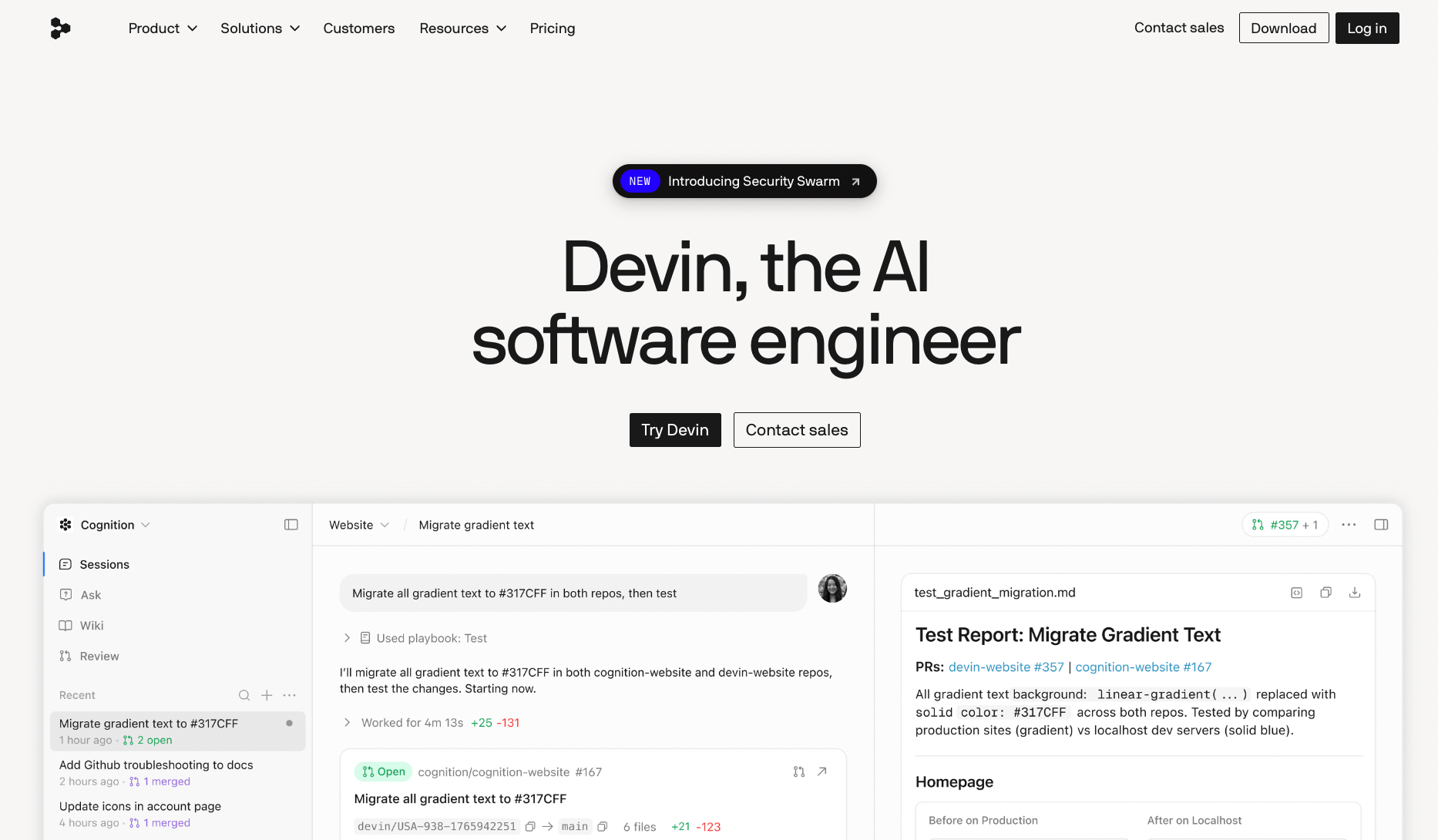
When to prefer it over Claude: Prefer Devin when you're managing a team and need cost predictability more than raw ceiling. Quota-based billing means no one accidentally racks up a surprise invoice overnight. It's also the right call if you want to give your team a choice of frontier models within a single, centralized, admin-controlled account.
Why I picked it: My team lead had just been through the finance conversation nobody wants: explaining a four-figure AI bill nobody flagged until it landed. Devin’s quota dashboard was the fix, not because it cut our usage, but because it made it visible before the invoice did. We still hit weekly caps sometimes, but she'd rather have a developer wait an hour than explain another surprise charge to finance.
When to avoid it: Avoid Devin if you need guaranteed, unlimited access to Claude. Claude access here has been unreliable at times, so confirm the models you need are on your plan before committing a workflow to it.
Pricing
Free comes with a light quota but unlimited inline edits. Pro at $20/month opens up full model access and cloud agents. Max jumps to $200/month for teams that outgrow Pro's quota fast. Team plans run $80/month plus $40 per seat, and Enterprise needs a quote and a sales call.
Other Claude alternatives worth considering
These five aren't coding tools, and that's the point. Some jobs Claude just doesn't do: living inside a Google Doc, exporting a finished carousel, citing a live source, remembering your team's style guide, or shipping a designed deck. Each pick below closes exactly one of those gaps, based on actually using it on real client work.
6. Gemini: Best for Google Workspace users
I dropped into a client's Google Doc last week to help clean up a proposal, and Gemini was already sitting in the sidebar with a summary of the doc's structure and three rewrite suggestions for the weakest paragraph. No copy-pasting into a separate chat window, no re-explaining context. It read the doc because it was already living in the doc.
If your day runs on Docs, Sheets, and Gmail, Gemini shows up where the work already is instead of asking you to bring the work to it. Claude will write you a sharper paragraph if you paste it in. Gemini skips the pasting.
7. Canva: Best for generating visuals
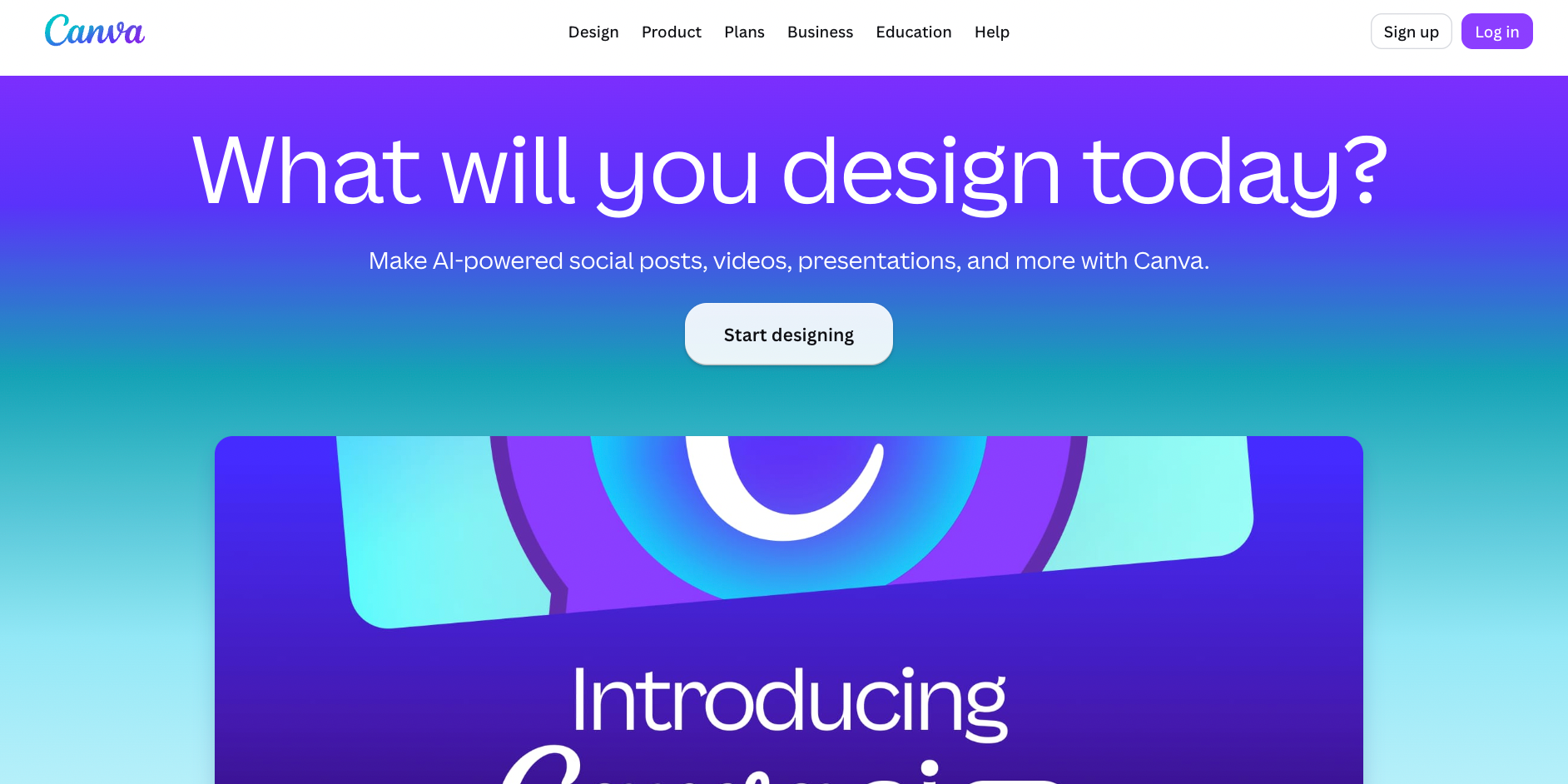
A client asked for a LinkedIn carousel to go with a blog post, six slides, on-brand colors, and consistent fonts. I typed one prompt into Canva's AI tools and had a rough draft in under a minute, then dragged two elements around until it looked right.
That one-minute rough draft I dragged into shape is the whole reason it's here. The deliverable was a file, not advice about a file.
8. Perplexity: Best for cited research

I needed to verify a stat for an eSIM article, the kind of claim that's wrong in half the roundups already published. Perplexity gave me the number back with a clickable source attached, so I could check the primary document myself instead of trusting the AI's word for it. Claude will reason well about a topic, but it won't hand you a live, sourced trail the way Perplexity does by default.
For fact-heavy writing where a wrong number becomes a correction email later, that citation trail is the whole reason to reach for it first.
9. Notion: Best for knowledge management

Our content calendar, briefs, and style notes all live in Notion, so when I need the AI to answer "what's our stance on em dashes" or "pull every open eSIM draft," it's already looking at the same database I am. It answers "what's our stance on em dashes" without me re-explaining the style guide, because it's reading the same database I am.
10. Gamma: Best for presentations

A founder I work with needed a pitch deck by the end of the day, not a Google Slides file with placeholder text, but an actual deck. Gamma turned his rough outline into ten designed slides in a few minutes, complete with a consistent layout system he didn't have to build himself.
The founder walked out with ten designed slides and a layout system he never had to build, hours before deadline.
How to export your data from Claude

Anthropic makes exporting straightforward for individual Free, Pro, and Max accounts. In the Claude web app or desktop app (not available on iOS or Android), go to Settings>Privacy, then click Export data. A download link arrives via email once the export finishes, and it expires 24 hours after delivery, so grab it promptly.
On the downside, data can't be imported into another personal Claude account. There's no supported way to move chats and projects from one personal account to another using an export.
{{cta}}
Moving into a Team or Enterprise workspace
If the goal isn't a personal backup but a move into your organization's Claude workspace, skip the export entirely. Team and Enterprise plans support direct migration: your chats, projects, files, and memory move over as-is when you choose "bring your data with you" during setup, and your personal subscription cancels automatically with a prorated refund.
That migration is one-way. Once your work moves into an organization's workspace, it can't be moved back to a personal account, so it's worth confirming you actually want the switch before starting.
Apple App Store subscribers have one extra step. This is because Apple doesn't allow third-party cancellation, so you'll need to cancel the iOS subscription yourself before Claude can complete the migration.
If you're closing a personal account without joining an organization, follow this sequence. Cancel any paid plan, export your data while you still have access, then delete the account from Settings.
How do you choose the right Claude alternative for your team?
Start with what's actually breaking. A team hitting usage caps mid-sprint needs unlimited or high-quota pricing, so look at Copilot Pro, Cursor, or Devin before anything with a broader feature set. A team drowning in scattered tools across email, docs, and scheduling has a consolidation problem, and Lindy or ChatGPT solves that more directly than another point solution would.
From there, three questions narrow it down fast:
- Where does the team already live? If everyone's in Google Workspace, Gemini removes setup friction that nobody has to build. If everyone's in VS Code, Copilot or Cursor do the same.
- Is the bottleneck cost or capability? Quota-based tools like Devin trade ceiling for predictability. Usage-based tools like Cursor trade predictability for power. Pick based on which one has actually burned your team before.
- Who's the buyer, and who needs to sign off? Enterprise-ready SSO, audit logs, and admin dashboards matter the moment procurement or IT gets involved, and several tools on this list (ChatGPT, Copilot, Devin, Lindy) gate those features behind higher tiers.
The honest answer for most teams isn't a single replacement. It's running two or three of these alongside Claude and routing tasks to whichever tool actually fits the job.
FAQs
What is the best Claude alternative for coding in 2026?
GitHub Copilot is the strongest all-around Claude alternative for coding. It integrates directly into VS Code and JetBrains, offers a free tier with 2,000 completions per month, and provides access to multiple AI models, including GPT-5 mini and Haiku 4.5. For developers who want an AI-native IDE rather than a plugin, Cursor offers strong multi-file reasoning and project-wide context at $20 per month.
Can I switch from Claude to another AI coding tool without losing my workflow?
If you use Claude through an API, switching to OpenCode or GitHub Copilot requires updating your API keys and adjusting prompts. If you rely on Claude Code's CLAUDE.md configuration files, you'll need to recreate those rules in your new tool. One developer reported their CLAUDE.md file contained 181 lines of project-specific instructions, so expect setup time to rebuild that context elsewhere.
Which Claude alternative has the best free tier?
GitHub Copilot's free tier, 2,000 completions a month with Haiku 4.5 and GPT-5 mini access, is the most usable free option on this list for actual coding work. ChatGPT's Free plan covers light use across chat, writing, and basic Codex access, but it caps out fast once you lean on it daily.
Are there Claude alternatives without usage caps?
Copilot's Pro plan removes completion caps entirely for $10 a month, the closest thing to unlimited on this list. Most other tools trade unlimited access for either flat quota pricing (Devin) or usage-based billing (Cursor's Bugbot), so "unlimited" almost always comes with some kind of cost trade-off attached.











Blog
Related Articles
.png)
%20(1).png)
%20(1).png)
.png)
.png)
The AI assistant that runs your work life
Lindy saves you two hours a day by proactively managing your inbox, meetings, and calendar, so you can focus on what actually matters.
