8 Best Clockwise Alternatives After the Shutdown (2026)


Salesforce acquired the team in March 2026 and shut the product down on March 27, so the tool that rearranged your calendar and defended your focus blocks is now switched off.
If you relied on it for automatic time-blocking, Focus Time, and no-touch scheduling, finding Clockwise alternatives is no longer optional, and it comes with a deadline.
I spent two weeks moving my own work calendar through the tools below. I ran each one through the jobs Clockwise used to handle: auto-scheduling tasks around fixed meetings, protecting focus blocks, syncing two calendars, and sharing availability outside my company.
Some are direct swaps that block time the way Clockwise did. Others rethink the model, from daily planning routines to an AI teammate that works on the admin around your calendar.
Here is how the eight compare, and which fits a one-for-one replacement, a keyboard-driven calendar, or the admin around your calendar.
8 Best Clockwise alternatives: TL;DR
The eight tools, ranked by the job they replace
- Reclaim.ai: Best for the closest one-to-one swap for Clockwise's auto time-blocking
- Motion: Best for people who want AI scheduling and task management in one app
- Morgen: Best for viewing and planning across several calendars in one interface
- Sunsama: Best for a calmer, deliberate daily planning ritual
- Lindy: Best for the admin layer around your calendar, not just the calendar
- Calendly: Best for booking meetings with people outside your team
- Akiflow: Best for pulling tasks from many apps into one time-blocked day
- Vimcal: Best for a fast, premium calendar made for heavy schedulers
Why look for Clockwise alternatives?
For years, Clockwise did one thing well. It read your calendar, found the gaps, and moved flexible meetings around to create uninterrupted Focus Time, all without any manual work from you.
What people miss is the automation: scheduling that ran on its own in the background.
The product no longer exists. Salesforce acquired Clockwise in an acqui-hire, folded the team into its Agentforce effort, and sunset the app roughly a week later. Anyone still on it had until March 27, 2026, to move. This is the rare case where "look for an alternative" means your current tool is switching off, not simply falling behind.
Your Focus Time defense disappeared with it. Clockwise's core trick was holding flexible meetings apart so deep-work blocks survived a busy week. Without it, invites land wherever there's an open slot, and the calendar goes back to being reactive. The task that matters now is bringing back that behavior, since the calendar view alone won't do it.
Team-wide scheduling logic left too. Clockwise arranged time across a whole team's calendars, not only your own, which is why it worked inside companies. If your team leaned on shared Focus Time or coordinated no-meeting blocks, a straight swap won't cover it.
Your automations and links broke on shutdown day. Scheduling links, calendar syncs, and any Focus Time rules you'd tuned over months stopped working when the servers shut down.
Migrating means rebuilding those from scratch in whatever you pick, so choosing wrong costs you setup time you can't get back.
Which Clockwise alternative should you choose?
Choose Reclaim.ai if you want the replacement that behaves closest to Clockwise, with AI defending Focus Time and auto-scheduling tasks around your meetings. The free plan caps its scheduling range to one week, so heavy planners reach that limit quickly.
Choose Motion if you'd rather have one app run both your calendar and your task list, and you don't mind a steeper price. It's more than a solo user needs if all you want is time-blocking.
Choose Morgen if you juggle several calendars and want them grouped into one view with AI planning on top. The AI planning sits behind a paid plan, so there's no free tier to grow into.
Choose Sunsama if you'd rather skip automation for a slower, intentional daily plan you build each morning. Anyone who wants the calendar to run itself will find the daily ritual gets in the way.
Choose Lindy if your bottleneck is the work around the calendar rather than the calendar view, like sorting your inbox, prepping meetings, and following up on what got scheduled. It won't defend Focus Time, and the per-user pricing suits teams more than one person.
Choose Calendly if your hardest scheduling problem is booking time with people outside your company. It handles external booking well but doesn't time-block your internal work the way Clockwise did.
Choose Akiflow if your tasks are scattered across Todoist, Asana, Slack, and email, and you want them consolidated into one time-blocked day. It runs on your input, so it won't block the day on its own.
Choose Vimcal if you live in your calendar, run a high volume of meetings, and want speed and time-zone handling above automation. The full experience needs the paid desktop plan.
There's no "stick with Clockwise" option this time. The product is off the table, so choosing a replacement is urgent, not optional.
8 Best Clockwise alternatives: At a glance
| 💻 Tool | 🎯 Best for | 💰 Starting Price |
|---|---|---|
| Reclaim.ai | Closest one-to-one swap for auto time-blocking | $12/seat/month |
| Motion | AI scheduling plus task management in one app | $49/month |
| Morgen | Viewing and planning across several calendars | $30/month |
| Sunsama | A calm, deliberate daily planning ritual | $22/month |
| Lindy | The admin layer around your calendar | $29.99/user/month |
| Calendly | Booking meetings with people outside your team | $12/seat/month |
| Akiflow | Consolidating tasks from many apps into one day | $34/month |
| Vimcal | A fast, premium calendar for heavy schedulers | $35/month |
Pricing is correct as of September 2026. Verify with the vendor before purchasing.
1. Reclaim.ai
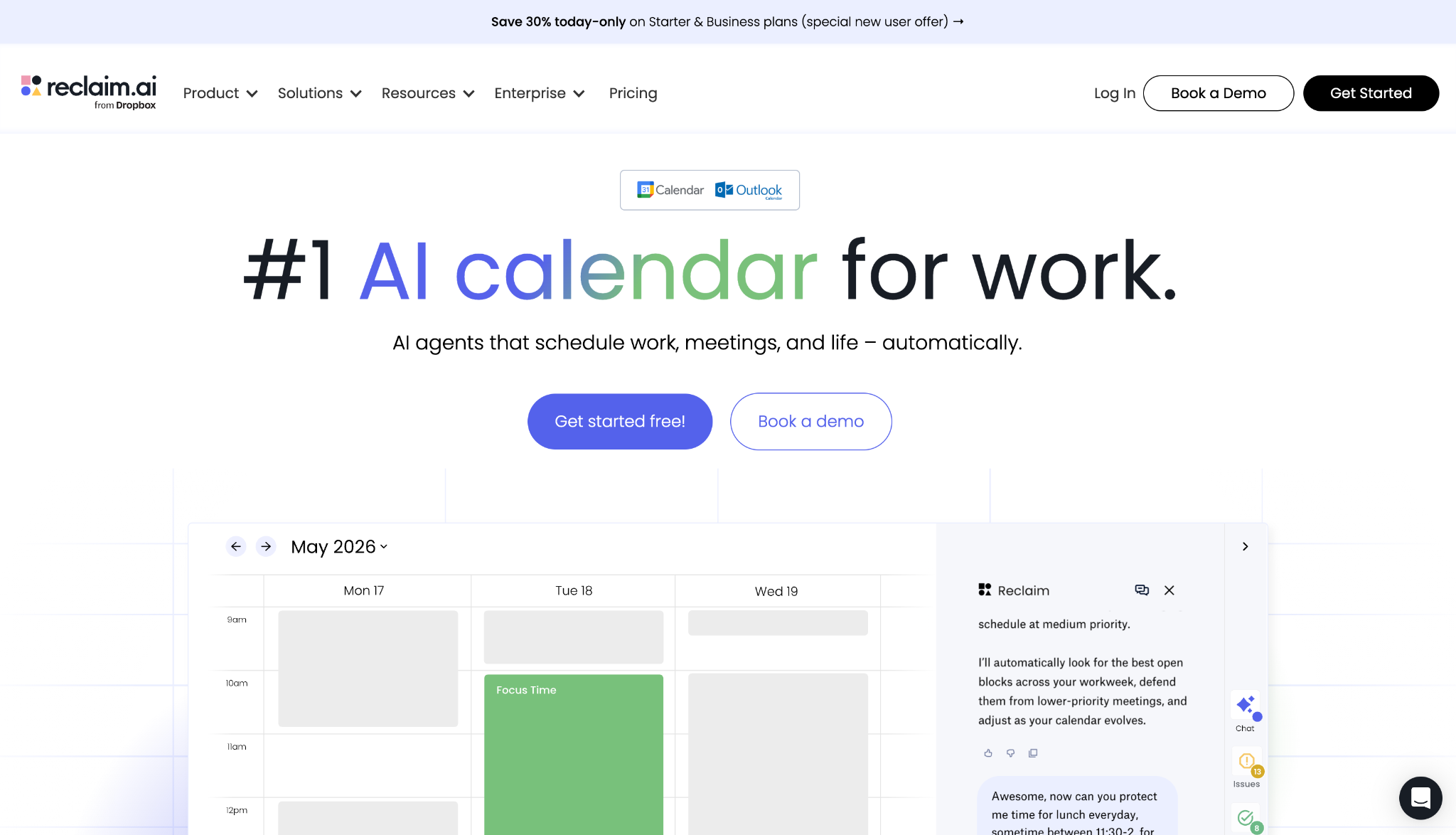
Reclaim.ai comes closest to a drop-in Clockwise replacement, and it works from the same idea: an AI that reads your calendar and defends time for focused work before meetings take it.
I gave Reclaim the exact job Clockwise used to do, pointing it at a week with six fixed meetings and a backlog of tasks. It slotted the tasks into the open windows by priority and held a Focus Time block through two invites that would have overwritten it.
Of the eight tools I tested, only Reclaim held that block without being told to.
Clockwise also pointed departing users straight at Reclaim: the two set up an official migration path, and Reclaim price-matched Clockwise accounts for anyone who moved before June 30, 2026. The closest match on how it works is also the one with a route already built.
Push the planning out past seven days on the free plan, and Reclaim goes blind. Its scheduling range there reaches only one week ahead, so anything you're planning further out sits invisible until you upgrade.
That ceiling matters because looking ahead is the whole point. As an AI scheduling assistant, its value is protecting time before meetings claim it, and a one-week horizon is low enough to notice within a few days.
"Reclaim.ai is particularly valuable for protecting focus time in crowded calendars. Its ability to automatically prioritize and reschedule tasks and routines based on my real availability makes time management much more intentional and easier." — Samanta J., G2.
Key features
- Focus Time: Sets a weekly focus goal and lets the AI protect uninterrupted blocks against incoming invites
- Smart Meetings: Finds a time that works across every attendee's calendar without the back-and-forth
- Tasks: Schedules your to-dos into open calendar slots by priority, then reshuffles when things change
- Habits: Finds recurring windows for routines like lunch, planning, or a daily standup
- Buffer Time: Auto-inserts breaks and travel time around meetings so back-to-backs don't pile up
Pros
✅ Behaves more like Clockwise than the other tools here, so the mental switch is small
✅ Free forever plan covers the core Focus Time and task scheduling
✅ Syncs Google and Outlook calendars at once to prevent double-booking
Cons
❌ Free plan limits scheduling to one week ahead, which restricts serious planning
❌ Focus Time defense takes a few days of tuning before it reads your week correctly
Best for
- Clockwise users who want the smallest possible change to how they work
- Individuals and teams whose main need is protecting deep-work time
- Anyone who schedules tasks around a fixed set of recurring meetings
Pricing
Reclaim has a free forever plan. Paid tiers run from $12 to $22 per seat/month, extending the scheduling range as you go up.
2. Motion
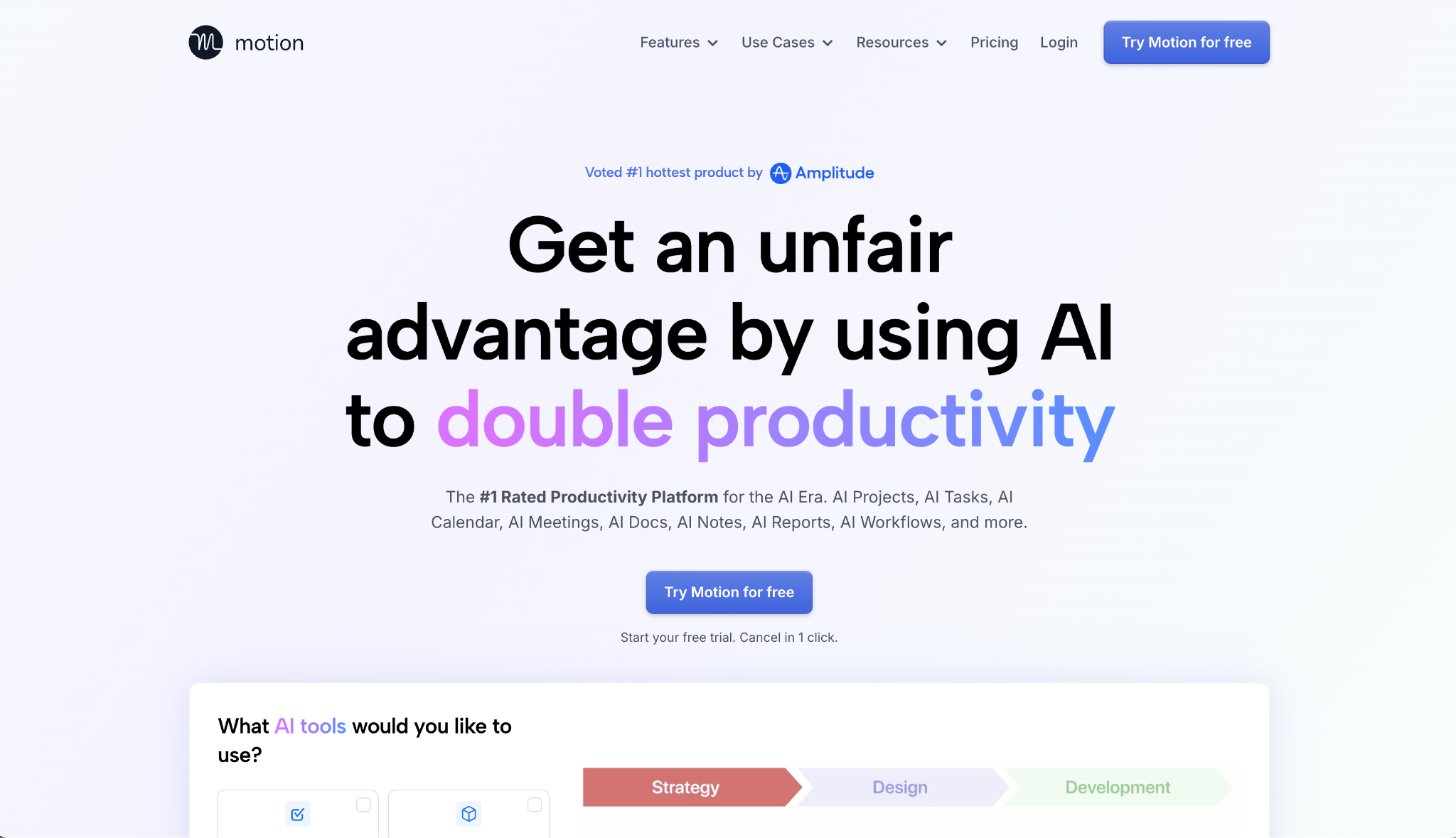
Clockwise stopped at the calendar. Motion folds your tasks and projects into the same app as your schedule, and lets its AI decide what you work on and when.
I loaded Motion with a mix of deadlines and loose tasks, then dropped three meetings into the day to see how it would react. It remade the schedule on its own, pushing lower-priority work later and keeping the deadline items where they had to land.
It never asked me which tasks to move. It worked out which tasks to move on its own and reshuffled the lower-priority ones around the new meetings.
Motion assumes you want it running your full schedule, which works once you trust it and becomes a lot to take on if you only came for time-blocking.
The price sits well above the calendar-only tools here. So the extra project and task features have to be worth it to you, not just the time-blocking you could get for less elsewhere.
"Motion has elevated my productivity to the max. I can enter tasks for different projects and have an organized and timely calendar to follow." — Sabrina A., G2.
Key features
- AI Calendar: Prioritizes and time-blocks your tasks automatically, then rebuilds the plan when the day changes
- AI Task Manager: Organizes and ranks tasks by urgency and importance without manual sorting
- Unified calendar: Merges Google, Outlook, and iCloud accounts into one view to stop double-booking
- Project management: Tracks projects alongside the calendar so work and time live in the same place
- Cross-platform apps: Runs on iOS, Android, and desktop with the same scheduling engine
Pros
✅ Replaces a calendar app and a task manager at once, covering both jobs
✅ Remakes your day automatically when meetings or priorities change
✅ Handles projects and tasks, which Clockwise didn't do
✅ Combines every calendar account into a single working view
Cons
❌ Costs clearly more than the calendar-only alternatives here
❌ The full system is overkill if all you wanted back was Focus Time
Best for
- People who want their calendar and task list run by the same AI
- Solo professionals and small teams managing projects on top of meetings
- Solo users ready to hand daily planning to automation
Pricing
Motion's Pro AI plan is $49/month, with Business AI at $69/month for larger teams. Both bundle scheduling, tasks, and the calendar in one subscription.
3. Morgen
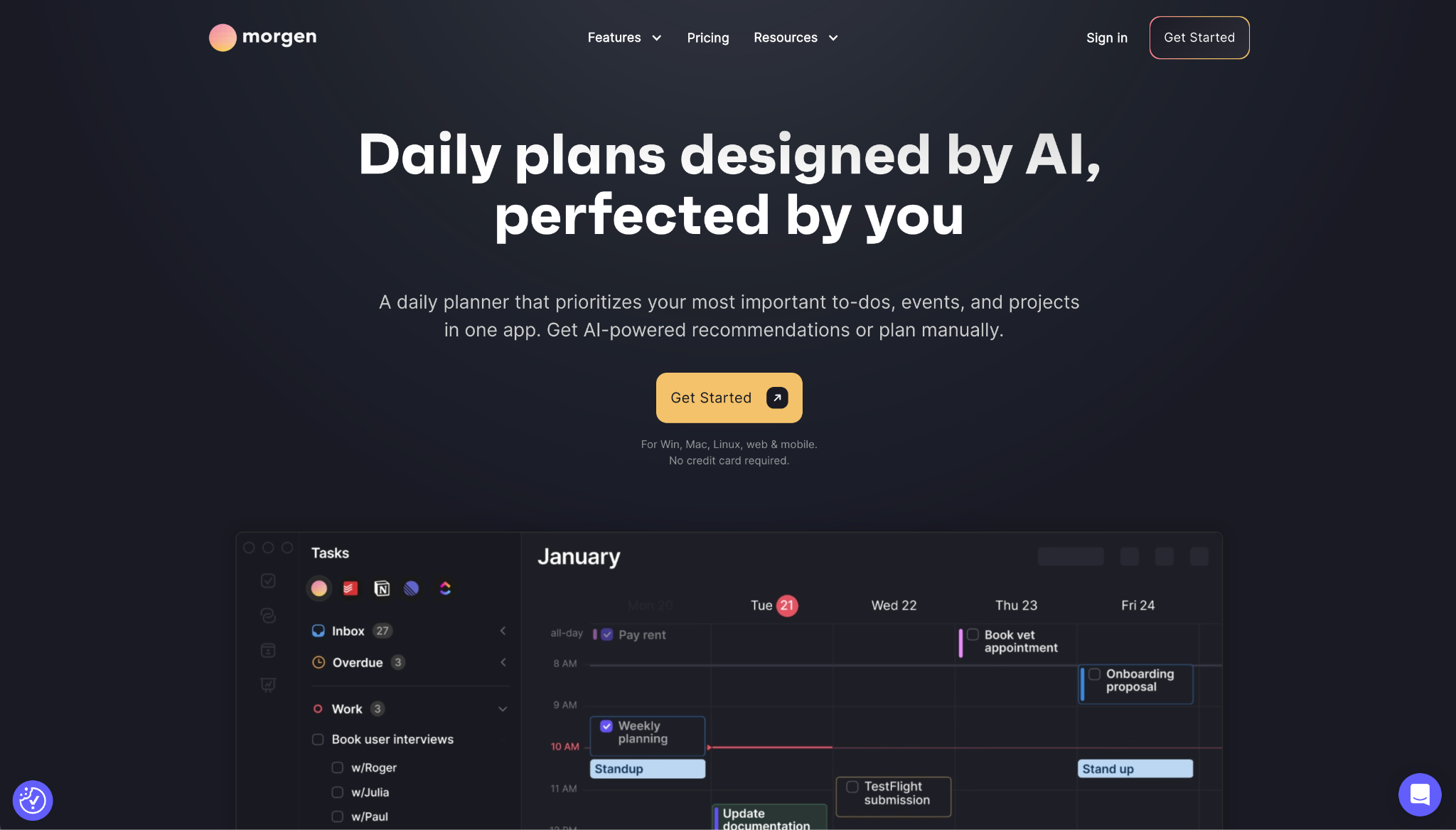
Morgen pulls every calendar you own into one interface and adds an AI Planner on top, which helps if your problem was always four calendars instead of one.
I put two calendars in first: a Google work account and an Apple personal one, and Calendar Sets let me flip between seeing them together and one at a time. Booking around a personal commitment no longer required me to check two apps in my head.
The AI Planner added another layer on top of that. It offered live time-blocking suggestions in the calendar itself, which I could accept or ignore without losing control of the layout.
Morgen's planning and automation features sit behind a paid plan, with no free tier to ease into. You're committing before you've used it for a month.
That suits people who want to stay in control of the plan, and frustrates anyone hoping for Clockwise-style automation that runs on its own.
"Morgen helps me not only organize the plethora of meetings and events, but it also helps me document, track, and schedule the tasks I have at hand." — Niki M., G2.
Key features
- Calendar Sets: Groups your Google, Outlook, and Apple calendars so you can view them together, alone, or in subsets
- AI Planner: Shows live time-blocking recommendations in the calendar and adapts when conflicts come up
- Task integrations: Connects Notion, ClickUp, Linear, and Todoist so tasks drop straight into time blocks
- Scheduling Links: Personalized booking links that check availability as it changes across the calendars you pick
- Cross-platform apps: Runs on Windows, macOS, Linux, web, and mobile with the same feature set
Pros
✅ Consolidates several calendar accounts into one working view
✅ Drops tasks from Notion, ClickUp, Linear, and Todoist straight into time blocks
✅ Runs natively on Linux, a platform few calendar apps support
Cons
❌ No free plan, so there's no low-stakes way to test it long-term
❌ AI assists instead of automating, so it won't run the day for you
Best for
- Teams and individuals juggling work and personal calendars that used to live in separate apps
- Users who want AI suggestions but not full automation
- Linux users left out by other scheduling tools
Pricing
Morgen's paid plan is $30/month, billed monthly. A team option is available separately.
4. Sunsama
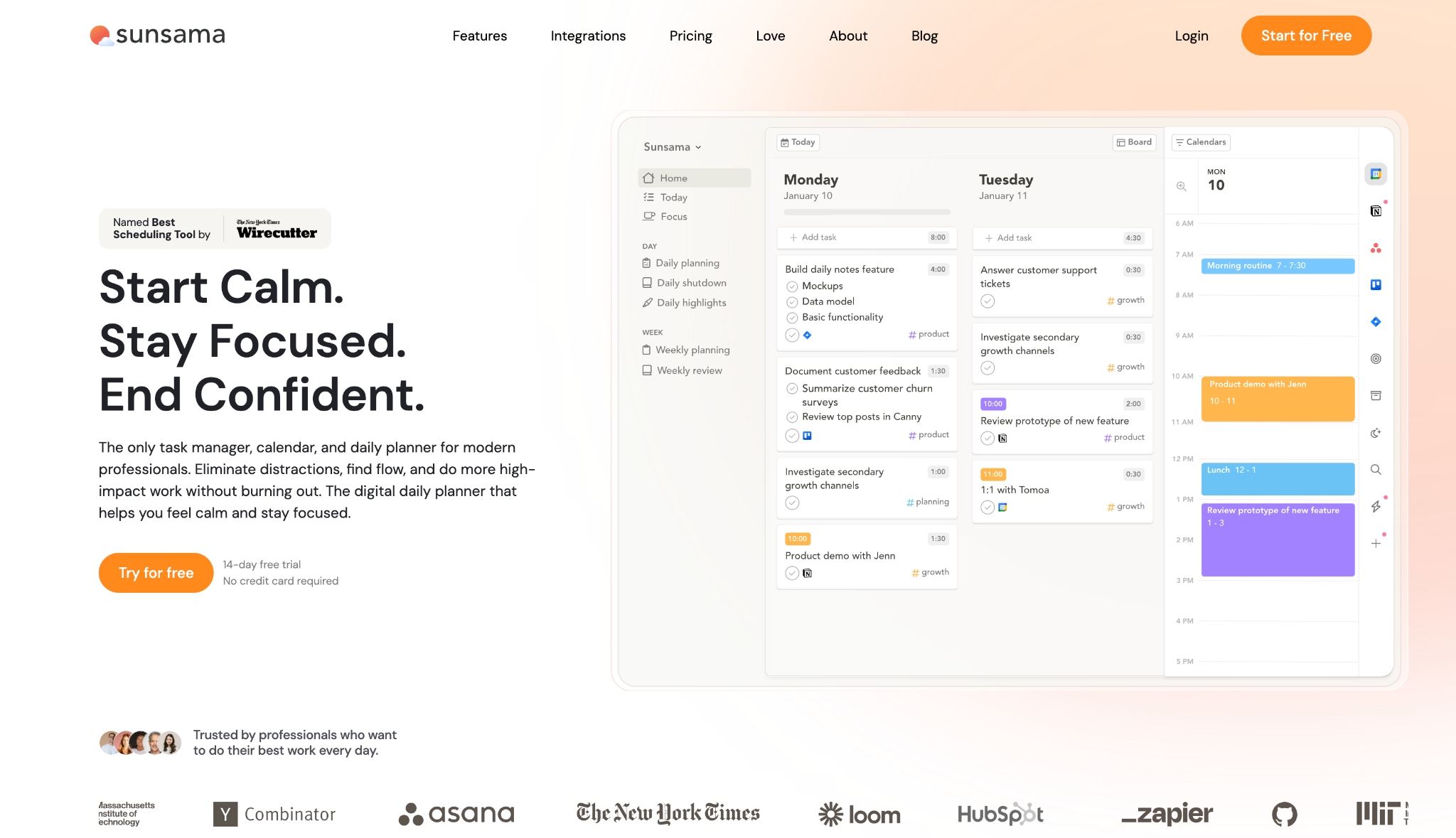
Sunsama takes the opposite approach to Clockwise. It slows you down and asks you to plan each day by hand, on purpose, so the plan comes from you and not from an algorithm working out of sight.
I spent four mornings with Sunsama, and each began the same way, pulling tasks from Todoist and my inbox into a single list, then time-blocking the ones that mattered onto the day's timeline.
That manual step is what made it work. Deciding what fit into the hours I had left me with a plan I actually trusted.
The same deliberate rhythm carried through to the wrap-up. The shutdown routine recorded what I'd finished, which gave each day a defined close rather than a fade-out.
Sunsama expects a short daily planning pass, about ten minutes every morning and a few more to wrap up at the end. If you wanted the calendar to just handle itself, that daily commitment will feel like the opposite of what you came for. Sunsama's AI shifts tasks, not meetings.
"For me, it's basically a daily 'execution planner' for tasks I keep in a collection of different project management and office tools." — Julian Higginson, Trustpilot.
Key features
- Daily planning: Builds each day from a prioritized task list you assemble every morning
- Unified task list: Pulls work from Asana, Todoist, Trello, ClickUp, Jira, Notion, and more into one place
- Time-boxing: Drag tasks onto the calendar to block time against the meetings already on it
- Daily shutdown: An end-of-day routine that tracks wins and records progress
- Focus mode: Cuts distractions to help you stay on the task you've committed to
Pros
✅ Produces a realistic daily plan you believe in
✅ Consolidates tasks from a long list of tools, including Asana, Todoist, Jira, and Notion, into one morning list
✅ The shutdown ritual builds a clear end to the workday
Cons
❌ Costs about ten minutes every morning, plus a wrap-up at the end of the day
❌ Its AI moves your tasks, but it won't touch meetings or defend Focus Time the way Clockwise did
Best for
- People who want a considered daily plan over an automated one
- Anyone whose tasks live scattered across many separate tools
- Workers prone to overcommitting who need a realistic workload check
Pricing
Sunsama runs one plan at $22 billed monthly. A 14-day free trial is available, no credit card required.
5. Lindy
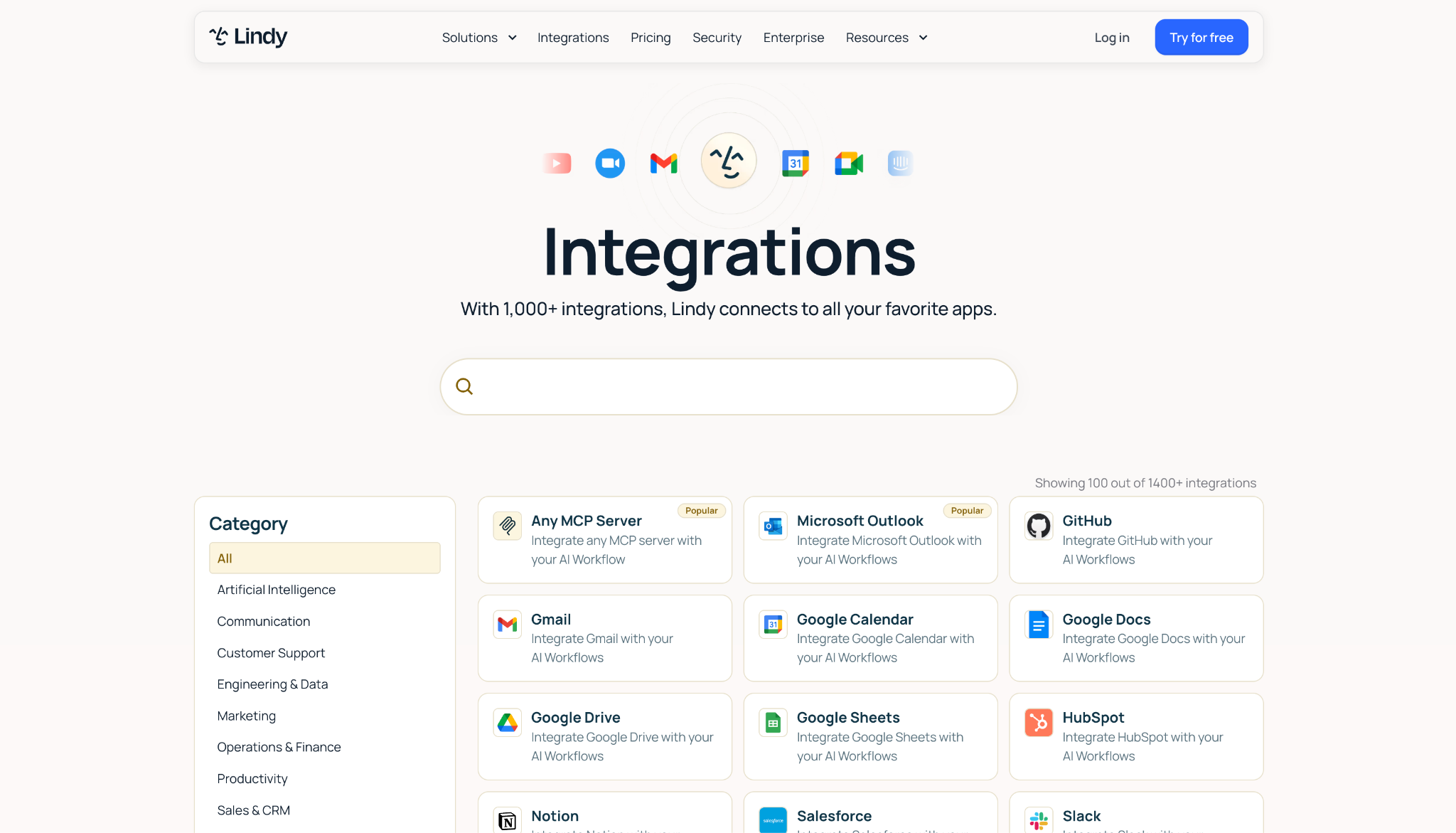
Lindy is an AI teammate, not a calendar app, which is exactly why it's on this list. It lives in your Slack and handles the work around scheduling, from coordinating times to prepping meetings and chasing follow-ups a calendar tool doesn't.
I asked Lindy to book a call with an outside contact, and it proposed three times, emailed them, and once they picked a slot, confirmed the meeting with both sides. It managed the time zones by converting the proposed times to the recipient's locale and drafting the thread itself.
The booking is something several tools here do. Lindy then continued past it, writing the follow-up and syncing notes back to the CRM once the calendar event existed
Lindy won't defend Focus Time or auto-block your personal deep work, the two things Clockwise handled in the background. What it does bring is traceability: it points to a source on each answer, or says when it doesn't know.
Its per-user credit pricing is aimed at that team context, not a solo user replacing one calendar feature. If time-blocking is all you're missing, a dedicated scheduler like Reclaim will cover it more directly.
"The AI agents are easy to configure, and the results are impressive. Their customer service team is also fantastic, quick, insightful, and always helpful." — Leen Juckem, Trustpilot.
Key features
- Scheduling: proposes several times, emails the other party, and books the meeting once a slot is agreed
- Follow-through after the meeting: Writes the follow-up email and syncs the notes back to your CRM once the calendar event exists
- Lives in Slack: Ask it in a channel for team answers, or DM it as your own assistant
- Answers with citations: points to a source on each response, or says when it doesn't know
- Routines and guardrails: Runs recurring work in plain English, with admin controls per tool and action, plus SOC 2 Type II, GDPR, and PIPEDA compliance. HIPAA comes with the Enterprise tier
Pros
✅ Handles the admin around meetings on top of the booking itself
✅ Works where your team already talks instead of a separate calendar app
✅ Carries the booking through to the follow-up email and the CRM note without being asked again
Cons
❌ Doesn't defend Focus Time or auto-block personal deep work like Clockwise
❌ Per-user credit pricing suits teams more than a single calendar user
Best for
- Teams whose bottleneck is the admin around meetings rather than the calendar view
- Teams that want scheduling, prep, and follow-up handled in one place
- Companies that need traceable, permissioned work across their tools
Pricing
Lindy's paid plans run from $29.99 to $199.99/month per user, scaling by credits and workload. An Enterprise tier adds HIPAA compliance and dedicated support.
{{templates}}
6. Calendly
Calendly solves the external half of the scheduling problem. For handing out a link and letting outsiders book you, no tool here is more direct.
I set up a 30-minute event type, connected it to my Google Calendar, and sent the link. They picked a slot, Calendly generated a Google Meet link, and a reminder went out ahead of the call without me touching anything.
For the specific job of external booking, that was the whole process, and it took under a minute to set up.
Calendly won't defend your Focus Time, schedule your tasks, or rearrange your day around focused work, because managing your internal calendar was never its job. It manages the boundary between your calendar and other people's.
So if your loss from Clockwise was internal automation, Calendly covers only part of it.
"I use Calendly to schedule meetings with potential prospects, which has helped me generate valid inbound leads and reduce the time to qualify drastically." — Sasi B., G2
Key features
- Event types: Create different meeting formats, from a 30-minute one-on-one to a co-hosted session
- Availability, limits and buffers: Set your bookable hours, add buffers, and cap meetings per day
- Meeting Polls: Send a group a set of times and book whichever time wins the vote
- Routing Forms: Ask website visitors questions and route them to the right booking page
- Video and reminders: Auto-generates Zoom, Meet, or Teams links and sends reminders to cut no-shows
Pros
✅ The most direct external booking flow among these tools
✅ Free plan covers one event type for individuals indefinitely
✅ Connects Zoom, Meet, and Teams with links generated per meeting
Cons
❌ Doesn't time-block internal work or defend Focus Time at all
❌ Round-robin and team routing sit on higher paid tiers
Best for
- Anyone whose scheduling pain is booking with clients, candidates, or leads
- Sales and recruiting workflows that run on shared availability
- People who want a booking link separate from their internal planning
Pricing
Calendly's Standard plan is $12/seat/month, and Teams is $20/seat/month. A free plan covers one event type.
7. Akiflow
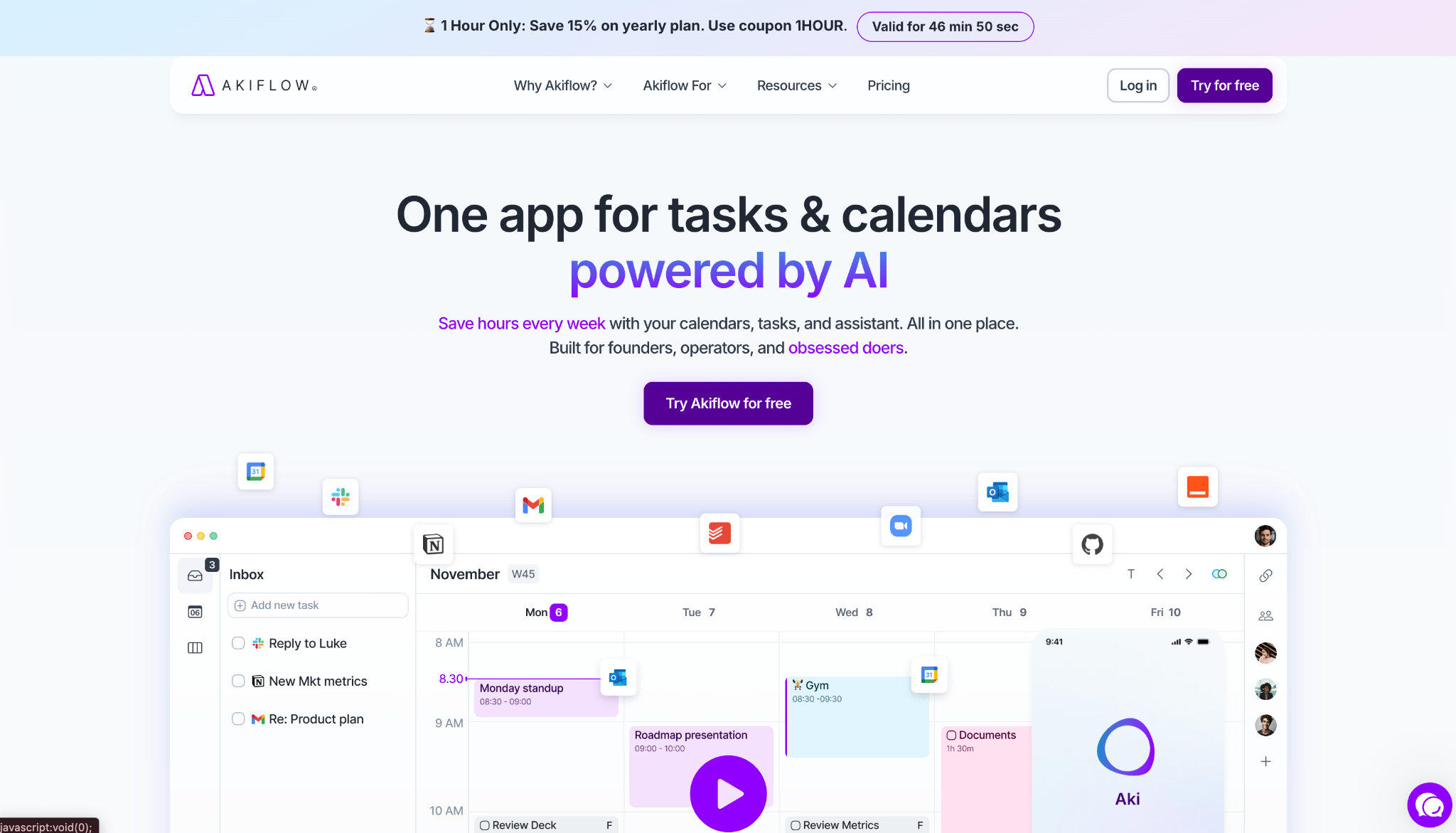
Akiflow starts from the assumption that your problem is scattered tasks, not an empty calendar, and pulls every task you have into one place before you block time for it.
With Todoist, Gmail, and Slack connected, Akiflow gathered tasks from all three into a single Universal Inbox. Turning a Slack message into a scheduled task took one action, and dragging items onto the calendar filled a day's schedule in one pass.
The Cmd+K Command Bar meant I rarely reached for the mouse. I captured and scheduled entirely from the keyboard, which is where most of the speed came from.
Akiflow runs on your input. The Aki assistant plans and prioritizes, but you decide what lands where, so it never runs the calendar unattended the way Clockwise did.
That makes it strong at consolidating and time-blocking, and weaker as a hands-off replacement. It gathers your work and helps you place it, but the placing is still your call.
"Setting it up was super easy, and it integrates well with tools like Asana and Google Suite. Plus, Cecile over at Akiflow helped me decide Akiflow was the right tool, which was key in my decision to stay." — Ricardo B., G2.
Key features
- Universal Inbox: Captures tasks from every connected tool into one organized list with two-way sync
- Command Bar: Cmd+K to capture, schedule, and navigate without leaving the keyboard
- Time Blocking: Drag tasks onto the calendar or let Time Slots suggest openings
- Aki AI assistant: Plans, prioritizes, and delivers daily briefings and reminders
- Integrations: Connects 10+ tools natively, including Todoist, Gmail, and Slack, plus thousands via Zapier
Pros
✅ Consolidates tasks from many separate tools into one day
✅ Keyboard-first command bar makes capture and scheduling fast
✅ Turns emails and Slack messages into scheduled tasks in one click
✅ Two-way sync keeps connected tools current
Cons
❌ Relies on your input instead of automating the calendar for you
❌ No free plan beyond the trial
Best for
- Workers whose tasks are spread across Todoist, Asana, Slack, and email
- Keyboard-driven users who want to skip the mouse
- Users who want one time-blocked day assembled from many sources
Pricing
Akiflow's Pro plan is $34 billed monthly. A 7-day free trial is available.
8. Vimcal
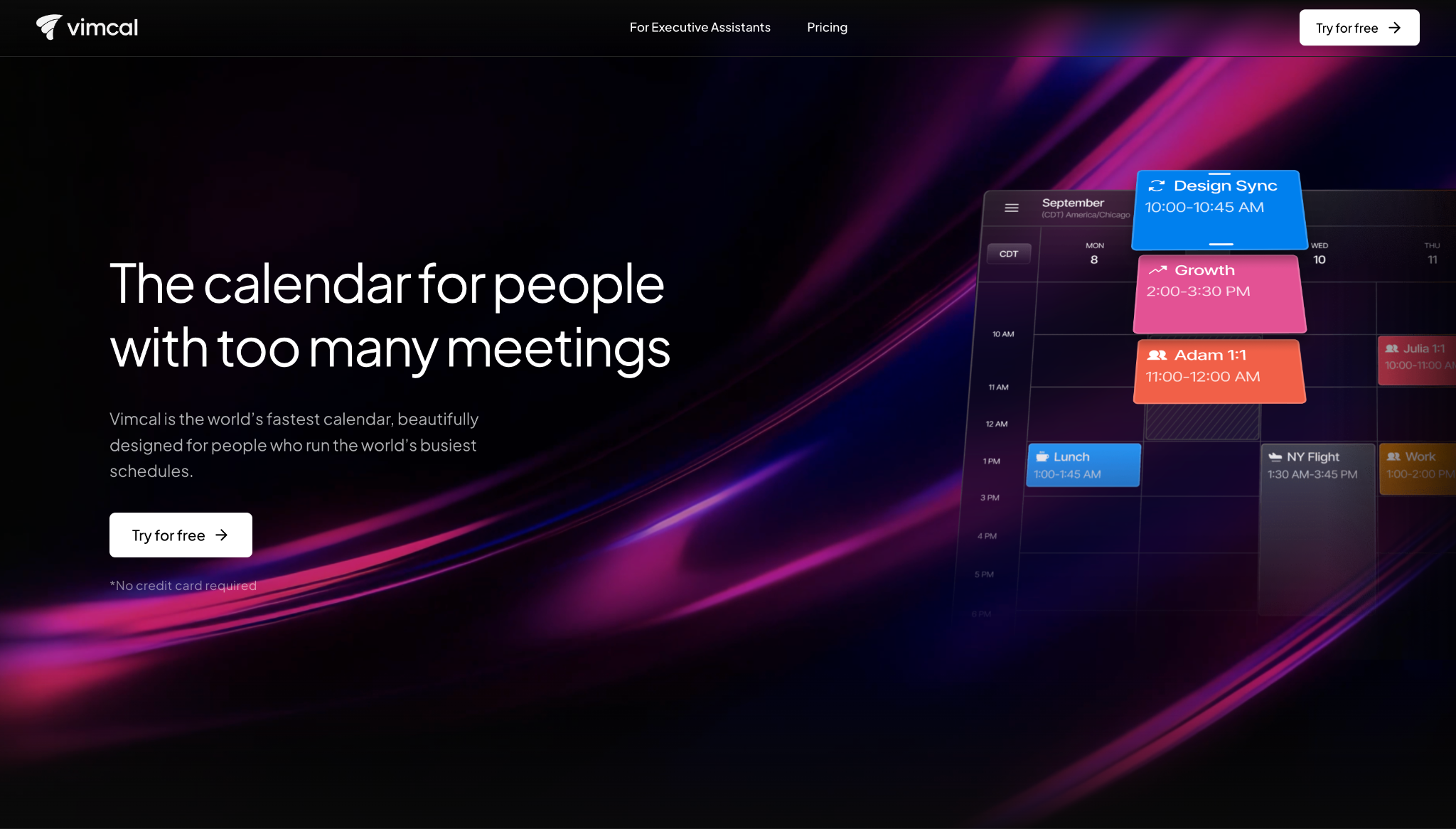
Vimcal chooses speed over automation. It remakes the calendar itself to be fast enough that a heavy meeting load stops being tedious, and it gets there by a different route than Clockwise took.
I ran my week through Vimcal and noticed the difference in small interactions. Actions came back instantly, and the keyboard shortcuts covered the core calendar work, so I rarely stopped to reach for menus.
The time-zone overlaps were the other place it showed. They appeared at a glance, and sharing availability was a quick drag-and-copy.
All of that leans on pace instead of the automation you'd expect from an AI calendar. For someone in and out of the calendar all day, that speed adds up.
Vimcal does have AI scheduling, but it won't block your tasks or guard Focus Time unattended the way Clockwise did. That keeps it a fast calendar you drive, not one that drives itself.
So the fit depends on your old habit. If you relied on scheduling that never required adjustment, you'll notice automation is missing. If your problem was meeting volume, Vimcal's speed addresses that instead.
"Intuitive workflow to schedule meetings with teammates and share availability calendar." — Rohan A., G2
Key features
- Sub-100ms response: Actions and shortcuts return in under 100ms for the core calendar work
- Time Travel: Shows overlapping work hours with anyone in any time zone at a glance
- Availability sharing: Drag-and-copy availability that stands in for a traditional booking link
- Unified calendar: Consolidates Google Calendar and Outlook accounts into one view
- Focus Mode: A distraction-cutting view with timers for focused work
Pros
✅ Among the fastest calendars for high meeting volume
✅ Time-zone handling saves manual cross-checking for global schedules
✅ Availability sharing replaces a separate booking link
Cons
❌ Its AI scheduling won't auto-block tasks or defend Focus Time unattended
❌ The full experience needs the paid desktop plan
Best for
- Founders, executives, and assistants running heavy meeting loads
- People who work across multiple time zones daily
- Anyone who values calendar speed over automation
Pricing
Vimcal's iOS and Desktop plan is $35/month for the full experience. A free iOS-only plan is available, and Enterprise adds SAML SSO.
How to evaluate Clockwise alternatives
Clockwise did several jobs at once, and no single replacement covers them all the same way. Before you commit, work through the questions that decide the fit.
Automation versus control. The first fork is how much you want the tool to decide for you. Auto-schedulers like Reclaim and Motion place tasks into your calendar and reshuffle on their own, while daily planners like Sunsama ask you to choose what to work on and when.
Neither is better in the abstract. Pick the one that matches how much you trust software to run your day. Lindy's own comparison of Motion and Reclaim frames this as a question of your relationship with control, which is where the decision usually lands.
Focus Time defense. This was Clockwise's signature, so decide how much you need it. Reclaim replicates it more closely than the rest, while several others here, including the booking and planning tools, don't defend deep work at all.
If protecting uninterrupted time was your reason for using Clockwise, screen for it directly instead of assuming every scheduler does it.
Internal work versus external booking. Clockwise handled your internal calendar. Calendly and Vimcal lean toward booking with people outside your company.
A few tools stretch across both, but the two jobs pull in different directions. Name which one mattered more when Clockwise shut down, and weight your choice accordingly.
How many calendars you carry. If your days span a work account and a personal one, consolidation matters more than automation. Morgen and Vimcal merge accounts into a single view. A tool that only reads one calendar will leave the same blind spot you had before, so count your calendars before you count features.
The work that surrounds the calendar. The calendar event is the start of the work, not the end. Rescheduling, finding slots, and sending follow-ups all come after it.
Once you've picked a scheduler for capture and planning, the open question is what handles the work that happens after the invite goes out.
Whether it has to work for a team. Clockwise arranged time across everyone's calendars, and a single-user calendar app can't reproduce that. If shared Focus Time was the point, check how each tool handles team-wide scheduling before you commit.
{{cta}}
The work these tools leave behind: scheduling admin
Every tool here fixes some version of the job Clockwise did, whether that's defending Focus Time, consolidating calendars, or booking meetings cleanly.
Not one of them handles the admin that scheduling generates afterward, from the follow-up email to the reschedule when a client cancels, and the notes that need to reach your CRM.
Full disclosure: Lindy is our product. If what you lost with Clockwise was the work around the calendar as much as the calendar itself, Lindy handles scheduling and follow-through from inside the Slack your team already uses.
It can also run calendar automation like coordinating times and chasing confirmations on its own. See how Lindy handles scheduling.
Frequently asked questions
What is the closest Clockwise alternative?
Reclaim.ai most closely matches Clockwise, defending Focus Time and auto-scheduling tasks around your meetings.
Is there a free Clockwise alternative?
Yes. Reclaim.ai and Vimcal both offer free plans, and Calendly's free tier covers one booking event type. Each carries limits, so test the ceiling against how you work before relying on it.
Which Clockwise alternative is best for teams?
Motion runs a team's tasks and calendar together, Calendly handles shared external booking, and Lindy coordinates the scheduling admin from inside Slack.
Can an AI assistant replace Clockwise?
Partly. An AI scheduler can auto-block time, but rescheduling, follow-ups, and prep still land on someone, which is why an AI teammate like Lindy covers more of what you lost.









