7 Best Microsoft Copilot Alternatives to Try in 2026
Jack reviewed seven Microsoft Copilot alternatives including Google Workspace with Gemini, ChatGPT Business, and Claude, weighing per-seat pricing, integration depth, and seat minimums.


Copilot did fine when the work stayed inside Word, Outlook, and Teams. The trouble started when the answer I needed lived across Slack, scattered documents, and tools outside Microsoft that it couldn’t reach. I was already paying for Microsoft 365, and Copilot is a per-seat add-on cost that is hard to justify.
That’s why I tested 11 Microsoft Copilot alternatives for two weeks. I focused on three everyday jobs: drafting a client proposal, triaging a 200-email inbox, and finding answers across scattered documents and Slack threads.
These are the 7 tools that I’d recommend.
7 best Microsoft Copilot alternatives: TL;DR
- Google Workspace with Gemini: Best for teams already working in Gmail and Google Docs
- ChatGPT Business: Best for cross-platform writing and research
- Lindy: Best for handling inbox, calendar, and follow-up work across apps
- Claude: Best for long documents, careful analysis, and code
- Notion AI: Best for teams that manage their work inside Notion
- Zapier: Best for connecting apps outside one office suite
- Glean: Best for enterprise-wide search across internal tools
How I tested these Copilot alternatives
Each tool ran for two weeks across three real workflows: drafting a client proposal, triaging a 200-email inbox, and pulling answers from scattered docs and Slack threads. Here is what I evaluated: If inbox filtering is your primary focus, reviewing dedicated sanebox alternatives can help streamline your daily email triage.
- Features: How well each tool handles drafting, summarizing, searching, and acting on tasks compared to what Copilot offers inside Microsoft 365.
- Usability: Whether it feels fast and intuitive or adds friction on top of the work you are already doing. If you prefer minimalist outliners to manage tasks, exploring workflowy alternatives can help you compare lightweight organization systems.
- Integrations: How smoothly it connects with tools outside its own ecosystem, since that is the gap Copilot leaves open. If you are building custom AI workflows beyond simple integrations, exploring popular langchain alternatives can help you select the right framework.
- Pricing: The real cost once you factor in seat minimums, per-task billing, and what you actually get on a free tier versus a paid plan. To see how automated workflow builders structure their costs, review our guide to buildship pricing.
- Use cases: How each tool performs across the specific scenarios that push teams to look beyond Copilot: cross-app search, inbox management, automation, and long-document work. For a detailed comparison of automated inbox support, read our breakdown of fyxer vs copilot.
This hands-on approach helped me see which alternatives actually hold up in daily use, not just on a feature comparison page.
What Is Microsoft 365 Copilot?
For business plans, Microsoft sells Copilot as an add-on to a qualifying Microsoft 365 base plan rather than a standalone license, which is what drives the pricing complaints below. Individual users get a different deal: Copilot comes bundled into Microsoft 365 Personal and Family at no extra cost.
Why Look for Microsoft 365 Copilot Alternatives?
Copilot is capable inside its lane. I used it on a 40-page contract review and a quarterly report draft. Word surfaced relevant sections from files I had stored in SharePoint, and Outlook pulled in context from past email threads, so the drafts read like someone who had actually seen the background, not a cold start.
For business and enterprise teams, the add-on structure is where the math gets uncomfortable. You are paying for two licenses stacked on top of each other, a base Microsoft 365 plan plus the Copilot add-on, and the headline price you see in marketing is rarely what lands on the invoice.
Adoption lags far behind licensing. Microsoft reported 15 million paid Copilot seats out of over 450 million total Microsoft 365 commercial subscribers, roughly a 3.3 percent conversion rate.
Reaching tools outside of Microsoft takes setup. Copilot does connect to Salesforce, ServiceNow, and other outside systems through its connector gallery, but an IT admin has to register and configure each one before Copilot can see it.
Teams without that setup get Copilot's default view, limited to whatever already lives inside Microsoft's own apps, with no equivalent reach into Notion or Slack out of the box.
Copilot drafts and summarizes, but it waits for you to ask before it does anything. Teams looking for something that triages an inbox without being asked, preps a meeting unprompted, or follows up on a thread without a new prompt each time will hit that ceiling fast.
TL;DR: Which Microsoft 365 Copilot Alternative Should You Choose?
Choose Google Gemini for Workspace if your team already runs on Google Workspace. It is bundled into your existing Workspace seat now, though teams fully committed to Word and Excel formatting will feel friction switching file types.
Choose ChatGPT Business if you want a general-purpose AI assistant that isn't tied to any single office suite. Teams that need it grounded directly in their company files and chat history will want to pair it with a connector setup first.
Choose Lindy if the inbox triage, meeting prep, and follow-ups piling up around your actual work are eating more time than drafting documents ever does. Teams that need deep Word and Excel editing should look at Claude or Notion AI instead.
Choose Claude (Team or Enterprise) if your work involves long documents, contracts, or code where accuracy on the details matters more than speed. It is not the cheapest seat on this list once daily usage adds up.
Choose Notion AI if your team treats Notion as the single source of truth for docs and project tracking. Teams without an existing Notion habit will be paying for a workspace migration just to get the AI.
Choose Zapier if the work you want handled by software touches tools that live outside any office suite entirely. The per-task pricing model gets expensive fast once volume climbs past a few thousand actions a month.
Choose Glean if your core problem is hundreds of employees who can't find anything across a dozen disconnected tools. Smaller teams and anyone without an enterprise procurement budget should look elsewhere.
Stick with Microsoft 365 Copilot if your team lives inside Microsoft's core apps daily, you have the budget for the Copilot add-on on top of your existing business plan, and the agentic features inside those specific apps are the main thing you need.
The 7 Best Microsoft 365 Copilot Alternatives
No two of these options solve the same problem, so skip ahead to whichever one matches what's slowing you down.
1. Google Workspace With Gemini: Best For Teams Already On Gmail And Docs
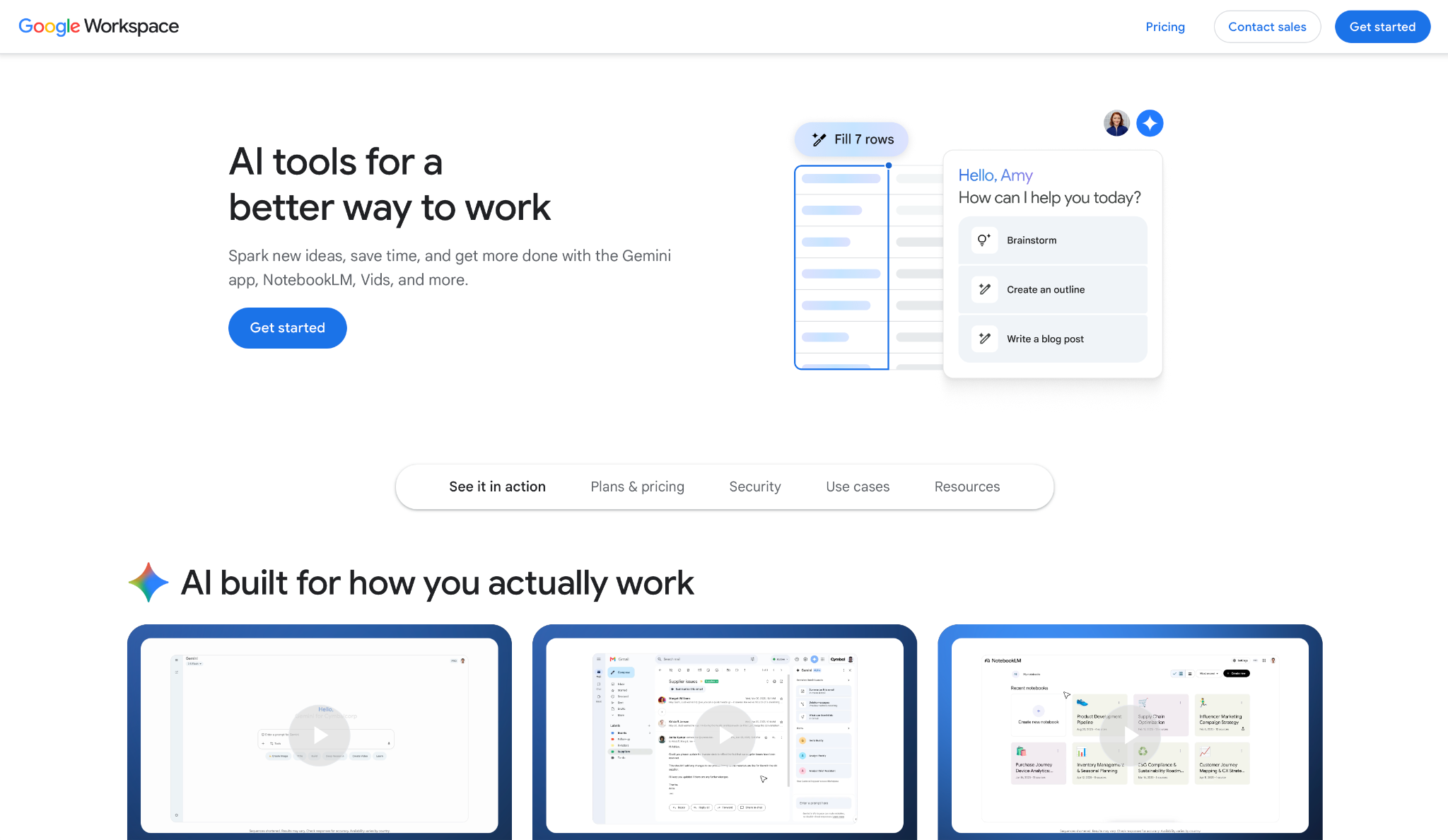
If your team lives in Gmail, Docs, and Sheets, Google Workspace with Gemini is the alternative with zero migration cost because Google folded it directly into the seat you're already paying for.
I ran it for two weeks across a live inbox and a shared planning doc, drafting a client proposal entirely inside Docs and asking Gemini to summarize a 40-message email thread before a renewal call. Both came back clean, without the hedging or generic phrasing I expected from a bundled feature.
The consistency traces back to a 2025 pricing decision. Google killed the standalone Gemini Business and Gemini Enterprise add-ons and folded the AI directly into Business Standard, Plus, and Enterprise, raising base prices instead of charging separately for it.
Key features
- Side panel in Gmail, Docs, Sheets, and Slides: Draft, summarize, or analyze without leaving the app, with no separate window or login
- Help me write: Generates full drafts from a short prompt in Gmail or Docs, then lets you adjust tone and length in place
- Gemini in Sheets: Builds formulas and pulls insights from raw data using plain language, which matters if you are not fluent in spreadsheet syntax
- Workspace Studio: Lets non-developers build no-code AI agents that trigger off Workspace events, comparable to what Copilot Studio offers inside Microsoft
Pros
✅ No separate AI invoice. Gemini is included in Workspace plans starting on Business Standard and in Google One AI Premium for individuals, not a separate add-on to justify
✅ The writing inside Gmail and Docs reads like a first draft from a colleague, not a templated paragraph that needs a full rewrite
✅ Side panels stay inside the app you're working in, so there's no context switch to a separate chat window mid-task
Cons
❌ Business Starter only gets Gemini in Gmail. The side panel across Docs, Sheets, and Slides requires Business Standard or higher
❌ Teams whose files depend on Word and Excel formatting will hit friction the moment a client sends back a .docx with tracked changes
Best for
- Teams standardized on Gmail, Docs, and Sheets, who want AI without a migration
- Small businesses that want the AI bundled into their existing Workspace bill instead of a second subscription
- Anyone building lightweight internal agents who doesn't want to hire a developer for it
Pricing
- No free plan, only a 14-day free trial
- Paid plans start from $7/user/month (Business Standard), billed monthly
2. ChatGPT Business: Best For Cross-Platform Research Across Multiple Ecosystems
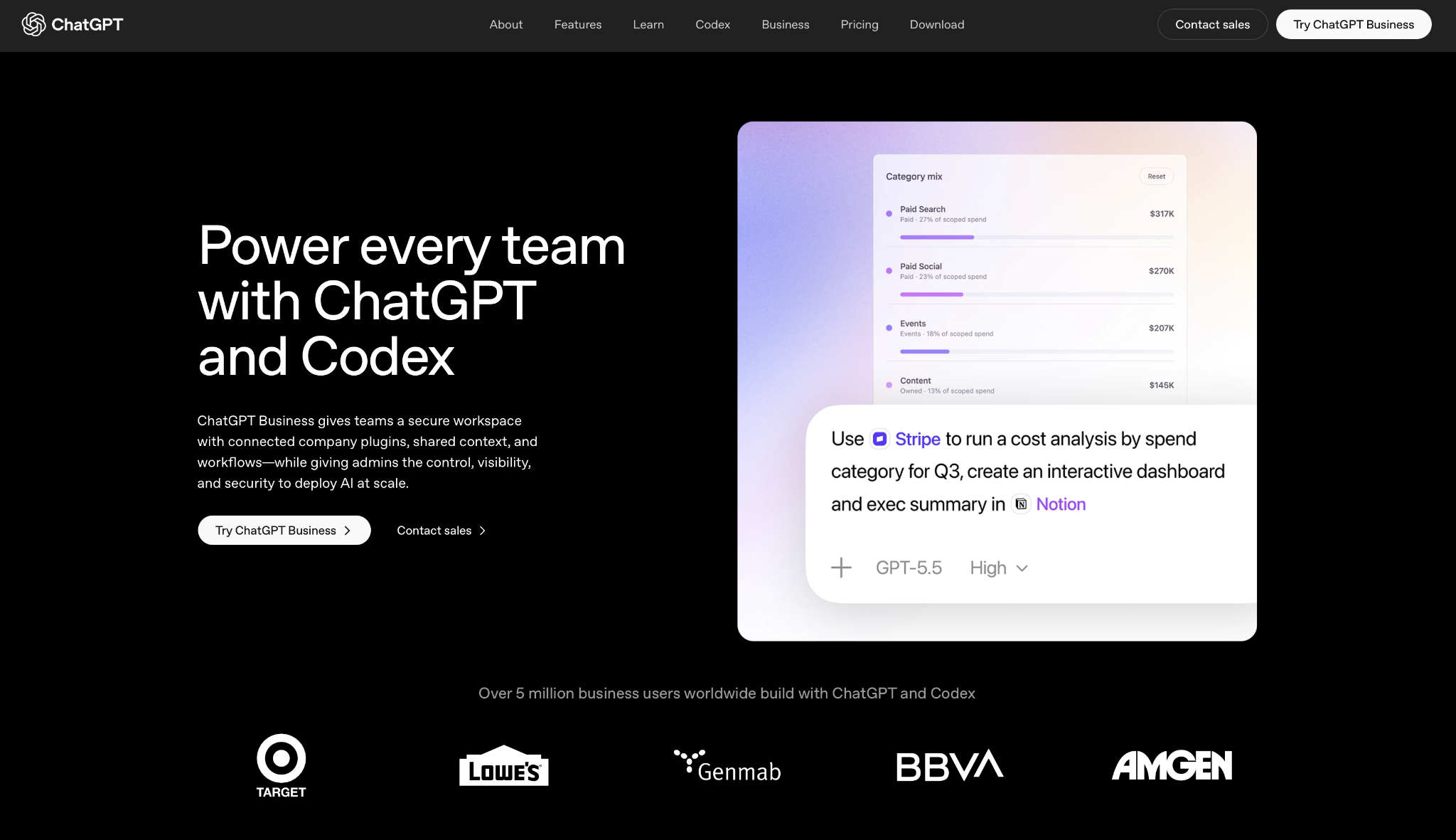
A team that splits its stack across Notion, GitHub, SharePoint, and three other tools has no use for an assistant that only understands Microsoft Graph. That's exactly where ChatGPT Business steps in.
I tested it on a research task that pulled from a GitHub repo, a SharePoint folder, and a stack of PDFs in one session, using the connectors to ground answers instead of starting from a blank prompt.
The Deep Research mode returned a structured report I would have spent an afternoon assembling by hand.
All of this used to cost more before OpenAI renamed the tier from ChatGPT Team to ChatGPT Business in August 2025, then cut the price again in April 2026. That second cut matters because a separate seat for every team member now costs less than it did a year ago.
Key features
- Connectors: Pulls live context from Google Drive, SharePoint, GitHub, and Notion directly into a chat, so answers are grounded instead of generic
- Deep Research: Runs a multi-step research process and returns a structured, sourced report rather than a single paragraph answer
- GPTs: Lets teams build and share custom versions of ChatGPT tuned to a specific process, visible only inside your workspace
- Codex: A coding agent available as an add-on seat type, though as of June 24, 2026, it's limited to workspaces that already had a Codex seat before that date
Pros
✅ Training exclusion is on by default. Your team's conversations don't train OpenAI's models unless someone opts in
✅ The connector list covers tools Copilot has no visibility into at all, which matters the moment your stack isn't entirely Microsoft
✅ SAML SSO, SOC 2 Type 2, and ISO 27001 come standard on Business, not locked behind a separate enterprise sales conversation
Cons
❌ It has no native presence inside Word or Excel the way Copilot does. You're working in a chat window, not a sidebar inside your document
❌ A 2-seat minimum means solo operators can't buy in alone without finding a second seat to fill
Best for
- Teams whose tools span multiple ecosystems and need one assistant that can reach across all of them
- Anyone who relies on Deep Research for competitive analysis, market research, or technical documentation
- Organizations that want default data protection without a custom enterprise contract
Pricing
- Paid Business plans start from $20/user/month, billed annually (2-seat minimum)
- A free tier exists separately, with limited daily access to GPT-5.5
3. Lindy: Best For Inbox, Calendar, And Follow-Up Tasks Handled Automatically
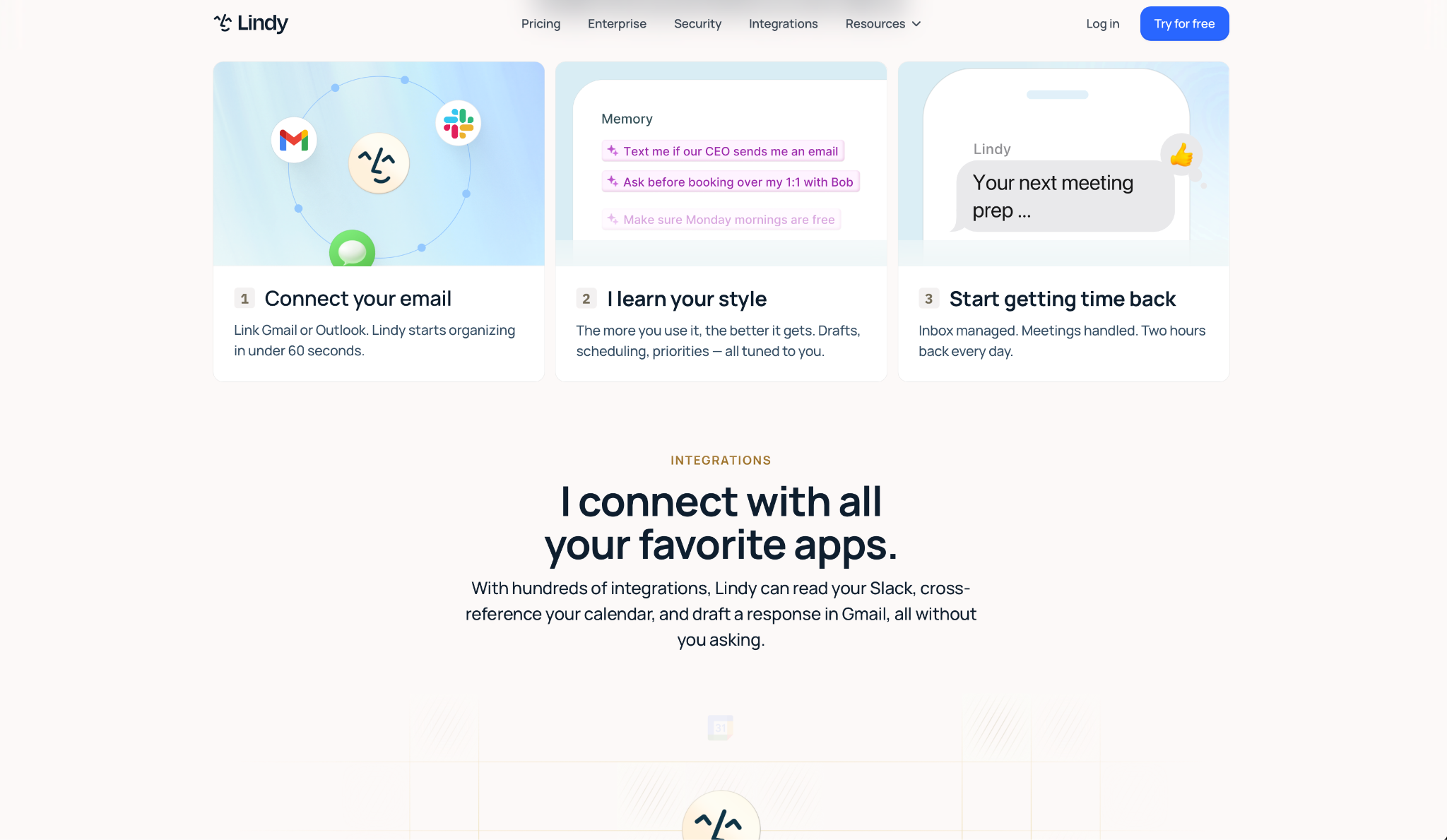
I texted Lindy to triage my inbox and flag anything from a client across a live 200-message week. It surfaced the four emails that mattered and drafted replies in my voice, no sidebar, no new prompt each morning.
Here is the core difference. Instead of waiting inside an app for you to ask, Lindy picks up inbox triage, meeting prep, calendar scheduling, follow-ups, and CRM updates on its own. For operators, founders, and sales teams, that means the daily admin gets handled without learning another interface.
Lindy connects to hundreds of apps through ready-made skills you can pick and run without building anything first. You text what you need, it pulls context from your connected tools, and the task gets done in one thread.
Key features
- Text-based interface: You text what you need in plain English and Lindy handles it, no sidebar or app to learn
- Proactive alerts: Lindy notifies you via email or Slack when something needs your attention, without you checking in first
- Ready-made skills: Pick from prebuilt workflows for common tasks instead of starting from a blank canvas
- Context from your tools: Lindy pulls live context from connected apps and acts on it, not just summarizes it back to you
- Hundreds of integrations: Connects across the tools your team already uses, not just Microsoft's own apps
Pros
✅ Works from a single text thread, so there is no new interface to learn or app to switch to
✅ Acts without being prompted, sending reminders and drafting follow-ups before you ask
✅ SOC 2, HIPAA, GDPR, and PIPEDA compliant, which matters for teams in regulated industries
✅ Connects to hundreds of integrations across the tools your team already uses, not just Microsoft's
Cons
❌ Getting a workflow to match exactly how your team works takes some trial and error
❌ Lindy works best for business tasks, not the line-by-line Word or Excel editing Copilot handles
❌ Heavier users may need to move to a higher plan depending on how many workflows run daily
Best for
- Founders who want help managing email, meetings, follow-ups, and daily admin without hiring an assistant
- Operators who need an assistant that can work across inboxes, calendars, CRMs, and internal tools at once
- Sales teams that want help with lead follow-up, meeting prep, and CRM context handled automatically
- Busy professionals who would rather text an assistant than open another Microsoft app to get the same task done
Pricing
- No free plan, only a 7-day free trial
- Paid plans start from $49.99/month (Plus plan), billed monthly
{{templates}}
4. Claude (Team/Enterprise): Best For Long-Document Accuracy And Code-Heavy Work
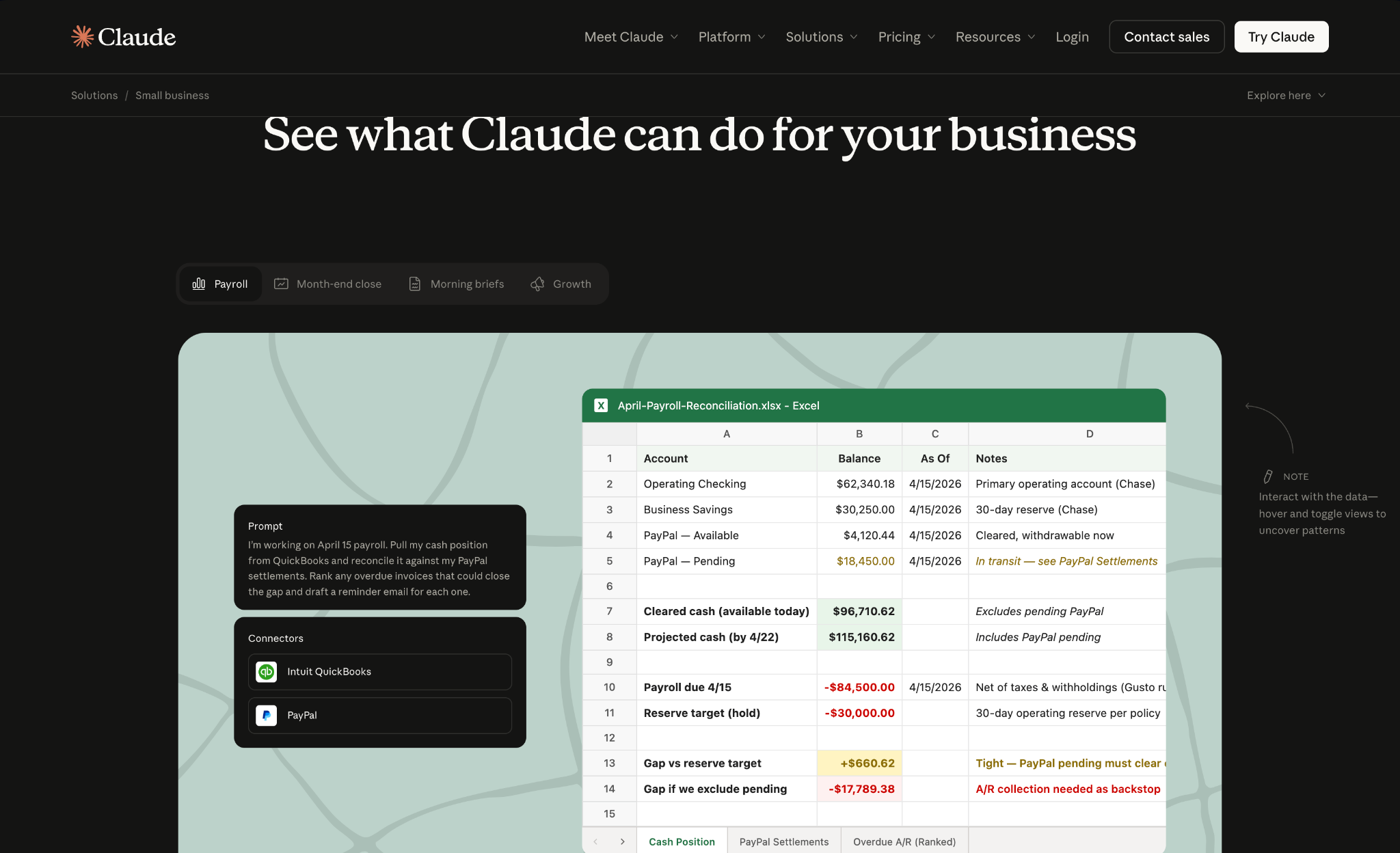
Claude connects to your Microsoft 365 files, Slack, and Google Workspace through native integrations on the Team plan, then reasons over long documents without losing track of details buried on page 30.
I fed it a 60-page vendor contract alongside a messy codebase and asked for a side-by-side comparison of two clauses plus a refactor suggestion in the same session. Both came back specific, citing the exact section numbers instead of paraphrasing the whole document back at me.
Accuracy on long, dense material is the reputation behind Claude's enterprise push, and it's why Anthropic markets it as the direct alternative to Copilot for regulated industries handling contracts, code, and compliance documentation.
Key features
- Projects: Groups files, instructions, and context into one persistent workspace per client or initiative, so you're not re-uploading the same documents every session
- MCP connectors: Links Claude directly to Microsoft 365, Slack, Google Workspace, and internal tools, pulling live context instead of copy-pasted text
- Claude Code: Available on Team Premium seats, handling coding tasks and technical documentation inside the same plan as the rest of the team
- 1M-token context window: Holds an entire long contract or codebase in memory at once, which matters when the answer depends on something stated three sections earlier
Pros
✅ Long-document accuracy stayed sharp across every test I ran, including contracts with cross-referenced clauses that trip up shorter-context tools
✅ Native Microsoft 365 and Slack integrations mean Team Standard seats already reach into the tools your office probably runs on, not just Anthropic's own ecosystem
✅ Compliance tooling, including audit logs and a dedicated Compliance API, comes ready for regulated teams instead of being bolted on later
Cons
❌ A 5-seat minimum on Team plans rules out solo operators and very small teams entirely
❌ Enterprise unbundled token usage from the seat fee in 2026, so heavy daily use can push total spend well past the seat price you were quoted
Best for
- Regulated industries that need accuracy on long documents more than speed
- Engineering teams that want a single seat covering both general assistant work and Claude Code
- Organizations with audit and compliance requirements that need governance features included, not added on
Pricing
- Paid Team plans start from $20/seat/month, billed annually (5-seat minimum)
- A free tier exists separately, with limited daily usage
5. Notion AI: Best For Teams That Run Everything Inside Notion
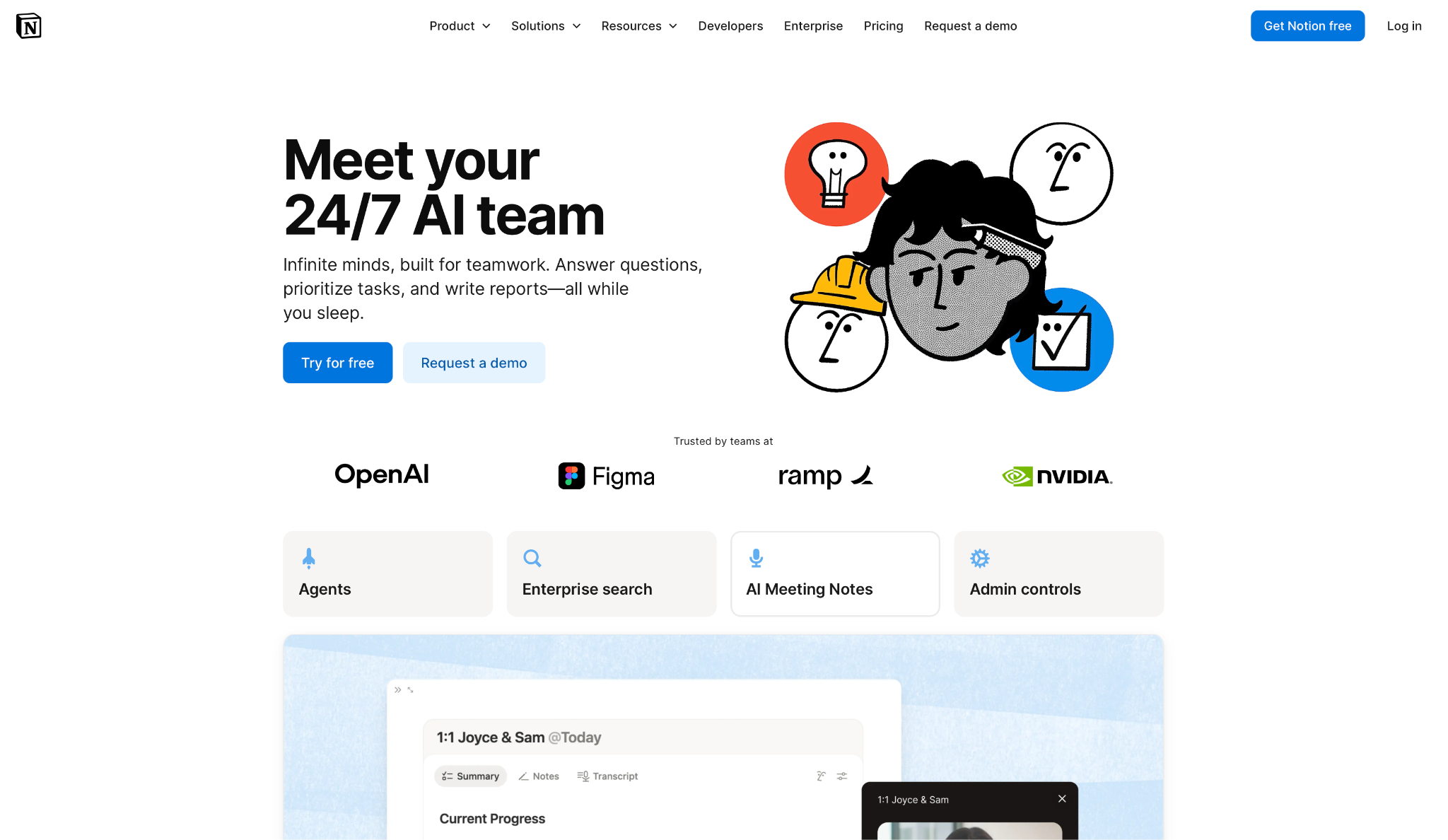
Notion AI works best for any team that already treats Notion as its single source of truth, because the assistant answers from your actual docs and databases instead of a generic model with no memory of your work.
I asked Ask Notion to pull the rating for a project from a tracking database and it returned the answer with a direct link back to the source row, which is the kind of grounded response Copilot only manages inside Microsoft's own file types.
I then asked Notion Agent to write a status update by pulling from three linked pages, and it assembled the draft correctly on the first attempt.
That level of access used to cost extra. Notion folded full AI access into the Business tier in early 2026, retiring the old $10 standalone add-on that used to sit on top of any plan, the same move Google made with Gemini.
Key features
- Ask Notion: Queries your entire workspace, including connected Google Drive and Slack content, and cites the exact page or database row behind every answer
- Notion Agent: Completes multi-step tasks like drafting documents or updating databases on its own, launched in late 2025 as the centerpiece of the Business tier
- Custom Agents: Lets teams build agents that run on schedules or triggers from database changes, useful for recurring reports or status updates
- AI autofill: Generates missing values across database columns in bulk, which saves time on anything you manage as a table
Pros
✅ Every answer cites its source page or database, so you can verify it instead of taking the AI's word for it
✅ The AI understands your workspace structure, not just plain text, which means it can reason across linked databases the way a generic chatbot can't
✅ Custom Agents handle recurring background work without anyone manually re-running the same prompt every week
Cons
❌ Full AI access requires the Business plan. Plus only gets a limited trial, so teams on the cheaper tier are locked out of it
❌ Custom Agents now run on a metered credit system on top of your seat price, so heavy automation use adds a second line item to budget for
Best for
- Teams that run their documentation, wikis, and project tracking inside Notion
- Operations teams that want recurring reports or status updates handled by an agent instead of a person
- Anyone who wants AI answers they can verify against a linked source instead of blindly trusting them
Pricing
- Paid plans start from $20/member/month (Business), billed annually
- A free plan exists separately with limited AI
- Individual Pro plans start at $10/member/month, but full AI access requires the Business plan
6. Zapier: Best For Connecting Apps Outside Any Office Suite
Picture a lead filling out a form, a deal that needs creating in the CRM, and a Slack ping that has to reach the right rep, all without anyone touching three apps by hand. That chained handoff is exactly what Zapier is built for.
Copilot can pull in Salesforce data through an admin-configured connector, but it doesn't chain one action across three separate apps in a single move, the way Zapier does.
I set up a workflow that pulled a new HubSpot lead, summarized it with an AI step, and posted the summary into a Slack channel, then tested Zapier Agents on top of it to handle qualification replies automatically.
The Zap fired reliably across a week of live leads, and the Agent handled the predictable replies without help.
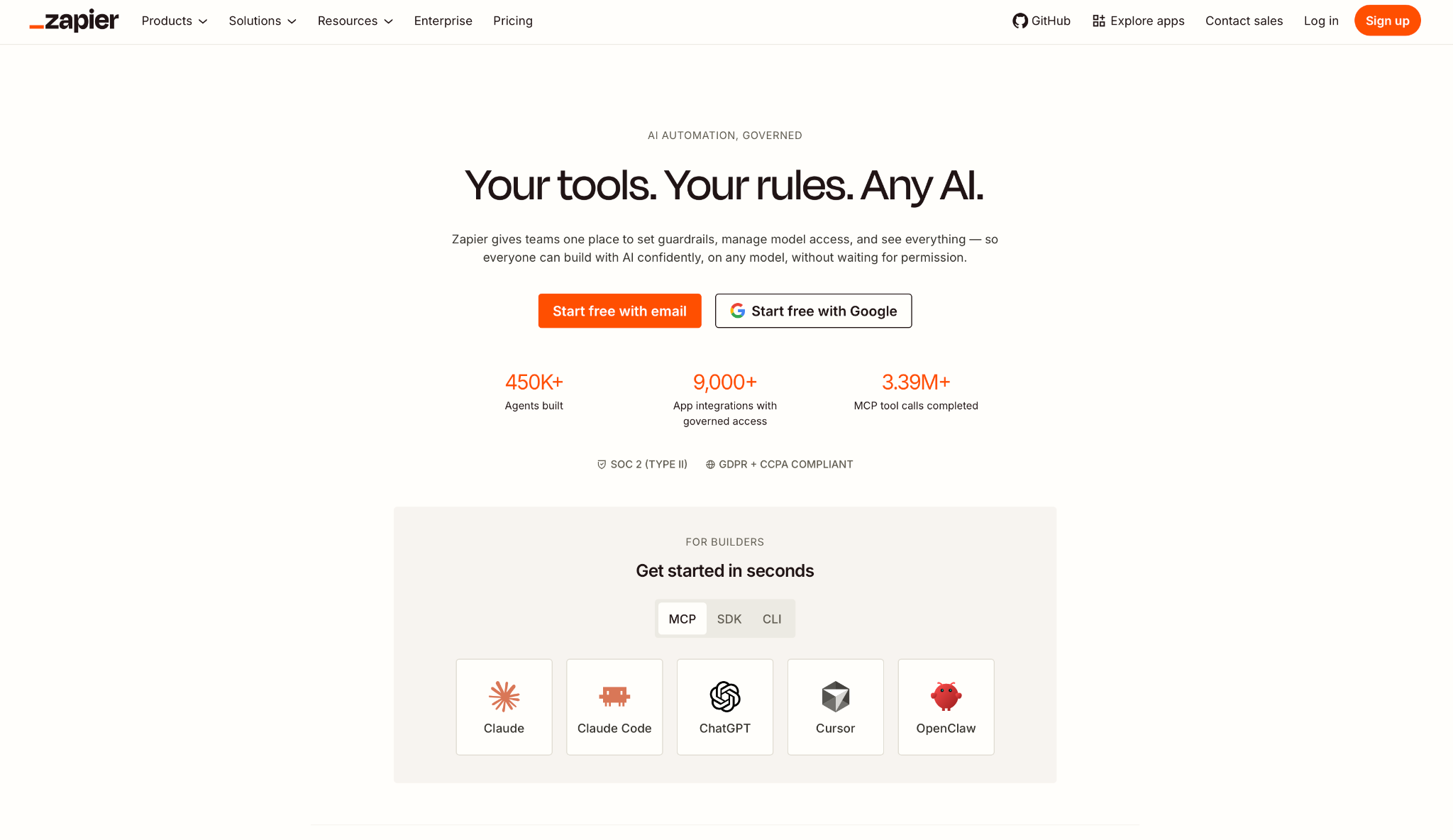
Zapier connects to more than 9,000 apps, which is the actual reason teams pick it over a Microsoft-native assistant. The tradeoff is a task-based pricing model, where every single action inside a workflow counts against your monthly allowance.
Key features
- 9,000+ app integrations: Connects tools no office-suite assistant reaches, from niche CRMs to industry-specific software
- Zapier Agents: Autonomous AI teammates that call your existing Zap actions as tools, handling tasks like lead qualification without a fixed if-then rule
- Zapier Copilot: A sidebar assistant built into Zapier that creates a working Zap from a plain-English description
- Zapier MCP: Lets external AI tools like Claude or ChatGPT call into your 9,000+ connected apps through one authentication layer
Pros
✅ The integration library reaches tools that no Microsoft or Google-native assistant will ever connect to directly
✅ Zapier's built-in Copilot gets a non-technical teammate to a working automation
✅ Zapier Agents add judgment on top of fixed automation, qualifying or routing based on content rather than rigid keyword rules
Cons
❌ Task-based pricing punishes workflows with many steps. A five-step workflow burns one task per step on every run, and costs climb fast once volume passes a few thousand actions a month
❌ Each MCP tool call from an external AI counts as two tasks, which adds up quickly if you're routing AI agent actions through Zapier at scale
Best for
- Teams whose critical tools live outside any single office suite and need everything connected in one place
- Non-technical operators who want to build their first automation without learning a workflow syntax
- Sales and marketing teams running lead routing and qualification across a CRM, Slack, and email at once
Pricing
- Paid plans start from $19.99/month (Professional), billed annually
- A free plan exists separately, with 100 tasks/month
7. Glean: Best For Enterprise-Wide Search Across Disconnected Tools
Copilot's connectors reach into systems like Salesforce and ServiceNow, but each one needs an admin to set it up first, one system at a time, on top of everything else Microsoft 365 already asks IT to manage.
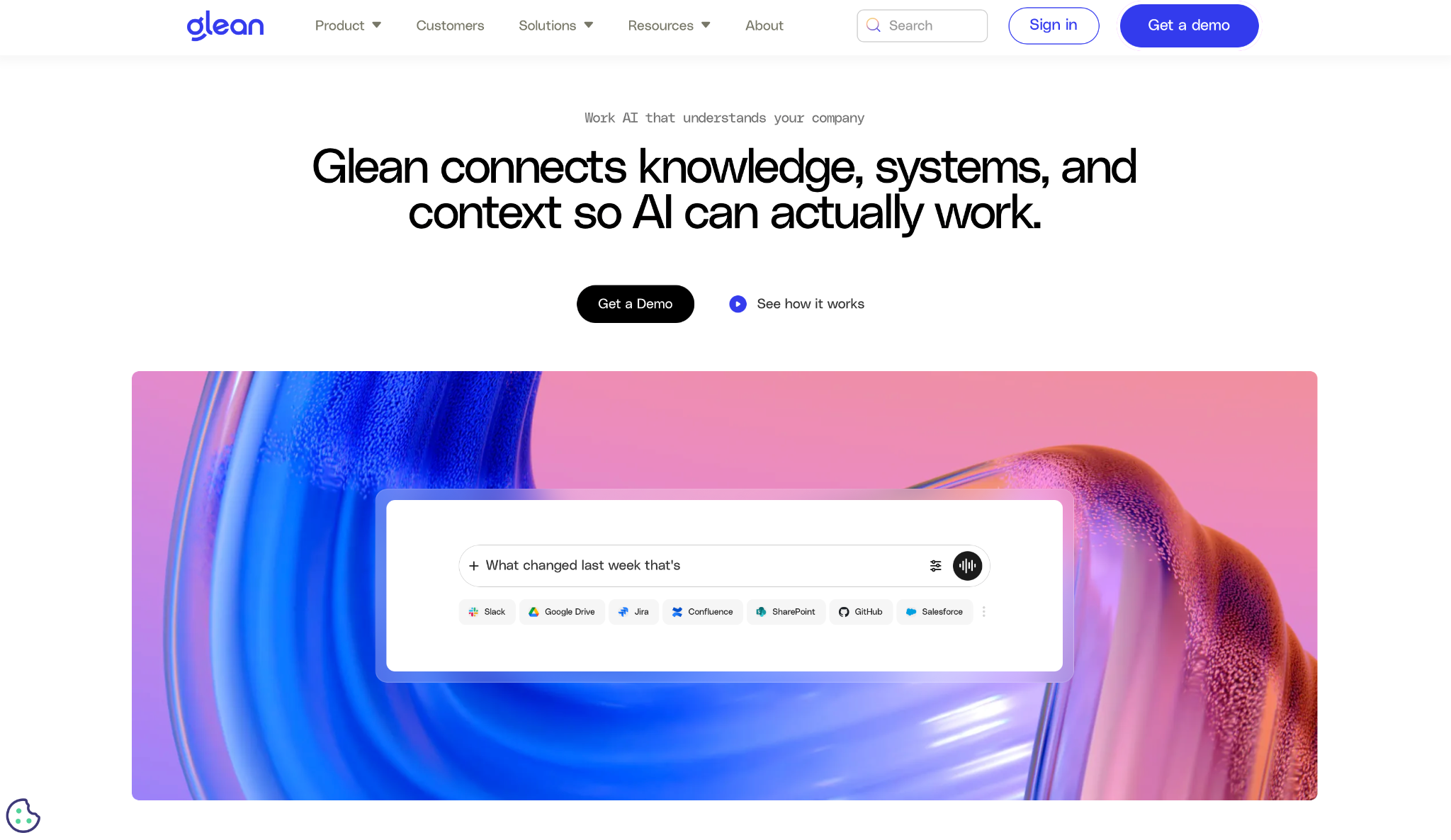
Connecting across a hundred-plus tools is Glean's main purpose from day one, not a secondary feature bolted onto something else.
I tested it against a question that required pulling context from a Jira ticket, a Confluence page, and a Slack thread from three months earlier, none of which Copilot could have touched.
Glean returned a ranked answer with links back to all three sources, respecting the same permissions each employee already has in those tools.
Glean was recognized in Gartner's 2026 Emerging Market Quadrant for No-Code Agent Builders, and that permission-aware indexing across 100-plus connectors is the whole pitch. They treat search as infrastructure, not a feature bolted onto one app.
Key features
- Enterprise Knowledge Graph: Maps relationships between people, documents, and projects across every connected tool, not just one app's database
- Permission-aware search: Every result respects existing access controls, so employees only see what they're already authorized to view in the source system
- Hybrid search architecture: Combines keyword search, vector search, and retrieval-augmented generation to rank results by relevance and freshness, not just keyword match
- Agent Builder: Lets teams create custom AI agents with governance controls layered in, useful for IT and ops teams that need oversight on what an agent can touch
Pros
✅ Search spans every connected tool at once, which solves the exact fragmentation problem that an office-suite assistant cannot touch
✅ Permission mapping happens automatically, so rolling out search company-wide doesn't mean exposing documents to people who shouldn't see them
✅ Customers and reviewers consistently report meaningful weekly time savings from company-wide search
Cons
❌ Glean finds and summarizes information well but does not execute actions like updating a record or creating a ticket on its own
❌ Pricing is fully custom with no public rate card, and minimum deployments typically start around 100 seats, which puts it out of reach for smaller teams
Best for
- Large organizations with knowledge scattered across a dozen or more disconnected tools
- IT and operations teams that need governed, permission-aware AI search rather than a general chatbot
- Companies already standardizing on a single search layer instead of running separate AI tools per department
Pricing
- No free plan or trial
- Custom pricing, quoted directly by Glean's sales team
How to Evaluate Microsoft 365 Copilot Alternatives
- Check which ecosystem you live in first. Gemini only makes sense if you're on Gmail and Docs already, and Notion AI only pays off if your team treats Notion as the source of truth. Picking the wrong ecosystem fit wastes the migration effort before you even test the AI.
- Look at how the pricing stacks up. Some of these are bundled into a seat you already pay for, some charge per seat on top of a base plan, and Zapier charges per task. Map your expected usage to each model before comparing features, since the lowest sticker price is not always the lowest bill.
- Decide if you need an assistant that acts on its own or one that waits. Copilot, Gemini, and Notion AI wait for a prompt before doing anything. Lindy is designed to act on its own, sending a reminder or drafting a follow-up before you ask.
- Check the seat minimum. Claude Team requires 5 seats, ChatGPT Business requires 2, and Glean enterprise contracts start near 100 seats. A solo operator or a 3-person team gets filtered out of half this list by seat count alone.
- Confirm what the AI can see. Copilot only reasons over Microsoft files. Glean reaches across a hundred-plus connected tools but won't take action on its own. Match the tool to whether your bottleneck is finding information or getting tasks off your plate.
{{cta}}
How to Choose the Right Copilot Alternative
People searching for Microsoft 365 Copilot alternatives usually frame it as a pricing question. The price tag is rarely the real problem.
Before picking a tool, get clear on how you actually use Copilot today. Not how you think you use it, but what you open it for every morning.
Once you know your pattern, filter by what actually matters.
- Execution vs. conversation. Does the tool stop at answering questions, or can it do the work without you hovering over it?
- Ecosystem fit. Can it work with the tools you already use, or are you re-explaining everything from scratch every session?
- Specialization. Forcing one tool to do everything usually backfires. Claude handles long documents and code. Zapier handles cross-app automation. Lindy handles the daily tasks piling up around your inbox and calendar.
- Friction vs. payoff. If a tool saves time but adds another dashboard or setup process to maintain, it is probably not worth it.
When you filter this way, the noise drops fast. If your bottleneck is the daily admin accumulating around your inbox and calendar rather than document drafting itself, Lindy is designed for exactly that. The 7-day trial is the fastest way to find out.
Frequently Asked Questions
What is the best free Microsoft 365 Copilot alternative?
ChatGPT and Claude both have capable free tiers, and Notion includes limited AI on its free plan. For automation, Zapier's free plan covers 100 tasks a month. Gemini is only free in the sense that it comes bundled into a paid Google Workspace seat, not a standalone free option.
Is Microsoft 365 Copilot worth the extra cost?
Yes, if your team already lives inside Word, Excel, Outlook, and Teams every day. Microsoft reported active licenses at roughly a 3.3 percent share of total Microsoft 365 subscribers, so the ROI only shows up with daily use.
What is the best Copilot alternative for teams outside the Microsoft ecosystem?
Google Gemini for Workspace if you run on Gmail and Docs, ChatGPT Business if your tools span multiple platforms.
Can I use a Copilot alternative without switching my email or office suite?
Yes. ChatGPT Business, Claude, Zapier, Glean, and Lindy all connect to your existing Gmail, Outlook, or IMAP setup without requiring you to switch email or office suite. Gemini requires Google Workspace and Notion AI requires a Notion workspace, so those two are the exceptions.
Which Copilot alternative goes furthest beyond office documents?
Zapier, since it connects AI across thousands of apps no office suite touches. If your real gap is the daily tasks piling up around your inbox and calendar, Lindy goes furthest there.









