Top 9 Fireflies.ai Alternatives: Tested and Reviewed for 2026
Marvin reviewed nine Fireflies.ai alternatives including Otter.ai, tl;dv, and MeetGeek, comparing transcription accuracy, CRM integrations, and pricing tiers for teams.


Users often complain about Fireflies.ai because of the cost of extra AI credits, transcription accuracy concerns, and limited workflow automations. That’s why I tested the most popular Fireflies alternatives to find the top 9 tools worth your time.
Top 9 Fireflies.ai alternatives: At a glance
Tools like Otter, Jamie, and Lindy are among the top alternatives for users dissatisfied with Fireflies’ note-taking. We compared them to help you see how they differ. Here’s a quick glance table to see the differences: If you are also interested in multi-agent automation frameworks, consider reviewing top crew ai alternatives. Before committing to another platform, it helps to review full details on fireflies ai pricing to compare costs directly.
| Alternative | Best For | Starting price (billed monthly) | Key Advantage vs Fireflies.ai |
|---|---|---|---|
| Lindy | Teams that want meeting notes with workflow automation | $49.99/month | No-code workflow builder, 4,000+ integrations, and ready-to-use templates |
| Otter.ai | AI meeting assistants with live captions | $16.99/user/month | Live, highly accurate transcription |
| tl;dv | Free-first, CRM-friendly insights | $29/seat/month | Generous free plan + CRM sync |
| MeetGeek | Budget-friendly automation & analytics | $19/user/month | Transparent quotas, Slack AI Chat |
| Avoma | Revenue teams needing CI/RI add-ons | $29/seat/month | Flexible recorder-seat model |
| Grain | Teams sharing clips/highlights | $19/month | Reels + HubSpot automation |
| Sembly | Proxy attendance & multi-language | $15/month | Skip-the-meeting capability |
| Jamie | Bot-free, offline desktop recorder | €25/month | No bot listens to your meetings |
| Notta | Simple note-taker with collaboration features | $13.49/month | High quotas + video on Business |
Next, let’s understand what pushes Fireflies users to switch to other AI meeting assistants. Engineers building custom AI models alongside these tools might also want to explore popular vertex ai alternatives. Before diving into the list, you can check out our detailed fireflies ai review to see how it compares.
Why users looked for Fireflies.ai alternatives
Users look for Fireflies alternatives because it falls short on a few fronts. Here’s what users find lacking:
- Pricing complexity: Fireflies charges for the plans but also uses AI credits for advanced tasks. This makes costs unpredictable compared to other note-taking alternatives.
- Transcription accuracy: Several Fireflies.ai reviews mention inconsistent transcription quality across accents or noisy calls.
- Workflow flexibility: Fireflies captures meetings well but offers fewer options for turning notes into automated actions.
Teams who relate with these pain points go for alternatives. Let’s explore all 9 tools in detail.
1. Lindy: Best for teams that want AI notes and automated actions
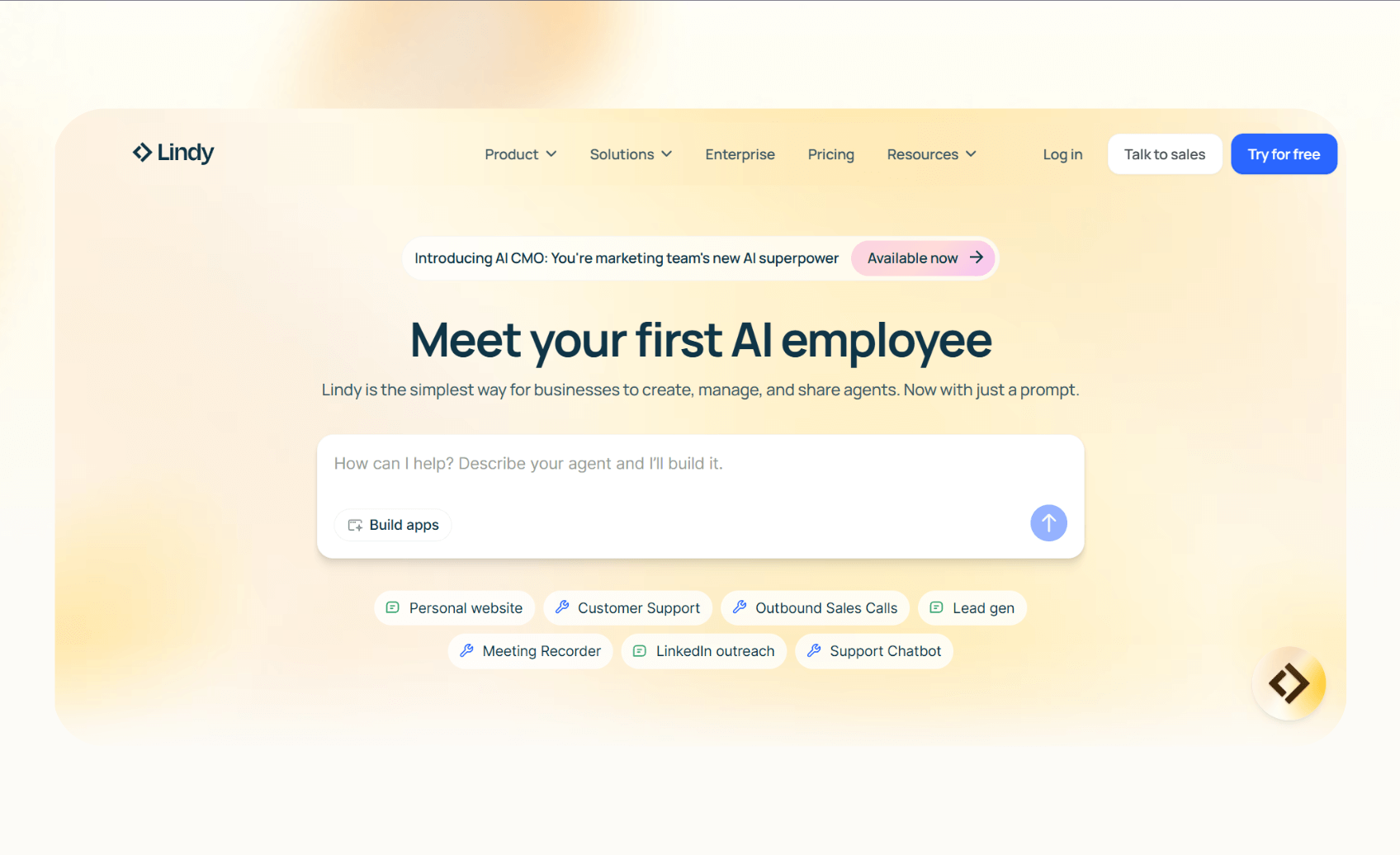
Lindy is an AI agent platform that lets you capture meeting notes and action items using its meeting note-taker. You can then create another AI agent that can act on the notes, like creating transcription summaries, updating CRMs, sending follow-ups, or posting the tasks in Slack.
It’s ideal for teams that want a reliable meeting assistant that can also automate tasks and trigger workflows across chat, email, and phone. Lindy fits into your existing workflows without much setup.
Why it beats Fireflies.ai
- Drag-and-drop workflow builder: Non-technical users can build a workflow from scratch without any technical help.
- AI agent builder: Describe what your AI agent should do and Lindy will create that workflow.
- 4,000+ integrations: You can connect it to your favorite work apps, like Google Docs, Slack, or Notion.
- Ready-to-use templates: Select a template and start automating workflows within minutes.
- SOC 2 and HIPAA compliant: It works within regulated industries like healthcare, finance, and legal, or if you need a medical scribe.
Pros
- Reduces time spent on repetitive tasks like logging updates or documenting transcripts.
- Handles calls, inboxes, and chat, along with meetings.
- Starts free, so you can test it before committing.
Cons
- Designing complex workflows can take some time.
Pricing
- Free: Up to 40 monthly tasks
- Pro: $49.99/month, billed monthly, for up to 1,500 tasks
- Business: $199.99/month, billed monthly, with unlimited phone calls
- Enterprise: Custom pricing and limits
Bottom line
Lindy fits non-technical teams that want AI agents to handle meeting notes and automate related tasks.
{{templates}}
2. Otter.ai: Best for live meeting transcription and summaries
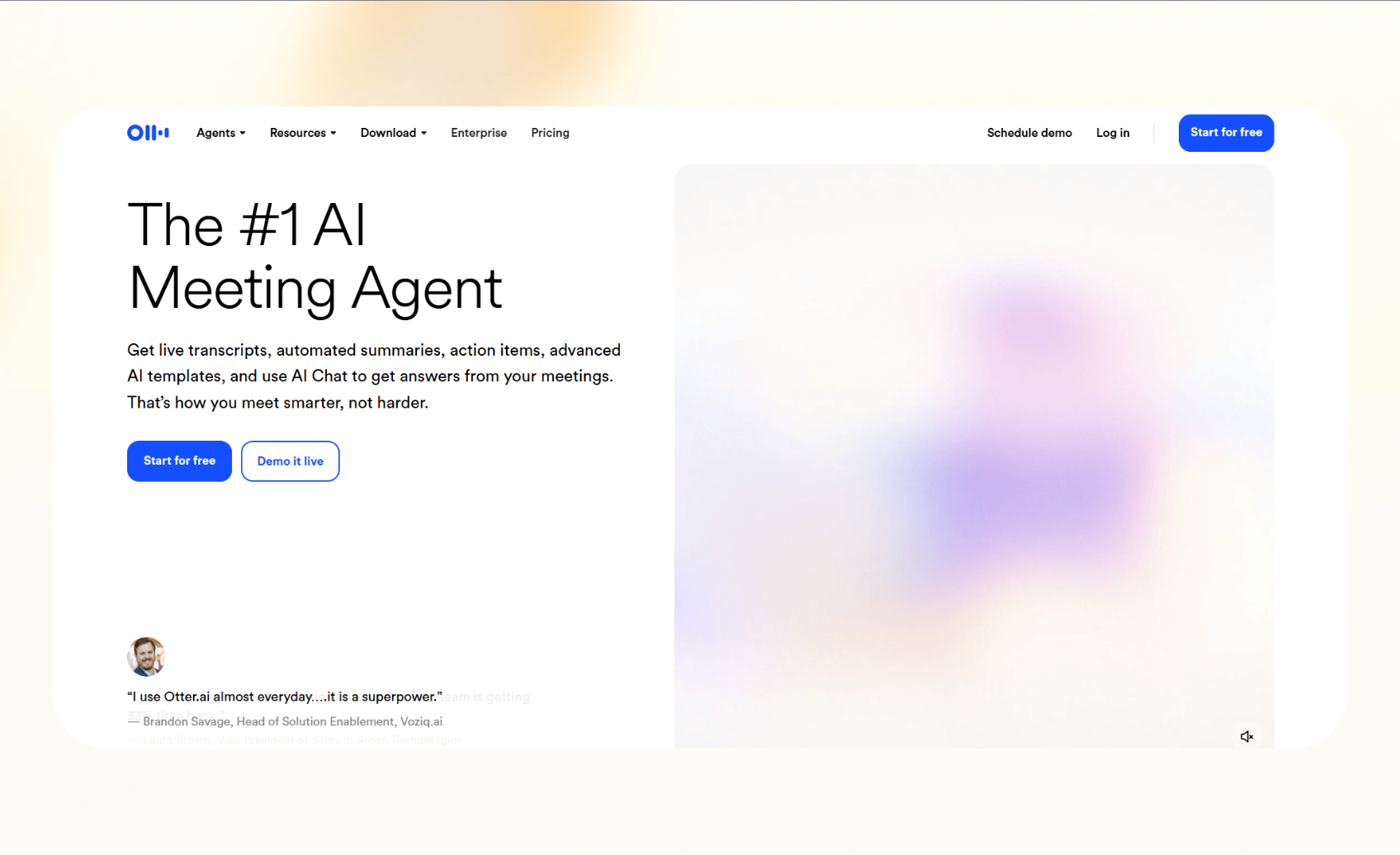
Otter.ai is an AI meeting assistant that records, transcribes, and generates summaries. It also offers live captions, ideal for hybrid teams and classrooms. You can use the AI chat feature to get answers to questions from your meetings.
Why it beats Fireflies.ai
- Live notes and captions: Otter shows text while the meeting runs.
- Mobile apps: Its iOS and Android apps are more advanced than many Fireflies.ai competitors.
- AI agents: Otter recently added role-based agents for sales and recruiting.
Pros
- Easy to set up and use.
- Claims to be up to 95% accuracy on English calls.
Cons
- Limited to a few languages.
- Minutes caps apply by plan.
Pricing
- Basic: Free, 300 monthly minutes
- Pro: $16.99/user/month, 1,200 monthly recording minutes
- Business: $30/user/month, 6,000 monthly recording minutes
- Enterprise: Custom pricing and limits
Bottom line
Otter is a solid pick if you want reliable note-taking on both desktop and mobile. However, if Otter does not meet all your meeting needs, explore the best otter ai alternatives available today.
3. tl;dv: Best free plan with CRM and follow-up automation
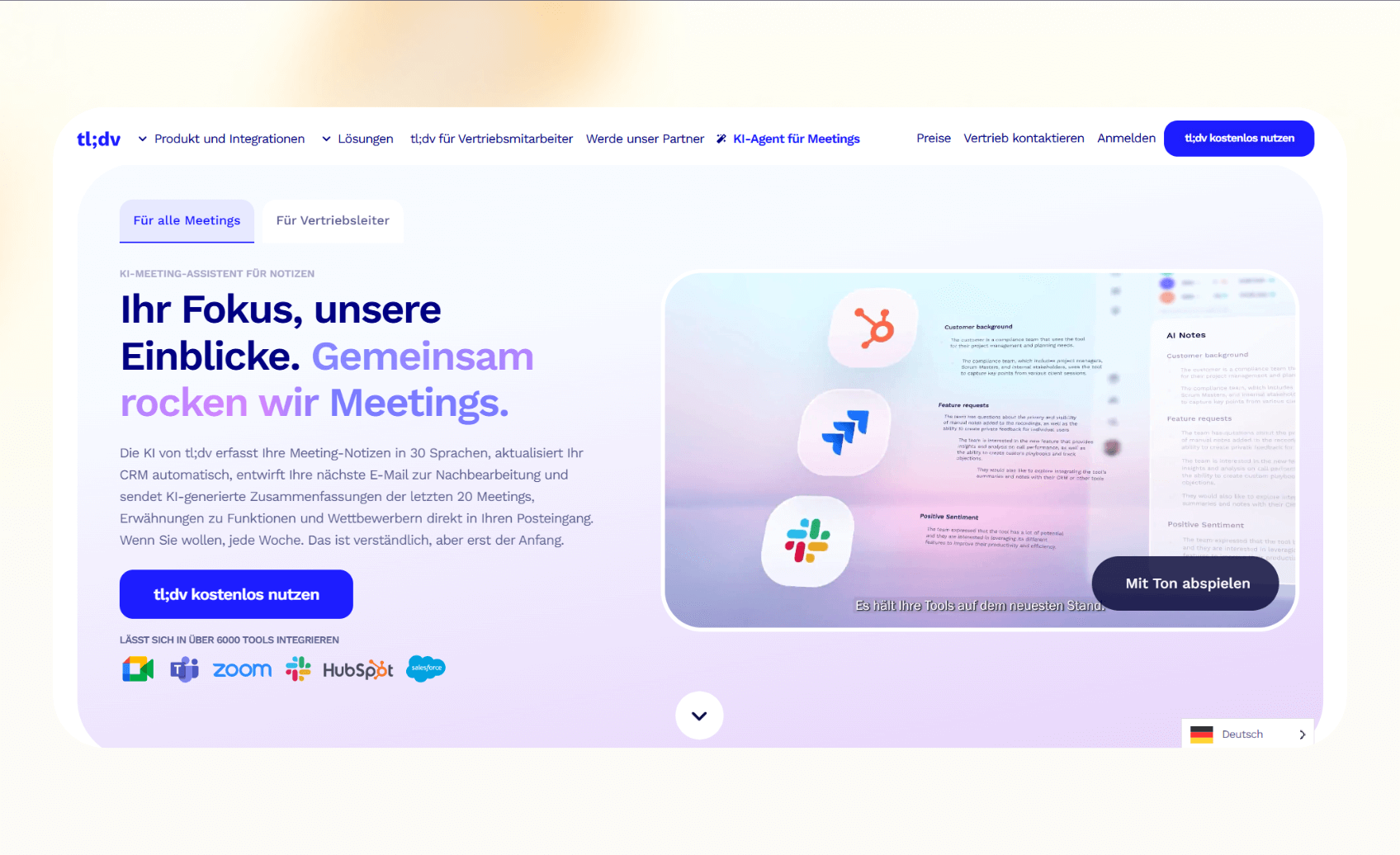
tl;dv is an AI notetaker that works with Zoom, Google Meet, Microsoft Teams, and more. The free plan provides unlimited recordings, with limits of 10 AI transcripts and 50 highlights per seat per month. You also get features like AI reports, CRM sync, highlights, and insights across multiple meetings. Choosing a dedicated note-taking tool ensures your team stays organized after every call.
Why it beats Fireflies.ai
- Free-first model: tl;dv gives more value upfront.
- CRM automation: It pushes notes directly into tools like Salesforce and HubSpot.
- Multi-meeting insights: Teams can track patterns across several calls.
Pros
- Strong free tier for small teams.
- Wide language support for transcription.
Cons
- Advanced analytics require a paid plan.
Pricing
- Free: Unlimited meetings and AI moment summaries
- Pro: $29/seat/month, billed monthly
- Business: $65/seat/month, billed monthly
- Enterprise: Custom
Bottom line
tl;dv works for teams that want free note-taking, CRM sync, and follow-up workflows.
4. MeetGeek: Best for budget-friendly automation
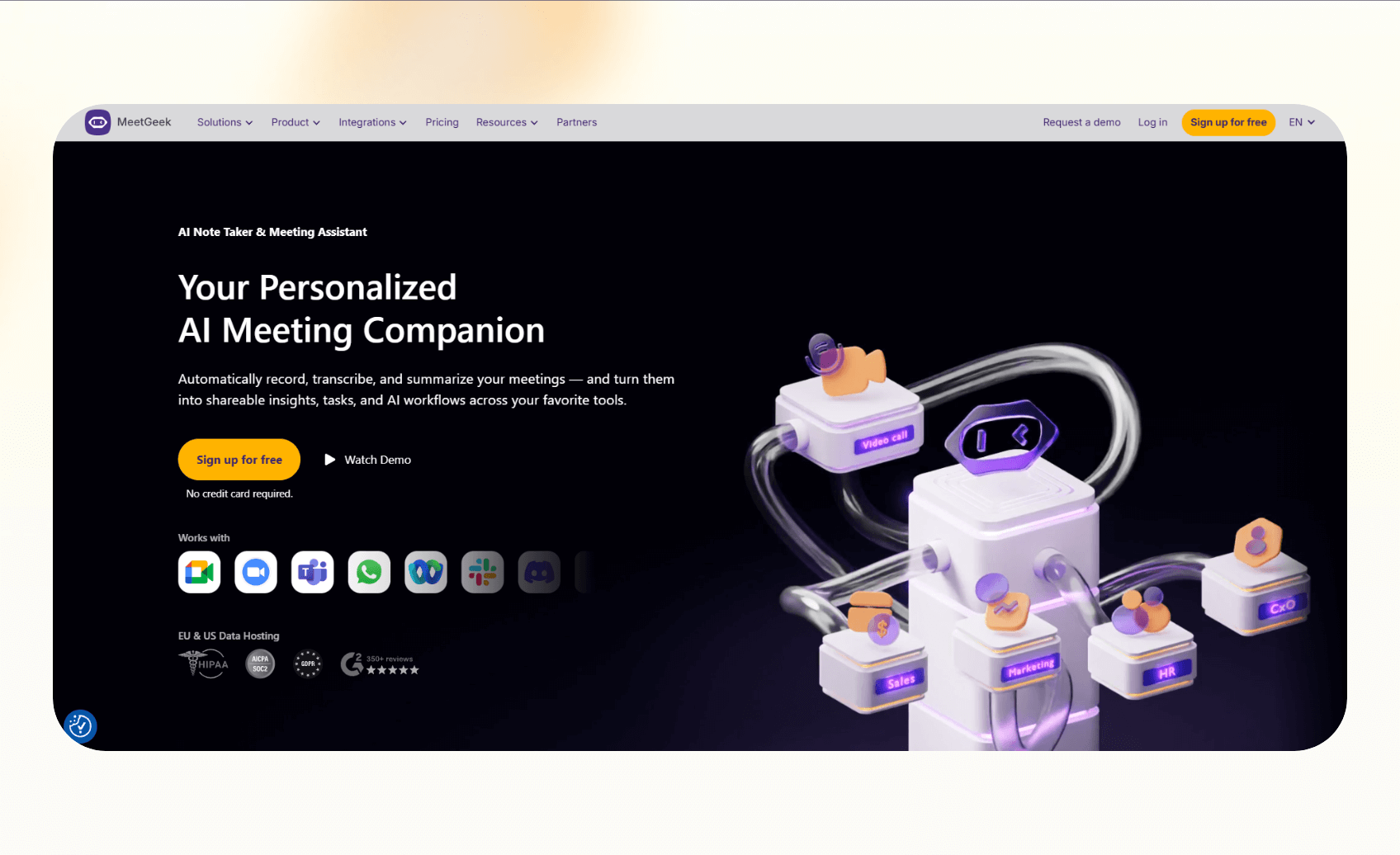
MeetGeek is a meeting assistant that records, transcribes, and summarizes calls. It stands out among Fireflies.ai competitors because it offers clear quotas and predictable pricing. Teams that want affordable automation and analytics often consider it an alternative.
Why it beats Fireflies.ai
- Transparent quotas: Every plan lists recording and storage limits upfront.
- Automation options: MeetGeek connects with Slack, Zapier, and Make for task routing.
- Value pricing: It costs less than many other AI meeting assistants.
Pros
- Easy setup with Chrome and mobile apps.
- Supports multiple languages.
Cons
- $0.50/hr overages can add up.
- Advanced analytics are only available on higher tiers.
Pricing
- Basic: Free, 3 hours/month
- Pro: $19/user/month, 20 hours/month
- Business: $39/user/month, 100 hours/month
- Enterprise: Custom pricing
Bottom line
MeetGeek fits teams that want note-taking plus automation at an affordable price.
5. Avoma: Best for revenue and customer success teams
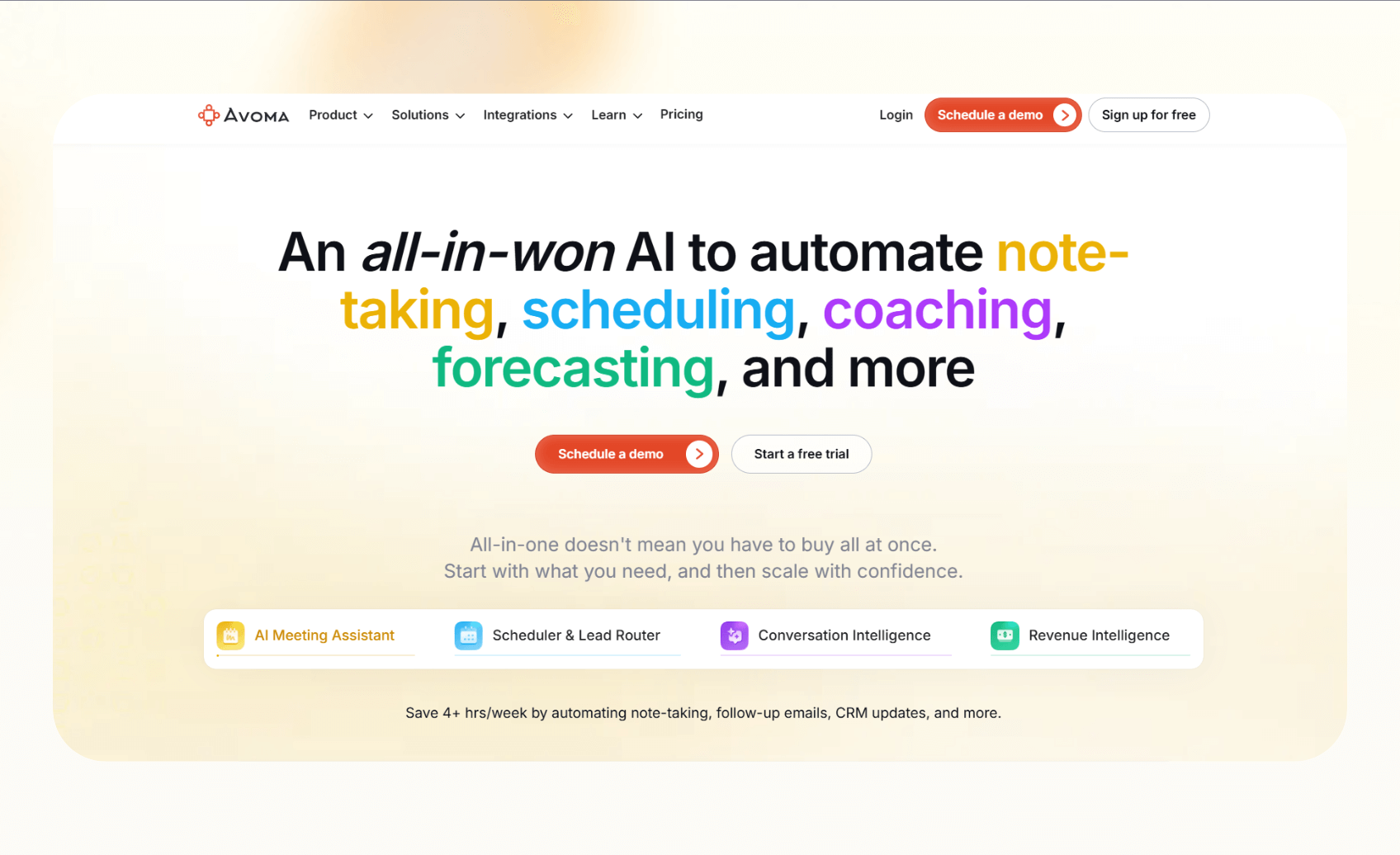
Avoma is an all-in-one meeting note-taker that lets you automate scheduling, forecasting, coaching, and more. It provides conversation and revenue intelligence, making it an ideal meeting note-taker for sales and CS teams.
Why it beats Fireflies.ai
- Recorder-seat pricing: You only pay for active users, not every account.
- CRM sync: Avoma automatically saves meeting notes to Salesforce, HubSpot, and other CRMs.
- Revenue add-ons: Teams can buy conversation intelligence and revenue insights when they need them.
Pros
- Flexible pricing and features.
- Built-in coaching and analytics for sales leaders.
Cons
- Add-ons can raise costs quickly.
- Some features are locked to higher tiers.
Pricing
- Startup: $29/seat/month, billed monthly
- Organization: $39/seat/month, billed monthly
- Enterprise: $39/seat/month, billed yearly
- Conversation Intelligence add-on: $35/seat/month
Bottom line
Avoma is the right pick for teams wanting AI meeting assistants for revenue workflows.
6. Grain: Best for highlights and clips
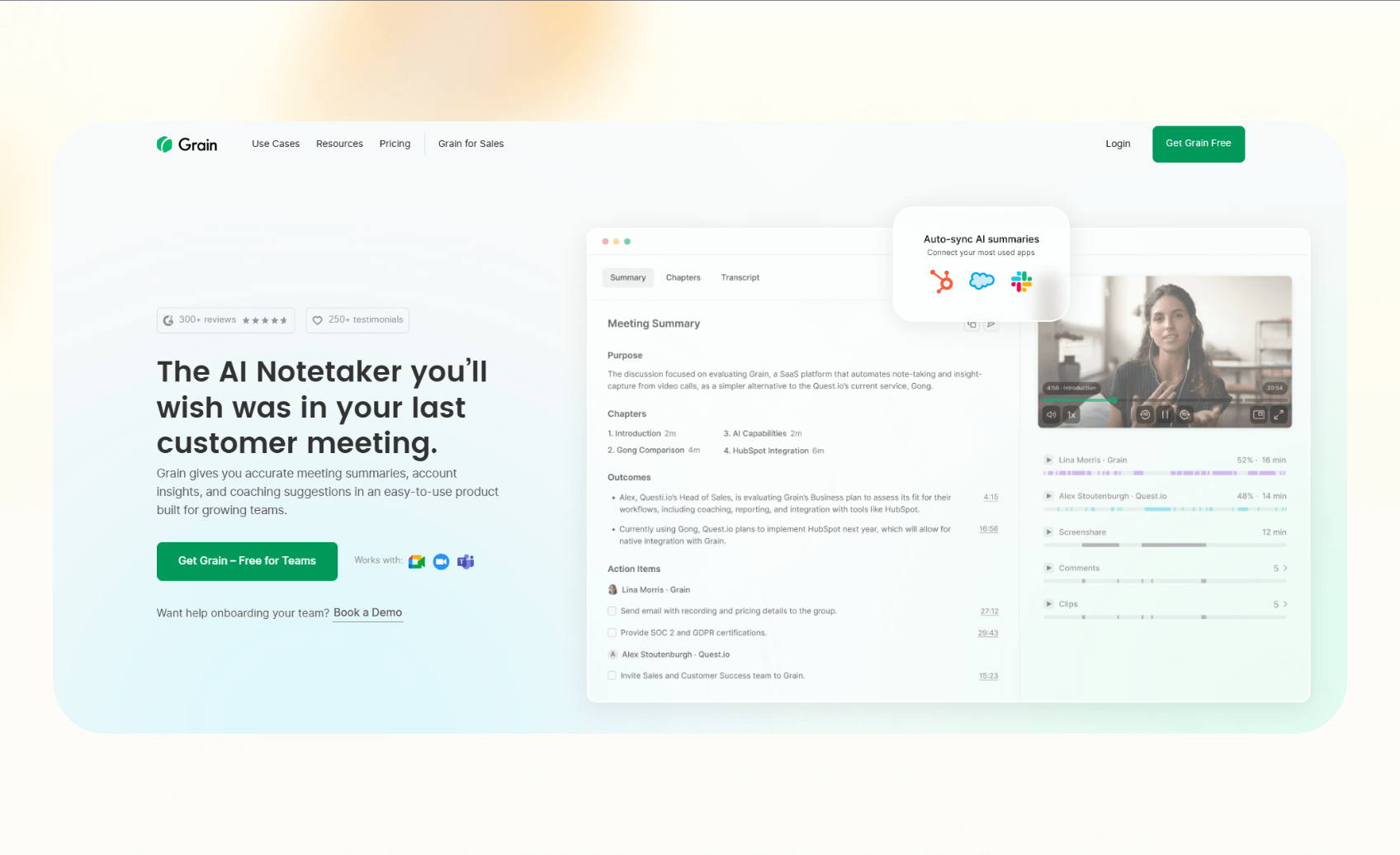
Grain helps teams capture, clip, and share the most important parts of their meetings. Instead of reviewing entire transcripts, users can turn moments into short videos or “Stories.” Product managers, researchers, and sales teams can take advantage of this feature to share insights across tools.
Why it beats Fireflies.ai
- Highlights: Grain turns key points into clips instead of storing full calls.
- CRM automation: It integrates with HubSpot and syncs notes automatically.
Pros
- Easy clip creation for async sharing.
- Integrates with Zoom, Meet, and Teams.
Cons
- Salesforce support is only in Enterprise.
- May not appeal to teams who don’t want the short video format.
Pricing
- Free: Basic AI notes, unlimited meetings
- Starter: $19/month, billed monthly, Slack and Zapier integrations
- Business: $39/month, billed monthly, AI coaching and insights
- Enterprise: Custom pricing
Bottom line
Grain will suit teams that want a note-taker that can turn meetings into highlights and reels.
7. Sembly: Best for proxy attendance and multilingual support
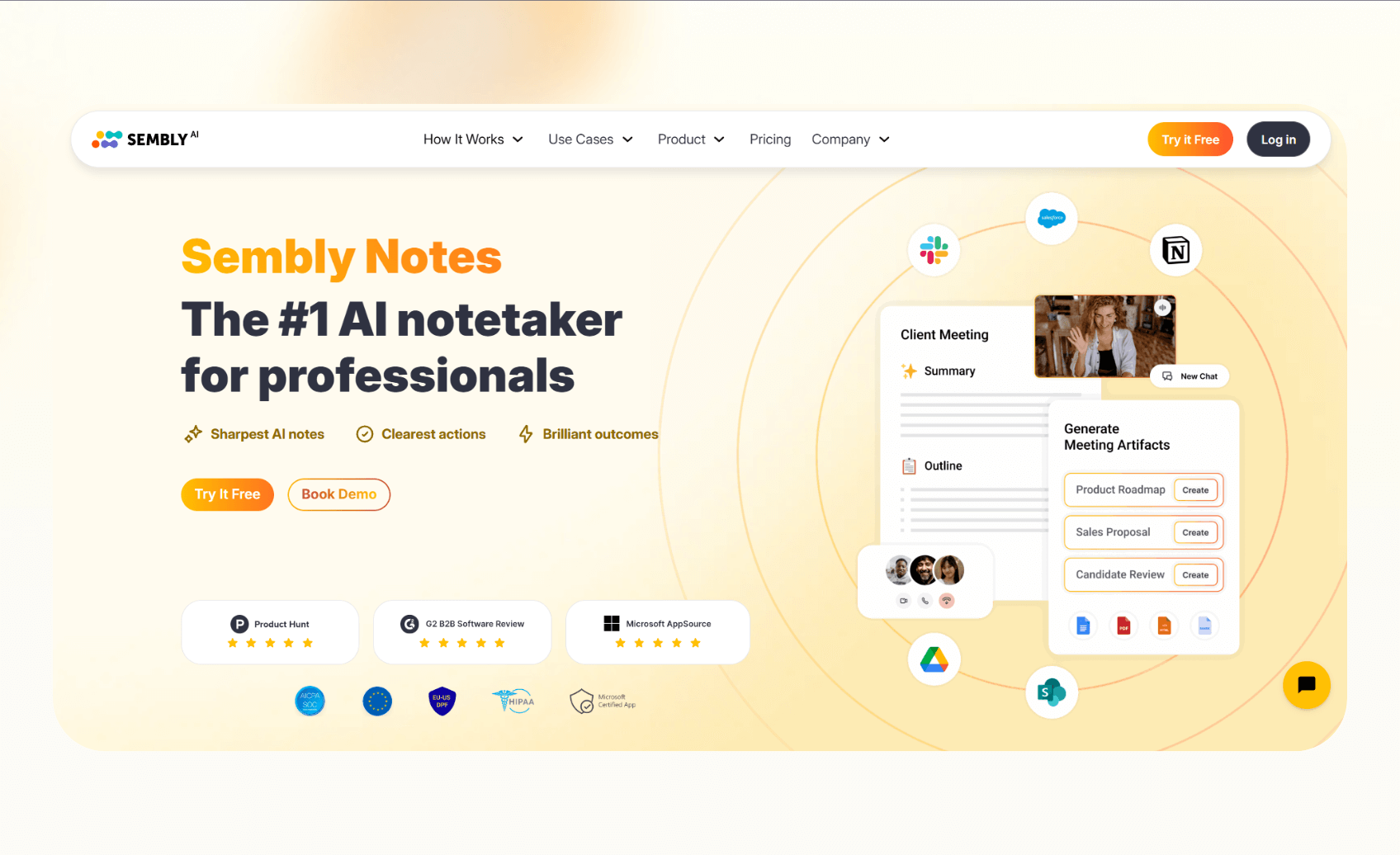
Sembly is an AI meeting assistant that records and transcribes calls across Zoom, Teams, and Meet. It can attend meetings on your behalf when you cannot join. This proxy feature, plus wide language coverage, makes it stand out.
Why it beats Fireflies.ai
- Proxy attendance: Sembly can join and capture meetings without you.
- Language support: It offers transcripts in over 45 languages.
- AI summaries: You can get action items and insights across calls.
Pros
- Unlimited online recording on paid plans.
- Strong analytics and task extraction.
Cons
- Upload minutes are capped by tier.
- Advanced features sit on higher plans.
Pricing
- Free: 60 minutes/month online recording
- Professional: $15/month, billed monthly
- Team: $29/user/month, billed monthly
- Enterprise: Custom pricing
Bottom line
Sembly is ideal for individuals and teams that want AI meeting assistants to join meetings in their absence.
8. Jamie: Best for bot-free and offline recording
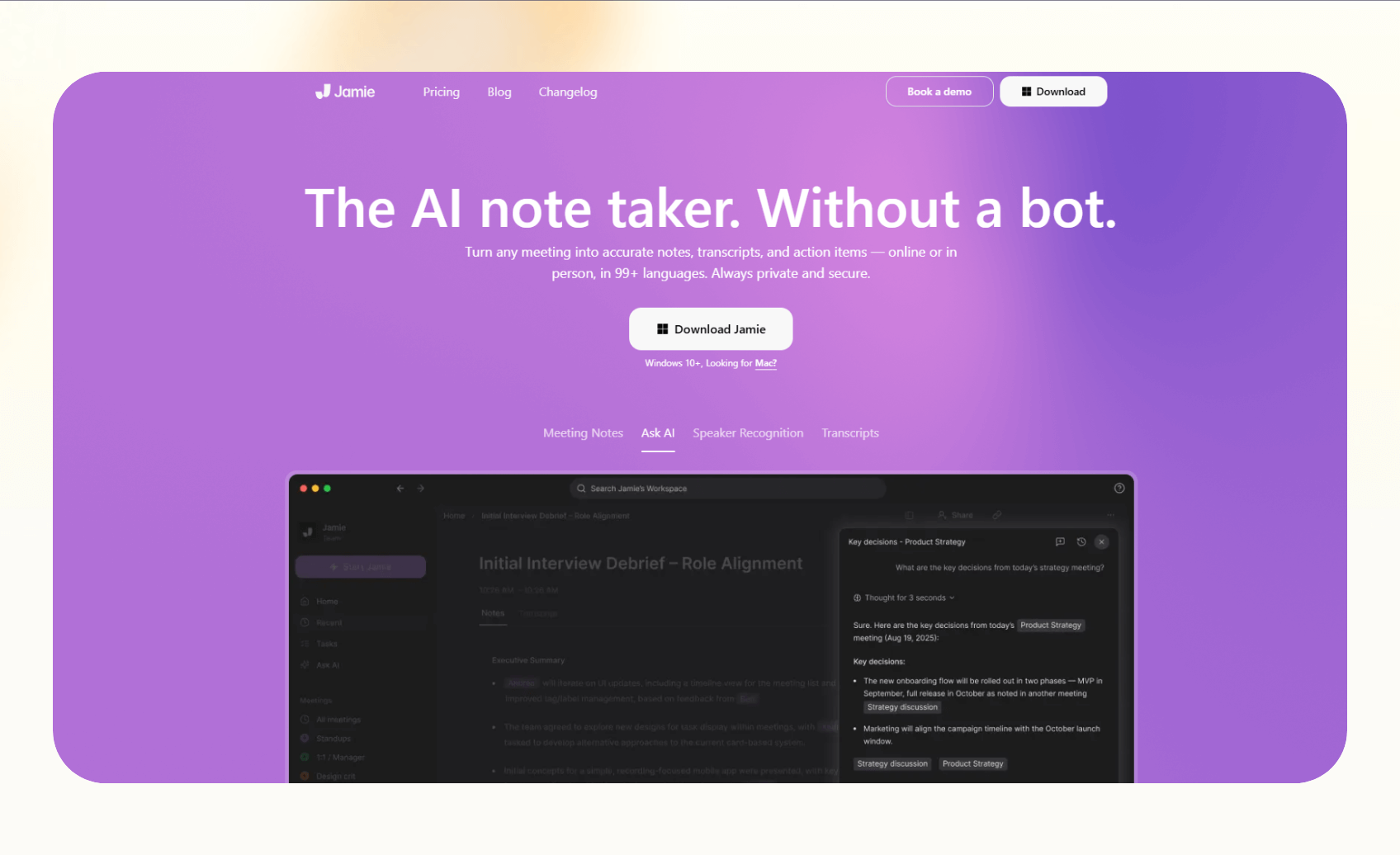
Jamie is a desktop-based meeting assistant that records audio locally instead of joining calls as a bot. It’s ideal for teams that dislike bots entering their meetings. It also works offline, so users can capture conversations without an internet connection.
Why it beats Fireflies.ai
- Bot-free recording: Jamie captures meetings directly on your device.
- Offline mode: It records and processes notes even without connectivity.
- Privacy: All recording happens locally before processing.
Pros
- Works with Zoom, Meet, Teams, and more.
- Strong option for security-conscious teams.
Cons
- Not live, generates notes after the meeting.
- Pricing is in euros.
Pricing
- Free: 10 meetings per month
- Standard: €25/month, 20 meetings
- Pro: €47/month, 50 meetings
- Executive: €99/month, unlimited meetings
Bottom line
Jamie focuses on privacy and bot-free meetings, and it’s a strong pick for teams that prefer those features.
9. Notta: Best for simple recording and transcription
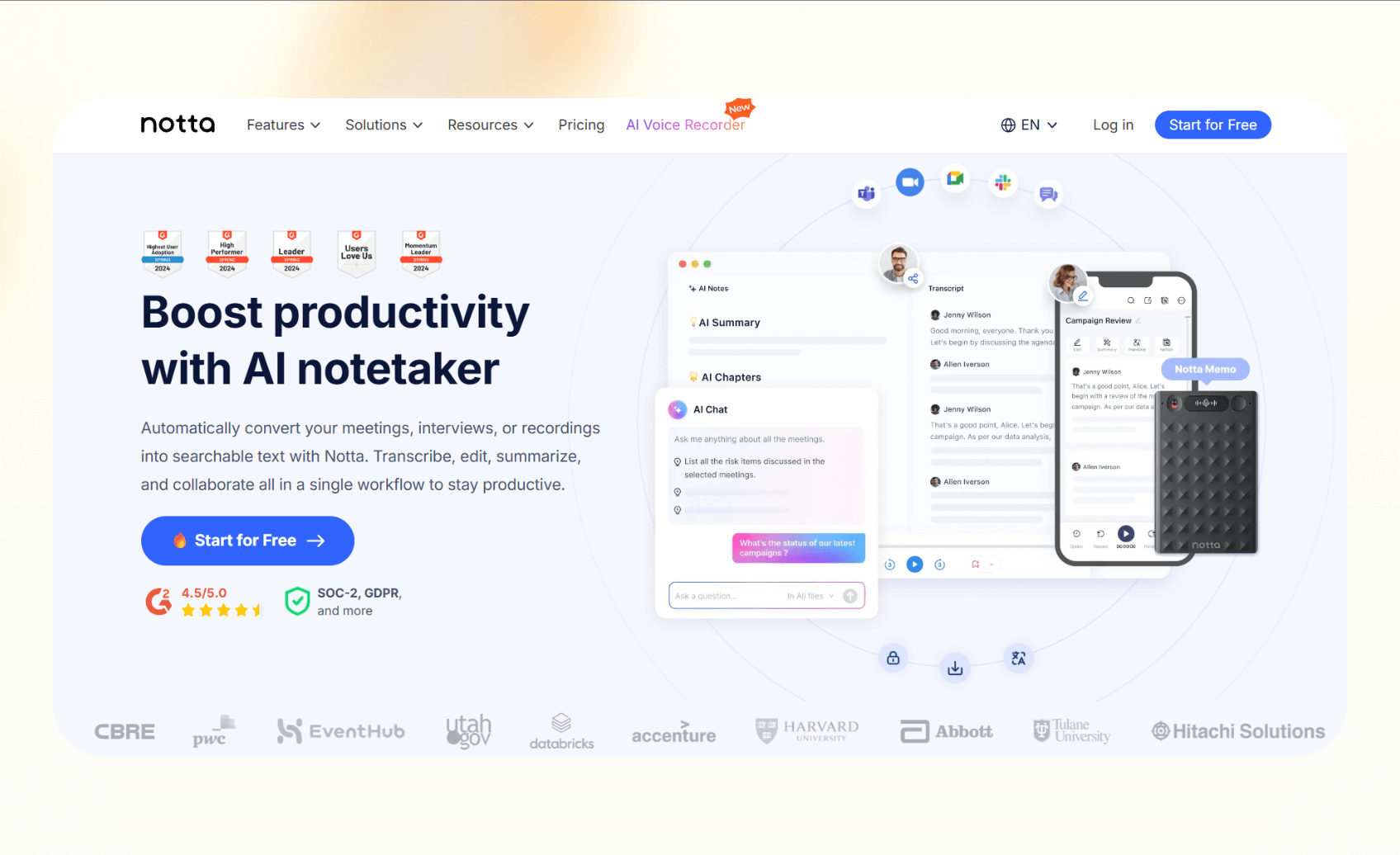
Notta is an AI meeting note-taker that lets you collaborate with teammates, share highlight clips, and download your notes.
Why it beats Fireflies.ai
- Higher meeting minutes: Pro and Business plans include more minutes than many rivals.
- Video recording: Available on Business tier.
- Cross-platform support: Works on web and mobile.
Pros
- Affordable pricing with clear tiers.
- Strong transcription accuracy.
Cons
- Lacks advanced workflow automation.
- Most features are capped on Business and Enterprise.
Pricing
- Free: Up to 3 minutes per conversation
- Pro: $13.49/month, up to 5 hours per meeting
- Business: $27.99/seat/month, unlimited transcription minutes
- Enterprise: Custom pricing, minimum 51 seats
Bottom line
Notta can replace Fireflies for teams that want an AI meeting note-taker at a predictable cost and relatively generous monthly limits.
We compiled this list after reviewing and testing a lot of tools. Let’s see how.
How I tested these alternatives
I tested each tool to see how well it handled accuracy, integrations, and pricing. These three aspects matter the most to users looking for Fireflies alternatives:
- Accuracy and transcription quality: Clear transcripts and correct speaker labels decide how useful notes are. We compared how each tool handled accents, background noise, and crosstalk.
- Integrations with meeting tools: We checked whether the assistant only captured calls or also synced data into CRMs, project tools, or chat apps.
- Pricing and scalability: We reviewed plan limits, overages, and add-on models to find the cost behind each subscription.
Then, I ran identical meetings across platforms to compare results fairly.
Which Fireflies alternative should you choose?
Choose the note-taking tool that fits your use cases, team needs, and tech stack. Here’s some clarity on who should pick which alternative:
Choose Lindy if you
- Want AI meeting assistants that capture notes and automate follow-up tasks.
- Depend on CRMs, Slack, or email for daily workflows and you need an assistant that integrates across them.
- Want to reduce tool switching by using one platform for scheduling, note-taking, and task automation.
Choose alternatives
- Pick Otter.ai if you want reliable live captions and mobile support.
- Use tl;dv if you need a free plan with CRM automation.
- Go with MeetGeek for clear quotas and affordable pricing.
- Select Avoma if your sales team needs conversation and revenue intelligence.
- Choose Grain for highlight clips and async sharing.
- Sembly works if you want proxy attendance.
- Jamie fits if you need offline, bot-free recording.
- Notta is best for predictable pricing and simple note-taking.
Stick with Fireflies.ai if you
- Already use its Business or Enterprise plans and rely on unlimited storage.
- Depend on its integrations and built-in conversation intelligence.
- Are comfortable managing the credit pricing for advanced features and don’t need extra automation beyond meeting capture.
Final verdict
Fireflies is a capable AI meeting note-taker, but teams often find it lacking when it comes to automation, pricing predictability, or higher accuracy. For those teams, seeking alternatives is essential.
Lindy stands out among Fireflies.ai competitors for users who want meeting notes and custom AI agents for workflow automation into a single tool. Otter.ai is better for live captions and transcripts.
tl;dv works if you want a strong free tier, and MeetGeek fits teams that value transparent pricing. Avoma supports revenue teams, Grain helps with highlight clips, Sembly handles proxy attendance, and Jamie offers bot-free recording.
Each tool solves different needs, so match the choice to your workflow.
{{cta}}
Try Lindy, the Fireflies alternative to automate post-meeting tasks
Lindy lets you create your AI meeting assistant that joins your meetings, takes notes, creates transcripts, and collaborates with other AI agents to automate post-meeting tasks across email, sales, and customer support workflows.
Here’s why Lindy beats Fireflies:
- Drag-and-drop workflow builder for non-coders: You don’t need any technical skills to build workflows with Lindy. It offers a drag-and-drop visual workflow builder.
- Create AI agents for your use cases: You can give them instructions in everyday language and automate repetitive tasks. For instance, create an assistant to find leads from websites and sources like People Data Labs. Create another agent that sends emails to each lead and schedules meetings with members of your sales team.
- Free to start, affordable to scale: Build your first few automations with Lindy’s free version and get up to 40 tasks. With the Pro plan, you can automate up to 1,500 tasks, which offers much more value than Lindy’s competitors.
Frequently asked questions
What is Fireflies.ai?
Fireflies.ai is a meeting assistant that records calls, transcribes conversations, and creates searchable notes.
How much does Fireflies.ai cost?
Fireflies.ai pricing starts from $18/month for the Pro plan, billed monthly. It also offers a free tier with 800 minutes of storage. However, you need to pay for the extra AI credits once you run out of them.
What are the best Fireflies.ai alternatives?
Lindy, Otter, Jamie, Sembly, and tl;dv are some of the best Fireflies note taker alternatives. Lindy suits teams that want AI meeting notes with workflow automation, while Otter gives highly accurate meeting transcripts and live captions.
Is Otter.ai better than Fireflies.ai?
Otter.ai is better than Fireflies at live transcription, captions, and mobile use, with a better accuracy rate. Fireflies, on the other hand, offers broader integrations and conversation intelligence.
What is the best free alternative to Fireflies.ai?
tl;dv is one of the best free alternatives to Fireflies as it provides a generous free plan. Otter’s Basic plan and MeetGeek’s Basic plan also offer valuable features and transcription minutes.
Is Lindy a good Fireflies.ai competitor?
Yes, Lindy is a good Fireflies competitor if you’re looking for AI meeting assistants that can also automate tasks like creating summaries, sending emails, updating CRMs, and more.










