Fireflies AI Pricing 2026: Plans, AI Credits & Hidden Costs
Lindy broke down Fireflies.ai pricing across Free, Pro, Business, and Enterprise tiers, weighing AI credit fees, storage caps, and gated CRM integrations.


I tested Fireflies across four plans before landing on a setup that fit my team's budget. The pricing looks simple at first: four tiers, a free plan, and an annual discount. But there's a credit system running underneath everything that most buyers miss until they're already paying for add-ons.
I dug into the full pricing page, the AI credits guide, and my own testing notes to map out what each plan costs, what AI credits do, when you'll need to buy more, and which plan makes sense for which team size. Here's what I found.
Note: This article covers Fireflies, the AI meeting assistant. If you're looking for Adobe Firefly pricing (Adobe's image generation tool), that's a different product entirely.
Fireflies AI pricing: Quick overview
A few things to consider:
- Enterprise is annual-only billing. There's no monthly option.
- Storage limits are per-seat on Pro, shared across the team on Free, and unlimited on Business and Enterprise.
- All paid plans get every integration. CRM autofill and the rules for which meetings sync to Slack or your CRM start at Business, and autofill uses AI credits.
- AI credits are a separate layer on top of these plans. They power advanced AI features and are limited on every tier.
What is Fireflies and what does it do?
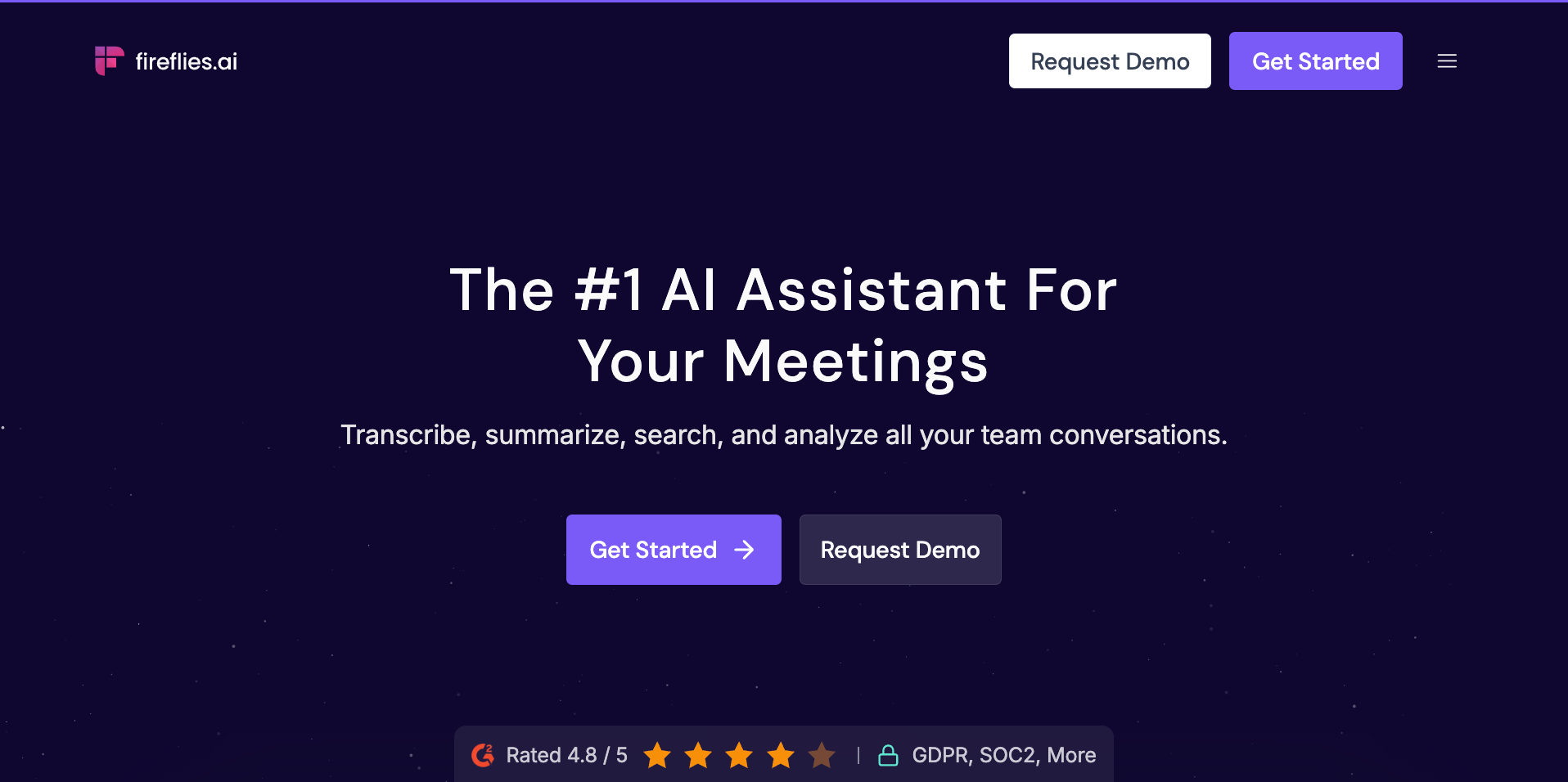
Fireflies is an AI meeting assistant that joins your calls, records and transcribes the conversation, and turns it into a searchable archive your whole team can query. It works across Zoom, Google Meet, Microsoft Teams, and most other video conferencing tools, with no manual setup required after the initial calendar connection.
Here are some of the key features of Fireflies:
- Personal Assistant: Gives you a daily brief before your first meeting and preps you for every call coming up. It also tracks tasks surfaced across all your conversations in one place.
- Email Assistant: Triages your inbox, drafts replies in your voice, and tracks follow-ups so nothing falls through after a call.
- AI Skills: Over 200 pre-built templates that extract structured insights from your meetings automatically. Think BANT scoring, interview feedback, competitor mentions, and action item tagging, all without manual review.
- Voice Agents: Run AI-led voice calls for screening interviews, sales discovery, lead qualification, and user research, with every call transcribed and summarized like a standard meeting.
- Chrome Extension: Captures and transcribes your Google Meet calls in real time, directly in the browser, without the bot joining as a participant.
- Mobile App: Records and transcribes in-person conversations from your phone. Useful for field sales, site visits, and anything that doesn't happen on a screen.
- Desktop App: A standalone app that captures calls and gives you real-time assistance during meetings on your computer.
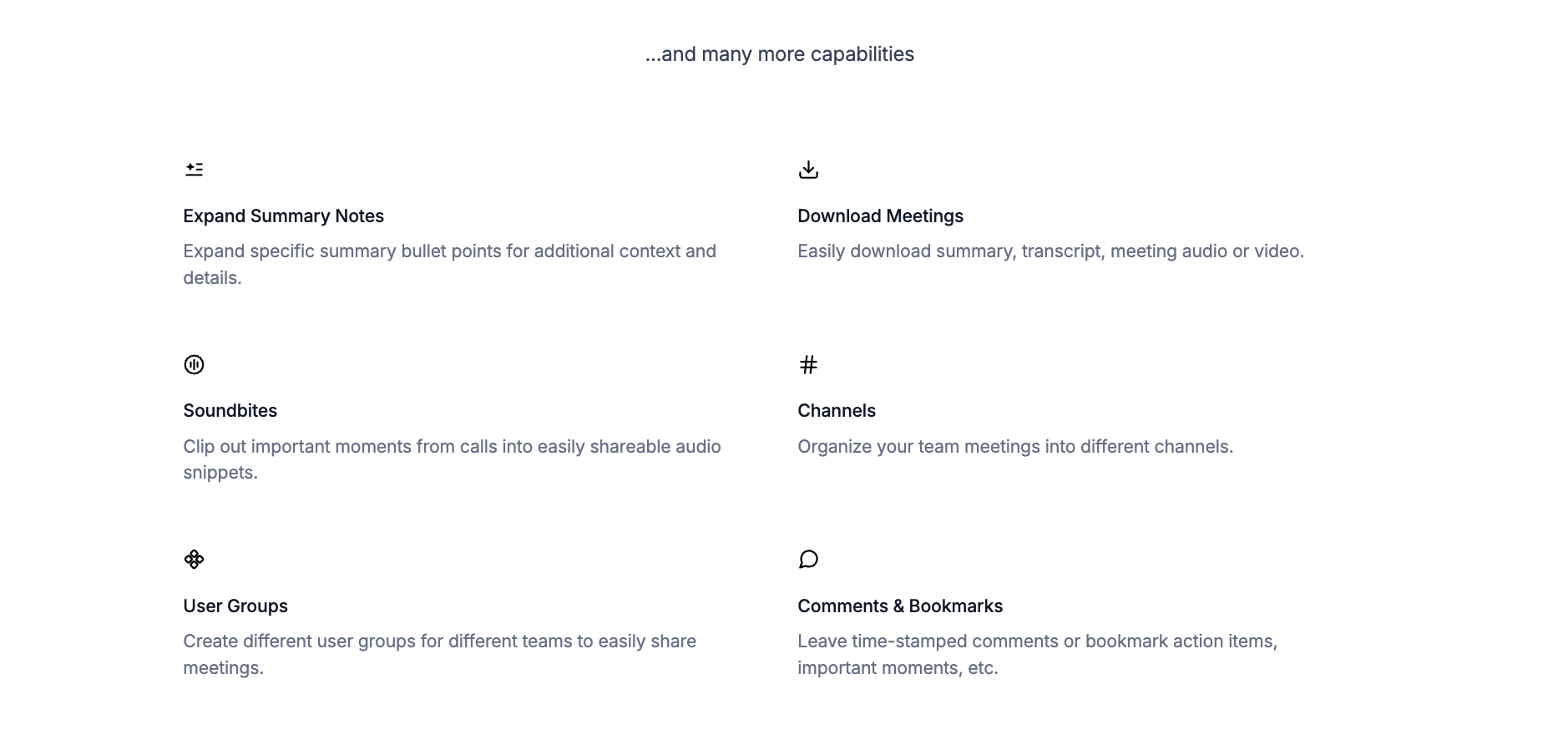
Is Fireflies free?
Yes, Fireflies has a free plan. It gives you unlimited transcription when the bot auto-joins your meetings, limited AI summaries, 400 minutes of storage shared across your whole team, and 20 one-time AI credits.
The free plan covers the basics: join meetings via the bot, get a transcript, use basic search. It won't work for teams that need AI summaries on every call, downloadable recordings, or any of the advanced AI features.
On the downside, it includes 400 minutes of shared storage. A 5-person team where each person records two 30-minute calls a week fills it in under two weeks.
Fireflies plans: Full breakdown
Fireflies offers four plans: Free, Pro, Business, and Enterprise. The pricing page defaults to annual billing, which is where the "save up to 44%" headline comes from. Monthly billing is available for Pro and Business, but costs more.
Free plan
- What you get: The Fireflies notetaker bot joins your calls, transcribes in 100+ languages, and drops a searchable record into your dashboard. You also get basic AskFred (their AI assistant), meeting search, API access, the desktop and mobile apps, and the Chrome extension. Storage is 400 minutes shared across your whole team, and you get 20 one-time AI credits at signup.
- Limitations: AI summaries are limited. There’s no video recording, downloadable transcripts, Personal Assistant, Email Assistant, AI Skills, or Voice Agents. Team sharing is capped at 3 public channels.
- Best for: Solo users trying the product, or anyone whose meeting volume is low enough to stay under the storage cap.
Pro plan: $18/seat/month (monthly) or $10/seat/month (billed annually)
- What you get: Unlimited transcription and AI summaries, video recording at 720p, downloadable transcripts and recordings, Personal Assistant, Email Assistant, AI Skills, Voice Agents, action items and task tracking, and access to all integrations. Storage jumps from 400 shared minutes to 8,000 minutes per seat. You also get 20 one-time AI credits at signup.
- Limitations: Storage caps at 8,000 minutes per seat, which fills up in about two to three months for heavy users. AI credits don't refresh automatically. No team analytics, conversation intelligence, or private channels.
- Best for: Consultants, solo founders, or small teams where each person runs their own meeting cadence and doesn't need team-level analytics.
Business plan: $29/seat/month (monthly) or $19/seat/month (billed annually)
- What you get: Everything in Pro, plus unlimited storage, unlimited private and public channels, conversation intelligence, team analytics for admins, public meeting access, user groups, and priority support. You get 30 one-time AI credits at signup instead of 20. This is where Fireflies becomes a team product rather than an individual one.
- Limitations: AI credits are still shared across the whole workspace. A 10-person team gets 30 credits total. Active users will need a credit add-on subscription.
- Best for: Sales teams, ops teams, or any group that needs private channels and team-level meeting analytics.
Enterprise plan: $39/seat/month (annual billing only)
- What you get: Everything in Business, plus a rules engine, SSO and SCIM, audit logs via API, HIPAA compliance, private storage, custom data retention, transcript-and-summary-only mode, super admin role, dedicated account manager, onboarding program, payments by invoice, and 1080p video recording. You also get 50 one-time AI credits at signup, the largest pool of any plan.
- Limitations: Annual contract only, with no monthly option. You have to go through a sales conversation to get started, and pricing doesn't flex for smaller teams.
- Best for: Regulated industries (healthcare, legal, financial services) or larger teams that need admin controls, compliance certifications, and dedicated support.
Annual vs. monthly: What the discount looks like
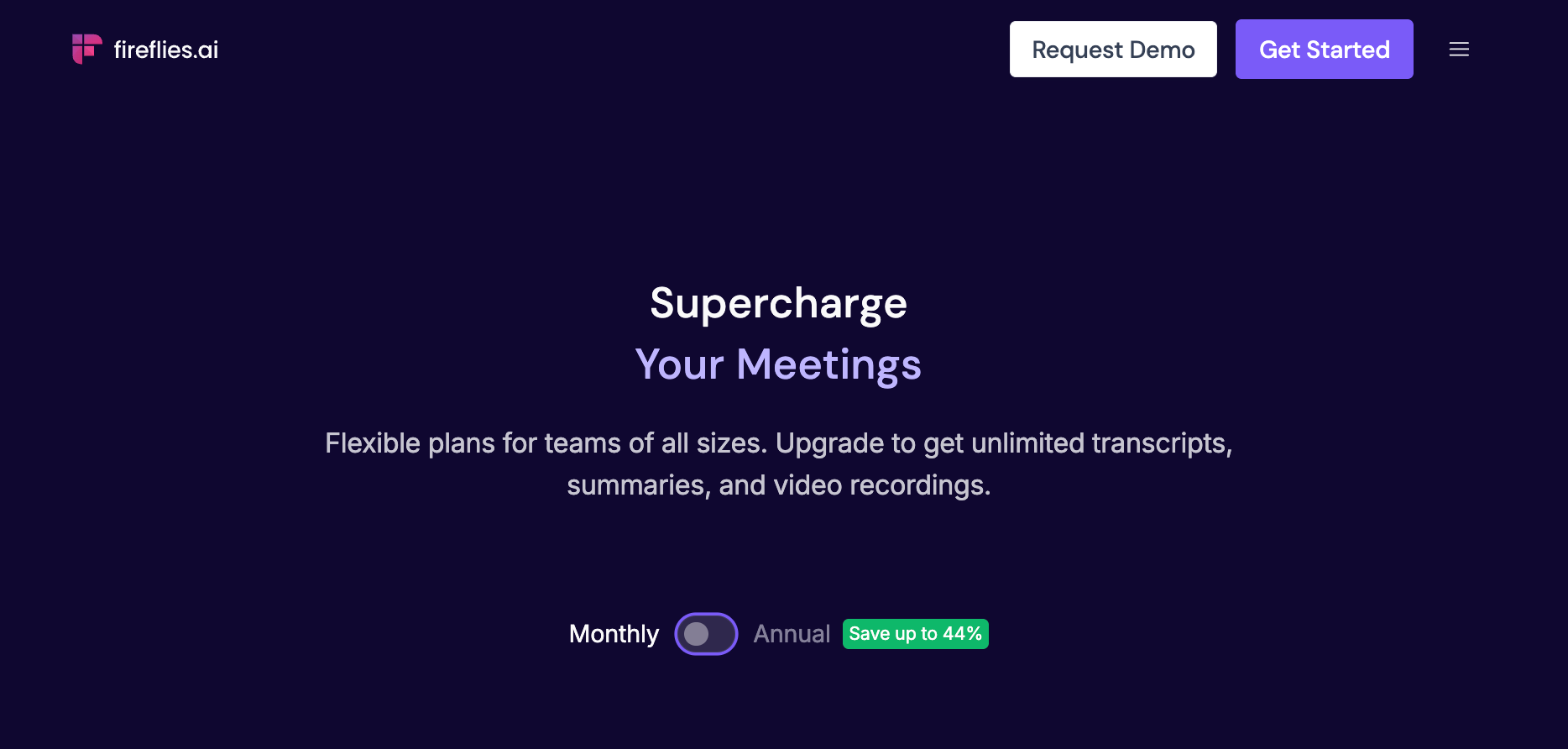
Switching from monthly to annual billing can save you up to 44%. That's what Fireflies advertises, but here's how the math actually works. The 44% figure applies to the Pro plan: $18/seat/month on monthly billing versus $10/seat/month on annual. For the Business plan, savings are 34% with $29/seat/month billed monthly versus $19/seat/month billed annually.
For a 5-person team on the Business plan, the difference looks like this:
- Monthly billing: $29 x 5 = $145/month, or $1,740/year
- Annual billing: $19 x 5 = $95/month, or $1,140/year
That's $600 saved over the year for five people. At 10 people, the gap doubles to $1,200.
Enterprise is annual-only, so there's no monthly rate to compare against. You commit to $39/seat/month upfront for the full year.
What are Fireflies AI credits and their cost?
AI credits are Fireflies' internal currency for advanced AI features. They sit on top of your per-seat plan and are separate from it. Your subscription covers transcription, standard summaries, and recap emails. AI credits cover everything beyond that: the intelligent, generative features that require more compute.
Every account gets a one-time credit pool at signup. Those credits don't expire, but they don't refresh either. Once they're gone, you either buy a top-up or do without.
Credits included at signup (one-time, do not expire):
Credits are shared across your whole workspace. A 10-person Business team shares 30 credits total. They also don't stack on upgrade: moving from Free to Business gives you 30 fresh credits, not 50.
What AI credits power:
- Voice Agents: AI-powered voice conversations
- Slack Assistant: Querying Fireflies through Slack and AskFred in Slack
- Sales Assist: Real-time suggestions during customer calls
- Autofill CRM: Pushing meeting data into HubSpot and Salesforce
- Email Assistant: Drafting replies and tracking follow-ups
- AI Skills: Customized note templates using frameworks like BANT, MEDDIC, or interview feedback
- Personal Assistant: Daily Digest and Meeting Prep run automatically and consume credits by default. Tasks do not
- AskFred on Live Assist: Querying Fred during a live meeting across web, mobile, Chrome extension, and desktop
- Magic soundbites and custom summary sections: Extracting highlights or adding custom logic to summaries
One thing worth knowing: On new Fireflies accounts, Daily Digest and Meeting Prep are switched on by default. They start using credits once they generate output, usually after your first few meetings. If you want to stop that, disable them in the AI Skills settings.
Credit consumption is dynamic. Fireflies charges per query, and the complexity of the output determines how many credits it uses. Simpler requests cost less; heavier ones cost more. Apart from Voice Agents, which use 1 credit per minute, Fireflies doesn't publish a per-feature rate. That makes budgeting hard until you've used the product for a few weeks.
What doesn't cost credits: Transcription, standard summaries, recap emails, summary templates, and Tasks (the action items feature in Personal Assistant).
How to buy more Fireflies AI credits
When your one-time plan credits run out, paid users can buy top-up bundles on a recurring monthly or annual basis. Annual billing saves 20% over monthly rates.
A few things to know before you subscribe:
- Purchased credits auto-renew each billing cycle. Unused credits don't carry over when the cycle ends.
- If a paid team runs out mid-cycle, Fireflies auto-upgrades to the next credit tier. On annual billing, that charge is applied pro-rata rather than as a full extra month.
- Free users hit a paywall when credits run out and need to upgrade to buy more.
- You can disable auto-upgrade from Settings > Billing at any time.
{{templates}}
Hidden costs of Fireflies.ai most buyers miss
Fireflies' base pricing is straightforward, but the total cost depends on how your team actually uses the product. The per-seat rate is only part of the picture.
Here are the costs that catch most buyers off guard:
- Pro plan storage fills up faster than expected. 8,000 minutes per seat sounds like plenty. For a sales rep or recruiter running four or five 45-minute calls a day, it runs out in about 8-10 weeks. At that point, you're upgrading to Business (unlimited storage) or deleting old recordings.
- AI credits are shared: A 10-person Business team shares 30 credits across everyone. Teams using AI Skills, Daily Digest, or CRM autofill regularly will hit the ceiling fast and need a paid credit add-on on top of their per-seat cost.
- Daily Digest and Meeting Prep consume credits by default: Both are switched on by default for new sign-ups. Unless you turn them off in AI Skills settings, they draw from your credit pool once your first meetings are processed.
- Auto-upgrade runs silently: When purchased credits run out mid-cycle, Fireflies automatically subscribes your team to the next credit tier. The setting exists, but it's easy to miss. Disable it from Settings > Billing if you want manual control over add-on charges.
- Enterprise requires an annual commitment: There's no monthly option. If your team needs HIPAA compliance, SSO/SCIM, or audit logs, you're signing a full-year contract at $39/seat with no flexibility to downgrade mid-term.
- Per-seat billing scales quickly for larger teams: A 20-person team on Business (monthly) pays $580/month before any credit add-ons. At that size, make sure conversation intelligence and team analytics are features the team will use.
How does Fireflies compare to alternatives?
Otter, tl;dv, and Lindy are among the main Fireflies alternatives. Otter.ai is a cheaper, focused note-taker, while tl;dv adds cross-meeting insights and sales coaching. Lindy goes beyond transcription, handling follow-ups, CRM updates, email, and scheduling after meetings.
For a closer look at how Fireflies performs across features and use cases, read our Fireflies.ai review. If you're exploring other options, the top Fireflies.ai alternatives covers nine tools tested side by side.
{{cta}}
Is Fireflies worth it?
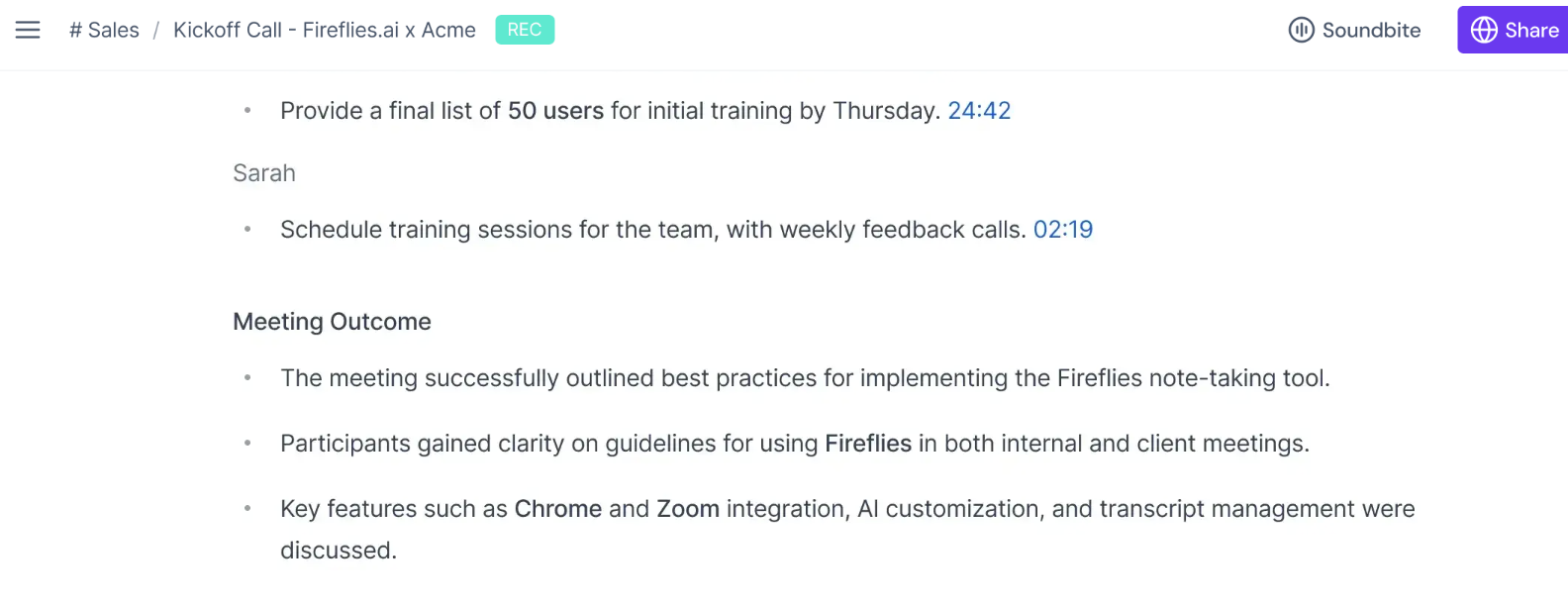
Fireflies is worth it for teams whose core problem is losing track of what happened on calls. The free plan is usable, Pro at $10/seat/month (annual) covers most individual needs, and Business makes sense if your team will actually use conversation intelligence and analytics.
The credit system is where costs creep up. Heavy use of AI Skills, Daily Digest, or CRM autofill can mean a credit top-up. A 200-credit plan costs $240 a year and a 1,000-credit plan costs $1,080 a year on monthly billing, or 20% less on annual. Factor that in before committing.
Fireflies drafts follow-up emails and sends notes to your apps. If you want one assistant that acts on those follow-ups across email, CRM, and scheduling, compare it with a tool built for that work.
Frequently asked questions
Does Fireflies charge per user?
Yes. All paid plans are priced per seat. A 10-person Business team pays 10 times the per-seat rate. AI credits are the exception: they're pooled at the workspace level and shared across all users regardless of seat count.
How much does Fireflies cost per month?
On monthly billing, Pro is $18/seat/month and Business is $29/seat/month. On annual billing, Pro drops to $10/seat/month and Business to $19/seat/month. Enterprise is $39/seat/month on annual billing only.
What's the difference between Fireflies Pro and Business?
Pro adds video recording, downloadable transcripts, Personal Assistant, Email Assistant, AI Skills, Voice Agents, and unlimited integrations over the Free plan. Business adds everything in Pro plus unlimited storage, conversation intelligence, team analytics for admins, unlimited private and public channels, user groups, and priority support.
How accurate is Fireflies transcription?
Fireflies claims 95% transcription accuracy. In practice, accuracy is strong for clear audio with a single speaker in standard English. Speaker separation works well when call quality is good. Accuracy drops with heavy crosstalk, background noise, thick accents, or fast speech. For most professional calls, the output is usable without heavy correction.
What is the best Fireflies.ai alternative?
For a lower-cost notetaker with live transcription, Otter starts at $8.33/user/month on annual billing ($16.99 billed monthly). For sales coaching and multi-meeting reporting, tl;dv is worth comparing. If the gap is everything that happens after the meeting (follow-ups, CRM updates, scheduling, inbox management), Lindy handles that from Slack at $29.99/month per user.









