I Tested the Best Voiceflow Alternatives in 2026 (6 Picks by Use Case)


I opened Voiceflow's pricing page to budget for a client's support bot, but I couldn't find any prices. The page offered a demo for businesses and a free trial for agencies, but not a single dollar figure.
That was the first problem. The second was the credit model. Chat messages, phone minutes, and AI model use all draw from one pool, so the monthly bill depends on how many customers actually use the bot. Hard to predict before launch. Plus, Voiceflow's phone features have far less depth than its chat builder.
So, I tested many Voiceflow alternatives and picked six. Some replaced Voiceflow outright. Others beat it at one specific job.
Here is what I found.
Best Voiceflow alternatives at a glance
Why consider a Voiceflow alternative?
Teams leave Voiceflow for unclear pricing, usage-based costs that are hard to predict, and limited depth for phone calls. Voiceflow remains a strong canvas for designing chat conversations. These limits, however, push many teams toward tools built for one specific job.
These are the limits that come up most often:
- No public prices: Voiceflow's pricing page lists no dollar figures. Businesses are sent to book a demo, and agencies are offered a free trial, so the cost of a live bot stays unknown until a sales call or a trial account. Earlier plan prices still appear in our Voiceflow pricing guide, but the live page no longer confirms them.
- Credit-based usage: Chat messages, phone minutes, and AI model use all draw from credits, and the rates vary by model. A bot that costs little during testing can cost far more once real customers use it every day.
- Chat-first design: Voiceflow was built for conversation design, and its voice tools trail platforms built around the phone call. Teams that need call testing, telephony control, or high call volume get more from dedicated voice AI tools.
- Better fits by use case: Botpress and Chatbase go deeper on chatbots, and Synthflow, Retell AI, and Bland AI go deeper on voice. Rasa covers open-source builds, and Lindy handles the internal work that follows customer conversations.
What makes a good Voiceflow alternative?
A good Voiceflow alternative is easier to build, test, and pay for. Voiceflow remains strong at visual conversation design, so each tool on this list had to win on a narrower task: a support chatbot, a phone line, or the internal follow-up work that comes after a customer call.
I tested each tool on the task it was built for. I rebuilt a Voiceflow support bot in Botpress, trained Chatbase on a test help center, and asked Lindy to close out a sales call in Slack. On the voice side, I built appointment-booking and reminder calls in Synthflow, Retell AI, and Bland AI, then checked each agent before any real caller dialed in.
Every tool was judged on the same five criteria:
- Ease of setup: I looked at how far each tool got before it needed code. Chatbase and Synthflow produced working builds from data sources and templates. Botpress and Retell AI let a developer add code cards, API calls, and custom models to the same project with no second tool.
- Conversation and voice quality: I tested each tool's channel under real conditions. I asked chatbots questions outside their scripts, interrupted the Bland AI agent mid-sentence, and asked Lindy the next morning about a past Slack call to see whether its answer cited a source.
- Testing before launch: A bot that fails in front of a customer costs more than a slow build, so I gave weight to tools that let me check every change first. Synthflow's Test Center, Retell AI's simulated calls, and Bland AI's test suite all flagged weak replies and edge cases before a real caller heard the agent.
- Pricing and credit model: I compared each starting price, the limits of each free plan, and how costs grow with use. The six tools charge per workspace, per message credit, per user, or per minute, and each model suits a different monthly conversation volume.
- Integration depth: I checked whether each tool could read and update a CRM, calendar, or helpdesk while it worked. The strongest picks wrote outcomes back themselves. Lindy updated a HubSpot deal, Synthflow wrote call outcomes back during the call, and Botpress passed tickets to Zendesk with the full chat history attached.
Best Voiceflow alternatives for chatbot and AI assistant building
If you mainly use Voiceflow for chat, these three tools cover the same ground from different angles. Botpress suits teams with a developer, and Chatbase suits teams that want a bot trained on their help content. Lindy works inside Slack as an AI teammate for internal work. It covers the follow-up that happens after customer conversations. Botpress and Chatbase need less setup than a full Voiceflow build.
1. Best Voiceflow alternative for developer-grade control
Botpress: What is it?
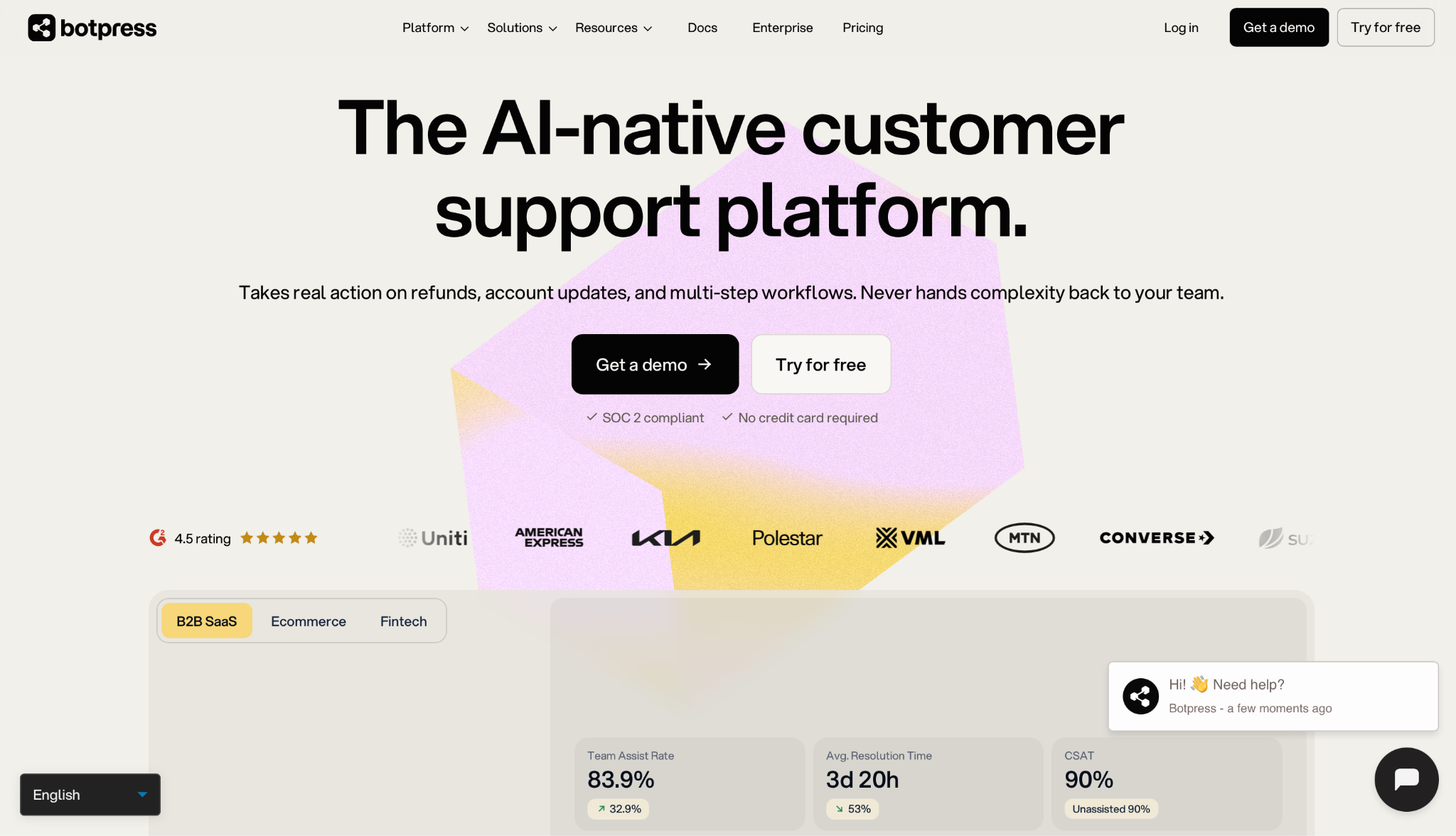
Botpress is a visual chatbot builder for customer support teams. You build each bot on a drag-and-drop canvas called Botpress Studio, or you describe it in everyday language through the Viber builder. Finished bots run on web chat, WhatsApp, and Slack, and connect to helpdesks like Zendesk and Intercom.
Why I picked it
I rebuilt a Voiceflow support bot in Botpress Studio to see how the move would feel for a team that already designs flows on a canvas. Each conversation step sat on one canvas, and I could test a reply in the side panel while I edited the card behind it. I rebuilt the order-status step by adding a short code card inside the flow and connecting it to a test order sheet inside the builder.
That mix of a visual canvas and room for code is the main point of difference in most Botpress vs Voiceflow comparisons. Designers and developers work in the same workspace, so a support lead can map the conversation while an engineer adds the custom logic behind it.
Key features
- Visual flow builder: Botpress Studio places every step of a conversation on a single canvas, alongside a live test panel. Developers can add code cards and API calls in the same view, so complex logic does not require a separate tool or a second build.
- Botpress Engine: The engine reads your written instructions, tracks the full conversation, and chooses the next step on its own. One bot can ask a follow-up question, check data, and take action in a single chat while staying within the rules you set.
- Integration library: The Botpress Hub holds ready-made connections for HubSpot, Salesforce, WhatsApp, and large language model (LLM) providers. Zendesk and Intercom connect through OAuth, so a bot can pass a ticket to a human with the full conversation history attached.
- Self-hosted edition: The older v12 edition is open source on GitHub and can run on your own servers, though Botpress no longer develops it. Teams that self-host keep conversation data on their own hardware but handle every update themselves.
Limitations
Non-developers face a steeper learning curve once a bot needs custom code or API calls. Self-hosting adds operations work, since your own team must install, update, and host the v12 edition. The Free plan limits you to 100 conversations with no top-ups, so production use requires a paid plan.
Pricing
Botpress prices every plan per workspace, with no per-seat charge. The Free plan includes 100 conversations, 3 seats, and 3 bots each month. Plus is $189/month with 250 conversations and unlimited AI agents. Team is $939/month with 1,500 conversations and unlimited seats. Enterprise pricing is custom and adds dedicated support, an uptime SLA, and the voice channel.
2. Best Voiceflow Alternative for Quick No-Code Setup
Chatbase: What is it?
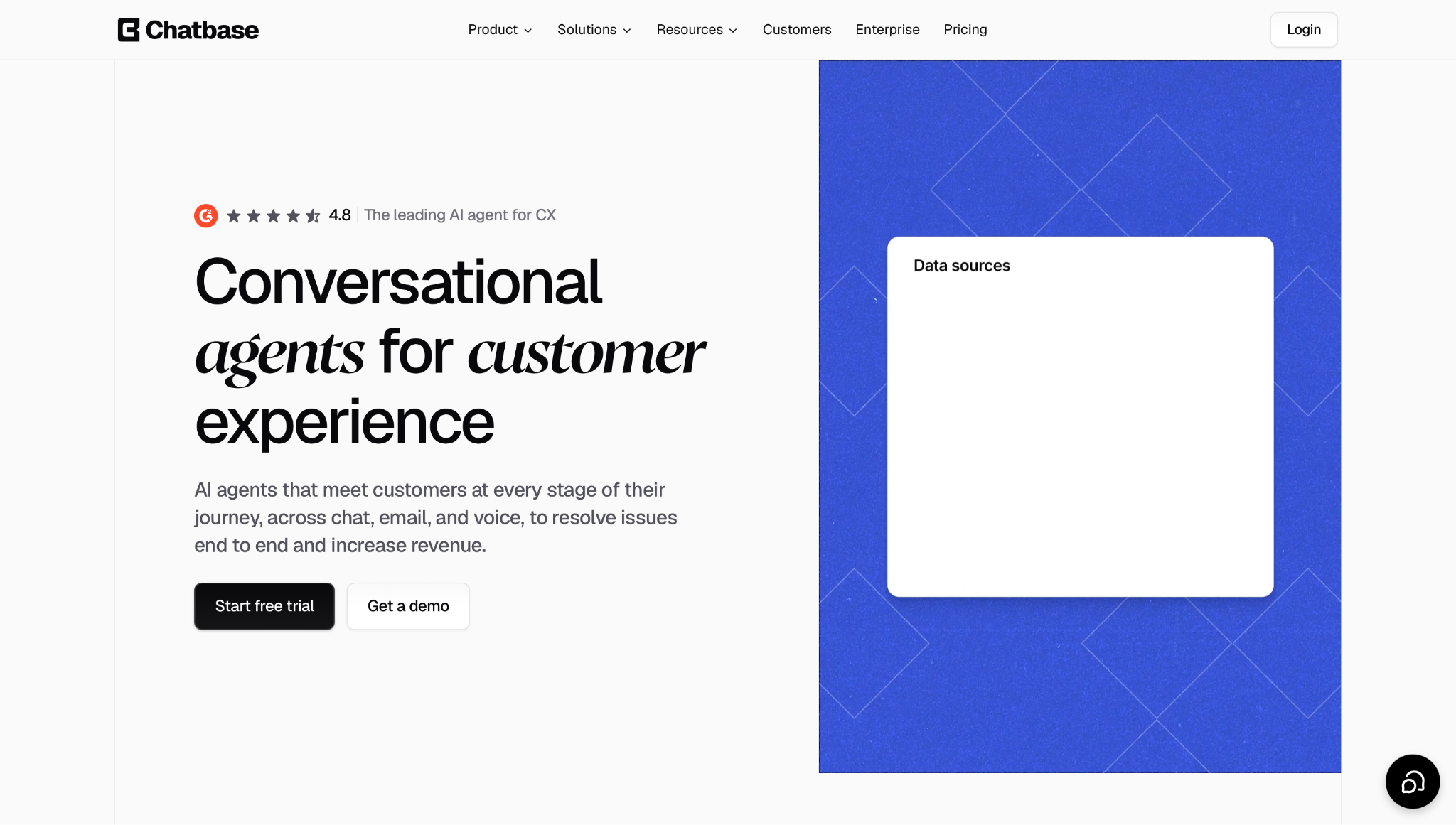
Chatbase is a no-code chatbot builder that trains a bot on your own documents, web pages, and help content. You connect your data sources, write the bot's role and rules, and publish it to your website, WhatsApp, email, or Slack. Higher plans also add voice and telephony.
Why I picked it
I connected a test help center to Chatbase, and a working bot answered questions on a sample website in the same session. The setup asked for three things: my data sources, a short description of the bot's role, and the rules it should follow. I didn't have to draw a flow, and I pasted the embed code onto the test page in one step.
The answers stayed close to the source content. When I asked about a return window, the bot quoted the policy from the help center and linked the exact article it used. For a support team that wants a document-trained bot to go live the same day, speed matters more than a detailed flow canvas.
Key features
- Data-source training: Chatbase builds its answers from the documents, URLs, and help articles you connect. When a policy page changes, you update the source and the bot picks up the new version within seconds, so answers stay current while the conversation logic stays the same.
- Procedures with actions: You write multi-step tasks as numbered steps in plain language, such as "ask for the order number, then check the return window." The bot follows each step and can call actions such as order lookups, so it resolves routine requests in chat.
- Multi-channel deployment: One bot can be published to your website, WhatsApp, email, Slack, and Meta apps from the same dashboard. Customers get the same answers across all channels, and your team keeps one knowledge base up to date.
- Analytics and Backstage: The analytics view groups conversations by topic, sentiment, and trend. Backstage lets you ask Chatbase what customers struggled with this week, so you can find gaps in your help content from a single question.
Limitations
Chatbase offers less conversation design control than Voiceflow because multi-step logic is written as text procedures, with no visual canvas to map the flow. Voice and telephony start on the Standard plan.
Pricing
Hobby is $40/month with 700 message credits, 2 members, with access to advanced models and basic integrations. Standard is $150/month with 4,000 message credits, 3 members, voice, and telephony. Pro is $500/month with 15,000 message credits, 5 members, and advanced analytics. Enterprise pricing is custom. Every paid plan starts with a 7-day trial.
3. Best Voiceflow Alternative for AI-Assisted Tasks
Lindy: What is it?
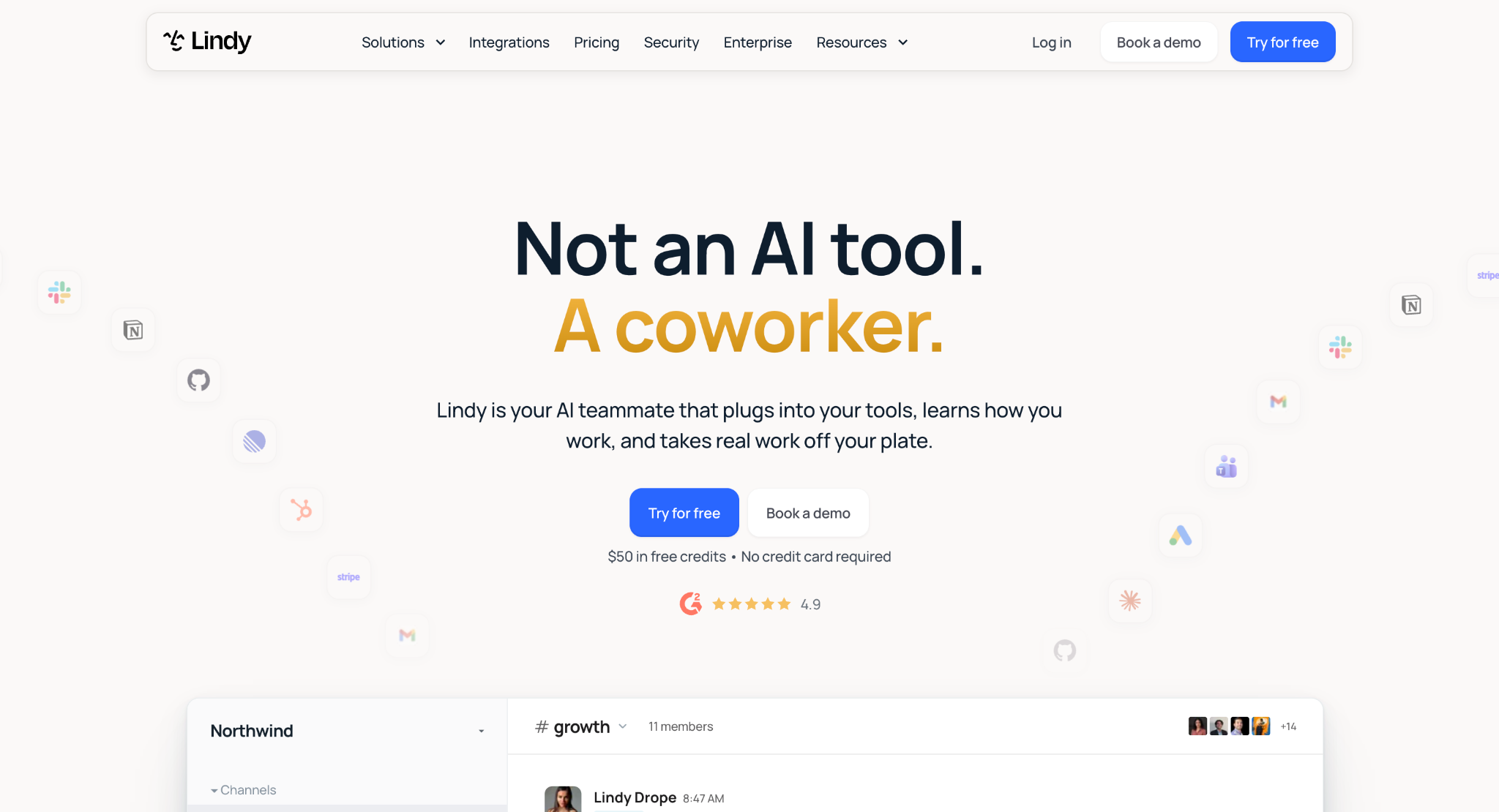
Lindy is an AI teammate that lives in your Slack and does real work for the whole team. It handles meeting follow-up, inbox triage, and CRM updates without requiring workflow setup. Every teammate gets a private Lindy in their DMs, and the team shares one in channels. When you @mention Lindy in a channel, it answers in the thread with sources from your meetings, tools, and files.
Why I picked it
After a test sales call, I @mentioned Lindy in the deal channel and asked it to close out the meeting. Lindy pulled the notes from the recording, updated the HubSpot deal record, and wrote the handoff doc in Notion. It also drafted the follow-up email to the client and waited for my approval before sending anything.
The next morning, I asked Lindy in the same channel what the client had said about pricing on the call. The answer came back in the thread with a citation to the exact meeting, so I could check the source in one click.
Voiceflow bots are built to talk to customers. Lindy covers the internal work that follows those conversations, from CRM updates to meeting prep, inside the Slack threads where the team already talks. One admin installs it, and everyone else links with one tap.
Key features
- Answers with citations: Lindy handles questions by searching the meetings, files, and tools your admins approve, then answers in Slack with the source of each fact. When Lindy does not know an answer, it says so, which gives your team a reason to trust what appears in the thread.
- Meeting recording and notes: Lindy joins Google Meet, Zoom, and Microsoft Teams as a named participant, then records, transcribes, and summarizes each call. Meetings are filed into folders you can share with the team, so anyone with access can ask Lindy what was decided last week. Personal meetings stay private unless you share them.
- Inbox management: Lindy handles inbox triage and drafts replies in your voice from the context of each thread. In Gmail, the Chrome Extension pins a daily brief to your inbox and applies smart labels that learn from your habits, so it sorts messages that need a reply before you open them.
- Scheduled routines: Lindy handles recurring work that you describe in everyday language, such as "every Monday at 9, send the pipeline brief." The routine runs on schedule each week with no prompt from you, and the output is posted to the correct Slack channel on time.
- Skills and approvals: Lindy handles repeat tasks through skills, which are saved playbooks that are applied when a request matches. You can start with more than 40 built-in skills or create your own by explaining a task once. Anything with an outside impact, such as sending an email or updating a ticket, waits for approval before it runs.
Limitations
Lindy is built for internal teamwork in Slack, so it is the wrong fit if you need a customer-facing chatbot on your website. Heavy tasks, such as research reports or dashboards, use more credits, and Lindy pauses when the workspace runs out.
Pricing
Lindy bills every active user in a workspace. The Team plan starts at $49.99/user/month with 5,000 credits, and extra credits cost $10 per 1,000. Enterprise pricing is custom and includes HIPAA compliance, a signed BAA, SSO, SCIM, audit logs, shared usage with bonus credits, and dedicated support.
New users can start on the Free plan with $50 in credits for 7 days, no card needed. Teammates who join a paid workspace through Slack get a 7-day trial before their seat is billed.
Best Voiceflow alternatives for voice AI
If you need inbound or outbound AI voice agents, these three tools go deeper than Voiceflow's native voice features. Each one is built around the phone call, with phone-line connections, call testing, and controls for high call volume. Synthflow suits teams that want a no-code builder, Retell AI suits developer-led teams, and Bland AI suits large outbound campaigns.
{{templates}}
4. Best Voiceflow Alternative for No-Code Voice AI
Synthflow: What is it?
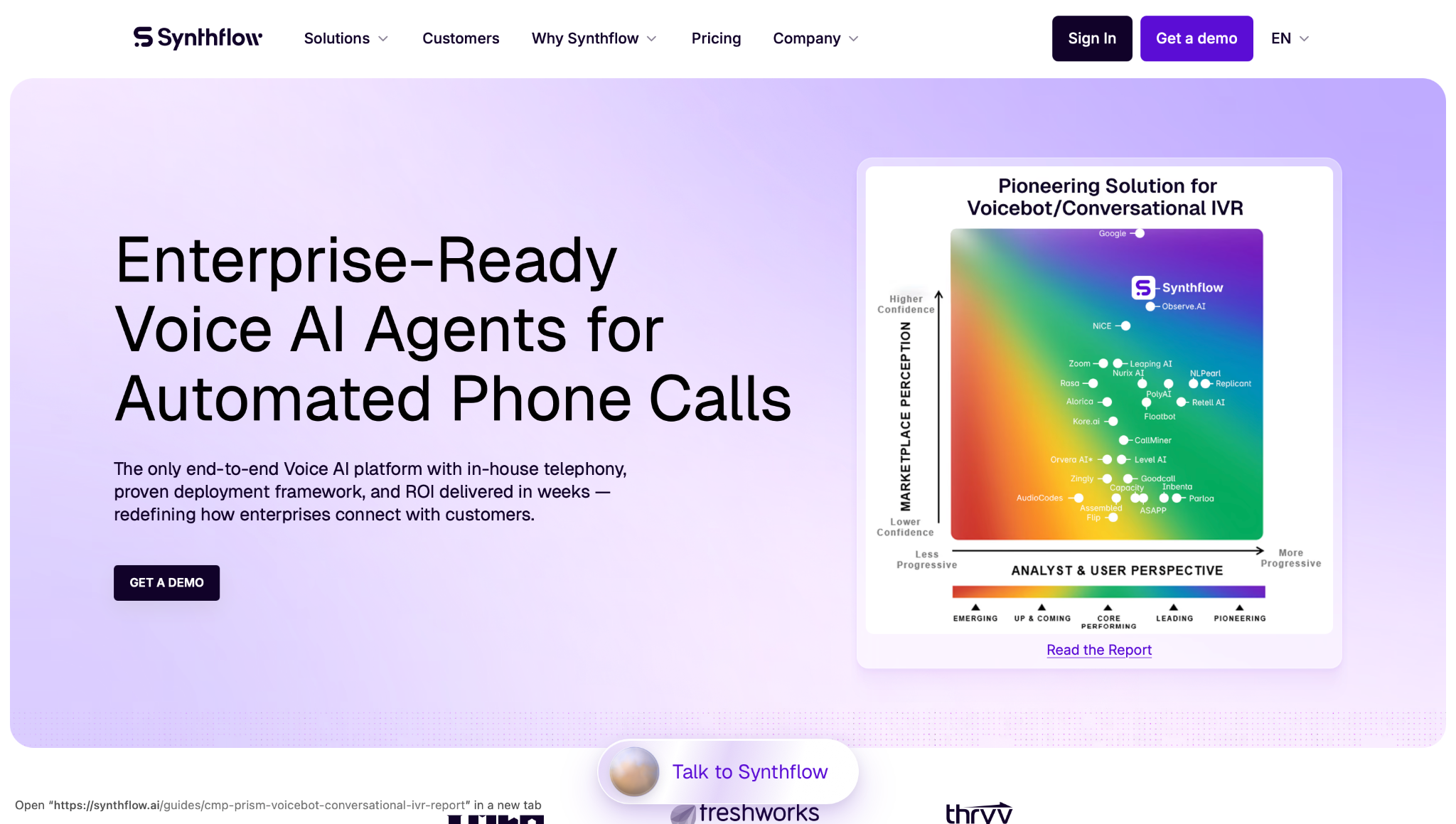
Synthflow is a no-code voice AI platform that answers inbound calls and places outbound calls for sales and support teams. You design each call in a visual Flow Designer, test it with simulated calls, and launch it over a Twilio number or, on Enterprise, Synthflow's own telephony or your own carrier. The same platform also handles chat and SMS.
Why I picked it
I started from Synthflow's appointment-booking template and connected a test Google Calendar before I wrote a single custom step. The template already covered the greeting, the questions about time and service, and the confirmation at the end. My changes came down to the business name, opening hours, and two fallback replies.
Before any real caller dialed in, I ran the agent through the Test Center. Synthflow placed simulated calls, checked each one against pass-or-fail goals such as accurate answers, and showed where the flow needed a clearer answer. You could retest every fix in the sandbox, and each version was saved, so you could restore an earlier build at any time.
Key features
- Inbound and outbound calls: One agent can answer support lines, book appointments, qualify leads, send reminders, and detect voicemail. After a call, it can send a follow-up SMS so the caller has a written record of what you agreed to.
- Test Center and Auto-QA: Simulated calls test every agent against your accuracy and compliance goals before launch. Once live, Auto-QA reviews real conversations and flags weak spots, so each new version is built on actual call results.
- In-house telephony: On Enterprise, Synthflow runs calls on its own carrier network, with SLA terms set in the contract. Teams can also connect their own SIP trunks or phone systems, such as Genesys, Avaya, Cisco, and RingCentral, so the agent fits into an existing call center.
- CRM and calendar integrations: Synthflow integrates with more than 200 tools, including HubSpot, Salesforce, Cal.com, Zapier, and GoHighLevel. Call outcomes, contact details, and bookings are written back to these systems while the call is still in progress.
Limitations
Synthflow's native telephony and SIP connections to your own carrier come only with Enterprise, so teams on Pay as you go run calls through a Twilio number. It also gives developers less control over each part of the voice stack than API-first tools such as Retell AI do.
Pricing
Synthflow lets you build and test an agent for free with its template library. After launch, calls and chats are billed on a pay-as-you-go basis, although Synthflow does not publish its per-minute rates. Enterprise pricing is custom and scoped based on call volume, concurrency, telephony, integrations, and launch support.
5. Best Voiceflow Alternative for Developer-Built Voice AI
Retell AI: What is it?
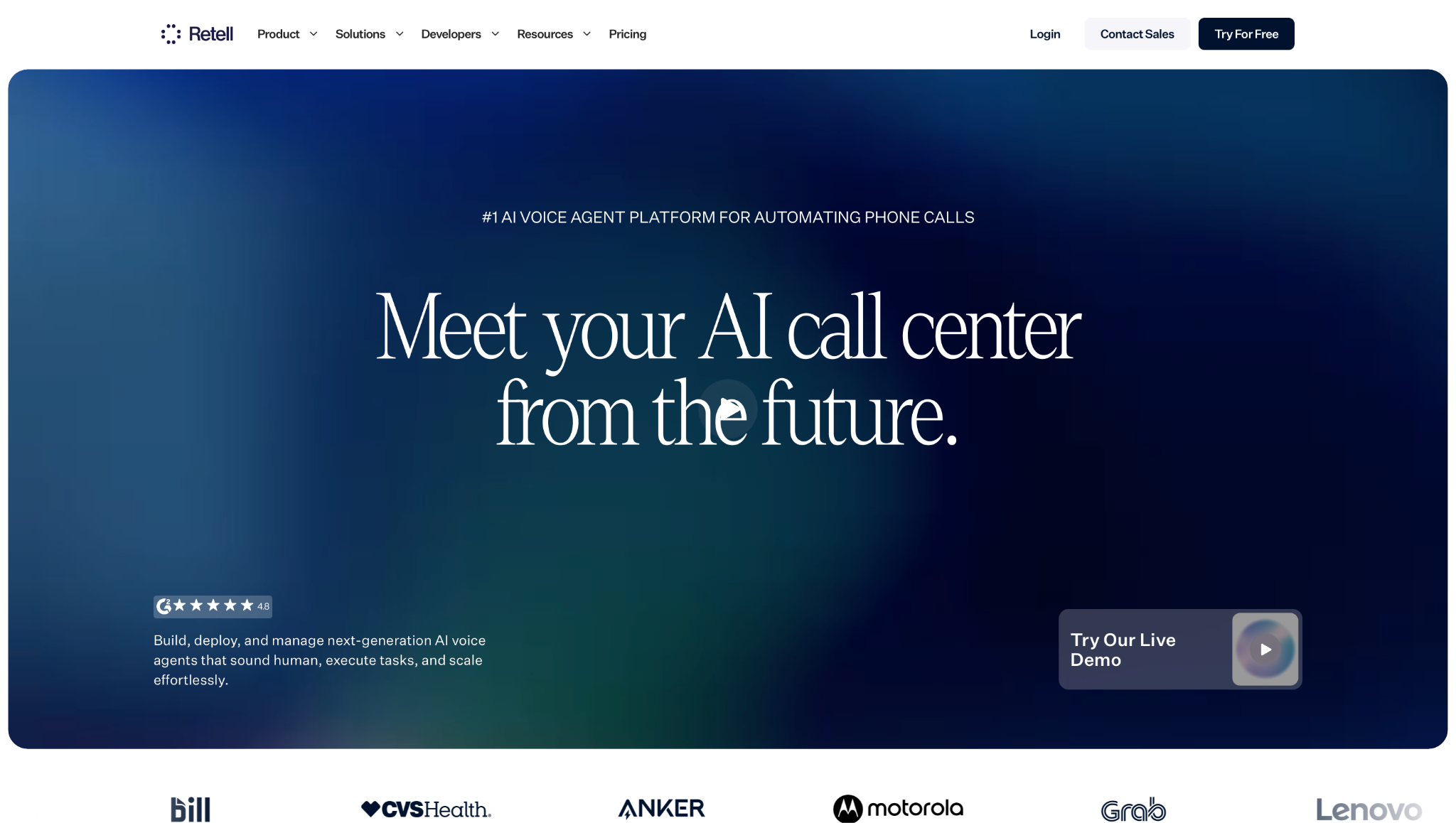
Retell AI is an API-first voice AI platform for teams that want to build phone agents with full developer control. Developers can work through Retell's APIs and SDKs, while support leads can edit the same agent on a drag-and-drop canvas. Each agent answers inbound calls, runs outbound campaigns, and can also work over chat and SMS.
Why I picked it
I built a test receptionist on Retell's canvas and connected it to a calendar function, so the agent could check open slots during a live call. To compare models, I switched the agent from one large language model (LLM) to another in the same setting, and the call flow stayed intact. The test tools gave me the most confidence.
Retell handles voice at low latency, and its turn-taking model decides when the agent speaks and when it listens. You can check every change before a real caller hears it, which matters for a phone line customers depend on.
The same mix of control and testing explains why Retell appears in most Vapi AI alternatives roundups. Developers get APIs for every part of the platform, and the rest of the team still has a visual builder to work in.
Key features
- LLM swap-in: You can choose from a long list of GPT, Claude, and Gemini models, or connect a custom LLM. Since the model is in a separate setting, you can test a cheaper or faster model on the same agent without rebuilding the call flow.
- Low-latency calls: Retell reports about 600 ms of response latency, backed by a turn-taking model that decides when the agent should speak and when it should listen. Callers can interrupt mid-sentence, and the agent responds in a natural rhythm.
- Webhooks and integrations: Webhooks send call events to your own systems in real time. Native HubSpot and GoHighLevel integrations pull customer data into each call and log outcomes back to the CRM. Twilio and Vonage connect your phone numbers, and Make and n8n handle custom automations.
- Simulation testing and QA: Retell simulates thousands of call scenarios before launch and can review up to 100% of live calls afterward. Custom analytics and A/B tests show which agent version performs better on the outcomes you track.
Limitations
Retell's deepest controls, such as custom LLMs, API-driven flows, and webhooks, need developer time to use well, so non-technical teams will use only part of the platform. Costs rise with call volume and model choice, and pay-as-you-go accounts receive only community and email support.
Pricing
Retell charges per minute with no seat fees, and new accounts get $10 in free credits. Voice agents cost $0.07–$0.31/minute, depending on the model you choose. Enterprise pricing is custom.
6. Best Voiceflow Alternative for High-Volume Outbound Calling
Bland AI: What is it?
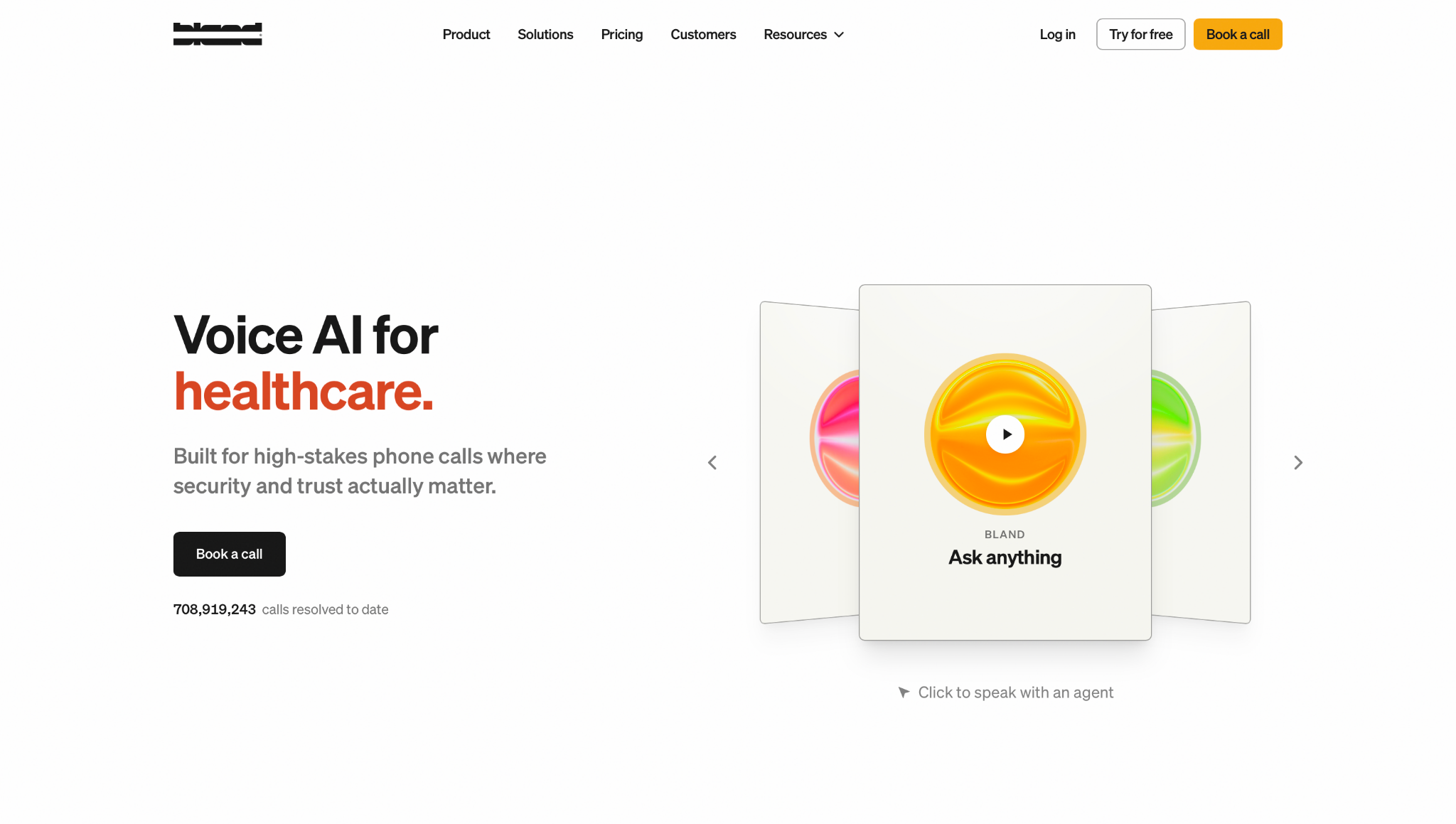
Bland AI is a voice AI platform built for outbound call campaigns and high-volume phone work in regulated industries. It runs its own speech and language models on its own infrastructure, so call data does not pass through third-party model providers. Teams pay one per-minute rate for the model and voice, with no separate token charges. Telephony and call transfers are billed on top.
Why I picked it
I asked Norm, Bland's build assistant, to create an appointment-reminder agent, and it drafted the call pathway, the calendar connection, and an SMS confirmation in response to a single request. I then ran the agent through Bland's test suite, which checked edge cases such as wrong numbers and callers who asked to reschedule, before any real call went out.
The test calls held their pace even when I interrupted the agent mid-sentence. Bland's own models keep latency low, and the agent stayed on script through every awkward reply I tried. For a team that plans to run thousands of outbound calls, that consistency matters more than any other feature.
Key features
- Outbound calling at scale: Bland agents qualify leads, confirm appointments, and follow up on accounts across large call lists. Each agent can also handle inbound calls, so a single build covers both directions of a campaign.
- Custom voices in 40+ languages: Bland supports more than 40 languages, and custom voice clones can be trained for each one. A brand can therefore keep one recognizable voice across markets, and 23 of those languages support real-time translation.
- Enterprise controls: Bland is SOC 2 Type II and PCI DSS compliant, and HIPAA-eligible with a signed BAA. Enterprise plans add on-premises or VPC deployment and data residency in the US, EU, or APAC. Banks, insurers, and healthcare providers can run calls under their own security rules.
- Omnichannel memory: On Enterprise plans, one agent can work across voice, SMS, iMessage, and web chat, sharing a single memory. A customer who receives a call and then replies by text continues the same conversation with full context.
Limitations
Bland's Conversational Pathways builder has a steep learning curve, and complex enterprise agents usually take two to six weeks to deploy with help from Bland's engineers. The Start plan is capped at 100 calls per day, so the pricing makes the most sense for teams with steady, high call volume.
Pricing
Bland's Start plan costs $0.14/minute with no platform fee and no card required. The Build plan costs $0.12/minute plus a $299/month platform fee and raises the limit to 50 concurrent calls. Enterprise pricing is custom.
What are some free and open-source Voiceflow alternatives?
Botpress and Rasa are the best free or open-source alternatives to Voiceflow. Both cost nothing to start, but the open-source versions run on your own servers, so your team handles hosting, updates, and security.
Botpress has a free cloud plan with 100 conversations/month. Its older v12 edition is also open source for teams that want to self-host.
Rasa is the code-first option. Its free Developer Edition runs on your own servers and supports one bot with up to 1,000 external conversations a month, and developers write each conversation flow as code. Rasa suits regulated teams that need full control over data, which is why it also appears in our Botpress alternatives roundup.
{{cta}}
How to choose the right Voiceflow alternative
The right Voiceflow alternative depends on what you need to build and who will build it. Chat tools fit websites and support bots, voice tools fit phone calls, and Lindy fits internal teamwork. Your team's coding skills then narrow the choice to one tool.
Here is the clearest match for each situation:
- Visual chatbot builder with code control: Choose Botpress if you want a drag-and-drop canvas that a developer can extend with code cards and API calls. Designers map the conversation, engineers add the custom logic, and both work in the same Botpress Studio project.
- Chatbot lives the same day: Choose Chatbase if you want a support bot trained on your documents and help articles. You connect your data, write the bot's rules, and paste one embed code onto your website, with no flow to draw.
- AI teammate for internal work: Choose Lindy if your team loses hours to follow-up after calls and meetings. You @mention Lindy in Slack, and it updates the CRM, writes the notes, and drafts the follow-up email for your approval.
- No-code voice AI: Choose Synthflow if you want phone agents built from templates on a visual canvas. Its Test Center runs simulated calls before launch, and on Enterprise, its own telephony network carries the calls once the agent goes live.
- Custom voice agents with code: Choose Retell AI if your developers want full API control over phone agents. You can switch between GPT, Claude, and Gemini models, connect webhooks, and test every change against simulated calls.
- Outbound calling at scale: Choose Bland AI if you plan to run large outbound campaigns in a regulated industry. One per-minute rate covers the model and voice, with no token charges, and enterprise plans offer on-premises deployment.
Frequently asked questions
Is Voiceflow worth it?
Yes. Voiceflow is worth it for teams that design customer-facing chat and voice flows on a visual canvas. Its collaboration tools are used well by product, design, and CX teams. Voiceflow is less worth it for phone-first teams, where Retell AI is the better pick, or for internal Slack work, where Lindy is the better pick.
Is Voiceflow free?
Yes, to start. Voiceflow's Free plan comes with a one-time credit grant that doesn't renew, so most production use needs a paid plan. For a free bot that goes live with real customers, Botpress is the stronger pick.
What is the best free alternative to Voiceflow?
Botpress is the best free alternative to Voiceflow. Its free plan includes 100 conversations a month, 3 seats, and 3 bots, and chat flows are built on a drag-and-drop canvas much like Voiceflow's. Rasa is preferred by developers who want a free, self-hosted option. Chatbase suits no-code teams but offers only a 7-day trial.
What is the best Voiceflow alternative for voice AI?
Retell AI is the best Voiceflow alternative for voice AI. Phone agents can be built on a visual canvas or via APIs, and a GPT, Claude, or Gemini model can be selected for each agent. Every change can be tested against simulated calls before launch. Pricing starts at $0.07 per minute, with $10 in free credits for new accounts.









