7 Best IFTTT Alternatives in 2026: Tested and Reviewed


IFTTT was where I learned automation. I built my first applet in 2018, something simple: save Gmail attachments to Google Drive. It worked. I forgot about it for three years.
When I started managing a team, I went back to IFTTT to handle some internal handoffs. The single-trigger limit hit almost immediately. One trigger, one action, all without any branching or error recovery. When something broke, the only sign was that nothing happened.
I spent the last several weeks testing 7 tools that handle the work IFTTT was never designed for. I ran each through multi-step automations, scheduling, error recovery, and real team scenarios. These are the ones worth switching to.
7 best IFTTT alternatives in 2026: At a glance
What is IFTTT?
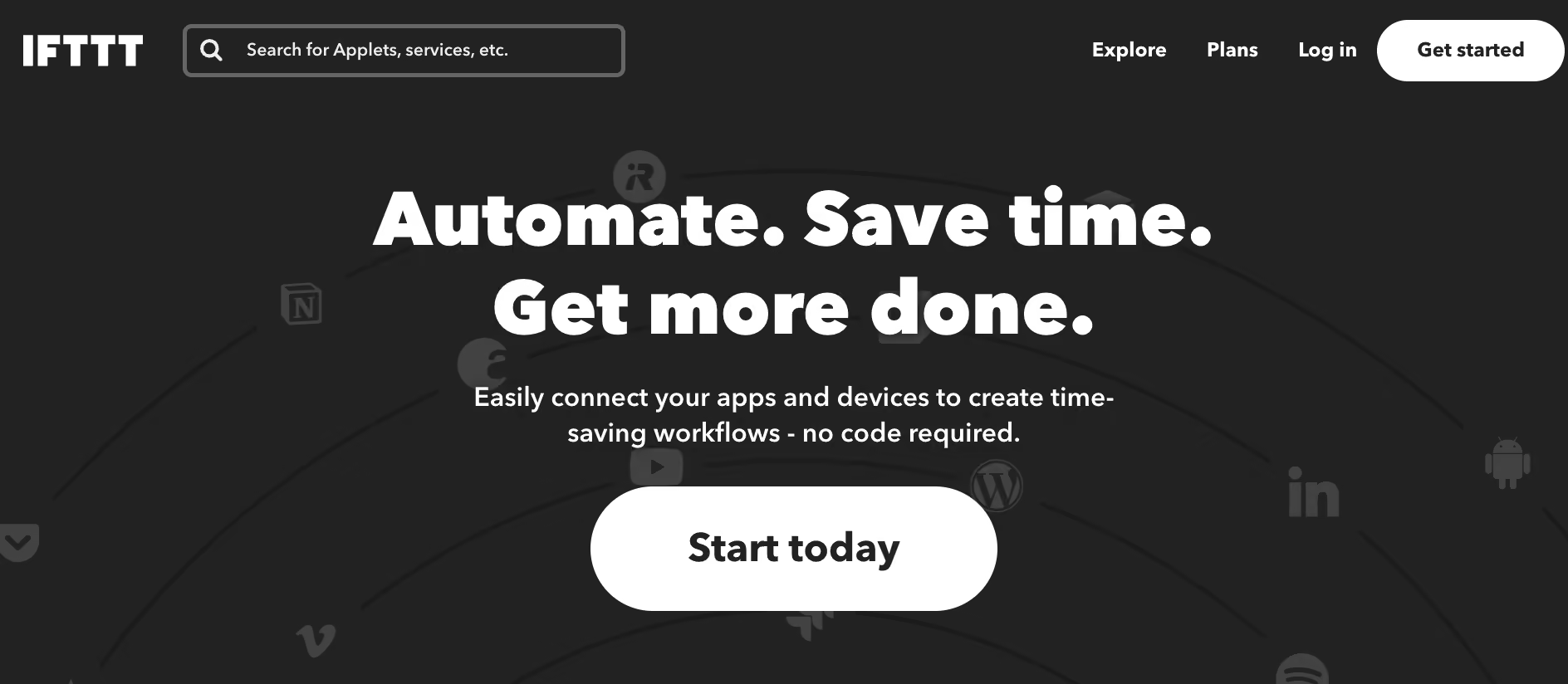
IFTTT is a free automation tool that connects apps, devices, and services through simple trigger-action rules called applets. When one thing happens in one app, it automatically triggers something in another. It covers 1,000+ services and works well for smart home control, social media automation, and personal productivity. Paid plans start at $4.99/month.
How I tested the best IFTTT alternatives
I spent several weeks testing different automation platforms to see how they perform. I focused on how easy it is to get started, how reliable the automations are, and how much flexibility each tool offers beyond simple triggers.
Here are some of the common use cases I ran with each platform:
- Sending Slack or email notifications automatically
- Syncing contact data between CRMs and spreadsheets
- Managing tasks between project tools like Asana or Trello
- Connecting marketing platforms for lead tracking and follow-ups
Then I evaluated each tool using these criteria:
- Ease of setup: How quickly you can set up and launch an automation
- Customization: The ability to add logic, filters, and branching steps
- Integrations: Number and reliability of supported apps
- Performance: Speed and consistency of task execution
- Pricing: Value for individuals, small teams, and enterprises
This process helped me identify which tools deliver the best mix of usability, performance, and cost. It also helped me find which ones make automation feel effortless instead of complicated.
1. Pabbly Connect: Best for unlimited automations on a budget
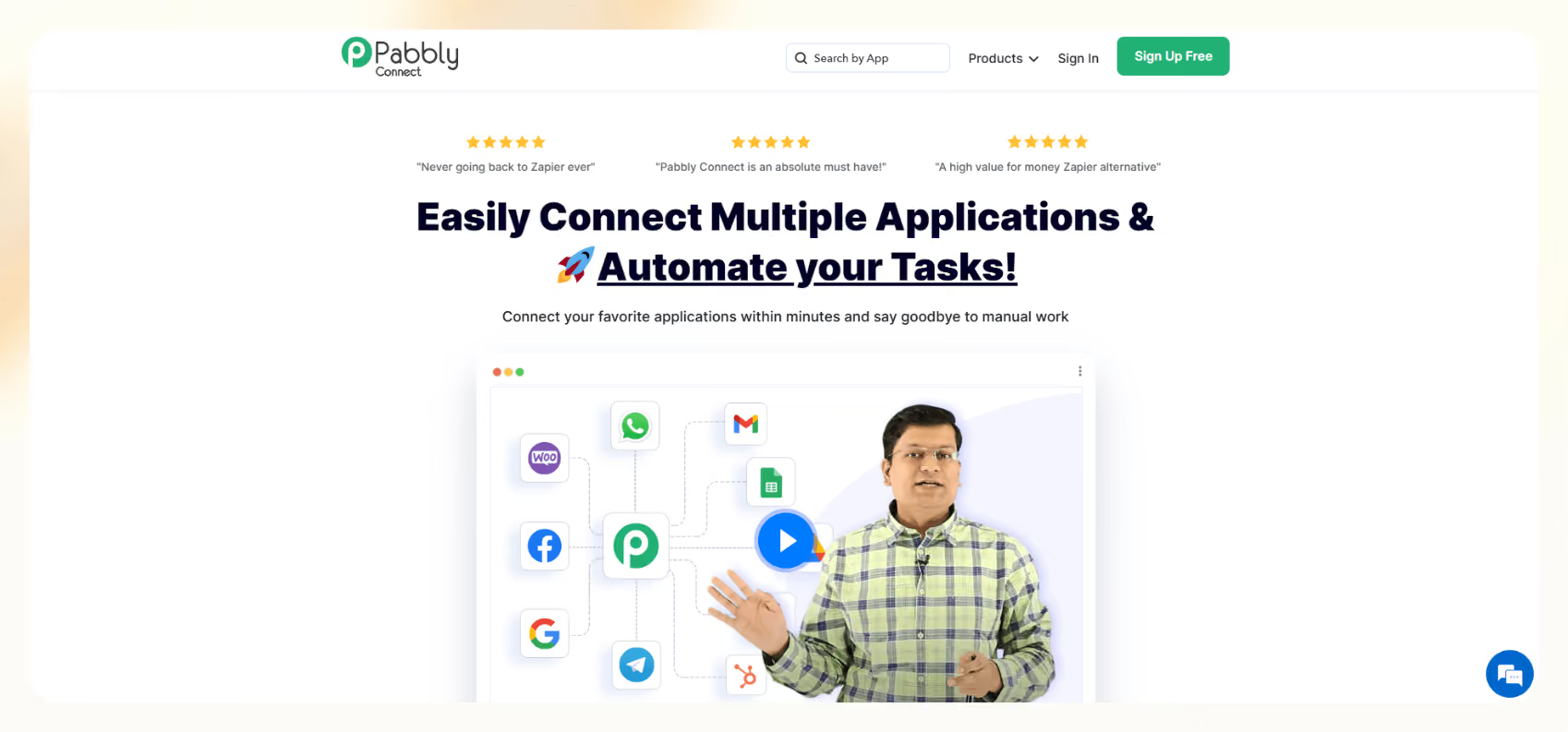
Pabbly Connect automates tasks between 2,000+ apps. All paid plans include unlimited active automations, multi-step logic, conditional paths, filters, and webhooks. The only thing that scales with your plan is your monthly task volume.
Why I picked it
I ran five connections through Pabbly. A CRM to spreadsheet sync, a webhook-to-Slack alert, a form submission to email sequence, and two multi-step flows with conditional branching. Setup took about twice as long as Zapier on each one.
The interface is functional but rough, and documentation is thinner than I would like. That said, I kept coming back to the math.
On a six-step automation where two steps are filters, Zapier charges six tasks per run. Pabbly charges three, because triggers, filters, formatters, and routers do not count against your task budget. For teams running a lot of multi-step flows, that difference adds up fast.
Key features
- Internal steps are free: Filters, formatters, and routers are excluded from your task count.
- Unlimited active automations: Every paid plan lets you run as many simultaneous automations as you need. Your monthly task budget covers executions, so adding a new automation costs nothing on its own.
- Unlimited tasks option: One plan removes the monthly task cap entirely. For teams running high-volume automations, it removes the mental overhead of tracking task budgets.
Limitations
The interface is less polished than Zapier or Make, and the documentation assumes you already know what you are doing. Support response times are slow. Email only on lower plans, with waits that can stretch past an hour for straightforward issues.
Pricing
Free plan covers 100 tasks per month. Monthly plans start from $19/month for 10,000 tasks on the Standard plan, with annual billing saving 15% and bringing that to $16/month.
The Unlimited plan removes the task cap entirely at $79/month ($69/month billed annually). Lifetime plans start at $349 one-time for 3,000 tasks per month, scaling up to $1,298 for 20,000 tasks per month with no recurring fees.
2. Zapier: Best for business automation with the broadest integration library
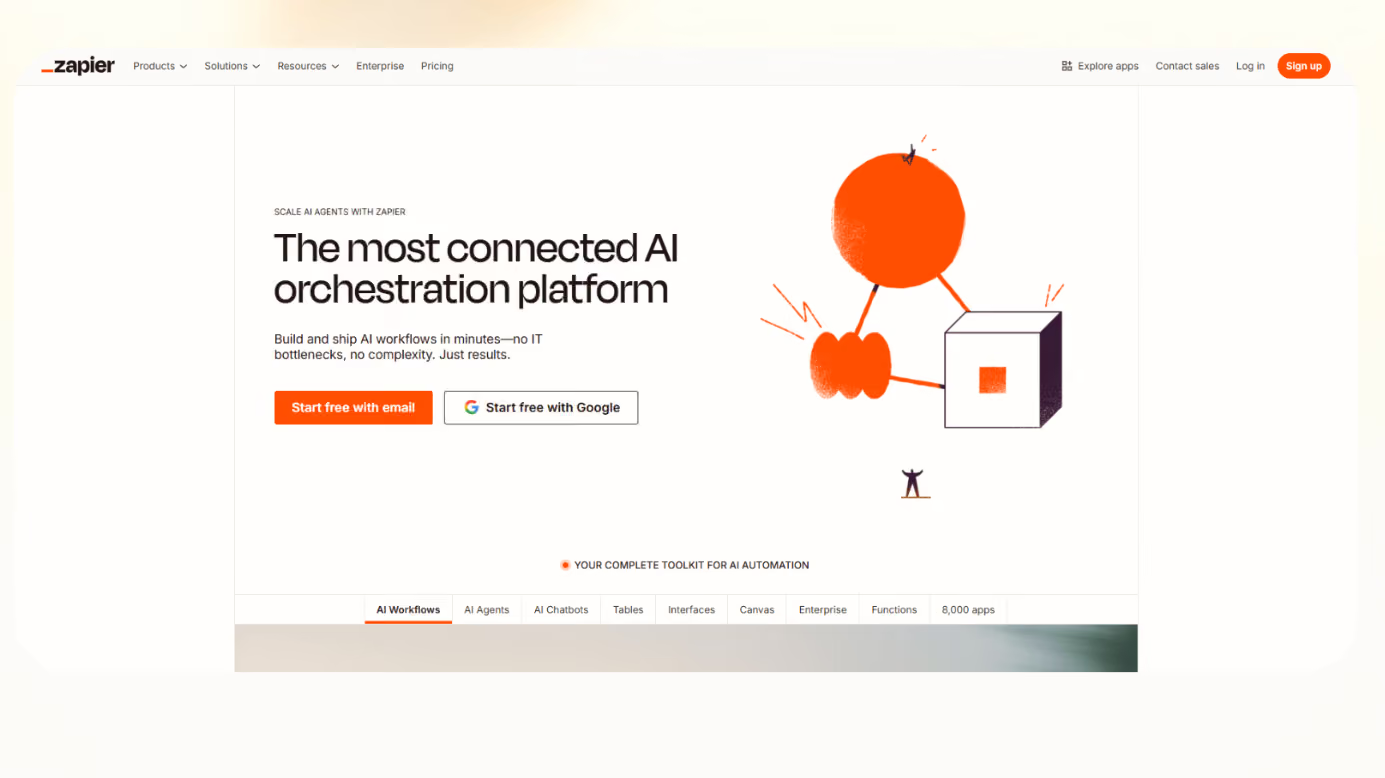
Zapier connects over 9,000 business apps through a no-code visual builder. It is the most direct upgrade from IFTTT for teams that need multi-step business automations with branching, filters, and reliable error handling.
Why I picked it
I ran Zapier through the same four scenarios I tested on every tool. Sending Slack or email notifications, syncing contact data between CRMs and spreadsheets, managing tasks between project tools like Asana or Trello, and connecting marketing platforms for lead tracking and follow-ups.
The lead-tracking flow broke on a bad field partway through, and Zapier showed me the exact step and the data that caused it. On IFTTT, the same failure would just have disappeared.
Zapier Copilot was another standout: If you did not run a failure test on all seven tools, cut the first sentence instead and start the paragraph at "Zapier Copilot".
Key features
- Multi-step logic: Build automations with branching paths, filters, delay steps, and conditional logic across 9,000+ apps through a drag-and-drop editor that needs no code.
- Zapier Copilot: Describe what you need in a sentence, and Copilot builds the full automation for you, including the logic, the supporting database, and any intake forms. What used to take an hour of trigger-action setup takes two minutes.
- Error handling: When a step fails, Zapier logs exactly where it broke and, on Professional and up, replays the task automatically. You choose whether the Zap keeps running or turns itself off. Nothing disappears quietly.
Limitations
More expensive than IFTTT for simple personal use. The free plan covers 100 tasks per month, which runs out quickly for anything beyond basic testing. IoT and smart home device coverage is narrower than IFTTT.
Pricing
The free plan comes with 100 tasks/month. Paid plans start at $29.99/month ($19.99/month billed annually). See our Zapier review for a full breakdown.
3. Make: Best for complex multi-step automation design
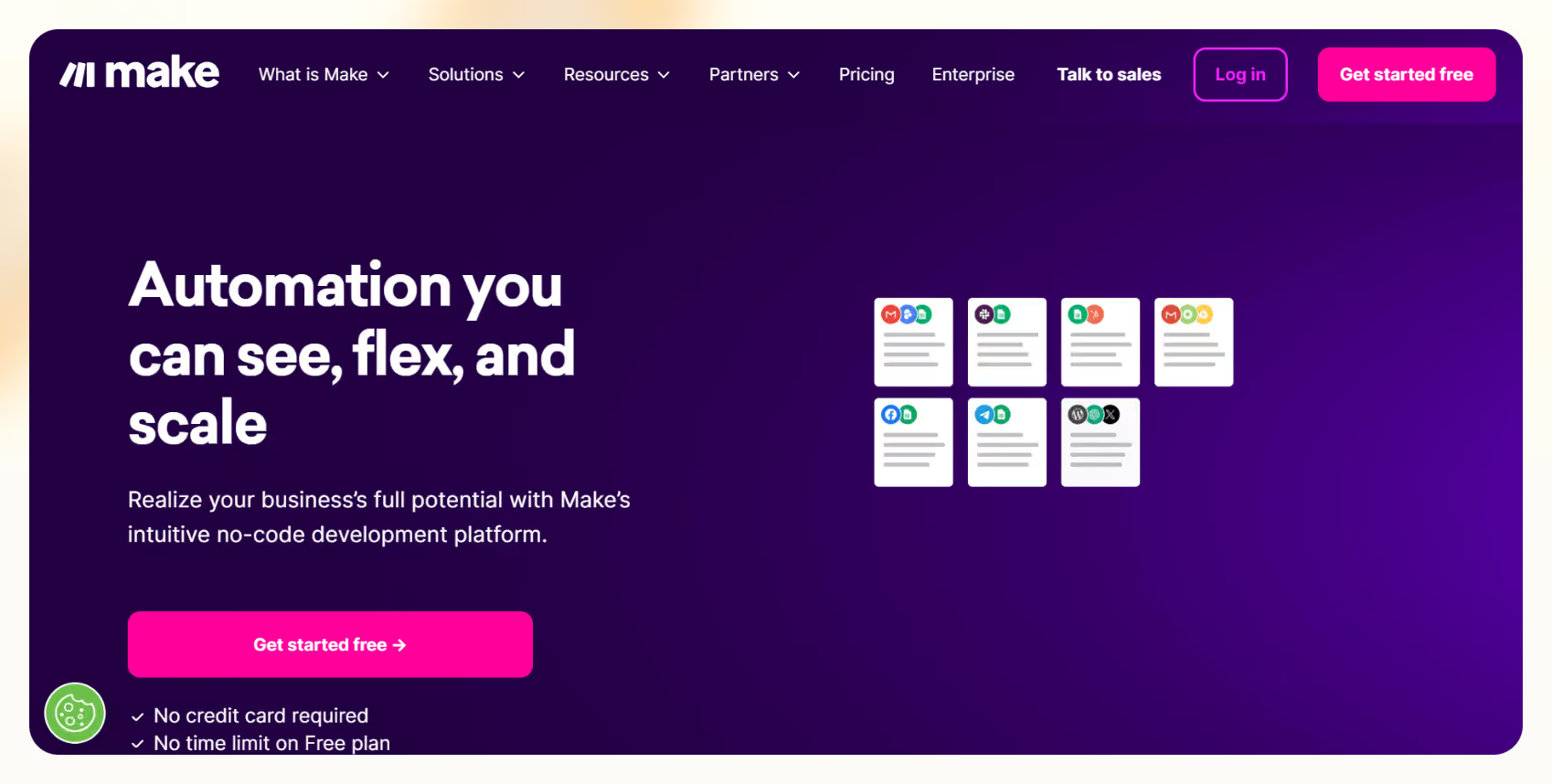
Make (formerly Integromat) is a scenario-based automation builder. Its editor shows every step as a connected node on a visual canvas, with branches, routers, and loops laid out in front of you. It connects 3,000+ apps and includes a free plan with no time limit.
Why I picked it
I was building a lead enrichment flow that needed to split into three different paths depending on the lead source. In Zapier, that would have meant three separate Zaps.
In Make, I built the whole thing as one scenario with a router at the fork. Each path was visible on the same canvas. When one branch broke, I could see exactly which node had stopped passing data, click into it, and read the output. Debugging a multi-step automation has never been faster in any tool I have used.
Key features
- Visual scenario canvas: Every step, branch, and loop is laid out as a node you can click, inspect, and rearrange. When something breaks, the problem is visible on the canvas before you open a single log.
- Routers and iterators: Split automation paths based on conditions, loop through data sets, and aggregate outputs from parallel branches, all within a single scenario running at once.
- HTTP module: Connects any tool with a REST API even if it is not in Make's native app list, extending your reach well beyond the 3,000+ built-in integrations without writing full code.
Limitations
Every module action costs a credit, including polling triggers that run on a schedule. AI modules burn through credits faster than standard ones. The learning curve is steeper than Zapier, and the free plan has a 15-minute minimum interval between runs. Every paid plan drops that to one minute.
Pricing
The free plan gives you 1,000 credits per month with access to 3,000+ apps, routers, and filters. The Core plan starts at $16/month for 10,000 credits. Pro is $28/month, and Teams is $51/month, both at the same credit volume with progressively more execution control and team features.
See our Make alternatives guide for a full comparison.
4. n8n: Best for developers who want source-available control
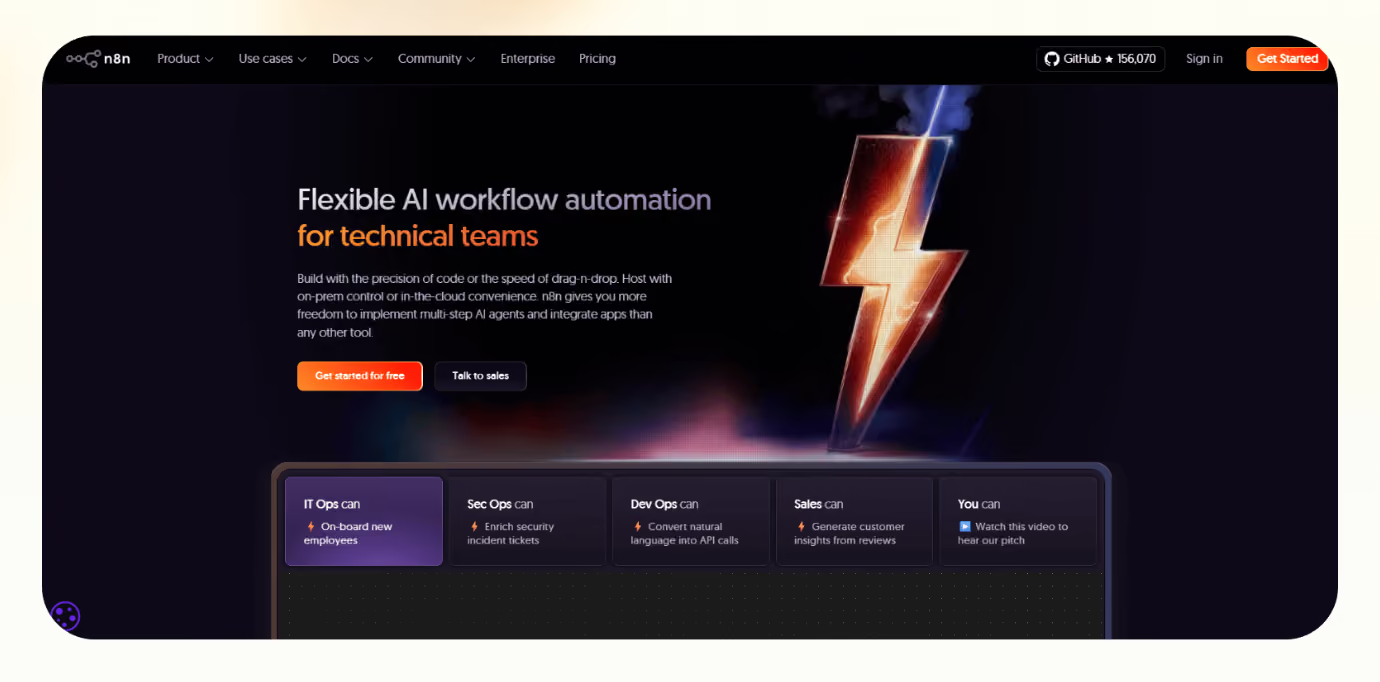
n8n is a source-available automation tool with a visual node-based editor. The cloud version is available for teams that want hosting handled for them. All plans include unlimited users, unlimited workflows, and every integration.
Why I picked it
I needed to pull data from an internal API, reformat it with custom logic, and push it to three destinations depending on a field value. In n8n, I did it in one workflow: a single node with a JavaScript function handled the reformatting inline, and a switch node handled the routing. The whole thing took 25 minutes to build from scratch.
A friend running a small sales team used it to automate their entire outbound sequence: pull leads from a spreadsheet, enrich them via an API, score them with custom logic, and route the qualified ones straight to their CRM. No third-party service or per-task fees, just a self-hosted instance on a $5 to $10 VPS handling the whole thing end-to-end.
Key features
- JavaScript code steps: Drop a Code node into any workflow and write custom transformation logic in JavaScript or Python. It runs as a step in the flow, with no separate editor and no webhook detour.
- Execution-based billing: One execution covers one full workflow run from start to finish, regardless of how many steps it contains. Complex multi-step automations cost a fraction of what they would on a per-step platform at the same volume.
- Free self-hosted edition: The Community Edition runs on your own server or a $5 to $10 VPS, with no execution quota to buy, no user caps, and no subscription required. You own the infrastructure and everything that runs on it.
Limitations
Requires technical comfort to configure, particularly for self-hosted deployments. Starter includes one shared project, and admin roles are gated to higher cloud plans. Execution history visibility is limited on the Starter plan.
Pricing
The self-hosted Community Edition is free with no execution quota to buy. If you want n8n to handle the hosting, Cloud Starter runs $24/month for 2,500 workflow executions and Cloud Pro is $60/month for 10,000. Annual billing saves 17% across all cloud plans. See our n8n alternatives guide for context.
5. Lindy: Best for AI-assisted task delegation in Slack
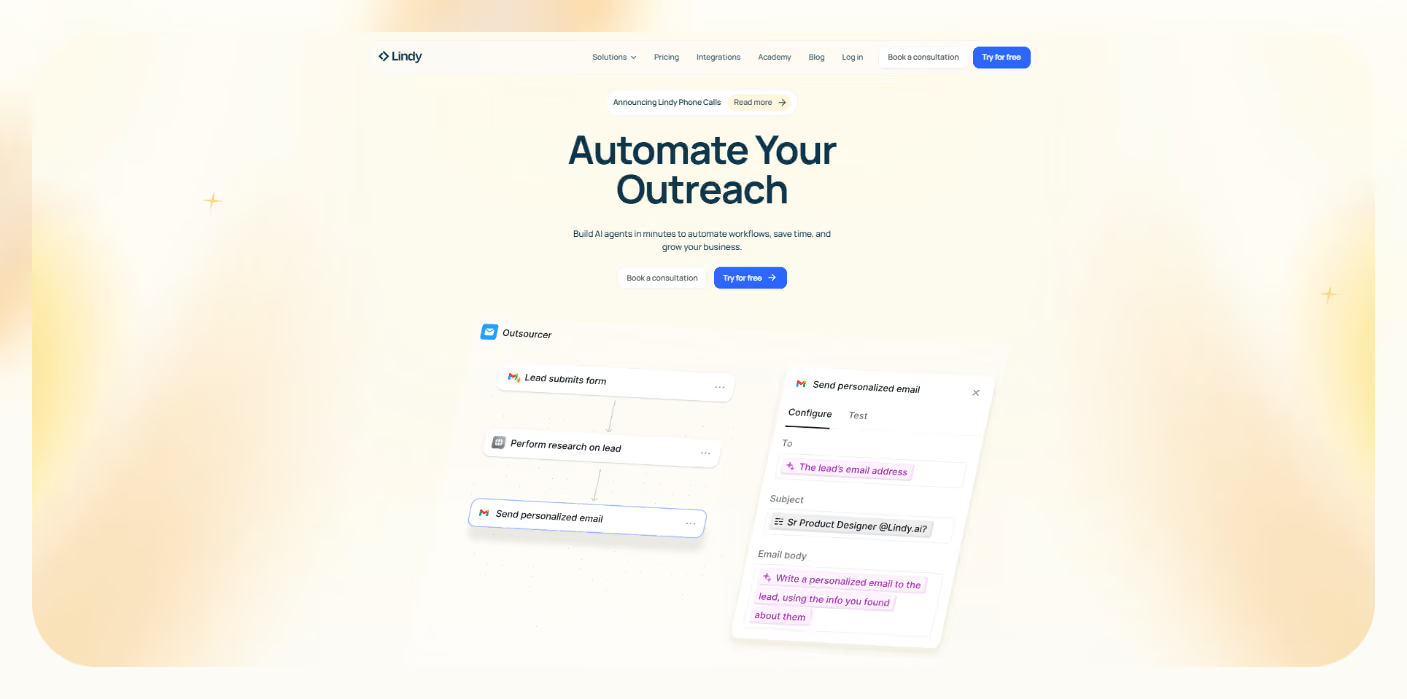
Lindy is an AI teammate that lives in your Slack. @mention it in any channel, and it answers in a thread, pulling from your meetings, files, and connected tools. DM Lindy, and it handles personal work: your inbox, your calendar, your follow-ups.
Why I picked it
Two things stood out in testing: I added meeting notes once and a Monday brief in plain English. The brief ran on schedule for three weeks. The meeting notes joined every call I flagged, transcribed them, and drafted the follow-up without a prompt.
For inbox triage, I connected my inbox and let it run. It sorted what mattered, labeled it, and routed anything that needed a person. I expected configuration, but there was none.
Key features
- Meeting notes and follow-ups: Turn on meeting notes once, and Lindy joins the calls you choose on its own, transcribes them, and drafts the follow-up email to all participants for you to approve and send.
- 40+ built-in skills: Lindy picks up the right playbook automatically when a request matches. Personal skills are yours only, team skills are shared across the workspace, and 40+ built-in skills are ready to use on day one. You can also create your own by telling Lindy how you want something handled once.
- 1,000+ integrations: @mention Lindy to pull a competitor brief, update a CRM record, draft a proposal, or prep for a meeting. It works across your connected tools: Slack, Gmail, HubSpot, Google Calendar, Notion, and more.
Limitations
Slack is where most of the value sits, so a team that does not work in Slack gets less out of it. There is no free plan, only a 7-day free trial for teammates who join through Slack. Pricing is per user, so cost scales with the size of your team.
Pricing
Starts at $29.99/user/month on the Plus plan, Pro is $99.99/user/month, and Max is $199.99/user/month. Enterprise is custom.
{{templates}}
6. Huginn: Best free self-hosted IFTTT replacement
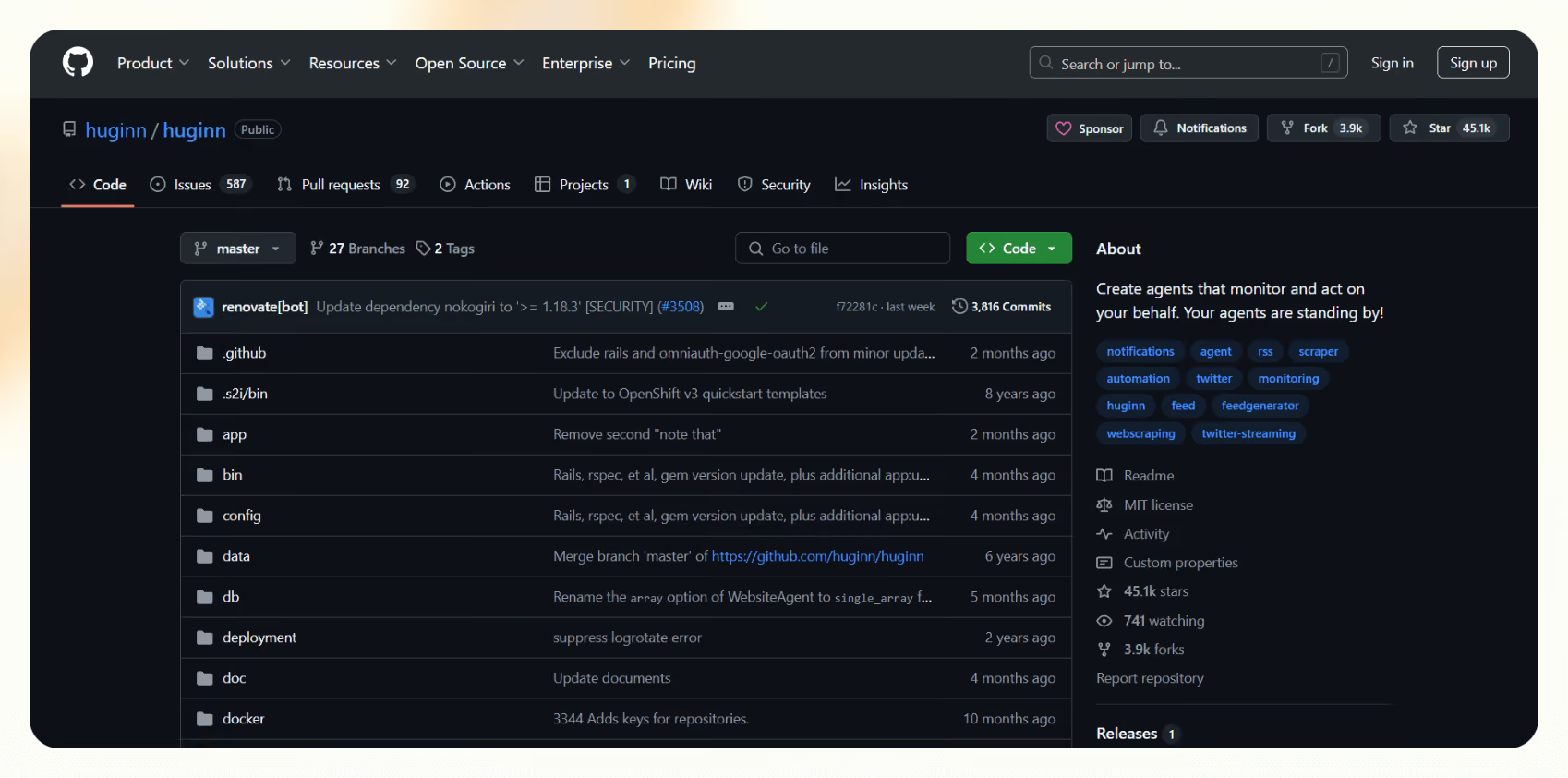
Huginn is a free, open-source automation tool that runs on your own server. It creates agents that monitor data sources like RSS feeds, email, APIs, and websites, then trigger actions based on rules you define. The software is free, the data stays on your server, and your usage is limited only by what your hardware can handle.
Why I picked it
I set it up on a basic VPS over a weekend, mostly out of curiosity. What kept me interested was the agent chain model: one agent fetches an RSS feed, another filters for keywords, a third fires a Slack message when the condition is met.
I built a personal news monitor in about two hours that would have run me a monthly subscription on any hosted tool. The JSON-based configuration takes getting used to, but once it clicks, the level of control is unlike anything else at this price point.
Key features
- Agent-based monitoring: Watch RSS feeds, email, APIs, and websites simultaneously. Chain agents together in sequence so each one filters, transforms, and passes data to the next before the final action fires.
- Unlimited scale on your hardware: Run as many agents as your server can support, with no monthly budgets, credit systems, or plan tiers to think about.
- Full data ownership: Your automation logic and the data it touches run entirely on your own infrastructure.
Limitations
Setup requires Ruby, a server, and basic database configuration. All configuration is JSON-based with no visual builder. Ongoing updates and maintenance are your responsibility, and there is no official support channel beyond the community.
Pricing
Huginn itself is free and always will be. The only cost is the server it runs on, which typically runs $5 to $10 per month for a basic VPS. There are no tiers, seats, or subscriptions.
7. Home Assistant: Best for home automation without cloud dependency
Home Assistant is a free, open-source smart home platform run by the Open Home Foundation, a non-profit dedicated to keeping smart home technology private and open. It runs locally on your own hardware, controls devices across Zigbee, Z-Wave, Matter, Thread, and most major smart home protocols, and keeps running when the internet goes down.
Why I picked it
I ran it on a Raspberry Pi 5. Setup took about two hours, most of which was connecting existing devices. The automation that convinced me was a multi-condition evening routine: motion detected in the hallway, time between 9 pm and 6 am, no manual override active, lights on at 20% for three minutes.
Building that in the visual editor took ten minutes. Getting the same result out of IFTTT would have required stacking multiple applets and a Pro subscription. The companion apps for Android and iOS send phone signals like location and battery to your Home Assistant server, which runs the automations. On your home network, that happens without touching the internet.
Key features
- Local automation engine: Runs entirely on your home network with no internet dependency for local device control. Automations execute almost instantly because they avoid a cloud round-trip.
- 1,500+ device integrations: Covers Philips Hue, Google Nest, Apple HomeKit, Amazon Alexa, IKEA Tradfri, Zigbee, Z-Wave, and Matter under one platform, so you can control devices from different ecosystems in a single automation.
- Multi-condition sequences: Build automations with multiple conditions, time windows, delays, and templates layered together, giving you far more expressive control than single-trigger applet models allow.
Limitations
Requires hardware to run on, either a Raspberry Pi or the official Home Assistant Green hub. Initial setup takes a few hours. Built around the smart home, so it is a poor fit for the business app workflows the other tools on this list are designed for.
Pricing
The Home Assistant software is free and open-source, with no feature tiers. The only optional costs are the hardware it runs on and the Home Assistant Cloud subscription at $6.50/month, which adds remote access and integration with Apple Home, Google Home, and Amazon Alexa.
The Home Assistant Green hub, a plug-and-play option that removes the Raspberry Pi setup, is a one-time hardware purchase. You never need any of these to use the platform itself.
What are the best free and self-hosted IFTTT alternatives?
The best free and self-hosted IFTTT alternatives give you the same trigger-and-action logic IFTTT runs on, without a subscription or a third-party server touching your data.
The right pick depends on how much setup you are willing to do:
- n8n Community Edition: n8n's self-hosted version is free, source-available, and runs on your own server with no execution quota to buy. It has a visual node editor, runs JavaScript in a Code node, and connects to 2,000+ apps and APIs out of the box. A $5 to $10 VPS is all the infrastructure you need to run it in production.
- Huginn: Huginn is the closest structural equivalent to IFTTT in the self-hosted space. It uses an agent model where one agent monitors a source, another filters the output, and a third fires an action. No task caps, usage limits, or data leaves your server. Setup requires Ruby and some technical patience.
- Home Assistant (for home automation): If your IFTTT use was mostly smart home applets, Home Assistant replaces it entirely. It runs locally on a Raspberry Pi or Home Assistant Green hub, covers 1,500+ integrations, and builds multi-condition automations.
What are the best IFTTT alternatives for home automation?
The best IFTTT alternatives for home automation run locally on your network rather than routing commands through a cloud server. That matters for three reasons. Local processing means faster response times. Your automations keep running when your internet drops. And nothing routes through a third-party server between you and your devices.
Here are two options worth considering:
- Home Assistant: The strongest local home automation platform available. It runs on a Raspberry Pi or a Home Assistant Green hub, supports 1,500+ device integrations across Zigbee, Z-Wave, Matter, and Thread, and builds multi-condition automations with time windows, delays, and sensor states that IFTTT applets cannot replicate. The core software is free.
- Hubitat: A paid alternative with similar local processing. It runs on dedicated hardware and prioritizes reliability and fast local response for users who want the control of self-hosting without managing software themselves.
{{cta}}
Is Zapier better than IFTTT?
Zapier is better than IFTTT for business use, but the comparison only makes sense if you are clear about what you are automating.
IFTTT was built for simplicity. One trigger fires one action. It covers 1,000+ services and leans heavily toward smart home and consumer apps. For turning your porch light on when you get home or saving Instagram posts to Dropbox, it works and costs almost nothing.
Zapier operates at a different scale entirely. 9,000+ app integrations, multi-step logic, conditional branching, automatic error retries, and Zapier Copilot, which builds full automation setups from a single description. When a step breaks, Zapier tells you. When IFTTT breaks, you notice because nothing happened.
If your automations touch a CRM, a support inbox, or anything that needs to keep running reliably, Zapier is the upgrade. If you just want your smart home to respond when you walk in the door, IFTTT Pro at $4.99/month is all you need.
Which IFTTT alternative should you choose?
IFTTT works for simple two-app connections and basic smart home applets. The moment you need multi-step logic, conditions, reliable error handling, or business app coverage, a different tool fits better.
Here is where each one lands:
- Zapier: You need the broadest integration library with no-code multi-step automation. At 9,000+ apps, it connects more than any other tool on this list. Compare options in our Zapier alternatives guide or the Make vs Zapier vs Lindy breakdown.
- Make: You want to see exactly how data moves through a complex setup. The visual canvas shows every branch and loop as a node you can click and inspect.
- n8n: You are a developer who wants code-level control or free self-hosting. The Community Edition has no execution quota to buy. See our n8n alternatives guide for context.
- Pabbly Connect: You want unlimited automations at the lowest monthly cost. Internal steps do not count against your task budget, and the lifetime plan removes recurring fees entirely.
- Huginn: You want a free self-hosted IFTTT equivalent. Everything runs on your own server, with no task caps and no pricing page setting the ceiling.
- Home Assistant: You are replacing IFTTT for home automation. Local processing, 1,500+ device integrations, and multi-condition automations that IFTTT applets cannot express.
- Lindy: Your team lives in Slack and wants an AI teammate that gets things done. @mention it in any channel, describe what you need, and Lindy handles the steps across your meetings, inbox, and connected tools.









