9 Best OpenClaw Alternatives in 2026


During setup, OpenClaw asked me one question I didn't expect to think hard about: should the agent get full access to my laptop or work inside a sandbox? It was my work machine, with client files on it. I chose the sandbox, then spent the next hour checking what the agent could still reach.
That hour stuck with me. OpenClaw is free, open source, and runs on your own hardware, which is exactly what makes it appealing. But it also means every security decision is yours to get right. For a personal machine, that tradeoff is manageable. For a shared work computer or a team that just wants the thing to work, it gets complicated fast.
So I tested 12 alternatives over three weeks. 9 were self-hosted tools that keep the agent on your own hardware. 3 were managed tools where the vendor runs everything.
It came down to one question: do you want to run the agent yourself, or hand it off to someone else?
Here is what I found.
Best OpenClaw alternatives in 2026: TL;DR
What is OpenClaw and why look for something else?
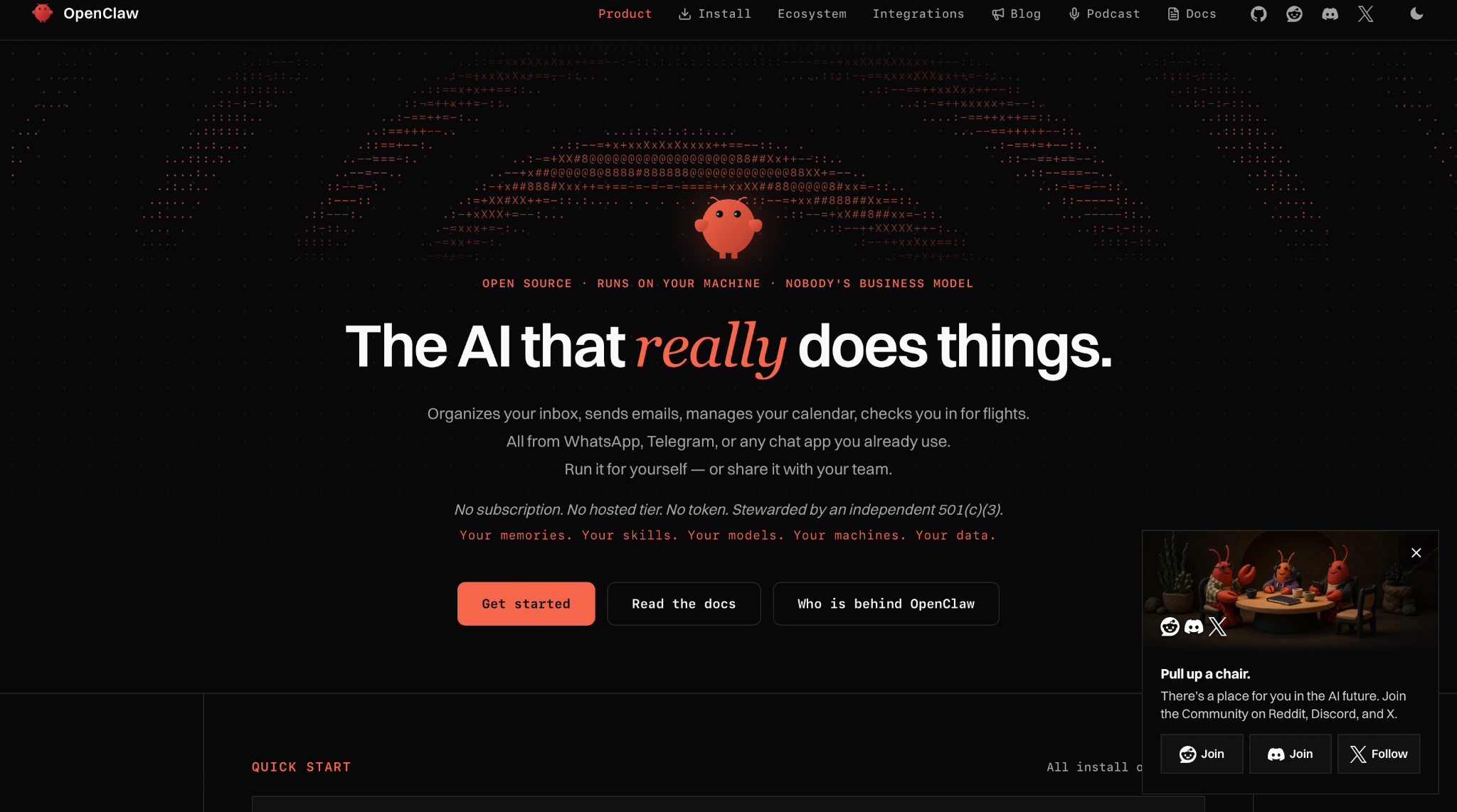
OpenClaw is a free, open-source AI assistant that runs on your own computer and works through the chat apps you already use, including WhatsApp, Telegram, Slack, Discord, Signal, and iMessage. The project is MIT-licensed and stewarded by the OpenClaw Foundation, an independent non-profit.
OpenClaw runs on Mac, Windows, and Linux, connects to 30+ chat apps, and gives the agent full system access or a sandbox depending on your setup. It remembers preferences across conversations and can browse the web, read and write files, and run shell commands.
Why look for an OpenClaw alternative:
- Every security decision is yours: which is powerful if you want control, and a liability if you don't
- No hosted tier exists: if you want someone else to run the agent, OpenClaw has no answer for that
- Team use means running it yourself: a shared setup is possible, but someone on the team has to host, secure, and maintain the gateway for everyone
- Setup takes real time: the gateway, model keys, and chat channels all need configuring and keeping alive
- Shared machines are a problem: full system access means the agent can reach other people's files unless the sandbox is carefully configured
How I evaluated these OpenClaw alternatives
I tested 12 OpenClaw alternatives over three weeks, and 9 of them made this list. I judged each one on setup time, security model, chat app support, hosting, and maintenance. The self-hosted tools ran on my laptop and a Raspberry Pi, except for MimiClaw, which required an ESP32-S3 board. The managed tools ran on their paid plans.
The testing grew out of one question. If OpenClaw's setup time and security trade-offs were the reason people kept searching for something else, which tools fixed those problems and added none of their own?
I split the list into two groups early because every reader faces the same first decision. Some people want the agent on hardware they control, while others would gladly pay a vendor to run it, and a tool that suits one group is often wrong for the other.
I gave every tool the same three tasks:
- Connect a chat app and send a first message: This showed how long each tool took to go from download to a working reply, and how much of that time I spent in a terminal.
- Schedule a recurring daily brief: OpenClaw users rely on the agent to act on its own, so I checked whether each tool could run a job on time without prompting.
- Run a file or shell task: I asked each agent to read and edit files in a test folder, then watched whether they stayed within that folder or could access the rest of the machine.
Where a tool was built for one specific job, I added a task from its home turf: a bug fix for Claude Code, a competitor scan for Manus, and a question about last week's client call for Lindy. Maintenance was measured through GitHub commits and releases over the past three months, or through release notes for the managed tools.
Three tools didn't make the cut. IronClaw required a full PostgreSQL setup before it could store memory. MimiClaw runs bare-metal on a microcontroller with no OS. NemoClaw wraps OpenClaw rather than replacing it, so it sits outside the scope of this list.
The 9 that made the list each solved one problem well enough to recommend to a specific user type, starting with the self-hosted group.
What are self-hosted OpenClaw alternatives?
Self-hosted OpenClaw alternatives are tools that run on your own hardware, just like OpenClaw does. The agent, your files, and your model keys stay on your machine. The only time anything leaves is when you send a prompt to a hosted model provider. These tools suit developers who want full control over their infrastructure and are comfortable with a terminal.
1. Best OpenClaw Alternative for container isolation
NanoClaw: What is it?
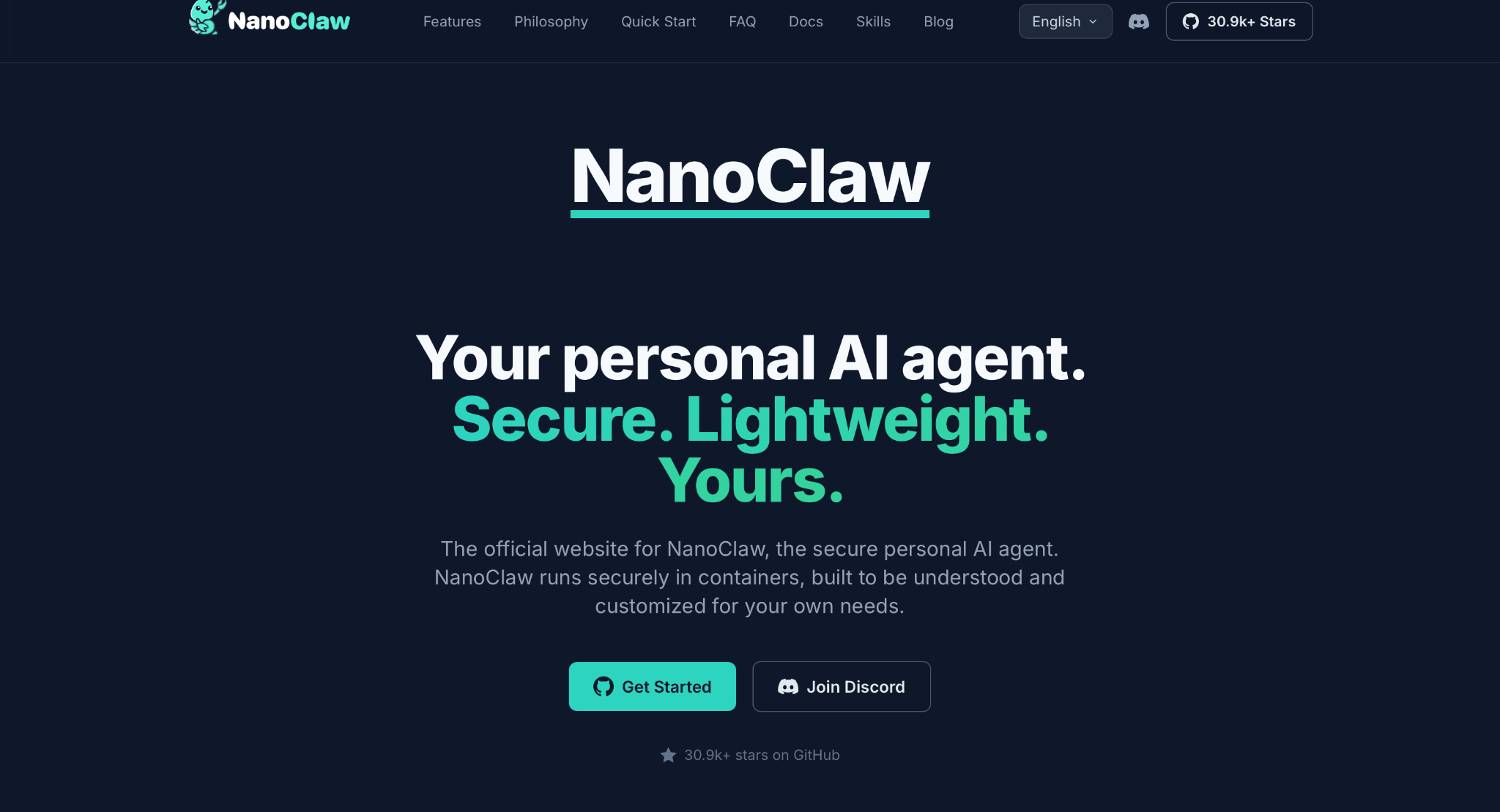
NanoClaw is an open-source AI agent that runs every chat session inside its own Docker container on your computer. It is MIT-licensed, and you talk to the agent through WhatsApp, Slack, Telegram, or other chat apps.
Why I picked it
I started my NanoClaw install with three terminal commands. The setup script built the agent container and paired my first chat app. My Claude credential was placed in a separate vault during the same run.
NanoClaw also keeps its runtime small, at about 29,300 lines of code across 200 files. In one afternoon, I traced a message from the chat app into the container and back out again. That let me check the security model line by line. A codebase of this size makes an internal security review practical for a small team.
Pros
- Container isolation: Each chat session runs inside its own Docker container, and Bash commands execute there, too. The agent sees only the folders you mount, which keeps personal files and other projects on the host out of its reach.
- Keyless agents: A credential gateway injects API keys at request time and applies per-agent rate limits. The container never stores a key, so a session tricked by a bad prompt has no credentials to leak.
- Skill-based channels: Chat apps are added one at a time with commands such as /add-telegram, and each command copies in only that module. Your fork stays lean, and the code you review matches the features you use.
- Per-agent models: Claude is the default model through Anthropic’s Claude Agent SDK. Codex, OpenCode, and Ollama can be added as providers, and each agent group may run a different one. Sensitive work can therefore stay on a local model.
Cons
- Developer-level setup: The install needs Docker, Node.js, and pnpm, and every step runs in a terminal. Readers who have never used a command line should expect a slow first install.
- Changes require code edits: NanoClaw skips a settings panel and config files entirely. Every behavior change requires a code change, usually made via Claude Code, and the host must be kept manually up to date.
Pricing
NanoClaw costs nothing to download or run, and there is no paid tier. The only bill comes from the model behind it, such as Anthropic API usage, a ChatGPT subscription, or an OpenAI API key for Codex.
2. Best OpenClaw Alternative for a lightweight Rust binary
ZeroClaw: What is it?
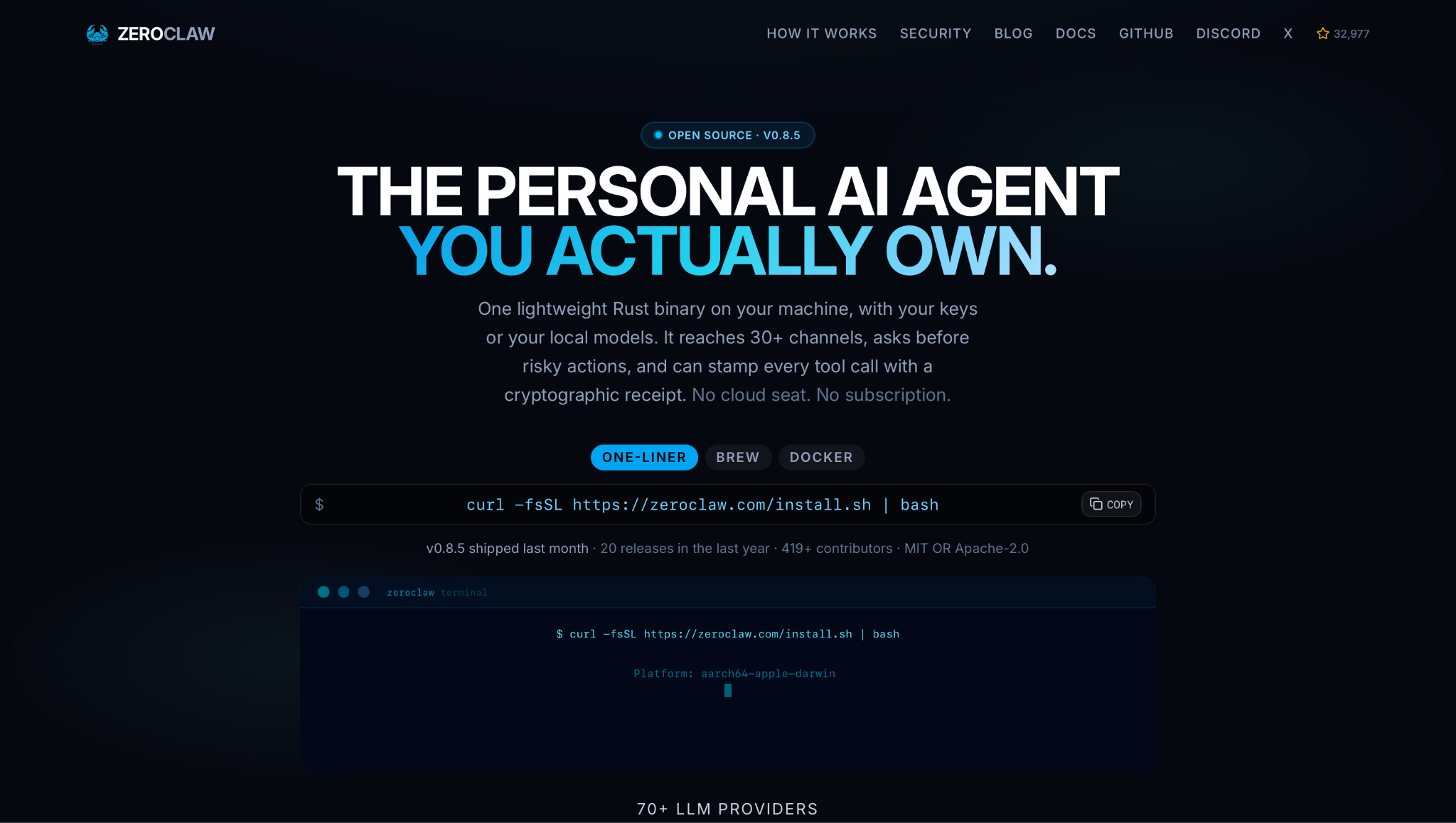
ZeroClaw is an AI agent packed into one native Rust binary that needs no Node, Python, or Java runtime. It connects to more than 30 chat channels, including Telegram, Slack, and Signal. Teams that want a Rust-based agent get fast cold starts and sandboxed shell access from the first run.
Why I picked it
ZeroClaw went from download to first chat in two commands. A one-line script fetched the prebuilt binary, and no Rust toolchain was needed at any point. The quickstart wizard then asked for a model provider and a chat channel in a single guided step. ZeroClaw’s own test measured a full CLI start at about 12 ms on Apple Silicon, and replies felt immediate in my sessions.
The same binary also runs on small boards. Raspberry Pi is a supported target, and ZeroClaw can drive GPIO pins on Arduino and ESP32 boards. One team can run the same agent on a workstation and on a homelab board, with nothing extra to install on either machine.
Pros
- Supervised autonomy by default: Medium-risk actions pause for your approval, and high-risk actions are blocked outright. A command, such as a git push, waits for a yes before running, keeping a person in control of every change that leaves the machine.
- OS-level sandboxes: Landlock, Bubblewrap, Seatbelt, or Docker restrict what the agent process can read and write. The operating system enforces these limits, so a cleverly worded prompt cannot lift them.
- Signed tool receipts: With receipts enabled, each tool call returns an HMAC-SHA-256 tag that the model cannot forge. A tool call the model claims but never made shows up as a missing or invalid receipt.
- More than 70 model providers: Hosted APIs such as Anthropic and OpenAI sit beside local runners such as Ollama and llama.cpp. Switching providers is a config change, making it simple to move private work to local hardware.
Cons
- Pre-1.0 contract: ZeroClaw is on version 0.8.6. A stable API and config contract, along with per-user authorization, is planned for version 1.0, so multi-user teams may need to wait.
- Command-line operation: Install, quickstart, and the background services all run from a terminal. Non-technical users will need help from a developer to keep the services running.
Pricing
ZeroClaw is free and open source under the MIT or Apache-2.0 license, and it has no paid plans. Model costs depend on the provider you connect to. A hosted provider bills you for usage, while a local model via Ollama or LM Studio incurs no provider billing.
3. Best OpenClaw Alternative for Python developers who want MCP support
Nanobot: What is it?
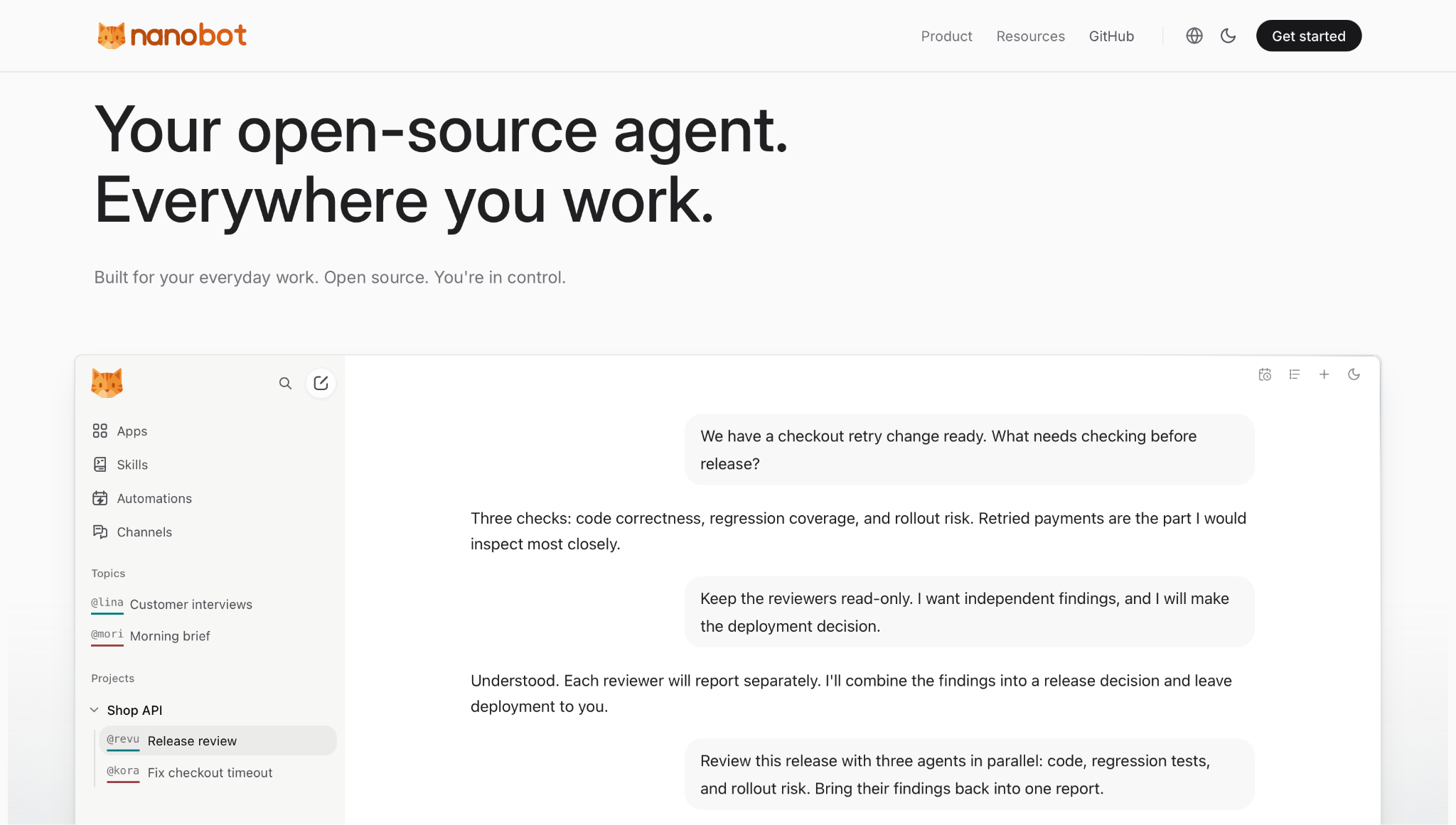
Nanobot is a free, open-source AI agent framework written in Python and built by HKUDS. The agent runs via a browser WebUI, a terminal, or chat apps like Telegram and Slack, and connects to external tools through MCP.
Why I picked it
My first Nanobot run ended in a browser tab. The one-command installer pulled the package from PyPI and opened the WebUI, where I picked a provider and a model under Settings. The first reply came back before I had opened a single config file.
For Python developers, Nanobot fits into existing code with almost no friction. It ships with a Python SDK and an OpenAI-compatible API. A script that already calls a hosted model can call the agent through the same interface. Nanobot also has more than 48,000 GitHub stars, indicating an active community of users and contributors.
Pros
- MCP from the WebUI: The Apps screen adds MCP servers from presets or from a custom address, and the @ key attaches a tool to any message. For example, turning customer feedback into Linear issues becomes a single request.
- Side-by-side workbench: Up to four conversations can sit in columns, rows, or a grid, and each keeps its own history. One topic can read another when you mention it, which keeps the code review and its release notes linked.
- Visible agent work: Tool calls, file edits, and diffs expand inline, and a context meter reports the tokens used in each round. You can review every change before accepting it.
- Automation calendar: Recurring jobs, such as a morning brief, are created inside the topic that receives the results. A calendar view lists past and upcoming runs by date, so a skipped job is easy to find.
Cons
- Stable release lags behind: Nanobot is on version 0.3.5, and new features land in the source install first. That path also needs Git and Bun, so teams on the stable PyPI release wait longer for updates.
- Gateway must stay running: Chat apps and scheduled jobs deliver only while the gateway is up. Always-on use means a background service, a Docker setup, or a server you maintain.
Pricing
Nanobot carries no license fee under the MIT license, and there is no paid edition. Your model spend depends on the provider you connect to, and local models via Ollama or vLLM add no cost.
4. Best OpenClaw Alternative for low-power hardware
PicoClaw: What is it?
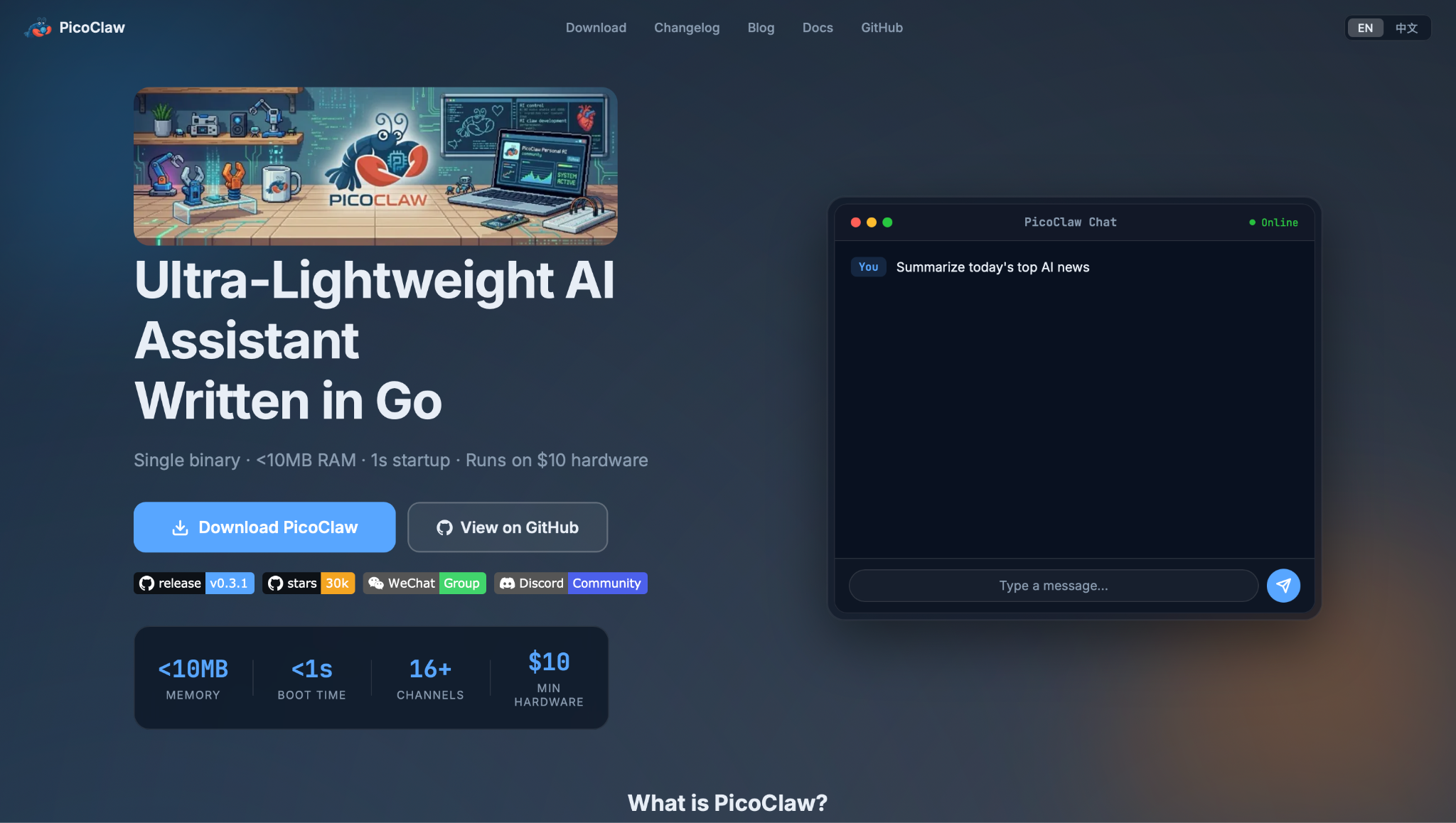
PicoClaw is a Go-based AI agent from Sipeed, a maker of low-cost RISC-V boards, built for hardware with very little memory. It runs as a single small binary on $10 boards, old Android phones, and ordinary computers, and it responds via chat apps such as Telegram and WhatsApp. Its tiny footprint makes it the natural pick when the agent has to live on a cheap board.
Why I picked it
The PicoClaw launcher opened a browser setup page on the first run. I entered a model key, connected to Telegram, and received a reply without a command line. One extra flag makes the launcher listen on the local network. You can therefore configure a board with no screen from a laptop browser.
PicoClaw can run on low-cost mini computers or an old Android phone. For a home project, you may be able to use a device you already own instead of buying new hardware.
Pros
- One binary per chip: A single Go file is built for each chip family, including RISC-V, ARM, MIPS, and x86. Deploying to a new board means copying one file, with no runtime or package manager involved.
- Sub-second boot: PicoClaw boots in under one second, even on a 0.6 GHz single-core chip. After a power cut, the home board responds to messages almost immediately, which matters for boards that lose power regularly or restart on a schedule.
- MCP commands: Short PicoClaw MCP commands add, list, and test MCP servers from the terminal, and recent releases manage them in the WebUI as well. New tools can be connected with no manual JSON edits, which keeps the setup approachable on hardware with no attached keyboard or screen.
- Keyless local models: Ollama and vLLM work as providers with no API key required. The board answers from a model hosted on your own network, keeping every prompt in-house. For projects where data cannot leave the building, this makes PicoClaw one of the few agents that runs fully air-gapped.
Cons
- Early-stage security: Sipeed’s README warns that unresolved security issues may remain. It also advises against production use before version 1.0.
- Rising memory usage: Recent builds use 10-20 MB of RAM, exceeding the original 10 MB target. Sipeed plans to reduce memory use once features settle.
Pricing
Sipeed does not charge anything for the software, which is MIT-licensed. Model costs are paid to your chosen provider, while Ollama and vLLM run locally at no charge. Board prices are separate, one-time hardware costs.
5. Best OpenClaw Alternative for a minimal Zig build
NullClaw: What is it?
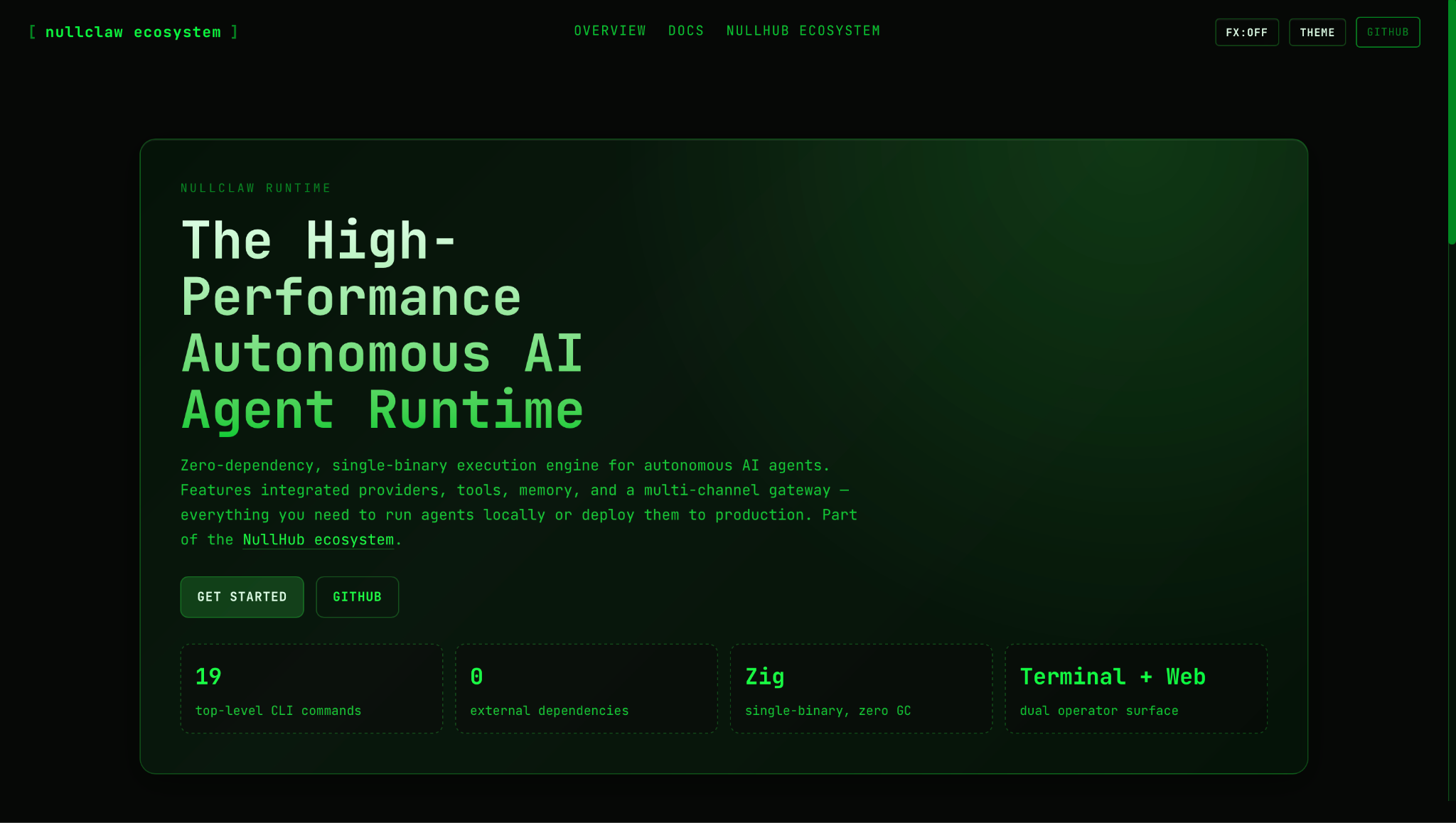
NullClaw is an AI agent compressed into a 678 KB static binary written in Zig, with libc as its only dependency. It reaches 19 chat channels, including Telegram, Signal, and Slack. It suits developers who want a very small agent and like to work close to the code.
Why I picked it
NullClaw installed through Homebrew with one command, and that path needed no Zig toolchain. The onboarding wizard asked for a provider and an API key. NullClaw reads OpenClaw’s config structure, so the built-in migrate command carried my OpenClaw memory across in one step.
The security defaults are strict from the first run. The gateway binds to the local machine only and accepts public addresses only through a tunnel such as Tailscale or Cloudflare. A new client must also trade a six-digit pairing code for a token before it can send a message.
Pros
- About 1 MB of RAM: NullClaw peaks near 1 MB of memory and starts in under 8 ms on a 0.8 GHz core. That puts it within reach of boards that cost around $5, making it one of the few agents that runs full-time on the cheapest available hardware.
- Auto-selected sandbox: On startup, NullClaw picks the strongest sandbox the host supports, such as Firejail, Bubblewrap, or Docker. Shell commands run in a contained environment with no manual configuration, and the operating system enforces the limits rather than the agent.
- Encrypted keys at rest: API keys are encrypted with ChaCha20-Poly1305 and a local key file. A config file copied off the machine contains no usable credentials, so a stolen backup does not expose your accounts.
- Direct hardware access: Serial devices, Arduino boards, Raspberry Pi GPIO pins, and STM32 boards are all supported. A built-in scan command automatically detects attached hardware, so connecting a new device doesn't require manual config edits.
Cons
- Small community: NullClaw has fewer than 10,000 GitHub stars, so its community is still small. Fewer contributors may mean slower bug fixes, and fewer answered questions over time.
- No stability promise: As a pre-1.0 project, NullClaw states that its config and commands may change between releases.
Pricing
There is nothing to buy for NullClaw itself, which is MIT-licensed open source. Spending starts and stops with the model provider, and an Ollama model on local hardware adds no bill.
6. Best OpenClaw Alternative for scheduled autonomous agents
OpenFang: What is it?
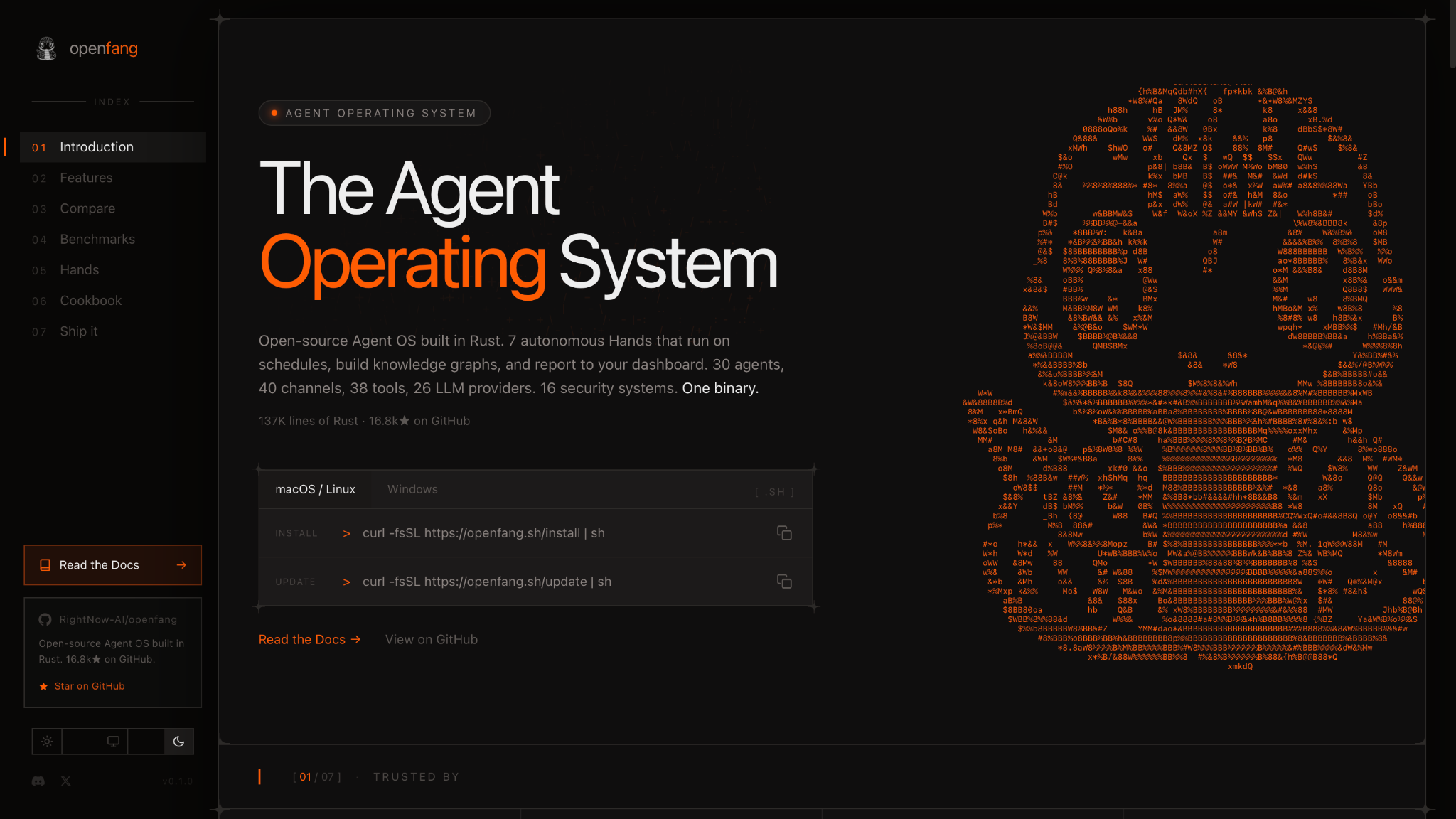
OpenFang is an open-source operating system for AI agents. It is a single Rust binary from RightNow AI that runs pre-built agents, called Hands, on fixed schedules. Each Hand handles a set job, such as research, lead generation, or browser tasks, and reports its results to a local dashboard.
Why I picked it
I activated the Researcher Hand with a single command. It ran unattended from there, cross-checking sources and producing a cited report while I worked through other tests. The dashboard showed progress in real time, so I could follow the job without typing another prompt.
OpenFang also ships a native desktop app built on Tauri. It sits in the system tray, sends notifications, and starts on login. For anyone who finds a terminal inconvenient, it puts every agent in one window.
Pros
- WASM sandbox for tools: Tool code runs inside WebAssembly with fuel and time metering. A tool that loops or stalls is stopped before it ties up the host, which matters for long-running scheduled jobs where no one is watching the terminal.
- Merkle audit trail: Each agent action is linked into a Merkle hash chain. Any later change to the record breaks the chain and shows up on inspection, giving teams a tamper-evident log of everything the agent did.
- Two-way MCP: OpenFang acts as both an MCP client and an MCP server. It can pull from outside tools and also expose its own Hands to other agents, which makes it composable inside a larger setup.
- Purchase approval gate: The Browser Hand pauses for human approval before any purchase completes. Automated web tasks cannot spend money on their own, which is a meaningful guardrail for any team running unsupervised browser jobs.
Cons
- Slower release pace: The last confirmed release, version 0.6.9, shipped in May 2026. The team’s mid-2026 target for version 1.0 has passed.
- Breaking changes between versions: The README warns that minor versions may break setups and advises pinning a specific commit for production use.
Pricing
OpenFang is open source, and its site lists no paid plans. Costs come only from the model providers connected to its agents.
What are managed OpenClaw alternatives?
Managed OpenClaw alternatives are tools where the vendor runs the agent for you. With OpenClaw, every setup choice is yours. That includes the gateway, the model keys, and the sandboxing. Managed tools take all of that off your plate. You describe what you need, and the tool handles the rest on its own infrastructure.
7. Best Managed OpenClaw Alternative for Non-Technical Teams
Manus: What is it?
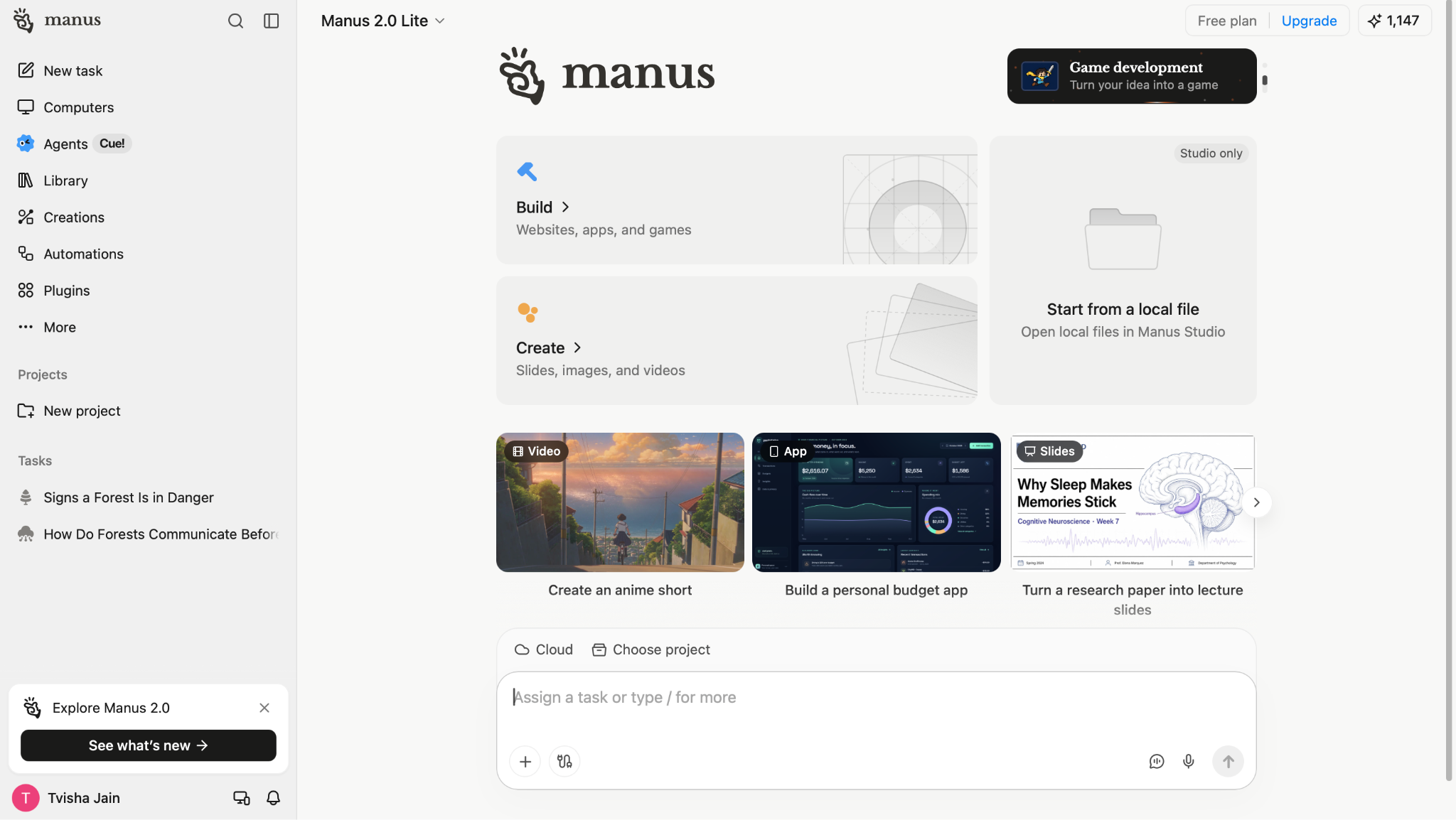
Manus is a cloud-hosted AI agent that plans and completes multi-step tasks, such as research reports, slide decks, and websites, from one prompt. Every task runs on Manus servers, so there is nothing to install, host, or update on your own machine. Full hosting is the main thing Manus offers that OpenClaw doesn't, and it makes Manus a strong fit for teams without a developer to manage infrastructure.
Why I picked it
Manus needed no installation step, since every task opens in the browser. I asked it to compare competitors on pricing and features, and it returned a finished table while I worked on other tests.
Manus also reaches people where they already work. A Slack integration lets a team assign work from a channel. Mobile and Windows apps cover times when you don't have a browser open.
Pros
- Hosted virtual machines: Each Manus task runs in its own cloud environment, with its own tools and internet access. Your laptop does no heavy lifting while a long job runs, and you don't have to patch, restart, or monitor a server.
- Wide Research at scale: Manus splits a large request, such as a scan of 50 competitors, across many parallel sub-agents. Each sub-agent starts with a clean context, so the fiftieth company gets the same depth of analysis as the first. The finished report or spreadsheet arrives as one combined result.
- Mail Manus: Every user gets a personal @manus.bot address. Forwarding or copying an email to that address turns the message into a tracked task. Workflow Emails, each with its own saved instruction, let routine requests, such as vendor follow-ups or RFP summaries, run as repeatable jobs from the inbox.
- Many output types: One prompt box produces research reports, slide decks, websites, games, videos, and designs. A marketer can move from a market scan to a finished presentation in the same session, using one tool from start to finish.
Cons
- Credit-based costs: Every task draws from a monthly credit pool, and complex jobs use far more credits than simple ones. Users cannot see the exact cost of a large task before it starts, so heavy months may require a higher plan or careful tracking of credit use.
- Data leaves your machine: Prompts, files, and email attachments are processed on Manus servers. Teams that work with client data or operate under strict compliance rules should review the Manus Trust Center first and confirm that the platform complies with their internal data policies.
Pricing
Manus has a free plan with 300 daily credits. Paid plans come in three monthly levels: Standard costs $20/month with 4,000 credits, Customizable starts at $40/month with 8,000 credits, and Extended starts at $200/month with 40,000 credits. Team starts at $20 per seat/month, and Enterprise is priced on request.
8. Best OpenClaw Alternative for coding work
Claude Code: What is it?
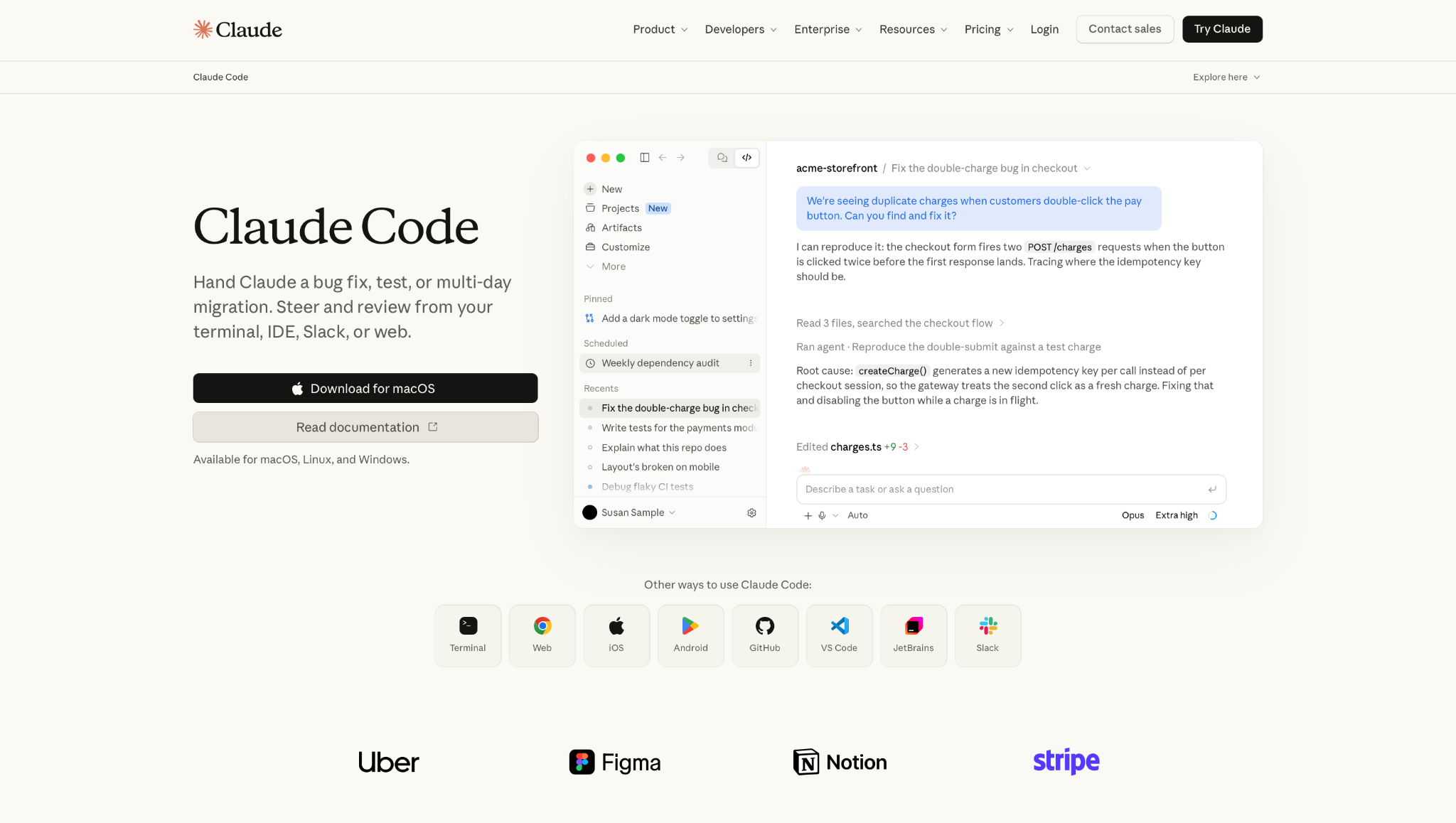
Claude Code is Anthropic's agentic coding tool. It reads a codebase, edits files, runs tests, and opens pull requests on its own. Developers steer it from a terminal, an IDE like VS Code or JetBrains, Slack, the web, or mobile apps. It is the right OpenClaw alternative when the work a developer wants to hand off is code, from a single bug fix to a migration that runs for days.
Why I picked it
I opened Claude Code in a repo I had never seen and asked it to explain the project. It used agentic search to map the structure and dependencies, so I never had to pick context files by hand. Within minutes, I had a clear picture of the main packages and how they connected.
The stronger test was a live bug. I described a checkout issue, and Claude Code reproduced it, traced the root cause, edited the file, ran the tests, and then showed me the diff. Auto mode is now the default on Pro, Max, and Team plans. It lets the agent work through longer tasks on its own while still checking each risky command.
Pros
- Issue-to-pull-request flow: Claude Code works with GitHub, GitLab, and your command line tools. The developer reviews a finished pull request instead of moving the work between tools.
- Multi-hour migrations: The agent follows imports throughout the whole repo, runs your test suite, and keeps working even if a step breaks. Large refactors and framework upgrades, which once filled a sprint, can be handed off and reviewed at the end.
- Projects for parallel agents: Claude Code Desktop groups related coding sessions into Projects. A developer can run several agents at once, such as one on tests and one on a migration, and supervise all of them from one view.
- Self-hosted environments: Sessions can run on your own infrastructure, within your network, and alongside your internal services. This public beta suits teams that like OpenClaw's local control but want a managed agent on top of it.
Cons
- Shared usage limits: Claude Code draws from the same usage pool as Claude chat. Limits reset in a rolling five-hour window, and paid plans add weekly caps on top of that. Heavy coding days can reach the cap unless you turn on usage credits at API rates.
- Coding focus: Claude Code is built for software work. It can reply through Telegram, Discord, and iMessage in a research preview, but it's built for code, so it won't replace a general personal agent.
Pricing
Claude Code comes with every paid Claude plan, but the Free plan omits it. Pro costs $20/month. Max 5x costs $100/month, and Max 20x costs $200/month. On the Team plan, Standard seats cost $25/seat/month, and Premium seats cost $125/seat/month. Enterprise is $20/seat/month, billed annually, plus usage at API rates.
9. Best Hosted AI teammate for teams that work in Slack
Lindy: What is it?
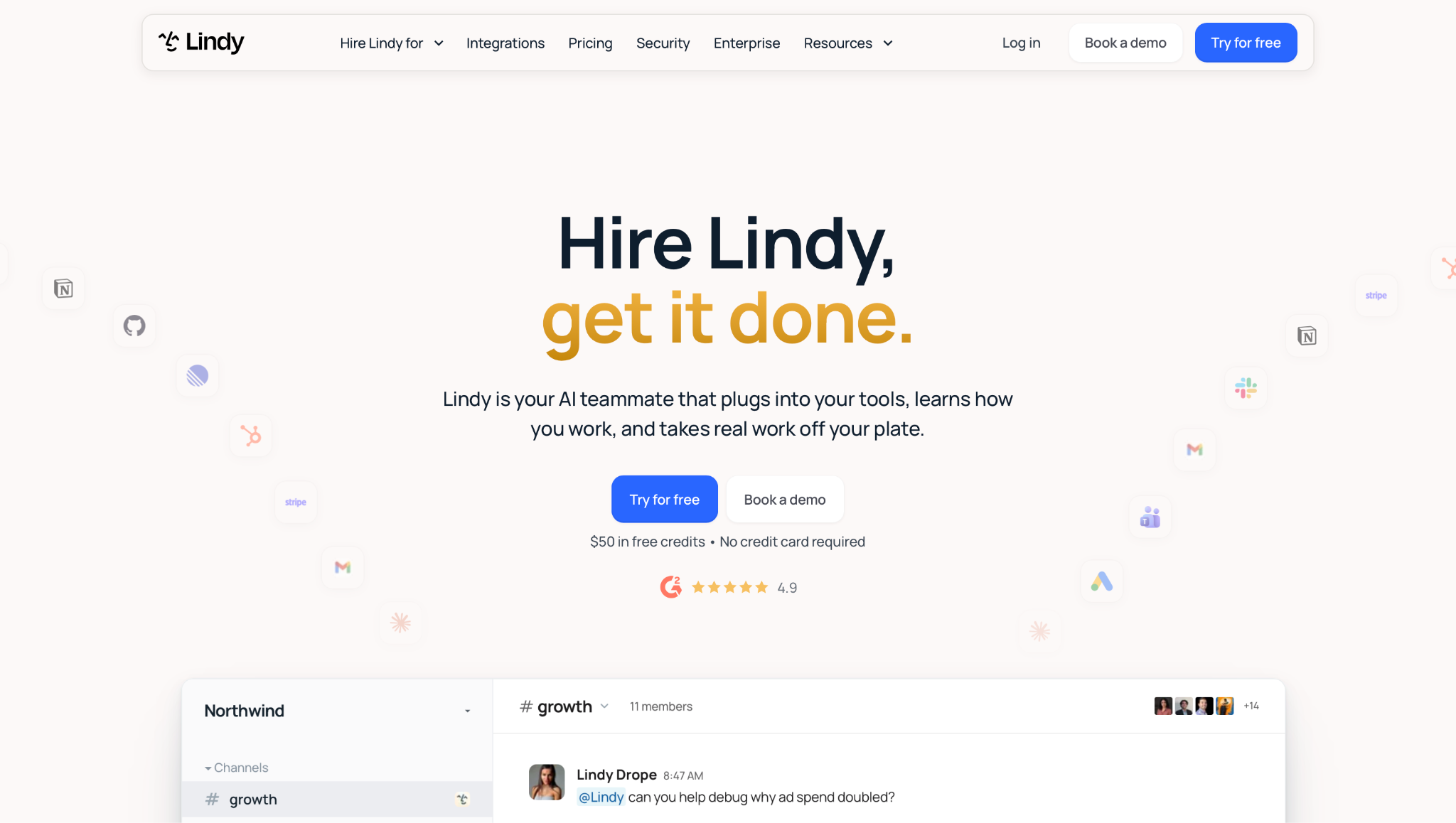
Lindy is an AI teammate that lives in your Slack, connects to hundreds of tools, and does real work for the whole team. It handles email, meetings, and follow-ups, and it can be reached through Slack, iMessage, SMS, Gmail, or the web app. Every teammate gets a private Lindy in their Slack DMs, and the whole team shares one in channels.
Why I picked it
I tested this on a real scenario: I @mentioned Lindy in a channel and asked what a client had agreed to on last week's call. It searched the meeting notes and connected tools, then replied in the thread with a sourced summary. Each point linked back to its source, so I could verify every claim before sharing it with the team.
As a secondary surface, Lindy also works over iMessage and SMS, so quick lookups, scheduling, and meeting prep are reachable from a phone without opening Slack. Lindy runs on its own cloud, so there is no gateway to keep alive or server to patch.
Pros
- Meeting coverage: @mention Lindy before a call and it joins Google Meet, Zoom, or Microsoft Teams as a named participant, records, and summarizes. Notes go into shared folders, so anyone on the team can ask about any past meeting.
- Inbox management: Lindy drafts replies in your voice, clears routine emails, and sends a daily brief of what needs attention. Email takes less of your day.
- Built-in approvals: Read-only lookups run automatically. Anything with external impact (sending an email, updating a ticket) waits for a person to approve it. Each connected tool gets a rule: always allow, require approval, or don't offer. Admins set it for team tools, and each person sets it for their own.
- Routines and skills: Tell Lindy once how you want something done, and it saves that as a skill. Recurring jobs run on schedule from plain-English instructions, with no prompting required.
Cons
- The free plan is a short window: The Free plan gives you $50 in credits to test with, but they last only 7 days. That’s enough to try a few real tasks, so it pays to plan what you want to test before you sign up.
- Data leaves your machine: Lindy runs on its own cloud, so meeting notes, email, and files are processed on Lindy’s servers. Readers who picked OpenClaw to keep data on their own hardware give that up here.
Pricing
Lindy offers three plans. The Free plan includes $50 in credits that last 7 days, with no credit card required. The Team plan costs $49.99/user/month, with 5,000 credits for each seat and top-ups at $10 per 1,000 credits, while Enterprise pricing is custom.
{{templates}}
Which OpenClaw alternative should you pick?
Pick NanoClaw for shared machines, ZeroClaw for Rust performance, Nanobot for Python and MCP, PicoClaw for low-power hardware, and NullClaw for a minimal Zig build. For scheduled agents, pick OpenFang, and for managed options, pick Manus for hosting, Claude Code for coding, and Lindy for teams in Slack.
Here is how each scenario maps to a pick:
- Security on shared machines (NanoClaw): Each chat session runs in its own Docker container, and the agent never holds a raw API key. One compromised session cannot reach the rest of the host or leak your credentials. This suits a shared or work computer, where other people's files sit on the same disk.
- Rust performance (ZeroClaw): ZeroClaw ships as a single native binary and starts in milliseconds. Its supervised autonomy pauses medium-risk commands for approval and blocks high-risk ones outright, which suits teams that want both speed and strict guardrails.
- Python and MCP support (Nanobot): Nanobot's Python SDK and OpenAI-compatible API integrate with existing scripts with minimal changes. MCP servers can be connected from the WebUI in a few clicks, making it easy to add external tools to any conversation.
- Low-power hardware (PicoClaw): PicoClaw's Go binary boots fast on a slow single-core chip and needs very little memory. A Raspberry Pi, a cheap RISC-V board, or an old Android phone can run the agent all day.
- A minimal Zig build (NullClaw): NullClaw's Zig binary is small enough for the cheapest boards. Its community is still small, so developers comfortable with Zig should plan to read the source code when questions come up.
- Scheduled autonomous agents (OpenFang): OpenFang runs pre-built Hands on fixed schedules and reports results to a local dashboard. Teams should pin a tested commit before they rely on it, since minor versions may break setups.
- No setup at all (Manus): Every Manus task runs on Manus servers, so nothing has to be installed or maintained. A team without a developer can access research reports, slides, and websites straight from a browser tab.
- Coding work (Claude Code): Claude Code reads the repo, runs the tests, and opens pull requests from your terminal, IDE, or Slack. It suits developers who want to hand off anything from a bug fix to a long migration.
- Teams that work in Slack (Lindy): @mention Lindy in any channel, and it answers in the thread with sources from your meetings and tools. Approvals are built in, so no email or ticket update goes out until a person approves it.
{{cta}}
FAQ
What's better than OpenClaw?
NanoClaw is better than OpenClaw for security on shared machines because it isolates every chat session in its own Docker container. The agent never holds a raw API key, and a small team can review the full codebase in an afternoon. For teams that work in Slack, Lindy is a hosted AI teammate that needs no server setup.
What replaced OpenClaw?
No tool has replaced OpenClaw. The OpenClaw Foundation still maintains the project and releases regularly. NanoClaw, ZeroClaw, and other tools run alongside it as alternatives, each targeting a narrower need. NanoClaw focuses on container isolation, while ZeroClaw offers a lightweight Rust binary. Teams that want a hosted option in Slack can use Lindy instead.
Is NanoClaw better than OpenClaw?
Yes. NanoClaw is better than OpenClaw for security on shared or work machines. It isolates each chat session in its own Docker container and never stores raw API keys. OpenClaw still has a larger community and supports more chat apps. For any computer that other people also use, NanoClaw is the safer pick.
What is the easiest OpenClaw alternative to set up?
PicoClaw is the easiest self-hosted OpenClaw alternative to set up. The launcher opens a browser page on the first run, asks for a model key and a chat app, and returns a working reply with no terminal involved. For zero setup, Manus goes further: every task opens in a browser tab with nothing to install.
Can I use an OpenClaw alternative for my whole team?
Yes. Lindy is built around team use. Every teammate gets a private Lindy in their Slack DMs, and the whole team shares one in channels. Meeting notes go into shared folders, so anyone on the team can ask about a past call. Manus and Claude Code also sell Team plans.









