What is Vapi AI? Review, Pricing & Real Call Costs in 2026
Everett tested Vapi AI against other voice-agent platforms, examining how it works, its pricing, ideal use cases, and its main limitations and trade-offs.


Vapi AI gives developers the building blocks to create phone agents with their preferred speech, language, and voice providers. I tested the platform for two weeks, connected a custom LLM, ran calls, and followed the charges across each service involved.
The control was excellent once everything was connected. Setup demanded technical work, pricing came from several layers, and Vapi’s visual builder disappeared in August 2026.
The result is a capable voice platform for engineering-led teams. This review covers its features, real call costs, user feedback, how Retell and Bland compare, and where Lindy fits after the call.
Quick verdict
Vapi AI is a strong choice for engineering teams building programmable voice into a product. Its APIs give developers control over supported speech-to-text, language model, and voice providers. Squads can also move a call between specialized assistants.
The trade-offs appear during setup and billing. Costs come from several services, which makes the final price harder to predict. Teams without developers also lose an easier entry point after Vapi retired its visual builder.
What is Vapi AI?
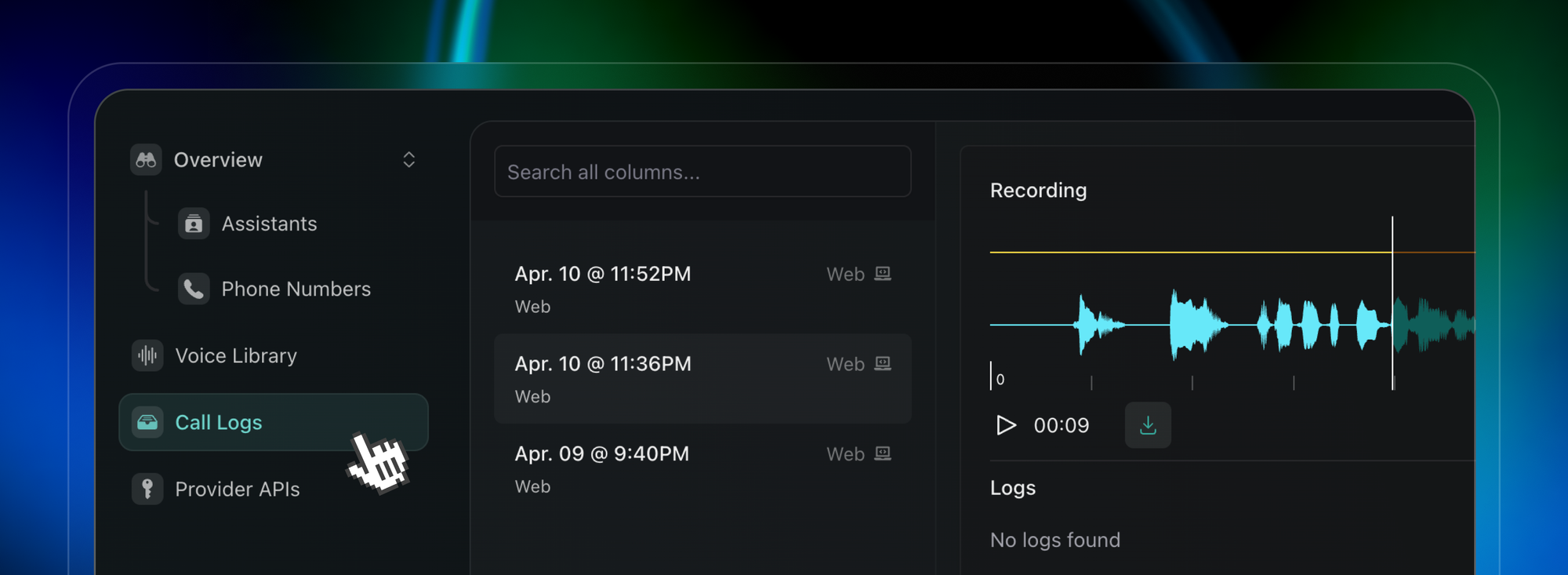
Vapi AI is a developer platform for building voice agents that make and answer calls. It coordinates the phone connection, speech recognition, language model, and generated voice during each conversation.
In a typical call, Vapi turns the caller’s speech into text, sends the text to the chosen model, and plays the generated response back through the selected voice provider. Developers control the components, prompts, tools, and call behavior through APIs.
What is Vapi AI used for?
Teams use Vapi for AI phone calls in customer support, outbound sales, appointment booking, follow-up calls, and voice features inside web products. A developer can connect the agent to business systems, letting it look up information or complete an action during the call.
Vapi suits teams that want to choose and configure each part of the voice stack. The flexibility comes with more technical work, including provider setup, call logic, testing, and cost monitoring.
Vapi AI company facts
Vapi grew from a productivity startup into a developer platform for voice agents. Founders Jordan Dearsley and Nikhil Gupta started Superpowered in 2020, joined Y Combinator’s W21 batch, and announced the move toward Vapi in 2023.
The funding totals and usage figures come from Vapi's announcements. The valuation and the 40-vendor count come from TechCrunch. Vapi's own Series B post confirms Ring chose it after evaluating dozens of vendors.
How Vapi AI works
Most Vapi calls run through three connected parts: a transcriber, a language model, and a voice. The caller speaks, the model decides how to respond, and the voice provider plays the answer back.
When I traced a test call, the handoff between those parts mattered as much as the models themselves. Vapi manages the streaming, response timing, and interruptions that keep the exchange from feeling like a voicemail menu.
1. Listening with speech-to-text
The transcriber converts the caller’s audio into text as the conversation happens. Vapi supports providers such as Deepgram, AssemblyAI, and OpenAI, with settings for language, model, and turn detection.
This step also helps determine when the caller has finished speaking. A slow decision creates an awkward pause, while an early one can cut the person off.
2. Deciding with the language model
The transcript moves to the selected language model, which reads the conversation and chooses the next response. It can follow instructions, call connected tools, check business data, and decide whether to continue or end the call.
Developers can use a supported model provider or connect their own server as the model layer.
3. Speaking with text-to-speech
The generated reply goes to a voice provider such as ElevenLabs, Azure, or Cartesia, which turns the text into audio and streams it to the caller.
When I spoke over the assistant during a test call, Vapi stopped the outgoing audio and returned to listening. Those interruption settings are adjustable, which helps a call feel more conversational and reduces people talking over the agent.
How fast is Vapi AI?
Vapi reports response times below 500 milliseconds, though your caller may experience a longer pause. The selected transcriber, language model, voice, phone network, and endpointing settings all add time to the conversation.
During my test calls, the pause after I stopped speaking mattered more than the headline number. A fast model still felt slow when the agent waited too long to decide my turn had ended.
Vapi’s call logs break latency down by component, helping you find whether the delay came from transcription, the model, voice generation, or endpointing. Test your chosen provider stack with real calls before launching it.
Orchestration features that shape call quality
- Endpointing: Decides when the caller has finished a thought. Poor tuning can create long pauses or make the agent respond while someone is still speaking.
- Interruption detection: Handles callers who cut in while the agent is talking.
- Backchanneling: Adds short acknowledgments during longer responses, helping the caller know the agent is still listening.
- Filler injection: Adds natural speech habits like "um" and "so," which makes replies sound less scripted.
- Background denoising: Filters sounds such as typing, traffic, nearby conversations, and air conditioning before the audio reaches later stages.
These controls need testing together. A more aggressive interruption setting may feel responsive in a quiet room and become frustrating in a noisy call center.
Key Vapi AI features
Vapi gives developers separate building blocks for conversation logic, telephony, testing, and post-call data. You can start with one assistant, then add specialist handoffs or deeper integrations as the call grows more complex. Here are the main building blocks:
- Assistants: Each assistant combines a system prompt, model, voice, transcriber, and tools. One assistant can handle jobs such as reservations, product questions, lead qualification, or support.
- Squads: A squad links specialist assistants within one call. Context can move with the caller, and silent handoffs keep the transfer from sounding like a traditional phone queue.
- Developer tools: Webhooks, API tools, SDKs, custom model endpoints, and a CLI let developers connect calls to their own systems and deployment process.
- Testing: Evals test specific decisions and tool calls, while simulations run full conversations against an assistant or squad before customers reach it.
- Telephony: Vapi includes one free US number for inbound calls and supports imported numbers, SIP connections, and providers such as Twilio and Telnyx.
- Call analysis: After a call, Vapi can create a summary, score the outcome, and extract schema-defined data for a CRM, support platform, or internal database.
- Voice choices: Vapi supports its own voices along with providers such as ElevenLabs, Azure, Cartesia, and Deepgram. Voice quality, languages, accents, and cost vary by provider.
Vapi retired its visual Workflows builder
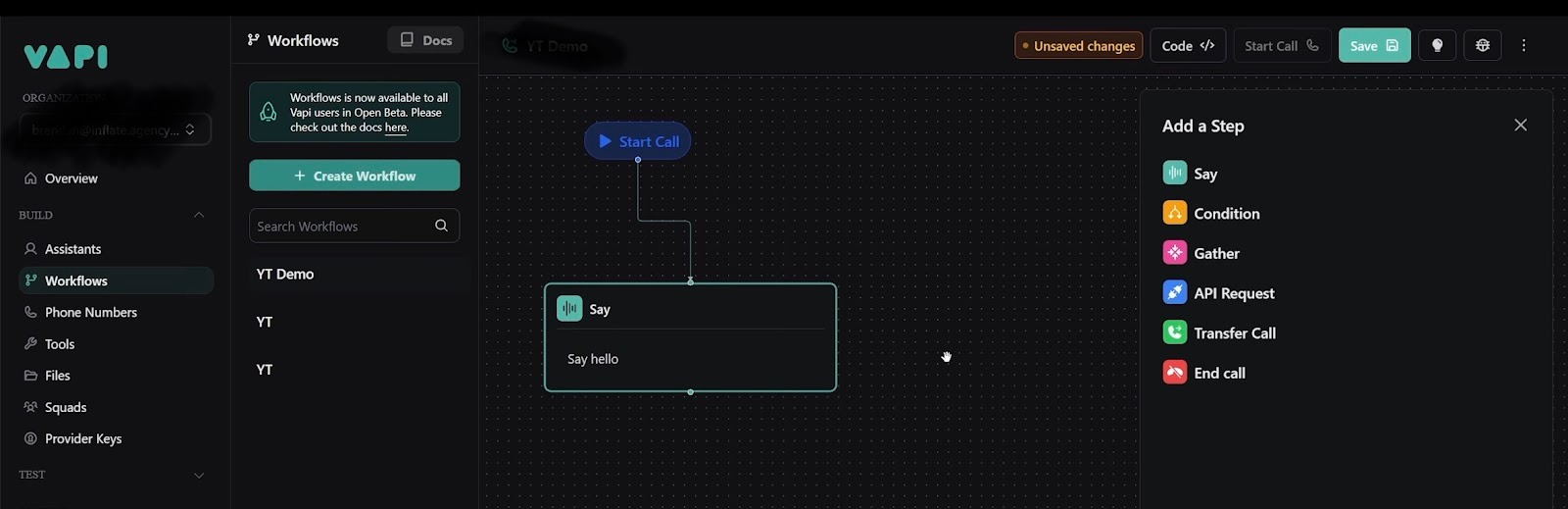
Vapi's visual Workflows builder used to give teams a quick way to sketch branching call logic. Vapi retired Workflows on August 18, 2026, and existing workflows stopped running the following day.
Current projects use Assistants for focused calls and Squads for multi-assistant flows. Existing Workflow users need to move their logic into Assistants or Squads, which Vapi says map closely to the old concepts.
The change makes Vapi harder to pick up without a developer. If you’re considering it today, test Assistants and Squads yourself, since many older reviews and tutorials still walk through a visual builder you can’t use anymore.
Vapi AI pricing
Vapi charges $0.05 per call minute for hosting and orchestration. Transcription, the language model, voice generation, and external telephony create additional usage charges.
Is Vapi AI free?
No, Vapi AI is not free for ongoing use. New accounts receive $5 in starter credits, one Vapi phone number, and access to the full model catalog. Calls begin drawing from the prepaid balance once the credits are active.
Vapi provides managed connections to supported providers and passes their costs through without a markup. You can also connect your own API keys and pay the provider directly.
Is Vapi AI expensive?
Vapi AI costs about $0.082 to $0.129 per minute in the calculator example below. The lower figure uses less expensive model and voice options. Longer prompts, premium voices, large models, and frequent tool calls move the total higher.
The starting cost is easy to test with $5 in credits. Production costs need more care because a small provider change can have a bigger effect than Vapi’s $0.05 platform fee.
What does a Vapi call cost?
Vapi’s pricing calculator estimates the following costs for 1,000 monthly minutes using Deepgram, OpenAI, ElevenLabs, and Vapi Telephony.
An external carrier adds its own rate. The calculator lists Telnyx at $0.0055/minute, Twilio inbound at $0.008/minute, and Twilio outbound at $0.014/minute.
Run several realistic calls before setting a monthly budget. Completed call logs show which component drove the cost, giving you a better forecast than the calculator alone.
Vapi plans and Success Packages
Every Vapi account uses usage billing. Success Packages sit on top of those charges and add higher limits, longer data retention, support, and service commitments.
Calls continue drawing from your prepaid balance based on the providers and minutes used.
Vapi add-on pricing
Extra compliance, capacity, and workspaces can be added to any package.
Vapi AI security and compliance
Compliance can add a high fixed cost to Vapi's usage-based pricing. HIPAA support costs $2,000/month per organization.
Zero data retention is included with Core, Pro, and Premier. Vapi is SOC 2 Type II certified across the company, while RBAC and SSO depend on the package. Regulated teams should also confirm that every transcription, language-model, voice, and telephony provider in their call chain meets the same requirements.
Review the current security terms and provider agreements before sending sensitive data through a production agent.
Vapi AI setup and learning curve
Vapi is easy to test and harder to configure for production. I had a basic voice agent taking calls quickly, but connecting external data, adding conditional logic, and handling failures required technical work.
For developers
Developers should feel at home with Vapi’s API-first setup, webhooks, SDKs, and provider controls. Connecting a custom model and testing it through a local server felt straightforward.
The flexibility also creates responsibility. Your team owns the integrations, error handling, retries, and monitoring, which means someone needs to maintain the system after launch.
For non-technical users
A non-technical user can create a basic agent in the dashboard, write its instructions, choose providers, and make a test call. More involved use cases soon require help from a developer.
Multi-step logic, external data, API calls, and production safeguards bring the technical work into view. The dashboard also expects some familiarity with transcription models, language models, voice providers, and latency settings, which can make the controls hard to interpret at first.
{{templates}}
Vapi AI reviews and user feedback
Vapi earns strong public ratings from a small review pool. Product Hunt shows 4.9/5 from 25 reviews, while G2 shows 4.2/5 from three reviews. The limited sample makes the written feedback more useful than the averages alone.
What users like
- Fast development: Product Hunt reviewers praise the API, Web SDK, documentation, and short path from an idea to a working voice agent.
- Provider flexibility: Users value the freedom to choose transcription, language-model, and voice providers for each project.
- Voice quality: Several reviewers mention natural voices and responsive interactions when the provider stack is configured well.
- Integration control: Builders connect Vapi to tools such as n8n, CRMs, ecommerce systems, and custom APIs through webhooks.
Where users run into trouble
- Production reliability: Reviewers want clearer debugging, latency breakdowns, provider fallbacks, and call traces when a conversation fails.
- Complex workflows: One Reddit builder spent more than 100 hours developing an agent and found most of the work went into API requests, data mapping, error handling, and CRM writebacks.
- Latency and interruptions: One Product Hunt reviewer sees room for better interruption handling and lower latency in complex conversations.
- Technical learning curve: A basic agent can come together quickly, while a reliable production system requires engineering work around Vapi.
The reviews match my main takeaway: Vapi helps developers assemble and test a voice agent quickly, but production work extends far beyond the prompt. Budget time for integrations, failure handling, latency testing, and monitoring before relying on it for live customer calls.
My experience with Vapi AI
Vapi gave me more control than most voice platforms. I connected a custom model running on a local server, traced each request, and could see how every part of the call moved through the system.
The easy setup ended once the agent needed outside data and multi-step decisions. Basic branches came together quickly, but variables, API checks, and error paths brought me back into code. Teams evaluating Vapi today will build with Assistants, Squads, tools, and APIs.
Pricing also required closer attention than the $0.05 headline suggested. Transcription, model, voice, and telephony costs changed the total for every provider combination. A premium model and voice pushed the same test call toward the upper end of Vapi’s calculator.
Vapi vs Retell AI vs Bland AI
Vapi, Retell AI, and Bland AI all build phone agents, but they package the technology and pricing differently. Vapi gives developers the most control over individual providers. Retell bills every component through one account, while Bland targets phone automation with one per-minute rate for the AI layers.
Retell includes templates, simulations, analytics, webhooks, and 20 concurrent calls on its pay-as-you-go offer. Bland's per-minute rate covers the language model, transcription, and voice. Telephony and call transfers are billed separately.
Choose Vapi for component-level control, Retell for a more packaged development platform, or Bland for high-volume phone workflows with one rate for the AI layers. Our Bland AI review covers its call flows, pricing, and limits in more detail.
How to build a phone assistant with Vapi
A Vapi phone assistant starts with a narrow job and one complete call path. I’d build the first version in the following order:
- Create an account and use the starter credits. New accounts receive $5 to test assistants and make early calls.
- Define the assistant’s job. Write instructions covering its goal, tone, allowed actions, escalation rules, and conversation limits.
- Choose the providers. Compare at least two combinations of transcription, language model, and voice because each one affects speed, quality, and cost.
- Connect tools and business systems. Add the APIs needed to check records, book appointments, update a CRM, or trigger follow-up work.
- Attach a phone number. Start with the included Vapi number or connect an external carrier such as Twilio, Telnyx, Vonage, or SIP.
- Test complete conversations. Run chat tests and simulations, then review live-call transcripts, latency, tool calls, errors, and costs.
A good prompt helps, but production quality depends on the full system. Test interruptions, unclear answers, unavailable records, failed API calls, and requests to speak with a person before opening the line to customers.
Vapi's Web SDK also lets visitors start a voice conversation from a browser, which fits products that need voice access without a phone call.
Is Vapi AI right for you?
Vapi AI fits engineering teams that want detailed control over a voice agent’s providers, tools, and call behavior. It works best when a developer can own the integrations and keep watching the system after launch.
Vapi belongs on your shortlist if your team:
- Wants to choose its own transcription, language-model, voice, and telephony providers
- Needs custom APIs, webhooks, or business logic during calls
- Can manage retries, error paths, testing, and monitoring
- Accepts usage costs that change with the chosen provider stack
Another platform may fit better if your team:
- Wants a guided visual builder for complex call flows
- Needs one predictable per-minute rate
- Has limited engineering time for integrations and maintenance
- Expects hands-on implementation support on a self-serve plan
{{cta}}
Lindy for the work after the call
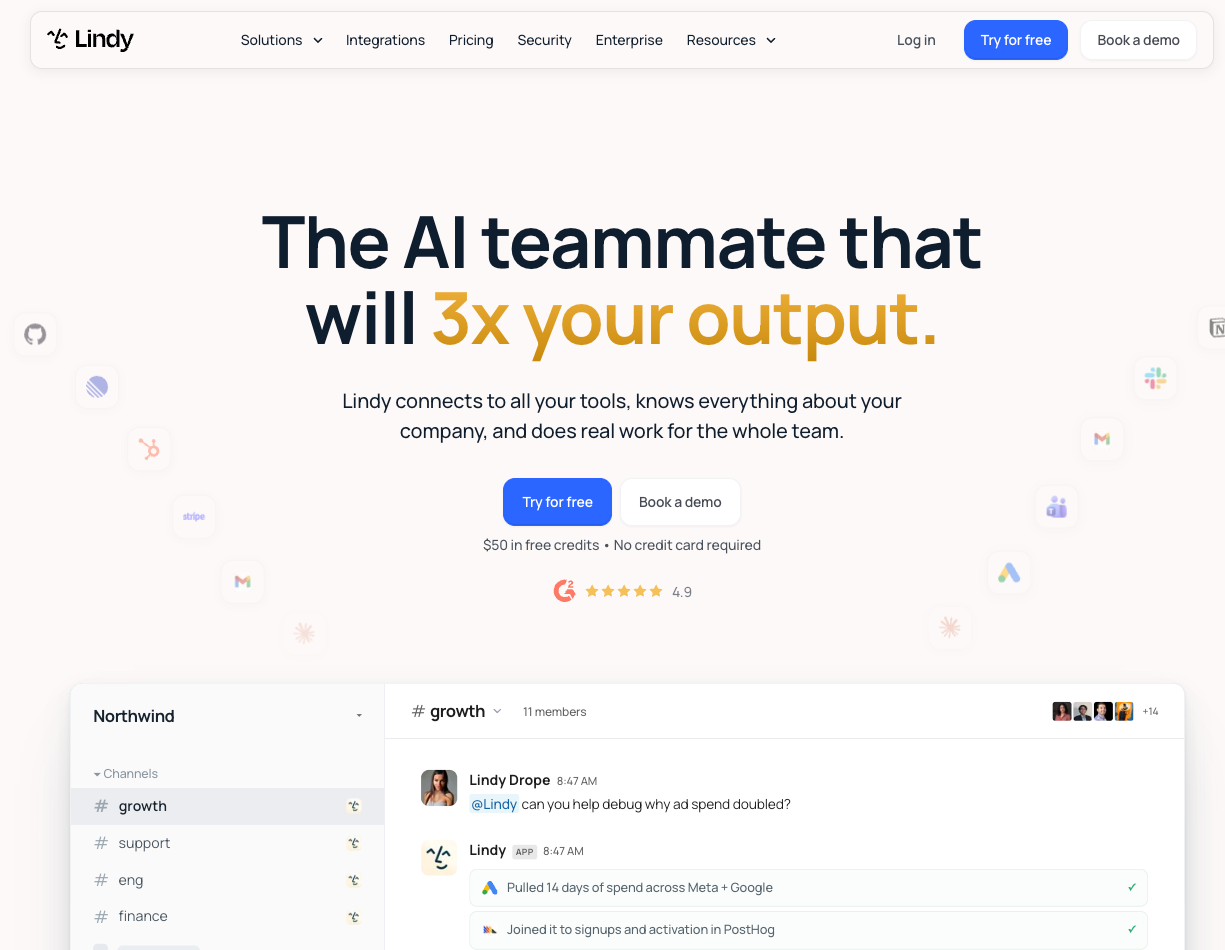
Lindy is an AI teammate that works in Slack. It doesn't run a phone line, so it isn't a direct Vapi replacement. It fits teams whose calls happen on Zoom, Google Meet, or Teams and lead to work across email, Slack, and a CRM.
For example, after a sales call on Zoom, Lindy can draft the follow-up, update the CRM, and post a summary where the team works.
The setup also asks less of a non-technical user. You describe the job, connect the relevant tools, and define where approval is required. Plans use seats and shared credits.
Vapi is the right pick when you need an agent on a phone line. Lindy fits when the call is one step in a longer process and the work after it matters most.
Lindy has a Free plan, and the Team plan starts at $29.99/user/month for 3,000 credits each. Credits pool across the team, so expected usage is worth checking before you buy.
Our guide to the best Vapi alternatives compares more platforms, and our AI voice assistants roundup covers the wider category.
Final verdict
Vapi AI fits engineering teams that want control over every part of a voice agent, from the transcription model to the phone provider. The trade-off is more setup, maintenance, and cost tracking.
Teams seeking a more packaged voice platform may prefer Retell AI or Bland AI. Lindy fits teams whose calls need to lead into email, CRM, Slack, and meeting tasks. The best choice depends on how much technical control you need and what should happen after the call ends.
FAQs
1. What is Vapi AI used for?
Vapi AI is used to build voice agents for phone calls and web apps. Common uses include customer support, lead qualification, appointment booking, outbound sales, call routing, and voice features embedded in software products.
2. Is Vapi AI free?
No, Vapi AI charges for ongoing usage. New accounts receive $5 in starter credits and one Vapi phone number for testing. After the credits run out, Vapi charges $0.05 per call minute plus the costs of your transcription, model, voice, and external telephony providers.
3. Is Vapi AI expensive?
Vapi can be inexpensive for prototypes, while production costs depend on the provider stack. Vapi’s calculator estimates about $0.082 to $0.129 per minute for one example using Deepgram, OpenAI, ElevenLabs, and Vapi Telephony.
Premium providers, longer prompts, external carriers, and compliance features raise the total. HIPAA support costs an additional $2,000/month per organization.
4. Is there a free alternative to Vapi AI?
No, comparable voice platforms don't offer unlimited free calling. Most give starter credits instead. Retell AI includes $10 in credits, and Bland AI's Start plan includes two credits and an inbound number. Lindy has a Free plan with $50 in credits for seven days, though it handles the work after a call, not the phone line itself.
5. What is the main difference between Vapi and Retell?
Vapi gives developers more control over the provider stack, charging $0.05 per minute before transcription, model, voice, and carrier costs. Retell AI packages more components into a rate of $0.07 to $0.31 per minute, depending on the selected model, voice, and add-ons.









