


ZoomInfo Pricing in 2025: Costs, Plans, and Top 4 Alternatives
Jack broke down ZoomInfo's custom pricing, explaining how seats, credits, and product depth shape quotes across the Sales, Marketing, and Talent plans.


I spoke with ZoomInfo executives, reviewed its pricing FAQs, and compared various quotes to understand how much teams actually pay. Here’s a clear breakdown of ZoomInfo’s pricing, whether it fits your budget, and top alternatives for 2025.
ZoomInfo pricing: TL;DR
To get accurate ZoomInfo pricing, you need to contact their sales team. The final quote takes into account the product you want, the seats you need, and the credits you plan to use.
Most teams receive quotes that start around $10,000 per year for the simplest setup, and the price increases as you add data depth, intent signals, and automation. It works well for teams that rely heavily on verified B2B data.
ZoomInfo sells three main plans, each built for a different part of the go-to-market workflow. Here’s what they offer:
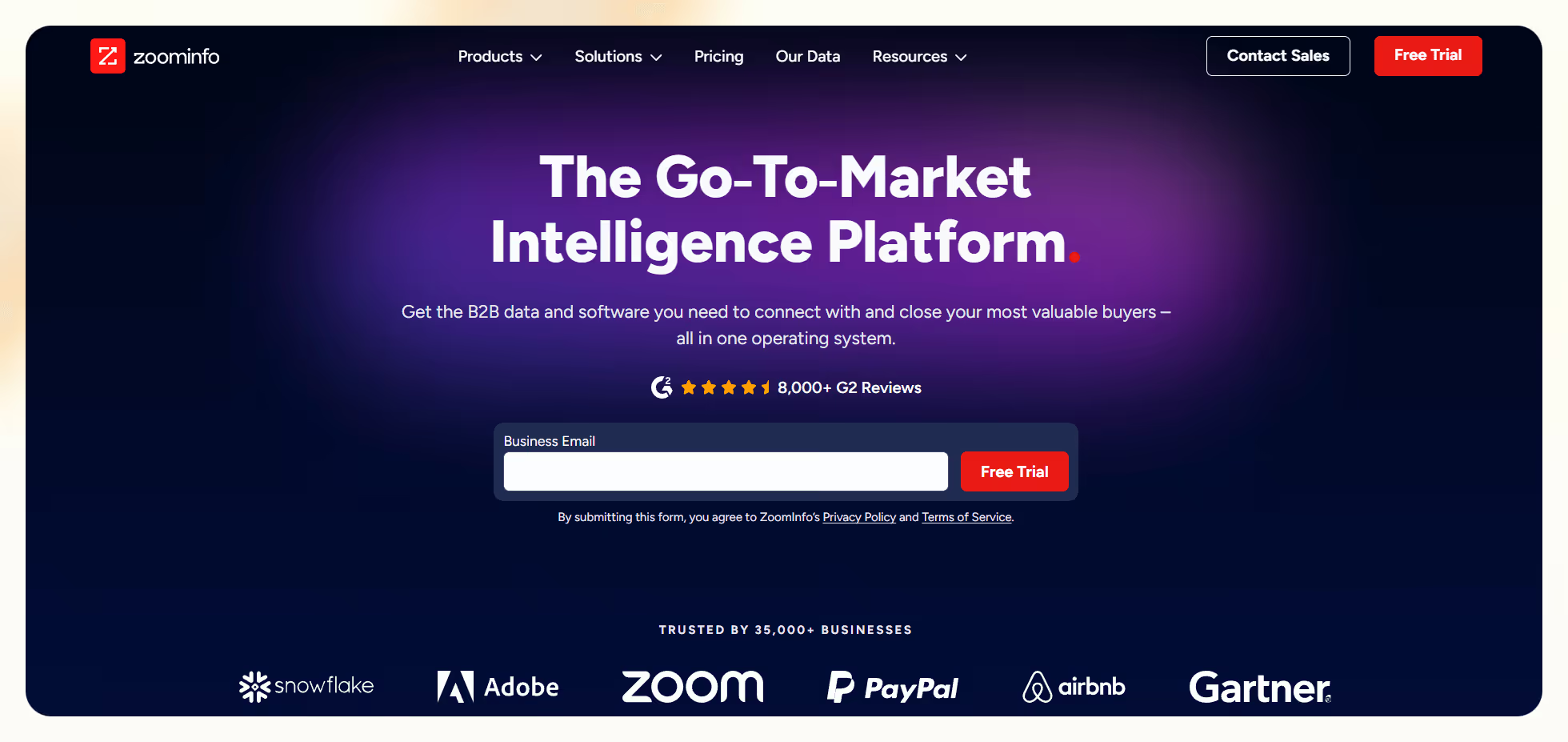
Let’s explore them in detail.
ZoomInfo pricing plans breakdown
ZoomInfo offers different versions of the platform depending on your team’s goals, which are highly customizable. Here’s a detailed look at them:
Sales
- What’s included: Sales gives you access to verified contact data, direct dials, company insights, technographics, intent signals, and advanced filtering. You can connect it to your CRM, score accounts, and export lists with credits. Add-ons include tools like Copilot for AI prospecting and Chorus for call intelligence.
- Best for: Teams that rely on outbound sales, SDR teams that need accurate phone numbers, and revenue teams that want intent-driven targeting.
- Pros:
- Strong data depth across contacts and companies
- Reliable direct dials that help teams increase connect rates
- Helpful intent signals that surface accounts researching your category
- Cons:
- Credit limits raise costs fast for teams with high list-building needs
- Add-ons increase pricing and make budgeting harder
Marketing
- What’s included: Marketing helps you build audiences, segment accounts, enrich inbound records, and connect campaigns to display and social channels. You can run ABM programs with intent data, map buyer journeys, and automate enrichment across forms and workflows.
- Best for: Demand generation teams that run ABM, marketers who need cleaner inbound data, and RevOps teams that want more accurate targeting.
- Pros:
- Strong intent and segmentation options for ABM
- Cleaner handoff between marketing and sales
- Useful enrichment for web forms and inbound funnels
- Cons:
- Paid media features require additional spend
- Data-heavy setups increase the overall cost for smaller teams
Talent
- What’s included: Talent gives you access to candidate profiles, contact details, org charts, alerts, and hiring signals. Recruiters can track movement inside target companies, source faster, and reach decision makers with verified information.
- Best for: Recruiters, staffing firms, talent teams that want a consistent sourcing pipeline, and teams hiring for hard-to-fill roles.
- Pros:
- Fast access to verified candidate data
- Helpful organization chart insights for outreach
- Alerts that keep hiring pipelines active
- Cons:
- Requires multiple seats for larger recruiting teams
- Alerts and intelligence features increase the overall cost
Which ZoomInfo plan should you choose?
You should pick the plan that suits your team, budget, and use cases. Here’s a quick guide to help you make a smarter decision:
Choose Sales if you:
- Run outbound sales and need verified contacts and direct dials
- Rely on intent signals to prioritize accounts
- Want faster prospecting inside your CRM with cleaner data
Choose Marketing if you:
- Run account-based marketing campaigns and want stronger segmentation
- Need enrichment across forms, inbound funnels, and campaigns
- Want intent-driven targeting for paid and lifecycle programs
Choose Talent if you:
- Need a predictable sourcing pipeline for hard-to-fill roles
- Want verified candidate data and organization charts for outreach
- Track hiring signals and movement across target companies
Is ZoomInfo worth it?
I spoke with ZoomInfo and reviewed their full pricing FAQ to understand how they charge teams. Pricing shifts based on seats, credits, and product depth, so the value depends on how much data you plan to use.
Most teams start around $10,000 per year for a basic setup, and costs rise quickly with intent signals, enrichment, or additional users.
Here are a few use cases to help you decide if it’s worth it for you:
ZoomInfo is worth it if you:
- Use verified contact data every day to power outbound or ABM
- Need intent signals to prioritize accounts and move faster
- Plan to export lists often and rely on enrichment across your CRM and workflows
- Have a team that can justify a high baseline budget
Look for alternatives if you:
- Your team only needs occasional contact lookups
- You want a predictable, lower-cost pricing model without credit burn
- You prefer AI automation tools over pure data platforms
- You work in a smaller team where a large data contract would sit idle
Top 4 ZoomInfo alternatives: At a glance
I looked for ZoomInfo alternatives that offer clearer pricing, automation features, or stronger regional data. Here is a quick summary of the top tools and where they fit:
ZoomInfo works for teams that want a single, large B2B data platform and can justify a high annual contract. However, for those who don’t want ZoomInfo, you can pick tools like Lusha that optimize for cost predictability, or Lindy that shifts the value away from raw data and toward task automation.
You can also go with Seamless.AI, which focuses on high-volume list building with flexible, custom-priced packages.
If ZoomInfo pricing feels high because you are paying mostly for data access, these options are worth considering based on how much automation, compliance, or flexibility your workflow needs.
Lindy vs ZoomInfo: Which should you choose?
Lindy focuses on automation and follow-through, while ZoomInfo focuses on data depth and accuracy. Here’s how to decide between them.
Lindy is better for:
- Teams that want AI agents to handle outreach, follow-ups, and scheduling
- Workflows that depend on automation rather than manual prospecting
- Users who want a lower entry cost and a flexible setup
- Teams that already have a preferred data source and want an engine to act on it
ZoomInfo is better for:
- Sales and marketing teams that rely on a large, verified B2B database
- Outbound teams that need direct dials, intent data, and enrichment
- Companies with the budget for ongoing credits, add-ons, and multiple seats
Use both if:
- You want ZoomInfo’s data paired with Lindy’s automation
- You need consistent lead volume and automated follow-through
- Your team wants to export contacts from ZoomInfo and let Lindy qualify, message, and book meetings
My bottom line on ZoomInfo pricing
After speaking with a ZoomInfo rep and reviewing their full pricing FAQs, I realized how variable the cost can be. There are no public tiers, no fixed bundles, and no simple starting price. Everything depends on seats, credits, and the specific OS products you want.
The rep told me that most teams should expect a baseline of about $10,000 per year for the simplest setup, and the price climbs once you add intent data, enrichment, or more users. That lined up with what I saw across their FAQ pages, where every answer reinforced that ZoomInfo prices each account based on use case and volume.
Based on that, my view is simple. ZoomInfo is worth the cost if your team uses verified B2B data every day. Outbound teams that rely on direct dials, intent signals, and list exports usually justify the price because the data fuels their entire pipeline.
If you only need occasional lookups or you run lightweight outbound, the cost structure becomes harder to defend. If not, one of the alternatives above will likely give you better value for your budget.
You can pick Lindy to automate lead generation and the following tasks, Lusha for affordable and quick leads, Cognism if you target the European region, and Seamless if you want the highest number of contacts.
Pick Lindy, the AI-powered ZoomInfo alternative
While you do get a lot of data, ZoomInfo pricing is still expensive. Lindy offers much better value as it lets you create AI agents for your lead generation and surrounding tasks.
You can pick from ready-to-use templates and 4,000+ integrations to launch workflows quickly.
Here’s why Lindy beats ZoomInfo:
- Drag-and-drop workflow builder for non-coders: You don’t need any technical skills to build workflows with Lindy. It offers a drag-and-drop visual workflow builder.
- Create AI agents for your use cases: You can give them instructions in everyday language and automate repetitive tasks. For instance, create an assistant to find leads from websites and sources like People Data Labs. Create another agent that sends emails to each lead and schedules meetings with members of your sales team.
- Generate and qualify leads in minutes: With Lindy’s Lead Generator, find and qualify leads in minutes. It delivers curated lead lists, updates your CRM, and even handles follow-ups, so your team can focus on building relationships, not spreadsheets.
- Free to start, affordable to scale: Build your first few automations with Lindy’s free version and get up to 40 tasks. With the Pro plan, you can automate up to 1,500 tasks, which offers much more value than Lindy’s competitors.
Frequently asked questions
What is ZoomInfo?
ZoomInfo is a B2B data platform that gives teams access to contacts, company details, direct dials, and intent signals. It helps sales and marketing teams find prospects, enrich records, and build targeted outbound lists.
Is ZoomInfo free?
No, ZoomInfo is not free. It offers a limited free trial and a Community Edition with restricted access, but full features require a paid subscription.
How long is ZoomInfo’s free trial?
ZoomInfo offers trials that range from a few days to roughly two weeks. Trial length depends on what you agree on during the sales call, and access often includes a small number of credits.
How does ZoomInfo’s pricing compare to other similar platforms?
ZoomInfo’s pricing tends to be higher than many alternatives, with quotes typically starting in the five-figure range annually. In contrast, tools like Lindy and Lusha offer plans starting from around $30-$50 per month, billed monthly.
How accurate is ZoomInfo’s contact data in 2025?
ZoomInfo data is quite accurate, but not perfect. You may still see outdated titles or invalid emails, so teams often pair ZoomInfo with real-time verification before large sends.
Can ZoomInfo replace tools like Apollo, Clearbit, or Outreach?
No, ZoomInfo cannot replace tools like Apollo, Clearbit, and Outreach. ZoomInfo focuses on data and enrichment, while Apollo, Clearbit, and Outreach cover sequencing, verification, and automation.
How many contact exports do I really need?
Small teams often need 200 to 500 exports each month. SDR teams or agencies need larger volumes that push them into higher plans.
Is ZoomInfo good for international markets?
Yes, ZoomInfo is good for international markets and performs best in the United States and North America. If you target the EU or APAC, Cognism or Lusha usually offer stronger regional coverage.
What are some must-have tools to pair with ZoomInfo?
Lindy, Clay, Outreach, Smartlead, NeverBounce, and Calendly are some of the must-have tools to pair with ZoomInfo. Outreach or Smartlead helps with sequencing, Lindy or Clay offer automation and enrichment, NeverBounce gives you verification, and Calendly is for scheduling.
Do I need a CRM to use ZoomInfo effectively?
Yes, you need a CRM like HubSpot or Salesforce to get the most value. ZoomInfo works best when it syncs data, updates records, and triggers workflows automatically.
What’s a better option if I want AI-powered outreach?
Lindy is a better fit if you want AI agents to scrape leads, enrich them, write outreach, and book meetings. ZoomInfo provides data, but does not run those actions.
How do I know if ZoomInfo will pay off for my team?
ZoomInfo pays off when your team follows up with every contact and runs a consistent outbound workflow. If you do not activate the data with automation or sequences, the ROI drops.
What happens when I hit my export limits?
When you hit your export limits, you’ll need to upgrade your plan or wait for your next monthly reset. Credits do not roll over, so heavy prospecting in one month can pause campaigns until your quota refreshes.











Blog
Related Articles
.png)

.png)
%20(1).png)
.avif)

%20(1).png)
.png)
The AI assistant that runs your work life
Lindy saves you two hours a day by proactively managing your inbox, meetings, and calendar, so you can focus on what actually matters.
