1. Add Lindy to Slack
One click from the Slack marketplace. The whole team gets Lindy at once.



Connect GitHub and start asking Lindy to take work off your plate. No workflows to build, just tell Lindy what you need in plain language.
Actions
Explore all the actions Lindy can perform in GitHub. Just describe what you need in plain language, and Lindy handles the rest.
Create a branch if it does not exist.
Create and share code snippets and files on GitHub as gists.
Create a webhook for a GitHub repository. registers this conversation to listen for the webhook.
Create a new issue on a GitHub repository
Create a new comment on a GitHub issue.
Create or update file contents in a GitHub repository.
Create a pull request in a repository.
Create a new GitHub repository with customizable settings and features.
Trigger a GitHub workflow manually with specified inputs and reference.
Disable a GitHub Actions workflow in a specified repository.
Enable a GitHub workflow in a specified repository.
Retrieve details about a specific commit from a GitHub repository.
Retrieve the authenticated GitHub user's profile, organizations, and team memberships.
Get the details of an issue for a given issue number.
Retrieve the list of users assigned to a specific GitHub issue.
Get the details of a pull request for a given PR number.
Get some details of a repository given an owner and repo name.
Retrieve contents and files from a GitHub repository.
Get reviewers for pull requests or commits in a GitHub repository.
Get details of the authenticated user.
Get details about a specific GitHub workflow run.
Collect Github repositories by file URL
Retrieve a list of commits from a GitHub repository with optional filtering.
Retrieve a list of public Gists created by a GitHub user.
Get a list of issues in the given repository.
List releases in a GitHub repository.
Get a list of webhooks that exist in the given repository.
Get workflow runs from a GitHub repository.
Search for GitHub issues and pull requests using keywords and qualifiers.
Star a GitHub repository using the owner and repository name format.
Update an existing GitHub Gist's files and description.
Update an existing GitHub issue's title, body, or other details.
Update the status of items in a GitHub Project (V2).
Update the status of items in a GitHub Project.
Update a GitHub pull request's title, description, state, or base branch.












Easy as one, two, three
One click from the Slack marketplace. The whole team gets Lindy at once.
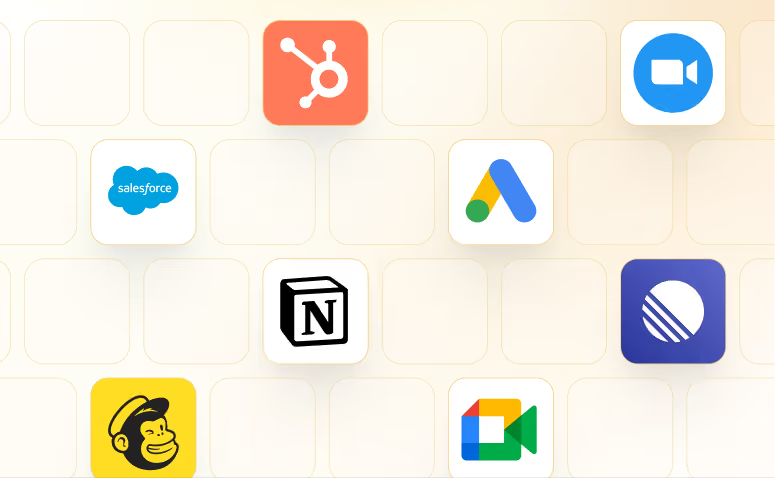
Lindy works with 3,000+ apps and any MCP server.
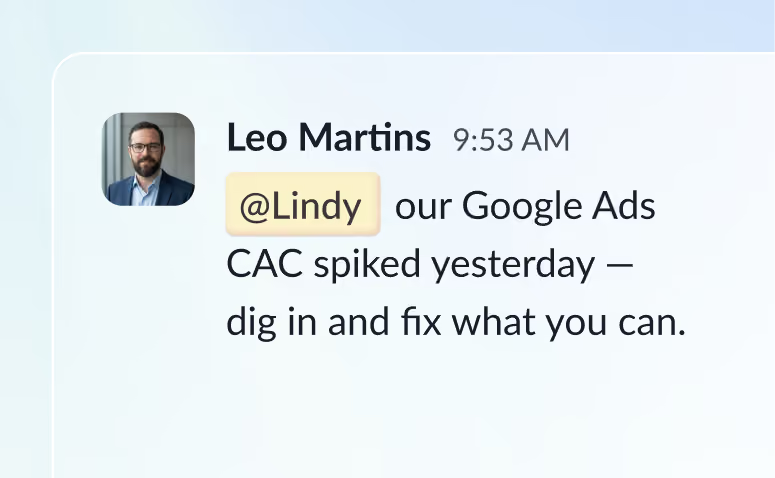
@mention Lindy in any channel and it starts working. Minutes, not a weekend.
Blog
Lindy is an AI assistant that lives in your Slack. Connect your apps, ask for what you need in plain language, and Lindy takes the work off your plate.
Sign up to Lindy, ask Lindy to connect to GitHub, and approve the connection when prompted. From then on you can ask Lindy to do things in GitHub whenever you need.
No. There's nothing to build or configure. You ask Lindy in Slack the same way you'd ask a colleague, and Lindy handles the rest.
Yes. Ask once and tell Lindy when to repeat it, like every Monday at 9am, and it becomes a routine that runs without you.
Read and act on data in GitHub, and trigger workflows when something changes there. Tell Lindy the outcome you want and it handles the rest.
Yes. Lindy connects to 3,000+ apps and any MCP server, so you can ask for tasks that span GitHub and the rest of your stack in a single request.