1. Add Lindy to Slack
One click from the Slack marketplace. The whole team gets Lindy at once.



Connect LinkedIn and start asking Lindy to take work off your plate. No workflows to build, just tell Lindy what you need in plain language.
Actions
Explore all the actions Lindy can perform in LinkedIn. Just describe what you need in plain language, and Lindy handles the rest.
Create a text post on LinkedIn for your organization.
Create a text post on LinkedIn for your organization.
Create and share a text post on LinkedIn with optional article URL.
Create and share a text post on LinkedIn with optional article URL.
Add a comment to a LinkedIn post or respond to an existing comment.
Create a LinkedIn post with an image and text with specified visibility settings.
Share an image post with text on a LinkedIn organization's timeline.
Share an image post with text on a LinkedIn organization's timeline.
Like content shared on LinkedIn using entity URNs.
Delete a post from your LinkedIn profile.
Retrieve detailed information about a specific LinkedIn advertising account.
Retrieve the profile information of the currently authenticated LinkedIn user.
Retrieve a LinkedIn member's profile information using their unique identifier.
Retrieve organization access control details for a LinkedIn member's roles and permissions.
Retrieve basic profile information for multiple LinkedIn members using their unique identifiers.
Retrieve administrators associated with a specified LinkedIn organization.
Gets the authenticated user's profile picture data including display image and metadata.
Retrieve access control settings for a LinkedIn organization.
Collect LinkedIn companies by company URL
Collect LinkedIn job listings by listing URL
Collect LinkedIn posts by post URL
Collect LinkedIn profiles by profile URL
Get comments from a specific LinkedIn share or post.
Retrieve replies to comments on LinkedIn posts.
Search for LinkedIn organizations using their vanity name or email domain.











Easy as one, two, three
One click from the Slack marketplace. The whole team gets Lindy at once.
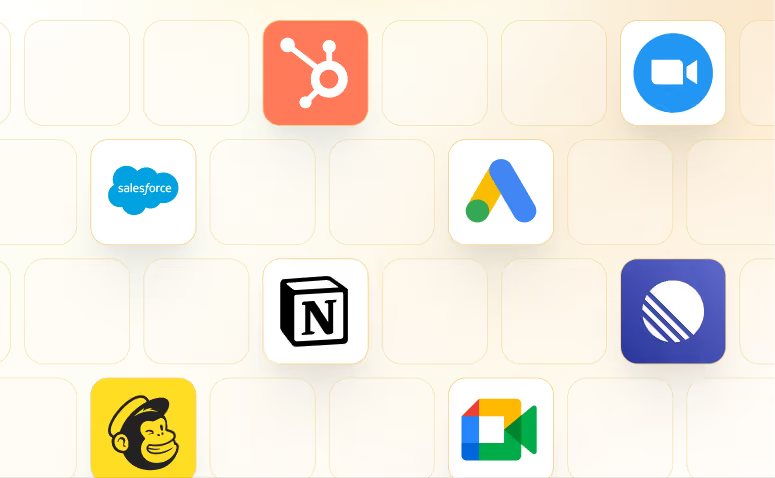
Lindy works with 1,500+ apps and any MCP server.
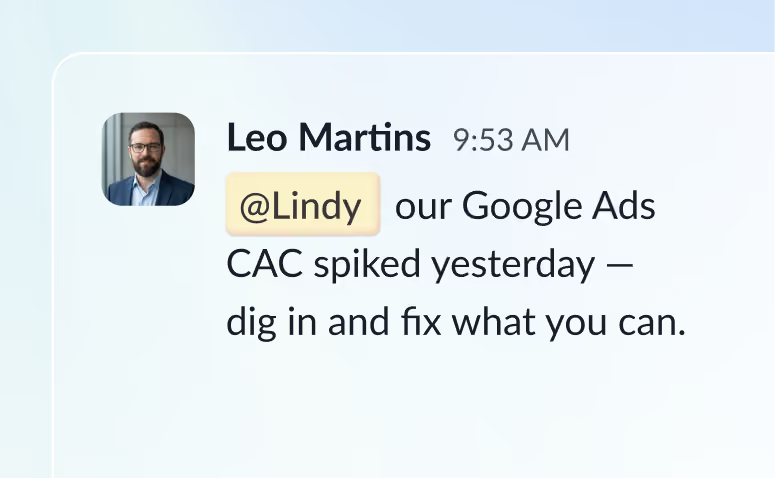
@mention Lindy in any channel and it starts working. Minutes, not a weekend.
Blog
Lindy is an AI assistant that lives in your Slack. Connect your apps, ask for what you need in plain language, and Lindy takes the work off your plate.
Sign up to Lindy, ask Lindy to connect to LinkedIn, and approve the connection when prompted. From then on you can ask Lindy to do things in LinkedIn whenever you need.
No. There's nothing to build or configure. You ask Lindy in Slack the same way you'd ask a colleague, and Lindy handles the rest.
Yes. Ask once and tell Lindy when to repeat it, like every Monday at 9am, and it becomes a routine that runs without you.
Read and act on data in LinkedIn, and trigger workflows when something changes there. Tell Lindy the outcome you want and it handles the rest.
Yes. Lindy connects to 1,500+ apps and any MCP server, so you can ask for tasks that span LinkedIn and the rest of your stack in a single request.