1. Add Lindy to Slack
One click from the Slack marketplace. The whole team gets Lindy at once.


Connect Notion and start asking Lindy to take work off your plate. No workflows to build, just tell Lindy what you need in plain language.
Actions
Explore all the actions Lindy can perform in Notion. Just describe what you need in plain language, and Lindy handles the rest.
Adds a comment to a Notion page as the connected Notion account. The user must confirm before the comment is posted.
Adds new content to the end of a page.
Imports a Lindy image into Notion-owned storage and appends it to a page. The user must confirm before the page is changed.
Add blocks, images, or Markdown content to a Notion page or block.
Finalize a multi-part file upload after all of the parts have been sent successfully.
Add comments to Notion pages or existing discussion threads.
Create a database and its initial data source.
Create a new item in the specified database.
Create a file upload.
Create a new page in Notion
Creates a new Notion page as the connected Notion account, with markdown content. Provide a parent page, database, or data source to create the page inside it.
Create a new page in a Notion database with customizable properties and content.
Archive a block object, including page blocks, using the ID specified.
Create a copy of a Notion page with an optional new title.
Finds an item that matches the given filters. Optionally creates a new item if no match is found.
Finds items that match the given filters in a Notion database. Note, this action does not return the page text, just the properties. Use Get Page or Find Database Item to retrieve page content.
Retrieve the Notion identity tied to the current OAuth token, either a person or a bot.
Retrieve a Notion page by its ID.
Reads a Notion page, database, or data source the connected Notion account can access, by URL or ID.
Returns all users in the workspace.
List file uploads.
Search and filter records in a Notion database.
Search and filter records in a Notion database.
Retrieve a block and optionally its children from your Notion workspace.
Retrieve and view content stored within a specified Notion database.
Get the structure and properties of a specific Notion database.
Retrieve and view content stored within a specified Notion database.
Get the structure and properties of a specific Notion database.
Retrieve a file upload.
Retrieve a block and optionally its children from your Notion workspace.
Retrieve a specific property value from a Notion page.
Returns a user using the ID specified.
Search for pages and databases by title.
Searches pages and databases in the connected Notion workspace. Prefer fetching an explicit Notion URL when one is provided.
Send a file upload.
Updates a child block object.
Update an existing item in the specified database.
Update a data source.
Update an existing page in Notion. Use Add Content To Page to add content.
Updates a Notion page as the connected Notion account. Defaults to appending markdown content to the end of the page, with modes to prepend or replace instead.










Easy as one, two, three
One click from the Slack marketplace. The whole team gets Lindy at once.
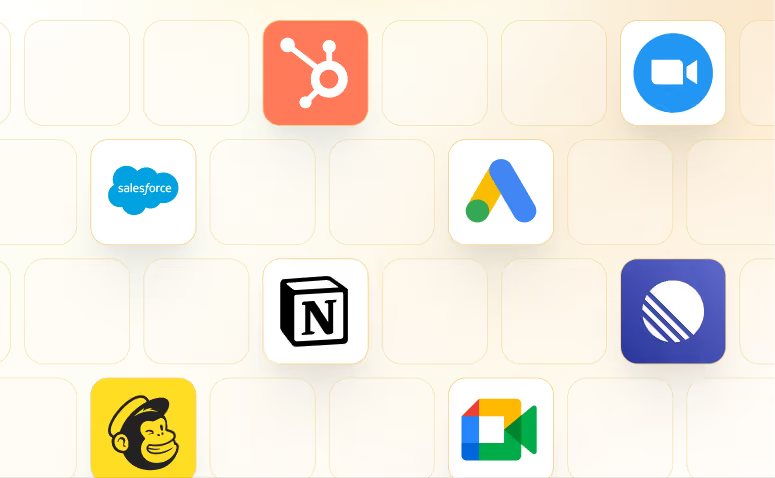
Lindy works with 1,500+ apps and any MCP server.
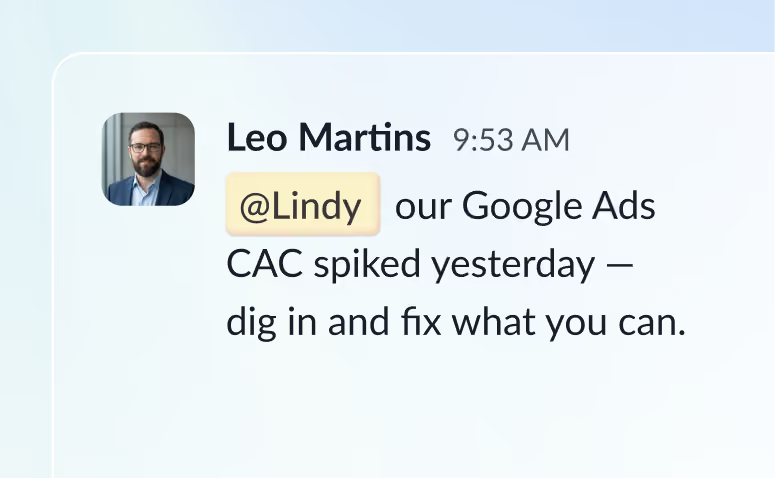
@mention Lindy in any channel and it starts working. Minutes, not a weekend.
Blog
Lindy is an AI assistant that lives in your Slack. Connect your apps, ask for what you need in plain language, and Lindy takes the work off your plate.
Sign up to Lindy, ask Lindy to connect to Notion, and approve the connection when prompted. From then on you can ask Lindy to do things in Notion whenever you need.
No. There's nothing to build or configure. You ask Lindy in Slack the same way you'd ask a colleague, and Lindy handles the rest.
Yes. Ask once and tell Lindy when to repeat it, like every Monday at 9am, and it becomes a routine that runs without you.
Read and act on data in Notion, and trigger workflows when something changes there. Tell Lindy the outcome you want and it handles the rest.
Yes. Lindy connects to 1,500+ apps and any MCP server, so you can ask for tasks that span Notion and the rest of your stack in a single request.