8 Best AI Coding Agents in 2026: Tested on a Real Codebase
Lindy tested six AI coding agents, including GitHub Copilot, Cursor, and Qodo, in real dev workflows, comparing setup, code accuracy, and flexibility.


It was 11 p.m. on a Thursday, and an AI coding agent had just told me for the third time that it had fixed our duplicate webhook bug. All it had done was wrap the handler in a try/catch, and the duplicate events kept coming. I'd watched plenty of demo videos where these tools built a full app from one prompt. So why was a single race condition in a real codebase breaking them?
I went in expecting to be disappointed. I tested 12 AI coding agents on the same 42,000-line TypeScript and Node.js app over three weeks, and 8 made the list. Every agent got the same four jobs. Each one had to fix a real bug, split an 1,800-line billing service, build a feature from a one-paragraph ticket, and write tests that catch a bug I planted on purpose.
Some agents looked brilliant for ten minutes, then fell apart on the second task. A few did the unglamorous work right. They ran the tests, caught their own mistakes, and handed back code I could merge without rereading every line.
If you're picking an agent for a team that ships real code, that difference matters more than any feature list. Here's what I found.
8 best AI coding agents in 2026: Comparison table
What is an AI coding agent?
An AI coding agent is an autonomous program that uses a large language model to plan, write, test, and fix code on its own. You hand it a task, and it works through every step: reading your codebase, editing files, running tests, and opening a pull request when it's done. No prompting required between steps.
The four main types of AI coding agents are IDE-native, terminal and CLI, autonomous cloud, and free and open-source agents. The right one depends on where you write code and how much control you want.
Here's how they break down:
- IDE-native agents: They work inside your code editor (IDE), like Cursor or GitHub Copilot in VS Code, and show each change as a diff you can accept or reject. You stay close to the code, so they suit developers who want speed with a quick check on every edit.
- Terminal and CLI agents: Tools like Claude Code and Aider run from the command line, read your whole repo, and run tests or shell commands as they work. They handle multi-file refactors well, though you need to be comfortable reviewing changes outside a visual editor.
- Autonomous cloud agents: Devin and OpenAI Codex take a ticket, set up their own workspace in the cloud, and come back with a pull request. You can run several tasks at once, so they fit teams with a backlog of clearly scoped work to hand off.
- Free and open-source agents: Aider and Cline are free to install, and you connect your own API key for the AI model. Your cost depends on how much you use the model, which suits solo developers and teams that want to choose their model or run one locally.
What changed in AI coding agents since 2025
Before 2025, most AI coding tools sat in a chat box and waited. You'd ask, they'd suggest, and you'd do the rest. Today's agents plan, execute, test, and debug multi-step tasks across entire repositories without waiting to be asked at each step.
These four changes stood out while I researched this update:
- Copilot turned into a cloud agent: GitHub made its coding agent generally available on paid Copilot plans in September 2025. A terminal version, Copilot CLI, followed. Assign it an issue, and it returns a draft pull request.
- Codex spread from the terminal to the cloud: OpenAI released Codex CLI in April 2025, followed by a cloud version a month later.
- Devin absorbed Windsurf: Cognition renamed the Windsurf editor to Devin Desktop in 2026 through an automatic update. It also updated its plan structure to Free, Pro, Max, Teams, and Enterprise tiers.
- Agents now work inside each other's tools: GitHub's agent panel supports Anthropic's Claude and OpenAI Codex alongside Copilot in public preview, so picking one agent no longer locks you out of the others.
How I tested these AI coding agents
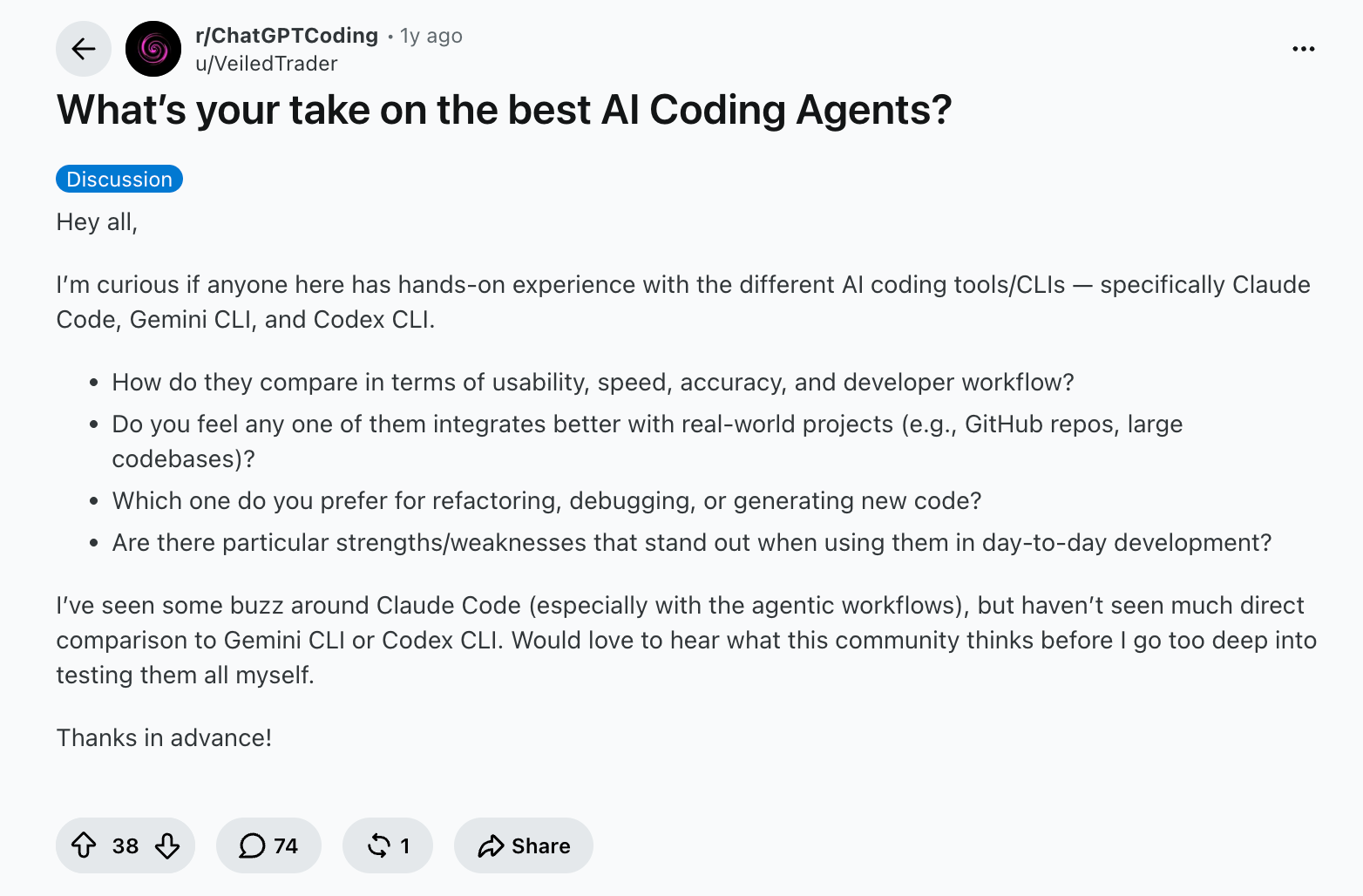
I started my research after coming across a thread on r/ChatGPTCoding. Developers there kept making the same point. Most agents look sharp on a fresh demo and start guessing once they hit a real codebase.
I ran 12 agents against the same 42,000-line TypeScript and Node.js app over three weeks. Each one got about six hours of hands-on time on a paid plan wherever the free tier capped the work.
Every agent got the same four tasks:
- Debugging: A race condition that sent duplicate webhook events, with a root cause I already knew. I scored each agent on whether it found the cause or patched the symptom, so you can see which ones reason through a bug and which ones guess.
- Refactoring: Splitting an 1,800-line billing service into smaller modules while keeping all 212 existing tests green. This showed how well each agent tracked imports and shared state across files, which is where most multi-file edits quietly break.
- Greenfield feature: Building an invoice CSV export endpoint with auth and pagination from a one-paragraph ticket. I checked whether the agent first wrote a plan, asked about gaps in the ticket, and followed the app's existing patterns for routes and error handling.
- Test generation: Writing Jest tests for a date-handling module, then running them against an off-by-one timezone bug I planted on purpose. Any test suite that passed with the bug in place counted as a fail because it wouldn't catch that bug in production.
The surprise was that the slowest agents needed me least, because they spent the extra time running tests and fixing their own mistakes.
CodeGPT, Qodo, Tabnine, and Zencoder didn't make the list because each stalled on at least one of the four tasks. The 8 agents below each did at least one task better than the rest.
1. Best AI coding agent for terminal-first autonomous work
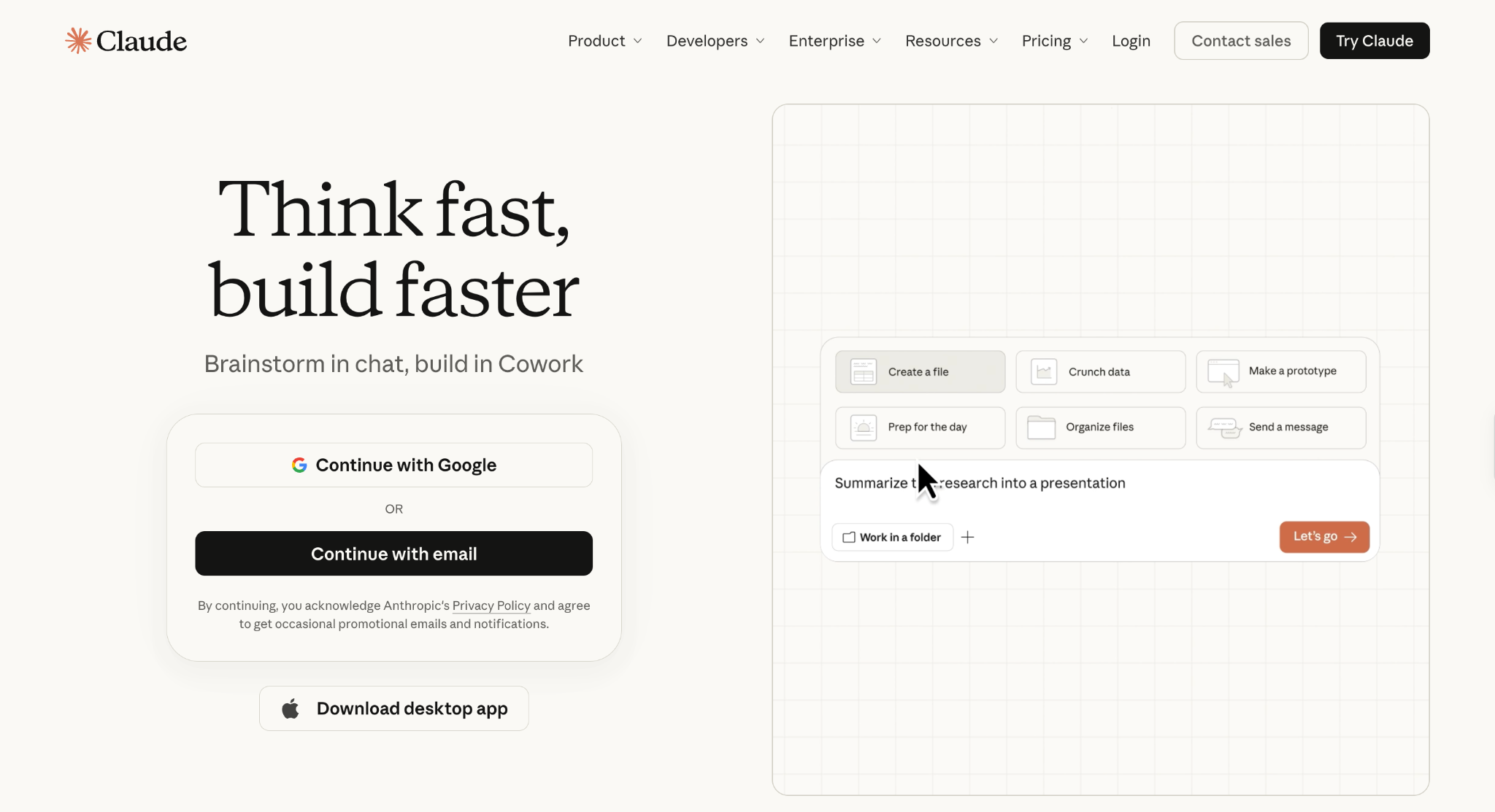
What it is: Claude Code is Anthropic's terminal-first coding agent. It reads your codebase, edits files, runs commands, and opens pull requests from a plain-language request. It also runs in VS Code, JetBrains, the desktop app, the web, mobile, and Slack. Developers use it to hand off large refactors and migrations, then review finished, tested work.
Why I picked it
I put Claude Code first because it takes on the work most developers put off, like large refactors, framework upgrades, and multi-day migrations. It builds a plan, asks clarifying questions when a requirement is unclear, and then follows imports across the repo while running your tests.
When something breaks mid-task, Claude Code works through the failure and brings you only the decisions. On unfamiliar code, it first understands the structure, changes it in small steps, and checks the tests after each one. That habit makes its output easy to review and safe to merge.
Claude Code runs locally and talks directly to the model APIs, with no remote code index, which makes it easier to clear with security teams.
For a broader look at how it stacks up, this Claude alternatives guide covers the field.
Key features
- Auto mode with risk checks: Auto mode is now the default in the terminal and VS Code on every plan. Claude Code handles long tasks on its own, editing files and running commands, but still stops on risky commands for your approval. You skip the routine "allow" prompts and only step in where a mistake would cost you.
- Projects for parallel agents: Projects groups related coding sessions so you can run and supervise several agents at once, from the desktop app, the web, or your phone. It's in public beta on Pro and Max. A migration, a test backfill, and a bug fix move forward side by side, and you check progress on all three from a single view.
- Agentic codebase search: Claude Code explores the repo and maps its structure and dependencies in seconds, and you never pick context files by hand. On your first day in an unfamiliar codebase, you can ask how auth works and get an answer tied to real files and functions.
- Self-hosted environments: Sessions can run on your own infrastructure, within your network, and alongside internal services. Teams with strict network rules can point Claude Code at private databases and internal APIs they'd never expose to the internet. This feature is in public beta on Team and Enterprise plans.
Limitations
The Free plan doesn't include Claude Code, so the entry point is Pro at $20/month. Coding and chat share a single usage pool, with a five-hour session limit and a weekly cap. On Pro, that means a long refactor can hit the limit partway through.
Pricing
Pro costs $20/month. Max costs $100/month for 5x Pro's usage. Team covers 2 to 150 people at $25/month per seat for Standard seats or $125/month per seat for Premium seats with 5x a Standard seat's usage. Enterprise pricing combines a per-seat fee with usage at API rates.
2. Best AI coding agent for IDE-native teams in VS Code
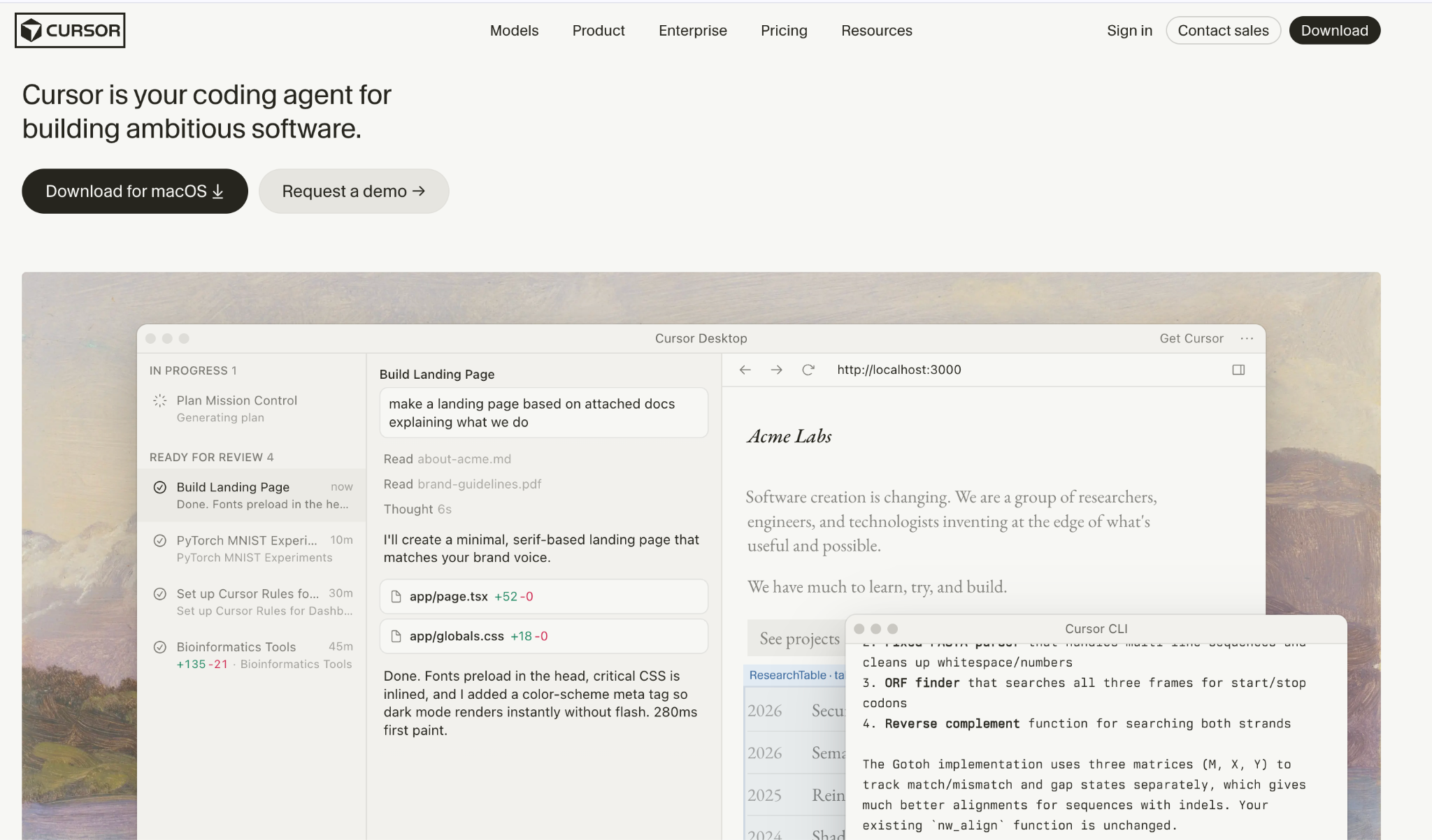
What it is: Cursor is an IDE-native coding agent built on VS Code, so your extensions and shortcuts carry over. Its agent plans and builds multi-file changes inside the editor. The same agent also runs in your terminal, collaborates in Slack, and reviews pull requests in GitHub. Teams can switch between quick inline edits and full multi-file changes in one window.
Why I picked it
I picked Cursor for teams that want the agent and the editor to be the same tool. You choose how much independence to give to each task: a quick inline edit with Cmd+K for one function or the full agent for a change that spans a whole feature. Either way, you review the diff file by file and keep typing in the same window.
Tab completion fills the gaps between agent runs by predicting your next edit, often several lines ahead. For larger work, the agent can draft a plan first so you can agree on the approach before any file changes.
Cursor fits developers who want to stay in the editor and still hand off the hard work. Quick edits stay in the keyboard. Bigger tasks go to the agent.
Key features
- Cloud agents: Agents run on their own computers to build, test, and demo features end to end, then send back a walkthrough for review. You can launch a fleet of them on tasks that run for hours or days, and a backlog of small fixes keeps moving while you focus on one hard problem.
- Bugbot code review: Bugbot reads pull requests in GitHub and flags bugs before a human reviewer opens them. Your reviewers spend their time on design decisions instead of hunting for missed edge cases.
- Model choice per task: The model picker covers OpenAI, Anthropic, and Gemini models, Cursor's own Grok and Composer models, and an Auto mode that picks one for each request. Quick edits can run on a fast model, and tricky refactors can run on a stronger one, keeping both cost and wait time in check.
- Slack and CLI access: You can @mention Cursor in a Slack thread to turn the conversation into a pull request or run the same agent from your terminal after a one-line install. A bug reported in a team channel can become a reviewed fix before anyone opens the IDE.
Limitations
Every plan includes a set amount of model usage, and anything past it is billed on demand. A heavy agent month can cost more than the plan price. Privacy mode, which keeps your code out of model training, is on by default for Teams but must be turned on in settings on individual plans.
Pricing
Cursor's Hobby plan is free, with limited Agent requests and no credit card required. Pro costs $20/month, Pro+ costs $60/month, and Ultra costs $200/month. Teams costs $40/month per user for a Standard seat, $120/month per user for a Premium seat, and Enterprise pricing is custom.
3. Best AI coding agent for GitHub-native workflows
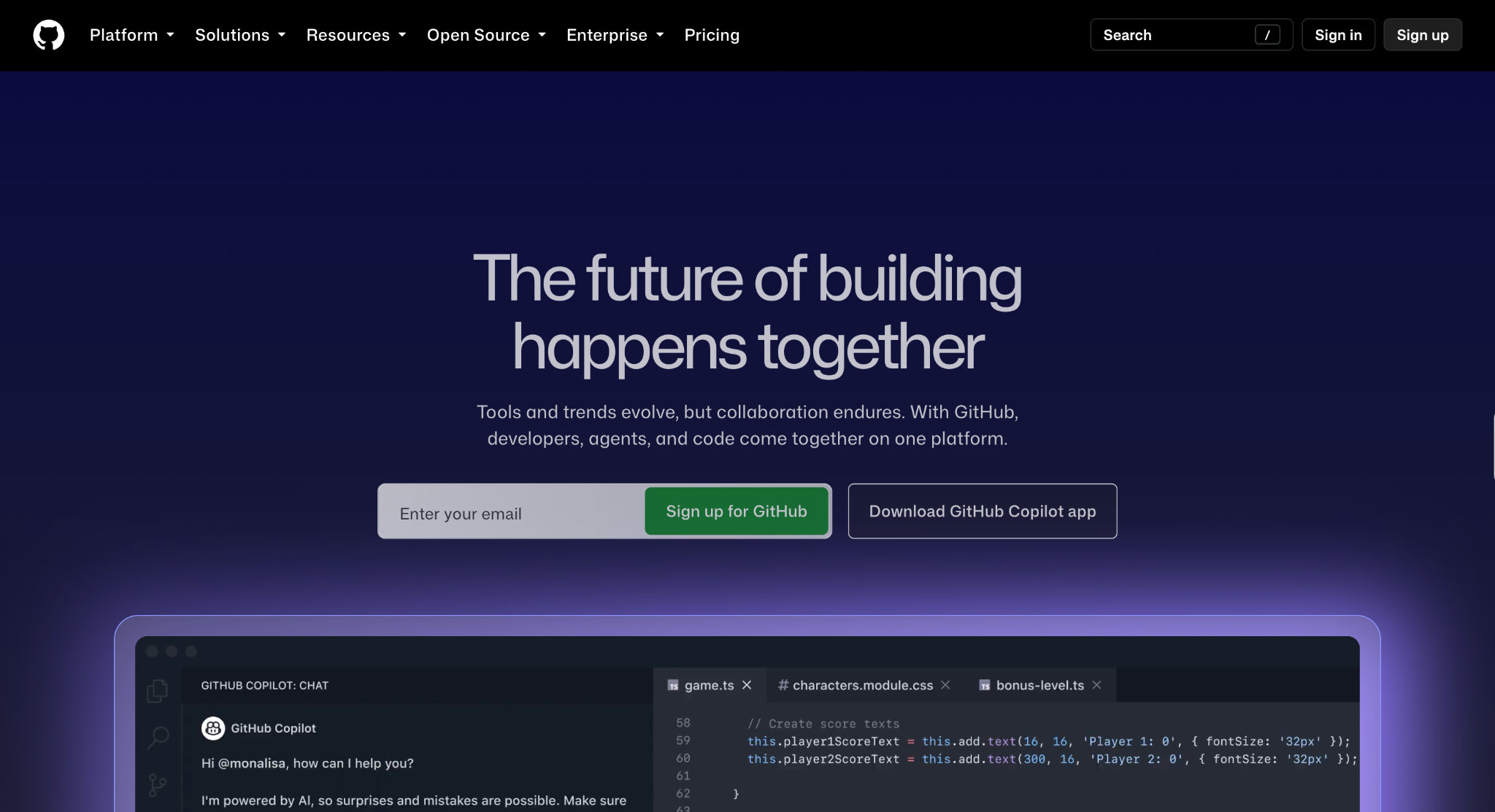
What it is: GitHub Copilot is GitHub's coding agent, built directly into GitHub. You get agent mode in your editor, a terminal CLI, and a cloud agent you can assign work to like a teammate. Agent mode runs in VS Code, Visual Studio, JetBrains, Eclipse, and Xcode. Every handoff starts and ends inside GitHub issues and pull requests.
Why I picked it
Copilot fits teams whose work already lives in GitHub issues and pull requests. You assign an issue to Copilot the way you would assign a teammate from GitHub.com, your editor, or GitHub Mobile, and it works in the background before opening a pull request for review. Nobody has to leave the tools they already use to hand off work.
Review comments on that pull request go straight back to the agent, which pushes updates to the same branch until the change is ready.
Custom instructions teach Copilot your team's conventions once. Business plans add IP indemnity, which matters to legal teams signing off on AI-written code. The whole loop stays inside GitHub, so your team keeps the review process it already trusts.
Key features
- Cloud agent on GitHub issues: Assign a GitHub issue (a task or bug report) and Copilot researches, plans, and writes the code in the background. You decide whether it opens a pull request. Tasks can start from GitHub, your editor, or a third-party project management tool, and the finished work lands in the review flow your team already uses.
- Copilot code review: Copilot reviews pull requests on GitHub and file diffs inside your editor. Organizations can enable reviews for every pull request, including those from contributors without a Copilot license, billed as AI credits. You get full review coverage and only buy seats for people who write code daily.
- Third-party agents: On any paid plan, you can hand a task to Claude by Anthropic or OpenAI Codex from the same place you assign Copilot, as a preview feature. This lets your team compare how different agents handle the same ticket before picking a default.
- Model choice across labs: One model picker covers models from Anthropic, OpenAI, Google, and other labs. Lightweight models use fewer credits per interaction, so you can run quick questions on a cheap model and save frontier models for long, multi-file agent sessions.
Limitations
The cloud agent only works with repositories hosted on GitHub, so teams on GitLab or Bitbucket miss out on its strongest feature. On Free, Pro, and Pro+, GitHub may use your prompts and code snippets to train its models unless you opt out in your account settings.
Pricing
Copilot Free includes 2,000 completions a month. Pro costs $10/month per user, Pro+ costs $39/month, and Max costs $100/month with priority access to new models and 2.9x more included usage than Pro+. For organizations, Business costs $19/month per user, and Enterprise costs $39/month per user.
4. Best AI coding agent for fully autonomous engineering tasks
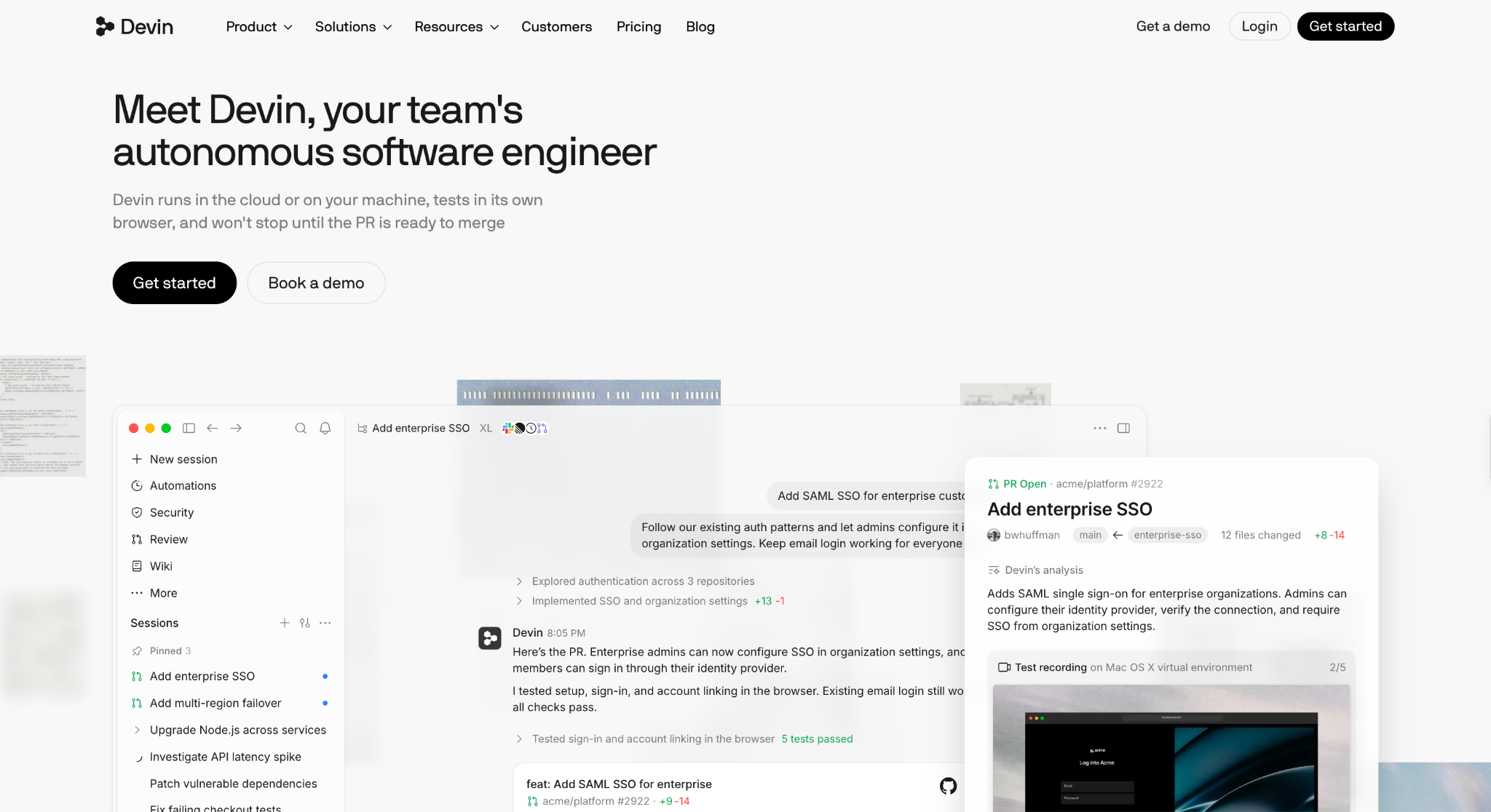
What it is: Devin is Cognition's autonomous coding agent. It works on its own virtual machine and keeps going until the pull request is ready to merge. You can delegate to Devin Cloud, iterate in Devin Desktop (formerly Windsurf) or the CLI, or tag @Devin in Slack and Microsoft Teams. It fits teams with a backlog of clearly scoped tickets.
Why I picked it
I picked Devin for teams that want to hand off whole tickets. Devin first maps your codebase and architecture, then writes a plan you can edit before any code changes. You agree on the approach up front, approve it, and step away while Devin works through the task.
That plan-first flow makes Devin the easiest agent here to delegate to, and this Devin AI review goes into more detail on how it handles scoped tickets. Because the plan is written down, a teammate can review the intent before reviewing the code, which reduces back-and-forth.
For larger companies, SOC 2, ISO 27001, and FedRAMP High coverage, plus zero data retention with model providers, make Devin easier to approve.
Key features
- Testing on its own computer: Devin spins up Windows, Mac, or Linux virtual machines to build and test in its own browser, then records a walkthrough of what it built. You see the feature working before you open the diff.
- Parallel cloud agents: Give Devin a big task, and it splits the work across several cloud agents, manages them, and reports back. The work keeps moving after you close your laptop, so a multi-part migration can finish overnight.
- Devin Review: Devin Review scans pull requests for bugs and security vulnerabilities before they reach production. You can assign Devin to fix any issue it finds in one click, so review and repair happen in the same place.
- Automations for recurring work: Scheduled workflows and trigger-based automations let Devin pick up new bugs, failed CI runs, and incoming alerts as they land. Your team stops spending mornings triaging the overnight queue.
Limitations
Pro and full Teams seats are subject to daily and weekly quotas, so a heavy week can push work into extra usage billed at API pricing. The Free plan has limited model availability, so testing Devin on frontier models means upgrading to Pro.
Pricing
Devin's Free plan suits light usage quotas. Pro costs $20/month, and Max costs $200/month with significantly higher quotas. Teams has an $80/month minimum, with full dev seats at $40/month each and free flex seats that draw from shared credits. Enterprise pricing is custom. This Devin pricing breakdown explains how quotas and extra usage work.
{{templates}}
5. Best AI coding agent for building and deploying from scratch
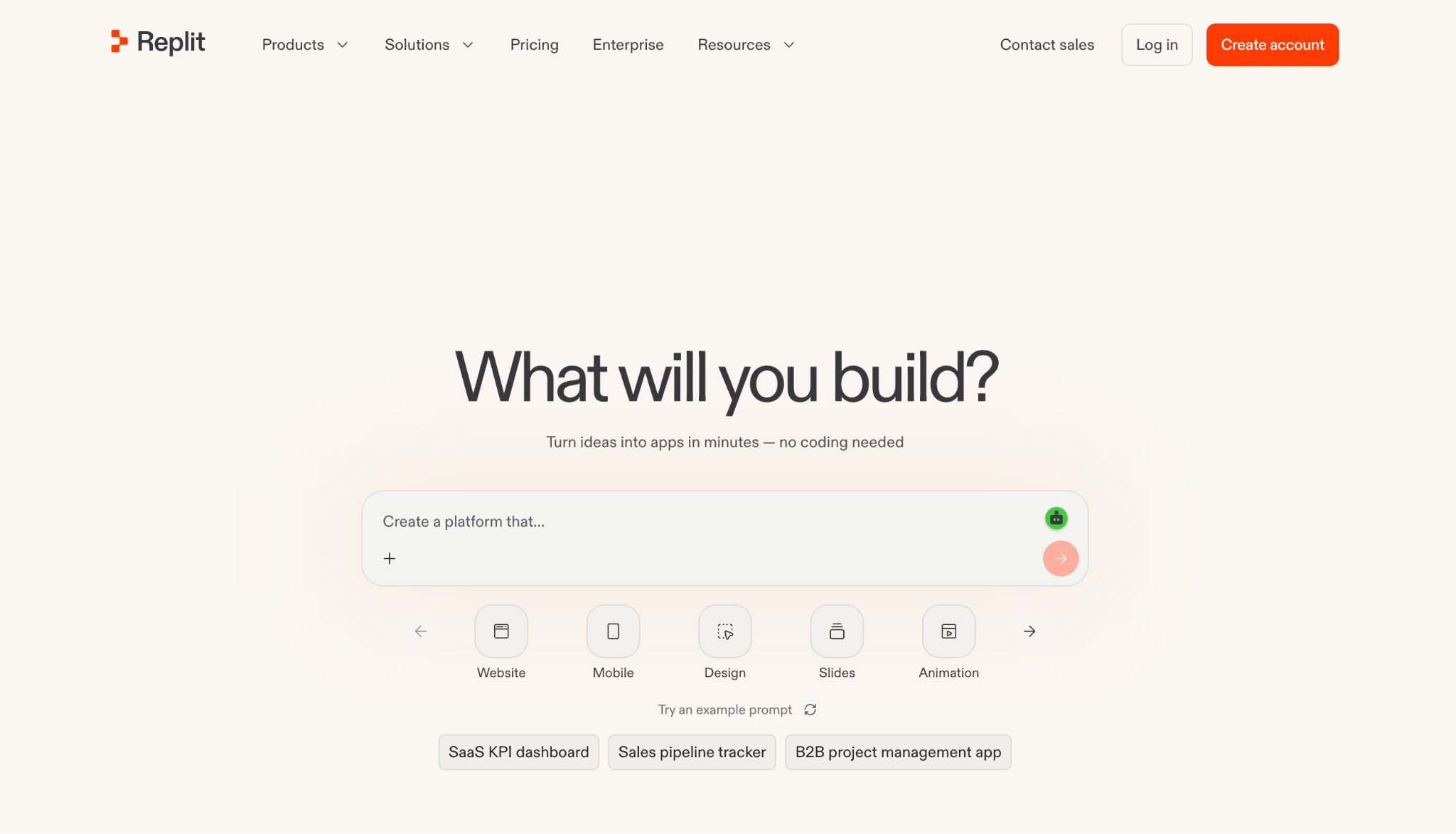
What it is: Replit Agent is a browser-based autonomous agent that turns a plain-language description into a working app or website. It writes the code, sets up the database and authentication, and publishes the project from the same browser tab. Teams can go from a written idea to a shareable link in one session.
Why I picked it
On the greenfield task, Replit Agent turned my one-paragraph ticket into a short plan before building anything. Once I approved it, the agent built the CSV export endpoint, connected it to the built-in database, and opened a live preview URL in the same tab. I downloaded a real export in the browser minutes later.
Publishing took one more click because hosting and authentication already lived in the same workspace. I sent the live link to a teammate, who tested the export from their own laptop right away.
For founders and small teams who want to go from an idea to a shareable app quickly, Replit requires less setup than any other tool here.
Key features
- Built-in full-stack services: Authentication, a database, hosting, and monitoring come set up from the first prompt. A prototype can take real sign-ups and store real data on day one, with no separate backend to wire together.
- Parallel tasks on a shared board: Multiple builders can submit tasks simultaneously and track them on a Kanban board, with full visibility before anything merges. Pro supports up to 10 agents in parallel, allowing a small team to build several features at once.
- Infinite Canvas for design: A visual canvas lets you explore and tweak designs, then apply them straight to your app. Designers and product managers can shape the interface themselves and skip the spec.
- Intelligent model routing: Replit automatically picks the best model for each task and claims it delivers the same quality output at a lower average cost than its previous Max Mode. Your credits stretch further on long builds.
Limitations
Usage of the most powerful models is subject to a fixed monthly allowance, so heavy agent sessions on Core can quickly use up the $20 allowance. The agent works best within Replit's environment, which makes it a weaker fit for large existing repos built around local tooling.
Pricing
Replit's Starter plan is free and includes daily usage, a built-in database, and one live project. Core costs $20/month and includes $20 toward the most powerful models. Pro costs $100/month with $100 in credits, 10 parallel agents, and up to 15 collaborators. Enterprise pricing is custom.
6. Best AI coding agent for running parallel tasks in the cloud
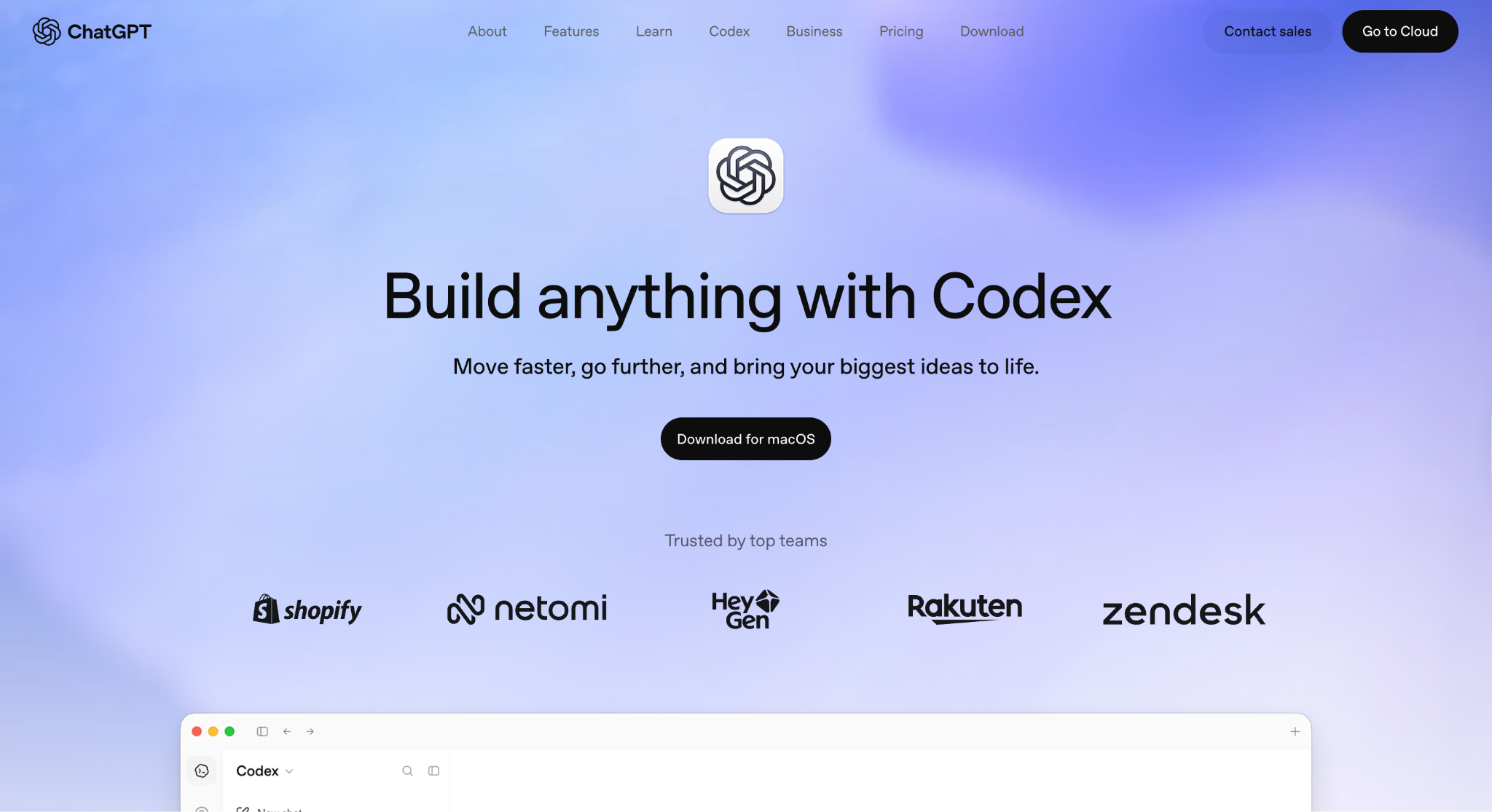
What it is: OpenAI Codex is OpenAI's coding agent, included with ChatGPT plans. It works in the cloud, in your editor via the IDE extension, and in your terminal with Codex CLI, all connected to your ChatGPT account. It's built for running several coding tasks in parallel on a plan you may already pay for.
Why I picked it
Codex makes the most sense for developers who already pay for ChatGPT and want a capable coding agent without another subscription. Your ChatGPT login unlocks it, so there's no need to create a new account or set up an API key. You can hand it hard bugs, complex refactors, and new features, and OpenAI says it delivers results using fewer tokens.
It also suits teams that want one place to manage agent work. You can track progress, steer an agent mid-task, and review completed changes in the same window.
Key features
- Parallel agents that verify their work: Codex runs many agents at once, and each one uses computer and browser tools to check its output until it meets your requirements. A backlog of small tasks can move forward together, and each result arrives already tested.
- Cloud environments that keep running: Every repo gets a reusable cloud environment, so tasks keep going after you close your laptop. You can start a job at your desk, check on it from your phone, and pick up where you left off on another device.
- Automatic code review: Codex reviews pull requests, surfaces findings, and answers questions about the changes. Routine bugs get flagged first, so your reviewers can focus on decisions that need human judgment.
- Plugins for your other tools: Plugins connect Codex to GitHub, Slack, Gmail, Google Drive, Figma, Notion, Supabase, and more. Codex can pull a design spec from Figma or a requirement from Notion and act on it directly, so nothing gets copied over by hand.
Limitations
Codex has no standalone subscription, so teams standardizing on another AI assistant still need ChatGPT seats to use it. Coding shares usage with the rest of your ChatGPT plan, and Plus is sized for focused sessions each week, so heavy coding weeks can hit the limit early.
Pricing
Codex is included in ChatGPT plans. Plus costs $20/month, and Pro costs $100/month with higher usage limits for full workdays. ChatGPT Business adds a shared workspace with admin controls for teams of two or more, priced at $20/month per user.
7. Best free AI coding agent for CLI editing
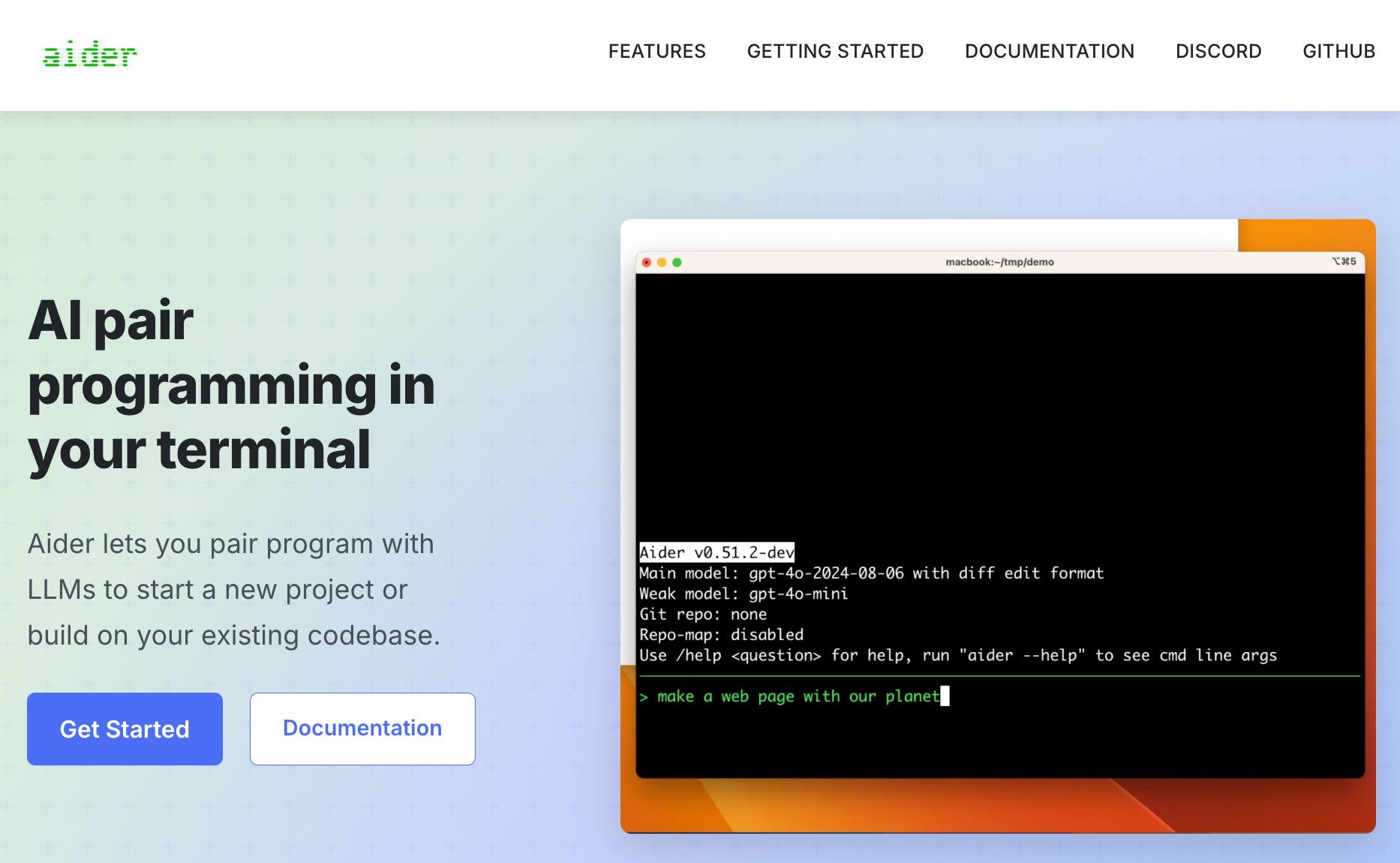
What it is: Aider is an open-source AI pair programmer that runs in your terminal, on new projects, or on existing codebases. It connects to almost any LLM, including Claude, OpenAI, DeepSeek, and local models, and works with 100+ programming languages. It's free to install, and you bring your own model API key.
Why I picked it
Aider is the strongest open-source option here for developers who live in the terminal. It maps your entire codebase before editing, so changes stay accurate in larger projects where context matters most. You choose which model does the work and can switch whenever a task calls for a faster or stronger one.
The community behind it adds to the case. Aider has more than 48,000 GitHub stars, and its maintainers report that Aider typically writes 70 to 80% of the new code in its own releases.
Voice-to-code and a copy-paste mode for web chat interfaces also give you more ways to work with it than most terminal agents offer.
Key features
- Git integration: Aider commits every change with a clear, sensible message, so the git tools you already use can diff, manage, and undo its work. Rolling back a bad edit takes one command, and your project history stays readable for the rest of the team.
- Requests from inside your IDE: You can ask for changes by adding comments directly to your code in your usual editor, and Aider picks them up and gets to work. Developers who prefer VS Code or JetBrains still get Aider's terminal agent from inside their editor.
- Automatic lint and test runs: Aider can lint and test your code every time it makes a change, then fix the problems your linters and test suites find. Broken builds get caught and repaired before you look at the diff.
- Images and web pages as context: You can add screenshots, reference docs, and web pages straight into the chat. A UI bug screenshot or an API doc page gives Aider the visual and written context that a text prompt alone would miss.
Limitations
Aider runs on your own machine with no cloud mode, so long tasks stop when you close the terminal. It connects to models through your own API key, so long sessions on frontier models add up on that provider's bill.
Pricing
Aider is free and open source, with no plans or subscriptions. You pay only for the API usage of the model you connect to, billed directly by that model provider.
8. Best open-source AI coding agent for VS Code
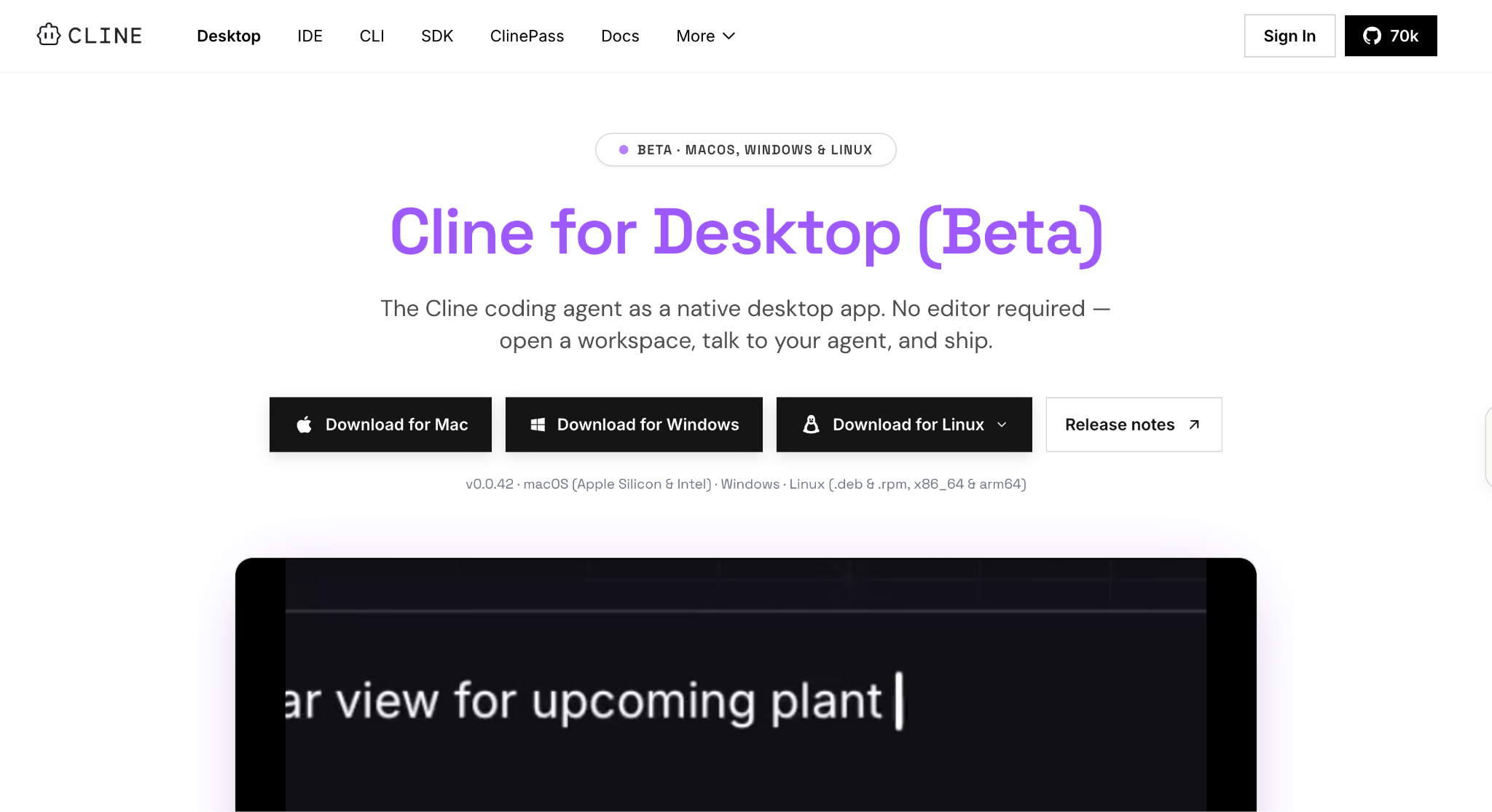
What it is: Cline is an open-source coding agent that runs in VS Code, in your terminal, or as a desktop app, and you can embed it in your own products through its SDK. It works with any major model, from Claude and GPT to local models through Ollama. You control which model runs and what each task costs.
Why I picked it
Cline is the most flexible open-source agent here for developers who want to stay in VS Code. It also installs in Cursor and Windsurf, so switching editors later doesn't mean switching agents. You can ask it how your codebase works, then let it make coordinated changes while keeping imports and types consistent.
The agent is open source under the Apache 2.0 license, with more than 250 contributors and over 64,000 GitHub stars. An MCP marketplace adds tools for databases, APIs, and infrastructure.
Key features
- Plan, then Act: Plan mode lets you agree on a strategy with Cline before anything changes, and then Act mode carries it out. You can approve every step or enable auto-approve for longer tasks, so you can choose how much control you keep on each job.
- Checkpoints with one-click undo: Cline makes coordinated changes across multiple files with linter-aware fixes, and every step gets a diff and a checkpoint. If a change goes sideways, one click rolls it back, and you can try a different approach right away.
- Rules that ship with your repo: A .clinerules file in your repo teaches Cline your coding standards, architecture, and deployment conventions. Every developer who opens the project gets an agent that already follows the team's rules, with no setup on their end.
- Slack, Linear, and CI access: You can chat with Cline from Slack, Discord, Telegram, or Linear, or run it headlessly inside GitHub Actions, GitLab, or any pipeline. Recurring checks and updates can run in CI without anyone at the keyboard.
Limitations
Inference bills to your own model account, so costs climb with every long frontier-model session. SSO and team management sit on the Enterprise plan, which requires a sales conversation.
Pricing
Cline's open-source plan is free for individual developers, with no subscriptions or seat fees. You pay only for AI inference, either at cost through Cline or with your own API keys. Enterprise pricing is custom.
What to know before rolling out an AI coding agent at scale
Before rolling out an AI coding agent to 20 or more developers, check its security coverage, how it handles large codebases, its approval controls, how cost grows with the team, and how tied you'll be to one model provider.
Check these five areas before you commit:
- Security and compliance: Ask for SOC 2 reports and confirm where your code is processed and stored. Devin lists SOC 2, ISO 27001, and FedRAMP, and Claude Code's Enterprise plan adds audit logs, SCIM, and custom data retention. On GitHub Copilot's individual plans, prompts may be used for training unless users opt out, so organization plans matter.
- Large codebases and monorepos: Test each agent on your biggest repo before signing, because how it maps your code shapes the quality of its output. Copilot indexes each repository for code search, and Claude Code searches the repo on its own. Context limits vary by model, so run a real multi-service change before rollout.
- Approval and admin controls: Decide what the agent can run without asking. Copilot Business needs an admin to enable the cloud agent through policy, Cursor Enterprise adds auto-run, browser, and network controls, and Claude Code stops on risky commands for approval. Start with strict permissions and loosen them once the team trusts the output.
- Cost at scale: Per-seat pricing is easy to forecast, while usage-based credits move with workload. Copilot Business costs $19/month per user with pooled AI credits, and Cursor bills on-demand usage past each plan's allowance. Set spend limits and alerts before rollout, since a heavy agent month can cost more than the seat price.
- Model lock-in: Some tools tie you to one lab's models. Codex runs on OpenAI models and Claude Code on Anthropic's, while Cursor and Copilot offer model pickers across several labs, and Aider connects to almost any LLM. A multi-model tool gives you a fallback if one provider raises prices or tightens limits.
What to use alongside your AI coding agent
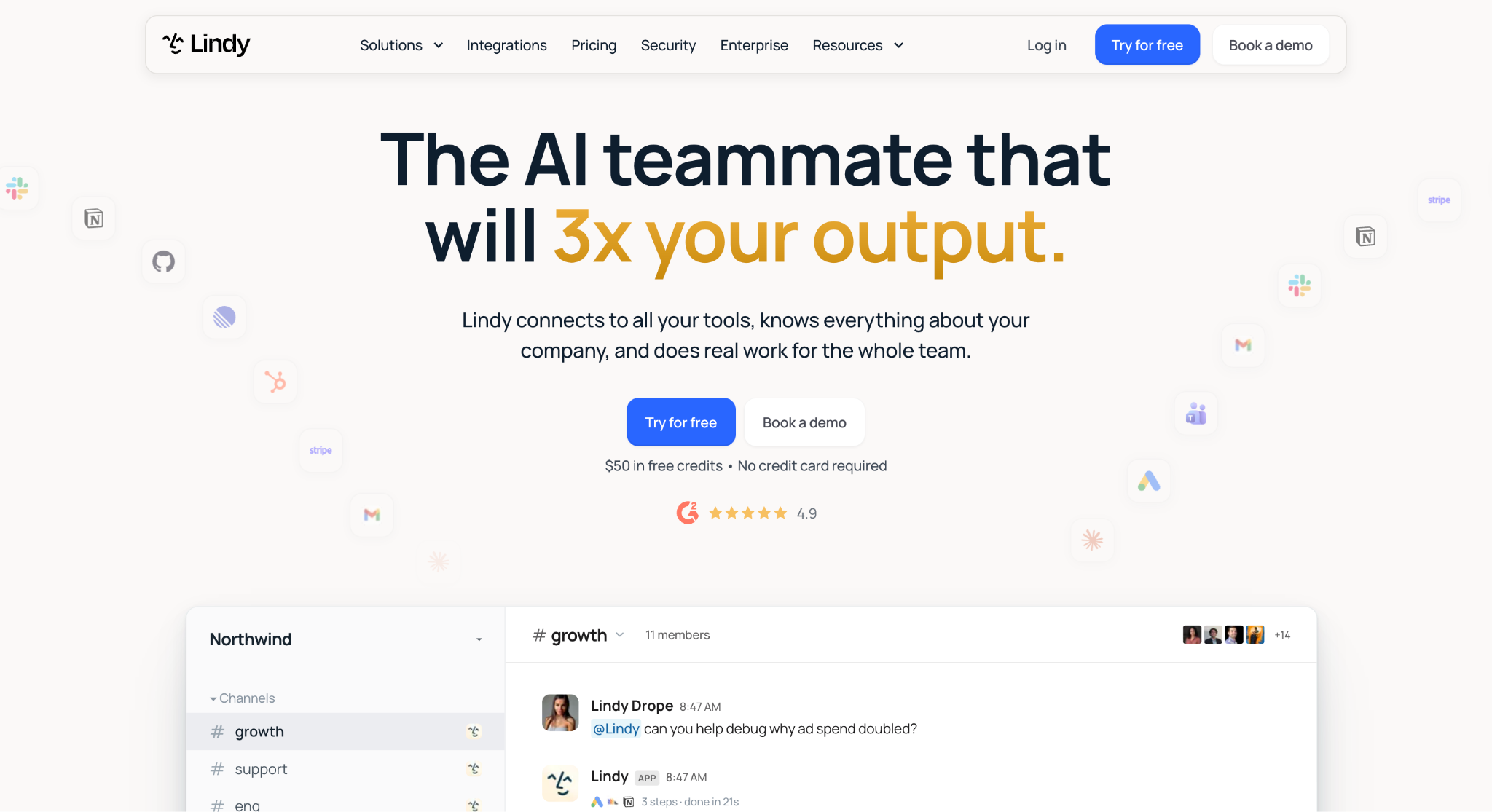
What it is: Lindy is an AI teammate that handles the ticket filing, meeting notes, and team updates that sit around your coding agent's work. It lives in Slack, works over iMessage, SMS, and Gmail, and connects to hundreds of integrations, including GitHub, Linear, and Notion.
Why teams pick it
During the three weeks I ran these agents, I kept running into a gap after the pull request. I still had to schedule the review, write the Notion doc, and draft the update for the people waiting on the fix.
I handed that work to Lindy. It scheduled the review from the Slack thread, pulled the PR summary into a Notion draft, and queued the stakeholder email for my approval.
Lindy also works wherever your team is. @mention it in any Slack channel, and it answers in the thread. You can text it from your phone over iMessage or SMS during an on-call shift, and its Chrome extension drafts replies in your voice inside Gmail. You can open your skills, routines, files, and memory from your browser too.
{{cta}}
What Lindy handles for engineering teams
- Tickets from Slack: Turns a bug report in the on-call channel into a ticket in Linear or GitHub, with the thread's context attached. Nothing reported in chat gets lost, and the engineer who picks it up sees the full history.
- Answers across your tools: Replies in the thread when you @mention Lindy in any Slack channel, with citations from your meetings, Notion pages, and files. Engineers can check what the team decided about an API change before touching the code.
- Meeting notes and decisions: Turn on meeting notes once and Lindy joins the calls you choose on its own, whether that's Google Meet, Zoom, or Microsoft Teams. It records, transcribes, and summarizes each one, and the notes land in a shared meeting library so anyone can search what a design review decided weeks later.
- Sprint routines: Runs recurring requests you write as a normal message, like "Every Monday at 9, send the sprint summary to #eng." The team starts each week with the update on schedule, and nobody has to remember to write it.
- Team skills: Saves how your team handles a task once, like writing an incident postmortem, as a skill you can reuse the next time the same situation comes up. Every engineer starts from the same format every time.
- Approvals built in: Holds anything that sends, posts, or updates in a shared Slack thread until someone signs off, while read-only lookups from approved sources run automatically. Admins set rules per tool, so Lindy can draft the incident update but never posts it without approval.
Limitations
Lindy works inside the tools your team already uses. It needs access to your email, calendar, and connected apps to be useful, so it fits teams already set up on Slack rather than teams starting from scratch. There's no long-form trial on paid plans either. The free tier gives you $50 in credits to test it against a real week before committing.
Pricing
Lindy starts at $49.99/month per active user on the Team plan, with 5,000 credits per user each month. Enterprise pricing is custom.
AI coding agents: Frequently asked questions
What is the best AI agent for coding?
Claude Code is the best AI agent for coding for most teams in 2026. It reads your codebase, plans the work, edits files across the repo, runs your tests, and hands back a pull request ready to review. Cursor is the closest alternative for developers who want the agent built into a VS Code-based editor.
Does ChatGPT have a coding agent?
Yes. ChatGPT has a coding agent called Codex, which is included in ChatGPT Plus at $20/month and in Pro at $100/month. Codex runs tasks in parallel cloud environments, works in your editor and terminal, and reviews pull requests. You can start tasks at your desk and check on them from your phone.
What is the difference between an AI coding agent and an AI coding assistant?
An AI coding agent works through a task end to end, while an AI coding assistant helps one step at a time and leaves the next move to you. The agent plans the work, edits files, runs tests, and opens a pull request. The assistant completes lines and answers questions, and you still write, paste, and test the code yourself.
Are AI coding agents free?
Yes, some AI coding agents are free to use. Aider and Cline are open source with no subscription. You pay only for the model API you connect to. GitHub Copilot, Cursor, Devin, and Replit offer free plans with limited usage. Regular daily work typically needs a paid plan, starting at $10/month for Copilot Pro.
Can AI coding agents handle full codebases autonomously?
Yes. AI coding agents can handle full codebases autonomously for well-scoped tasks like refactors, migrations, and bug fixes. Claude Code maps an entire repo and runs your tests as it works, and Devin splits large jobs across parallel cloud agents. You still review every pull request because agents make mistakes with vague requirements and architectural decisions.
What are the limits of AI coding agents?
Usage caps, vague requirements, and work outside the code are the biggest limits of AI coding agents. Claude Pro caps usage, and Cursor Pro bills extra past its allowance, and every agent breaks down when a ticket is too vague. They also stop at the code itself. Reviews, Notion docs, and stakeholder updates still need an owner, so most teams pair a coding agent with an AI teammate like Lindy.
Which AI coding agent works best with VS Code?
Cursor is the AI coding agent that works best with VS Code because it's built on VS Code and keeps your extensions and shortcuts. Its agent edits across files, and Tab completion predicts your next edit. GitHub Copilot is the best pick if you want to stay with standard VS Code, since its agent mode runs natively there.









