


18 Best AI for Coding Tools for Devs in 2025 [Tested & Reviewed]


After testing popular options across different languages and IDEs, I found the 18 best AI for coding tools that help you speed up development and cut debugging time. Whether you’re a beginner or a full-time developer, these tools stand out for accuracy, speed, and ease of use.
Top 18 AI for coding tools: TL;DR
Developers often use these tools to manage their workload and save time on debugging. Here’s how the top 18 AI coding tools compare:
1. Cursor: Best AI coding platform for building full-stack SaaS apps
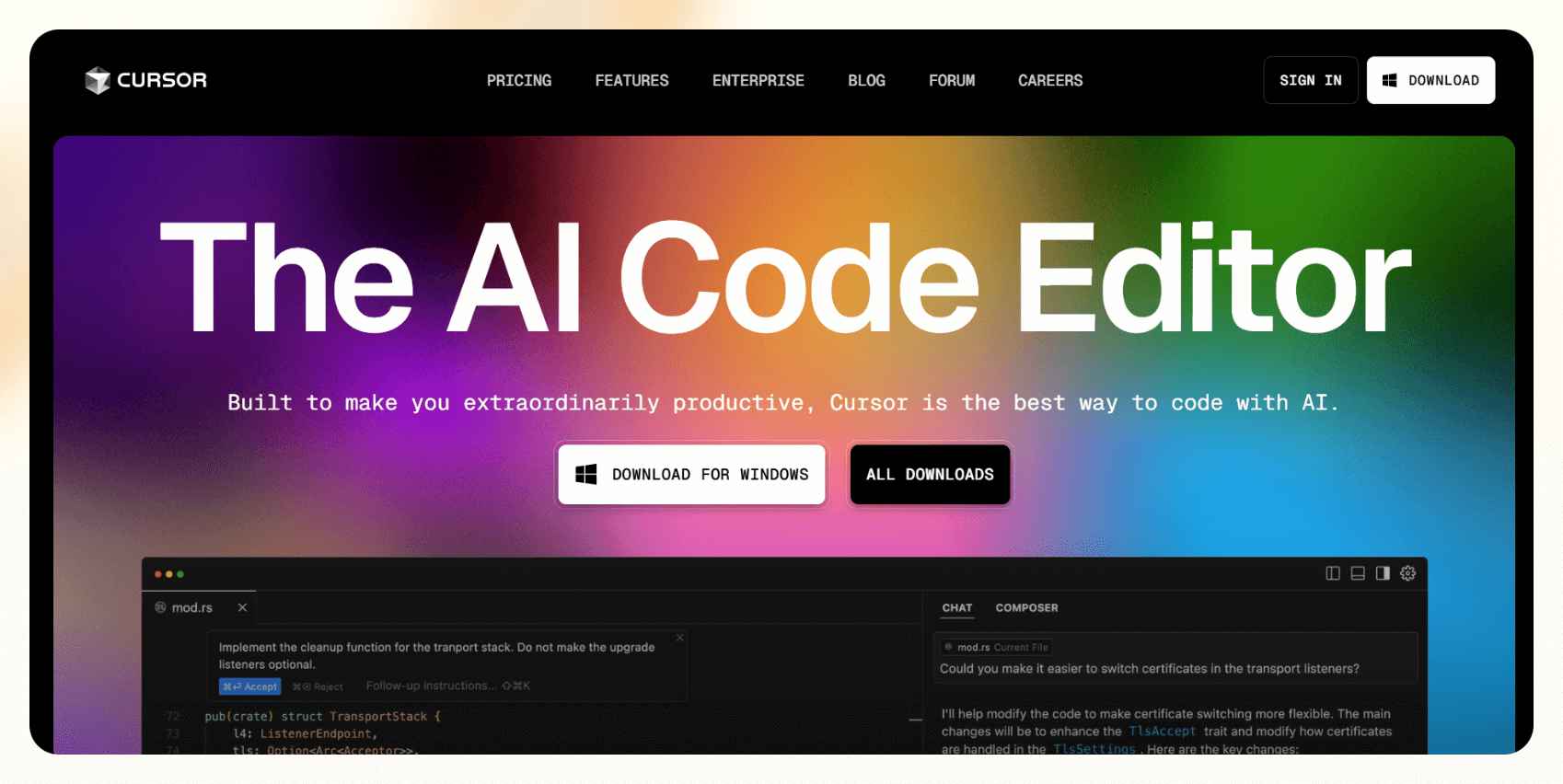
Cursor is a code editor that helps developers write, fix, and understand code faster. It predicts full lines or blocks of code as you type, which makes it easier to handle large projects without switching tools.
Who it’s for
Cursor is great for developers who want an AI coding assistant that saves time, improves accuracy, and fits smoothly into daily work.
Key features
- Full-line and multi-block code suggestions based on your current project
- Built-in chat that explains confusing code in plain language
- @codebase command to search functions and references across files
- Privacy Mode that keeps all code local without cloud processing
Pros
- Frequent updates with new AI features
- Option to connect private code models
- Edits code from natural language commands like “make this faster”
Cons
- Chat and @codebase features can take extra time to run
- Large projects may lag slightly on slower laptops
Pricing
- Free plan for hobbyists
- Paid plans from $20/month, billed monthly
Bottom line
Cursor helps developers code faster without losing control or security. Its built-in chat and local privacy features make it one of the most reliable tools for full-stack development.
2. GitHub Copilot: Best AI code editor to help while you type
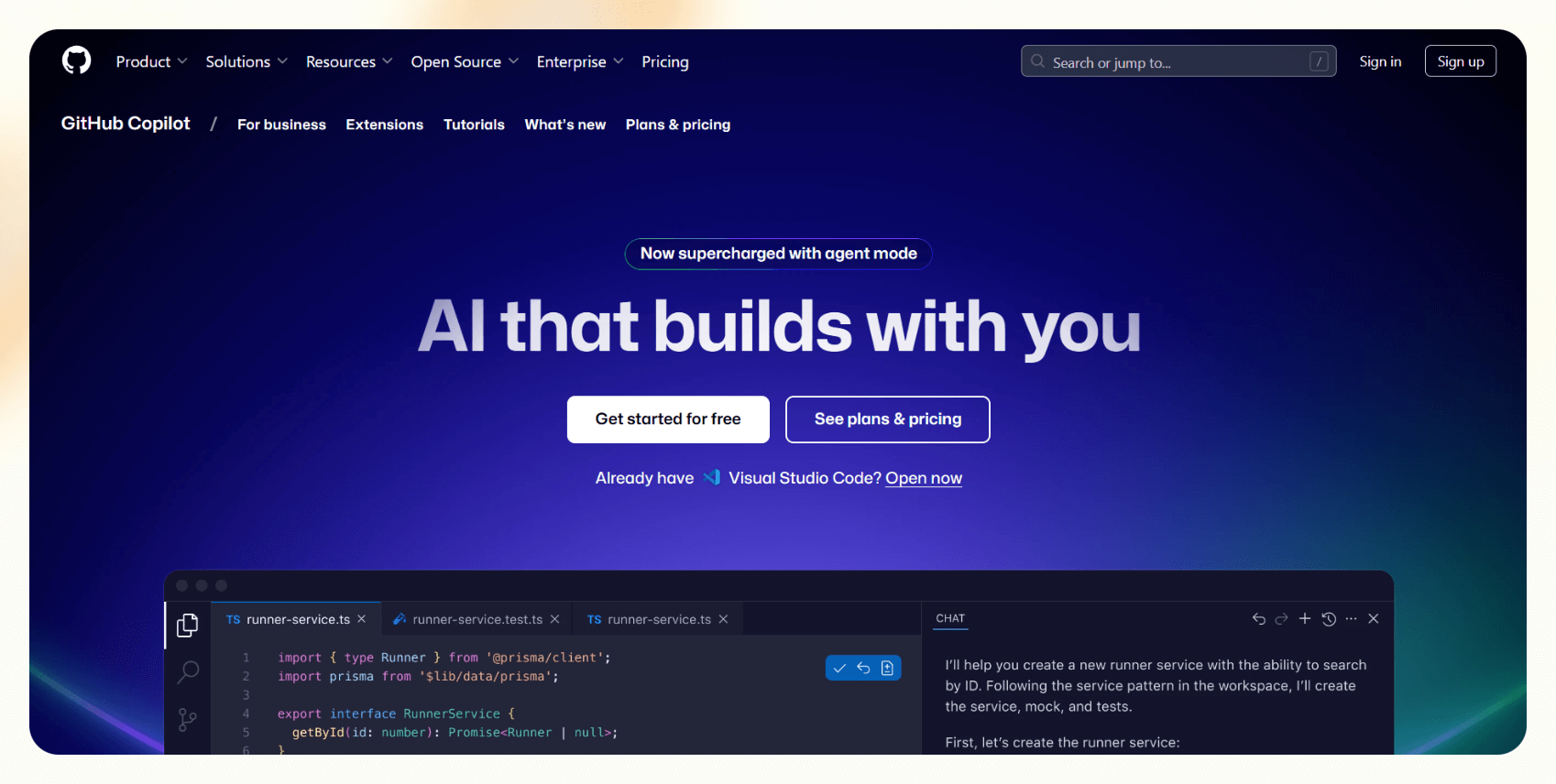
GitHub Copilot gives you instant code suggestions as you type inside your editor. It can complete full functions, fix small issues, and help you write faster in multiple programming languages.
Who it’s for
Copilot is ideal for developers who want real-time help inside Visual Studio Code or JetBrains without leaving their workflow.
Key features
- Autocompletes functions and loops in Python, JavaScript, Java, and more
- Offers both GPT and Claude models for different coding needs
- Includes Agent Mode for complex refactors across multiple files
- Integrates with GitHub pull requests for quick reviews and code cleanup
Pros
- Catches small mistakes early
- Works offline once installed
- Adds smart suggestions in comments and docstrings
- Pairs with GitHub Copilot Chat for debugging and explanations
Cons
- Some suggestions need review before use
- Complex code still requires manual refinement
Pricing
- Free plan with 2,000 CI/CD minutes/month
- Paid plans from $4/user/month, billed monthly
Bottom line
GitHub Copilot feels like a coding partner that improves speed and consistency. It makes daily development smoother and reduces repetitive typing without getting in the way of your own logic.
3. Lindy: Best for quick, clear help with coding questions

Lindy helps you ask coding questions, debug errors, and automate repetitive development tasks. It works as an AI coding assistant that can also create custom agents for specific workflows.
Lindy’s App Builder lets you create full-stack apps by describing them in natural language. It also comes with a QA assistant that continuously debugs your code.
Who it’s for
Lindy is ideal for developers, students, and teams who want quick answers, personalized automation, and flexible coding support.
Key features
- Custom AI agents that automate tasks like pull request reviews and documentation updates
- Integrates with 4,000+ tools like GitHub, Notion, Slack
- Supports 50+ programming languages through GPT-4 technology
- Ready-made templates for automating workflows without coding
- App Builder to create full-stack apps without coding
- SOC 2 and HIPAA compliance for regulated industries
Pros
- Multiple AI agents can collaborate on different coding tasks
- Offers Lindy Academy for hands-on learning
- Human-in-the-loop review for control
- Drag-and-drop setup for creating custom workflows
Cons
- Complex workflows can take some time to automate
Pricing
- Free plan with up to 40 monthly tasks
- Paid plans from $49.99/month, billed monthly
Bottom line
Lindy works as both a coding assistant and an automation builder. It helps you debug, document, and delegate repetitive work while keeping full control of your process.
{{templates}}
4. Tabnine: Best for private, team-friendly AI coding help

Tabnine is an AI assistant that suggests code as you type, explains logic, and helps you write cleaner functions. It can also run locally, giving developers full control over privacy and data.
Who it’s for
Tabnine is best for teams and developers who want fast AI-powered help but need to keep their codebase secure and private.
Key features
- Real-time code suggestions in 80+ programming languages
- AI chat for explanations, debugging, and test creation
- Option to host models locally or on private servers
- Customizable AI that follows your team’s coding standards
Pros
- Works across major IDEs like VS Code, JetBrains, and Vim
- Supports both cloud and self-hosted setups
- Trains private AI models on your company’s code
- Runs basic completions offline
Cons
- Self-hosted setup needs some technical knowledge
- Advanced features like AI chat require a paid plan
Pricing
- No free plan
- Paid plans from $59/user/month, billed yearly
Bottom line
Tabnine delivers fast AI coding help that fits development workflows. It’s a strong choice for teams that value speed, security, and flexibility in how they deploy AI.
5. Replit Ghostwriter: Best for coding with AI directly in your browser

Replit Ghostwriter is an AI coding assistant that works inside the Replit browser-based IDE. It writes, explains, and fixes code instantly without requiring any local installation.
Who it’s for
Ghostwriter is perfect for students, beginners, and developers who want to code with AI help from any device.
Key features
- Real-time code suggestions and explanations inside the Replit editor
- Transform Code feature to modernize older syntax instantly
- Generate Code option to create small apps from natural language prompts
- Built-in AI chat for debugging and project help
- Collaboration for multiple users on the same file
Pros
- Runs entirely in the browser with no setup required
- Helps you learn new languages with clear code explanations
- Lets you deploy, debug, and host apps in one workspace
- Works smoothly across devices and operating systems
Cons
- Free users get limited Ghostwriter access
- Not ideal for large, enterprise-level projects
Pricing
- Free plan with limited build time
- Paid plans from $25/month, billed monthly
Bottom line
Replit Ghostwriter makes coding accessible from anywhere. It’s an easy way to write, test, and deploy code with AI support, especially for those learning to program or building small web apps.
6. Amazon Q Developer: Best for coding and managing AWS tasks inside your IDE

Amazon Q Developer helps you write, debug, and explain code while managing AWS tasks directly from your IDE. It assists with setup, automation, and security checks inside Visual Studio Code.
Who it’s for
This tool is ideal for developers and cloud engineers who work frequently with AWS and want to handle coding and cloud management in one place.
Key features
- Integrates directly with AWS accounts and services
- Generates, refactors, and explains code in multiple languages
- Automates common AWS tasks like creating S3 buckets and setting IAM roles
- Security scanner that flags vulnerabilities and suggests fixes
- Code transformation tool that updates older Node.js or Python projects
Pros
- Gives step-by-step help for AWS setup and deployment
- Provides instant security recommendations for cloud projects
- Supports serverless frameworks like SAM and Amplify
- Answers AWS billing and usage questions inside your editor
Cons
- Works only for developers already using AWS
- Some advanced configurations still need manual review
Pricing
- Free plan with 50 requests/month
- Paid plans from $19/user/month
Bottom line
Amazon Q Developer brings coding and cloud management together. It saves time by automating AWS workflows while helping you maintain security and code quality inside your IDE.
7. Qodo: Best for AI-powered code quality and testing

Qodo helps developers write, test, and review code faster. It uses AI to analyze code, generate tests, and flag issues before they cause problems.
Who it’s for
Qodo is best for developers and teams who want to improve code quality and automate testing without adding more manual steps.
Key features
- Automatic test generation across multiple programming languages
- Real-time pull request reviews with detailed suggestions
- Continuous code scanning for bugs, logic errors, and inconsistencies
- Integrations with popular IDEs like VS Code and JetBrains
Pros
- Creates meaningful test coverage automatically
- Offers both free and paid plans for individuals and teams
- Supports languages like Python, Java, TypeScript, and Go
- Improves consistency across team codebases
Cons
- Requires setup time before full use
- May not integrate perfectly with all development environments
Pricing
- Free plan with 75 credits/month
- Paid plans from $38/user/month, billed monthly
Bottom line
Qodo helps teams maintain cleaner, more reliable code by combining testing and review in one tool. It’s a good option for developers who want better test coverage and proactive code quality insights.
8. Visual Studio IntelliCode: Best for coding help inside Visual Studio
Visual Studio IntelliCode helps developers write code faster by predicting entire lines, suggesting edits, and spotting common mistakes. It improves with continued use and adapts to your personal coding patterns.
Who it’s for
IntelliCode is ideal for developers who already use Visual Studio and want built-in AI assistance to help with speed and accuracy.
Key features
- Full-line code suggestions that match your project context
- Learns from your past edits to adapt to your coding style
- Detects repeated edits and applies them across files automatically
- Works with C#, C++, Python, and other supported languages
Pros
- Predicts method calls and full functions with high accuracy
- Keeps up with large projects without slowing down
- Reduces repetitive edits across multiple files
- Requires no extra installation or setup
Cons
- Only available within Visual Studio
- Changing your coding style may temporarily affect suggestions
Pricing
- No free plan
- Included with Visual Studio, paid plans from $45/user/month, billed monthly
Bottom line
Visual Studio IntelliCode enhances everyday coding for developers who prefer Microsoft’s ecosystem. It saves time, reduces repetition, and improves overall code consistency without requiring extra tools.
9. Sourcegraph Cody: Best for AI coding help that understands your project
Sourcegraph Cody helps you write, edit, and understand code faster by analyzing your entire project. It connects with your code repository and provides relevant suggestions based on real project context.
Who it’s for
Cody is ideal for developers and teams who manage large or complex codebases and want AI help that understands file relationships and dependencies.
Key features
- Analyzes your full codebase to give context-aware suggestions
- AI chat that answers project-specific questions
- Generates and edits tests for functions automatically
- Works with multiple AI models, including Claude and GPT-4
- Integrates with GitHub, GitLab, Notion, and Linear
Pros
- Handles big repositories with accurate results
- Customizes responses based on developer instructions
- Supports documentation uploads for more precise answers
- Improves productivity during debugging and refactoring
Cons
- Slows down slightly during deep searches on very large codebases
- Requires repo linking for access to full features
Pricing
- Free plan with 1-user limit
- Paid plans from $19/seat/month, billed monthly
Bottom line
Sourcegraph Cody is a strong option for teams that need AI to understand their full codebase. It gives accurate answers, writes tests, and reduces manual searching across large projects.
10. Codiga: Best for code feedback and snippets

Codiga checks your code as you write and gives real-time feedback to improve quality and security. It also offers reusable code snippets that save time and help maintain consistency.
Who it’s for
Codiga is best for developers and teams who want fast feedback, cleaner code, and automated reviews without slowing their workflow.
Key features
- Real-time error detection and security analysis
- Smart snippets for common code blocks like API calls and loops
- Automated pull request reviews with instant feedback
- Customizable coding rules for style and documentation standards
- Works across editors like VS Code, JetBrains, and Visual Studio
Pros
- Catches bugs and vulnerabilities before runtime
- Tracks code quality over time with a simple dashboard
- Simplifies code reviews with automated suggestions
- Supports private and public repositories
Cons
- No public pricing details
- Custom rule setup requires configuration
Pricing
- No pricing details on the website
- Need to contact the team for enterprise requirements
Bottom line
Codiga helps developers write cleaner, safer code with instant analysis and reusable snippets. It suits teams that want real-time review and consistent code standards.
11. Codex (ChatGPT): Best AI coding assistant for beginners

Codex (ChatGPT) is an AI coding assistant that translates plain English prompts into working code across multiple languages. It helps developers generate, debug, and refactor code quickly.
Who it’s for
Codex is best for beginners and developers who want quick help without complex setups or integrations.
Key features
- Writes and explains code in Python, JavaScript, Java, C++, and more
- Fixes bugs and clarifies confusing error messages
- Generates starter projects with complete setup instructions
- Cleans up messy code and improves structure
- Creates unit tests using frameworks like Jest or PyTest
Pros
- Easy to use in any browser
- Great for learning new frameworks and languages
- Suggests project structures and file setups
- Gives clear explanations for every solution
Cons
- Cannot run or test code directly in the chat
- Needs guidance for highly complex problems
Pricing
- Free plan with daily limits
- Included with the paid plans for ChatGPT, from $20/month, billed monthly
Bottom line
Codex works as an on-demand tutor and coding companion. It helps users understand errors, write code faster, and build confidence without needing any installations or integrations.
12. Snyk DeepCode AI: Best for finding and fixing coding issues automatically

Snyk DeepCode AI scans your code as you write and identifies security flaws, bugs, and poor practices. It explains the issues clearly and recommends fixes instantly.
Who it’s for
DeepCode is best for developers and teams who want continuous security and quality checks for their workflow.
Key features
- Real-time scanning for security vulnerabilities and logic errors
- Inline explanations with suggested fixes
- Integration with GitHub, GitLab, and Visual Studio Code
- Automated pull request reviews that highlight risky code
- Quality checks for complexity and deprecated functions
Pros
- Detects vulnerabilities across your full project
- Works with open-source libraries and dependencies
- Improves both code security and readability
- Learns from real-world coding patterns to improve accuracy
Cons
- Private repo scanning requires a paid plan
- Some complex fixes still need manual review
Pricing
- Starts free with limited tests per product
- Paid plans from $25/month, billed monthly
Bottom line
Snyk DeepCode AI helps developers maintain safe, high-quality code with minimal effort. It finds issues early, explains them clearly, and suggests clean fixes in real time.
13. Hugging Face: Best for building, sharing, and running AI models easily
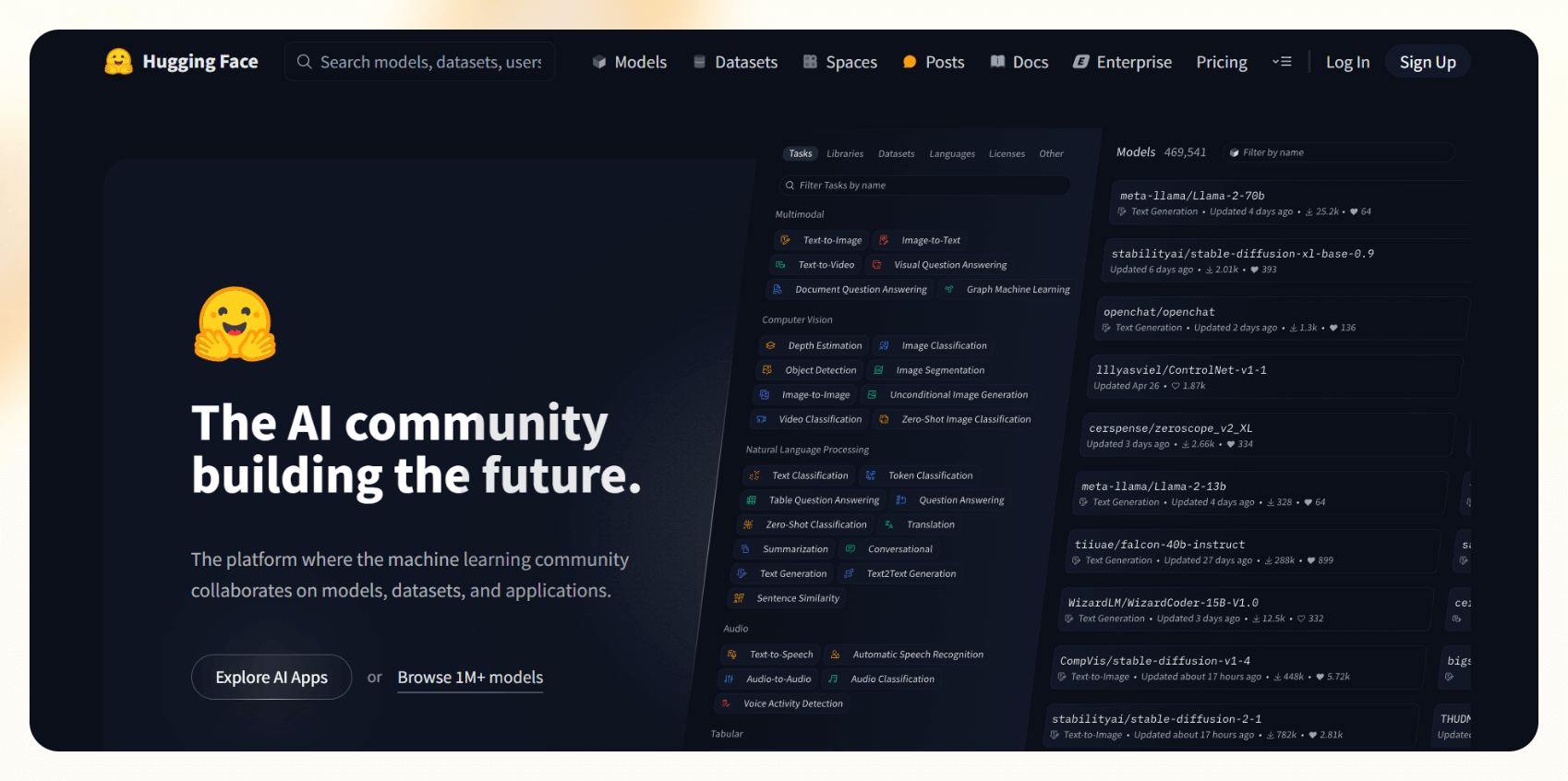
Hugging Face gives developers access to thousands of AI models for text, image, and code tasks. It lets you test, deploy, and share models quickly without managing complex infrastructure.
Who it’s for
Hugging Face is ideal for developers, researchers, and teams who want to experiment with AI models or integrate them into real-world projects.
Key features
- Model Hub with over a million pre-trained models
- Spaces for creating interactive web apps with tools like Gradio and Streamlit
- Inference Endpoints for deploying models with dedicated hardware
- AutoTrain for fine-tuning models on custom datasets
- Multi-language support for AI-driven projects
Pros
- Simple setup for model testing and deployment
- Large and active open-source community
- Clear documentation for both beginners and experts
- Scales from small prototypes to enterprise workloads
Cons
- Some features require a paid plan
- High usage can increase costs for larger deployments
Pricing
- Hugging Face Hub is free
- Paid plans from $9/month, billed monthly
Bottom line
Hugging Face is one of the easiest ways to explore and deploy AI models. It helps teams move from testing to production quickly while keeping flexibility and control over their setup.
14. aiXcoder: Best for fast code suggestions and generation
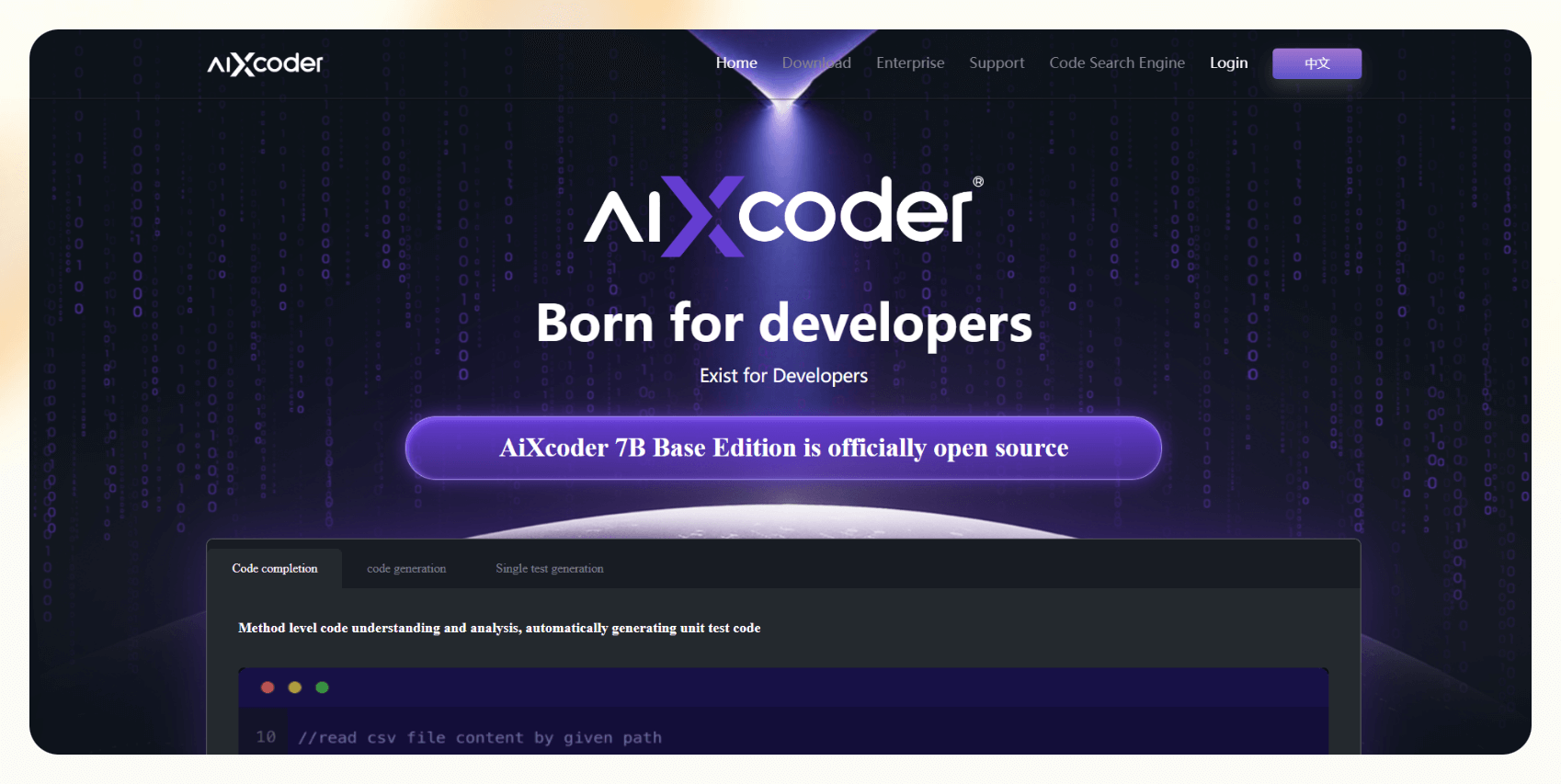
aiXcoder helps developers write code faster by offering intelligent suggestions and generating complete functions from short descriptions. It also detects and fixes basic errors in real time.
Who it’s for
aiXcoder is ideal for developers who want quick code completions and automated generation across multiple programming languages.
Key features
- Real-time code suggestions and completions
- Method-level code generation from natural language comments
- Error detection and quick fix recommendations
- Integration with popular IDEs like VS Code, IntelliJ IDEA, and Eclipse
- Works in both cloud and local modes for privacy flexibility
Pros
- Supports multiple languages, including Python, Java, and JavaScript
- Works offline in local mode for better data privacy
- Generates complete methods from short prompts
- Easy to install and use inside most IDEs
Cons
- Some advanced features are limited to cloud mode
- Requires initial configuration during setup
Pricing
- 7B Base Edition is open-source
- Need to contact sales for Enterprise edition
Bottom line
aiXcoder helps developers save time with smart completions and quick code generation. It’s a lightweight and flexible option for faster development across different programming languages.
15. Claude: Best for getting quick coding help and simple code explanations

Claude helps developers write, debug, and understand code through natural conversation. It breaks down complex logic into simple explanations and offers clear fixes for common programming issues.
Who it’s for
Claude is best for developers, students, and teams who want fast, easy-to-understand coding help without switching tools or dealing with setup.
Key features
- Explains code logic in plain language
- Detects syntax and structural errors across multiple files
- Supports languages like Python, JavaScript, and Java
- Integrates with Claude Code, a terminal-based coding assistant
- Handles both small snippets and large projects
Pros
- Fast and accurate responses
- Great for debugging and code review
- Works well for both beginners and experienced developers
- Explains functions and algorithms clearly
Cons
- File-level analysis is limited in the free version
- Needs prompts for complex, multi-file projects
Pricing
- Free plan with daily limits
- Paid plans from $20/month, billed monthly
Bottom line
Claude makes coding help conversational and easy to follow. It’s ideal for anyone who wants fast explanations, reliable debugging, and an assistant that simplifies complex programming tasks.
16. Plandex: Best for using AI to handle complex coding directly from your terminal

Plandex helps developers plan, write, and manage large projects using AI directly from the terminal. It processes large codebases and suggests clean edits without touching files until you approve them.
Who it’s for
Plandex is best for experienced developers who work on large or complex applications and want AI to assist with planning and refactoring inside the command line.
Key features
- Runs entirely from the terminal with no extra setup
- Sandbox mode that lets you review AI changes before merging
- Handles up to 2 million tokens for large codebases
- Supports models like GPT-4 Turbo, Claude 3, and Gemini
- Integrates with Git for version control and safe edits
Pros
- Fully open-source with transparent workflows
- Keeps your project versions organized
- Supports multiple AI providers for flexibility
- Maintains full control of your code changes
Cons
- Initial setup takes time for self-hosted environments
- Performance depends on the AI model you connect
Pricing
- Free and open source
- Cloud hosting is shut down
Bottom line
Plandex helps developers manage large, multi-file projects with AI precision. It brings automation to the terminal while keeping every change visible and under your control.
17. CodeGeeX: Best for coding, explaining, and translating across different programming languages

CodeGeeX helps developers write, explain, and translate code between multiple programming languages. It supports smart completions, code reviews, and syntax conversions inside your IDE.
Who it’s for
CodeGeeX is best for developers and teams who work with multiple languages and want to save time switching between syntax or debugging logic.
Key features
- Translates functions between languages like Python, Java, and C++
- Provides context-aware code suggestions and explanations
- Integrates with VS Code and JetBrains IDEs
- Supports over 20 programming languages
- Evaluated using HumanEval-X to ensure accuracy and consistency
Pros
- Works as an open-source plugin
- Saves time when converting code between languages
- Offers clear, beginner-friendly code explanations
- Runs on both Ascend and NVIDIA GPU environments
Cons
- Needs a stable internet connection for best performance
- Takes some time to learn if you are new to AI coding tools
Pricing
- Free to use with an open-source license
- Enterprise plan requires contacting sales
Bottom line
CodeGeeX helps developers code and translate across languages with accuracy and speed. It’s ideal for multilingual projects and collaborative development.
18. Sourcery: Best for instant AI code reviews to improve your code
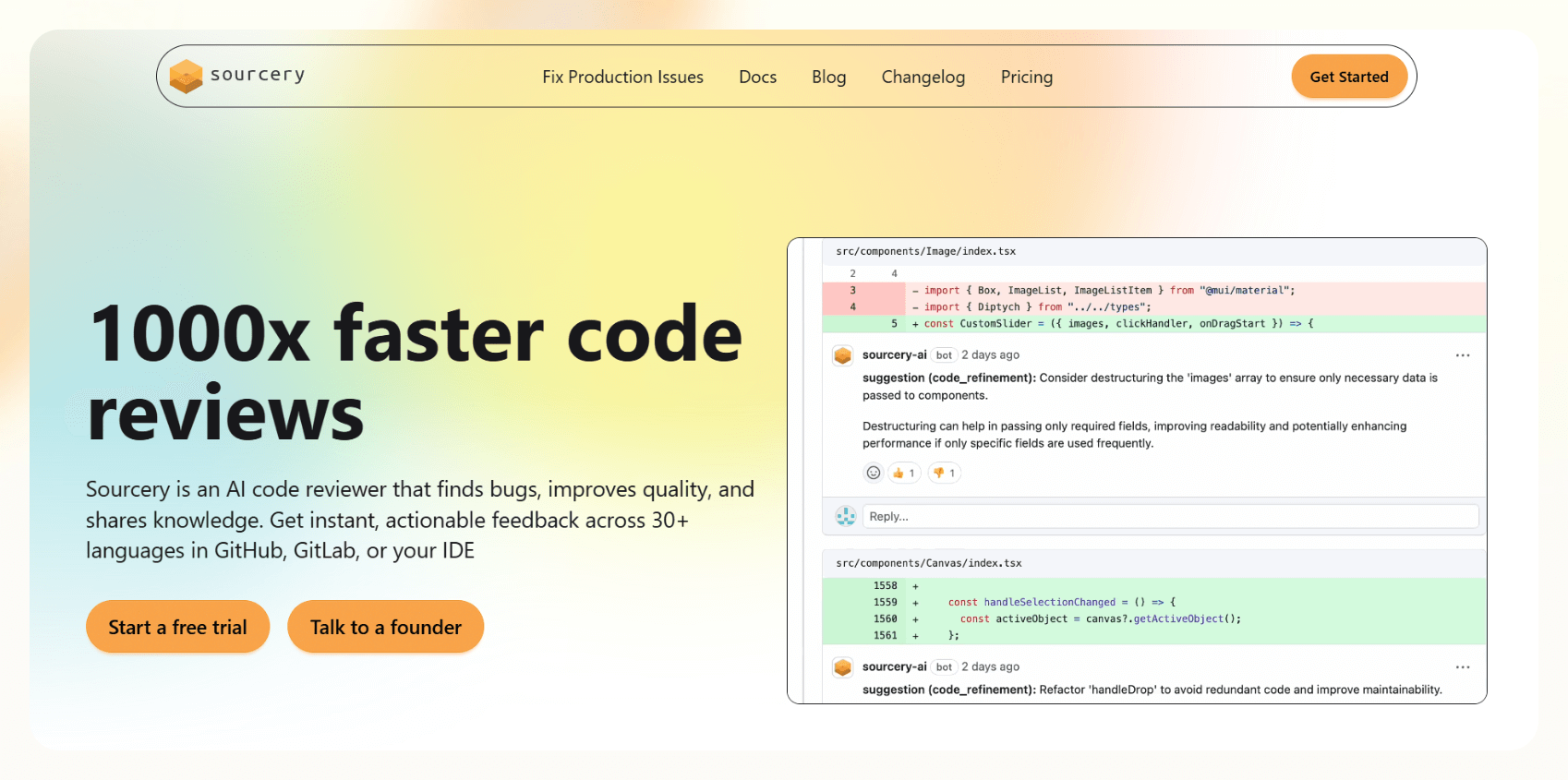
Sourcery reviews your code in real time, finds inefficiencies, and suggests cleaner alternatives. It automatically summarizes pull requests and flags sections that need improvement.
Who it’s for
Sourcery is best for developers and teams who want quick, automated code reviews that maintain consistent style and quality.
Key features
- Real-time AI feedback inside your editor
- Automatic pull request summaries and improvement suggestions
- Visual Review Guide for understanding project structure
- Learns from team feedback to improve future reviews
- Works with GitHub, Bitbucket, and Azure DevOps
Pros
- Supports more than 30 programming languages
- Adapts to your team’s coding style over time
- Tracks code quality across projects
- Enforces team-defined coding standards automatically
Cons
- Some advanced review rules require paid plans
- Custom setup takes extra time for team-specific rules
Pricing
- Free to use with the open-source license
- Paid plans from $15/seat/month, billed monthly
Bottom line
Sourcery delivers fast, reliable AI code reviews that keep projects clean and consistent. It’s a great choice for teams who want instant feedback without adding more manual review time.
{{cta}}
How I tested these AI coding tools
I tested many AI coding tools to find the ones that save teams time and improve accuracy. I put each tool through the same process to measure speed, quality, and usability in real-world projects. Here’s how I evaluated them:
- Useful code suggestions: I wrote code in Python, JavaScript, and Java to see how well each tool predicted what I needed next. The best ones suggested full, working lines or complete functions that matched the project context.
- Clear explanations and fixes: I introduced small bugs and asked each tool to explain or fix them. Tools that provided clear, plain-language explanations scored higher than those that only patched the code.
- Easy setup and workflow fit: I installed or launched each tool without reading the documentation to test how intuitive the setup felt. Tools that worked immediately inside an IDE or browser received higher marks.
- Handling large, complex projects: I uploaded full projects instead of small code snippets. The strongest tools tracked functions across files, understood project structure, and stayed responsive during testing.
- Continuous improvement: I checked if tools adapted to my coding style over time. The best options learned from my feedback, offered adjustable AI settings, or allowed switching between different models for better results.
Which AI coding tool should you choose?
Choosing the right AI coding tool will depend on how you code, your privacy requirements, and the size of your projects. I’ve thought of a few scenarios to help you decide:
Choose Lindy if you:
- Want an AI assistant that automates repetitive coding tasks
- Need a customizable agent that connects with tools like GitHub, Slack, or Notion
- Prefer a no-code setup for your automation projects
Choose GitHub Copilot if you:
- Want instant code suggestions while typing in your IDE
- Use multiple languages like Python, JavaScript, or Go
- Prefer a lightweight, plug-and-play coding assistant
Choose Cursor if you:
- Build full-stack apps and want an editor that understands your entire codebase
- Need strong privacy options for local projects
- Prefer AI that offers full-line completions and contextual code searches
Choose Tabnine if you:
- Need to run AI locally or on private servers for security reasons
- Want a coding assistant that learns your team’s standards
- Value consistent, privacy-safe code completions
Choose Replit Ghostwriter if you:
- Want to code directly in your browser without setup
- Prefer real-time learning and code explanations
- Need an accessible tool that works on any device
Other great options to consider:
- Amazon Q Developer: Ideal for developers managing AWS services directly from their IDE.
- Qodo: Great for teams focused on automated testing and code quality.
- Visual Studio IntelliCode: Perfect for developers already working in Visual Studio who want adaptive suggestions.
- Sourcegraph Cody: Best for large codebases that need context-aware AI assistance.
- Codiga: Suitable for developers who want live feedback and reusable code snippets.
- ChatGPT: Great for beginners who want step-by-step coding help and clear explanations.
- Snyk DeepCode AI: Best for teams that need real-time security and vulnerability scanning.
- Hugging Face: Ideal for researchers and developers experimenting with open-source AI models.
- aiXcoder: Best for quick code generation and method-level completions.
- Claude: Great for simple, conversational debugging and code explanation.
- Plandex: Suited for developers managing large, multi-file projects from the terminal.
- CodeGeeX: Ideal for translating code between different programming languages.
- Sourcery: Best for teams that want instant AI-powered code reviews.
Avoid these tools if you:
- Rarely code or prefer drag-and-drop no-code platforms
- Only work on visual web builders or low-code workflows
- Need full project management instead of line-level coding help
My final verdict
If you want a complete AI coding environment, Cursor and GitHub Copilot deliver the best balance of speed, intelligence, and usability.
For teams that prioritize privacy and custom workflows, Lindy and Tabnine stand out for flexibility and control.
And if you’re learning or want quick explanations, ChatGPT and Claude make coding easier and less stressful.
The smartest move would be to combine the right tools that match your workflow and skill level. Together, they save hours of development time and make coding efficient.
Try Lindy for your AI coding tasks
Lindy is an AI coding tool that lets you create apps by describing them in natural language. You can also create AI agents using the no-code builder to automate tasks around emails, meetings, and sales.
Lindy stands out among the AI coding tools for four reasons:
- Drag-and-drop workflow builder for non-coders: You don’t need any technical skills to build workflows with Lindy. It offers a drag-and-drop visual workflow builder.
- Lindy Build: Describe the app you want to create in natural language and Lindy will create the full-stack app for you. It’ll also run QA sessions to debug the code and make it ready to publish.
- Create AI agents for your use cases: You can give them instructions in everyday language and automate repetitive tasks. For instance, create an assistant to find leads from websites and sources like People Data Labs. Create another agent that sends emails to each lead and schedules meetings with members of your sales team.
- Free to start, affordable to scale: Build your first few automations with Lindy’s free version and get up to 40 tasks. With the Pro plan, you can automate up to 1,500 tasks, which offers much more value than Lindy’s competitors.
Frequently asked questions
What is the best AI tool for coding?
The best AI tool for coding in 2025 is Lindy. It acts as a customizable AI assistant that can debug code, write documentation, and automate development tasks. Lindy Build also lets you create full-stack apps by describing them in natural language.
What can I do with an AI coding tool?
You can generate functions, detect bugs, create unit tests, and clean up messy syntax using AI coding tools. These tools also explain errors and suggest improvements, helping developers code quickly with fewer mistakes.
Can I use AI coding tools without knowing much about coding?
Yes, you can use AI coding tools even with limited programming experience. Tools like Replit Ghostwriter, Lindy, Claude, and ChatGPT are beginner-friendly and explain code in simple language. More advanced options like Plandex or Qodo suit developers who already know basic coding concepts.
How much do AI coding tools cost?
The paid plans of AI coding tools start from around $9 to $60 per month. If you want complete control, you can also opt for open-source tools.
Can AI coding tools replace developers?
AI coding tools handle repetitive coding, debugging, and testing, but still depend on human oversight for system design and creative problem-solving. AI enhances productivity, but developers remain essential for making decisions and building reliable applications.
Are AI coding tools safe to use?
Yes, most AI coding tools are safe when used correctly. Tools like Cursor and Tabnine offer privacy modes and local processing to protect your code. Still, developers must review AI-generated code for security risks before deployment.











Blog
Related Articles
.png)

.png)
%20(1).png)
.avif)

%20(1).png)
.png)
The AI assistant that runs your work life
Lindy saves you two hours a day by proactively managing your inbox, meetings, and calendar, so you can focus on what actually matters.
