Best AI Chatbots for Business in 2026 (Manually Reviewed)
Marvin tested AI chatbots including ChatGPT, Claude, and Intercom across real business workflows, evaluating accuracy, agentic capabilities, and integrations with existing tools.


The quickest way I found to expose an AI chatbot for business was to stop asking neat demo questions. One vague support request was enough to show me whether it understood the problem or was only repackaging words from the help center.
That became my dividing line. A useful chatbot should resolve the conversation, pull the right company information, or complete the next task. It shouldn’t create another ticket for a human to clean up.
I spent weeks testing more than 20 chatbots across customer support, lead qualification, document analysis, and connected business workflows. I looked at accuracy, knowledge retrieval, integrations, and whether each tool could take action after answering.
These are the 10 AI chatbots for business that’ll help you offer better support.
10 best AI chatbots for business: TL;DR
- Lindy: Best AI assistant/chatbot for business and support tasks
- ChatGPT: Best for general-purpose work across teams
- Claude: Best for knowledge work and document analysis
- Google Gemini: Best for teams using Google Workspace
- Perplexity: Best for research and competitive intelligence
- Intercom: Best for website customer support
- Tidio: Best for e-commerce customer service
- Manychat: Best for social media messaging
- Zendesk AI: Best for customer support automation at scale
- Dialpad: Best for voice and phone support
What Are AI Chatbots for Businesses?
AI chatbots for businesses are software applications that use artificial intelligence to simulate human conversation, handling tasks like customer service, lead generation, and sales. Before committing to a platform, understanding typical chatbot pricing models can help you budget effectively.
AI chatbots use technologies like natural language processing (NLP) and machine learning (ML) to understand user intent, provide personalized responses, and learn from interactions over time, offering 24/7 support and improving efficiency by handling multiple inquiries at once.
Modern AI chatbots go beyond scripted responses. For teams focusing on sales pipeline growth, deploying dedicated ai lead generation chatbot software can automate capture and qualification. If your team is building complex multi-agent workflows, exploring top crew ai alternatives can reveal more accessible automation frameworks.
They can analyze documents, update CRMs, book meetings, and trigger workflows across your tech stack. The latest generation can handle voice calls, pull context from your knowledge base, and collaborate with other AI agents to complete multi-step processes without human intervention. For teams exploring voice-based automation, evaluating various bland ai alternatives can reveal specialized tools for phone support.
How We Tested These AI Chatbots
I put these tools through real business scenarios. In the process, I uploaded contracts, tested customer support flows, ran lead qualification sequences, and built automated workflows to see which platforms could actually handle the messiness of daily tasks. Evaluating these features helps identify the best conversational ai platform for your organization's workflow.
Here's what I focused on:
- Accuracy: How well does it understand requests and provide relevant responses?
- Agentic capabilities: Can it take action or just answer questions?
- Business workflows: Does it integrate with your CRM, calendar, and communication tools?
- Integrations: How many apps does it connect with, and how well do they work?
- Knowledge retrieval: Can it pull accurate information from your documents and databases?
- Team features: How easy is it to collaborate, assign tasks, and manage multiple agents?
The 10 Best AI Chatbots for Businesses (2026)
1. Lindy: Best AI Agent for Business Automation
What does it do? Lindy gives you AI chatbots that you can add to your website or Slack. These chatbots answer customer or team questions by pulling answers from your documents and past support tickets. To compare dedicated support solutions, check out our review of the best customer service chatbots.
Who is it for? Great for businesses that want to reply to customer questions quickly, without needing a human to step in every time. Implementing a tailored chatbot for small business customer support helps lean teams scale their operations efficiently.
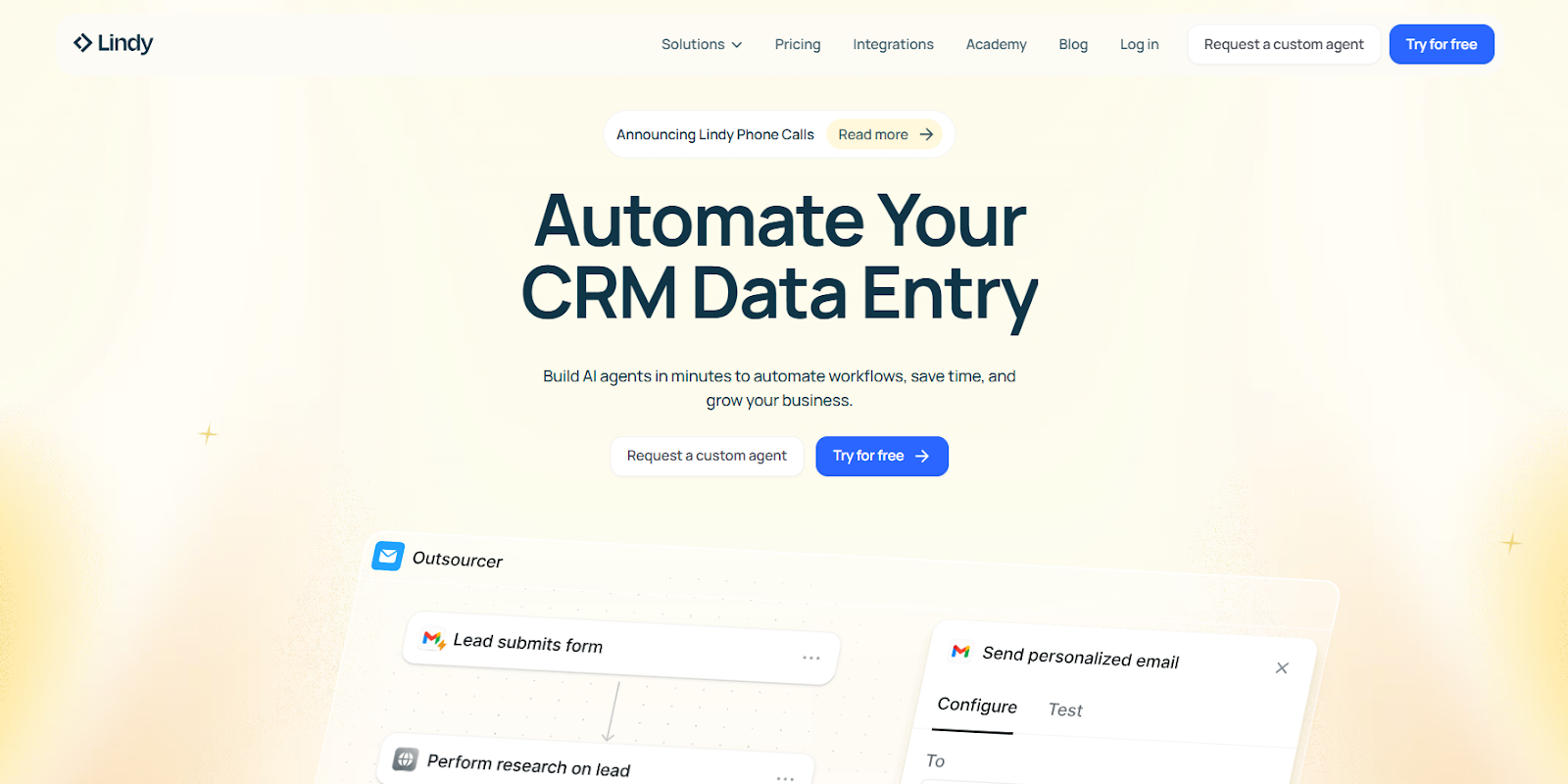
We built Lindy to be more than just another AI chatbot. Think of it as a full-time teammate that helps you automate real business tasks, from answering customer queries to scheduling meetings, summarizing documents, updating CRMs, and more.
With Lindy, you don’t need to touch code. Just open our visual builder, add a few instructions, and your AI agent is ready to go. You can train it on help docs, websites, internal files, or connect it to tools like Slack, Notion, Gmail, Salesforce, or HubSpot. Lindy pulls in that knowledge and uses it to act, not just reply.
You can run multiple AI agents at once here, each with its own role. One can handle support tickets, another can prep sales calls, and a third can manage calendar bookings. To see how other platforms handle multi-agent orchestration, you can explore our guide to the best ai agent frameworks.
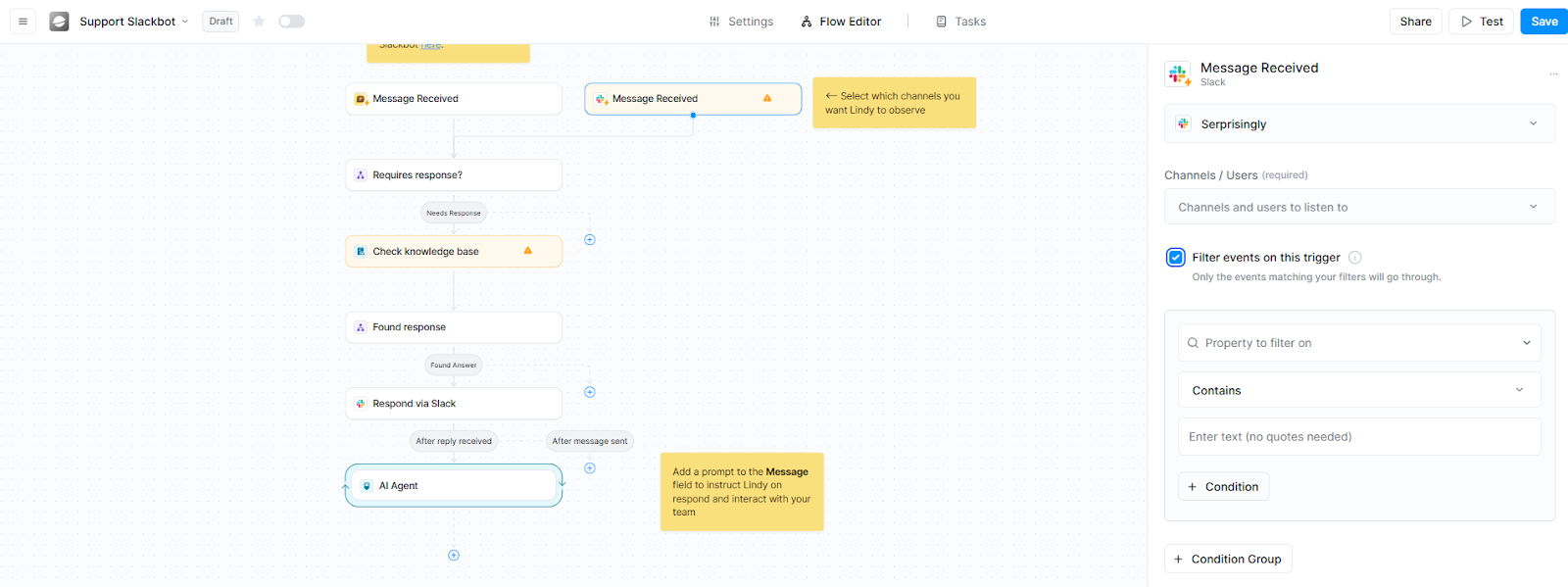
All of them share context and communicate with each other in the background, so nothing falls through the cracks.
We also made sure Lindy fits right into your workflow. Add it to your site, Slack workspace, or share it through a public link. And when conversations need a human touch, Lindy knows when to hand things over.
With human-in-the-loop (HITL) modules, Lindy can pause to ask for your confirmation before taking critical actions, so you're never left out of the loop. You can even start with pre-made templates and access Lindy Academy if you get stuck somewhere.
If your team manages too many tools, answers the same questions over and over, or loses time to repetitive tasks, Lindy can step in and take care of it, all while learning and improving with every conversation.
Pricing
Lindy offers a free plan with 40 tasks and 400 credits/month to test voice calls and basic features. The Pro plan starts at $49/month with 5,000 credits and up to 1,500 tasks.
{{templates}}
2. ChatGPT: Best General-Purpose Chatbot for Most Teams
What does it do? ChatGPT is OpenAI's conversational AI platform that helps teams write, code, analyze data, and automate workflows using advanced language models.
Who is it for? Best for businesses that need a versatile AI tool across departments, from marketing and sales to engineering and support.
ChatGPT handles the widest range of business tasks without needing specialized setup. Teams use it daily for drafting proposals, analyzing spreadsheets, writing code, and brainstorming campaigns.
The Business and Enterprise plans unlock unlimited access to GPT-5.1, the most accurate model available, along with tools like Canvas for collaborative editing and advanced data analysis.
The platform connects directly to your company knowledge through built-in connectors for Google Drive, SharePoint, GitHub, and Dropbox. Responses include citations back to source files, which cuts down on searching through Slack threads or forgotten wikis.
Agents handle multi-step workflows with a single prompt. Deep Research agents synthesize information across dozens of sources and deliver structured reports.
Codex generates, debugs, and refines code by reasoning across your repositories, helping new engineers get up to speed without bothering senior developers.
Business plans start at a flat rate with generous usage limits, while Enterprise customers get unlimited GPT-5.1 access plus the option to add credits for heavy workloads. Fine-tuning lets you optimize performance for industry-specific language or niche use cases.
Security meets enterprise requirements. ChatGPT Business and Enterprise plans don't train on your data. Encryption covers data at rest and in transit, with compliance for SOC 2 Type 2, HIPAA (with BAAs), and CCPA. Admin controls manage who accesses what, and 24/7 support includes SLAs for response times.
Pricing
Free plan available. Business plans start at $25/user/month (billed annually). Enterprise pricing is custom.
3. Claude: Best for Knowledge Work & Document Analysis
What does it do? Claude is Anthropic's AI assistant built for deep reasoning, document analysis, and complex problem-solving across business workflows.
Who is it for? Best for teams that work with large documents, codebases, and nuanced writing, especially engineering, product, HR, and marketing departments.
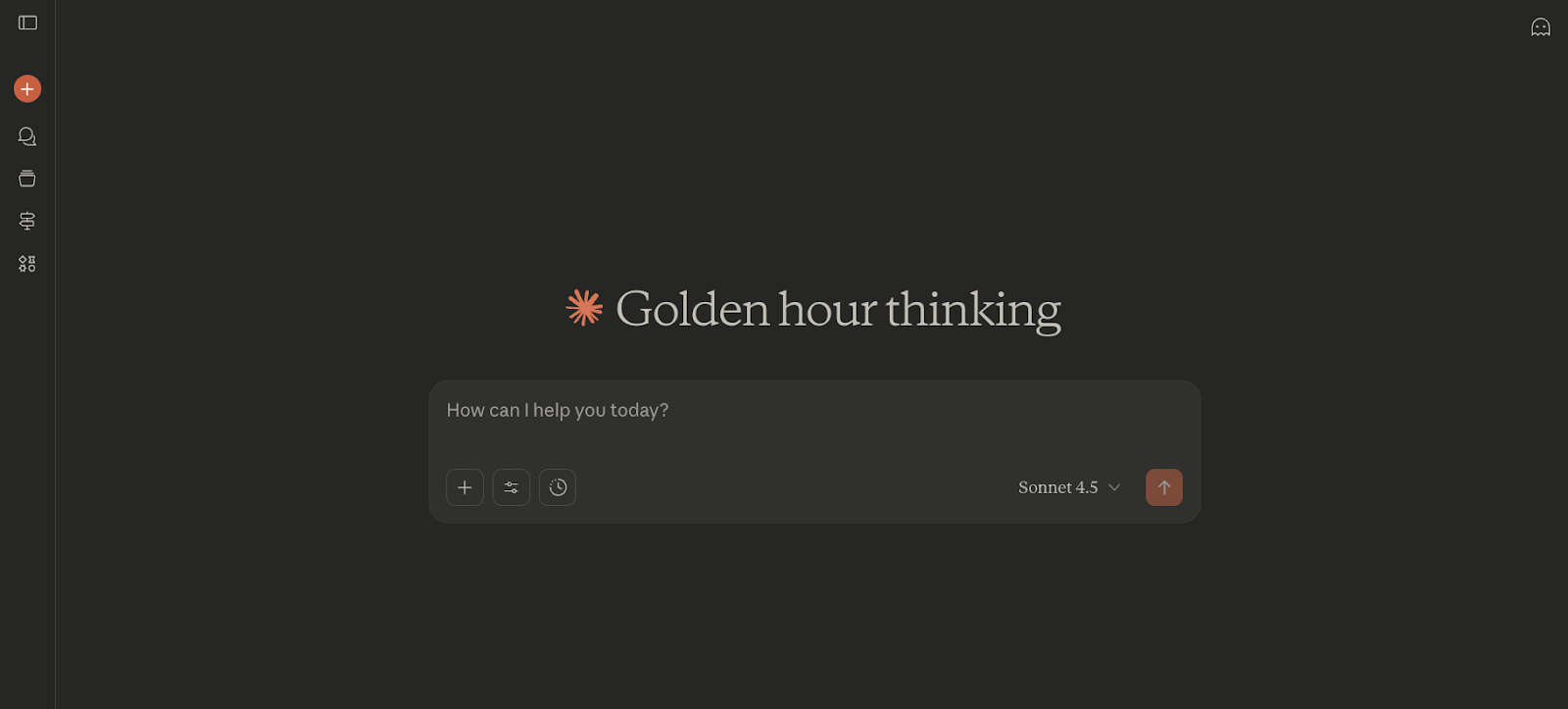
Claude handles tasks that require careful reasoning and context retention. Teams use it for drafting grant proposals, analyzing technical documentation, debugging code, and refining messaging for specific audiences.
Projects function as persistent workspaces where uploaded files, spreadsheets, and notes stay accessible across every chat.
Open a conversation inside a Project, and Claude already has the context it needs, no re-uploading documents or repeating instructions. This works like scoped long-term memory, especially useful for ongoing campaigns, product development, or legal research.

Artifacts display structured outputs in a side panel instead of cluttering the main chat. Code, charts, formatted documents, and interactive apps appear in this workbench, where you can tweak, test, and download them in real time.
Engineers review scripts, marketers tweak messaging frameworks, and analysts refine data visualizations, all in real time.
Claude's analysis tool writes and runs Python code on the spot. Drop a CSV into the chat, and it identifies trends, calculates metrics, and plots revenue charts as interactive visuals.
Extended Thinking mode is for when things get genuinely complex. Debugging a multi-file codebase or untangling a dataset with missing values? Claude slows down and shows its reasoning step-by-step. You can spot bad assumptions before it heads in the wrong direction, which saves hours of backtracking.
Pricing
Free plan available. Pro starts at $20/month per user if billed monthly. Team and Enterprise pricing is custom-based on organization size.
4. Google Gemini: Best for Google Workspace Integration
What does it do? Gemini is Google's AI assistant that integrates directly into Gmail, Drive, Docs, and Chrome to help with research, document analysis, and communication tasks.
Who is it for? Best for teams already using Google Workspace who want AI assistance without switching between apps.

Gemini works inside the tools you already use daily. Ask it to check your Gmail for that restaurant recommendation a client sent, pull a resume from Drive to draft a bio, or summarize a spreadsheet without opening it.
The AI operates across Gmail, Drive, Calendar, and Keep, so you can execute tasks with a single prompt instead of jumping between tabs.
The Chrome integration handles research on the fly. When you're reading dense articles or comparing products, Gemini pulls key takeaways, clarifies confusing sections, and extracts specs or pros and cons from the page you're already on.
Gemini Live turns into a brainstorming partner when you need to think out loud. The conversational mode adapts as you talk. You can change direction mid-sentence or interrupt with follow-up questions. It's useful for planning campaigns, working through strategy, or exploring ideas before committing them to a deck.
File uploads work across formats. This means you can drop a spreadsheet, user manual, or syllabus into Gemini Live, and it’ll bring the details for you.
For business use, this means analyzing sales data, reviewing onboarding docs, or pulling insights from quarterly reports without manual parsing.
Email drafting adjusts tone based on context. Tell Gemini to write a formal message to your landlord about a broken AC unit, and it outputs something urgent but polite. The more detail you provide about the situation, the more customized the response. It handles everything from casual Slack-style messages to buttoned-up client emails.
Admin controls determine what functionality your team accesses. Google Workspace admins can configure Gemini's permissions, so features vary depending on your organization's settings.
Pricing
Included with Google Workspace plans. As a part of Google AI Pro, Gemini starts at $19.99/month for enhanced features and priority access.
5. Perplexity: Best for Research & Competitive Intelligence
What does it do? Perplexity is an AI-powered answer engine that delivers real-time, cited research across the web and internal company data.
Who is it for? Best for sales teams, investors, R&D departments, and anyone who needs fast, accurate research backed by verifiable sources.
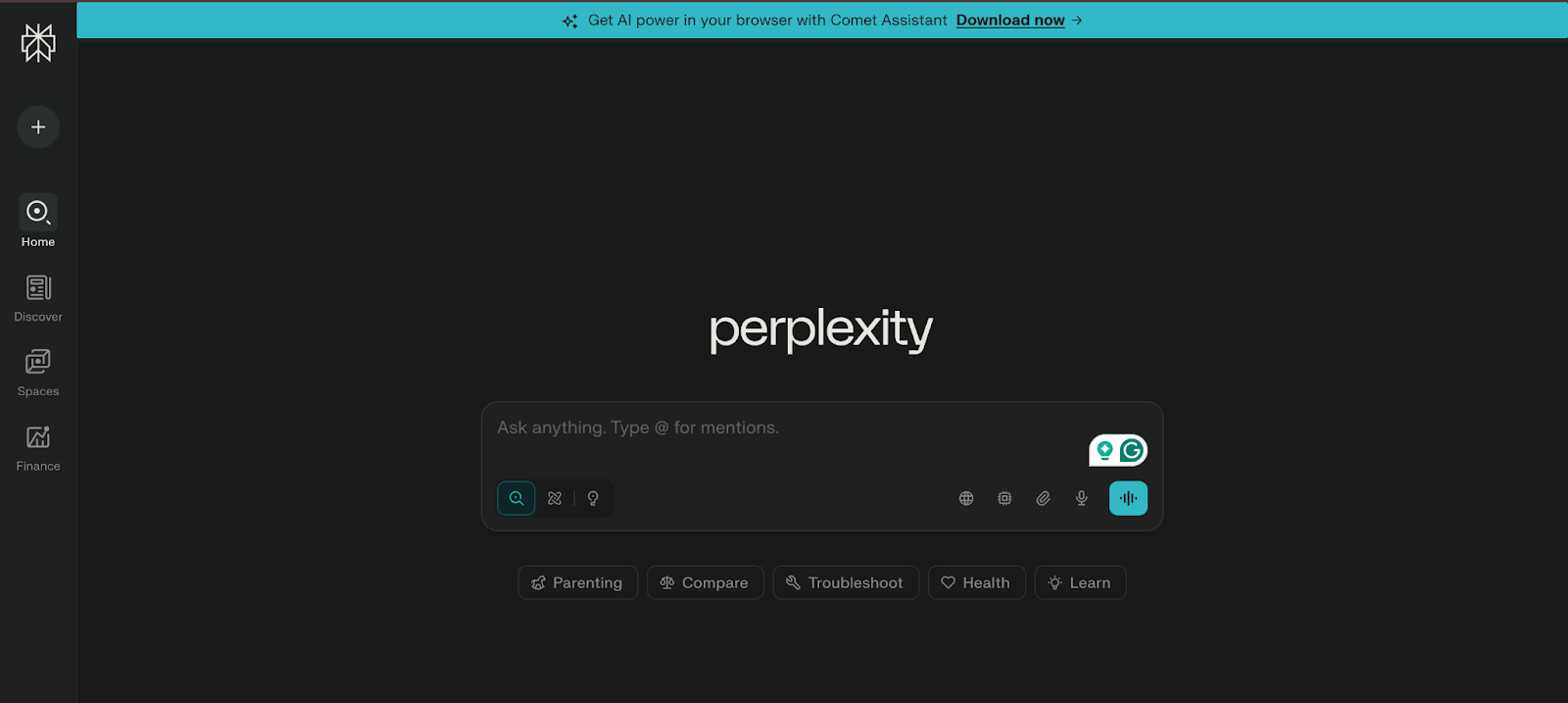
Perplexity delivers complete answers with citations instead of dumping a list of links. Ask about a competitor's pricing model, and it pulls information from multiple sources, synthesizes the findings, and shows exactly where each claim comes from.
Focus modes let you control where Perplexity searches. Academic mode scans research papers, Finance mode digs into official company reports, and Social mode pulls from Reddit threads and community discussions to surface customer pain points.
Deep Research mode (Pro only) generates full reports instead of quick answers, useful for due diligence, market analysis, or competitive audits.
File uploads work across formats. Drop a PDF contract to extract key terms and compare them against industry standards. Upload a CSV of sales data, and Perplexity identifies trends, best-selling products, and average order values without manual parsing. It can also handle images, audio, and video files on the Pro plan.
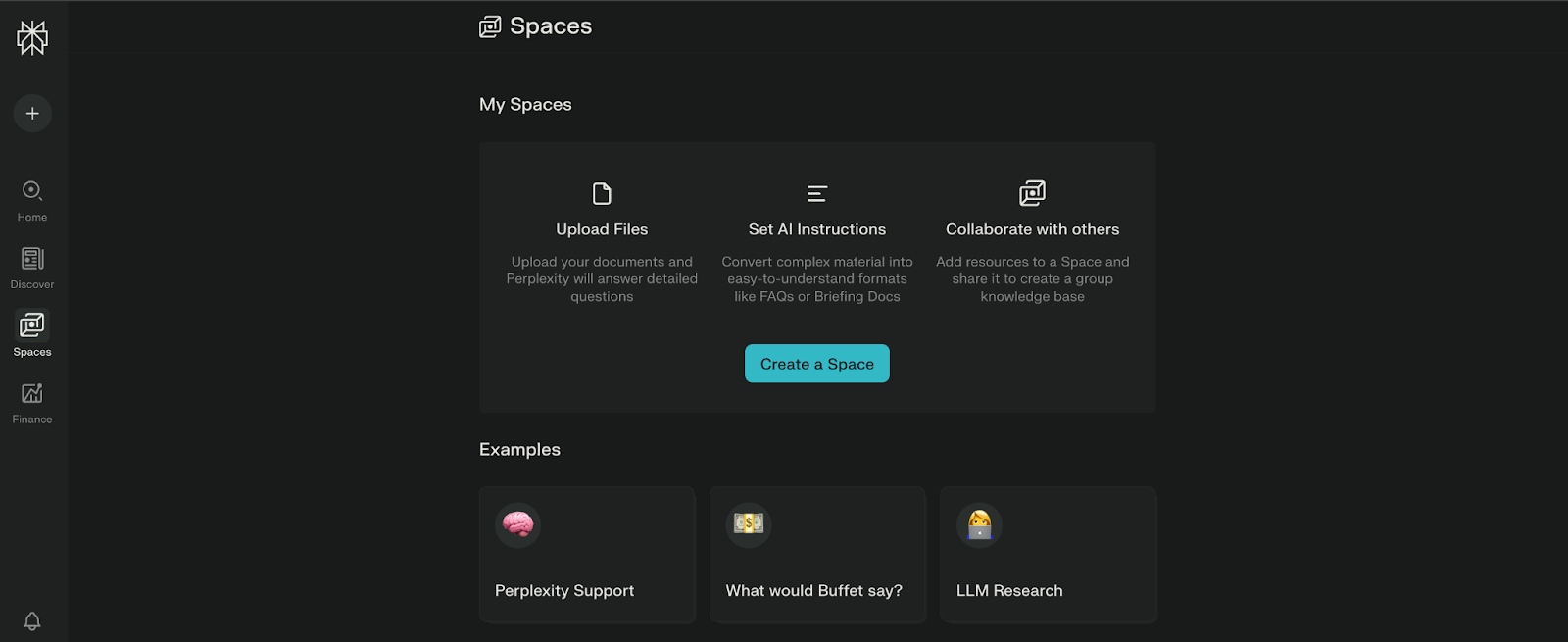
Spaces organize research by project or topic. Create a Space for your Shopify SEO strategy, set custom instructions (like "format answers as bullet points" or "act as a content strategist"), and every search inside that Space follows those guidelines. You can share Spaces with team members for collaborative research.
The Comet browser acts as an agentic assistant that performs actions on the web. It can monitor product stock on supplier sites, automate publishing new products to Shopify, hunt for deals and test promo codes at checkout, or analyze website analytics and generate spreadsheet formulas based on open pages.
Pricing
Free plan available. Pro starts at $20/month per user. Enterprise Pro pricing is custom, based on team size and requirements.
6. Intercom: Best AI Chatbot for Website Integration
What does it do? Intercom is an AI-powered customer service platform that includes AI chatbots, support tools, and automation features to help businesses offer faster and better customer support.
Who is it for? Best for companies that want to combine live chat, AI support, and automation in one place, especially those that get a high volume of customer queries.
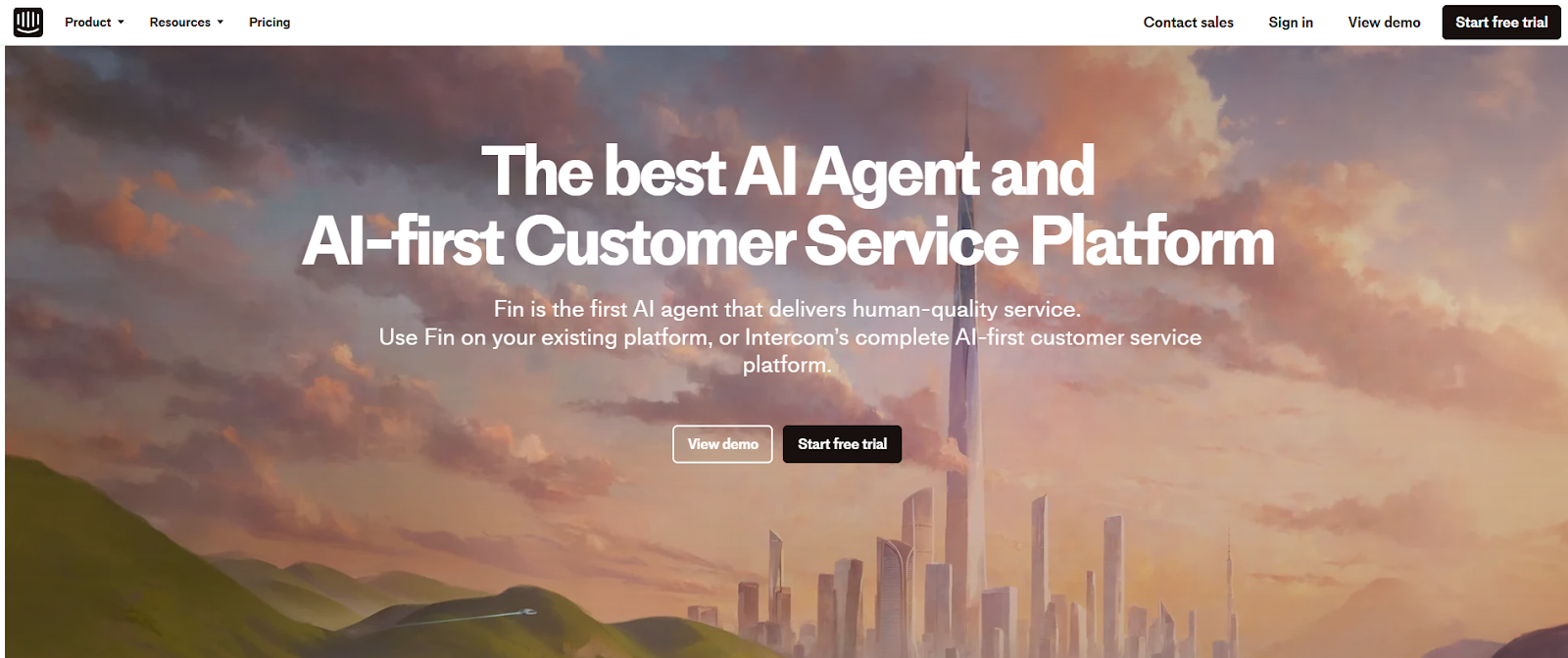
Intercom’s Fin AI Agent was one of the fastest support bots I tested. It responded to common questions in seconds, with surprisingly accurate answers. You don’t need to write long FAQs for it to work, either. If you prefer to build a custom solution from scratch, learning how to make an ai chatbot is easier than ever.
Fin pulls from your existing Help Center to craft contextual replies that sound natural and confident. During testing, it handled a majority of tier one support queries without ever needing a handover to a human. For businesses looking to capture leads alongside support, deploying a dedicated ai sales chatbot can further streamline visitor conversion. Businesses looking specifically to qualify site visitors can also implement an ai lead generation chatbot to capture prospect details automatically.
Instead of replacing agents, Intercom’s AI Copilot works alongside them by suggesting replies, filling in ticket context, and prompting follow-up questions in real time. Even newer agents could hold complex conversations thanks to that backend guidance.
I also found the Messenger setup refreshingly intuitive. It took just a few clicks to match the widget with my site’s branding and decide what shows up, like articles, ticket links, or just a clean “Chat now” button.
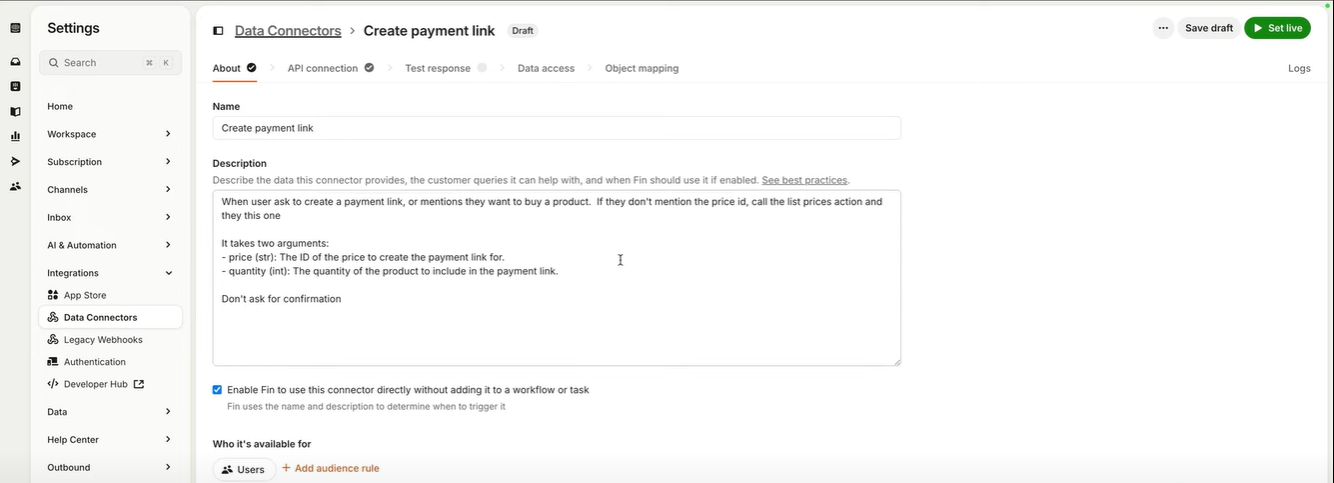
This widget works across web and mobile, and the same dashboard lets you manage conversations from channels like WhatsApp, Facebook, SMS, and email.
Beyond that, Intercom offers a full suite of support tools: a no-code Help Center builder, an AI-powered inbox, agent performance tracking, and automation workflows.
It can feel like a lot in the beginning, but the platform walks you through everything with setup guides. You can even test all this during the 14-day free trial without using a credit card.
Pricing
Intercom starts its plans with the Enterprise plan, which costs $39 per seat/month. You can also get started with a 14-day free trial.
7. Tidio: Best AI Chatbot for eCommerce Stores
What does it do? Tidio is an all-in-one customer service tool that helps businesses chat with website visitors, answer questions, and run email campaigns all from a single dashboard.
Who is it for? Great for small and mid-sized e-commerce businesses that want to boost sales, handle support, and stay connected with customers in real time.
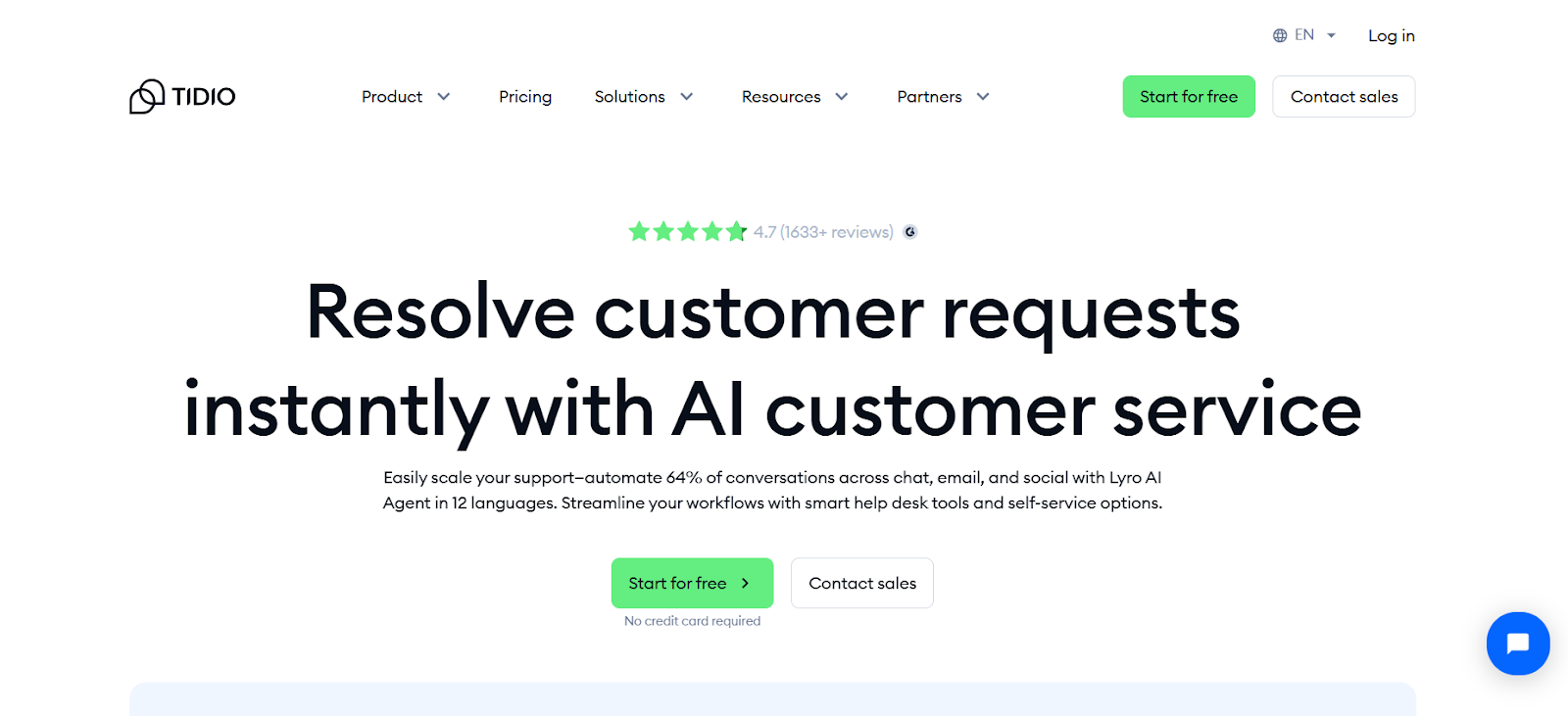
Tidio’s interface is clean, and the left panel puts everything within reach; your inbox, website visitor tracker, campaign tools, and chatbot settings all sit in one place. I didn’t have to bounce between tabs to get work done, which immediately made the workflow smoother.
The chatbot builder is where Tidio really stands out. You get a library of templates for common use cases like sales, lead capture, and customer support.
I tested Lyro, Tidio’s AI chatbot, and found it refreshingly human in tone. Unlike basic bots that stick to scripts, Lyro could understand context and adjust its responses on the fly.
Lyro also integrates well with popular support tools. With Lyro Connect, you can plug it into platforms like Zendesk, HubSpot, or Salesforce without much hassle. This makes it easier to manage conversations and data across systems.
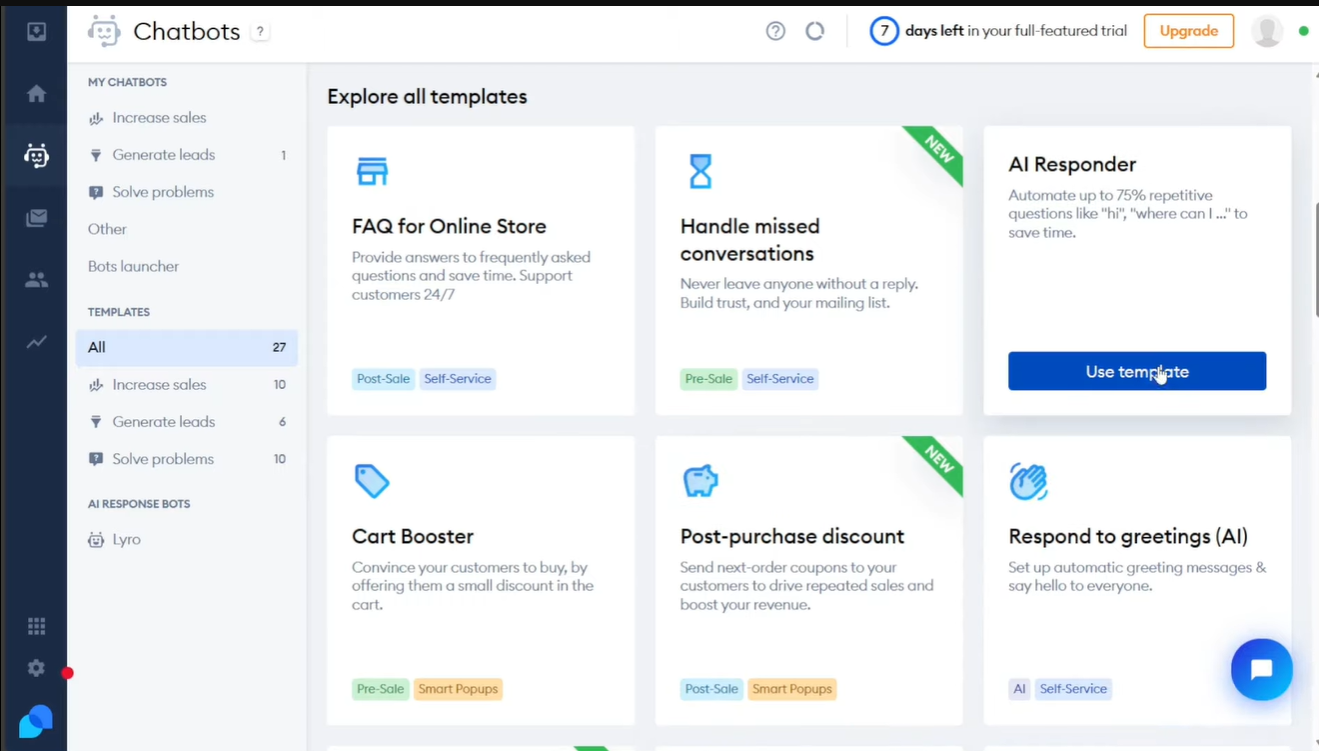
Tidio also gives you the option to build Flows, which are simple automation paths for handling FAQs or routing messages.
Tidio lets you run both Flows and Lyro simultaneously. The AI handles open-ended customer questions while Flows automate repetitive tasks like order tracking or appointment booking. Most platforms force you to pick one approach, Tidio doesn't.
Pricing
Tidio offers a free plan with basic live chat and limited AI responses. Paid plans start at $29/month for Starter, with the Lyro AI add-on available from $39/month.
8. Manychat: Best AI Chatbot for Social Media Messaging (Instagram, Facebook)
What does it do? Manychat is a chatbot platform that helps businesses automate conversations on Instagram, WhatsApp, Facebook Messenger, and other messaging apps.
Who is it for? Ideal for businesses that use social media to talk to customers, run promotions, or generate leads.
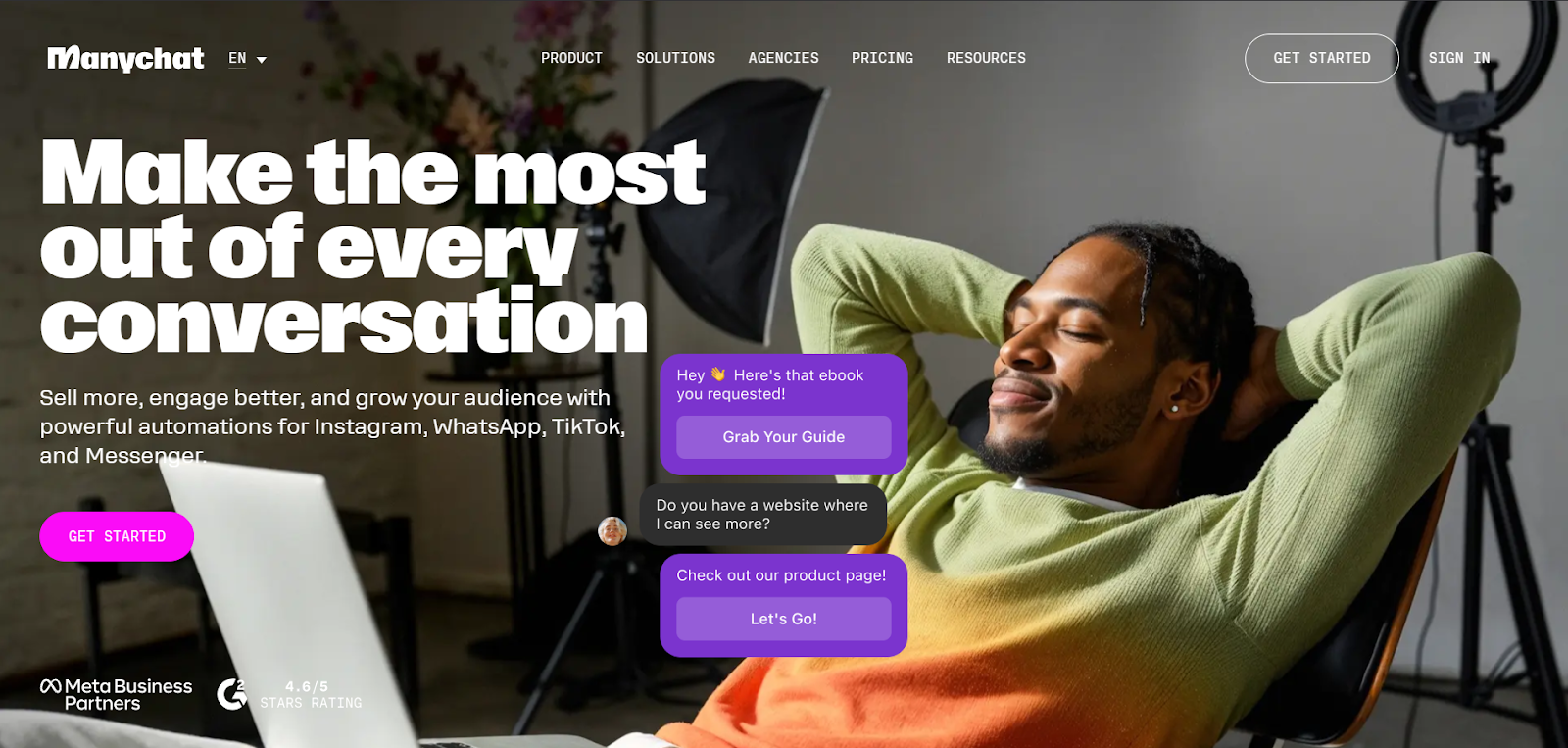
Getting started with Manychat was surprisingly smooth. The chatbot connected with my social channels almost instantly, and I was able to start testing automations within minutes.
Manychat's AI add-on makes conversations feel less scripted. It includes tools for dynamic responses, smarter routing, and personalized messaging that adapts based on user behavior.
The AI Flow Builder Assistant was a time-saver. Instead of building logic from scratch, I got a prebuilt structure for things like booking appointments or collecting leads.
The drag-and-drop interface was intuitive, though I still had to double-check the setup to make sure everything ran as expected. Even so, it cut my setup time by half.
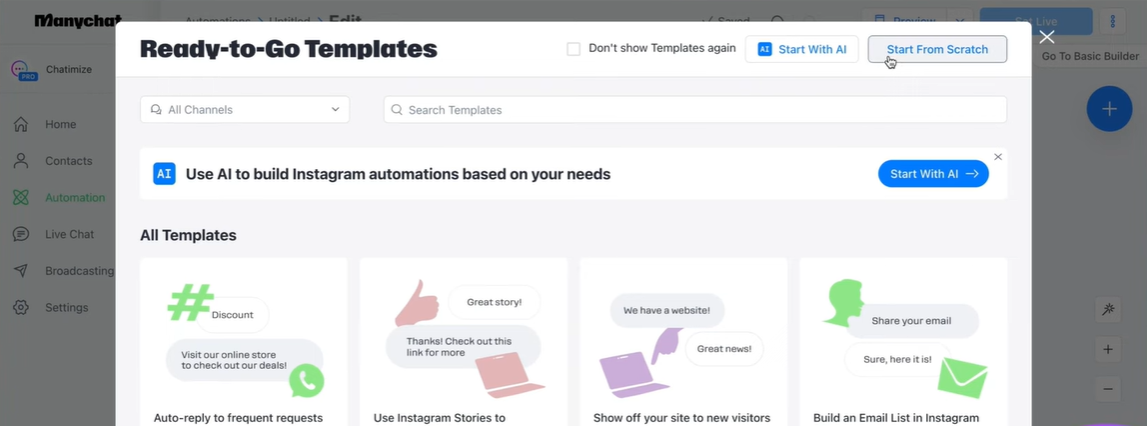
The AI Text Improver can be used to polish responses, rephrase clunky messages, adjust tone, and even translate content for global campaigns. For businesses with an international audience, this feature alone can make a big difference.
AI Step handles microtasks like capturing names and emails using natural language. Instead of forcing users through rigid forms, it extracts information from how people naturally respond, making conversations feel less like filling out paperwork.
Lastly, AI Intention Recognition stood out. Instead of keyword matching, it focused on the meaning behind customer questions.
So even when someone asked about their order unusually, the bot got it right. That made the overall experience feel more intelligent and personal.
Pricing
Manychat's free plan covers basic automation for up to 1,000 contacts. Paid plans start at $15/month for Pro, unlocking advanced flows, multiple channels, and the AI add-on for smarter messaging.
9. Zendesk AI: Best AI Chatbot for Customer Support Automation
What does it do? Zendesk is a complete AI-powered customer experience (CX) platform that helps businesses deliver fast, personalized, and scalable customer service across all major channels.
Who is it for? Best for growing businesses that want a full suite of support tools, especially those looking to combine live agents with AI automation to handle high volumes of customer inquiries.
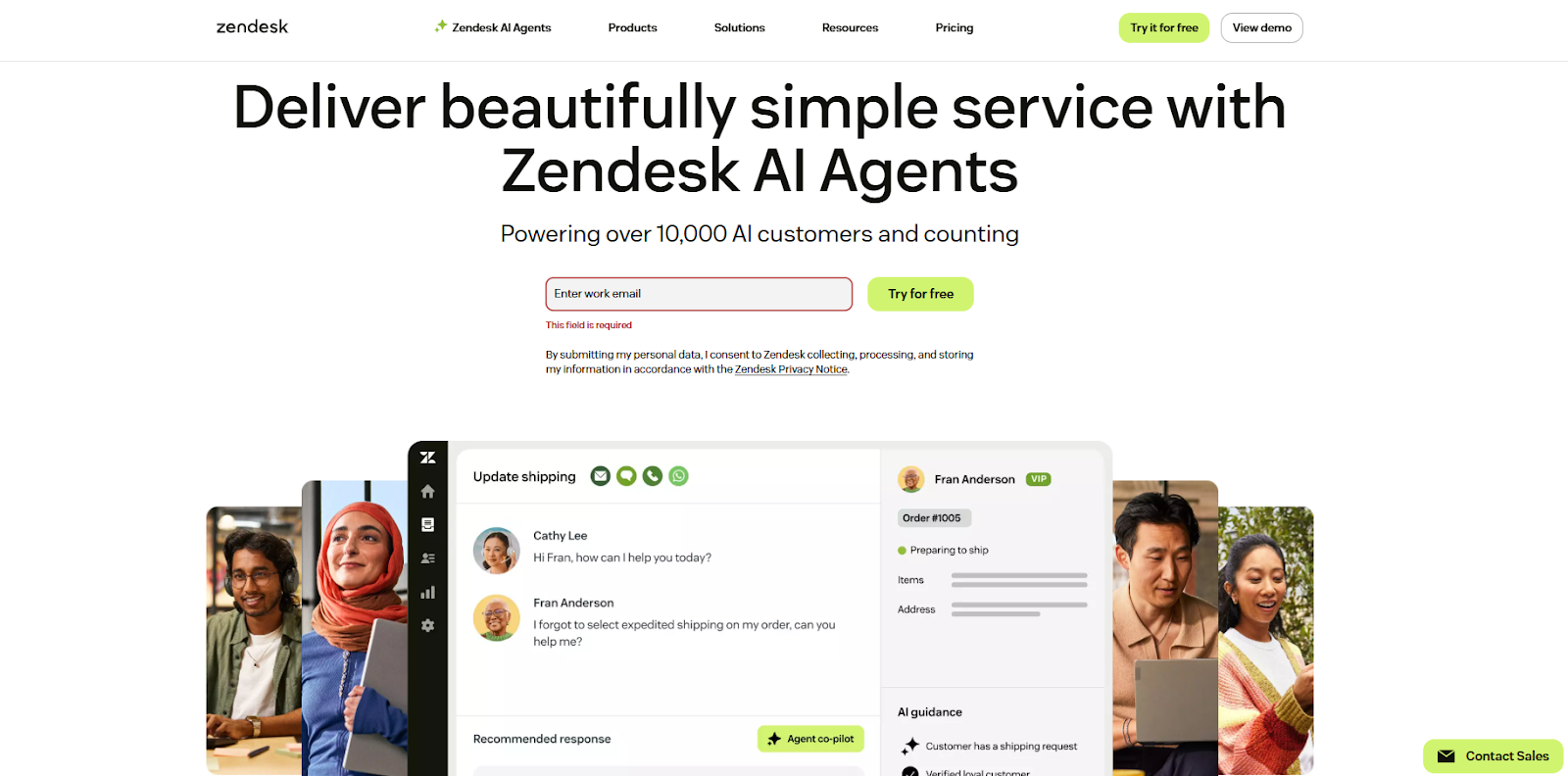
Zendesk’s full suite feels like it was designed for teams that need both scale and simplicity. The AI agents are trained specifically for customer support, using generative AI and Zendesk’s own intent models to understand queries and respond naturally.
I’d recommend Zendesk to those who prefer conversational chatbots, because the bots try to decipher the context and deliver helpful replies even in multi-step flows. You can build automation flows and plug them directly into the messaging system to handle common questions before they reach a human.
When agent intervention is needed, the Agent Workspace makes it easy to step in. It brings together email, chat, social, and even phone conversations into a single view, so nothing gets lost when switching between channels.
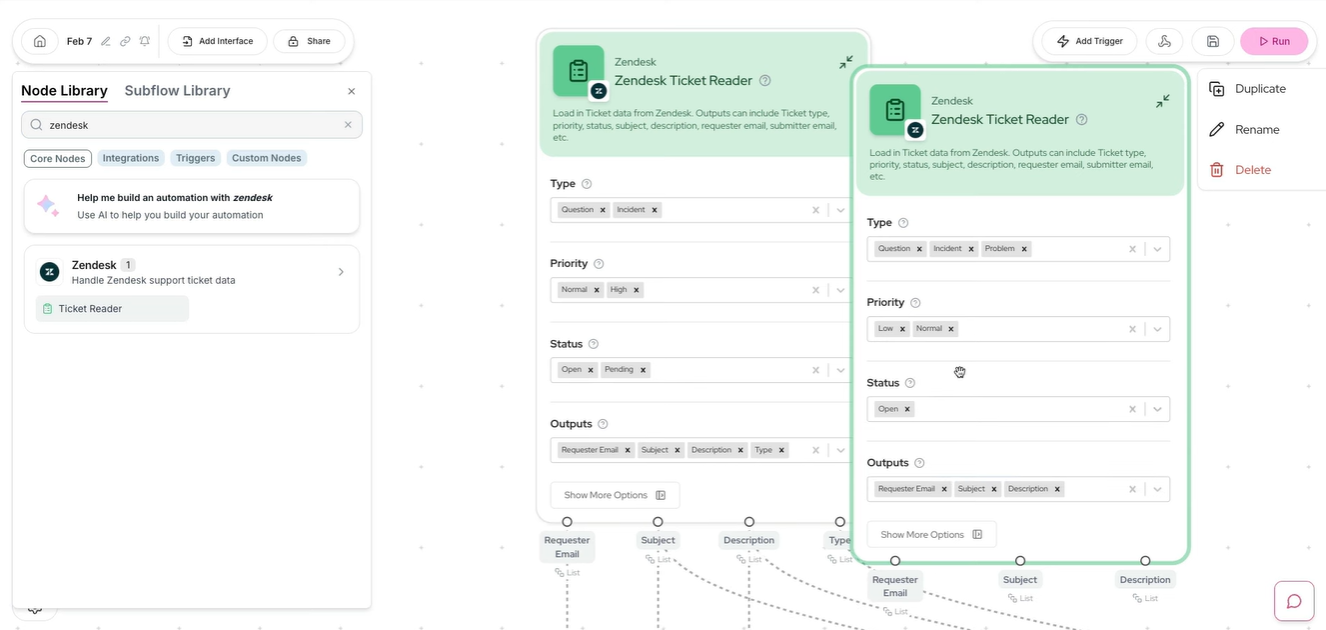
Zendesk also includes a customizable Help Center where customers can find answers on their own, reducing ticket volume. Automation builder, too, is simple to use, with triggers and conditions that help you speed up first responses.
Voice support is built right in through Zendesk Voice, which is especially useful for handling complex or sensitive issues.
Reporting is another strong point; ready-to-use dashboards show key metrics out of the box, and you can build custom reports to dig deeper into agent performance or customer trends.
Pricing
Zendesk pricing starts at $19/agent/month for Suite Team, covering ticketing, live chat, and basic automation. AI features and advanced workflows require higher-tier plans starting at $55/agent/month.
10. Dialpad: Best AI Chatbot with Voice + Phone Support
What does it do? Dialpad is an AI-powered platform that brings together voice calls, video meetings, and messaging in one app.
Who is it for? Perfect for businesses that need a powerful communication system, especially those with remote or hybrid teams that rely on voice and video to stay in sync.
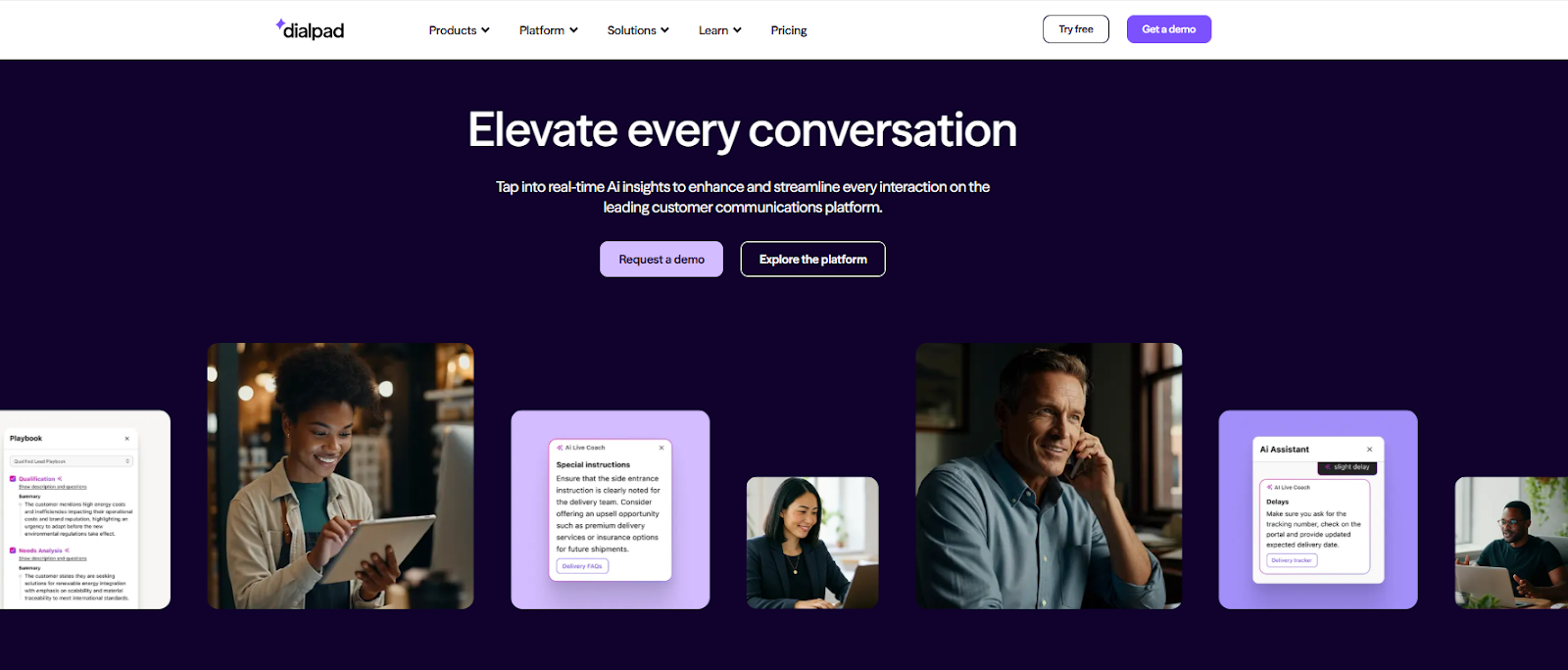
Dialpad stood out the moment I started using it for both meetings and customer support. It’s more than just a calling tool. Using Dialpad’s AI features made every part of communication feel smarter and less manual.
During calls, Dialpad auto-generated transcripts, live notes, and meeting summaries. I didn’t have to jot things down or worry about missing details. It felt like having a silent assistant working in the background.
When I switched to Dialpad Support, the platform became a real-time help desk. Agents got live coaching tips and relevant info while chatting with customers, and managers could track everything from response times to conversation quality using built-in analytics. It’s designed to improve support on the go, not just after the fact.
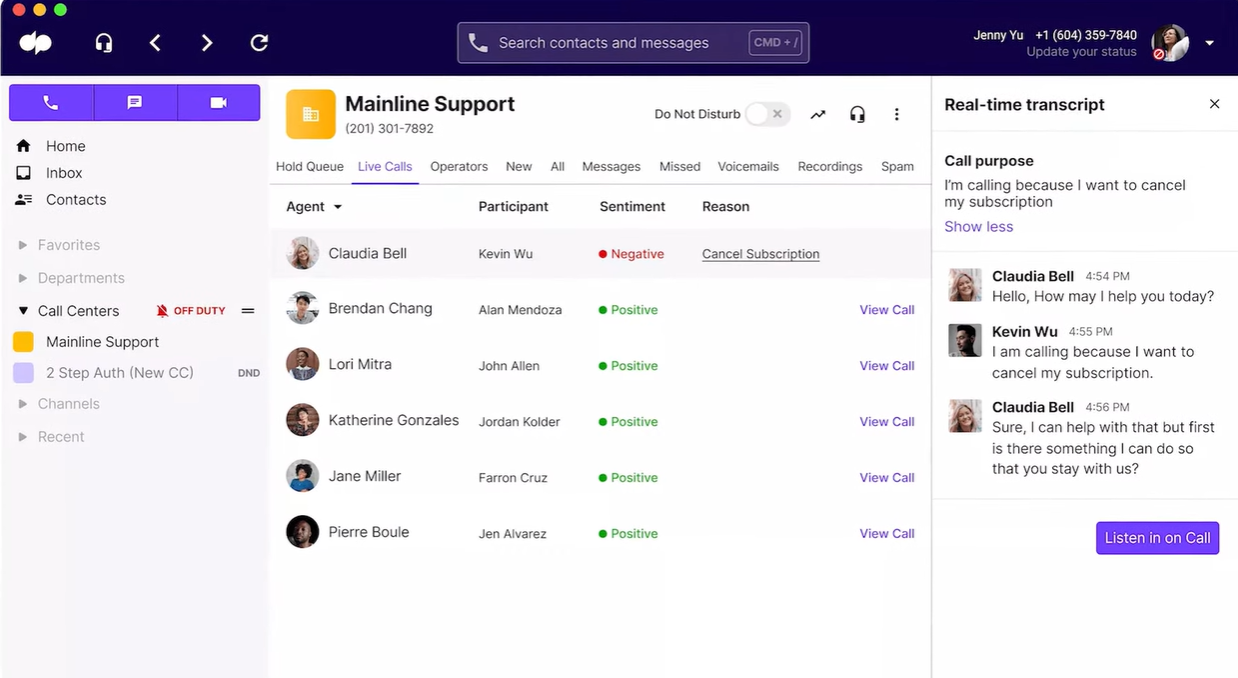
You can also use Dialpad Sell, if your focus is on sales teams. It offered tools like automatic lead logging, call summaries, and in-the-moment guidance that helped keep conversations on track. It’s especially handy for reps handling multiple deals or learning the ropes.
All of this runs on a cloud-based system that felt consistently fast. I could switch from desktop to mobile without dropping a call, manage chats on the move, and never noticed a delay in syncing.
The AI recap feature deserves a special mention. It boiled down long meetings into short, readable highlights that made post-call tasks way easier. The initial setup takes some time, but once it's done, you get a full communication suite that actually feels helpful.
Pricing
Dialpad offers a free 14-day trial with no credit card required. Paid plans start at $15/user/month for Standard, with AI features like live transcription and coaching available on Pro plans at $25/user/month.
Best AI Chatbots by Business Use Case
- Customer support: Intercom handles high-volume support queries with Fin AI Agent, pulling answers from your Help Center and escalating to humans only when needed. Zendesk AI works well for teams that need ticketing, live chat, and automation in one platform. Tidio is great for eCommerce stores that want fast responses without hiring a bigger support team.
- Sales outreach: Lindy automates lead follow-ups, schedules calls, and updates your CRM without manual input. ChatGPT helps sales teams draft personalized emails and research prospects before meetings. Dialpad Sell offers in-call coaching and automatic lead logging for reps managing multiple deals.
- Marketing content: ChatGPT drafts campaigns, blog posts, and social copy across formats. Claude refines messaging with careful tone adjustments and brand voice consistency. Gemini generates content while pulling research directly from Google Workspace files.
- Internal knowledge management: ChatGPT connects to Google Drive, SharePoint, and GitHub to surface answers from internal docs. Claude Projects keeps uploaded files accessible across conversations, acting like team memory. Gemini searches across Gmail, Drive, and Calendar to answer questions without leaving your workspace.
- Research & analysis: Perplexity delivers cited research from academic papers, company reports, and social discussions in seconds. Claude analyzes CSVs, plots data trends, and generates Python code to dig into complex datasets. ChatGPT's Deep Research synthesizes findings from dozens of sources into structured reports.
- Project management: Lindy coordinates tasks across tools, updates project boards, and sends reminders when deadlines approach. ChatGPT drafts project briefs and tracks action items from meeting notes. Gemini syncs tasks across Google Calendar and Keep while pulling context from Drive.
- Operations + automation: Lindy runs multiple AI agents simultaneously. One triages support tickets, another books meetings, and a third updates your CRM. ChatGPT automates workflows with agent-based task delegation. Perplexity's Comet browser handles web actions like monitoring stock availability or automating product publishing.
AI Chatbots vs AI Agents (Clear Business Explanation)
Here's the key distinction: Chatbots respond to questions. AI agents take action.
- Traditional chatbots are reactive and answer customer questions, provide information, and follow predefined conversation flows. You ask, "What's your refund policy?" and it tells you.
- AI agents can read emails, update your CRM, schedule follow-ups, research prospects, draft responses, and trigger workflows across multiple apps, all without waiting for you to ask. One agent might qualify a lead, another books the demo, and a third sends a personalized follow-up email with the meeting notes.
Lindy operates as an AI agent platform, not just a chatbot. While it can chat with customers on your website, its real power comes from building agents that handle entire workflows. You can create a team of AI agents that work together, one triaging support tickets, another drafting responses, and a third escalating complex issues to your team with full context.
Most tools on this list are chatbots. A few, like Lindy, are true AI agents that execute tasks across your business.
How to Choose the Right AI Chatbot for Your Business
The right AI chatbot depends on your industry requirements, existing tech stack, and whether you need simple customer support or full workflow automation. Focus on these six factors to narrow your options:
- Security matters more than features: If you're handling customer data, financial information, or healthcare records, make sure your chatbot meets compliance standards like SOC 2, GDPR, or HIPAA. Check whether data is encrypted, where it's stored, and who has access.
- Integrations make or break adoption: The best chatbot is the one that works with the tools you already use. Look for native connections to your CRM, email platform, calendar, and support desk. API access helps if you need custom workflows, but built-in integrations save time.
- Compliance isn't optional for regulated industries: Healthcare, finance, and legal teams need HIPAA or industry-specific certifications. Not every platform offers them, so verify before committing.
- Team scale changes your needs: Solo founders can get by with a single chatbot handling customer questions. Teams of 10-50 need collaboration features, shared knowledge bases, and role-based permissions. Enterprises require SSO, audit logs, and dedicated support.
- Customization determines long-term value: Can you train it on your brand voice? Does it let you build custom workflows? Can you adjust response logic based on user behavior? The more control you have, the better it fits your business.
- Cost adds up faster than you think: Free plans are great for testing, but they usually cap messages, integrations, or AI model access. Calculate your monthly volume, support tickets, lead conversations, and internal queries, and check whether usage-based pricing makes sense or if a flat rate works better.
Try Lindy: An AI Assistant That Handles Support, Outreach, and Automation
Lindy uses conversational AI that handles not just chat, but also lead gen, meeting notes, and customer support. It responds instantly and adapts to user intent with accurate replies.
Here's how Lindy goes the extra mile:
- Fast replies in your support inbox: Lindy answers customer queries in seconds, reducing wait times and missed messages.
- 24/7 agent availability for async teams: Set Lindy agents to run around the clock for async workflows or continuous coverage.
- Support in 30+ languages: Lindy's phone agents support over 30 languages, letting your team handle calls in new regions.
- Add Lindy to your site: Add Lindy to your site with a simple code snippet, instantly helping visitors get answers without leaving your page.
- Integrates with your tools: Lindy integrates with tools like Stripe and Intercom, helping you connect your workflows without extra setup.
- Handles high-volume requests without slowdown: Lindy handles any volume of requests and even teams up with other instances to tackle the most demanding scenarios.
- Lindy does more than chat: There's a huge variety of Lindy automations, from content creation to coding. Check out the full Lindy templates list.
Try Lindy free and automate your first 40 tasks today.
{{cta}}
FAQs
What’s the best AI chatbot for business?
Lindy is the best AI chatbot for business because it executes tasks across your tools. You can build agents that handle support, schedule meetings, update CRMs, and collaborate with each other to complete multi-step workflows. For general-purpose chat and content creation, ChatGPT handles the widest range of tasks, while Claude excels at document analysis and complex reasoning.
Which chatbot works best for startups?
Lindy works best for startups is Lindy because it automates repetitive tasks that small teams don't have time for, like triaging support emails, scheduling calls, and updating deal stages in your CRM. The free plan includes 400 credits and 40 tasks/month, enough to test multiple workflows. ChatGPT is a strong second choice for startups that need versatile help with writing, coding, and research across departments.
Are AI chatbots secure for business data?
Yes, AI chatbots are secure for business data, but security standards vary by platform. ChatGPT Business and Enterprise plans never train on your data and include SOC 2 Type 2, HIPAA, and CCPA compliance. Lindy offers SOC 2 and HIPAA compliance with AES-256 encryption.
How much do AI chatbots cost?
AI chatbots cost anywhere from free to custom enterprise pricing, depending on features and scale. Lindy's free plan includes 400 credits and 40 tasks/month, with paid plans starting at $49/month for 5,000 credits. ChatGPT offers a free tier, with Business plans at $25/user/month. Claude Pro starts at $20/month, while Perplexity Pro costs $20/month. Intercom starts at $39/seat/month.










