9 Codex Alternatives I Tested on One Hard Refactor in 2026


I never used to worry about my weekly limit on OpenAI's Codex. Then, two weeks ago, it started running out in two days. I wasn't the only one. A teammate got locked out of their paid account mid-cycle, at under 10% usage.
So I picked one real, gnarly project and tested nine Codex alternatives on it over nine days. The job: change how an app checks who’s logged in, across about 40 files, without breaking the parts that still relied on the old way.
Below, I've grouped all nine the way you'd actually use them, whether that's from a terminal, inside your code editor, or as a hosted agent running in the background. Pick your group, and you'll know which one to try first.
Best Codex alternatives: TL;DR
Top alternatives for using your terminal:
- Claude Code: Best for a deep, multi-file refactor run directly against a real repo.
- Aider: Best for a developer who wants an open-source, git-native tool and brings their own model.
Inside your code editor:
- Cursor: Best for someone who wants a full editor and an agent in the same window.
- GitHub Copilot: Best for a team already living in GitHub that wants the agent opening its own pull requests (PRs).
- Devin Desktop: Best for a former Windsurf user who wants that editor backed by Devin's local and cloud agents.
- Cline: Best for someone who wants Aider's bring-your-own-model approach without leaving the editor.
Runs in the background:
- Replit Agent: Best for a fully managed, browser-based environment, if you don't mind double-checking its claim that a job is done.
- Google Jules: Best for a fire-and-forget task you can queue and walk away from.
- Factory (Droid): Best for a team handing off a big, multi-step plan to coordinated workers.
What Codex is in 2026
Codex now refers to two different things: OpenAI's original AI model, now discontinued, and its current coding agent product. That overlap trips people up. A teammate mentioned Codex to me a few months back. I had no idea which one they meant. Here's what each one actually is.
The original Codex model
GitHub's 2021 launch post described the first version of Copilot as powered by OpenAI Codex, a language model. OpenAI shut the Codex models down in March 2023.
Codex today
Today, Codex means OpenAI's own coding agent. It runs from a command-line interface (CLI), an integrated development environment (IDE) extension, the web, and a desktop app.
The desktop app now takes voice sessions at $0.05 per minute, against your existing Codex usage budget.
Codex now comes bundled with ChatGPT plans. You can also use an application programming interface (API) key instead, billed at API pricing.
What the main ChatGPT plans cost:
- Free: $0
- Go: $8/month
- Plus: $20/month
- Pro: From $100/month
ChatGPT Work, the agent built into ChatGPT, shares usage with Codex, so a coding session and a ChatGPT task draw on one allowance. If you're also weighing the chat plans behind these tools, this comparison of Claude and ChatGPT across nine factors covers that side.
The limits are the part I can't plan around. OpenAI documents Plus usage as an estimated count of local messages per five-hour period. Cloud tasks can use more of that allowance. OpenAI also says weekly limits may apply, and that usage shifts with the model and the task.
Under those rules, I couldn't predict when I'd be cut off, so I went looking for alternatives.
How I researched and tested these OpenAI Codex alternatives
Each of the nine tools ran the identical brief below against its own copy of the same throwaway sample repo over nine days.
Three questions drove the comparison:
- Predictability: Whether you can tell, mid-task, how much room is left before a request stops working, whatever number the pricing page promises.
- Autonomy: How much of the job a tool finishes on its own, versus how often you must double-check its claim of being finished.
- End state: Whether the run ends in one reviewable diff or in something you'd have to reverse-engineer before trusting it.
Nine days spans part of one billing cycle, so the usage limits I report cover that window only.
I built the brief to be hard to fake. My brief tests five things:
- a hidden dependency
- a destructive-change pause
- a large-repo constraint
- a lint-and-test pass
- an end state you can review
Here's the full brief I gave each tool:
I need you to refactor the authentication middleware in a mid-sized Node.js API, about 40 files and roughly 12,000 lines, so session tokens validate against a new Redis-backed store instead of the in-memory Map the codebase uses today.
Two other services import that same in-memory Map, each under a different alias, so track down every reference, not just the obvious one in sessionStore.js.
Before you delete or rewrite sessionStore.js itself, stop and ask me to confirm, because two unrelated cron jobs still read from it and I don't want them silently broken by your change.
This repo is too large to load in one pass, so work through it file by file instead of trying to hold the whole codebase in context at once.
Once the refactor is in place, run the existing lint config and the full test suite, and fix whatever breaks because of your change, not just the tests that touch authentication directly.
When you're finished, give me one clean, reviewable diff I can read start to finish, not a silently rewritten file with no history behind it, and tell me plainly what's staged, what's actually committed, and what I still need to run myself before this is safe to merge into main.
The 13 tools I ruled out, and why:
- Amazon Q Developer: AWS will discontinue support for its IDE plugins on April 30, 2027. It tells users to explore Kiro for similar capabilities.
- Kiro: AWS's agentic IDE and CLI, built around spec-driven development. It turns a prompt into requirements, designs, and tasks before it writes code.
- Gemini Code Assist: Google's IDE assistant. Its paid Standard and Enterprise editions require a Google Cloud account, and Enterprise integrates with many Google Cloud services.
- GitLab Duo Agent Platform: Runs inside GitLab.
- JetBrains AI: Centers on in-IDE assistance and the Junie coding agent, both sold together in JetBrains AI plans. It fits teams already working in JetBrains tools.
- Rovo Dev: Atlassian's coding agent for software teams. It builds its code plans from the Atlassian platform and checks changes against acceptance criteria in Jira. That makes it a fit for teams already on Atlassian. Atlassian is retiring it as a standalone product and moving its capabilities into eligible Jira subscriptions.
- Augment Code: Sells Cosmos, an orchestration platform for running software-delivery loops across an engineering organization.
- Qodo: Centers on code review.
- IBM Bob: Offers premium packages for enterprise modernization, from Java upgrades to mainframe and IBM i development.
- Sourcegraph's Cody: Supported on Sourcegraph Enterprise. Sourcegraph sells that through its sales team, with no self-serve plan, so I couldn't test it firsthand.
- Tabnine: Tricentis, a software-testing company, acquired Tabnine on July 30, 2026.
- Google Antigravity: Google's own agent platform, with an IDE, a CLI, and a software development kit (SDK). Google's hosted agent already appears among the nine as Jules.
- Continue: Acquired by Cursor. Its open-source codebase remains available as a foundation for others.
Windsurf is now Devin Desktop, so it counts once among the nine, under its current name.
Quick comparison: 9 Codex alternatives by how you work
Price and main strength for each tool:
Terminal-first Codex alternatives
Claude Code and Aider both run from the command line, not inside an editor. You type what you want changed, and the agent edits the files directly.
1. Claude Code: Best for a deep, multi-file refactor against a real repo
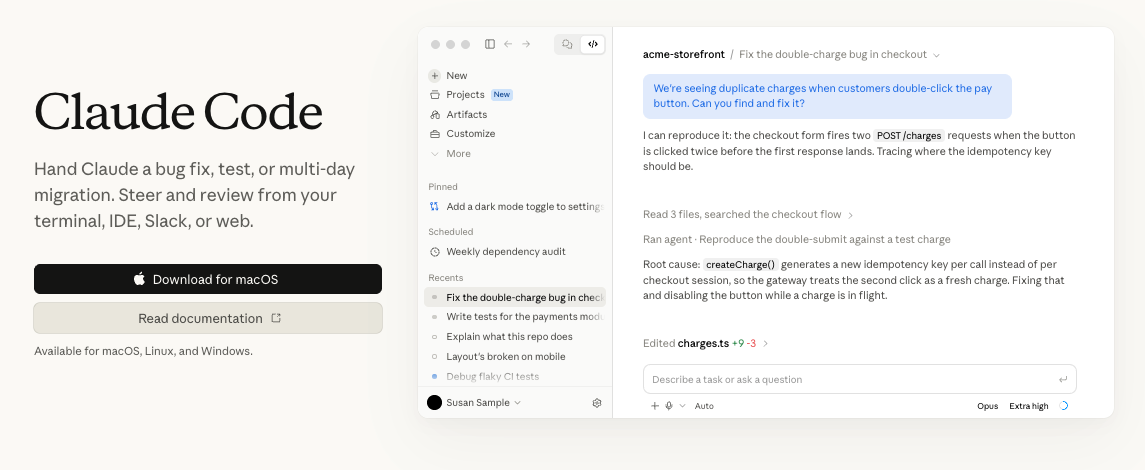
What it does: Claude Code is Anthropic's terminal-based coding agent, editing a real codebase from the command line.
Best for: A developer who works from a terminal and needs one change carried across many files.
I'd reach for Claude Code when one change has to ripple across a lot of files. On the Pro plan, it found every place the code used the old file, even the two hidden under other names, and stopped to ask me before touching the file itself. All of that fit inside my first five-hour window.
The cleanup took longer. The change broke a code-style check, and fixing it used 78% of my second window before every test passed.
On a long job, Claude Code can forget a rule you gave it early on. Save rules like "ask before you touch this file" in a file called CLAUDE.md, and it keeps following them.
Key features
- Dependency mapping: Searches the repo to follow imports.
- Hooks: Runs your lint or test command at set points.
Pros and cons
Pros:
- ✅ Asks before it deletes or rewrites a file you've told it to protect.
- ✅ Works through a codebase file by file when it's too big to load at once.
- ✅ Finds code that uses a file under a different name, not just the obvious reference.
- ✅ Ends with one reviewable diff and a plain note on what's staged, committed, and left to test.
Cons:
- ❌ Max's 5x and 20x usage multipliers apply per session, under weekly limits.
- ❌ A long fix-up loop can use most of a five-hour session's limit.
- ❌ The Free plan excludes Claude Code, so trying it takes a paid plan or an Anthropic Console account on API credits.
What users say
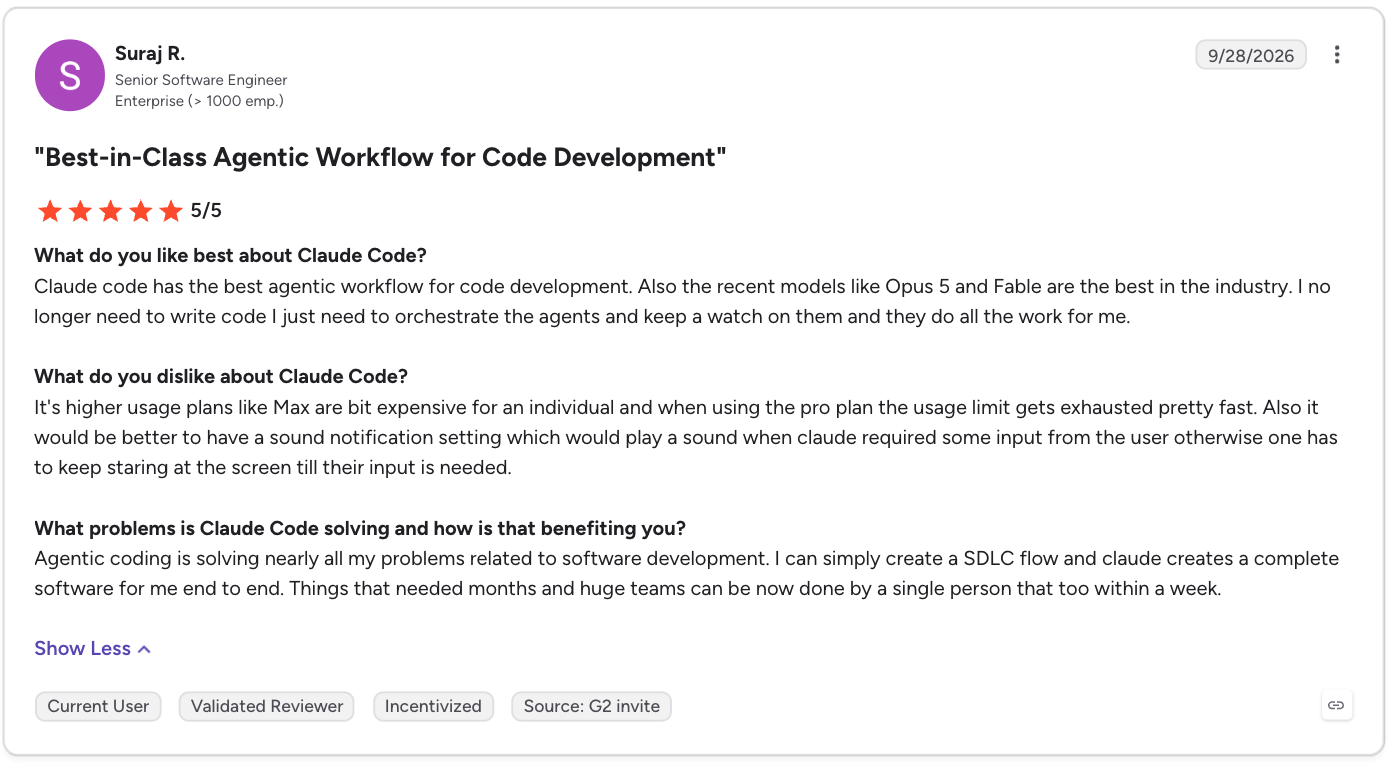
“Claude Code has the best agentic workflow for code development. Also, the recent models like Opus 5 and Fable are the best in the industry. I no longer need to write code; I just need to orchestrate the agents and keep a watch on them and they do all the work for me.” - Suraj R., G2
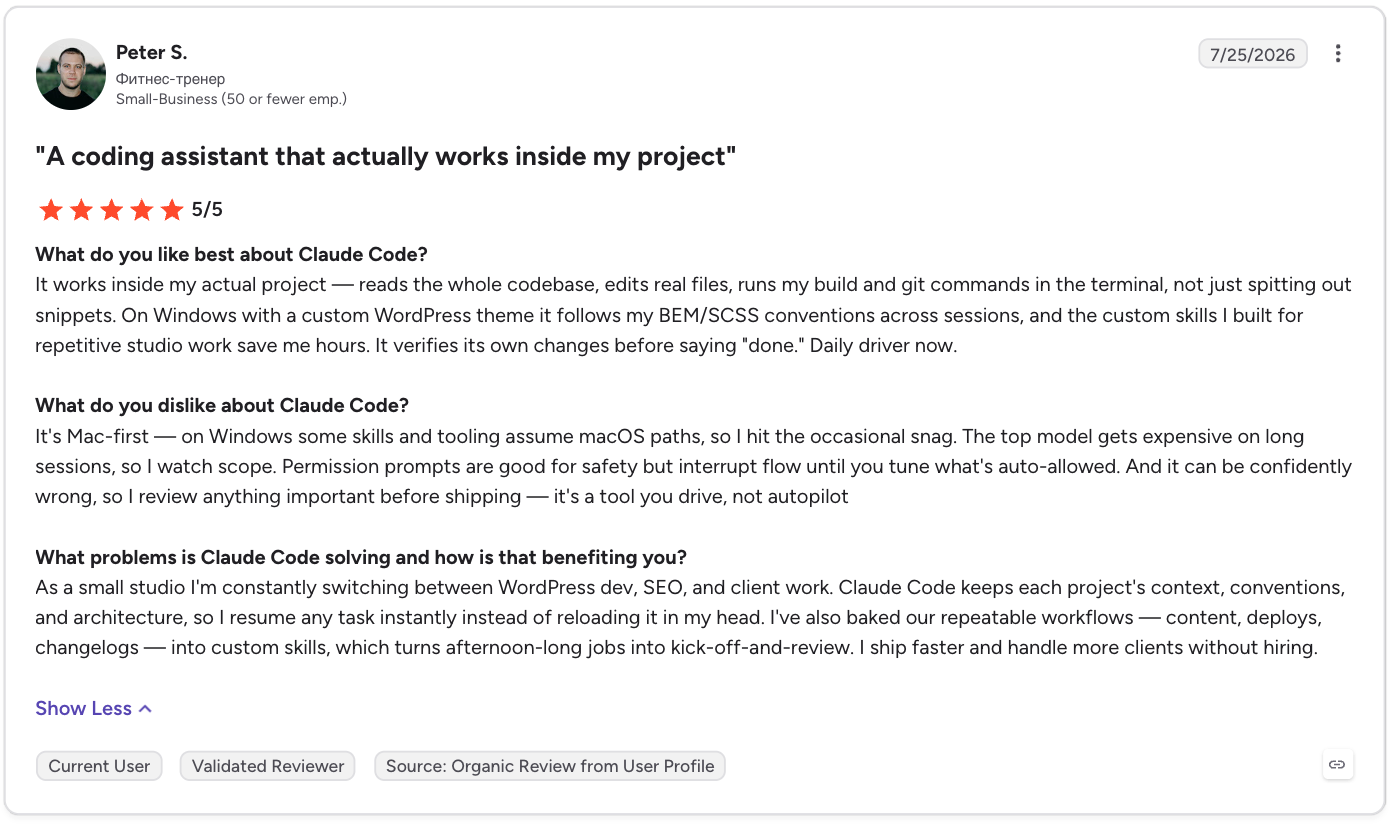
“It's Mac-first — on Windows some skills and tooling assume macOS paths, so I hit the occasional snag.” - Peter S., G2
Pricing
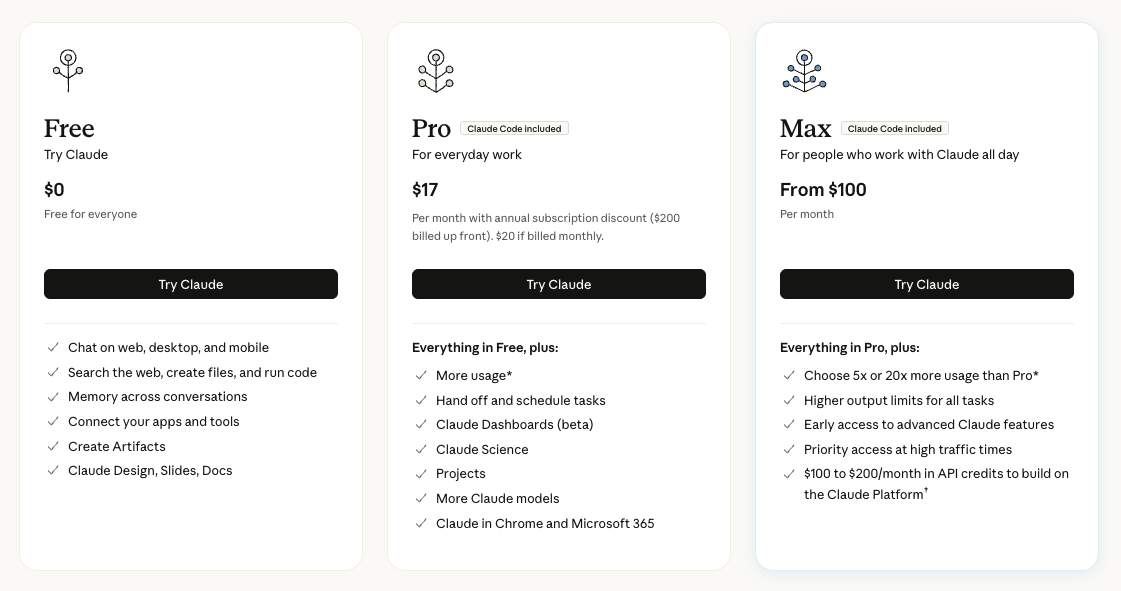
- Pro: $20/month, including Claude Code.
- Max: From $100/month, billed monthly, with 5x or 20x usage.
- Team: Standard $25/seat/month and Premium $125/seat/month, for two to 150 seats.
- Enterprise: $20/seat/month, billed annually, plus usage at API rates.
- Free: $0, without Claude Code.
Bottom line
For a gnarly multi-file refactor from a terminal, Claude Code is my pick, as long as you budget a second session for the fix-up loop. If you're also weighing Claude itself against other assistants, Claude alternatives for coding, writing, and business covers that wider comparison.
2. Aider: Best for a free, Git-native tool you run from your own terminal
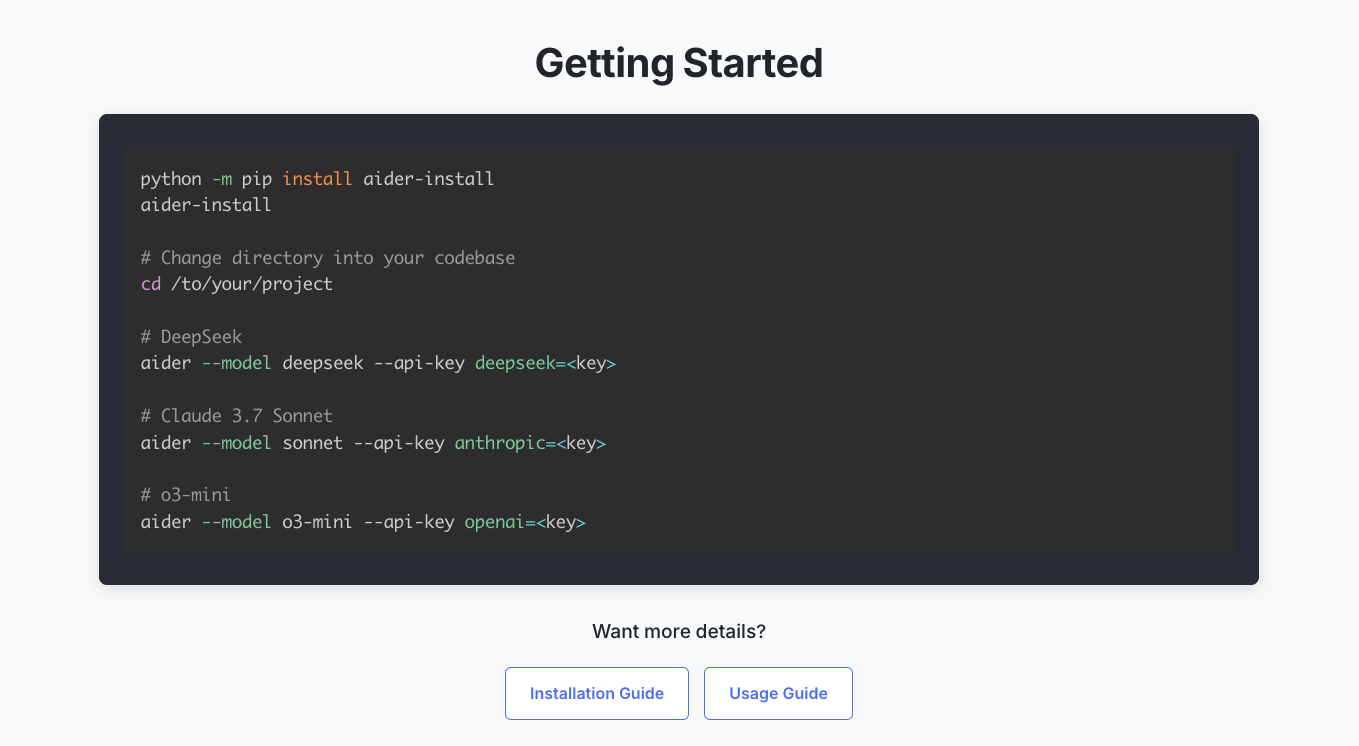
What it does: Aider is an open-source, terminal-based coding agent that commits each step to git as it goes.
Best for: A terminal user with a repo too big to load at once, who wants the tool to map it first.
Among free Codex alternatives, Aider is the one to try first if you want to be able to undo any single step from your own git history.
Aider made the change to sessionStore.js in six steps, saving its work to git after each one. It found both hidden references to sessionStore.js, and all the checks passed. The repo had 12,000 lines of code, and Aider worked through it without loading every file at once.
Nothing was left staged, so the six commits were the whole reviewable history.
Key features
- Git-native commit history: By default, every change lands as its own reviewable commit.
- Bring-your-own-model: Connects to most large language models (LLMs), or to local Ollama models at zero per-token cost.
Pros and cons
Pros:
- ✅ Each commit gets a descriptive message, so the log explains every step.
- ✅ The /undo command instantly reverses the most recent Git commit made by Aider.
- ✅ Asks before it changes a file you've told it to protect.
- ✅ Can run your lint and test commands in the same session as the change.
Cons:
- ❌ Skips pre-commit hooks by default (--no-verify) unless --git-commit-verify is set.
- ❌ Installs through Python, so non-Python users add a setup step, though Aider’s one-line installer handles it.
- ❌ The commit log is the main feedback loop, which can feel like friction if you want a chat view.
What users say
“After using Aider for a few weeks, going back to Copilot, Roo Code, Augment, etc., feels like crawling in comparison. Aider + the Gemini family works SO UNBELIEVABLY FAST.” - MrPanache52, Reddit

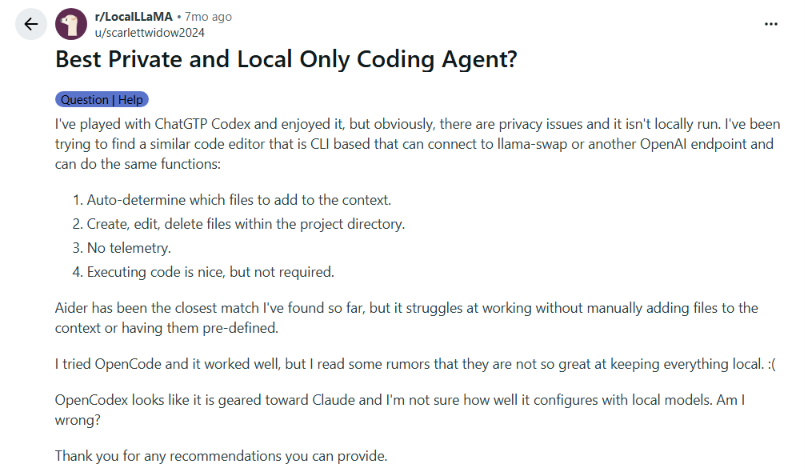
“Aider has been the closest match I've found so far, but it struggles at working without manually adding files to the context or having them pre-defined.” - Scarlettwidow2024, Reddit
Pricing
Aider is free, open-source software.
Bottom line
Skip Aider if a commit log as your main feedback loop sounds like friction. For anyone who lives in a terminal and wants a readable git history, about $1.40 in API usage for the whole refactor is hard to argue with.
AI-native Codex alternatives for your code editor
This group lives inside your code editor instead of the terminal. Cursor and Devin Desktop are full editors. Copilot and Cline plug into the editor you already use.
Copilot's cloud agent works in the background on GitHub and opens pull requests. That part of Copilot is a hosted agent, the same type as Google Jules, covered below.
3. Cursor: Best for an editor and an agent in the same window
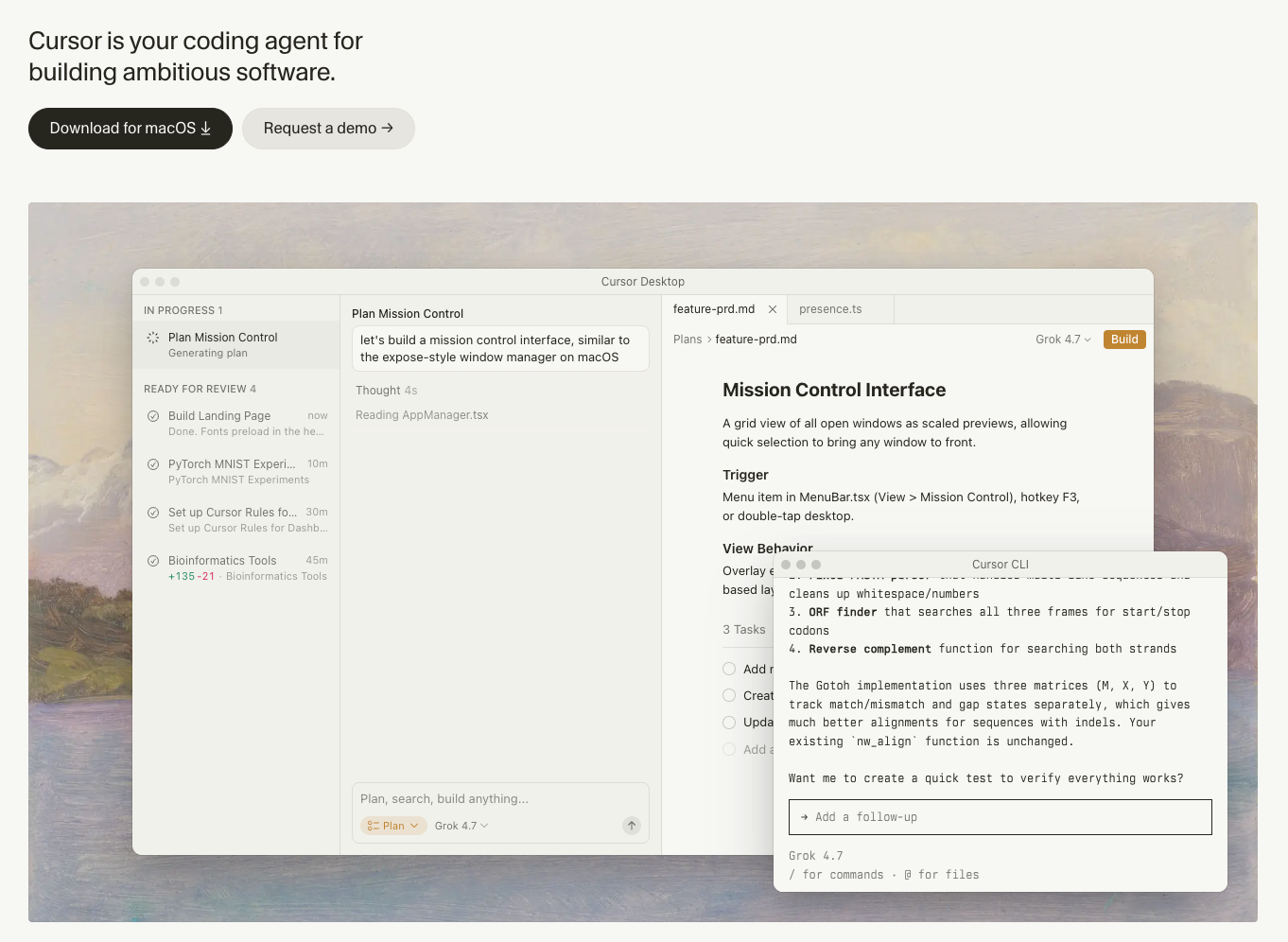
What it does: Cursor is a code editor with an AI agent built into the editing window.
Best for: A developer ready to make Cursor their main editor.
Cursor became part of SpaceX after an August 2026 deal. On the Pro plan, it found every hidden reference, waited for my OK before touching the main file, and passed both of my checks.
It finished in 52 minutes. Big jobs on outside AI models get billed at those companies' rates, so they eat through your usage fast.
Cursor says a daily Agent user typically runs $60 to $100 a month in total usage. A once-a-month task this size probably fits Pro, but weekly refactors belong on Pro+.
Key features
- One window: The agent edits the files you're looking at.
- Two usage pools: One for its own Grok and Composer models, one for third-party models at API rates.
- Ask questions: Asks clarifying questions mid-task and keeps reading files, making edits, and running commands while it waits for your answer.
Pros and cons
Pros:
- ✅ Hobby needs no credit card and includes Composer.
- ✅ Can run your lint and test commands in the same window as the edit.
- ✅ Past the included usage, on-demand requests are never downgraded.
- ✅ The Teams plan adds central billing and SAML/OIDC SSO.
Cons:
- ❌ Both pools reset monthly, so a heavy first week leaves less later.
- ❌ A high-reasoning third-party model on a large repo burns through the usage pool fast, turn after turn, at API rates.
- ❌ Pro's Agent allowance reads only "Extended limits on Agent."
What users say
“Cursor has been instrumental in helping developers I know begin pair-coding with AI.” - Shomsky Michael, Trustpilot

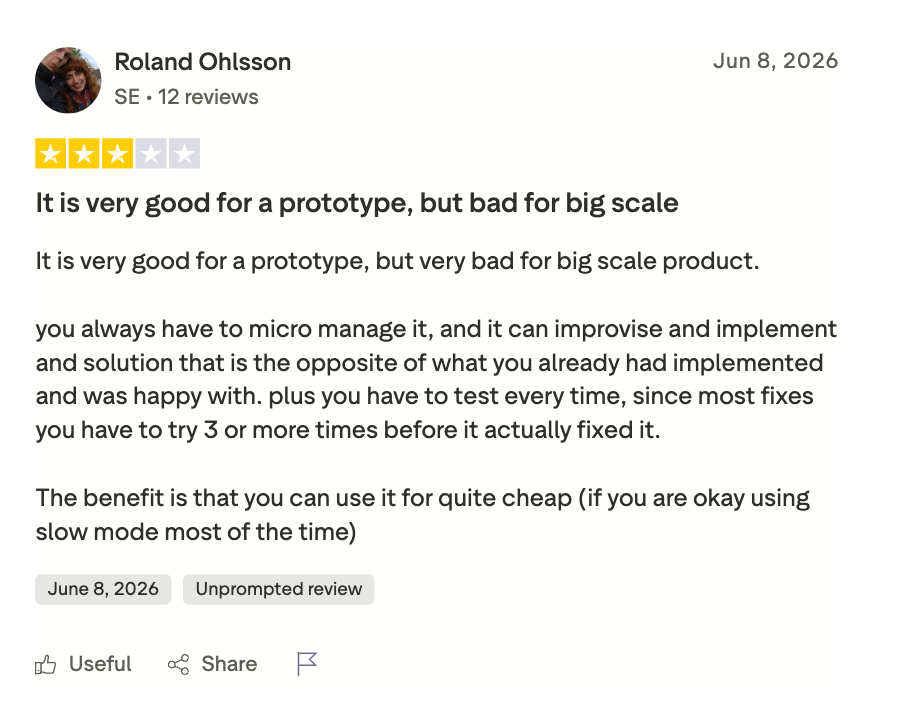
“You always have to micromanage it, and it can improvise and implement [a] solution that is the opposite of what you already had implemented and [were] happy with.” - Roland Ohlsson, Trustpilot
Pricing
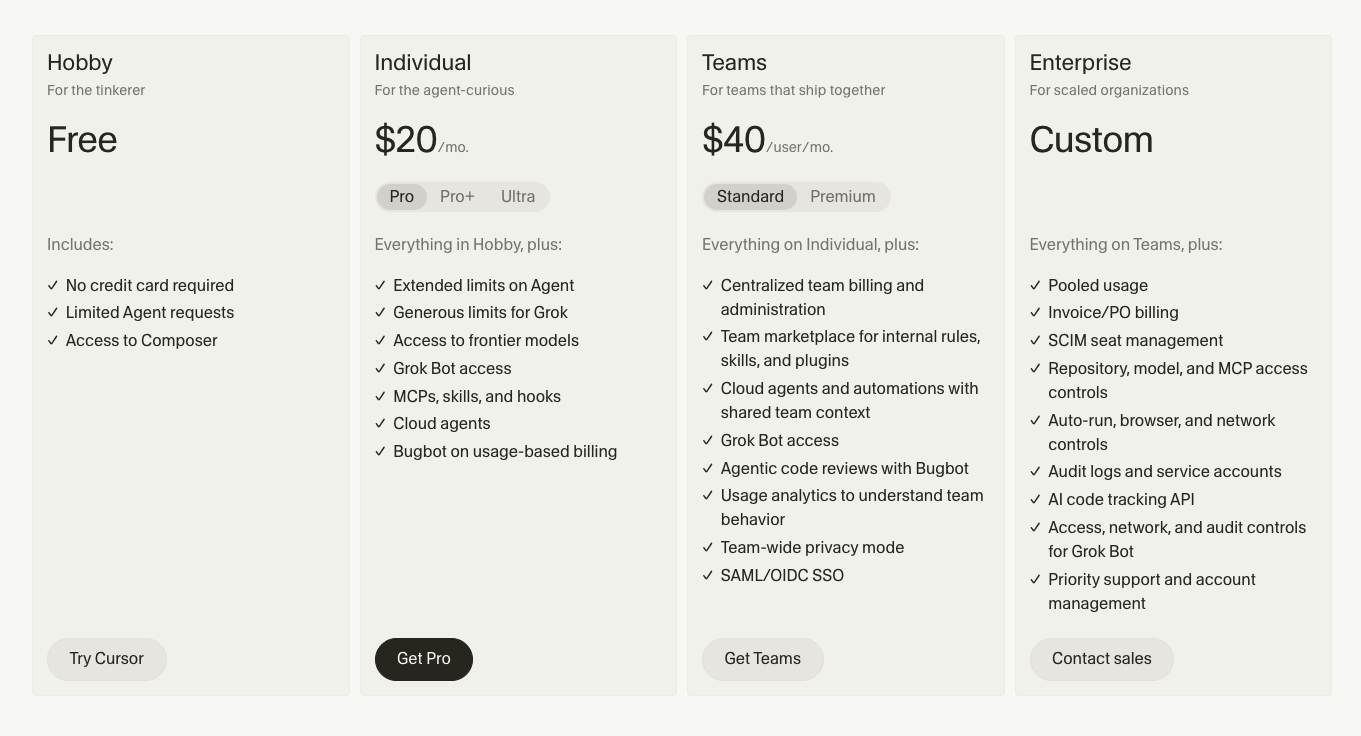
- Hobby: Free, with limited Agent requests.
- Pro: $20/month.
- Pro+: $60/month, at 3x Pro's limits.
- Ultra: $200/month, at 20x Pro's limits.
- Teams: Standard $40/user/month and Premium $120/user/month, at 5x Standard's limits.
- Enterprise: No public price; contact sales.
Bottom line
Cursor runs the whole job inside your editor. Put a stop line in any brief that deletes a file, because Cursor’s Ask questions tool keeps the agent editing files and running commands while it waits for your answer.
4. GitHub Copilot: Best for a team already living in GitHub
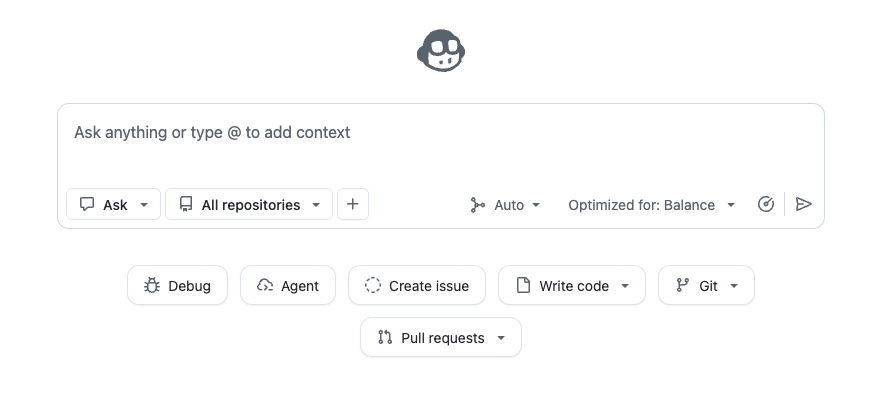
What it does: GitHub Copilot pairs inline suggestions with a cloud agent that works through tasks in the background.
Best for: A team that reviews everything through GitHub.
Copilot, on the Pro plan, traced each aliased import file by file before asking for my go-ahead on sessionStore.js. After I approved, it ran the full lint-and-test pass.
It delivered one diff in 41 minutes, with a PR-style summary of what a human still had to check before merging. The cloud agent draws on GitHub Actions minutes as well as AI Credits.
This one refactor used 900 credits, about $9. That's 90% of Pro's 1,000 base credits for the month. Pro+ raises the monthly total to $70 of credits.
Key features
- Native PR handoff: Opens one pull request per task, within a 59-minute session cap.
- Third-party handoff: Delegates tasks to Claude or OpenAI Codex, in public preview.
Pros and cons
Pros:
- ✅ Runs your test suite and fixes tests its changes break.
- ✅ Each task ends in a pull request with a summary of what a reviewer still needs to check.
- ✅ Paid plans keep code completions unlimited and outside the credit pool, subject to peak-use rate limits.
- ✅ Business and Enterprise users can ask an admin for more budget.
Cons:
- ❌ Credits don't carry over and reset on the first of the month.
- ❌ It can't change multiple repositories in one run.
- ❌ A large refactor can use most of Pro's base credits, and the cloud agent also draws on GitHub Actions minutes.
What users say
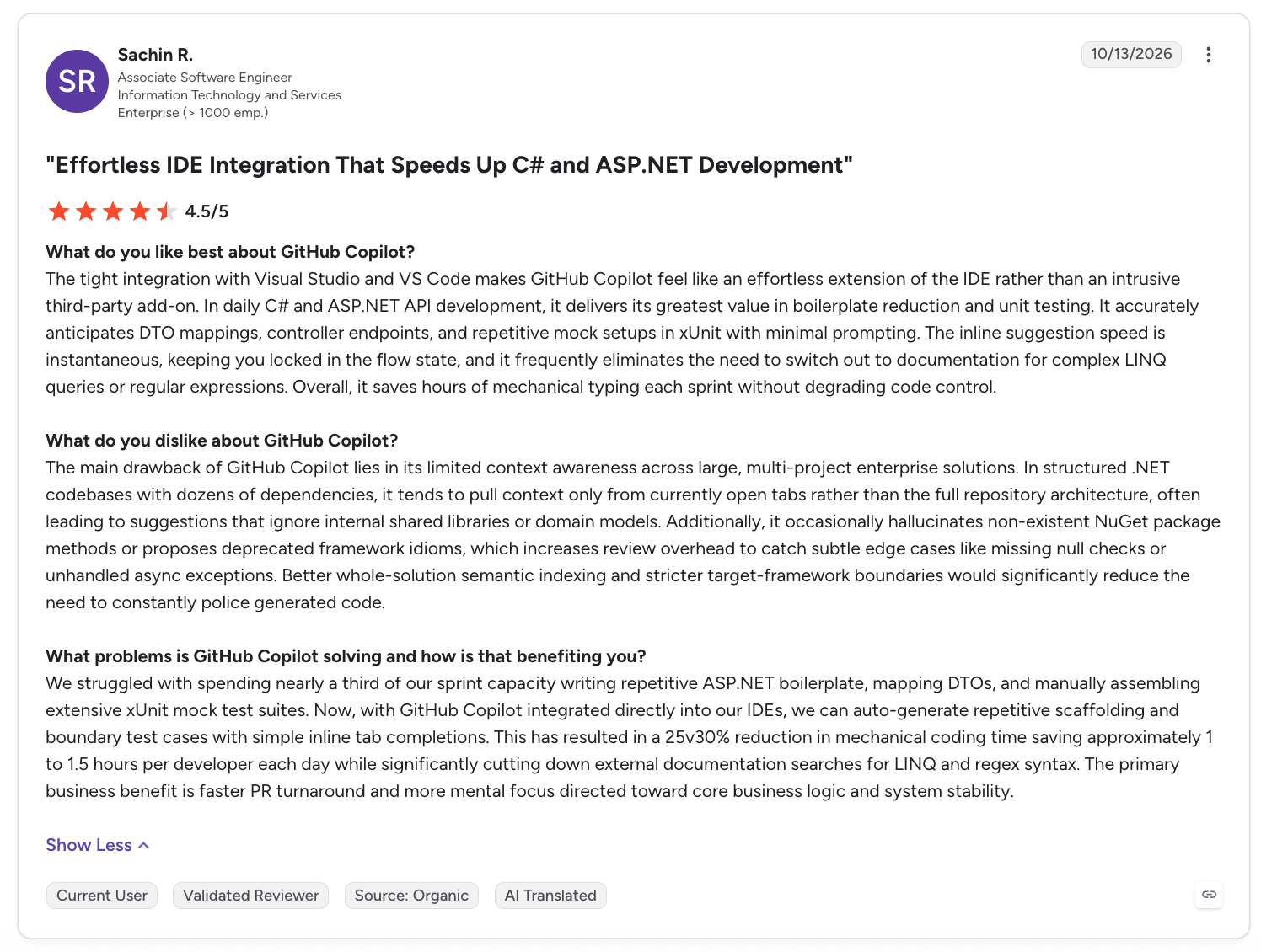
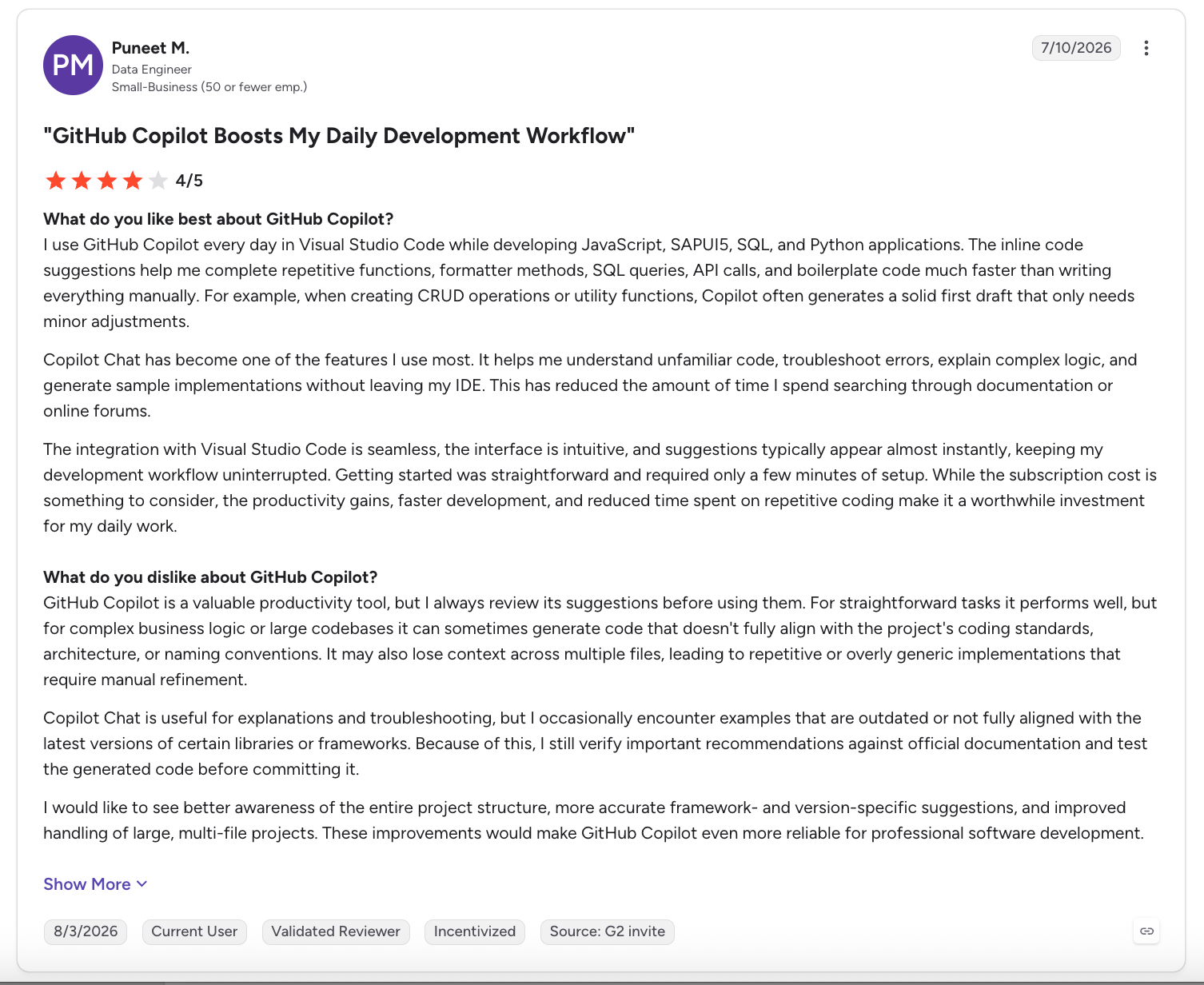
“The tight integration with Visual Studio and VS Code makes GitHub Copilot feel like an effortless extension of the IDE rather than an intrusive third-party add-on.” - Sachin R., G2
“For straightforward tasks it performs well, but for complex business logic or large codebases it can sometimes generate code that doesn't fully align with the project's coding standards, architecture, or naming conventions.” - Anonymous, G2
Pricing
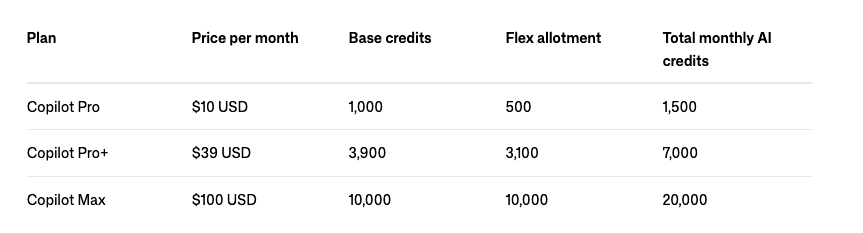
No annual rates. Pro, Pro+, and Max can buy extra credits at $0.01 each.
- Free: $0, with limited chat and agent use and 2,000 completions a month.
- Pro: $10/user/month, with 1,500 credits (1,000 base plus 500 flex)
- Pro+: $39/user/month, with 7,000 credits and third-party handoff.
- Max: $100/user/month, with 20,000 credits.
- Business: $19/user/month, with 1,900 pooled credits per user.
- Enterprise: $39/user/month, with 2,000 more credits per user than Business.
Bottom line
If you refactor often, budget for Pro+, plus the GitHub Actions minutes its cloud agent uses. The draw is a pull request that lands where review already happens.
5. Devin Desktop: Best for a former Windsurf user who wants Devin's local and cloud agents behind it
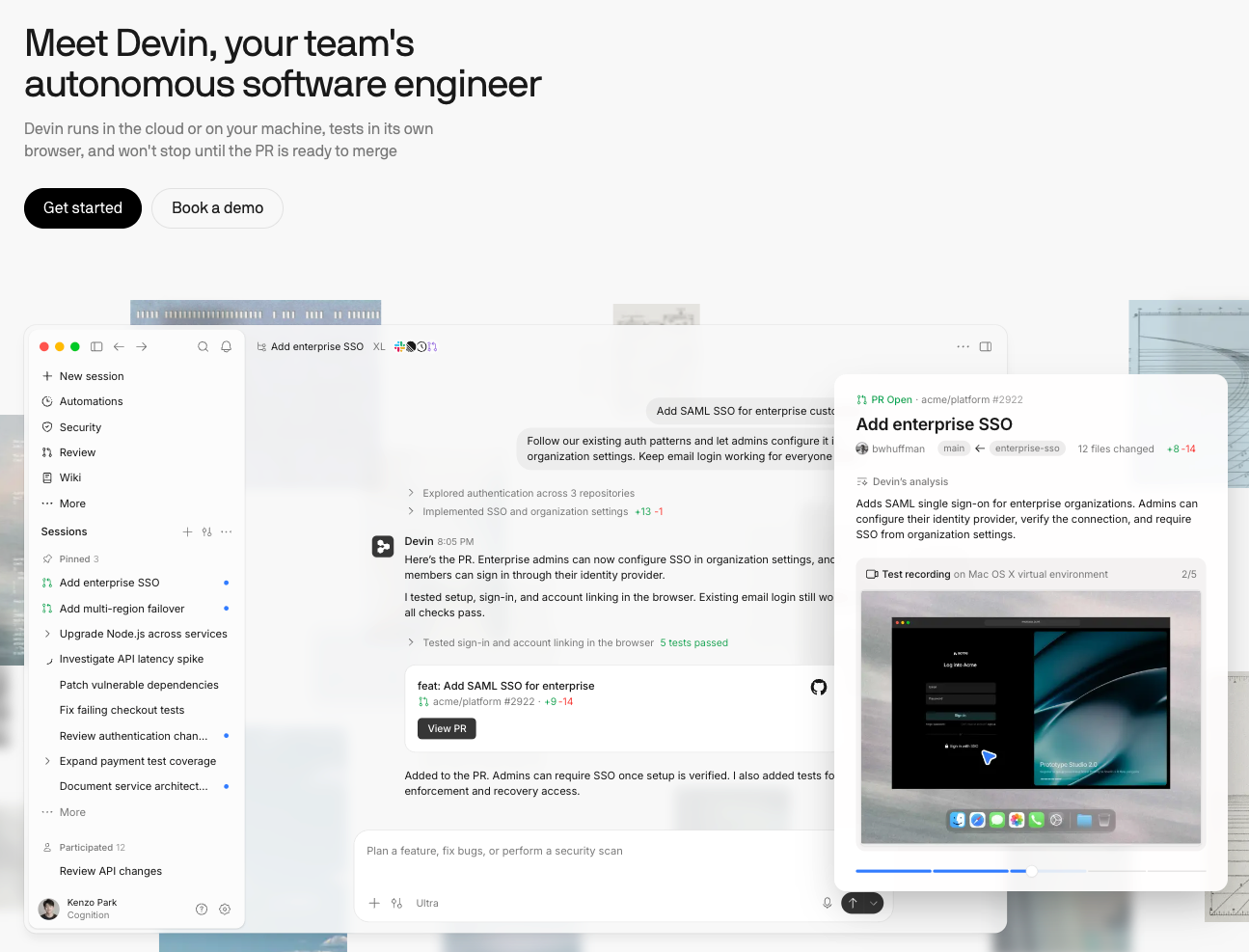
What it does: Devin Desktop is the former Windsurf editor, now owned by Cognition. Cognition agreed to acquire Windsurf in July 2025 and renamed it on June 2, 2026.
Best for: A Windsurf, VS Code, or Cursor user who wants to keep their setup when switching.
Devin Desktop ran the brief in three prompts and 33 minutes on the Pro plan. The first prompt found both aliased imports, one file at a time, and stopped short of sessionStore.js.
The second ran the lint-and-test pass, and both checks passed. The third answered the brief's closing question about what was staged, what was committed, and what I still had to check by hand.
Devin Desktop replaced its credit system with a daily and weekly allowance in March 2026. The allowance counts the tokens each request uses, so long requests against a large codebase like this one draw more than short edits.
Key features
- Local and cloud agents: Devin Local runs on the Devin CLI's engine, and Pro adds Devin Cloud.
- Daily and weekly quota: Resets automatically each day and each week, while Max has a weekly limit with no daily cap.
Pros and cons
Pros:
- ✅ Gives a plain breakdown of what's staged, committed, and still to check.
- ✅ Handles a multi-step refactor in a few prompts.
- ✅ Imports a VS Code or Cursor configuration from the command palette.
- ✅ Free models don't count against the quota.
Cons:
- ❌ Pro and Max describe their quotas only in general terms, with no exact numbers to plan around.
- ❌ Its former Windsurf name can confuse a search for pricing or reviews.
- ❌ Long requests against a large codebase use more of the quota than short edits.
What users say
“Devin AI is great for speeding up software development and handling repetitive coding tasks. I especially like that it can take a task from start to finish, including understanding the codebase, making changes, running tests, and debugging issues.” - Meet S., G2
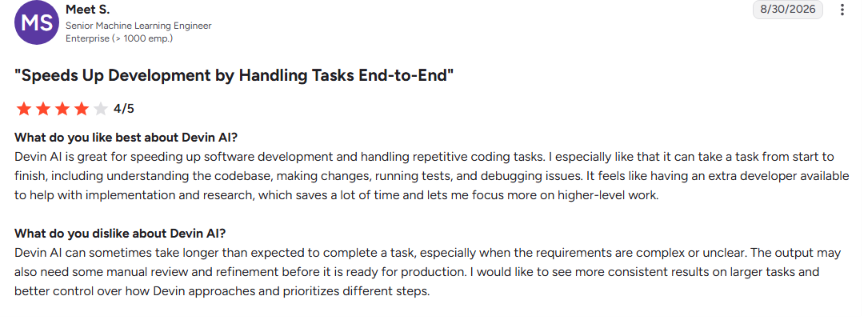
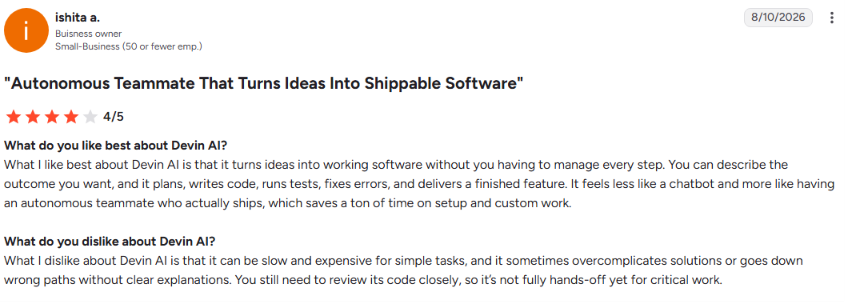
“What I dislike about Devin AI is that it can be slow and expensive for simple tasks, and it sometimes overcomplicates solutions or goes down wrong paths without clear explanations. You still need to review its code closely, so it’s not fully hands-off yet for critical work.” - Ishita A., G2
Pricing
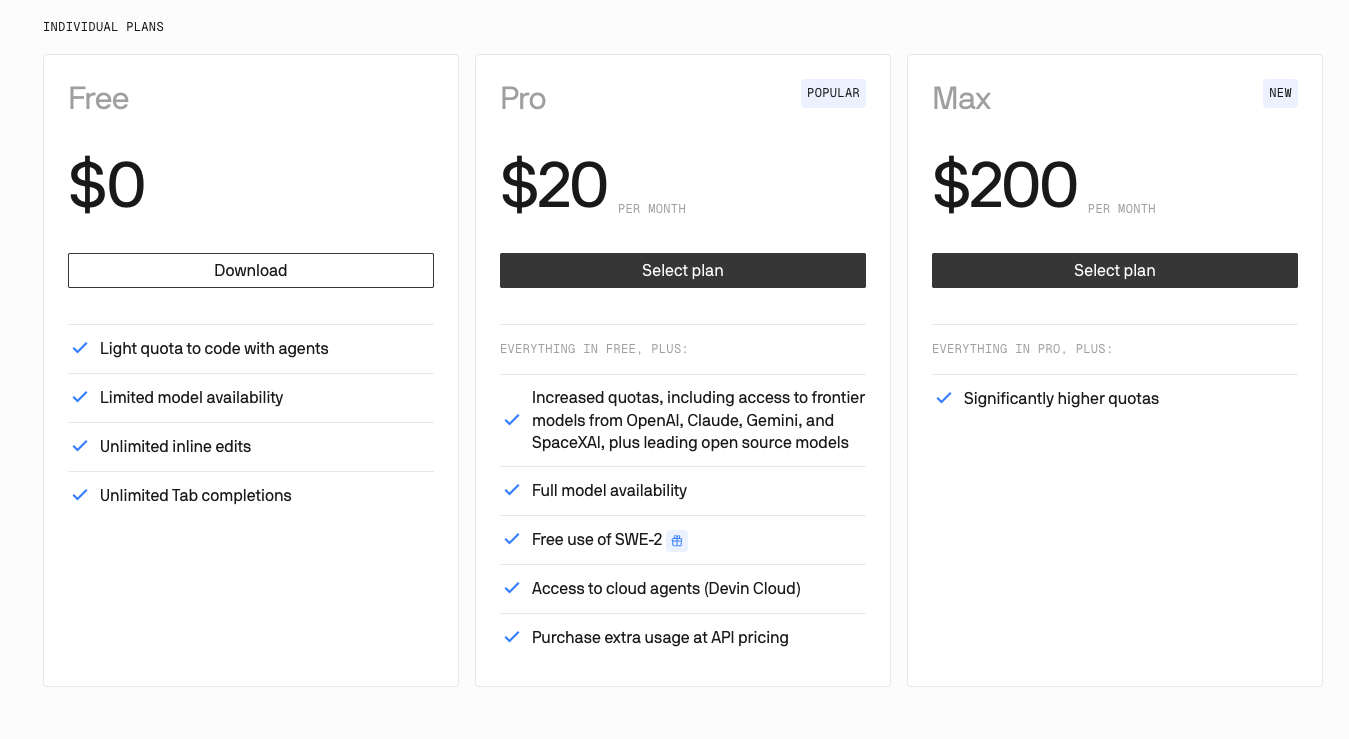
Monthly rates only, with extra usage at API prices.
- Free: $0, with a light agent quota, unlimited inline edits, and Tab completions.
- Pro: $20/month, with increased quotas and frontier models.
- Max: $200/month, with higher quotas than Pro.
- Teams: $40/month per full dev seat, with an $80/month minimum, for up to 200 users, with centralized billing.
- Enterprise: No public price; contact sales.
Bottom line
I'd hand it to any former Windsurf user. Watch a week of daily and weekly resets before you trust it with a large refactor.
{{templates}}
6. Cline: Best for Aider's bring-your-own-model approach inside your editor
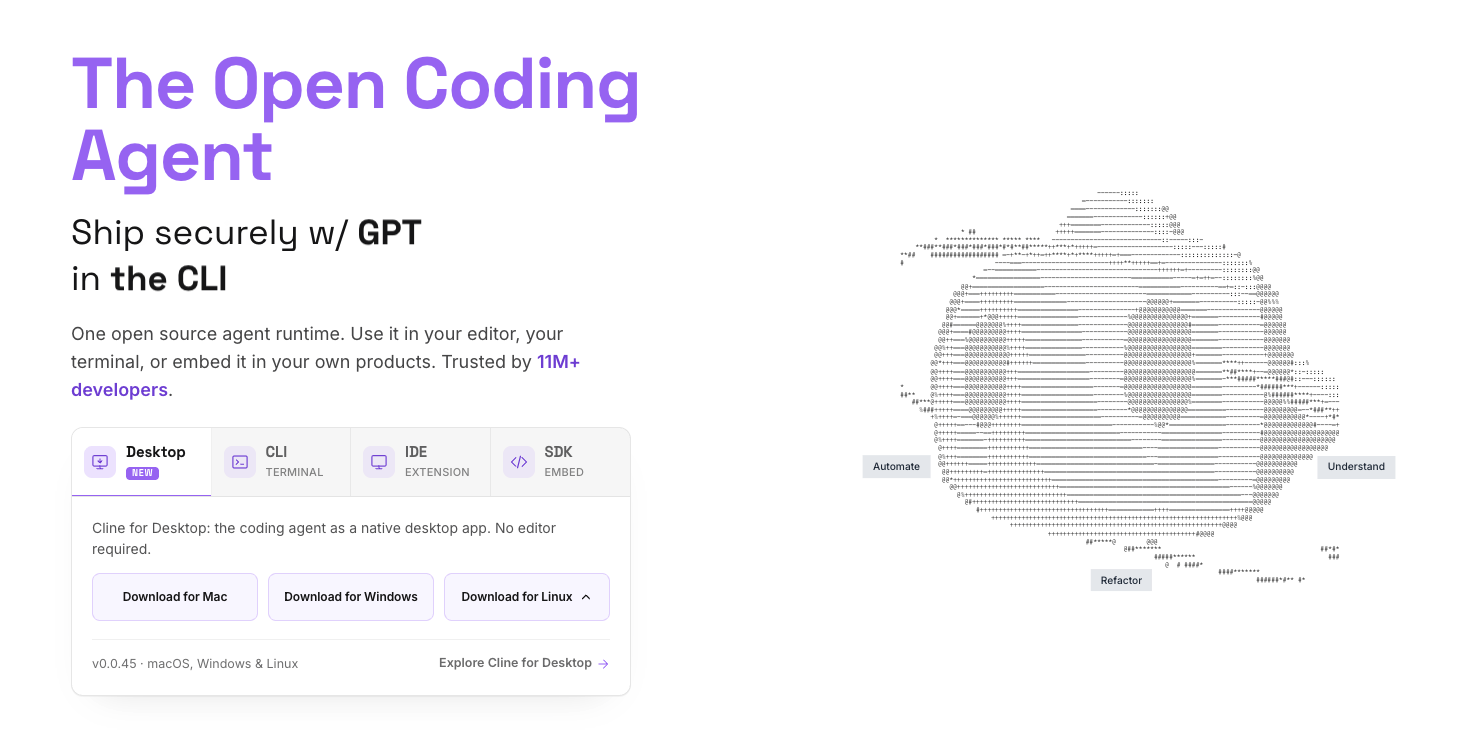
What it does: Cline, an open-source coding agent under the Apache 2.0 license, runs as a VS Code extension, a CLI, and a desktop app, using the model you connect.
Best for: A developer who wants Aider's bring-your-own-model approach without leaving their editor, with each file edit or command saved as a restorable checkpoint.
I started the brief in Cline's Plan mode, which can read the codebase but can't edit files or run commands. It worked through the repo file by file, found the two aliases, and flagged sessionStore.js as the step that needed my yes before I switched to Act mode.
From Plan through Act, the run split into five checkpointed steps. One of them ran the existing lint config and the full test suite, and both passed. The whole task cost about $0.95 in API usage on my own key.
Cline keeps its checkpoints in a separate shadow Git repository, so my project's own history stayed untouched. It left the final diff for me to review and commit.
Key features
- Auto Approve: Sets which actions, such as file edits or terminal commands, Cline can take without asking first.
- Checkpoints: Saves a snapshot after every file edit or command, with Compare and Restore buttons.
Pros and cons
Pros:
- ✅ For large tasks, a /deep-planning command maps the affected files and dependencies first.
- ✅ Restore can roll back the files, the conversation, or both to any checkpoint.
- ✅ Plan and Act can each run a different model.
- ✅ Keeps checkpoints in a separate shadow repo, so your project's own git history stays untouched.
Cons:
- ❌ Cline warns that checkpoints can slow it down on large repositories.
- ❌ A large repo costs more per task, since you pay for every token the model reads on your own key.
- ❌ ClinePass’s $9.99 is a flat monthly rate, and Cline’s FAQ says an extra processing fee may apply.
What users say
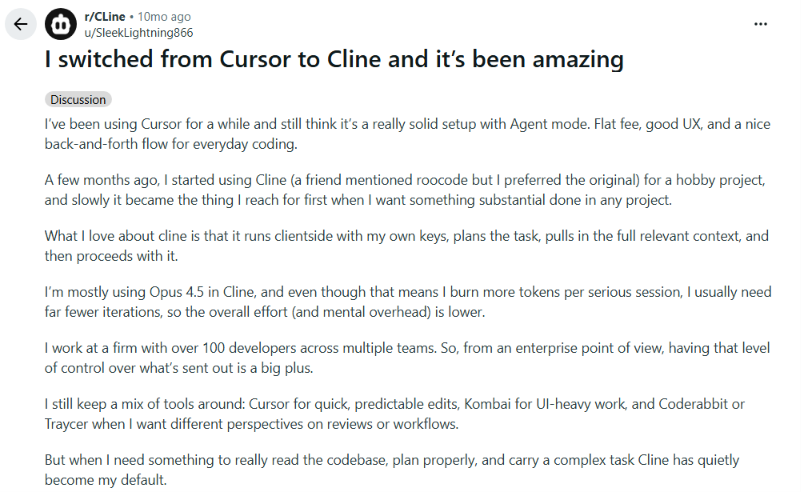
“What I love about Cline is that it runs client-side with my own keys, plans the task, pulls in the full relevant context, and then proceeds with it. I’m mostly using Opus 4.5 in Cline, and even though that means I burn more tokens per serious session, I usually need far fewer iterations, so the overall effort (and mental overhead) is lower.” - SleekLightning86, Reddit
“They burn through tokens like there’s no tomorrow.” - rumm25, Reddit

Pricing
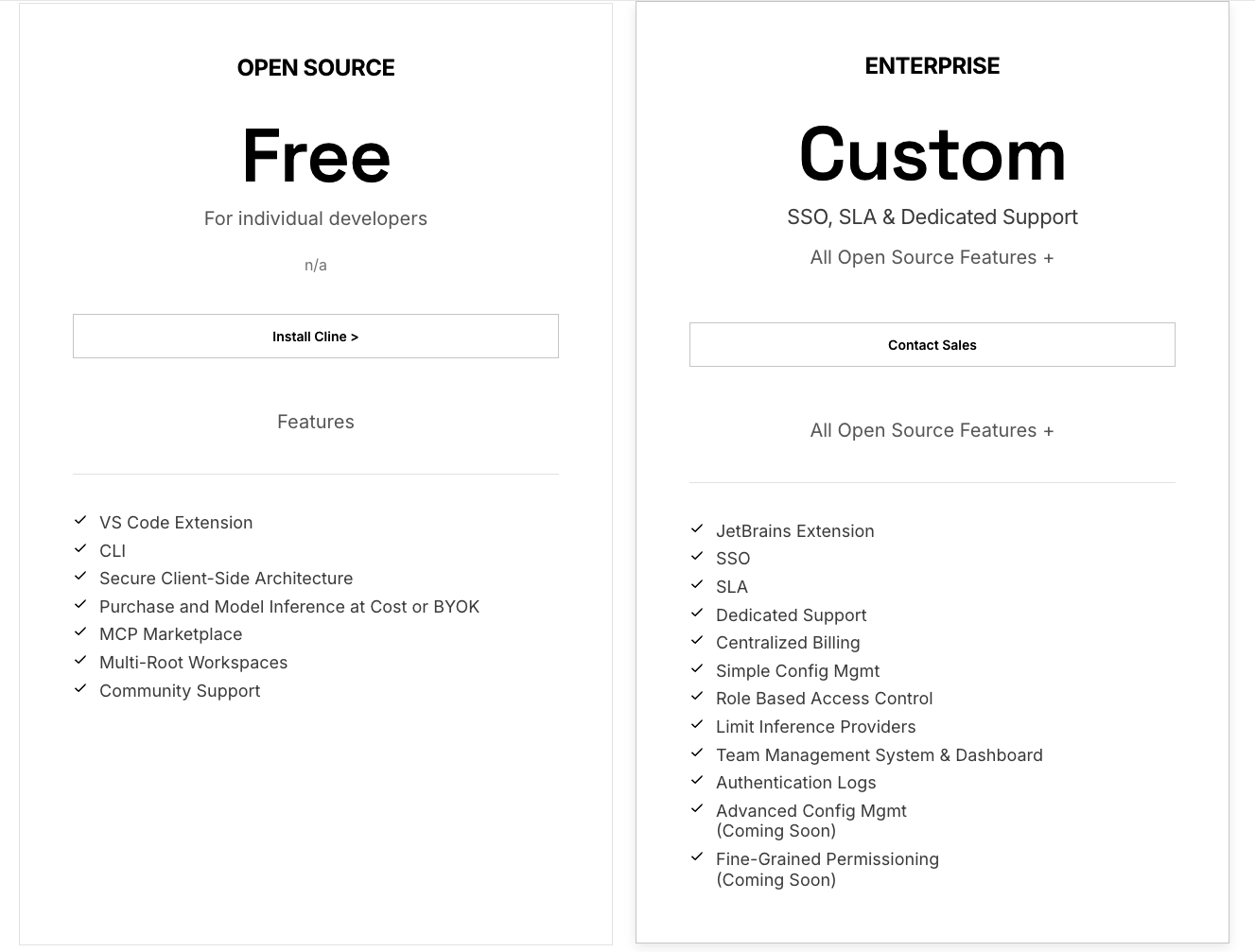
- Open source: Free for individual developers, paying only for model inference through your own key or Cline's provider.
- ClinePass: $9.99/month, no annual plan, for open-weight models from Z.ai, Moonshot AI, DeepSeek, and others.
- Enterprise: No public price; contact sales. Adds SSO and centralized billing.
Bottom line
For about $0.95 in API usage, Cline took the brief from read-only planning to a passing test suite. Try it before you pay for a subscription tool.
Hosted Codex alternatives that run in the background
Replit Agent, Google Jules, and Factory run the work on their own servers while you do something else.
7. Replit Agent: Best for a fully managed, browser-based environment
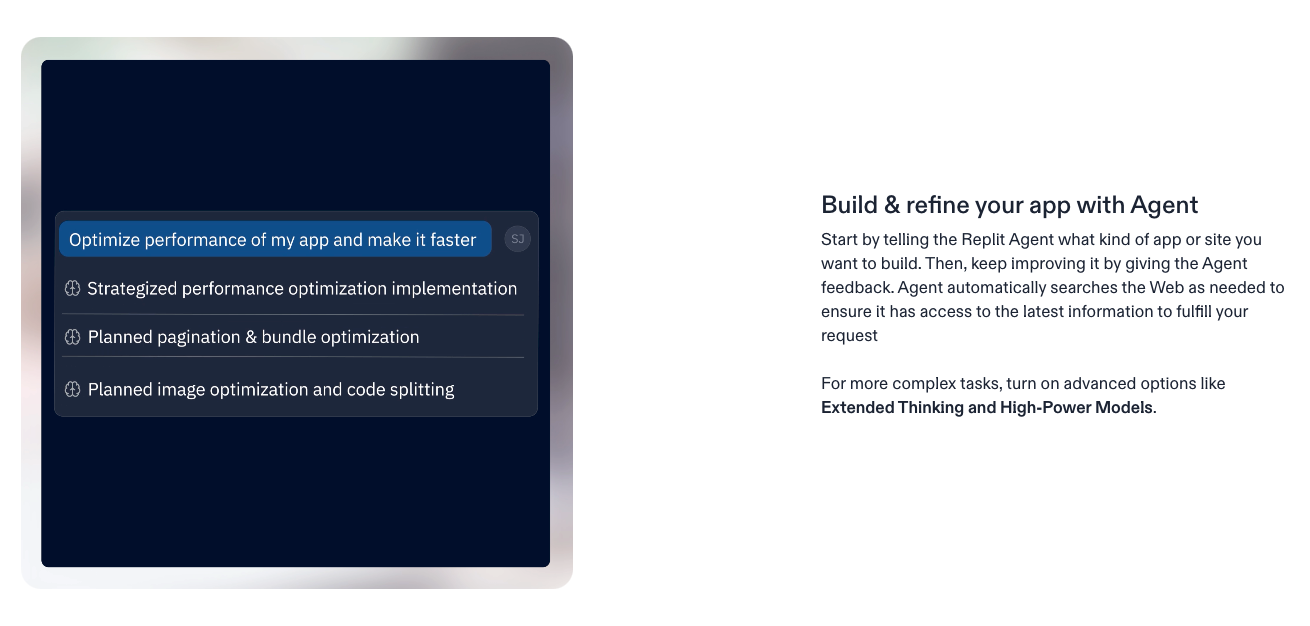
What it does: Replit Agent is a coding agent that builds and runs your app in Replit's hosted environment.
Best for: Someone who wants Replit to host the code and run the app, all from the browser.
Replit Agent's first pass, on the Core plan, found one of the two aliased references, the one whose name stayed close to the original "sessionStore" string. It missed the second and still reported the refactor done.
Once I pointed at the miss, a second pass found it, adding 14 credits to a 33-minute run. By the end, Replit Agent had paused before sessionStore.js, worked file by file, and cleared the lint-and-test pass. Most of the 33 minutes went to the first pass.
That two-pass pattern should shape your budget. Replit bills paid Agent work by effort, deducted from monthly credits, so the fix-up pass costs credits on top of the first.
Key features
- Managed setup: Replit hosts the code and runs the app, so there's nothing to install first.
- Budget limits: Hard caps on what paid Agent work can spend.
Pros and cons
Pros:
- ✅ Ends with a diff and a breakdown of what's staged and committed.
- ✅ Takes a correction mid-task and goes back to fix what it missed.
- ✅ Pro allows active background tasks up to 10 at a time, against one on Core.
- ✅ The usage icon shows checkpoint costs on hover.
Cons:
- ❌ Can report a job done before it is, so check its work.
- ❌ Each paid follow-up pass starts with a confirmation step.
- ❌ Starter has no paid Agent modes, connectors, or collaboration seats.
What users say
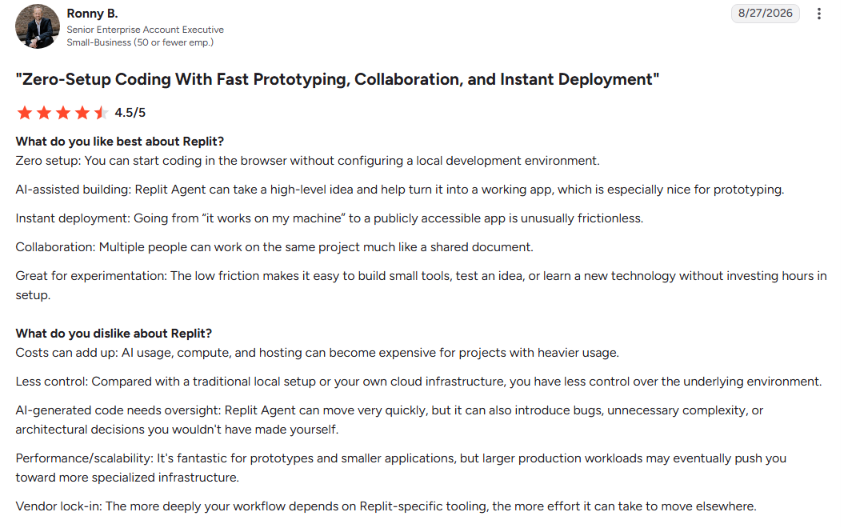
“Replit Agent can take a high-level idea and help turn it into a working app, which is especially nice for prototyping.” - Ronny B., G2
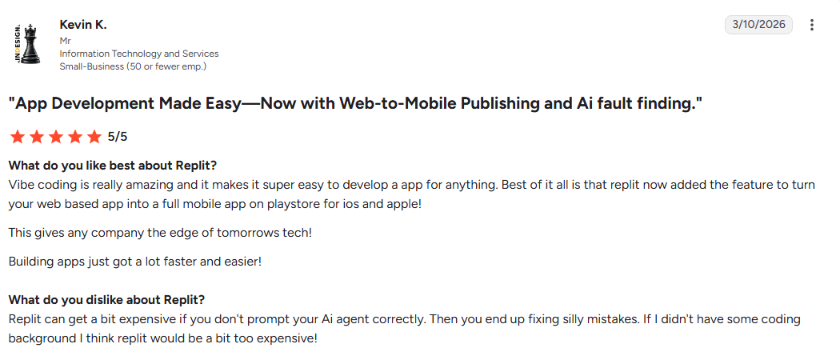
“Replit can get a bit expensive if you don't prompt your AI agent correctly. Then you end up fixing silly mistakes.” - Kevin K., G2
Pricing
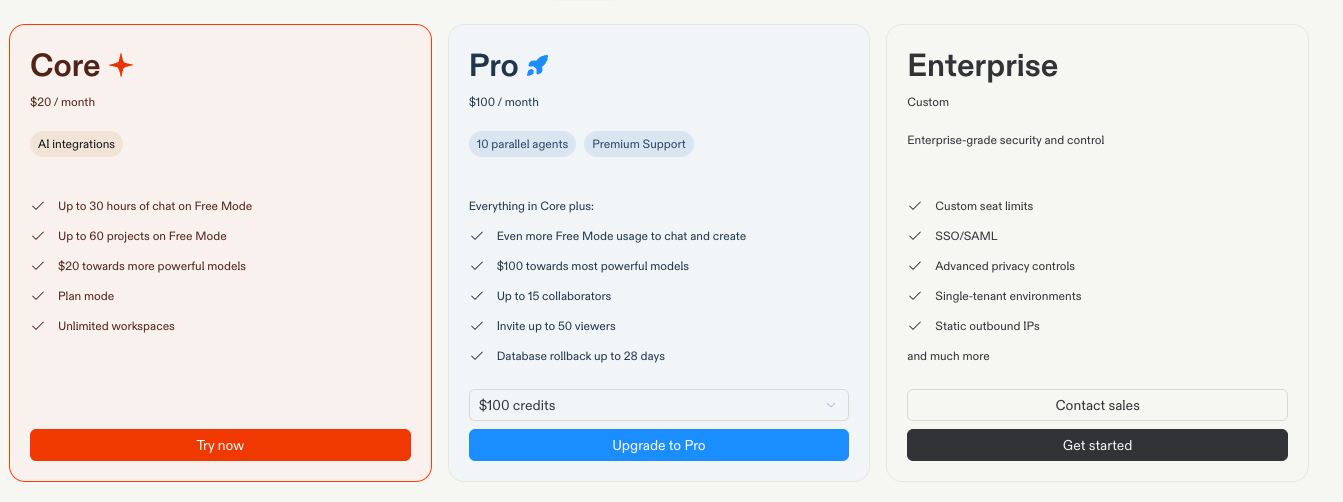
- Starter: Free, with Agent chat and Free Mode on a daily cap and one published app, which goes offline after 30 days.
- Core: $20/month, with up to five seats and no cap on published apps.
- Pro: From $100/month, with tiered credits that roll over for two months and up to 15 builders.
- Enterprise: Custom pricing through an annual credit commitment or pay-as-you-go, with unlimited seats and SSO/SAML.
Bottom line
The managed browser setup is the draw, as long as you check Replit Agent's work before trusting that a job is done.
8. Google Jules: Best for a fire-and-forget task
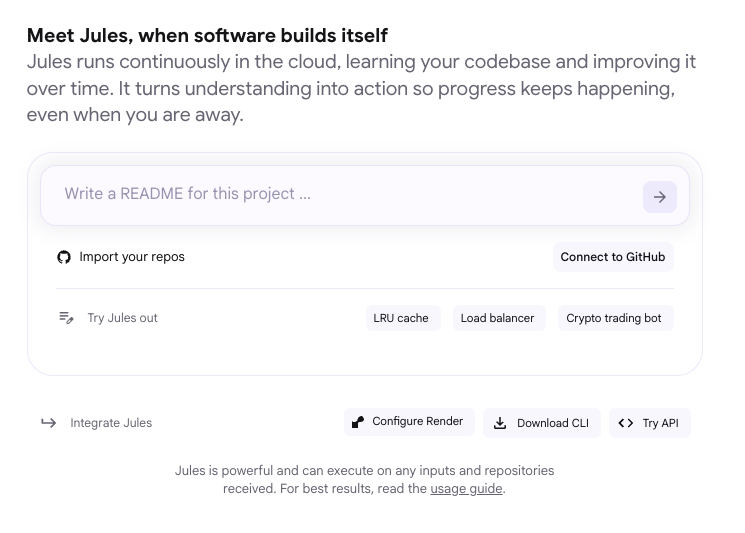
What it does: Google Jules is a cloud-hosted coding agent that runs a task on its own time in a fresh virtual machine.
Best for: Work you can describe up front and review later as a pull request.
Jules came back 27 minutes after I queued the brief, with changes to six files ready to open as one PR. It had worked file by file inside its own VM, found the two aliased references, and run the lint-and-test pass first.
Jules saved the sessionStore.js confirmation for the end, as a question for my approval. The end state was one reviewable diff and a plain answer on what was safe to merge.
It didn't fully follow the formatting note I'd left in the instruction file, inside the same repo copy every tool worked from. On a repo with a strict house style, check the PR by hand.
Key features
- Asynchronous execution: Works while you do something else.
- Pull request from the UI: Open a reviewable PR once a task completes.
Pros and cons
Pros:
- ✅ Retries a failed task automatically before marking it failed.
- ✅ Returns its changes ready to open as one pull request.
- ✅ At the task cap, existing tasks stay open for review while new ones wait for the reset.
- ✅ Paid tiers start with Gemini 3 Pro, while free runs Gemini 2.5 Pro.
Cons:
- ❌ Can miss style notes in the repo's instruction file, so check the PR by hand.
- ❌ Paid plans need an individual @gmail.com account for now.
- ❌ Users must be 18 or older.
What users say
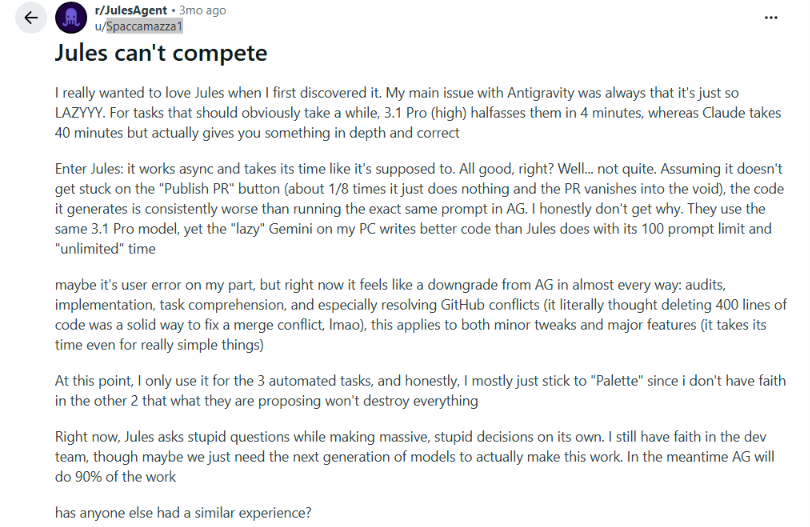
“The GUI is a big plus and I like the previewing of produced content and nature of being able to use it on my phone the same on my laptop.” - habylab, Reddit
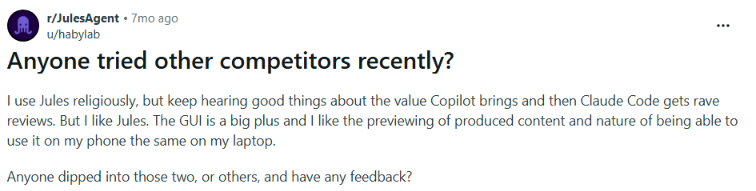
“The code it generates is consistently worse than running the exact same prompt in AG. I honestly don't get why.” - Spaccamazza1, Reddit
Pricing

Jules is still labeled Public Beta.
- Jules: Free, 15 tasks per rolling 24 hours, three at once.
- Jules in Pro: 100 tasks per rolling 24 hours, 15 concurrent, with Google AI Pro at $19.99/month, which adds 4x Gemini access (compared with non-AI subscribers) and expanded limits in Antigravity and AI Studio.
- Jules in Ultra: Included with Google AI Ultra, and Jules lists 300 tasks per rolling 24 hours and 60 concurrent tasks. Google AI Ultra costs from $99.99/month, billed monthly only.
Bottom line
Check Jules's first PR against your house style, then queue tasks and come back to finished work you can open as a reviewable PR, with the lint-and-test pass already run.
9. Factory (Droid): Best for handing off a big, multi-step plan
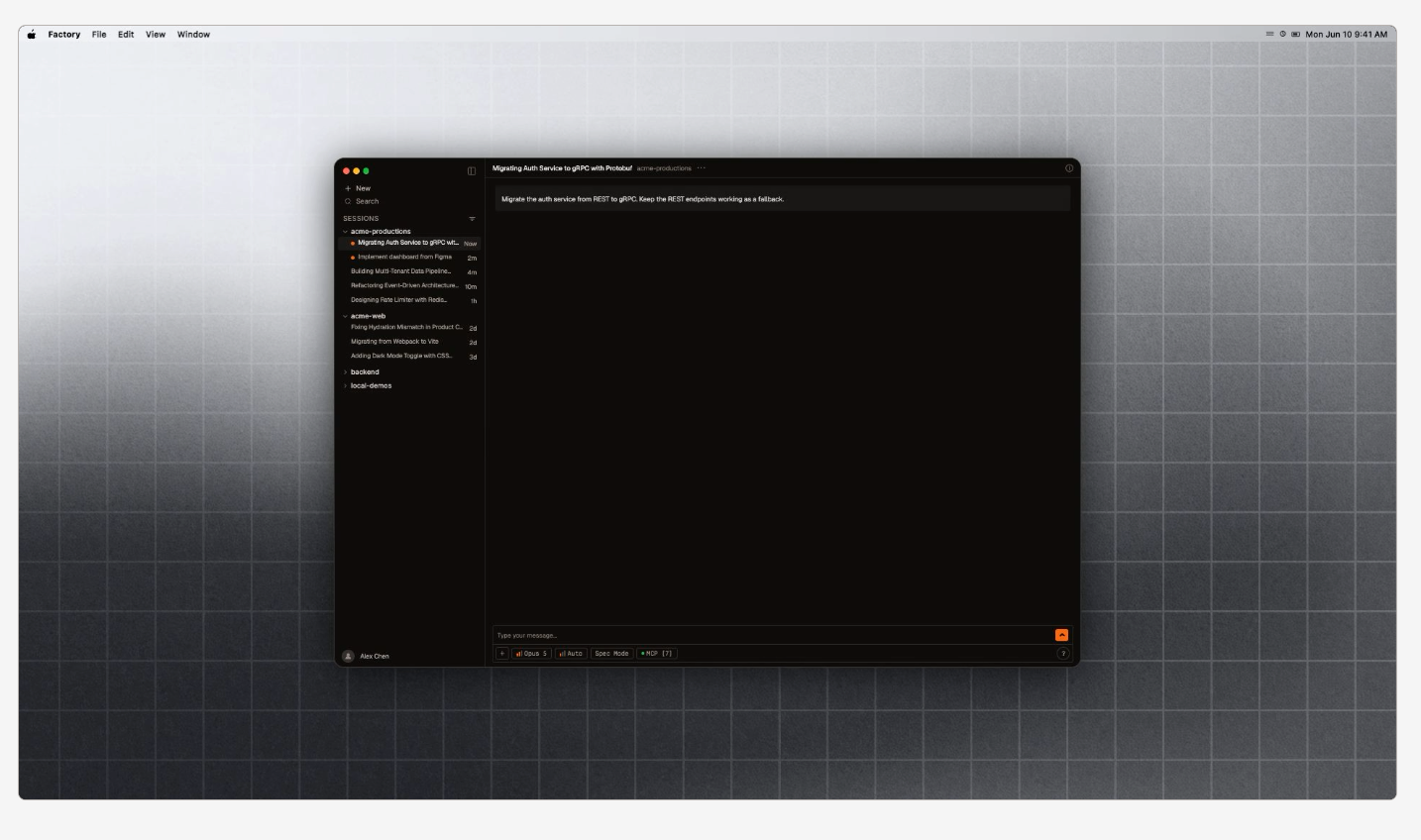
What it does: Factory runs Droid, an agent that splits big plans into milestones for coordinated workers.
Best for: A team with a large, multi-step job it wants to plan once and hand off.
I ran the brief as a Mission on the Pro plan. Its workers divided the repo file by file, and between them they caught the two aliased imports and stopped before sessionStore.js.
It delivered one diff, a passing lint-and-test suite, and a staged-versus-committed answer. But the Mission took two hours and 40 minutes and 22 tool calls, while every other timed tool finished in 27 to 52 minutes.
Factory caps usage with rolling limits that grow with each plan, and Pro and up include billing and usage statistics. For a job this contained, the planning and coordination cost more time than they saved.
Key features
- Missions: Plans work with you, then coordinates workers.
- Mission Control: Shows which features are in progress and lets you step in.
Pros and cons
Pros:
- ✅ You approve the plan before any code is written.
- ✅ Ends with one diff and a clear answer on what's staged and committed.
- ✅ Model Context Protocol integrations, skills, hooks, and custom droids work inside Missions.
- ✅ A Mission runs user-facing QA and self-corrects as it goes.
Cons:
- ❌ Planning and coordinating workers adds a lot of time to small, contained jobs.
- ❌ Missions target bounded, multi-feature work. For best results, the repo also needs to be at what Factory calls Agent Readiness Level 4 (Optimized) or above, so contained jobs fit poorly.
- ❌ Factory says not to convert a long normal session into a Mission. Start a fresh Mission instead, so the planning step isn't skipped.
What users say
“By integrating seamlessly with platforms like GitHub, Factory AI aims to reduce developer fatigue and increase productivity by automating repetitive and time-consuming tasks.” - Bilal M., G2

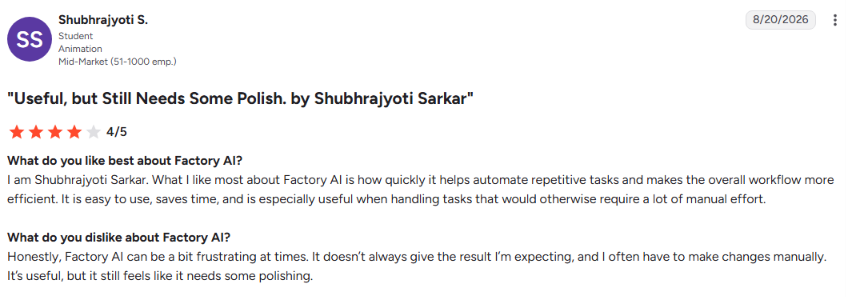
“Factory AI can be a bit frustrating at times. It doesn’t always give the result I’m expecting, and I often have to make changes manually. It’s useful, but it still feels like it needs some polishing.” - Shubhrajyoti S., G2
Pricing
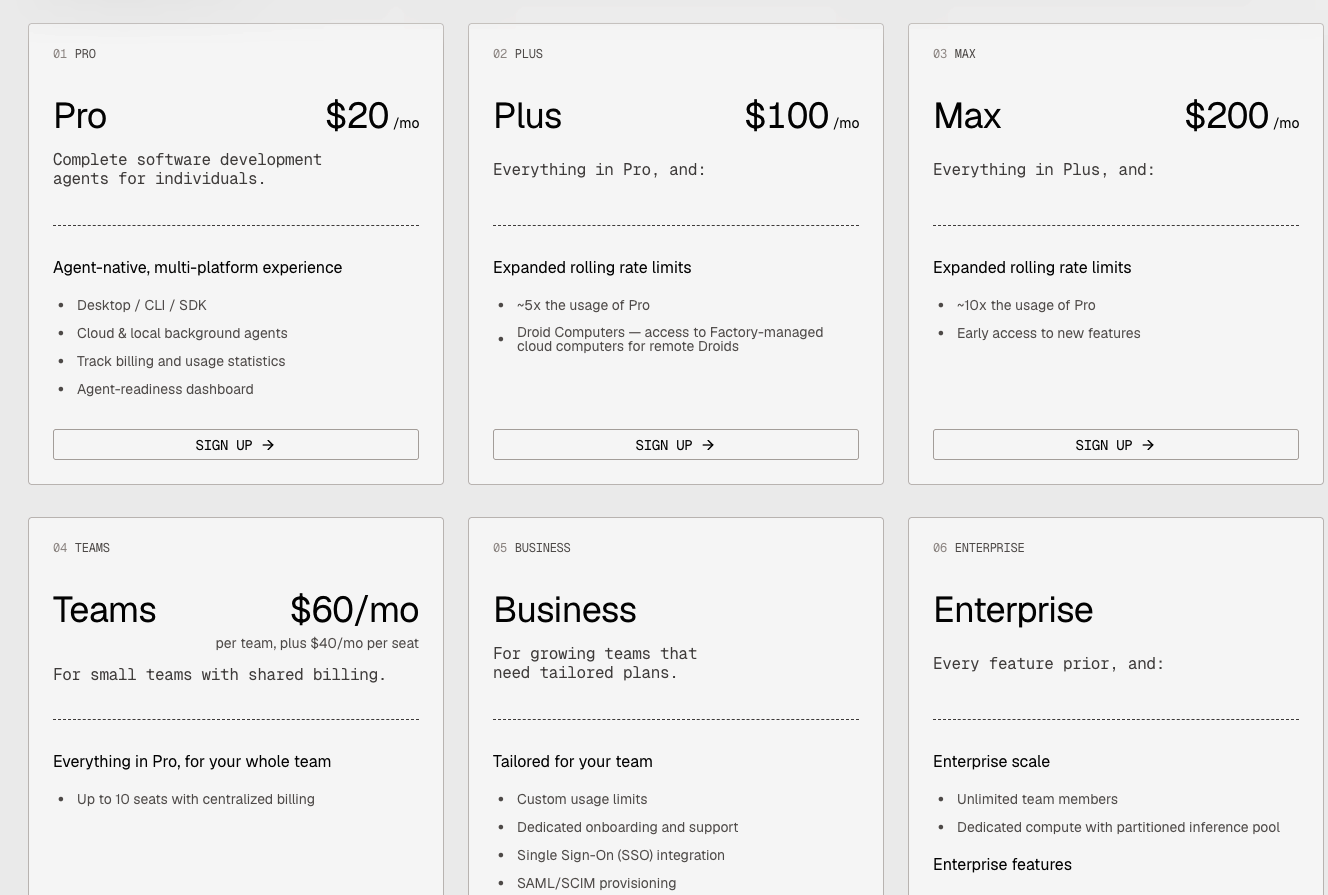
Monthly rates only. On individual plans, Missions need Extra Usage turned on.
- Pro: $20/month, with desktop, CLI, SDK, and background agents.
- Plus: $100/month, roughly 5x Pro's usage, plus Factory-managed cloud computers for remote Droids (Droid Computers).
- Max: $200/month, roughly 10x Pro's usage, with early access to new features.
- Teams: $60/month plus $40/month per seat, up to 10 seats, with centralized billing.
- Business: No public price; contact sales.
- Enterprise: No public price; contact sales.
Bottom line
Save Missions for broad work like a multi-system migration, and use a normal session for a contained refactor like this one.
Which Codex alternative should you choose?
Editor fit
Cursor and Devin Desktop are editors in their own right. Adopting either one means switching editors, unless it's already the one you use. GitHub Copilot and Cline plug into an editor you already use. Claude Code and Aider run from the terminal, so adopting either of them leaves your editor as it is.
Changes across many files
On this sample repo, all nine tools worked file by file, and they differed in how well each one mapped the dependencies between files. Eight of the nine caught every reference on the first pass. Only Replit Agent needed a second one.
Pricing predictability
The nine split sharply on pricing predictability. Google Jules publishes fixed task caps of 15 tasks per rolling 24 hours on the free plan and 100 on Pro, so you can see the ceiling before you start.
Scheduled allowances: Claude Code, Cursor, GitHub Copilot, Devin Desktop, and Factory all meter usage through allowances or limits that reset on a schedule. Claude uses rolling five-hour windows plus weekly limits.
Cursor resets with its billing cycle, and Copilot resets on the first of the calendar month. Devin Desktop runs a daily and weekly allowance on most plans, and a weekly-only one on Max, while Factory uses rolling rate limits that scale by plan.
Billing by use: With Aider and Cline, you pay your model provider per token on your own key, so the cost rises with how much code the model reads. A local Ollama model with Aider, or Cline's flat ClinePass plan, avoids that per-token charge.
Replit Agent bills paid work by effort, deducted from your monthly credits. Fixed task caps are the easiest to plan around. Scheduled allowances and billing by use take more watching.
How much it does on its own
Google Jules is built to run unattended, and you can leave the app once you submit a task. Factory Missions need steering. Mission Control, the orchestration layer managing the work, lets you step in when something goes wrong.
Claude Code, Cursor, GitHub Copilot, Aider, Devin Desktop, and Cline fall in the middle of that range. They pause for a decision where the brief asked for one. Replit Agent reported a task done while one reference was still missing.
Privacy
How six of the nine handle your code:
- Aider: It sends a repo map of your code, plus any files you add to the chat, to whichever model you've connected. With a local Ollama model, that data goes to a model you run yourself.
- Claude Code: It sends prompts and outputs to Anthropic. Pro and Max users choose whether their data is used for training. Anthropic says it doesn't train on code or prompts sent under commercial terms unless the customer opts in.
- Cline: With your own API key, your code and prompts go straight to that model provider, and Cline says it doesn't collect them itself. Through Cline’s own provider, Cline does collect them so it can send each request on to the model.
- Cursor: Cursor says that with Privacy Mode enabled, it won't train on your data, and Privacy Mode is available on free and Pro accounts.
- GitHub Copilot: GitHub says it doesn't use Copilot Business or Enterprise data to train its models. Individual plans, by contrast, may use interaction data unless you opt out.
- Google Jules: A hosted agent moves more of the work off your machine. Jules runs each task in a fresh VM where it clones your repo, and Google says Jules doesn't train on private repository content.
If your code can't leave your own machine or network, check that before you sign up for anything on this list.
{{cta}}
Pick by how you work
Choose Claude Code if you:
- Have a complex, multi-file refactor and want aliased references found and a diff you can review start to finish.
- Are comfortable working from a terminal.
Choose Aider if you:
- Want to pay only for the tokens a task uses, with no per-token charge on a local Ollama model.
- Want a readable commit history from a terminal-first workflow.
Choose Cursor if you:
- Want to try the editor before paying, since the Hobby plan needs no credit card.
- Are willing to watch your usage pools on a heavier task.
Choose GitHub Copilot if you:
- Are on a Business or Enterprise plan and want users to be able to ask an admin for more credit budget.
- Need inline suggestions and an agent under one subscription.
Choose Devin Desktop if you:
- Liked Windsurf's editor and want cloud agents alongside it, which the Pro plan includes as Devin Cloud.
- Want a multi-step refactor handled in a few prompts.
Choose Cline if you:
- Want pay-per-token billing inside the VS Code editor you already use.
- Like to plan with an agent that can't edit anything until you switch it to Act.
Choose Replit Agent if you:
- Need a fully managed, browser-based environment.
- Can budget extra credits for a second pass.
Choose Google Jules if you:
- Want to run several tasks at once, up to three at a time on the free plan and 15 on Pro.
- Don't need to watch the work happen in real time.
Choose Factory's Droid if you:
- Already use Model Context Protocol integrations, skills, or hooks and want them inside a long job.
- Can spare the planning time and Mission Control monitoring that coordination costs.
Skip this category entirely if:
- Autocomplete-style inline suggestions are all you're after. A full agent is overkill, and a simpler inline-suggestion tool will do.
- Your team can't yet review AI-generated diffs carefully. Each of the nine runs ended in a diff, a commit history, or a pull request. A person still had to review the result before it could merge.
Final verdict
Claude Code and Aider suit anyone who lives in a terminal. Cursor, Devin Desktop, GitHub Copilot, and Cline suit anyone who does most of their work in a code editor. Replit Agent and Google Jules work for anyone happy to hand a task off and review what comes back. Factory's Droid suits a big job you plan once, then monitor.
None of these Codex alternatives wins on every axis. Claude Code can need a second usage window for a fix-up loop. Aider costs little, but its main feedback loop is a commit log.
Factory's coordination slows down jobs smaller than the ones it's built for. Pick the working style first, then let price and day-to-day comfort break the tie. For a different cut of this same comparison, AI coding agents ranks six tools, two of which, GitHub Copilot and Cursor, also appear in this lineup.
How Lindy frees up time to ship more code
My nine runs covered the code work. They didn't cover the bug report that kicks off a fix or the status update that closes it out once it ships. That work slows down how fast you ship the next fix.
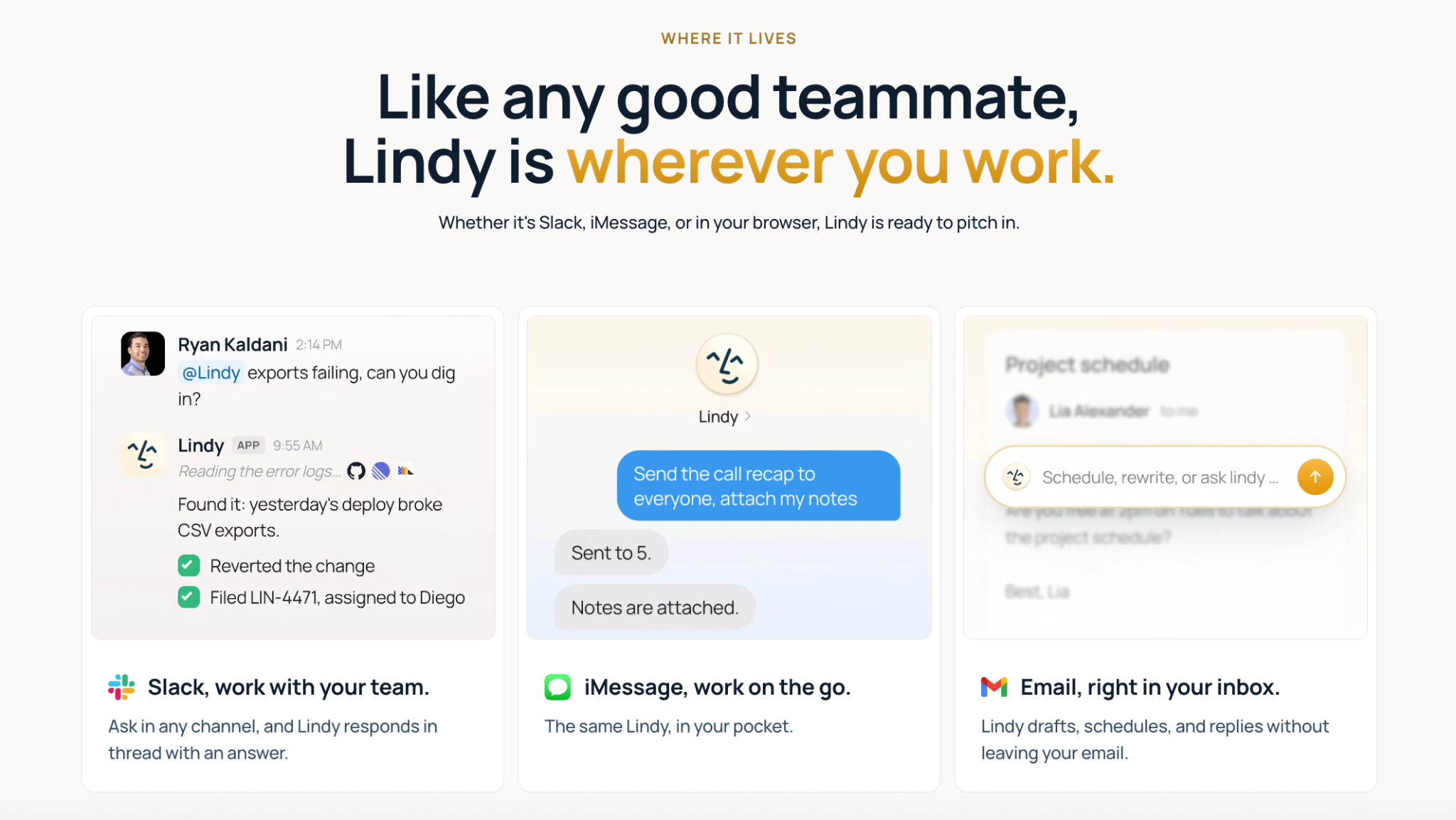
Lindy is an AI teammate that works in Slack, email, and iMessage. It handles the work around the code, so you can put that time into shipping the next fix.
Where Lindy fits in:
- Requests coming in: Slack is one entry point. @mention Lindy in the channel where bug reports and feature requests come in, and ask it to pass the request to your connected tracker. Lindy has integrations for trackers like Linear, Asana, and Trello. That keeps your team's existing tracker in the loop.
- Updates going out: Once a fix is merged, someone has to explain what changed to a stakeholder who doesn't read diffs. Lindy connects to Gmail and its Outlook email assistant, Slack, and customer relationship management (CRM) tools like HubSpot and Salesforce. It can draft the follow-up email once you tell it the fix is in.
None of this makes Lindy a competitor to a coding agent. Skip it if the code itself is the only part of the job you need help with.
Lindy’s entry paid plan, Team, costs $49.99/user/month, with 5,000 credits per user pooled across the workspace. Lindy puts everyday tasks like drafting a reply at two to 250 credits. So 5,000 credits cover about 20 everyday tasks at the top of that range, or well over 1,000 small ones.
A deep job like researching a competitor and writing the report runs 250 to 1,000 credits. When the shared pool runs low, Lindy pauses credit-using actions and tells you. You can top up at $10 per 1,000 credits.
If that code-versus-communication gap sounds familiar, a wider look at agentic AI tools for business covers more of this ground beyond the coding workflow. Lindy's Free plan comes with $50 in credits that last seven days, and it needs no credit card.
Frequently asked questions
Is there anything better than Codex?
It depends on how you work. Claude Code is best for a big change across a lot of files, working from the terminal. Cursor is best if you want your editor and the AI agent in the same window. Google Jules is best for a task you can hand off and check on later. This guide didn't test Codex itself, so these are a better fit for a specific job, not a head-to-head win over it.
Is there anything like Codex but free?
Yes, Aider and Cline are free and open-source, and you pay only your model provider directly, at API rates. Aider can also connect to a local model through Ollama for no per-token cost at all. GitHub Copilot, Cursor, Devin Desktop, Replit, and Jules also have free tiers.
Did OpenAI discontinue Codex?
No, OpenAI still offers Codex as its coding agent, in the CLI, an IDE extension, the web, and a desktop app. It only shut down the original Codex models in March 2023.
Is there a Google alternative to Codex?
Yes, Jules is Google's hosted alternative to Codex. It runs each task in its own cloud VM and lets you open a pull request when it finishes. The free plan allows 15 tasks per rolling 24 hours, with Pro and Ultra tiers above that.
Is there a Codex alternative for former Windsurf users?
Yes, Devin Desktop is the former Windsurf editor, now owned by Cognition. It can import a VS Code or Cursor configuration from the command palette, so switching over keeps the setup a Windsurf, VS Code, or Cursor user already has.