


Gong AI Notetaker Review 2026: Features, Costs & Top Alternatives


I’ve used the Gong AI Notetaker across sales calls to capture summaries, track key moments, and keep my CRM updated.
It works well out of the box. But after a few weeks, I started asking:
↳ Is the output accurate enough to rely on?
↳ Does it adapt to different call types and roles?
↳ And is there a smarter, more flexible alternative that fits into my entire workflow?
In this review, I’ll break down what the Gong AI Notetaker gets right, where it misses the mark, and why I eventually moved to Lindy for faster, cleaner, and more actionable call summaries.
What Is Gong’s AI Note Taker?
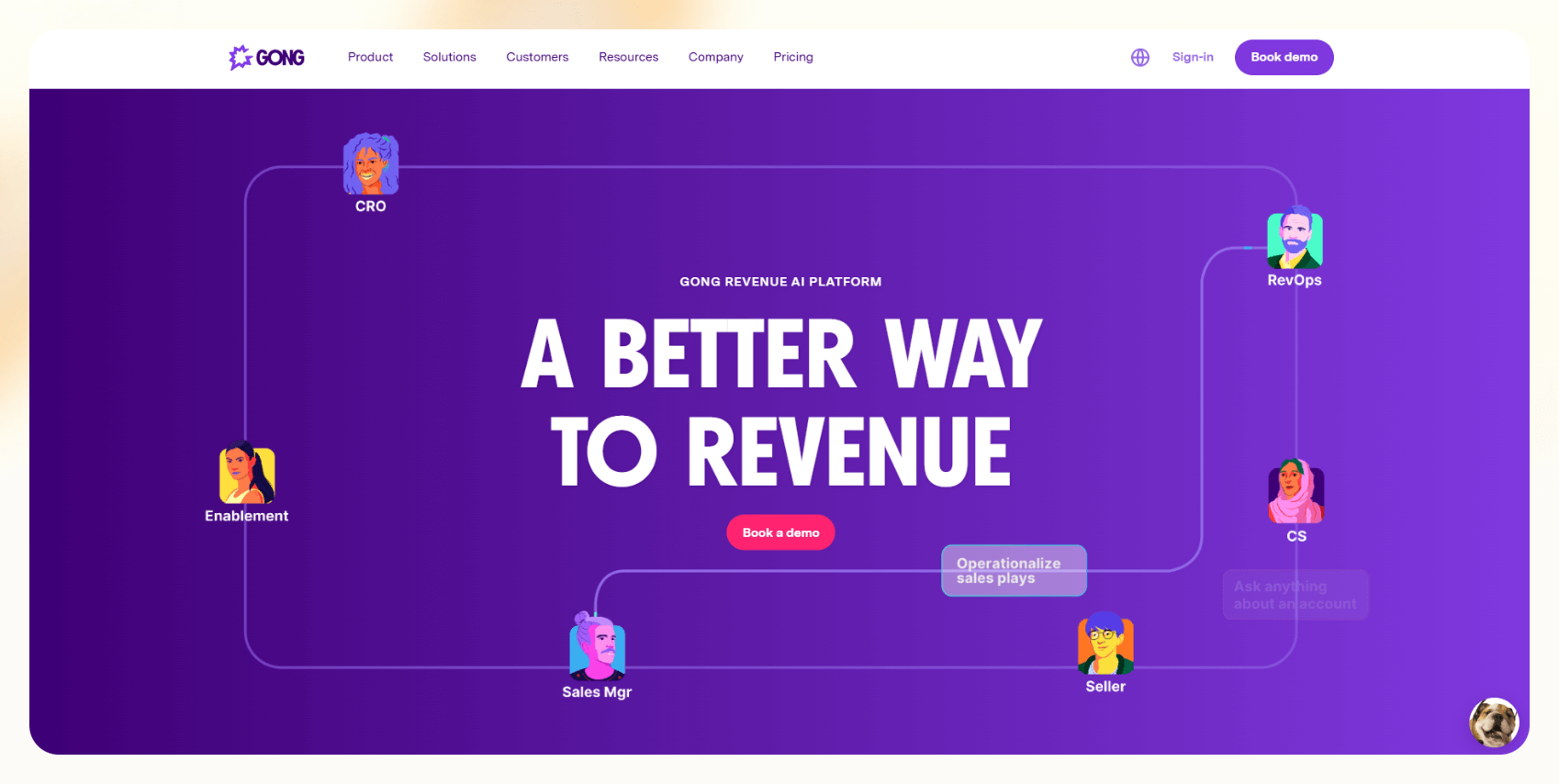
Gong’s AI Note Taker is a built-in feature of the Gong Revenue Intelligence Platform, it’s not a standalone tool.
It captures and organizes call data from Zoom, Teams, and Google Meet. But it doesn’t stop at transcription. Gong uses AI to analyze sales conversations, identify risks, flag follow-ups, and sync all of it into your CRM. It's not just note-taking, it's intelligence.
How Gong’s Note Taker Works (Step-by-Step)
Here’s how Gong's AI Note Taker automates critical sales tasks.
Step 1: Joins Meetings Automatically
Gong connects to your calendar and preferred conferencing tools. Once integrated, it automatically joins scheduled calls without any manual intervention required from the sales rep or meeting organizer. This "set it and forget it" functionality ensures no valuable conversation is missed.
Step 2: Real-Time Gong Transcription
As conversations unfold, Gong transcribes every word spoken. It intelligently identifies individual speakers, timestamps key moments for easy navigation, and supports multiple languages, making it adaptable for diverse sales environments.
Step 3: AI-Powered Call Analysis
This is where Gong truly shines. Its AI goes beyond simple transcription to detect critical elements like customer objections, common questions, agreed-upon next steps, and even talk ratios between participants.
It's designed to highlight potential deal risks early on and pinpoint specific coaching moments for sales managers. For example, I've seen it flag when a rep might have talked too much, giving managers concrete data points for coaching.
Step 4: Generates Meeting Summaries
Immediately after each call concludes, Gong compiles a structured summary. This summary typically includes identified action items, key discussion topics, and other important details, all easy to review and export for sharing or internal use.
Step 5: Syncs to Your CRM
One of Gong’s most significant time-savers is its seamless integration with leading CRMs like Salesforce and HubSpot. It automatically pushes notes, full transcripts, and derived insights directly to the relevant lead, contact, or deal record, virtually eliminating manual data entry for reps.
Step 6: Saves in a Searchable Library
Every conversation recorded by Gong is meticulously archived and indexed. This creates a vast, searchable library of all sales interactions, allowing reps and managers to instantly retrieve past calls, review specific discussions, or analyze trends over time.
4 Features I Love About Gong AI Note Taker
From my perspective, Gong’s AI Note Taker genuinely excels in several key areas, particularly for sales teams managing high call volumes and navigating complex, long sales cycles.

1. Completely Removes Manual Note-Taking
This is perhaps its most immediate and impactful benefit. Sales professionals no longer need to furiously type during calls. Gong handles the recording, transcribing, and highlighting of critical conversational elements automatically.
This frees up reps to be fully present and engaged with the customer, leading to more natural and effective interactions. For me, this alone improved my reps’ performance and focus big time.
2. The Analytics Are Incredibly Useful for Coaching
Gong doesn't just provide raw data, it transforms it into actionable insights. You're not just getting a transcript, Gong tells you who dominated the conversation, how long specific objections were discussed, and which keywords frequently surfaced.
This granular detail provides sales managers with a truly detailed view into how their reps handle objections, present solutions, and where targeted coaching can make a difference.
3. CRM Integration is Seamless
The integration with Salesforce and HubSpot is exceptionally smooth and clean. Notes and derived insights are pushed directly to the correct lead or deal record without the rep needing to lift a finger after the call.
This dramatically reduces administrative burden, allowing reps to focus more on selling.
4. It Builds a Searchable Library of Every Call
The ability to instantly pull up any past conversation is such a life saver. If a prospect brought up a specific budget constraint two months ago, that information is readily available.
This comprehensive archive becomes an invaluable resource for sales reviews, onboarding new reps, and ensuring continuity during rep transitions.
4 Features I Didn't Like About Gong AI Note Taker
While Gong is undoubtedly feature-rich and powerful, there are a few aspects where the overall experience didn't quite align with my expectations, especially when considering the needs of smaller or more agile teams.

1. The Pricing is Steep and Rigid
This is a major consideration. You're not just paying for a note-taking solution, you're investing in a full revenue intelligence suite. Even if your primary need is call transcription, you're bundled into the entire platform.
With an estimated platform fee starting around $5,000 and per-user licenses costing upwards of $1,600 annually, the costs can add up fast. There's no convenient monthly option or a more tailored, smaller plan.
2. You Can’t Use Just the Note Taker
Gong's all-or-nothing approach means you cannot unbundle specific features. If your organization doesn't need advanced forecasting, detailed deal analytics, or extensive coaching dashboards, you're still paying for all of it.
This makes it a difficult proposition for lean teams, individual consultants, or businesses with very specific, limited needs.
3. Transcription Isn’t Always Perfect
While the accuracy is generally good (Gong claims 85–90%), it's not flawless. In some meetings, particularly those with multiple speakers talking simultaneously, strong regional accents, or significant background noise, the transcript often required some manual cleanup.
I found myself double-checking who said what more than once, which negated some of the time-saving benefits.
4. You Need to Commit Upfront
Gong requires an annual contract. There's no trial period or self-serve signup process. To even get pricing, you'll need to engage with their sales team and go through a demo, which can add significant friction if you're simply in the early stages of evaluating potential solutions.
Pricing: How Much Does Gong’s AI Note Taker Cost?
You can’t buy Gong’s AI Note Taker as a standalone product. It is exclusively bundled with the full Gong Revenue Intelligence Platform.
Here's a detailed breakdown of what you can expect to pay:
- Platform Fee: This is a base annual fee that grants access to the core platform. It typically starts around $5,000 per year, but can vary based on the size of your organization and specific requirements.
- Per-User License: On top of the platform fee, you'll pay for each individual user. This typically ranges from $1,360 to $1,600 per user per year. This cost encompasses access to all of Gong's features, including the note taker.
- Onboarding & Training: Many enterprise-level software solutions include a one-time charge for professional services, covering initial setup, integration, and training. For Gong, this can be a significant upfront cost, often around $7,500.
- Total for 100 Users: To illustrate the scale, a hypothetical deployment for 100 users could easily range from ~$155,000 to $169,000 per year, excluding the one-time onboarding fee.
Remember that Gong exclusively operates on annual contracts. There are no self-serve plans, monthly billing options, or short-term commitments. This means you have to spend significant upfront fees and commit for a long duration.
Who Should Use Gong?
Based on its feature set and pricing model, here’s who should and shouldn’t use Gong:
Gon is best for:
- Mid-market to enterprise sales teams: Organizations with a substantial sales force (typically 50+ reps) that can leverage the platform's extensive analytics and coaching capabilities across a large team.
- Revenue operations (RevOps) teams who want deep pipeline insights: RevOps professionals will find Gong's ability to analyze deal health, identify risks, and provide forecasting accuracy invaluable.
- Sales managers focused on coaching and forecasting: Managers seeking granular data to coach their teams effectively and enhance their forecasting accuracy will benefit immensely.
Gon is not ideal for:
- Startups or small teams with fewer than 10 reps: The high platform fee and per-user cost make it prohibitively expensive for lean operations.
- Businesses looking for a lightweight or standalone transcription tool: If your core need is simply transcribing calls, Gong offers significant overkill in terms of features and cost.
- Teams needing monthly flexibility or free-tier access: Gong's annual contract requirement and lack of a free tier or self-serve option are major barriers for these users.
5 Best Gong AI Note Taker Alternatives in 2026
If Gong’s feels like overkill and costly for your needs, many other awesome alternatives offer solid note-taking and meeting intelligence capabilities, often at a fraction of the cost.
Here's a quick overview:
| Tool | Key Features | Best For |
|---|---|---|
| Lindy |
| Teams wanting transcription plus automation: sales, RevOps, and SMBs needing flexibility. |
| Otter.ai |
| Solo professionals, educators, journalists, small teams needing basic transcription. |
| Fireflies.ai |
| Cross-functional teams, startups, and businesses needing good value for meeting intelligence. |
| Avoma |
| Sales and customer success teams at mid-sized companies seeking a more integrated solution. |
| Notta |
| Global teams, researchers, and consultants with diverse language needs. |
{{templates}}
Why is Lindy the Best Gong Alternative?
1. Easy Meeting Transcription + Notes
Lindy connects to your Google Calendar, joins your calls, and transcribes everything accurately. After the meeting, it creates a clean summary in Google Docs that you can share with your team. It’s quick and simple.
2. Smart Sales Coaching
Lindy doesn’t just analyze calls, it uses frameworks like MEDDPICC to break them down and give your reps useful feedback. I found this super helpful for improving how we handle objections and move deals forward.
3. CRM Updates without the Hassle
Instead of entering notes into Salesforce or HubSpot yourself, Lindy does it for you. That means your CRM stays updated, and your team spends more time selling instead of typing.
4. Automated Follow-Ups
Right after a call, Lindy can send follow-up emails, drop summaries in Slack, or even book the next meeting. It’s way more than just note-taking; it actually handles tasks you’d otherwise forget or put off.
5. Prospect Research and Outreach
Here’s something Gong doesn’t do: Lindy can look up leads, enrich their data, and even run outreach campaigns. With a few clicks, your AI agent (called a “Lindy”) can handle everything from research to multi-step follow-ups.
6. Flexible, Transparent Pricing
This part really makes a difference:
- You can start for free with 400 credits a month. No pressure.
- Paid plans start at $49.99/month for 5,000 credits.
- You choose how many credits you need, so you only pay for what you use. No yearly contracts, no locked-in pricing.
{{cta}}
Transform Your Note-Taking with Lindy!

Want to try something that saves time, cuts down work, and costs way less than Gong? Lindy gives you accurate transcripts, smart summaries, automated follow-ups, and CRM updates, all in one place.
Lindy’s built to do more than just take notes. It helps your team move faster, stay organized, and close more deals.
Start using Lindy for free and see how it fits into your workflow.
Frequently Asked Questions
1. Does Gong record every call?
Yes, Gong records all calls that are scheduled through connected calendars and supported platforms like Zoom, Google Meet, and Microsoft Teams. It automatically joins and records meetings where it's been enabled, ensuring every conversation is captured for transcription and analysis.
2. How much does Gong cost per user?
Gong’s per-user pricing typically ranges from $1,360 to $1,600 per year, depending on your team size. This is on top of the platform fee, which starts at $5,000 annually. Final pricing may vary based on your contract and additional features or services.
3. What is a Gong meeting?
A Gong meeting is any sales or business conversation that Gong records, transcribes, and analyzes. These meetings are captured through tools like Zoom or Teams, and Gong uses AI to extract key insights, such as objections, action items, talk ratios, and next steps.
4. Can Gong’s notetaker work without internet access?
No. Gong relies on cloud-based infrastructure for recording, transcription, and analysis. You need a stable internet connection for it to join, record, and sync your meetings. If your call isn’t online or your connection drops, Gong won’t capture or analyze the conversation.
5. Does Gong support video calls or just audio?
Yes, Gong supports both video and audio calls. It records full video meetings from platforms like Zoom, Microsoft Teams, and Google Meet. You’ll be able to replay the video, view transcripts side-by-side, and analyze participant behavior throughout the conversation.
6. Can you edit Gong’s transcripts or notes after a call?
Yes, you can manually edit transcripts and meeting notes inside Gong. This is helpful for fixing any errors, adding context, or clarifying key points. While the AI does a good job, making edits ensures accuracy, especially if you’re using the transcript for training or deal reviews.
7. Does Gong notify participants that a meeting is being recorded?
Yes, Gong typically follows platform-level settings and compliance rules. If your Zoom or Teams account is set up to notify attendees, they’ll see a recording notification. Gong doesn’t override those settings, so it’s up to your platform and organization’s compliance policy to manage disclosures.
8. Can Gong be used outside of sales teams?
Technically yes, but it’s built specifically for revenue teams. Marketing, customer success, and even recruiting teams can use it, but you might find many of the insights (like deal risk scoring or sales coaching) irrelevant unless you're actively running a revenue function.
9. How secure is Gong with call data?
Gong follows enterprise-grade security standards, including SOC 2 Type II compliance and encryption for data at rest and in transit. They also support role-based access and user permissions to control who can see what data. Still, it’s good practice to review your org’s data sharing policy before adoption.
10. Does Gong work with non-English languages?
Yes, Gong supports multiple languages for transcription and analysis, though the core AI models are strongest in English. Transcription accuracy in other languages may vary. If you’re working with international teams, test it first to ensure it meets your quality standards in your target languages.
11. Can Gong highlight specific keywords or topics?
Yes. Gong’s AI can detect and tag keywords like pricing, objections, competitor mentions, and next steps. You can also create trackers to flag custom terms your team cares about. This helps you spot patterns across conversations and identify what’s actually being said in your pipeline.
12. Is there a way to try Gong before buying?
Not really. Gong doesn’t offer a free trial or self-serve sign-up. You need to contact their sales team, book a demo, and go through their onboarding process. This adds some friction if you’re just exploring your options or want to compare tools hands-on.
13. Can Gong summarize a meeting in bullet points?
Yes, Gong’s AI generates structured meeting summaries, often broken down into bullet points with action items, key topics, and next steps. You can review, edit, and share them easily. This format makes it quick to scan and helpful for syncing with team members or updating your CRM.











Blog
Related Articles
.png)
.png)

%20(1).png)
.avif)

%20(1).png)
.png)
The AI assistant that runs your work life
Lindy saves you two hours a day by proactively managing your inbox, meetings, and calendar, so you can focus on what actually matters.
