Top 9 Taskade Alternatives To Look For in 2026
Marvin reviewed nine Taskade alternatives, comparing Todoist, ClickUp, and Notion on project views, reporting depth, and AI-driven task automation.


Taskade worked fine for my team until I needed a simple progress report. The checklists were there, but I couldn’t get a useful view of how the project was moving or where work had stalled.
That’s where the limits started to show. Taskade handles lightweight lists well, but reporting, project views, and more involved workflows become harder to manage as the team and workload grow.
I tested 9 Taskade alternatives across team projects to see which ones handled that extra complexity better. Some give you stronger project management. Others reduce the admin around the work as well.
These are the ones I’d recommend.
9 best Taskade alternatives: TL;DR
- Lindy: Best AI assistant to automate tasks across your work apps
- Todoist: Best for simple personal and team task management
- ClickUp: Best for an all-in-one project and team workspace
- Notion: Best for keeping docs, databases, and projects together
- Trello: Best for visual Kanban boards
- Asana: Best for structured work management
- Monday.com: Best for visual dashboards and workflow automation
- Nuclino: Best for knowledge management with basic project features
- Mem.ai: Best for AI-first notes and recall
1. Lindy: Best overall for notes and task automation

Lindy is an AI automation platform that creates agents to automate taskstaskade review can help you compare these platforms before making a decision. across email, calendars, chat apps, and CRMs. Teams use it to route leads, schedule meetings, triage inboxes, and update records without switching tabs. Reading an in-depth
Why it beats Taskade
- AI Agents that take action: You can configure these agents to execute tasks across Gmail, Google Calendar, Slack, HubSpot, and Salesforce.
- Security: Lindy is SOC 2 and HIPAA compliant, making it ideal for healthcare, finance, and other regulated teams.
- Ready-to-use templates: These customizable pre-built AI agents reduce setup time, from inbox triage to meeting scheduling. If you need lightweight note-taking and outlining features, exploring top workflowy alternatives can help you find the right fit.
- 4,000+ integrations: Lindy connects with popular business apps to make the process of setting up automations easier and helps you work with your tech stack.
Pros
- Multi-agent coordination lets multiple agents collaborate and automate complex tasks across apps.
- No-code, visual builder and templates keep workflows simple to launch. If you are considering open-source visual builders, evaluating flowise pricing can help you compare cost structures.
- AI voice agents with support for 30+ languages.
Cons
- Advanced multi-step workflows require some time to set up.
Pricing
- Free: Up to 40 monthly tasks
- Pro: $49.99/month for 5,000 credits
- Business: $199.99/month for 20,000 credits
- Enterprise: Custom pricing and credits
Bottom line
Lindy works well for non-technical teams who want a more capable AI tool than Taskade and want AI agents to automate the tedious, repetitive taskstaskade pricing structure can help you decide whether upgrading or switching tools makes financial sense. If you prefer offline markdown notes over a cloud workspace, exploring the best across their workflows, including meetings and note-taking. Reviewing the detailed obsidian alternatives can help you find a fitting knowledge base.
{{templates}}
2. Todoist: Best for simple task management
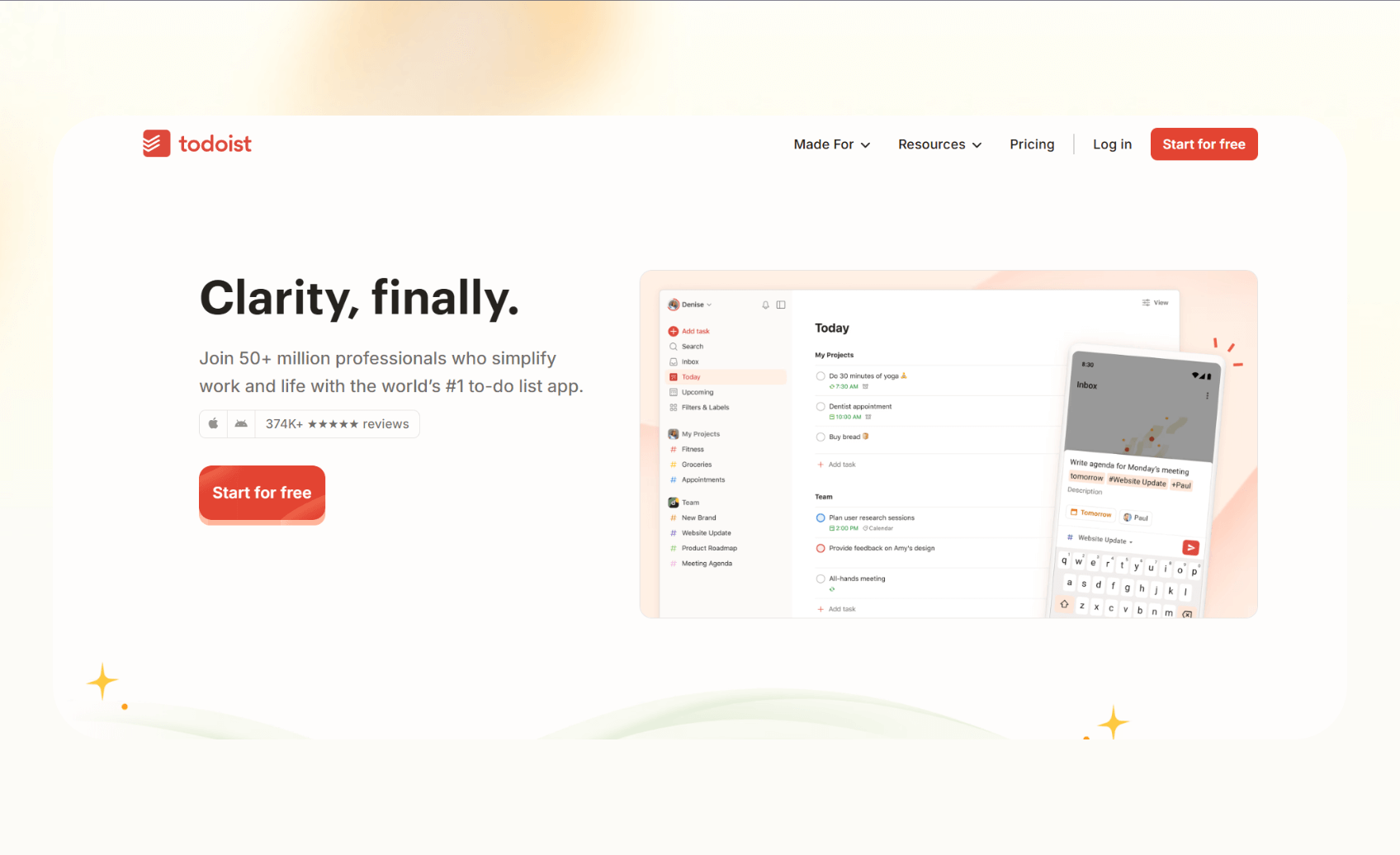
Todoist helps people capture tasks quickly and organize them into lists, boards, or a calendar view. It fits individuals and small teams who want a simple, reliable, and easy-to-use task tracking tool.
Why it beats Taskade
- Natural language input lets users add tasks with dates and priorities in one step.
- Calendar view makes deadlines clear and easy to manage.
Pros
- Cross-platform apps sync instantly across web, desktop, and mobile.
- Filters and labels give users control over large lists.
Cons
- Lacks dependencies, portfolios, or workload features for larger projects.
Pricing
- Beginner: Free forever
- Pro: $5/user/month, billed monthly
- Business: $8/user/month, billed monthly
Bottom line
Todoist is the best choice if you need a simple tool for personal task tracking or lightweight team coordination. Evaluating a broader list of the best productivity apps can help you decide if a simple task manager meets all your needs.
3. ClickUp: Best for complex projects
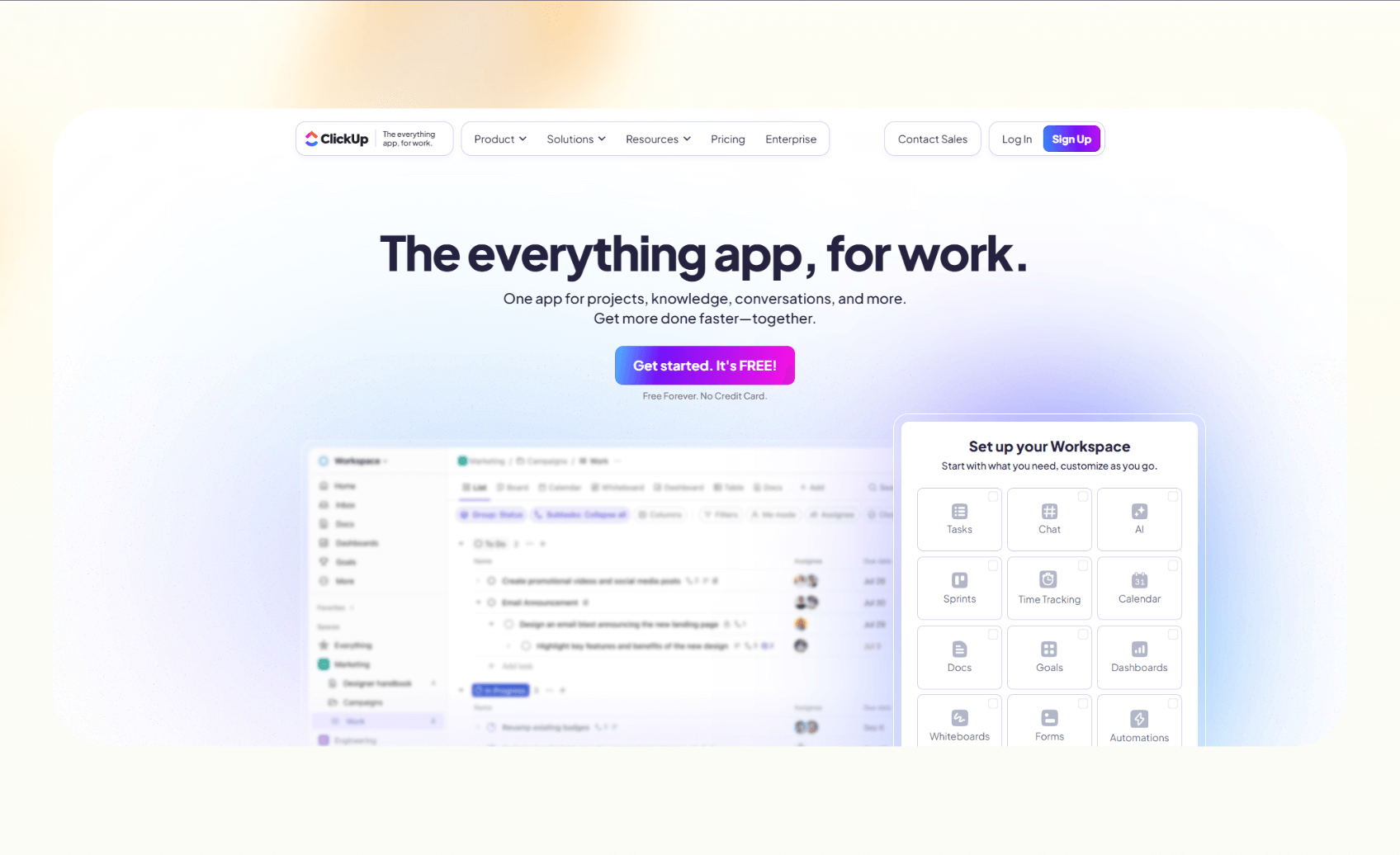
ClickUp brings tasks, docs, dashboards, and whiteboards into one workspace. It works well for teams that need to manage complex projects with flexibility to scale.
Why it beats Taskade
- Offers multiple views like Gantt, Timeline, and Dashboard that Taskade lacks.
- Built-in automations and ClickUp AI help teams reduce repetitive work.
Pros
- Replaces several tools by combining project management, docs, and whiteboards.
- Supports granular features such as goals, dependencies, and workload tracking.
Cons
- Complex setup can overwhelm smaller teams without dedicated admins.
Pricing
- Free: 60MB storage with unlimited tasks
- Unlimited: $10/user/month, billed monthly
- Business: $19/user/month, billed monthly
- Enterprise: Custom pricing, contact sales
Bottom line
ClickUp is ideal for growing teams that want advanced project management and automation in one platform. Comparing smart productivity features can help you select the best ai task manager for your team.
4. Notion: Best for docs and projects in one place
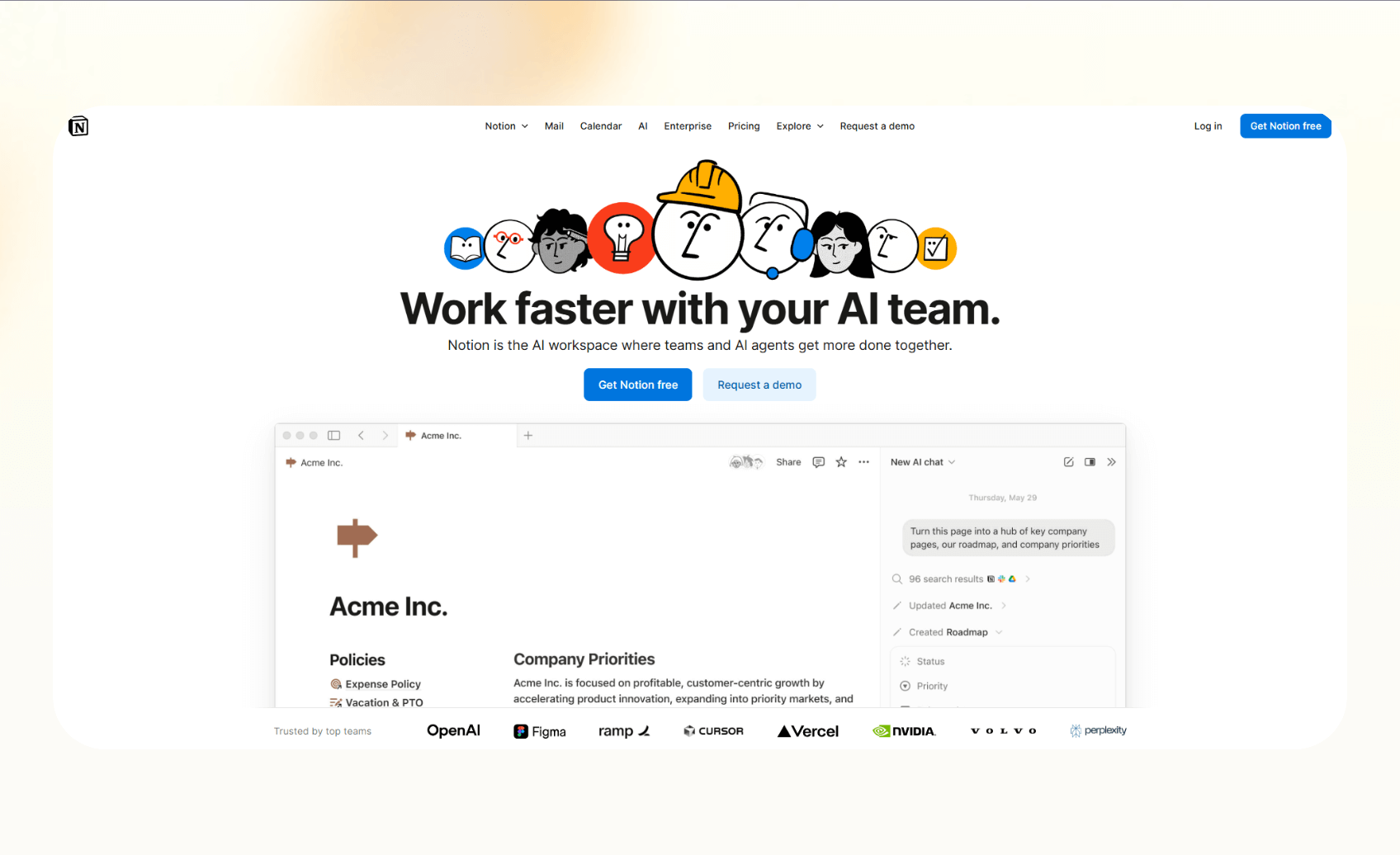
Notion brings documents, databases, and tasks into a single workspace. Teams use it to manage projects, build wikis, and centralize knowledge.
Why it beats Taskade
- Databases let you structure projects with custom properties and views.
- Built-in AI features support research, Q&A, and content drafting, which Taskade does not match.
Pros
- Flexible building blocks adapt to many workflows, from OKRs to meeting notes.
- Connectors bring in data from tools like Slack, Google Docs, and GitHub.
Cons
- Requires upfront planning to avoid messy workspaces at scale.
Pricing
- Free: Up to 10 guest seats
- Plus: $12/seat/month, billed monthly, trial of Notion AI
- Business: $24/seat/month, billed monthly, includes Notion AI
- Enterprise: Custom pricing
Bottom line
Notion is a versatile tool for teams that want a customizable hub for knowledge and projects.
5. Trello: Best for visual kanban boards
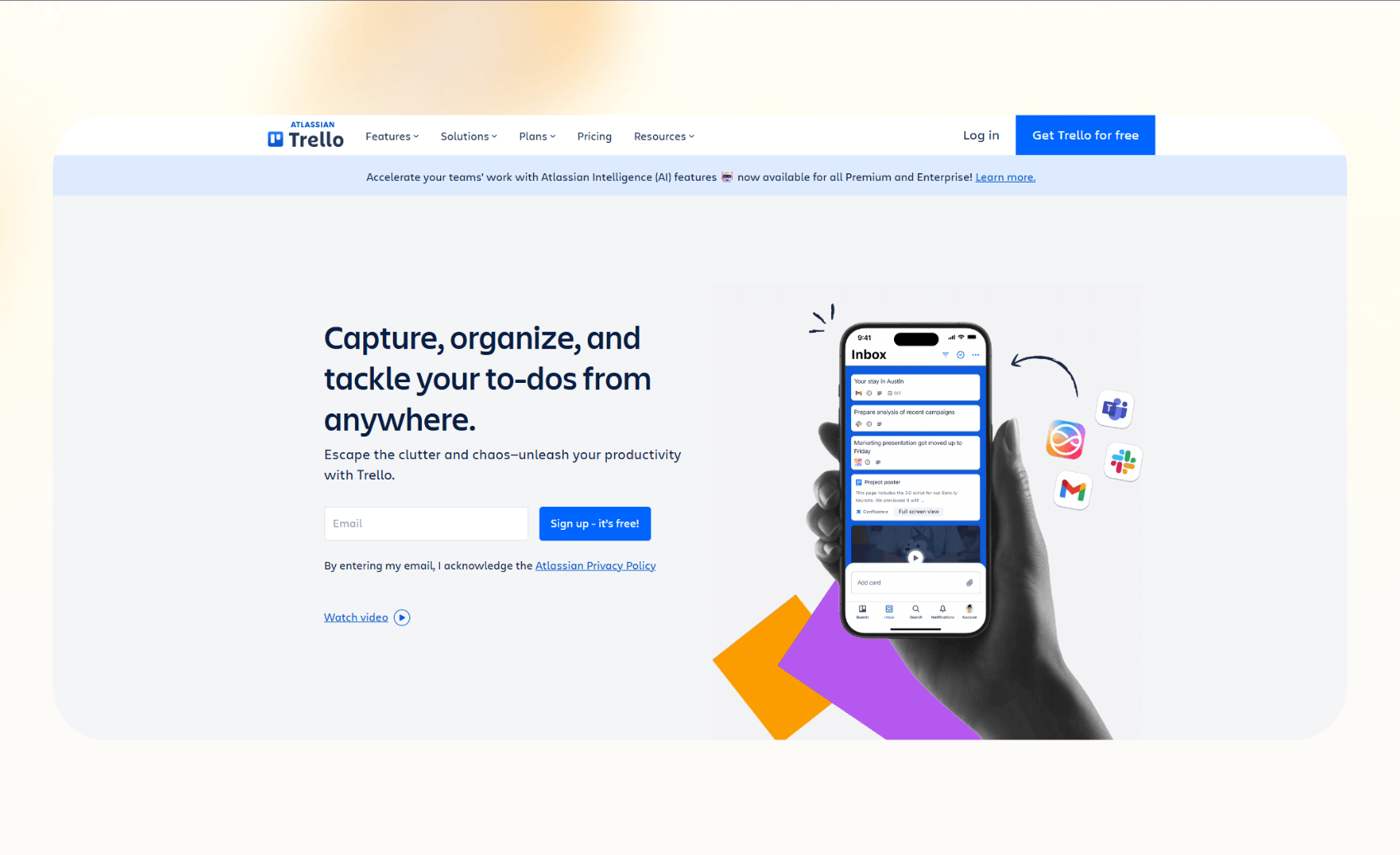
Trello centers around boards, lists, and cards, making it easy for teams to track work visually. It suits groups that want quick adoption without heavy training.
Why it beats Taskade
- Ready-made kanban boards with drag-and-drop organization.
- Premium plan includes Timeline, Table, Calendar, and Dashboard views that Taskade does not offer.
Pros
- Simple interface that teams can learn in minutes.
- 200+ Power-Ups extend Trello with integrations like Slack, Google Drive, and Jira.
Cons
- Limited scalability for complex projects or portfolio tracking.
Pricing
- Free: Up to 10 collaborators
- Standard: $6/user/month, billed monthly
- Premium: $12.50/user/month, billed monthly
- Enterprise: From $17.50/user/month for 50 users
Bottom line
Trello works for teams that want straightforward kanban boards with flexible add-ons.
6. Asana: Best for structured work management

Asana gives teams a platform to organize projects with clear timelines, goals, and accountability. It fits companies that need structured execution across multiple departments.
Why it beats Taskade
- Offers portfolios, workload, and advanced reporting that Taskade does not provide.
- Expanding AI Studio builds automations that summarize files and web links.
Pros
- Supports multiple views, including list, board, calendar, and Gantt-style timeline.
- Strong governance with roles, permissions, and admin controls.
Cons
- Higher cost makes it less attractive for very small teams.
Pricing
- Personal: Free, collaboration with up to 10 teammates
- Starter: $13.49/user/month, billed monthly, Asana AI
- Advanced: $30.49/user/month, billed monthly, advanced integrations
- Enterprise: Custom pricing
Bottom line
Asana is a reliable task-tracking tool for larger teams that need portfolios, advanced reporting, and strong governance.
7. Monday.com: best for dashboards and automations
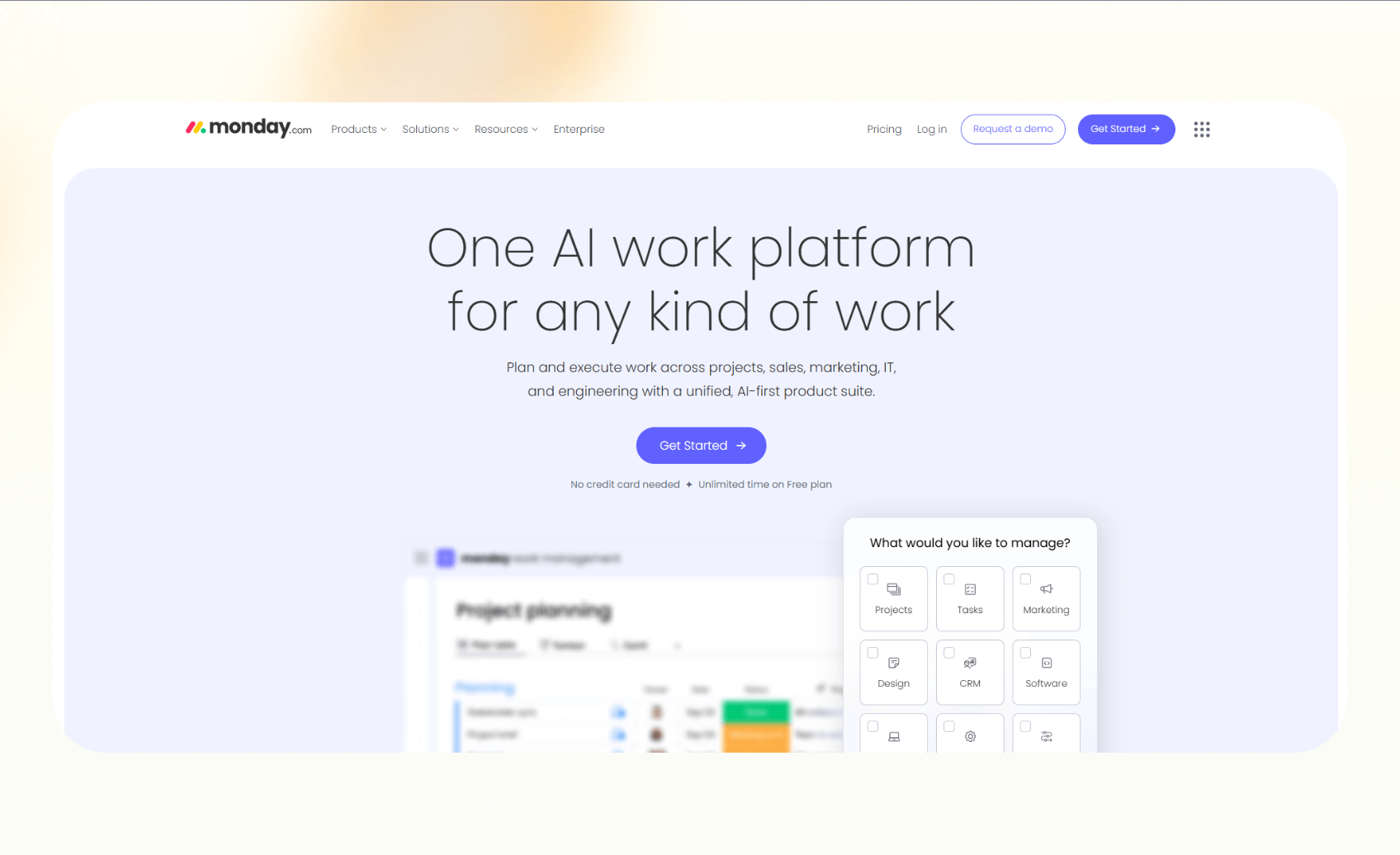
Monday.com provides a flexible work OS where teams build boards, set automations, and create dashboards. It works best for companies that want visibility and cross-team workflows.
Why it beats Taskade
- Offers visual dashboards that combine metrics from multiple boards.
- Includes automation and integration quotas that exceed Taskade’s capabilities.
Pros
- Wide range of templates for sales, marketing, and operations.
- Clear dashboards that track progress across projects.
Cons
- Paid plans require a minimum of three seats, which limits use for very small teams.
Pricing
- Free: Up to 2 seats
- Basic: $12/seat/month, billed monthly, minimum 3 seats
- Standard: $14/seat/month, billed monthly, integrations and automations
- Pro: $24/seat/month, billed monthly, private boards and time tracking
- Enterprise: Custom pricing
Bottom line
Monday.com works well for teams that want dashboards to track progress and automation at scale.
8. Nuclino: Best for lightweight wiki and projects
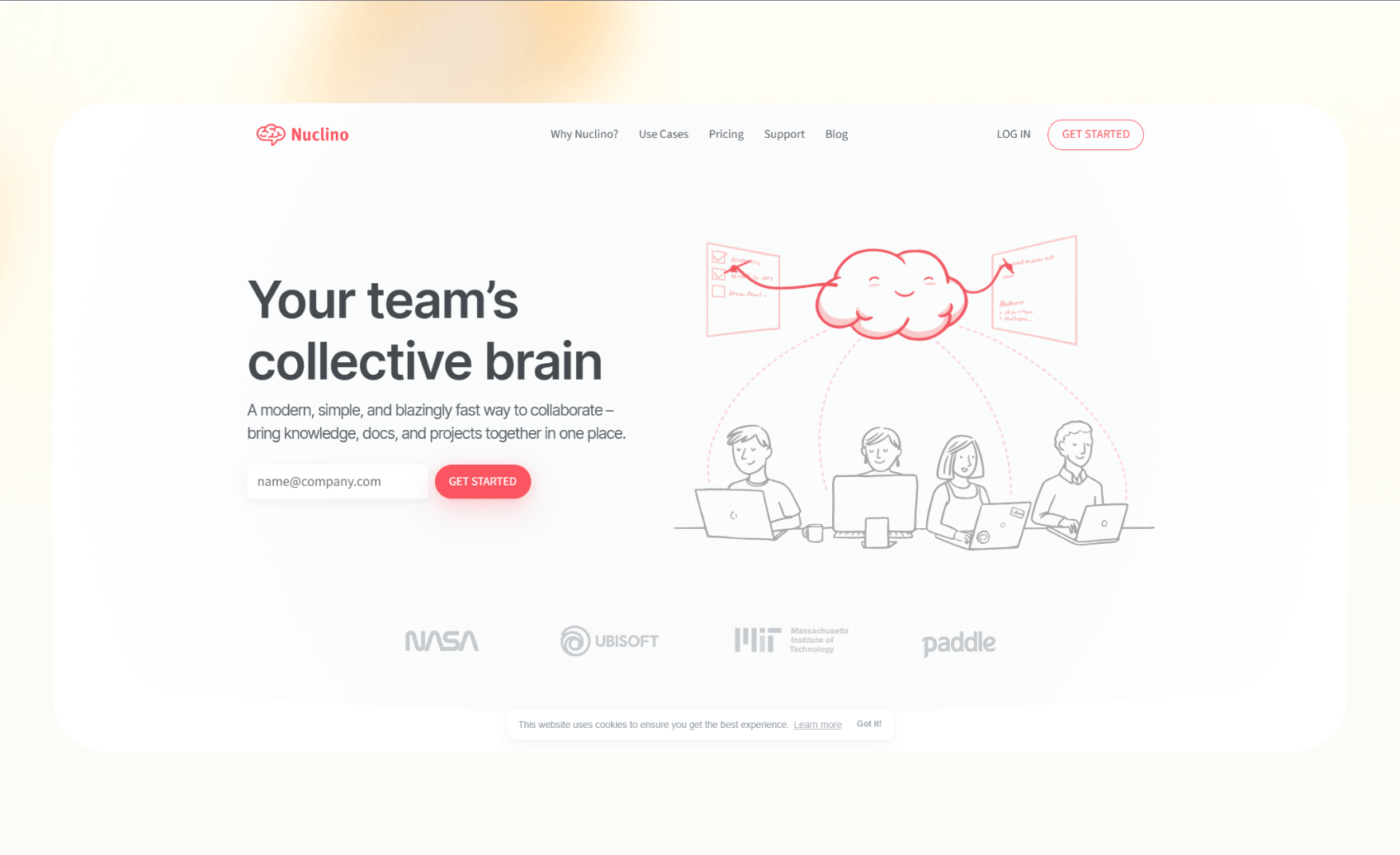
Nuclino combines a fast wiki with simple project views like lists, boards, and graphs. Teams use it to create knowledge bases and manage lightweight projects.
Why it beats Taskade
- Publishes knowledge easily, including custom domains on Business plans.
- Sidekick AI adds search and assistance features that Taskade does not match.
Pros
- Clean, minimal interface makes onboarding quick.
- SSO and audit log features support Business teams.
Cons
- Limited project management depth compared to tools like Asana or ClickUp.
Pricing
- Free: Up to 50 items and 3 canvases
- Starter: $8/user/month, billed monthly, admin tools
- Business: $12/user/month, billed monthly, Sidekick AI
Bottom line
Nuclino helps teams that want a fast wiki with light project management.
9. Mem.ai: Best for AI-first notes and recall

Mem.ai organizes and recalls personal and team notes using AI. The 2.0 release adds a faster editor, upgraded search, and Copilot features. It works well for people who want AI to manage knowledge in the background.
Why it beats Taskade
- Semantic search and AI Copilot make it easier to find and act on information.
- Offers frictionless capture across web, desktop, and iOS, which Taskade lacks.
Pros
- Free access during the 2.0 beta.
- Strong AI search and recall tools.
Cons
- Features remain in flux, and Android support is missing.
- Pricing not available for post-beta plans.
Pricing
- Starts free with 25 monthly notes.
- Paid plans from $12/month.
Bottom line
Mem.ai is a unique note-taking tool for users who want AI knowledge capture and recall.
How I tested these alternatives
I compared each Taskade alternative by setting up the same sample project and daily workflows. I tracked how fast each tool handled common actions and whether it offered features that Taskade lacks.
Here’s what I looked for:
- Execution vs organization: I checked if the tool could automate or complete tasks, not just list them. Lindy stood out here with AI agents that act across apps.
- Project depth: I reviewed features like Gantt charts, workload, dependencies, and portfolios. These matter for teams running multi-step projects.
- Security and admin: I noted SSO, compliance, and role-based permissions, which matter for larger teams.
My testing process
I recreated one cross-functional launch project, connected calendar and chat integrations where available, and measured setup time, clicks, and clarity of reports.
Some additional factors I considered:
- Pricing clarity: Tools with hidden or shifting prices made it harder to evaluate value.
- Migration support: Importers and export options influence how easily a team can switch.
{{cta}}
Which Taskade alternative should you choose?
You should pick a Taskade alternative depending on your team’s size, needs, and how structured your workflows are. Each tool serves a different scenario:
Choose Lindy if you:
- Run small or mid-sized teams that want agents to act across email, calendar, Slack, and CRM.
- Need HIPAA or SOC 2 compliance for regulated industries.
- Prefer a free trial with credits to test automation before scaling.
Choose alternatives
- Pick Asana if you need portfolios, workloads, and advanced reporting.
- Go with ClickUp if you want dashboards, docs, and whiteboards in one.
- Select Monday.com if dashboards and automation quotas matter most.
- Use Notion if you need a flexible wiki plus projects.
- Try Trello or Todoist for simple task boards or lists.
- Choose Nuclino for a fast wiki with light project management.
- Test Mem.ai if you want AI notes and recall.
Avoid these tools if:
- You only need a personal to-do list, or aren’t ready to manage structured projects.
Our final verdict
Lindy is the strongest Taskade alternative for teams that want AI agents to execute work across email, calendars, CRMs, and chat apps. Asana, ClickUp, and Monday.com work well for structured project management with goals, dependencies, and reporting.
Notion and Nuclino fit teams that want to combine knowledge and projects in one hub. Todoist and Trello remain the easiest for individuals and small teams who value speed over complexity.
So, if you’re looking to switch from Taskade, these are the top options to consider depending on your application and team size.
Try Lindy to manage and automate your project tasks
Lindy is an AI automation tool that lets you create AI agents for notes, knowledge base management, inbound and outbound calling, emails, meetings, sales, and other business tasks.
Lindy stands out among other Taskade alternatives for three key reasons:
- Drag-and-drop workflow builder for non-coders: You don’t need any technical skills to build workflows with Lindy. It offers a drag-and-drop visual workflow builder.
- Create AI agents for your use cases: You can give them instructions in everyday language and automate repetitive tasks. For instance, create an assistant to find leads from websites and sources like People Data Labs. Create another agent that sends emails to each lead and schedules meetings with members of your sales team.
- Free to start, affordable to scale: Build your first few automations with Lindy’s free version and get up to 40 tasks. With the Pro plan, you can automate up to 1,500 tasks, which offers much more value than Lindy’s competitors.
Frequently asked questions
Is Todoist better when you compare Taskade vs Todoist?
Todoist is better than Taskade for personal task management and small teams that want a simple interface. It offers natural language input, recurring tasks, and a clean calendar view. Taskade works for brainstorming and collaboration, but it lacks Todoist’s speed and focus.
Does Notion replace Taskade for team collaboration?
Notion replaces Taskade for teams that want to combine documentation, databases, and projects. It allows you to build wikis and manage tasks in one space. Taskade provides real-time editing and chat, but does not match Notion when it comes to team collaboration.
Is there a free alternative to Taskade?
Yes, Trello, Todoist, Notion, Lindy, and Mem.ai are some of the free alternatives to Taskade.
Lindy’s free plan lets you automate up to 40 monthly tasks. Trello Free supports unlimited boards with up to ten collaborators. Todoist Beginner gives you basic task tracking. Notion Free allows you to manage notes, docs, and tasks in one place. Mem.ai is also free during its 2.0 beta.
What is the easiest Taskade alternative for beginners?
Todoist and Trello are the easiest Taskade alternatives for beginners. Todoist keeps personal task management simple with lists and natural language input. Trello makes collaboration easy with drag-and-drop boards that teams learn quickly.
Why do teams typically switch from Taskade to other tools?
Teams switch from Taskade to other tools because of a lack of dependencies, limited reporting, and weaker portfolio or workload management. Some teams also want stronger automation or AI-powered features beyond simple task tracking.
Which Taskade alternative is best for large companies?
Asana, Lindy, ClickUp, and Monday.com are some of the best Taskade alternatives for large companies. These platforms provide portfolios, workflow automation, workload tracking, dashboards, and admin controls such as SSO and audit logs.
What’s the best AI-powered alternative to Taskade?
Lindy is the best AI-powered alternative to Taskade. It uses AI agents that automate tasks like email replies, blocking calendar slots, updating CRM entries, and following up. Asana and ClickUp also offer AI features, but they focus on improving project management instead of automating workflows.










