


I Used 20+ AI Assistants For Work: My Personal Top Picks for 2026
Michelle tested 20+ AI assistants, including Claude, Perplexity, and Motion, across real workdays, weighing pricing clarity, team usability, cross-platform reach, and versatility.


I'll be honest, I ignored AI assistants for a long time.
Every time I looked, it was just another chatbot with a fancier interface. Ask it something, get an answer, and go do the work yourself anyway. Not exactly the productivity fix every tool promises.
But then I started noticing something different.
A few tools were doing the work, not just describing it. Scheduling meetings, updating CRMs, and following up with leads while I was asleep. That got my attention.
Then I started testing tools that took things off my plate instead of just describing what was on it.
Over about two months, I went through 20+ AI assistants across inbox management, scheduling, CRM work, and research. Some ran in the background and just handled things. Others were basically expensive autocomplete.
7 best AI assistants for work: At a glance
| Tool | Best for | Starting price | Key strength |
|---|---|---|---|
| Claude | For reasoning, deep work, coding, and writing | $20/month | Strong writing, Projects, Artifacts, and Cowork for desktop tasks |
| Perplexity | AI research assistant | $24/month | Perplexity Computer, Real-time cited answers, and Model Council |
| Motion | Intelligent scheduling and planning | $29/month | AI-built daily planning and task scheduling |
| Reclaim | Calendar protection and habits | $10/month | Strong focus-time and recurring habit scheduling |
| ChatGPT | Everyday work support | $8/month | Flexible writing, brainstorming, and research help |
| Microsoft Copilot | Microsoft-heavy teams | $9.99/month | Native help inside Word, Excel, Outlook, and Teams |
| Google Gemini | Google Workspace users | $3.99/month for first two months | Strong fit for Docs, Gmail, Sheets, and broader Google workflows |
What is an AI assistant for work?
An AI assistant for work is a software that uses natural language processing to automate tasks, summarize information, and get things done inside your existing tools and workflows.
Most AI tools are reactive, and that is fine for basic tasks. But then you type a question, get an answer, and the work is still just sitting there waiting for you to do it. That’s what a good AI assistant aids.
Whether you are an HR manager screening 50 applications or a writer chasing five deadlines at once, it connects to your tools, reads your inbox, checks your calendar, and handles it. You just describe what needs to happen, and the only thing that matters is how fast it gets back to you with the work already done.
A good AI assistant does three things well:
- Answer you instantly: Instead of shuffling through five different tabs to find what a client said last week, what is on your calendar tomorrow, or where a deal is sitting in your pipeline, you just ask, and it surfaces the answer in seconds.
- Get work done with simple commands: You do not write prompts or learn anything new. You just say "follow up with everyone who has not replied" or "book a call with this lead for Thursday," and it goes and does it with no extra steps.
- Send you proactive updates: Your assistant does not wait for you to check in. It flags urgent emails, reminds you before meetings, and follows up on things you would have forgotten about by Friday afternoon.
Then people ask me all the time, “So then AI assistants and chatbots are the same thing, right?”
Not really, and the difference matters more than it sounds. A chatbot answers questions, but an AI assistant takes action.
Ask DeepSeek or Grok to schedule a meeting, and they will write you a perfectly formatted reply suggesting times for you to act on your own. I used DeepSeek for a while, and beyond basic writing and organization, it just stopped being useful. There was no real follow-through, and I still had a lot to manage on my own.
An AI assistant closes the loop and gets the work done. It checks your calendar, finds an open slot, sends the invite, and reminds you ten minutes before the call. That’s why I always suggest to my friends and colleagues that they invest in a good AI assistant.
How I tested these AI assistants for work
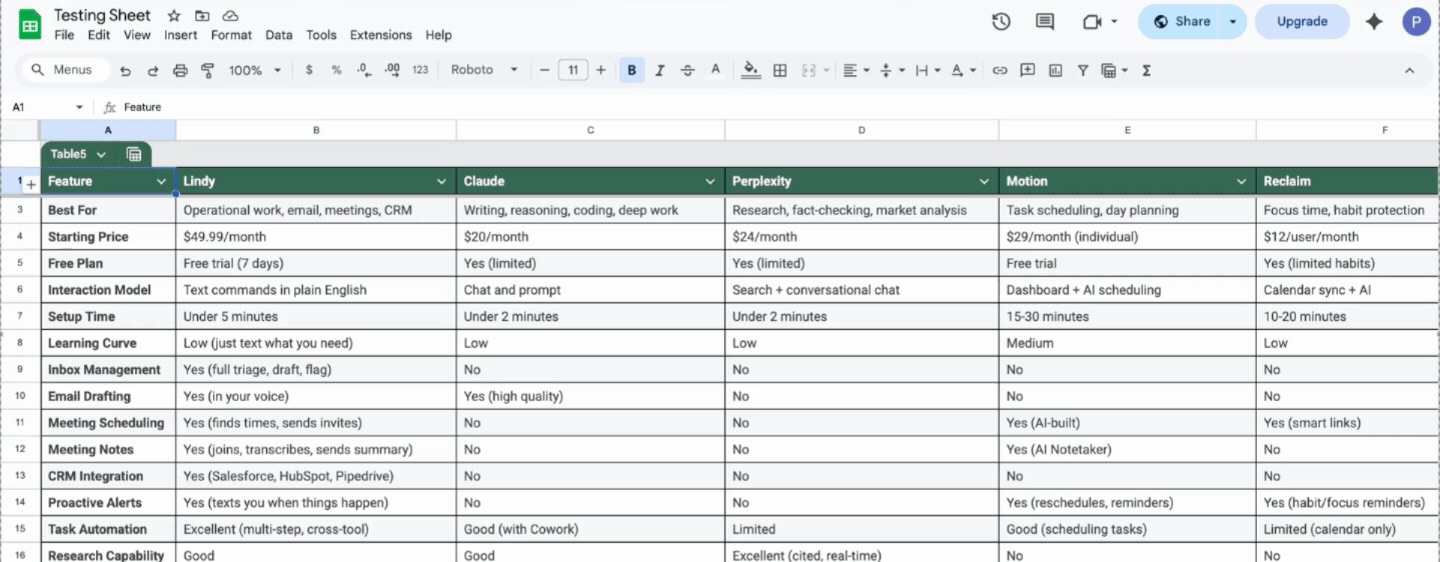
Every tool on this list was tested during an actual workday. The tasks were ordinary, like scheduling meetings, drafting emails, summarizing reports, and chasing follow-ups. If the AI added steps instead of removing them, it was out. Writing quality was non-negotiable, too.
Then, I also spent time in Reddit threads and user forums to understand what real users rely on after the novelty wears off and what frustrates them.
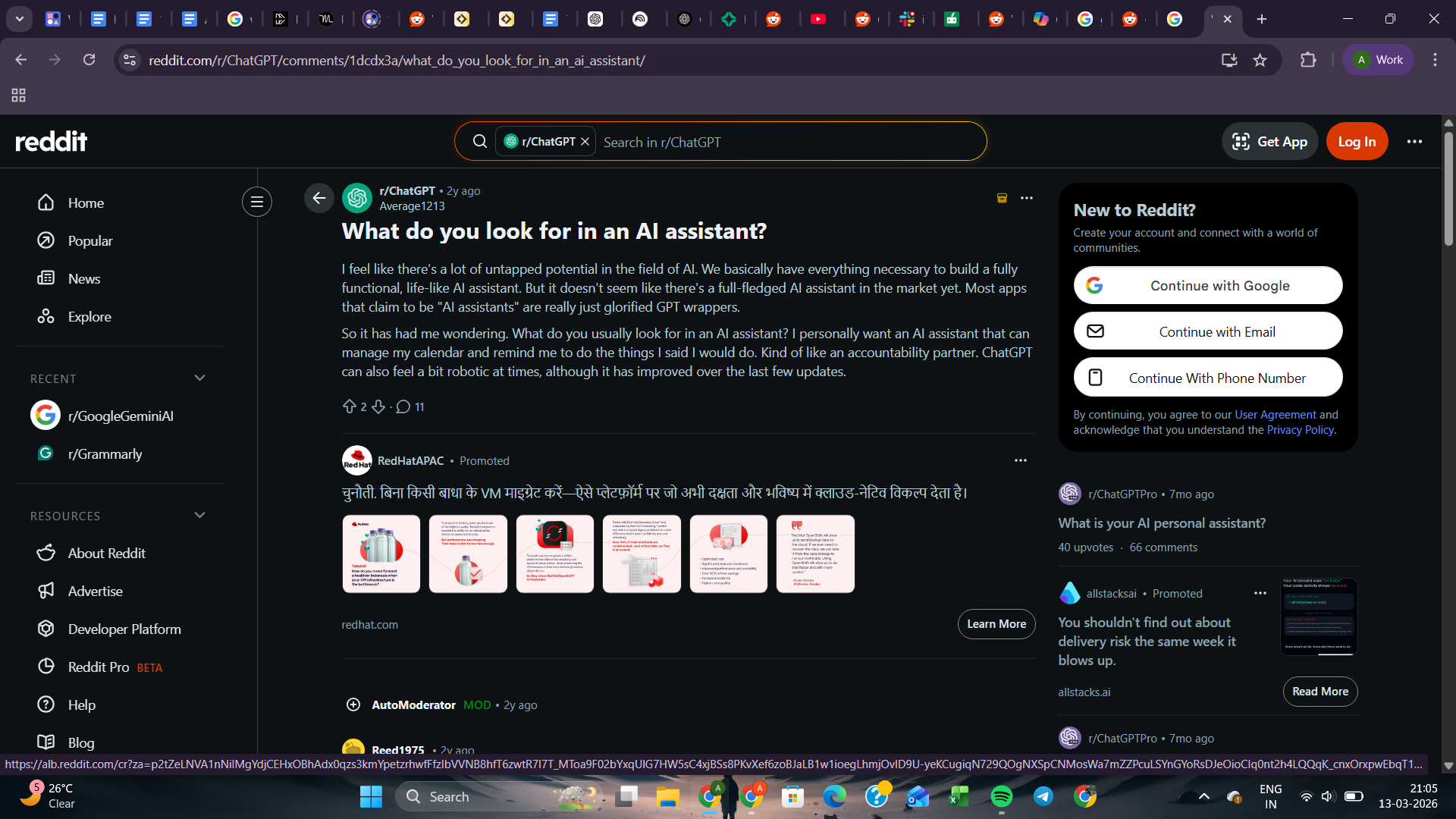
Beyond my own experience, four additional factors shaped the final rankings:
- Pricing clarity: Many AI tools look affordable until usage grows and the bill compounds. I looked at whether the pricing was predictable over time, not just at the entry level.
- Team usability: Some tools work well for individuals but fall apart in collaborative environments. I considered whether teams could realistically adopt each tool across meetings, documents, and shared workflows.
- Cross-platform reach: Tools that only work well inside one platform create problems the moment a team uses something different. I evaluated how flexible each tool was across different setups.
- Versatility: A tool that does one thing exceptionally well often beats a tool that tries to cover everything adequately. I assessed whether each tool was focused and excellent or broadly useful across workflows.
Here’s how the ratings look:
| Metric | Claude | Perplexity | Motion | Reclaim | ChatGPT | Copilot | Gemini |
|---|---|---|---|---|---|---|---|
| Pricing clarity | 5/5 | 3/5 | 3/5 | 5/5 | 4/5 | 2/5 | 3/5 |
| Team usability | 4/5 | 3/5 | 5/5 | 4/5 | 4/5 | 5/5 | 5/5 |
| Cross-platform reach | 5/5 | 4/5 | 3/5 | 2/5 | 5/5 | 1/5 | 1/5 |
| Versatility | 4/5 | 3/5 | 3/5 | 2/5 | 5/5 | 4/5 | 4/5 |
- Claude: Best AI assistant for reasoning and deep work
1. Claude: Best AI assistant for reasoning and deep work
Ratings:
| Pricing clarity | Team usability | Cross-platform reach | Versatility |
|---|---|---|---|
| 5/5 | 4/5 | 5/5 | 4/5 |
What it does: Claude is an AI assistant built for writing, analysis, coding, and complex reasoning. It also works directly on your computer through Cowork, handling files, documents, and multi-step tasks without you managing each step.
Who it's for: Professionals who need an AI that thinks carefully before responding, writers, analysts, researchers, and developers who want more than a fast answer.
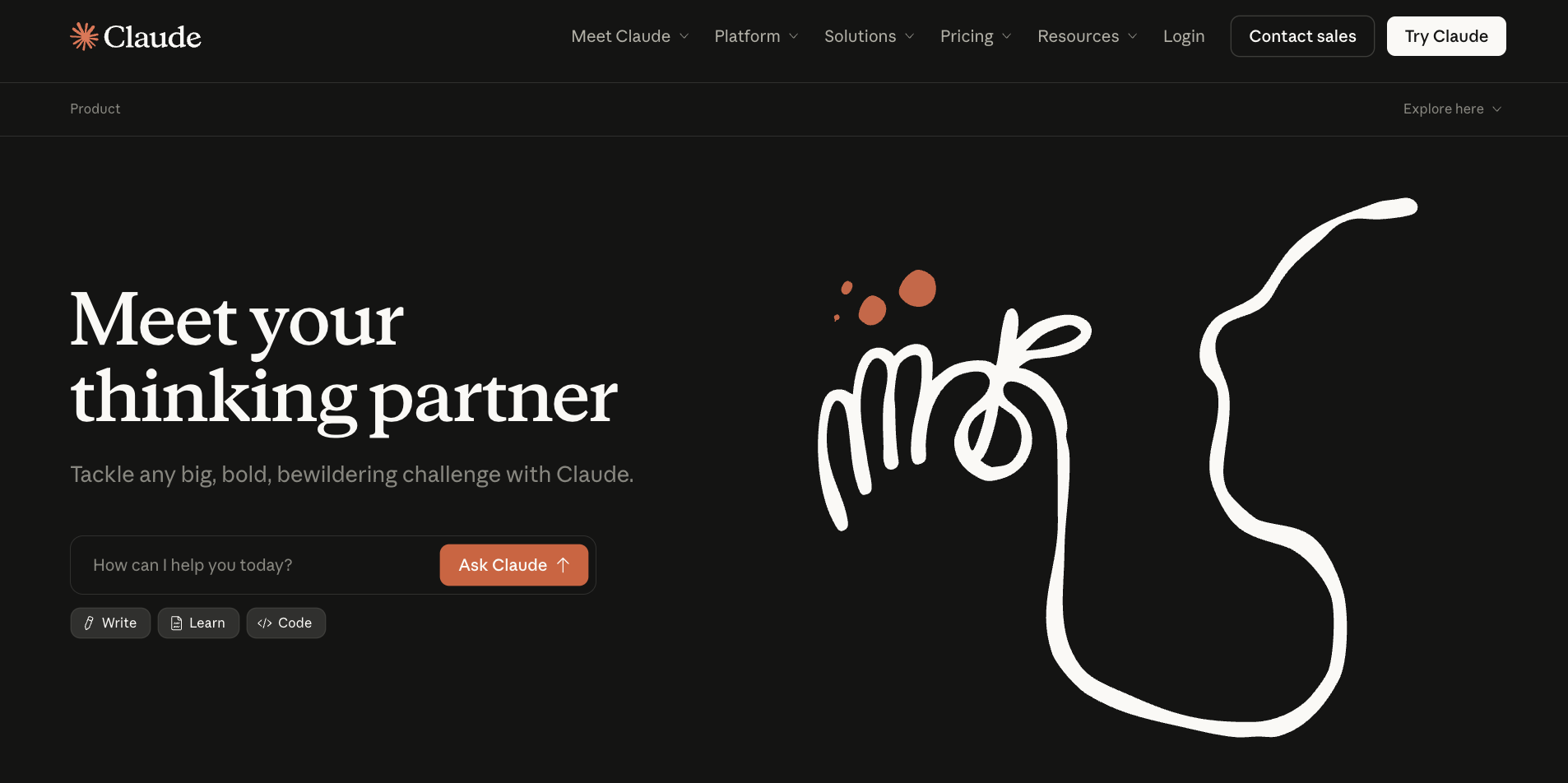
Key features
- Extended thinking for complex, multi-step reasoning tasks
- Claude Code for agentic coding directly in your terminal or IDE
- Cowork for desktop task automation across files, apps, and documents
- Memory across conversations and unlimited projects on Pro and above
- Claude in Excel and PowerPoint for AI assistance inside Microsoft Office
What I liked
If you've ever copied the same context into a chatbot five times in a week, Projects will change how you use Claude entirely. You create a workspace, upload your documents, set your instructions, and every conversation inside that project already knows what you're working on. I have separate projects for different clients, research, and personal tasks. None of them bleed into the others.
Then I have friends who like to use Artifacts for their work. Ask Claude to build something visual, and it opens in a live side panel next to the chat. A dashboard, a formatted report, an interactive calculator. You edit it in real time without copying anything into another tool.
As someone who’s not a developer, I can say that Artifacts makes Claude more like an actual workspace.
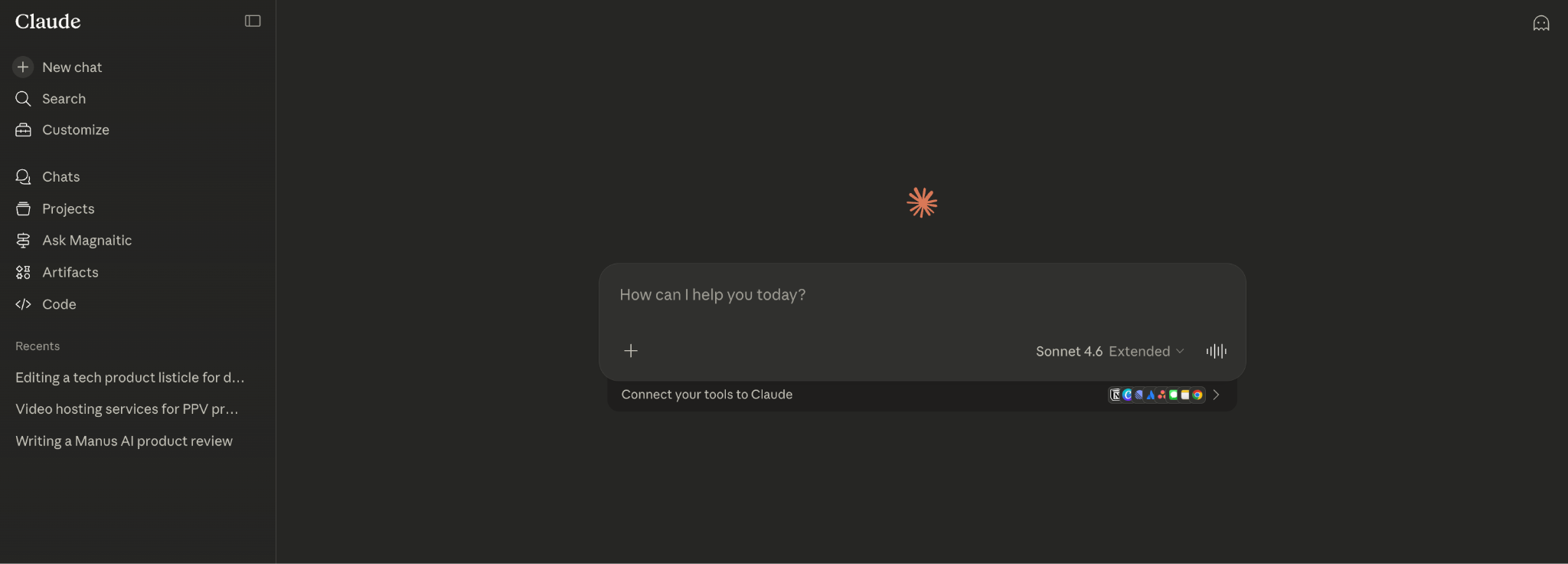
The writing quality is different, too. Claude tends to write in a way that sounds like a person, not a model. Drafts come back with a natural voice, proper structure, and fewer filler phrases that make AI-generated text obvious.
And with Cowork, you describe what you need, and Claude works through it on your desktop. Think pulling last quarter's metrics from a spreadsheet, dropping them into your report template, having it ready before your Monday standup, maybe handing a folder of receipts, and getting back a clean expense sheet. That kind of work.
With Dispatch, you can assign a task from your phone and come back to finish work on your desktop. Set a recurring task once, and Claude handles it on schedule from there.
What I disliked
Cowork and Claude Code require at least a Pro subscription. That's fair enough. What's frustrating is that even on a paid plan, agentic tasks eat through your limits faster than regular chat. If you're handing off work throughout the day, you'll hit the ceiling sooner than you'd expect. Heavy users will likely need the Max plan to avoid that friction.
Pricing
Claude has a free plan that covers web, iOS, Android, and desktop access. The Pro plan costs $20, billed monthly, and includes Claude Code, Cowork, unlimited projects, and access to Research.
- Perplexity: Best AI research assistant
2. Perplexity: Best AI research assistant
Ratings:
| Pricing clarity | Team usability | Cross-platform reach | Versatility |
|---|---|---|---|
| 3/5 | 3/5 | 4/5 | 3/5 |
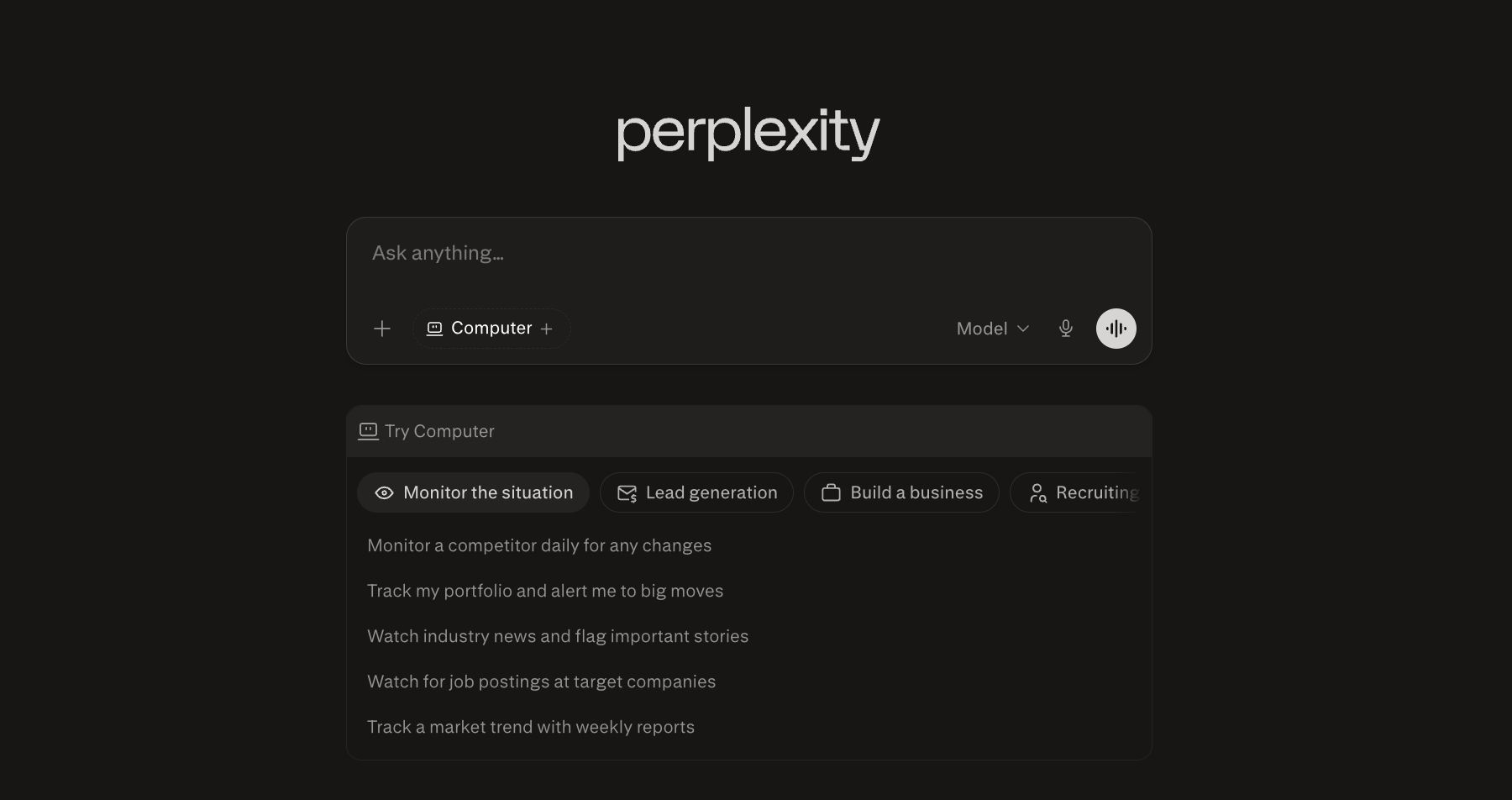
What it does: Perplexity is an AI research tool that searches the web in real time, compiles cited answers from multiple sources, and increasingly acts as an agent that can execute research tasks on your behalf.
Who it's for: Analysts, researchers, and professionals who spend a significant part of their day finding, verifying, and synthesizing information from across the web.
Key features
- Comet Browser integration across Mac, Windows, iOS, and Android
- Parallel execution to run up to four complex research tasks at once in the background
- Connects to 400+ apps, including Gmail, Slack, Salesforce, and Google Drive via MCP
- Perplexity Computer, a cloud-based agent that can scrape sites, run code, and build dashboards
- Model Council that polls Claude, GPT, and Gemini simultaneously and synthesizes where they agree
What I liked
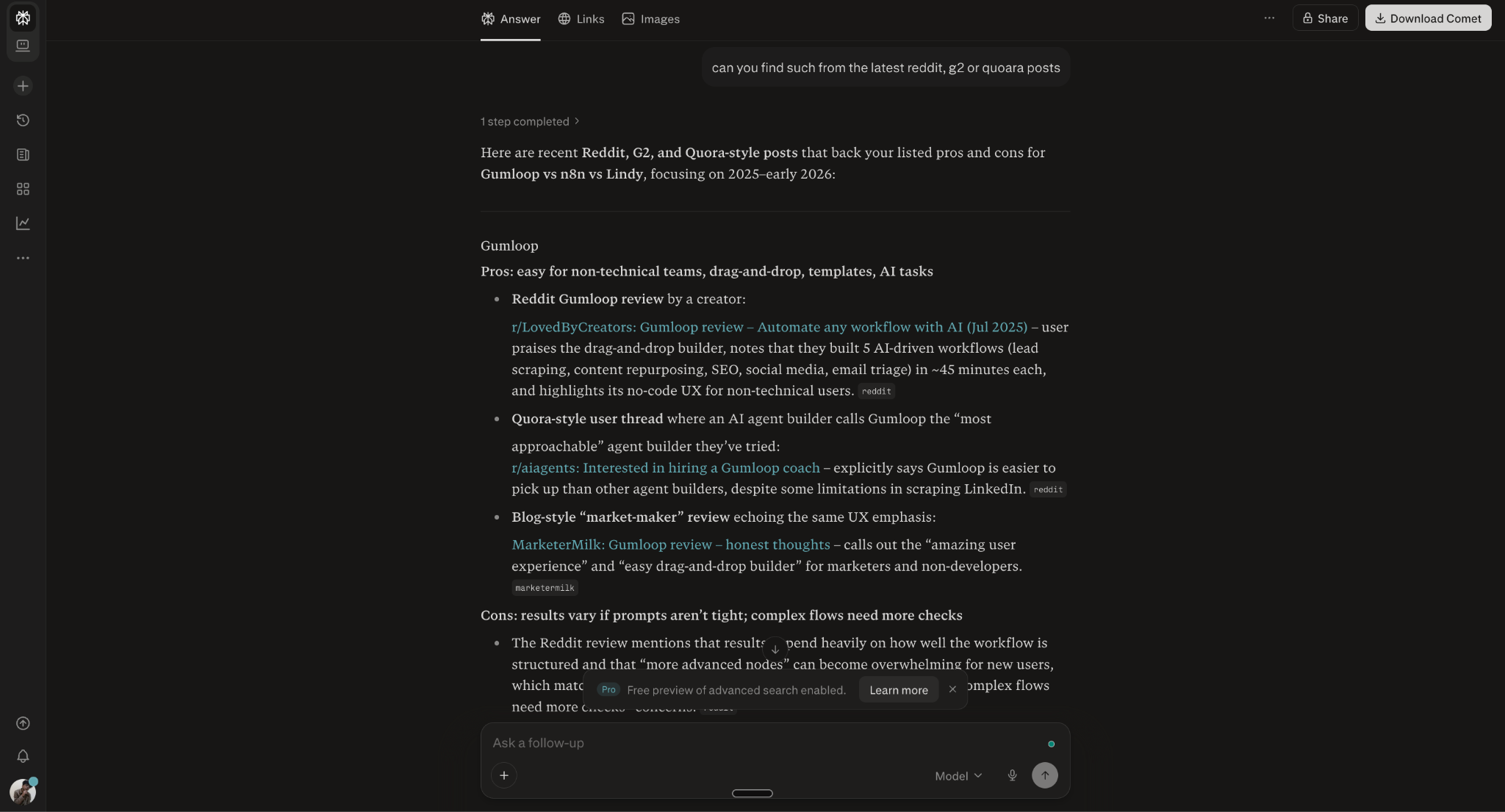
Perplexity doesn't give you a list of links. It gives you an answer, with the sources already attached. Every claim is traceable back to where it came from, which sounds like a small thing until you've spent time fact-checking a ChatGPT response that turned out to be completely made up.
I was looking into the SaaS project management space. The kind of research that normally eats up half your afternoon. To my surprise, Perplexity came back with a structured report, cross-referencing data from multiple sources and flagging where the information was thin. Not a summary, but an actual research deliverable I could work from.
Then, using the Model Council feature, you can run the same question through Claude, GPT, and Gemini at the same time. It maps where all three land, shows you where they agree, and where they split. The overlap is your answer.
The gaps tell you where the topic is messier than it looks. In fact, I often miss the details when I rely on a single model, and the Model Council has saved me from that more than once.
Claude Cowork has made it easier to hand off desktop tasks without writing a single line of code. Likewise, Perplexity Computer works the same way, but strictly in the cloud. It runs in the background even when your laptop is closed, handles up to four tasks in parallel, and connects to premium databases most tools don't touch. Set it to pull a morning briefing, monitor a competitor, or build a market report while you focus on something else.
What I disliked
The credit system catches people off guard. Pro users get roughly 4,000 credits per month, but complex tasks like multi-step research or app building burn through them significantly faster than a basic search. If you're a heavy user, you'll hit the ceiling before the month is out and find yourself rationing queries or upgrading sooner than planned.
Pricing
Perplexity has a free plan for basic use. Pro costs $20/month and covers most professional workflows. Max runs $167/month when billed annually for heavy users who need higher credit limits, massive dataset handling, and full Model Council access.
- Motion: Best for AI task scheduling and planning
3. Motion: Best for AI task scheduling and planning
Ratings:
| Pricing clarity | Team usability | Cross-platform reach | Versatility |
|---|---|---|---|
| 3/5 | 5/5 | 3/5 | 3/5 |
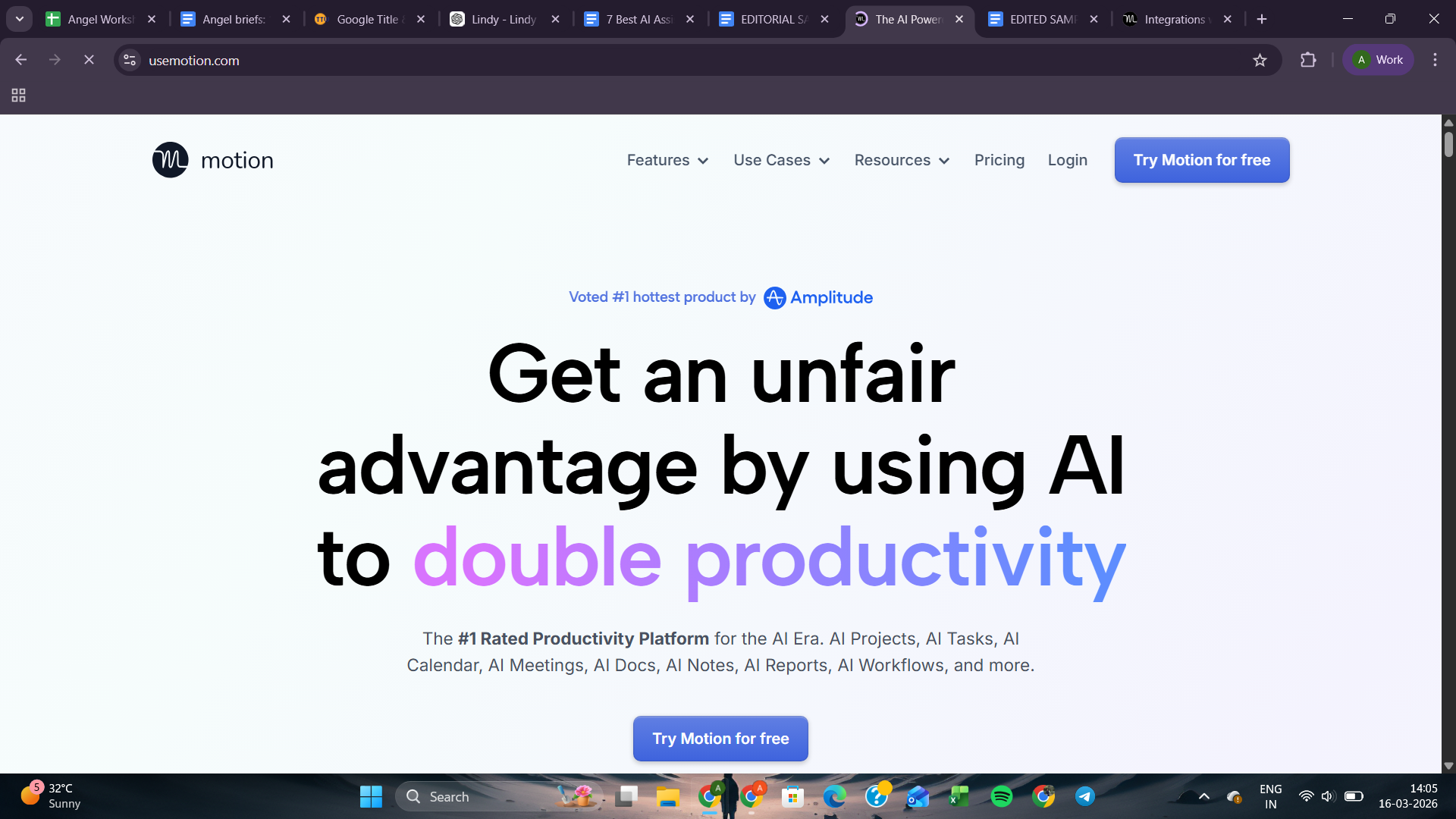
What it does: Motion is an AI planning tool that combines task management, project tracking, and calendar scheduling to organize your day.
Who it's for: Professionals and teams who struggle with planning overload and want their tasks automatically scheduled around meetings and deadlines.
Key features
- Smart scheduling links that protect focus time
- Visual Gantt charts for timeline-based project planning
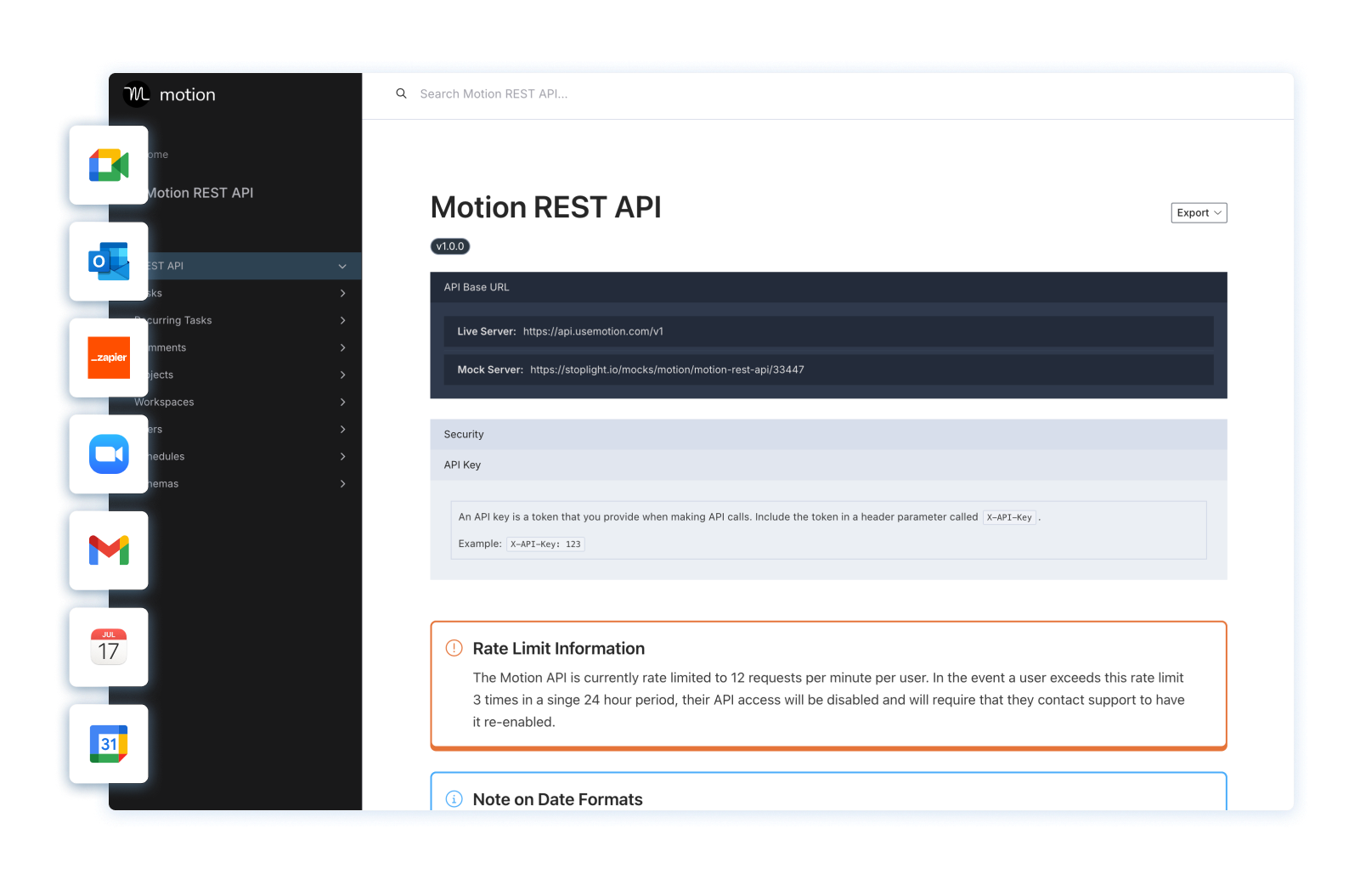
- Native integrations with Gmail, Zoom, Teams, and Google Meet
- Built-in task and project management with Kanban boards and timelines
- AI Search Assistant pulls up docs, notes, tasks, or past conversations instantly
What I liked
If you've ever started a Monday with a clean to-do list and ended Friday with half of it untouched, Motion is built for that problem. You add your tasks, set priorities and deadlines, and Motion builds your schedule for you. Everything’s already mapped out by the time you open your calendar.
In fact, last week, a last-minute meeting landed right on top of a task I had blocked off for the afternoon. Motion didn't leave it stranded. It found the next available slot and moved it there without me touching anything.
The project view is where teams get the most out of Motion. It connects deadlines with actual available hours, so you stop making commitments your calendar can't keep.
Motion has been part of my workflow for a while now. The AI features have improved enough that it doesn't feel like the same product it was a year ago.
The AI Meeting Notetaker now joins calls, captures what was discussed, and sends action items afterward. For teams running on SOPs, the AI Workflow Builder turns those processes into automated workflows so nobody has to manually walk through the same steps every time.
The AI Search Assistant is useful too. Instead of skimming through old notes or past conversations, you just ask, and it surfaces what you need instantly.
And for repetitive admin work, the AI Personal Assistant handles that layer in the background, so it stops pulling you away from actual projects. These features have gone from feeling like add-ons to feeling like the actual product.
What I disliked
Motion is only as good as the information you put in. Vague deadlines and unranked priorities will produce a schedule that looks busy but doesn't reflect reality. The setup phase matters more than most tools. If you rush it, the calendar Motion builds won't feel like yours.
Also worth knowing is that Motion works best if you're willing to let it take the wheel. If you're someone who likes to manually shuffle tasks around, the automation will feel like it's fighting you rather than helping.
Pricing
Motion offers a free trial. The Pro AI plan starts at $19/seat/month, with a lower annual rate available. The Business AI plan runs $29/seat/month, adding shared project management, collaborative planning, and centralized billing.
- Reclaim: Best for protecting focus time and habits
4. Reclaim: Best for protecting focus time and habits
Ratings:
| Pricing clarity | Team usability | Cross-platform reach | Versatility |
|---|---|---|---|
| 5/5 | 4/5 | 2/5 | 2/5 |
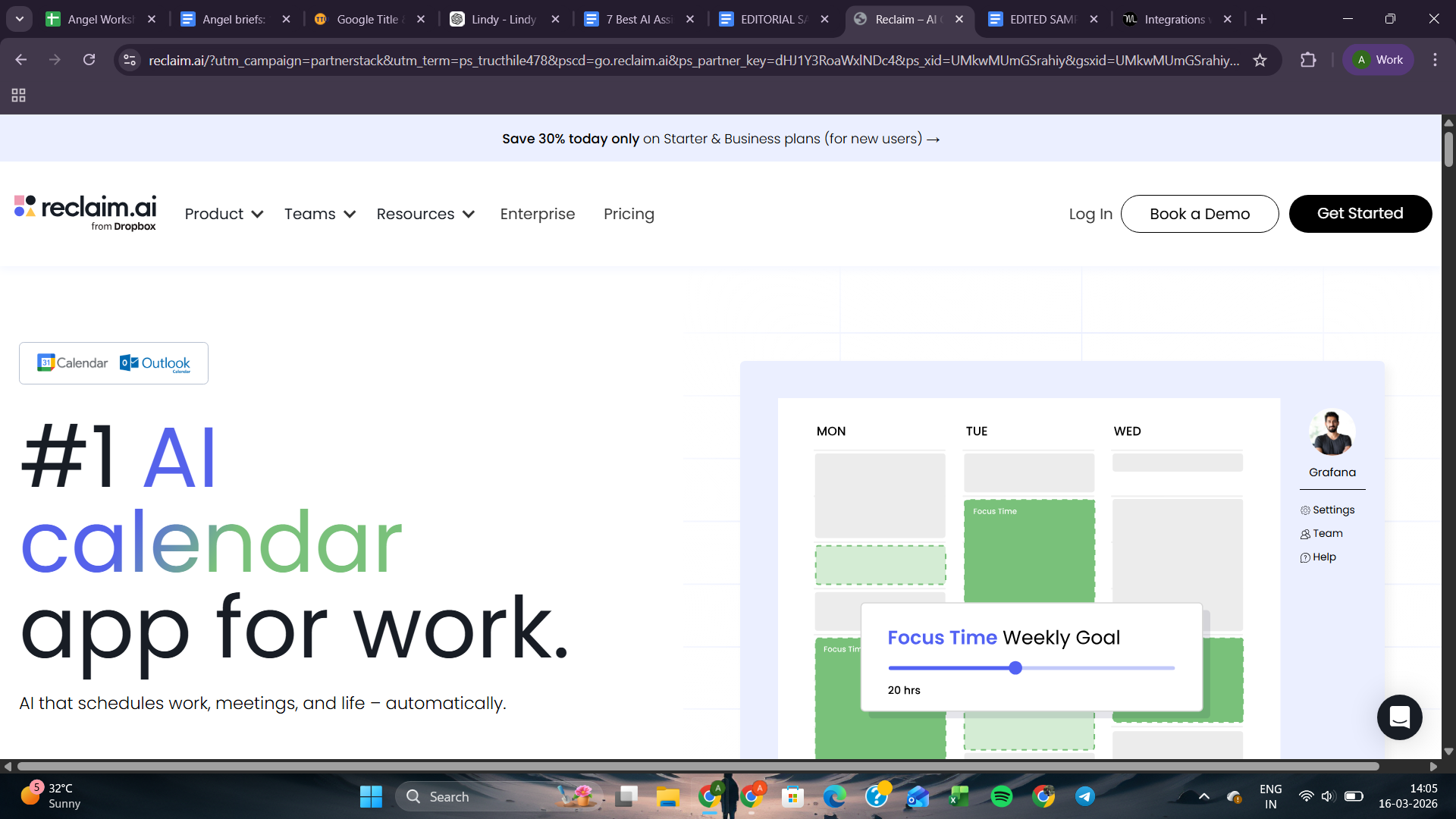
What it does: Reclaim is an AI calendar assistant that automatically schedules time for tasks, habits, meetings, and breaks.
Who it's for: Individuals and teams who struggle to protect deep work time from an increasingly crowded calendar.
Key features
- Slack status sync during meetings or focus blocks
- AI time blocking for tasks, habits, and focus sessions
- Scheduling links that detect flexible events to increase availability
- Multi-calendar sync to avoid conflicts between work and personal schedules
- Enterprise security with SSO, SCIM, and SOC 2, GDPR, and CCPA compliance
What I liked
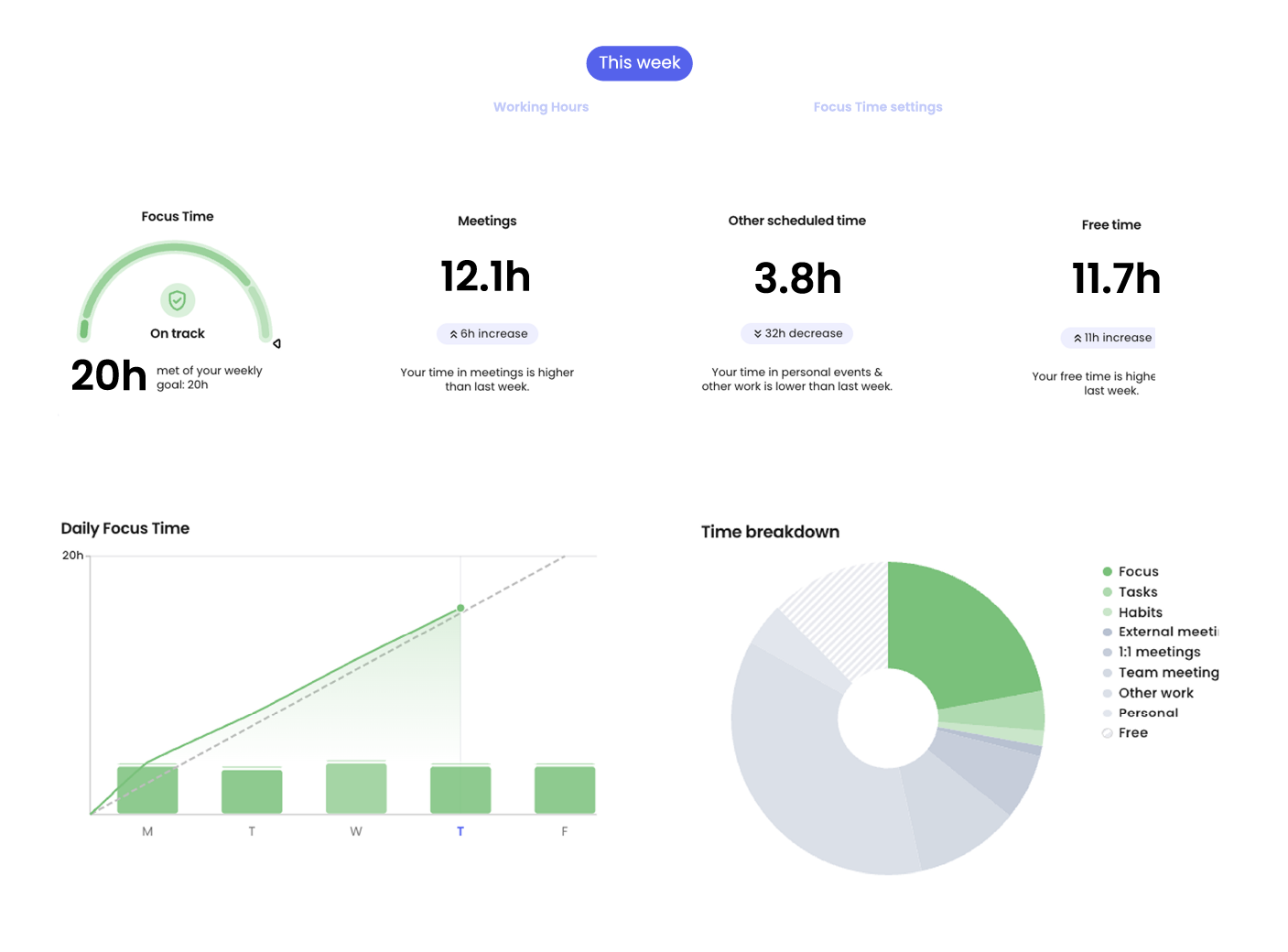
Reclaim, now owned by Dropbox, treats your habits and focus time like real work. It schedules them alongside your meetings and keeps them there.
During onboarding, you set your work hours, add your recurring habits, and tell Reclaim how flexible each one should be. A morning workout can be locked in place. A learning block can shift when an urgent meeting comes up. That balance is what makes it feel different from just blocking time yourself.
One afternoon, a meeting ran 20 minutes over. Right behind it was a one-on-one catch-up I couldn't move manually without a back-and-forth on Slack. Reclaim spotted the conflict and shifted it to an open slot later that day. By the time I checked my calendar, it was already sorted.
Reclaim also handles your task list. Connect it to Jira, Asana, or Todoist, and it starts dropping tasks into your schedule on its own. It watches deadlines too, so critical work gets time on your calendar before anything else can take that slot.
The Webinars and Demos section was a nice touch for new users. The "Intro to Reclaim" session helped me understand how to set priorities before handing the calendar over to the AI. Getting that setup right matters a lot.
What I disliked
Reclaim works with Google Calendar and Outlook. That's it. Anyone on Apple Calendar gets left out, which is a real limitation for freelancers or smaller teams that haven't standardized on either platform.
Reclaim works well as a scheduling layer, but it’s better not to think of it as a project management tool. If you come in expecting one tool to run your entire workflow, you'll still need something else sitting alongside it.
Pricing
Reclaim offers a free plan with limited habits and scheduling links. Paid plans start at $10/user/month and include expanded features like unlimited habits, longer scheduling windows, and team capabilities.
- ChatGPT: Best for everyday work assistance
5. ChatGPT: Best for everyday work assistance
Ratings:
| Pricing clarity | Team usability | Cross-platform reach | Versatility |
|---|---|---|---|
| 4/5 | 4/5 | 5/5 | 5/5 |
What it does: ChatGPT is a conversational AI assistant used for writing, research, coding help, and everyday knowledge-work tasks.
Who it's for: ChatGPT works well for both professional and personal use. It suits anyone who needs a capable AI assistant. The use cases are broad enough that most people find their own way of relying on it.
Key features
- Projects and memory that retain style and context across sessions
- An interactive canvas for editing documents and debugging code together
- Upload up to 20 files per message for multi-document analysis across text and code
- Visual responses surface images, highlights, and sources at a glance for faster research
- Deep Research analyzes sites and apps to generate structured reports and editable outlines
What I liked
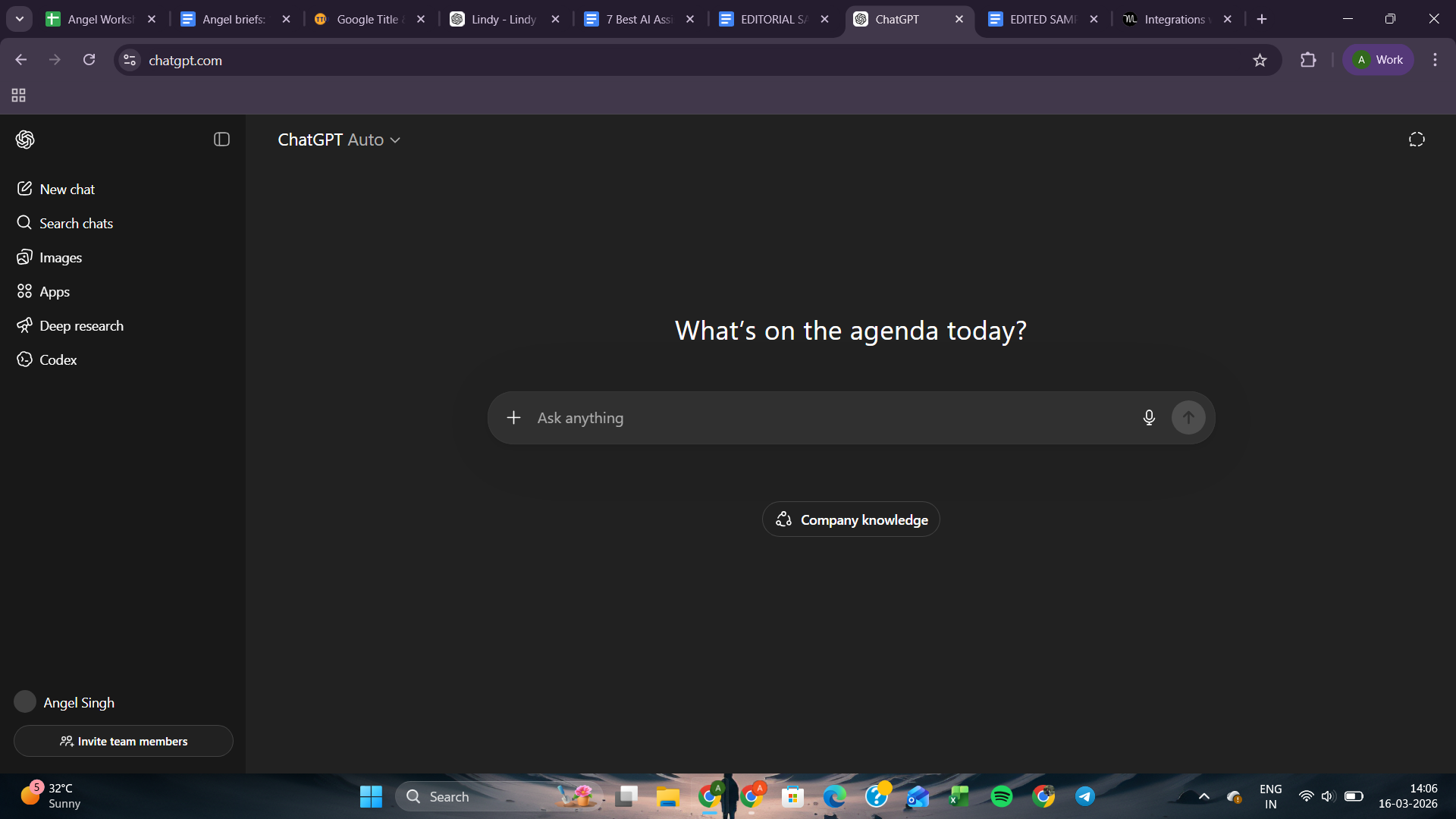
ChatGPT has become the tool people open without thinking. Need a first draft? A quick summary? Help making sense of a messy brief? It's usually the first tab that opens. A friend of mine even used it to put together his half-marathon training plan, which says a lot about how people of different ages and professions use it.
That flexibility is exactly what makes it useful professionally. A marketer can use it to draft campaign copy. A developer can use it to debug code. A consultant can use it to prep for a client meeting. Nobody needs a different tool for each of those tasks. ChatGPT handles all of it, which is rare.
At work, it's most useful before you know exactly what shape a task should take. I was putting together a market entry brief and ran the idea through ChatGPT before writing anything formal. It didn't just reflect the concept to me. It flagged regulatory considerations, questioned a few assumptions, and sketched out what a realistic partnership strategy could look like. A basic Google search won't do that.
If you work with multiple clients, Projects might be the feature that finally makes ChatGPT click for you. You can set up a separate project for each client, add specific instructions, drop in relevant sources, and choose whether any of it feeds into your overall memory or stays contained.
If you use ChatGPT for writing, Canvas is worth trying. You can go back and forth on the same document, make edits, and refine as you go. It feels less like prompting and more like working with someone on a draft.
What I disliked
ChatGPT works well as a drafting and thinking tool, but it’s an unreliable fact-checker. When it cites a statistic or summarizes a report, I always go back to the source before using it anywhere important. That's just how these models work, but it catches people off guard more than it should.
The free plan gives you limited access to GPT-5.3, capped messages, and restricted memory. For occasional use, it's fine. For actual daily work, you'll outgrow it quickly. The Go plan expands all of that without jumping to a full Pro subscription.
Pricing
ChatGPT has a free plan with limited access to GPT-5.3, capped messages, and restricted memory. Paid plans start at $8/month, with higher tiers adding more usage, longer memory, and deeper capabilities for teams and enterprises.
- Microsoft Copilot: Best for Microsoft 365 productivity
6. Microsoft Copilot: Best for Microsoft 365 productivity
Ratings:
| Pricing clarity | Team usability | Cross-platform reach | Versatility |
|---|---|---|---|
| 2/5 | 5/5 | 1/5 | 4/5 |
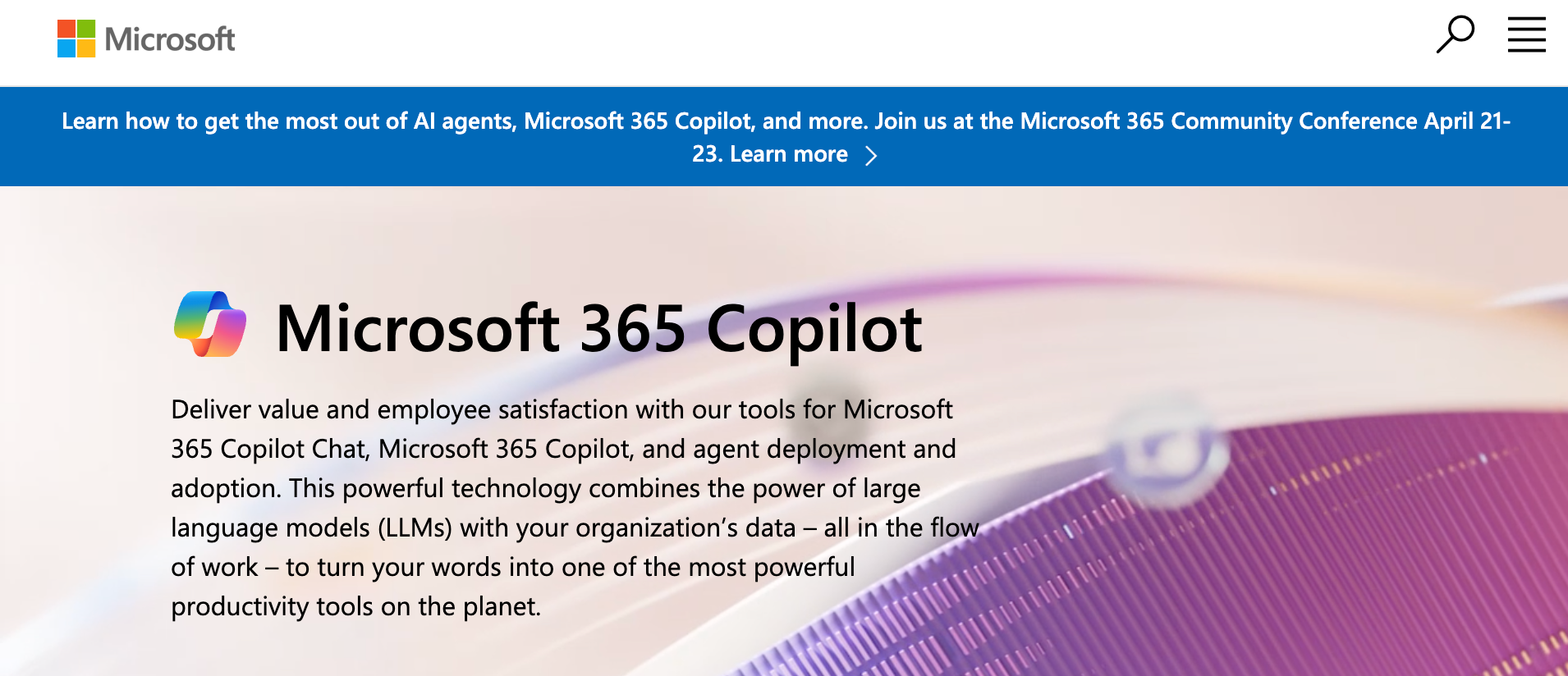
What it does: Microsoft Copilot is an AI assistant built into Microsoft 365 that helps draft documents, summarize meetings, analyze data, and work with information from your organization’s files.
Who it's for: Organizations and professionals deeply embedded in the Microsoft ecosystem who want AI assistance directly inside their everyday work tools.
Key features
- Surface insights from company emails, files, and calendar activity
- Build custom assistants for internal workflows using Copilot Studio
- Collaborate and refine AI-generated content with teams in Copilot Pages
- Draft documents, spreadsheets, and presentations using natural language prompts
What I liked
In companies already running on Microsoft 365, Copilot fits naturally into the workday because it appears inside tools people already use. During Teams meetings, it captures discussions and converts them into structured notes, summaries, and follow-up actions once the meeting ends.
At one point, I asked it to find a budget approval buried in an old email thread. Instead of returning a list of search results like Outlook usually does, it surfaced the number directly and pointed to the exact message.
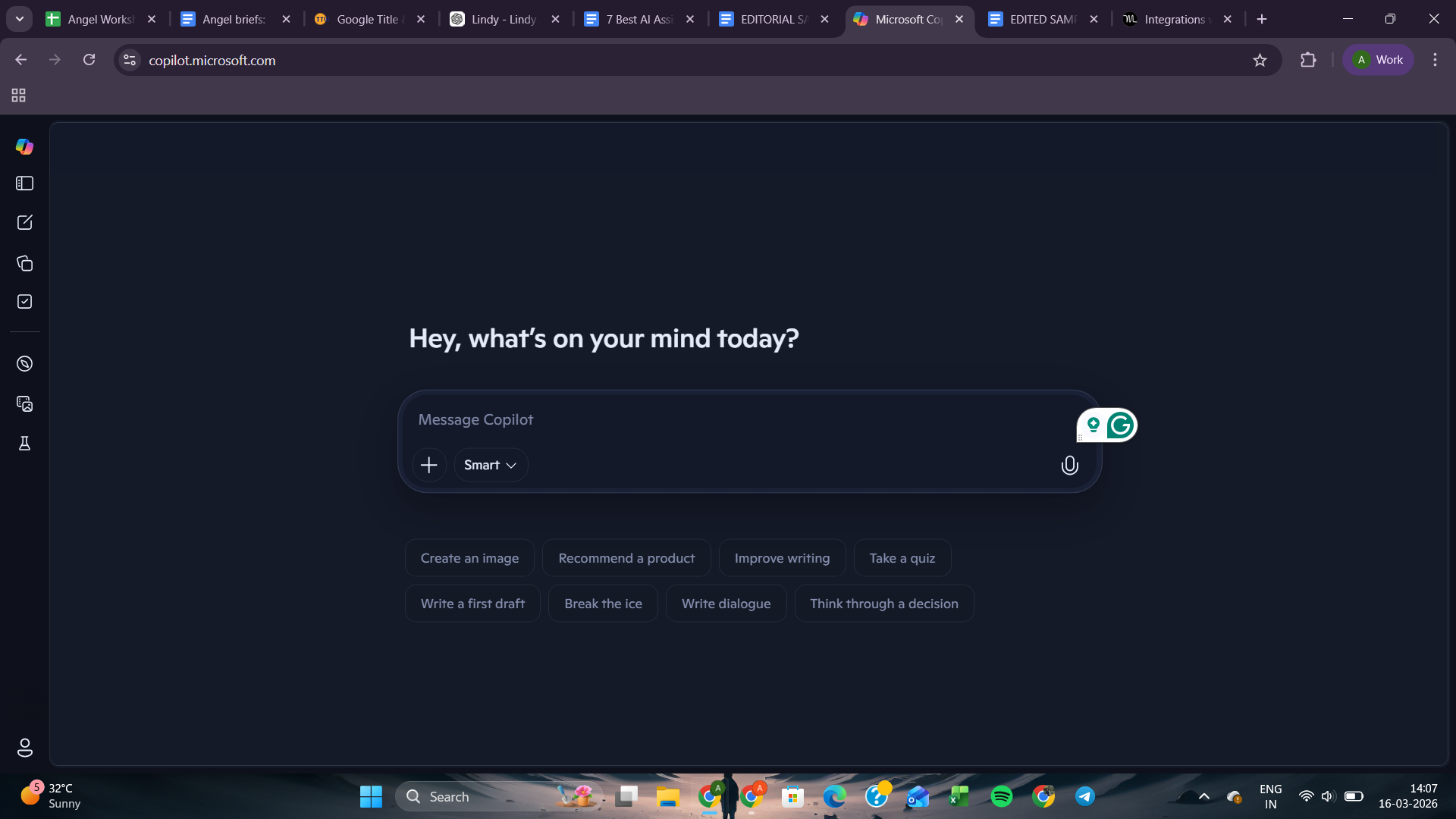
Because it can pull context from emails, files, and calendars, it ends up being far more useful inside a company workspace than a standalone chatbot.
The real test of convenience shows up when work moves from one app to another. After the meeting ended, I watched Copilot turn the recap into a rough Word draft, which later became the starting point for a PowerPoint outline.
It's a small thing, but avoiding the usual copy-paste shuffle between tools makes the whole workflow feel smoother for teams already living inside Outlook, Teams, and Office all day.
What I disliked
Pricing is where Copilot loses people before they even sign up. The structure is confusing. Individual plans are billed monthly, Copilot Studio plans are annual only, and then there are separate business and enterprise tiers, split further by whether you're a new or existing customer.
With ChatGPT or Claude, you pick a plan and get started. With Copilot, you might need a second tab just to figure out what you're buying.
Pricing
Copilot offers a free version with basic AI chat. Individual plans start at around $9.99/month for Microsoft 365 Personal, which includes Copilot access. Business plans bundle Microsoft 365 with Copilot Business starting at $22/user per month, billed annually. Enterprise plans are custom-priced.
- Google Gemini: Best for Google Workspace users
7. Google Gemini: Best for Google Workspace users
Ratings:
| Pricing clarity | Team usability | Cross-platform reach | Versatility |
|---|---|---|---|
| 3/5 | 5/5 | 1/5 | 4/5 |
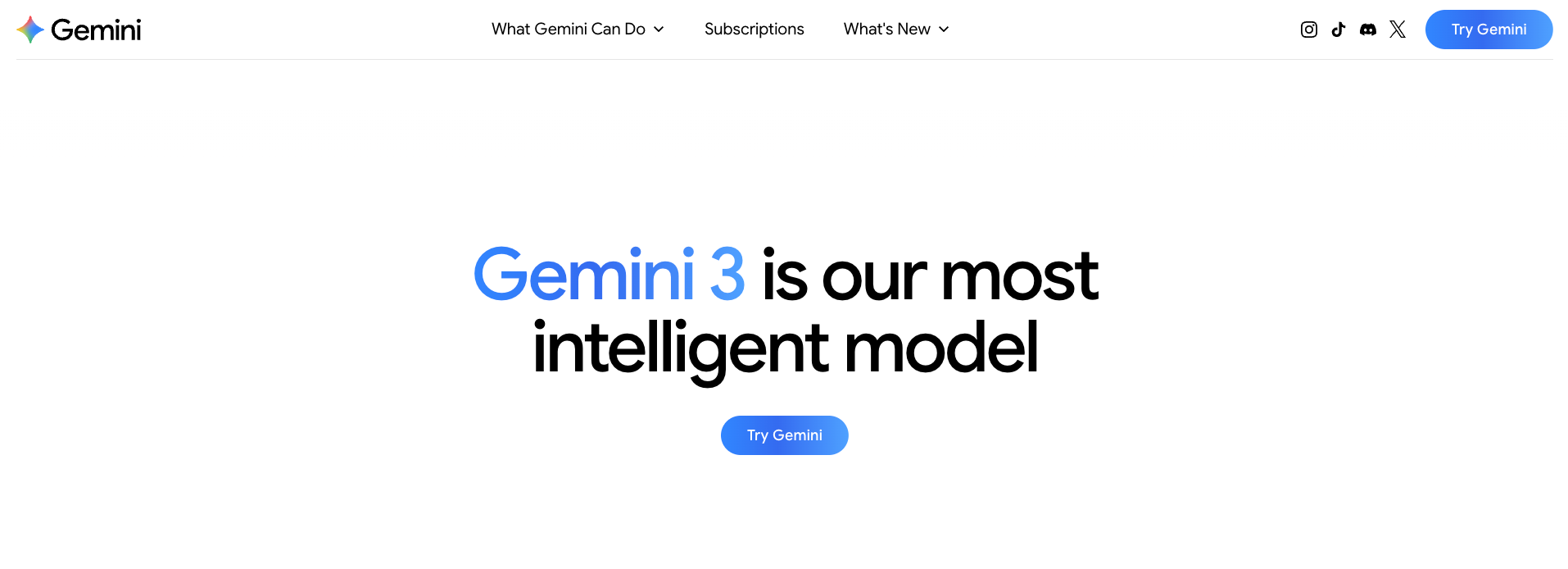
What it does: Gemini is Google’s AI assistant built into its workspace that helps draft content, analyze documents, and research information using your emails, files, and web sources.
Who it's for: Teams already working inside Google Workspace who want an assistant that understands their emails, documents, and files.
Key features
- Connects with Maps, YouTube, Calendar, and other Google services
- Deep Research compiles multi-source reports from the web and Drive
- Gemini Live voice mode for hands-free conversations and brainstorming
- Handles extremely large documents with a million-token context window
- Lyria for AI music generation and Nano Banana Pro for advanced image and video creation
What I liked
Google isn't building an AI assistant. It's building Gemini into everything it already owns. Search, Maps, YouTube, Gmail, Docs, Drive, Chrome, your TV, NotebookLM, and even its own filmmaking tool, Flow.
Inside Google Workspace is where it clicked for me first. I opened a messy document, asked Gemini to summarize sections and pull context from related files in Drive, and it did it without me switching tabs once. That sounds basic until you've spent years copying text between windows just to write a single brief.
But what caught me off guard was how far Google has pushed Gemini beyond Workspace. The AI Plus plan puts it directly inside Gmail, Docs, and Vids. The Pro plan connects it to Google Search with agentic capabilities.
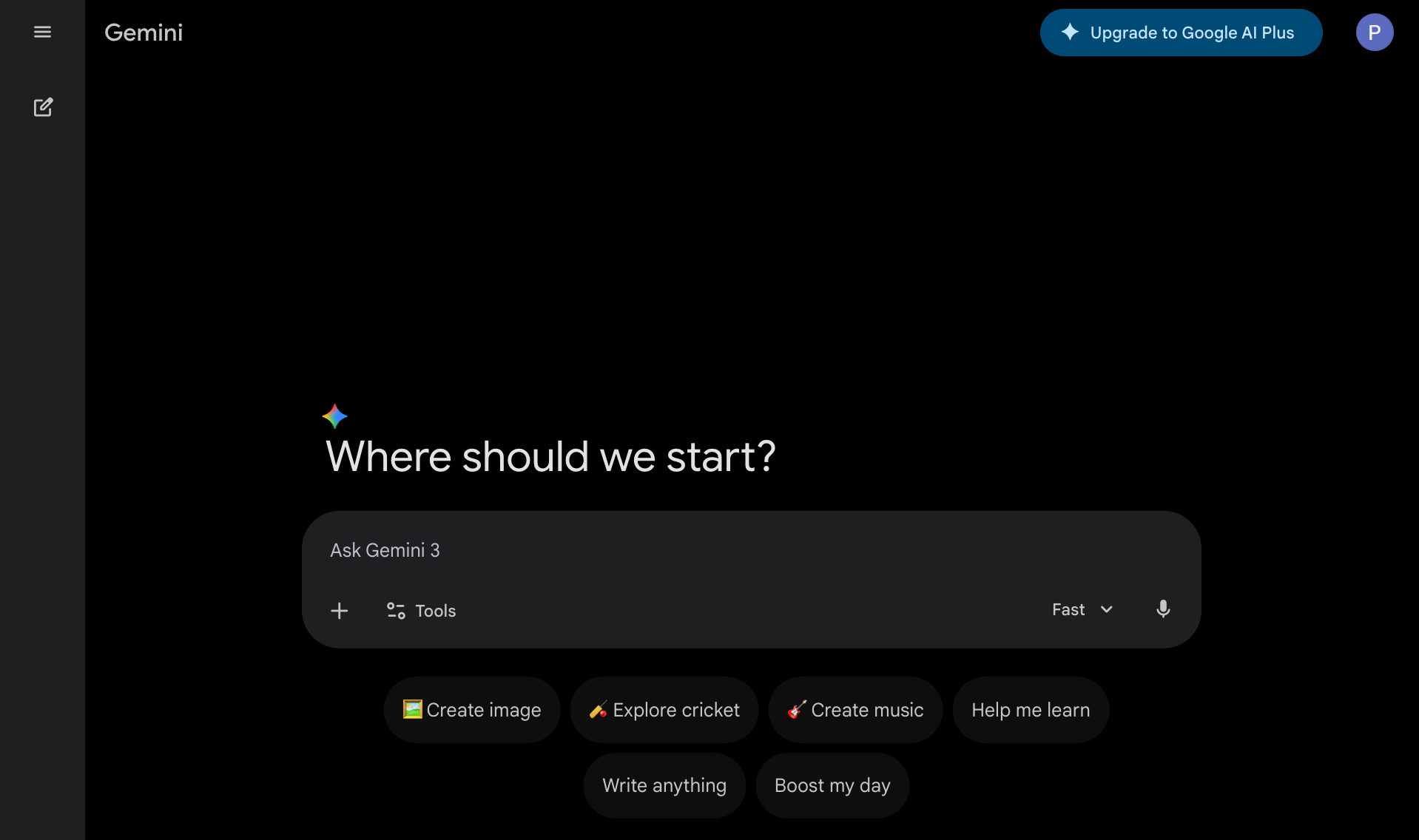
And then there's Nano Banana 2 for on-device image generation and Veo 3.1 for video and audio creation. Google isn't drip-feeding features anymore. It's moving fast, and the product feels noticeably different from what it was even six months ago.
The side panel in Docs and Gmail is a small thing that saves a surprising amount of time. While writing, I could ask it to summarize long email threads or pull notes from Drive without opening another tab. The writing flow stays intact because you never have to leave the page.
What I disliked
Gemini is deeply tied to Google Workspace. Step outside that ecosystem, and it starts feeling like any other chatbot. That's not necessarily a flaw, but it's worth being honest about before you commit.
The mobile experience also needs work. On the desktop, the Docs and Drive integration felt smooth. On mobile, editing and image handling were buggy enough that I stopped trying and switched back to desktop.
Pricing
Gemini includes a free plan. Paid tiers start at $4.99/month for Google AI Plus, $19.99/month for AI Pro, which adds Deep Research and 2TB storage, and $249.99/month for AI Ultra with the highest usage limits and 30TB storage.
What an AI assistant can do for you at work
To use an AI assistant at work effectively, stop asking it questions and start giving it tasks. Instead of typing "how do I follow up with this lead," tell it to follow up with the lead. Point it at your inbox, your calendar, your CRM, and describe what needs to get done.
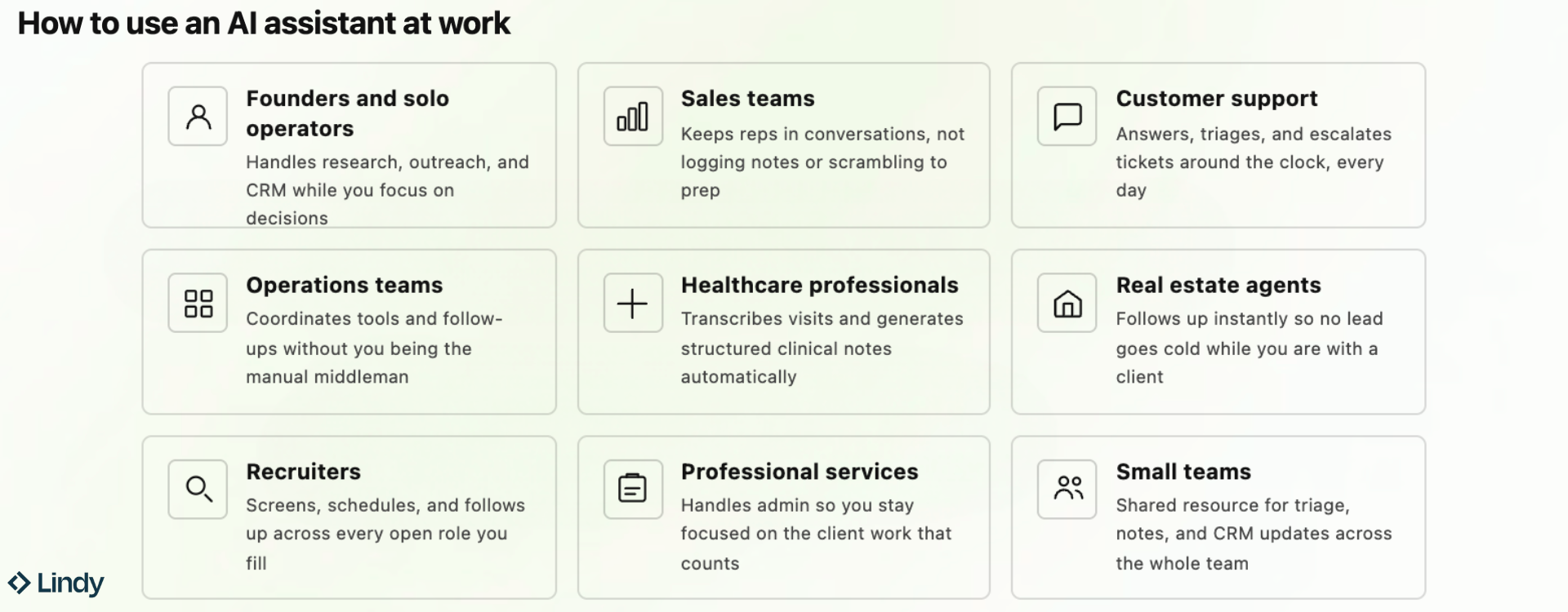
And here’s my hot take. See, most people who buy an AI assistant use it like a slightly faster Google. They ask questions, get answers, and close the tab. The people who save time use it to offload work entirely.
Here is where it matters, broken down by role:
- Founders and solo operators: Running everything yourself means the founder tax hits hard. An AI assistant handles prospect research, outreach drafts, lead follow-ups, and CRM updates after calls. None of that needed you specifically. It just needed someone reliable who would not forget while you focused on actual decisions.
- Sales teams: Reps are not losing deals because they are bad at selling. They lose time logging notes, writing follow-ups, and scrambling to prep before calls. An AI assistant handles the admin layer, so your team stays in conversations instead of spending half the day on work that surrounds them.
- Customer support: Customer messages do not care what time it is. An AI assistant answers common questions instantly, triages tickets by urgency, drafts replies in your brand voice, and escalates complex issues to the right person. Your team handles what needs a human. Everything else gets handled anyway.
- Operations teams: Ops work is coordination at scale, and someone always needs a summary, an invite, or a follow-up that should have gone out yesterday. An AI assistant manages calendars, preps meetings, handles follow-ups, and coordinates across tools without anyone being the manual middleman for every update.
- Healthcare professionals: Clinical admin consumes the time of the people who should be with patients. An AI assistant can transcribe visits, generate structured clinical notes, handle appointment scheduling, and process routine documentation so the work that matters gets your full attention.
- Real estate agents: Leads go cold in hours, not days. An AI assistant follows up with new inquiries instantly, schedules showings, and keeps your CRM updated after each interaction. Nothing slips while you are with another client, and your response time stays sharp even when you are tied up.
- Recruiters: The same coordination repeats across every role you fill. An AI assistant screens applications, schedules interviews without the back-and-forth, sends candidate follow-ups at each stage, and keeps notes organized by role. You evaluate people while handling everything around each conversation.
- Professional services (Agencies, Consultants, Law firms): Clients pay for focused thinking, not the admin that surrounds it. An AI assistant pulls past notes before calls, drafts proposals and follow-ups after, manages scheduling, and tracks what needs to happen before each deadline. You do the work while operations run around you.
- Small teams: When everyone wears multiple hats, nobody owns the admin, and everybody ends up doing it. An AI assistant handles inbox triage, meeting notes, research, and CRM updates as a shared resource for the whole team. Think of it as the hire you could not justify yet.
Which AI assistant for work should you choose? My take
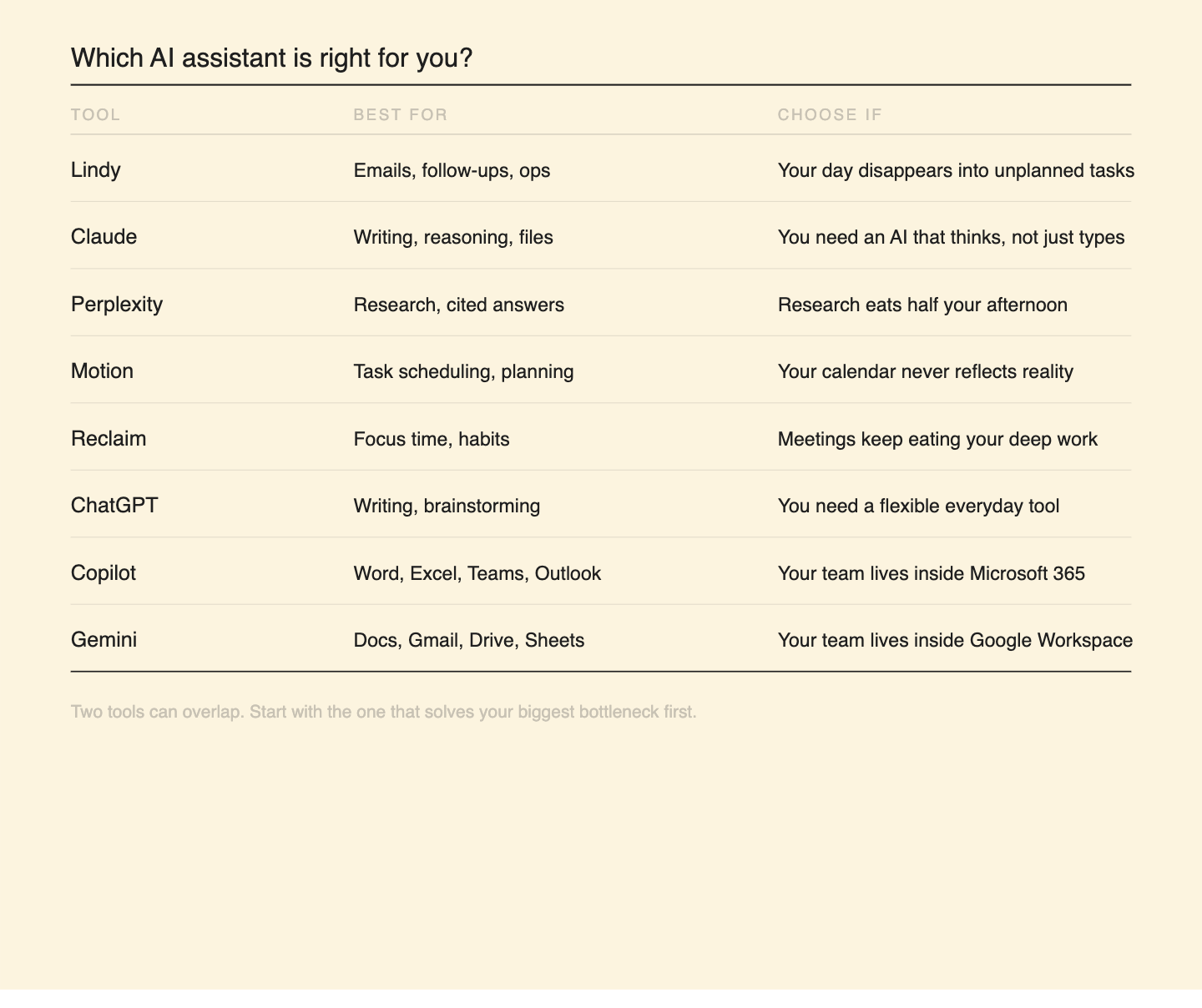
My take: the right assistant depends on the shape of your work. Here is how I would split the decision.
If you need to think through complex problems, produce high-quality writing, or want an AI that works directly on your desktop files, Claude is worth a serious look. Projects and Cowork make it more than a chatbot.
If research is a core part of your job, Perplexity is in a different category from the rest. Cited answers, Deep Research, and Model Council make it the most trustworthy tool for finding and verifying information quickly.
If your calendar and task list are constantly out of sync, Motion automates the planning, so your schedule reflects what's possible. Reclaim does something narrower, but does it well. It protects your focus time and habits from being eaten by meetings.
For general day-to-day work, writing, brainstorming, and problem-solving, ChatGPT is still the most flexible option on the list.
And if your team already lives inside Microsoft 365 or Google Workspace, Copilot and Gemini are the obvious choices. Both work best when you're already in the ecosystem.
FAQs
- What is the best AI assistant for work?
What is the best AI assistant for work?
The best AI assistant for work depends on the job. For writing and research, ChatGPT remains the most flexible option. Teams inside Microsoft 365 or Google Workspace will get the most value from Microsoft Copilot or Google Gemini, respectively.
- How do AI assistants for work help teams?
How do AI assistants for work help teams?
AI assistants for work help teams save time by automating repetitive tasks like drafting emails, summarizing meetings, scheduling, and organizing information across tools. Instead of switching between apps to get routine work done, teams can delegate those tasks to an AI assistant and focus on higher-priority work.
- Are AI assistants for work the same as chatbots?
Are AI assistants for work the same as chatbots?
No, chatbots respond to individual prompts or questions, while AI assistants for work go further. They connect to tools like Gmail, Slack, and calendar apps. They take multi-step actions and can automate parts of a workflow without being prompted each time. Think of a chatbot as something you ask. An AI assistant is something you delegate to.
- What is the best AI assistant for scheduling and tasks?
What is the best AI assistant for scheduling and tasks?
Motion is the best AI assistant for scheduling and tasks if you want your entire day planned automatically around deadlines and priorities. Reclaim works best for protecting focus time and preventing meetings from crowding your calendar.
- Is ChatGPT the best AI assistant for work?
Is ChatGPT the best AI assistant for work?
ChatGPT is one of the best AI assistants for writing, research, and brainstorming. It’s flexible enough to handle most tasks a professional might need. Where it falls short is operational work. It doesn’t connect to your tools or take action on your behalf. For that kind of work, an assistant that plugs into your tools, like Lindy, can pick up where it stops.
- What is the best alternative to ChatGPT for work?
What is the best alternative to ChatGPT for work?
Claude is the strongest ChatGPT alternative for deeper reasoning, longer document work, and desktop task automation. For research with cited sources and real-time web answers, Perplexity is worth considering.
- Is Perplexity better than ChatGPT for research?
Is Perplexity better than ChatGPT for research?
Yes, Perplexity is better than ChatGPT for research. It pulls from live web sources and cites every claim, which makes it significantly more reliable for fact-based work. ChatGPT is better for creative tasks, drafting, and brainstorming, where real-time accuracy isn't the priority. Most serious researchers end up using both for different parts of the same workflow.











Blog
Related Articles
.png)

.png)
%20(1).png)
.avif)

%20(1).png)
.png)
The AI assistant that runs your work life
Lindy saves you two hours a day by proactively managing your inbox, meetings, and calendar, so you can focus on what actually matters.
