10 Email Apps for Android in 2026, Ranked and Tested
Marvin used Gmail, Outlook, and Superhuman among 10 Android email apps as daily drivers, ranking each one by the inbox problem it solves best.


Picking an email app for Android feels settled before you start. Gmail comes preinstalled, and it works, so nobody looks further. Then daily volume climbs past 50 messages, and notifications start landing 15 minutes late. The home screen widget shows a count you can't act on.
I spent three weeks using 10 email apps as my only inbox, on two phones, with one Gmail account carrying four years of unsorted mail. I timed how long each one took to push a notification, how much I could clear one-handed on a 20-minute commute, and what the first paid tier costs.
Gmail stayed on my home screen, and I still wouldn't call it the best of the ten. Below is why, along with the two I would pay for and the three that came off the list before the first week ended.
10 Email apps for Android: TL;DR
- Gmail: Best for Android users who want zero setup and the fastest push notifications on the platform
- Outlook: Best for Microsoft 365 work accounts that need mail and calendar on one screen
- Lindy: Best for handing your inbox to an assistant you reach from Slack or a text message
- Superhuman Mail: Best for clearing a heavy inbox fast with AI that labels and archives on its own
- Shortwave: Best for finding one answer buried in years of Gmail with plain-language search
- Spark Mail: Best for screening unknown senders before they ever reach your inbox
- Proton Mail: Best for encrypted email where the provider cannot read your messages
- Thunderbird for Android: Best for free, open-source access to any IMAP account with no new sign-up
- Spike: Best for people who want long threads to read like a chat app
- Missive: Best for teams running one shared inbox across email, SMS, and social
How I researched and tested these email apps for Android
Each app ran as my only inbox for at least two days inside those three weeks, on both phones, connected to the same Gmail account with four years of unsorted mail. If you need automated executive support to manage high volume, looking into fyxer alternatives offers additional options.
Lindy is the exception, since there's nothing to install and no inbox for it to take over, so it ran alongside whichever client was on the phone that week.
I left the battery limits at their defaults because that setting decides whether a mail app notifies you in seconds or in 15 minutes. What I scored:
- Notification speed: I sent myself a message and timed the buzz on both phones, screen locked and app closed. How the app connects decides the result, since a Gmail API connection keeps push notifications arriving in seconds while a plain IMAP connection turns labels into folders and adds delay
- One-handed triage: Whether I could archive, snooze, and fire off a short reply during a 20-minute commute using one thumb
- Pricing: What the first paid tier buys, taken from each company's own pricing page
Three apps came off the list, each for a different reason. If automated writing assistance is your priority, comparing options for the best ai email generator can help you choose the right tool.
Edison Mail: I removed it after running it because it extracts purchase data from commercial email. Edison itself explains why the app stays free. If you want to automate email processing without sharing commercial inbox data, using an independent AI assistant is a safer alternative.
BlueMail: I also dropped once I ran it, since it needed battery whitelisting before push worked at all, a step its own help center walks through.
Notion Mail: I never got as far as installation. Notion supports iOS 17 and later on mobile only, so it isn't available on Android at all. If you need mobile productivity tools that run natively, reviewing top ai apps for android can help you find suitable options.
Between them, those three cover how an email app disqualifies itself on Android, from what it does with your data to whether it ships here in the first place.
10 Best email apps for Android compared
| 💻 Tool | ⚡ Strengths | 🎯 Best For | 💰 Starting Price |
|---|---|---|---|
| Gmail | Push in seconds, Gemini drafts | Zero-setup default | Free |
| Outlook | Mail and calendar in one view | Microsoft 365 work accounts | $9.99/month |
| Lindy | Inbox and follow-ups from Slack | Delegating the inbox | $49.99/month |
| Superhuman Mail | Fast triage, AI auto-labels | Heavy inboxes | $40/member/month |
| Shortwave | AI search across old mail | Deep Gmail archives | $18/seat/month |
| Spark Mail | Gatekeeper sender screening | Unknown senders | $10/user/month |
| Proton Mail | Zero-access encryption | Privacy first | $4.99/month |
| Thunderbird for Android | Any IMAP account, open source | No new account needed | $6/month |
| Spike | Threads collapse into chat | Messaging-style inbox | $8/user/month |
| Missive | Internal comments on threads | Teams on one address | $18/user/month |
1. Gmail: Best for the fastest notifications with zero setup
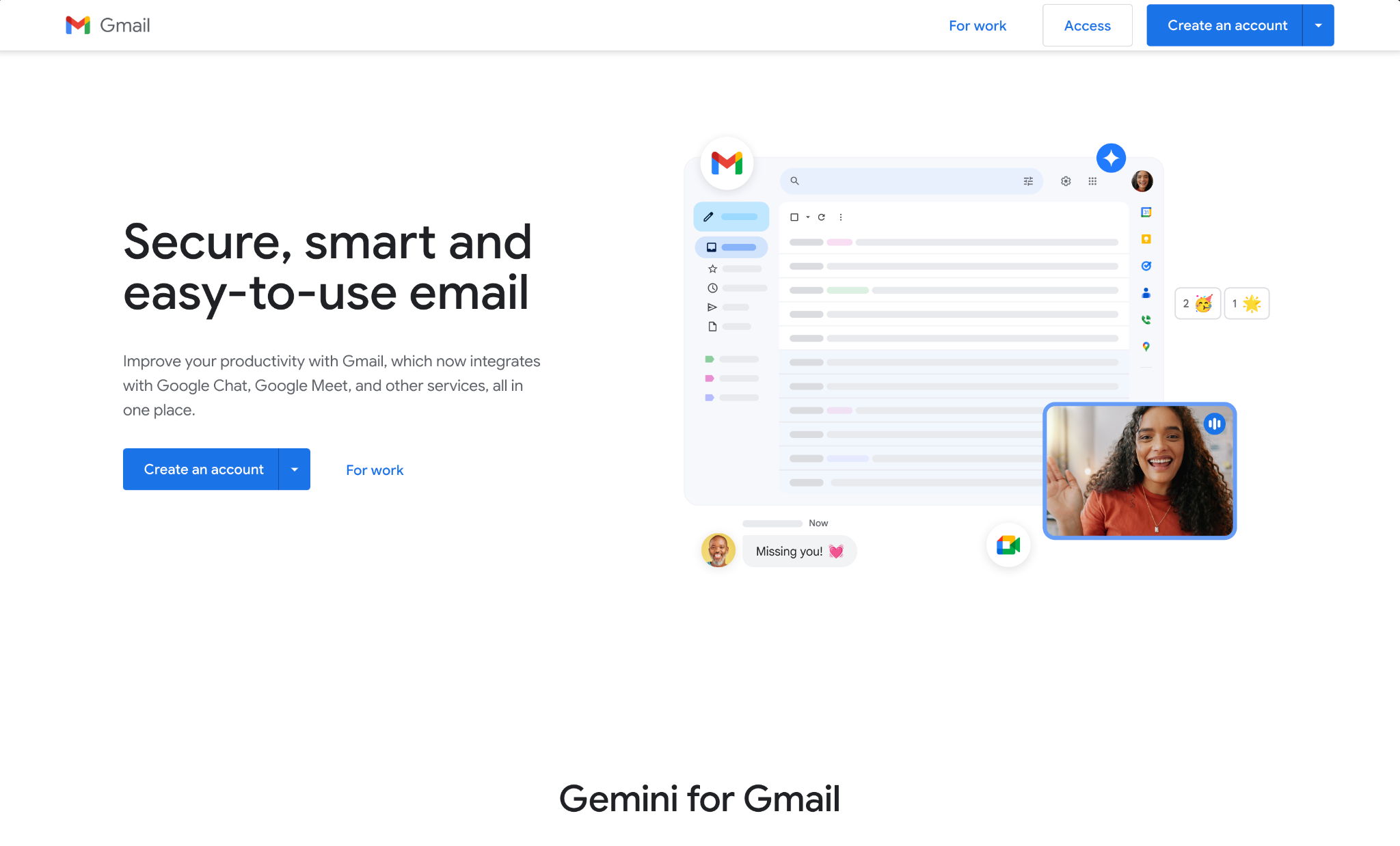
What it does: Gmail is the mail app already signed in on your Android phone, connected straight to Google's servers with push delivery and Gemini writing tools included.
Best for: Anyone whose mail lives in one or two Google accounts and who needs the notification to land the second the message does.
Gmail won the one test it had to win. With the battery limits left on and the app closed, notifications arrived in seconds on both phones. Nothing else came close over three weeks.
Storage is where it got uncomfortable. The free 15 GB is shared with Drive and Photos, and my photo backups had claimed 11 of those 15 before a single email got counted.
Blocking a sender doesn't help either. Gmail routes them to Spam, and the mail still lands in the account.
Key features
- Push delivery: New mail arrives with no sync interval to configure and no battery exception to grant.
- Multiple accounts: Google's setup flow adds Outlook, iCloud Mail, and Yahoo automatically, all landing in one All inboxes list.
- Gemini writing tools: Help me write and Smart Reply draft from thread context, the baseline any other Gmail AI assistant has to beat.
- Full search syntax: Queries like from: and has:attachment behave the same on the phone as on the web.
Pros and Cons
Pros:
✅ Gmail is exempt from the battery rules; every other app on this list has to fight, so there's nothing to whitelist.
✅ Already installed and signed in, so setup on a new phone took zero minutes.
✅ Everything that makes Gmail's desktop search and labeling useful carries over to the phone unchanged.
Cons:
❌ The free 15 GB is shared across Gmail, Drive, and Photos, so a big photo library can fill your mailbox.
❌ Gmail sends a blocked sender to Spam, so the mail still lands and keeps counting against storage until you clear it.
❌ Adding more than four accounts tied to one phone number means dropping the recovery number from the extras, since Google caps accounts per number at four.
What users say
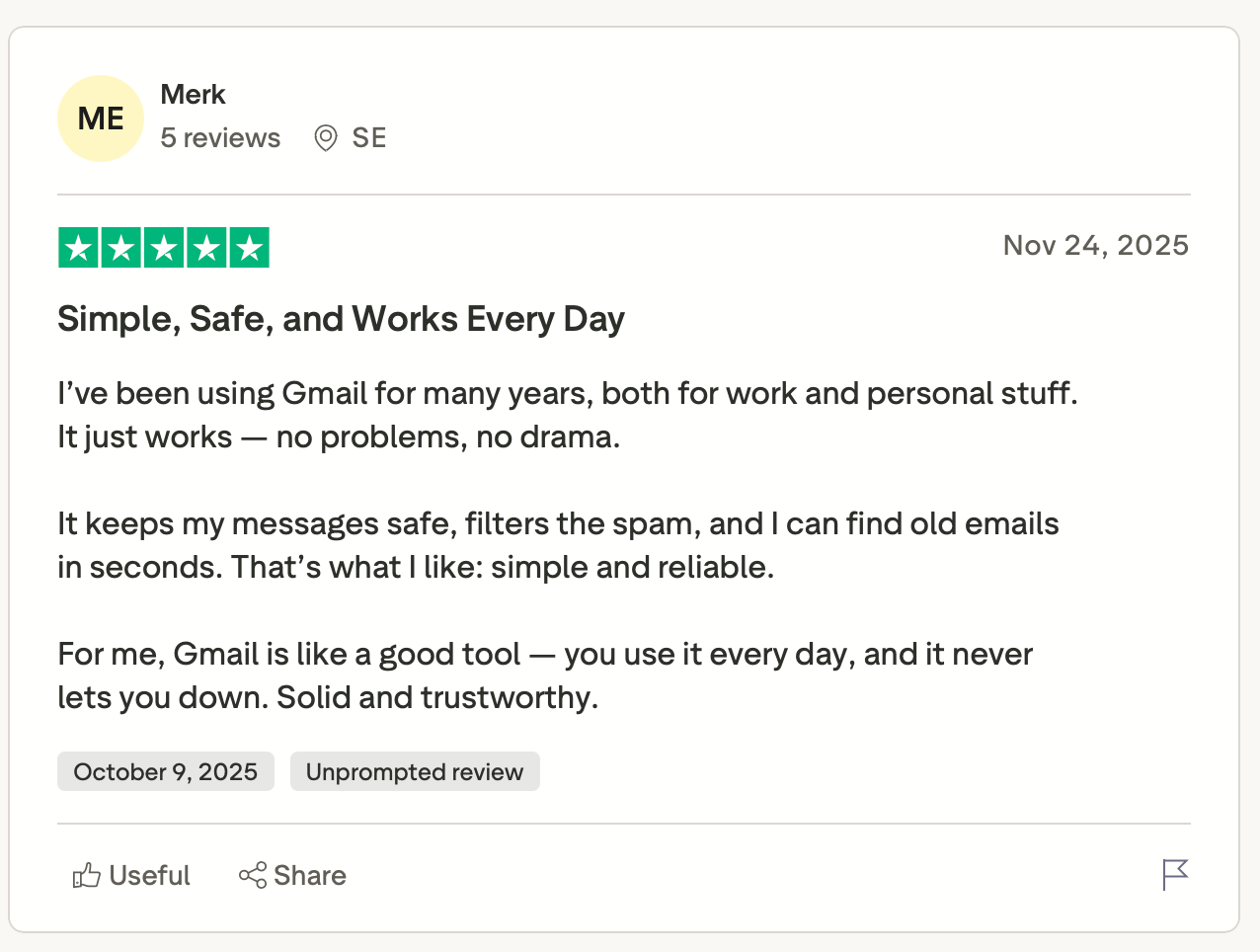
"It keeps my messages safe, filters the spam, and I can find old emails in seconds. That’s what I like: simple and reliable." — Merk, Trustpilot
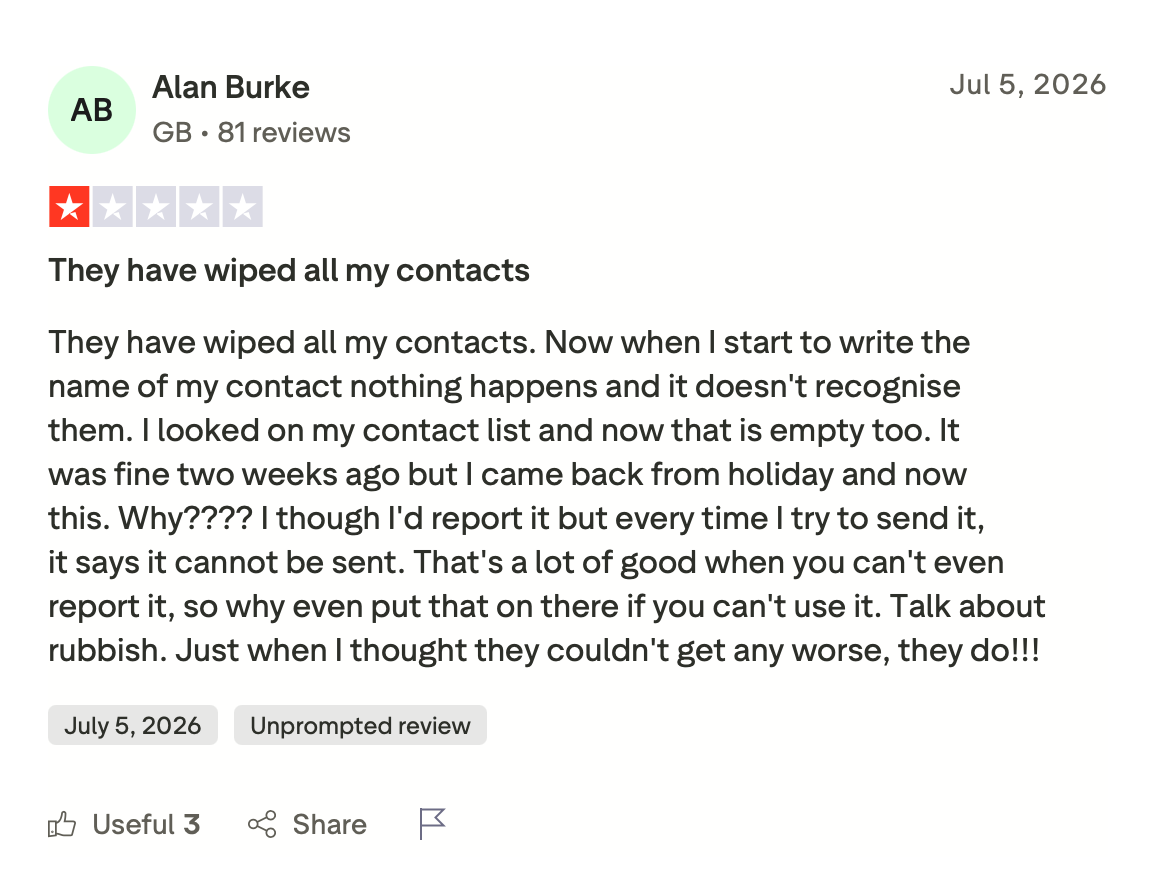
"They have wiped all my contacts. Now when I start to write the name of my contact, nothing happens, and it doesn't recognize them." — Alan Burke, Trustpilot
Pricing
On a personal Google account, the app is free. Business Starter runs $7/user/month on a one-year commitment with 30 GB of pooled storage.
Bottom line
Gmail sets the floor on Android, and for anyone who values speed over storage, it stays installed on notification speed alone. Storage is the reason to keep reading this list.
2. Outlook: Best for work email that sits next to your calendar
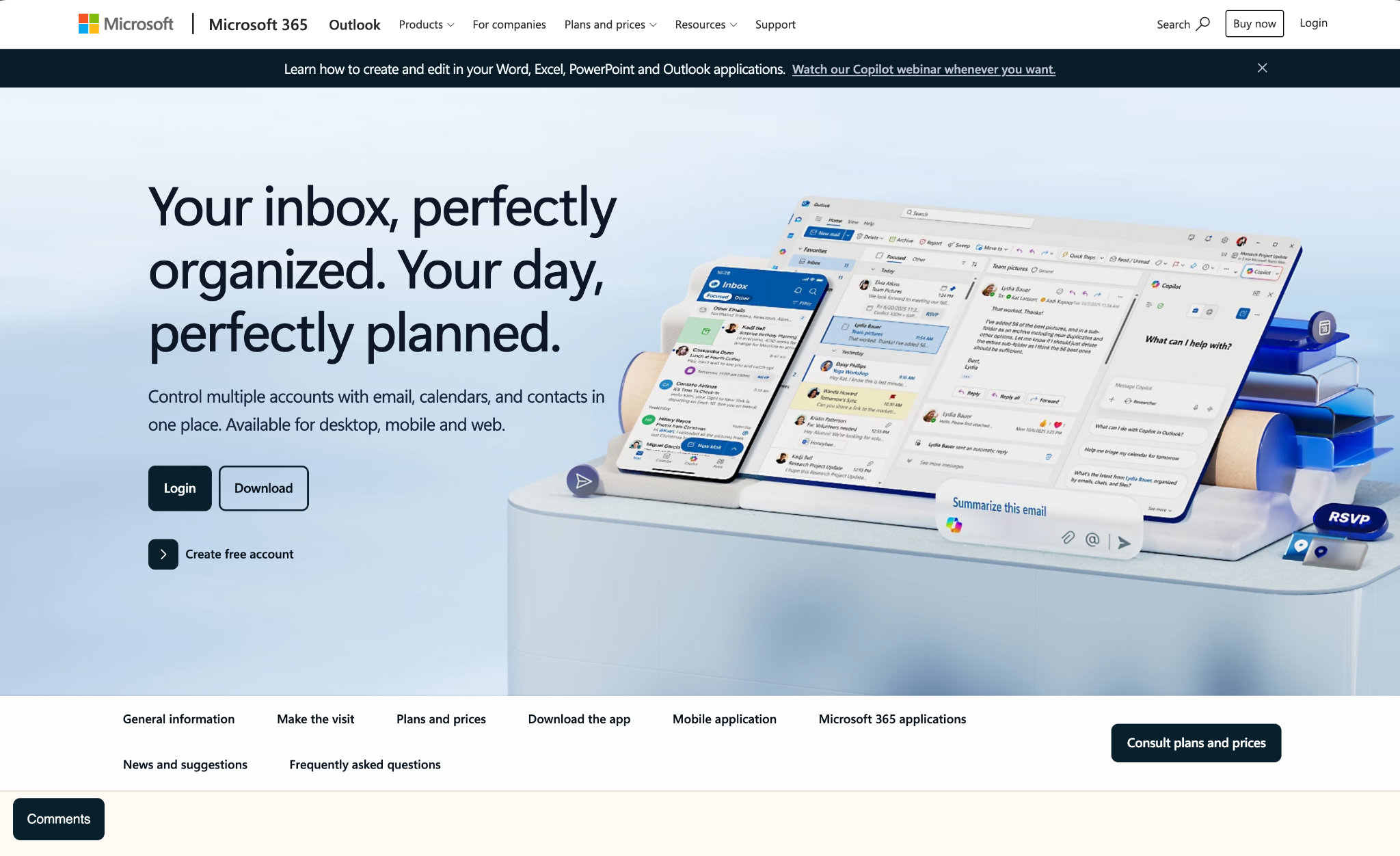
What it does: Outlook puts a Microsoft 365, Gmail, Yahoo, or IMAP account and your calendar in one app, with Focused Inbox filtering out the low-priority mail.
Best for: People whose workday runs on Microsoft 365 and who check the calendar as often as the inbox.
Moving from a thread to my week took one tap, and that shortcut earned more of my three weeks than any AI feature in this test.
Searching for a thread from 2023 was a different story. Search slowed down and started missing obvious matches, which lines up with what Outlook users keep reporting on Capterra about large mailboxes.
The bigger change this year happened outside the app. Microsoft retired Outlook Lite on May 25, 2026, so the lightweight build that used to cover older Android phones is gone.
Key features
- Mail and calendar tabs: One tap moves you between a thread and your day, with no second app involved.
- Focused Inbox: Splits priority mail from newsletters and receipts using your own read and reply history.
- Copilot in the bundle: Microsoft 365 Personal ships the Office apps with Copilot and higher usage limits than the free tier. For users wanting deeper automation, setting up a dedicated outlook ai email assistant can further streamline drafting and inbox management.
Pros and Cons
Pros:
✅ Mail and calendar sit one tap apart, which took my scheduling round trips down to zero.
✅ Connects Gmail, Yahoo, and IMAP accounts, so one app covers the personal and work mail you'd otherwise split.
✅ Focused Inbox pushed newsletters out of the way and I didn't write a single rule.
✅ One Microsoft 365 Personal subscription covers five devices and 1 TB of storage on a single bill.
Cons:
❌ The misses got worse as the mailbox grew, and recent Capterra reviewers describe the same curve.
❌ Inbox rules stay on desktop, so rule-based sorting still needs a computer.
❌ Outlook Lite is fully retired as of May 25, 2026, so low-end Android phones lost the lightweight option.
What users say
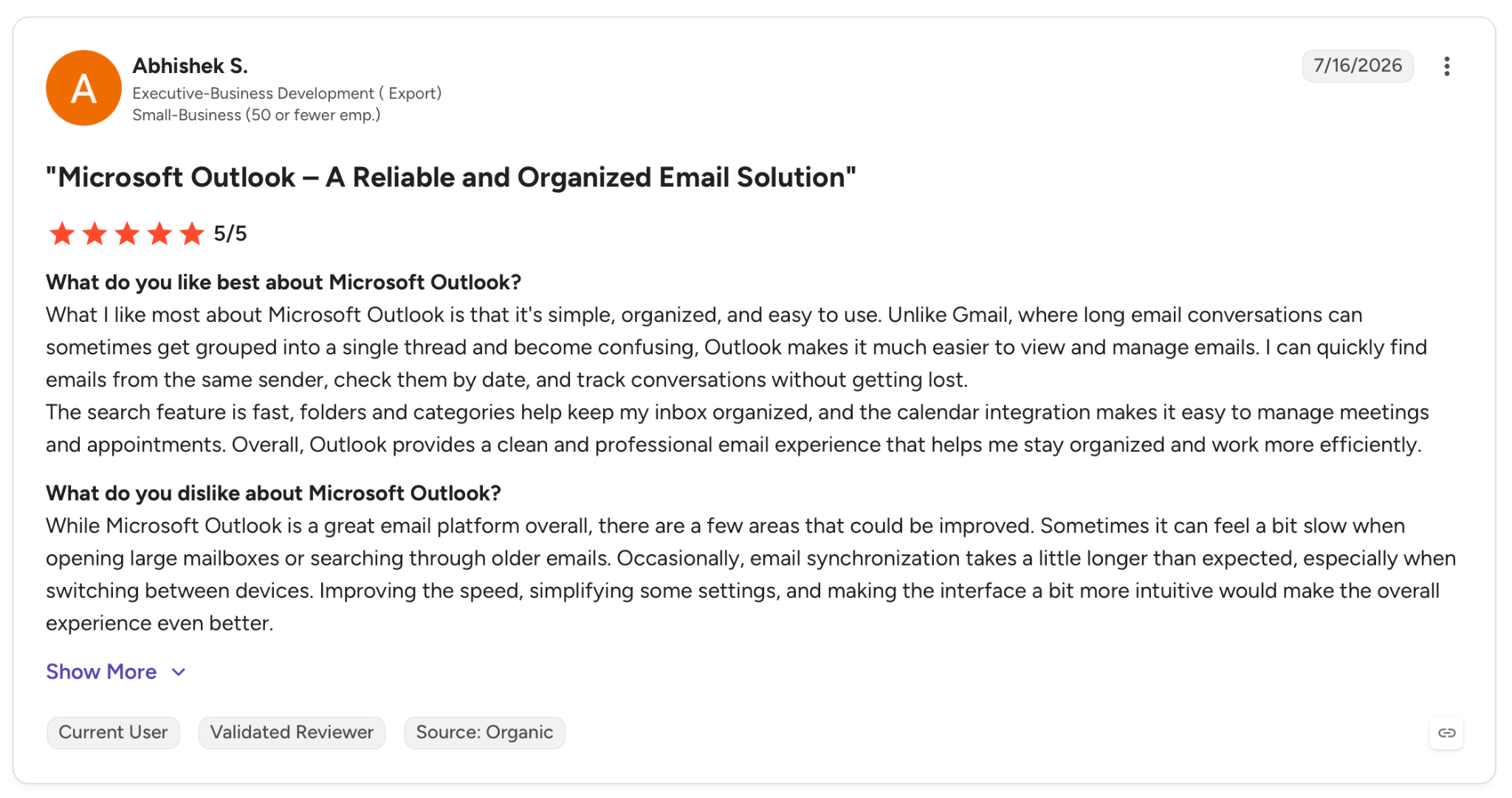
"What I like most about Microsoft Outlook is that it's simple, organized, and easy to use. Unlike Gmail, where long email conversations can sometimes get grouped into a single thread and become confusing, Outlook makes it much easier to view and manage emails." — Abhishek S., G2
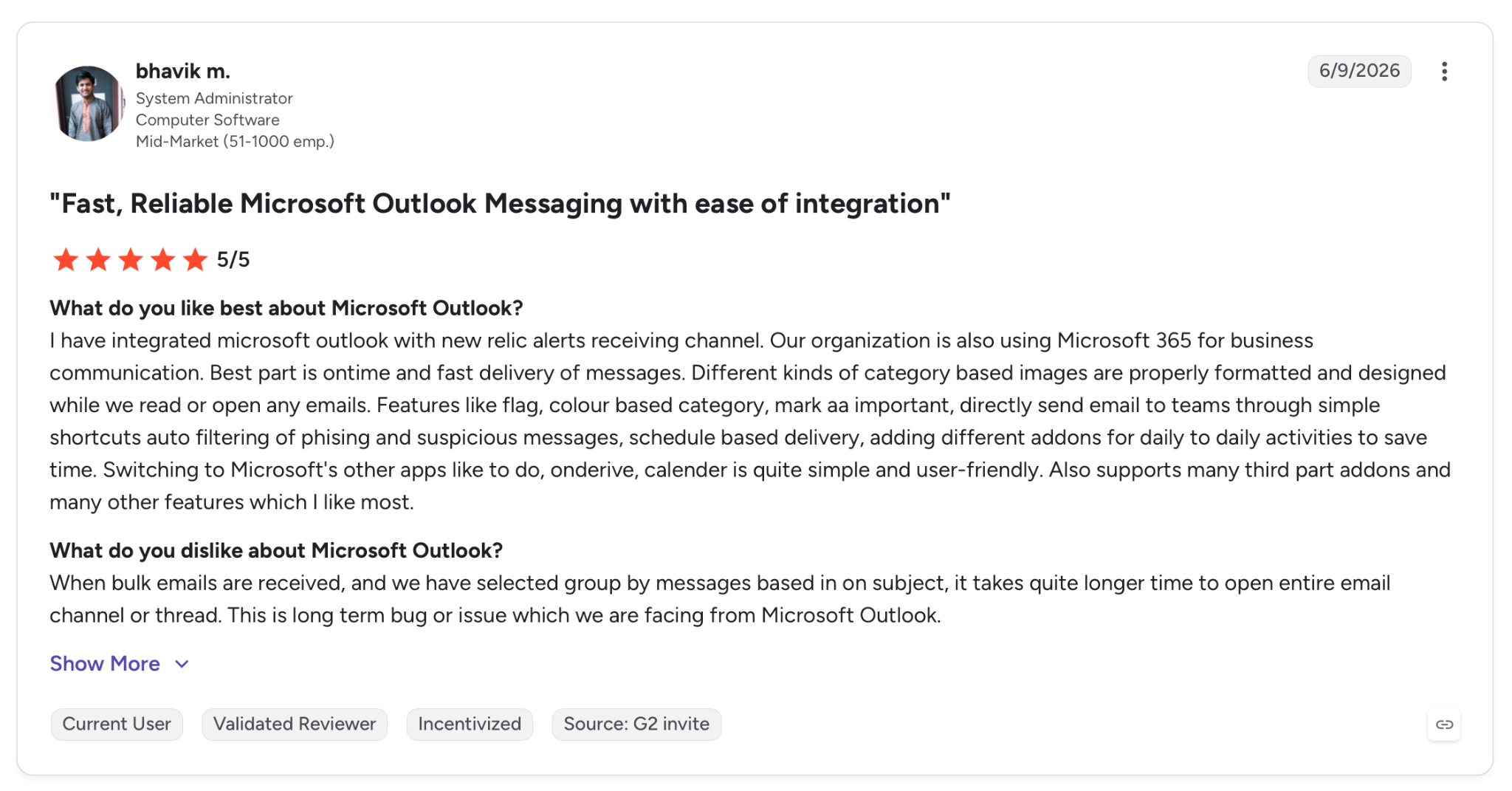
"When bulk emails are received, and we have selected group by messages based on subject, it takes quite longer time to open entire email channel or thread." — Bhavik M., G2
Pricing
Microsoft 365 Personal costs $9.99/month billed monthly, or $99.99/year, and covers one person on five devices with 1 TB of storage. Outlook itself is free.
Bottom line
When the calendar and the inbox live in the same Microsoft account, Outlook removes a dozen app switches a day. Searching a deep archive is the price you pay for that.
3. Lindy: Best for delegating the inbox from Slack or a text message
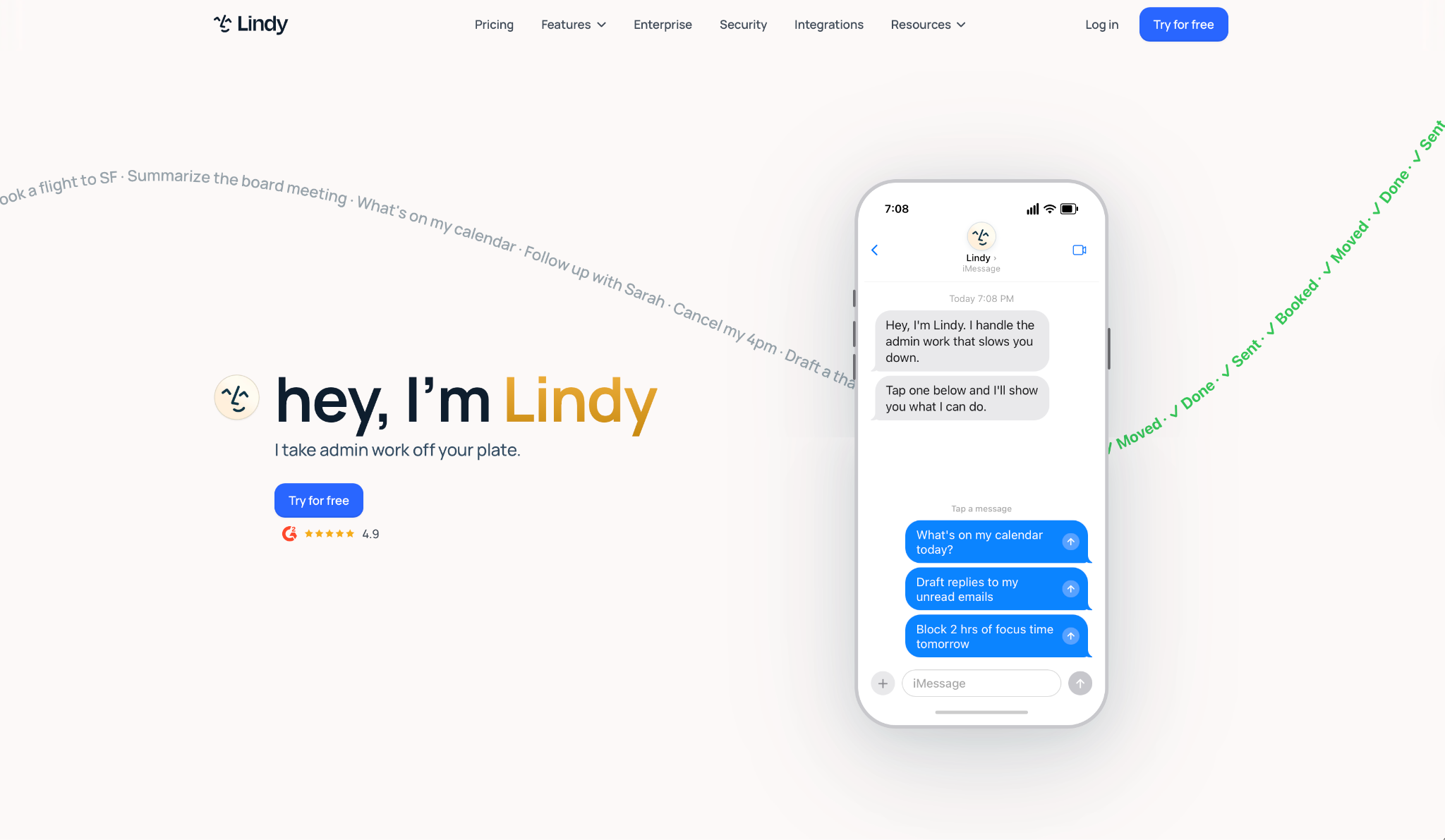
What it does: Lindy is an AI assistant you set up once and reach from Slack or a text message. Connected to your Gmail or Outlook, it drafts replies in your voice, books meetings, and answers questions about your company with the source attached.
Best for: Teams that already talk in Slack, and founders who would sooner send a text than open a mail app twice an hour.
Lindy is the only entry here that never reached my home screen because Android has no Lindy app to install. You DM it in Slack or text it. From there, it reads the inbox and drafts the replies, then waits. Configuring a flexible ai email assistant this way allows you to delegate routine messaging without opening a standard client.
The split matters. A DM is your private assistant, carrying your email and calendar plus its own memory of how you work. An @mention in a channel answers the whole team, and it cites where the answer came from. When it doesn't know, it says so.
Across those three weeks, the drafts held up. Give it a few of your past replies as examples up front, and the first draft needs less cleanup.
Key features
- Lives in your Slack: DM it for your own inbox and calendar. @mention it in a channel, and it answers with team context.
- Email drafting with sources: Pulls from earlier threads for the AI inbox management work, and every answer carries a citation.
- Meeting prep and follow-up: Preps you before a call and follows up after, taking its own notes along the way.
- Routines you describe out loud: "Every Monday at 9, send the pipeline brief," set once and left running.
Pros and Cons
Pros:
✅ It works through Messages and Slack, two apps already sitting on your phone, so the install step disappears.
✅ Answers come with citations, and when a source is missing, it tells you so.
✅ Each tool and action gets its own guardrail, set to always allow it, require approval first, or turn it off.
✅ Personal context stays out of public channels, so a DM never leaks into a team thread.
Cons:
❌ Gmail or Outlook stays on the phone for reading and searching, so Lindy sits on top of the app you already use.
❌ Plus caps you at two connected inboxes, which is tight for anyone running three addresses.
❌ The Slack side needs one admin to connect the workspace, so a solo Android user only gets the DM half.
What users say
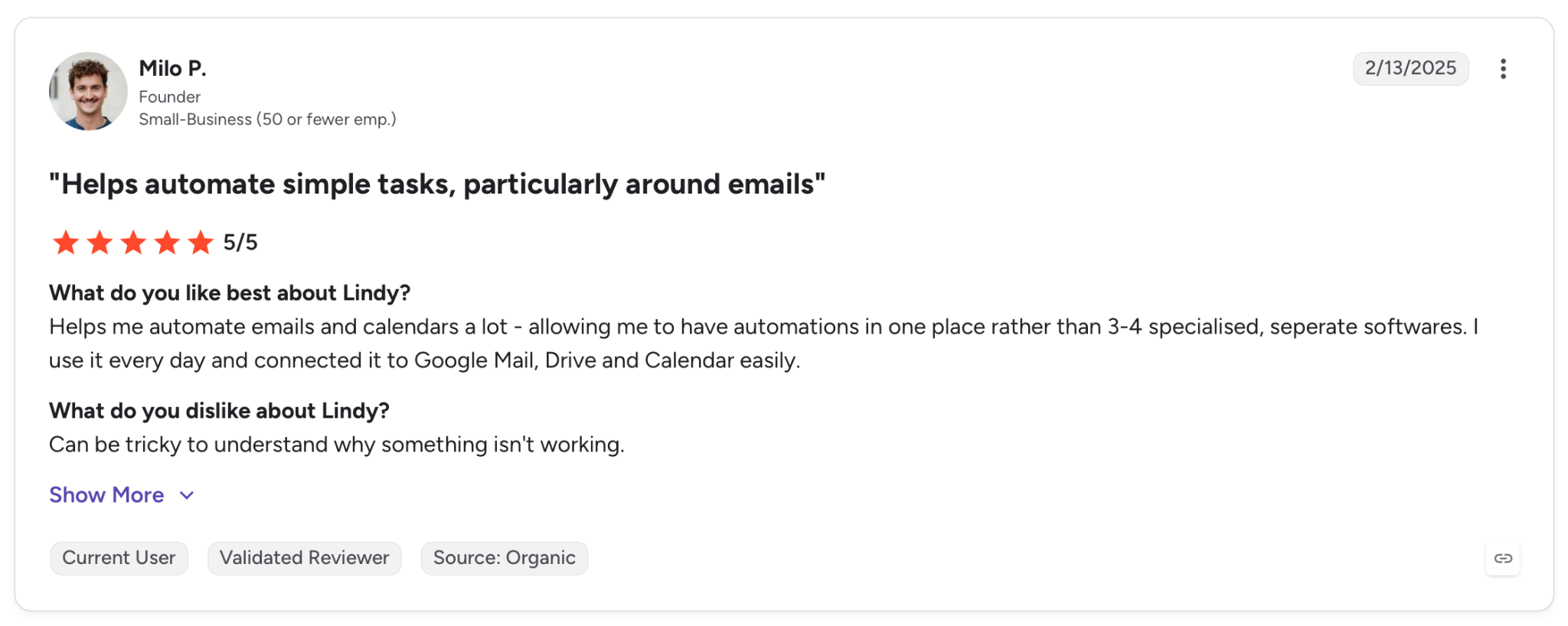
"Helps me automate emails and calendars a lot, allowing me to have automations in one place rather than 3-4 specialized, separate software. I use it every day and connected it to Google Mail, Drive, and Calendar easily." — Milo P., G2
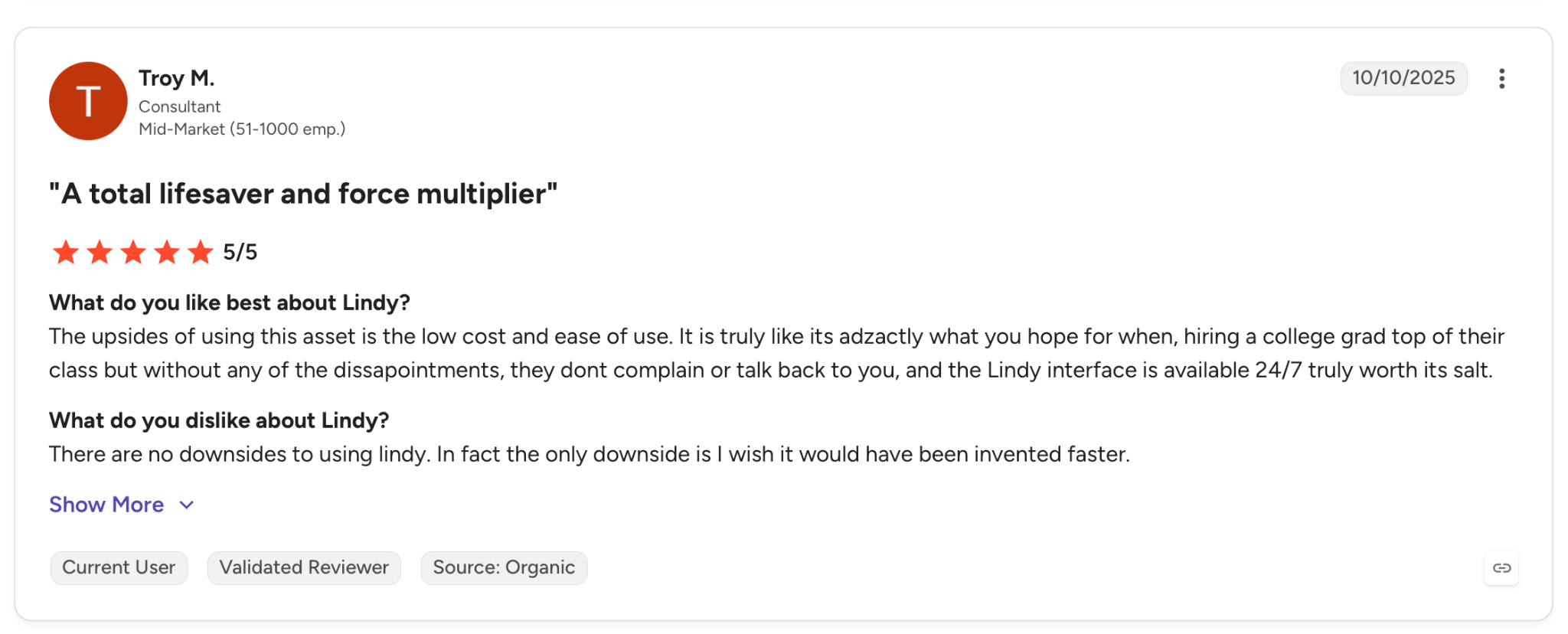
"There are no downsides to using Lindy. In fact, the only downside is that I wish it had been invented faster." — Troy M., G2
Pricing
Plus costs $49.99/month with standard usage, up to two inboxes, email drafting, meeting scheduling and notes, and chat over iMessage or SMS.
Bottom line
Lindy suits the team where the inbox and Slack are the same conversation. It's the one entry here that measures itself by how little of your inbox you have to open.
{{templates}}
4. Superhuman Mail: Best for the fastest pass through a heavy inbox
What it does: Superhuman Mail is a paid client for Gmail and Outlook accounts designed around speed, with AI that labels incoming mail, archives the noise, and drafts replies in your voice.
Best for: People whose inbox is the job, on a company card, who will trade money for a faster pass through it.
I gave Superhuman the messiest stretch of the three weeks on purpose, the days when the archive was still unsorted and the newsletters were still piling up. Auto Labels pulled the marketing noise aside on the first pass, and Split Inbox kept it there. If you are deciding between automated assistant workflows and speed-focused clients, comparing superhuman email vs fyxer highlights key feature differences.
The speed survives the platform change because Superhuman wrote the app from scratch for Android instead of porting it. Their launch post says as much, and the difference shows in how fast a thread opens on a mid-range phone.
What I kept bumping into was navigation. Moving between messages took taps where iOS uses a swipe, something reviewers keep bringing up on Google Play.
Key features
- Auto Labels: AI sorts the mail you never asked for into a separate lane, and you can add a label of your choosing with a short prompt.
- Split Inbox: Breaks the inbox into sections you define, like team mail or a VIP list.
- Auto Drafts and Auto Reminders: After a one-time setup, it runs in the background, drafting replies in your voice and reminding you to follow up on threads that go silent.
- Snippets: Drop in a saved phrase or a whole email, with attachments and CC lists already filled in.
Pros and Cons
Pros:
✅ Auto Labels cleared marketing and cold pitches on the first pass, and I didn't write a rule.
✅ The Android version has a codebase of its own, which is why it holds up on cheaper hardware.
✅ Snippets carry attachments and CC lists, which turn a repeated email into two taps.
Cons:
❌ Mail only comes with the Business plan at $40 per member per month ($33 billed annually). The cheaper Pro tier at $30 per member per month ($12 billed annually) covers the AI tools but not the Mail client.
❌ Android trails iOS on gestures, and reviewers have been asking for the same one long enough that it looks like a queued roadmap item nobody has shipped yet.
❌ Search and attachment handling are the two complaints that repeat across Superhuman's G2 cons.
What users say
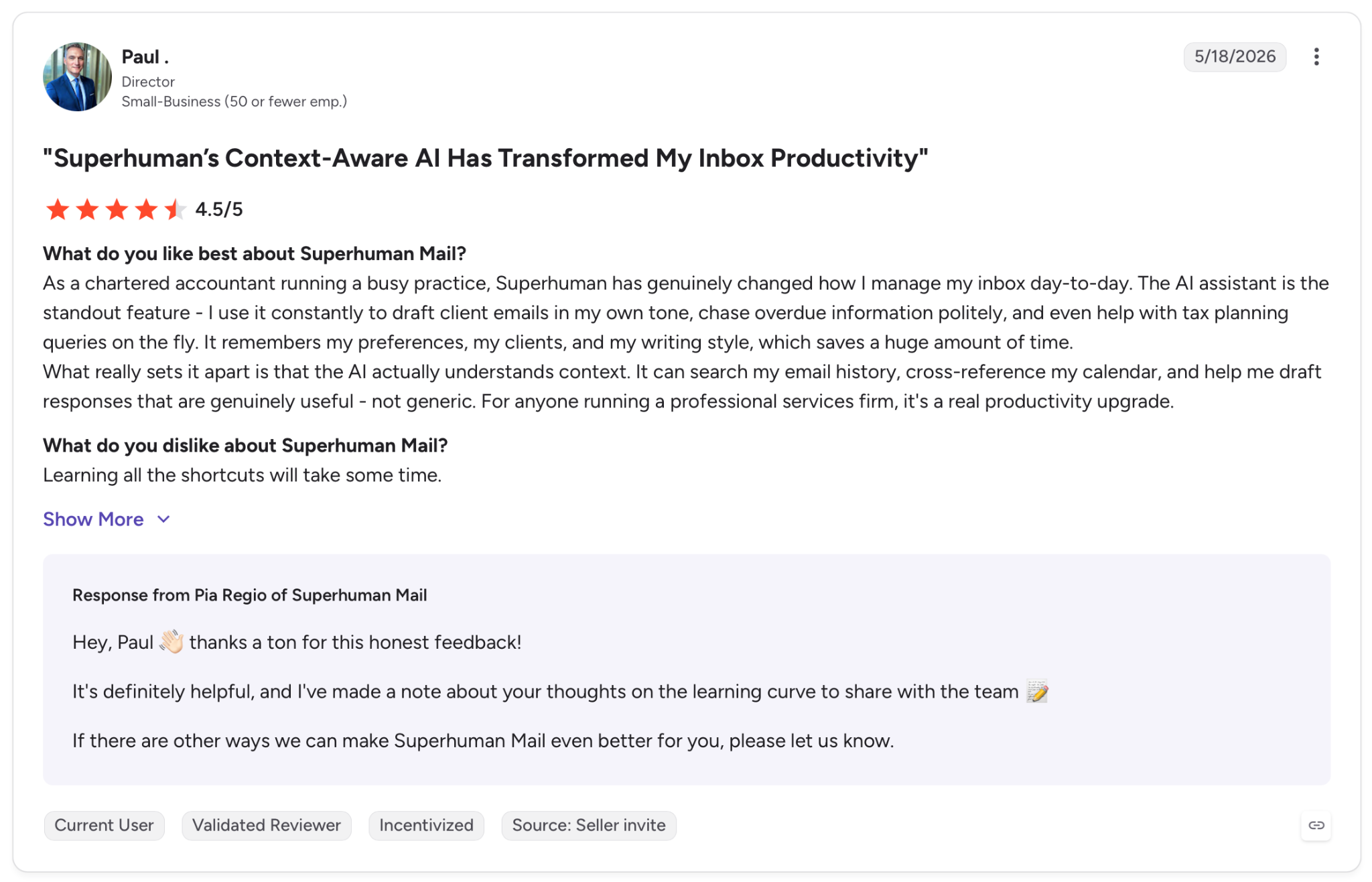
"As a chartered accountant running a busy practice, Superhuman has genuinely changed how I manage my inbox day-to-day." — Paul, G2
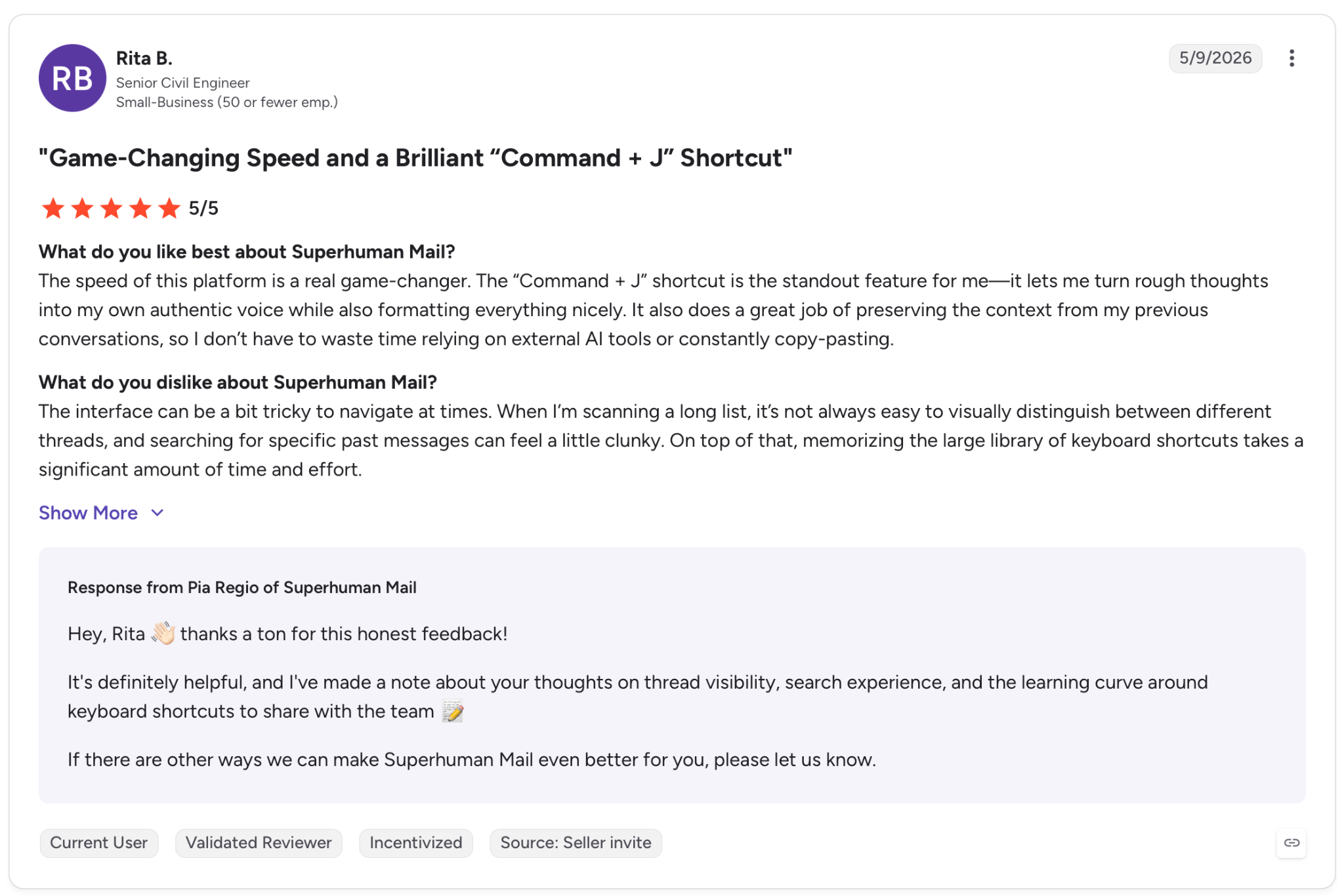
"The interface can be a bit tricky to navigate at times. When I’m scanning a long list, it’s not always easy to visually distinguish between different threads, and searching for specific past messages can feel a little clunky." — Rita B., G2
Pricing
Business runs $40/member/month billed monthly ($33 billed annually) and is the first tier with Superhuman Mail. The cheaper Pro tier ($30/month, or $12 billed annually) has the AI tools but not the Mail client.
Bottom line
Superhuman justifies the price when the inbox is the job and someone else signs the invoice. On your own card, Shortwave covers the same ground for a good deal less. If you are paying out of pocket, evaluating other superhuman email alternatives can help you find a powerful inbox client at a lower price point.
5. Shortwave: Best for pulling one answer out of years of Gmail
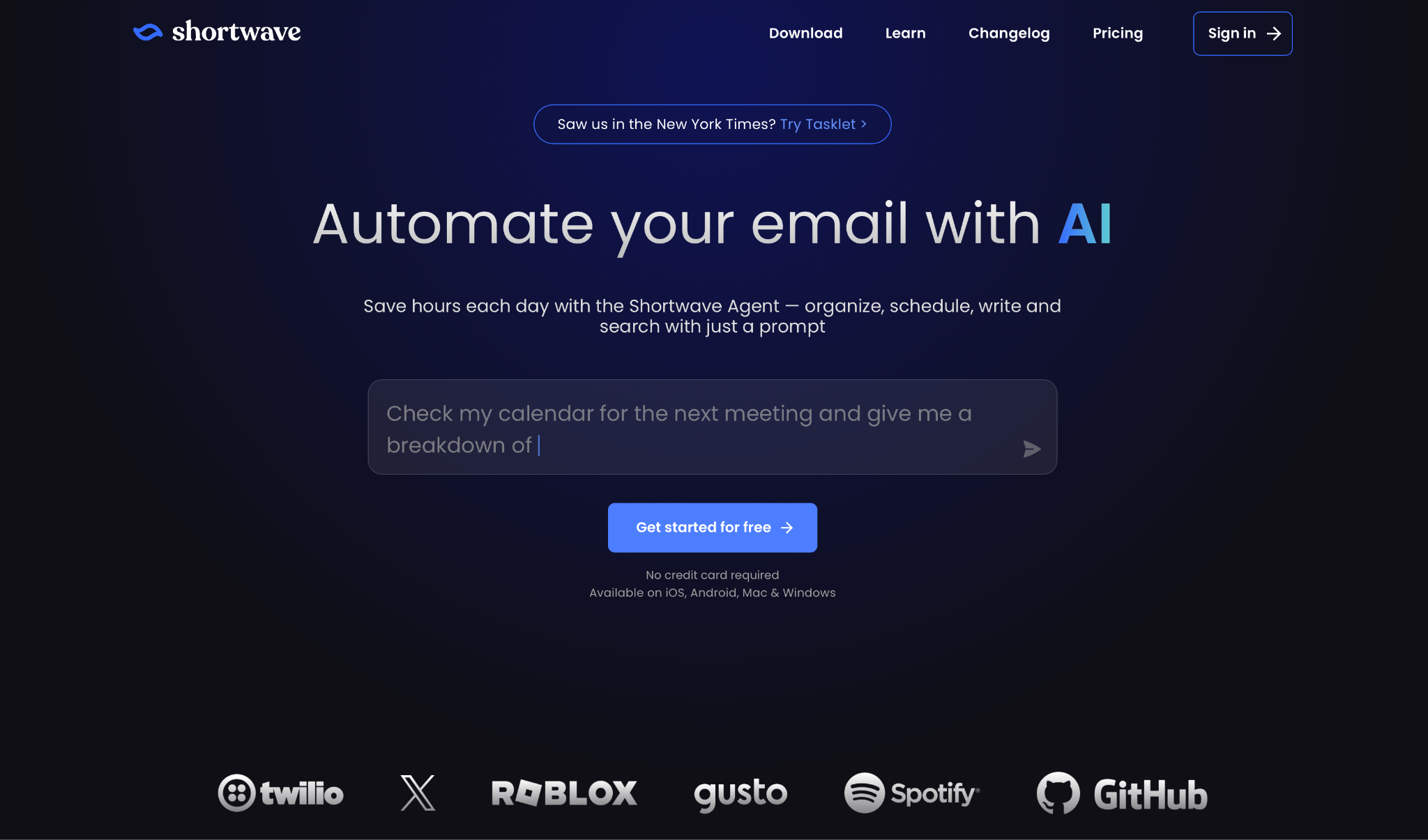
What it does: Shortwave wraps a Gmail inbox around an AI assistant that searches your history, writes in your voice, and files mail using rules you type in plain English.
Best for: Gmail users sitting on years of mail who lose more time finding old threads than answering new ones.
Shortwave is where the archive finally mattered. I asked it in plain English for the contract terms from a thread I could not name, one from the last couple of years, and it came back with the message and the attachment in a single answer. No other app pulled that off during the test.
The catch is how much of that history you get. Signup imports 90 days, and the full archive needs a paid plan, one Shortwave notes in its own docs.
Even on Pro, the AI can only search back three years, so the oldest year of my mail still sat outside what it could reach.
Key features
- AI Assistant: A conversational assistant inside the inbox, available on every plan and platform, Android included.
- AI search: Ask a question the way you would ask a colleague and get the answer with the source thread attached.
- Custom AI filters: On the tiers that include filters, describe the rule in plain English and Shortwave takes the action for you.
- AI autocomplete: Suggests links and phrasing pulled from mail you already sent, so the details it fills in are ones you wrote.
Pros and Cons
Pros:
✅ The AI Assistant runs on the Free plan and on Android, so you can judge it before you've paid a cent.
✅ Labels sync back to Gmail, so trying it costs nothing and leaving it breaks nothing.
✅ Multi-account support is available on every plan, including Free.
✅ Plain-English filters replaced the rules I would have written by hand in Gmail.
Cons:
❌ Gmail and Google Workspace only. Outlook users have to route mail through a Gmail bridge account.
❌ You start with 90 days of mail. The rest of the archive only arrives once you pay, and the import runs in the background for hours.
❌ Pro covers three years of AI search history and 50 threads per search, which a longer archive outgrows.
What users say
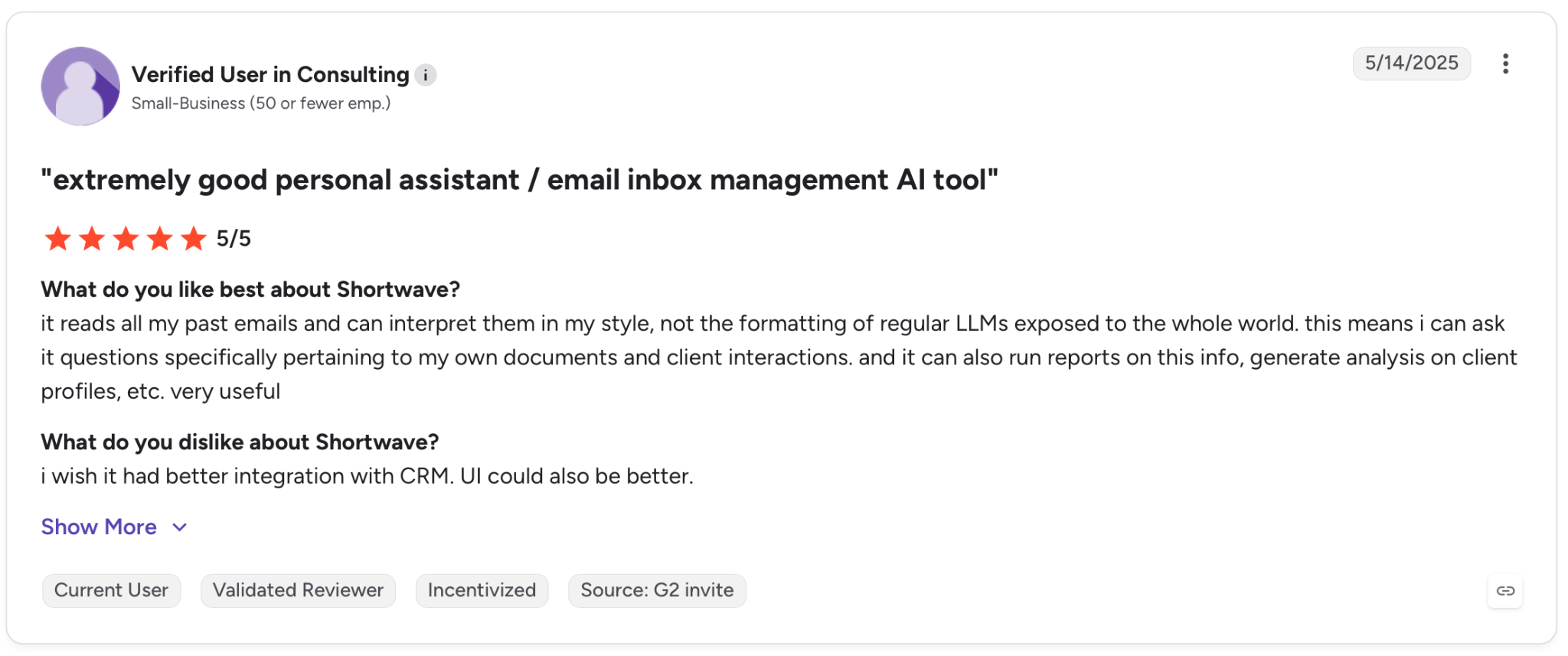
"It reads all my past emails and can interpret them in my style, not the formatting of regular LLMs exposed to the whole world. This means I can ask it questions specifically pertaining to my own documents and client interactions." — Verified User, G2
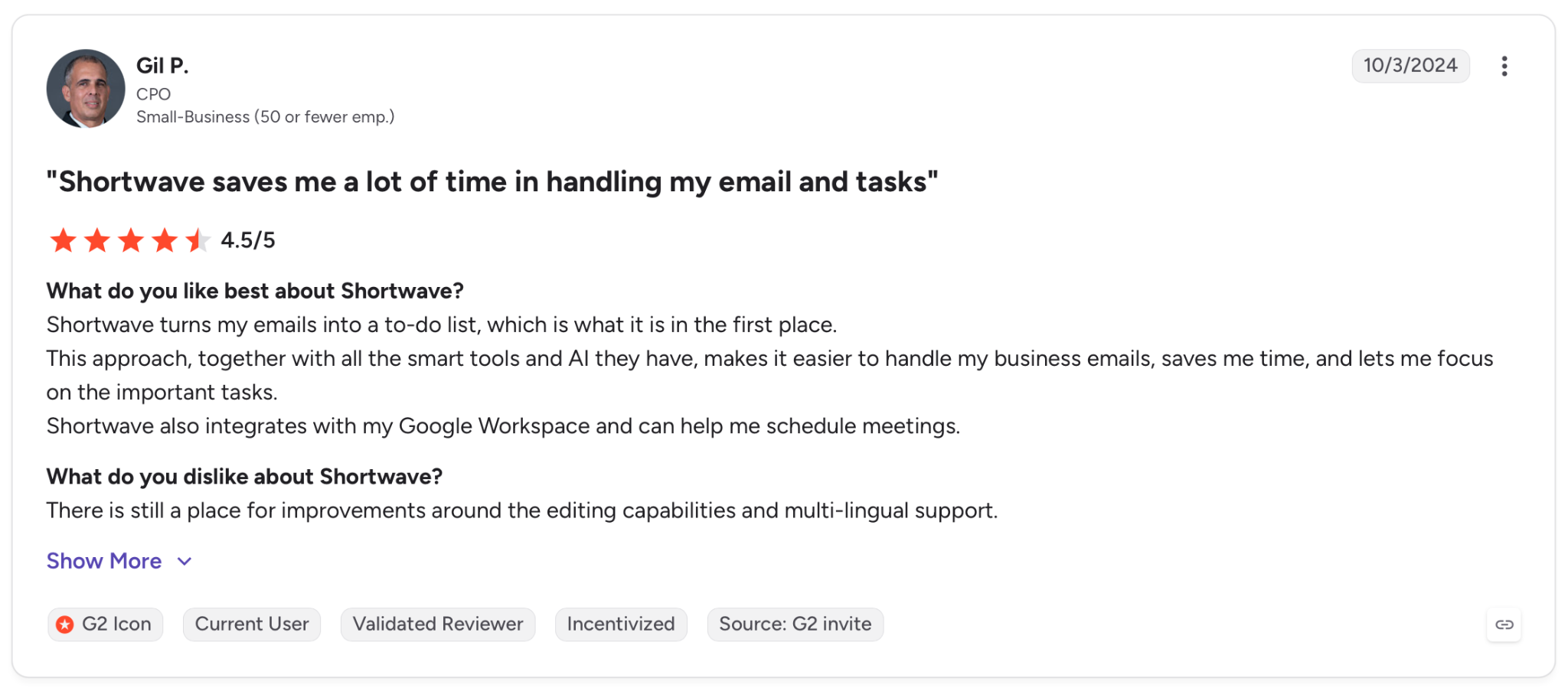
"There is still a place for improvements around the editing capabilities and multi-lingual support." — Gil P., G2
Pricing
Pro is priced at $18/seat/month with full standard search history, three years of AI search history, and up to 50 threads per AI search.
Bottom line
Shortwave is where my own money would go, because finding old mail is my weekly bottleneck. Anyone whose work lives in Outlook should skip it.
6. Spark Mail: Best for screening senders before they reach you
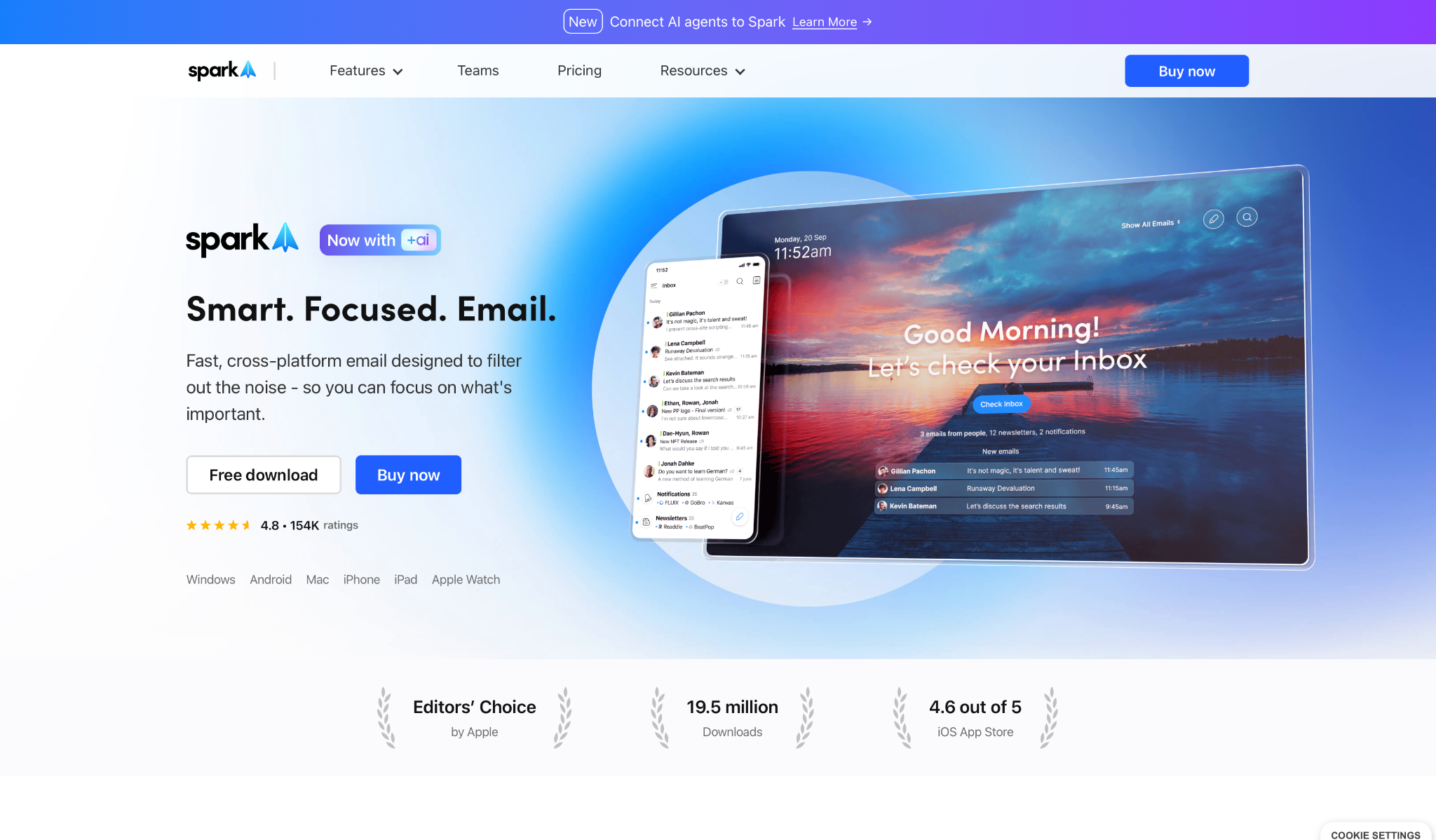
What it does: Spark Mail pulls every account into one inbox and screens first-time senders with Gatekeeper. It also adds AI for summaries and meeting drafts.
Best for: People drowning in mail from senders they never asked to hear from, working from a phone and a laptop at once.
Spark got the two travel days, which turned out to be the right test. Gatekeeper asked me about every first-time sender, one card at a time, and blocked the ones I declined without telling them.
The Smart Inbox handled the rest, filing newsletters and notifications into their own inboxes, and I cleared the main list with one thumb.
The wobble was stability. The app froze on me twice in two days, and the 2026 reviews on Product Hunt and Google Play describe the same thing in more length than I want to quote here. No mail went missing, but I lost my place both times.
Key features
- Gatekeeper: Screens every first-time sender so you accept or block them before they land in the inbox. Paid plans only.
- Smart Inbox: Files newsletters and notifications into separate inboxes and keeps the main list for mail from people.
- Spark +AI: Summarizes long threads, drafts replies, and adjusts tone. Meeting notes come with it, metered by plan.
Pros and Cons
Pros:
✅ Gatekeeper decides before the mail lands, so a sender you decline never reaches the inbox at all. Nothing else here decides before delivery.
✅ One inbox covers Gmail, Outlook, Yahoo, iCloud, and IMAP accounts.
✅ The same app runs on Android, iOS, Mac, and Windows, so the phone matches the desktop.
Cons:
❌ Gatekeeper sits behind a paid plan. Readdle says so plainly in its help center.
❌ 40 meeting notes a month sounds generous until a week of back-to-back calls eats a quarter of it. Unlimited means Pro at $20 per user per month.
❌ Crashes and freezes are the loudest complaints in 2026 reviews on Product Hunt and Google Play.
What users say
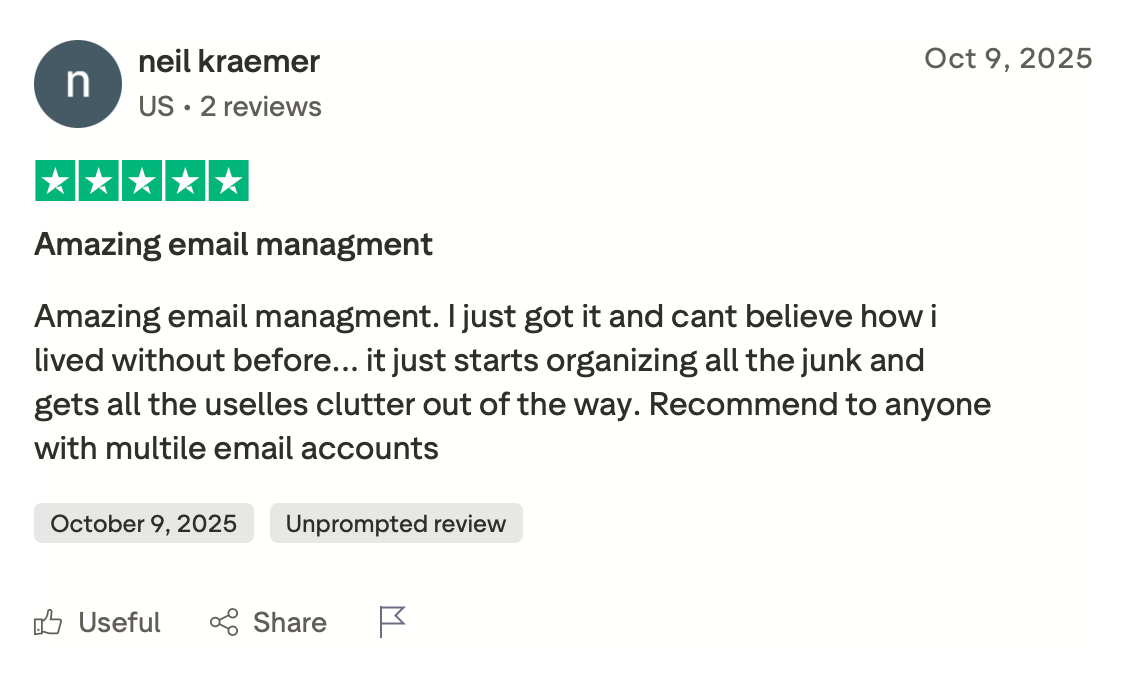
"Amazing email management. I just got it and can't believe how I lived without it before... it just starts organizing all the junk and gets all the useless clutter out of the way." — Neil Kraemer, Trustpilot
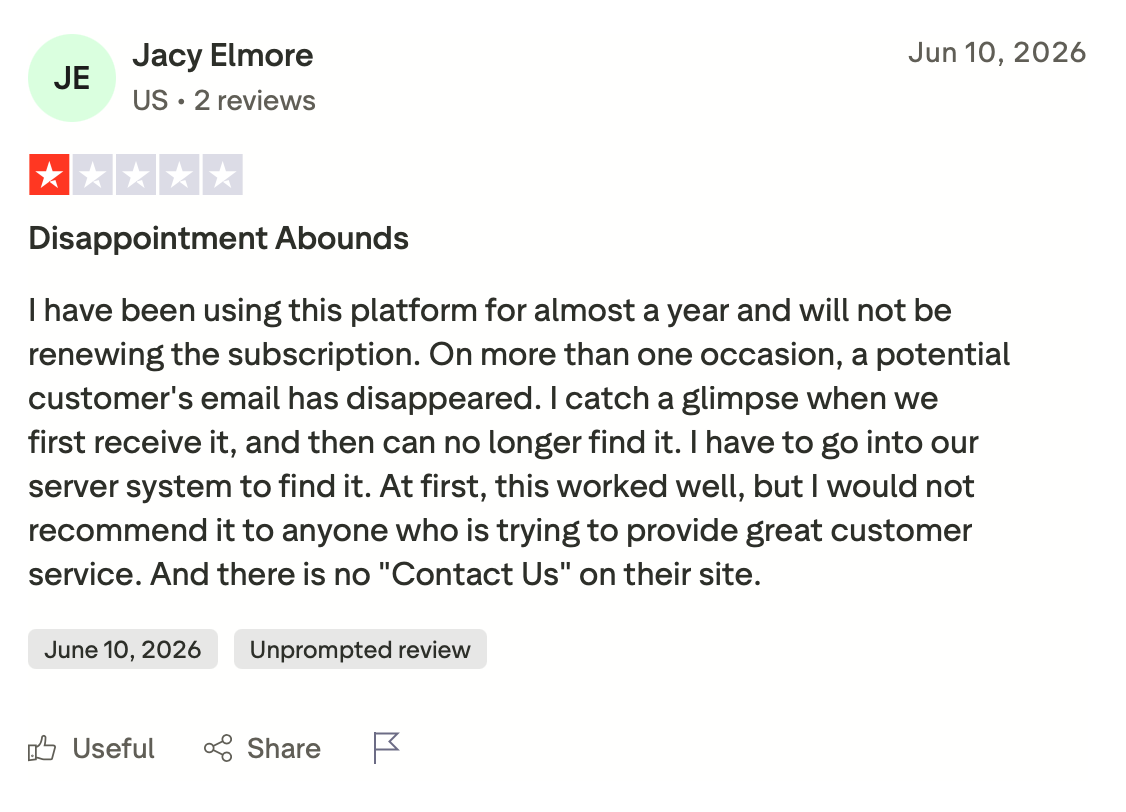
"On more than one occasion, a potential customer's email has disappeared. I catch a glimpse of it when we first receive it and then can no longer find it. I have to go into our server system to find it." — Jacy Elmore, Trustpilot
Pricing
Plus goes for $10/user/month, and it is the cheapest way to get Gatekeeper. It also adds Spark +AI, the AI Assistant, 40 AI meeting notes, and team collaboration.
Bottom line
Spark holds this slot on Gatekeeper alone; if unknown senders are your problem. It stumbled on me more than once, so go in knowing that.
7. Proton Mail: Best for mail the provider cannot read
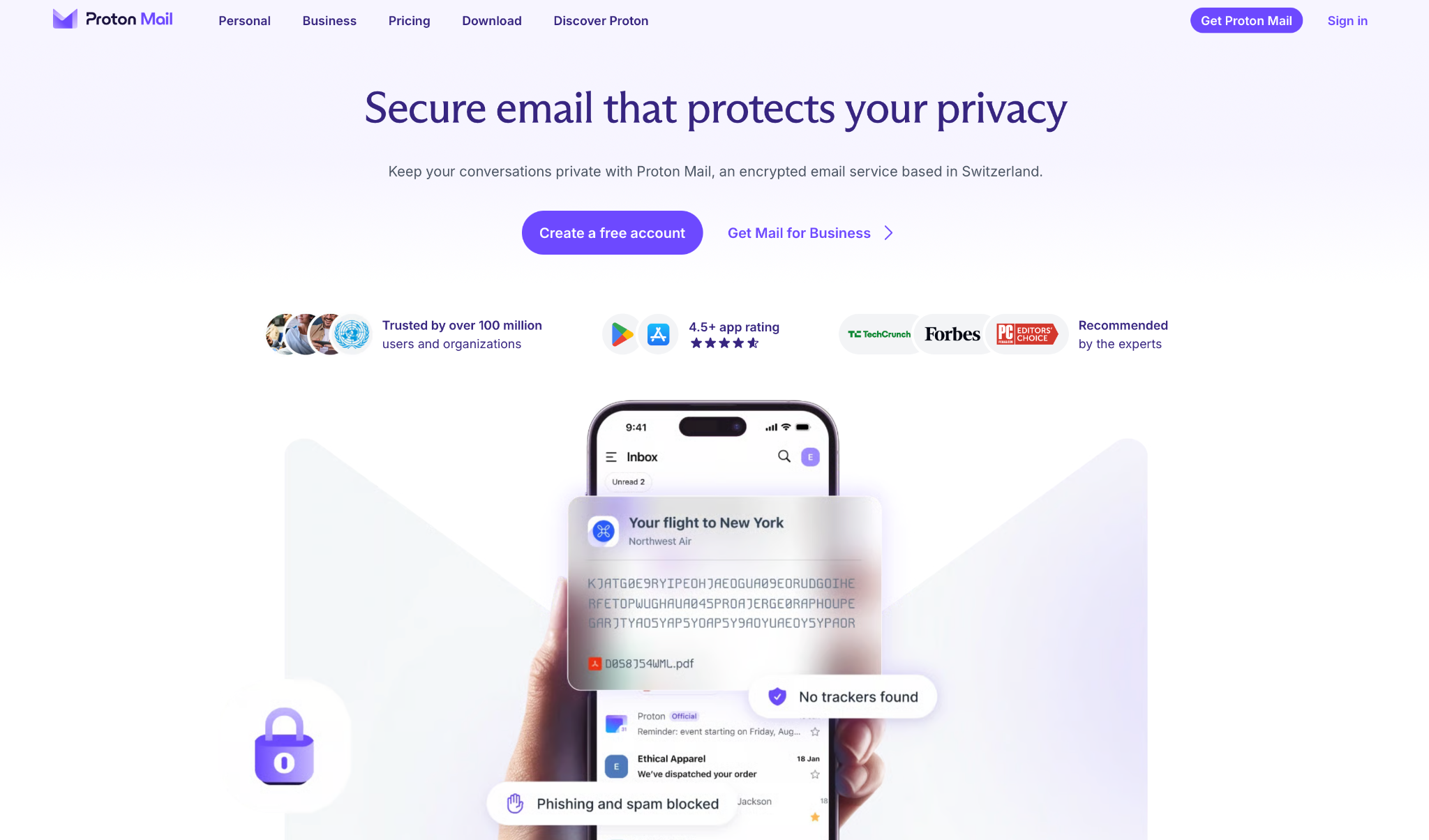
What it does: Proton Mail stores your mail with zero-access encryption on Swiss servers, so the contents stay unreadable to Proton, and the Android app handles the decryption locally.
Best for: People who want the provider locked out of their mail and who accept the trade-offs that come with it.
The encryption holds up: Proton cannot read the contents of your messages, and their own support docs say so directly.
The consequence shows up the moment you search. Content search runs against an index that lives on your device, and on a mailbox that size, the first search waited for that index to catch up.
I also tried to plug the account into another Android client, and that's where the wall is: Proton has no way to connect a third-party app on the phone, because those clients can't run the encryption and decryption the service depends on. The one bridge Proton offers for other clients is desktop-only.
Key features
- Zero-access encryption: Mail sits encrypted at rest, and Proton cannot read the contents even if asked.
- Hide-my-email aliases: Mail Plus includes 10 aliases, so signup forms never get your own address.
- App Lock: A PIN or biometric lock on the app itself, separate from your phone lock.
Pros and Cons
Pros:
✅ Zero-access encryption applies to the free plan too, so you pay for storage and aliases, and encryption comes with either plan.
✅ Snooze and schedule send both work from the Android app.
✅ App Lock keeps the inbox closed even when the phone is unlocked and in someone else's hand.
✅ Mail Plus adds a custom domain and 10 aliases for $4.99, the cheapest paid plan on this list.
Cons:
❌ Content search depends on an index that lives on your device, so the first search on a large mailbox waits for it to finish.
❌ Third-party Android clients aren't supported, so Proton must be the app you use.
❌ The free plan gives you 1 GB and a single email address, which runs out fast.
What users say
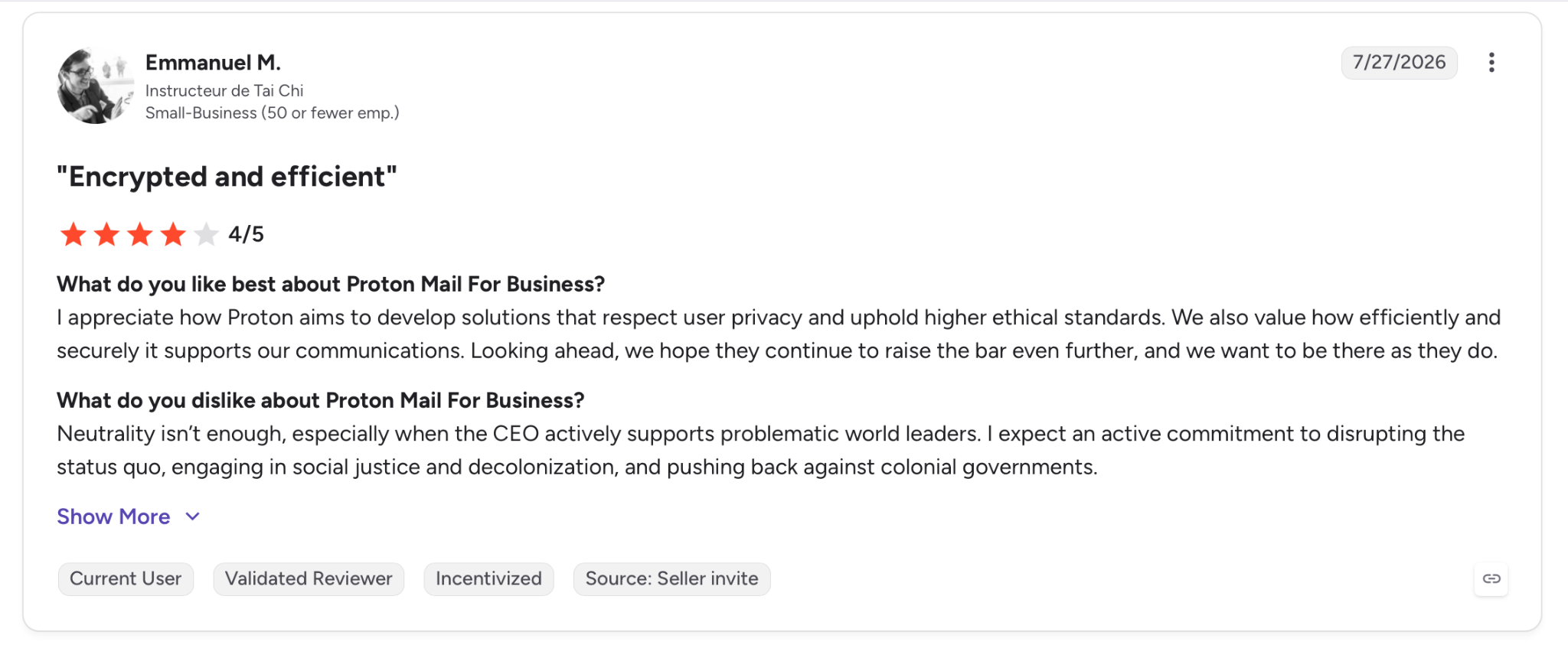
"I appreciate how Proton aims to develop solutions that respect user privacy and uphold higher ethical standards. We also value how efficiently and securely it supports our communications." — Emmanuel M., G2
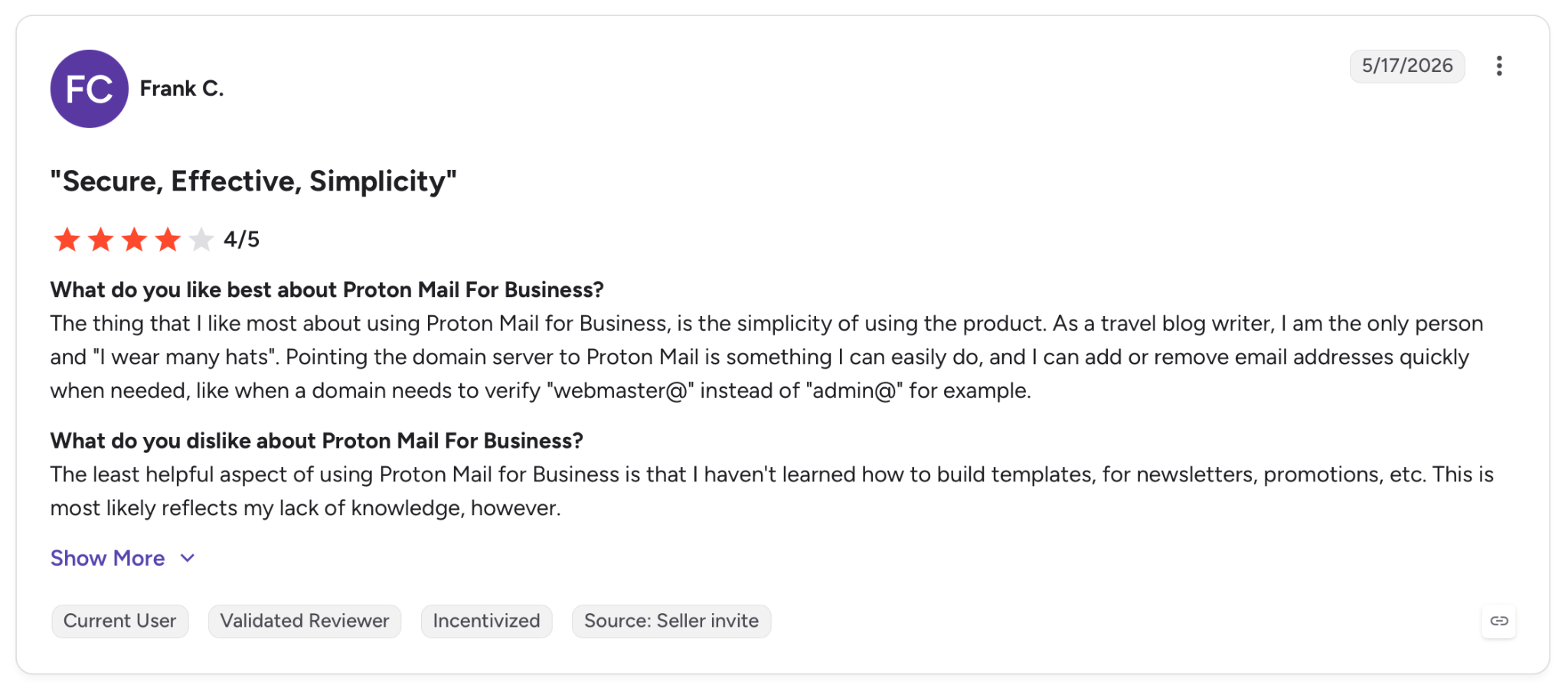
"The least helpful aspect of using Proton Mail for Business is that I haven't learned how to build templates for newsletters, promotions, etc." — Frank C., G2
Pricing
Mail Plus runs at $4.99/month, billed annually, with 15 GB of storage, 10 encrypted addresses, one custom domain, and 10 hide-my-email aliases.
Bottom line
Proton designed the encryption so the company cannot read your mail, even if it wanted to. Everything awkward about it, the slow first search and the locked-out clients, follows from that single fact.
8. Thunderbird for Android: Best for any IMAP account without a new signup
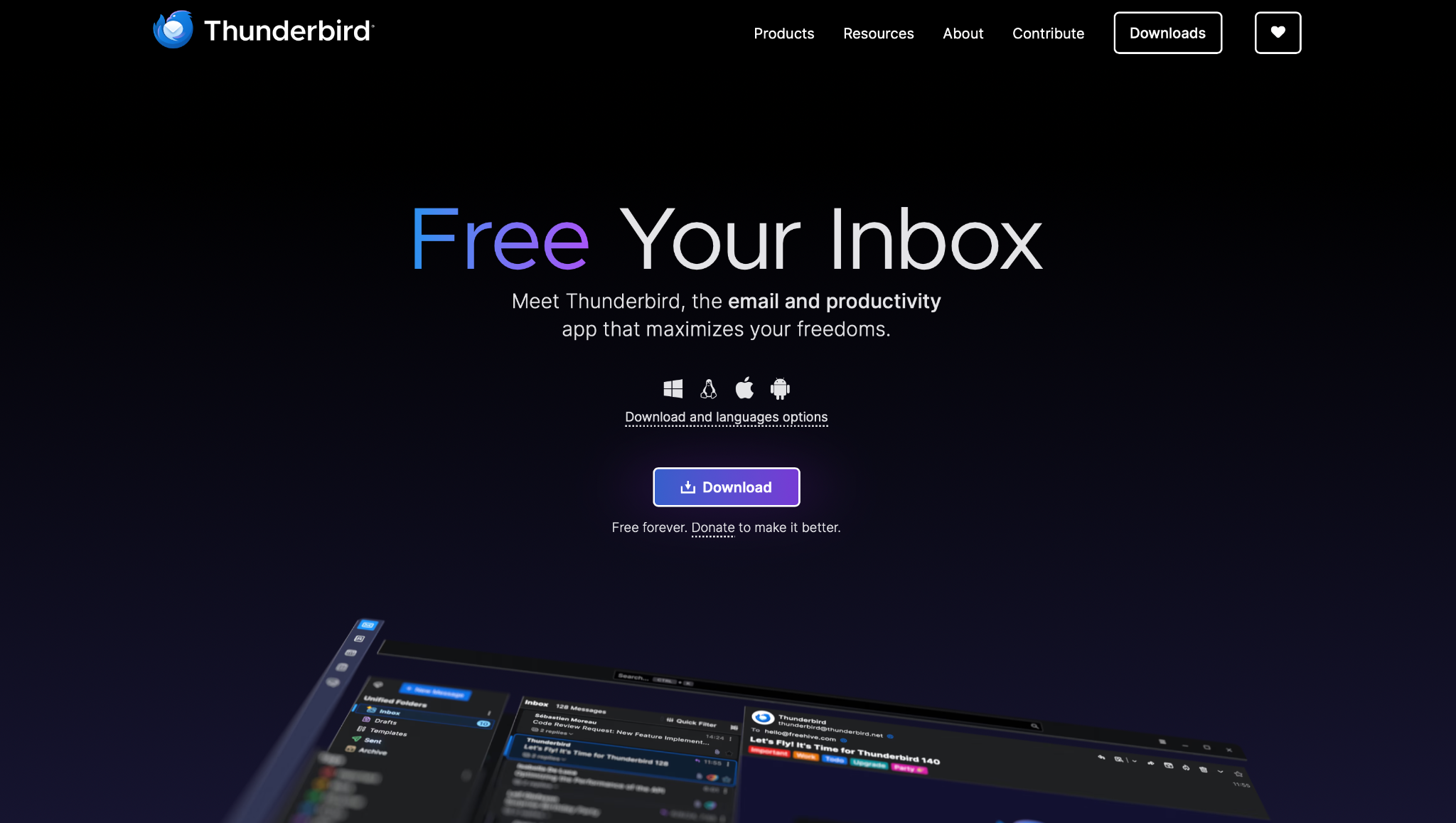
What it does: Thunderbird for Android is the open-source client formerly known as K-9 Mail, connecting to any IMAP account and funded by donations rather than ads.
Best for: People with a mailbox from a host, a university, or a small business who want a client that asks for nothing in return.
Setup here beat every other app that needed it. I scanned a QR code from Thunderbird on the desktop, and four accounts landed in a Unified Inbox without typing a single server name.
Out of the box, the notifications never came. Push email ships disabled for every folder. Mozilla's own knowledge base spells it out.
The sync interval cannot go below 15 minutes either, because Android limits background services. Turn push on per folder and mail arrives in seconds. Leave it alone and wait.
Key features
- Any IMAP account: Connects to existing mail with no new address to create and no account with Mozilla.
- Unified Inbox: Every connected account reads as one list, with per-account colors to tell them apart.
- QR code setup: Scan a code from the desktop app and the accounts transfer with their settings.
- Per-folder push: IMAP folders can be switched to push for immediate delivery, up to a set limit.
Pros and Cons
Pros:
✅ Free and open source, funded by donations, with no ads in the inbox and no data business behind it.
✅ QR setup moved four accounts across in about a minute, with no server settings to look up.
✅ Active development through 2026, with the app shipping new feature releases across the year on Thunderbird's monthly channel.
Cons:
❌ The defaults make the app look broken, and there is no prompt anywhere telling you to go fix them. Mozilla's own docs also say it won't warn you when you exceed the push folder limit.
❌ 15 minutes is the floor, so any folder you leave on sync is a folder you check manually.
❌ There's no AI here in any form, which is either the reason you choose it or the reason you skip it.
What users say
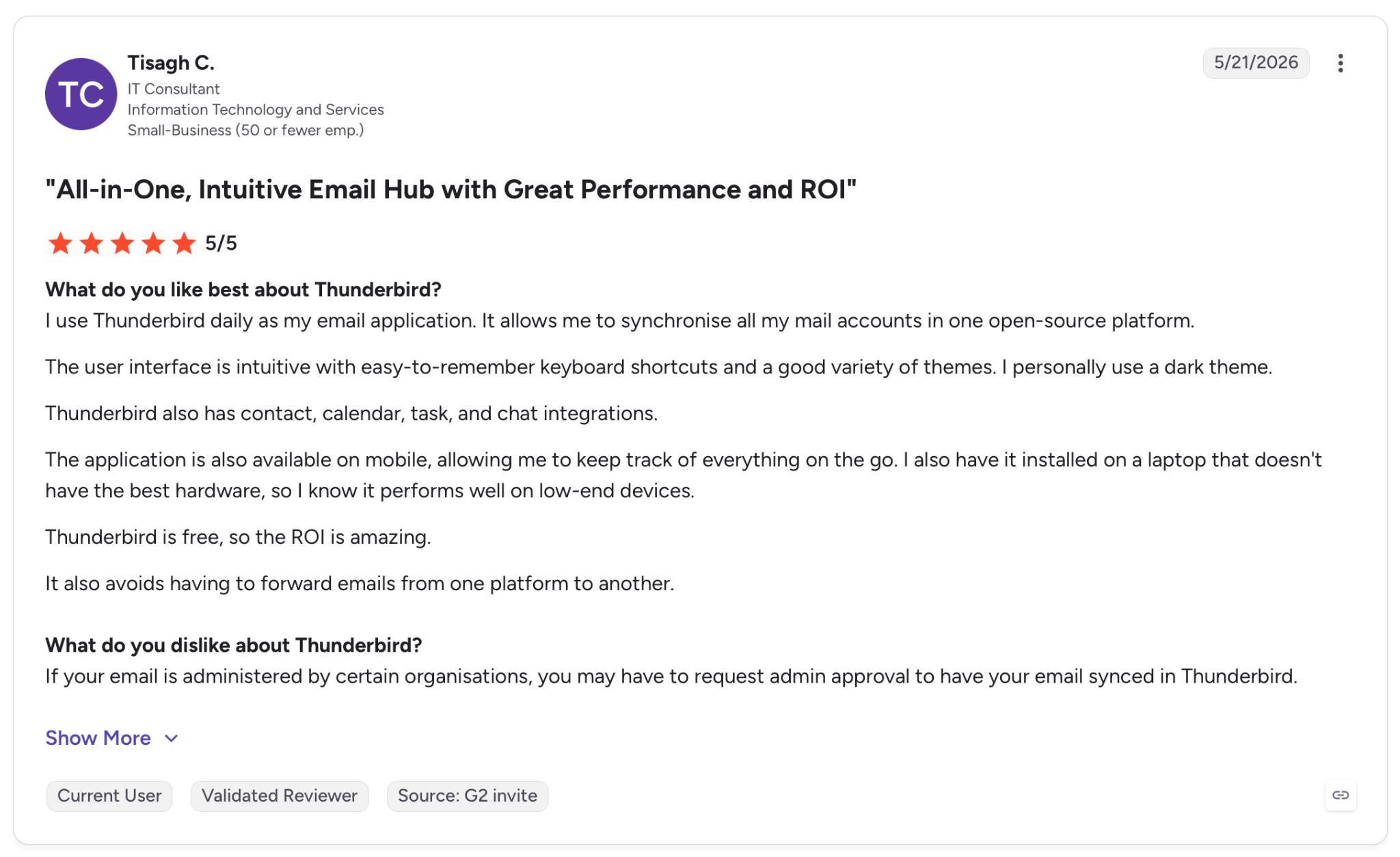
"I use Thunderbird daily as my email application. It allows me to synchronize all my mail accounts in one open-source platform." — Tisagh C., G2
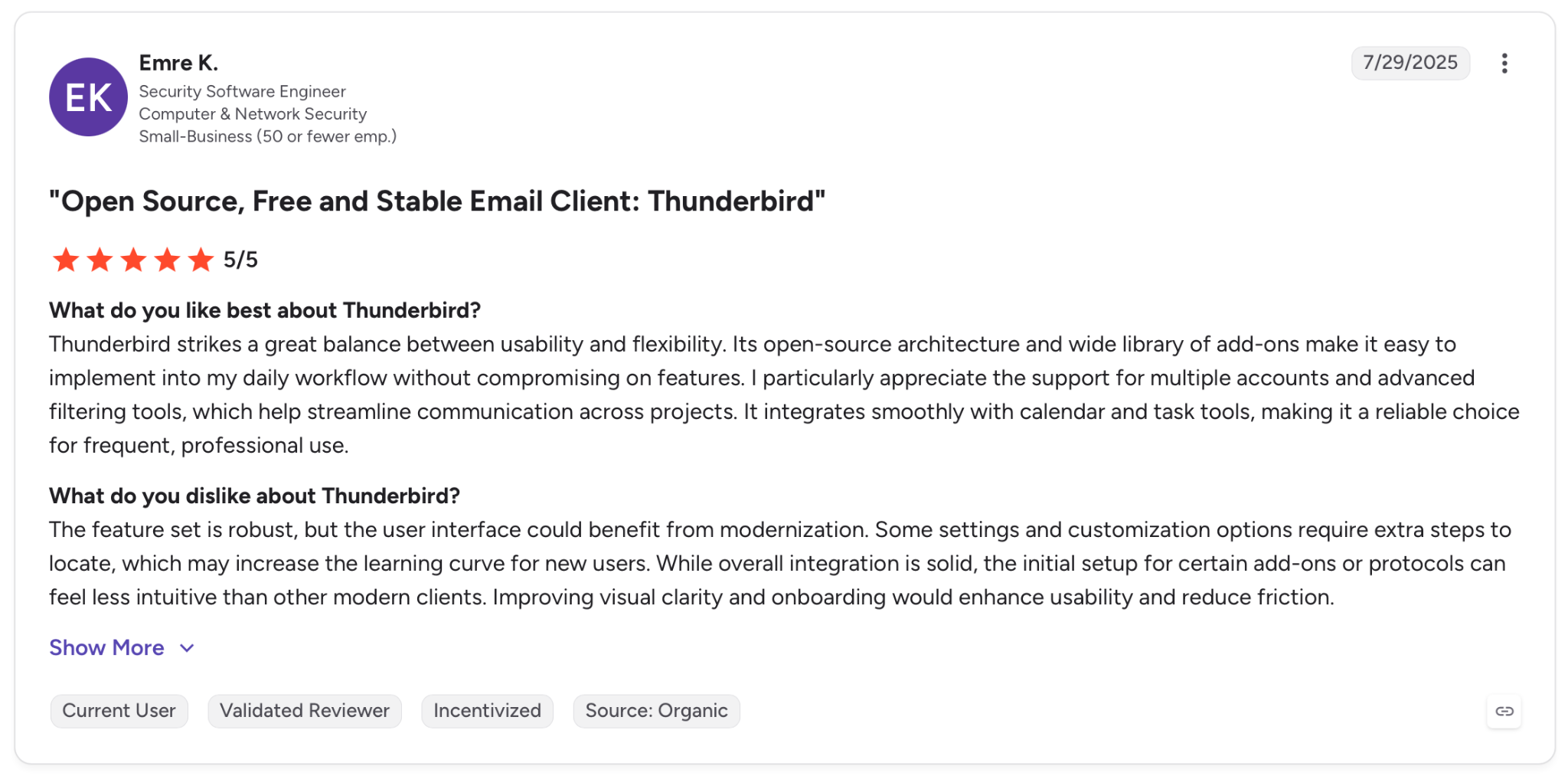
"The feature set is robust, but the user interface could benefit from modernization." — Emre K., G2
Pricing
Thundermail is Thunderbird's own mail service, priced at $6/month, paid annually on an Early Bird plan that still runs a waitlist. The Android app itself costs nothing.
Bottom line
Thunderbird still leads on cost and account support, more than any other app here. Budget ten minutes for the push settings, because the defaults will make you think it's broken.
9. Spike: Best for reading long threads as a conversation
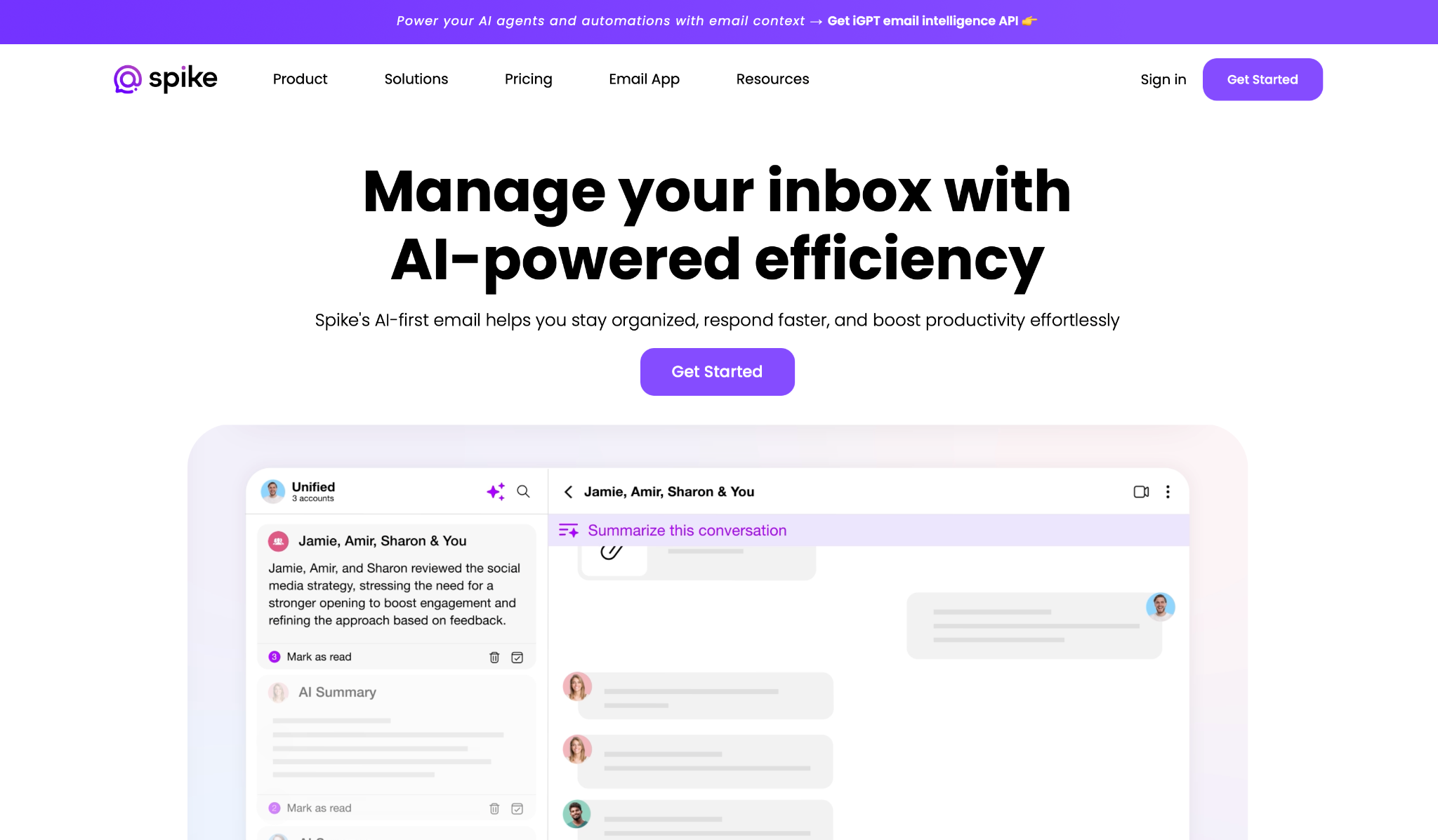
What it does: Spike strips the headers and signatures out of email and shows it as a chat, grouping messages by the person who sent them.
Best for: People who think in messages and find a 30-reply email thread harder to follow than a group chat.
Spike changed how a long thread reads. A negotiation that ran 30 messages deep collapsed into a timeline I could scroll like WhatsApp, and catching up took under a minute.
The person on the other end never knew. External recipients receive an ordinary email, so nothing about this asks your contacts to change anything.
Where it lost me was scope. Spike's own onboarding page stacks five more products on top of the inbox, from tasks and notes through to video meetings. I wanted a mail app and got a workspace, and on a phone screen you feel that difference.
Key features
- Conversational email: Threads render as chat and group by sender, with headers and signatures stripped out.
- Normal email on the other side: Recipients get a standard message, so nobody else needs Spike to read it.
- Spike AI: Summaries and automatic sorting are included in the Pro plan.
- Unlimited search history: Search reaches back with no cap, the same on Pro and Ultimate.
Pros and Cons
Pros:
✅ A 30-message thread became a single scrollable timeline, and I was current in one pass.
✅ You can switch any message back to the traditional view, so the chat format stays optional every time you open a thread.
✅ Unlimited search history at $8 per user per month, cheaper than what Shortwave charges for three years of it.
✅ Works with any Gmail, Outlook, iCloud, or IMAP account.
Cons:
❌ Pro caps the unified inbox at three email addresses and 5 GB of storage, with uploads limited to 100 MB.
❌ Tasks, notes, video meetings, voice memos, and group chat all live in here too, which makes the app bigger than an inbox.
❌ A fourth address means jumping to Ultimate at $12 per user per month, billed annually, which lifts the cap to unlimited addresses.
What users say
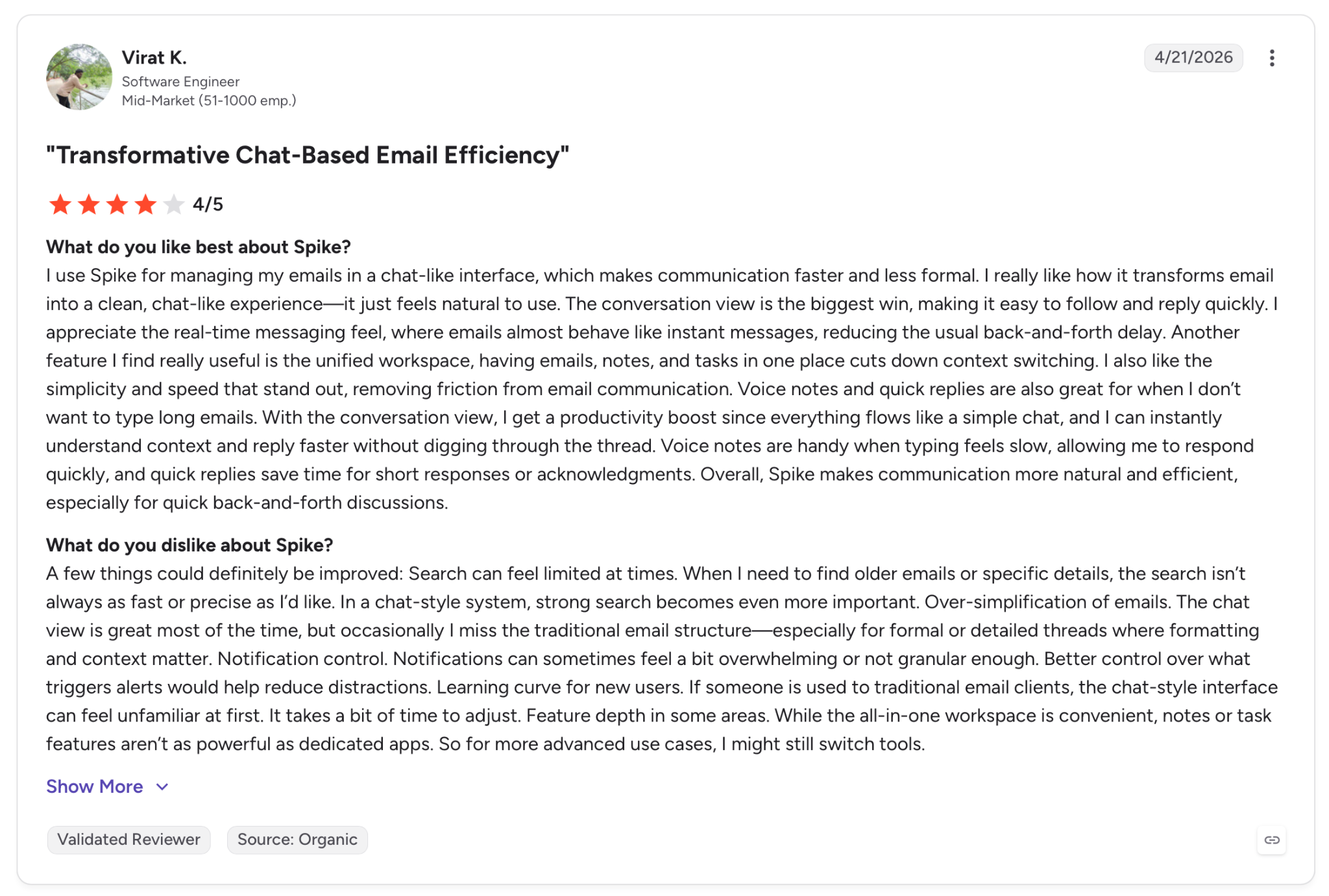
"I use Spike for managing my emails in a chat-like interface, which makes communication faster and less formal." — Virat K., G2
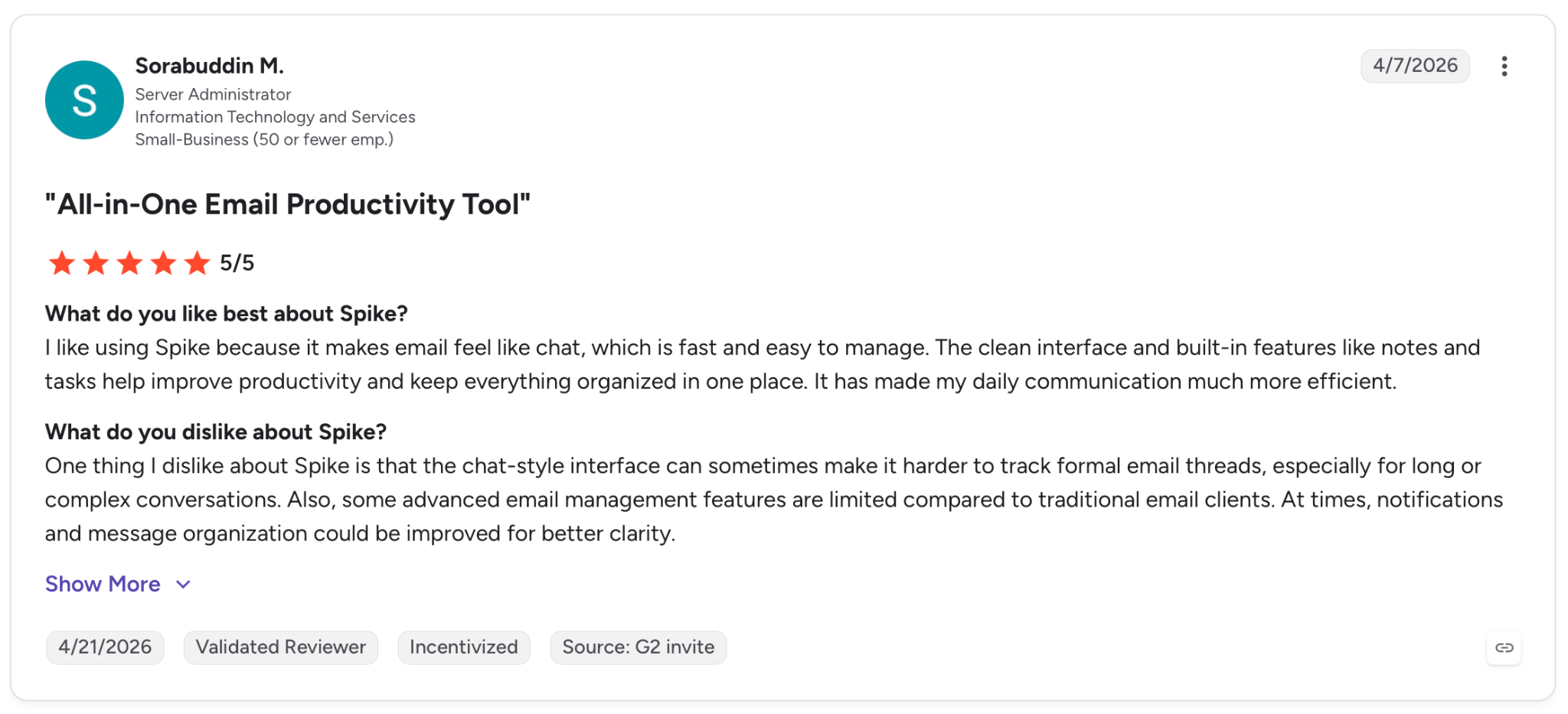
"One thing I dislike about Spike is that the chat-style interface can sometimes make it harder to track formal email threads, especially for long or complex conversations." — Sorabuddin M., G2
Pricing
Pro comes in at $8/user/month, billed monthly, covering up to three addresses, unlimited search history, 5 GB of storage, and access to Spike AI.
Bottom line
Spike makes sense if reading is your bottleneck. Anyone who wants a mail app and nothing more will notice the extra modules getting in the way.
10. Missive: Best for a team sharing one inbox
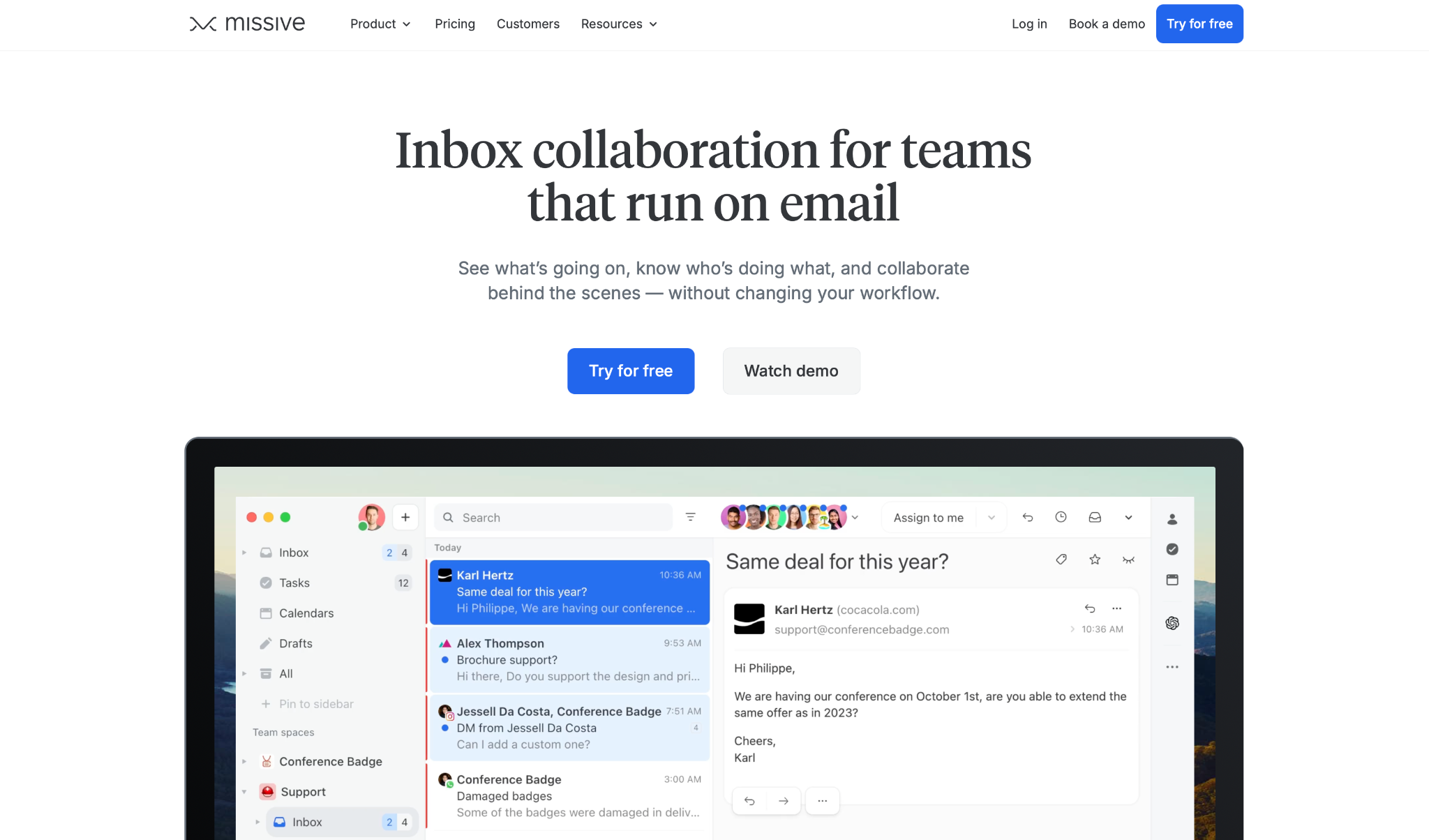
What it does: Missive turns a shared address into a workspace where a team can claim conversations, comment internally, and draft replies together, no matter which channel the message came in on.
Best for: Small teams answering one address, support@ or hello@, who keep losing track of who replied to what.
No other app on this list gives the inbox itself to the team instead of to one person. Mail lands in a Team Inbox and waits until somebody claims it.
Once assigned, it moves to that person's inbox and the team's task list. On a phone, I no longer had to wonder whether a teammate had already replied.
The internal chat is what sells it. Comments sit inside the conversation, and the client never sees them, so the discussion about how to answer lives where the answer does.
The setup took its time, though. It was a week before the assignment habit stuck across the team, which lines up with the ramp-up recent Capterra reviewers describe.
Key features
- Team Inbox with assignment: A conversation waits until someone claims it, then moves to their inbox and the team's task list.
- Internal chat in the thread: Comments live inside the conversation and stay invisible to the recipient.
- Every channel in one place: Email, SMS through Twilio, WhatsApp Business, Messenger, and Instagram share the same inbox.
Pros and Cons
Pros:
✅ The comments survive assignment, so whoever picks up the thread next inherits the reasoning behind the last reply.
✅ Assignment ended the duplicate-reply problem in two days, and the task list means a claimed thread can't go stale without someone noticing.
✅ SOC 2 Type II compliance comes with the $18 tier, which is unusual at this price.
Cons:
❌ Rule-based sorting starts on the Productive plan at $30 per user per month, so the $18 tier gives you a shared inbox you route by hand.
❌ Pricing is per user, so a five-person team starts around $90 a month.
❌ Recent Capterra reviewers describe a ramp-up period of a week or two before the workflow clicks.
What users say
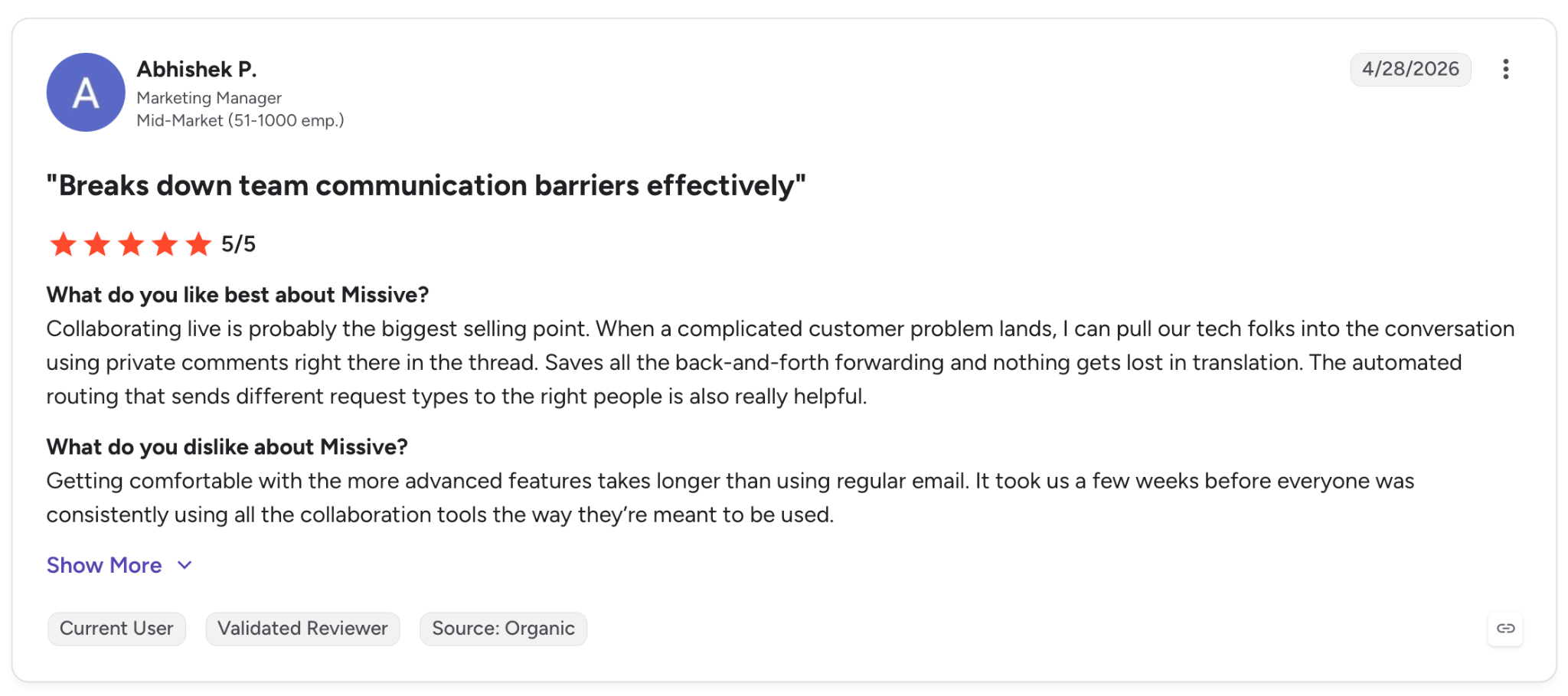
"Collaborating live is probably the biggest selling point. When a complicated customer problem lands, I can pull our tech folks into the conversation using private comments right there in the thread." — Abhishek P., G2
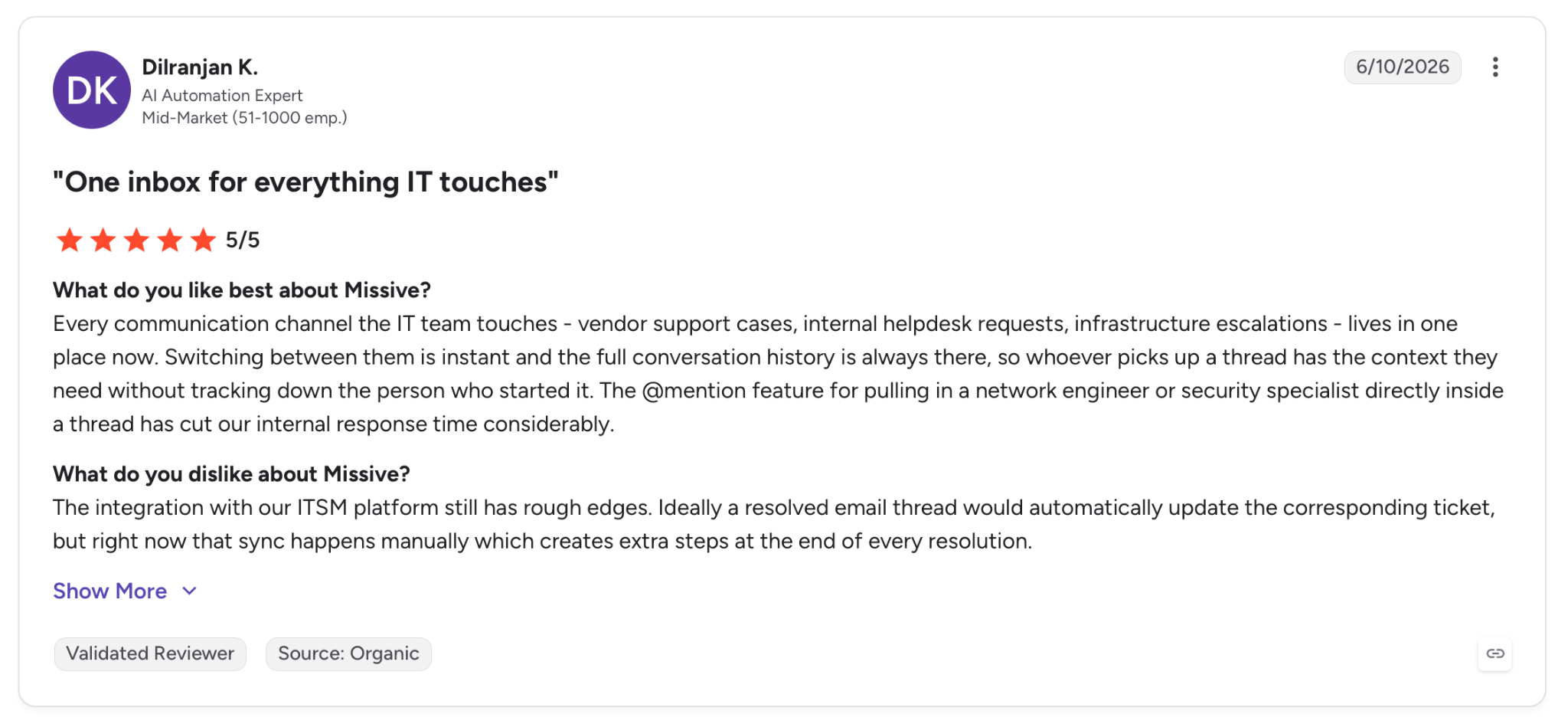
"The integration with our ITSM platform still has rough edges. Ideally, a resolved email thread would automatically update the corresponding ticket." — Dilranjan K., G2
Pricing
Starter runs $18/user/month, billed monthly, covering email, SMS, and social accounts alongside team inboxes and task tracking. It comes with a 30-day trial and no card required.
Bottom line
Missive answers to the inbox a team owns together, the kind where nobody can tell who's already answered a thread. One person answering their inbox alone will never touch half of what it does.
{{cta}}
Which email app for Android should you choose?
The right email app for Android depends on which part breaks first: notifications, search, unknown senders, privacy, or whether you want an assistant to handle the inbox for you.
Choose Gmail if:
- Notifications that land 15 minutes late cost you a deal, a callback, or a same-day reply
- You rarely search past the last few months of mail
Go with Outlook when:
- You check your calendar as often as your inbox, and both sit in one Microsoft 365 login
- You want newsletters and receipts filtered out without writing a single rule
Lindy makes sense if:
- You want to clear the inbox by texting an assistant instead of opening a mail app
- You reply to the same kinds of emails daily and want the drafts written for you, with the source attached
Choose Superhuman Mail if:
- Your inbox is the job, and it is billed to the company, not to you
- You want AI to label and archive the noise so you only touch mail that needs you
Shortwave is your pick when:
- You can describe an old thread but never remember the subject line
- Your Gmail archive runs years deep, and you need to search across all of it
Choose Spark Mail if:
- Most of what annoys you comes from senders you never contacted, and you want them screened before they land
- You run the same account on your phone and your laptop
Choose Proton Mail if:
- You want the provider locked out of your mail, even if search runs slower for it
- You want to hand signup forms an alias instead of the address you read every day
Choose Thunderbird for Android if:
- You already have a mailbox with a host, a university, or work, and refuse to create a new one
- You will spend ten minutes turning on push to get an app that costs nothing and carries no ads
Go with Spike when:
- You reread long threads more than you write new mail, and want them to read like a chat
- Three addresses and 5 GB cover everything you do
Choose Missive if:
- Two people on your team keep replying to the same customer
- The internal discussion about how to answer matters as much as the answer itself
Skip email apps entirely if:
- You get under 20 emails a day, where the preinstalled app already wins
- Your problem is the volume of mail, not how you handle it, since a faster pass through 400 messages is still 400 messages
- You are hoping an app will fix a workflow you haven't defined yet
Final verdict
Ten apps, three weeks, one inbox. Each person here will land on a different one, depending on which part of the inbox is causing the most pain.
Gmail wins on notification speed and loses on storage. Shortwave and Superhuman Mail both take on a heavy inbox with AI, Shortwave by finding the one old thread you need and Superhuman by clearing new mail faster.
Proton Mail and Thunderbird for Android both stay out of the ad business and never sell what's in your mail, Proton by charging for encryption and Thunderbird by running on donations. Spark Mail and Spike change how the inbox reads. Missive hands the inbox to a whole team instead of one person.
Lindy is the outlier here, and that's the point. It never took a slot on my home screen because there's nothing to install. You text it or DM it in Slack; it reads the account and drafts the replies, and the app you already use stays the interface.
If replying eats your morning, that's where I'd start, and the free 7-day trial is enough to know within a week.
Frequently asked questions
What is the best email app for Android?
For most people, Gmail is the one to start with, since it comes preinstalled and pushes notifications the moment mail lands. If your inbox runs heavy, Shortwave and Superhuman Mail handle a big archive better.
What is the best free email app for Android?
Thunderbird for Android is the strongest free option. It's open source, runs on donations instead of ads, and connects to any IMAP account without making you sign up for anything new.
Why are my email notifications delayed on Android?
Your notifications are delayed because Android suspends background sync to save battery. Apps using push delivery arrive in seconds, while IMAP apps wait on a sync interval of 15 minutes or more.
Can one Android email app handle both Gmail and Outlook?
Yes, Gmail, Outlook, Superhuman Mail, Spark Mail, Spike, and Thunderbird all connect to both. Shortwave is the exception, as it supports only Gmail and Google Workspace.
How much does a paid email app for Android cost?
Paid email apps for Android run from $4.99 to $49.99 per month. Proton Mail is the cheapest at $4.99. Among standalone mail clients, Superhuman is the priciest at $30 per member per month, while Lindy, an assistant rather than a client, runs $49.99 for a plan that covers your whole setup, not a single seat.










