1. Add Lindy to Slack
One click from the Slack marketplace. The whole team gets Lindy at once.



Connect Slack and start asking Lindy to take work off your plate. No workflows to build, just tell Lindy what you need in plain language.
Actions
Explore all the actions Lindy can perform in Slack. Just describe what you need in plain language, and Lindy handles the rest.
Add an emoji reaction to a message in a Slack channel.
Send an approval request message with buttons to a Slack channel.
Archive a Slack channel to prevent new messages while preserving its history.
Send customizable messages to Slack channels, users, or groups using Block Kit formatting.
Create a new public or private channel in Slack.
Create a scheduled reminder message in Slack with custom text and timing.
Delete a file from your Slack workspace using its ID.
Delete a message from a Slack channel or conversation.
Search for messages in Slack using a specific query.
Find a Slack user in your workspace using their email address.
Retrieve comprehensive context about the authenticated Slack member.
Retrieve information about a specific file stored in Slack.
List messages in a conversation from newest to oldest. This action is rate-limited to one request per minute. Consider switching to the "Search Messages" action instead.
Invite a user to join a Slack channel.
Remove a user from a Slack channel or conversation.
List or search public channels, private channels and DMs. Search for a specific conversation to get its ID for trigger configuration. Never send a message to look up a channel.
List files shared in Slack channels, groups, or direct messages.
Get a list of members from a Slack user group.
Get a list of members from a Slack channel.
Get replies to a specific message in a Slack conversation.
Retrieve a list of users from your Slack workspace.
Search for messages and files across Slack using the Real-time Search API.
Send messages to Slack channels with customizable formatting and scheduling options.
Send a message to a public or private channel
Send a direct message to a user
Send a message to a channel or user.
Send messages to Slack users or channels with customizable bot settings.
Set or update the purpose description for a Slack channel.
Set the conversation topic
Set your Slack status with custom text, emoji, and expiration time.
Add or remove users from a Slack user group.
Update existing messages in Slack channels, groups, or direct messages.
Update a Slack user's profile information and settings.
Upload a file to a Slack channel, group, or direct message.
Verify the authenticity of incoming requests from Slack using signature validation.












Easy as one, two, three
One click from the Slack marketplace. The whole team gets Lindy at once.
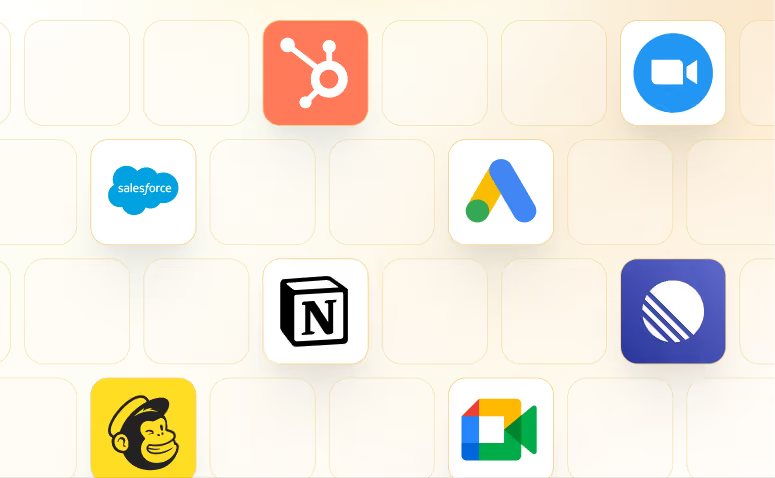
Lindy works with 1,500+ apps and any MCP server.
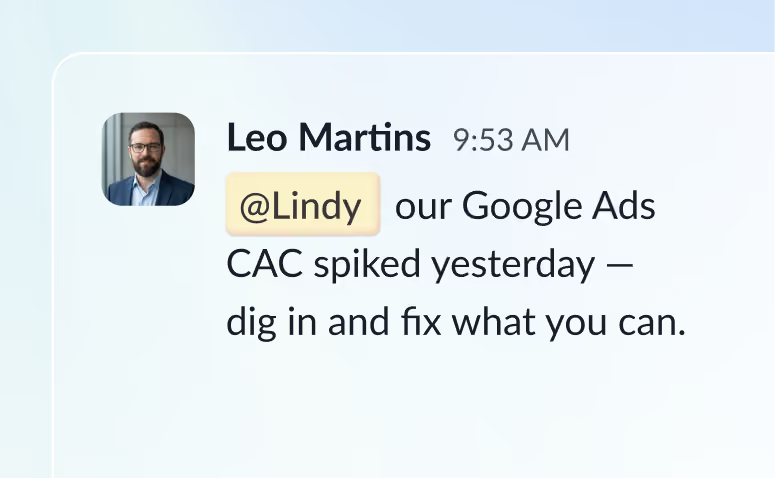
@mention Lindy in any channel and it starts working. Minutes, not a weekend.
Blog
Lindy is an AI assistant that lives in your Slack. Connect your apps, ask for what you need in plain language, and Lindy takes the work off your plate.
Sign up to Lindy, ask Lindy to connect to Slack, and approve the connection when prompted. From then on you can ask Lindy to do things in Slack whenever you need.
No. There's nothing to build or configure. You ask Lindy in Slack the same way you'd ask a colleague, and Lindy handles the rest.
Yes. Ask once and tell Lindy when to repeat it, like every Monday at 9am, and it becomes a routine that runs without you.
Read and act on data in Slack, and trigger workflows when something changes there. Tell Lindy the outcome you want and it handles the rest.
Yes. Lindy connects to 1,500+ apps and any MCP server, so you can ask for tasks that span Slack and the rest of your stack in a single request.