7 Flowise Alternatives: Top Tools to Create Custom AI Agents
Marvin reviewed seven Flowise alternatives, comparing Langflow, n8n, and Make on enterprise compliance, no-code setup, and pricing for AI agent workflows.


Teams use Flowise to build AI workflows, but you may hit roadblocks with scaling, upgrades, and missing enterprise features. However, some of the Flowise alternatives solve these pains for you.
Lindy lets you build custom AI agents without writing code, Langflow gives Python developers flexibility with MCP, and n8n is the middle ground with visual workflows and technical control.
The 7 best Flowise alternatives: At a glance
We selected 7 Flowise alternatives based on how they solve Flowise limitations, like scalability, enterprise security, or user experience. Here’s how they compare: For a detailed breakdown of costs across different deployment options, see our guide on flowise pricing.
| Alternative | Best for | Starting price (billed monthly) | Key advantage vs Flowise |
|---|---|---|---|
| Lindy | Best overall AI agent platform | From $49.99/month | Multi-channel AI agents, compliance, 4,000+ integrations, and ready-to-use templates |
| Langflow | Visual agent building for developers | Free, open source | Native Python support withlindy.ai and MCP integration |
| n8n | Automation with advanced governance | From $24/month for cloud-hosted plans | Strong workflow engine with RBAC, SSO, and execution-based pricing |
| Make | No-code automations with AI modules | From $10.59/month | 2,500+ app integrations and credit-based pricing |
| Typebot | Chatbots and lead capture | From $39/month | Polished chat UX with web and WhatsApp support |
| Budibase | Internal tools and CRUD apps | From $60/month per app creator | Enterprise identity controls with SCIM, SSO, and audit logs |
| ZenML | ML pipelines and governance | Free & open-source, custom pricing for managed plans | Reproducible pipelines with SOC 2 and ISO 27001 compliance |
Why teams look for Flowise alternatives
Teams look for Flowise alternatives because it lacks enterprise features, requires engineering resources, and struggles with scalability.
Flowise is an open-source tool that lets teams design and run AI agents using a drag-and-drop interface. It connects with LangChain, vector databases, and APIs, which makes it appealing to developers who want to experiment with custom workflows.
But when you use it every day, you’ll find three major gaps:
- Engineering time and resources: You’ll have to dedicate a lot of engineering time to setup and maintenance. Hosting, upgrades, and security all require continuous effort.
- Lack of enterprise features: You don’t get SSO, RBAC, and audit logs out of the box. Larger teams often need these controls before deploying an AI agent in real workflows.
- Scalability: According to community reports, you may face memory leaks, upgrade friction, and performance slowdowns when handling heavier workloads.
That’s why many teams start looking for alternatives. Let’s explore them in detail next.
1. Lindy: Best overall AI agent platform with no-code workflow builder
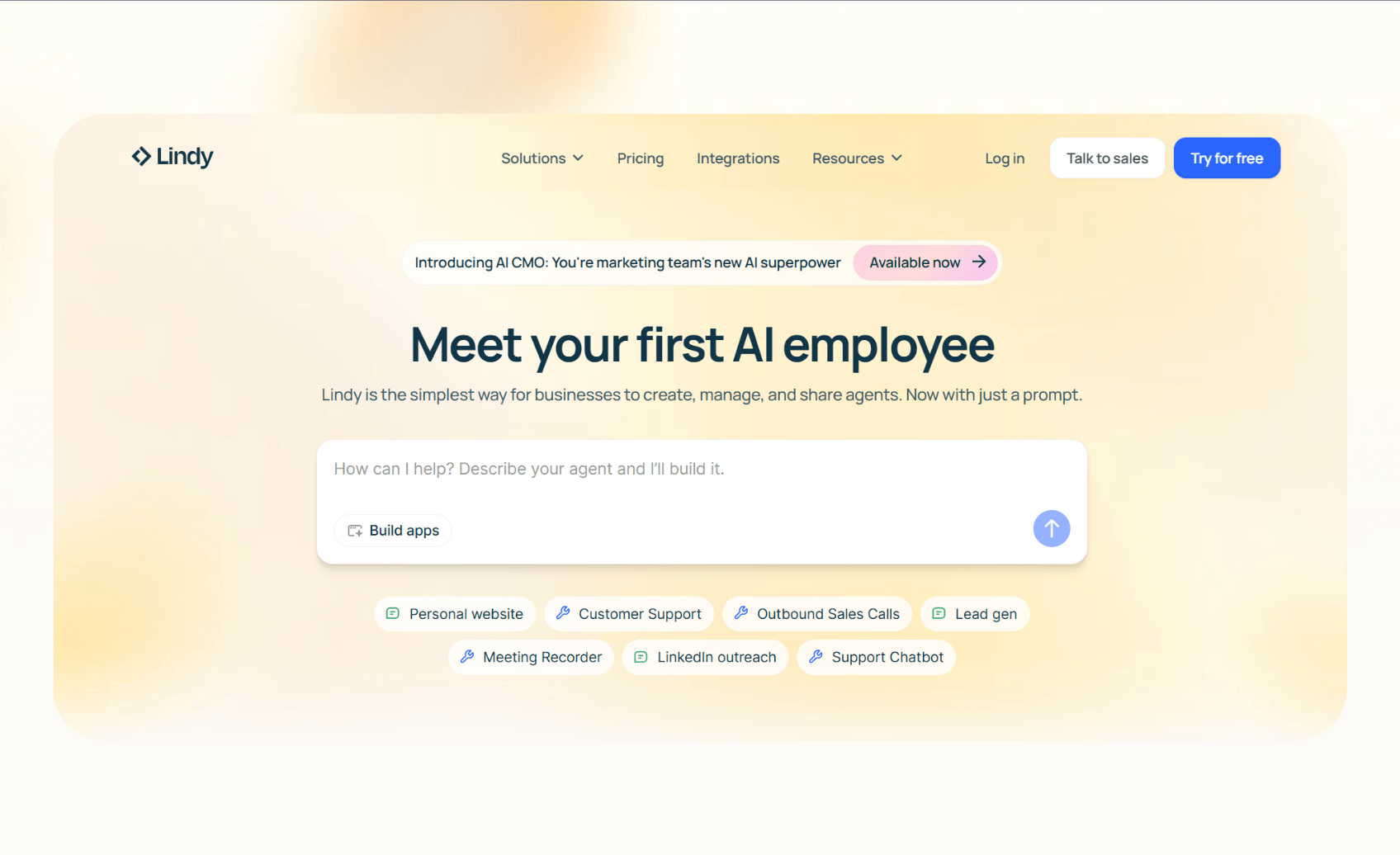
Lindy is an AI automation tool that lets you create custom AI agents for your tasks. These agents can reason, take actions, and automate workflows in one place. You can also connect them directly to everyday apps like CRMs, calendars, and databases. If you don’t want to switch tools to complete a workflow, Lindy’s AI agents can help you do that. For specialized industry needs, tailored vertical ai agents can handle role-specific operations with deep domain expertise.
Why it beats Flowise
- Multi-channel support: Lindy agents handle calls, emails, and chats, while Flowise requires extra setup for each channel.
- Compliance: You get SOC 2, HIPAA, PIPEDA, and AES-256 encryption, which most open-source tools lack.
- 4,000+ integrations: You can connect Lindy with your favorite apps like Gmail, Docs, Airtable, Notion, and more. If you are evaluating top relevance ai alternatives, extensive app integrations remain a key feature to compare.
- Ready-to-use templates: Deploy AI agents in minutes with templates for everyday workflows like meeting scheduling, lead generation, and document parsing.
Pros
- No-code drag-and-drop workflow builder
- Clear cost structure with credits and tasks
- Human-in-the-loop to escalate sensitive tasks
- AI phone numbers and voice agents to automate calling workflows
Cons
- Less granular graph-level control compared to Flowise or Langflow
- Complex workflows may take time to design and implement
Pricing
- Free: Up to 40 monthly tasks
- Pro: $49.99/month, up to 1,500 tasks
- Business: $199.99/month, unlimited calling
- Enterprise: Custom
Bottom line
Choose Lindy if you want AI agents that work across channels and pass enterprise reviews without engineering resources and time. To learn how businesses deploy these capabilities, check out practical ai agents examples for key operational roles.
{{templates}}
2. Langflow: Best for visual agent building
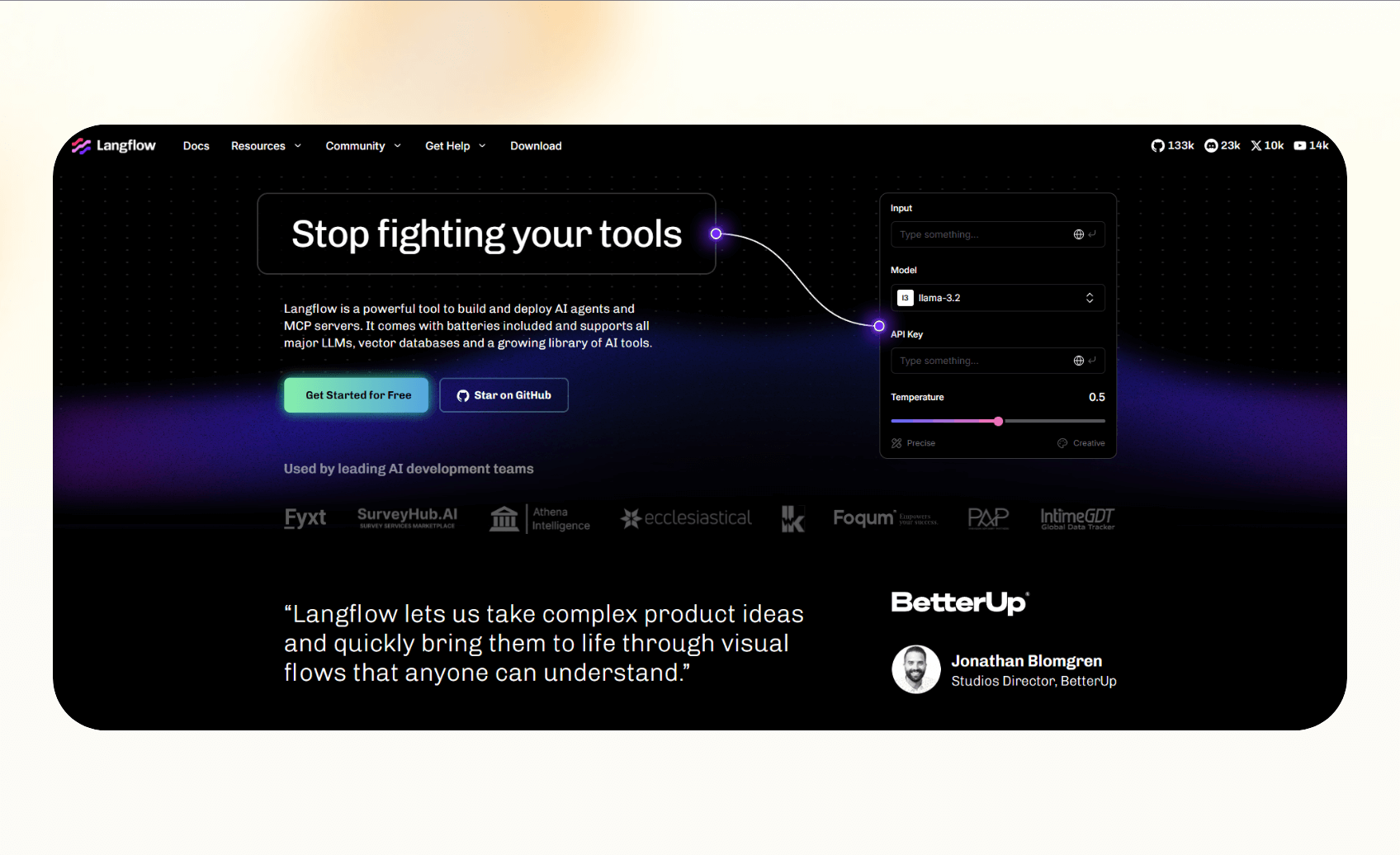
Langflow is an open-source framework that helps developers create AI agent architecture. It comes with a drag-and-drop builder for flows, support for memory and tools, and full integration with the Model Context Protocol (MCP). This makes it a good choice for teams that want a Python-native option to build and extend their own agent systems.
Why it beats Flowise
- Python-first design: Langflow integrates directly with Python projects and libraries, whereas Flowise is mainly for JavaScript/TypeScript and Node.js environments.
- MCP support: Developers can expose flows as tools or connect them to other MCP-based systems.
- Flexible customization: You can extend flows with custom components and libraries.
Pros
- Strong developer community and active updates
- Clear agent abstractions with examples
- Useful for teams that want MCP integration
Cons
- Requires hosting and infrastructure management
- Expensive to self-host
Pricing
- Free to use as open source
Bottom line
Pick Langflow if you’re a Python team that needs flexibility and control over every part of your agent system.
3. n8n: Best automation tool to self-host

n8n is a workflow automation tool that lets teams connect apps, APIs, and AI services. It supports both cloud hosting and self-hosting, which gives companies control over data location and compliance.
Why it beats Flowise
- Execution-based pricing: n8n charges by executions, which can be easier to model than Flowise Cloud’s predictions-based costs.
- Enterprise compliance: Business and Enterprise plans include SSO, RBAC, and audit logs for secure deployments.
- Hybrid hosting options: Teams can run n8n themselves or use its managed cloud.
Pros
- Large library of prebuilt integrations
- Self-hosted community edition is free
- Enterprise features like environments and user management
Cons
- Enterprise pricing can vary widely by use case
- Hosting agents requires extra setup and monitoring
Pricing
- Free to self-host
- Cloud-hosted plans from $24/month, billed monthly
Bottom line
Choose n8n if you need strong workflow automation and governance features along with AI nodes.
4. Make: Best for no-code automations
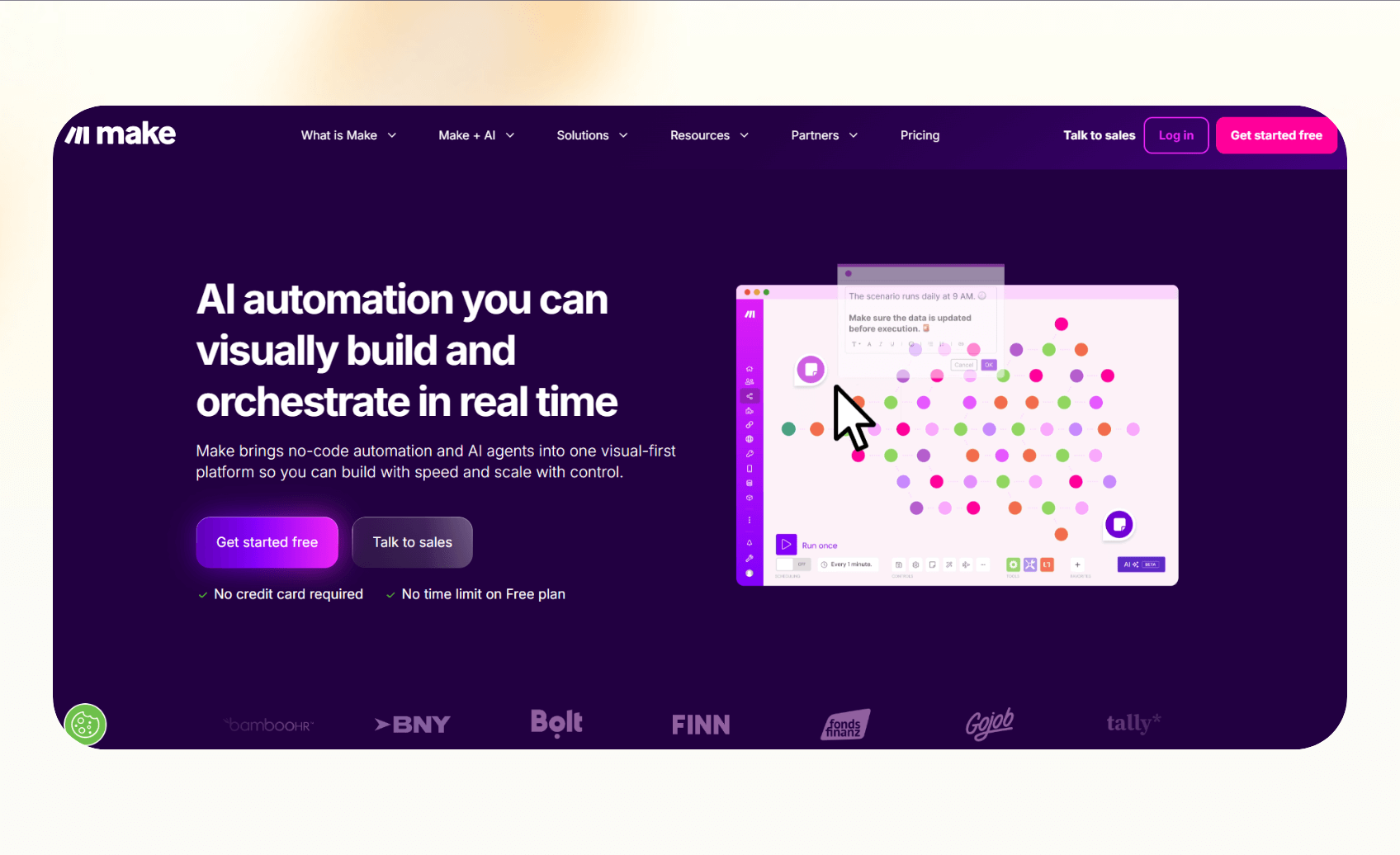
Make is a no-code automation platform with more than 2,500 app integrations. It uses a visual interface to design workflows, and recently added AI agent modules in beta. Make focuses less on agent building and more on connecting business tools with flexible automation.
Why it beats Flowise
- No-code: Anyone can design workflows without writing code.
- 2,500+ integrations: Make connects with thousands of SaaS apps.
- Credit-based billing: Pricing is simple, with credits that apply across modules.
Pros
- Intuitive interface for non-technical teams
- Affordable entry-level plans
- Enterprise features like SSO and audit logs on higher tiers
Cons
- Credit math can be tricky in long or complex workflows
Pricing
- Free: 1,000 credits/month
- Paid plans from $10.59/month, billed monthly
Bottom line
Pick Make if you need easy, no-code automations with broad app coverage and simple pricing.
5. Typebot: Best for chatbots and lead capture

Typebot is a chatbot builder that focuses on creating smooth conversational experiences on the web and WhatsApp. It works best for lead capture, onboarding, and support flows where user experience matters more than complex agent logic.
Why it beats Flowise
- Focuses on chat: Typebot makes it simple to design polished chat flows without coding. Understanding the key differences in an ai agent vs chatbot evaluation helps clarify whether simple chat flows meet your goals.
- Built-in channels: Deploy bots to websites or WhatsApp with minimal setup.
- Analytics and customization: Track usage and brand the bot with custom domains.
Pros
- Easy-to-use builder with clean design
- WhatsApp integration on higher tiers
- Flexible pricing based on chat volume
Cons
- Limited to chat workflows
- Requires other tools for task automation
Pricing
- Free: 200 chats/month
- Paid plans from $39/month, billed monthly
Bottom line
Choose Typebot if your priority is capturing leads and running chat-based support without a technical setup.
6. Budibase: Best for internal tools and apps
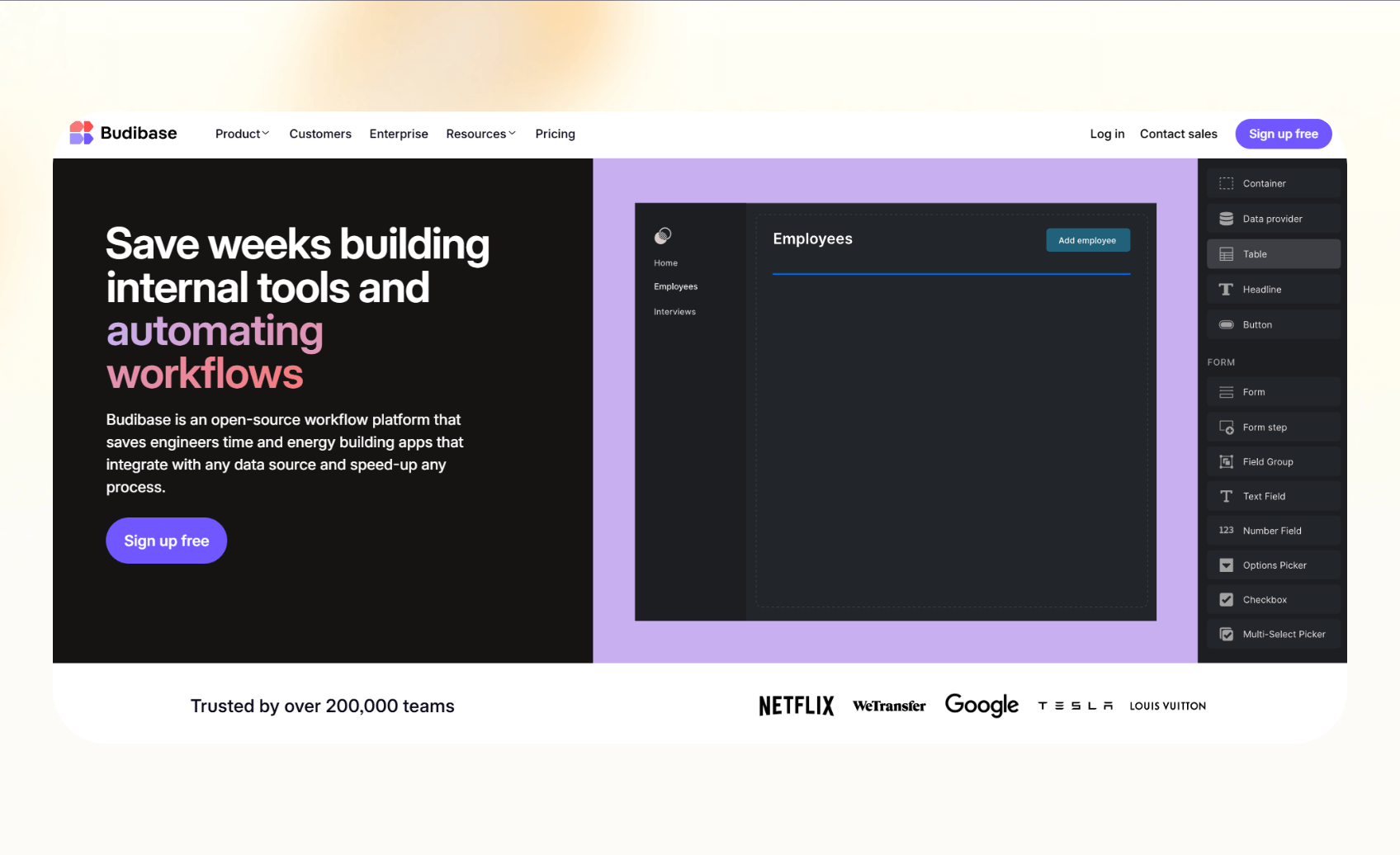
Budibase is an open-source platform for building internal tools and CRUD (Create, Read, Update, Delete) apps. It lets teams create dashboards, admin panels, and portals with built-in automations. Budibase focuses on giving teams a fast way to build business apps.
Why it beats Flowise
- Internal app focus: Budibase helps teams turn data into usable tools.
- Enterprise controls: Features like SSO, SCIM, and audit logs support IT and compliance needs.
- Flexible hosting: Run it in the cloud or self-host for full control.
Pros
- Free to self-host
- Clear per-user and per-creator pricing
- Strong governance with the enterprise plan
Cons
- Not specialized for agent reasoning
- AI features are limited compared to agent platforms
Pricing
- Free to self-host with an open-source license
- Paid plans from $60/month per app creator, billed monthly + $6/month per app user
Bottom line
Use Budibase when you need secure internal apps and workflows with light automations.
7. ZenML: Best for ML pipelines and governance
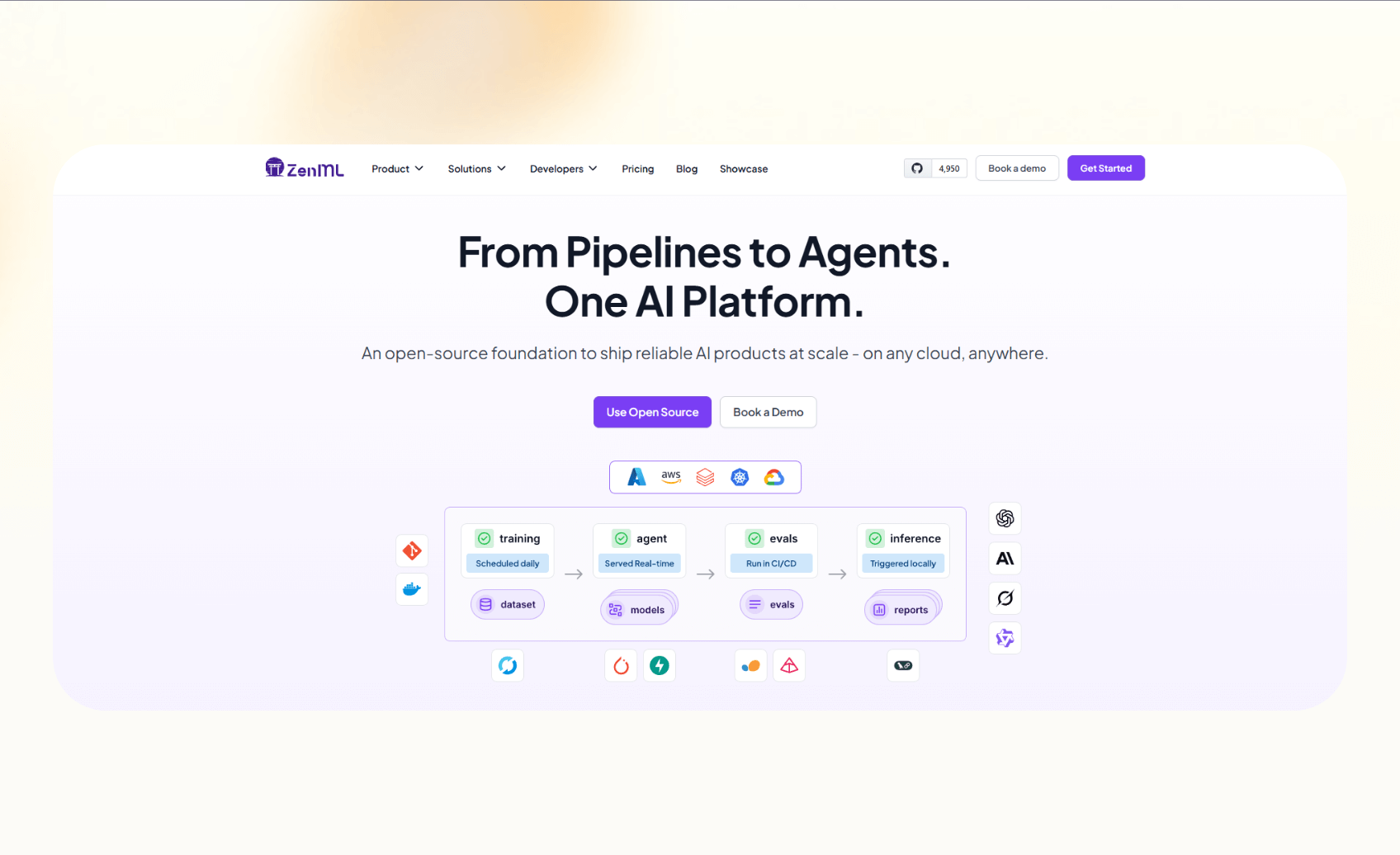
ZenML is an open-source framework for managing ML and LLM pipelines. It helps teams build reproducible workflows, track artifacts, and deploy models with governance. ZenML helps teams with lifecycle management for machine learning systems.
Why it beats Flowise
- Pipeline management: ZenML handles versioned workflows and artifact tracking.
- Enterprise compliance: Managed Pro includes SOC 2 and ISO 27001 certifications.
- Integration flexibility: Supports 50+ ML and data tools for custom stacks.
Pros
- Free open-source version
- Clear separation between OSS and managed Pro
- Strong compliance for enterprise deployments
Cons
- Requires additional tools for user-facing applications
- More focused on ML teams than business users
Pricing
- Community edition: Open-source and free
- ZenML Pro: Managed plan with custom pricing
Bottom line
Pick ZenML if you need to govern ML pipelines with reproducibility and compliance.
How we tested these alternatives
We compared these tools on the criteria that matter the most for business teams. Here’s what we looked for:
- Production readiness: We checked for features like SSO, RBAC, audit logs, and published security certifications since they matter for enterprise rollouts.
- Cost clarity: We looked at the pricing plans and their predictability, whether it’s credits, executions, or chat volume.
- Time-to-value: We also measured how quickly a new user can build something useful, from setting up an agent to running a workflow.
We also reviewed documentation, tested free tiers where available, and mapped each tool against common use cases like lead intake, support triage, and call handling.
{{cta}}
Which Flowise alternative should you choose?
The tool you choose will depend on your use case and what you want out of it. Here’s a quick guide to help you decide:
Choose Lindy if you:
- Need agents that handle phone, email, and chat with enterprise compliance.
- Want clear pricing with credits and tasks you can track easily.
- Value quick setup with prebuilt templates and app integrations.
Choose other alternatives if:
- Need Python-based custom agent frameworks. Langflow offers deep customization with MCP support for technical teams.
- Want self-hosted workflow automation with RBAC. n8n provides enterprise control with role-based access in your own infrastructure.
- Prefer visual no-code automations with a massive app library. Make delivers extensive integrations without technical overhead.
- Focus primarily on lead capture with polished chat interfaces. Typebot specializes in conversational forms and support flows.
- Need to build secure internal tools with SSO. Budibase provides compliance-ready platforms with audit logging.
- Run ML pipelines requiring reproducibility. ZenML handles production machine learning with built-in compliance tracking.
Stick with Flowise if you:
- Prefer full open-source control and have the engineering resources to manage hosting, scaling, and security yourself.
Final verdict
Flowise is useful for experimentation, but it struggles when projects need scale or enterprise controls. Among the alternatives, Lindy stands out as the most balanced option for teams that want easy-to-deploy agents across channels with predictable costs.
The others fit more specific needs, like Langflow for Python developers, n8n and Make for automation, Typebot for chat, Budibase for internal apps, and ZenML for ML pipelines.
Try Lindy, the no-code Flowise alternative
Lindy is an AI automation tool that helps with everyday workflows like emails, meetings, and sales.
Lindy stands out among Flowise alternatives for three reasons:
- Drag-and-drop workflow builder for non-coders: You don’t need any technical skills to build workflows with Lindy. It offers a drag-and-drop visual workflow builder.
- Create AI agents for your use cases: You can give them instructions in everyday language and automate repetitive tasks. For instance, create an assistant to find leads from websites and sources like People Data Labs. Create another agent that sends emails to each lead and schedules meetings with members of your sales team.
- Free to start, affordable to scale: Build your first few automations with Lindy’s free version and get up to 40 tasks. With the Pro plan, you can automate up to 1,500 tasks, which offers much more value than Lindy’s competitors.
Frequently asked questions
Is Flowise AI free?
Yes, Flowise is free to self-host as open source, but you still pay for infrastructure and API usage, such as OpenAI or vector databases.
What is the best Flowise alternative?
Lindy, Make, n8n, and Langflow are some of the best Flowise alternatives. Lindy offers multi-channel AI agents, compliance, and clear pricing. Langflow is better if you want a Python-native framework. Make is a simple visual automation tool, and n8n gives you the best of both worlds, with technical control and no-code workflows.
Langflow vs Flowise: Which is better?
Langflow is better if you prefer Python and want Model Context Protocol support. Flowise is better if you’re comfortable with JavaScript and want a simpler drag-and-drop builder.
Can Lindy replace Flowise for AI agents?
Yes, Lindy can replace Flowise when you need no-code AI agents that act across phone, email, and chat with enterprise-grade compliance and transparent billing.
What is the easiest Flowise competitor to use?
Make, Lindy, and Typebot are among the easiest Flowise competitors to use because they require little to no coding. Make works for general automation, Lindy gives you AI agents and a no-code workflow builder, and Typebot for chat-based workflows.
Which tool is best for enterprises vs small teams?
Lindy, n8n, Make, or Budibase work the best for enterprises as they offer enterprise plans with regulatory compliance. Small teams can start with Typebot or lower tiers of Make or Lindy to test and experiment with AI automation.
Does Flowise integrate with LangChain?
Yes, Flowise integrates directly with LangChain and supports nodes for building LangChain-powered flows.
What are the limitations of Flowise?
Developer-heavy setup, missing enterprise features like SSO and RBAC, and scalability challenges such as memory leaks and upgrade friction, and some of the limitations of Flowise.










