


11 Best Gong Alternatives to Boost Sales in 2026
Michelle tested eleven Gong alternatives, including Chorus, Salesloft, and Fathom, across live sales calls, comparing recording, coaching, and CRM integrations.


I’ve used Gong – and while it’s powerful, I quickly realized it’s not the perfect fit for every sales team.
Maybe you’re feeling the same.
The price feels heavy. The features feel bloated. And sometimes, it just doesn’t align with how your team sells.
That’s why I put together this list of 11 Gong alternatives that can help you boost sales, coach reps better, and close deals faster in 2026.
The 11 Best Gong Alternatives at a Glance
Here’s a quick rundown of the top alternatives to Gong:
- Chorus by ZoomInfo: Best for Call Coaching
- Salesloft: Best for Sales Engagement
- Weflow: Best Salesforce Productivity Tool
- Copilot by Clari: Best for Deal Coaching
- Avoma: Best Meeting Automation Tool
- Fireflies.ai: Best AI Transcription Tool
- Outdoo (formerly MeetRecord): Best for CI plus AI roleplay
- Outreach.io: Best Enterprise Engagement Tool
- Mediafly Coach360: Best for Human-Led Coaching
- tl;dv: Best AI Meeting Summaries
- Fathom: Best Free Meeting Notes
1. Chorus by ZoomInfo – Best for Call Coaching
What Does It Do?
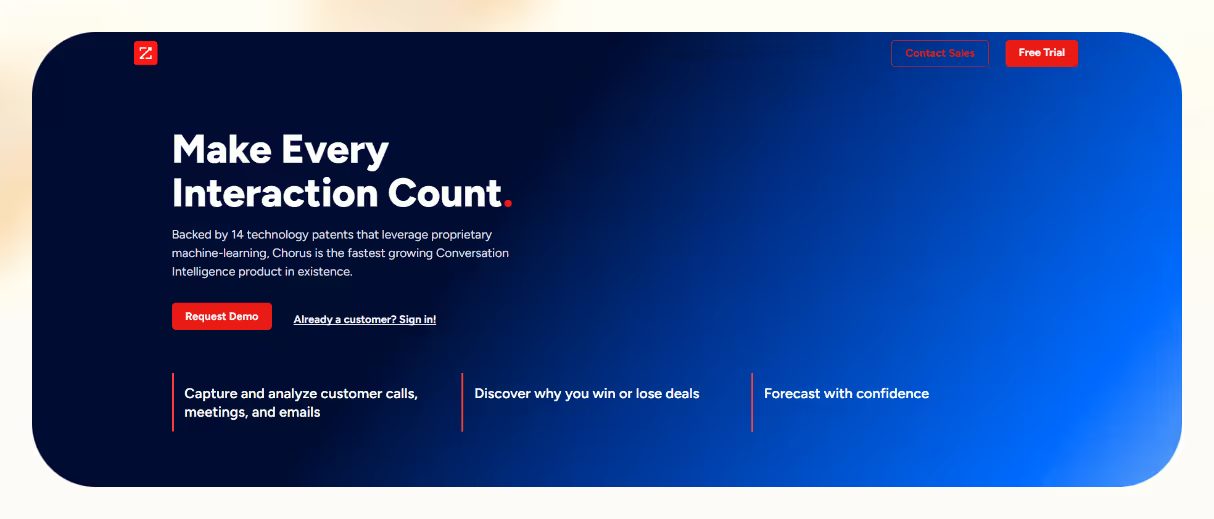
Chorus turns your sales calls into searchable insights, giving you transcripts, summaries, and AI-driven patterns to help reps improve, managers coach, and teams close more deals, without listening to every recording.
Who Is It For?
Perfect for B2B sales teams, sales managers, and revenue leaders who want to standardize performance, shorten ramp time, and gain full visibility into pipeline conversations.
Chorus doesn’t just record or transcribe, it turns every conversation into a replayable, searchable asset. You can review deals faster, coach smarter, and spot trends across the pipeline.
After each call, you get a timestamped transcript, summary, and action items. I could skim through objections or next steps without sitting through an hour-long recording.
Its AI flags what works and what doesn’t, like effective messaging, objections, or points where reps lose momentum. That lets teams adjust early before deals fall through.
Managers can leave feedback directly on call clips, create custom playlists, and use recordings to onboard new hires faster. I used this to train new reps on real calls, not generic scripts.
Because it’s part of ZoomInfo, Chorus pulls in contact and intent data automatically. That makes follow-ups smarter and more targeted, based on what was said in the call.
Pros
- Transcripts with summaries and action items
- AI insights surface what’s working and what’s not
- Built-in tools for coaching and onboarding
- CRM integration keeps workflows aligned
- Adds ZoomInfo-powered contact data to calls
Cons
- Expensive for small teams
- Requires setup and internal training
- Mobile experience could be better
Pricing
- Starts around $8,000/year for 3 seats
- Additional seats: ~$1,200/year each
Chorus turns calls into a scalable coaching system. If you want to improve rep performance, document winning tactics, and truly understand what happens in every conversation, Chorus gives you the clarity and data to make it happen.
2. Salesloft – Best for Sales Engagement
What Does It Do?
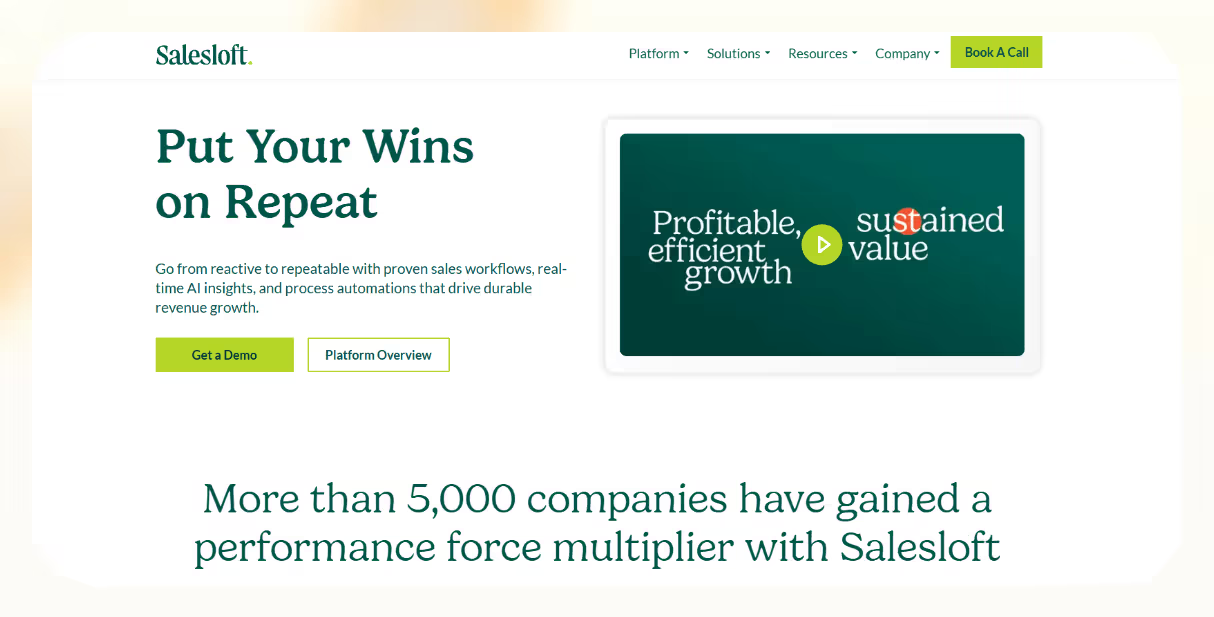
Salesloft lets reps automate outreach, personalize follow-ups, and track sales activity across email, calls, LinkedIn, and tasks, all from one structured platform.
Who Is It For?
Ideal for B2B sales teams, mid-size companies, and revenue leaders who want a centralized platform to scale multi-channel outreach and coach teams more effectively.
Salesloft helps sales teams run their workflows from one place. No more switching tabs, reps can send emails, make calls, log activity, and manage follow-ups in one dashboard.
You can build automated sequences that mix email, phone, and LinkedIn touches. I used this to prevent leads from slipping through the cracks during heavy outbound campaigns.
Its AI features go beyond call recording. You get pre-call insights, real-time coaching, and post-call recommendations that help reps stay sharp and close better.
For managers, this means spotting issues early. I found the real-time coaching tips useful when reviewing rep activity and planning 1:1s.
Salesloft also helps teams prioritize daily tasks and automates CRM updates, so your pipeline is always clean. The built-in deal intelligence shows which accounts are progressing and which need attention.
Pros
- Automates multi-channel outreach with email, calls, LinkedIn
- AI helps with prep, coaching, and follow-ups
- Scales easily across SDRs, AEs, and AMs
- Keeps CRM clean with automatic updates
- Built for account-based and outbound strategies
Cons
- Not ideal if you need deep call analysis
- Setup and onboarding take time
- Pricing isn’t transparent
Pricing
- Custom quote only – contact Salesloft for pricing details
- Subscription-based plans
Salesloft is a top choice for full-cycle engagement. If your team wants to stay on top of every lead, automate touchpoints, and manage everything from one place, this is a proven, scalable solution, especially for teams focused on execution across multiple channels.
3. Weflow – Best Salesforce Productivity Tool
What Does It Do?
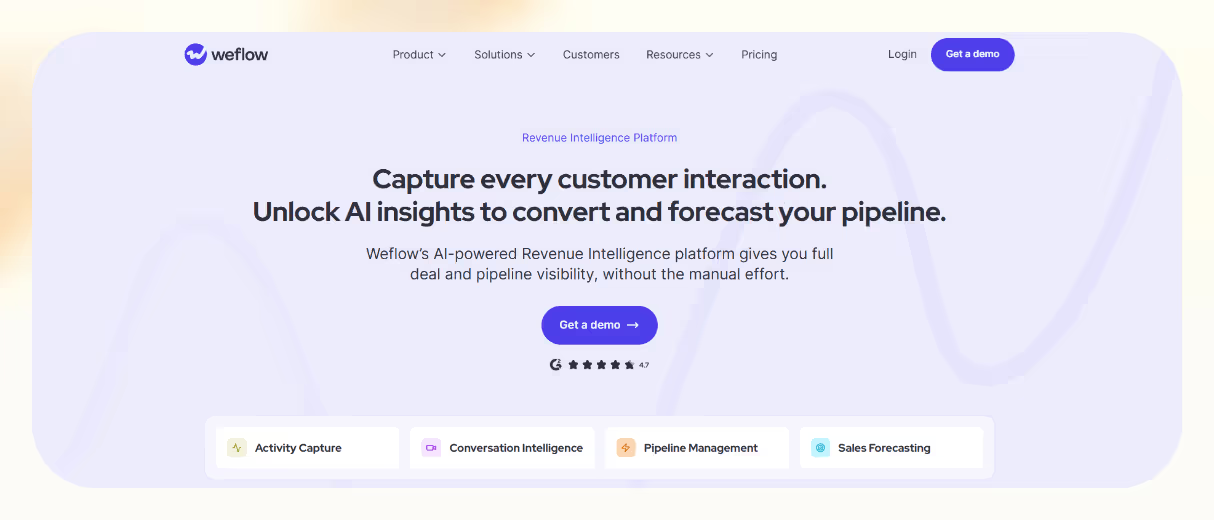
Weflow helps sales teams auto-log activities, update Salesforce in real time, and forecast accurately, all from inside your existing workflow. It removes manual CRM entry, flags risks, and turns meetings into structured deal data.
Who Is It For?
Great for Salesforce-native teams, AEs, sales managers, and RevOps leaders who want clean data, fast updates, and pipeline visibility without switching tools or overpaying for bulky platforms.
Weflow captures your emails, meetings, and notes and pushes them directly into Salesforce. That means reps spend more time selling, not updating fields manually.
It records meetings, pulls out next steps, and fills in MEDDIC fields automatically. I liked how the CRM stayed aligned without needing to chase reps for details.
Its deal intelligence flags at-risk opportunities and suggests follow-ups, helping managers stay ahead of problems before they show up in missed targets.
Weflow’s AI also powers forecasting and analytics, so you can ditch spreadsheets and still get a clear view of your revenue trajectory.
Unlike tools like Gong, Weflow works inside Salesforce, not around it. I didn’t need to juggle tabs or learn another dashboard, everything fit naturally into my workflow.
Pros
- Seamless Salesforce integration with no extra tools
- AI powers forecasting and next-step suggestions
- Reduces manual entry with meeting summaries and auto-fill
- Clear, transparent pricing with a free trial option
Cons
- Designed mainly for Salesforce users
- Advanced features may require training to maximize value
Pricing
- Foundation: $49/user/month – activity capture, pipeline views, forecasting
- Business: $59/user/month – deal insights and advanced forecasting
- Enterprise: $79/user/month – full deal intelligence and premium support
- All plans are billed annually, with a 10-seat minimum
Weflow is ideal if your team is deep in Salesforce and wants to move faster with cleaner data, real-time updates, and actionable insights. It’s a lean, focused alternative to Gong that prioritizes deal execution, not just call reviews.
4. Copilot by Clari – Best for Deal Coaching

What Does It Do?
Copilot gives reps real-time coaching during live calls and turns conversations into insights. It surfaces battlecards mid-call, auto-generates summaries, flags risks, and ties call data directly to your pipeline health.
Who Is It For?
Best for B2B sales teams, sales managers, and RevOps leaders who want live coaching, faster follow-ups, and deal visibility without waiting for post-call reviews.
Copilot doesn’t just record calls, it coaches reps live. During calls, it shows battlecards, alerts for monologues, and nudges to help handle objections or stay on script.
I tested it on a live demo and found the nudges helpful without being disruptive, especially when objections came up mid-conversation.
After the call, Copilot creates smart summaries that capture next steps, key takeaways, and highlights. No need to write follow-up notes or update your CRM manually.
Its deal intelligence layer flags red flags like competitor mentions or stalled timelines and connects those insights directly to your pipeline. I liked how it linked call data to deal risks automatically.
RevGPT takes things further by turning calls into enablement content like updated battlecards or talk tracks, all generated from actual conversations.
It integrates with Salesforce, HubSpot, Zoom, Teams, and Slack, so insights flow straight into your workflow, no extra tools or tabs needed.
Pros
- Live coaching helps reps adjust in real time
- Smart call summaries and follow-up notes
- Turns call data into enablement assets with RevGPT
- Strong integrations with major CRMs and tools
Cons
- Transcription may vary based on audio clarity
- Some advanced tools have a learning curve
- Dashboard could offer more customization
Pricing
- Custom pricing – contact Clari for details
Copilot is more than just a recorder. It’s a real-time assistant, deal coach, and follow-up engine. If you want to improve rep performance mid-call and tie every conversation back to deal health, Copilot is one of the most effective Gong alternatives you can deploy. Note that Clari and Salesloft became part of the same company in late 2025, though Copilot is still available as a standalone product.
5. Avoma – Best Meeting Automation Tool
What Does It Do?
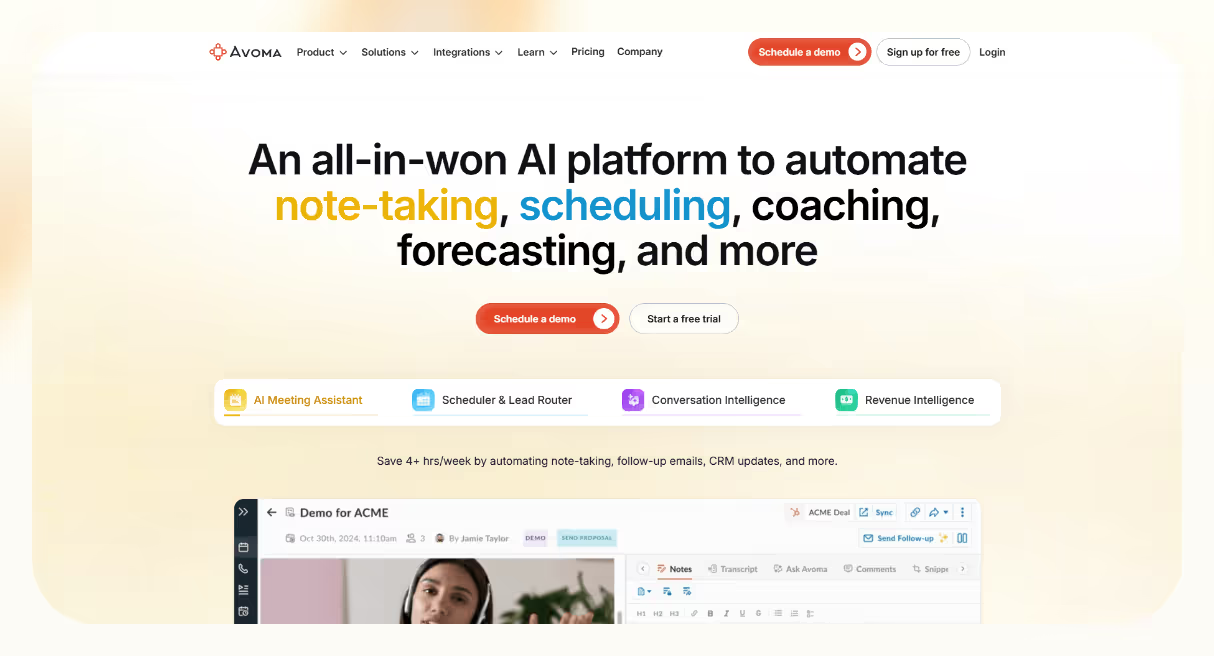
Avoma automates the entire meeting lifecycle, from scheduling and transcription to action items, CRM updates, and pipeline intelligence. It helps you capture insights, assign next steps, and stay aligned without switching tools.
Who Is It For?
Best for sales teams, CS teams, and revenue leaders who rely on digital meetings and want real-time insights, better follow-up, and faster CRM syncing without the manual work.
Avoma eliminates the hassle of scattered tools and manual meeting follow-up. It transcribes calls in real time across 40+ languages, breaks conversations into chapters, and generates AI notes with action items.
Reviewing meetings took me minutes instead of replaying hour-long recordings. I especially liked the structured notes, it made follow-ups feel effortless.
It integrates with tools like Salesforce and HubSpot, pushing summaries and action items straight into your CRM. No double entry, no missed updates.
Avoma also provides deal intelligence by tracking red flags, scoring rep performance, and analyzing conversations against frameworks like MEDDIC or SPICED.
With built-in AI forecasts, you can spot pipeline risks early. I used it to flag stalled deals before they became dead weight.
Lead routing and scheduling are built in too. You can use round-robin or group scheduling, no calendar ping-pong needed.
Pros
- Automates transcription, notes, and follow-ups
- Syncs directly to CRMs and conferencing tools
- Tracks deal risk, coaching gaps, and call compliance
- Custom scorecards for rep performance reviews
Cons
- Assistant may join late on some calls
- Speaker labeling can need fine-tuning
- Steeper learning curve for advanced tools
Pricing
- Startup: $19/user/month – AI assistant, 1:1 scheduling
- Organization: $24/user/month – group scheduling, AI notes
- Enterprise: $39/user/month – analytics + compliance
- Add-ons:
- Conversation Intelligence: $29/user/month
- Revenue Intelligence: $29/user/month
- Lead Router: $19/user/month
- Free viewer access for collaborators
Avoma brings everything into one workflow, automated, searchable, and connected. If your team lives in meetings and wants more than recordings, this is a powerful Gong alternative focused on meeting intelligence and real productivity gains.
6. Fireflies.ai – Best AI Transcription Tool

What Does It Do?
Fireflies.ai automates meeting recording, transcription, and AI summaries across Zoom, Teams, Meet, phone calls, and uploaded files. It helps your team turn conversations into searchable insights and follow-ups, without writing a single note.
Who Is It For?
Ideal for sales teams, recruiters, remote teams, educators, and content creators who want to capture, organize, and search meeting content across platforms, without slowing down workflows.
Fireflies joins your calls and instantly records and transcribes conversations in 69+ languages. Whether it's live video, phone, or pre-recorded files, it handles everything automatically.
I found it especially useful when reviewing a series of onboarding calls, the smart chapters let me skip straight to key action points.
You also get AI-generated summaries with key takeaways, action items, and highlights. This alone can save hours of post-call cleanup across departments like sales, HR, and customer success.
What sets Fireflies apart is its collaboration tools. You can react, pin quotes, add comments, or share soundbites. I liked being able to quickly tag a teammate and point them to a specific timestamp.
Its search filters let you find any phrase, question, or keyword across hundreds of calls, making it ideal for trend tracking or content reuse.
For deeper insights, Fireflies offers conversation intelligence with talk time stats, sentiment analysis, and engagement metrics, great for coaching and team reviews.
It integrates with Salesforce, HubSpot, Slack, Notion, and more. With API access, you can create custom workflows or sync everything into the systems you already use.
Pros
- Saves time with AI summaries and auto-notes
- Works across live calls and uploaded content
- Smart chapters and searchable transcripts
- Deep integrations + API for custom workflows
Cons
- Assistant may join calls late sometimes
- Advanced analytics take time to master
- Support response depends on plan
Pricing
- Free: 400 mins, limited transcripts, core features
- Pro: $10/user/month – CRM sync, smart filters, 8,000 mins
- Business: $19/user/month – unlimited storage, analytics, API
- Enterprise: $39/user/month – SSO, HIPAA, advanced security
Fireflies.ai is a lightweight but powerful Gong alternative built for teams that value speed, accuracy, and collaboration. If you want to turn unstructured meetings into organized, actionable data with minimal effort, Fireflies delivers across use cases, from solo users to large remote teams.
7. Outdoo (formerly MeetRecord) – Best for CI plus AI roleplay
What Does It Do?
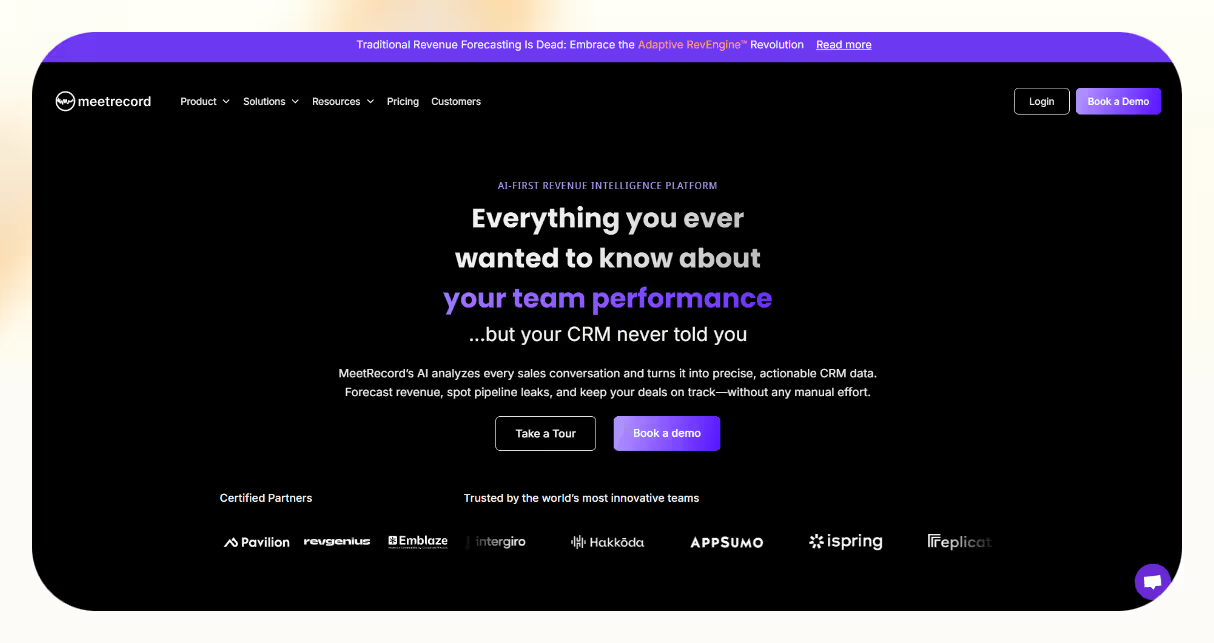
Outdoo (renamed from MeetRecord in 2025) turns your sales conversations into insights by capturing calls, meetings, and emails, then generating AI summaries, coaching cues, and real-time deal intelligence. It now pairs that with AI roleplay for rep practice and syncs everything to your CRM, so reps can focus more on selling and less on admin.
Who Is It For?
Best for SMB and mid-market sales teams, RevOps leaders, and enablement coaches who want conversation intelligence, faster forecasting, hands-off CRM updates, and built-in rep practice in one platform.
Outdoo automatically records and analyzes calls, meetings, and emails, then highlights next steps, objections, and performance trends. I used it to summarize a week’s worth of demos in under 10 minutes.
The AI generates coaching insights after every call, flagging what went well and where reps lost momentum. This helps managers scale coaching without sitting through every recording.
Its deal intelligence layer spots red flags, competitor mentions, and stalled deals based on real conversation data, not rep guesswork.
You also get AI-powered call scoring, so you can quickly identify high-performers and coaching moments across your team. I found it especially helpful for reviewing rep performance at scale.
It integrates with Salesforce, HubSpot, Zoom, and Google Meet, syncing notes and summaries to your CRM in real time. That means no missed follow-ups or dirty data.
Pros
- Scales coaching with AI summaries and scoring
- Flags pipeline risks and deal blockers in real time
- Syncs with CRMs and meeting tools for clean data flow
- Easy to use, great for fast adoption
Cons
- Meeting assistant may join late occasionally
- Advanced analytics require some ramp-up
Pricing
- Free: 60 minutes of credits, transcription, and AI coaching feedback
- Flex: usage-based, pay-for-what-you-use pricing that adds methodology rubrics, integrations, and closed-loop coaching
- Enterprise: custom pricing with SSO, private cloud storage, and a dedicated CSM
Outdoo gives you conversation intelligence, deal insights, and AI roleplay in one platform, with a free tier and usage-based pricing that keep it accessible. If you want CI plus built-in rep practice without stitching tools together, it’s a strong, budget-friendly Gong alternative, though CI-first buyers should note its growing emphasis on sales readiness.
8. Outreach.io – Best Enterprise Engagement Tool
What Does It Do?
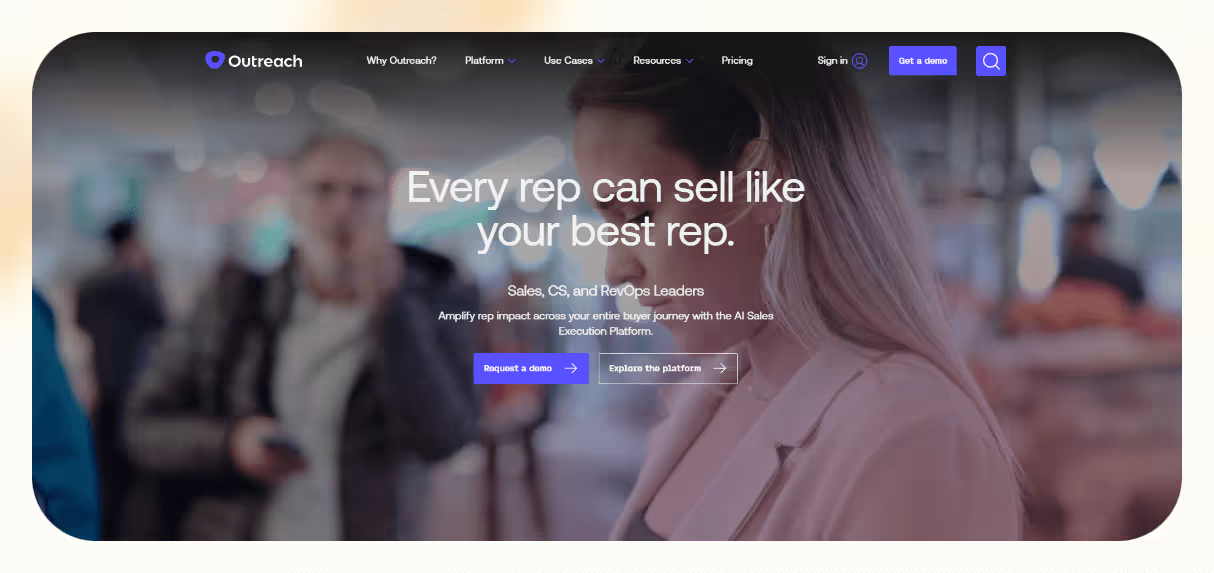
Outreach.io automates multichannel outreach, manages pipeline activity, and provides AI-driven coaching and deal insights, all from one platform. It helps reps follow up faster, keep CRMs updated, and hit targets more consistently.
Who Is It For?
Best for enterprise sales teams, revenue leaders, and ABM-focused orgs that need to scale outbound, unify sales workflows, and gain real-time visibility across every touchpoint.
Outreach unifies email, phone, LinkedIn, and CRM updates into a single system, so reps don’t need to bounce between tabs or tools. It makes follow-ups automatic and timely, based on how leads behave.
You can build smart sequences that adjust based on replies, opens, or missed connections. I used it to automate entire nurture flows that still felt personal and well-timed.
In your inbox, Outreach’s AI suggests subject lines, content tweaks, and reply handling to boost engagement without guesswork.
Its conversation intelligence tools record, transcribe, and analyze calls, flagging objections, performance gaps, and top-performing messaging for better rep coaching.
Pipeline management is built in. Managers can see deal health, progress, and forecasting metrics without needing separate dashboards. I found this saved hours when preparing for pipeline reviews.
It syncs deeply with Salesforce, HubSpot, and Microsoft Dynamics, keeping your CRM up to date without manual work or double entry.
With built-in reporting and forecasting, leaders get a clear view of rep performance, activity patterns, and revenue risk in real time.
Pros
- Automates outreach across email, phone, and LinkedIn
- Built-in deal management and forecasting tools
- Real-time coaching with conversation intelligence
- Syncs with Salesforce, HubSpot, and Dynamics
Cons
- No public pricing
- Steep learning curve for advanced features
- Higher cost than SMB-focused tools
- No free trial
Pricing
- Standard Plan: Starts around $100/user/month
- Professional & Enterprise: Custom pricing
- Additional costs may apply for onboarding, support, integrations
Outreach.io is built for high-volume, high-complexity sales teams. If you need precision, consistency, and visibility at scale, this platform brings your entire engagement engine into one powerful, AI-enhanced workflow. It's one of the strongest alternatives to Gong for teams focused on execution over analysis.
9. Mediafly Coach360 – Best for Human-Led Coaching
What Does It Do?
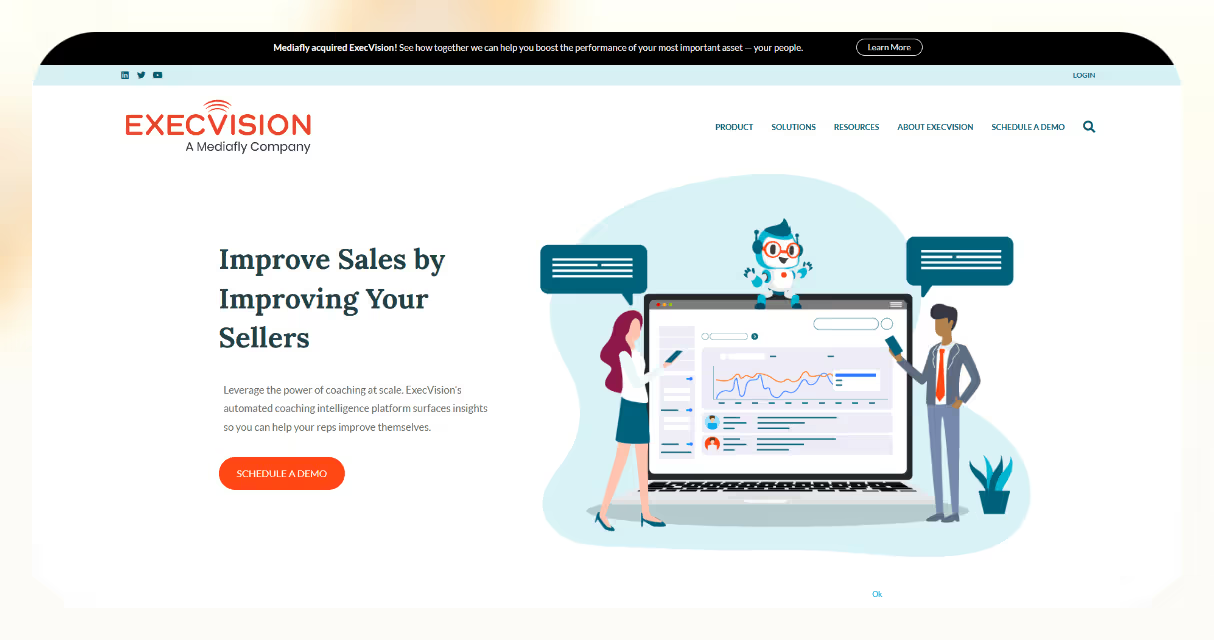
Mediafly Coach360 (formerly ExecVision, which Mediafly acquired) turns calls into coaching opportunities by recording, transcribing, and scoring conversations for review. It’s built to improve rep performance through human-led feedback, not just automated analysis, and now lives inside Mediafly’s broader enablement and revenue-intelligence platform.
Who Is It For?
Great for mid-market and enterprise sales teams, support reps, and enablement leaders who want to scale coaching, improve call quality, and track rep progress, with a stronger focus on human judgment over AI.
Coach360 records every sales or support call and stores it in a central library. You can review, tag, score, and share conversations to turn them into repeatable learning moments.
I used it to build onboarding playlists with real calls from top performers, new reps learned faster and had clear examples to model.
Managers get performance dashboards that highlight strengths, weak points, and trends. You can track growth, give feedback, and reinforce consistent messaging over time.
Smart alerts notify you when specific keywords or call patterns are detected, so coaching is more focused and review time is better spent.
Mediafly Coach360 integrates with Salesforce, major dialers, and conferencing tools like Zoom to keep CRM data accurate and workflows connected.
I appreciated how easy it was to clip and share key moments with reps without digging through long call recordings manually.
Pros
- Creates a coaching-ready call library
- Dashboards surface rep strengths and gaps
- Keyword alerts highlight high-priority calls
- Syncs with CRMs and conferencing tools
Cons
- Audio quality may vary on some recordings
- Upload delays can slow coaching cycles
- Only sold as part of Mediafly’s platform, not as a standalone tool
Pricing
- Custom, quote-only pricing as part of the Mediafly platform
Mediafly Coach360 is a coaching-first alternative to Gong, built for teams that learn best through real conversation review and targeted human feedback. If you value performance improvement through listening, practice, and guided coaching inside a broader enablement platform, it’s a practical choice for building better reps.
10. tl;dv – Best AI Meeting Summaries
What Does It Do?
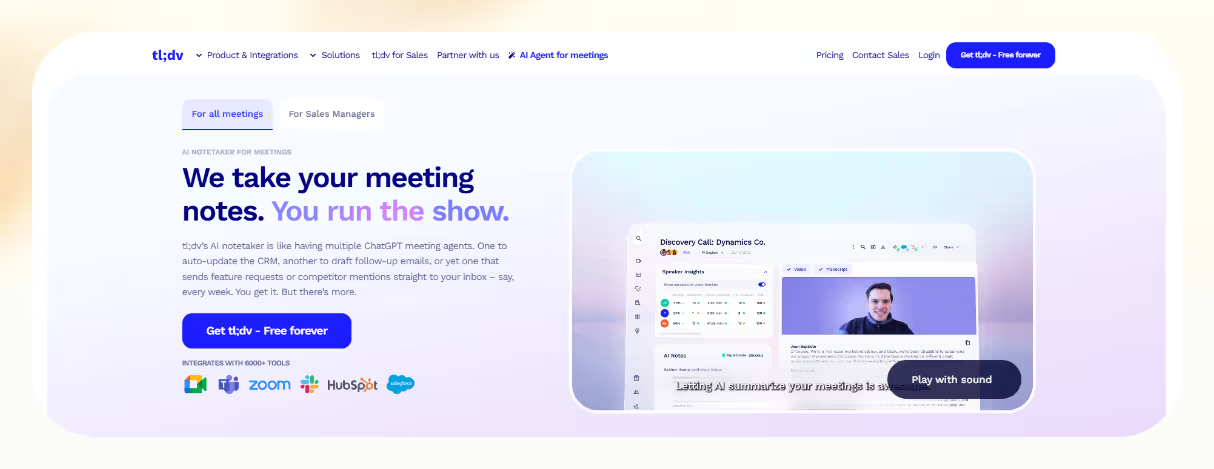
tl;dv records meetings, transcribes them in real time, and delivers AI-generated summaries with key points and next steps. It auto-logs insights into your CRM, Slack, and docs so you don’t have to.
Who Is It For?
Perfect for sales reps, CS teams, and remote-first companies who need to move fast, log calls automatically, and generate actionable takeaways, without bloated software or heavy pricing.
tl;dv is built for speed. It works with Zoom, Meet, and Teams, capturing your meetings and turning them into clear summaries and next steps right after the call.
I loved how I could send insights to Slack and update HubSpot automatically, with no more typing notes post-call.
You can record unlimited calls and get transcripts in 30+ languages, which is great for global teams working asynchronously or across time zones.
Its CRM integrations push summaries, highlights, and to-dos directly into Salesforce or HubSpot, so your pipeline always stays current.
It even drafts follow-up emails and tasks based on meeting content, making handoffs and next steps seamless. I used this to automate post-demo follow-ups in seconds.
With support for 6,000+ tools via Zapier, tl;dv plugs into whatever stack you're already using, without adding friction.
Pros
- Unlimited recordings and transcripts on the free plan
- AI highlights key takeaways and to-dos
- Pushes insights directly to CRM, Slack, Notion, and more
- Supports 30+ languages for global teams
- Zapier integration with 6,000+ tools
Cons
- No mobile app yet
- Free plan lacks advanced follow-up features
Pricing
- Free: Unlimited recordings + transcripts (basic features)
- Pro: $18/user/month – AI summaries + CRM sync
- Business: $59/user/month – team controls + deep integrations
- Enterprise: Custom pricing for large orgs
tl;dv is a fast, lightweight Gong alternative built for teams who want to record, summarize, and sync meetings without slowing down. If you care about speed, automation, and clarity, without the price tag, this is the one to beat.
11. Fathom – Best Free Meeting Notes
What Does It Do?
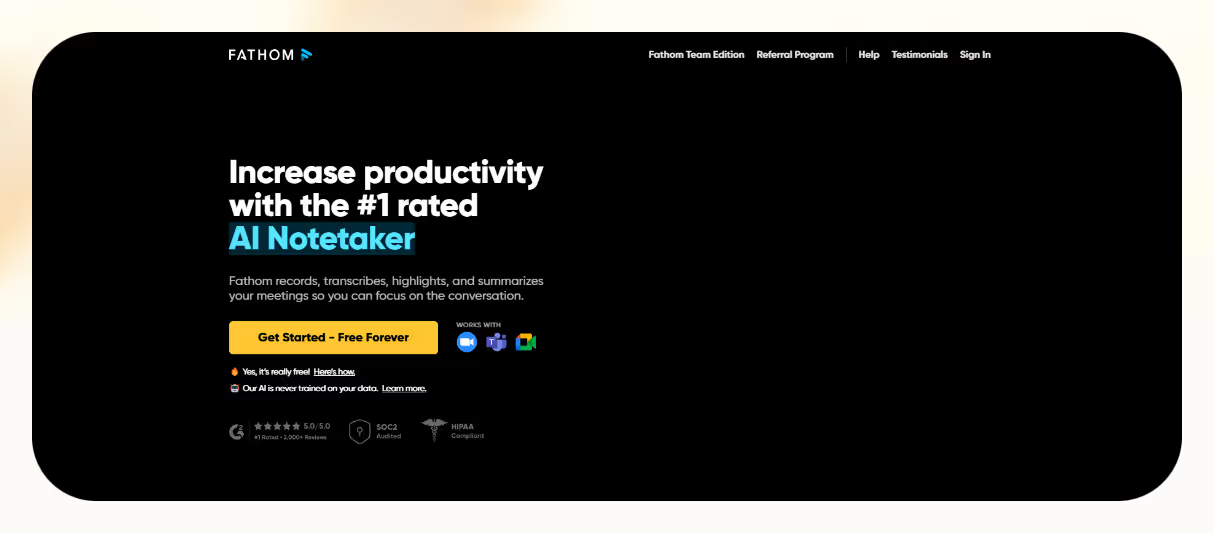
Fathom records, transcribes, and summarizes your Zoom, Google Meet, and Teams calls, then pushes AI-generated insights into your CRM and docs automatically, so you can focus on the call instead of scrambling to take notes.
Who Is It For?
Ideal for sales reps, CS teams, remote workers, and startups that need fast summaries, CRM sync, and follow-up automation, without paying for bloated software or managing a heavy setup.
Fathom delivers clear, AI-generated summaries right after your meeting, with key points, to-dos, and timestamps. You can highlight important moments with a click, which I found super helpful for tagging next steps during live demos.
It supports Salesforce, HubSpot, and Close, pushing insights directly into your CRM so you don’t waste time logging notes manually.
Fathom also drafts follow-up emails and task reminders based on the conversation, making it ideal for reps who want to act fast after calls without switching tabs.
I’ve used it to instantly send highlights to Slack and Notion, sharing updates with my team without writing a recap.
It supports 25+ languages and works across Zoom, Meet, and Teams, which makes it great for global, remote-first teams.
Pros
- Unlimited free recordings and transcriptions
- AI summaries with action items and highlights
- CRM sync with Salesforce, HubSpot, Close
- Works across Zoom, Meet, and Teams
- Supports 25+ languages
Cons
- No mobile app yet
- Free plan lacks full automation
- Transcriptions can struggle with background noise
Pricing
- Free: Unlimited calls, highlights, and summaries
- Premium: $20/user/month – advanced AI features
- Team Edition: $19/user/month – adds team controls
- Business: $34/user/month – includes CRM sync + all features
Fathom is the fastest way to capture and act on meeting insights, especially if you're on a budget. If you want AI-powered summaries, instant sharing, and CRM-ready notes without the bulk or price of Gong, this is the go-to free solution.
How I Tested the Best Gong Alternatives
The best Gong alternative in 2026 should do more than just record calls. It should:
- Give real insight, not just raw data or transcripts
- Save your team time by automating summaries, notes, or CRM updates
- Fit seamlessly into your sales stack, from Zoom to Salesforce
To figure out which tools deliver, I tested 15+ conversation intelligence platforms using the same method for each one:
1. Live Sales Call Testing
I ran real demo, discovery, and follow-up calls using each tool across Zoom, Meet, and Teams. I checked how well the tool recorded, transcribed, and summarized conversations. Bonus points for capturing action items, key moments, and separating speakers correctly.
2. Post-Call Review Workflow
I looked at what happens after the call. Does it auto-log notes in the CRM? Can I instantly find competitor mentions or objections? Could a manager use the summary to coach a rep without watching the full call? The tools that simplified post-call workflows stood out.
3. Coaching and Analytics Features
Gong is known for performance tracking and sales coaching. So I tested how well each alternative helped managers review, score, and coach conversations. I focused on smart alerts, deal health indicators, talk ratios, objection tracking, and whether I could act on the insights.
4. Setup, Integrations, and Usability
If a platform needed a lengthy onboarding or required me to switch between five dashboards, it lost points. I prioritized tools that worked out of the box, synced with my CRM and email tools, and didn’t disrupt my workflow. Chrome extensions, Slack sync, or Zoom integration were all tested.
5. Value for Money
Finally, I compared how much value each tool delivered at different price points. Some free tools were surprisingly powerful. Others justified their premium pricing with deep analytics and real-time coaching. I rated each one on ROI, not just feature count.
After weeks of testing, I narrowed it down to 11 tools that matched or beat Gong on usability, automation, or affordability. Whether you need real-time coaching, better CRM sync, or smarter call summaries, the list below has you covered.
How to choose the best Gong alternative
The best Gong alternative depends on what your team needs most.
If deep call coaching and analytics matter, Chorus by ZoomInfo and Copilot by Clari lead there.
Teams that live in Salesforce should look at Weflow, while Outreach.io and Salesloft suit high-volume outbound.
For lightweight, budget-friendly meeting capture, Fireflies.ai, tl;dv, and Fathom are hard to beat.
Match the tool to your sales process, budget, and existing stack, then take advantage of the free plans and trials before you commit.
Frequently Asked Questions
Who is the Gong competitor?
Chorus by ZoomInfo and Otter AI compete directly with Gong. Chorus delivers conversation intelligence with call recording, real-time transcription, and trend analysis to boost coaching and performance. Otter AI offers sales intelligence features that highlight call insights and coaching recommendations via an enterprise plan. Clari adds revenue operations insights as an end-to-end ROI platform.
What is the difference between Salesloft and Gong?
Salesloft serves as a sales engagement platform. It automates email outreach, manages multichannel cadences, and streamlines workflows. Gong acts as a conversation intelligence tool. It records, transcribes, and applies AI analytics to sales calls, surfacing coaching insights and forecasting patterns. Salesloft drives outbound efficiency; Gong powers in-depth call analysis and revenue intelligence.
What is the difference between Salesforce Einstein and Gong?
Salesforce Einstein Conversation Insights is built into Salesforce High-Velocity Sales. It records and transcribes calls inside the CRM, tracks defined keywords, and surfaces basic post-call metrics and trends. Gong stands alone as a revenue intelligence platform; it captures all customer interactions, applies AI/ML for deep pattern detection, coaching insights, and robust deal forecasting at scale.
What is the difference between Clari and Gong?
Clari focuses on pipeline forecasting, risk spotting, and executive dashboards powered by predictive analytics to give teams real-time visibility and control over revenue outcomes. Gong captures and transcribes customer calls, then uses AI to surface coaching insights, deal drivers, and risks from conversations, empowering reps with actionable intelligence at scale.
How much is Gong vs Outreach?
Gong costs a $5,000 platform fee plus roughly $1,440 per user per year for teams of 100–249 seats, with per-user rates scaling down as seat counts rise. Outreach plans start at about $100 per user per month (around $1,200 per user per year) on an annual contract, with no platform fees.
Does Salesforce use Gong?
Salesforce doesn’t ship with Gong built in. You add Gong from the Salesforce AppExchange and authorize its OAuth connection to sync accounts, contacts, opportunities, and call logs. Once connected, Gong records and transcribes calls and pushes AI-driven conversation insights into Salesforce so reps see deal risks, coaching tips, and call data inside the CRM.
Why should I use Gong?
You should use Gong because it delivers revenue intelligence by capturing every customer interaction, transcribing calls and meetings, and using AI to identify deal drivers, risks, and coaching opportunities. Managers and reps gain personalized, data-driven guidance to close more deals, improve team performance, and forecast with confidence.
How much does a Gong user cost?
Gong charges per-user annual fees that scale by tier: small teams pay about $1,600 per user per year, mid-size teams pay around $1,440 per user per year, and large teams pay about $1,360 per user per year. These per-user rates sit atop a base $5,000 platform subscription fee billed annually.
Gong.io vs Chorus.ai: what's better?
Both Gong and Chorus offer strong conversation intelligence; Gong delivers a more user-friendly interface and deeper AI-driven coaching insights, while Chorus matches core functionality at a lower price and can provide more accurate transcription. Choose Gong if you value advanced automation and intuitive dashboards; choose Chorus if you need cost-effective, high-fidelity transcripts.










Blog
Related Articles
.avif)

%2520(1).avif)
%20(1).png)

.avif)


The AI assistant that runs your work life
Lindy saves you two hours a day by proactively managing your inbox, meetings, and calendar, so you can focus on what actually matters.
