6 Best Lindy Alternatives in 2026 (by Use Case)


Lindy handles a lot. Inbox triage, meeting notes, CRM updates, Slack answers with citations. Most teams that adopt it end up using it across three or four different jobs within the first month, and it connects with 1,000+ tools to make that possible.
But some teams need to go very deep on one specific job, and that's where Lindy alternatives built for nothing else tend to stand out.
I tested every tool here against real inboxes, live meetings, outreach sequences, and support tickets, then kept the 6 that held up. This article is organized by use case. Find the job you want to go deeper on and jump straight to the tool built for it.
What is Lindy?
Lindy is an AI teammate that lives in your Slack, connects to your tools, and handles real work for your whole team. Every teammate gets a private Lindy in their DMs for personal tasks like inbox management and calendar scheduling. The whole team shares one in channels, where anyone can @mention it and get a sourced answer in a thread, with a citation for exactly where the answer came from.
Lindy lives in Slack. One admin installs it once, and from there the whole team just talks to it. No builder, IT ticket, or setup beyond connecting your tools.
A practical example of what that looks like: a deal closes in HubSpot. Someone @mentions Lindy in the #sales channel. Lindy updates the CRM record, writes the internal handoff doc in Notion, books the kickoff call, and queues the #customer-success summary and the welcome email for a quick sign-off. One request, five steps teed up.
Lindy also works over iMessage and SMS for personal tasks, and a Chrome extension brings it into Gmail. But Slack is where most daily work happens.
What Lindy handles
Lindy covers the recurring, multi-tool work that normally falls through the cracks between your apps. It takes action across your stack, remembers what it learns, and runs scheduled work on its own without needing to be prompted each time.
Here's what that looks like in practice:
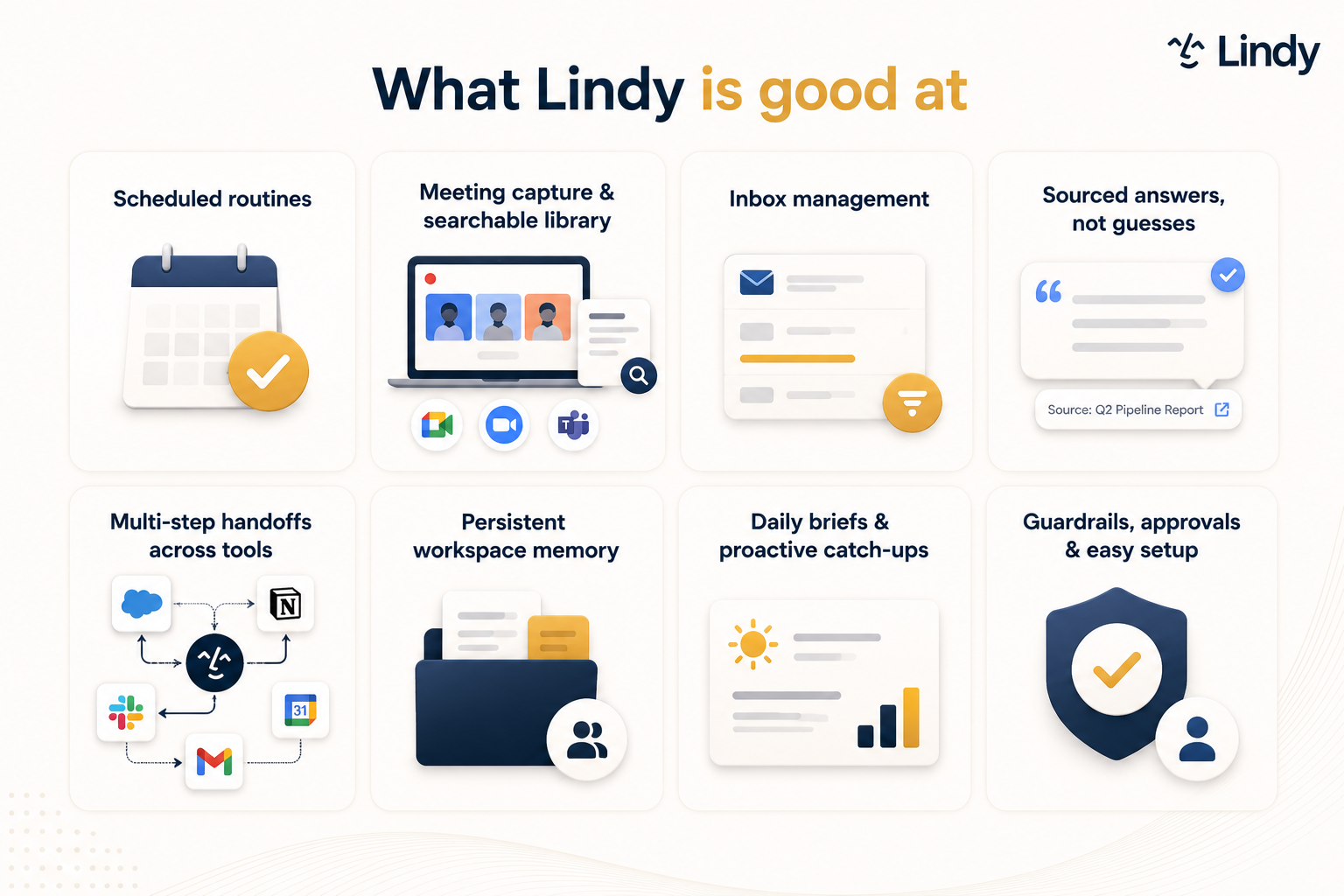
- Scheduled routines: Tell Lindy "every Monday at 9, send the pipeline brief" and it runs on schedule without a reminder. You set it once, and it handles the timing, the pull, and the delivery every week after that.
- Meeting capture and a searchable library: Lindy joins Google Meet, Zoom, and Microsoft Teams calls as a named participant, records and transcribes them, and files everything into a shared folder the whole team can search by keyword. Personal meetings stay private unless you share them.
- Inbox management: Lindy reads your inbox, triages it, labels what matters, and routes what needs a person. It drafts replies in your voice so you can review and send.
- Sourced answers in Slack: @mention Lindy in any channel and it searches every meeting, tool, and file it has access to, then answers in a thread with an exact citation for where the answer came from. When it doesn't know something, it says so.
- Multi-step handoffs built on reusable skills: One request can chain five steps across five tools, like the deal-close handoff above. Show it how you want something handled once, and it saves that as a skill you can reuse the next time the same situation comes up.
- Persistent workspace memory: Everything Lindy learns lives in files the whole team can open and read, and that owners and admins can edit. Context compounds over time rather than resetting with each session.
- Daily briefs and proactive catch-ups: Lindy surfaces what needs attention before you ask. You start the day with context already pulled rather than spending the first hour digging for it.
- Guardrails and approvals: Anything with external impact, like sending an email, updating a ticket, or publishing a doc, waits for human sign-off before it goes out. Read-only lookups happen instantly.
Quick comparison: Lindy alternatives at a glance
How I tested these Lindy alternatives
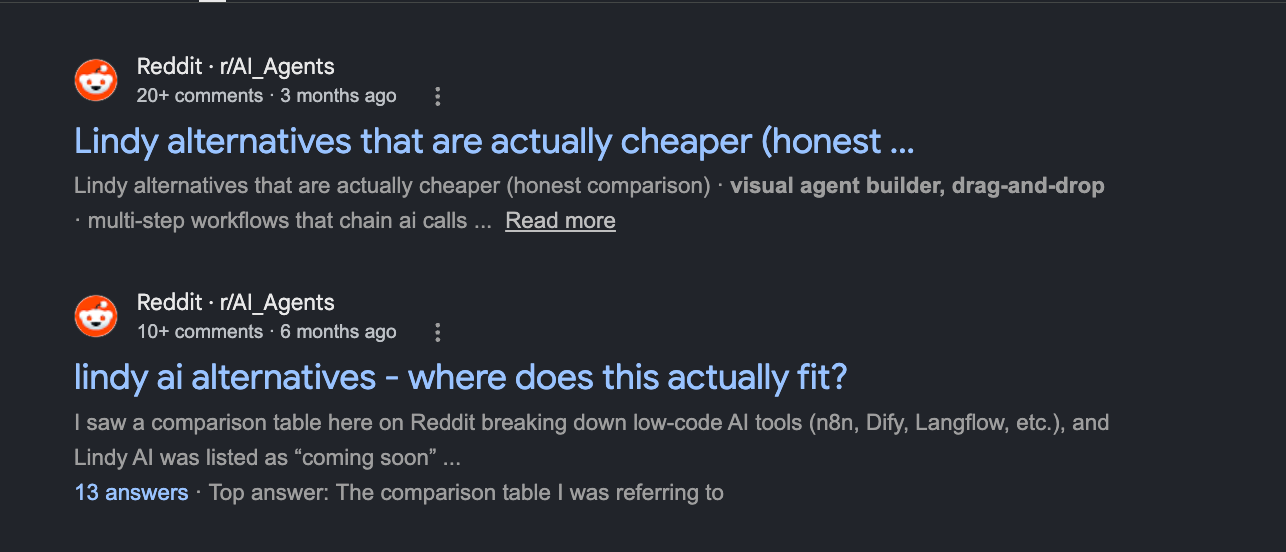
People have been asking about Lindy alternatives on Reddit for a while now, and the threads are easy to find. The problem is most of them are old. They reference limitations that have since been patched, integrations that now exist, and a product that looked meaningfully different six months ago than it does today.
Lindy has moved fast. It now ships with 40+ skills you can extend, connects to 1,000+ tools, and the Slack-native experience has grown well past what early forum posts were reacting to. Taking those threads at face value would mean recommending alternatives for problems that no longer exist.
So I started from use cases. I mapped out the core jobs Lindy handles well, then looked for the best specialist tool for each one. For every job, I asked the same thing: which tool is built entirely around this, and does it hold up?
Every tool was tested across the same three workstreams:
- Setup to first useful output: how long from signup to the tool doing something real, without hand-holding
- Task completion under real conditions: whether it finished the job cleanly or needed manual intervention after
- Cost at team scale: what a small team actually pays once usage moves past the demo phase
Testing ran on paid plans that included the feature being evaluated, against real inboxes, live meetings, outreach sequences, and support ticket batches. No sandbox data.
Several tools didn't make the final list. AiSDR and SalesRobot both do outbound well, but their scope ends at sending sequences. Artisan covers the whole motion, from sourcing the contact to booking the call.
Notion is a workspace product, so it wasn't a like-for-like replacement for anything here. Motion handles scheduling and task prioritization, which isn't one of the six jobs on this list. Fathom records meetings well, but it stops at the transcript without the searchable library and AI search that make Fireflies worth the swap.
The 6 tools below each solved a distinct job well enough to recommend to a specific kind of user.
1. Viktor: Best for broad coverage without per-seat pricing
Ratings:
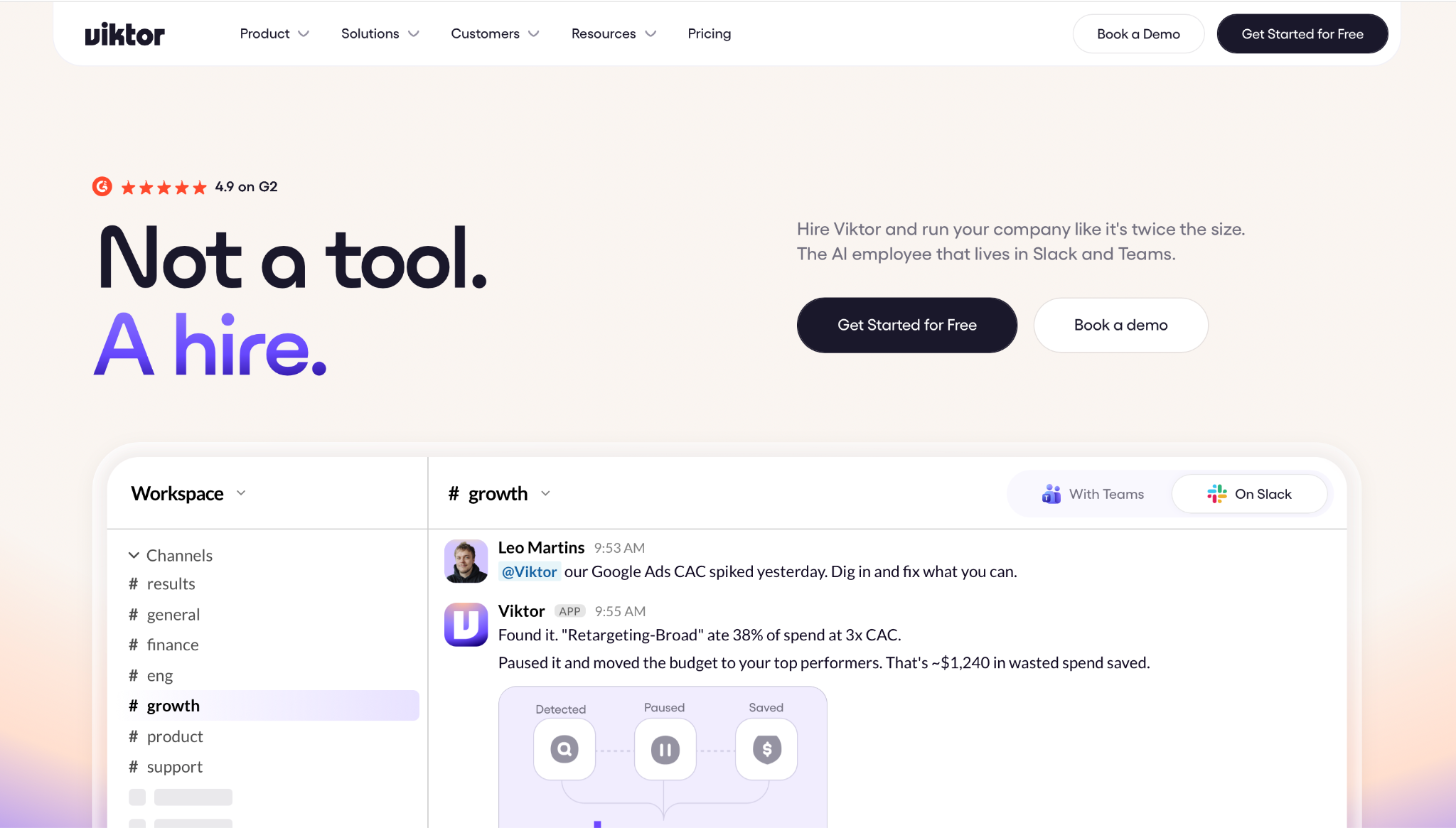
What is it? Viktor is an AI employee that lives in your Slack and Microsoft Teams, connects to your tools, and handles work across your stack at one workspace price instead of a per-seat one. It's built for teams that want a Slack-native AI coworker without paying per seat as headcount grows.
Why I picked this? Viktor is the closest thing to a direct Lindy swap. You mention it in Slack the same way; it goes and does the work the same way, and the only difference that matters day-to-day is how it's priced. I dropped Viktor into a test workspace and asked it to pull last week's numbers from two connected tools and build a quick summary doc. It came back in under a minute with no clarifying questions needed.
Key features
- Builds and ships lightweight internal apps: Beyond chat replies, Viktor can build and deploy small internal tools, like a deal-desk approval app wired to HubSpot and Stripe, directly from a Slack request. You describe what you need, and it handles the build without a developer in the loop.
- 3,200+ integrations: Viktor connects to over 3,200 tools, covering most of the SaaS stack a growing team runs on. That includes the standard productivity, CRM, and communication tools, plus a long tail of niche apps most assistants don't reach.
- Smart credit caching: Viktor caches context and reuses results across repeated tasks, so recurring workflows draw fewer credits than calling the models fresh every time. For teams running the same reports or summaries on a schedule, this keeps costs predictable as usage scales.
Limitations
Viktor's credit pool is shared across the entire workspace, which means a single heavy user can draw down the monthly allowance fast. A workspace-level spend cap is available on Team; per-user caps need Enterprise.
There's no visual flow builder either, so teams that want to see automation logic laid out before trusting it with real work will have to take it on faith.
Pricing
Free plan available with $100 in credits, no credit card required. The Team plan starts at $50/month per workspace with 20,000 shared credits, and the ladder scales by credit volume from there. Unused credits roll over for one month.
2. Fireflies: Best for meeting capture
Ratings:
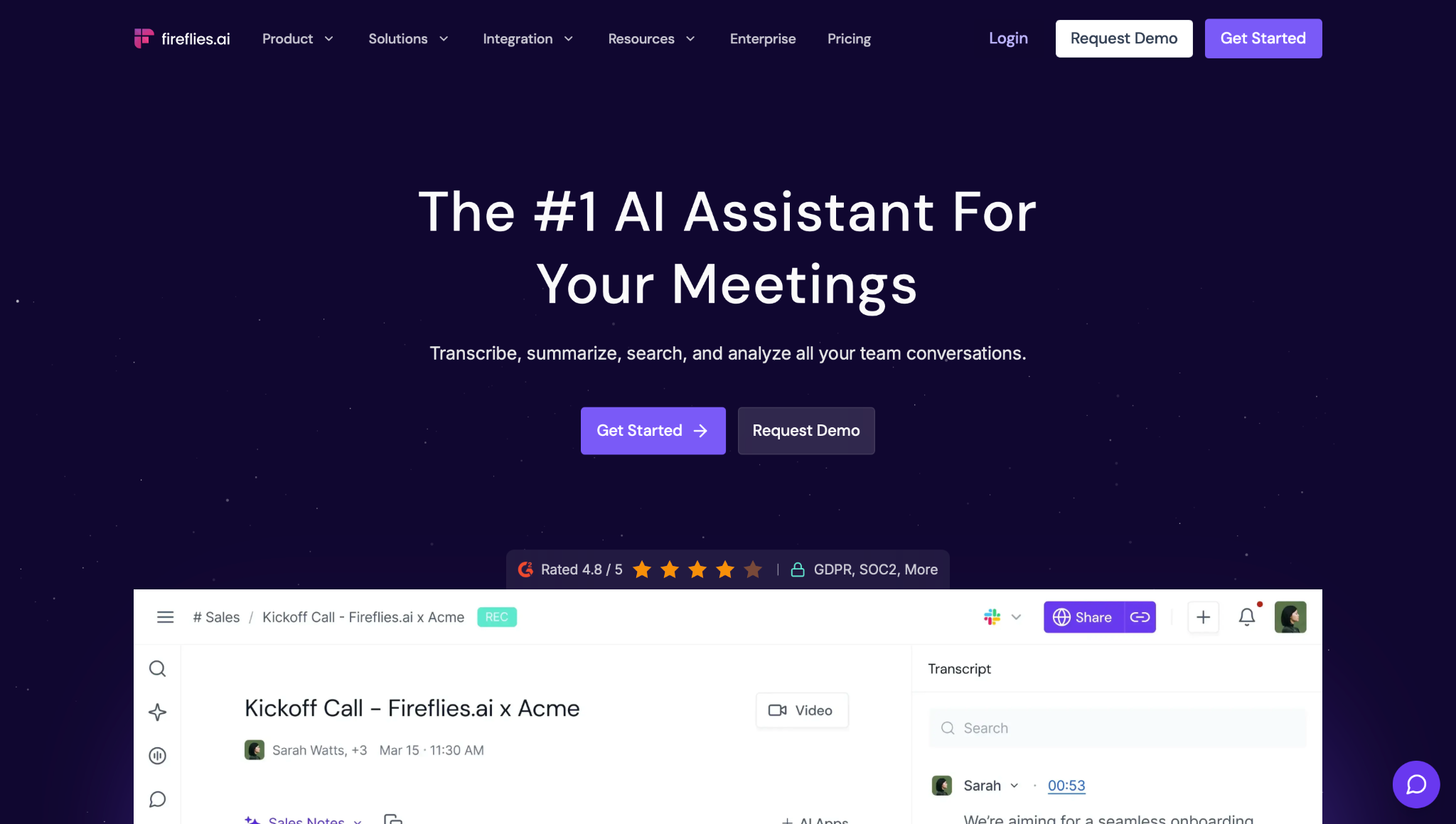
What is it? Fireflies is a meeting intelligence tool that joins your calls, records and transcribes them, and turns the transcript into a searchable library your whole team can query. It's built entirely around the meeting capture job, covering Google Meet, Zoom, and Microsoft Teams out of the box.
Why I picked this? I ran it against a 45-minute call with three people talking over each other. The transcript came back clean, and I could search for a specific decision by keyword instead of scrubbing back through the recording. If meetings are the only reason you looked at Lindy, this is the leanest swap on the list.
Key features
- AskFred AI search: Ask a natural-language question across your whole meeting library and get a direct answer with a citation back to the transcript it came from. Useful for teams that reference past calls regularly and don't want to scrub recordings manually.
- Auto-generated summaries and action items: Fireflies produces a structured recap right after the call ends, broken into decisions made, action items assigned, and key topics covered. It's ready to paste into a follow-up without rewriting.
- Speaker-level analytics: Talk time breaks down per speaker on any call. Filler-word counts live on the Conversation Intelligence dashboard, averaged across a date range, on Business and above. Sentiment also shows per call inside the meeting notes.
Limitations
AskFred's deeper AI search draws on a credit allowance, and the credits included with your plan are one-time rather than monthly. Pushing meeting outcomes into a CRM record needs Pro or above.
Fireflies stops short of a full assistant. It pushes notes and action items out to your CRM and task tools, and Pro adds an Email Assistant that triages your inbox and drafts replies, but nothing here runs general work across the rest of your stack.
Pricing
Free plan available. Pro is $18/user/month billed monthly, or $10 billed annually. Business is $29/user/month billed monthly, or $19 billed annually. Enterprise is $39/user/month, annual billing only.
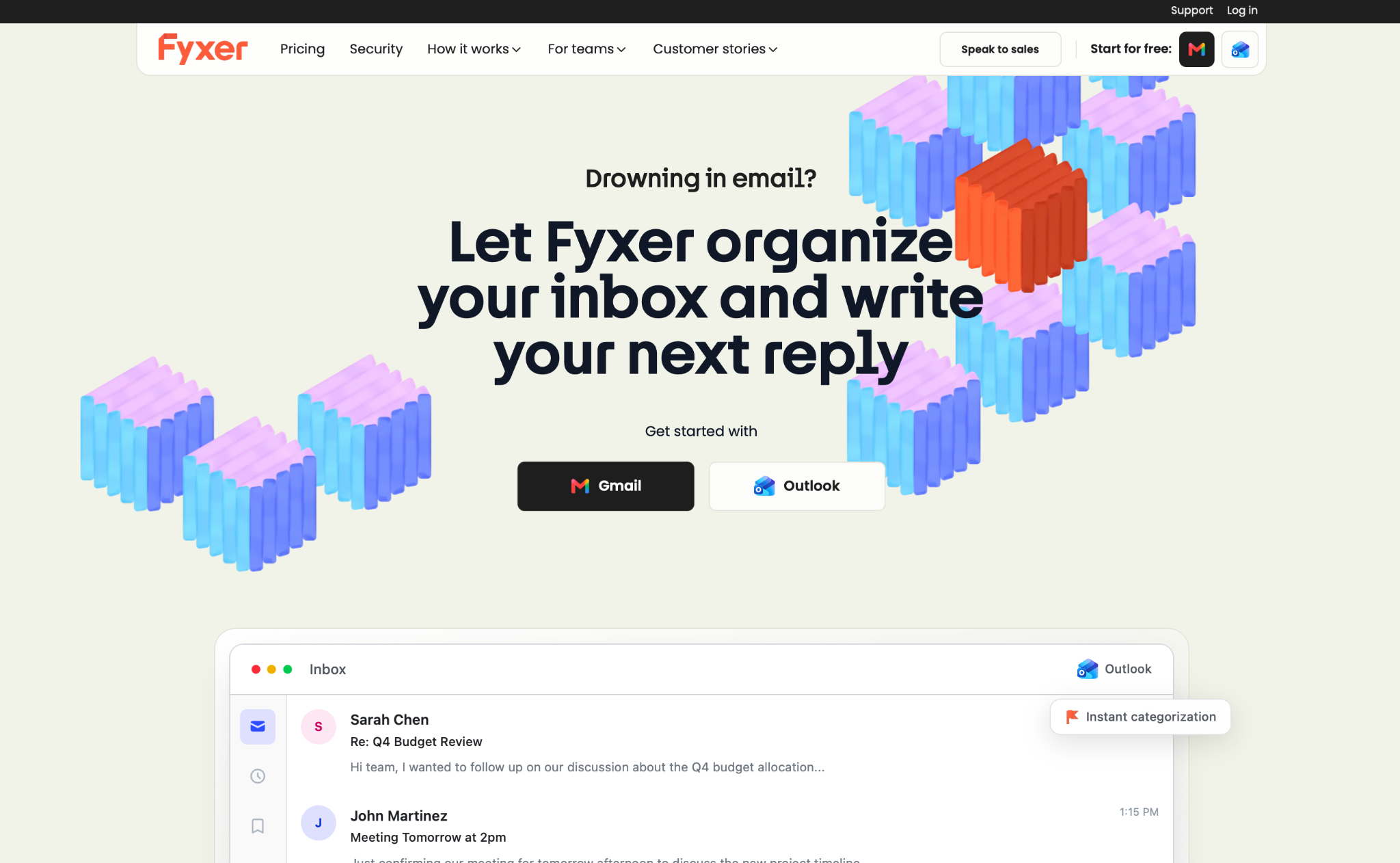
3. Fyxer: Best for inbox management
Ratings:
What is it? Fyxer is an AI email assistant that lives inside your inbox, learns how you handle email over time, and drafts replies in your voice. It's built entirely around inbox management, with a meeting notetaker on every plan for teams that want both jobs covered without a second tool.
Why I picked this? After a week of testing, the inbox stayed clean, with no urgent emails buried under promotional noise. Fyxer automatically files newsletters, promotions, supplier updates, and product announcements into a Marketing category. Nothing gets deleted, so everything stays searchable. Drafted replies needed only light edits.
Key features
- Rule-based triage: Fyxer sorts your inbox into labeled categories out of the box, and you set custom rules for the edge cases so certain senders always land where you want them. What it does learn over time is your writing voice, so the drafts read more like you the longer you use it.
- Tone-matched drafts: Fyxer learns your voice from your sent mail history and drafts replies that read like something you'd write, not a generic template. You review and send.
- Built-in meeting notetaker: On every plan, Fyxer joins calls and produces notes alongside the inbox features, so you're covering two adjacent jobs without paying for two separate tools. Customizing the notetaker requires Professional.
Limitations
Fyxer's entry plan covers a single inbox, which works fine for solo users but creates friction the moment a team needs shared visibility.
It reaches beyond the inbox in a few places: it pushes notes to HubSpot on Professional and above, and you can chat with it in Slack or Teams, but it won't run general cross-tool work the way a full assistant does. If your problem extends past the inbox, you'll need something else alongside it.
Pricing
No free plan. 7-day trial on Starter and Professional. Starter is $30/user/month billed monthly, or $22.50 billed annually. Professional is $50/user/month, or $37.50 billed annually. Enterprise is bespoke, best for teams of 50 or more, with a tailored trial.
4. Artisan: Best for outbound sales
Ratings:
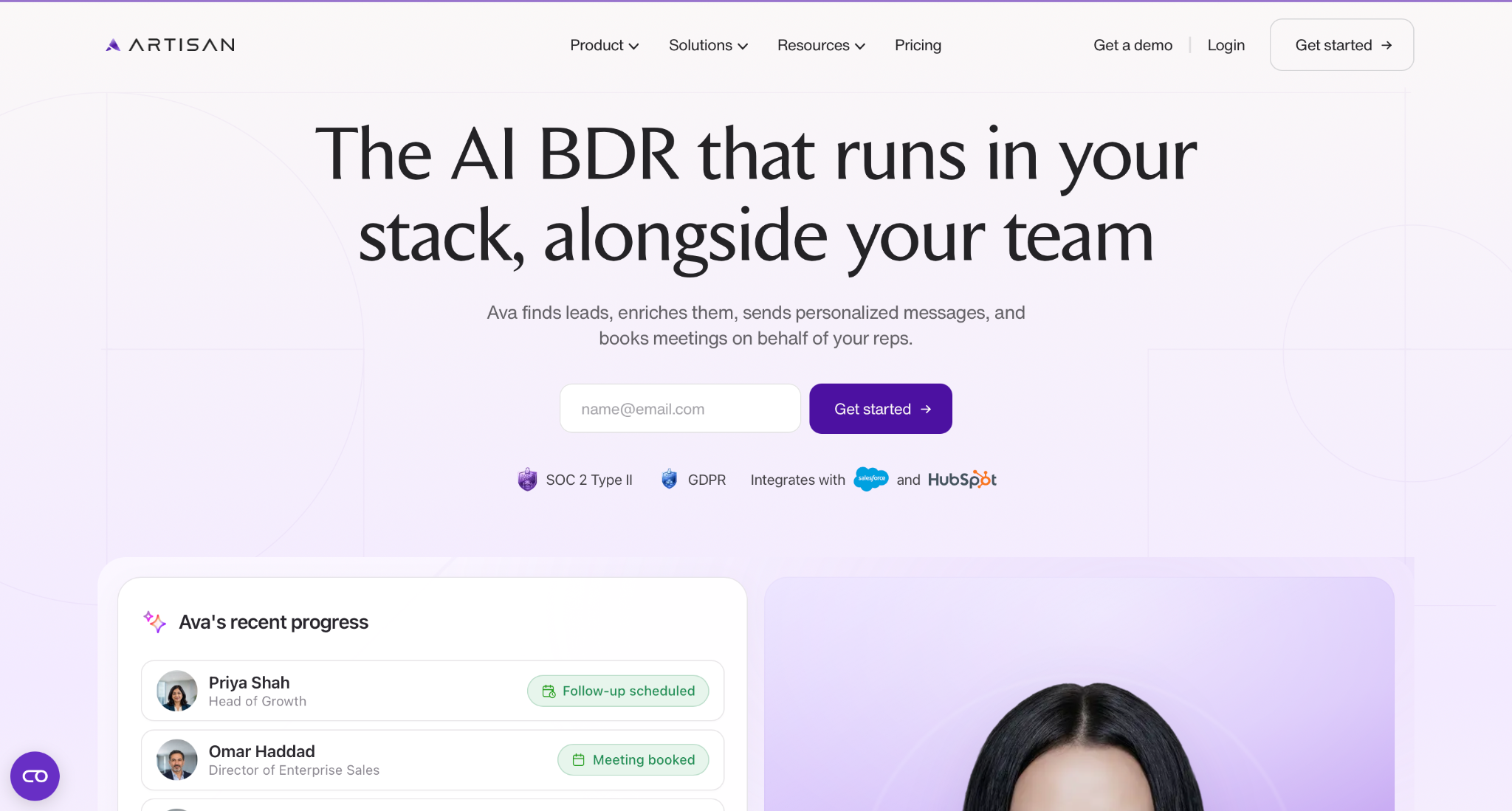
What is it? Artisan is an AI BDR platform built around Ava, an AI sales agent that sources leads, personalizes outreach, and books meetings autonomously. It's built entirely around the outbound sales motion, from prospecting to booked call, with no inbox, meetings, or general ops coverage.
Why I picked this? I fed Ava a narrow ICP and watched it build a contact list with personalized opening lines pulled from each company's recent news, without touching a spreadsheet. If outbound is the specific job you're trying to replace, Artisan goes deeper on it. Emails, calls, meetings, and notes push straight into Salesforce or HubSpot without a manual export step, and contacts and companies sync both ways, so your pipeline data stays current as Ava works.
Key features
- 250M+ verified B2B contacts: Artisan draws from a database of over 250 million verified contacts with built-in enrichment and intent signals, so prospecting starts from data rather than a blank list. You define the ICP and Ava sources the matches.
- Autonomous lead sourcing and outreach: Ava handles the full outbound sequence, from finding the right contacts to writing and sending personalized emails across multiple touchpoints. It adjusts messaging based on engagement signals rather than running a static sequence to completion.
- Autonomous replies and meeting booking: Ava handles replies, qualifies interested leads, handles objections, and books meetings directly into your reps' calendars.
Limitations
Artisan is sales-led, so budget for a call before you can evaluate it properly. It's also narrow by design: if outbound is only one of several jobs you're replacing, you'll still need something else for the rest.
Pricing
Pricing is scoped per plan and requires a sales conversation. Team covers approximately 2,500 leads contacted per month, Scale approximately 6,000, and Enterprise is custom volume.
5. Intercom (Fin): Best for customer support
Ratings:
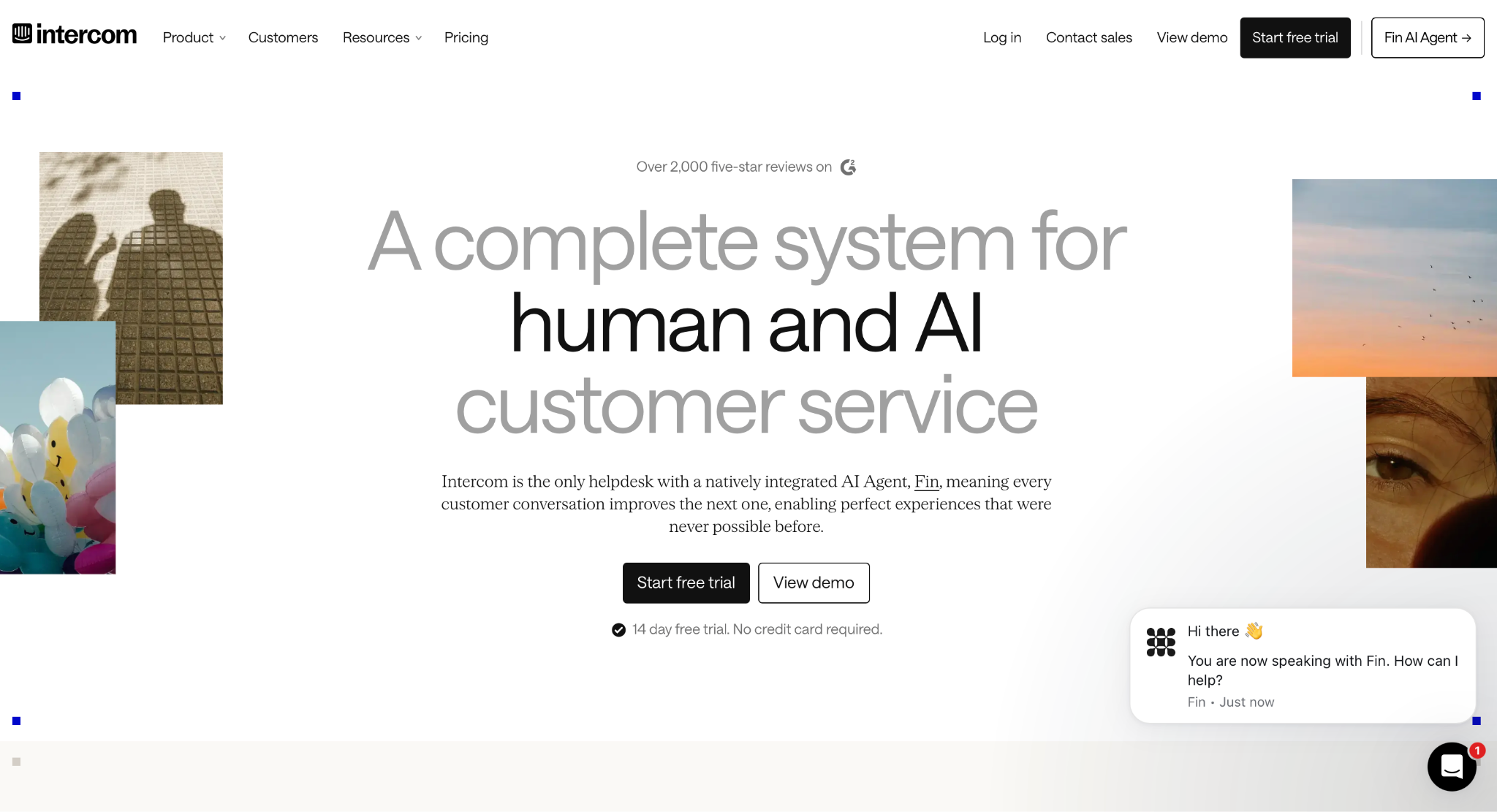
What is it? Intercom is a customer support platform, and Fin is its AI agent layer that sits on top of your help center and autonomously resolves support tickets. It's trained on your existing documentation and past conversations, and routes anything it can't resolve confidently to a human agent rather than guessing.
Why I picked this? I ran Fin against a batch of support tickets from a help center it had never seen before. It resolved the straightforward ones cleanly and correctly routed the ambiguous ones to a human instead of forcing an answer. The outcome-based billing model means Fin's usage cost tracks what it actually resolves, so a quiet month costs less on top of your seats.
Key features
- Trained on your help center: Fin pulls answers directly from your existing documentation and past tickets rather than a generic knowledge base. On the Pro add-on, it also flags gaps where no source article covers a question, so your support team knows exactly where the knowledge base needs work.
- Native helpdesk integration: Fin sits inside Intercom's own inbox alongside human agents, with a shared view of every conversation. There's no separate dashboard to manage and no context lost when a ticket moves from Fin to a person.
- Handoff logic: Admins set escalation rules on data attributes plus plain-language guidance, which together decide when Fin hands a conversation to a person.
Limitations
Per-outcome pricing is fair at low ticket volume but compounds quickly at scale. You can set a hard usage limit, though it can't go below your contracted minimum.
Fin runs on other helpdesks without a migration, including Zendesk, Salesforce, HubSpot, and Freshdesk. Only Fin for Sales and Fin for Ecommerce need an Intercom plan. Outside of support, it doesn't touch inboxes, meetings, or anything else in your stack.
Pricing
Essential is $39/seat/month billed monthly, or $29 billed annually. Advanced is $99, or $85 annually. Expert is $139, or $132 annually. Fin AI Agent standalone needs no Intercom seats. It runs at $0.99 per outcome with a 50-outcome monthly minimum.
6. Zapier: Best for building your own workflows
Ratings:
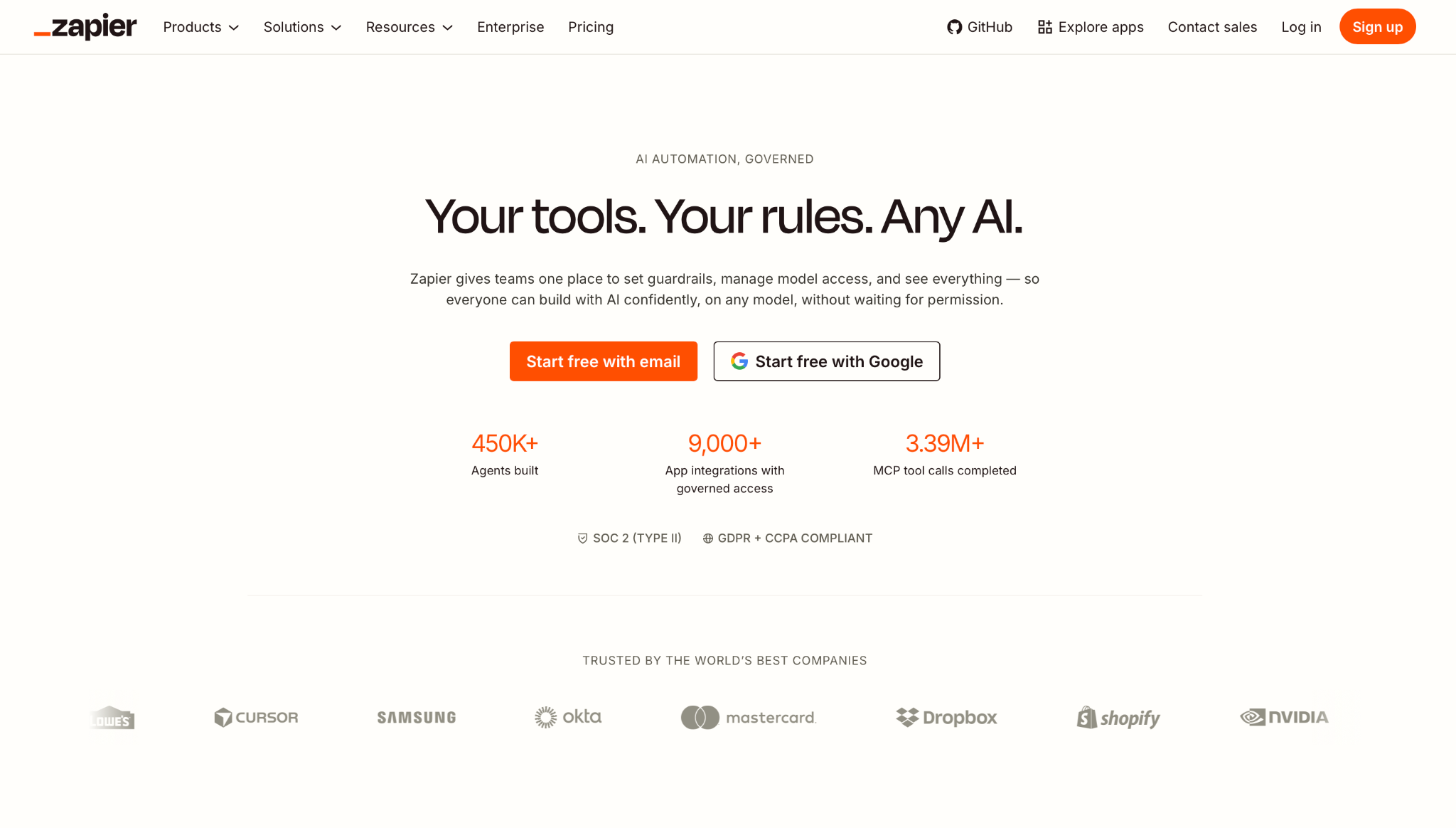
What is it? Zapier is a workflow automation platform that connects your apps through trigger-and-action logic. You define the steps, set the conditions, and Zapier runs the chain every time the trigger fires. It's built for teams that want full control over how their automations work rather than delegating the outcome to an AI.
Why I picked this? I rebuilt a multi-step cross-tool sequence using pure trigger-and-action logic: deal closes, CRM updates, Slack post goes out. It ran exactly as configured until a field came through empty mid-chain, and then the whole thing stalled and waited for a human to notice. That's the trade-off: total control, and no judgment when something unexpected shows up.
Key features
- 9,000+ app integrations: Zapier connects to more than 9,000 apps, including legacy systems, internal databases, and niche software that most AI assistants don't support. If a tool has an API, there's a good chance Zapier already has a connector for it.
- Conditional paths and filters: On any paid plan, add if-then branching and filter steps so automations fire only when specific conditions are met. This lets you build logic to handle edge cases without writing code, keeping complex workflows manageable for non-technical teams.
- Code steps and webhooks: Drop in custom Python or JavaScript at any point in a Zap, free plan included, or wire up a webhook on any paid plan for logic the built-in actions don't cover. Advanced users can extend Zapier well beyond what the standard connector library offers.
Limitations
Zapier does have an approval step, called Human in the Loop, which pauses a Zap until a reviewer signs off. You have to build it into the logic yourself rather than getting it by default. Task-based pricing also means busier months cost more even when nothing about the workflow changes.
If you're deciding between Zapier and an AI-native tool, we put together a direct comparison of Gumloop vs Zapier vs Lindy that breaks down exactly where each interaction model wins.
Pricing
Free plan available with 100 tasks per month. Professional starts at $29.99/month for 750 tasks, or $19.99 billed annually. Team starts at $103.50/month for 2,000 tasks, or $69 billed annually. Enterprise is custom.
{{templates}}
Which Lindy alternative should you choose?
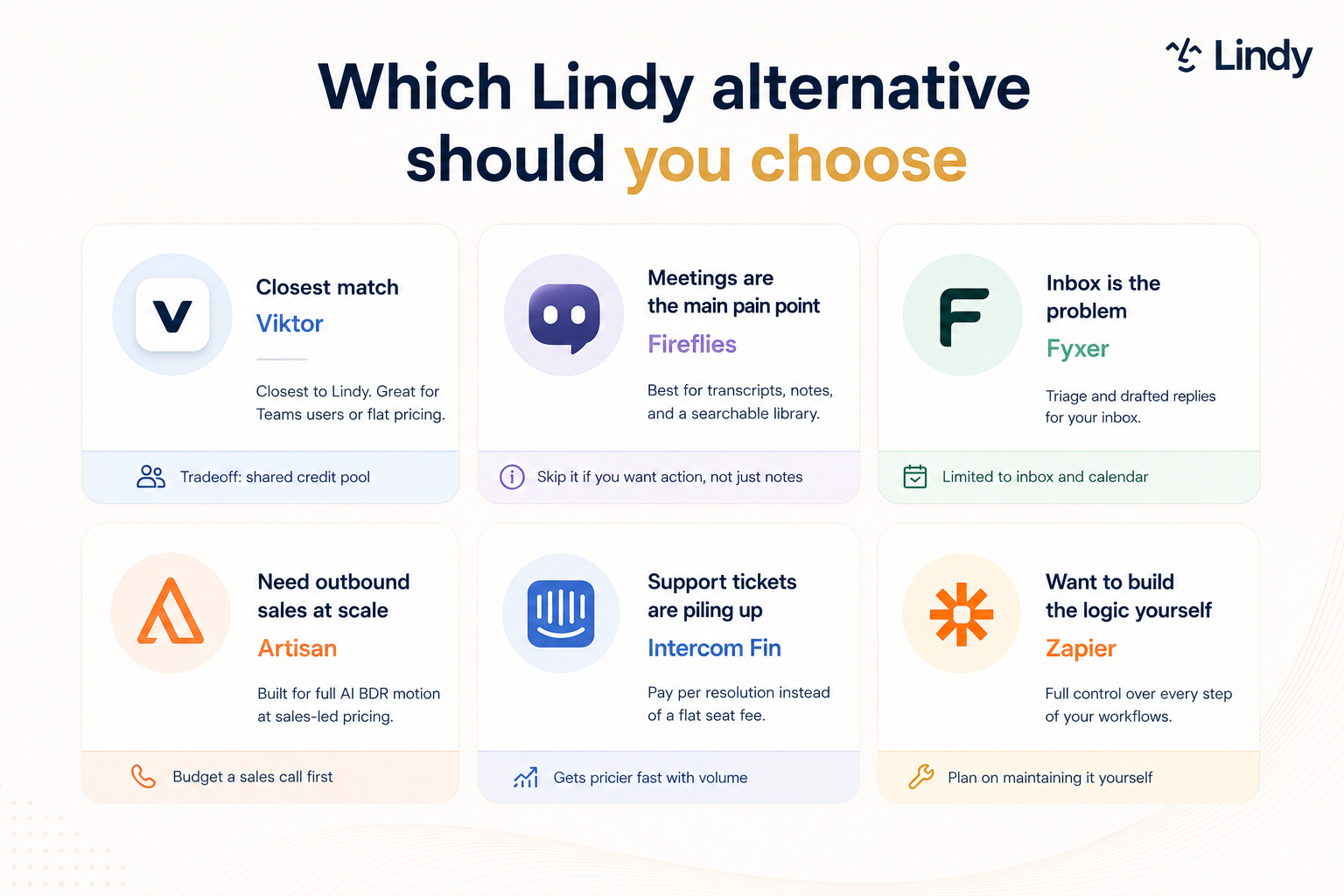
The right pick depends entirely on which single job you're trying to go deeper on. Each tool here was built for one lane, and choosing the wrong one means paying for depth you won't use.
Here's how to match your use case to the right tool:
- Meeting capture only: Fireflies is the call. It's the deepest meeting-specific tool on this list at the lowest price point, and it covers transcription, search, and speaker analytics out of the box. If meetings are the whole problem, nothing here beats it on value.
- Inbox management only: Fyxer handles this better than a general assistant will. It sorts your inbox into labeled categories, filters out the noise by rule, and drafts replies in your voice. The Starter plan covers a single inbox at $30/user/month.
- Outbound sales: Artisan is built for nothing else. Ava sources contacts, writes personalized sequences, handles replies, and books meetings without a human touching each thread. It's the only tool here that covers the full outbound motion end-to-end.
- Customer support: Fin is the pick if support tickets are the bottleneck. It trains on your existing help center, resolves what it can, and routes the rest to a human. The per-outcome billing ties Fin's usage cost to actual output, though you still pay for seats underneath it.
- Full workflow control: Zapier is the tool if you'd rather define every step yourself than delegate an outcome to an AI. The app library is the widest here, and once a workflow is built correctly, it runs exactly the same way every time. We also compared the top Zapier alternatives if you want to see what else is in that space.
- Broad coverage without per-seat pricing: Viktor is the pick if you want the same Slack-native coverage and your bill to track usage rather than headcount.
- More than one job: That's the case for staying with Lindy. Lindy and Viktor both cover your stack broadly, but Lindy charges per user and goes deeper on memory, skills, and Slack-native context.
If more than one of these describes you, that's usually a sign you wanted Lindy's depth in the first place.
Try Lindy free before you commit to stacking anything else.
{{cta}}
FAQs
Can I use Lindy for free?
No, Lindy doesn't have a free plan. If your main need is meeting recording and transcription, Fireflies has a free plan with unlimited transcription when auto-join is on, though storage caps at 400 minutes for the whole team and video recording needs a paid plan.
What is the best free alternative to Lindy?
Viktor is the best free alternative to Lindy for teams that want a Slack-native AI teammate without immediately committing to a paid plan. It starts you with $100 in free credits and no card, so a team can give it real work before paying anything. Fireflies is the better free option if meeting transcription specifically is all you need.
Is Lindy worth the price?
Yes, Lindy is worth the price when you're using two or more of its core jobs daily. At $29.99/user/month on the Plus plan, it costs less than stacking two specialist tools separately. If you only need one job covered, a specialist tool will likely be cheaper and go deeper on that specific use case.
What's the difference between Lindy and Viktor?
The main differences between Lindy and Viktor are their pricing models and platform scopes. Lindy starts at $29.99/user/month and runs primarily in Slack. Viktor charges $50 per workspace per month, covers both Slack and Microsoft Teams, and connects to 3,200+ tools. Lindy goes deeper on memory, skills, and Slack-native context.
Can I replace Lindy with a combination of smaller tools?
Yes, replacing Lindy with specialist tools is a common approach. A typical stack might pair Fireflies for meetings with Fyxer for inbox, for example. Each tool goes deeper on its one job, but you'll manage more tools, more logins, and more billing cycles. Whether the trade-off is worth it depends on how many jobs you're replacing.
Does Lindy work outside of Slack?
Yes, Lindy works outside of Slack through three secondary surfaces. iMessage and SMS let you text Lindy to schedule and handle quick tasks from your phone. A Gmail Chrome extension handles inbox work and pre-drafts replies. A web app at chat.lindy.ai covers settings, skills, and files, though most daily work happens in Slack.









