10 Best Pabbly Alternatives & Competitors in 2026
Everett tested ten Pabbly alternatives, including Make, Zapier, and Integrately, weighing advanced automation logic, integration depth, ease of scaling, and pricing.


I’ve tried Pabbly. It does the job — but not without its quirks.
The clunky UI, limited integrations, and occasional bugs started slowing me down. If you’re here, chances are you’ve hit those same friction points.
So I went looking for better options.
In this guide, I’ll share 10 of the best Pabbly alternatives that offer more power, better UX, and smarter automation to scale your workflows in 2025.
10 Best Pabbly Alternatives in 2025
- Lindy – Best for Scalable AI Automation
- Make (Integromat) – Best for Visual Workflow Automation
- Zapier – Best for Fast App Automation
- ActiveCampaign – Best for Email + Marketing Automation
- Integrately – Best for One-Click Affordable Automation
- HubSpot – Best All-in-One CRM
- Ontraport – Best for CRM + Membership Management
- Albato – Best for App Automation + APIs
- IFTTT – Best for Simple App Automations
- Latenode – Best of Code + No-Code Automation
Here’s a closer look at the best alternatives, what they’re great at, who they’re built for, and why you might pick them over Pabbly:
1. Lindy – Best for Scalable AI Automation
What Does It Do?
Lindy lets you create custom AI agents that automate tasks like emails, follow-ups, scheduling, billing, and CRM updates, without writing code. You can use plain language or a visual builder to deploy complex, cross-platform workflows. If you are exploring AI workspace tools, comparing top taskade alternatives can help you evaluate your options.
Who Is It For?
Best for SaaS teams, agencies, and RevOps leaders who want flexible automation, AI-powered logic, and 3,000+ integrations, all without hitting the limits of Pabbly or Zapier-style tools.
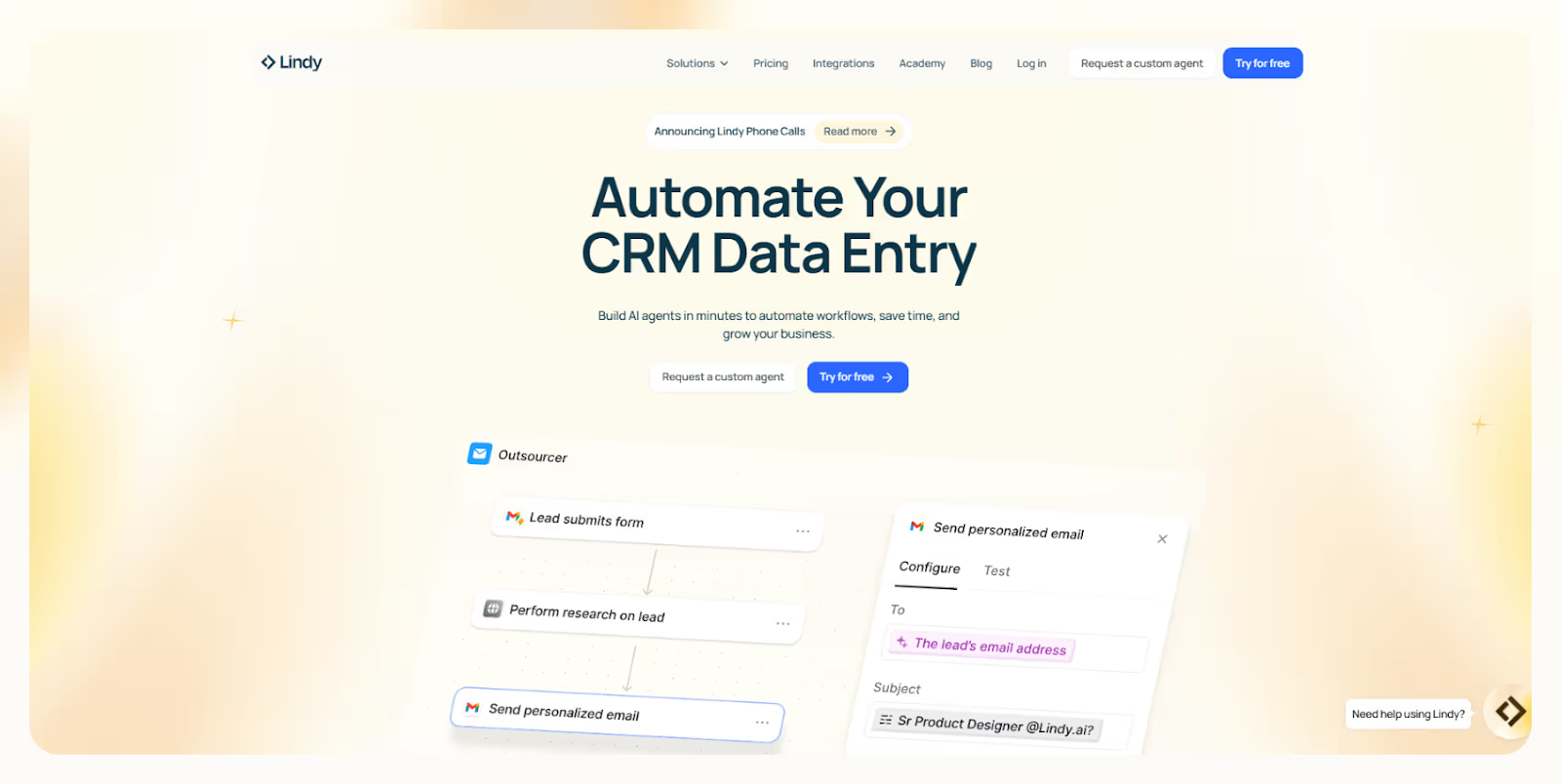
Lindy replaces rigid workflows with AI-powered agents that handle multistep tasks like lead scoring, outreach, or routing support tickets. You build them using simple logic or start from 100+ templates. If you are specifically looking to build custom customer support bots, reviewing popular chatbase alternatives can help you compare options.
You can use it to automate client onboarding, emails, scheduling, Slack messages, and CRM updates, all stitched together in one agent without touching code.
The agent builder is beginner-friendly but powerful. You can use conditions, loops, and triggers to handle anything from a missed meeting to a payment issue.
For complex setups, Lindy lets you organize agents into “swarms” groups of bots working across departments. We tested this to coordinate sales and support, and it saved hours of back-and-forth.
With 3,000+ integrations, it plugs into Gmail, Slack, Notion, Zoom, Twilio, HubSpot, and more. You’re not building in a silo, everything flows into your stack.
Pros
- Automates tasks from emails to billing
- 100+ templates for quick deployment
- AI agents that adapt to business logic
- Free plan makes testing risk-free
- Scales easily as workflows grow
Cons
- Usage-based pricing can add up
- Agent swarms require thoughtful setup
- No offline mode
Pricing
- Free: 400 credits/month, 1M character knowledge base
- Pro: $29.99/month – 3,000 credits
- Standard: $49.99/month – 5,000 credits
- Advanced: $199.99/month – 7,000 credits + support
- Custom Build: $500 – white-glove setup
Lindy is more than a Pabbly alternative, it’s a smarter, scalable platform built for real business logic. If you’re ready to go beyond static automations and run AI-powered workflows across your stack, Lindy gives you the tools to make it happen, fast. For a closer look at how Pabbly performs, read our detailed pabbly connect review.
{{templates}}
2. Make (formerly Integromat) – Best for Visual Workflow Automation
What Does It Do?
Make lets you build complex automations across 1,000+ apps using a visual drag-and-drop builder. You can transform data, apply conditions, schedule tasks, and trigger workflows, all without writing a line of code.
Who Is It For?
Great for ops teams, agencies, and SaaS startups who want more flexibility, control, and logic-based automation than what basic tools like Pabbly or Zapier provide.
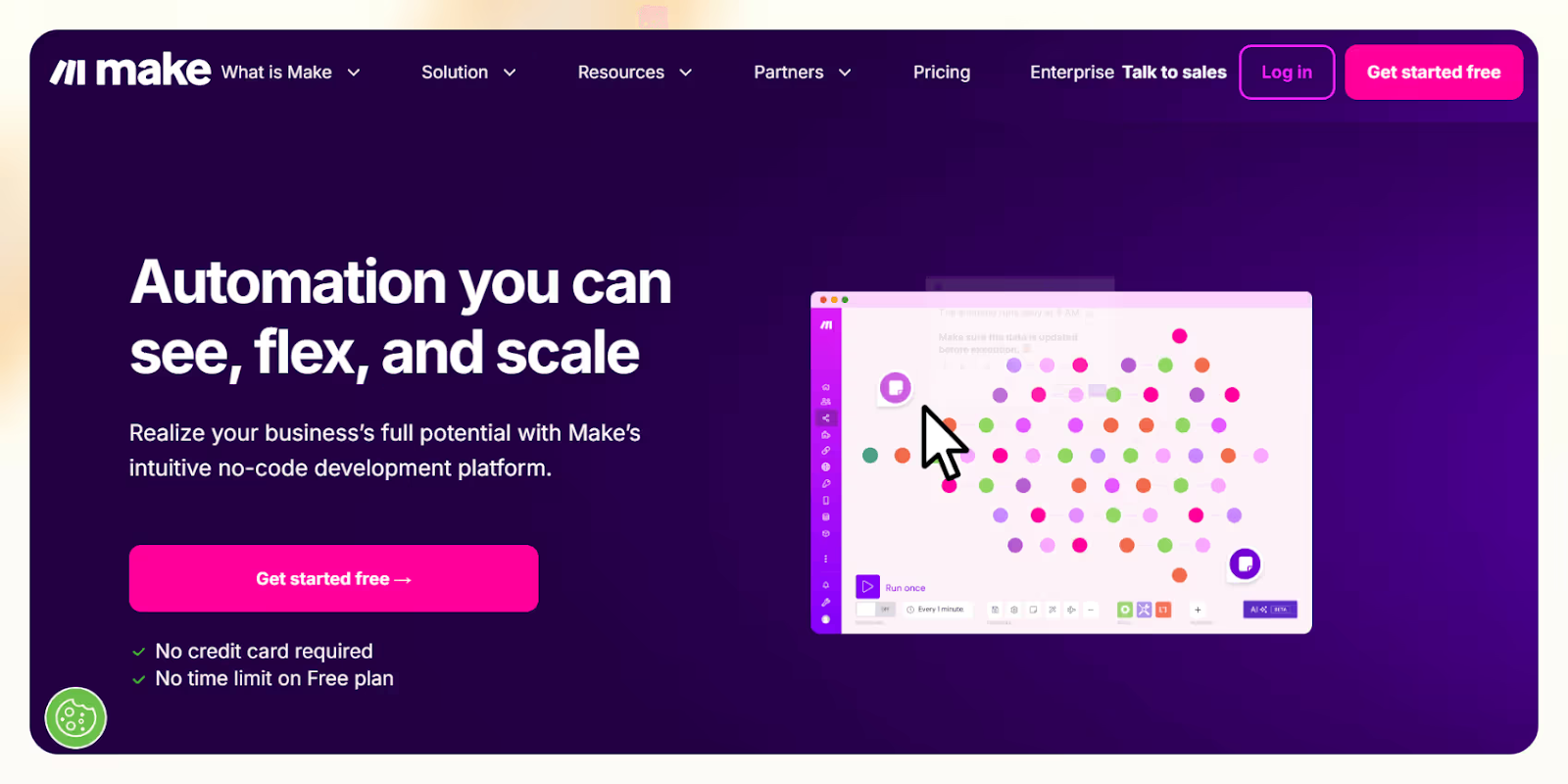
Make gives you full control over how your workflows run. You can map out steps visually, add conditional branches, clean data, and handle errors, all in one place.
I used it to automate lead routing based on geography and deal size, and the visual builder made it easy to tweak without breaking anything.
The platform supports multi-step workflows, data formatting, and time-based scheduling, so it’s perfect for teams automating internal ops, syncing tools, or managing complex client setups.
You can clean spreadsheet rows, trigger sequences from form submissions, or build paths based on user behavior. I found this useful when syncing CRM data with product usage logs.
With 1,000+ integrations, Make supports everything from Gmail to Airtable, Slack, Salesforce, and PostgreSQL, giving you the flexibility to connect your full stack.
Pros
- Visual builder simplifies complex workflows
- Supports conditional logic and data processing
- Works with 1,000+ apps and services
- High operation limits even on low-tier plans
- Great for power users and visual thinkers
Cons
- Learning curve for advanced logic
- Can lag on large or data-heavy scenarios
Pricing
- Free: 1,000 ops/month, 100MB data
- Core: $9/month – 10,000 ops
- Pro: $16/month – 100,000 ops
- Teams: $29/month – 1M ops + team access
Make is a powerful, visual-first Pabbly alternative that’s ideal if you’ve outgrown basic logic and want more control. For teams that need custom workflows, smart branching, and deep integration, Make offers serious power, without the price tag or technical friction.
3. Zapier – Best for Fast App Automation
What Does It Do?
Zapier lets you connect 6,000+ apps to automate tasks like CRM updates, spreadsheet syncing, or email triggers, without writing code. You build workflows called Zaps using if-this-then-that logic that fires based on actions across tools. If you're deciding between these platforms, our guide on pabbly vs zapier breaks down the main differences in features and pricing.
Who Is It For?
Great for solo founders, marketers, sales teams, and support staff who want quick, no-code automation to eliminate repetitive tasks and connect everyday tools in minutes. For a detailed feature and cost comparison, check out our guide on pabbly vs zapier to find the right fit.
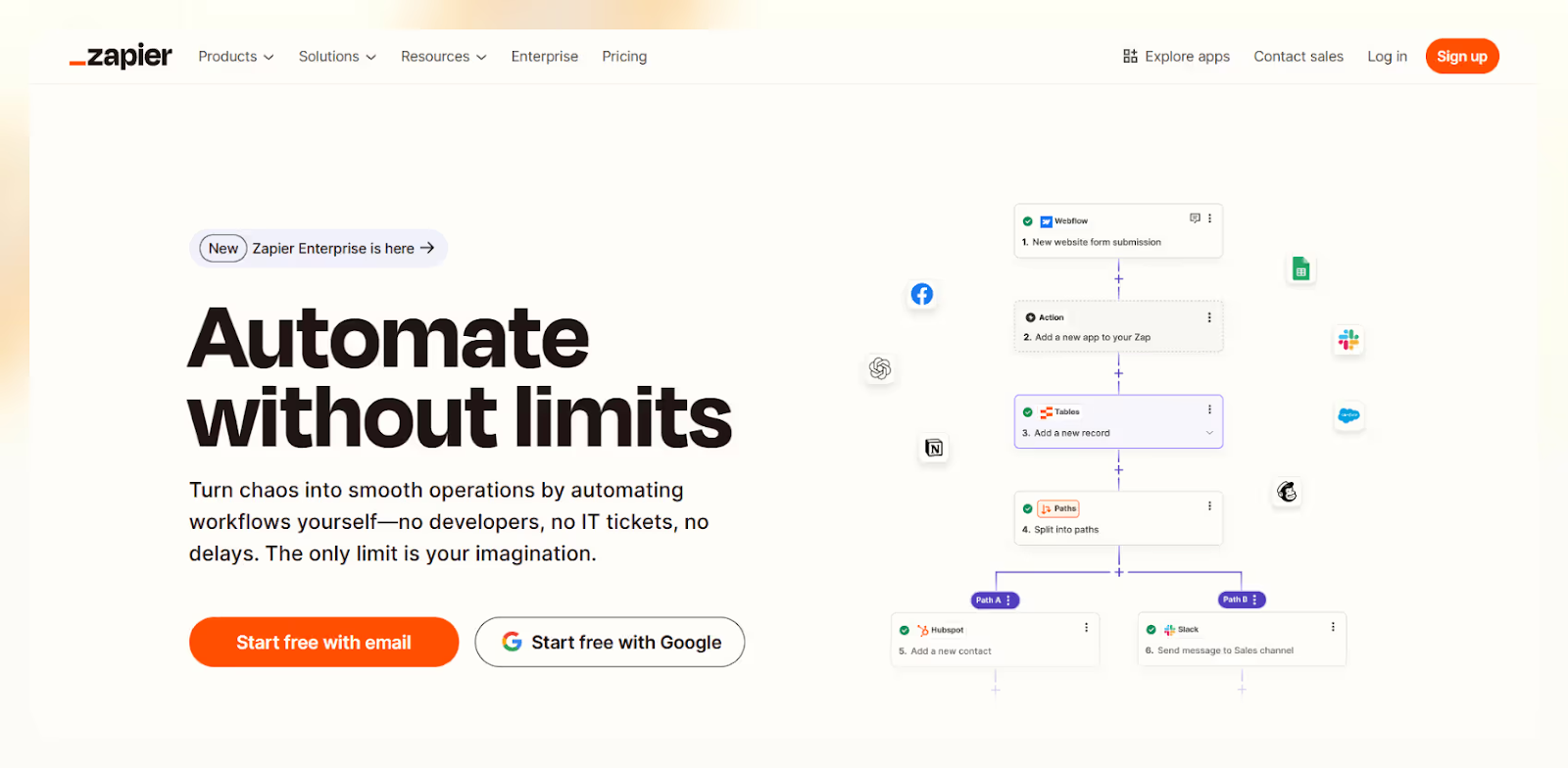
Zapier helps you create workflows triggered by actions like form submissions or new calendar events. From there, it runs automations like sending emails, posting in Slack, or logging data in Google Sheets.
I used it to sync lead data between Typeform, HubSpot, and Gmail, and it took less than 10 minutes to set up.
You can chain together multi-step Zaps with filters, delays, or branching paths. This makes it easy to add some logic without needing dev help. For unsupported tools, you can use webhooks or connect APIs directly.
Zapier’s strength is its simplicity and speed. I recommend it often for people who don’t want to mess with logic trees or visual builders, it just works.
With 6,000+ supported apps, you’ll almost always find what you need. Whether you’re automating sales alerts, support tickets, or marketing emails, Zapier fits right in.
Pros
- Quick setup, even for beginners
- Works with 6,000+ tools out of the box
- Filters, delays, and paths for basic logic
- No-code builder with strong reliability
- Ideal for fast MVP-style automation
Cons
- Less flexible than Make for logic-heavy workflows
- Complex Zaps can be harder to troubleshoot
- Pricing climbs as task volume increases
Pricing
- Free: 100 tasks/month, 5 Zaps, 15-min update
- Starter: $19.99/month – 750 tasks, multi-step Zaps
- Professional: $49/month – 2,000 tasks, 2-min updates
- Team: $69/month – 50,000 tasks + collaboration
- Company: $99/month – 100,000 tasks + admin tools
Zapier is the fastest, most beginner-friendly Pabbly alternative. If you want something reliable that works with nearly every app, and you don’t need deep customization, Zapier helps you move fast, automate smartly, and focus on work, not workflow logic.
4. ActiveCampaign – Best for Email + Marketing Automation
What Does It Do?
ActiveCampaign combines email marketing, CRM, site tracking, and SMS automation into one platform. It lets you create personalized customer journeys using 135+ triggers across channels, without writing code.
Who Is It For?
Great for SMBs, e-commerce brands, sales teams, and marketers who want to automate beyond email, manage deals, and trigger campaigns based on real-time user behavior.
ActiveCampaign does more than send emails. You can build multi-step workflows that score leads, update CRM fields, send SMS, and fire off personalized follow-ups when users visit key pages.
I used it to create an abandoned cart sequence that combined product-based emails, SMS reminders, and sales rep alerts, all built in one flow.
The drag-and-drop builder makes complex automation feel approachable. You can map full customer journeys visually, track performance, and tweak as you go.
You also get deep user tracking, like page visits and email opens, so campaigns feel timely and relevant instead of generic.
It connects with 900+ tools, including Shopify, WordPress, Calendly, and Salesforce, which made it easy for me to keep everything in sync without constant exports or manual entry.
Pros
- Advanced workflow builder with full control
- Combines email, SMS, CRM, and tracking
- 900+ integrations for a connected stack
- Strong deliverability and list management tools
- Free migrations from most tools
Cons
- Costs scale fast with contact count
- Learning curve for beginners
- 14-day trial may not be long enough
Pricing
- Lite: $29/month – email + basic automation
- Plus: $49/month – CRM, SMS, lead scoring
- Professional: $149/month – split paths, predictive sending
- Enterprise: Custom – HIPAA, advanced reporting, support
- Pricing varies by contact count. All plans include a 14-day free trial.
ActiveCampaign is a powerful step up from basic email tools. If you’re scaling and want to run cross-channel automations, manage CRM tasks, and track user behavior—all in one place—it’s one of the most complete Pabbly alternatives out there. Just give yourself time to unlock its full potential.
5. Integrately – Best for One-Click Affordable Automation
What Does It Do?
Integrately lets you automate tasks in seconds with 20M+ pre-built workflows across 1,100+ apps, no coding needed. Just choose your apps and goal, and it gives you a ready-to-use automation you can launch instantly.
Who Is It For?
Best for SMBs, marketers, ecommerce stores, and agencies who want fast, no-fuss automation without diving into complex logic or paying premium prices.
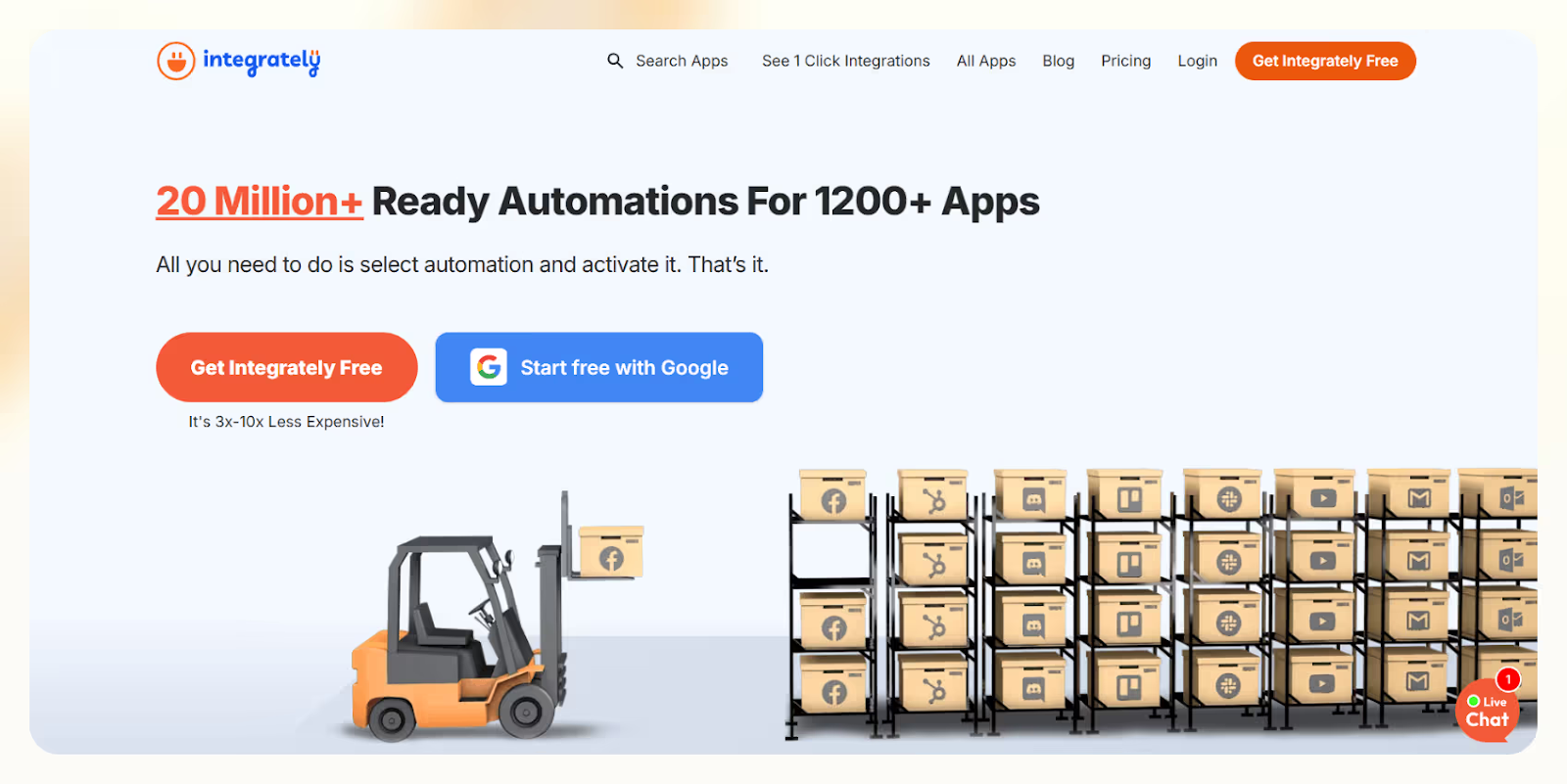
Integrately makes automation feel effortless. You pick two apps, like Gmail and Google Sheets, and it offers a plug-and-play workflow that’s live in one click. I used it to automate CRM updates from form fills in under two minutes.
For more control, you can build multi-step flows using filters, scheduling, and conditions. But the real standout is SmartConnect, which recommends app combinations based on your goal, great if you're not sure where to start.
It supports tools like Stripe, Salesforce, WooCommerce, and Slack, so you can connect everything from payments to marketing without needing a developer.
I also liked that webhook support is included even on the free plan, which most other tools charge for.
Pros
- 20M+ pre-built workflows for fast setup
- SmartConnect suggests ready-to-run automations
- Affordable plans with generous task limits
- Webhooks and multi-step flows on all plans
- Live chat support 24/5
Cons
- Not built for deep, enterprise-grade logic
- Slight learning curve for advanced features
- Limited support for niche apps outside their ecosystem
Pricing
- Free: 100 tasks/month, 5 automations, webhooks
- Starter: $29.99/month – 2,000 tasks, 5-min updates
- Professional: $49/month – 10,000 tasks, auto-retry, iterators
- Growth: $124/month – 30,000 tasks, unlimited users
- Business: $299/month – 150,000 tasks, account manager
- All plans include filters, multi-step logic, and scheduling
Integrately is a user-friendly Pabbly alternative for teams who want quick results with minimal setup. If you don’t need complex branching logic and just want things to work, this is a smart pick that balances power with simplicity, and saves you hours in the process.
6. HubSpot – Best All-in-One CRM
What Does It Do?
HubSpot combines CRM, marketing, sales, service, and content tools into one platform. It helps you attract leads, close deals, and support customers—all without jumping between different systems or tools.
Who Is It For?
Best for growing businesses, marketers, sales teams, and support teams that want to manage the entire customer journey from one clean, scalable platform—with room to grow as needs get more advanced.
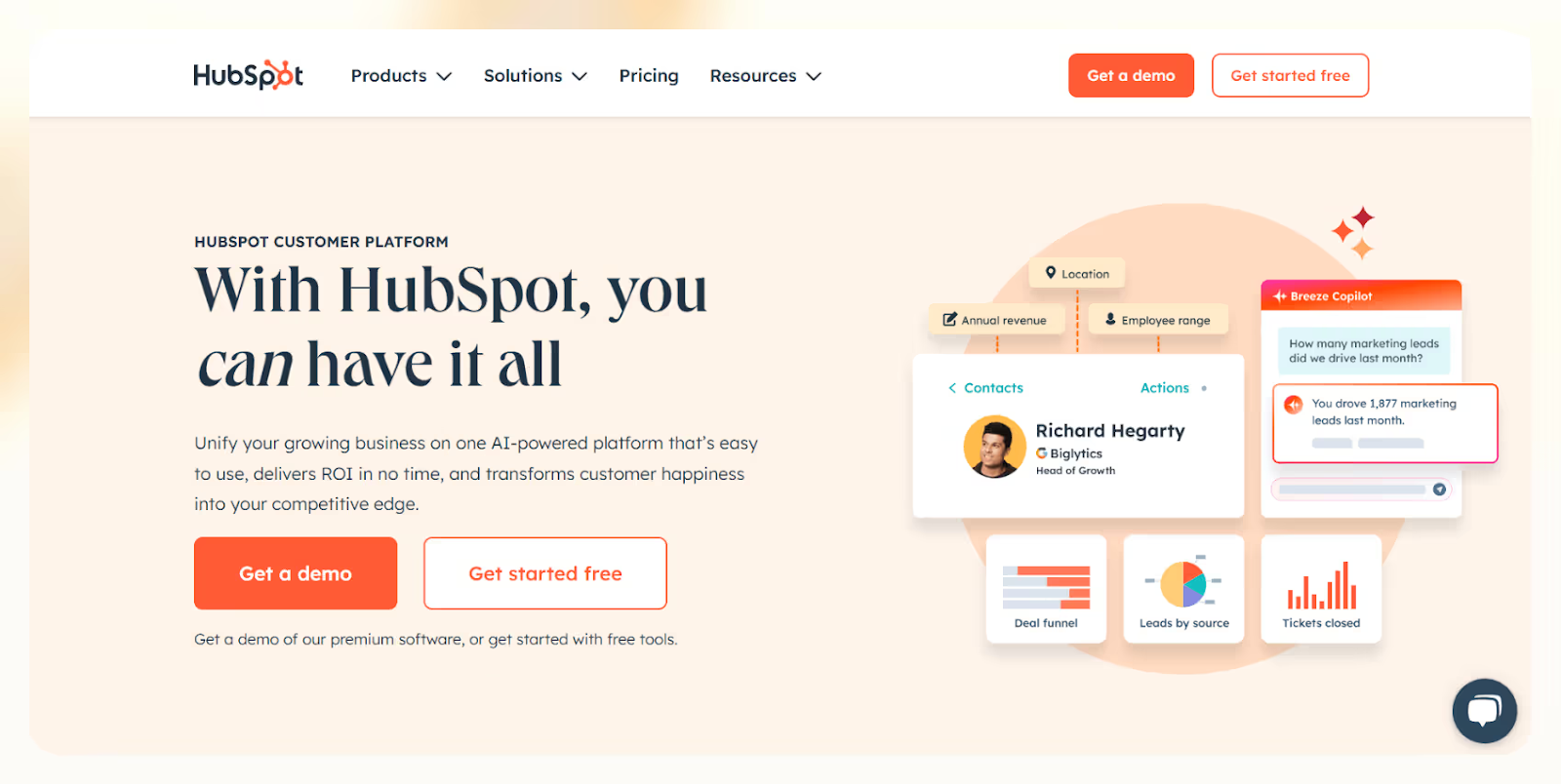
HubSpot gives you everything under one roof, from email campaigns and CRM to live chat, ticketing, scheduling, and even payments. I used the free version for a client to manage deals, send newsletters, and run forms, without needing extra tools.
Its modular hubs (Marketing, Sales, Service, CMS, Commerce, and Operations) are designed to work together. You can start small and add only what you need.
As you grow, you unlock custom automation, advanced reporting, and AI features like predictive lead scoring and content suggestions. I found the AI-powered recommendations especially useful in scaling ad campaigns.
HubSpot also connects to 1,000+ apps including Stripe, Zoom, Slack, and Shopify, keeping everything in sync without manual effort.
Pros
- Combines CRM, marketing, sales, and support in one platform
- Clean UI and fast learning curve for small teams
- Scales from free to enterprise as you grow
- 1,000+ integrations to fit your stack
- HubSpot Academy offers free certifications
Cons
- Advanced features can get expensive
- May feel overwhelming for very small teams
- Lower-tier plans limit customization
Pricing
- Free: CRM, email marketing, forms, live chat
- Starter: From $20/month/user – basic automation, ad tools
- Professional: From $800/month – advanced automation + reporting
- Enterprise: From $3,600/month – custom objects, predictive scoring
- Pricing depends on contacts, hub usage, and selected features
HubSpot is the most complete all-in-one CRM alternative to Pabbly. If you’re looking for a platform that grows with you, centralizes your tools, and supports every customer touchpoint, from first visit to retention, this is one of the best choices on the market.
7. Ontraport – Best for CRM + Membership Management
What Does It Do?
Ontraport combines CRM, marketing automation, payment processing, and membership site tools into one system. You can automate follow-ups, manage digital sales, and launch gated content—all without switching platforms.
Who Is It For?
Great for solopreneurs, digital creators, coaches, and small teams who want to run everything, from lead capture to billing, from a single, scalable platform.
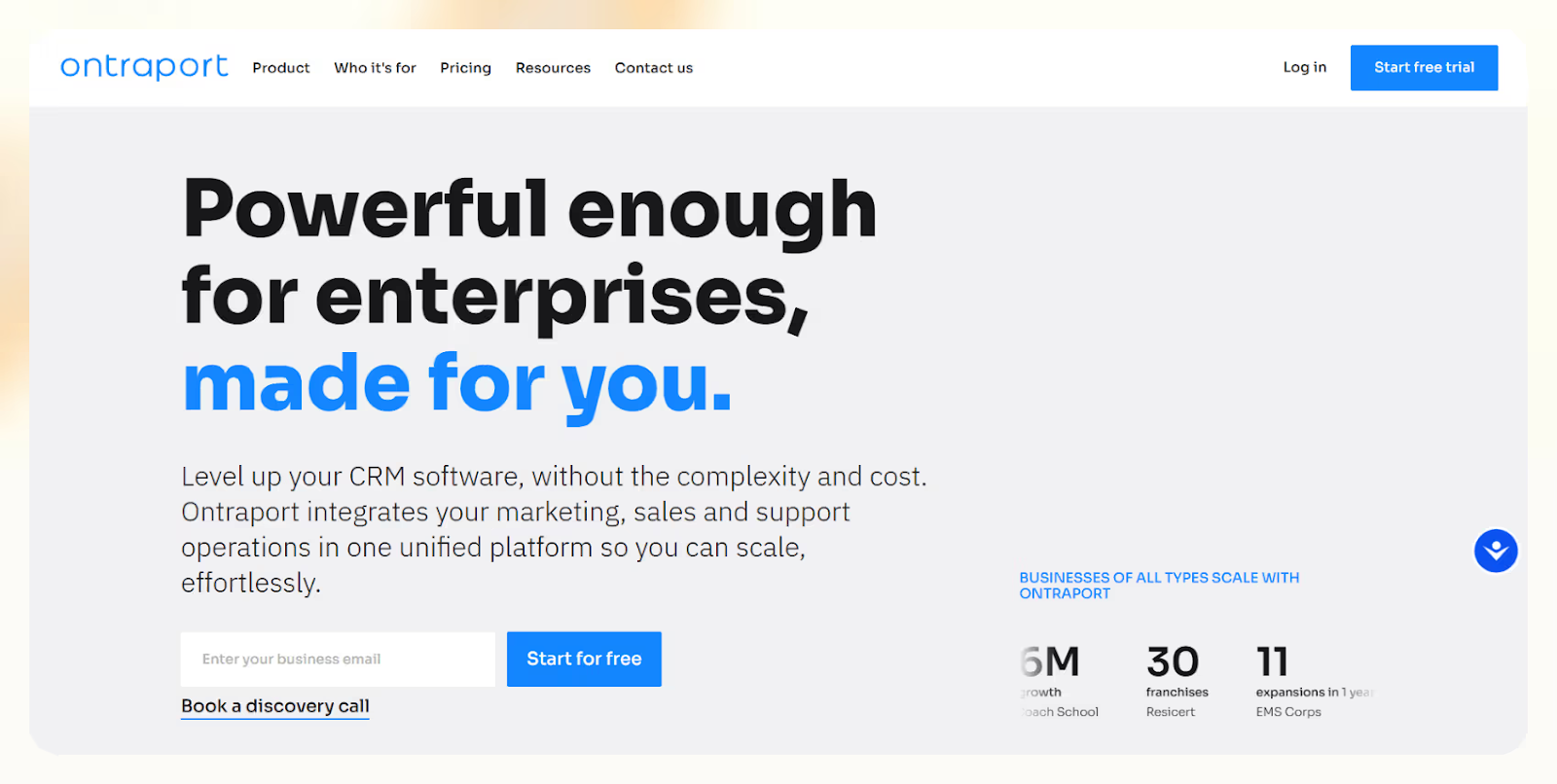
Ontraport helps you automate the full customer journey, from lead capture and nurturing to subscriptions and content delivery. I used it to set up an onboarding flow with email, SMS, and upsell offers, all inside one visual builder.
Its drag-and-drop campaign designer makes it easy to map multi-channel automation, and the built-in landing pages and forms help you capture leads fast without needing separate tools.
You can manage subscriptions, upsells, memberships, and digital downloads without using external plugins. I found the all-in-one setup saved hours compared to piecing together separate platforms.
Ontraport also tracks user behavior and offers visual analytics, so you can see which campaigns drive engagement, revenue, and retention.
It integrates with tools like WordPress, Zapier, Stripe, and PayPal, so if you’re already using those, Ontraport fits right in.
Pros
- Combines CRM, automation, and membership tools
- Easy-to-use visual campaign builder
- Works for digital products, courses, and subscriptions
- Built-in analytics for performance tracking
- Connects with WordPress, Stripe, Zapier, and more
Cons
- Learning curve if you’re new to automation
- Higher-tier features get expensive as you scale
Pricing
- Basic: $29/month – core CRM + email
- Plus: $99/month – adds SMS, reporting
- Pro: $149/month – e-commerce + memberships
- Enterprise: $299/month – advanced limits + tools
- All plans include a 14-day free trial
Ontraport is a powerful all-in-one Pabbly alternative, especially for businesses selling memberships or digital products. If you want fewer moving parts and more control over CRM, automation, and content delivery, this is a solid, scalable platform built for serious growth.
8. Albato – Best for App Automation + APIs
What Does It Do?
Albato lets you automate workflows across 800+ apps using a drag-and-drop builder, pre-made templates, or custom API integrations. It helps you connect tools, move data, and run multi-app processes without writing code.
Who Is It For?
Best for SMBs, marketers, solopreneurs, and e-commerce stores that want affordable automation, API access, and flexible workflows without Zapier’s cost or Make’s complexity.
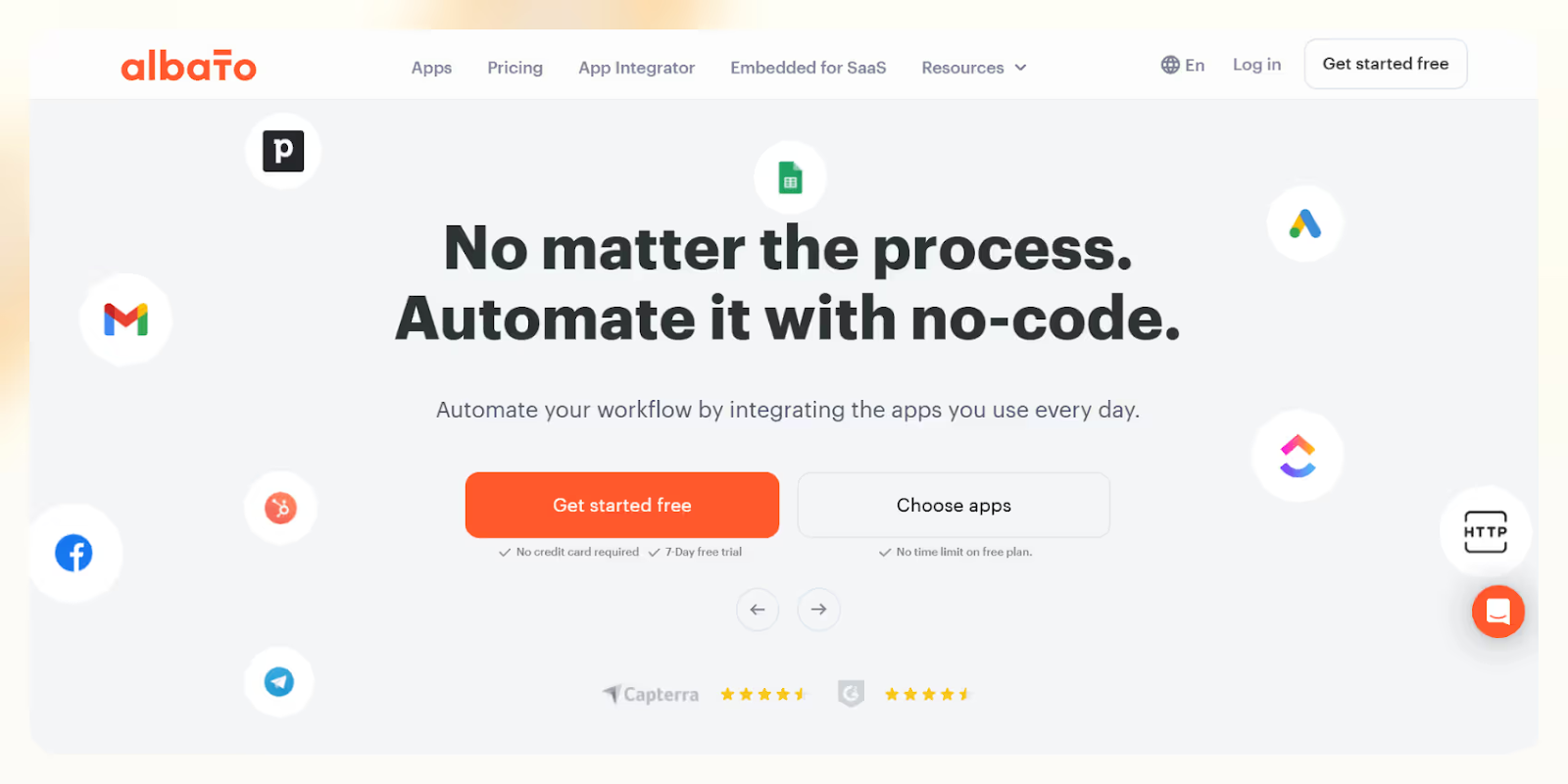
Albato makes it easy to connect CRMs, e-commerce tools, project trackers, and more, all without needing a dev. I used it to sync contact forms to a CRM and auto-send emails with just a few clicks.
Its drag-and-drop workflow builder is clean and fast. You can also browse pre-built templates to get common flows like lead capture or order updates live in minutes.
If your app isn’t listed, Albato still works. Its API module and webhook support let you build custom integrations manually, which I tested for a tool that wasn’t natively supported.
Albato also handles data migration, so you can move historical records between platforms, a helpful bonus when switching CRMs or email tools.
Pros
- Works with 800+ popular apps
- Easy-to-use drag-and-drop builder
- Supports custom APIs and webhooks
- Includes pre-built templates for quick setup
- 24/7 multilingual support
Cons
- Not ideal for very complex logic
- Some niche integrations may require custom setup
Pricing
- Free Plan: Basic automations for testing
- Paid Plans: Start at $19/month with higher task limits
- Lifetime Deal: Often available on AppSumo from $69
Albato is a cost-effective Pabbly alternative for teams who want fast setup, custom integrations, and API flexibility without a huge learning curve or cost creep. If you're building mid-level automations and want control without over-complication, Albato is a strong, scalable choice.
9. IFTTT – Best for Simple App Automations
What Does It Do?
IFTTT automates tasks across apps, devices, and services using simple “if this, then that” rules called Applets. You set a trigger (like a new email or weather change), and it performs an action automatically, no code required.
Who Is It For?
Best for freelancers, solopreneurs, smart home users, and casual automators who want quick, no-fuss workflows for social sharing, personal routines, or device syncing, without learning advanced logic.
IFTTT is built for simplicity. You can connect 700+ apps, like Gmail, Slack, Spotify, or Alexa, with easy rules that trigger automations instantly. I used it to post my Instagram content to Twitter automatically, and it just worked.
You can run Applets like “When I arrive home, turn on the lights” or “When I get a calendar invite, add it to my to-do list.” It’s ideal for personal productivity and smart home automation.
The Pro and Pro+ tiers let you create multi-step Applets, use Webhooks, or integrate with AI tools, which I tested to build a 3-step content automation flow.
It also works seamlessly across iOS, Android, and desktop—making it easy to run automations no matter what device you’re on.
Pros
- Easy setup with no-code workflows
- Connects 700+ apps across web, mobile, and smart home
- Works across platforms: Android, iOS, desktop
- Strong community with pre-made Applets
- Affordable Pro plans for expanded use
Cons
- Free plan is limited to just 2 Applets
- Some automations run with delay, especially on free tier
- Not suitable for complex, branching workflows
Pricing
- Free: 2 Applets, standard speed
- Pro: $2.99/month – 20 Applets, Webhooks, multi-step flows
- Pro+: $8.99/month – Unlimited Applets, AI, advanced support
- All plans come with a free trial
IFTTT is the most accessible Pabbly alternative for simple automations. If you're automating personal tasks, syncing smart devices, or just starting with workflows, it’s a low-cost, low-effort platform that gets the job done, without needing tech skills or time investment.
10. Latenode – Best of Code + No-Code Automation
What Does It Do?
Latenode lets you combine no-code workflows with custom JavaScript functions in one visual builder. You can build automations, trigger real-time events, and process data, while still writing code when needed.
Who Is It For?
Perfect for SaaS teams, ops leads, freelancers, and tech-savvy startups who need more flexibility, control, and API logic than standard no-code tools like Pabbly or Zapier can offer.
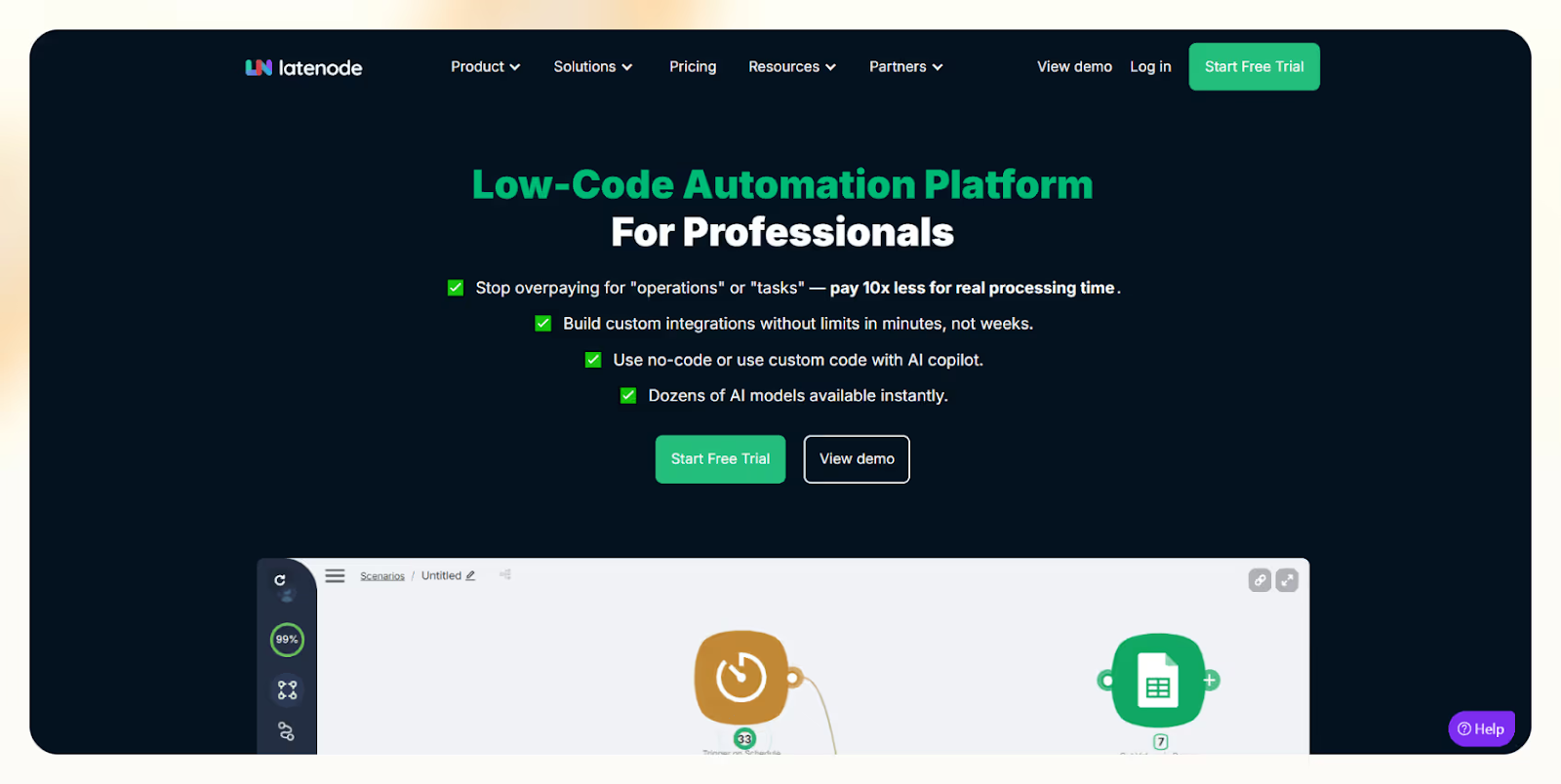
Latenode blends the ease of no-code with the freedom of low-code. You can drag to connect tools, then drop in logic blocks or JS snippets for deeper control. I used it to sync API data between two internal apps, with just a few lines of custom logic.
You can build multi-step flows, run real-time triggers, or process large datasets using conditionals and native API handling.
For technical teams, it feels liberating. I appreciated how I could reuse code, call external APIs, and deploy automations without jumping between tools.
It’s also self-hostable and offers solid documentation, which makes it easy for devs and advanced users to scale custom workflows without rebuilding them elsewhere.
Pros
- Combines drag-and-drop automation with custom code
- Native support for JavaScript, APIs, and conditionals
- Flexible builder ideal for technical workflows
- Self-hosting available + dev-friendly docs
- Open roadmap and strong community
Cons
- Not for beginners, requires technical fluency
- Smaller integration catalog than Zapier or Make
- Fewer plug-and-play templates
Pricing
- Free: Light usage and testing
- Basic: $19/month – more tasks, custom functions
- Team & Enterprise: Custom pricing based on scale
Latenode is a developer-friendly alternative to Pabbly that bridges the gap between simplicity and power. If you’re building internal tools, syncing APIs, or want total control without going fully custom, it’s a lean and flexible option worth exploring.
Why You Might Want a Pabbly Alternative
Here’s why professionals like you look for other options:
- Limited Advanced Workflow Automation: Complex workflows with branching or multi-step logic aren’t Pabbly’s forte. It won’t execute multi-step if-this-then-that kind of conditions.
- Fewer Integrations: Pabbly Connect supports most of the apps. But if Pabbly Connect doesn’t support the app you want to integrate, you can work around it using webhooks or APIs.
- Clunky UI & Poor User Experience: Pabbly doesn’t feel as refined and polished as the competition. The learning curve is steeper. It feels dated and consistent at times. Lindy, Magical, and Integrately are sleeker and quicker to set up flows.
- Email Marketing Features Are Basic: Segmentation, A/B testing, and drip capabilities are limited. Pabbly doesn’t have predictive or behavioral triggers.
- Subscription Billing Is Rigid: You get fewer customization options for checkout flows, taxes, and discounts.
How I Tested the Best Pabbly Alternatives
The best Pabbly alternative in 2025 should do more than just connect apps. It should:
- Handle complex, multi-step automation without breaking
- Support deep integrations with your most-used tools
- Stay fast, flexible, and easy to use, even as your business grows
To figure out which tools are actually better than Pabbly, I tested over a dozen workflow automation platforms hands-on. Here’s exactly what I focused on:
1. Handles Advanced Automation Logic
Basic zaps won’t cut it for scaling businesses. I tested how each platform handled branching, conditions, delays, loops, triggers, and API calls inside workflows.
- Lindy handled agent swarms, looping logic, and long workflows without lag
- Make supported custom code, branching, and real-time triggers
- Zapier offered filters, paths, and multi-step flows for layered logic
I built real automations like onboarding flows, lead routing, and data cleanup to see how far each tool could go without breaking or requiring dev help.
2. Integration Depth and Flexibility
If a tool didn’t support core apps like CRMs, Google Sheets, or Slack, it was out. I tested the breadth of native integrations and fallback options like webhooks and APIs.
- Zapier led with 6,000+ integrations
- Lindy supported deep CRM, calendar, and task tool syncs, plus APIs
- Albato and Integrately impressed with 1-click setup for niche tools
I looked for platforms that could plug into my full stack, without needing workarounds.
3. Easy to Build, Easy to Scale
If the UI felt clunky or hard to navigate, I dropped it. I tested how long it took to build, test, and edit a real workflow, and how steep the learning curve was.
- Integrately was the easiest for non-technical users
- Lindy and Magical offered clean, modern interfaces that felt fast
- Pabbly, by comparison, felt slow and outdated when building multi-step flows
The tools that made the cut were the ones that helped me move fast without hunting through documentation.
4. Affordable and Predictable Pricing
I tested free plans, usage-based tiers, and how costs scaled with real-world usage. I prioritized platforms with transparent pricing, generous free tiers, and no surprise lock-ins.
- Make offered a solid free plan and flexible upgrades
- Lindy scaled with task credits and included a free tier
- Albato and Pabbly both offered lifetime deals, ideal for solopreneurs or small teams
I simulated heavy usage to check if plans held up, or ballooned unexpectedly.
5. Compliance, Support, and Trust Signals
I looked at security certifications, onboarding quality, help docs, and real user feedback from Reddit, G2, and Capterra.
- Chargebee and HubSpot stood out for GDPR and SOC 2 compliance
- ActiveCampaign had the best onboarding, support experience, and HIPAA compliance
- Pabbly was frequently flagged for slow support and a thin help center
If I couldn’t trust a tool for sensitive workflows or client data, it didn’t make the list.
I tested every tool in real use cases, automating lead routing, syncing CRMs, updating calendars, and cleaning data, to see which ones actually helped me move faster and scale smarter.
The tools that made this list aren’t just alternatives to Pabbly, they’re better choices for growing teams that need serious automation.
Try Lindy: Your New All-in-One Automation Tool & Way More
Most automation tools are rigid and limited. Lindy’s conversational AI changes that by understanding natural language and drawing from built-in logic and knowledge bases.
Here’s how Lindy goes further:
- Inbox support: Resolve customer queries directly in your support channels or Lindy’s own inbox.
- Multilingual fluency: Lindy speaks 30+ languages, expanding your global reach.
- Agent collaboration: Multiple Lindies can work together, sharing data and solving complex tasks faster.
- Easy integration: Add Lindy to your website with a single code snippet.
- Tool-friendly: Seamless integrations with tools like Stripe and Intercom for smooth workflows.
- Effortless scaling: Handles any volume of requests and scales with your team.
- More than automation: From content writing to coding, explore all of Lindy’s powerful use cases.
Ready to upgrade from traditional automation?
{{cta}}
Frequently Asked Questions
Is Pabbly better than Zapier?
Pabbly is better than Zapier for users who need unlimited workflows at a lower cost. It supports one-time pricing and offers more value for bulk automation. However, Zapier has more integrations and better UI. If you need advanced apps and user experience, Zapier still leads.
Is it safe to use Pabbly?
Yes, Pabbly is safe to use. It uses secure APIs and data encryption to handle workflows. The platform has a good reputation, transparent policies, and active support. While it may not match Zapier's enterprise-level compliance, it's reliable for small to mid-sized businesses.
Does Pabbly have a free plan?
Pabbly Connect does not offer a free plan, but it provides a free trial with limited tasks and features. After the trial, users need to choose a paid plan. Its pricing is affordable compared to alternatives, especially for those needing unlimited automation tasks.
What are the benefits of Pabbly Connect?
Pabbly Connect offers unlimited workflows, one-time payment options, fast support, and easy-to-use automation without coding. It supports multi-step workflows and integrates with many popular apps. For small businesses and power users looking to reduce automation costs, Pabbly is a flexible and budget-friendly choice.
Which Pabbly alternative is best for AI-powered, scalable automation?
If you want deeper, smarter automation that scales with your team, Lindy is the best choice. It uses AI agents to automate multi-step workflows, handle logic, and integrate across tools—ideal for SaaS, ops, and RevOps teams needing more than basic triggers and actions.
What’s the easiest and most affordable Pabbly alternative for small teams or solopreneurs?
Integrately is best for quick setup and affordability. It offers 20M+ one-click workflows, a clean UI, and generous task limits. It’s perfect for solo users or small teams who want fast results without complexity or a steep learning curve.
I need more advanced workflow logic than Pabbly offers. Which tools should I consider?
Make and Lindy are top picks. Make offers visual builders with conditions, branching, and data transformation. Lindy adds AI logic and multi-agent workflows, letting you build more intelligent and adaptive automations.
Which alternative is best for email marketing and CRM automation?
ActiveCampaign is the most robust option for marketing and CRM automation. It includes email, SMS, site tracking, lead scoring, and a visual workflow builder—great for teams that want personalized, multi-channel campaigns.
Can I migrate my Pabbly workflows to another platform easily?
You’ll need to rebuild them manually in most cases. However, platforms like Lindy and ActiveCampaign offer onboarding support or custom setup services to help you transition your workflows without starting from scratch.
What if the tool I use isn’t supported by a Pabbly alternative?
Use tools like Albato, Make, or Lindy, which support custom API connections and webhooks. These options give you flexibility to integrate even niche apps that aren’t part of the native ecosystem.
Are there any lifetime deals like Pabbly’s available?
Albato occasionally offers lifetime deals via AppSumo or similar platforms. These deals are ideal for solopreneurs or small teams looking to avoid ongoing monthly payments for automation tools.
Which platform supports both code and no-code automation for developers?
Latenode is the best choice for technical users. It combines a no-code visual builder with support for JavaScript functions, API calls, and custom logic—ideal for devs and SaaS teams who want flexibility and control.
Can I try these alternatives for free before committing?
Yes. Lindy, Make, Zapier, ActiveCampaign, and Integrately all offer free plans or trials. You can test their core features, build real workflows, and decide if they meet your needs without paying upfront.
Which tool is best for simple, app-to-app automations with minimal setup?
Zapier is ideal for quick, app-to-app automations. It’s beginner-friendly, supports over 6,000 apps, and makes building basic workflows like “add form leads to Google Sheets” extremely fast and reliable.









