


AI Agent Platforms: Key Features, Use Cases, & Tools in 2026
Lindy broke down what an AI agent platform is, comparing options like Google Vertex and Relevance AI on features, drawbacks, and everyday use cases.
.avif)

AI now understands context, makes decisions, and gets work done. This is due to a new category of tools called AI agent platforms.
Google Vertex is built for managing multiple AI agents in complex enterprise environments, Relevance AI focuses on structured data workflows, and Lindy helps teams automate day-to-day tasks like CRM updates, scheduling, and follow-ups — all without writing code.
In this guide, we'll cover:
- What is an AI agent platform?
- Why is it different from other automation?
- Why businesses are moving toward agents over static workflows
- Current tradeoffs and what to watch out for
- The leading AI agent platforms in 2026 — features, strengths, and limitations
- How to choose the right platform based on your team, goals, and tech stack
Let's start by quickly understanding what makes an AI agent platform different.
What is an AI agent platform?
An AI agent platform is a tool that helps businesses build, deploy, and manage autonomous AI agents that complete tasks across systems. These agents don't just respond to prompts or move data between apps — they make decisions, adjust to new information, and carry out work independently.
Here's how an agent platform compares to other familiar tools:
- Chatbots: Traditional chatbots are built for conversations — they can answer questions or respond based on scripts, but they don’t take real action on their own. When paired with AI agents, they can now perform tasks like updating CRMs or scheduling meetings.
- API workflows: Workflow tools connect apps through triggers and actions. On their own, they’re rule-based and rigid — but when powered by AI agents, they can make decisions and adjust flows dynamically.
- Traditional automation: They’re useful for repetitive tasks but can’t reason or adapt. AI agents replace that with logic and context-aware decision-making.
An AI agent is task-driven. It understands a goal, like scheduling a meeting, updating a CRM, or responding to a support ticket, and takes all the steps needed to complete it, even if new information changes the plan along the way.
Agent platforms are emerging as critical tools because they don't just automate processes. They automate decisions and actions at the same time.
Next, we understand the reasons behind their sudden boom.
Why are AI agent platforms becoming so popular?
Once businesses got a taste of simple automation, they demanded automation that could think, adapt, and handle complexity. AI agent platforms are growing fast because they fit where traditional tools fall short.
Here's why they're catching on:
Workflows have gotten more complex
A typical task today can be handled through emails, CRMs, Slack, and external databases. Businesses need agents that can manage multi-step processes across different tools without constant human intervention.
Agents handle actions, not just answers
Unlike chatbots that stop at a conversation or scripts that move data blindly, agents complete tasks from start to finish — scheduling meetings, updating records, sending follow-ups, and more.
Businesses want automation that adapts and scales
Static workflows often break when anything unexpected happens. AI agents can make decisions on the fly and adjust their next steps based on new information, making them better suited for fast-changing business environments.
Distributed teams need autonomous operations
With teams across time zones and continents, businesses can't rely on human handoffs for every task. AI agents can work 24/7 to coordinate actions, keeping processes moving even when no one's online.
Too many apps, too little coordination
Companies often manage 20–50 different SaaS tools. Agents help orchestrate tasks across all these apps without needing brittle manual connections.
This growing need for flexible, action-based automation is why businesses are prioritizing investing in AI agent platforms over basic workflow automation or chatbot solutions.
They sure are beneficial to businesses, but they also come with some drawbacks. Let’s explore those.
What are the current drawbacks of agent platforms?
While AI agent platforms unlock a lot of new possibilities, they're not without challenges. Businesses considering them should be aware of a few tradeoffs that comes with the territory.
Here are a few that are worth knowing about:
More complicated to debug than traditional workflows
In a simple automation tool, it's easy to pinpoint where something broke — a trigger failed, a step didn't fire. With agents, failures can happen because of complex reasoning errors, memory problems, or decision-making misfires, making them harder to troubleshoot without careful setup.
Performance depends heavily on memory and state handling
For an agent to act reliably, it needs to remember context — past conversations, task progress, and related data from other systems. If a platform doesn't manage memory well, agents can behave unpredictably or get stuck mid-process.
Fast-evolving technology with limited standards
Right now, every platform has its approach to how agents are structured, trained, and deployed. There's no single "agent standard" like there is for APIs or webhooks. That means switching platforms, integrating agents, or scaling solutions often requires custom adjustments.
These limitations don't mean businesses should avoid AI agents, but they do mean companies need to choose platforms carefully and set the right expectations during early deployment.
The benefits and the drawbacks of these AI agent platforms are clear. We now move to their real-world applications.
Use cases for AI agent platforms
The real power of AI agent platforms shows up when they're put to work in everyday business processes. Here's where they make the most significant impact:
Sales automation
Agents can handle lead enrichment, CRM updates, meeting scheduling, and personalized follow-up emails. Instead of relying on sales reps to manually juggle every task, an agent platform can take care of the busywork while keeping human reps focused on closing deals.
Recruiting workflows
AI agents can automate screening resumes, scheduling interviews, sending reminders to candidates, and updating hiring managers. With the right AI agent building platform, recruiters free up time to focus on evaluating top talent instead of chasing paperwork.
Customer support triage
Agents can monitor incoming support emails or chat messages, categorize them, route them to the right teams, and even respond automatically when the answer is simple.
For example, Lindy's Support Slackbot will alert the support teams when a human rep needs to take over or help a customer. The Email Responder template can automatically respond to incoming customer emails seeking help.
Calendar and inbox assistants
Scheduling meetings across time zones, handling last-minute rescheduling, following up after meetings, or organizing inboxes are tedious tasks agents now manage independently. These workflows are where AI voice agent platforms and email automation templates shine.
Knowledge workers and executive assistants
For roles that depend heavily on gathering, synthesizing, and summarizing information, agents can transcribe meetings, summarize documents, pull key insights from calls, and manage follow-ups automatically.
Voice and call automation
Some platforms, including Lindy, offer inbound and outbound calling agents that handle customer interactions over the phone — booking appointments, answering FAQs, collecting feedback — without human involvement.
This is a major emerging trend for businesses investing in AI voice agent platform capabilities.
Research and summarization
Agents can scan the web, internal documents, or customer conversations to create reports, competitive analyses, or client briefs. This saves hours compared to manual research.
Each of these examples shows how agent platforms move beyond static task automation. They help businesses automate goals and outcomes, not just steps.
Before finalizing an AI agent platform, you must evaluate its capabilities and whether it’ll fit your workflows. Let’s see how you can do that.
What features should I look for in an AI agent platform?
Choosing the right AI agent platform is about finding one that can handle your business's real-world needs today, and scale as those needs get more complex.
Here are the features that matter:
Tool and API integration
Agents must work across your entire tech stack — CRM, email, chat, databases, calendars, and more. Look for platforms that support native integrations and flexible API access without heavy custom development.
Memory and context retention
Agents that forget what happened two steps ago aren't helpful. Strong platforms, like Lindy, prioritize context retention, so agents can make better decisions based on past conversations, actions, and related data.
Trigger-action logic
These are automations that start when something specific happens — like a new lead entering your CRM or someone replying to an email. You set the “trigger,” and the agent knows what action to take next. This kind of setup makes automations predictable and easy to manage.
Modular task orchestration
Some tasks are too complex to handle all at once. The best platforms let you break these tasks into smaller steps — where one agent does the first part, then hands it off to another agent to finish. It’s like building a checklist, with each agent responsible for one item on the list.
Collaboration between agents (multi-agent chains)
Some platforms are starting to enable agent collaboration, where multiple agents work together on different parts of a workflow. For instance, one agent could research a customer, another could draft a follow-up, and a third could update your CRM.
Another example is Lindy’s Agent Swarms which let a single AI agent clone itself to complete many tasks in parallel — like sending hundreds of emails or making multiple calls at once. It’s how new-age AI agents are designed to focus on speed, scale, and task execution.
Many top-ranking tools in the SERP focus heavily on some of these features, but few cover all five well. Choosing a platform that nails these basics will set you up for longer-term success.
Next, we’ll understand the various AI automation ways and how they differ.
AI agent platform vs API vs LangChain vs chatbots
Not all automation tools work the same way. If you're comparing options, it helps to understand the key differences between agent platforms, APIs, orchestration frameworks like LangChain, and traditional chatbots. Here’s a breakdown:
- APIs: Useful when you want simple "if this, then that" workflows between apps, but rigid if your tasks require decision-making or multi-step reasoning.
- LangChain: Powerful for developers who want to build customized agent logic by hand. Great flexibility, but high technical overhead and not ideal for non-coders.
- Chatbots: Focused on handling dialogues — answering questions, gathering information — but rarely executing real-world actions like updating a CRM or booking a meeting.
- AI agent platforms: Purpose-built to manage and execute entire tasks or projects. They combine reasoning, memory, and action, making them the best choice for teams that want hands-off execution of complex workflows.
There are mainly 3 ways to define an AI agent. Different platforms use different methods for their agents. We’ll understand these next.
MCP vs agent schema vs plugin format
These determine the agent’s capabilities and attributes. Platforms differ in how they define and structure agents:
- LangChain uses a modular schema called MCP (multi-step chain planning).
- OpenAI uses structured function calling through its Assistants API, allowing developers to define tools that agents can use during a conversation. While plugins were previously supported in ChatGPT, OpenAI now emphasizes custom GPTs and API-driven agents for greater flexibility and control.
- Lindy and similar tools use a more intuitive agent schema optimized for task execution, often combining no-code flow builders with customizable task triggers.
If you want real work done — not just chat, not just data movement — a dedicated AI agent platform is the strongest option.
Next, we look at the 6 most popular AI agent platforms, their strengths and weaknesses, and what they do best.
6 Popular AI agent platforms in 2026
Many platforms are jumping into the AI agent space, but they're not all built for the same kinds of users or use cases. Here's a quick look at some of the most recognized names right now:
1. Google Vertex AI Agent Builder
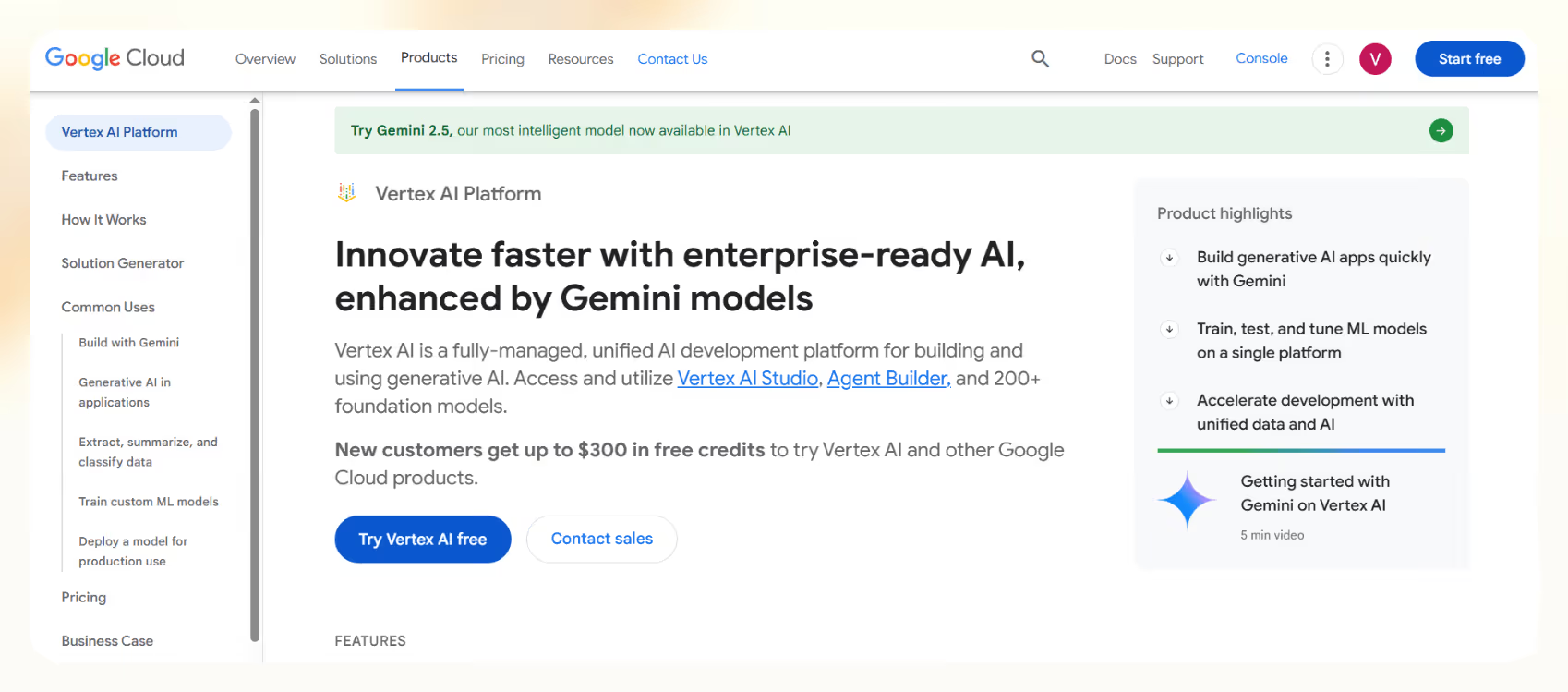
Google Vertex AI is built for enterprises that need to run lots of AI agents across different apps, teams, or departments. It’s great for companies already using Google Cloud and looking to automate complex operations at scale.
- Strengths: Works well for large teams running multiple AI agents, integrates tightly with Google Cloud tools, and can pull in data from different sources to give agents better answers.
- Weaknesses: Setup can be technical, pricing is hard to predict, and it’s best suited for engineers or ML teams.
- Best for: Large companies with in-house technical teams that want full control over how agents are built and managed.
2. Relevance AI
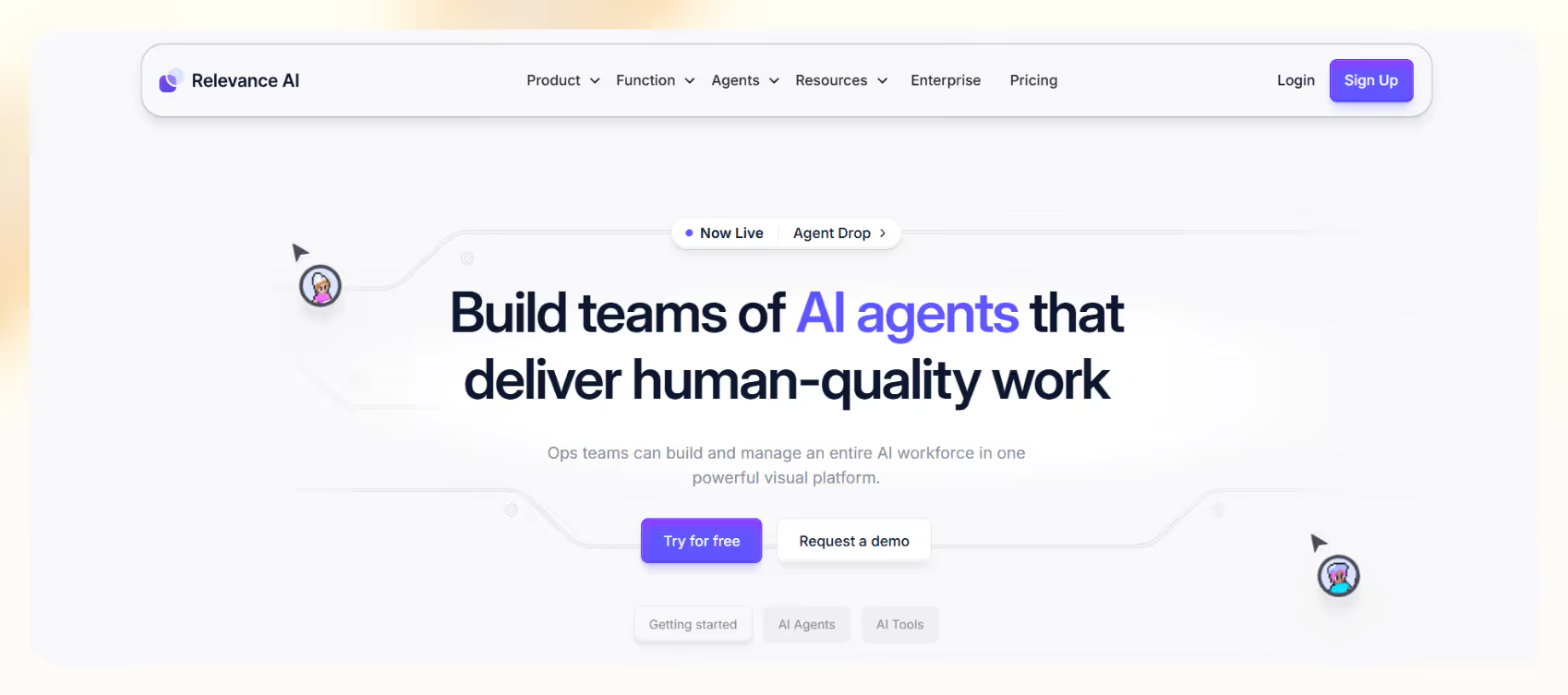
Relevance AI started as a data analytics platform and has recently expanded into AI-powered task automation. It’s especially useful for CRM enrichment, customer support insights, and turning complex datasets into clear, actionable outputs.
- Strengths: Focused on structured and unstructured data workflows, prebuilt templates for CRM enrichment, customer support, and more.
- Weaknesses: It requires more technical setup than no-code solutions.
- Best for: Teams that work with a lot of data and want to use AI to help organize, analyze, or act on it.
3. OpenAI Platform
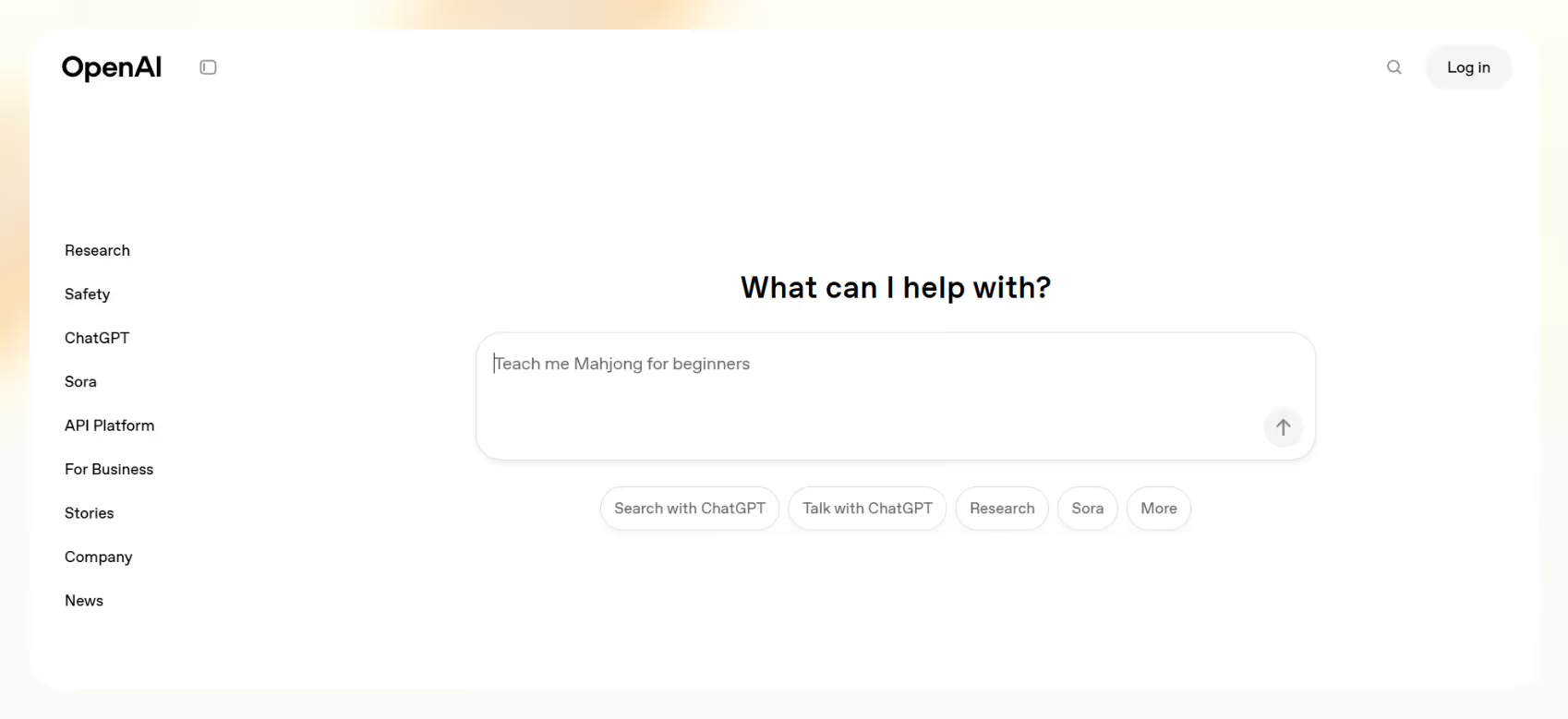
OpenAI gives developers the tools to build custom AI agents using its language models. It’s highly flexible, but you’ll need to work with code and APIs to set everything up.
- Strengths: Great for building exactly what you need if you have technical skills, with powerful models that can understand instructions and make decisions.
- Weaknesses: No visual builder; best suited for developer teams who can manage APIs and custom coding.
- Best for: Organizations wanting custom-built agents deeply integrated with OpenAI's LLMs.
4. Botpress
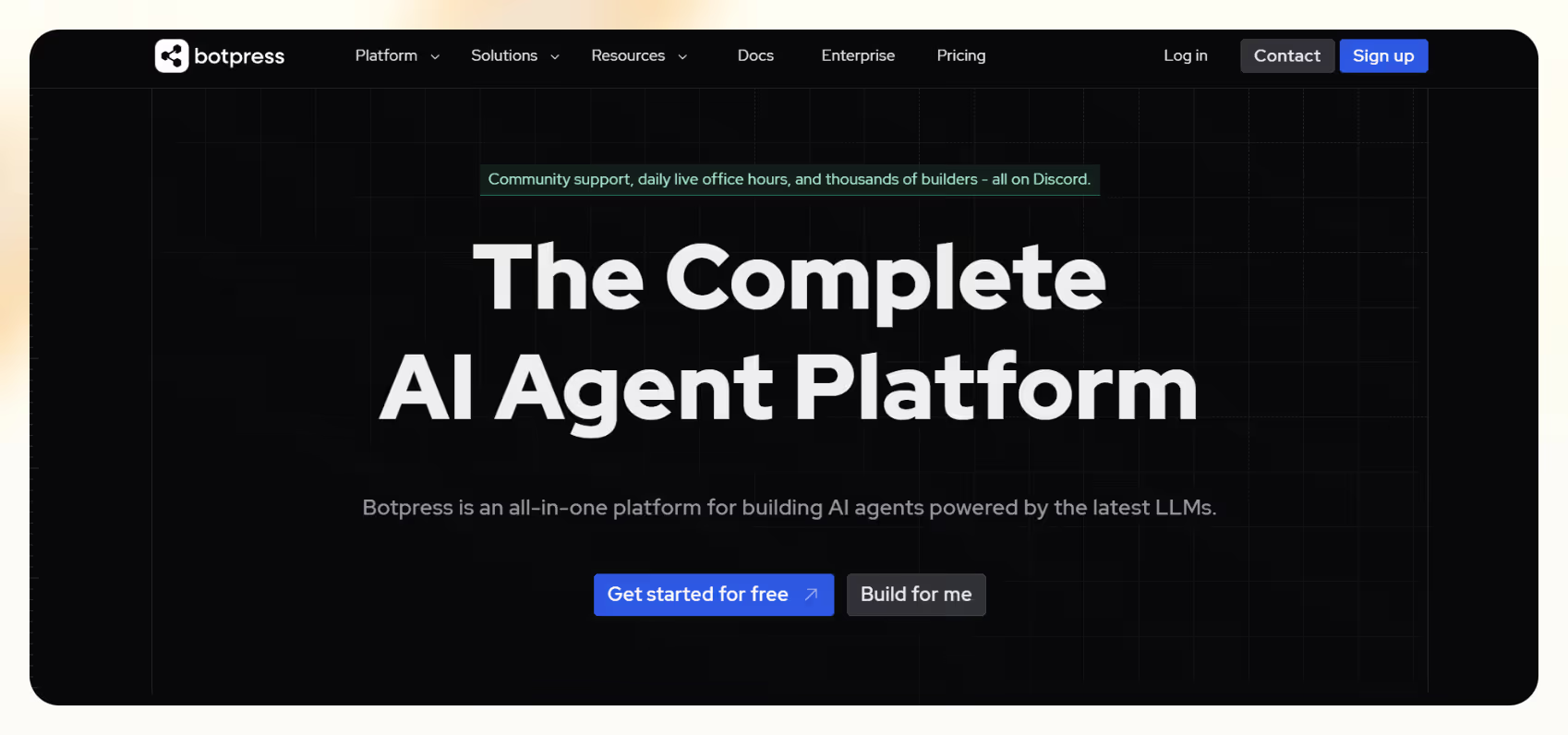
Botpress is an open-source conversational AI platform best known for helping businesses build chatbot experiences across multiple communication channels.
- Strengths: Best for building conversational experiences, strong open-source community, multi-channel support (Slack, Messenger, WhatsApp).
- Weaknesses: Limited task execution capabilities — mostly conversation-focused.
- Best for: Businesses that primarily need chatbot interfaces.
5. Beam AI
.avif)
Beam AI is a newer AI agent platform focused on helping teams automate internal business tasks. It’s designed to simplify everyday operations like follow-ups, data entry, and task routing with smart workflows.
- Strengths: Agentic process automation designed for business operations, promising roadmap for multi-agent collaboration.
- Weaknesses: Still early-stage, limited documentation available publicly.
- Best for: Enterprises testing AI agents for internal workflows.
6. Lindy
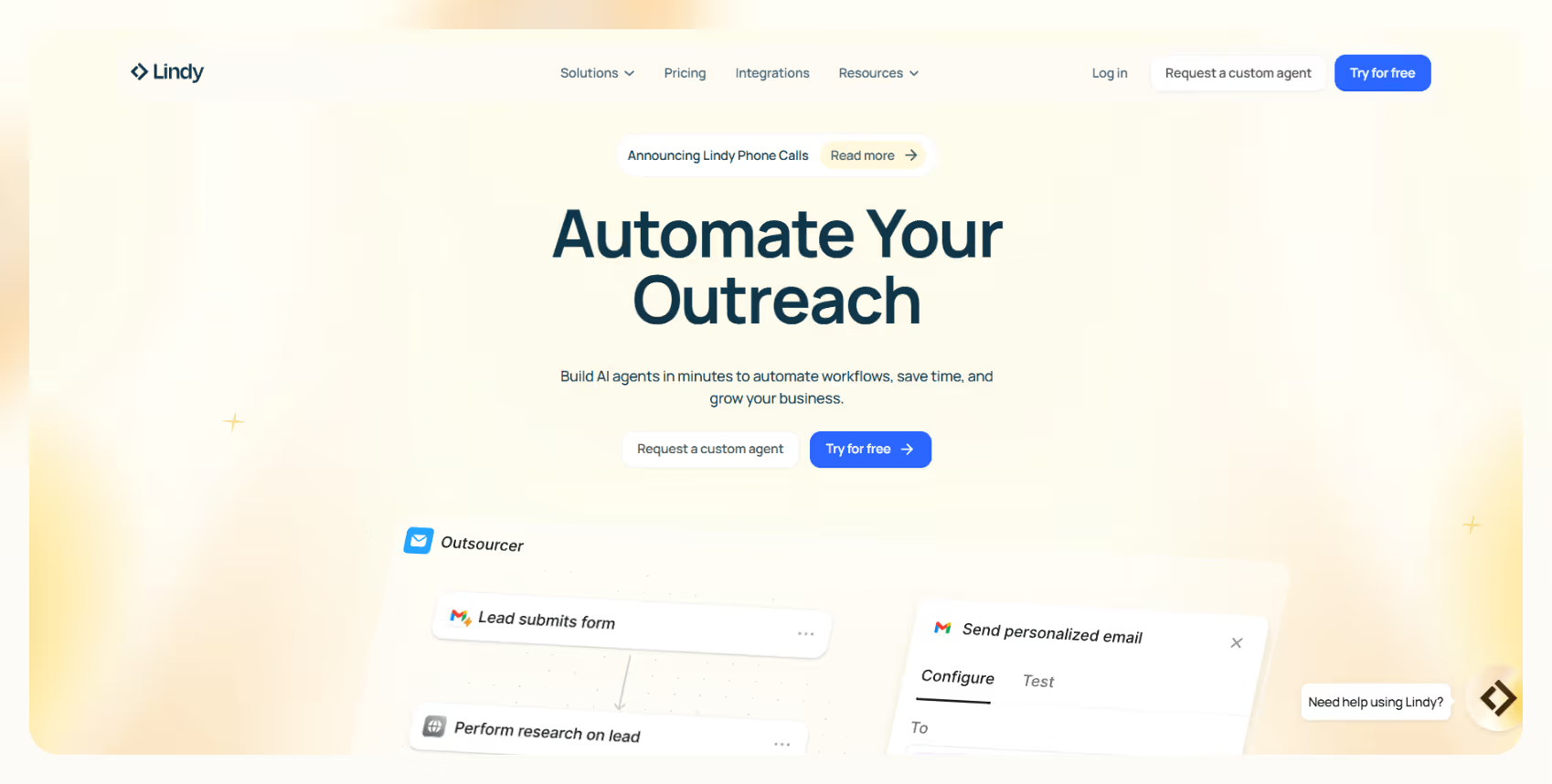
Lindy is a no-code AI automation platform helping teams automate tasks like emailing, calling, CRM updates, and outbound sales — through AI agents that can take action.
- Strengths: Handles automations around sales, support, recruiting, and operations well. Offers customizable AI agents with the ability to add a knowledge base, and action-based workflows across email, CRM, voice, and more.
- Templates: Prebuilt templates that you can customize for your niche workflows.
- Agent swarms: Lets one AI agent duplicate itself to complete many tasks at once — like sending hundreds of personalized emails in parallel.
- Security: Enterprise-grade SOC 2 and HIPAA compliance.
- Best for: Teams that want a no-code way to automate once-manual tasks like lead follow-up, CRM updates, call scheduling, and outreach — without needing developers or complex setups.
Each platform takes a different approach to building and using AI agents — which makes it even more important to match the tool to your team's real needs, not just surface features.
Once you’ve decided and purchased the subscription of your AI agent platform, setting it up for maximum results is a challenge. Let’s understand that next.
{{templates}}
How to get started with your chosen AI agent platform
Once you know what you're looking for in an AI agent platform, getting started becomes much easier. Here's how most teams approach it in a way that drives results:
Choose your build type
Choosing the right build type upfront ensures you're not wasting time adapting a tool that doesn't match your team's strengths. Let’s see how it helps:
- No-code platforms like Lindy: Ideal for lean teams that want to launch agents fast without heavy developer involvement. Visual builders, prebuilt templates, and configurable workflows make it easy to design complex processes without writing code.
- API-first tools like Relevance AI and OpenAI: Best suited for dev-led teams that want total control. These platforms allow deep integration and customization but require engineering resources to set up and maintain.
Start with high-leverage use cases
Jumping into advanced multi-agent workflows sounds exciting, but the most successful teams start by automating the highest-friction tasks first — the ones that drain time every day. Good starting points include:
- CRM updates and enrichment: Agents can automatically populate lead data, update records, and track interactions.
- Calendar scheduling and follow-up: Meeting coordination, rescheduling, and post-meeting summaries are classic agent tasks.
- Call summarization and internal handoffs: Voice agents can record, transcribe, and distribute key insights after client or team calls.
By focusing on specific problems, you'll show quick wins and make it easier to scale automation across your organization.
{{cta}}
Test for key outcomes
Finally, once your first agents are live, it's important to measure how they perform — not just if they technically work, but if they actually improve outcomes. Key metrics to watch:
- Accuracy of task execution: Are tasks completed reliably without constant supervision?
- Context retention across workflows: Does the agent correctly remember important details across steps?
- Integration performance with your stack: Are connections to CRM, email, Slack, and other systems stable and real-time?
Testing early and often helps you avoid scaling problems later and ensures that your investment in an agent platform pays off faster.
Frequently asked questions
What is the best AI agent platform?
Lindy is a strong choice for non-technical teams that want to automate real tasks — like sending emails, updating CRMs, or scheduling meetings.
Developers looking for more control and customization might prefer OpenAI or n8n. The right platform depends on how technical your team is and how complex your workflows need to be.
How is an agent platform different from a chatbot tool?
Chatbots are designed to answer questions, gather basic info, and maybe escalate issues.
An AI agent platform, on the other hand, is built to act — carrying out tasks, updating systems, and completing multi-step processes across your apps and data sources. If you need work done and not just conversations, you need agents.
Can I use an agent platform without code?
Yes. Many modern platforms are designed specifically for non-technical users. Tools like Lindy offer visual builders, prebuilt templates, and automated workflow that trigger based on events. Teams can set up AI agents without writing a code.
What are some real business use cases?
AI agents are already handling critical tasks like:
- Automatically enriching CRM records with new lead data
- Scheduling and rescheduling meetings without human intervention
- Triage incoming customer support tickets based on urgency
- Summarizing client calls and distributing notes across teams
- Following up on sales opportunities by email, chat, or phone
These aren't experiments — they're tasks businesses rely on every day.
Let Lindy be your AI-powered automation app
If you want an affordable AI agent platform where you can build custom AI agents to execute your automations, go with Lindy.
You’ll find plenty of pre-built templates and there are loads of integrations to choose from.
Let’s see some of the features and use cases to understand why Lindy might be an ideal option:
- Sales Coach: Lindy can provide custom coaching feedback, breaking down conversations using the MEDDPICC framework to identify key deal factors like decision criteria, objections, and pain points.
- Automated CRM updates: Instead of just logging a transcript, you can set up Lindy to update CRM fields and fill in missing data in Salesforce and HubSpot — without manual input.
- AI-powered follow-ups: Lindy agents can send follow-up emails, schedule meetings, and keep everyone in the loop by triggering notifications in Slack by letting you build a Slackbot.
- Lead enrichment: Lindy can be configured to use a prospecting API (People Data Labs) to research prospects and to provide sales teams with richer insights before outreach.
- Automated sales outreach: Lindy can run multi-touch email campaigns, follow up on leads, and even draft responses based on engagement signals.
- Cost-effective: Automate up to 400 monthly tasks with Lindy’s free version. The paid version lets you automate up to 5,000 tasks per month, which is a more affordable price per automation compared to many other platforms.











Blog
Related Articles
.png)
.png)
%20(1).png)
.avif)

%20(1).png)
.png)
The AI assistant that runs your work life
Lindy saves you two hours a day by proactively managing your inbox, meetings, and calendar, so you can focus on what actually matters.
