
I tested many business process management tools to find the best fit for teams of all sizes. See pricing, pros, cons, and which tool suits each.
Last spring, a $4,800 laptop order sat untouched for nine days at a company I write for. The manager who had to approve it was on leave, and the request sat in an email thread that nobody else could see. No one noticed the delay until three new hires started the following week with no machines to work on.
Kissflow is the best business process management software for teams that want to build process apps without IT. Appian and Pega lead for large enterprises, Microsoft Power Automate fits Microsoft 365 teams, and Lindy suits teams that work in Slack.
I tested many BPM tools over 12 days and picked 8, running each through employee onboarding, purchase approval routing, and IT incident routing. I scored every tool on process design, setup time, integrations, reporting depth, and pricing transparency.
Here is what I found.
Best business process management software at a glance
| Tool | Best for | Standout feature | Starting price |
|---|---|---|---|
| Kissflow | Teams building process apps without IT | AI drafts process apps from a written request | Custom quote (annual billing only) |
| Appian | Enterprises that need governed AI automation | Case management with Process HQ analytics | Custom quote |
| Pega | Large enterprises with rules-heavy processes | Rules engine with region-specific logic | Custom quote (per case) |
| Nintex | Microsoft Teams with document-heavy processes | DocGen and eSign inside SharePoint | Custom quote |
| Bizagi | Teams that need BPMN modeling before automation | Free BPMN 2.0 modeler with simulation | Free Modeler, a platform by quote |
| Microsoft Power Automate | Microsoft 365 teams that run cross-app processes | Approvals built into Teams and Outlook | $15/month per user (annual billing only) |
| Creatio | Sales and service teams that run processes inside a CRM | CRM and BPM on one engine | $40/month per user |
| Lindy | Teams that handle process work in Slack | Tracks requests and holds actions for sign-off in Slack | $49.99/month per user |
What is business process management software?
Business process management (BPM) software maps, runs, and tracks a company's repeatable processes from the first request to the final approval. It turns steps such as employee onboarding, purchase approvals, and incident routing into a set path with owners, rules, and deadlines. A BPM tool logs every action, so managers can see where work stalls and auditors can see who approved what.
What to look for in BPM software:
- Process modeling: Strong BPM software maps each process before anything goes live. Tools such as Bizagi and Appian use BPMN 2.0, the notation analysts and auditors read. Others, such as Kissflow, offer a drag-and-drop canvas for business users. The best tools also simulate processes with test data, so bottlenecks show up before real requests arrive.
- Automation and approval routing: Approval routing decides how each request moves from one person to the next. Look for conditional branching that routes a $500 purchase to a manager and a $50,000 purchase to the finance director. SLA timers flag requests that wait too long, and escalation rules forward overdue approvals to a backup approver.
- Integrations: A BPM tool must reach the email, chat, file, and finance apps that a team already uses. Check the number of prebuilt connectors first, since each one saves custom development work. Then check for open API access, which lets developers connect to internal systems that lack a ready-made connector.
- Reporting and audit trails: Reporting shows where work stalls. Strong tools track cycle time, surface the longest waits, and flag bottlenecks before they become backlogs. Audit trails record every action, approver, and timestamp, so finance and compliance teams can show exactly who approved what and when.
- Security and compliance: BPM software touches salaries, contracts, and customer records, so check security credentials first. SOC 2 and ISO 27001 confirm an outside auditor reviewed the vendor’s controls. Role-based access limits who sees each request. If your team operates in a regulated region, confirm data residency before signing.
How I tested the best BPM tools
I tested many business process management tools over 12 days and picked 8. I ran the same three processes through each one: employee onboarding, purchase approval routing, and IT incident routing. Together, they cover a multi-team handoff, an approval chain with spending limits, and a queue that must reach the right person fast.
I checked every price, plan limit, and feature claim against each vendor's own pricing pages and documentation.
I scored every tool on the same five criteria:
- Process design UX: I timed how long it took to map each process, from the first step to the final approval. I then asked whether a business user with no training could read the finished map and spot their own role in it.
- Automation setup time: I measured how long each scenario took to go from a blank screen to a working run, with all approvals and branches in place. Tools that needed a developer or a support ticket before the first run lost points here.
- Integration catalog: I checked whether each tool connected to the email, chat, file, and finance apps that every scenario relied on. I also noted how many connections required custom API work instead of a ready-made connector.
- Reporting depth: I examined whether each tool showed where requests were waiting, who acted on them, and when they made each decision. The strongest tools presented this in a log that an auditor or process owner could use without first exporting data.
- Pricing transparency: I checked each vendor’s pricing page for the actual starting price, billing terms, and any minimum spend. Tools that hid every figure behind a sales call scored lower, since buyers cannot budget without a number.
Four tools did not make the cut:
- Camunda runs one of the most capable BPMN and DMN engines available, and its free desktop modeler drew my onboarding map cleanly. Every scenario still needed a developer to write and deploy code before the first run, which puts it out of reach for business teams without engineering support.
- Pipefy handled the intake side of purchase approvals well, since its forms and card-based process boards made each request easy to submit and track. Its reporting, though, stopped at basic counts and stage times, and it could not show the full approval history an auditor would need.
- Zoho Creator offers wide app-building freedom, and its Blueprint feature can lock a record into set stages with rules at each step. Most process logic beyond that needed Deluge, Zoho’s own scripting language, which made it feel like an app builder first and a BPM tool second.
- ProcessMaker has its roots in open-source BPMN and still models processes in standard notation. The product is moving to the Decisions brand, and its plans, docs, and pricing pages were split across two sites, which left me unsure which version a new buyer would get.
The eight tools below each handled at least one of the three scenarios better than the rest.
Best BPM software for teams building process apps without IT
Kissflow
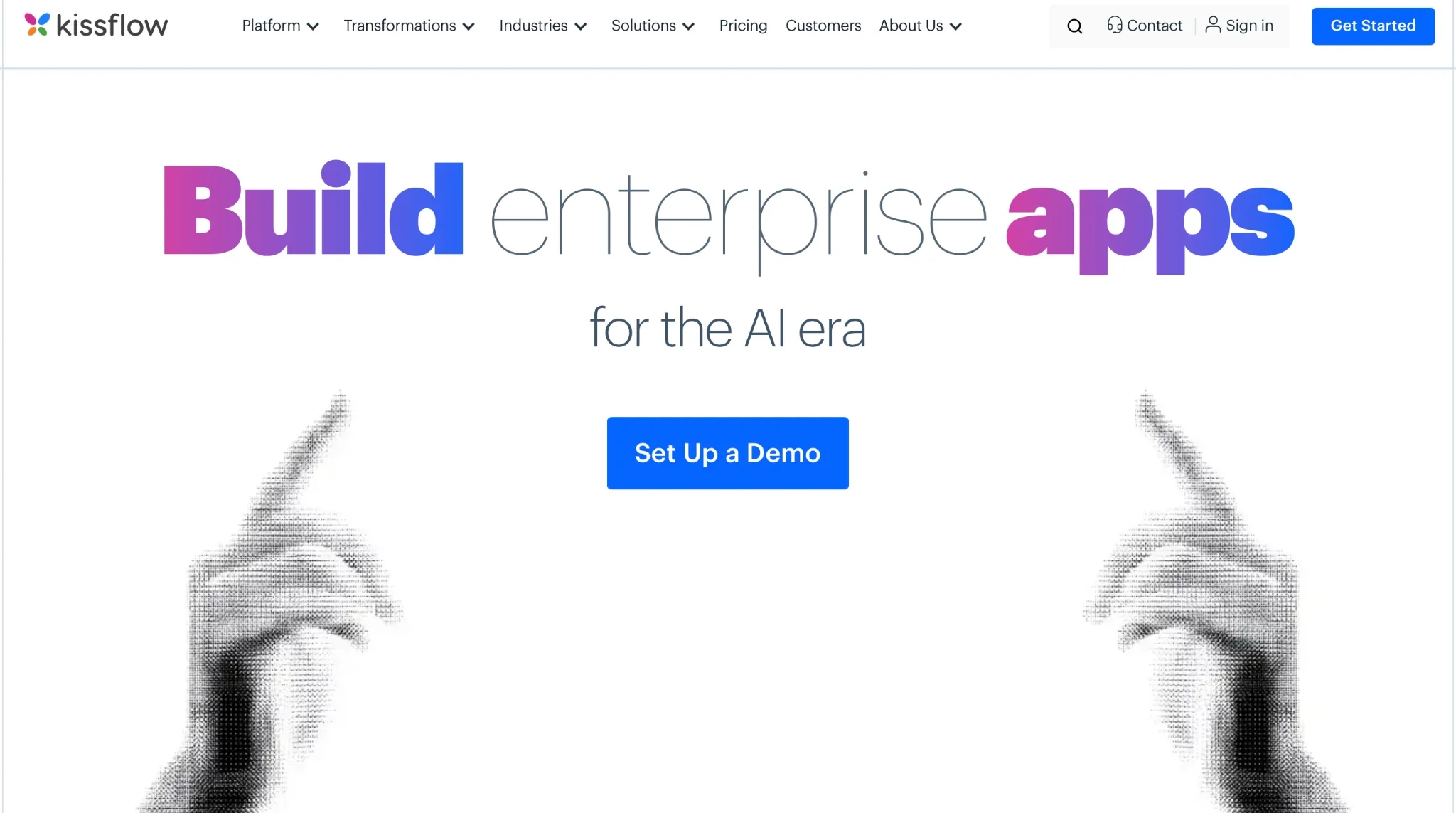
Kissflow is a low-code and no-code platform for building process apps, workflows, and forms. Business users build apps on a drag-and-drop editor, and IT teams extend them with low-code tools. Kissflow AI can also draft a workflow, form, report, or portal from a short written request.
Kissflow has passed a SOC 2 Type II audit and holds ISO/IEC 27001. It supports GDPR and will sign a HIPAA Business Associate Agreement on request, so regulated teams can run sensitive processes on it.
Why I picked it
During my test, Kissflow built a working purchase approval app from a single written request. I described the process in a single sentence. Kissflow AI then drafted the request form with fields for item, vendor, amount, and cost center. It also built an approval path that sent large orders to a second approver. I added a finance step and changed the approval limit on the canvas without writing any code.
The admin view gave IT a full record of every app that business teams had built. Role-based access control determined who could see each request, and the audit log recorded every change with a timestamp. Many departments can build their own process apps this way while IT keeps control of data and access.
Pros
- Prebuilt process apps: Kissflow has an app store of ready-made process apps. A team can start from a template for procure-to-pay or employee hire-to-retire. Each template already holds its forms, approval steps, and reports. The team only changes the fields and approvers to match its own rules, so the first process can go live within days.
- Vendor and customer portals: Kissflow can create a portal for external users. Through that portal, a vendor can submit an invoice, or a customer can file a request. The request then enters the same approval process that staff uses in Kissflow. Nobody copies external emails into the system by hand, and each request keeps a single clear status.
- Private cloud hosting: Kissflow offers both public and private cloud hosting. With a private cloud, process data sits in an environment used by one company only. Banks and hospitals often need this setup to comply with strict data regulations. IT can also apply its own security policies to every app the business builds.
- Implementation support: Kissflow assigns solution architects who are familiar with the customer's industry. They help the team build its first apps, train staff, and create an internal Center of Excellence. The support continues after launch through ongoing planning reviews. A company with no process experts on staff therefore gets expert guidance during its first rollout.
Cons
- No public prices: Kissflow lists no plan prices on its website. Every plan is quote-based, so a team must book a call with sales before it knows the cost. This makes early budget planning difficult. A buyer cannot compare Kissflow with tools that publish prices until the sales process is already underway.
- Annual contracts only: Every plan runs on a fixed annual agreement, and Kissflow offers no monthly billing. A team pays for a full year before it knows whether staff will adopt the platform. This suits a planned company-wide rollout more than a small team that wants a short test.
Pricing
Kissflow does not list plan prices. Every plan is quote-based and only available with annual billing. Each quote includes unlimited applications, unlimited integrations, cloud hosting, and more than 25 AI automation features. Kissflow adds no surcharge for AI or API usage.
Best BPM software for enterprises that need governed AI automation
Appian
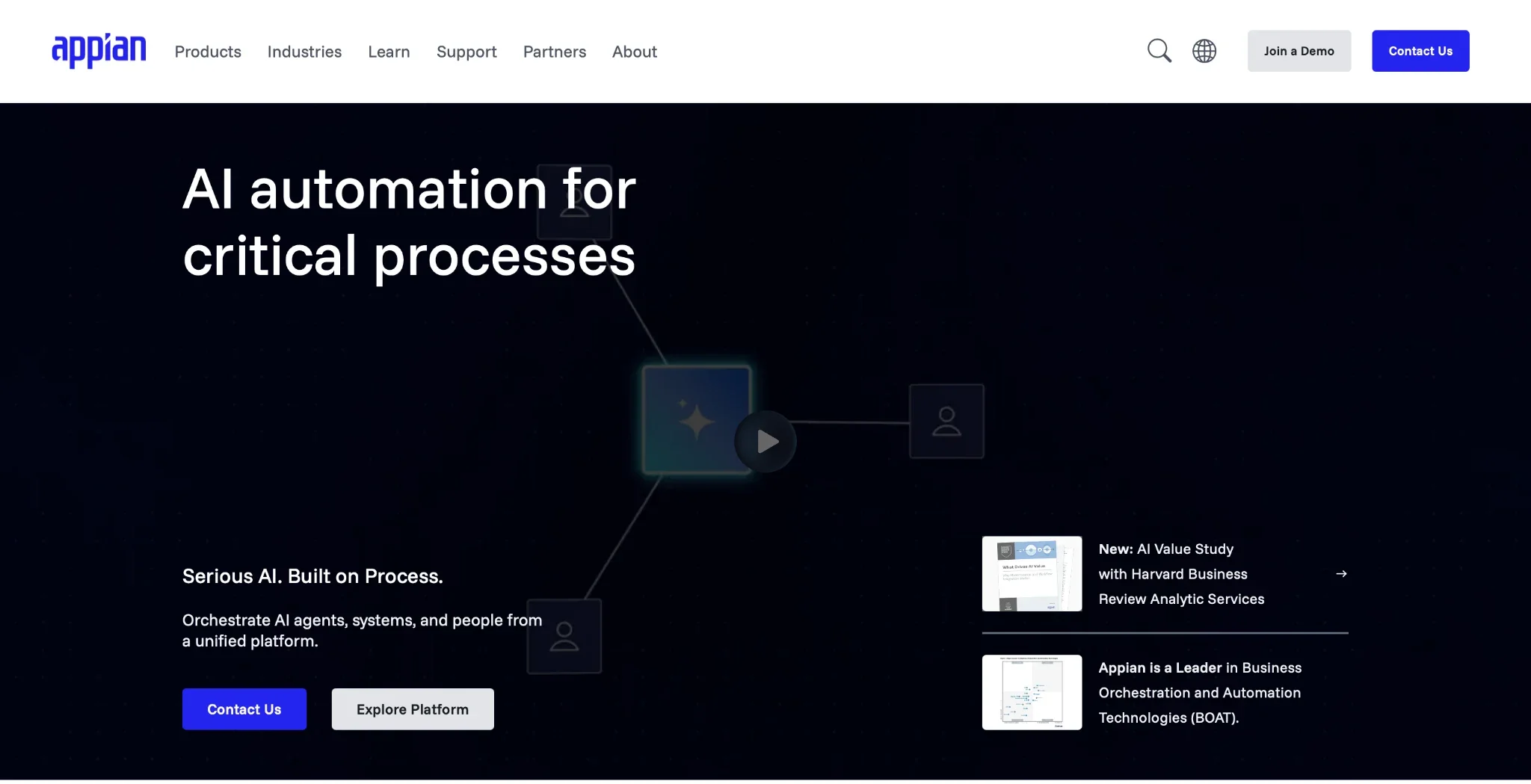
Appian is an enterprise platform for process automation and case management from Appian Corporation, based in McLean, Virginia. One Appian process can join staff, AI agents, software bots, and outside systems under a single set of rules. Banks and government agencies use it for high-stakes work such as loan approvals.
Why I picked it
Appian ran my IT incident-routing scenario as a tracked case from intake through closure. Case Management Studio produced a starter app, and an AI skill tagged each incident email as hardware, access, or network. Each case then landed in the correct team queue, and the Data Fabric showed the matching asset record.
After a week of test cases, Process HQ showed which queue held incidents the longest. A manager could move staff to that queue and watch the result on the same dashboard. Appian treats a process as something to measure and improve, which matters to a large company with strict service targets.
Pros
- Flexible deployment: Appian runs in its own cloud, in a hybrid setup on AWS, Azure, or Google Cloud, or on a company's own servers. A firm that cannot place data in a public cloud can still adopt the platform. IT keeps the choice of where each process and its records live.
- Government-grade security: Appian Cloud holds SOC 1 Type II, SOC 2 Type II and SOC 3 reports, FedRAMP authorization at the Moderate and High levels, and meets HIPAA security requirements. Its cloud service level runs from 99.8% to 99.99% uptime, depending on the support plan, and High Availability adds a one-minute recovery point. Agencies and hospitals can pass a strict security review without extra tools or long exceptions.
- Built-in software bots: Each tier includes robotic process automation (RPA) bots that copy the clicks a person makes in an old system. Standard includes 5 bots, Advanced includes 25, and Premium has no bot limit. A process can therefore reach legacy software without a modern API.
- Delivery guarantee: Under the Appian Guarantee, Appian experts work with an eligible customer to deliver its first app in eight weeks. A buyer gets a fixed timeline before the project starts. This lowers the risk of a long, open-ended rollout on a large platform.
Cons
- No listed prices: Appian prices every paid tier per user, per month, per app, and it shares figures only through sales. Costs rise with each new app and each new user. A buyer cannot estimate a full rollout budget until the sales team scopes several apps.
- Core features sit on higher tiers: Case Management Studio, Process HQ, and AI agents are absent from the Standard tier. Standard also connects to only one data source through the Data Fabric. Most teams that need the features in my test must buy Advanced or Premium, which raises the starting cost.
Pricing
Appian offers three paid tiers: Standard, Advanced, and Premium. Appian prices each tier per user, per month, per app, and its sales team shares prices by quote. Standard includes 200,000 AI Actions per month, Advanced includes 500,000, and Premium includes 1 million. A free Community Edition gives each member a personal workspace for learning and testing the platform.
Best BPM software for large enterprises with rules-heavy processes
Pega
Pega Platform is a low-code platform for case management, workflow automation, and AI-driven decisions. Pegasystems, based in Waltham, Massachusetts, builds it for very large organizations. Its rules engine lets one process apply different logic for each region, product, or customer type.
Why I picked it
Pega Blueprint turned a short description of employee onboarding into a full case design in my test. It proposed stages for the offer, paperwork, equipment, and first day, along with the data fields and the roles that act at each step. I then moved that design into the platform as a build-ready app.
The rules engine proved its value when onboarding varied by country. With Circumstancing, one task held a base rule plus separate versions for UK and US hires, so each new starter saw the correct forms. Insurers and banks with long lists of policy exceptions can keep all of them within a single model.
Pros
- Center-out design: Pega keeps process logic in a central layer and applies it across all channels. The same rule serves a web form, a mobile app, a chatbot, and a call center screen. When a policy changes, the team edits it once, and every channel uses the new version on the next case.
- Real-time AI decisioning: Pega's predictive AI scores each case while it runs and suggests the next best action. A bank can use it to choose which offer or fraud check fits a customer at that moment. Each decision draws on live data, so it reflects the latest account activity.
- Skills-based routing: Pega can send each case to the worker whose skills match the task. A claim written in Spanish goes to a Spanish-speaking agent, and a complex dispute goes to a senior reviewer. Work queues stay balanced, and fewer cases move between teams before someone resolves them.
- Certified talent pool: Pega Academy runs structured courses and certifications for developers and business architects. A company can hire certified Pega staff or train its own team on a fixed learning path.
Cons
- Specialist skills required: Teams can build simple apps in App Studio, but advanced logic sits in Dev Studio. Many large rollouts depend on Pega-certified developers for configuration and long-term upkeep. A firm without that skill set must hire certified staff or pay a partner before complex processes can go live.
- Costs grow with volume and add-ons: Pega charges for every case against a committed volume and term. Pega sells robotics and some advanced automation features as add-ons on the lower editions. Buyers must forecast yearly case volume carefully, since it locks in the commitment before work begins.
Pricing
Pega prices its cloud editions per case, and shares quotes through its sales team. It offers Low-code Factory, Standard, and Enterprise editions. Pega also offers a platform trial for teams that want to test the builder before they commit.
Best BPM software for Microsoft Teams with document-heavy processes
Nintex
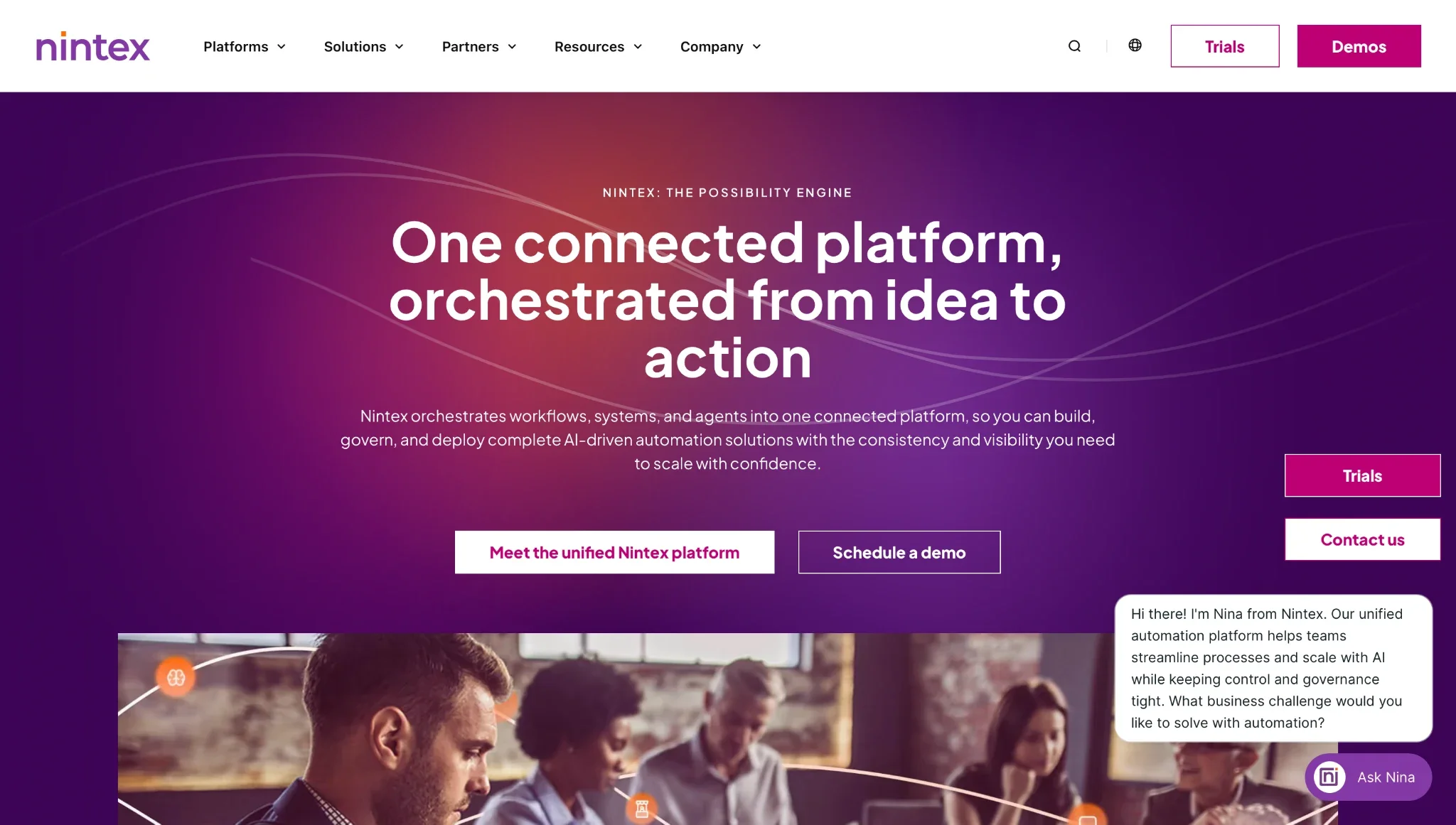
Nintex is a process automation platform that combines workflows, forms, document generation, eSign, and process mapping. More than 8,500 organizations use it, and it connects closely with Microsoft 365 and SharePoint. Teams can build each process in a drag-and-drop designer or describe it to Nintex AI for a first draft.
Why I picked it
In my test, an approved purchase request became a signed vendor contract without leaving Nintex. The request began as a Nintex form on a SharePoint list. After the manager approved it, DocGen filled a Word contract template with the vendor name, amount, and terms from the form. Nintex eSign then routed the contract to the vendor for signature.
The Process Manager kept a plain-language map of the same process, so any staff member could read each step and its owner. Nintex Solutions then packaged the form, workflow, and template into one governed container. The whole package moved from test to production in a single step, and Nintex tracked every version.
Pros
- Cloud or self-hosted choice: Nintex Automation CE runs in the cloud, and Nintex K2 runs on a company's own servers. The latest K2 release adds on-premises AI features for regulated environments. A firm with strict data rules can use AI inside its own network.
- Template gallery: The Nintex Gallery offers ready-made workflow templates from Nintex and its partners. A team can import a template for a common job, such as contract approval, and adjust the fields and approvers. Standard processes reach production with far less build time.
- Salesforce support: Nintex for Salesforce adds apps, workflows, and document generation inside Salesforce. Sales teams can produce quotes and contracts straight from deal records in the CRM. A company that runs Microsoft 365 and Salesforce can use a single vendor for both.
- Built-in RPA: Nintex RPA bots repeat desktop tasks in systems that have no API, such as copying data from an old app into a spreadsheet. Bots can run on a schedule and pass their results into a workflow. Automation can therefore reach legacy software that the rest of the platform cannot touch directly.
Cons
- Quote-based pricing: Nintex publishes no prices on its website, so every deal starts with a sales conversation. Third-party sites report very different figures for the same plans. A buyer cannot set a firm budget until Nintex scopes the deployment, users, and modules.
- Many modules to learn: Workflow, forms, DocGen, eSign, Process Manager, and RPA each have their own builder and settings. A new team needs time to learn how the parts fit together.
Pricing
Nintex does not list plan prices on its website. Pricing is quote-based and depends on the deployment model, the number of users, and the modules a company selects. Nintex offers a free trial of its platform before purchase.







Best BPM software for teams that need BPMN modeling before automation
Bizagi
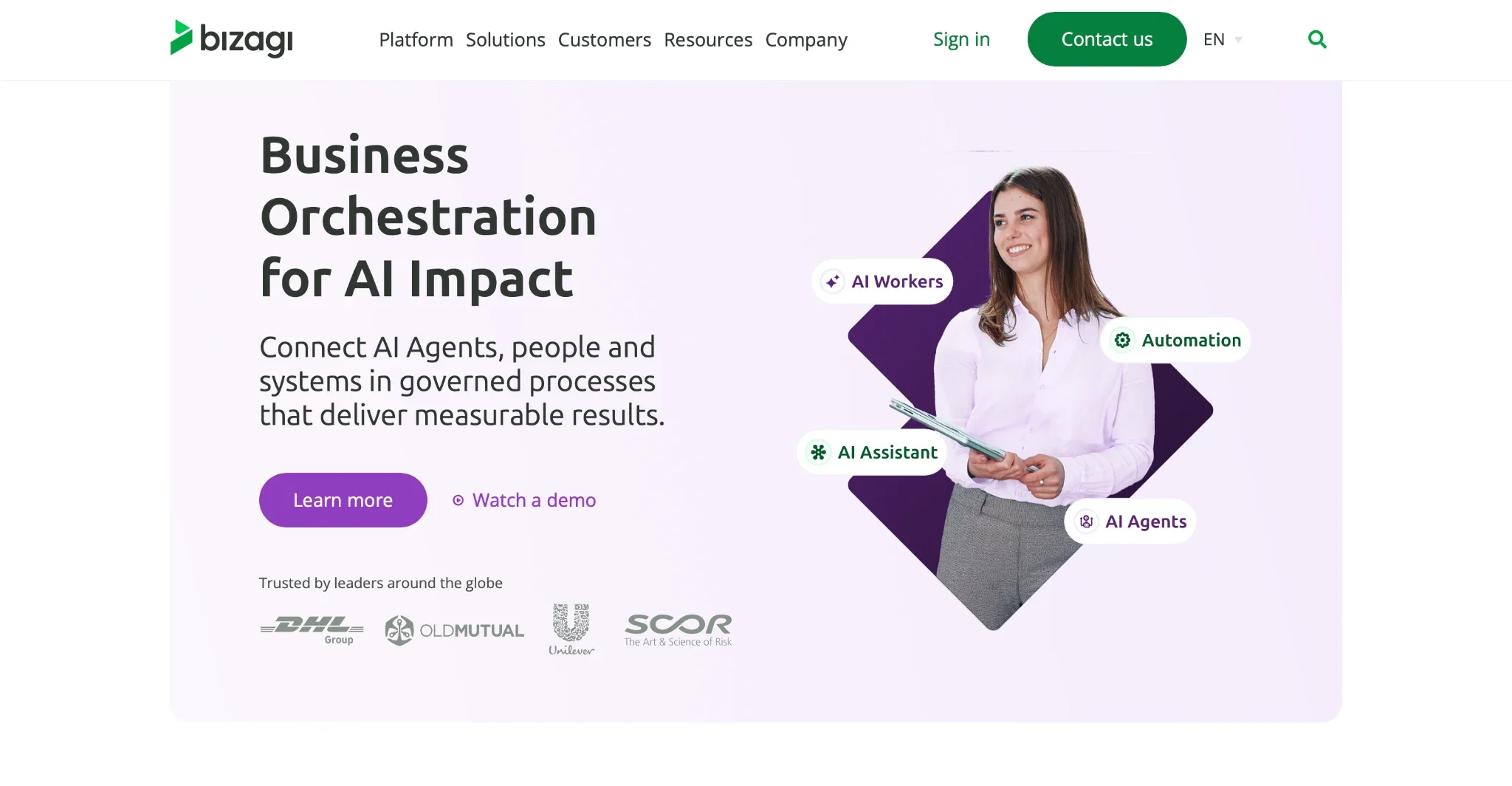
Bizagi is a low-code process automation platform built around BPMN 2.0, the standard notation for process diagrams. Its free Bizagi Modeler lets analysts map, document, and simulate a process as a formal diagram. The paid Bizagi platform then converts those models into running apps.
Why I picked it
Bizagi Modeler let me map the full employee onboarding process in BPMN before any automation began. I drew separate lanes for HR, IT, and the hiring manager, then ran a simulation of a busy hiring month. The results showed the equipment request step forming a queue whenever several hires started in the same week.
That diagram became the base for the build stage. In the Bizagi platform, the same model turned into a working app with forms and business rules, so the live process matched the approved design. Analysts and developers worked from a single shared model, so the team needed no separate specification document.
Pros
- Free BPMN modeler: Bizagi Modeler is a free download that supports full BPMN 2.0. Each analyst can download it and model processes at no license cost, though free models stay on that person's device. A company can map its processes first and decide on automation spending later.
- Unlimited users and apps: The paid platform places no limit on users or apps per subscription. Suppliers and partners can also join the process. A company can extend a single process across departments and external firms at no per-seat charge.
- AI Workers and Ada: AI Workers can prefill forms and make decisions at the supervision level set by the team. Ada, the built-in assistant, answers questions about process data in plain language. Staff spend less time on routine data entry and on searches for case status.
- Xchange marketplace: Bizagi Xchange offers free templates, widgets, and connectors for outside systems. A dedicated SAP option wraps SAP processes inside Bizagi apps. Staff work on one screen, while SAP remains the system of record.
Cons
- Usage-based cost is hard to forecast: Bizagi bills its platform by consumption and lists no prices. Costs grow as the number of automated steps and AI usage increase. A company whose case volume changes by season may find its bills hard to predict.
- BPMN knowledge expected: The modeling-first method assumes staff can read and draw BPMN diagrams. Business users without that training may need a course or a partner to contribute. A team that wants a quick, informal approval flow may find the method slow.
Pricing
Bizagi Modeler is free to download. The paid Bizagi platform uses consumption-based pricing, so costs depend on how much a team uses it. Each subscription includes unlimited users and apps. Bizagi does not publish plan prices on its pricing page. Teams request a quote from sales.
Best BPM software for Microsoft 365 Teams that run cross-app processes
Microsoft Power Automate
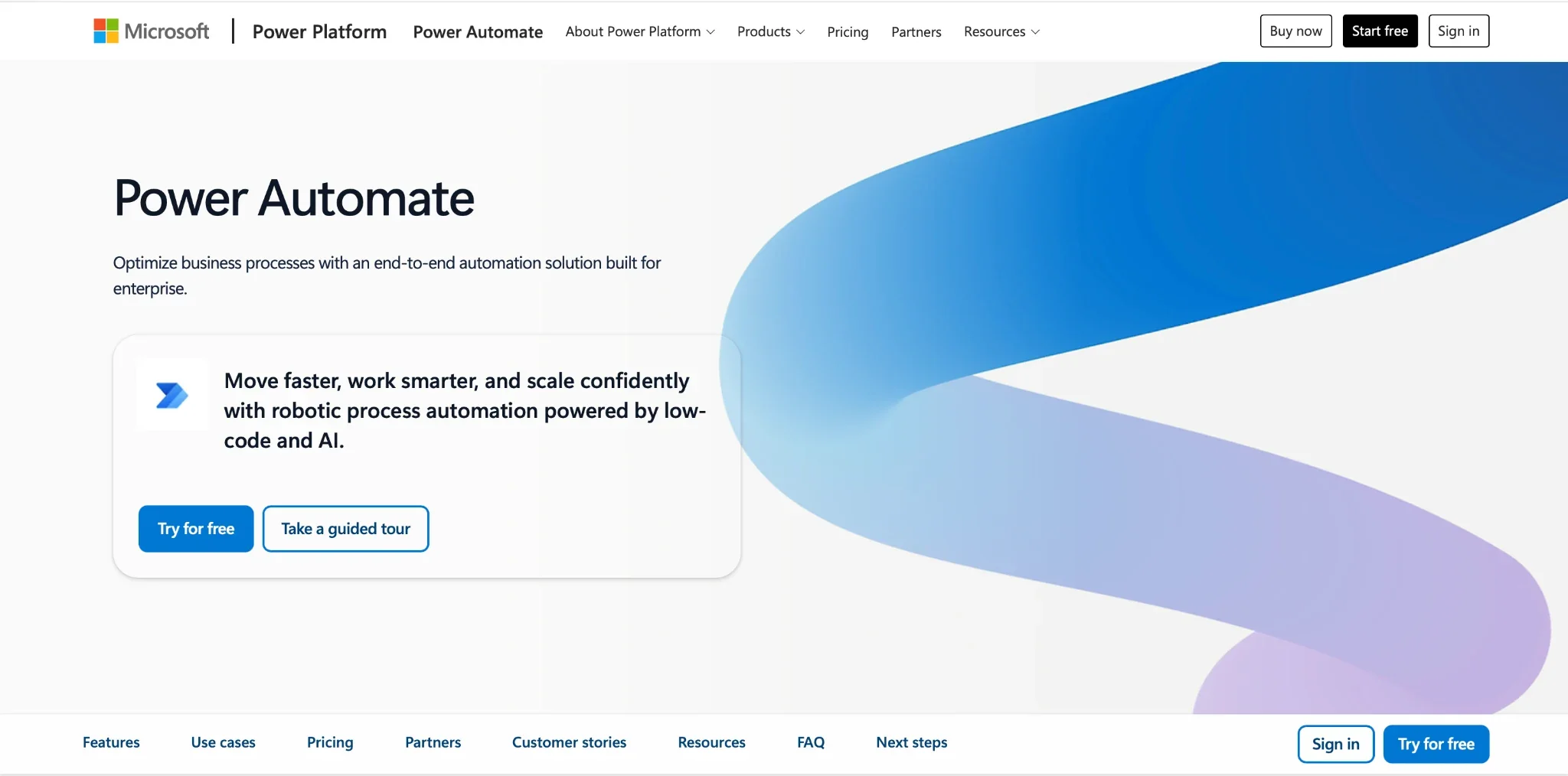
Microsoft Power Automate is Microsoft's low-code automation service and part of the Power Platform, alongside Power Apps and Power BI. Cloud flows connect to apps such as Outlook, SharePoint, and Teams, while desktop flows automate repetitive mouse clicks in Windows apps. Most Microsoft 365 business and enterprise plans already include basic cloud flows.
Why I picked it
My purchase approval test stayed inside the apps that the test team already used every day. A Microsoft Forms request started the flow, and the Approvals action posted an approve-or-reject card in Teams and Outlook. The approver acted from the card, and the flow wrote each decision back to a SharePoint list.
Copilot drafted the first version of that flow from a one-sentence description, and I adjusted two conditions in the designer. The core approval path used only standard connectors, so it ran under the existing Microsoft 365 license. For a company already on Microsoft 365, the first automated process carried no new license cost.
Pros
- Included with Microsoft 365: Microsoft 365 business and enterprise plans cover cloud flows with standard connectors such as SharePoint, Outlook, Teams, and Forms. A company can automate approvals and notifications before it buys any new license. Spending begins only when a flow needs a premium connector or desktop automation.
- Process and task mining: The Premium plan includes process and task mining, with 50 MB of stored data per user. Mining reads event logs and shows where requests wait or loop back. A team can then fix its slowest step with evidence from real runs.
- Large connector library: Power Automate links to more than 1,000 apps and services, including SAP and Salesforce. Developers can also build custom connectors for internal APIs. One flow can pass data between Microsoft and non-Microsoft systems inside a single process.
- Managed Environments: Premium includes Managed Environments, which give admins central control over how flows are shared and governed. IT can let business users build their own flows while it keeps watch over the data each flow touches. This suits a company that wants many builders under one set of rules.
Cons
- Licensing grows complex: Microsoft 365 rights stop at standard connectors. A flow that adds one premium connector, such as SQL Server or an HTTP call, needs a Premium license for each user who runs it, and unattended bots need separate Process licenses. Teams that only need simple app-to-app tasks may find a better fit with lighter AI automation software.
- Best within the Microsoft stack: Power Automate delivers its greatest value when a process spans Microsoft 365, Dynamics 365, and Azure. Companies that run on Google Workspace or another suite gain far less from it. Desktop flows also run only on Windows machines, which rules out Mac-based teams for RPA work.
Pricing
Microsoft 365 business plans include basic cloud flows at no extra cost, and a 30-day free trial is available. Power Automate Premium costs $15/month per user, Process costs $150/month per bot, and Hosted Process costs $215/month per bot. All three plans are only available with annual billing.
Best BPM software for sales and service teams that run processes inside a CRM
Creatio
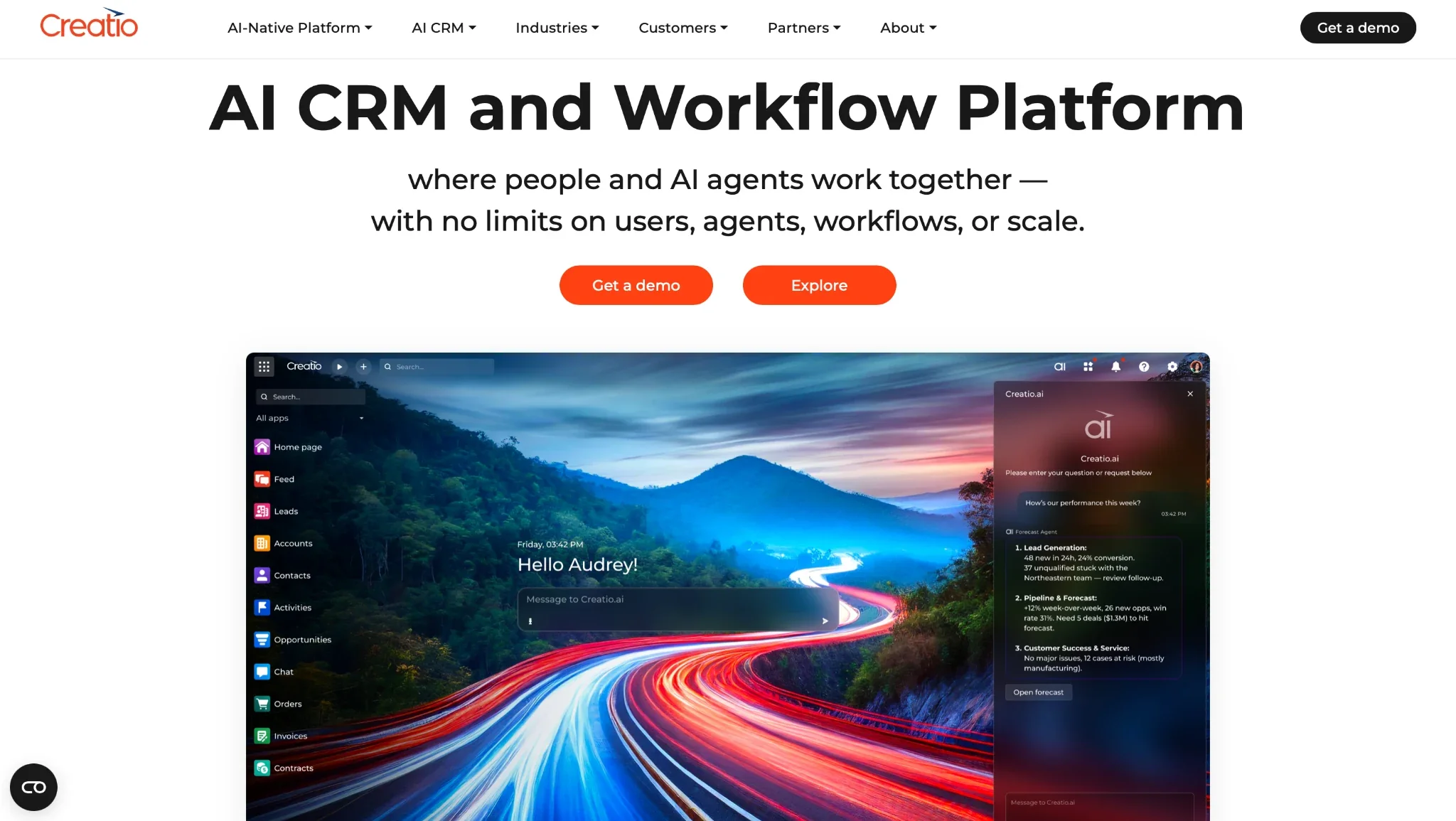
Creatio is a no-code CRM and process platform from Creatio, a Boston-based software company. It pairs Sales, Marketing, and Service apps with Business Studio, where teams design workflows, and AI Studio, where they manage AI agents. Customer records and the processes surrounding them live in a single system.
Why I picked it
In Creatio, I built the purchase approval test as a discount request inside a live sales deal. When a rep entered a discount exceeding the set limit, a workflow locked the opportunity and routed it to the sales manager, attaching the deal size and margin. The manager approved it in the deal record, and the revised quote appeared on the rep's screen.
The workflow used customer data from the first step. Each stage could review the account history, open service cases, and past orders, so the manager could see unpaid invoices or active complaints before approving a lower price. Creatio also logged every decision along the deal timeline, providing sales leaders with an audit trail for their discount policy.
Pros
- BPM and case management together: Creatio runs structured BPM processes and dynamic case management (DCM) on one engine. Fixed approval chains and open-ended service cases share the same data model. A service team can handle a standard refund and an unusual complaint in the same tool.
- AI Twin for every employee: AI Twin lets individual staff build personal AI agents with no code. A sales rep can create an agent that drafts follow-up emails or prepares account briefs before calls. Each AI Twin works under the same access as the employee it acts for, and every action traces back to that user.
- Cloud or on-premises hosting: The Enterprise plan supports both cloud and on-premises deployment. A bank or insurer that must keep customer data in its own data center can still run Creatio. The Growth plan runs only in the cloud.
- Unlimited plan for scale: The Unlimited plan drops per-user counting and includes all three CRM apps. It places no limits on users, agents, workflows, applications, or API calls. A company planning an organization-wide rollout gets a cost that stays steady as headcount grows.
Cons
- High entry floor: Creatio sets a $10,000 yearly minimum for new customers, with a standard three-year contract term. A five-person team on Growth would pay far more per seat than the list price. Small teams may find this commitment too large for a first BPM project.
- CRM apps cost extra: The Growth and Enterprise plans cover only Business Studio and AI Studio. Sales, Marketing, and Service each add $15/month per user on top, and every seat needs at least one of them. A team that wants all three apps on Enterprise pays $120/month per user before any other add-ons.
Pricing
Growth costs $40/month per user, and Enterprise costs $75/month per user; both are billed annually and start at five users. Creatio prices the Unlimited plan by custom quote, and it includes all CRM products with no per-user limits. New customers must spend at least $10,000 per year on a standard three-year contract.
Best AI teammate for teams that handle process work in Slack
Lindy
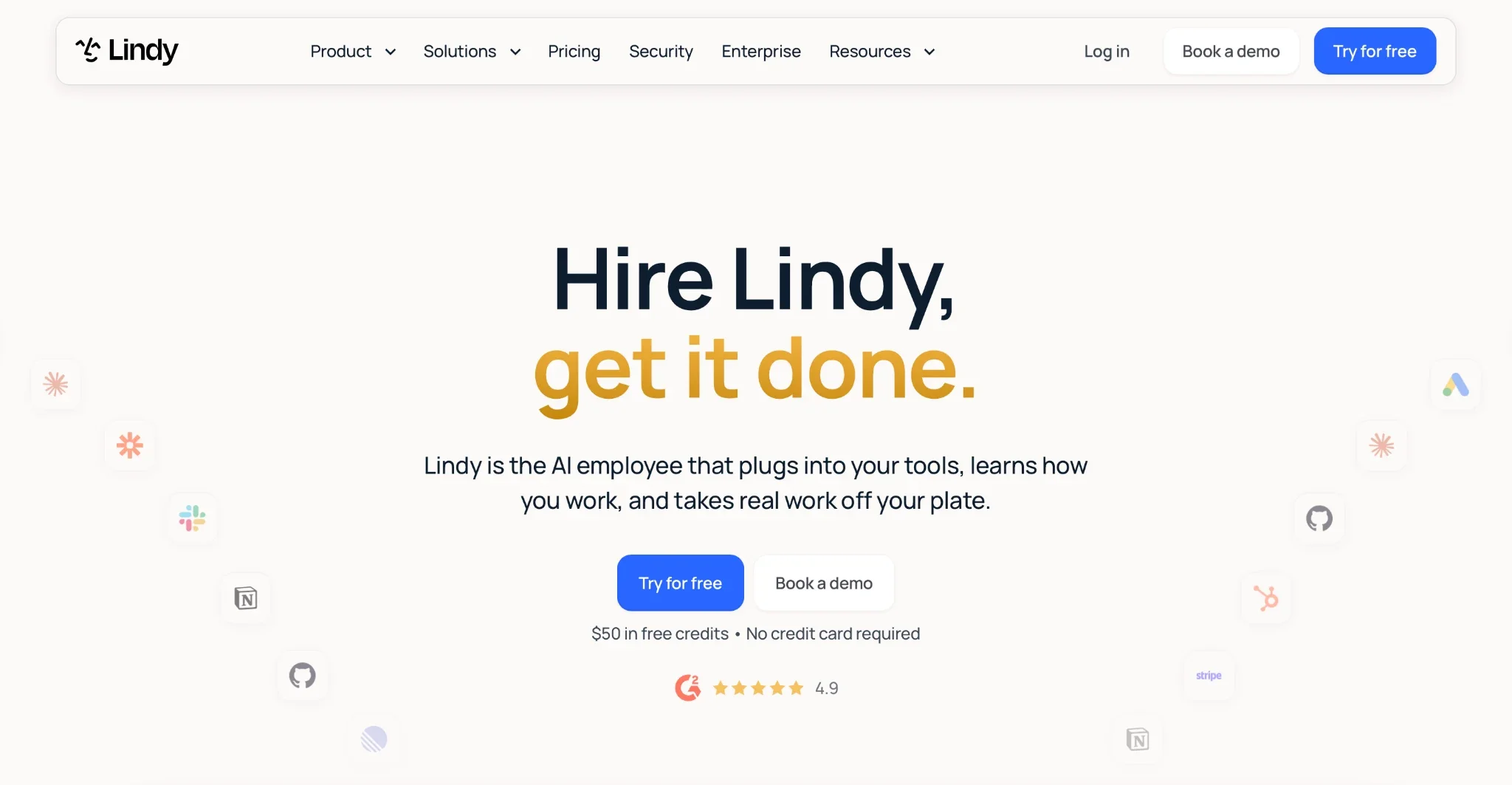
Lindy is an AI teammate that lives in your Slack, connects to your tools, and does real work for the whole team. @mention Lindy in a channel, and it answers in the thread with sources from your meetings, files, and tools. Lindy works over iMessage and SMS, inside Gmail through the Chrome Extension, and in the web app.
Why I picked it
A teammate posted a purchase request for five laptops in the client’s ops channel, and I @mentioned Lindy in the thread. Lindy pulled the budget from a Google Sheet and the vendor quote from email, then posted a summary with a source for each figure. It also tagged the finance lead as the approver.
Once the finance lead approved, Lindy updated the request tracker and drafted the order email to the vendor. The email waited for my sign-off before sending. Setup took one admin install in Slack, and the team handled every step in the same thread.
Pros
- Approvals with sign-off: Lindy holds every action with external impact until someone approves it, so nothing reaches a vendor or a ticket without sign-off. That covers emails, ticket updates, and posts to other channels. Admins set a rule per tool: always allow, require approval, or do not offer.
- Routines on a schedule: Lindy handles recurring process work from a plain-English instruction, such as "every Monday at 9, post all pending purchase requests." The routine runs on time each week without prompting. Managers see open items in the channel before they turn into late approvals.
- Sourced answers: Lindy handles process questions by searching every meeting, file, and connected tool at once, across hundreds of integrations. Each answer in the thread cites its source, so a teammate can check the policy or record behind it. When Lindy does not know the answer, it says so.
- Skills for repeat steps: Lindy handles repeat tasks through 40+ built-in skills, and a team can add its own by explaining a task once. A team skill for new-hire onboarding applies the same checklist every time someone asks. Admins manage team skills for the whole workspace.
Cons
- No formal process modeling: Lindy works from plain-language requests and does not draw BPMN diagrams or simulate a process before launch. Teams that must document and audit every path in a formal model should pair Lindy with a modeling tool such as Bizagi. The workflow management roundup covers more structured options.
- Credit-based usage: Bigger jobs, such as research reports or dashboards, use more credits than quick answers. Monthly credits refresh each billing cycle and do not roll over. When the shared pool runs out, Lindy pauses and notifies the team until credits reset or an admin buys a top-up.
Pricing
Lindy starts at $49.99/month per user on the Team plan, with 5,000 credits per user each month. Extra credits cost $10 per 1,000. New teammates who join through Slack get a 7-day free trial, and Enterprise pricing is custom.
What is the best business process management software for small business?
Microsoft Power Automate is the best business process management software for most small businesses because basic approval flows come with most Microsoft 365 business plans and need no IT team.
Kissflow suits growing companies that want custom process apps and are willing to commit to an annual contract. A small team should look for a visible price, a setup that a manager can finish alone, and approvals inside the tools the team already uses.
Enterprise suites such as Pega and Appian rarely suit small businesses because they rely on trained developers and large contracts. Small teams that need help beyond process work, such as reporting or customer support, can compare more AI business tools.
Which is the best free business process management software?
Bizagi Modeler is the best free business process management software because it offers full BPMN 2.0 modeling at no cost and with no time limit. Microsoft Power Automate includes a free license with no time limit for work and school accounts, covering cloud flows with standard connectors. Premium connectors and unattended bots need a paid plan. Here, "free" means free to model or free for basic flows.
Here is what each free option covers:
- Bizagi Modeler: A free download for mapping, documenting, and simulating processes in BPMN 2.0. Each analyst can model without limits at no cost, but sharing models in a team process library needs the paid Bizagi platform. Running those processes as live apps requires the paid Bizagi platform, which is quote-based.
- Microsoft Power Automate: Most Microsoft 365 business and enterprise plans include cloud flows with standard connectors such as Outlook, Teams, and SharePoint. A team on Microsoft 365 can run simple approval flows at no extra cost. A 30-day trial covers premium features, after which Premium costs $15/month per user, billed annually.
A team with no budget can first map its processes in Bizagi Modeler and choose an automation tool once the design is finalized.
If your team already handles requests and approvals in Slack, Lindy tracks them in the same threads. It records each request, holds every outside action until a person approves it, and posts a weekly list of open items. One admin installs Lindy, and the team keeps its current channels and threads.
Frequently asked questions
What is the best BPM software for small business?
Microsoft Power Automate is the best BPM software for most small businesses, since basic approval flows are included in most Microsoft 365 business plans at no extra cost. For teams that need custom process apps without a developer, Kissflow builds a working first process from a single written request, though it requires an annual contract.
What is the difference between BPM software and workflow automation tools?
BPM software models, governs, and audits complete business processes, while workflow automation tools connect apps and trigger actions between them. BPM software maps every step, routes approvals, and keeps a full audit trail. Workflow automation tools move data between apps, but they don't model a process or track who approved each step.
Is there free business process management software?
Yes. Bizagi Modeler is free business process management software for mapping and simulating processes in BPMN 2.0. Microsoft Power Automate runs basic cloud flows at no extra cost on most Microsoft 365 business plans.
What is the best workflow automation software?
Microsoft Power Automate is the best workflow automation software for most teams, with more than 1,000 connectors and approvals built into Teams and Outlook. Appian is the stronger pick for complex, regulated processes. Teams that work in Slack can @mention Lindy to route approvals instead. For app-to-app tasks, see this AI automation software roundup.
How do I choose a BPM tool for my company?
Choose a BPM tool for your company by matching it to your process complexity first, then your team's technical skill. Pick Pega for rules-heavy enterprise processes, Bizagi for formal BPMN modeling, and Power Automate for Microsoft 365 teams.
About the editorial team

Marvin is a Growth Engineer at Lindy focused on AI agents, automation, and product-led growth.

Lindy leads GTM at Lindy and is the team’s most prolific automation builder. She publishes weekly educational videos and articles on building AI assistants – And yes, she’s a real person!
