I Tested The Top 7 Langflow Alternatives in 2026
Marvin tested ten Langflow alternatives including Flowise, n8n, and Make, evaluating build speed, integrations, and pricing for automation and AI agent workflows.


Six months ago, my Langflow support triage pipeline was working smoothly. But when I tried bringing two teammates on board to monitor runs, I hit a major roadblock. Langflow’s own docs warned that the platform lacks user isolation and role-based access.
I couldn't grant simple read-only permissions without giving them complete access to the underlying database and filesystem. For multi-tenant setups, the docs say isolation is your responsibility to enforce at the infrastructure level. I built a support tool and was then expected to become the ops engineer who makes it safe to share.
That week, I looked for Langflow alternatives and shortlisted 7 tools across open-source builders, no-code platforms, and AI assistants. Over the next few months of testing, every one proved it could do at least one thing Langflow couldn't. This is what I found.
What is Langflow?
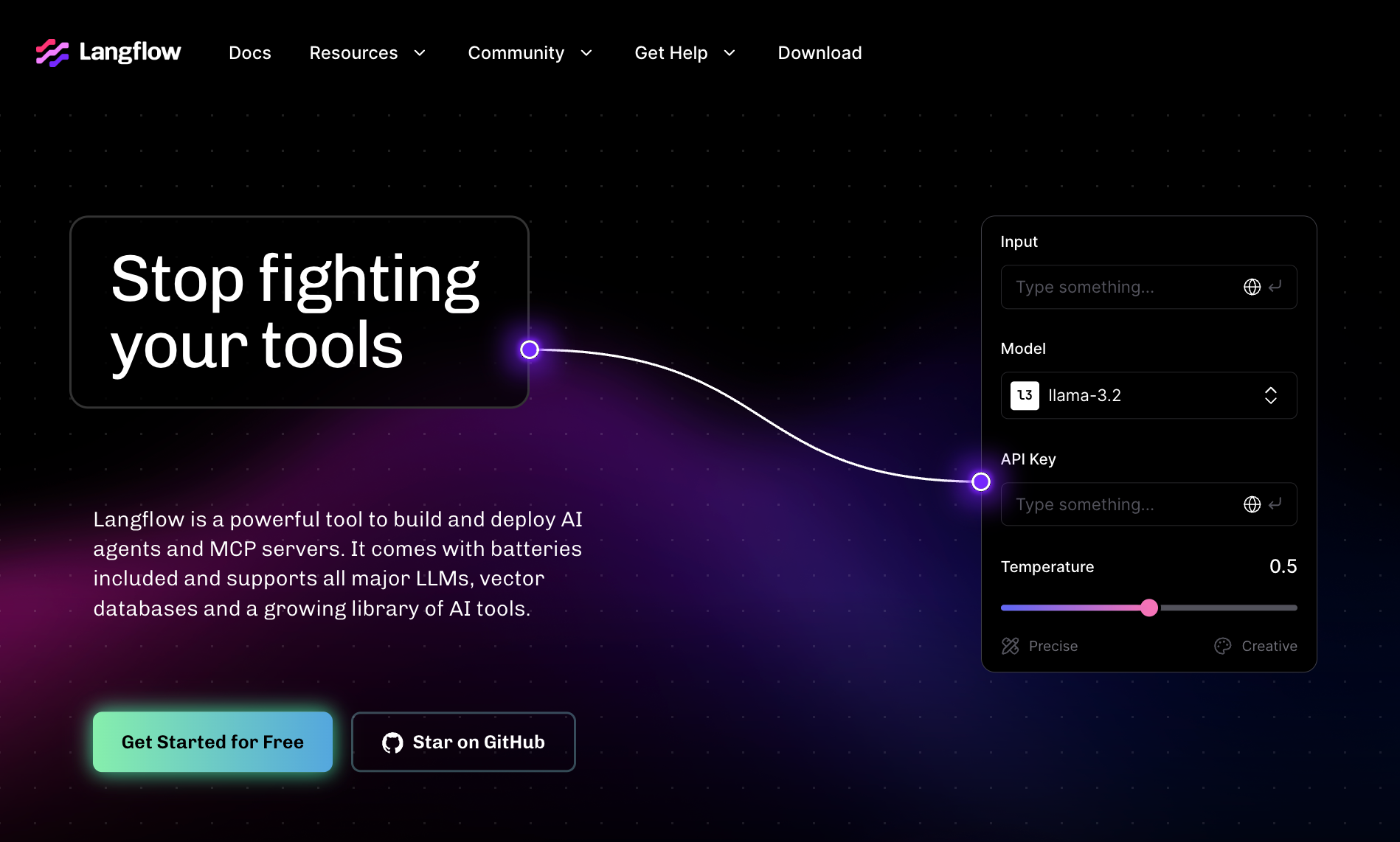
Langflow is an open-source visual builder for LangChain applications. It lets developers drag and drop nodes to create LLM chains, RAG pipelines, and agentic workflows without writing every connection by hand.
Backed by IBM, which acquired DataStax, and available under the MIT license, Langflow runs as a self-hosted tool or through Langflow Cloud. It covers most LangChain components like vector store connectors, prompt templates, memory, tool calling, and multi-agent coordination through LangGraph.
The default audience is Python developers who want a faster way to prototype and test LLM apps. Teams that need more than a canvas tend to outgrow it and start looking for something else.
Why teams look for Langflow alternatives
Most teams that move away from Langflow hit the same three walls, regardless of what they are building.
The first is the gap between prototype and production. Langflow works well for demos. It is harder to rely on for scheduled jobs, error retries, and the observability that a production system needs. Tools like n8n were built for that layer from the start.
The second is workflow breadth. Langflow is not a general automation platform. Teams that need logic running across their CRM, inbox, calendar, and chat apps end up adding a separate tool anyway. Platforms like Make and Zapier cover that ground natively.
The third is usability. Langflow assumes a developer is driving. Non-technical teams searching for an AI assistant or a simpler way to automate recurring work hit a wall early. Some of them end up on Dify, which has a more finished application layer. Others end up on Lindy, which skips the builder model entirely.
What to look for in a Langflow alternative
Once you know why you are leaving Langflow, the next question is what to evaluate in a replacement. Most tools in this category will show you a demo that looks good. The differences that matter show up later.
Production reliability
A canvas is not a runtime. Langflow will let you build a flow and run it manually, and it records run traces you can inspect afterward. What it still lacks is native scheduling to fire those runs on their own.
If you are moving something into production, the alternative you pick needs to handle what happens when a step fails at 3 am. Look for built-in retries, error logging, scheduling, and the ability to replay failed runs. n8n does this well. CrewAI handles it at the code layer, but most canvas-first tools do not.
Integration depth
Langflow connects to LLM providers, vector stores, and SaaS apps through its Composio bundle, which covers Gmail, Slack, Jira, Notion, and around 60 others. What it does not give you is the scheduling and retry layer around those connections.
If your workflow touches a CRM, a support inbox, a calendar, or a Slack channel, check whether the platform has a native connector or whether you are writing a custom API call every time. Make and Zapier have the widest SaaS coverage. Lindy connects to CRMs, email, and calendar by signing in, with no workflow to build.
Hosting model and who owns the infrastructure
Self-hosted tools (Dify, n8n, CrewAI) are free at the software level, but that cost moves to your own servers, your own maintenance, and your own security posture. For teams without a dedicated ops function, managed cloud removes that overhead at a price. Worth being honest about before you commit to a self-hosted deployment.
Code vs no-code
Langflow is a visual tool, but it still assumes a developer is in the loop. Most of its closest replacements make the same assumption. If your team does not write Python, the shortlist shrinks considerably. Dify, Make, and Zapier are the realistic no-code and low-code options. Everyone else requires engineering resources to set up, maintain, and extend.
Compliance and data handling
This one is easy to skip until it becomes a blocker. If your team works in healthcare, finance, or any regulated industry, check for SOC 2, HIPAA, and GDPR compliance before you build on a platform. Langflow has no compliance posture documented in its official docs. Security is explicitly delegated to whoever runs the infrastructure.
Pricing model and volume fit
Some tools charge per execution or per task (n8n, Make). Others charge per workspace or per conversation (Dify, Botpress). Neither model is inherently cheaper. At low volume, per-task pricing is usually more affordable. At high volume, per-seat pricing tends to win. Run the numbers against your actual usage before deciding.
The 7 best Langflow alternatives at a glance
How I tested these alternatives
I built two reference workflows on each platform: lead enrichment and support triage. I compared how much setup each one needed, how it behaved when a step failed, and how its pricing model scales.
I also looked at community health, docs quality, and how each platform handles the move from prototype to production. The tools below are ranked by how well they replace Langflow for specific use cases.
Flowise was on my original shortlist. It shares the same LangChain foundation as Langflow and was the closest direct replacement for most teams. But FlowiseAI announced in July 2026 that it is winding down operations, with the repository now archived and support ending August 31.
I've left it off the final list for that reason. If you're already running Flowise, check the Flowise alternatives breakdown for where most teams are moving next.
1. LangGraph: Best for production-ready LangChain agent workflows
LangGraph is an open-source Python framework for building stateful, multi-actor agent workflows. It is built by the LangChain team on the same foundation as Langflow, which makes it the most natural landing spot for teams leaving either tool.
Where Langflow gives you a canvas and stops at the prototype layer, LangGraph adds the production layer around it: persistent state, scheduled runs, human-in-the-loop approvals, and native streaming.
With Flowise archived, LangGraph is where that demand is going. It has no drag-and-drop canvas by default, so it requires Python skills, but the control it gives you in return is the reason companies like Lyft, Expedia, and Coinbase run it in production.
Why it beats Langflow
- Persistent state across sessions is built in. LangGraph checkpoints graph state after every step, so a workflow that fails at step 7 can resume from step 7 rather than starting over. Langflow has no equivalent.
- Human-in-the-loop interrupts let you pause any workflow at any node, route it to a person for review, and resume after approval. It is built into the framework rather than bolted on.
- Multi-agent architectures are all supported in one framework: single-agent, hierarchical, and parallel. You define which pattern fits the task rather than being locked into one model.
Pros
- MIT license: free to use, fork, and deploy.
- Actively maintained by the LangChain team with regular releases.
- Native streaming support for token-by-token output, useful for user-facing applications.
Cons
- No visual canvas. You write Python to define every node and edge. Teams without a developer cannot use it.
- Running it yourself means wiring up your own database for state and your own hosting. LangChain's managed Agent Server does that for you, but it is a paid LangSmith product on top.
Pricing
- LangGraph library: Free (MIT license, self-hosted)
- LangSmith Developer: Free, includes 5k traces a month, then pay-as-you-go
- LangSmith Plus: $39/month per seat, includes 10k traces/month and one free small serverless deployment
- Enterprise: Custom
2. Dify: Best for RAG-native agentic workflows
Dify is an open-source LLM application platform that bundles what Langflow leaves separate: a visual workflow builder, RAG pipeline management, prompt versioning, retrieval testing, and a deployment runtime. Where Langflow gives you a canvas and leaves the application layer to you, Dify ships more of it out of the box.
It has +156,000 GitHub stars, a native MCP client and server, and a Dify Open Source License, Apache 2.0 plus two limits: no running it as a multi-tenant service, and you can't strip Dify's logo. The self-hosted community edition is free. The cloud tiers bill monthly or annually, with 17% off for annual.
Why it beats Langflow
- Production-ready monitoring with unlimited log history on Professional and Team, and no Dify API rate limit on paid plans.
- Built-in RAG pipeline handles document upload, chunking, retrieval, and reranking without extra nodes.
- Workflow and Agent modes in a single platform. You switch modes per use case rather than rebuilding in a different tool.
Pros
- MCP support baked in: connect any tool via MCP server.
- One of the fastest-growing open-source AI projects, up to 156k stars.
- Annotation built in for chat apps, plus retrieval testing on the knowledge pipeline.
Cons
- Annual billing saves 17%. Paying month-to-month costs full price.
- Dify OSS License is Apache-adjacent but not pure OSI Apache 2.0. Worth reading if that matters for your use case.
- Self-hosting has more moving parts than most on this list (Docker Compose setup, monitoring, and scaling are on you).
Pricing
- Sandbox: Free (cloud, limited to 200 message credits)
- Community: Free (self-hosted, open-source)
- Professional: $59/month per workspace
- Team: $159/month per workspace
- Enterprise: Custom
3. n8n: Best for workflow automation with AI nodes
n8n is an open-source automation platform that connects more than 2,000 apps and services. It supports traditional workflow automation and includes an AI Agent node for adding LLM steps into broader automations. You work in a visual editor or write code directly, which suits technical teams who want control over both. Read the n8n alternatives breakdown or the n8n review for more detail.
Why it beats Langflow
- Execution-based pricing scales more predictably than Langflow's resource needs.
- Extensive integrations, including SaaS apps that Langflow has no native support for.
- Governance tools, including retries and credential management on every plan and Git-based version control on Enterprise, improve production reliability in ways Langflow's canvas does not cover.
Pros
- Flexible cloud and self-host options.
- Strong debugging and monitoring tools.
- Active community and regular releases.
Cons
- Technical setup requires expertise, which rules it out for teams without a developer.
- Execution limits can get costly at very high volumes on the cloud.
Pricing
- Self-hosted: Free (Community Edition, unlimited executions)
- Cloud Starter: $24/month
- Cloud Pro: $60/month
- Business (self-hosted): $960/month
4. Make: Best for visual iPaaS with AI agents
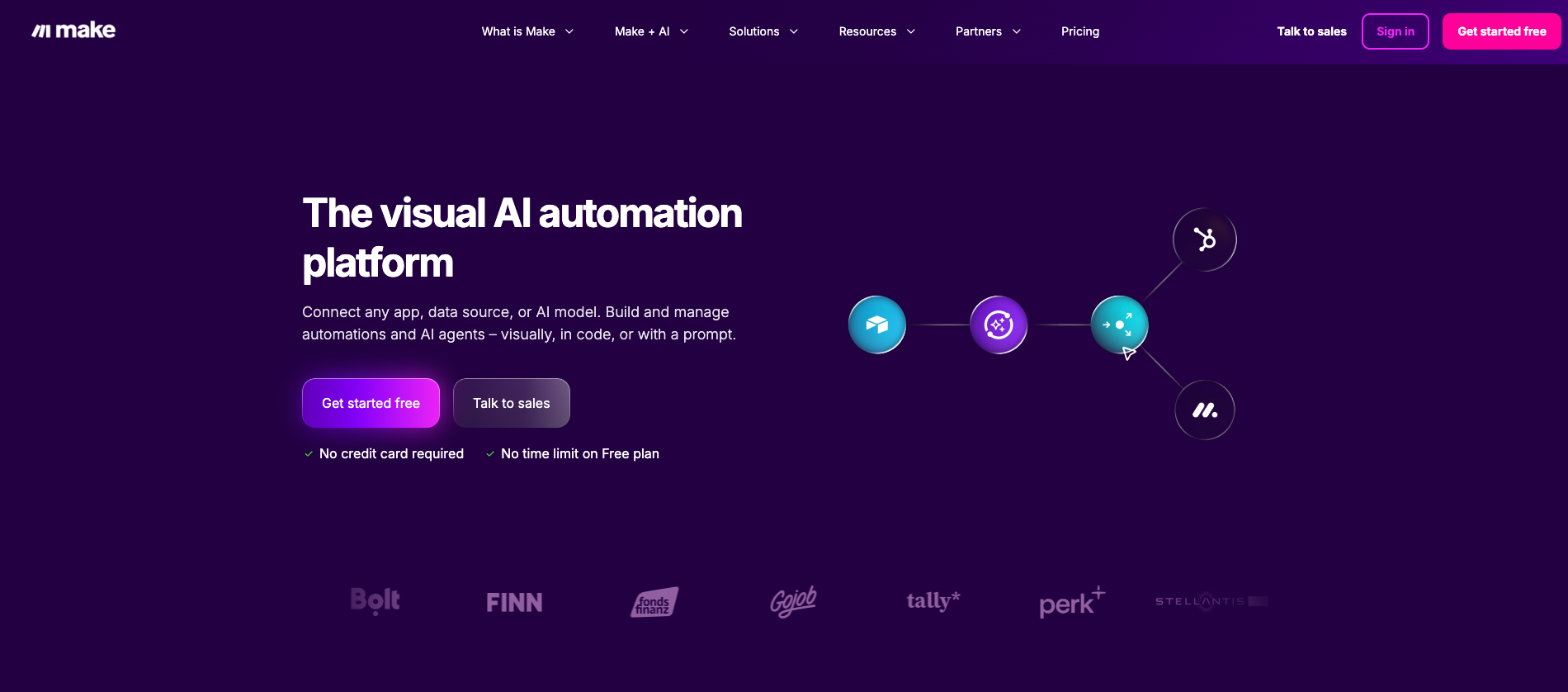
Make is a visual automation platform with more than 3,000 app integrations and thousands of ready-made actions. Its AI Agents, still in beta, let teams embed LLM-driven logic inside existing scenarios without separate infrastructure.
Why it beats Langflow
- 3,000+ app integrations cover far more SaaS tools than Langflow touches natively, with no custom connector setup required.
- AI Agents run inside existing scenarios rather than as a separate build. You add LLM reasoning to automations that already exist and already work.
- Built-in error handling and scheduling mean you do not need a separate ops layer to keep things running reliably in production.
Pros
- Wide pre-built integration library.
- Low entry price for teams starting with automation.
- User-friendly visual builder accessible to non-developers.
Cons
- Less flexible than open-source alternatives for custom LLM logic.
- Credit-based pricing escalates for complex, high-volume workflows.
Pricing
- Free: 1,000 credits/month
- Core: $16/month
- Pro: $28/month
- Teams: $51/month
- Enterprise: Custom
5. CrewAI: Best for code-first multi-agent systems
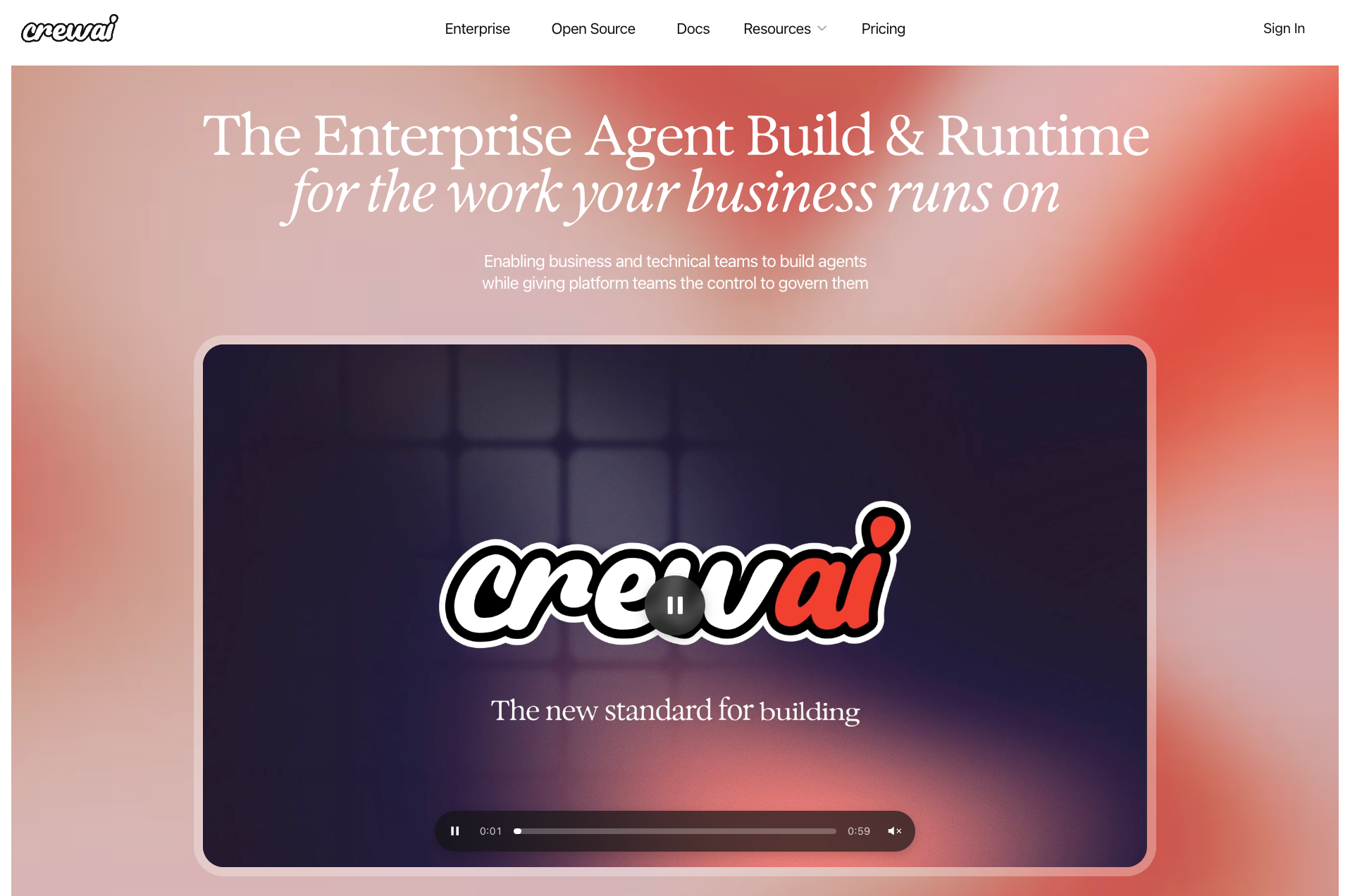
CrewAI is an open-source Python framework for building and managing multi-agent workflows. It gives developers complete control over agent roles, memory, tools, and orchestration.
Why it beats Langflow
- Full Python control over every layer of agent design: roles, memory, tools, task delegation, and inter-agent communication. Langflow exposes some of this visually but with less depth at the code layer.
- Flows feature supports event-driven orchestration across multiple agents, letting you define state transitions and conditional logic in code rather than in a canvas.
- Observability hooks connect natively with Langfuse and similar tools, giving you trace-level visibility into agent runs without a custom monitoring setup.
Pros
- Strong primitives for agent design.
- Active open-source community and enterprise deployment options.
- Pairs well with LangChain and other Python-native tooling.
Cons
- Requires strong engineering resources to go beyond the basics, since the real depth is in Python.
- Hosting, scaling, and upgrades are the team's responsibility on self-hosted.
Pricing
- Self-hosted: Free
- Cloud Basic: Free (50 workflow executions/month, visual editor included)
{{templates}}
6. Zapier: Best for no-code automation with AI agents
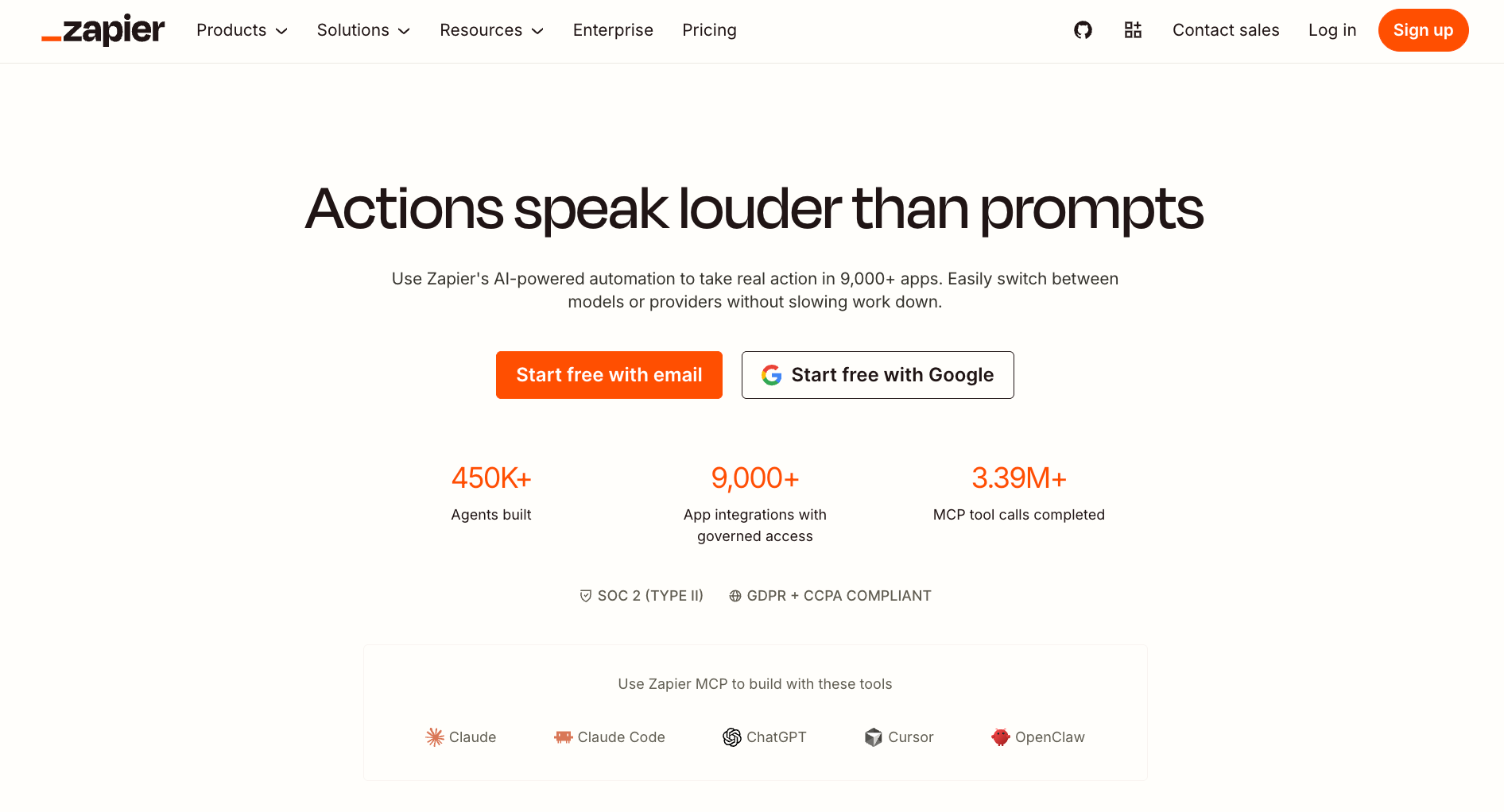
Zapier is a no-code automation platform that connects different apps and software to automate repetitive tasks. Its Agents product lets teams build AI-powered teammates that work inside existing Zapier automations.
Why it beats Langflow
- 9,000+ app integrations is the widest coverage on this list by a significant margin. If the app exists, Zapier almost certainly connects to it.
- Agents add reasoning to existing automations rather than requiring a separate build. You drop conversational decision-making into Zaps that already run in production.
- Forms and Tables let you build data-collection pages and lightweight databases on top of your automations
Pros
- Large template library cuts setup time.
- Easy for non-technical teams to adopt immediately.
- Mature ecosystem with broad documentation and support.
Cons
- Costs escalate quickly at scale.
- AI Agents are still relatively early and less capable than purpose-built agent platforms.
Pricing
- Free: 100 tasks/month, two-step Zaps, unlimited Zap workflows, Tables, and Forms
- Professional: $29.99/month
- Team: $103.50/month
- Enterprise: Custom
7. Botpress: Best for multichannel conversational AI
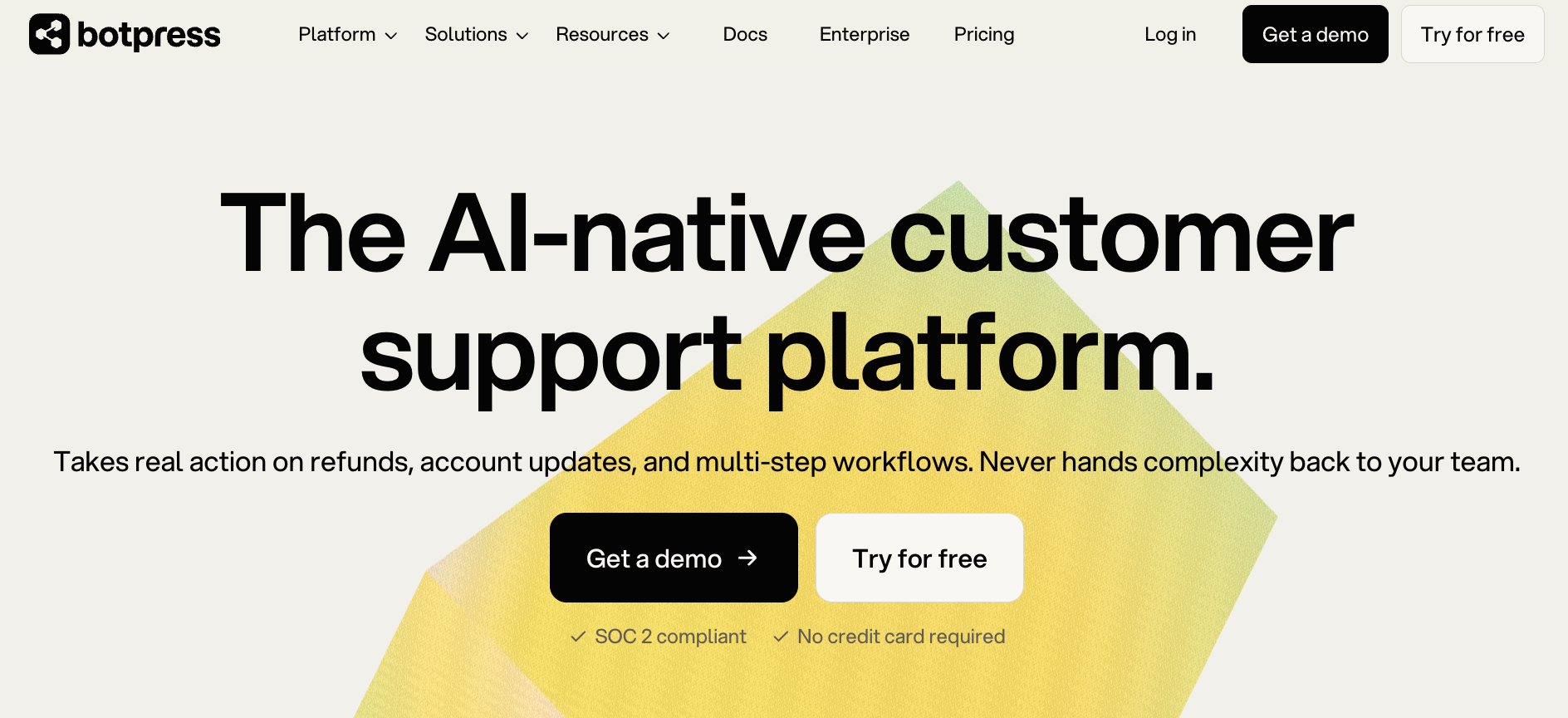
Botpress is a platform for building and deploying conversational AI agents across web, messaging, and voice channels. It targets teams whose primary output is a chatbot or conversational interface.
Why it beats Langflow
- Multichannel delivery out of the box covers WhatsApp, Slack, and web chat, with the voice channel on Enterprise.
- Team collaboration on the Team plan lets multiple editors work on the same bot at once, with role-based access and shared deployment. Langflow is built for solo developers.
- States, tags, and webhooks give you the primitives to build complex conversational logic without writing a custom orchestration layer around an LLM.
Pros
- Strong conversational design tooling.
- SOC 2 Type II and GDPR compliant.
- Flexible SDK for custom integrations.
Cons
- Advanced features are gated behind higher tiers.
- Going over your included conversations costs extra, at $65 per 100 on Plus.
Pricing
- Free: 25 conversations/month, 3 seats
- Plus: $189/month (250 conversations included)
- Team: $939/month (1,500 conversations included)
- Enterprise: Custom
Open-source and self-hosted picks
When hosting your own stack, setup complexity is the true cost driver. Dify requires more configuration but provides the most extensive out-of-the-box feature set.
If you need a self-hosted or open-source alternative to Langflow, start with these top choices:
Langflow vs n8n: which one should you use?
Langflow and n8n are both popular tools for building automated workflows with AI, but they are solving different problems. The comparison comes up constantly because both show up in the same searches, but teams that pick the wrong one for their use case end up rebuilding from scratch.
- Pick Langflow if your team is building a custom LLM application, like a RAG chatbot, an agentic pipeline, or a multi-step reasoning chain you deploy as an API endpoint. Langflow is a canvas for LangChain components. You control the model, the memory, the retriever, and the prompt structure at the node level. The output is an AI application.
- Pick n8n if your team already runs business operations across SaaS tools and wants to add AI reasoning to existing workflows. n8n has an AI Agent node, but the platform is built around trigger-action automation, not LLM-first design. It connects systems, manages credentials, schedules runs, handles retries, and logs execution history. The output is a reliable business automation.
It gets complicated when you need both. A team building a customer support system might prototype the LLM reasoning in Langflow, then use n8n to handle the triggers, ticket routing, CRM updates, and email sending around it. In that case, they are two layers of the same stack rather than competing tools.
Which Langflow alternative should you choose?
The right Langflow alternative depends entirely on why you are looking in the first place. Langflow is a good tool for prototyping LLM apps. The teams that leave it are outgrowing the specific layer it covers.
Here is how to match the problem to the pick:
- You are already building in the LangChain ecosystem and need production-grade state management: LangGraph is the most natural next step. It runs on the same foundation as Langflow and adds persistent state, human-in-the-loop interrupts, and multi-agent orchestration that Langflow does not cover.
- You need RAG pipelines and a finished application layer on top of the builder: Dify ships more of the production stack out of the box and gets you from prototype to shareable product faster than Langflow does.
- You need general automation across SaaS apps with AI steps added in: n8n if your team leans technical, Make if it does not. Both handle the production reliability layer that Langflow leaves out.
- You already have Python engineers and want agents defined in code: CrewAI gives you more depth at the code layer than Langflow's canvas allows, with a visual editor if you want one.
- Your primary output is a chatbot or conversational interface across multiple channels: Botpress is built specifically for that delivery layer, with multichannel support and team collaboration that Langflow cannot match.
- You want the widest no-code app coverage with AI features built in: Zapier connects with over 9,000 apps and its Agents product drops reasoning into automations you already run.
{{cta}}
When you don't need to build anything at all, try Lindy
Lindy is an AI teammate that lives in your Slack, connects to your tools, and handles recurring work for the whole team. It is the alternative on this list for teams that have looked at Langflow and realized they do not want to build anything. They want an assistant that already knows how to triage an inbox, prep for a meeting, update a CRM entry, or draft a follow-up.
Where every other tool on this list gives you a canvas or a framework, Lindy gives you outcomes. I ran a support triage test during my research: the same day I installed Lindy, it read my inbox, labeled what mattered, and routed what needed a person. No setup beyond connecting Gmail and walking it through what I wanted once.
Why it beats Langflow
- No build required. One admin installs Lindy in Slack. The whole team talks to it from day one. No nodes, graphs, or Python.
- 1,000+ integrations connect directly to CRMs like HubSpot and Salesforce, Gmail, Google Calendar, and Slack. @mention Lindy in any channel and it answers in the thread. DM it for personal work: email, calendar, private memory.
- Human-in-the-loop approvals are built in. Anything with outside impact waits for your sign-off before it moves.
- Skills are reusable playbooks Lindy picks up automatically when a request matches. 40+ built-in, and you can create your own by telling Lindy how you want something handled once.
Pros
- Secondary surfaces. Message/SMS, Gmail Chrome Extension, alongside Slack.
- SOC 2 Type II and GDPR compliant, with HIPAA and a signed BAA available on Enterprise.
- Persistent workspace context. Lindy remembers past decisions, so nobody has to re-explain them.
Cons
- No free plan. The 7-day trial is for Slack workspace joiners only.
- Not the right choice if you need to build and ship a custom LLM application.
Pricing
- Plus: $29.99/month per user (3,000 credits/month)
- Pro: $99.99/month per user (15,000 credits/month)
- Max: $199.99/month per user (35,000 credits/month)
- Enterprise: Custom
Frequently asked questions
What is the best Langflow alternative?
LangGraph is the best Langflow alternative for teams already in the LangChain ecosystem who need production-grade state management and multi-agent control. Dify is better if you need built-in RAG and a finished application layer. n8n fits production automation with AI steps. Lindy is the right move if your team wants AI to handle work across tools without building or hosting anything.
Which Langflow alternatives are open source?
LangGraph (MIT), Dify (Dify OSS License), n8n (fair-code), and CrewAI (MIT) are all open-source Langflow alternatives. Each can be self-hosted at no software cost. Dify ships the most features out of the box. n8n is best for general automation. CrewAI is a Python framework with an optional visual editor.
Langflow vs n8n: which one should I use?
Use Langflow if you are building a custom LLM application: a RAG chatbot, an agent pipeline, or a multi-step reasoning chain you deploy as an API. Use n8n if you are automating business operations across SaaS apps and want to add AI steps inside existing workflows. n8n handles retries, scheduling, and error governance far better than Langflow does at the production level.
Can I use n8n instead of Langflow for workflows?
Yes, for workflow automation. n8n includes an AI Agent node and handles SaaS integrations, scheduling, retries, and error handling that Langflow does not cover. For custom LangChain logic, you'd still start in Langflow.
Dify vs Langflow: what is the difference?
Langflow is a Python-first LangChain canvas, flexible and good for custom LLM app development, whereas Dify is a fuller LLMOps platform with built-in RAG, prompt versioning, retrieval testing, and a deployment runtime your non-developer teammates can actually use. If you need to go from prototype to shareable product without switching tools, Dify covers more of that journey than Langflow does.
Are there free Langflow alternatives?
Yes. Dify, n8n, and CrewAI are all free to self-host. CrewAI is the lightest to spin up on a small VPS, with LangGraph close behind. Dify ships more features but has more infrastructure to manage. CrewAI is a Python framework with an optional visual editor. Make, Zapier, and Botpress offer free cloud entry tiers. Lindy offers a 7-day free trial for teams joining through Slack.
What is the best AI agent development platform in 2026?
For open-source agent development, Dify and CrewAI lead the field. Dify ships the most complete platform for teams moving from prototype to production. CrewAI gives developers the most control over multi-agent orchestration in Python. For no-code AI assistance across business tools, Lindy is the strongest option: no build time, works across Slack, email, calendar, and CRM from day one.
What is the difference between Langflow and LangChain?
LangChain is the Python and JavaScript framework that Langflow is built on. LangChain is code-first: you write chains, agents, and retrievers directly. Langflow is a visual interface for LangChain: you connect the same components by dragging and dropping nodes instead of writing the wiring by hand.










