The 8 Best AI Email Assistants in 2026 (Every Inbox Tested)
Marvin tested 20+ AI email assistants, including Shortwave, Superhuman, and SaneBox, across outreach, follow-ups, scheduling, and inbox cleanup to name his eight favorites.


I use three different email accounts for three different parts of my work: one on Gmail, one on Outlook, and one that's technically still on Yahoo because I've never gotten around to migrating it. Between the three, I get somewhere around 60 emails a day, and none of them care which inbox they land in.
That's the part nobody tells you about inbox overload: it's not really a Gmail problem or an Outlook problem. It's an email problem. The sorting, the follow-ups, the context you lose when a thread goes quiet for a week, all of that happens the same way no matter which logo sits in the corner of your screen.
So when I set out to test AI email assistants, I didn't limit myself to one inbox. I ran these tools across all three of mine, plus a dozen more I ruled out along the way, spending several weeks on outreach, follow-ups, scheduling, drafting, cleanup, and sorting.
These are the 8 I'd actually recommend for 2026, regardless of how you check your mail:
- Shortwave: Finding anything in your Gmail, fast
- Microsoft Copilot: Teams already using Microsoft 365
- Lindy: Teams that need email, follow-ups, and CRM handled in one place
- Gemini for Gmail: Getting more out of Google Workspace
- Superhuman: People who treat inbox speed seriously
- SaneBox: Quieting a noisy inbox without switching apps
- Proton Scribe: Sensitive communications that can't be compromised
- Missive: Teams managing shared inboxes
What is an AI email assistant?
An AI email assistant helps you manage, write, and act on email. It reads context, learns your communication style, and, in the best cases, takes action without being asked. This hands-free approach makes it much easier to automate email routines without sacrificing personal oversight.
Many AI email assistants do this without requiring you to set up rules or reconfigure how you work every single time. They sort incoming mail by priority, draft replies based on context, follow up with people who haven't responded, and, in some cases, manage your calendar around your email activity. These smart features are increasingly integrated directly into a modern android email app for seamless mobile productivity.
You keep using whatever email client you already have, and the tool runs in the background, making decisions based on how you behave with your email. If you rely heavily on Microsoft's client specifically, a dedicated Outlook AI email assistant can streamline that workflow further. If you're on Google Workspace, the best Gmail AI assistant can tailor these features directly to that inbox. Choosing the best ai email generator ensures you can instantly create polished drafts within these popular platforms.
Types of AI email assistants
Not every tool on this list is trying to do the same job. Splitting them into categories makes it easier to see what you're actually choosing between:
- Native assistants, built directly into the email client you already use, no new app to open. Microsoft Copilot (Outlook) and Gemini (Gmail) are the two biggest examples.
- Workflow assistants, which treat email as one input among several and act across your calendar, CRM, and other apps. Lindy is the clearest example here; it's less an inbox tool than an assistant that happens to handle inbox tasks.
- Email client replacements, which swap out your inbox interface entirely and build AI in from the ground up. Shortwave, Superhuman, and Missive all fall here, focused on search, speed, and team collaboration respectively.
- Writing-only assistants, which stick to drafting and don't touch triage, scheduling, or automation. Proton Scribe is the privacy-first option; MailMaestro (covered in our Outlook and Gmail guides) is the lighter, writing-focused add-in.
- Inbox organizers, which sit quietly on top of your existing client and sort mail without replacing anything. SaneBox is the main one here, and it's the option if switching email clients entirely feels like overkill.
Most people end up choosing by category first (do I want a new inbox, an add-in, or something that works beyond email?) and then picking the best tool within that category for their platform.
What makes an AI email assistant the best?
The best AI email assistant goes past writing help. It triages, follows up, and connects to the tools you already use. Here's what matters to be considered a good AI email assistant:
- Execution over suggestion: Drafting helps, but the time savings come from sending, logging, scheduling, and following up.
- Integration depth: The more deeply the assistant connects with your calendar, CRM, and other work tools, the more useful it becomes beyond writing emails.
- Voice and context awareness: Replies need to sound like you and reflect the surrounding conversation. The better tools learn from your edits and get closer to your style over time.
- Proactive intelligence: Useful assistants surface work before you have to look for it. They can flag urgent messages, prep you for meetings, and follow up when a thread goes quiet.
- Privacy and security: Email contains sensitive company and customer information. I looked for clear data policies, strong access controls, and standards such as SOC 2 Type II for work use.
- Setup time versus payoff: Some tools require more upfront configuration, while others become useful within minutes. I paid attention to how quickly each one started saving time and whether the value improved with continued use.
Before you commit to one, it's worth running down a quick checklist:
- Inbox support: Does it connect directly to Gmail, Outlook, or whichever inbox you use?
- Ability to act: Can it send, schedule, follow up, and complete tasks, or does the work come back to you?
- Writing style: Does it learn your voice and context well enough to produce replies you would actually send?
- Security: Are the data controls clear, and do they meet standards such as SOC 2 or HIPAA if your work requires them?
- Control: Can you choose when drafts need approval, when actions can run automatically, and when you want to step in?
Best AI email assistants at a glance
| Tool | Best for | Key strength | Starting price |
|---|---|---|---|
| Shortwave | Finding anything in your Gmail, fast | Best-in-class Gmail search | Free (Pro $18/seat/month) |
| Microsoft Copilot | Teams already using Microsoft 365 | Native across all Microsoft 365 apps | $9.99/month Personal, $25.20/user/month business add-on |
| Lindy | Inbox, meetings, and company knowledge, all in one place | Lives in Slack, answers with sourced citations | $29.99/user/month |
| Gemini for Gmail | Getting more out of Google Workspace | Cross-app awareness across Google tools | Free (Plus $4.99/month) |
| Superhuman | People who treat inbox speed seriously | Fastest keyboard-driven email triage | $30/user/month |
| SaneBox | Quieting a noisy inbox without switching apps | Works inside any existing email client | $9.49/month |
| Proton Scribe | Sensitive communications that can't be compromised | Paid add-on with encrypted AI drafting | Paid add-on on Mail Plus ($4.99/month) |
| Missive | Teams managing shared inboxes | Shared inbox and team collaboration | $18/user/month |
How I tested these AI email assistants
I spent several weeks testing each tool across Gmail, Outlook, and Yahoo with real threads, client emails, newsletters, and follow-ups. I wanted to see how well each one handled everyday inbox pressure across different providers.
Here's what I evaluated each tool on:
- Actual task completion vs. suggestion: Tools that draft a reply are useful. Tools that send it, log it, and follow up are in a different league. I wanted to know which side of that line each tool sits on.
- How well it learns your voice: A reply that sounds like a template is worse than no reply at all. I paid attention to whether the AI adapted to how I write or just produced polished generic output.
- Integration depth: An AI email tool that can't talk to your calendar, CRM, or other apps is just a writing assistant with extra steps. I looked at how far each tool's connections go in practice.
- Ease of setup and daily friction: Some tools ask a lot upfront and pay off later. Others never really pay off. I tracked how long it took to get useful output and how much babysitting each tool needed on an ongoing basis.
- Honest limitations: Every tool has a ceiling. I looked for where each one breaks down, whether that's on complex threads, multi-account setups, pricing walls, or ecosystem lock-in.
For things I couldn't fully test myself, I spent time going through Reddit threads and G2 reviews. That's where people are usually more candid: sharing what broke, what annoyed them, and what held up over time. I used those patterns as a reference while testing to see whether the same issues appeared in my own use.
After testing and researching each tool, here's how they scored out of 5 across ease of use, automation depth, and integrations:
| Tool | Ease of use | Automation depth | Integrations | Overall |
|---|---|---|---|---|
| Shortwave | 5 | 4 | 4 | 4 |
| Microsoft Copilot | 5 | 4 | 3 | 4 |
| Lindy | 3 | 5 | 4 | 4 |
| Gemini for Gmail | 3 | 3 | 4 | 3 |
| Superhuman | 3 | 3 | 4 | 3 |
| SaneBox | 5 | 3 | 4 | 4 |
| Proton Scribe | 3 | 2 | 2 | 2 |
| Missive | 4 | 4 | 3 | 4 |
1. Shortwave: Best for AI-powered email search
What it does: Shortwave is an AI email client built on Gmail that replaces your inbox interface entirely, with a strong focus on search, thread management, and AI-assisted replies.
Who it's for: Gmail-heavy users who spend too much time hunting through old threads and need faster, smarter search alongside solid AI drafting.
Pricing: Free plan available. Individual Pro is $18/seat/month, with a 14-day free trial. Business starts at $30/seat/month, with Premier at $45 and Max at $120.
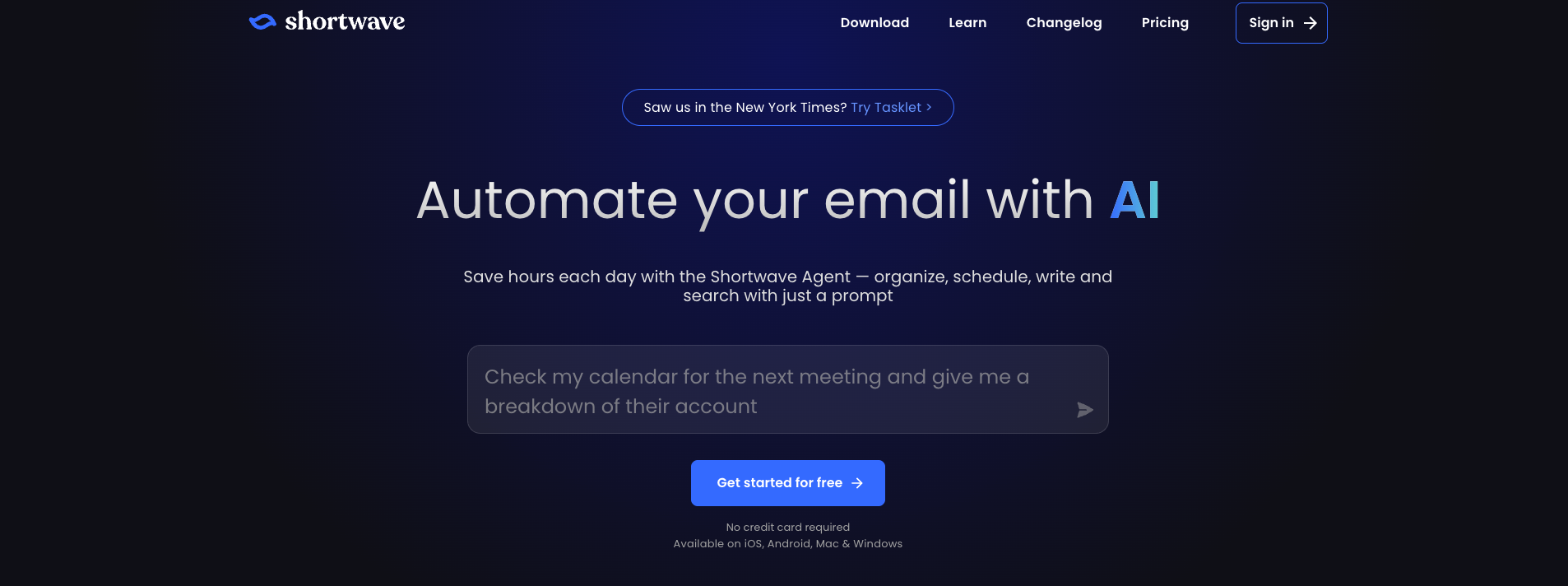
The feature that sold me on Shortwave was search. I typed things like “find the contract PDF from the Acme thread in October,” and it pulled up the right result in seconds.
That sounds small until you've spent ten minutes digging through years of Gmail history for one attachment. I started using Shortwave search for anything I vaguely remembered but couldn't place, and it saved me a surprising amount of time.
The rest of the app feels equally considered. Threads bundle neatly, the inbox stays clean, and the Claude-powered drafts usually need only a quick edit before I'm happy with them.
Pros
- AI-powered email filters and smart labeling
- Thread bundling and snooze for inbox management
- Claude-powered drafts sound natural and human-like
- Team collaboration with shared comments on threads
Cons
- Gmail-only, no Outlook support at all
- The deeper AI features sit behind the pricier business tier
2. Microsoft Copilot for Outlook: Best for improving communication in Outlook
What it does: Microsoft Copilot is an AI assistant built directly into Outlook and the broader Microsoft 365 suite, drafting, summarizing, and managing email without leaving your existing workspace.
Who it's for: Teams and organizations already running on Microsoft 365 who want AI assistance baked into Outlook, Word, Excel, and Teams without adding another tool to the stack.
Pricing: Individuals get Copilot through Microsoft 365 Personal at $9.99/month. Businesses can add Copilot to an existing plan for $25.20/user/month, or get it built in with Business Standard at $28.20/user/month or Business Premium at $38.40/user/month.
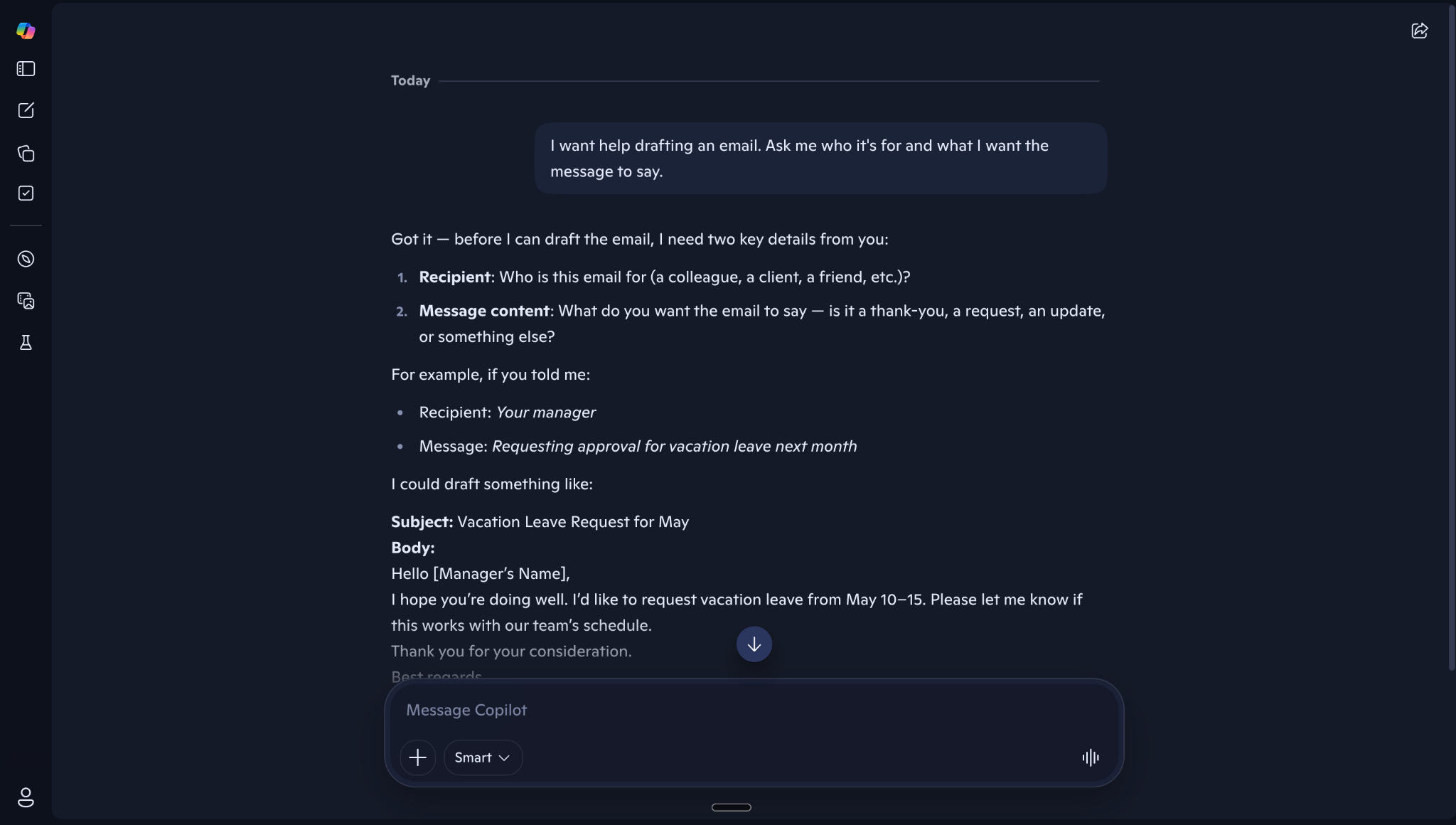
I noticed Copilot made the most sense once I used it inside the Microsoft apps I was already in all day. In Outlook, I could drop into a long thread, ask for a summary, and get enough context to reply without rereading every message. I also used it to draft responses, and the tone usually needed only a light edit.
The bigger advantage came from Work IQ. Copilot could pull in context from across Microsoft 365, including my work data, preferences, and relationships, which made the answers feel more relevant over time.
Microsoft has also folded the old Copilot Pro features into Microsoft 365 Premium for individuals.
Pros
- Advanced data analysis with built-in visualization
- Natural language search across email, files, and meetings
- Pre-built Microsoft agents, including Researcher and Analyst
- Work IQ pulls context from across Microsoft 365, including your files, preferences, and working relationships
Cons
- Office app integrations are still inconsistent in day-to-day use
- Weak outside the Microsoft ecosystem
3. Lindy: Best AI email assistant for tying email to follow-ups and CRM work
What it does: Lindy works from Slack and DMs to handle email, scheduling, CRM updates, and follow-ups. It can also search connected tools and meetings, then answer questions with sources attached.
Who it's for: Founders, operators, and teams who want inbox work handled by the same assistant that already knows what happened in yesterday's meetings and what's sitting in every other tool they use.
Pricing: Lindy's Plus plan is $29.99/user/month. Pro is $99.99/user/month, and Max is $199.99/user/month for teams that run Lindy for most of the day.
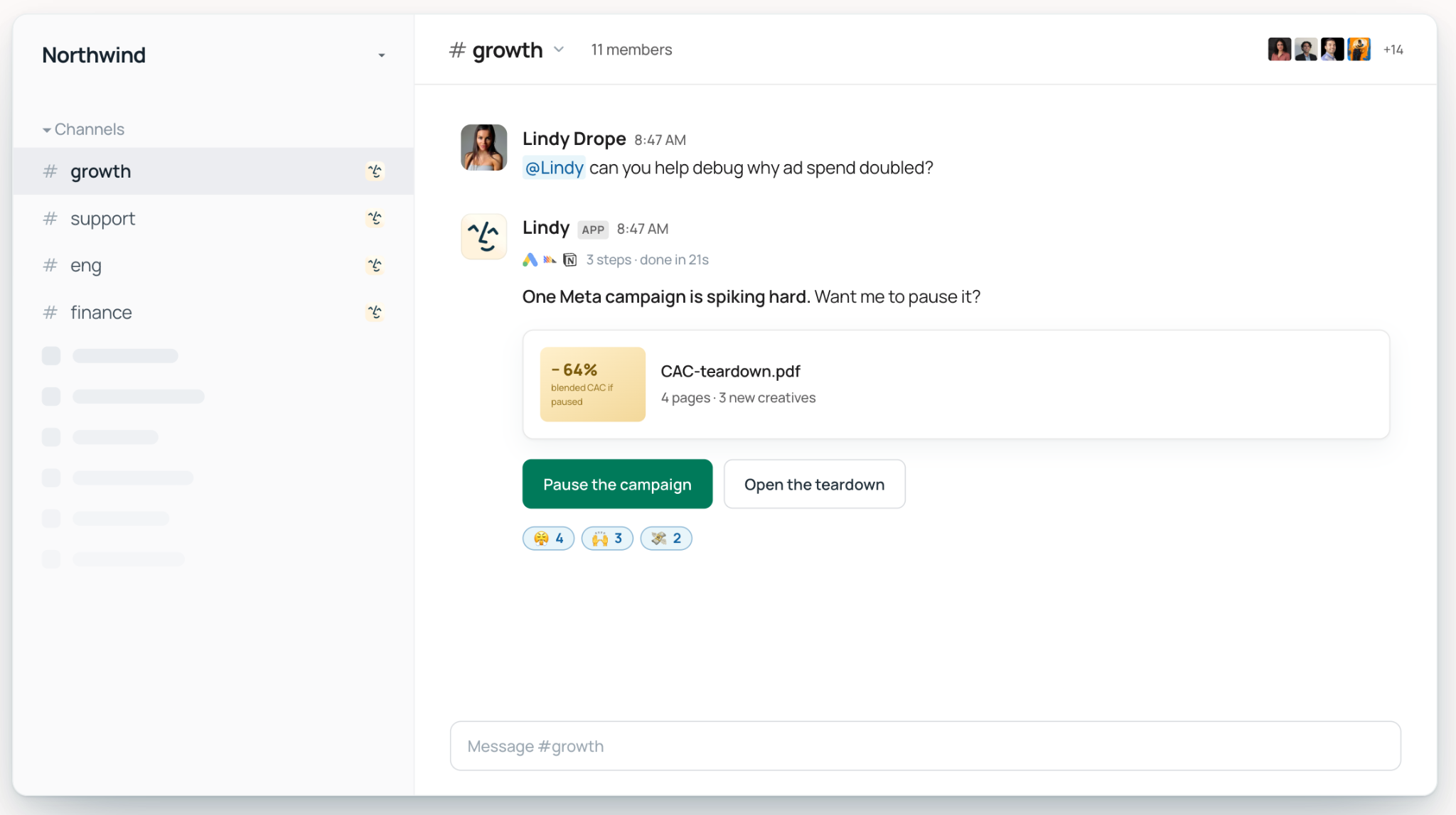
Lindy handles the work behind those emails too, wherever you ask for it.
I tested this on a real Tuesday ritual at my own job: my team sends performance review requests, and by Thursday, half the recipients have gone quiet. I told Lindy in Slack to follow up with everyone who hadn't responded, and it read back through the original thread, drafted a personal follow-up for each person who'd stalled, and texted me the drafts for approval before sending anything.
By Friday afternoon, it had nudged three more stragglers on its own, without me having to remember any of it.
Pros
- Lives in Slack and answers with sourced citations pulled from email, meetings, and connected tools
- Works across your existing stack with 1,000+ integrations spanning Slack, Notion, Google Drive, Gmail, meetings, and files
- Takes work through to completion with recurring routines, meeting follow-ups, reports, dashboards, and other finished outputs
- Enterprise includes admin guardrails, audit logs, SSO/SCIM, and HIPAA support
Cons
- Needs upfront setup before it starts saving you time
- iMessage is iPhone-only, and approvals need upfront setup
{{templates}}
4. Gemini for Gmail: Best for Google Workspace users
What it does: Gemini is Google's AI assistant built directly into Gmail and the broader Workspace suite, handling drafting, summarization, and smart replies without leaving your inbox.
Who it's for: Individuals and teams already living in Google Workspace who want AI assistance that works across Gmail, Docs, Sheets, and Meet in one subscription.
Pricing: Included with eligible Google Workspace plans. Individuals can start free, with Google AI Plus at $4.99/month, Google AI Pro at $19.99/month, and Google AI Ultra from $99.99/month.
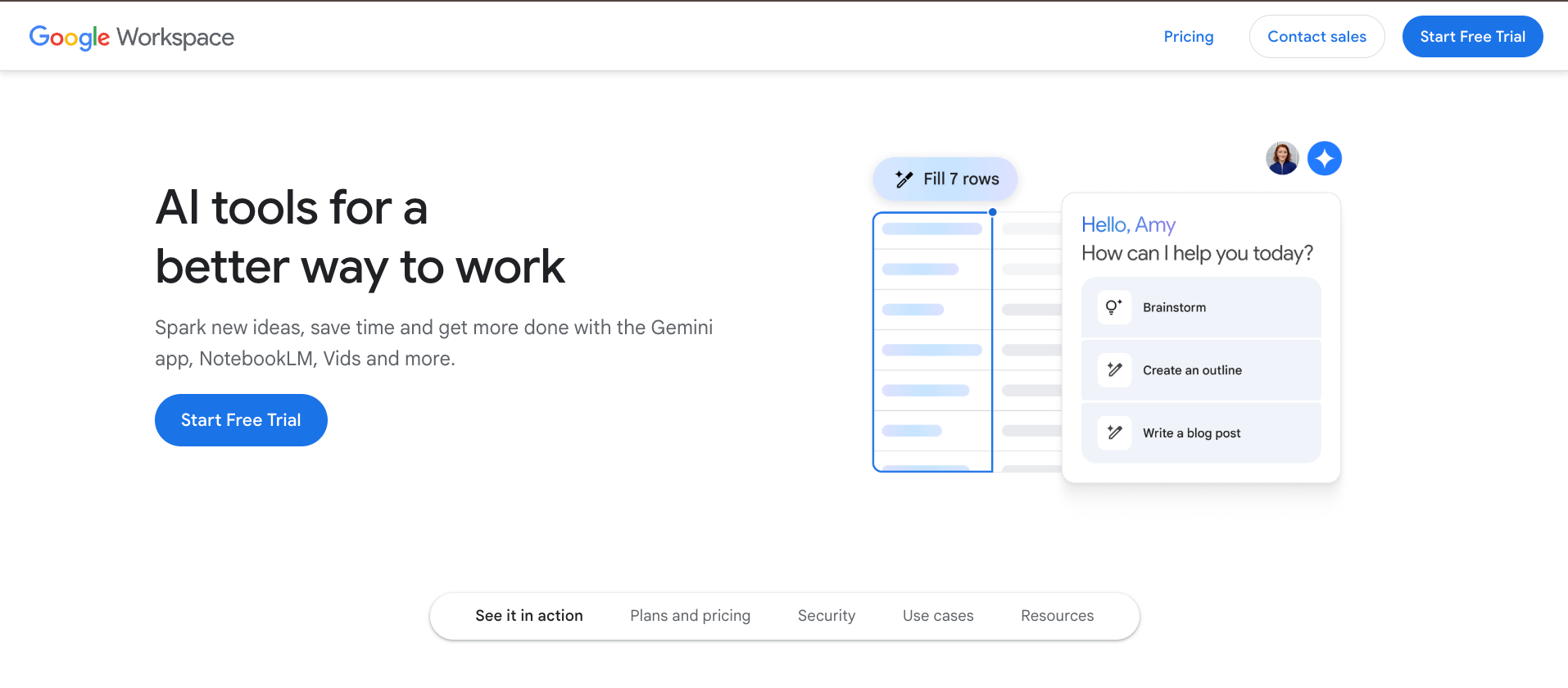
A colleague's name came up in an old thread, and Gemini surfaced the doc she'd mentioned right inside Gmail before I'd even finished typing my question. I didn't have to open Drive or hunt for the file myself. That kind of context is where having Gemini built directly into Gmail pays off. If you want to explore more options, read our guide on choosing the right gmail ai assistant for your workflow.
Later, on a thread that had gone eleven replies deep with three people debating a launch date, the summary came back clean, confident, and completely wrong about where things stood. It read as if the team had agreed. They hadn't; two people were still pushing different dates when I checked the actual messages.
Pros
- Connects to Gmail, Photos, YouTube, and Google Search
- Deep Think Mode for science, research, and engineering problems, on the Ultra plan only
- Strong enterprise-grade security and compliance certifications
- Gemini Notebook for research and knowledge work, with higher limits on the paid tiers
Cons
- Rolled out intrusively by default for many users
- Reply quality is inconsistent on complex or nuanced threads
5. Superhuman: Best for fast email workflows
What it does: Superhuman is a speed-first email client for Gmail and Outlook that layers AI drafting, keyboard shortcuts, and smart triage on top of your existing inbox to cut the time you spend in email.
Who it's for: High-volume email users, sales teams, and executives who treat inbox speed as a competitive advantage and are willing to pay for it. To evaluate whether this high-speed approach fits your workflow better than executive assistant tools, compare superhuman email vs fyxer.
Pricing: Starter is $30/user/month, Business is $40/user/month. Enterprise pricing is custom for teams needing advanced security, admin controls, and dedicated coaching. If these subscription costs feel too steep, you can explore several superhuman email alternatives that offer similar speed at lower prices.
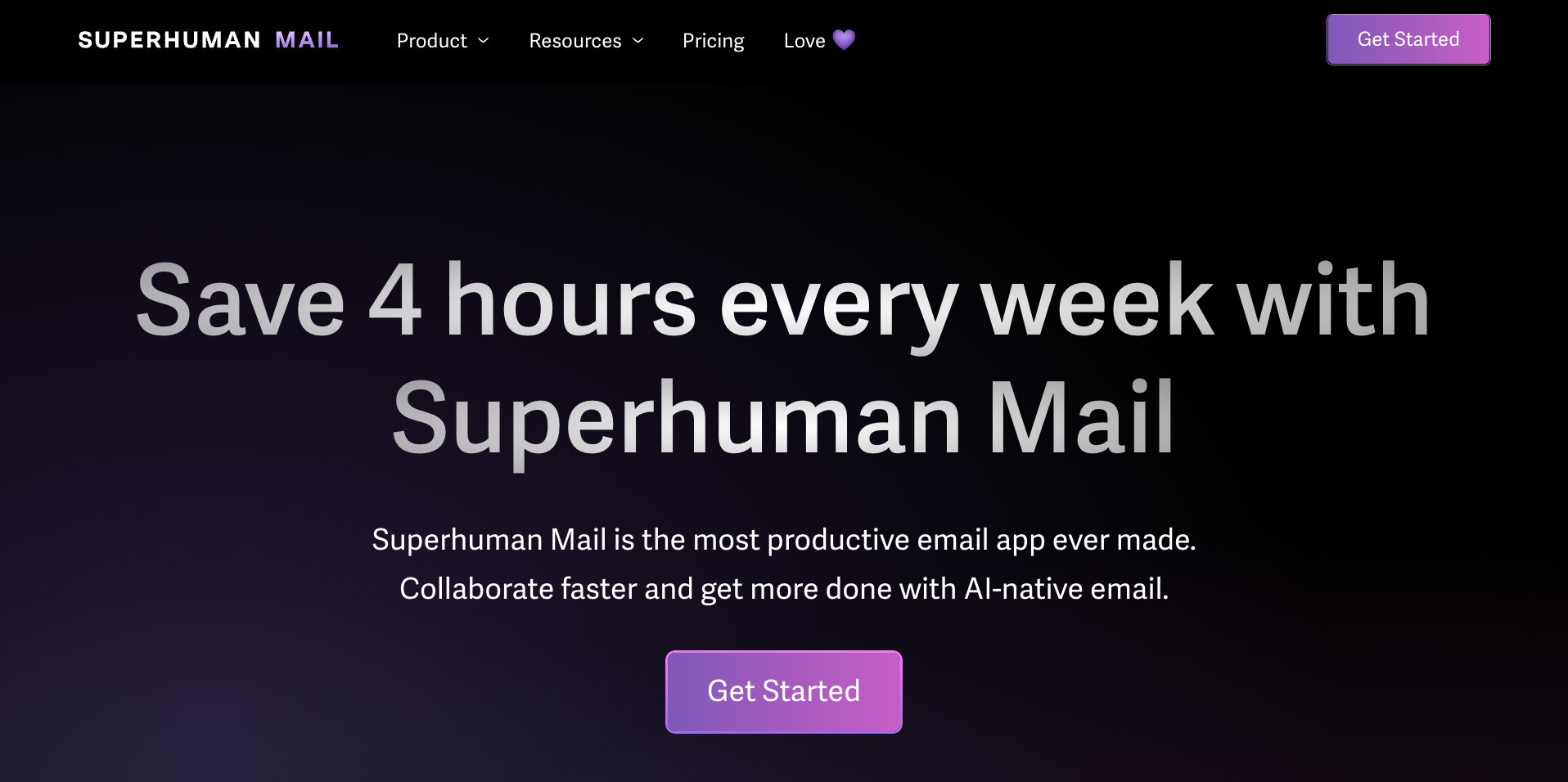
A few days in, the shortcuts were starting to stick, though archive still tripped me up. By day five, muscle memory had taken over, and I cleared my inbox to zero using the keyboard alone.
Then Superhuman Go surprised me. I was replying to a client about a project timeline when a Jira ticket she'd mentioned appeared in the sidebar, showing exactly where the task stood. The context surfaced right when I needed it.
Pros
- Custom AI-powered labels for automatic inbox sorting
- Read receipts and open tracking are useful for outreach and follow-ups
- Go surfaces relevant file and ticket context automatically
- Connectors store with pre-built links to Gmail, Google Calendar, and Slack, plus a separate Agent Store of ready-made agents
Cons
- No free plan or trial for Superhuman Mail, though Superhuman Go is free to start
- Steep learning curve around the keyboard-shortcut workflow
6. SaneBox: Best for hands-off inbox organization
What it does: SaneBox is an AI email organizer that works on top of your existing email client, automatically sorting unimportant emails out of your inbox so only the stuff that matters stays in front of you.
Who it's for: Anyone with a genuinely out-of-control inbox who wants AI to do the sorting quietly in the background without switching email clients or learning a new interface.
Pricing: 7-day free trial. Monthly plans start at $9.49/month for Snack, $15.99/month for Lunch, and $42.99/month for Dinner. Annual and two-year billing offers lower rates.
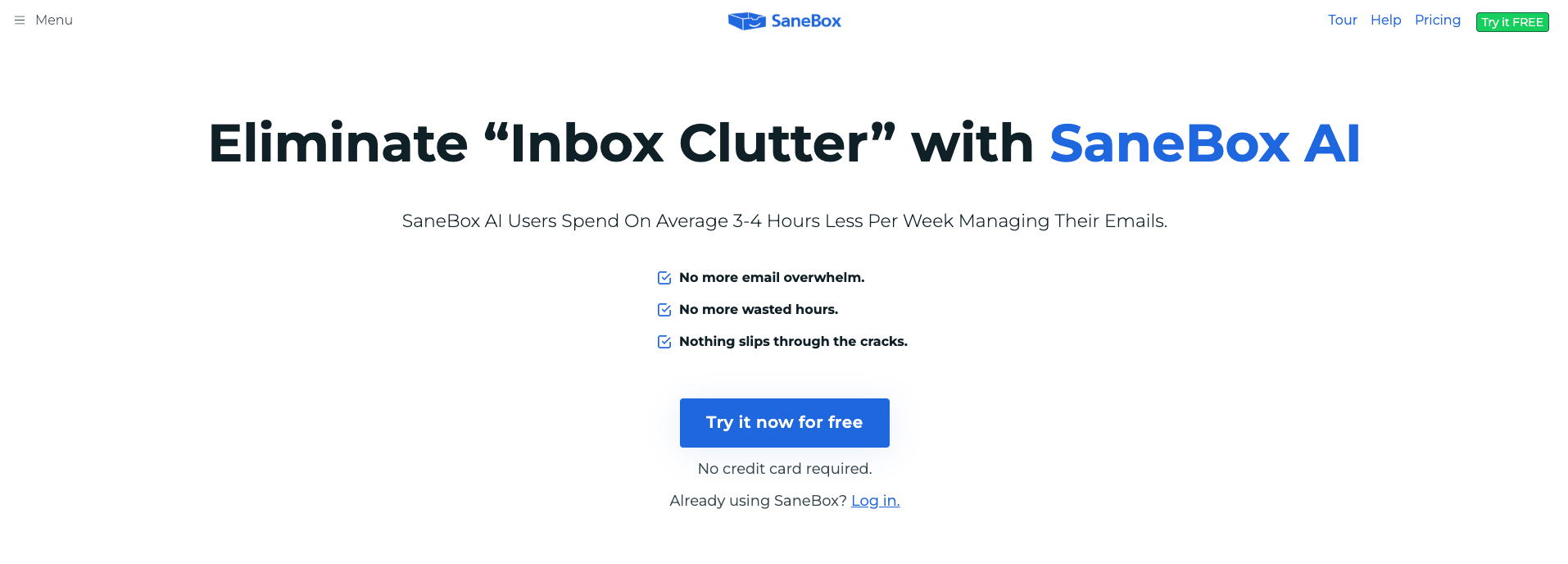
I pointed SaneBox at a Gmail account I'd basically given up on, the one collecting every newsletter, receipt, and account signup I'd ever made. I expected it to need weeks of training, but it started sorting the inbox within hours.
By the next morning, it had already caught a mailing list from a former coworker who CCs fifteen people on everything and moved it into SaneNews. I hadn't written a single rule. I'd just kept using my inbox normally, and it built the sorting logic around that.
What it's never done, in the time I've used it, is write a single word for me. It watches, it sorts, it stays out of the way; that's the whole job. If you also want something to draft replies, you'll need to pair it with a separate tool.
Pros
- Secure OAuth access with no password storage
- Custom training folders for personalized sorting
- Salesforce integration, available if you're on Salesforce Enterprise
- Works with Gmail, Outlook, Office 365, Exchange, Yahoo, Apple Mail, and more
Cons
- No AI drafting or reply generation, purely organizational
- The entry plan only lets you run 2 of the 11 power tools at once, so heavy sorters need a higher tier
7. Proton Scribe: Best for privacy-first AI email writing
What it does: Proton Scribe is the built-in AI writing assistant inside Proton Mail that helps you draft and refine emails without your data ever leaving Proton's servers or being used to train AI models.
Who it's for: Privacy-conscious individuals, journalists, activists, and anyone who wants AI email assistance without feeding their inbox data to a third-party model.
Pricing: Proton Mail has a free plan, Mail Plus at $4.99/month, and Proton Unlimited at $12.99/month. Scribe is a paid add-on on both, with a free trial first, and is bundled at no extra cost only on Duo, Family, Visionary, and Lifetime plans.
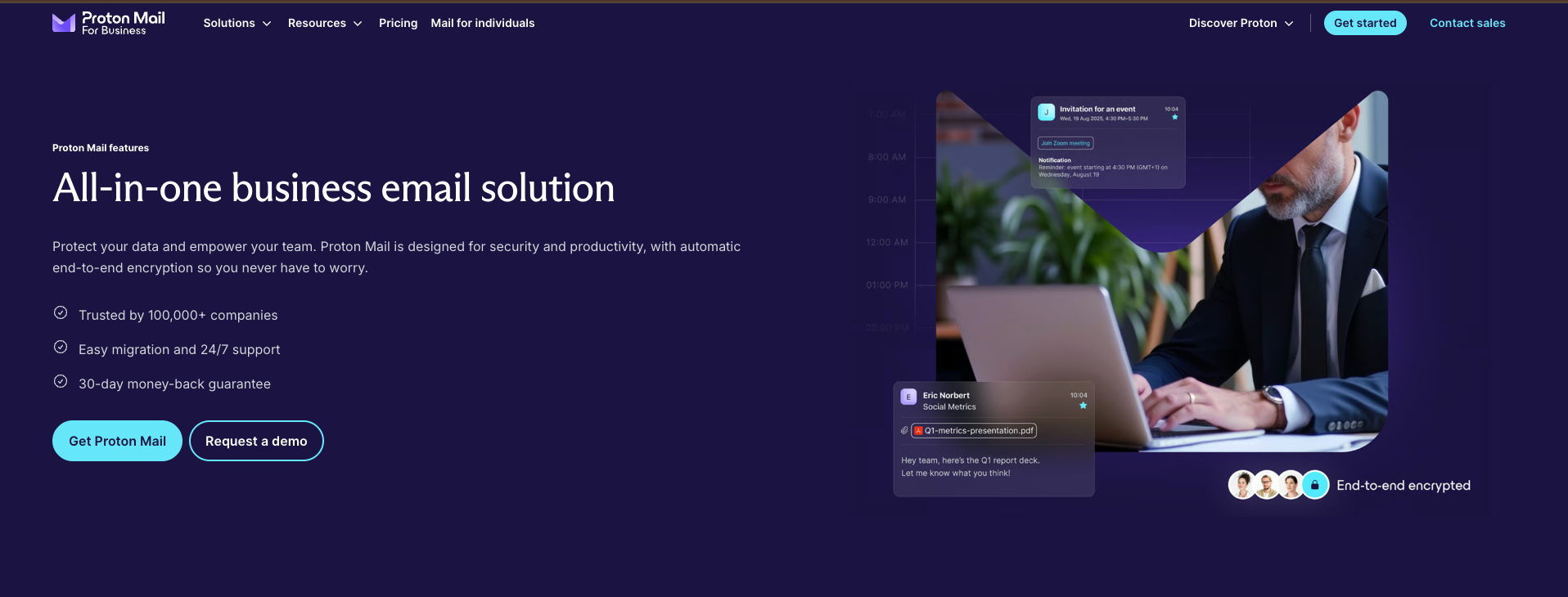
I sent an actual email through Proton Scribe to see what "never leaves Proton's system" really meant in practice. It was a draft to a source I wanted to keep off any AI company's servers.
I asked it to tighten a rambling paragraph and dial down the urgency in my tone. It rewrote both in a few seconds, and the whole exchange stayed within Proton the entire time, running on open-source models on my own device, with the prompt deleted straight after.
It sticks to one thing: writing help. No automation, no CRM sync, no scheduling. That's by design. It's what makes the privacy promise possible in the first place.
Pros
- Available on web, desktop, iOS, and Android
- Hide-my-email aliases to protect your real address
- End-to-end and zero-access encryption on all emails
- Password-protected emails for sending to non-Proton users
Cons
- Switching from Gmail requires a full migration
- AI features are limited to writing assistance only
8. Missive: Best for team-based email collaboration
What it does: Missive is a shared inbox and email collaboration platform that lets teams handle email together, with AI drafting, rules-based automation, and real-time internal commenting built directly into the email thread.
Who it's for: Small to mid-sized teams managing shared inboxes, customer support queues, or any situation where multiple people need to work on the same email without forwarding threads back and forth.
Pricing: Missive offers a 30-day free trial across all three plans. Monthly pricing starts at $18/user/month for Starter, $30/user/month for Productive, and $45/user/month for Business. Annual billing is 20% cheaper.
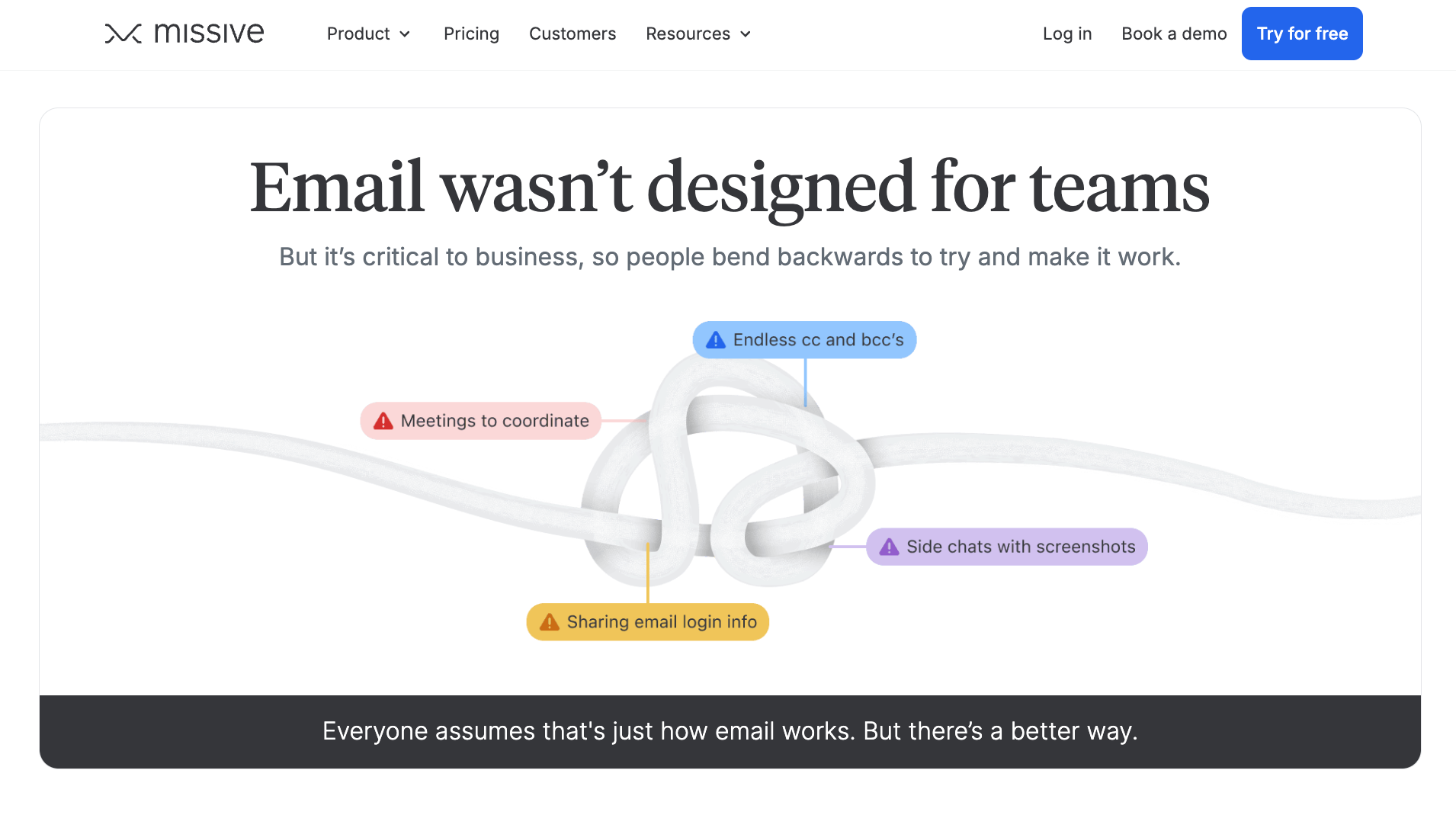
I tested this with a real support thread that had already gone sideways once, a customer email that two of us had both replied to separately, out of sync, in the same afternoon.
In Missive, I assigned it to my teammate instead of forwarding it. She picked it up, saw my private comment flagging what I'd already told the customer, replied once, and closed it out. No duplicate reply, no "wait, did you already answer this?" Slack message, no second person opening the same thread an hour later.
The comment stayed inside the email itself, visible to us, invisible to the customer, and the whole back-and-forth that used to spill into three different tools stayed in one place.
Pros
- SOC 2 Type II compliance, with SAML single sign-on on the Business plan
- Email assignment and task management across team members
- Rules and automations for routing, labeling, and responding to emails
- Supports Gmail, Outlook, Apple Mail, SMS, and social accounts in one place
Cons
- No real-time grammar, spelling, or tone suggestions while writing
- No native asset management integration, so tags get matched manually across systems
More AI email assistant options for Gmail and Outlook
The 8 above are the ones I'd recommend regardless of platform. A handful of others are worth mentioning here, but they're built specifically for one inbox, so the full reviews live in our platform guides rather than getting a repeat write-up on this page. If Microsoft's client is your primary workspace, exploring a dedicated outlook ai email assistant can help optimize your workflow.
| Tool | Platform | Best for | Pricing |
|---|---|---|---|
| MailMaestro | Gmail & Outlook | Fast, professional drafts and thread summaries, writing only | Free plan available; paid from $15/month per seat |
| Spark | Gmail, Outlook, iCloud, Yahoo, Exchange | A cleaner, calmer inbox with a solid free plan | Free plan available; paid from $10/month per user |
| Fyxer | Gmail & Outlook | Inbox cleanup, draft replies, and meeting notes in one tool | 7-day free trial; paid from $30/month per user |
| Gmelius | Gmail | Shared inbox and team collaboration, built for Gmail | 7-day free trial; paid from $21/month per user |
The best Gmail AI assistant
Somewhere around tool number twelve in this whole testing process, it hit me that half of what I was comparing didn't matter if someone only ever touched Gmail. That's basically why our dedicated Gmail AI Assistant guide exists: the same testing process, just without anything you'd never actually use getting in the way.
Gemini's the one I kept opening out of habit, mostly because it was already sitting there with no new login or extra bill. Shortwave won me over on search after I got tired of scrolling through years of old threads myself, and Lindy stuck around too, mainly for the follow-up work.
The best Outlook AI email assistant
Testing Outlook tools was a different problem entirely; most of my inbox chaos already had a Microsoft label on it, so I wasn't starting from zero. If you're in the same boat, the setup steps, collaboration quirks, and where each tool actually falls apart live in our Outlook AI Email Assistant guide instead of here.
Copilot was the one I didn't have to think twice about, since it was already paid for the moment I looked at my Microsoft 365 bill. MailMaestro became the one I reached for when I just wanted a faster draft and nothing more complicated than that.
{{cta}}
Which AI email assistant should you choose?
Every tool on this list does something well, so fit matters more than the length of the feature list. Work out which part of email is actually taking up your time, then choose for that.
Choose Lindy if you:
- Send lots of outreach, and want follow-ups handled automatically
- Want one assistant in Slack that already knows what's in your inbox, your meetings, and your other tools, with sourced answers instead of guesses
Choose Shortwave if you:
- Live in Gmail and spend too much time hunting through old threads
- Want the best AI-powered search available in any email client right now
Choose Microsoft 365 Copilot if you:
- Already pay for Microsoft 365, and your team runs on Outlook and Teams
- Need AI that works across Word, Excel, and email without adding another subscription
Choose Gemini for Gmail if you:
- Need cross-app awareness across Gmail, Docs, Meet, and Drive
- Are on Google Workspace and want AI assistance included in what you already pay
Choose Superhuman if you:
- Treat inbox speed as a competitive advantage and are willing to pay for it
- Send enough emails daily that shaving seconds per reply compounds into hours saved
Choose SaneBox if you:
- Have a messy inbox and just need the noise filtered out affordably
- Want inbox organization without changing your email client or learning anything new
Choose Proton Scribe if you:
- Want AI writing assistance without your email data touching a third-party model
- Handle sensitive communications and treat privacy as a non-negotiable baseline
Choose Missive if you:
- Run customer support, sales, or operations email as a team function rather than individually
- Manage a shared inbox with a team and need collaborative email without forwarding threads
Avoid AI email tools entirely if:
- Your email volume is low, and a few manual replies per day are genuinely all you need. The setup cost won't pay off
- You're looking for a magic fix to disorganization. These tools work best when you already have a rough sense of how you want your inbox to run
FAQs
1. What is the best AI email assistant?
It depends on what's actually slowing you down. Shortwave is strongest for Gmail search, Missive for shared team inboxes, and Proton Scribe for privacy. The best pick comes down to which email problem you need the tool to solve every day.
2. What's the best AI email assistant for Gmail specifically?
Gemini is the strongest pick if you want AI already bundled into Google Workspace, and Shortwave leads on search. The choice comes down to whether you want AI added to the Gmail you already use, or you're willing to replace the inbox interface entirely for meaningfully better search and cleaner threading.
3. What's the best AI email assistant for Outlook specifically?
Copilot reaches across your whole Microsoft stack, which makes it a strong fit if you already spend your day in those apps. MailMaestro keeps things narrower and cheaper, focusing on people who mainly want help writing and managing email.
4. Can AI email assistants write replies automatically?
Yes, but the degree varies. Superhuman and Shortwave draft replies for you to review before sending. Most other tools on this list stay on the drafting side and leave sending to you.
5. Are AI email assistants safe for work email?
Generally yes, but it depends on the tool. Proton Scribe keeps your data entirely within its own infrastructure. Lindy and Superhuman are SOC 2 Type II certified, and Shortwave holds CASA Tier 2 compliance with SOC 2 Type II available on request. If you work in healthcare or legal, check for HIPAA compliance before connecting your inbox.










