

Compare 13 SEO automation tools for site audits, rank tracking, content optimization, and workflows. Explore their features, pricing, and limitations.
You open Google Search Console to check which pages have lost traffic. Then you switch to your SEO crawler to find technical issues, check keyword rankings, and update your reporting spreadsheet. By the time you're done, you've spent hours identifying problems without fixing a single one.
That's where SEO automation tools help. They can run technical audits, monitor rankings, generate content briefs, and automate reporting. Some can even apply on-page changes or connect your SEO tools into automated workflows.
But certain features require expensive plans, and some tasks still need manual review.
I’ve compiled the 13 best SEO automation tools list after comparing their features, ease of use, integrations, pricing, and limitations. Here's what each tool automates, what you'll pay, and which ones are worth considering.
The 13 best SEO automation tools: TL;DR
- Semrush: Best for automated SEO audits and rank tracking
- Ahrefs: Best for backlink monitoring and competitor research
- Screaming Frog: Best for scheduled technical SEO crawls
- SE Ranking: Best for automated SEO reporting
- Sitebulb: Best for technical audits and issue prioritization
- Surfer: Best for AI-assisted content optimization
- Frase: Best for automated content research and briefs
- Clearscope: Best for content grading and optimization
- Alli AI: Best for automated on-page SEO changes
- AirOps: Best for AI-powered content workflows at scale
- Gumloop: Best for AI-powered SEO research workflows
- n8n: Best for custom SEO workflows across apps
- Zapier: Best for connecting SEO tools and automating repetitive tasks
How I researched and evaluated these SEO automation tools
I reviewed official product websites, pricing pages, documentation, and independent user reviews to compare these 13 tools. I focused on five core aspects:
- Automation features: I looked at which SEO tasks each tool can handle, including technical crawls, rank tracking, content optimization, reporting, and on-page changes.
- Ease of use: I considered setup requirements, interfaces, and learning curves based on product documentation and user feedback.
- Integrations: I checked how well each tool connects with Google Search Console, analytics platforms, content management systems, and other applications.
- Pricing: I compared starting prices, free plans, usage limits, and essential features that require upgrades.
- Automation limitations: I looked at which tasks the tools can complete automatically, which require manual setup, and where human approval is necessary.
Quick comparison: 13 best SEO automation tools
I've compared their use cases, automation capabilities, and starting prices. Here's how they stack up side-by-side:
| Tool | Best for | What it automates | Starting price (billed monthly) |
|---|---|---|---|
| Semrush | All-in-one SEO | Site audits, rank tracking, reports | $139/month |
| Ahrefs | Backlink monitoring | Site audits, ranking and backlink tracking | $29/month |
| Screaming Frog | Technical SEO | Scheduled crawls, technical issue detection | $279/year (annual license) |
| SE Ranking | SEO reporting | Rank tracking, audits, reports | $129/month |
| Sitebulb | Technical audits | Scheduled audits, issue reports | $18/month |
| Surfer | Content optimization | Content scoring, optimization suggestions | $95/month |
| Frase | Content research | SERP research, briefs, content monitoring | $49/month |
| Clearscope | Content grading | Content scoring, topic recommendations | $129/month |
| Alli AI | On-page SEO | SEO recommendations, sitewide changes | $299/month |
| AirOps | AI content operations | Research, content workflows, monitoring | Paid pricing on request |
| Gumloop | AI SEO research | Keyword research, AI workflows | $37/month |
| n8n | Custom workflows | SEO data collection, alerts, task routing | $24/month |
| Zapier | App integrations | Reporting, notifications, task handoffs | $29.99/month |
Each tool handles a different part of SEO automation.
Website monitoring and technical audits
These tools help you track keyword rankings, identify technical SEO issues, and monitor website performance. They're useful for teams managing multiple pages or websites and looking to reduce manual checks.
Best SEO automation tool for automated SEO audits and rank tracking
Semrush
Semrush is an all-in-one SEO platform that automates website audits, keyword rank tracking, competitor monitoring, and reporting.
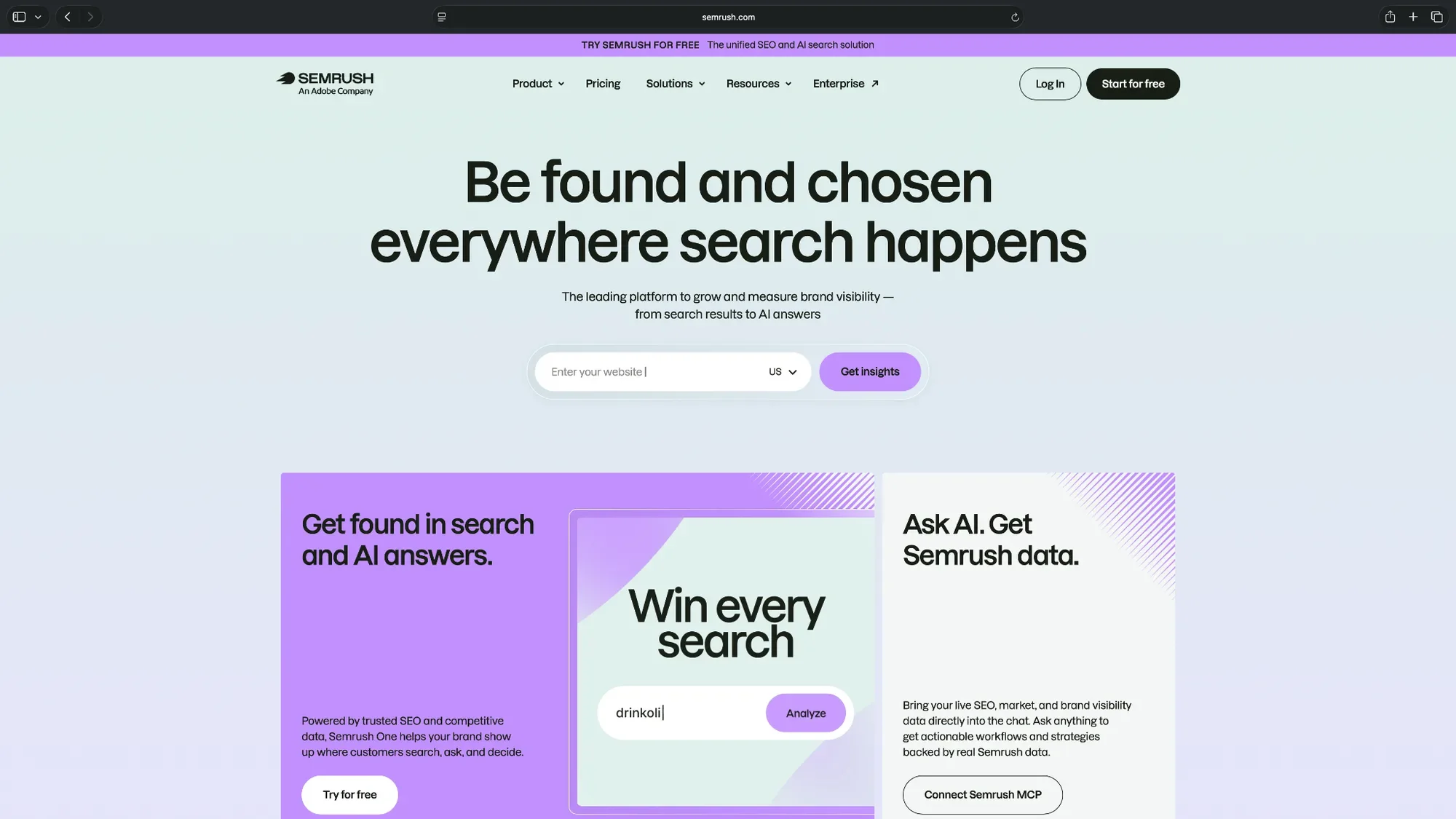
You can configure daily or weekly crawls with its scheduled Site Audit feature to identify broken links, missing metadata, and other technical issues.
Semrush also tracks keyword positions daily and sends automated reports. This makes it useful for teams that regularly check rankings and prepare SEO performance updates.
Key features
- Scheduled site audits: Run daily or weekly crawls to identify technical SEO problems and track website health
- Position tracking: Monitor keyword rankings, competitor movements, and search visibility over time
- Automated reporting: Schedule SEO reports and send them to clients or team members by email
- Competitor analysis: Research competing websites, their ranking keywords, and content opportunities
Pros
- Combines technical SEO, keyword research, and competitor monitoring in one platform
- Supports scheduled audits and automated performance reports
- Offers daily keyword tracking and historical performance data
Cons
- Pricing can be expensive for freelancers and small businesses
- The number of features can feel overwhelming at first
Pricing
- Free plan with limited access to explore the platform
- Paid SEO plans start from $139/month, billed monthly, or $117.33/month with annual billing
What users say
Semrush has a 4.4/5 rating on G2 from more than 4,300 reviews.
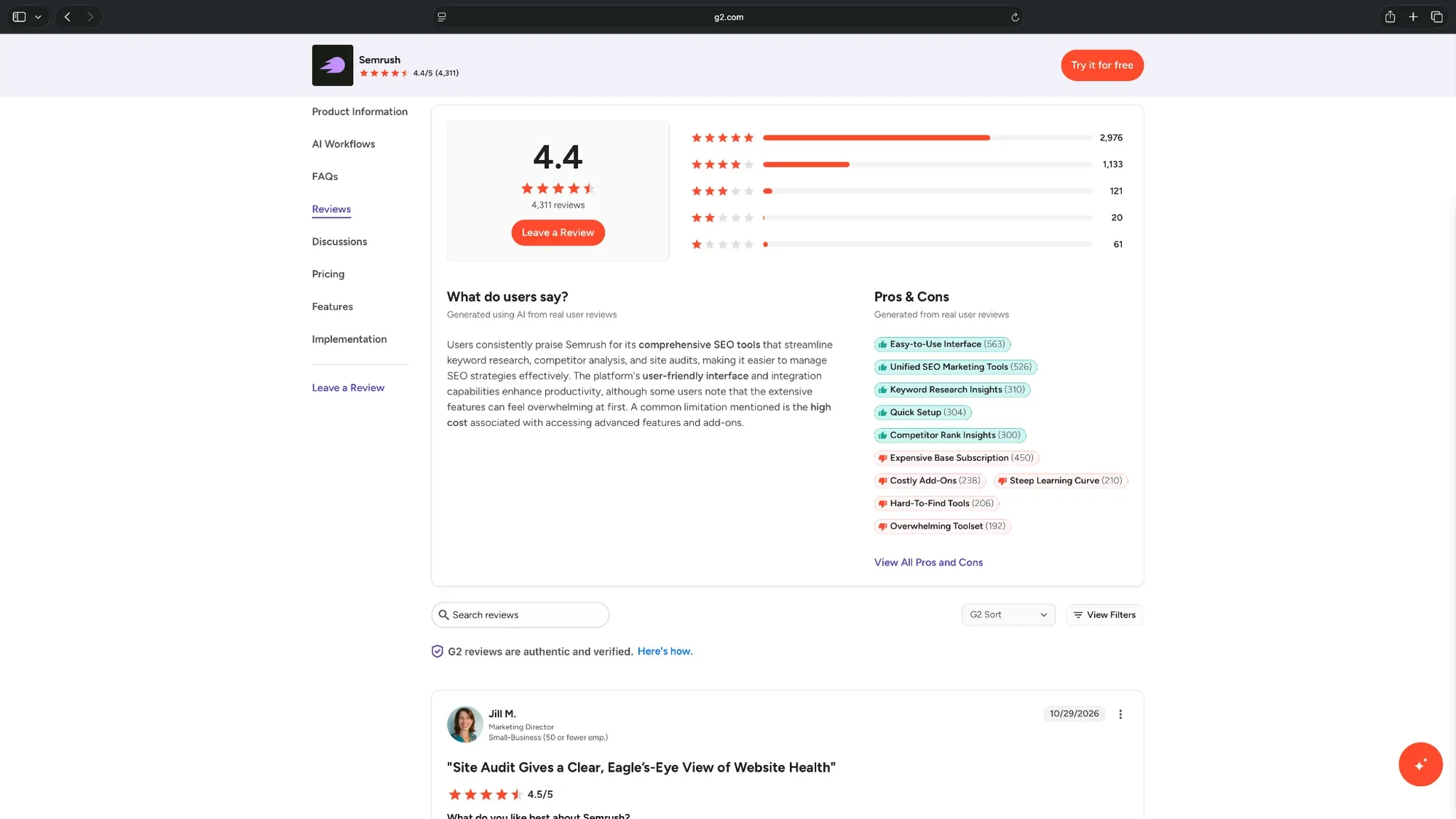
Users appreciate its keyword research, competitor analysis, and ability to manage several SEO tasks from one dashboard. However, pricing and the number of available features are common complaints.
One reviewer noted that "the sheer amount of features can feel a bit overwhelming at first."
My take
I'd consider Semrush for teams that want to automate several SEO monitoring tasks from one platform. Its scheduled audits and rank tracking are useful for ongoing SEO management.
However, if you mainly need technical website crawls, Screaming Frog offers a more focused alternative at a lower annual cost.
Best SEO automation tool for backlink monitoring and competitor research
Ahrefs
Ahrefs is an SEO platform that helps you monitor backlinks, track keyword rankings, research competitors, and audit websites.
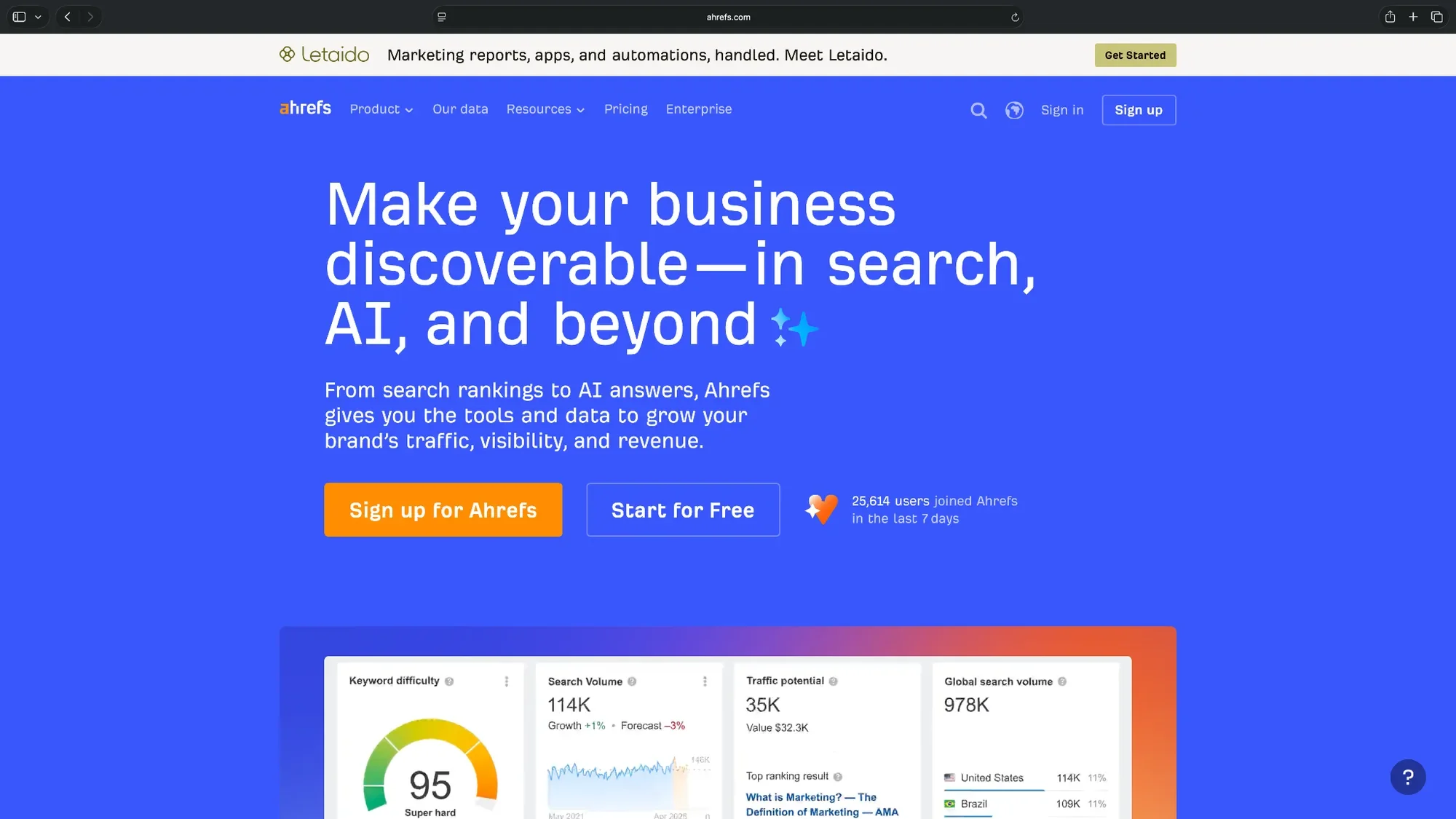
Its backlink alerts are particularly useful. You can set up notifications when your website or a competitor gains or loses backlinks, helping you identify changes without checking reports manually.
Ahrefs also includes Site Audit and Rank Tracker. However, scheduled alerts start on the Lite plan, which makes the cheaper Starter plan less suitable for ongoing monitoring.
Key features
- Backlink alerts: Receive notifications when websites gain or lose backlinks on supported plans
- Rank Tracker: Monitor keyword positions and compare ranking performance against competitors
- Site Audit: Crawl websites to identify technical SEO issues and monitor website health
- Competitor research: Analyze competing websites, their backlinks, and their top-performing pages
Pros
- Provides detailed backlink and competitor research data
- Combines technical audits, keyword research, and rank tracking
- Offers a free account for monitoring websites you own
Cons
- The Starter plan has restricted credits, reports, and keyword tracking limits
- Scheduled alerts and report exports require more expensive plans
Pricing
- Free plan with limited tools for verified websites
- Paid plans from $29/month, billed monthly
What users say
Ahrefs has a 4.5/5 rating on G2 from more than 720 reviews.
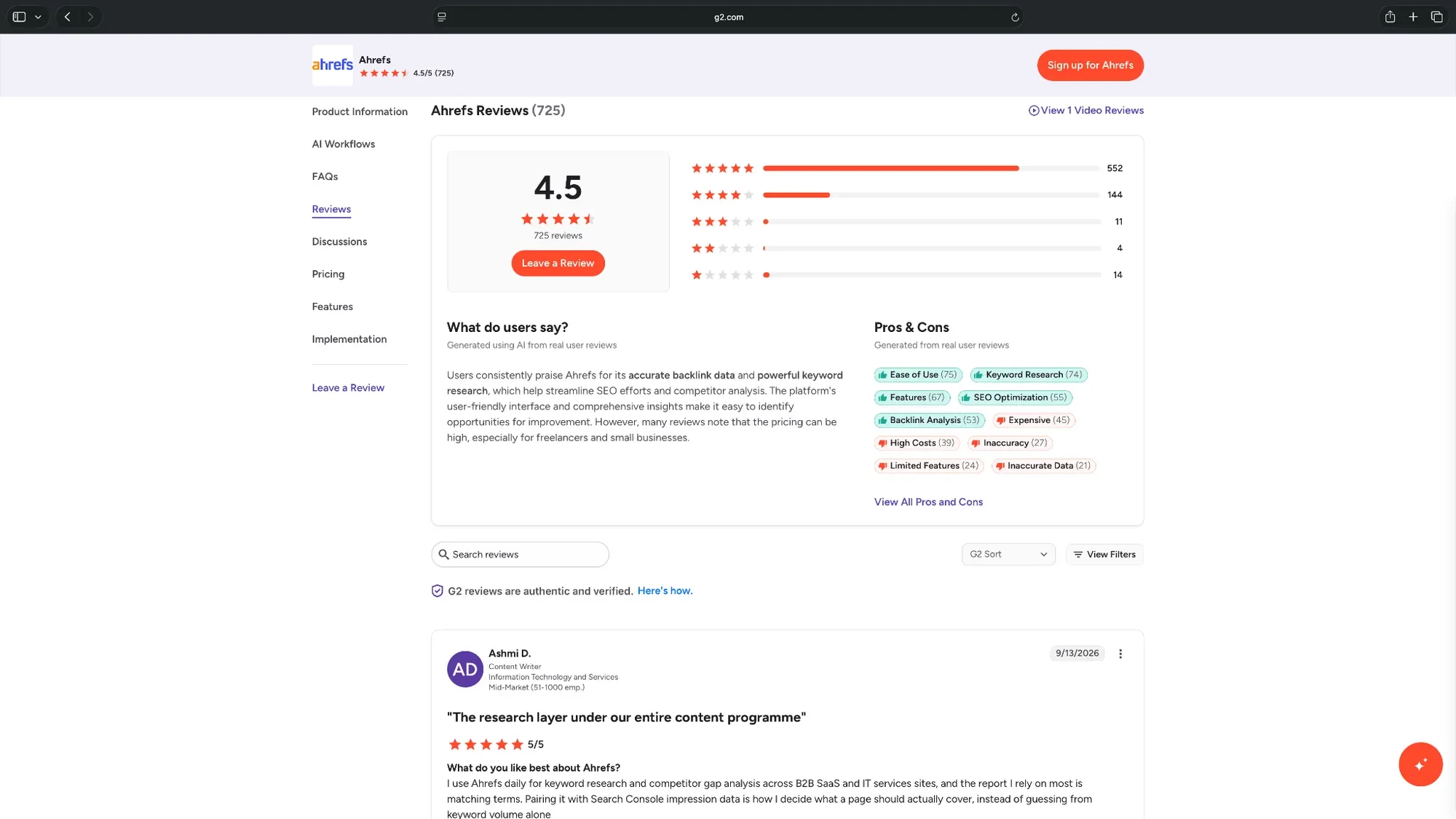
Users frequently praise its backlink data, keyword research, and straightforward interface. However, some mention high subscription costs and restrictions on reporting and usage.
One reviewer complained about "the plan limits on things like date range and keyword counts."
My take
I'd recommend Ahrefs for SEO teams that spend considerable time monitoring backlinks and researching competitors.
The $29 Starter plan is useful for basic research. However, I'd consider Lite, priced at $129/month, if scheduled alerts and exports are important. Semrush may be a better fit if you want broader SEO monitoring and reporting capabilities in one subscription.
Best SEO automation tool for scheduled technical SEO crawling
Screaming Frog
Screaming Frog SEO Spider is a desktop-based website crawler that helps you identify broken links, redirect issues, missing metadata, duplicate content, and other technical SEO problems.
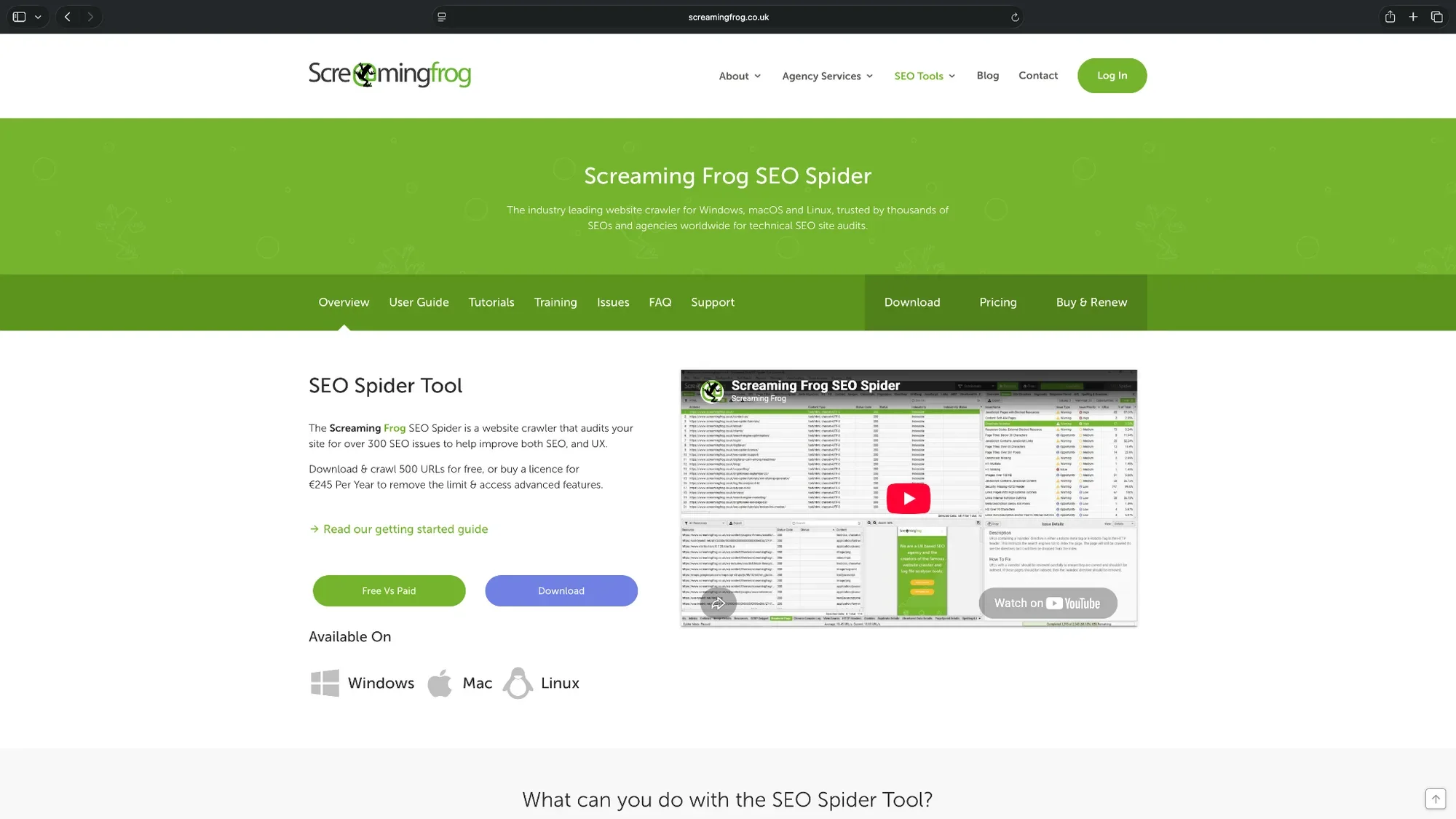
You can configure crawls to run at specific intervals, compare the results with previous crawls, and receive email notifications when they finish. However, scheduled crawls run through the desktop application, so you'll need a computer or server available to execute them.
I also like that Screaming Frog can connect with Google Search Console, Google Analytics, and PageSpeed Insights to bring additional website data into its crawl reports.
Key features
- Scheduled crawling: Automatically run website crawls at configured intervals
- Technical issue detection: Identify broken links, redirect chains, duplicate content, and indexing problems
- Crawl comparison: Compare website crawls to find new issues and track changes
- Google integrations: Combine crawl data with Search Console, Google Analytics, and PageSpeed Insights
Pros
- Provides detailed technical SEO analysis and customizable crawl configurations
- Supports scheduled crawls, automated exports, and email notifications
- Offers a free version for crawling websites with up to 500 URLs
Cons
- Advanced features and scheduled crawling require a paid license
- Large crawls can consume considerable computer memory and processing resources
Pricing
- Free version supports crawling up to 500 URLs, with limited functionality
- Paid licenses cost $279/license/year and include scheduled crawling, advanced configuration, and integrations
What users say
Screaming Frog SEO Spider has a 4.9/5 rating on Capterra from 134 reviews.
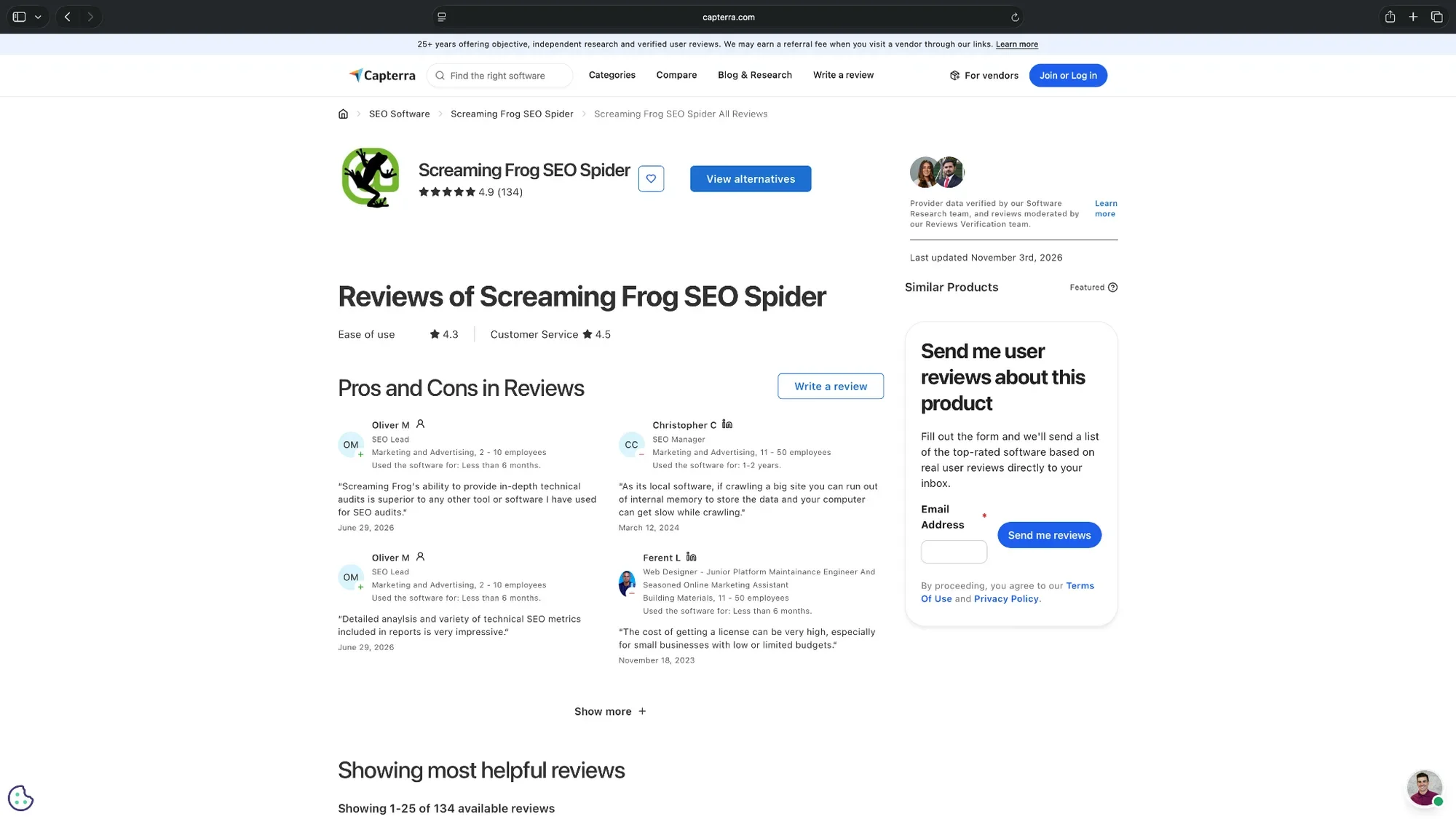
Users appreciate its detailed technical audits, broken-link detection, and crawl comparison features. However, some mention its dated interface and the resources required to crawl large websites.
One SEO manager reported that "your computer can get slow while crawling."
My take
I'd choose Screaming Frog for detailed technical audits, especially when working with large websites or checking changes after a site migration.
Its annual license is also relatively affordable compared with all-in-one SEO platforms. However, you'll need another tool for ongoing keyword research, competitor monitoring, and broader SEO reporting.
Best SEO automation tool for automated SEO reporting
SE Ranking
SE Ranking is an all-in-one SEO platform that automates keyword rank tracking, website audits, backlink monitoring, and performance reporting.
Its scheduled reporting feature lets you create reports using keyword rankings, website audits, and other SEO data. You can then have them emailed to clients daily, weekly, or monthly.
SE Ranking also tracks keyword positions daily across search engines.
Key features
- Automated rank tracking: Monitor keyword positions daily across search engines, devices, and locations
- Scheduled SEO reports: Create customized reports and automatically email them to clients or team members
- Website audits: Crawl websites to identify technical issues, broken links, and optimization opportunities
- Backlink monitoring: Track backlinks and identify changes that may affect your link-building efforts
Pros
- Combines keyword tracking, audits, and reporting in one platform
- Supports scheduled client reports and customizable reporting templates
- Core plan includes 10 projects and 2,000 daily tracked keywords
Cons
- Core plan includes only one manager seat, so additional team access may cost extra
- Features like guest links and page-change monitoring require the Growth plan
Pricing
- 14-day free trial, no credit card required
- Paid plans start from $129/month, billed monthly, or $103.20/month with annual billing
What users say
SE Ranking has a 4.8/5 rating on G2 from 1,400+ reviews.
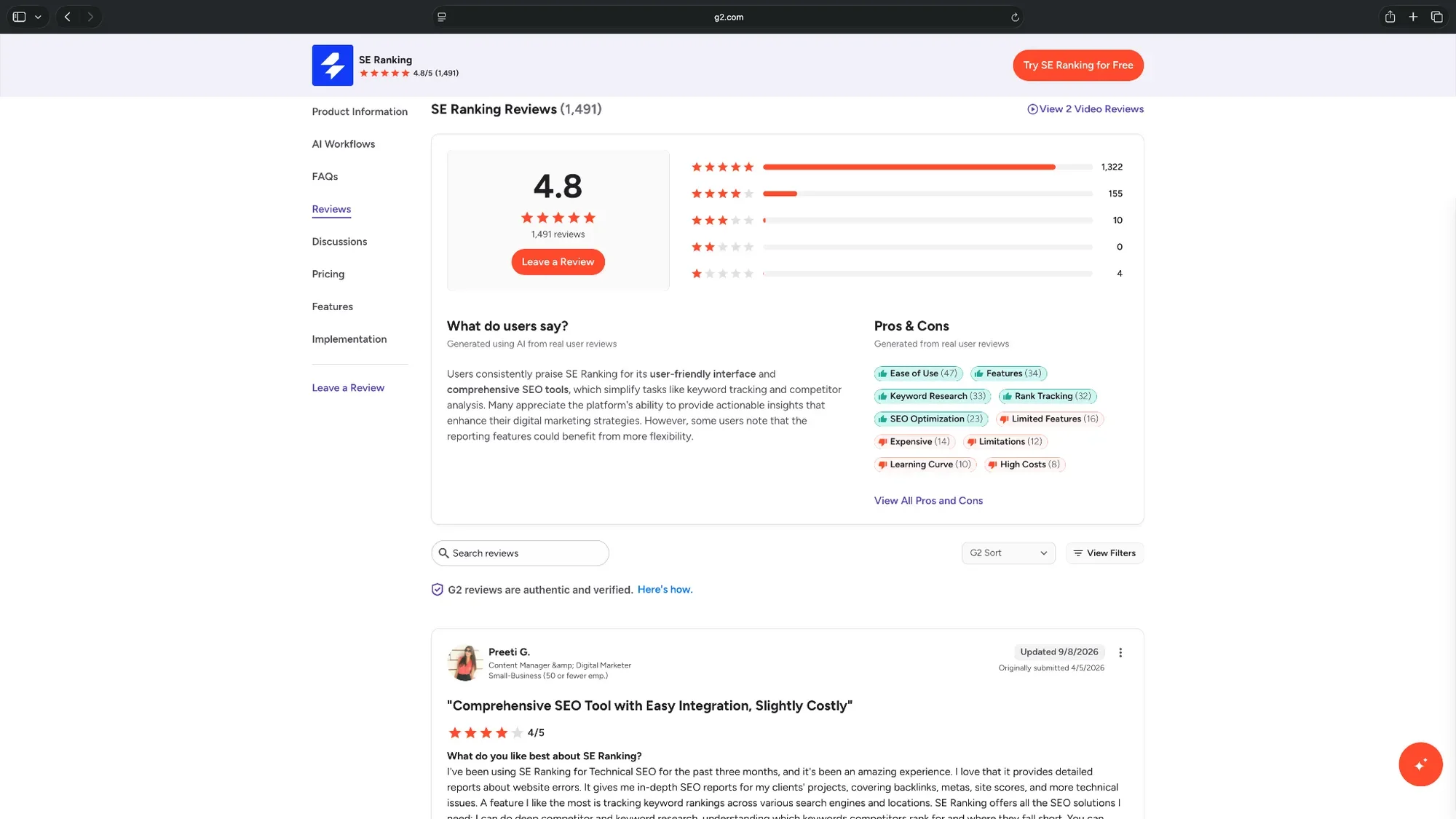
Users appreciate its rank tracking, reporting, and ability to manage several SEO projects from one dashboard. However, some mention pricing increases, occasional interface issues, and limitations when working with large websites.
One SEO lead noted that some features feel less capable than enterprise-level alternatives, particularly for complex websites.
My take
I'd consider SE Ranking for agencies that need consistent ranking updates and automated client reports. Its Core plan offers enough tracking capacity for smaller teams.
If you manage several clients and need more seats, historical data, and page-change monitoring, Growth makes more sense. I'd compare it with Semrush before purchasing, especially if competitor research is a major part of your work.
Best SEO automation tool for technical audits and issue prioritization
Sitebulb
Sitebulb is a technical SEO crawler that helps you identify website problems, understand their impact, and prioritize fixes.
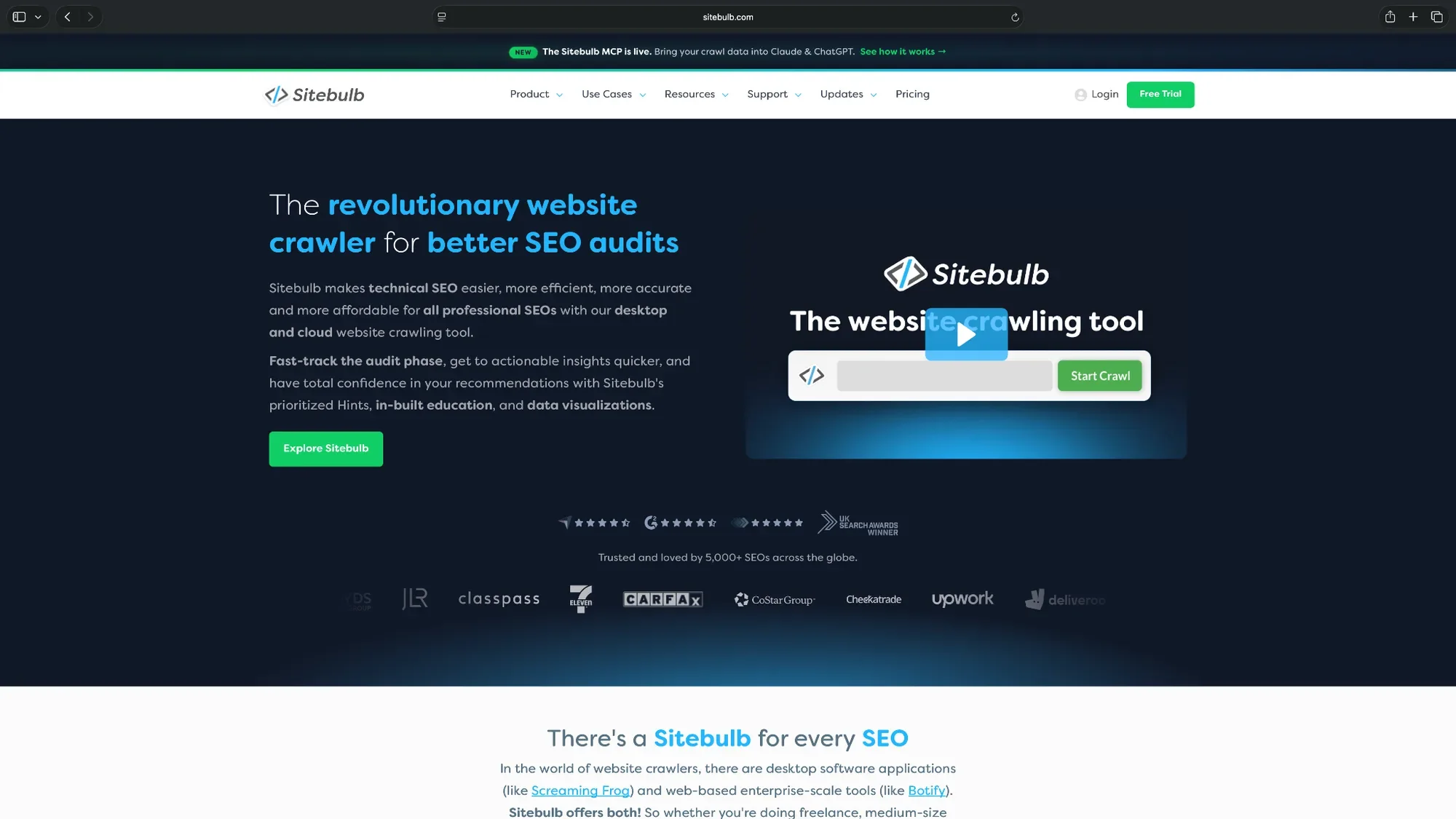
Its Hints feature explains technical problems and gives them priority scores.
For example, if your website has broken internal links, duplicate titles, and indexing problems, Sitebulb helps you understand which issues need attention first.
The Pro plan also supports scheduled audits and crawl comparisons. You can monitor technical changes without starting every audit manually.
Key features
- Prioritized SEO hints: Identify technical issues and get explanations to help prioritize fixes
- Scheduled audits: Run recurring website crawls automatically with the Pro or Cloud plans
- Audit comparisons: Compare previous and current crawls to identify new or resolved issues
- Visual reports: Use crawl maps, charts, and customizable reports to explain technical problems
Pros
- Offers detailed technical audits with prioritized recommendations
- Makes complex crawl findings easier to communicate through visual reports
- Supports scheduled audits, crawl comparisons, and Google Search Console integrations
Cons
- Scheduled audits and advanced crawl comparisons require Pro or Cloud
- Desktop crawling can consume considerable computer resources on large websites
Pricing
- 14-day free trial with access to Pro features, no credit card required
- Paid plans from $18/month, billed monthly
What users say
Sitebulb has a 4.5/5 rating on G2 from 13 reviews. The small review sample makes it difficult to draw broad conclusions about customer satisfaction.
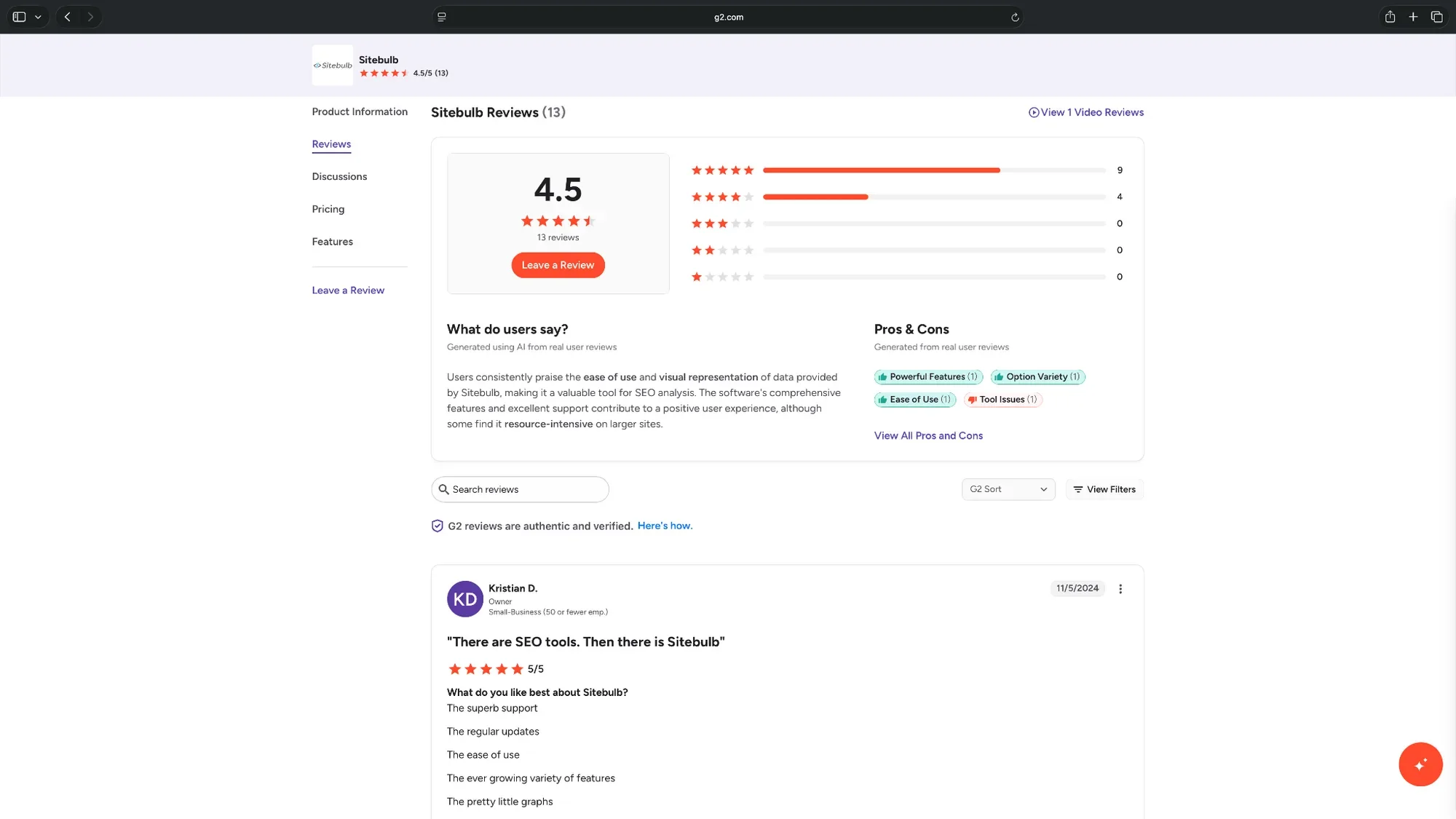
Users appreciate its detailed technical analysis, visual reports, and helpful support. However, some mention high computer resource usage and a learning curve when exploring advanced features.
One reviewer noted that Sitebulb "uses a lot of RAM as well as CPU," making it difficult to use other applications during large crawls.
My take
I'd consider Sitebulb if you regularly conduct technical SEO audits and need to explain your findings to clients or website owners.
Its prioritized Hints and visual reports are useful for turning crawl data into actionable recommendations. Screaming Frog is worth considering if you prefer detailed crawl exports and more control over technical data.
SEO automation tools for content optimization
Technical audits help you identify website problems. The next group of tools focuses on improving content, from identifying missing topics to preparing optimized drafts and updating existing pages.
Best SEO automation tool for AI-assisted content optimization
Surfer
Surfer is an AI SEO tool that helps you optimize articles, identify content gaps, and monitor existing pages for improvement opportunities.
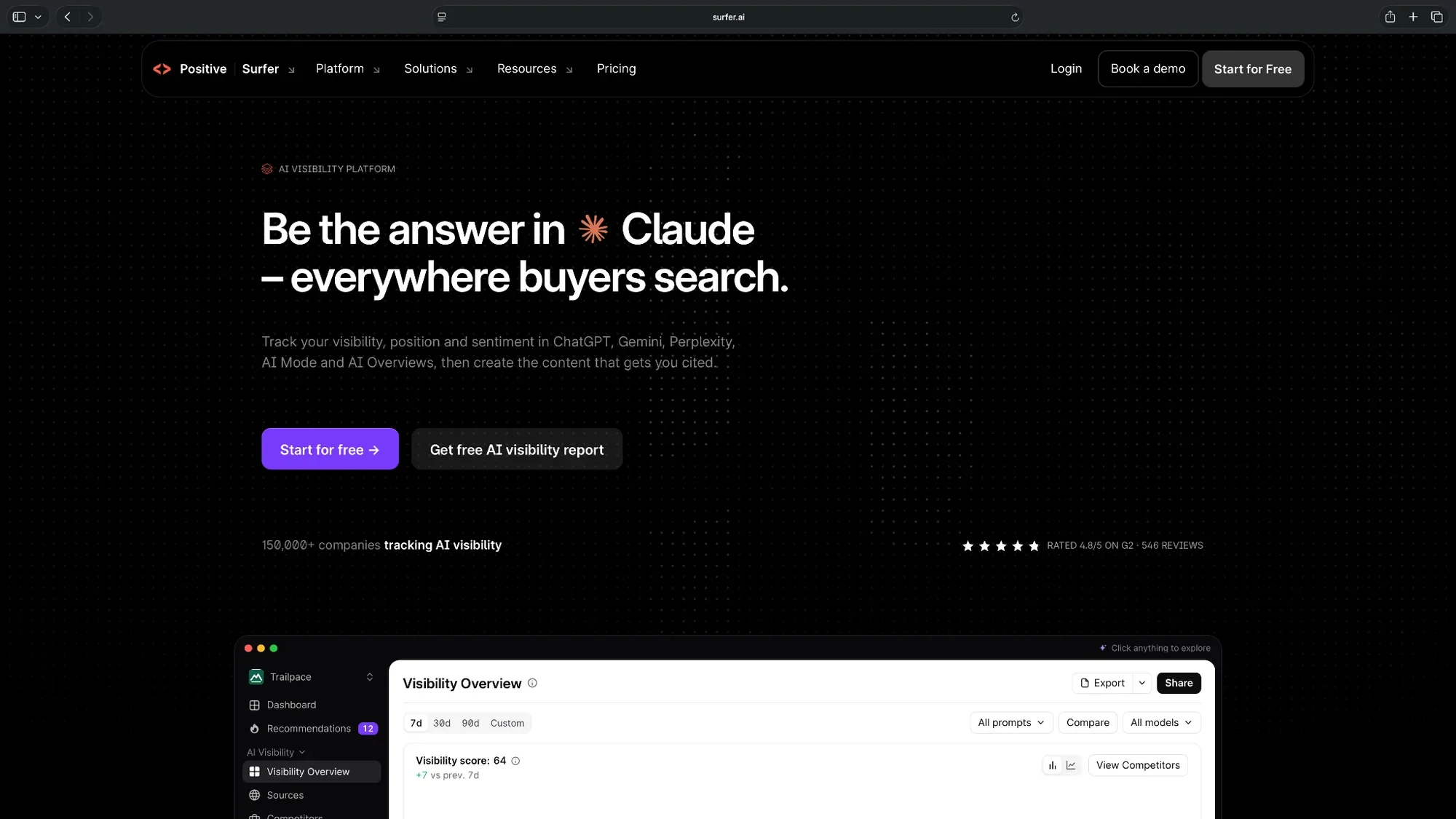
Its Content Editor compares your content against competing pages and recommends relevant terms, headings, and structural improvements. Surfer also tracks existing pages and can flag ranking drops, making it useful for teams that regularly refresh older articles.
I like that Surfer offers one-click content optimization on its Standard plan. You can use AI to prepare content changes, then review and edit the recommendations before publishing.
Key features
- Content Editor: Get recommendations for relevant terms, headings, and content structure based on search results
- One-click optimization: Use AI to prepare content improvements on the Standard plan and above
- Content monitoring: Track existing pages and identify ranking drops or optimization opportunities
- AI search visibility: Monitor brand mentions in AI search results on supported plans
Pros
- Provides content recommendations based on competing pages
- Combines AI-assisted optimization with content monitoring
- Offers integrations with Google Docs, WordPress, and other writing tools on supported plans
Cons
- Following every optimization suggestion can make content repetitive or unnatural
- One-click optimization, advanced monitoring, and higher content allowances require more expensive plans
Pricing
- 7-day free trial with access to Pro features
- Paid plans start from $95/month, billed monthly
What users say
Surfer has a 4.8/5 rating on G2 from 540+ reviews.
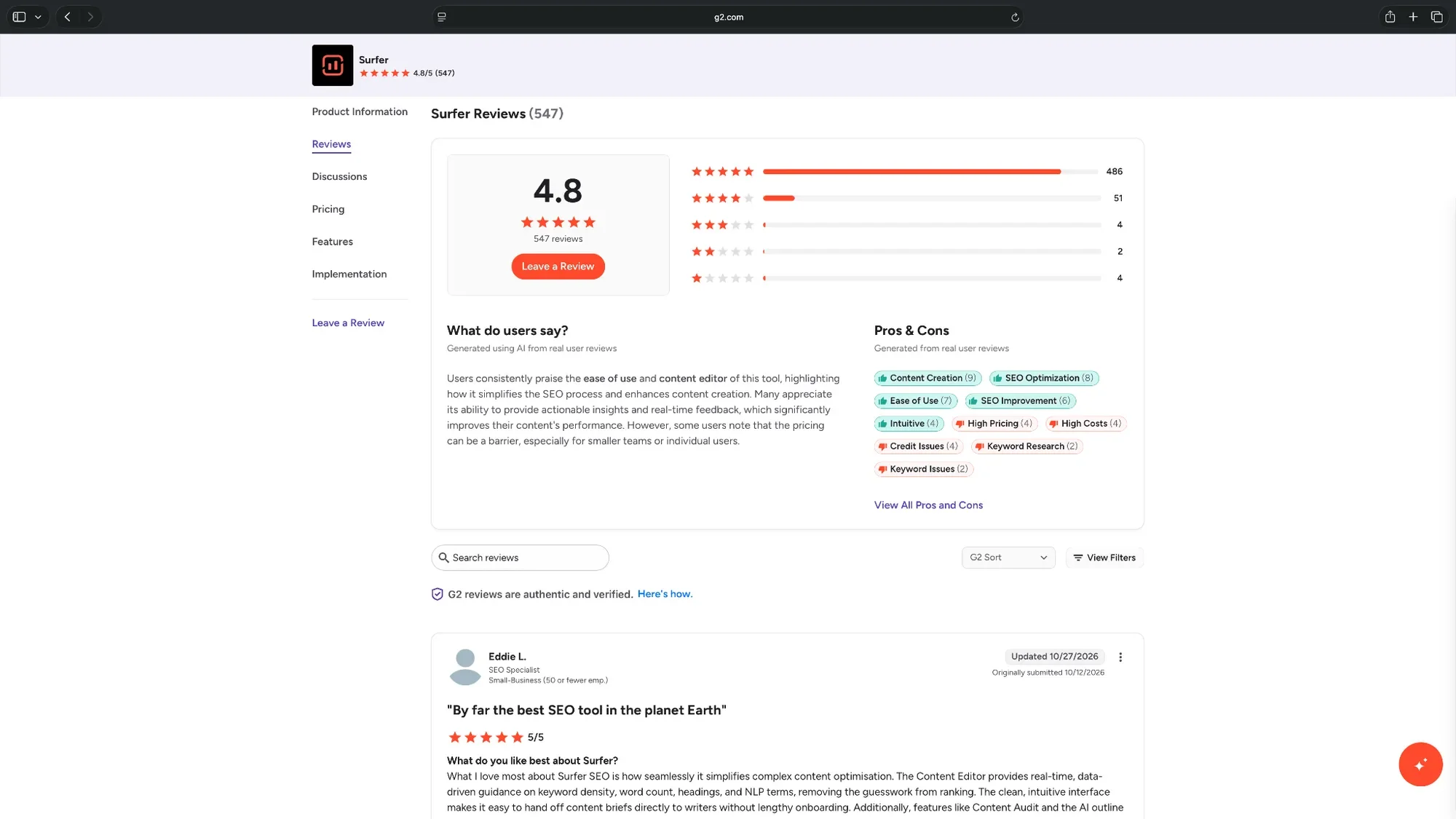
Users appreciate its Content Editor, keyword recommendations, and ability to speed up content optimization. However, some mention expensive plans, content usage limits, and suggestions that make articles sound repetitive.
One reviewer found that some recommendations "felt like keyword stuffing" and made the content sound generic after several edits.
My take
I'd recommend Surfer for content teams that regularly publish and update SEO articles. Its Content Editor and AI optimization features can reduce manual content research and editing.
I'd start with Discovery for basic optimization and consider Standard if one-click improvements and rank-drop alerts are important. However, I'd still review the AI suggestions carefully instead of trying to maximize the content score at any cost.
Best SEO automation tool for automated content research and briefs
Frase
Frase is an AI-powered content platform that helps you research keywords, create SEO briefs, optimize articles, and monitor existing content.
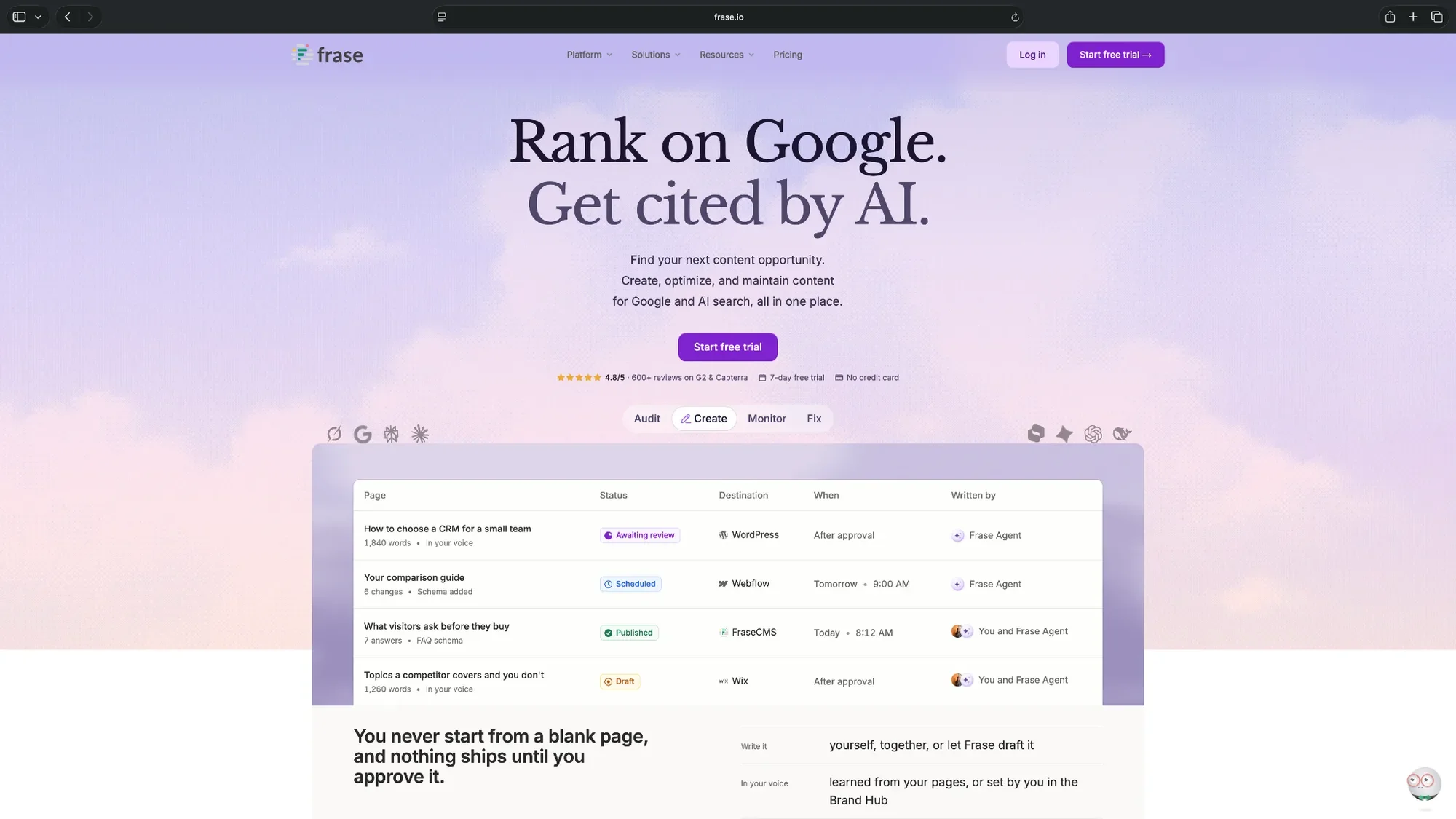
Its Content Guard feature monitors published pages for declining Google performance and suggests improvements. You can review the recommendations before Frase updates the content.
Frase also analyzes search results to identify relevant topics, headings, and keywords for your articles. This makes it useful for teams that regularly publish new content and refresh older posts.
Key features
- SERP research: Analyze competing pages to identify relevant topics, headings, and keywords
- Content optimization: Get SEO and GEO scores with recommendations for improving articles
- Content Guard: Monitor published pages for declining performance and prepare content fixes
- AI content workflows: Generate drafts and publish to platforms like WordPress and Webflow, with optional automated publishing
Pros
- Combines content research, writing, optimization, and monitoring
- Offers SEO and AI search visibility tracking on its Starter plan
- Supports content updates and publishing workflows across several CMS platforms
Cons
- AI-generated content and optimization suggestions still need editorial review
- Starter supports only 10 articles and 50 audited pages per month
Pricing
- 7-day free trial, no credit card required
- Paid plans from $49/month, billed monthly
What users say
Frase has a 4.8/5 rating on G2 from 311 reviews.
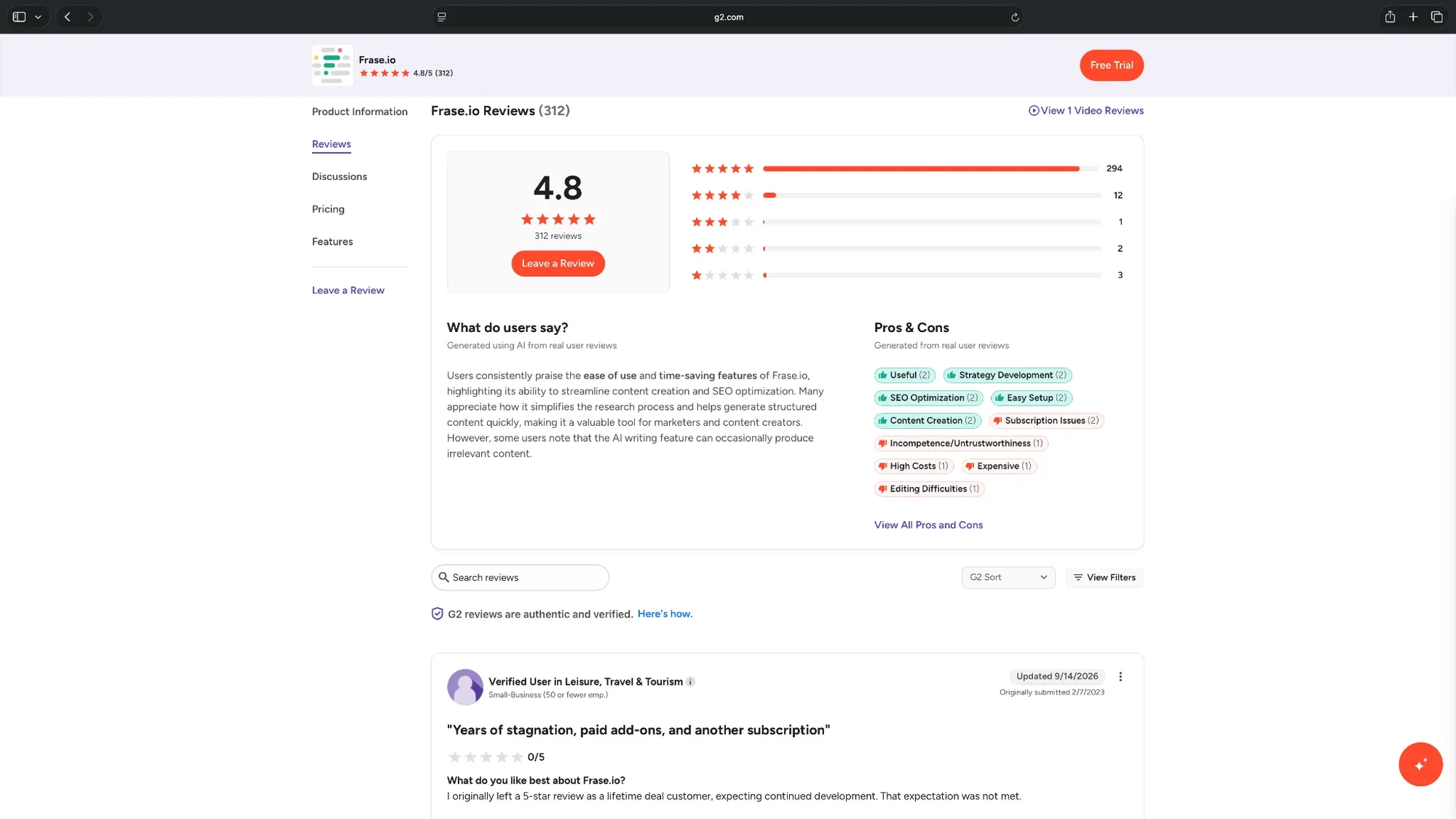
Users appreciate its content research, optimization suggestions, and ability to reduce the time spent preparing articles. However, some mention interface issues, repetitive suggestions, and occasional inaccuracies.
One technical writer reported that "the app can be very laggy" and found the interface confusing when resolving content issues.
My take
I'd consider Frase for content teams that regularly create SEO briefs and update existing articles. Content Guard makes it useful for identifying articles that need attention.
The Starter plan should work for freelancers managing one website. I'd consider Professional for teams that need internal linking recommendations, collaboration, and higher content limits.
Best SEO automation tool for content grading and optimization
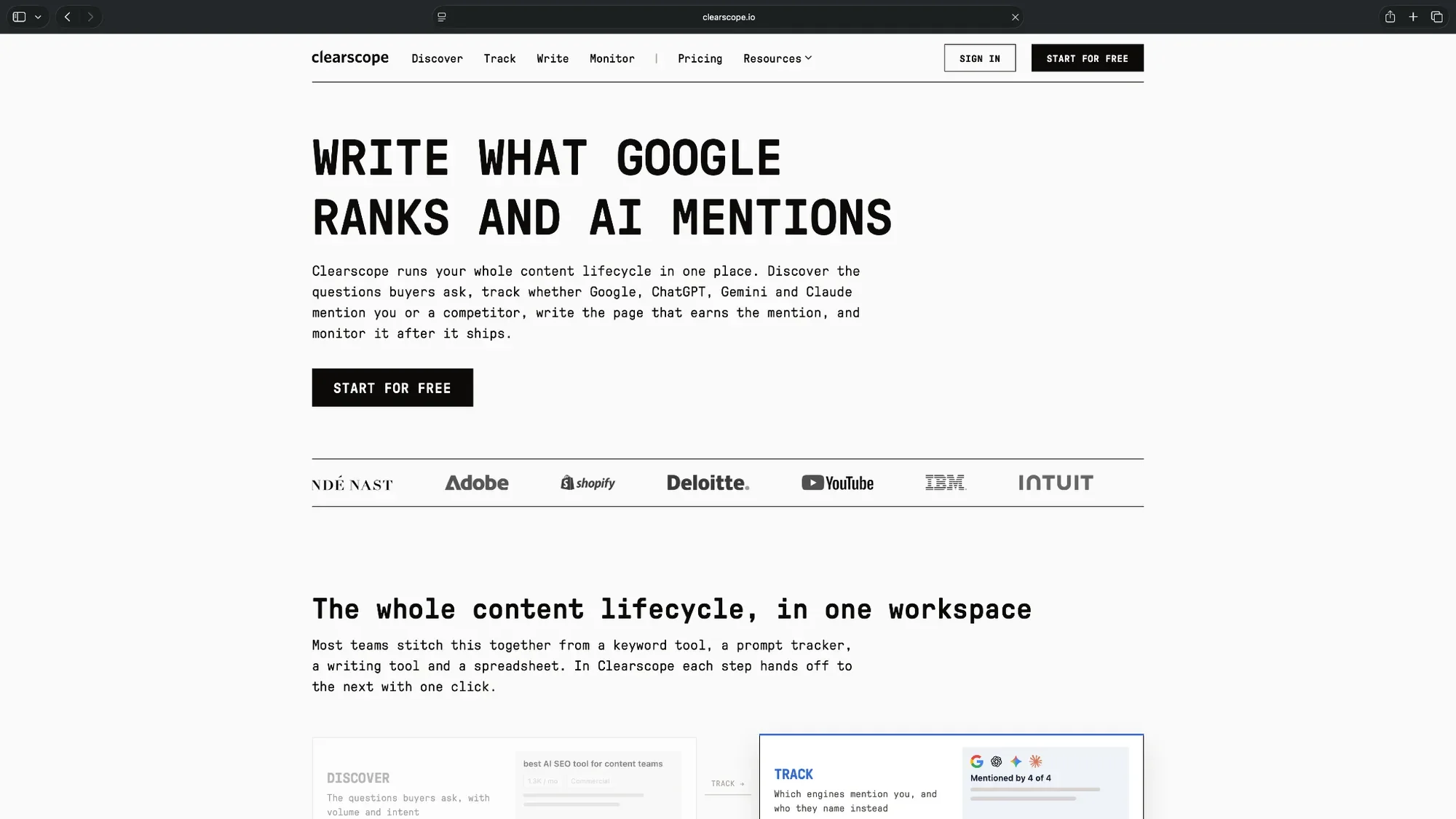
Clearscope
Clearscope is a content optimization platform that analyzes search results and recommends relevant terms, topics, and improvements for your articles.
Its Content Inventory feature is particularly useful for monitoring published content. You can connect Google Search Console to track clicks, impressions, content grades, and optimization opportunities from one dashboard.
Clearscope also scans and reevaluates monitored pages monthly. Its weekly email alerts help you identify content that may need attention, reducing the need to check every article manually.
Key features
- Content grading: Score articles based on their relevance to the target search query
- Keyword recommendations: Identify related terms and topics using competing search results
- Content monitoring: Track published pages, keyword performance, and opportunities to refresh content
- AI search tracking: Monitor brand mentions and visibility across supported AI search platforms
Pros
- Offers a straightforward content editor with clear optimization recommendations
- Sends weekly email alerts on monitored pages that may need a refresh
- Supports unlimited users and projects across its paid plans
Cons
- Starting price is relatively high for freelancers with occasional content needs
- Keyword suggestions can drift off-topic for niche content
Pricing
- 14-day free trial
- Paid plans from $129/month, billed monthly
What users say
Clearscope has a 4.9/5 rating on G2 from 92 reviews.
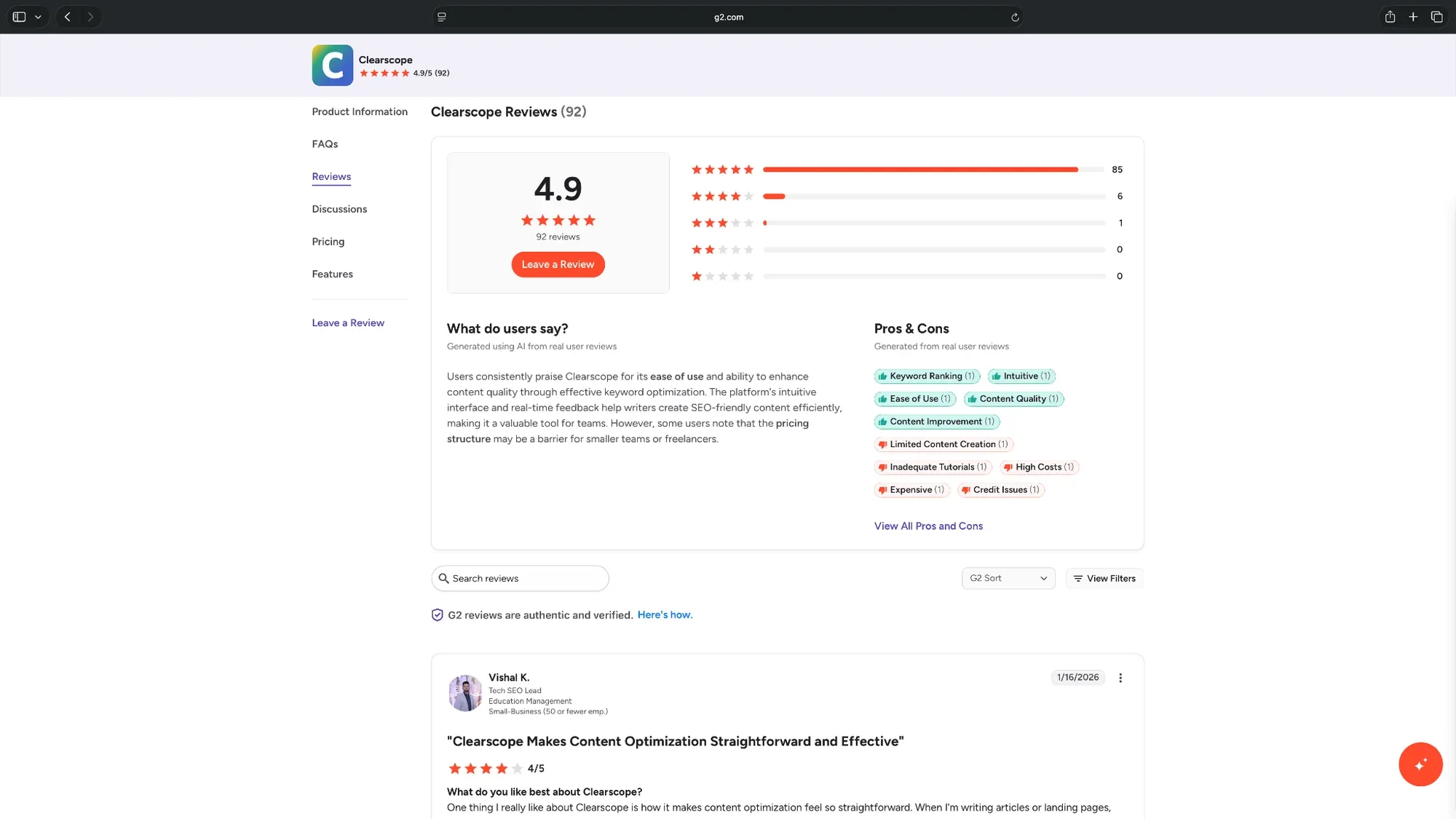
Users appreciate its intuitive content editor, keyword recommendations, and ability to simplify article optimization. However, some mention that certain suggestions aren't relevant to their topics.
One reviewer noted that "for niche content, the suggested keywords can be a bit removed from the actual subject matter."
My take
I'd recommend Clearscope for editorial teams that want consistent content optimization and ongoing monitoring. Its content grades and weekly reports can help teams identify which articles need improvements.
However, I'd compare it with Surfer and Frase before purchasing.
Best SEO automation tool for automated on-page SEO changes
Alli AI
Alli AI is an SEO automation platform that helps you identify and apply on-page changes across multiple websites. Alli AI also supports AI-generated schema markup and tools for improving how AI crawlers access website content.
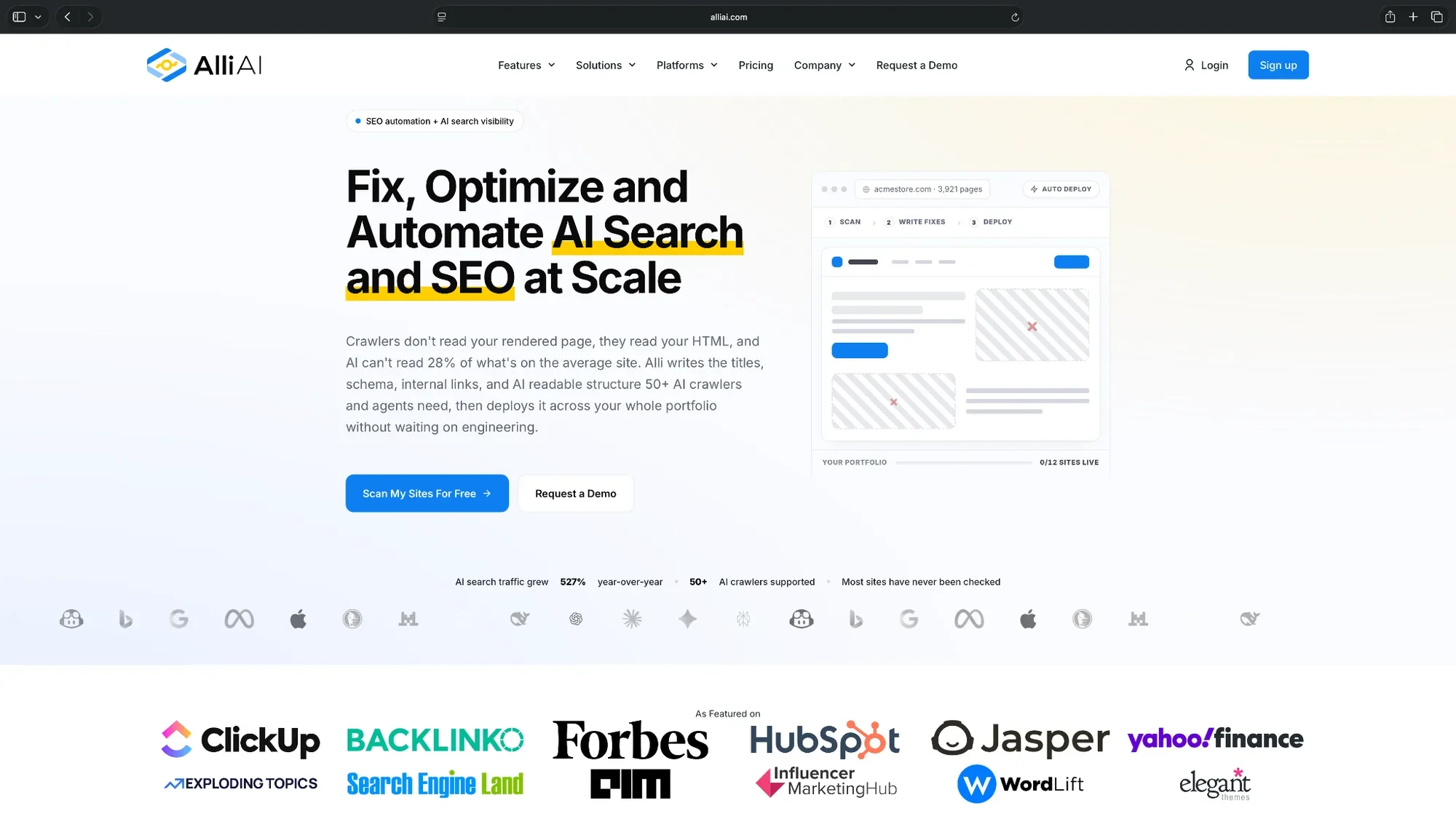
Its bulk optimization feature stands out. You can install a JavaScript snippet on your website, review SEO recommendations, and approve changes from Alli AI's dashboard.
For example, if several pages need title tag updates, meta description changes, or internal links, you can manage those optimizations without editing every page individually.
Key features
- Bulk on-page optimization: Apply approved SEO changes across multiple pages from one dashboard
- AI internal linking: Identify relevant internal linking opportunities and implement approved links
- Schema markup generation: Generate structured data for supported page types
- Website monitoring: Run weekly crawls to identify SEO issues and generate recommendations
Pros
- Supports bulk on-page changes without editing every page through the CMS
- Works across different website platforms using a JavaScript snippet or supported integration
- Combines technical recommendations, internal linking, and AI crawler accessibility features
Cons
- Initial setup can require technical knowledge, particularly when installing and configuring the website snippet
- AI-generated recommendations need careful review before deployment
Pricing
- 10-day free trial for any plan of your choice
- Paid plans from $299/month, billed monthly
What users say
Alli AI has a 3.9/5 rating on G2 from 14 reviews.
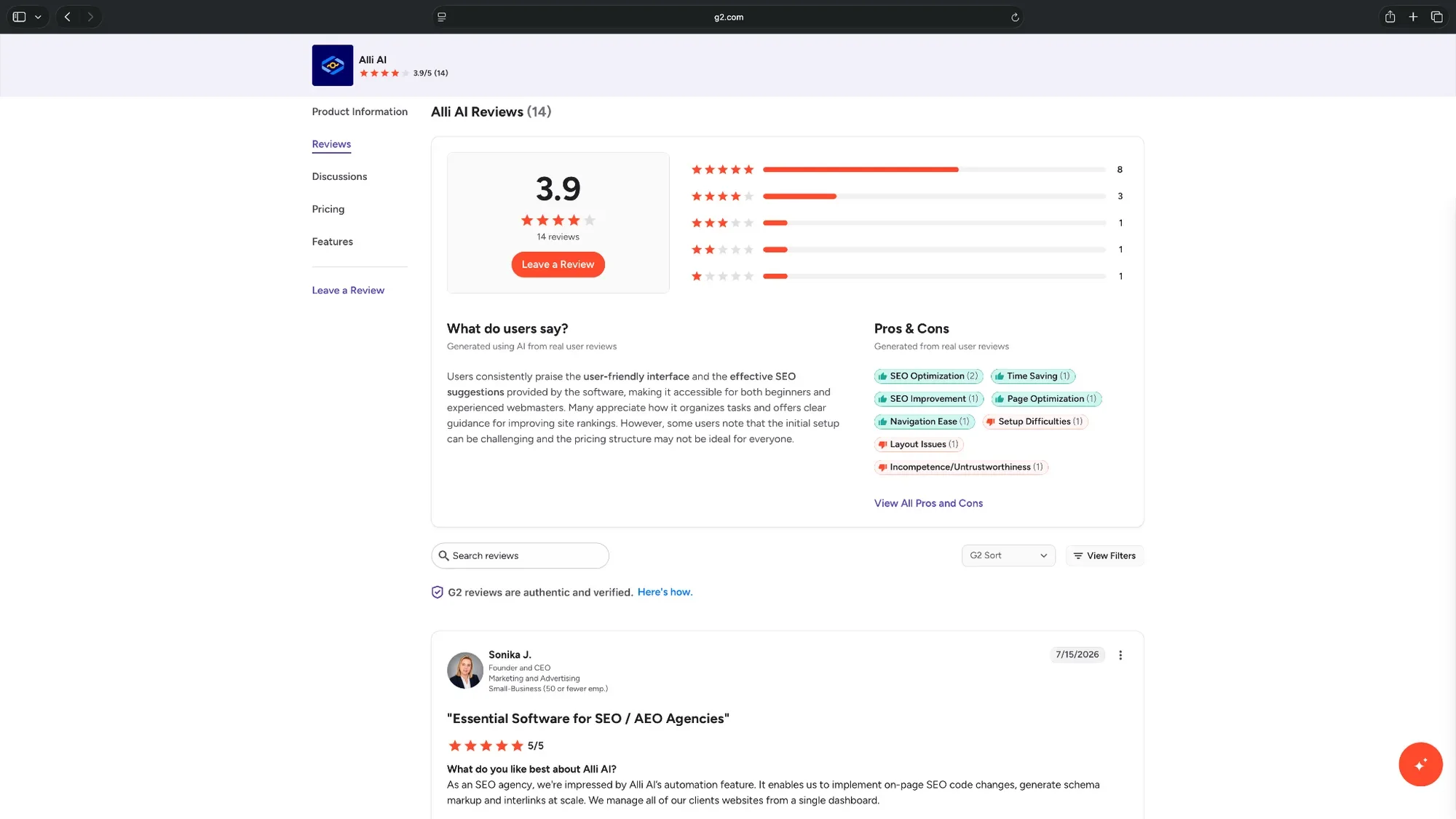
Users appreciate its ability to apply on-page optimizations across multiple websites and manage client projects from one dashboard. However, some mention setup difficulties, pricing concerns, and the need to verify AI recommendations.
One reviewer noted that "AI suggestions aren't always perfect" and said verifying them before approval requires considerable manual work.
My take
I'd consider Alli AI for agencies that frequently update metadata, internal links, and other on-page elements across client websites.
Its bulk optimization features can save time, especially when working with different CMS platforms. However, I'd review recommendations before approving sitewide changes. For technical auditing alone, Screaming Frog or Sitebulb may be a more suitable choice.
SEO automation tools for custom workflows
These tools help you connect SEO data, automate content research, and manage tasks across applications. They're useful for teams that want to build workflows around their existing SEO tools.
Best SEO automation tool for AI-powered content workflows at scale
AirOps
AirOps is an AI content platform that helps you automate SEO research, content creation, optimization, and content refreshes.
With Playbooks, you can build repeatable workflows that pull data from Google Search Console, identify pages losing traffic, and prepare content updates using your brand guidelines.
For example, you can create a workflow that finds underperforming articles, researches competing pages, drafts improvements, and sends them to an editor for approval.
AirOps also monitors brand visibility across AI search engines, making it useful for teams working on both traditional SEO and AI search optimization.
Key features
- AI content workflows: Create repeatable processes for keyword research, content briefs, drafting, and optimization
- Content monitoring: Identify declining pages using search performance data and prepare content refreshes
- Brand Kits: Apply writing rules, brand guidelines, and company information across content workflows
- AI search monitoring: Track brand visibility across AI search engines and identify content opportunities
Pros
- Combines content research, creation, monitoring, and refresh workflows
- Supports integrations with Google Search Console, Google Analytics, and CMS platforms
- Offers customizable workflows with human review steps
Cons
- Advanced workflows can take considerable time to configure and troubleshoot
- AI-generated content still needs fact-checking and editorial review
Pricing
- Solo includes 35,000 content production tasks, one Brand Kit, and basic integrations. AirOps also offers a 14-day free trial.
- Pro includes 100,000 tasks, additional integrations, and unlimited team seats, with task-based pricing on request
What users say
AirOps has a 4.7/5 rating on G2 from 134 reviews.
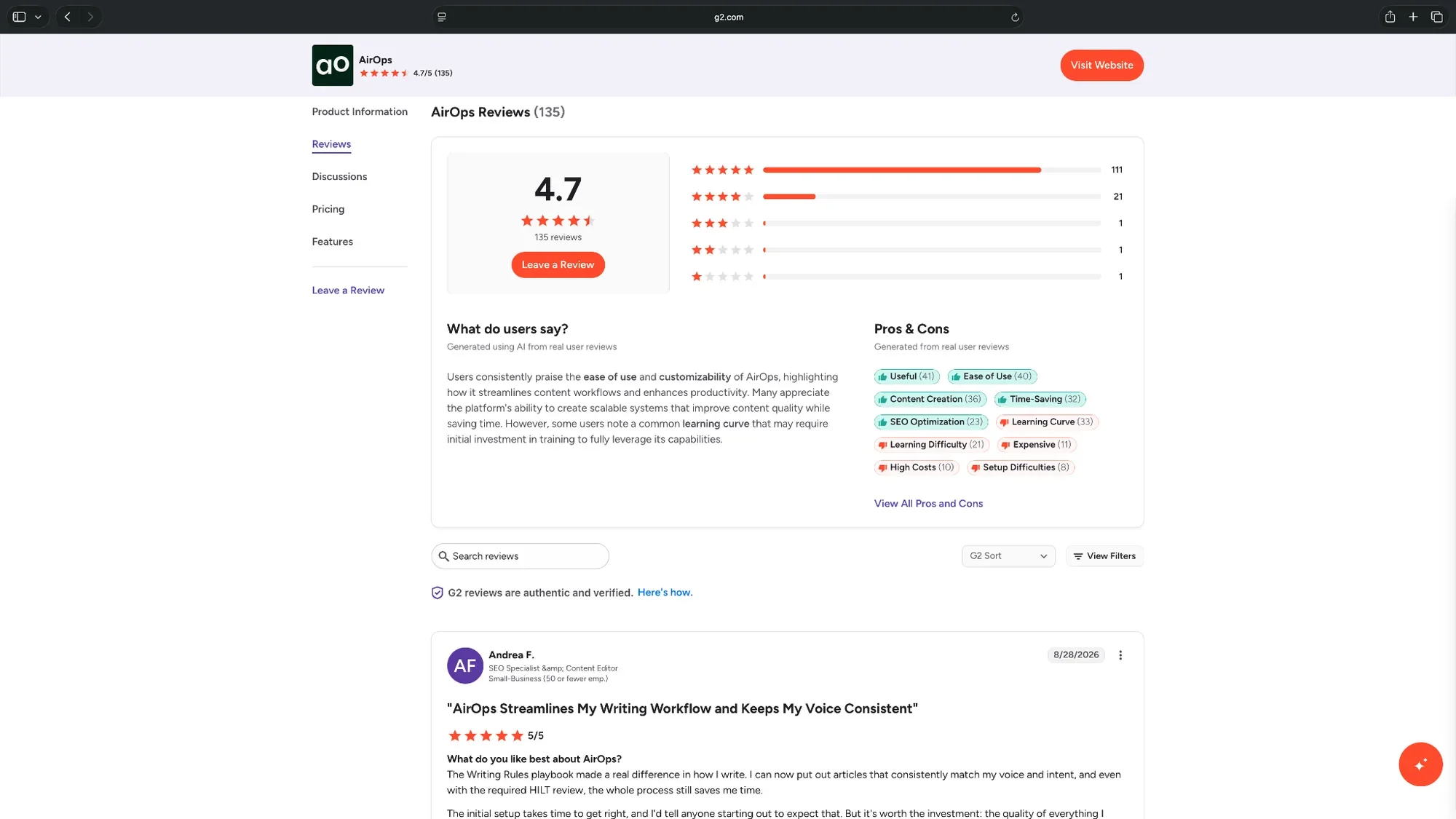
Users appreciate its customizable workflows, content creation capabilities, and ability to automate repetitive SEO tasks. However, some mention a steep learning curve, occasional workflow errors, and setup difficulties.
One SEO strategist noted that "this software has a steep learning curve" and requires time to understand its advanced features.
My take
I'd consider AirOps for teams that publish and update large volumes of SEO content. Its Playbooks can help automate recurring tasks, especially when you're managing hundreds of articles.
However, smaller teams that primarily need content briefs and optimization suggestions may find Frase easier to set up. I'd choose AirOps when custom workflows and content production at scale are the priority.
Best SEO automation tool for AI-powered SEO research workflows
Gumloop
Gumloop is an AI automation platform that lets you create agents for keyword research, competitor analysis, SEO audits, and other repetitive tasks.
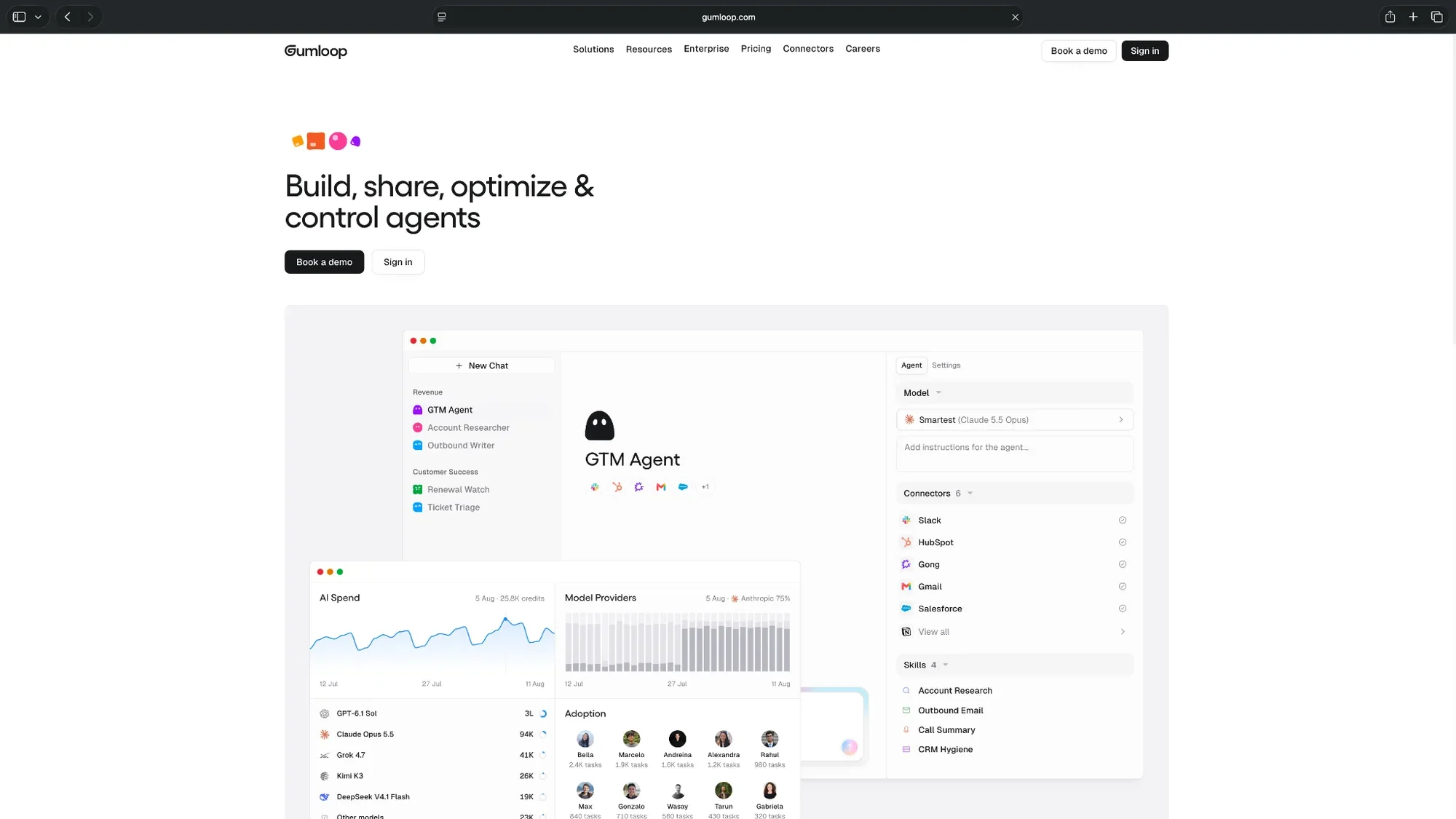
Its prebuilt SEO keyword research agent stood out to me. It connects with DataForSEO and Google Search Console to research keywords, analyze competitors, and identify ranking opportunities.
You can also customize these agents or build workflows that combine SEO research with AI-generated recommendations.
For example, Gumloop has an SEO audit template that uses Semrush data to analyze a website and generate a report with suggested improvements.
Key features
- SEO keyword research agent: Research keywords, analyze competitors, and identify opportunities using connected SEO data
- Prebuilt SEO templates: Use existing workflows for website audits, content optimization, and competitor research
- AI workflow builder: Connect research tools, AI models, and other applications into automated processes
- Data extraction: Collect website information and organize findings for further analysis
Pros
- Reviewers praise its customer support when workflows break
- Supports DataForSEO, Google Search Console, Semrush, and other integrations
- Allows teams to customize AI workflows and connect different AI models
Cons
- Advanced agents can require troubleshooting and an understanding of workflow logic
- Credit consumption and orchestration fees can make costs harder to predict
Pricing
- 14-day free trial
- Paid plans start from $37/month, billed monthly
What users say
Gumloop has a 4.8/5 rating on G2 from seven reviews. The small review sample makes it difficult to assess.
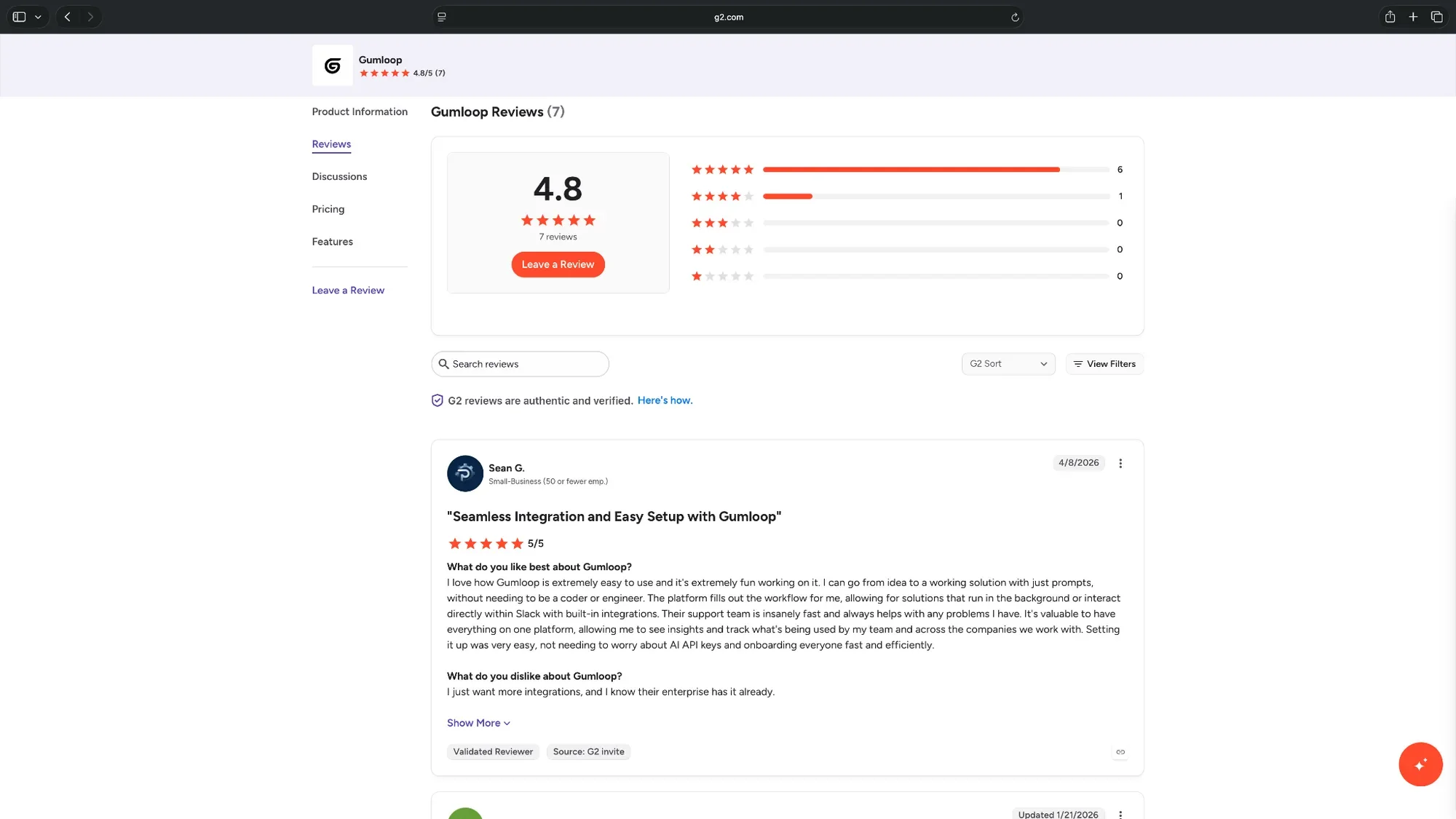
Users appreciate its interface, flexible AI workflows, and customer support. However, some mention difficulties configuring advanced agents and resolving workflow errors.
One reviewer reported that "complex tasks keep breaking" and needed support to get their automations working.
My take
Gumloop is an AI platform for marketers who want to build their own SEO research agents. Its prebuilt keyword research and audit workflows offer a useful starting point.
However, Gumloop depends on connected data sources for specialized SEO information. If you mainly need keyword rankings and backlink reports, Ahrefs or Semrush may be more straightforward.
Best SEO automation tool for custom SEO workflows across applications
n8n
n8n is a workflow automation platform that connects applications, APIs, and AI models to automate repetitive tasks.
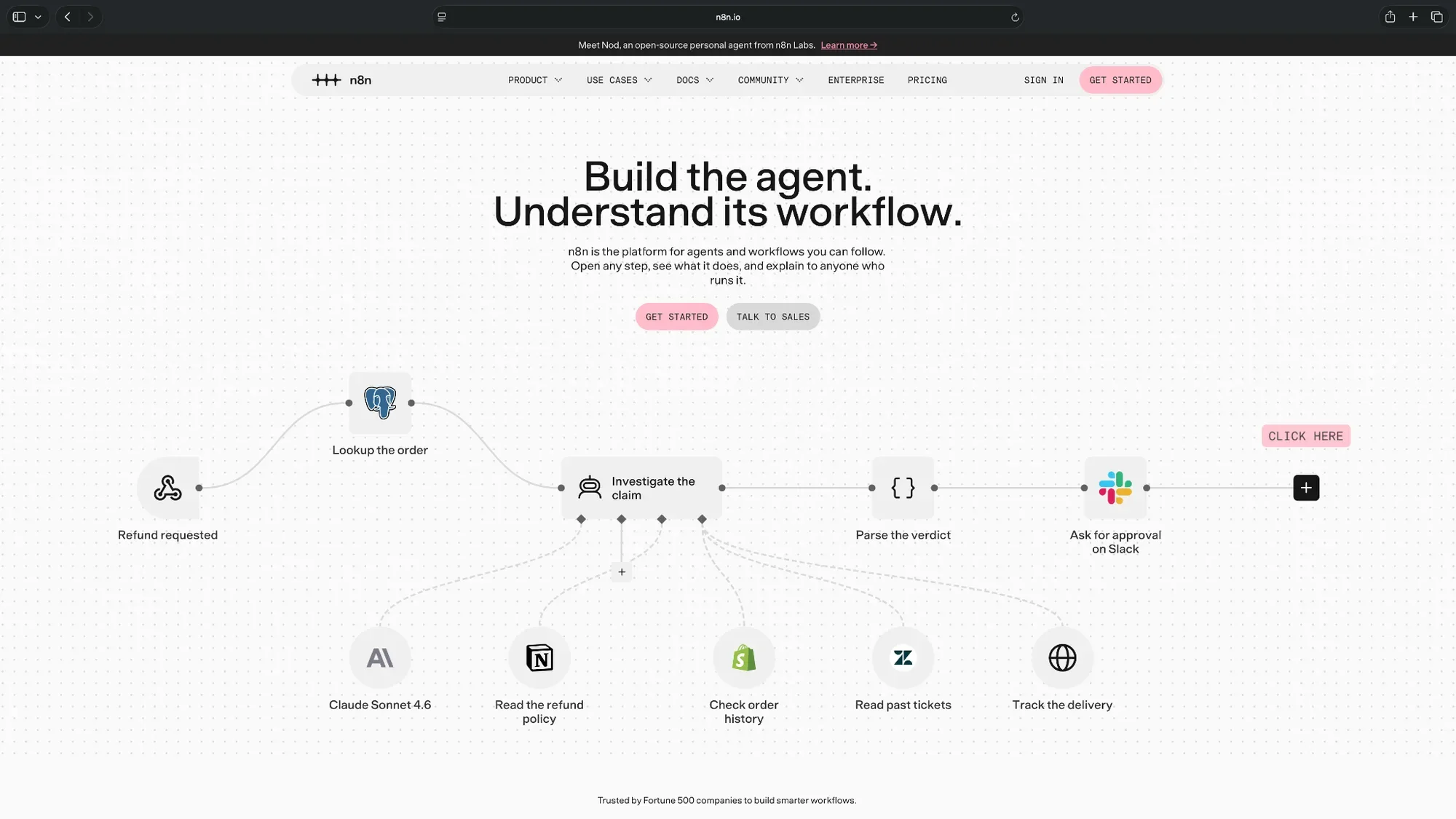
Its visual workflow builder lets you create automations using triggers, conditions, and actions. You can also write custom code when the built-in options aren't enough.
It has an SEO workflow template that collects low-click-through-rate pages from Google Search Console, generates improved titles and meta descriptions using AI, and saves the suggestions in Google Sheets for approval.
Once approved, the workflow can update the relevant pages in WordPress. This gives SEO teams control over which changes get published.
Key features
- Visual workflow builder: Connect SEO tools, spreadsheets, AI models, and CMS platforms using conditional workflows
- Scheduled automation: Run SEO reports, collect performance data, and trigger follow-up tasks at configured intervals
- AI integrations: Use language models to analyze SEO data, generate recommendations, and prepare content updates
- Custom API connections: Integrate applications that don't have dedicated workflow nodes
Pros
- Supports complex workflows with custom logic and API connections
- Offers a free self-hosted Community Edition
- Charges for cloud workflow executions rather than individual steps
Cons
- Complex workflows require technical knowledge to configure and troubleshoot
- Self-hosting involves server maintenance, updates, and infrastructure costs
Pricing
- Free self-hosted Community Edition is available under n8n's Sustainable Use License
- Cloud plans start from $24/month, billed monthly
What users say
n8n has a 4.7/5 rating on G2 from approximately 325 reviews.
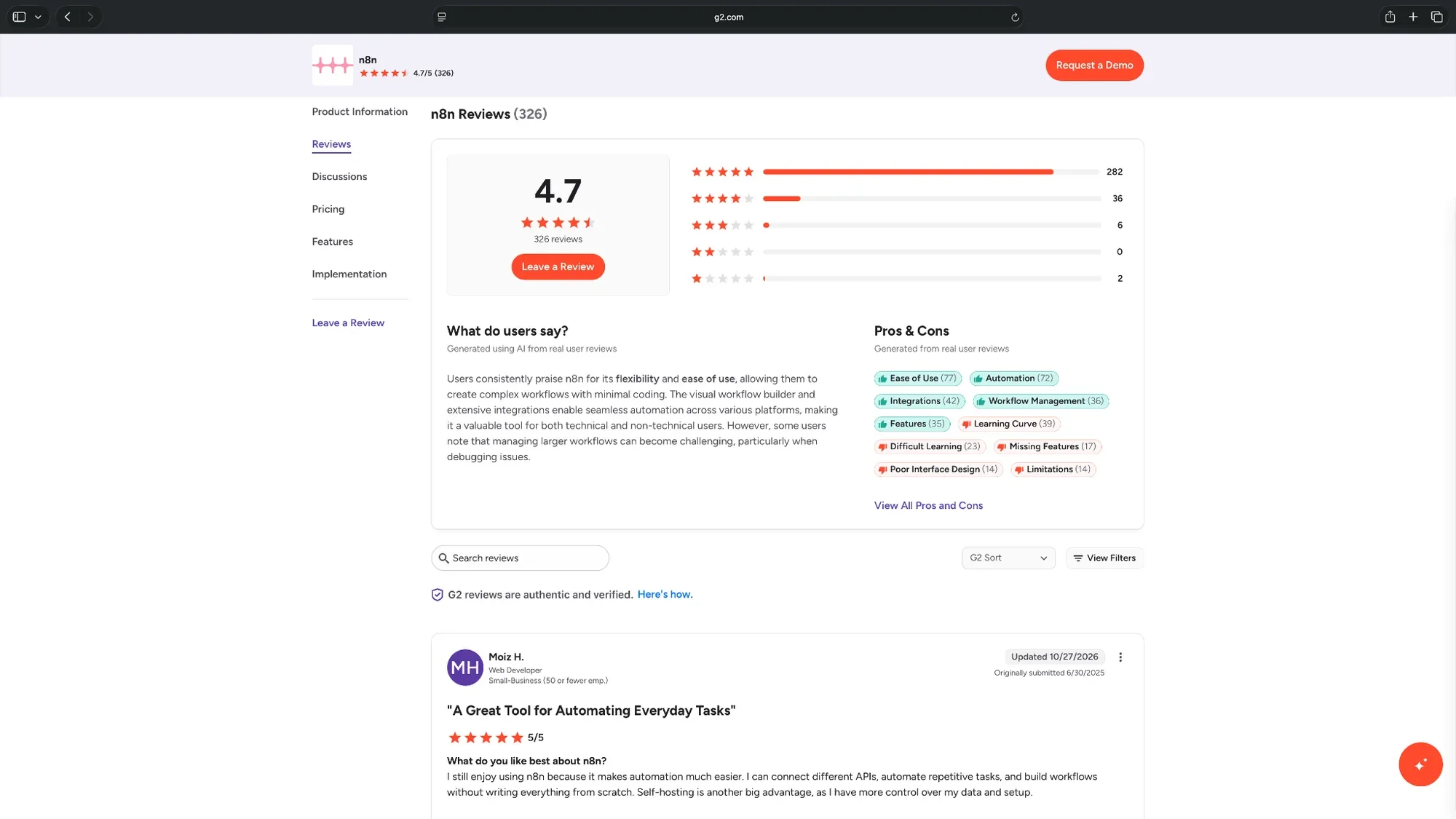
Users appreciate its flexibility, integrations, and ability to build complex workflows. However, some mention its learning curve, debugging difficulties, and the technical work involved in self-hosting.
One user, who has rated n8n 5/5, calls “self-hosting a big advantage” as it offers more control over the data and setup.
My take
I'd recommend n8n for technical teams that want full control over their SEO automation workflows. It's particularly useful for connecting Search Console, AI models, spreadsheets, and publishing platforms.
The free self-hosted edition offers flexibility, but you'll need to manage the infrastructure. For smaller teams that want simpler integrations and less setup work, Zapier may be easier to manage.
Best SEO automation tool for connecting SEO tools and automating repetitive tasks
Zapier
Zapier is a no-code automation platform that connects SEO tools, spreadsheets, communication apps, and project management software.
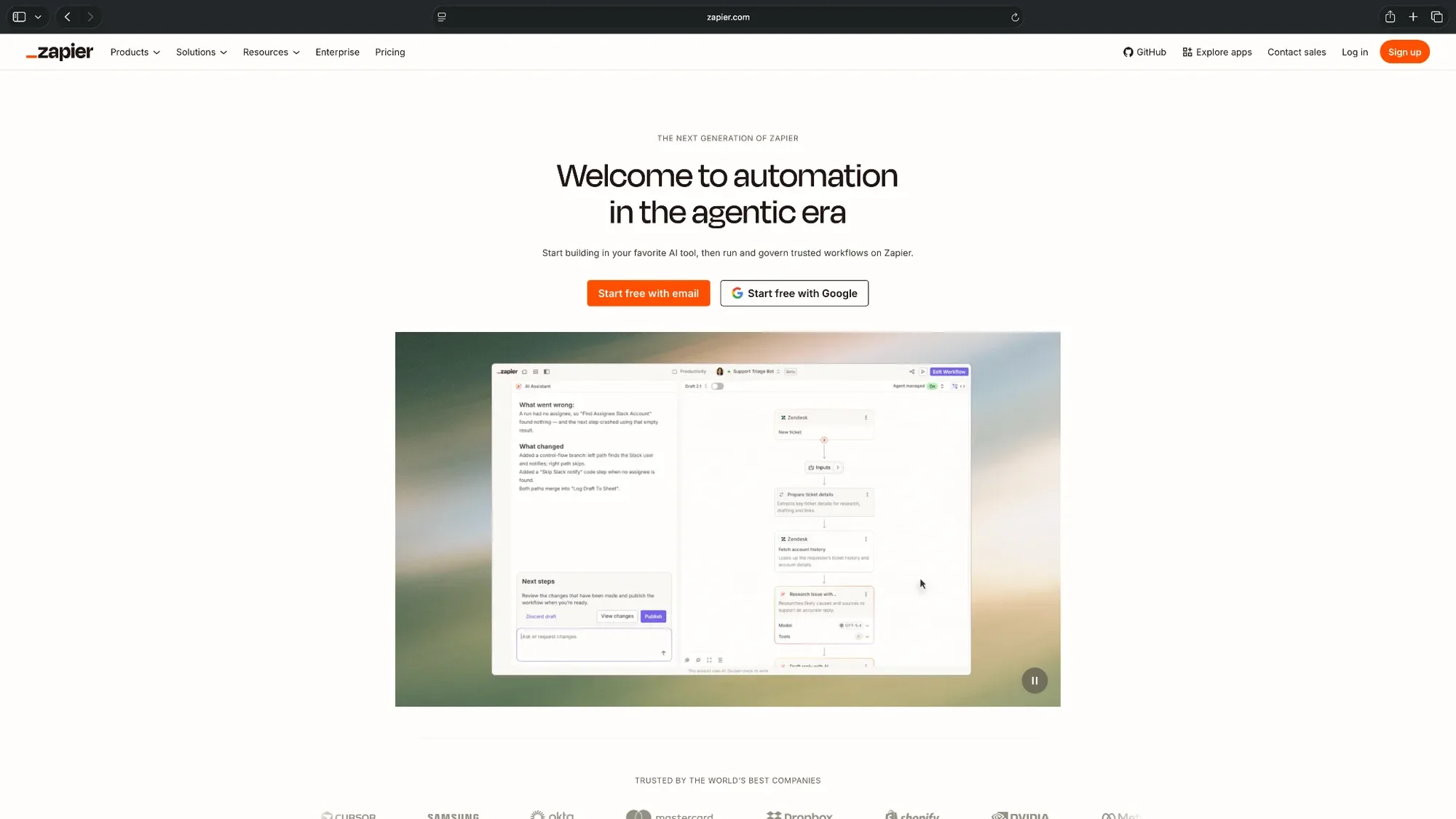
Its Semrush integration lets you create workflows that send Slack notifications when a site audit finishes, log audit tasks in Google Sheets, or re-run a site audit crawl on a schedule.
Zapier also lets you automate SEO reporting. For example, you can collect performance data in Google Sheets and send weekly summaries to your team without preparing every report manually.
Key features
- SEO reporting: Collect performance data and send scheduled reports through Gmail or Slack
- App integrations: Connect Semrush, Google Sheets, Slack, Asana, and 9,000+ applications
- Automated workflows: Create triggers and actions to move SEO data between tools and assign follow-up tasks
- Conditional workflows: Use filters and branching on paid plans to trigger actions based on specific conditions
Pros
- Beginner-friendly workflow builder that requires little coding knowledge
- Supports a wide range of SEO, reporting, and project management integrations
- Offers prebuilt automation templates for common SEO reporting tasks
Cons
- Multi-step workflows, premium integrations, and conditional logic require a paid plan
- Task-based pricing can become expensive when running frequent or complex automations
Pricing
- Free plan with 100 tasks/month and unlimited two-step Zaps
- Paid plans from $29.99/month, billed monthly
What users say
Zapier has a 4.5/5 rating on G2 from more than 2,100 reviews.
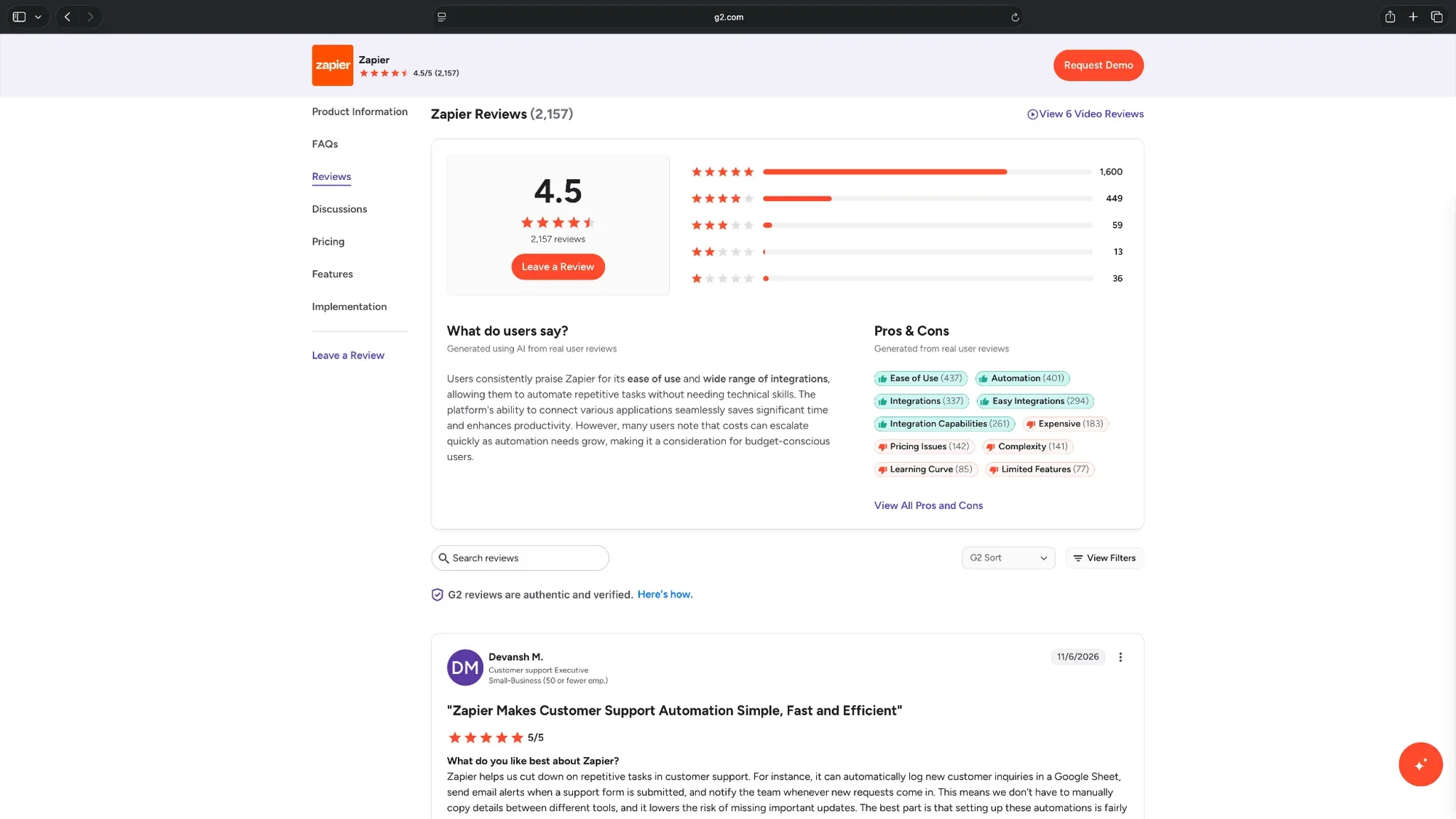
Users appreciate its ease of use, extensive integrations, and ability to automate tasks without coding. However, some mention rising costs as task usage increases and difficulties troubleshooting complex workflows.
One reviewer noted "how quickly the costs can increase" when building more complex automations with multiple steps.
My take
I'd consider Zapier for small SEO teams that already use tools like Semrush and Google Sheets and want to automate reporting and follow-ups.
It's easier to get started with than n8n, especially if you don't have technical experience. However, task-based pricing adds up on frequent or multi-step automations, so check your expected task volume before choosing a plan.





How to build an SEO automation workflow
You can combine different SEO tools to automate tasks that would otherwise require switching between several apps. For example, you can build a workflow that identifies underperforming articles and prepares content updates.
You can set it up following these steps:
- Identify declining pages: Connect Google Search Console and compare clicks, impressions, and rankings across two periods to find pages losing traffic.
- Collect the data: Use n8n to pull performance data at scheduled intervals and add underperforming URLs to Google Sheets.
- Prepare content recommendations: Use Frase or Surfer to analyze competing pages and suggest missing topics, outdated information, or other improvements.
- Review the changes: Send recommendations to an SEO specialist or editor for approval before making updates.
- Monitor performance: Track the updated pages in Search Console over the following weeks to see whether clicks and rankings improve.
For example, n8n offers an SEO workflow template that identifies low-CTR pages, generates title and meta description suggestions, and logs them in Google Sheets for approval before updating WordPress.
Start with one repetitive SEO task and expand once the workflow produces useful results.
What SEO tasks should you avoid automating?
SEO automation tools can identify problems and recommend fixes. However, some changes can affect your website's rankings, indexing, and traffic, so it's worth reviewing them before implementation.
Here are six tasks that should require human approval:
- Publishing AI-generated content: Review articles for accuracy, relevance, and originality. Google's spam policies warn against generating large amounts of low-value content primarily to manipulate rankings.
- Creating redirects: Incorrect redirects can send visitors to unrelated pages or cause search engines to process URL changes incorrectly.
- Changing canonical tags: An incorrect canonical can signal that another URL is the preferred version of your page.
- Applying noindex rules: Adding noindex to important pages can remove them from Google Search once Google processes the directive.
- Editing robots.txt: Incorrect rules can prevent search engines from crawling important pages or resources.
- Adding internal links: Automatically generated links may point to irrelevant pages or use unnatural anchor text.
For example, Alli AI can prepare bulk on-page changes, while n8n can connect SEO recommendations with publishing workflows. I'd configure an approval step before either tool makes sitewide changes.
A practical approach is to have your SEO automation tool identify problems, prepare suggested fixes, and send them to an editor or SEO specialist for approval. Once approved, the workflow can apply the changes and log what was updated.
How to choose the right SEO automation tools
The best SEO automation tool depends on your budget, team size, and the tasks you want to automate. Here's what I'd recommend for different users:
Solo SEO professionals and freelancers
Start with Google Search Console and Screaming Frog's free version for performance monitoring and technical audits. Ahrefs Starter is worth considering if you need additional keyword and competitor research.
Small marketing teams
Semrush or SE Ranking can handle recurring audits, rank tracking, and reports. If content optimization takes up considerable time, add Frase or Surfer for research and article improvements.
SEO agencies
SE Ranking offers automated client reports and multi-project tracking. Sitebulb is useful for technical audits, while AirOps suits agencies managing large content libraries and recurring optimization workflows.
Compare project limits, user seats, and reporting features before choosing a plan.
Technical and automation-focused teams
n8n or Make offers flexibility for building custom workflows across SEO tools, APIs, and AI models. Zapier is easier for simpler integrations and AI automation, while Gumloop supports AI-powered research workflows.
Which SEO automation tools should you choose?
I'd start by automating your most repetitive SEO task before investing in additional tools. Here's what I'd recommend:
- Semrush: SEO teams managing audits, rankings, and competitor research
- Ahrefs: Specialists tracking backlinks and competitor performance
- Screaming Frog: Technical SEOs running scheduled website crawls
- SE Ranking: Agencies automating client reports and rank tracking
- Sitebulb: Consultants prioritizing technical SEO issues
- Surfer: Content teams optimizing and refreshing articles
- Frase: Writers preparing SEO briefs and researching competitors
- Clearscope: Editorial teams monitoring and improving content
- Alli AI: Agencies applying approved on-page changes in bulk
- AirOps: Large content teams managing repeatable workflows
- Gumloop: Marketers building AI-powered SEO research agents
- n8n: Technical teams creating custom SEO integrations
- Zapier: Small teams automating reporting and task handoffs
Try Lindy for your work around SEO
SEO automation involves reviewing reports, researching competitors, preparing content briefs, and coordinating updates across your apps. Lindy can help with these tasks. It's an AI teammate that lives inside Slack. You can @mention it, assign tasks in plain English, and have it work across connected apps.
Lindy has a ready-to-hire SEO Specialist that monitors rankings, flags declining pages, and prepares content refresh briefs. The Marketing Strategist tracks competitors and prepares research briefs for content planning. You can customize these roles or describe your own tasks.
Try Lindy for free and see what SEO work you can offload.
Frequently asked questions
What are the 5 best SEO tools?
Semrush, Ahrefs, Screaming Frog, SE Ranking, and Surfer are among the top five SEO tools worth considering. They cover keyword research, backlink analysis, technical audits, rank tracking, and content optimization.
What are the best SEO automation tools?
The best SEO automation tools include Semrush for audits and rank tracking, Screaming Frog for technical crawling, SE Ranking for automated reports, Frase for content research, and n8n for custom workflows.
Can I do SEO myself for free?
Yes, you can do SEO for free. Google Search Console helps you monitor search performance, Screaming Frog lets you crawl up to 500 URLs for free, and Ahrefs Free offers limited website analysis tools. You can also use free AI tools for SEO research and content preparation.
Can you automate SEO?
Yes, you can automate technical audits, keyword tracking, SEO reports, content briefs, and some on-page changes. However, publishing content, changing redirects, and modifying indexing rules should require human approval.
What are AI search optimization tools?
AI search optimization tools, or AI SEO tools, help you monitor brand visibility in AI-generated search results and identify opportunities to improve content. Some also track brand mentions and citations across platforms like ChatGPT, Gemini, and Perplexity.
What are the free AI tools for SEO optimization?
Semrush, Ahrefs, and Screaming Frog offer limited free plans or versions for SEO work. Zapier and n8n also have free options for automating SEO tasks.
What are the best AI SEO software for 2026?
Surfer, Frase, Clearscope, AirOps, and Alli AI are among the best AI SEO software for 2026. Surfer suits content optimization, Frase is for research and briefs, Clearscope works for content grading, AirOps is ideal for automated content workflows, and Alli AI handles bulk on-page changes.
Is SEO dead or evolving in 2026?
SEO is still evolving in 2026. AI-powered search has changed how people discover information, but technical SEO, useful content, and website authority still contribute to search visibility.
Can ChatGPT do SEO?
Yes, ChatGPT can do parts of SEO. It can help with keyword grouping, content briefs, meta descriptions, and article optimization. However, it needs reliable data and human oversight for technical audits, accurate keyword metrics, and publishing decisions.
About the editorial team

Marvin is a Growth Engineer at Lindy focused on AI agents, automation, and product-led growth.

Lindy leads GTM at Lindy and is the team’s most prolific automation builder. She publishes weekly educational videos and articles on building AI assistants – And yes, she’s a real person!
