24 AI Agent Examples & Real-World Use Cases - Fresh for 2026
Jack pulled together 24 AI agent examples that we pay attention to Lindy, with a mix of AI giants and more niche, lesser-known agents from the tech industry


I tested many AI agent examples across marketing, sales, and operations workflows. Here are the top 24, showing how teams use them to automate everyday tasks across domains in 2026.
What are AI agents?
AI agents are software agents that use artificial intelligence to make decisions and take actions to complete specific goals. They interact with digital environments like emails, CRMs, and calendars, and analyze your inputs and respond accordingly. Exploring comprehensive ai agents business applications can help organizations determine where these tools drive the most ROI.
Unlike standard automation tools, AI agents use context to adapt, execute tasks independently, and learn from your feedback. Studying practical ai agent use cases reveals how organizations deploy these tools to streamline complex operations. To scale these capabilities across large organizations, deploying enterprise ai agents can further optimize complex corporate workflows.
Businesses use them to handle repetitive work, from managing emails to updating CRMs, without manual effort. AI agents act as digital teammates that complete everyday tasks with minimal supervision. To discover domain-specific solutions for targeted workflows, check out the best vertical ai agents designed for specialized industries. In commercial teams, adopting ai agents marketing workflows helps automate campaign outreach and lead generation.
Top 24 AI agent examples broken up by category
I've decided to group these examples based on what they can do within specific use cases, such as emails, recruitment, and more. They’ll fall under the following categories: Understanding how these categories differ can help you identify various examples of ai agents built for distinct operational needs.
- Email management automation
- Meeting scheduling and calendar automation
- Customer support ticket resolution
- Call center assistance and real-time coaching
- Sales outreach and lead qualification
- CRM updates and pipeline management
- Internal task and project tracking
- Hiring and talent matching
- Document summarization and note-taking
- Social media response automation
Here are the ones that I found the most valuable:
Email management automation
AI agents can organize inboxes, prioritize messages, draft replies, and send follow-ups without manual input. They save hours every week and help teams focus on high-value tasks instead of sorting and chasing emails.
They can also identify message intent, learn tone preferences, and sync updates with tools like CRMs or Slack. You can set them to manage reminders and escalate only important emails.
For busy professionals, they act like a smart assistant that keeps conversations active and organized across multiple threads.
1. Superhuman – Prioritizes and drafts replies instantly
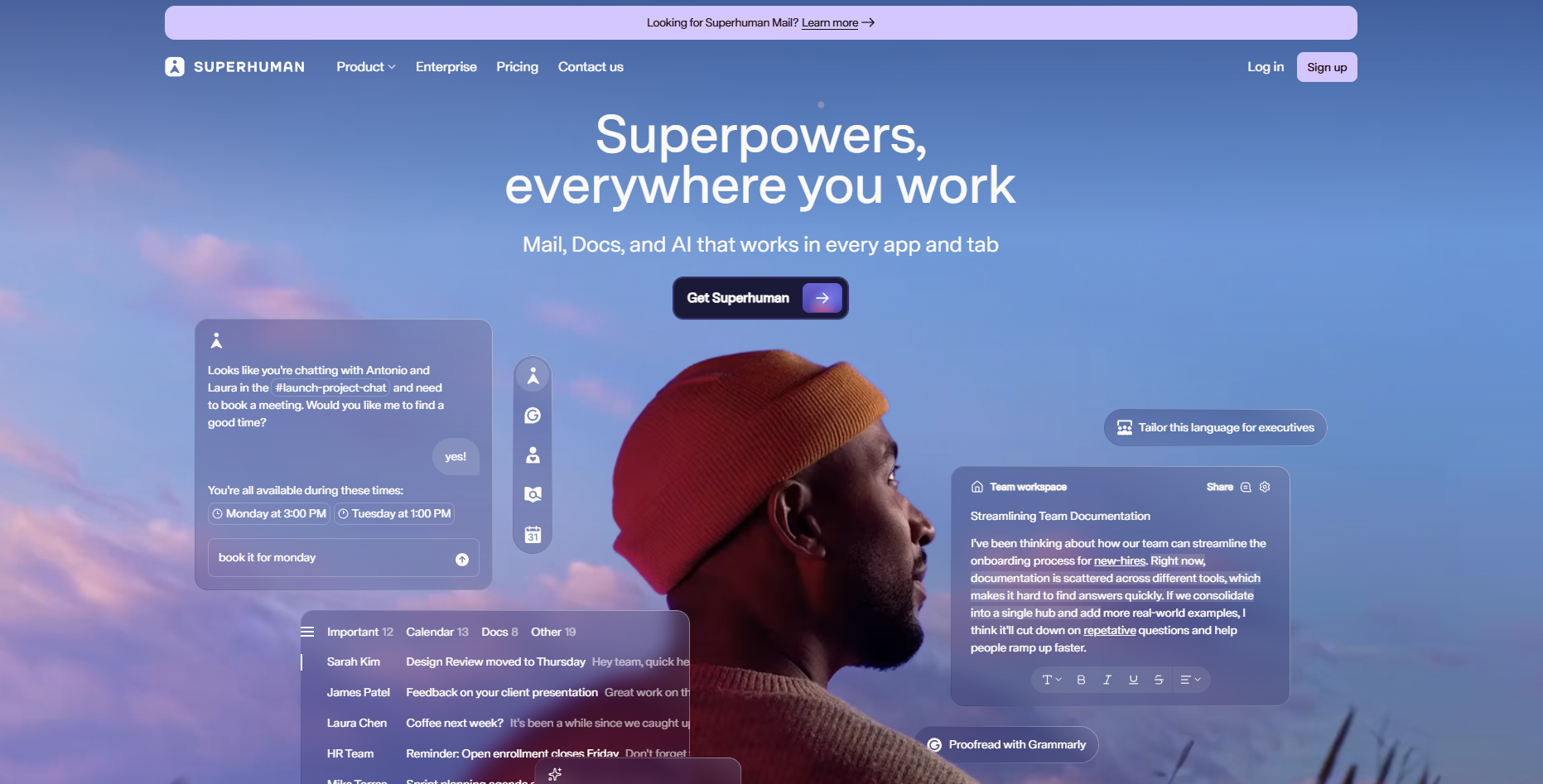
Superhuman focuses on speed and clarity. It scans incoming messages, suggests quick replies, and highlights high-priority threads. The system learns writing style and adjusts tone automatically, helping professionals respond faster while keeping communication personal.
2. Missive – Shared inbox with AI drafting suggestions
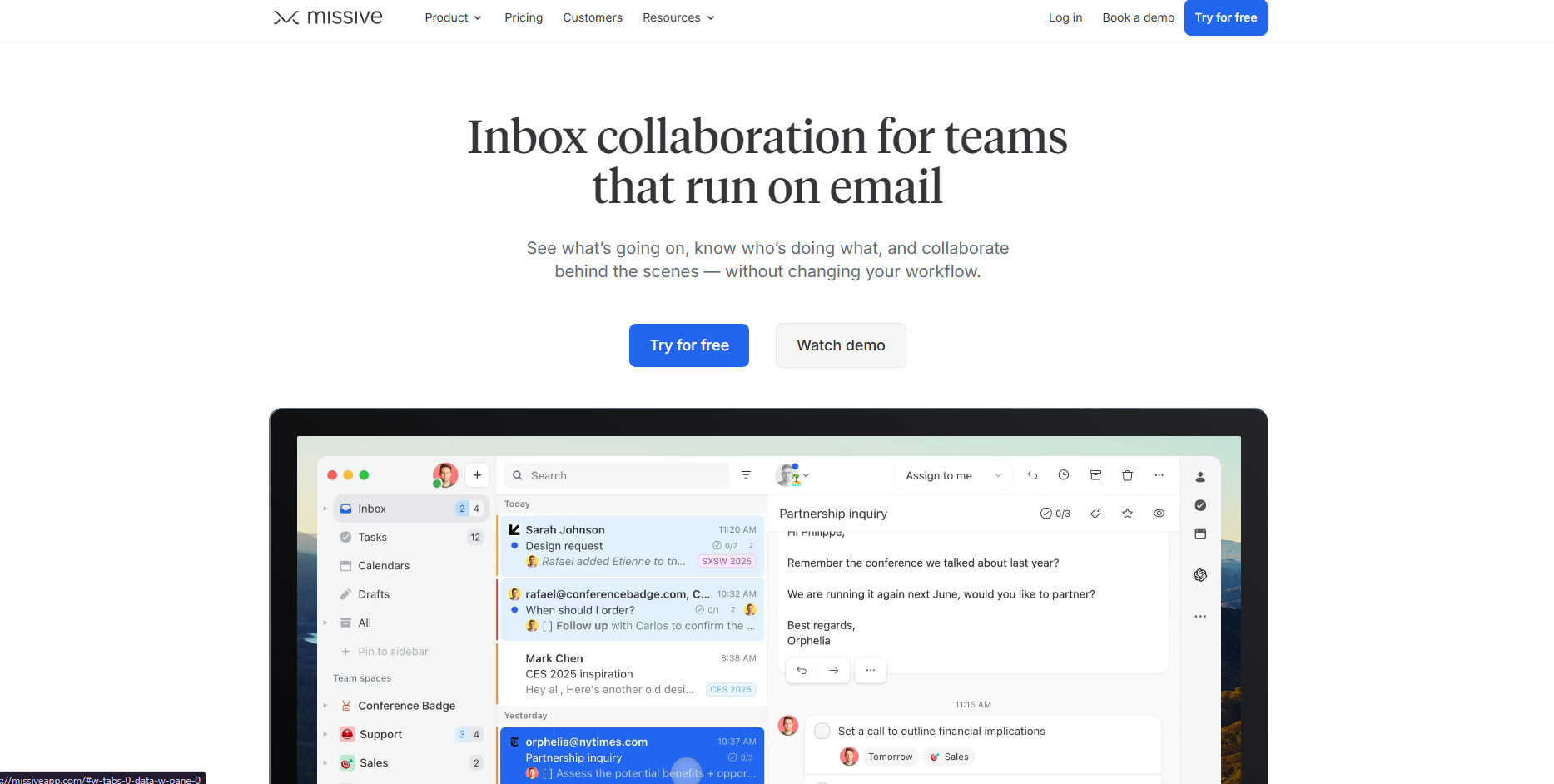
Missive supports teams that manage shared inboxes. Its AI suggests responses based on past conversations and internal notes. Team members can collaborate on drafts in real time, which improves consistency and accuracy in replies.
Missive also integrates with CRMs and project tools, keeping customer conversations visible across departments.
Meeting scheduling and calendar automation
Scheduling meetings across time zones or teams can take hours each week. AI scheduling agents remove the back-and-forth by managing availability, sending invites, and syncing calendars automatically.
They identify open slots, handle reschedules, and even cancel meetings when participants decline. These agents connect with platforms like Google Calendar, Outlook, and Zoom to manage every detail.
They eliminate manual coordination and ensure meetings stay conflict-free. For teams managing multiple clients or departments, AI agents improve response time and reduce scheduling errors.
3. Reclaim – Real-time task and meeting scheduling
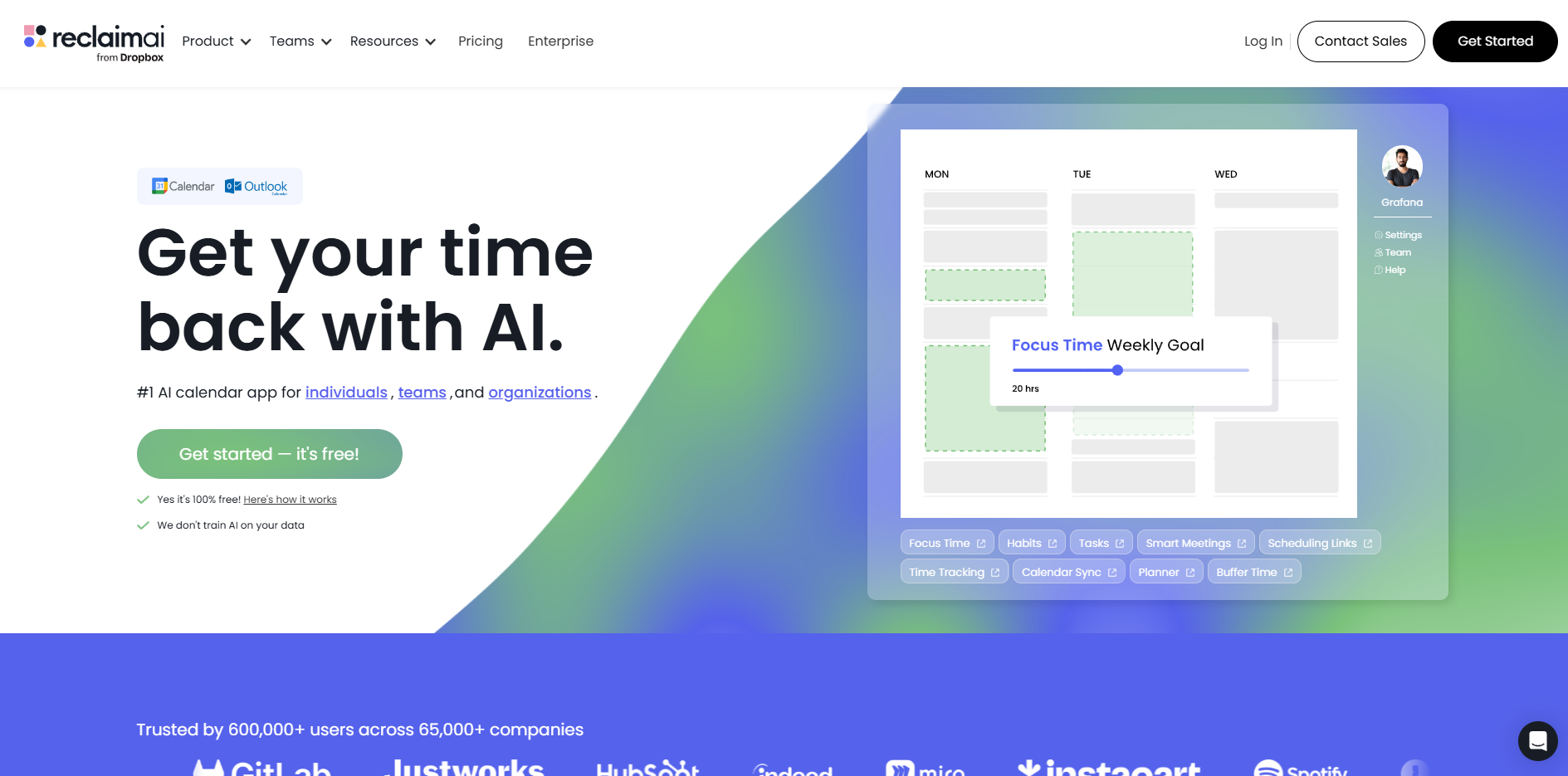
Reclaim automatically protects focus time while fitting meetings into the workday. It reorganizes tasks when priorities shift and keeps calendars balanced. Teams use it to schedule habits, one-on-ones, and recurring events efficiently. The tool adapts as plans change, ensuring the schedule always stays optimized.
4. Motion – Builds dynamic, auto-managed daily plans
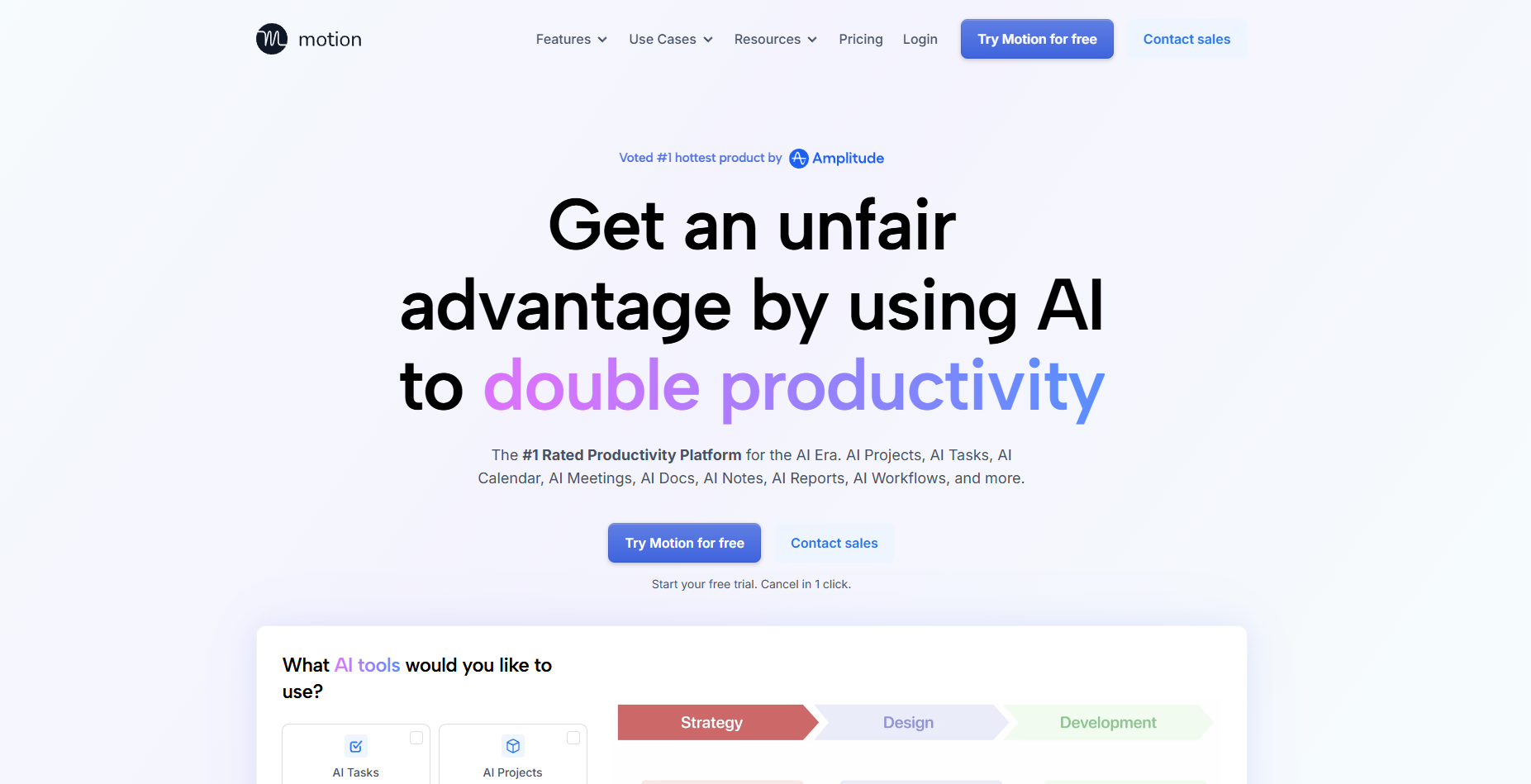
Motion combines task planning and scheduling. It creates a dynamic daily plan that adjusts automatically when meetings move or deadlines shift. The agent updates schedules in real time, helping users stay productive without manual adjustments.
Customer support ticket resolution
Customer support teams often deal with repetitive questions and long response times. AI agents now handle ticket triage, classification, and resolution automatically. They read incoming messages, identify the issue, and send accurate responses in seconds.
These agents pull data from existing knowledge bases or FAQs to answer common questions. They escalate complex issues to human agents with full context, which helps teams respond faster and maintain quality.
By automating first-line responses, businesses reduce backlogs and improve customer satisfaction. Implementing specialized ai customer service agents software allows teams to scale support without sacrificing response quality.
5. Forethought – Knowledge-base-driven ticket resolution
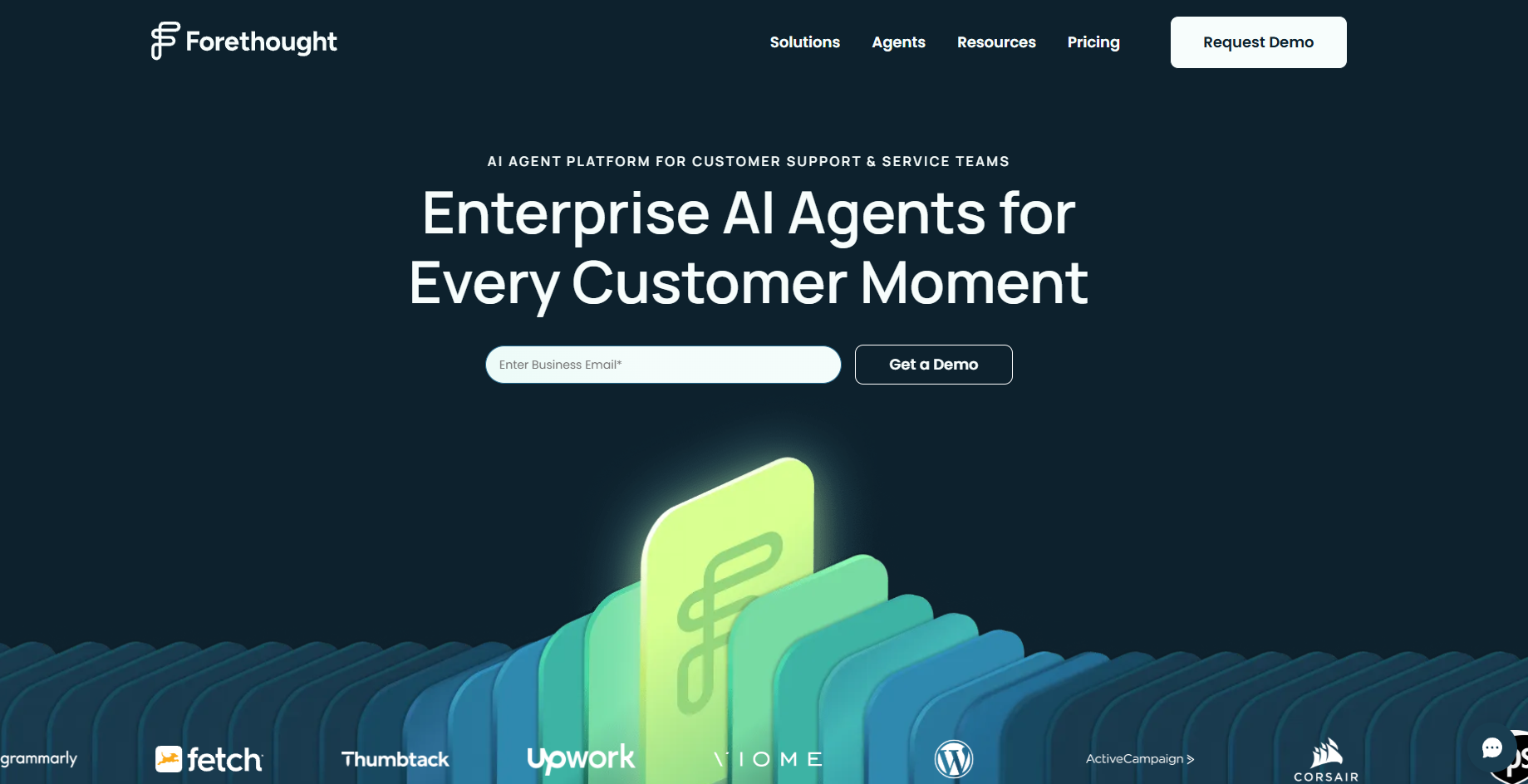
Forethought uses natural language understanding to resolve tickets before they reach a support rep. It finds the right information in company docs or past interactions and sends personalized responses instantly. The agent also learns from every solved ticket, improving accuracy over time.
6. Zendesk AI – Smart routing and summarization for tickets
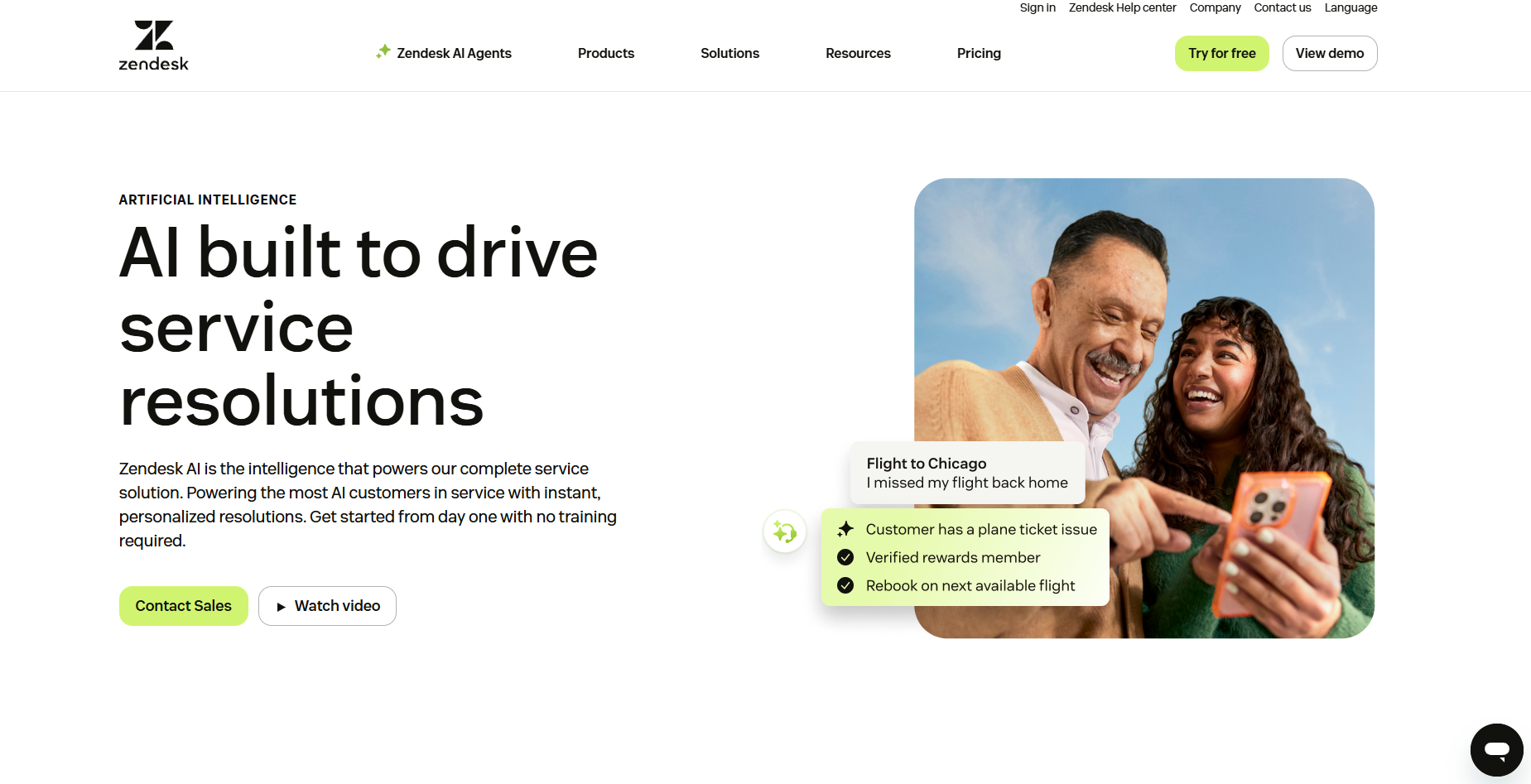
Zendesk AI automates ticket classification, routing, and response generation. It identifies intent and urgency, then assigns cases to the right queue or replies directly. It summarizes long threads and helps agents respond with better context, improving overall response time and consistency.
7. Aisera – Omnichannel AI for IT and customer queries
Aisera handles support tickets across chat, email, and IT systems. It resolves repetitive queries automatically and escalates complex issues only when needed. Many teams use Aisera to deflect up to 70% of routine requests, freeing agents to focus on high-value interactions.
Call center assistance and real-time coaching
AI agents now support call centers by analyzing conversations in real time. They listen to live calls, detect tone and sentiment, and suggest responses instantly. This improves call quality and helps agents handle customers with more confidence.
These agents also log notes, summarize outcomes, and update CRMs during the call. Managers use them to monitor performance, identify training gaps, and maintain consistent customer experiences.
This automation shortens ramp-up time for new hires and ensures every rep follows best practices on each call.
8. Dialpad – Real-time coaching and sentiment tracking
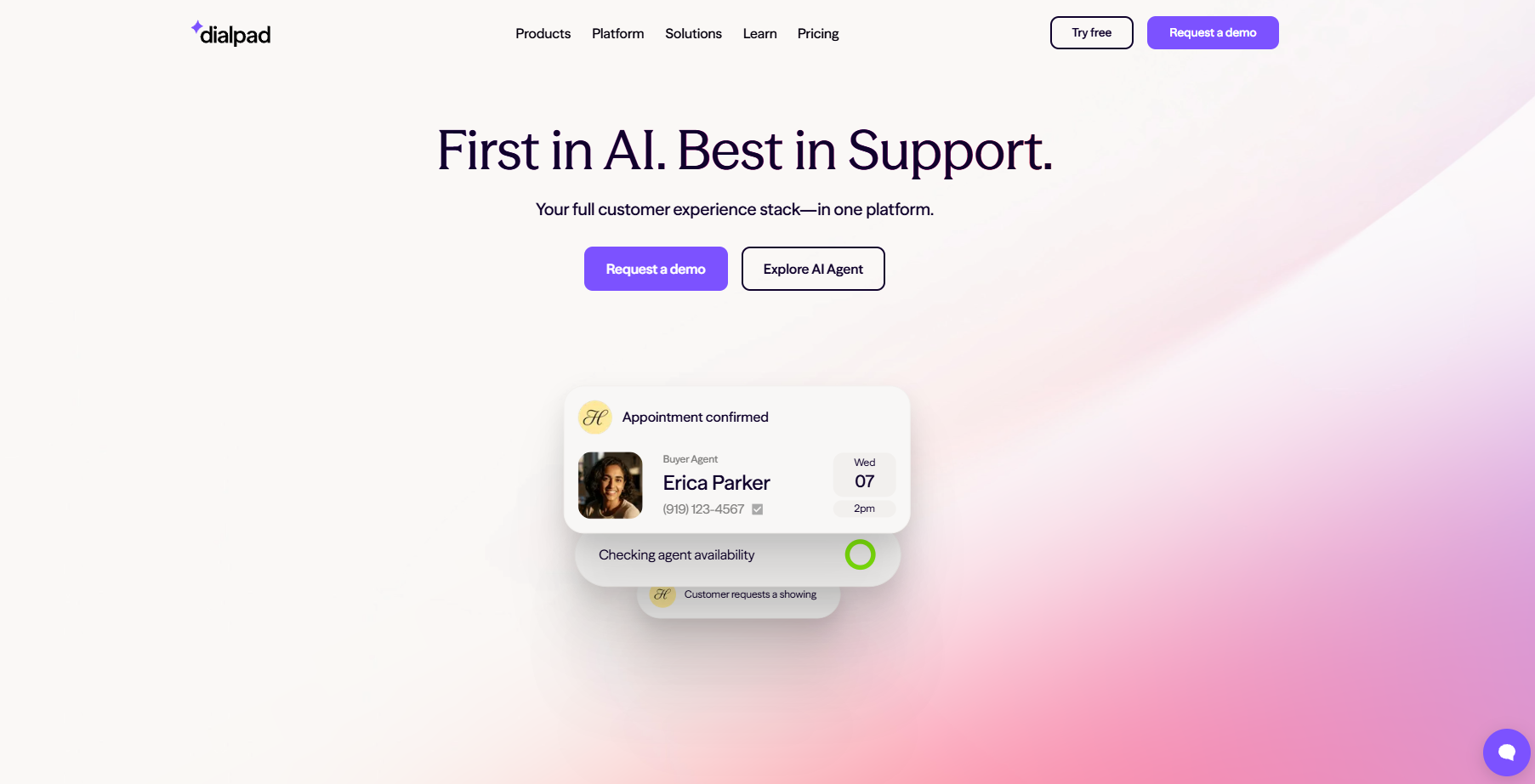
Dialpad analyzes live calls and provides instant coaching tips. It suggests phrases, flags compliance risks, and summarizes calls automatically. The agent gives reps confidence during conversations and captures accurate notes for follow-ups.
9. Observe.AI – Monitors and scores agent performance
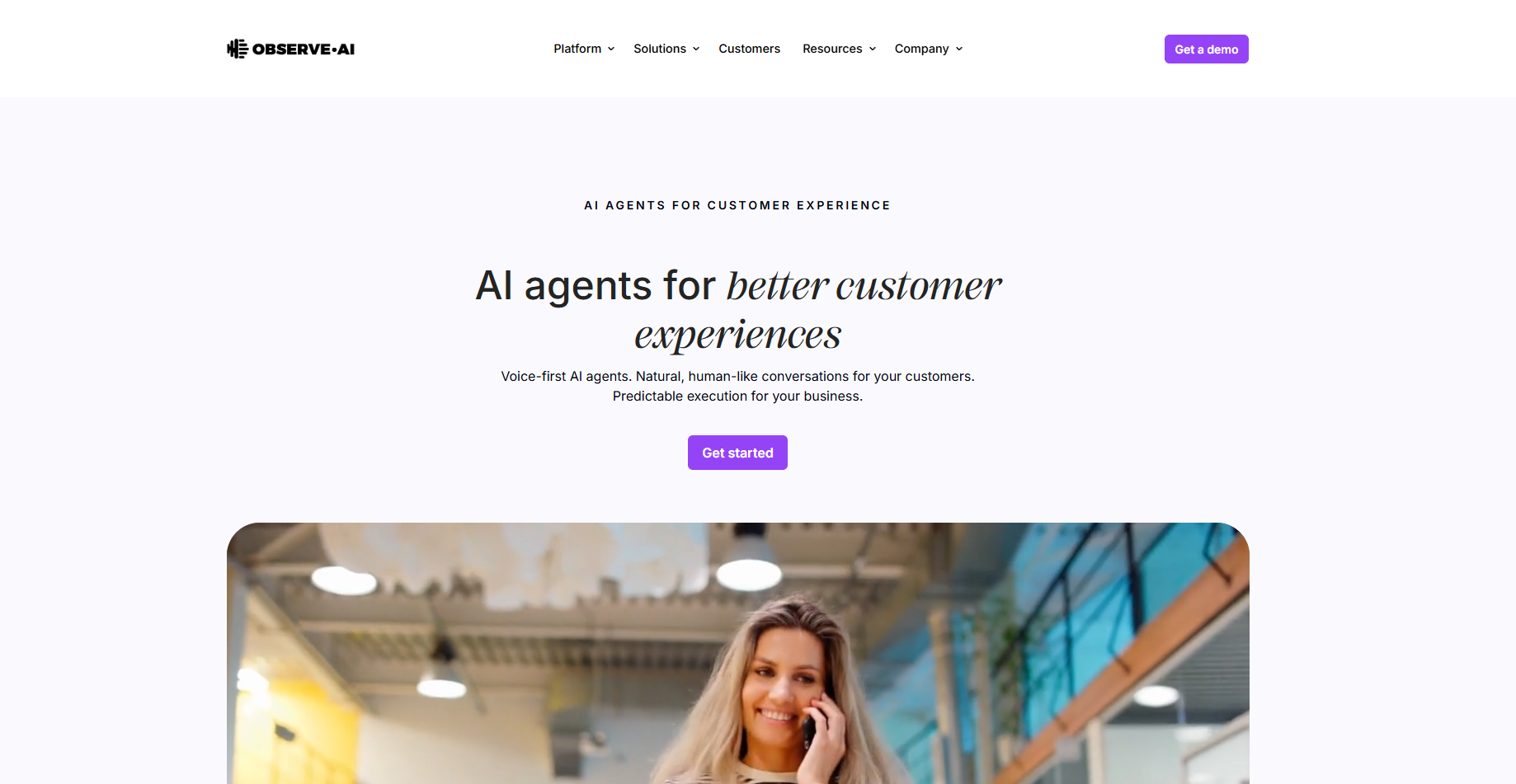
Observe.AI reviews calls to evaluate tone, script adherence, and empathy. It scores performance metrics and provides actionable feedback for training. The platform helps managers identify trends across teams and improve customer outcomes faster.
10. Five9 Agent Assist – Emotion-aware response guidance
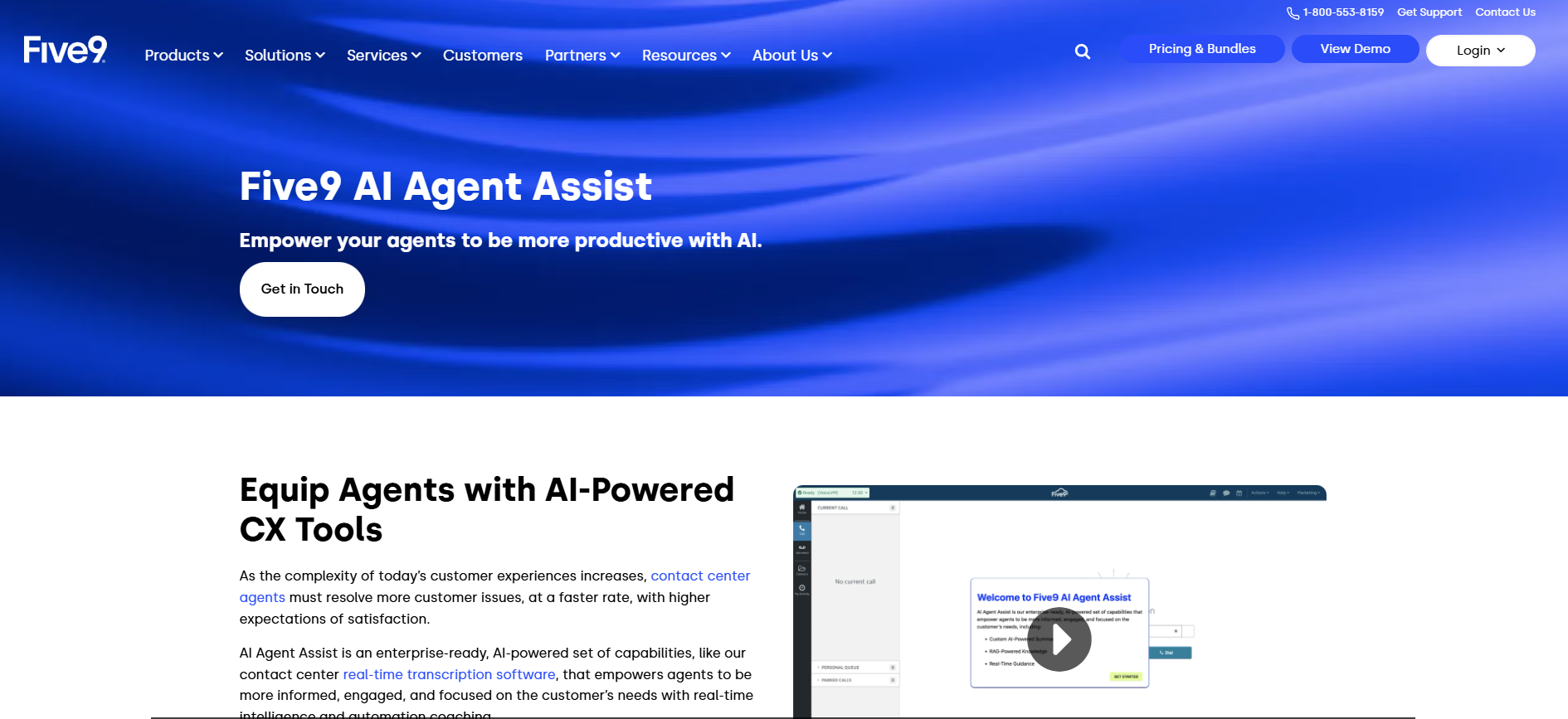
Five9 Agent Assist listens to live calls and detects customer sentiment. It recommends responses that match tone and context while agents speak. The system also logs summaries and ensures compliance, helping teams deliver consistent service on every call.
Sales outreach and lead qualification
Sales teams spend hours researching leads, writing cold emails, and following up. AI agents now handle much of this process automatically. They identify prospects, enrich data, send personalized emails, and qualify replies in real time.
These agents analyze intent signals, segment leads, and update CRMs instantly. They never forget follow-ups or delay outreach. This consistency helps teams scale their pipeline while maintaining personalization and accuracy across every touchpoint.
11. Apollo – End-to-end prospecting and enrichment
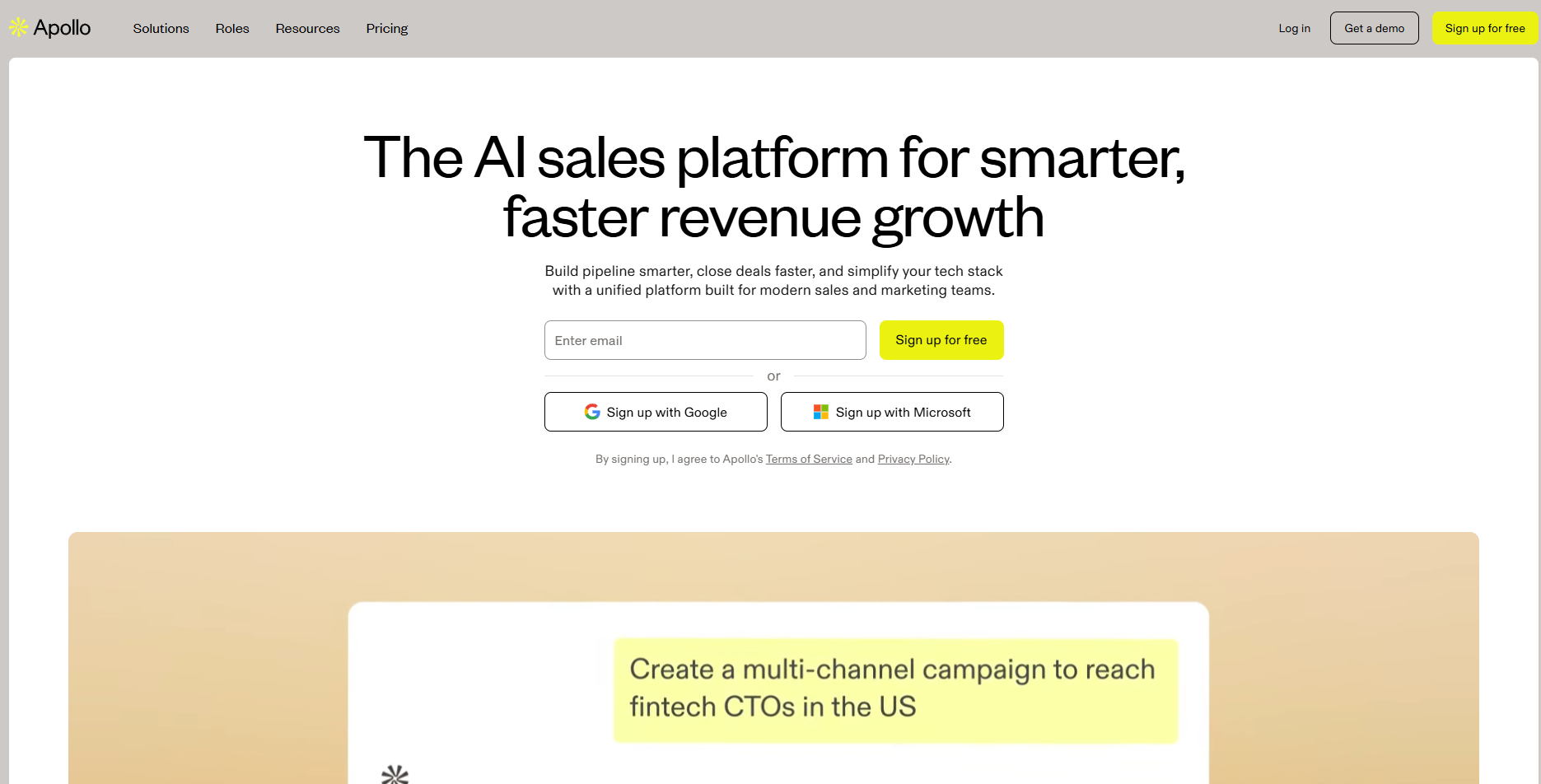
Apollo combines lead discovery, enrichment, and engagement in one platform. It drafts custom emails, adjusts tone per persona, and sequences outreach for each stage. Sales reps use it to increase conversion rates without manual prospecting or repetitive messaging.
12. Cognism – GDPR-compliant data enrichment for outreach
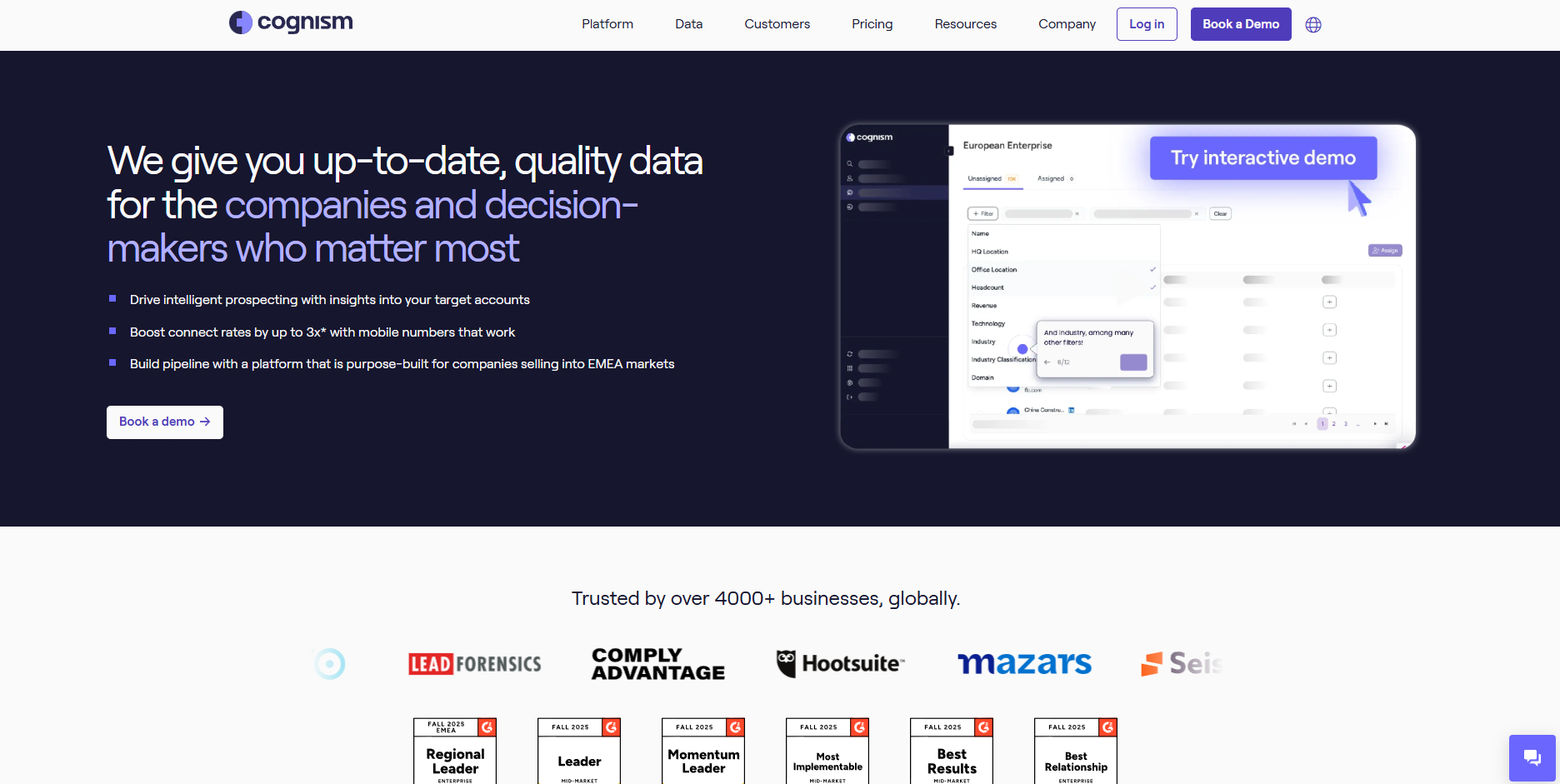
Cognism specializes in accurate B2B data enrichment. It identifies verified contact details, updates CRM records, and adheres to GDPR standards in its data processing. Sales teams rely on it to target the right decision-makers and keep databases clean for better campaign performance.
CRM updates and pipeline management
Sales teams lose hours each week entering notes, updating deal stages, and managing pipelines. AI agents automate these repetitive CRM tasks. They record interactions, extract next steps, and push updates automatically to tools like Salesforce or HubSpot.
This automation ensures data accuracy and keeps pipelines current. Teams get cleaner forecasts, fewer missed follow-ups, and more time to focus on selling. It also improves collaboration since everyone can see the latest deal progress in real time.
13. Scratchpad – Instant CRM editing and summarization
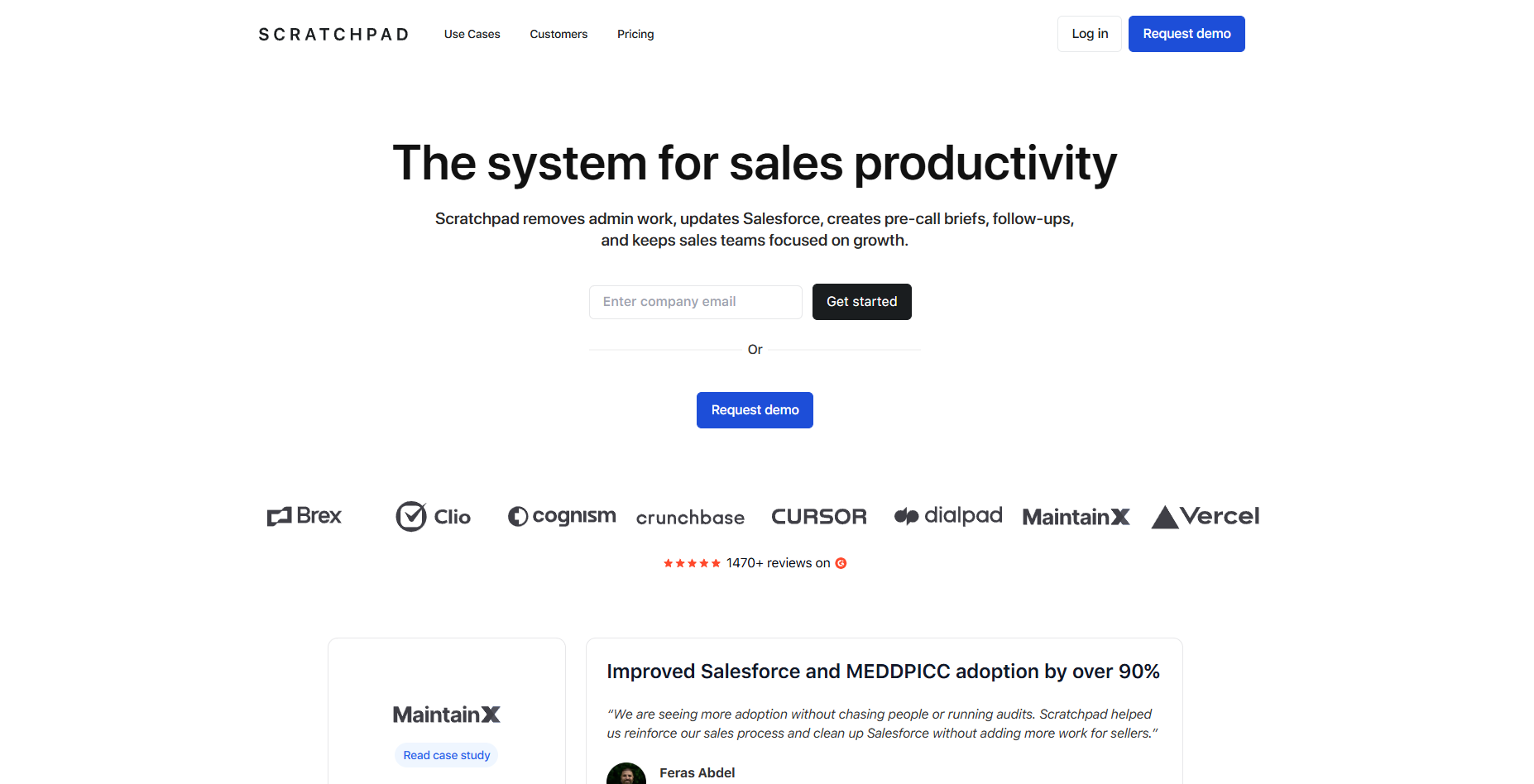
Scratchpad allows reps to update CRM records instantly from anywhere. It summarizes meetings, highlights critical notes, and keeps fields current. The tool reduces admin time and ensures that data always reflects the latest customer activity.
14. Salesforce AI – Built-in pipeline automation and insights
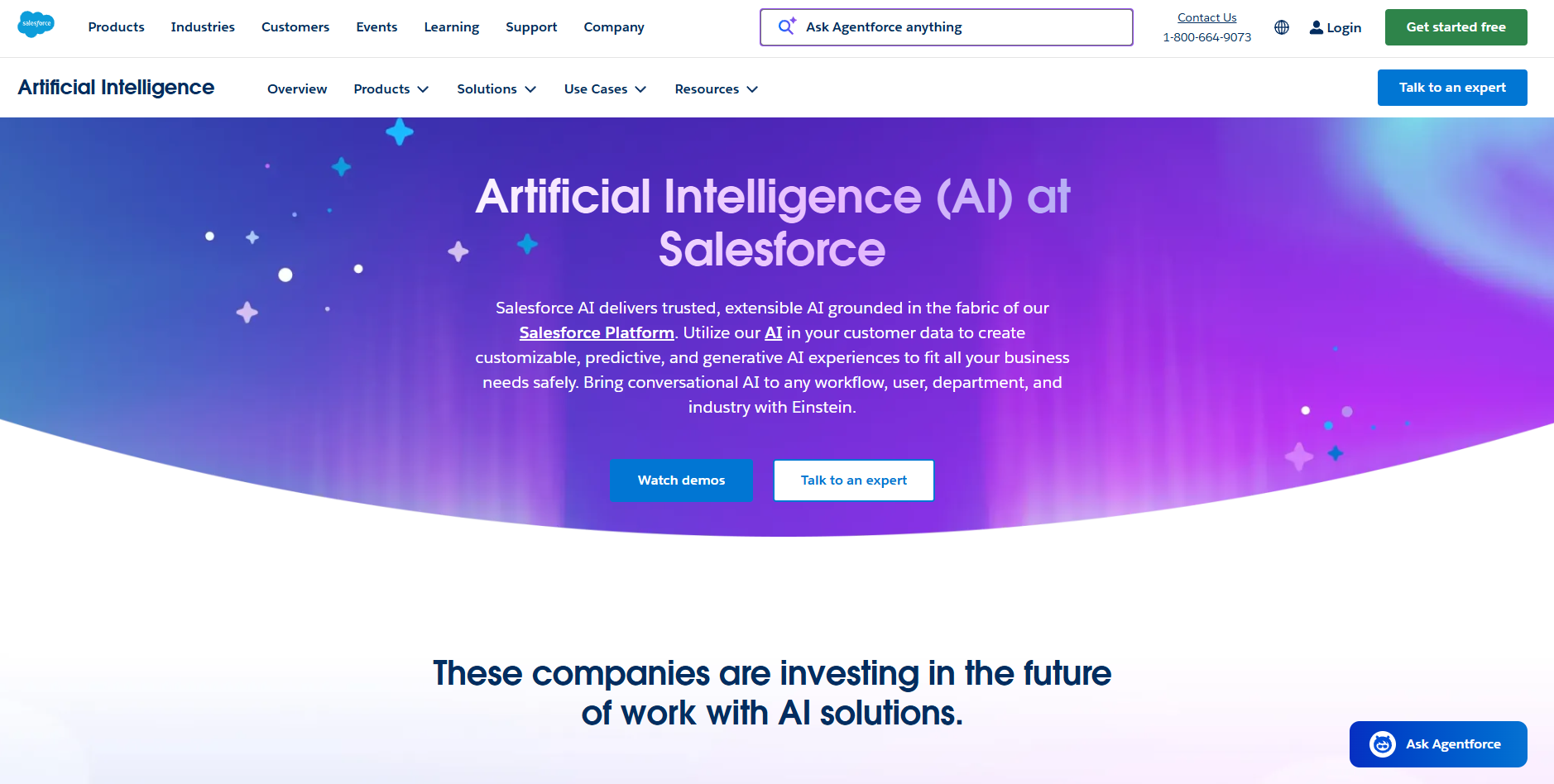
Salesforce AI uses native intelligence to sync emails, calls, and events with opportunities. It flags stalled deals, predicts close likelihood, and provides actionable insights. Teams use these features to improve forecasting accuracy and keep pipelines moving efficiently.
Internal task and project tracking
When teams move fast, tasks often get lost and updates fall behind. AI agents help by tracking assignments, monitoring deadlines, and sending reminders automatically. They keep projects on schedule without constant check-ins or manual updates.
These agents can connect with productivity tools like Slack and, in some cases, integrate with platforms such as Asana or Notion through connectors or integrations. This allows them to capture new tasks as they come in.
They assign owners, follow up on delays, and summarize project status regularly. This improves accountability and transparency across teams.
15. ClickUp – Summarizes updates and generates tasks
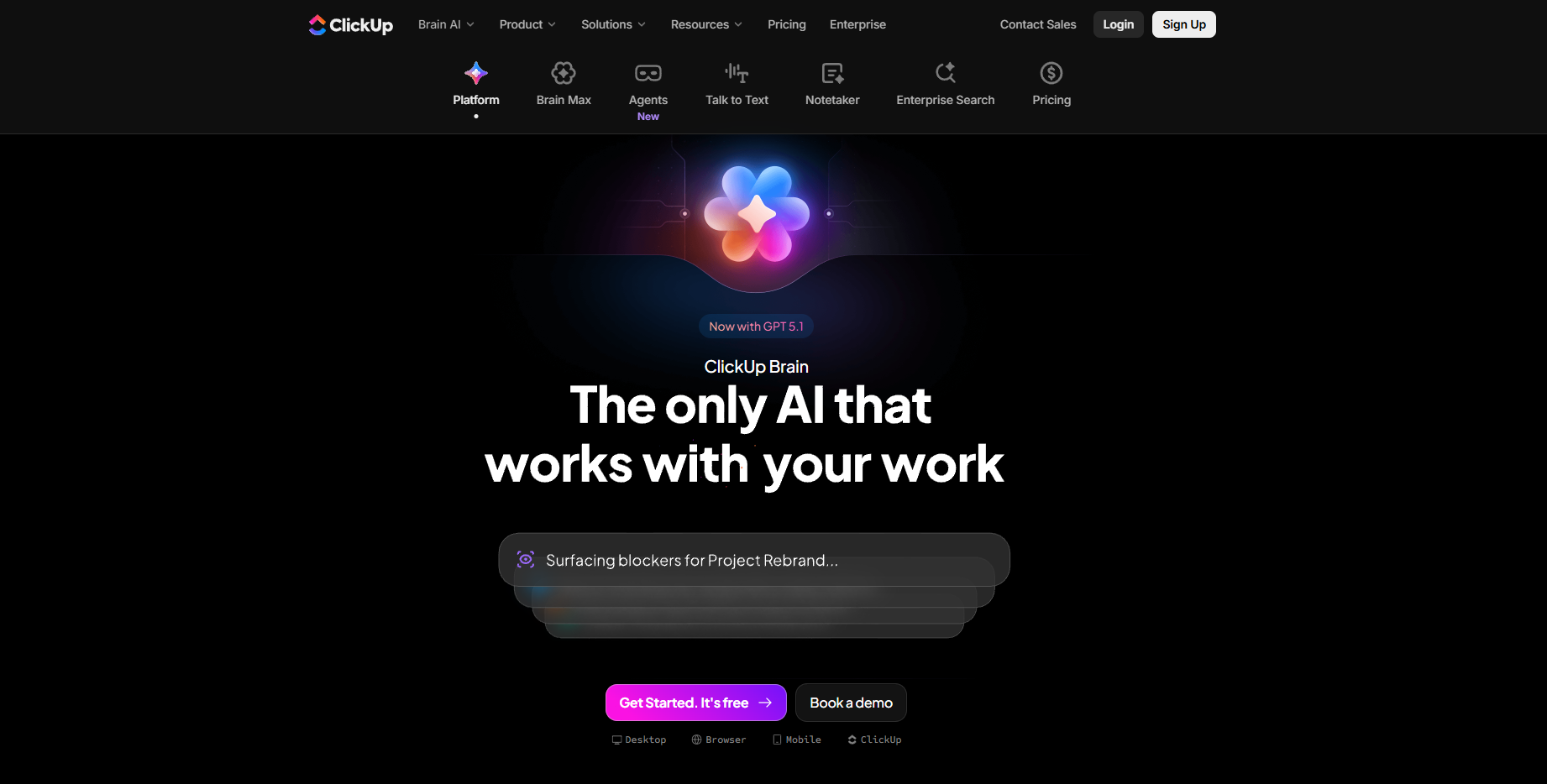
ClickUp automates daily project updates and task creation. It converts meeting notes into actionable tasks and summarizes key points automatically. Teams rely on it to reduce repetitive project management work and keep task lists accurate.
16. Trello – Board automation through triggers and actions
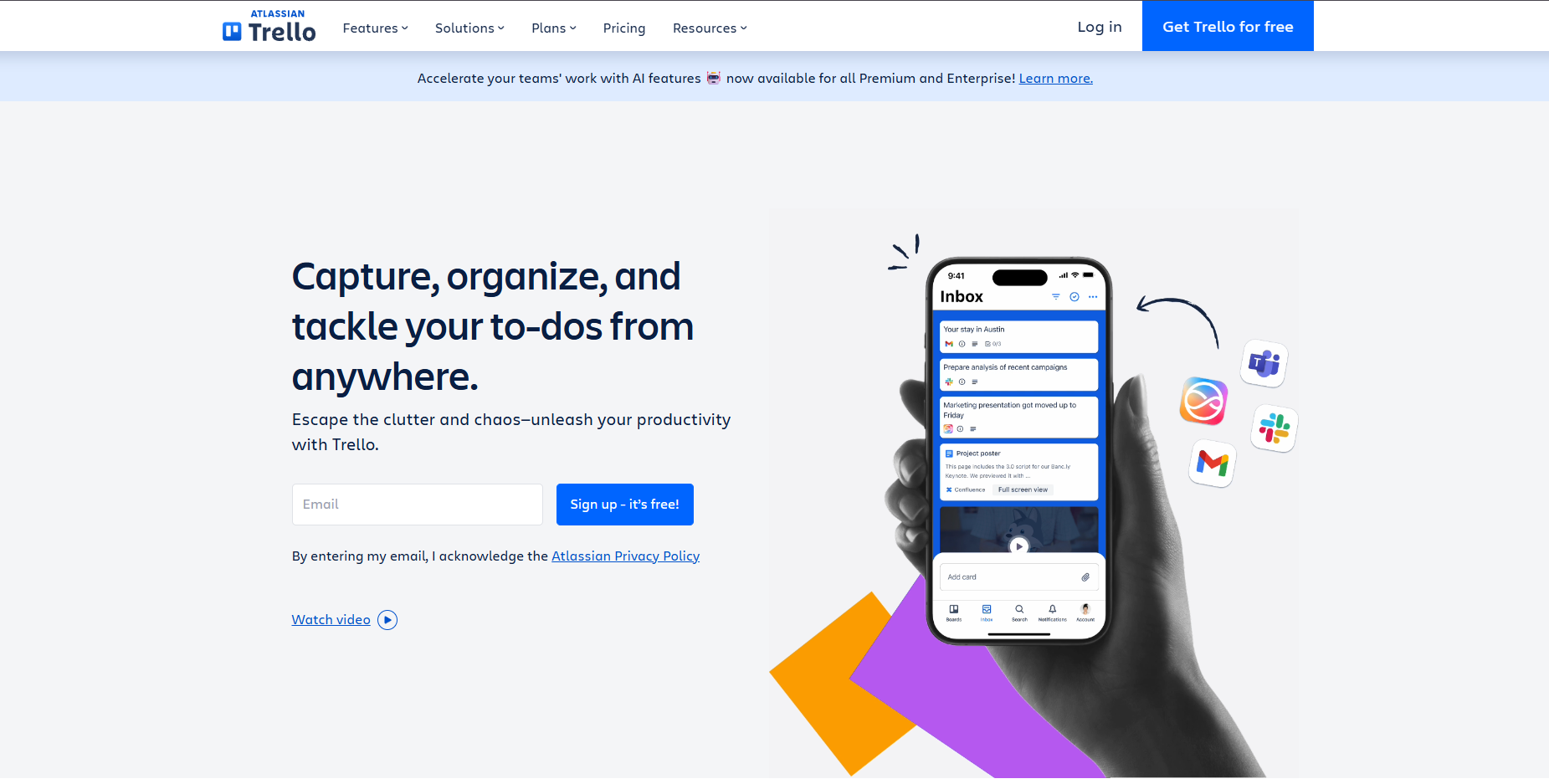
Trello helps with project tracking through rule-based automation. It triggers task creation, moves cards based on progress, and updates checklists automatically. The agent reduces manual tracking and keeps boards organized for every team member.
Hiring and talent matching
Recruiting teams spend hours screening resumes and scheduling interviews. AI agents now handle much of that process automatically. They scan applications, score candidates, and match profiles to open roles based on skills and experience.
These agents remove bias from early-stage filtering and reduce review time from hours to minutes. They also track candidate progress and sync updates across applicant tracking platforms. For growing teams, they make hiring faster, fairer, and more data-driven.
17. Eightfold – Skills-based matching at enterprise scale
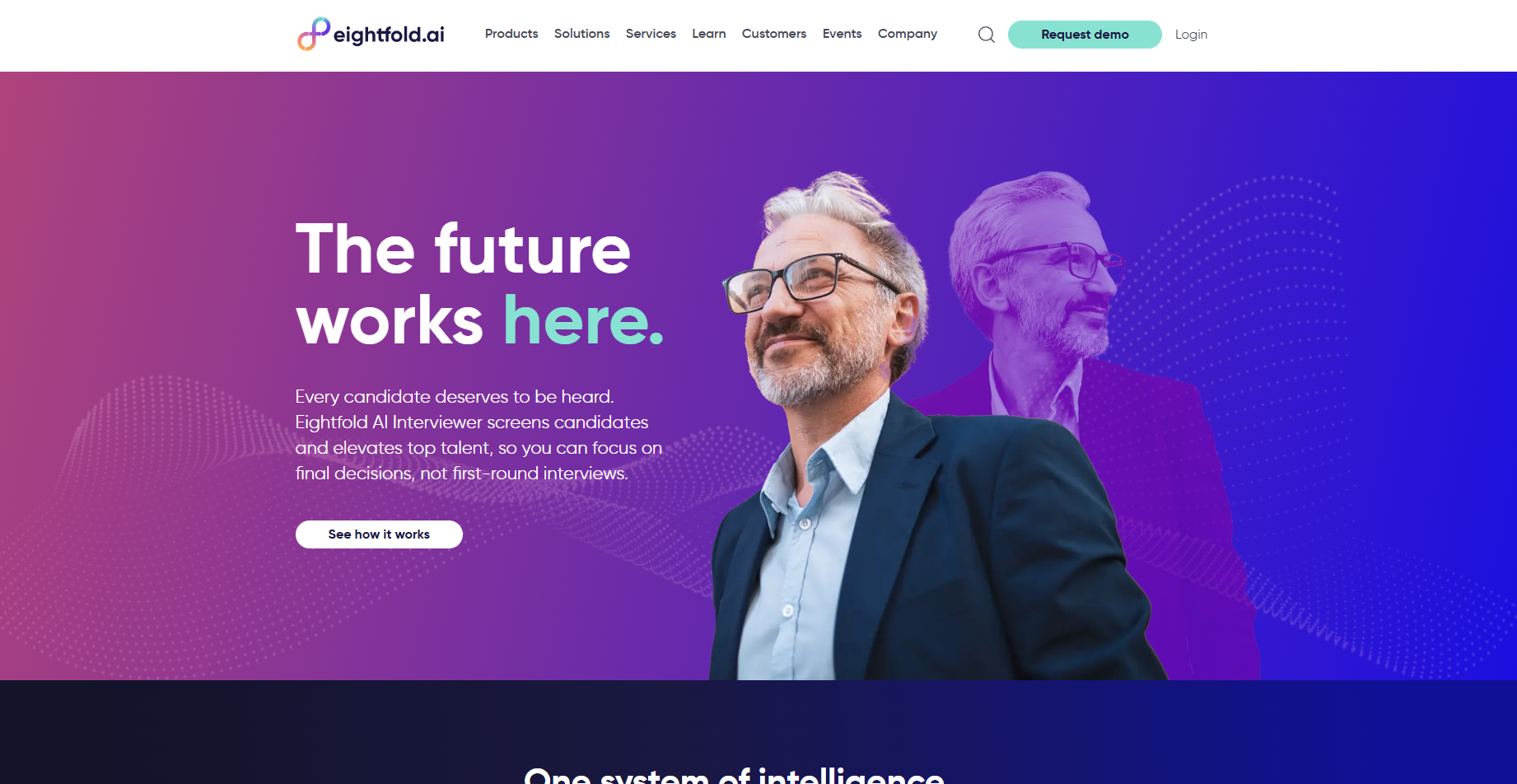
Eightfold matches candidates to roles using deep learning and performance data. It identifies skill gaps, predicts potential, and recommends better-fit opportunities. HR teams use it to reduce time-to-hire and retain top talent through accurate role alignment.
18. HireVue – Interview scoring and behavioral insights
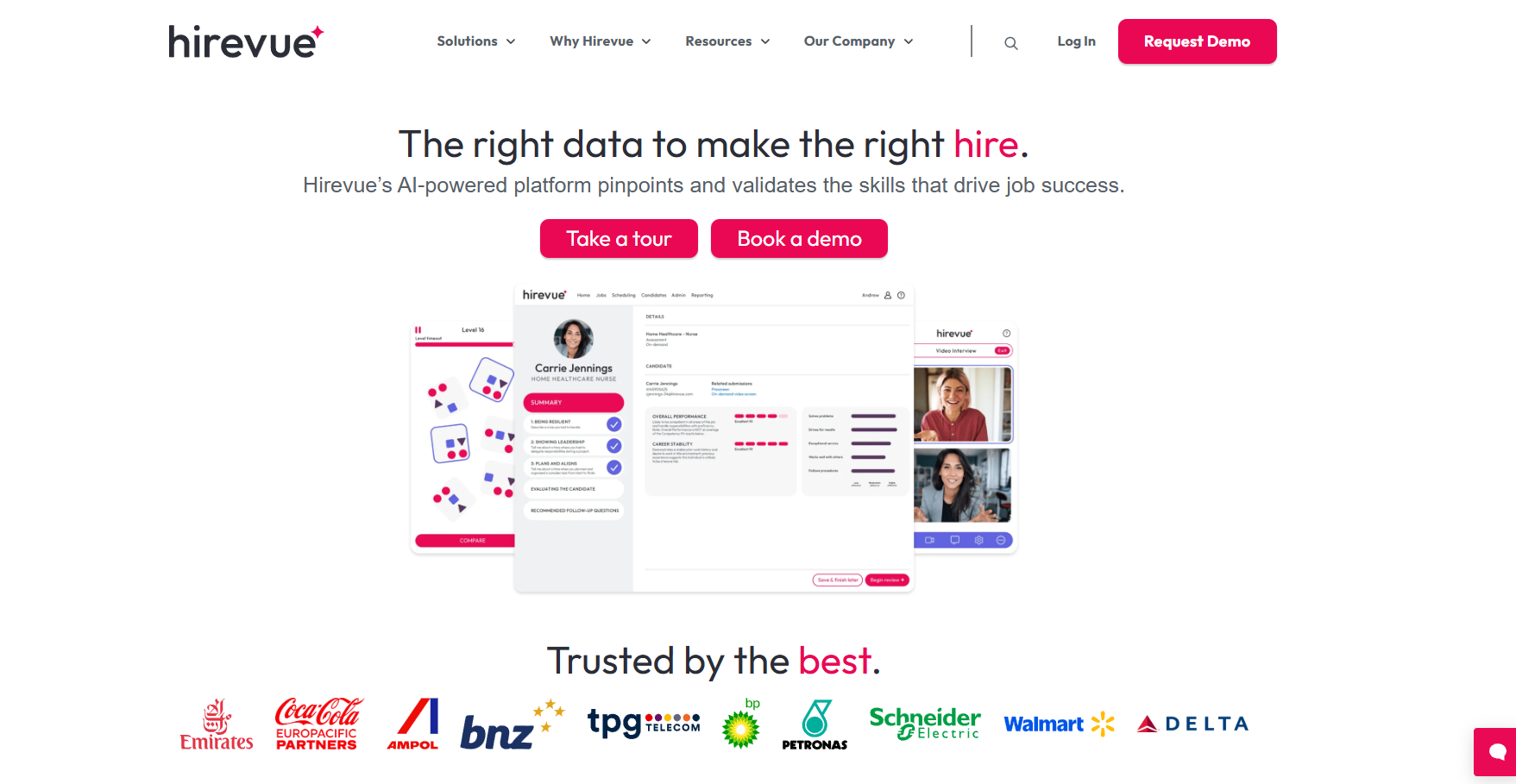
HireVue evaluates video interviews using behavioral analysis. It scores communication skills, confidence, and tone to predict job success. Recruiters use these insights to make fairer, faster decisions without manual screening.
19. Pymetrics – Behavioral data-driven candidate matching
Pymetrics matches candidates to roles using neuroscience-based games that assess cognitive and emotional traits. It compares results with high-performing employees to recommend ideal fits.
Companies use Pymetrics to improve hiring accuracy and build more balanced teams.
Document summarization and note-taking
Teams handle large volumes of information from meetings, reports, and recordings every day. AI agents simplify this by summarizing documents, extracting action items, and organizing notes automatically.
These agents can join live meetings, transcribe discussions, and share follow-ups instantly. They also process PDFs, emails, or Notion pages into structured takeaways. This way, you have better clarity and decision-making across departments. Tools like Lindy already work this way, joining the call and turning the discussion into notes and follow-ups.
20. Fireflies – Meeting recorder and automated summarizer
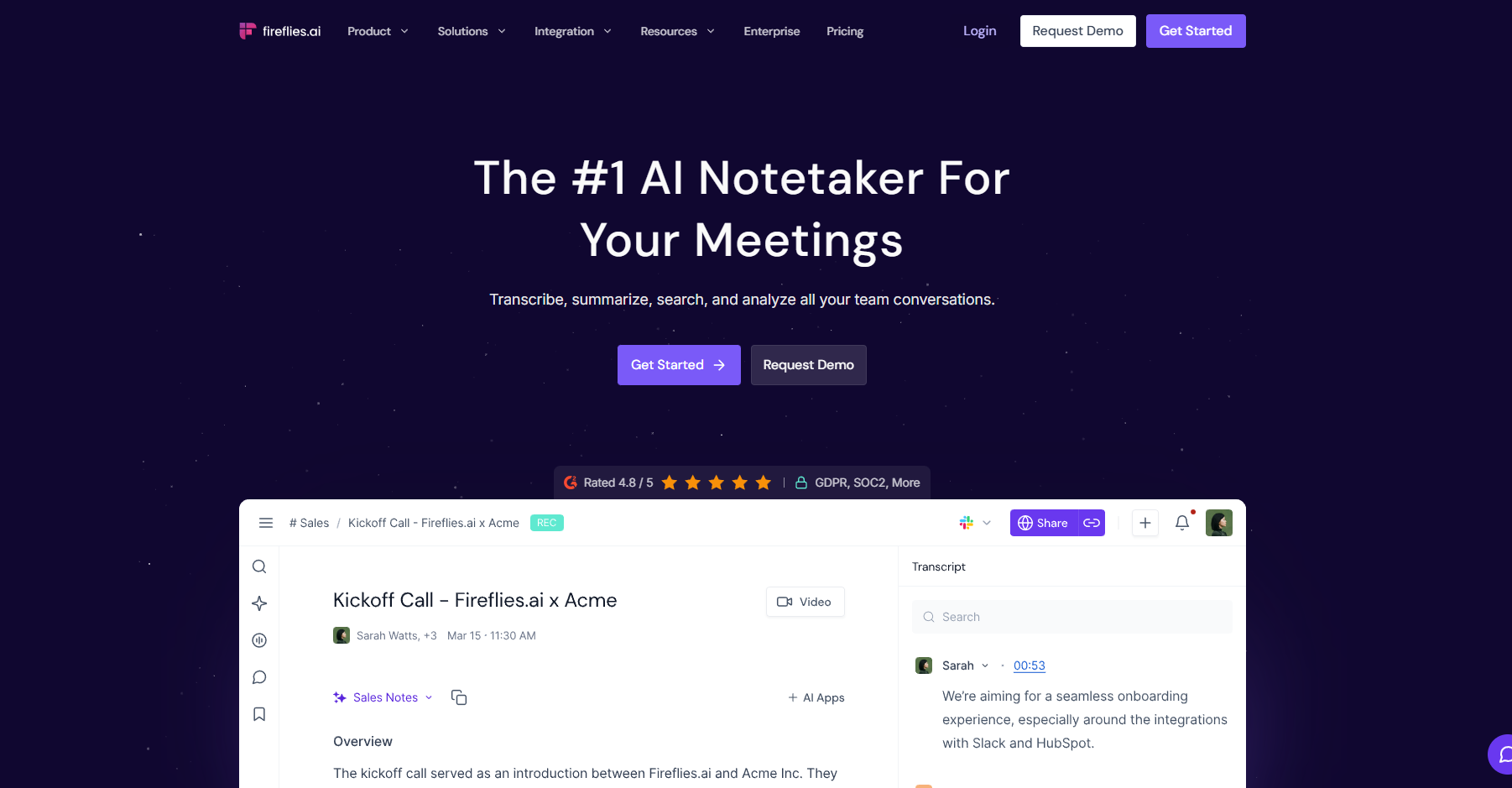
Fireflies captures meeting audio and generates searchable transcripts within minutes. It highlights action items, tracks key topics, and syncs notes to tools like Notion and HubSpot. Users rely on it for quick recall and context across ongoing projects.
21. Sembly AI – Turns calls and docs into structured notes
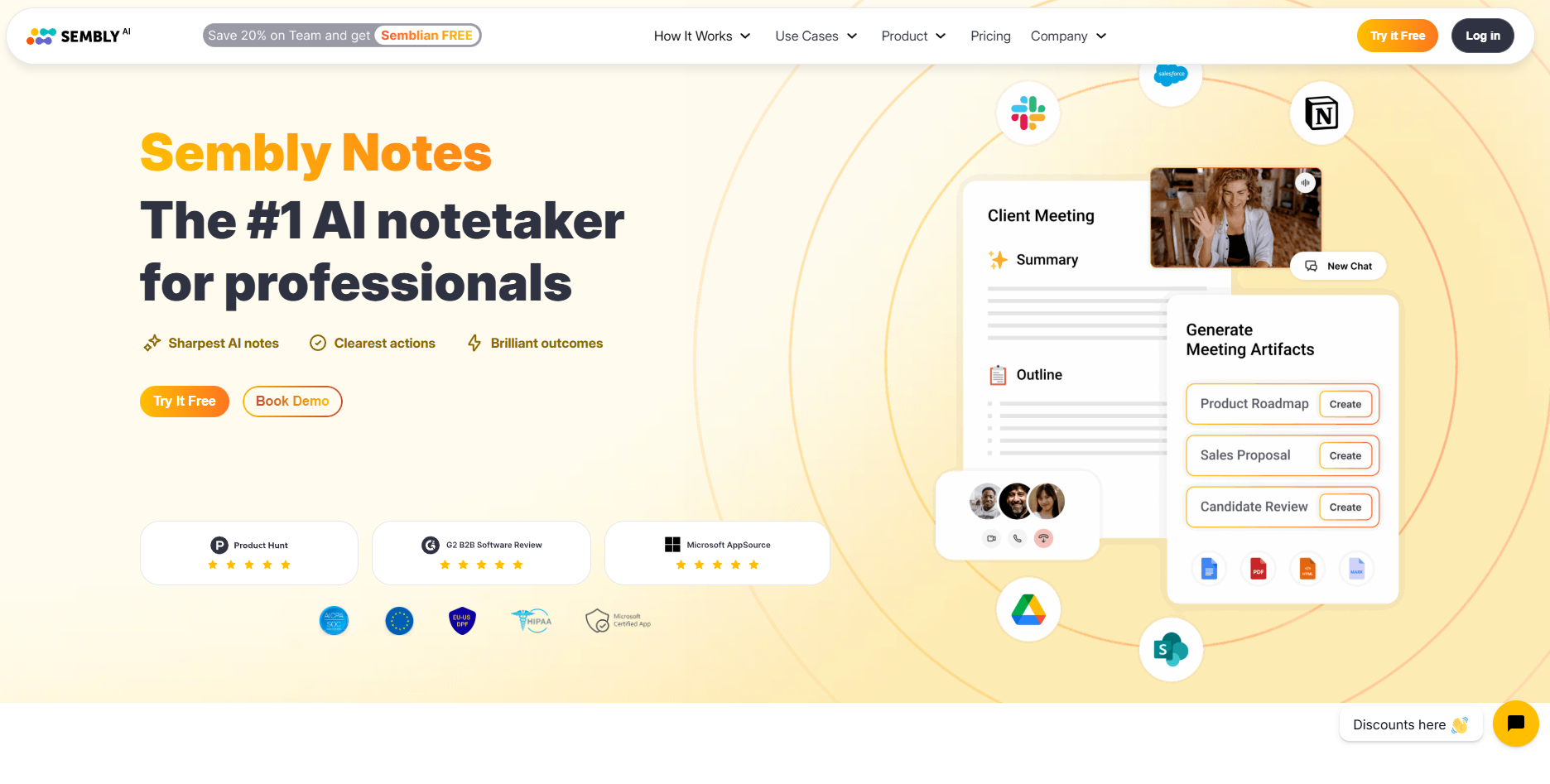
Sembly AI converts meetings and uploaded documents into concise summaries. It highlights important insights, tags recurring themes, and organizes tasks automatically. Teams use it to stay aligned without reviewing entire recordings or documents manually.
Social media response automation
Managing social media interactions can be overwhelming for growing brands. AI agents now handle comments, messages, and mentions automatically. They identify intent, generate accurate replies, and route complex queries to the right team.
These agents constantly monitor platforms like LinkedIn, X, Instagram, and Facebook. By automating routine conversations, teams maintain active communication without burning out support or marketing staff.
AI agents ensure consistent tone, fast responses, and improved engagement rates.
22. Sprout Social AI Assist – Large-scale engagement automation
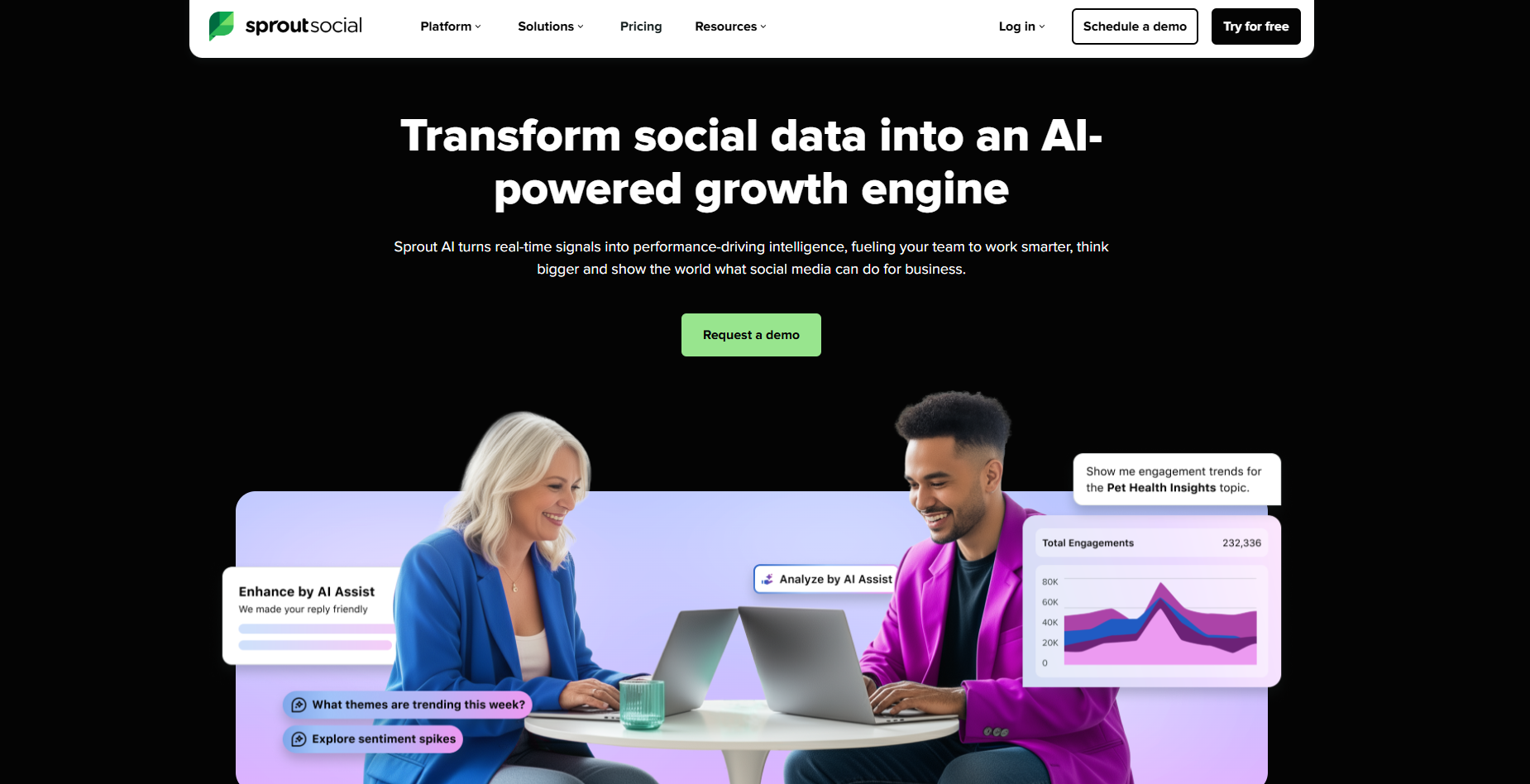
Sprout Social AI Assist analyzes incoming messages and suggests personalized responses. It tags message intent, routes issues to the right person, and automates follow-ups for common questions.
Teams use it to manage large volumes of engagement efficiently while keeping replies on-brand.
23. Hootsuite OwlyWriter AI – Generates and replies to content
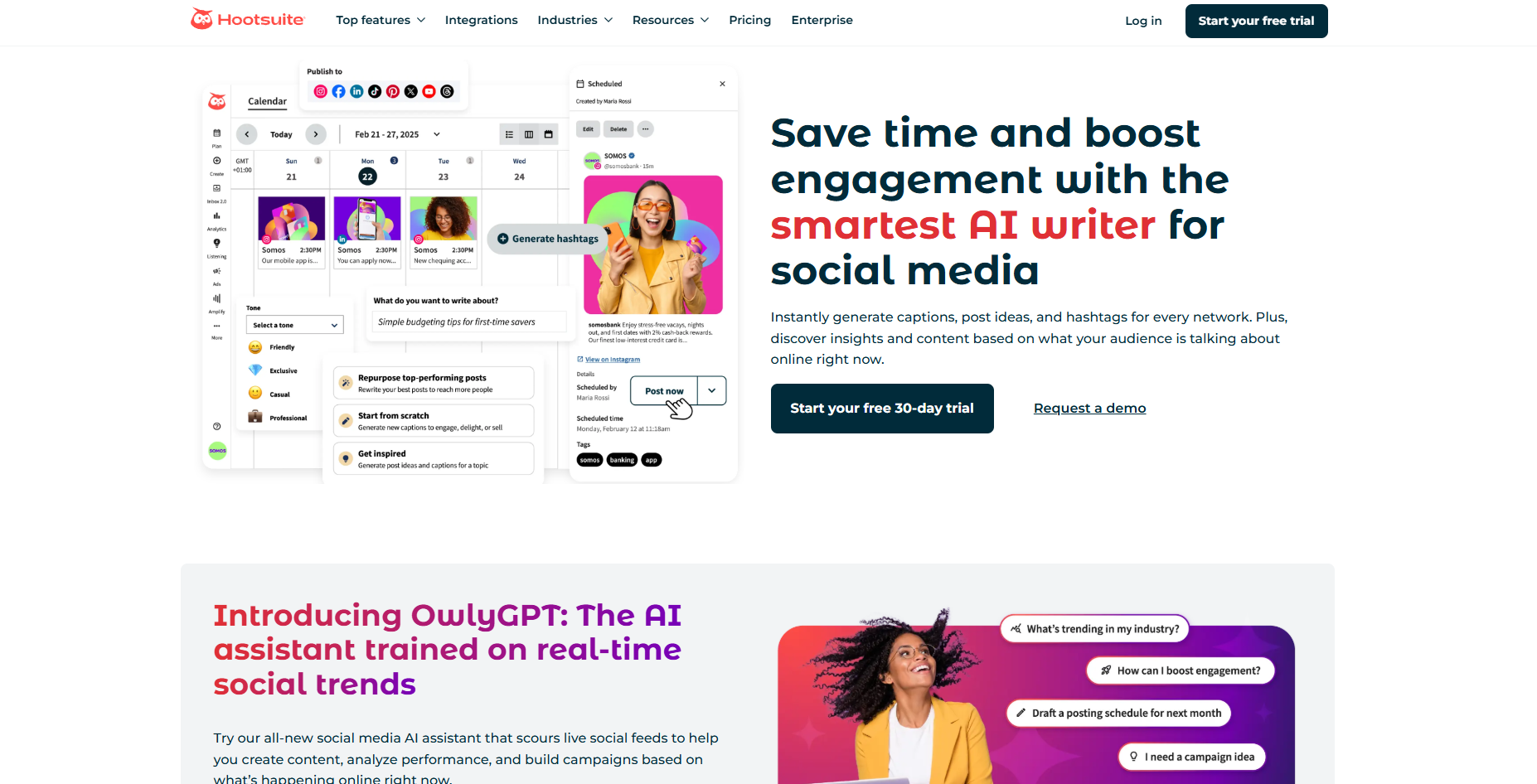
Hootsuite OwlyWriter AI supports social media teams by drafting post replies and creating caption suggestions. It integrates with publishing workflows to maintain brand voice across all accounts. Users save time on content creation and community management.
24. Buffer – Suggests responses and post optimizations
Buffer helps brands engage followers with relevant and timely responses. It analyzes tone, recommends phrasing, and suggests improvements for scheduled posts. Marketing teams use it to refine messaging and maintain consistency across campaigns.
Frequently asked questions
How do I get started with AI agents for my business?
You can get started with AI agents by picking one repetitive task, like email management or meeting scheduling. Choose an agent that fits that task and connect it to your existing tools. Let it run small workflows first, then expand once you see measurable results.
Do I need technical skills to use AI agents?
No, you do not need technical skills to use most AI agents. They are designed for non-technical users and work using plain language instructions. If you can use tools like Gmail, Slack, or Notion, you can manage an AI agent easily.
What tools can AI agents connect with?
AI agents can connect with common tools such as Google Workspace, Slack, Zoom, Notion, Salesforce, and HubSpot. You only need to connect them once, and they can take actions like drafting emails, logging tasks, or updating CRMs automatically.
Can AI agents replace a human assistant?
AI agents can replace repetitive, rule-based work such as scheduling, follow-ups, and CRM updates. They cannot replace human judgment or creativity. Think of them as reliable teammates who handle the busywork while you focus on strategic tasks.
How much time can I save with AI agents?
Users typically save 10–15 hours each week by automating manual tasks. Teams see even higher savings since every member gains back time from repetitive work like email triage, scheduling, and data entry.
Can AI agents make mistakes or go rogue?
AI agents might make mistakes if instructions are unclear, but they can't go rogue because they only operate within your defined rules and permissions. You control what they can access and when they escalate. You can also configure an agent to pause and ask for approval for sensitive tasks.
What’s the difference between AI agents and automation tools?
Traditional automation tools follow fixed “if-this-then-that” rules, while AI agents analyze context and make decisions on their own. They adapt to changing conditions and handle exceptions that basic automations would miss.
Can I run multiple AI agents together?
Yes, you can run multiple AI agents together by creating workflows where several agents collaborate. For example, one agent can summarize meetings, another can send follow-ups, and a third can update the CRM, all triggered from a single event.
How do I monitor what my AI agents are doing?
You can monitor your AI agents using the dashboards and activity logs most AI agent platforms provide. You can see every action taken, review history, and set approval checkpoints. This visibility helps you maintain complete control over your workflows.
How much do AI agents cost?
Most AI agents range from $20 to $50 per month for their paid plans, depending on features and usage. Larger enterprise tools cost more but deliver higher returns through automation at scale. You can start with one affordable agent and expand once it proves value.









